SJFS 2023 Night 2 recap May 18, 2023
Posted by Mike C. in Animation, Anime, City Pop, Comedy, Health, Internet, Jazz, Music, Personal, Photography, Technology, Travel, TV, Video, Video Games, Weather.add a comment
Saturday, April 29, concluded with the second night of Jay Rowe‘s 20th anniversary edition of Smooth Jazz for Scholars, benefiting the Milford Public Schools music department. As usual, I have a long preamble listing how my day went before the show itself.
Upon waking up in my second floor Hampton Inn hotel room that faced the parking lot, I went through the rest of the photos from Friday night and removed the blurry ones. Following a workout (and shower), I headed down to the common area with my laptop for breakfast and mingling as I began editing. I didn’t edit as much as I talked with fellow jazz fans that went to the first night. They were fascinated with what I do and what my interests are, including my newfound Japanophilia and fascination with music and pop culture. (Read about my first week as a city pop fan.) In addition to meeting up with Mark and Phyllis Abrams, Estella and her friend Norma were eating breakfast at a table behind me. I always set up on the elevated center table because it has outlets for plugging in devices. Then, I met Owen Lomax who showed me his photos and videos from other shows he’s attended. After that, Mark and Phyllis’s friends Rob and Mel came down. Rob was most fascinated with me and we spoke a long time. He was even nice enough to get ice from the second floor machine so I could chill hot water. I’d poured it from a container before noticing there weren’t any hot cocoa packets to mix in. As noon approached and the common area quieted down, I decided to head back to my second floor room.
I bought three 50/50 raffle tickets for $10 on way into the Veterans Memorial Auditorium at Parsons Complex Friday night, inadvertently knocking my keys out of my coat’s right pocket when reaching for the wallet. I didn’t know what happened until Saturday afternoon before a trip to ShopRite. I thought I might have left the keys at CVS when checking out my stenographer pad and sleep mask purchase. However, when I stopped there on the way to ShopRite, an employee working Friday night said she didn’t see keys left in the checkout area. After ShopRite, my parents dropped me back at the hotel, and went to Home Depot to duplicate the house and office keys. That left the auditorium as the only place I could have lost them. I’d find out come evening.
In my room, I sat at my laptop and ate homemade trail mix that I did remember to bring (lightly salted peanuts and almonds, and raisins) as I watched the rest of an Adventures of the Gummi Bears episode on Disney+. I was halfway through an English dubbed episode of Kuma Kuma Kuma Bear on CrunchyRoll when I’d finished the trail mix. Then, back to editing while listening to Casiopea and part two of the Hollywood and Levine podcast interview with author/screenwriter Nicholas Meyer.
My editing process for Canon EOS R7 photos in Adobe Photoshop Elements (again, I also have regular Photoshop) is cropping out excess and tweaking brightness, contrast, color, and/or levels. Somewhere along the way, I apply a dust and scratches filter to tamp down the grain. If I have to sharpen a photo, I use despeckle before dust and scratches. (Read about my initial experience with the R7.)
I cut myself off from editing at 3:45, having only reached photo 120 out of 294 taken during the show.
My parents and I opted to drive up Boston Post Road (U.S. 1) for dinner at Olive Garden in Orange. It was rainy and windy most of the weekend, and that’s what we encountered Saturday afternoon and evening. I planned on wearing my LIU Post polo during SJFS night two (to complement the WCWP polo on Friday), but an accidental stain while eating meant I’d have to change into a spare long-sleeve polo I brought when I got back to the hotel.
On the way back, we stopped at Cumberland Farms so I could get a pint of ice cream (not just bars this time) and Dad could refuel the Ford Explorer. I watched more Kuma Kuma Kuma Bear and finished eating the ice cream right before my friend Kelly arrived from Wallingford. Then, off to Parsons Complex. It was still raining heavily, so Kelly dropped me off by the auditorium side entrance to limit the rainfall on my gear.
Inside, I asked around about my lost keys, and was eventually referred to the light and sound engineer. He handed them to me before I finished asking! Thank goodness! At least I have spare keys now.
I set up my equipment in the same left-center portion of the orchestra pit, took $10 out of wallet, and went back to the lobby to buy another three 50/50 raffle tickets. Before and after retrieving the wallet from my right coat pocket, I made certain that the keys were still in there. Now that it’s warmer, I do that with my right pants pocket.
While I’d spoken to my photography mates Katherine Gilraine and Ron Hancox on Friday, I didn’t get to meet the fourth photographer, Andrew James, until Saturday before the show. I’ve made so many friends since my first time at Smooth Jazz for Scholars in 2007 (with my first recap in ’08), including Paul, one of the ushers. I saw Lisa Arpin again, along with fellow Jay Rowe Tito Tuesdays livestream alumni Judy Raphael and Robin Morin Stewart.
8:00 arrived, as it always does, and Kevin McCabe walked to a stage mic for his introduction.
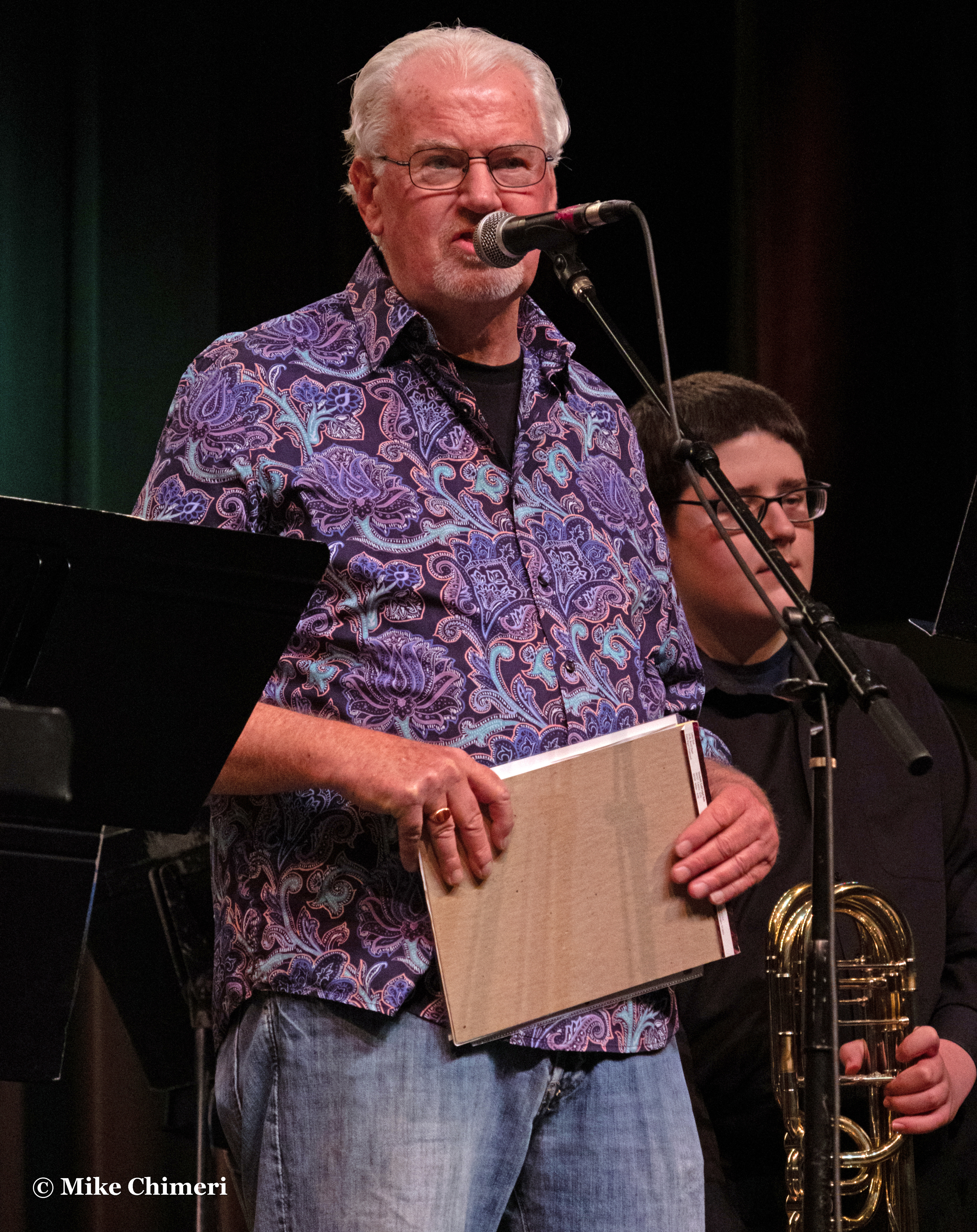
For the first time since 2019, a night of SJFS opened with a performance by Milford Public Schools music students: the Foran High School Jazz Ensemble, under the direction of Jessica Turner:
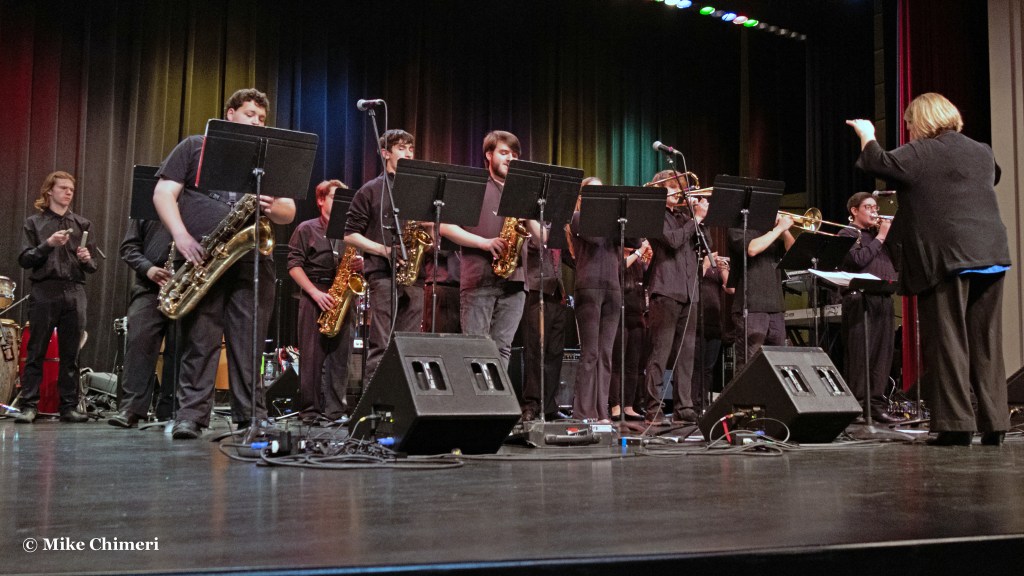
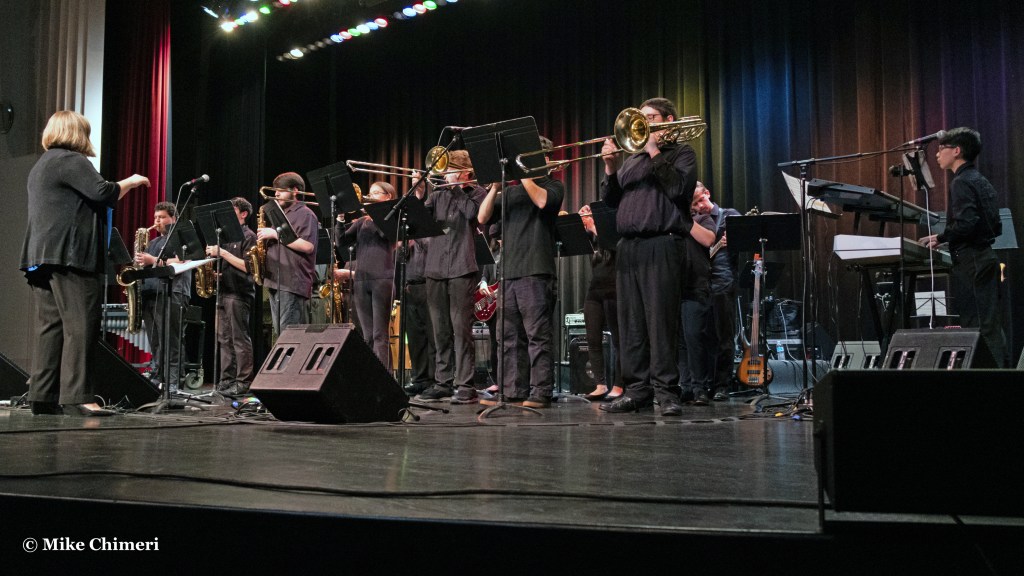

Ms. Turner did not cite song titles, but the first song featured alto and tenor sax solos.
The second was led by a baritone sax solo:
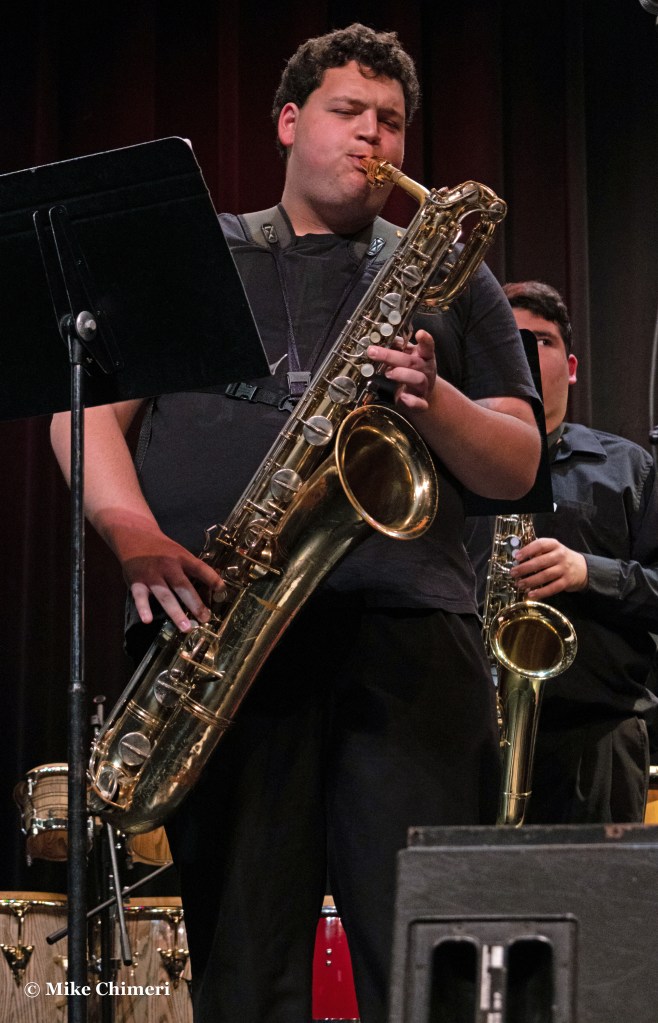
The spirit of Ronnie Cuber was alive and well. 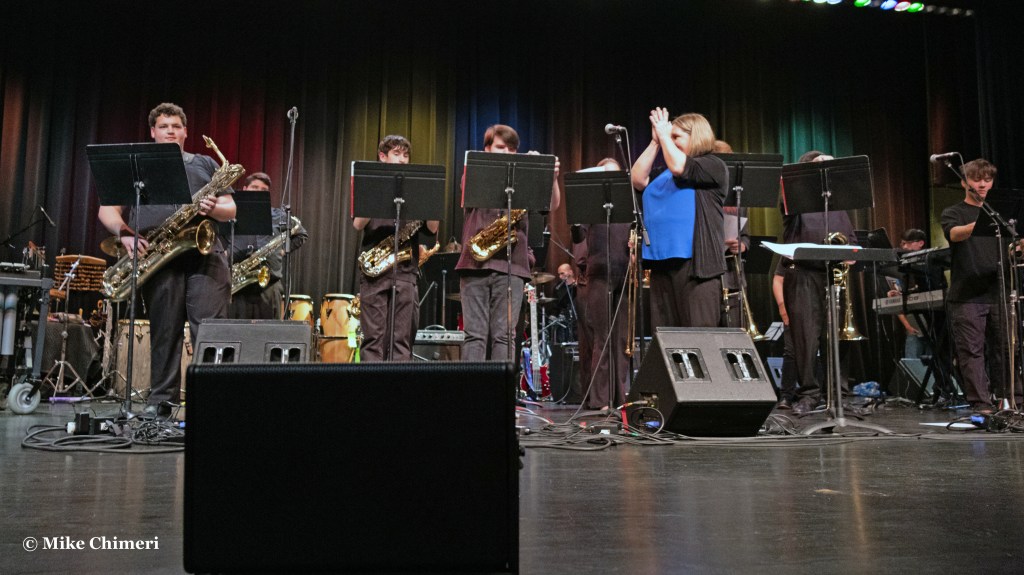
I didn’t take photos during the third song, which had tenor sax and trumpet solos.
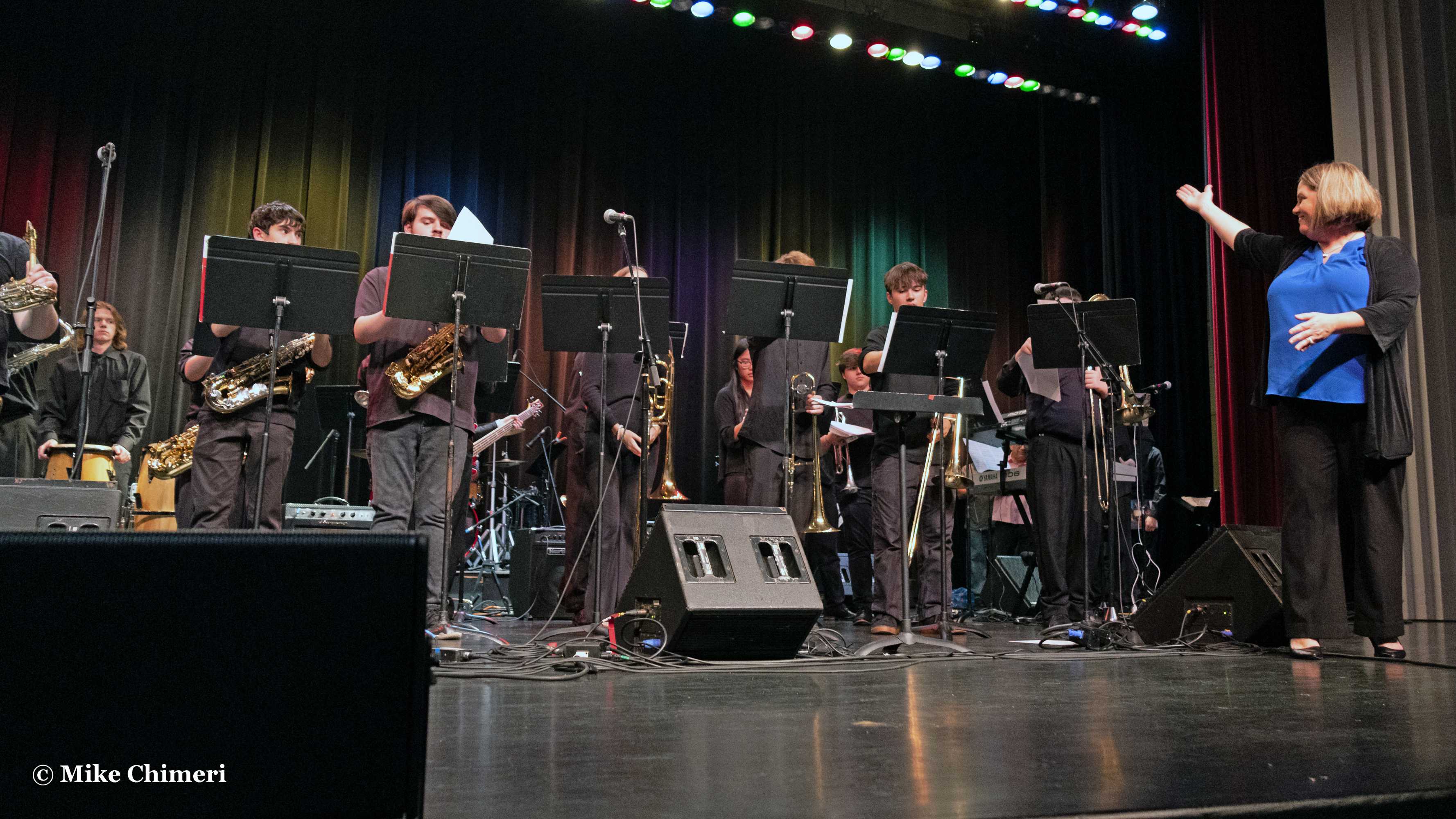
Jay Rowe came out afterward to compliment the ensemble and their director, Ms. Turner:
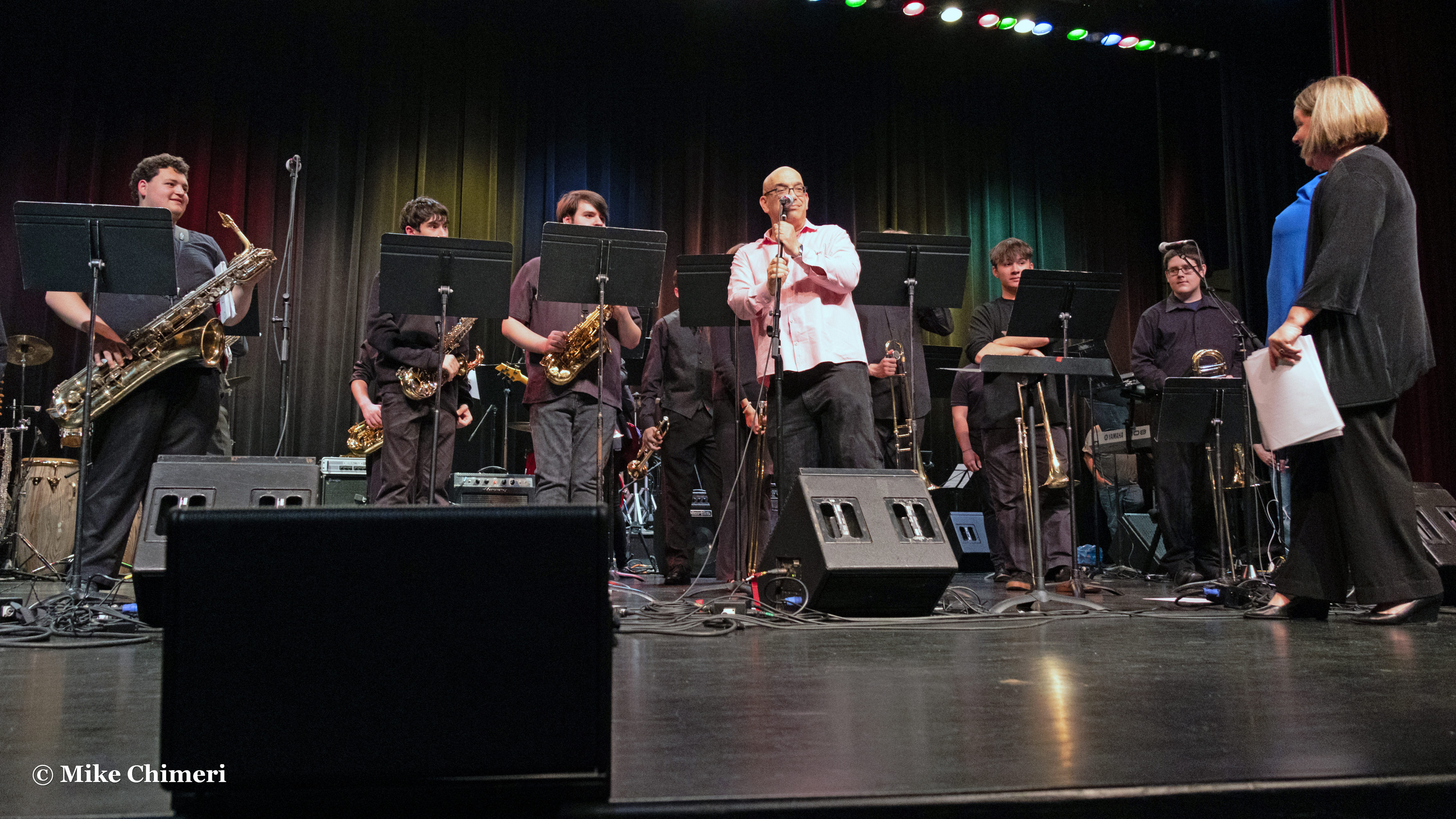
Then, they left the stage…
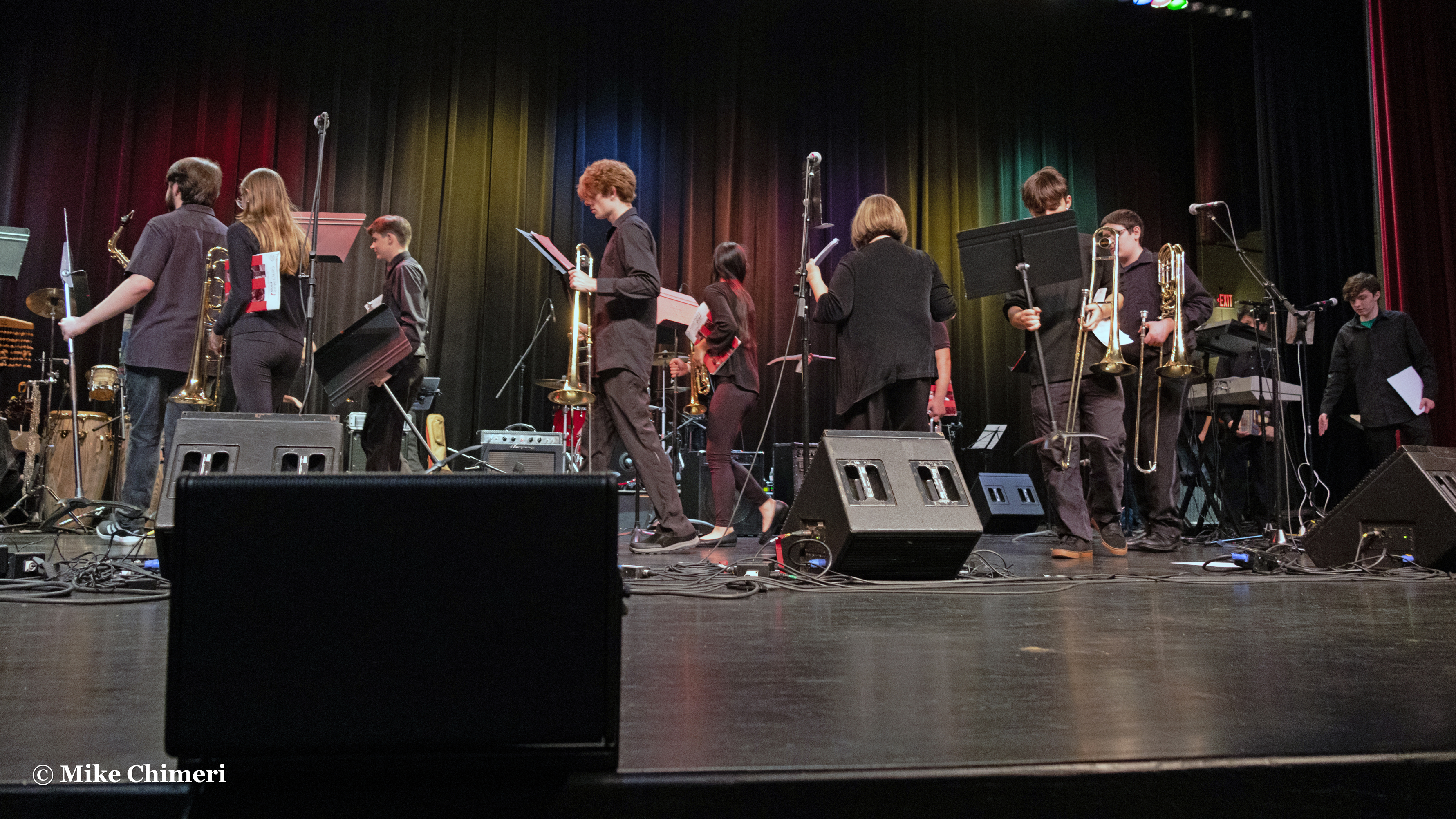
…and the house band made their way out. Kevin returned to introduce them and Jay Rowe welcomed the audience:

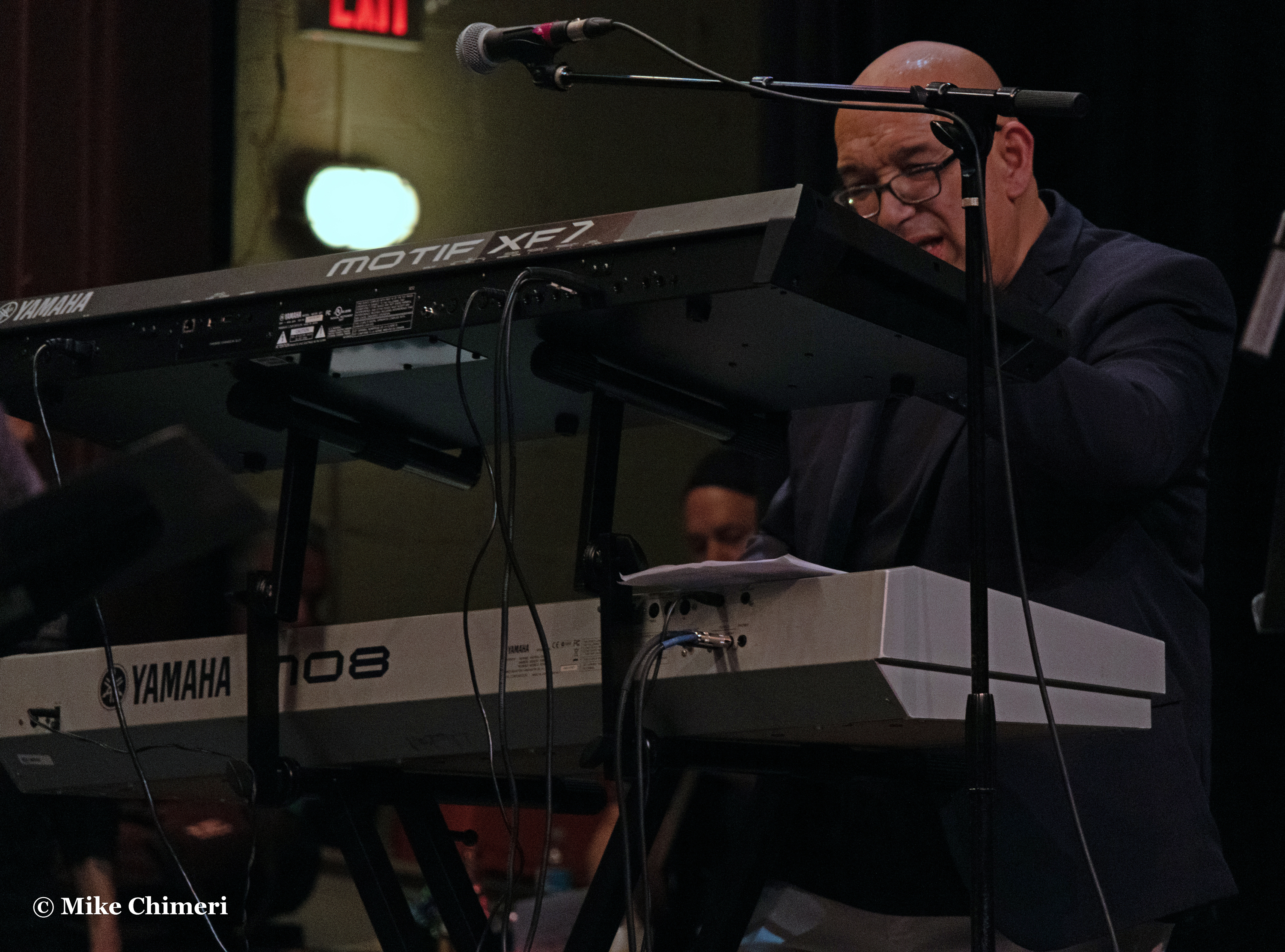
It was Jay leading the way on keyboards…

…with Andy Abel on guitar:
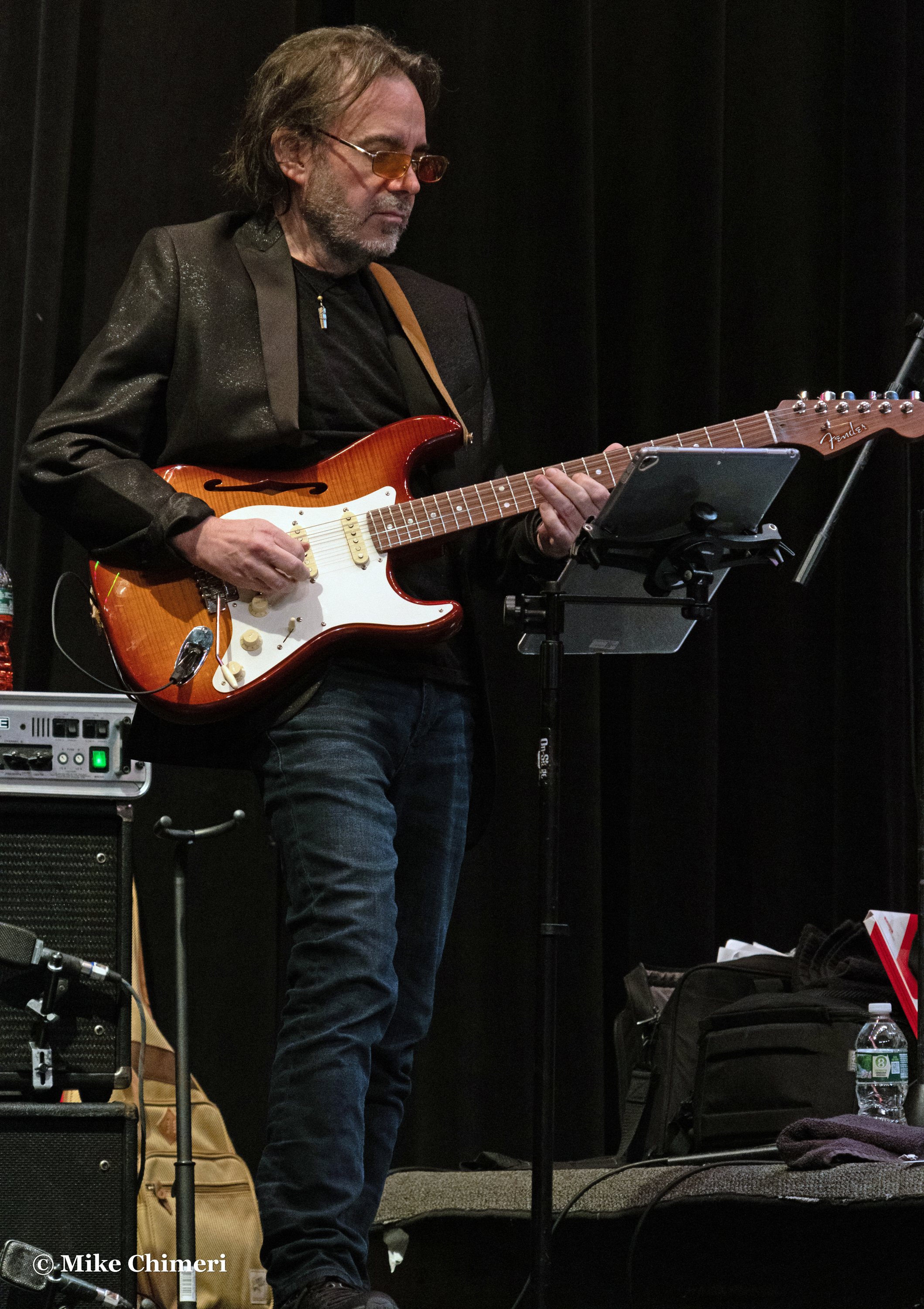
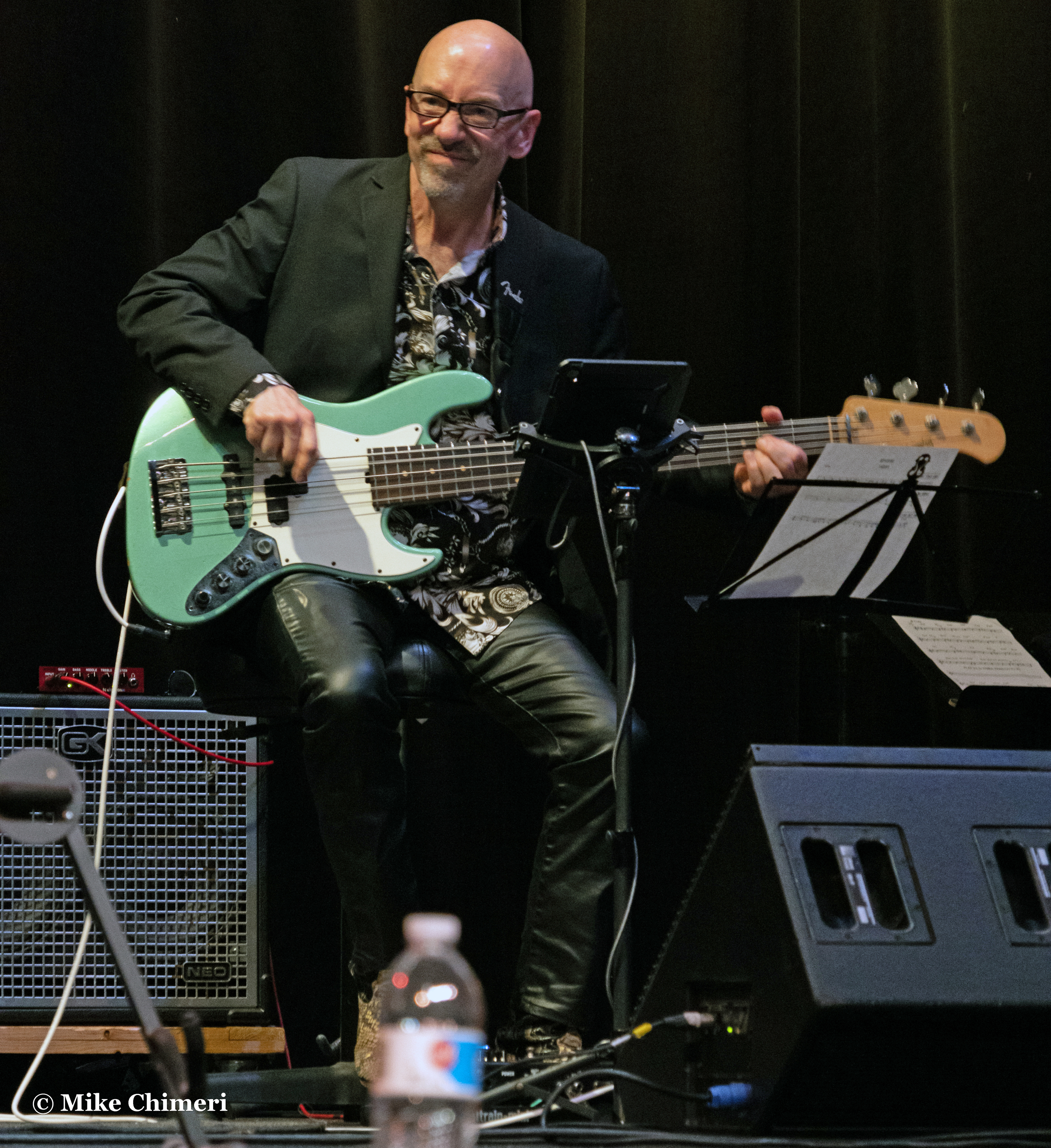
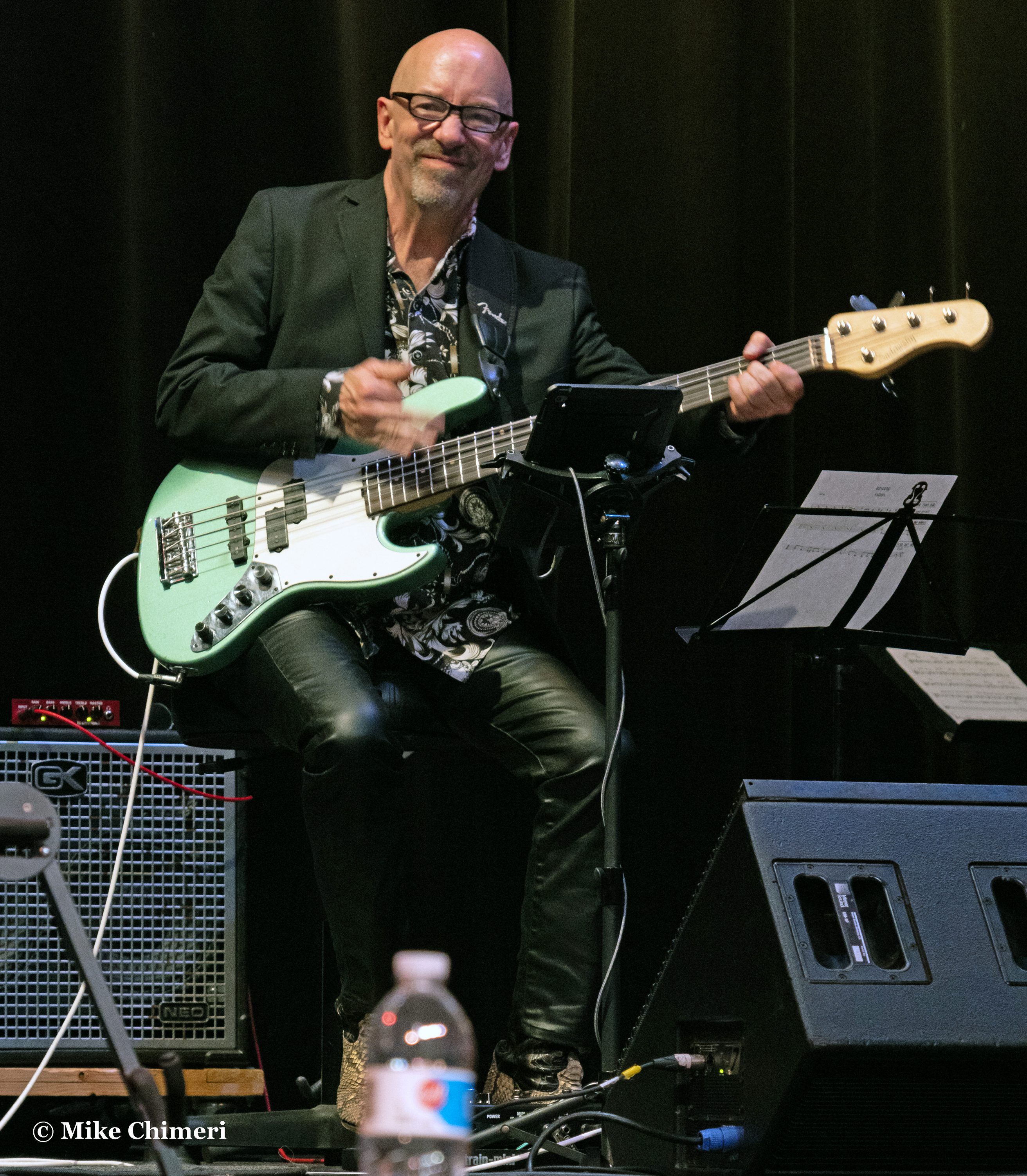
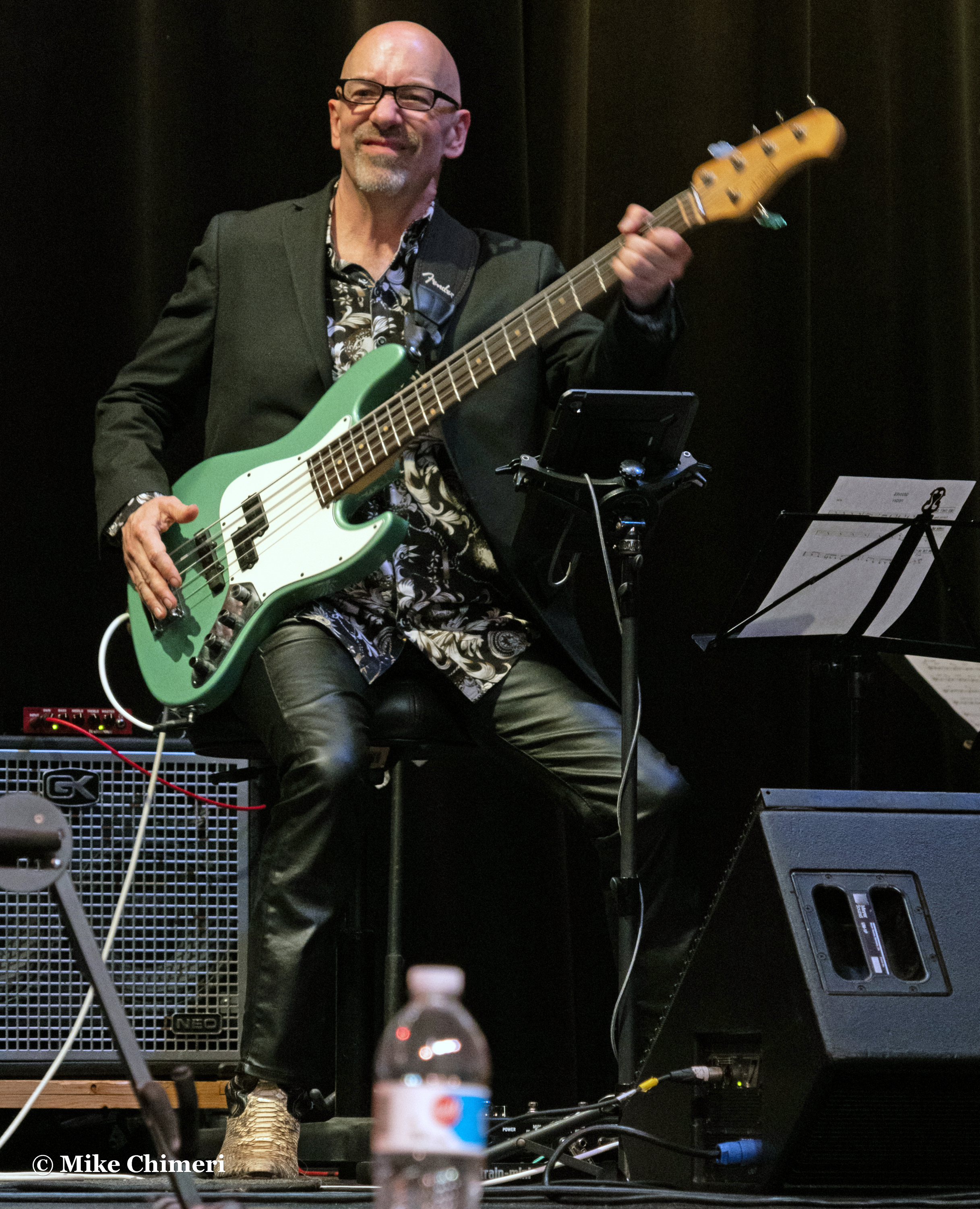
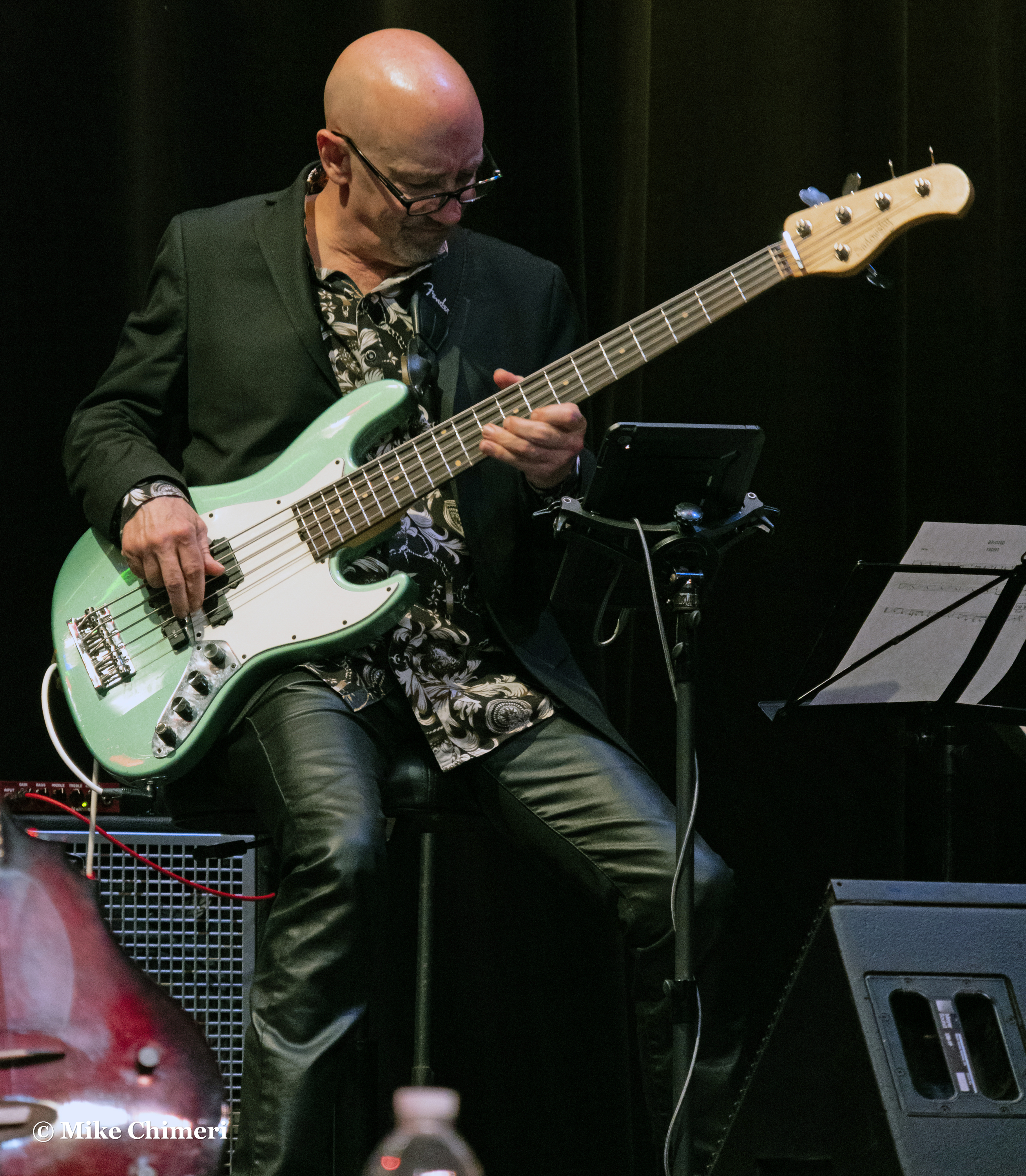
Dave Anderson on bass:

Trever Somerville on drums:

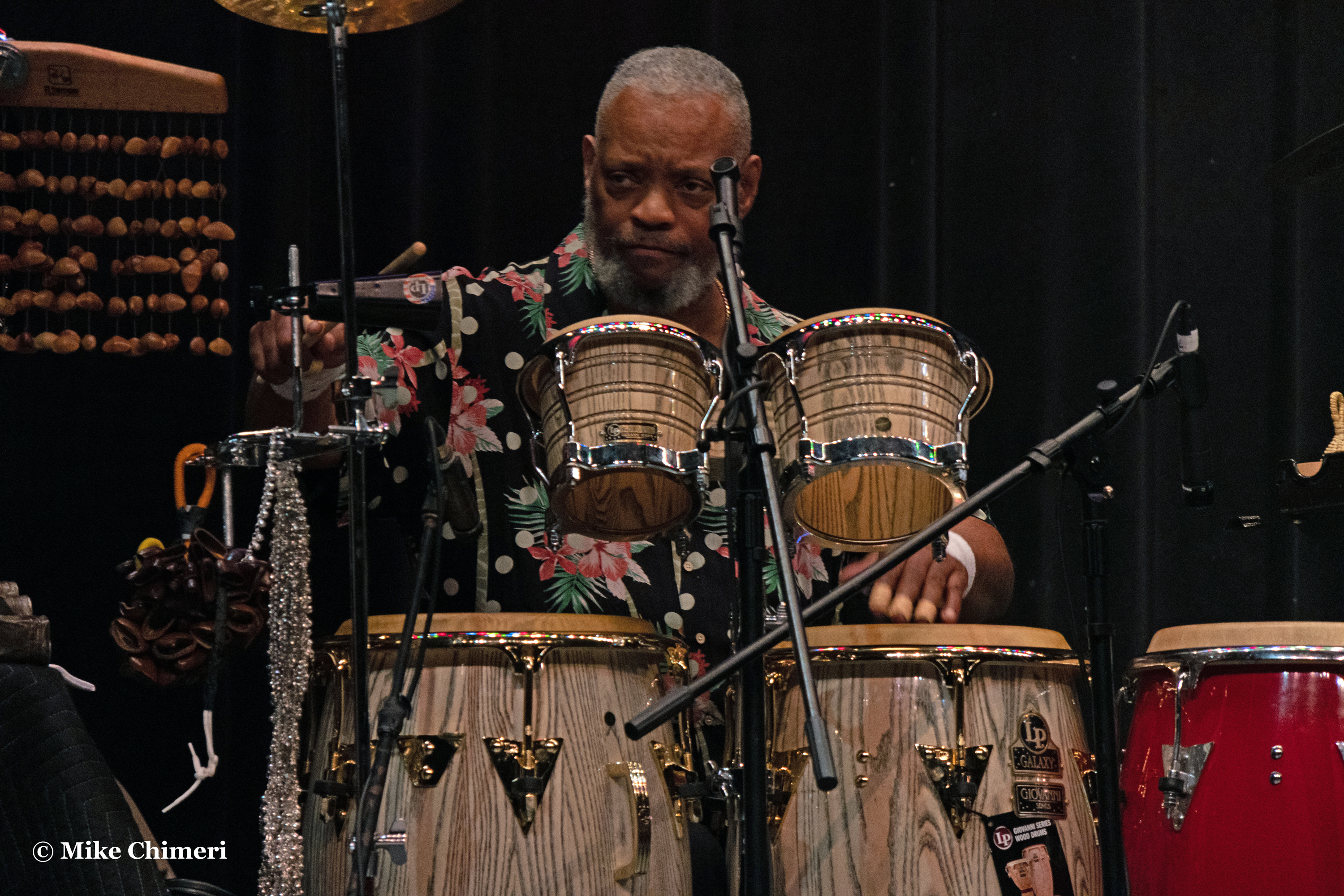
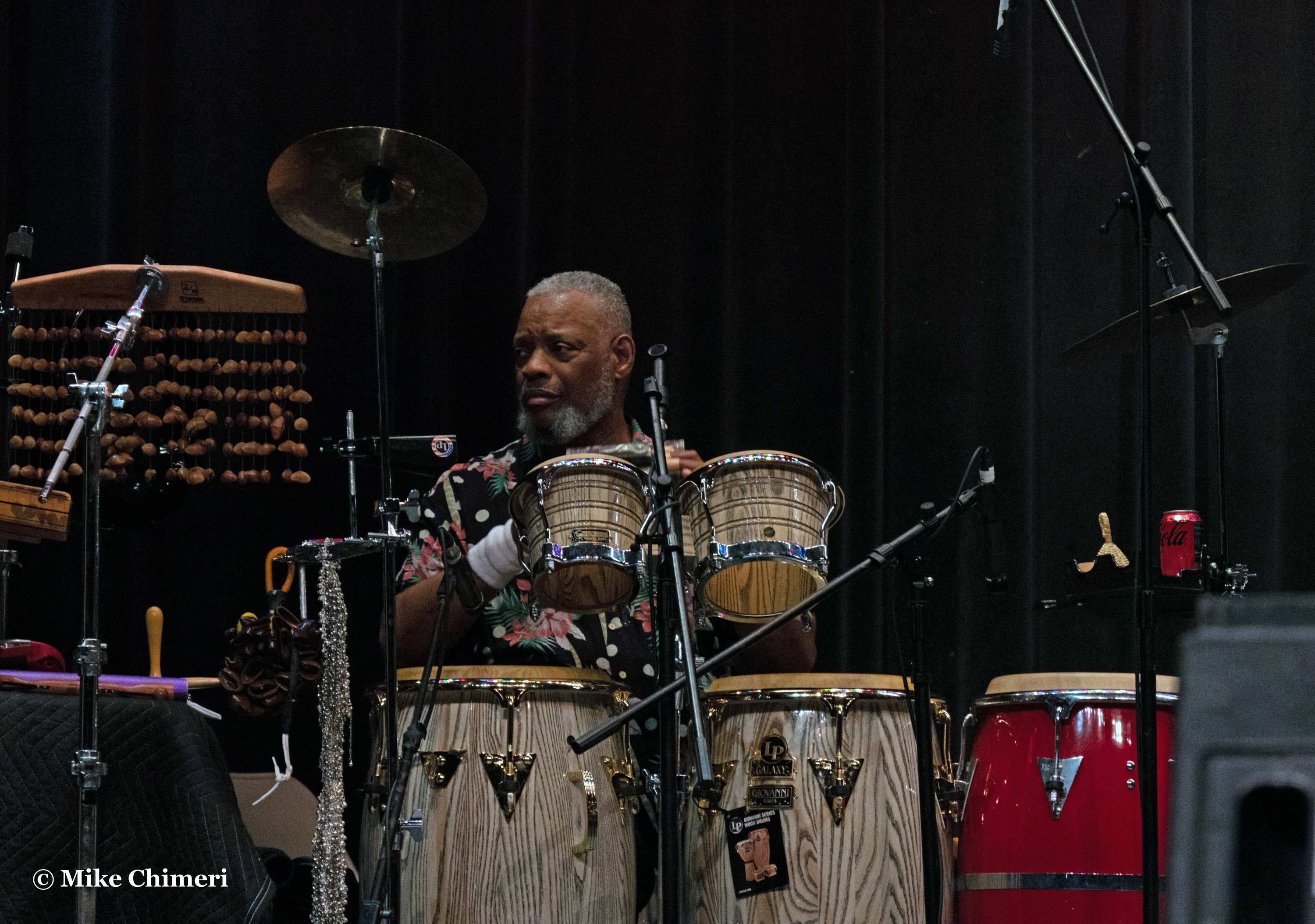
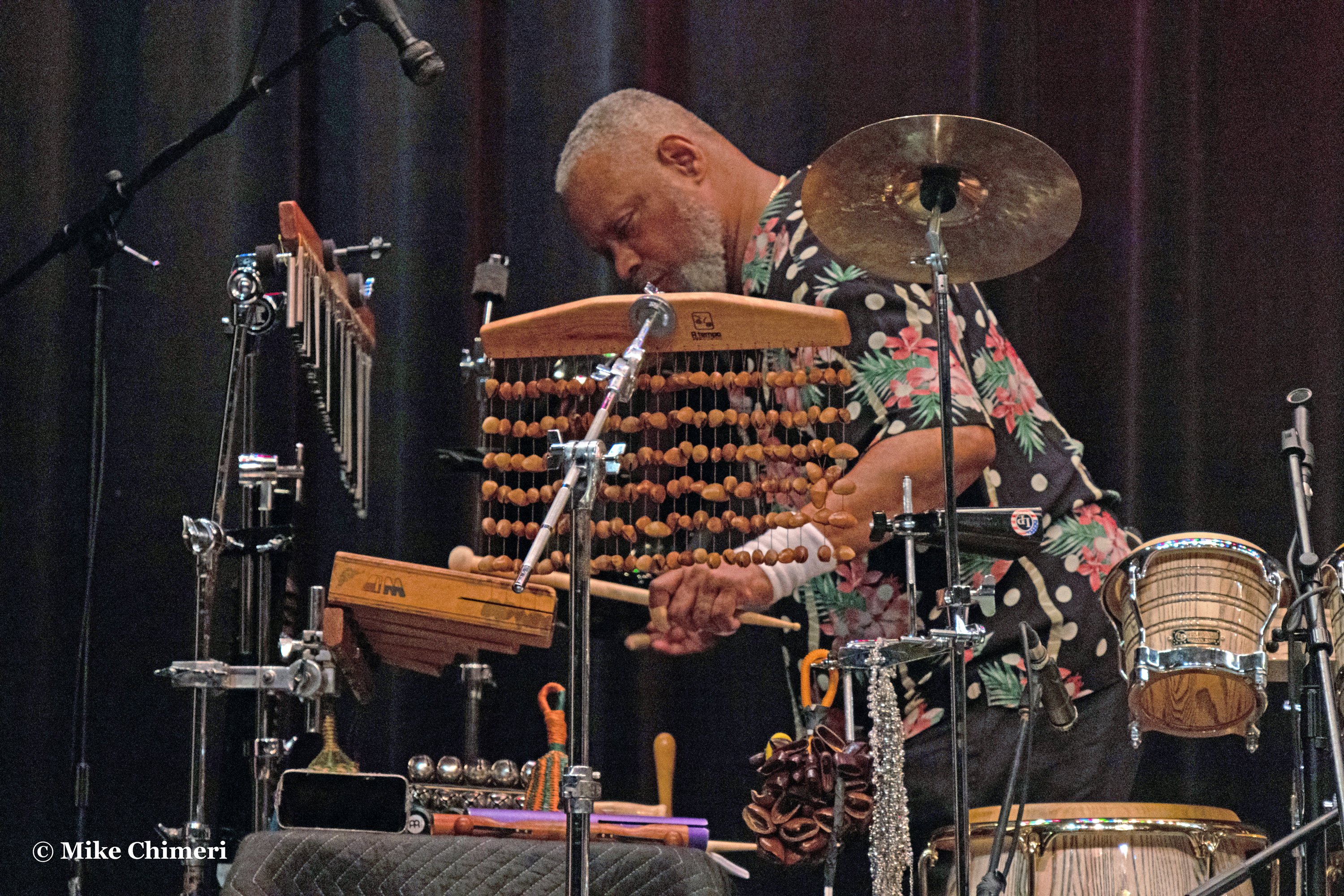
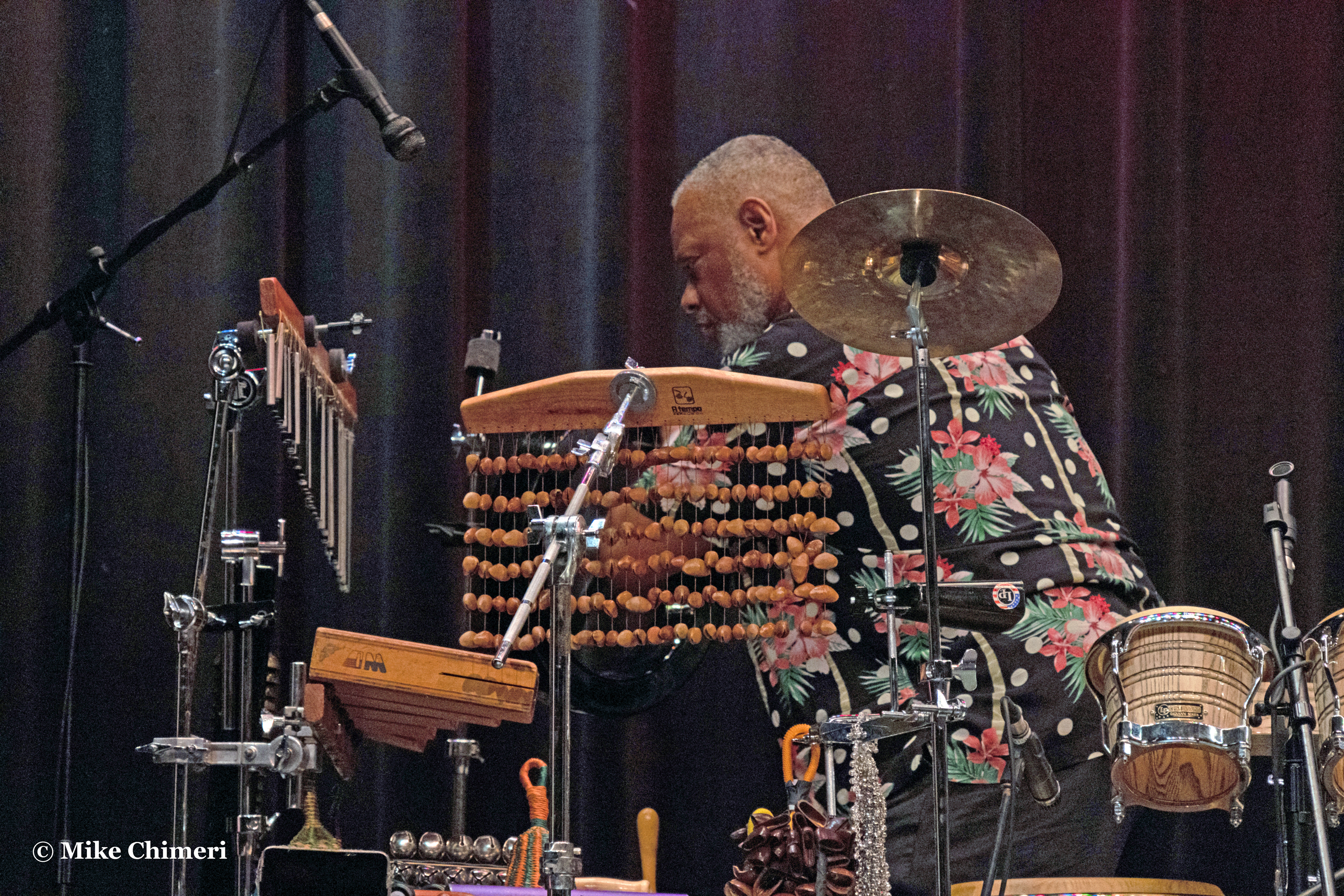
…and the great Steve Scales with percussion:
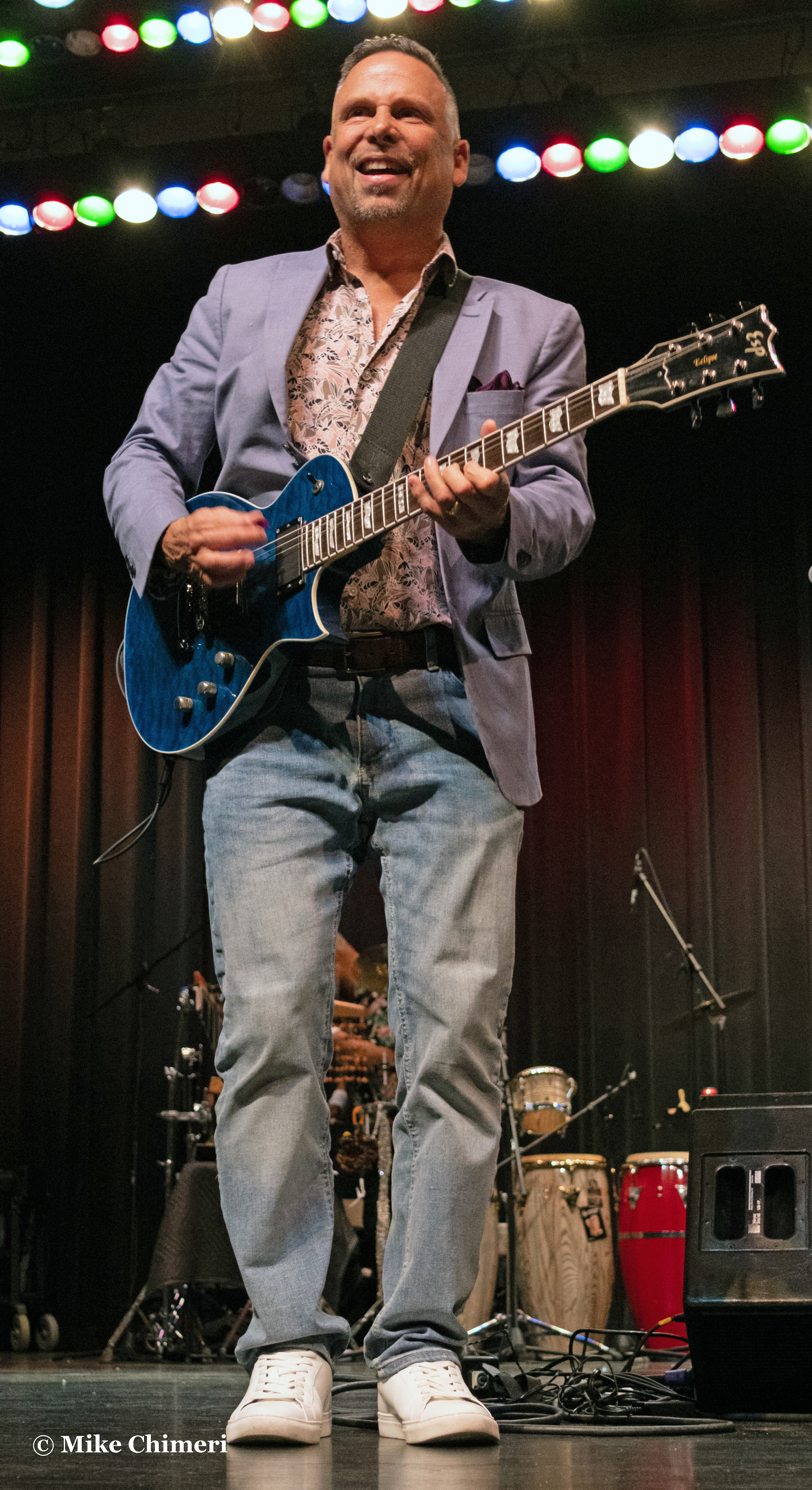
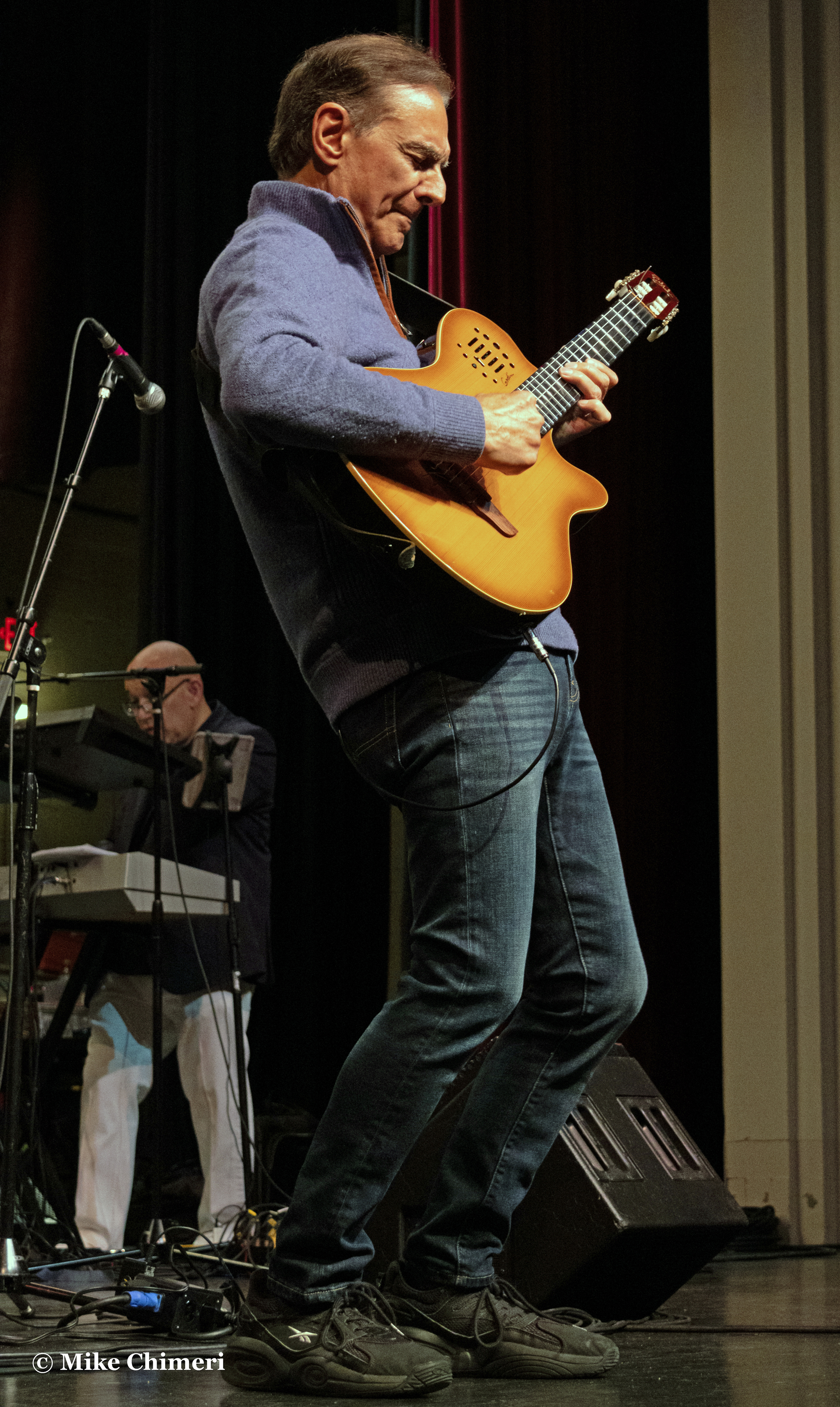
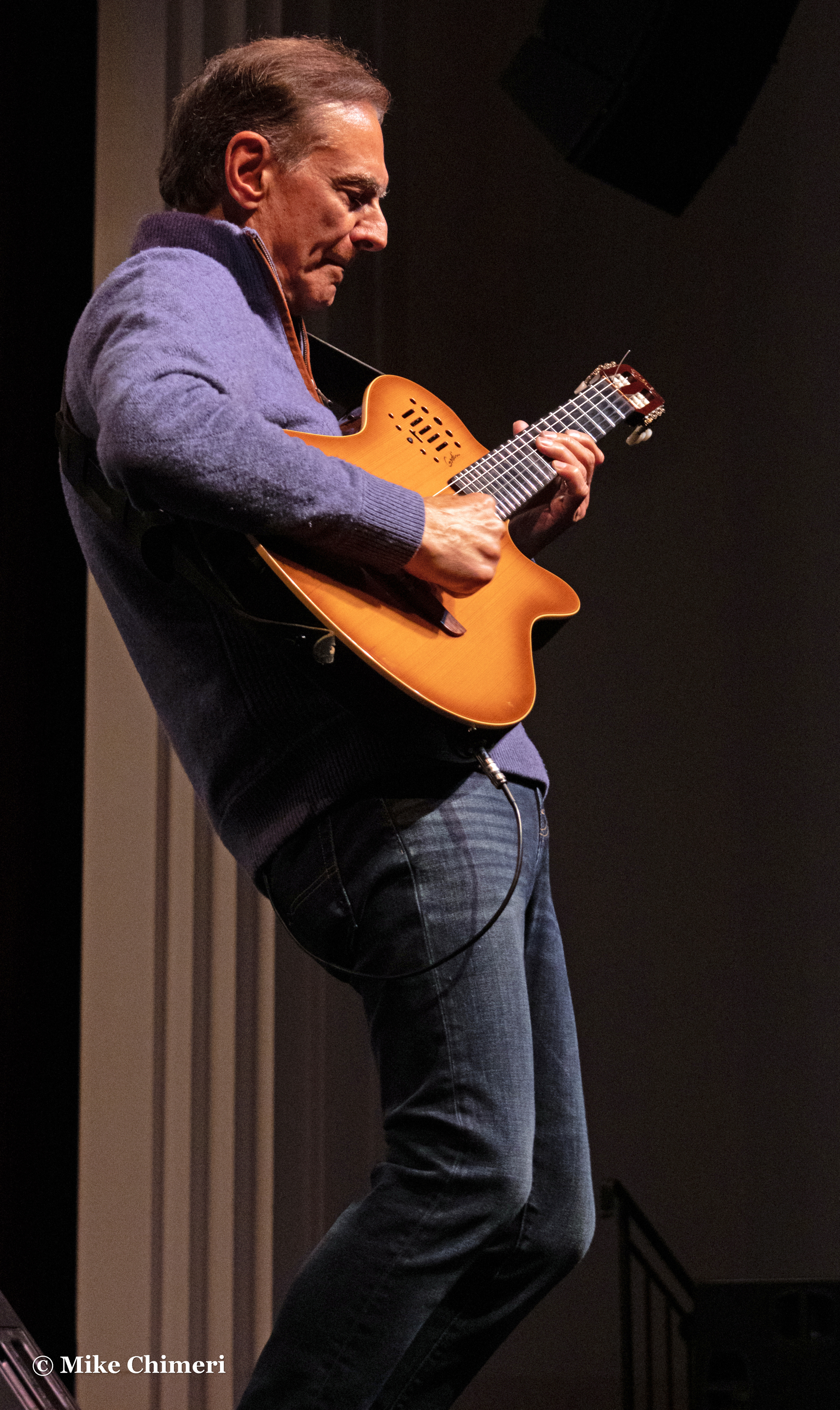
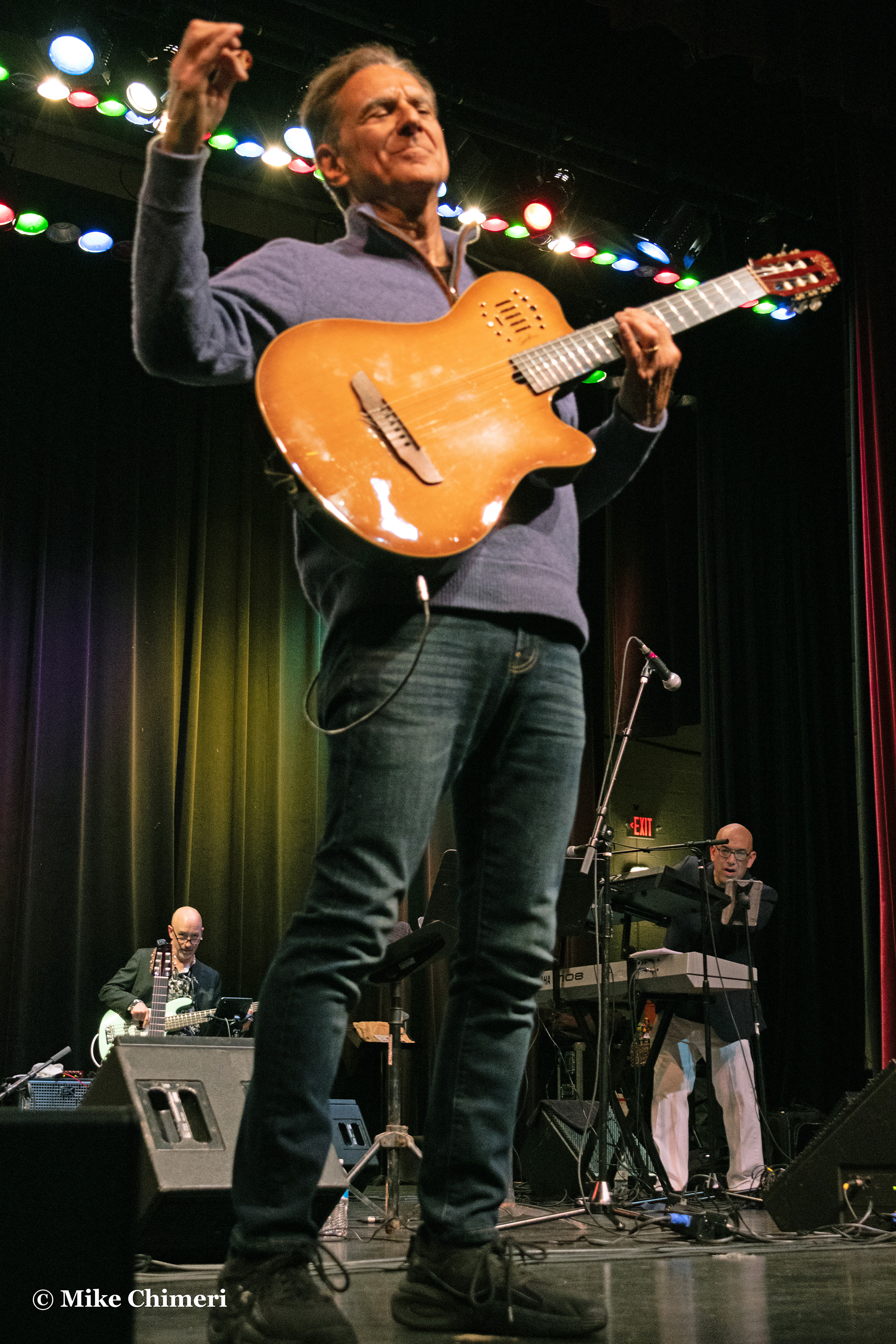
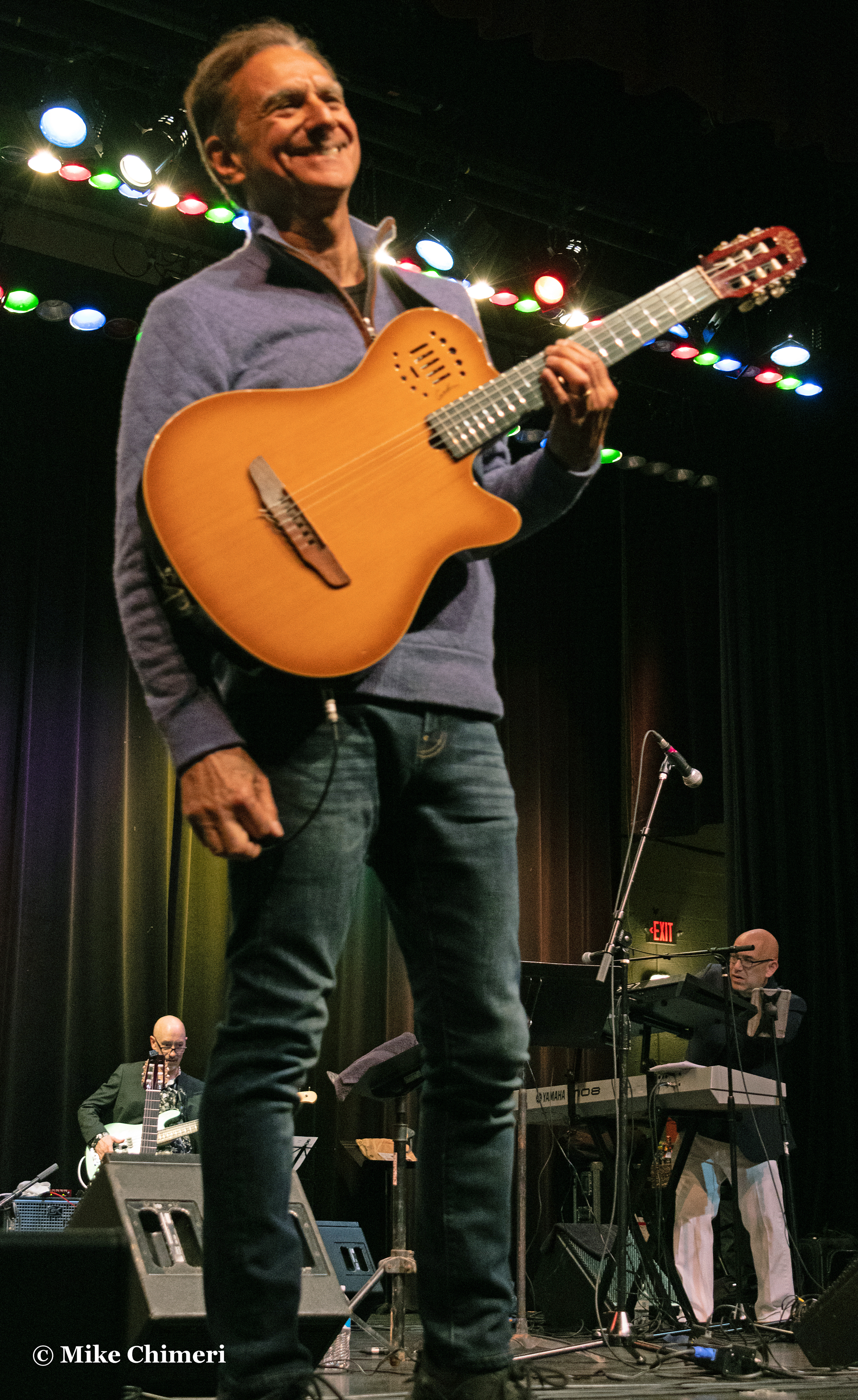
Headlining on Saturday night were the lively JJ Sansaverino:
The energetic Paul Taylor:

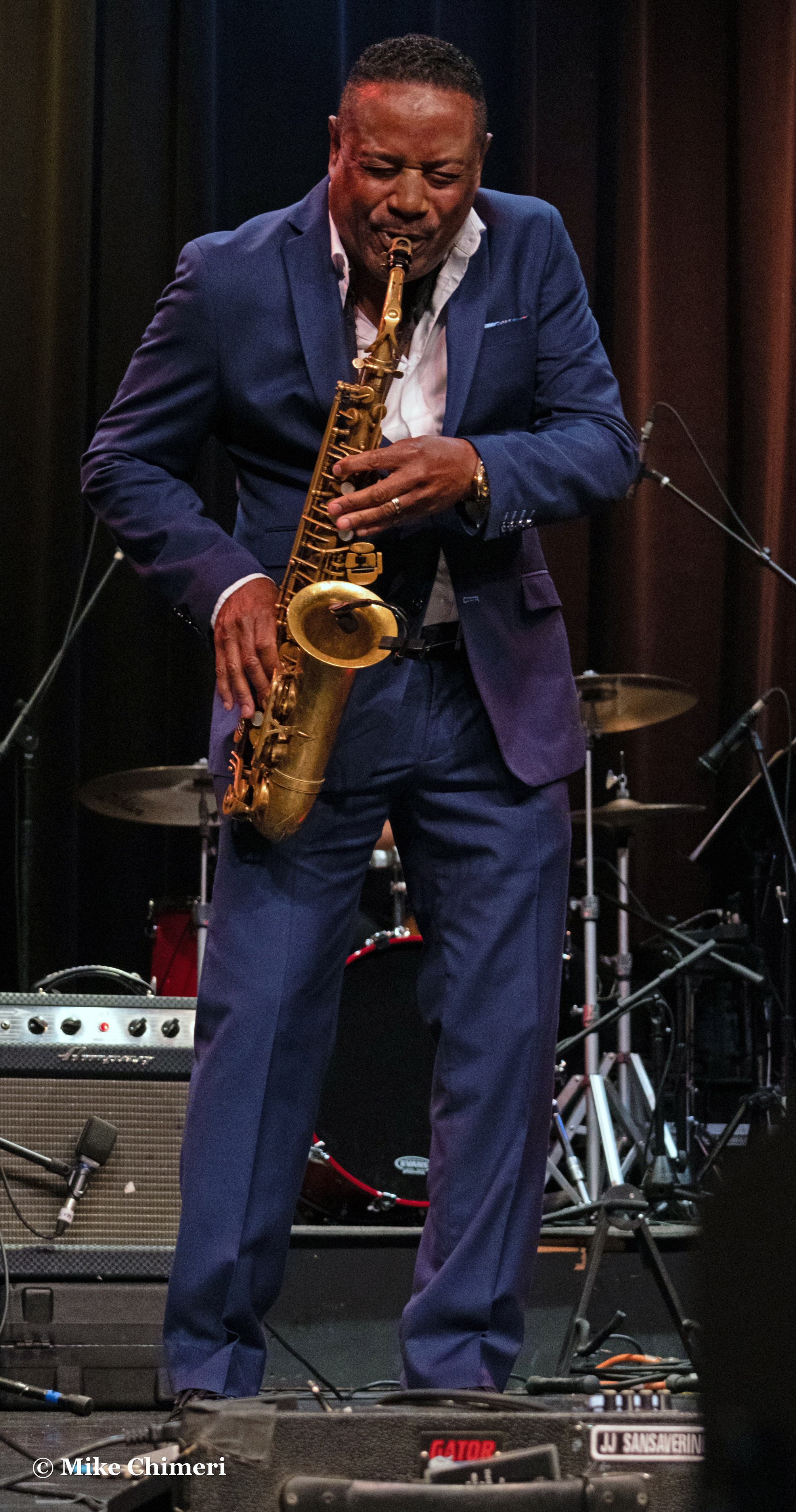
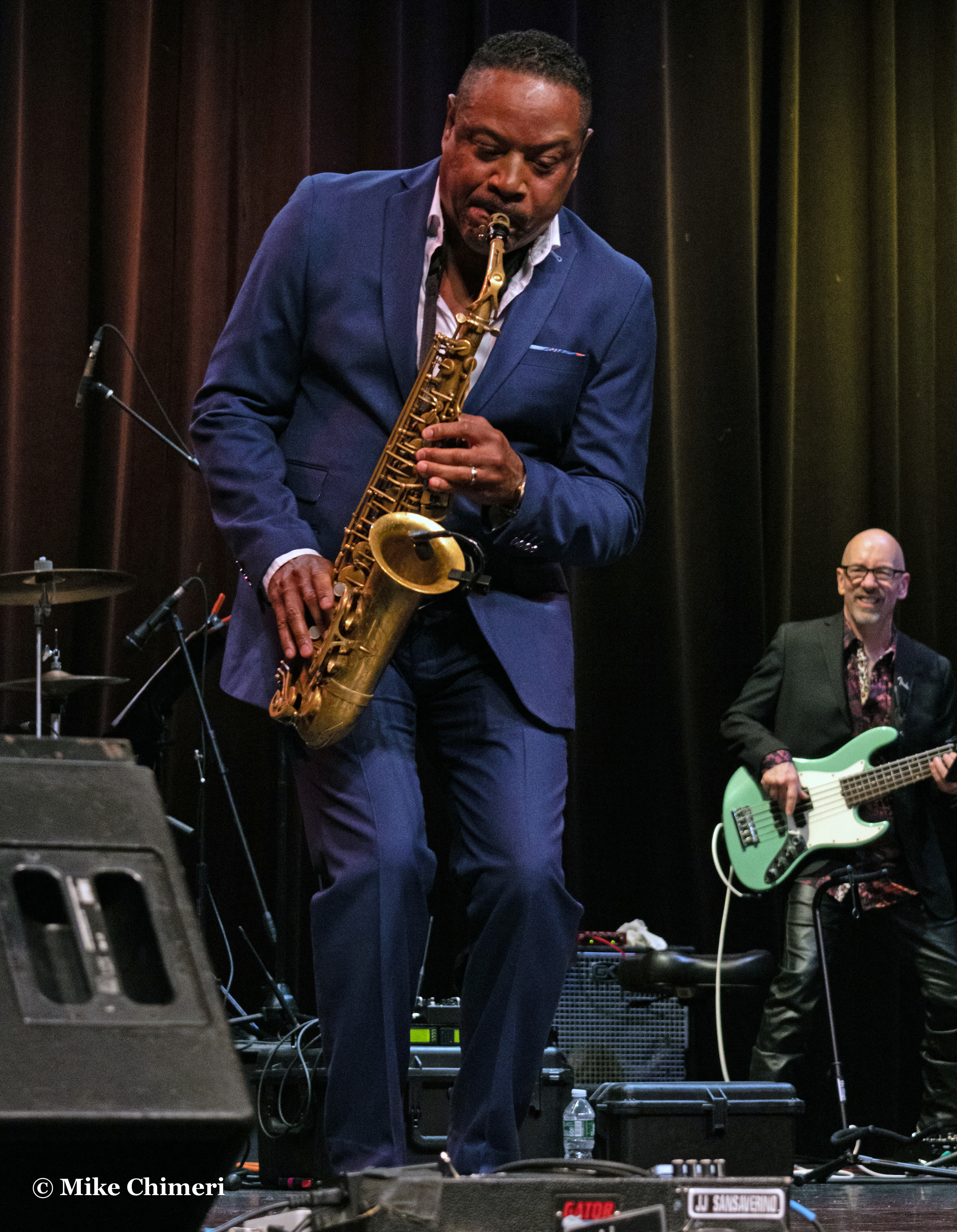
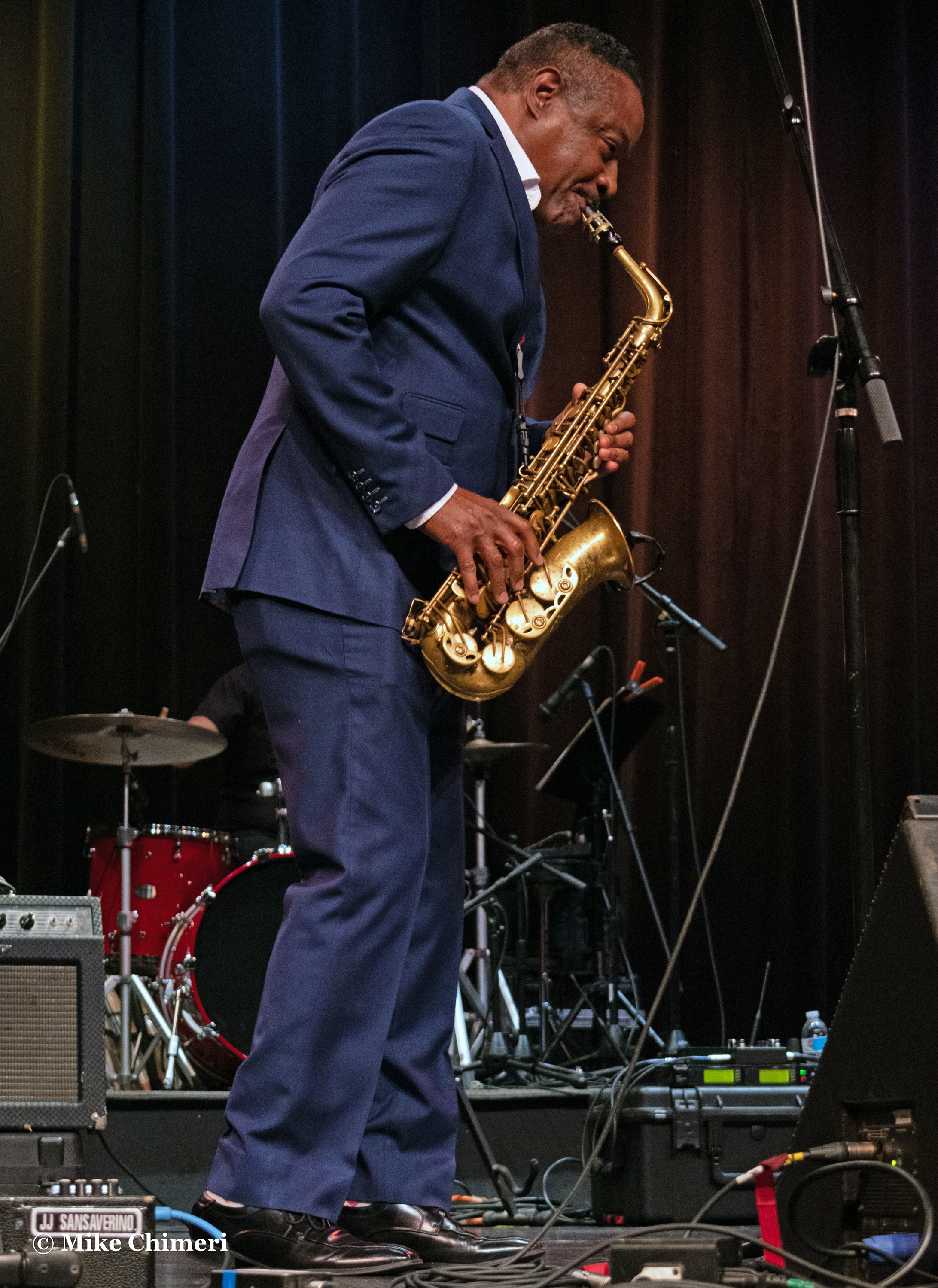
The sweet and saxy Kim Waters:

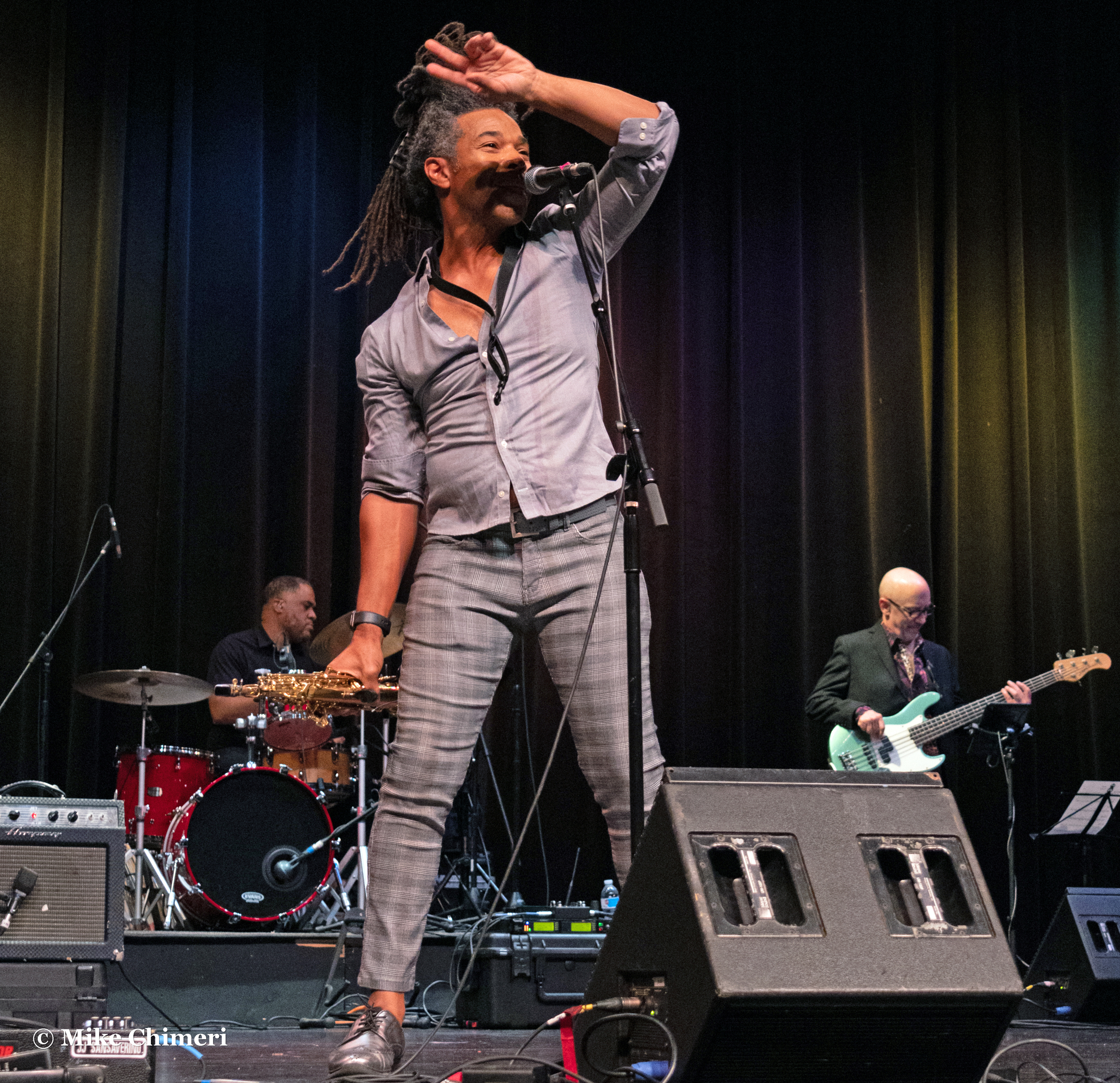
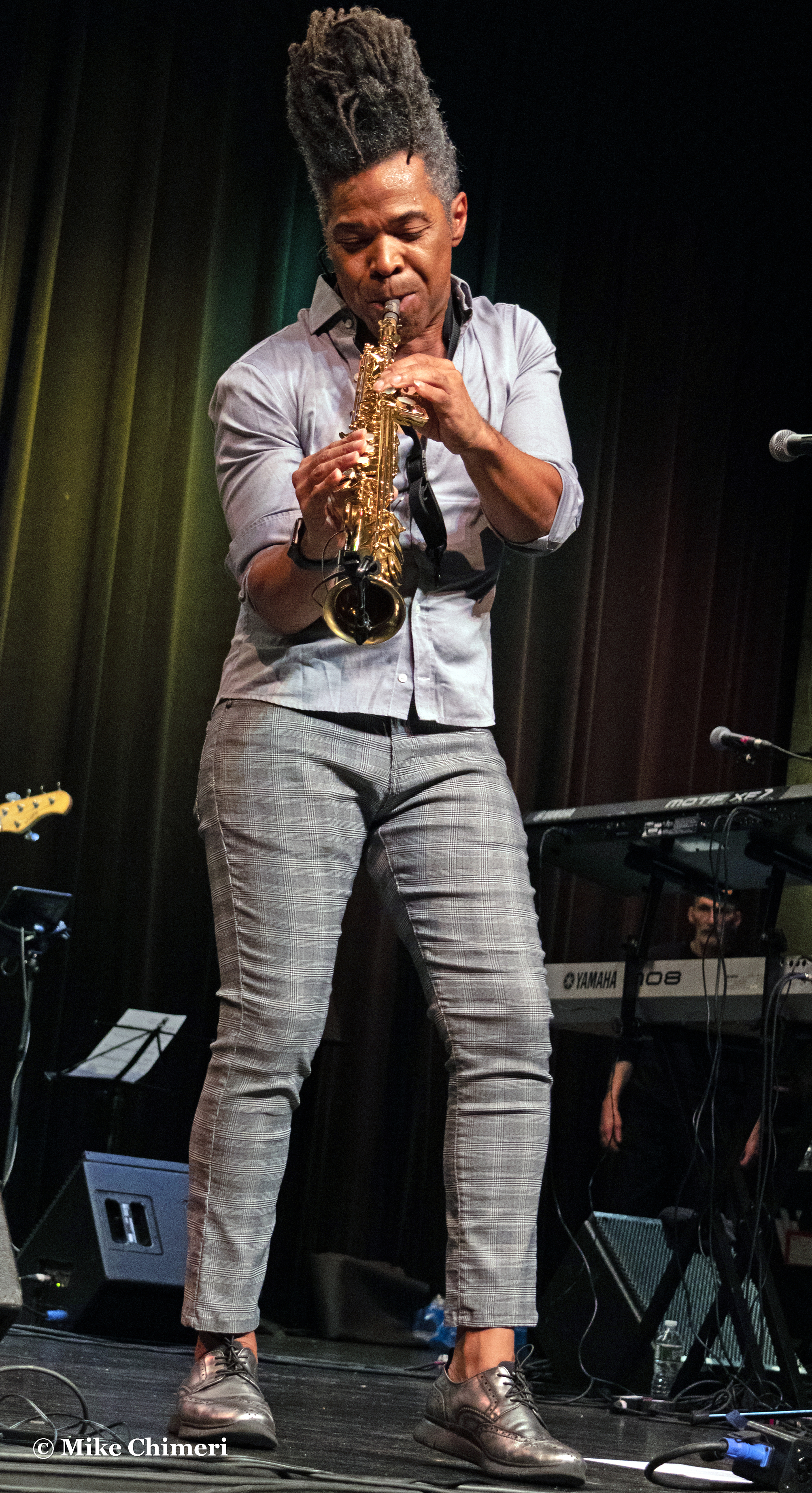
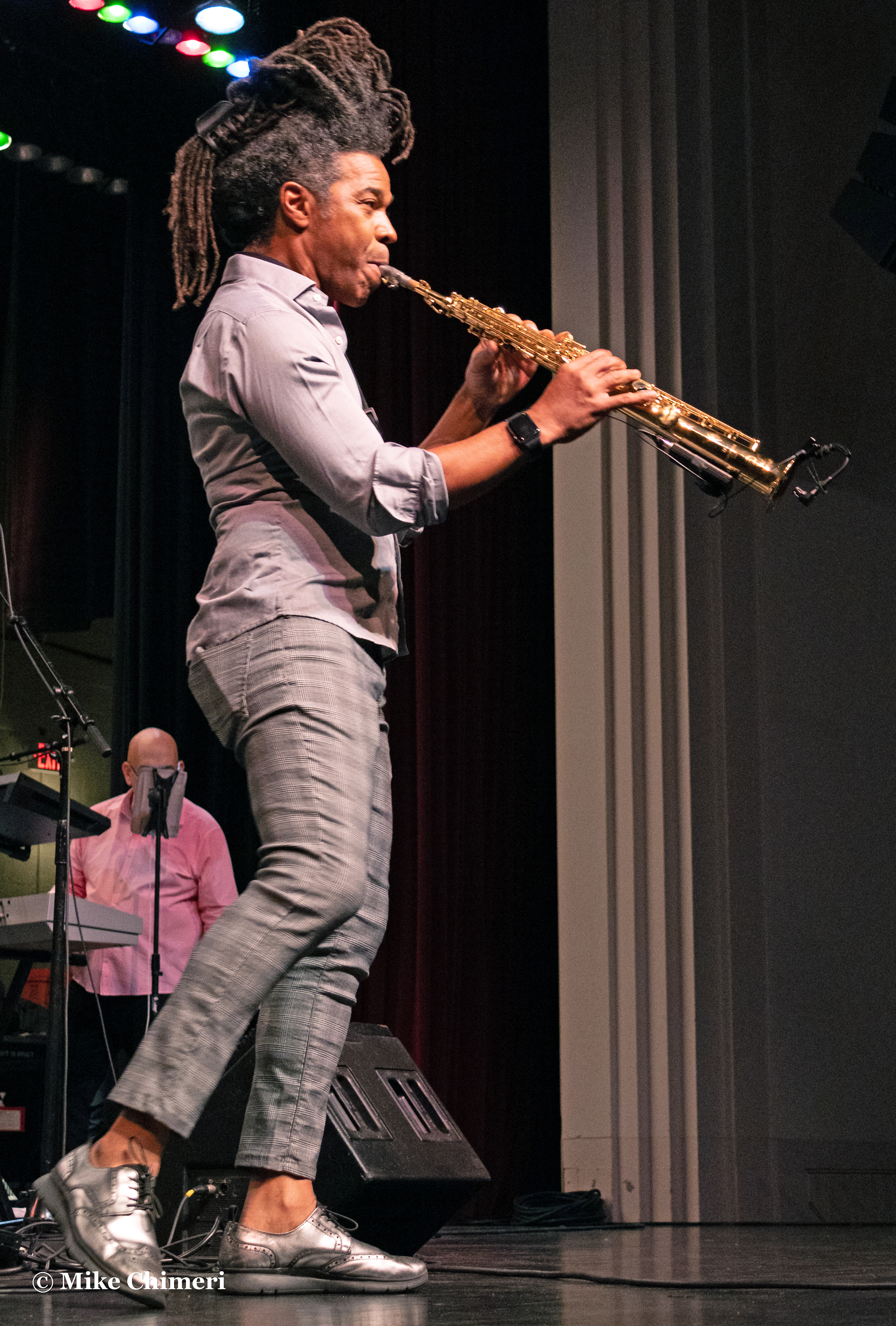
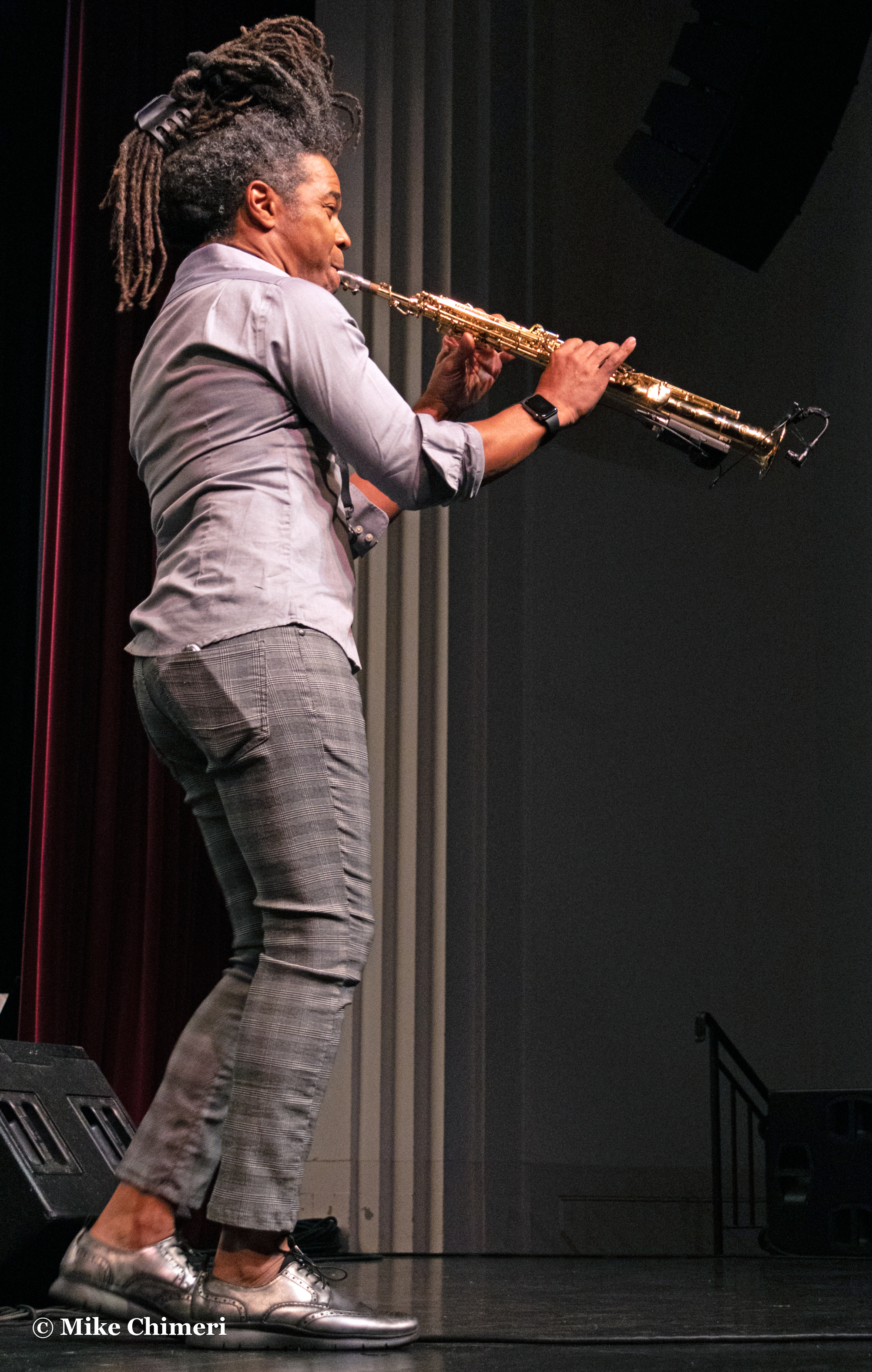
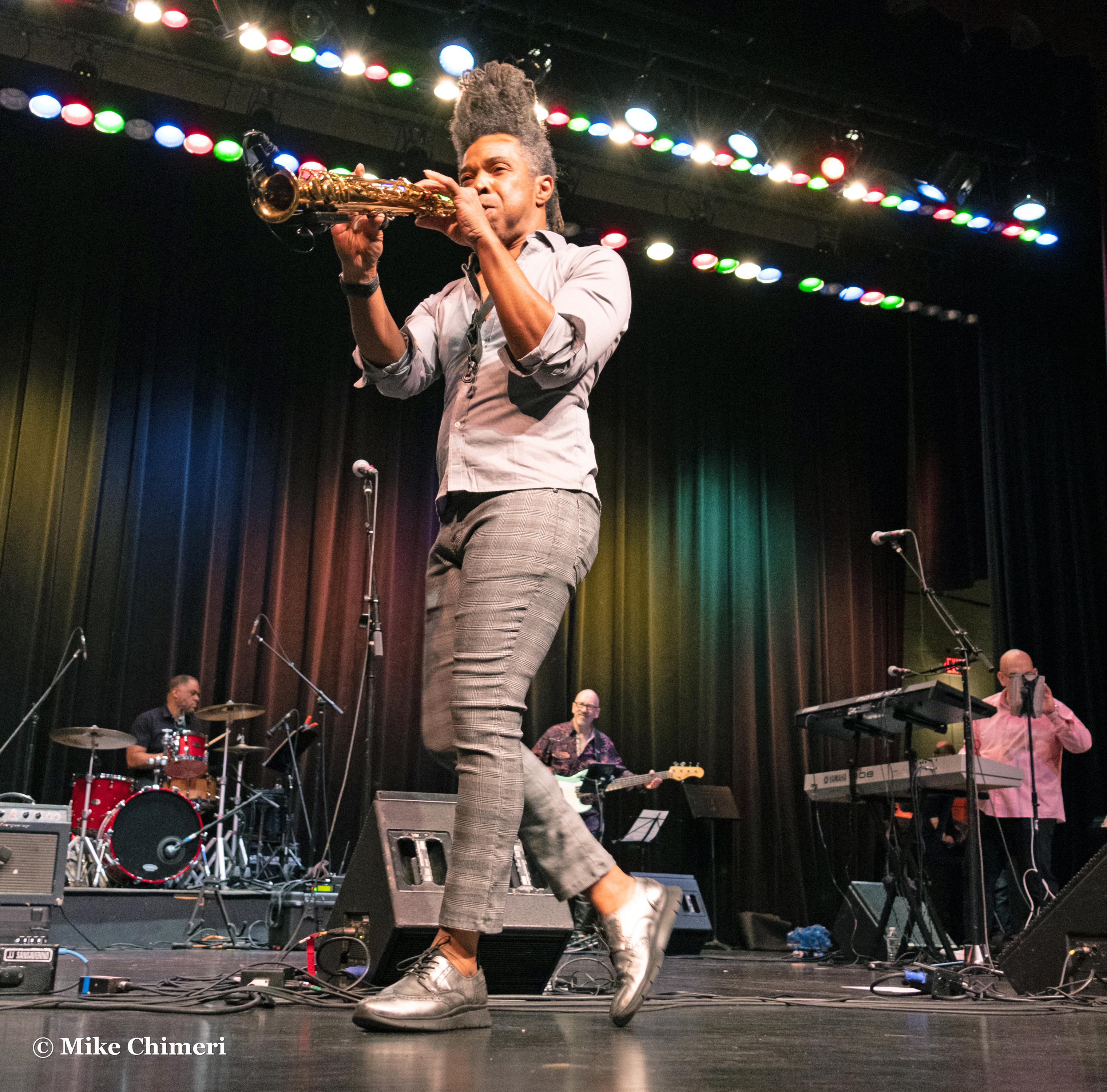
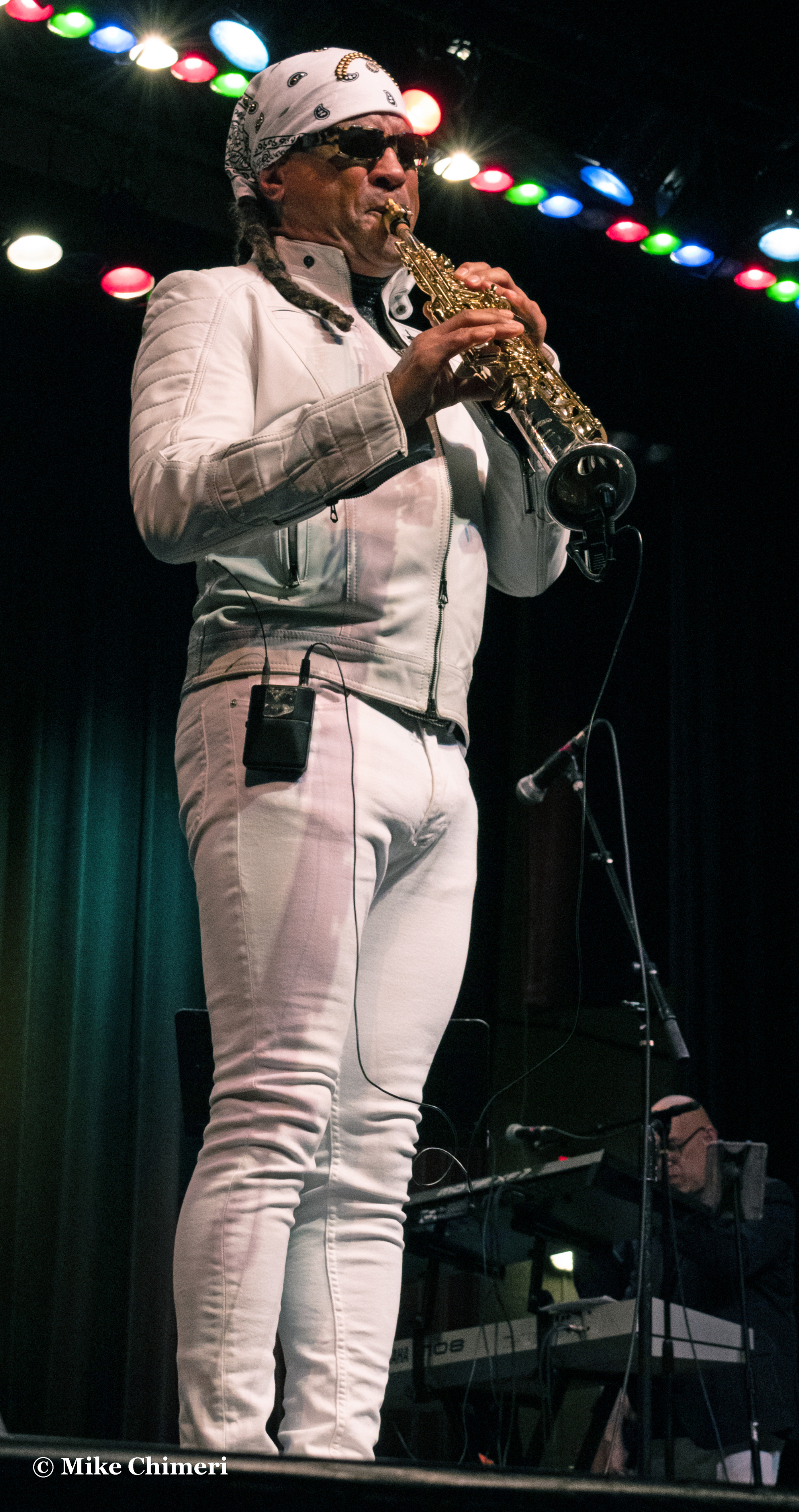
…and saxophonista Jessy J:
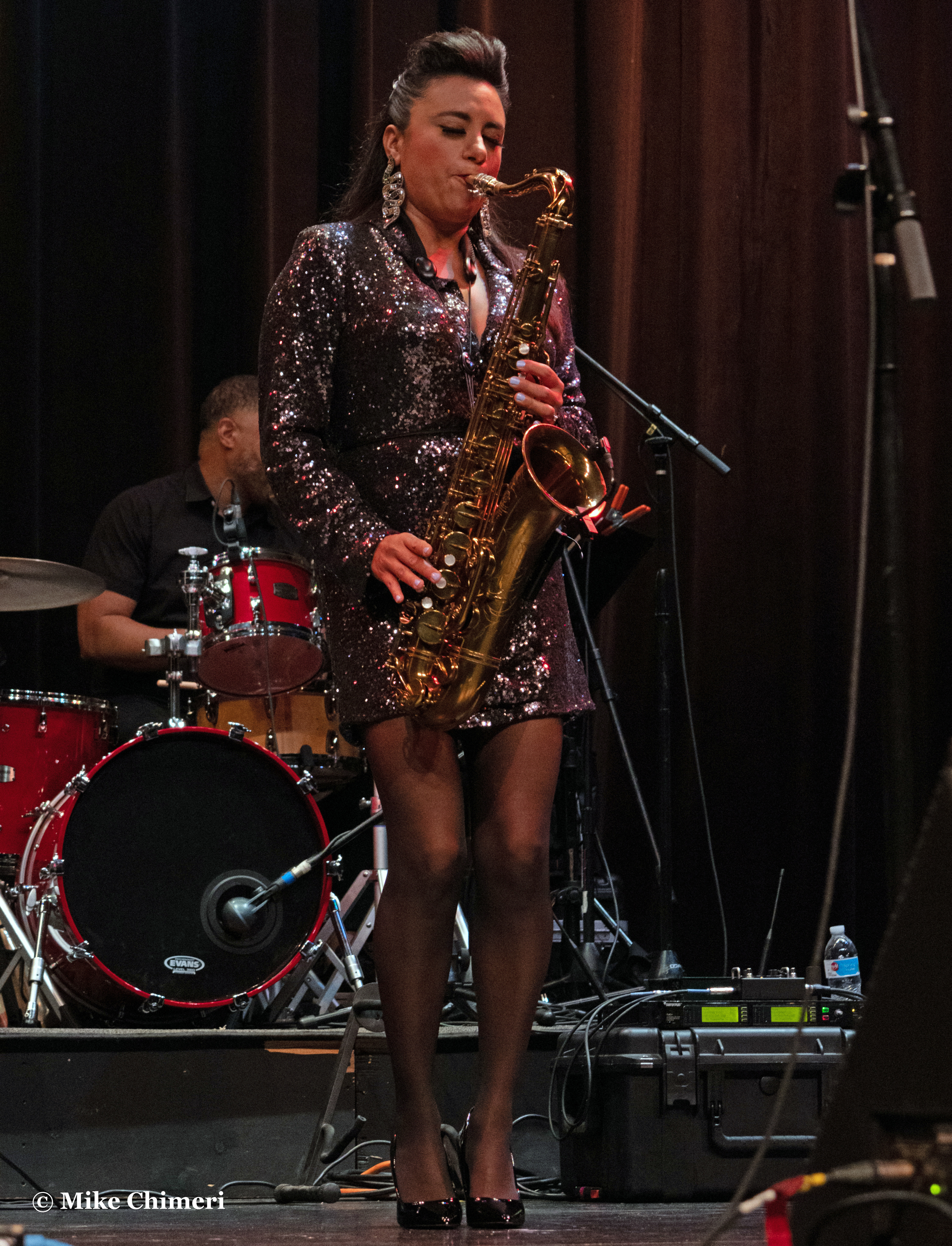
Lots of Js on the stage this night.
Coincidentally, Friday night, I heard a song by similarly-spelled pop singer Jessie J while shopping in Cumberland Farms.
(Updated with videos on 5/31)
SET LIST
1. East Coast West Coast (Jay Rowe)
Originally heard on: Red, Hot & Smooth (2006)
Featured musicians: Jay Rowe (keyboards), Andy Abel (guitar)
2. Midnight Dance (Jay Rowe) (yes, both nights)
Single
Featured musician: Jay Rowe (keyboards)
3. Ride With Me (JJ Sansaverino)
Originally heard on: Soul Energy (2022)
Featured musician: JJ Sansaverino (guitar)
4. Set It Off (JJ Sansaverino)
Originally heard on: Cocktails & Jazz (2021)
Featured musician: JJ Sansaverino (guitar)
5. And Now This (Paul Taylor)
Originally heard on: And Now This (2021)
Featured musician: Paul Taylor (alto sax)
6. Pleasure Seeker (Paul Taylor)
Originally heard on: Pleasure Seeker (1997)
Featured musicians: Paul Taylor (soprano sax)
7. In the House (Kim Waters)
Originally heard on: From the Heart (2001)
Featured musician: Kim Waters (alto sax)
8. Love Don’t Live Here Anymore (Kim Waters; Rose Royce cover)
Originally heard on: Love Stories (2010)
Featured musician: Kim Waters (alto sax)
9. Tequila Moon (Jessy J)
Originally heard on: Tequila Moon (2008)
Featured musicians: Jessy J (tenor sax), Jay Rowe (keyboards)
10. Tropical Rain/Hot Sauce (Jessy J)
Originally heard on: True Love (2009)/Hot Sauce (2011)
Featured musicians: Jessy J (tenor sax), Andy Abel (guitar)
11. Waterfall (Kim Waters)
Originally heard on: Someone to Love You (2002)
Featured musicians: Kim Waters (alto sax), Jay Rowe (keyboards)
12. Europa (JJ Sansaverino; Santana cover)
Featured musician: JJ Sansaverino (guitar)
13. Blue (Jessy J)
Originally heard on: Blue (2022)
Featured musicians: Jessy J (tenor sax), Andy Abel (guitar)
14. Exotica
Originally heard on: On the Horn (1995)
Featured musician: Paul Taylor (soprano sax)
15 (Finale). Ladies’ Choice (Paul Taylor)
Originally heard on: Ladies’ Choice (2007)
Featured musicians: Everyone, plus women from the audience!
JJ Sansaverino leads off the headliner photo galleries:


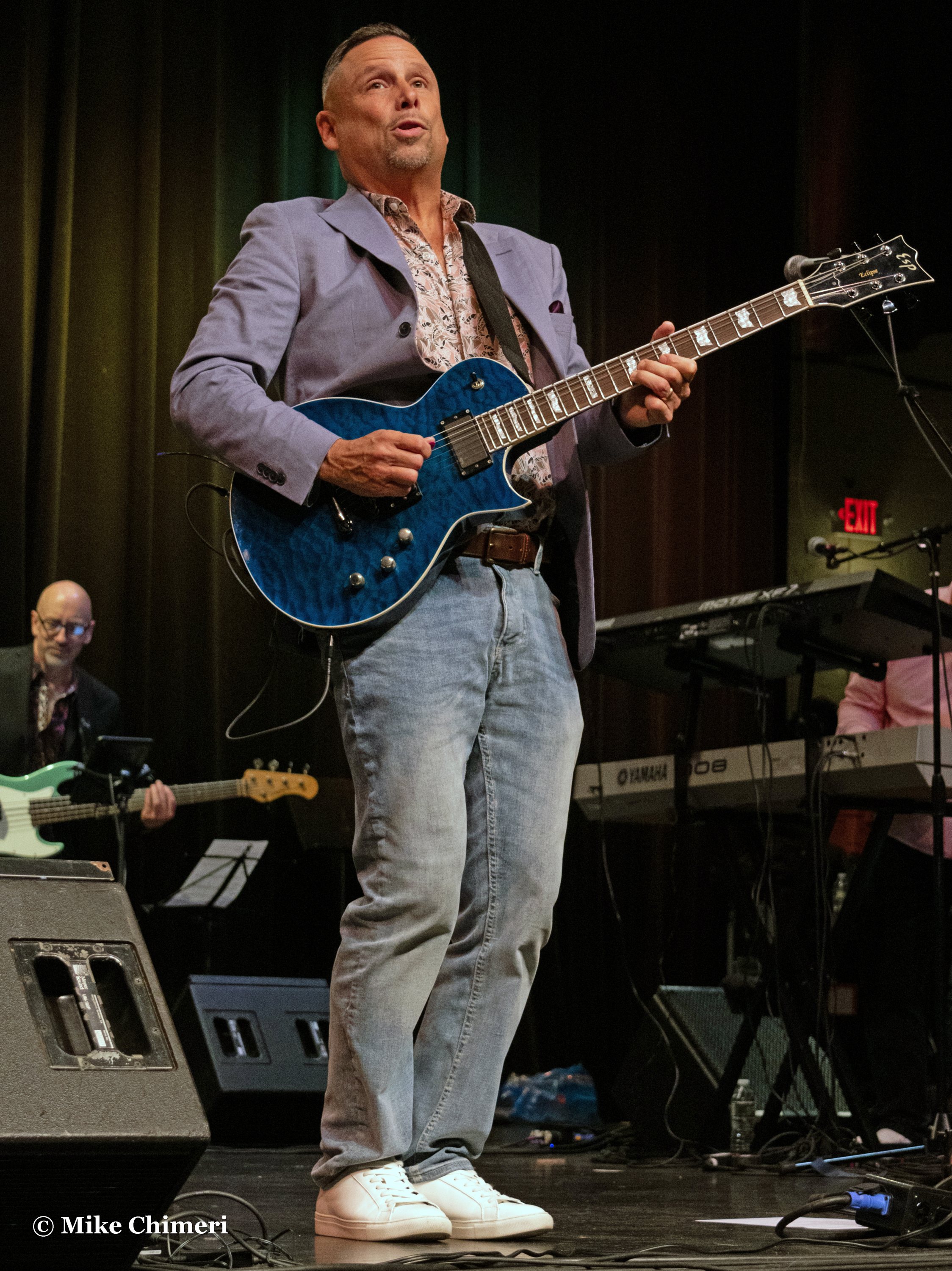


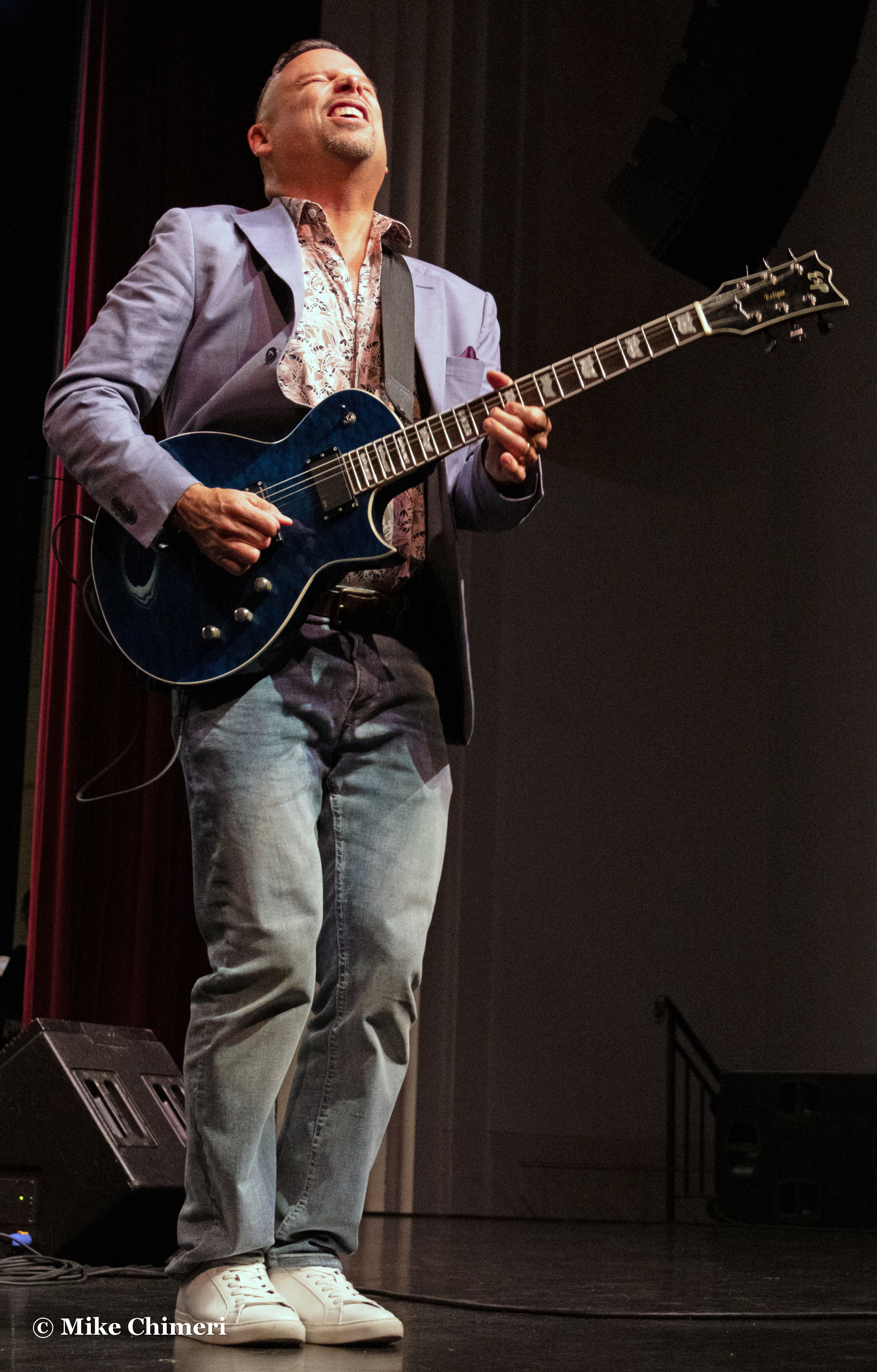
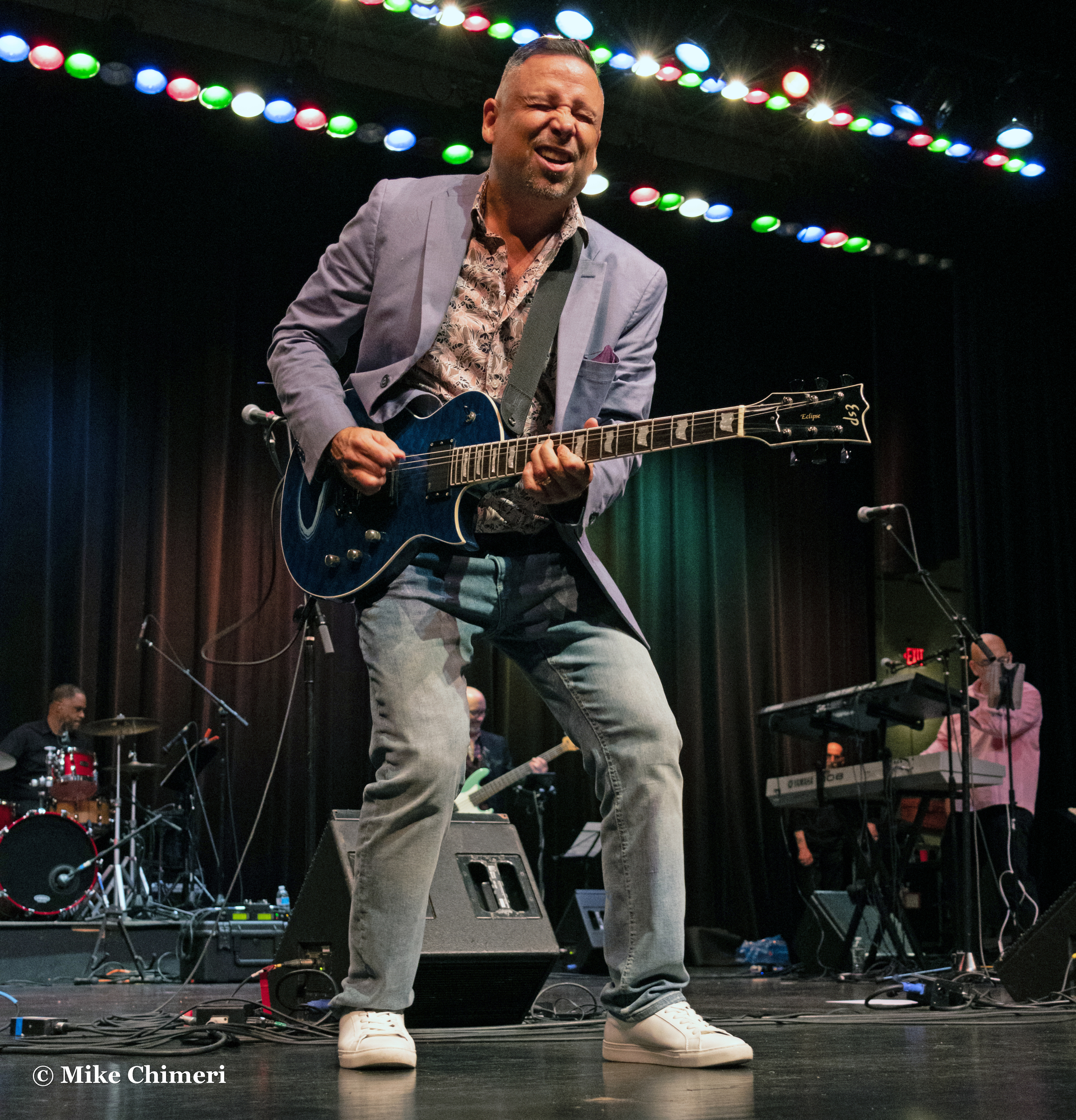
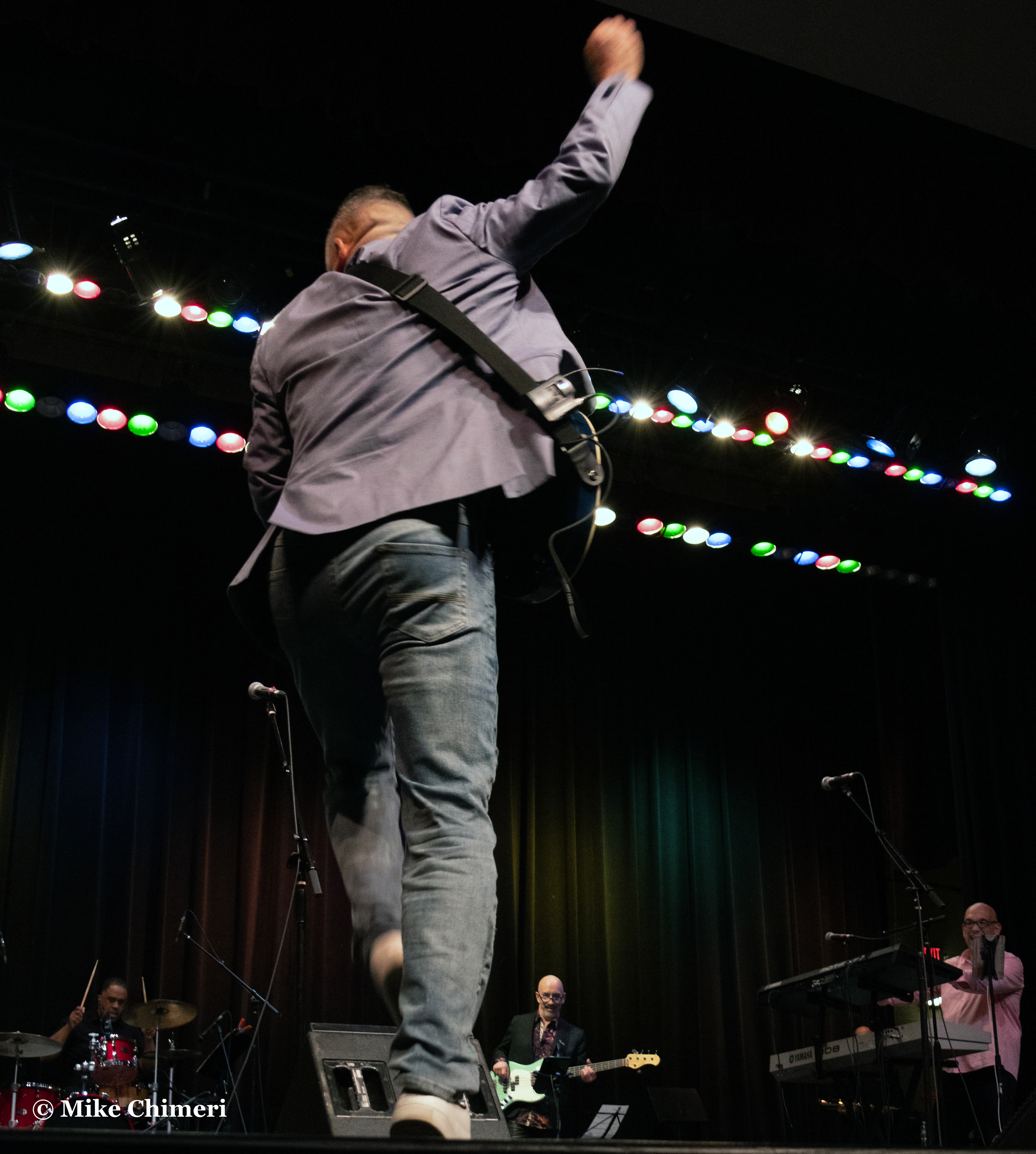


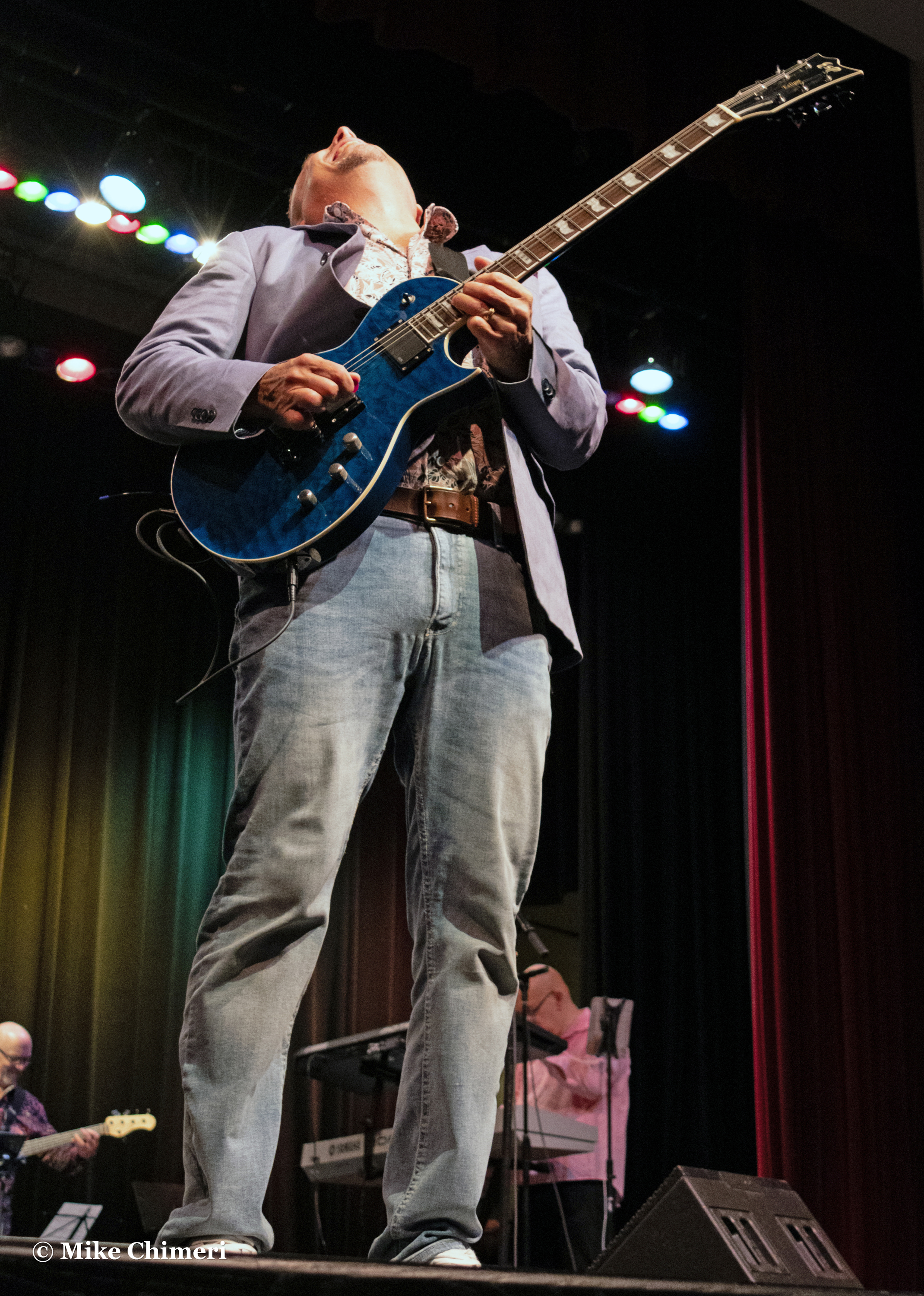


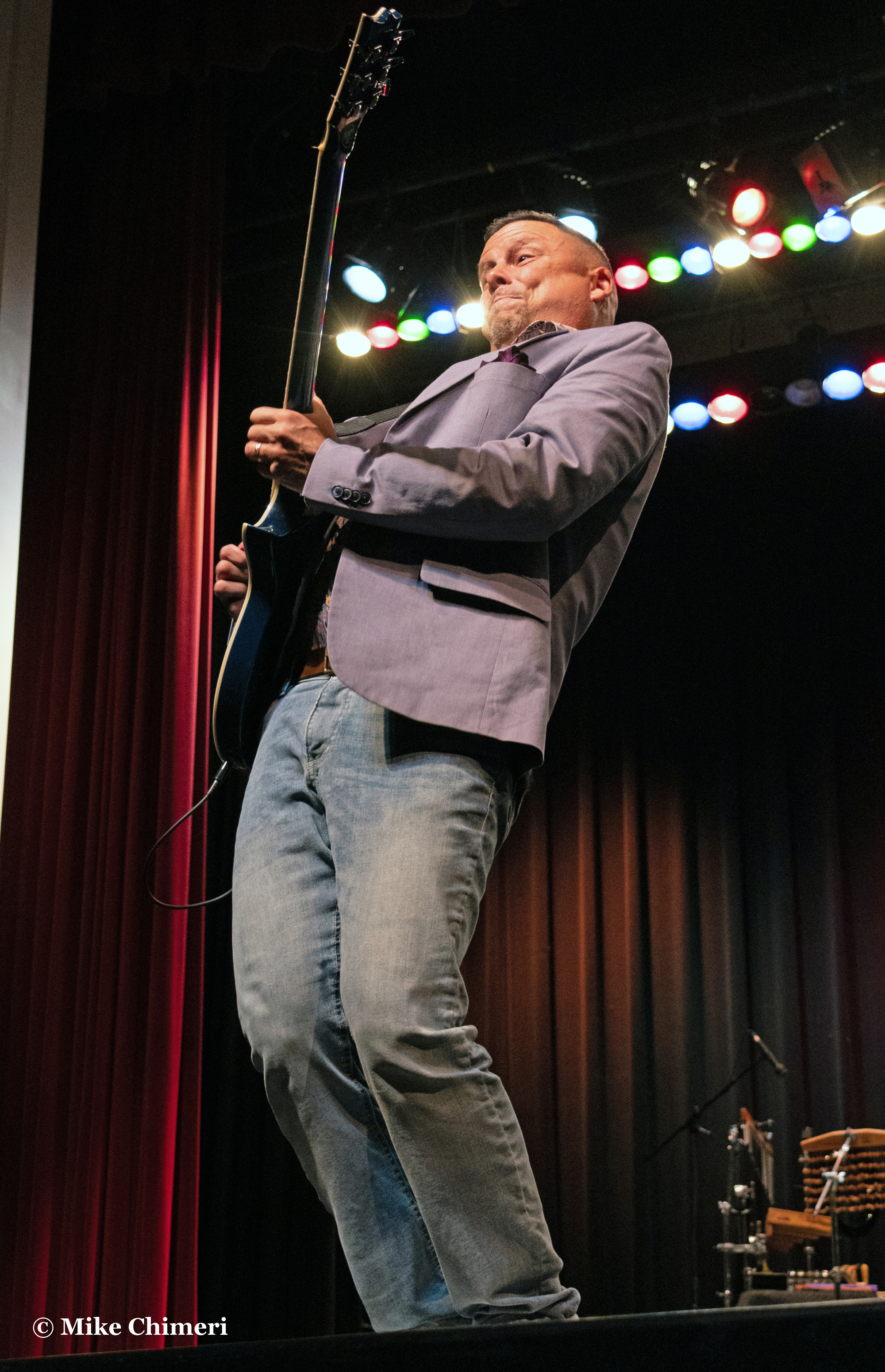


Next, Paul Taylor on alto sax:

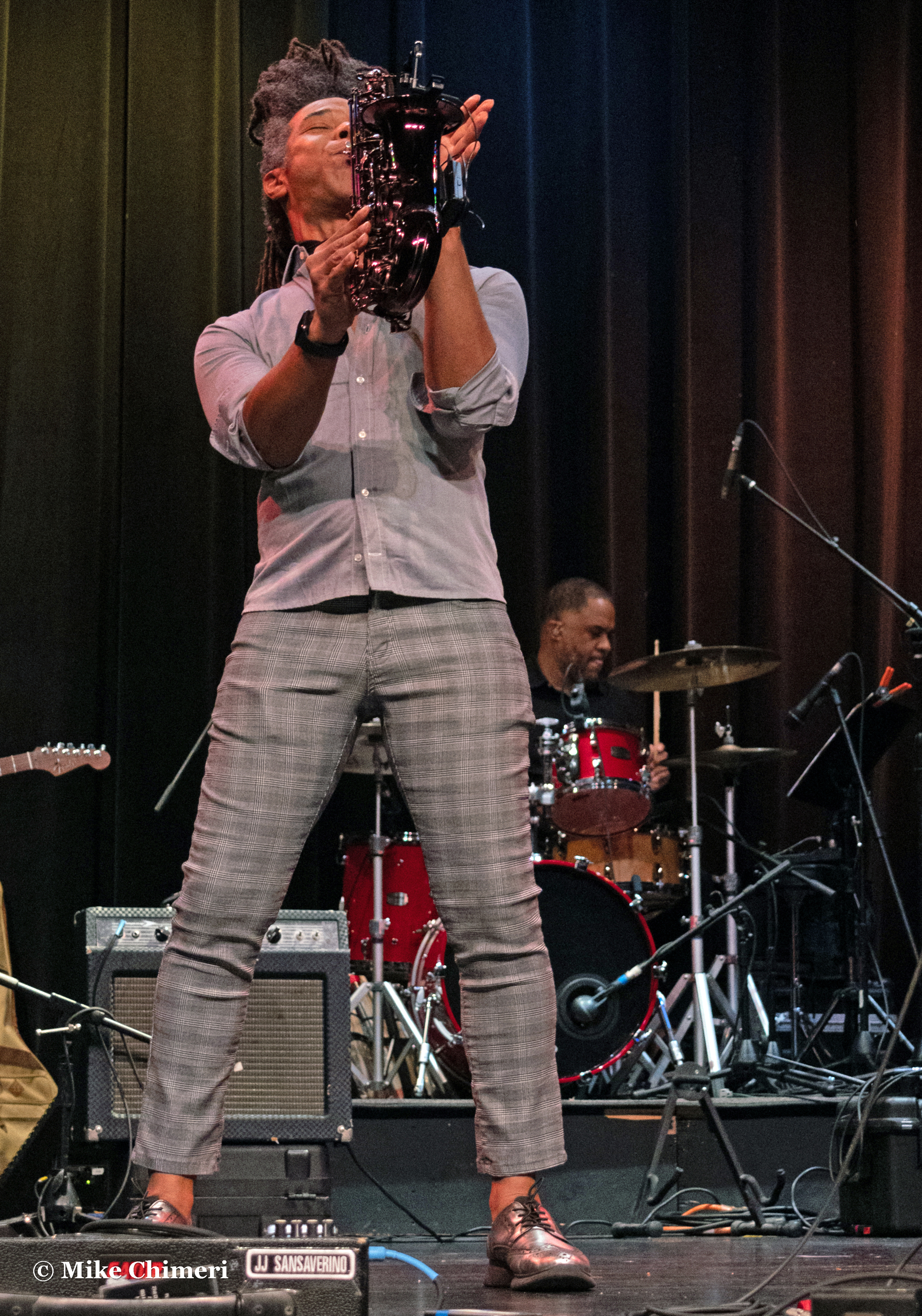


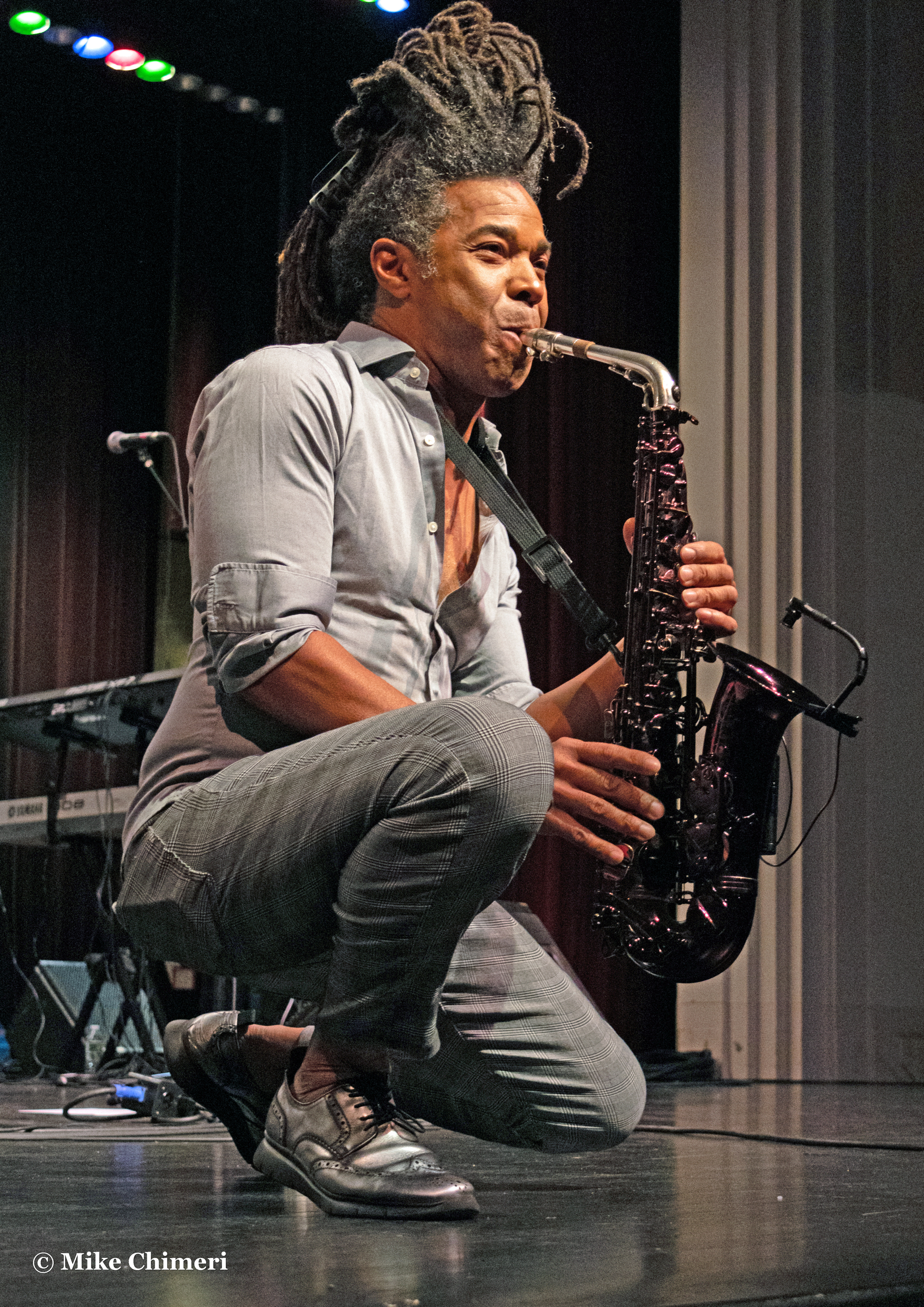

Paul on soprano sax:






Kim Waters was solely on alto sax:




…and Jessy J played tenor sax:
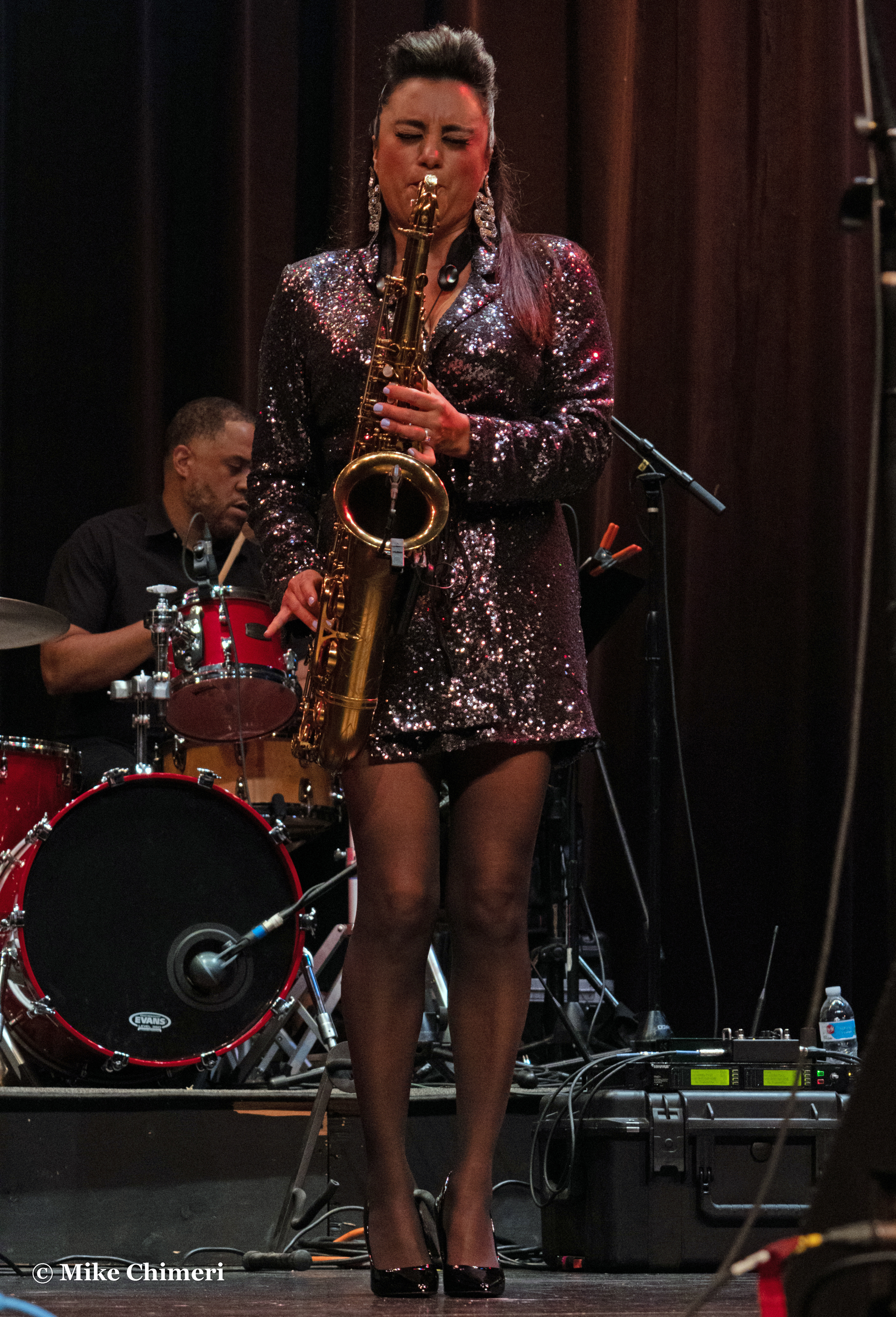

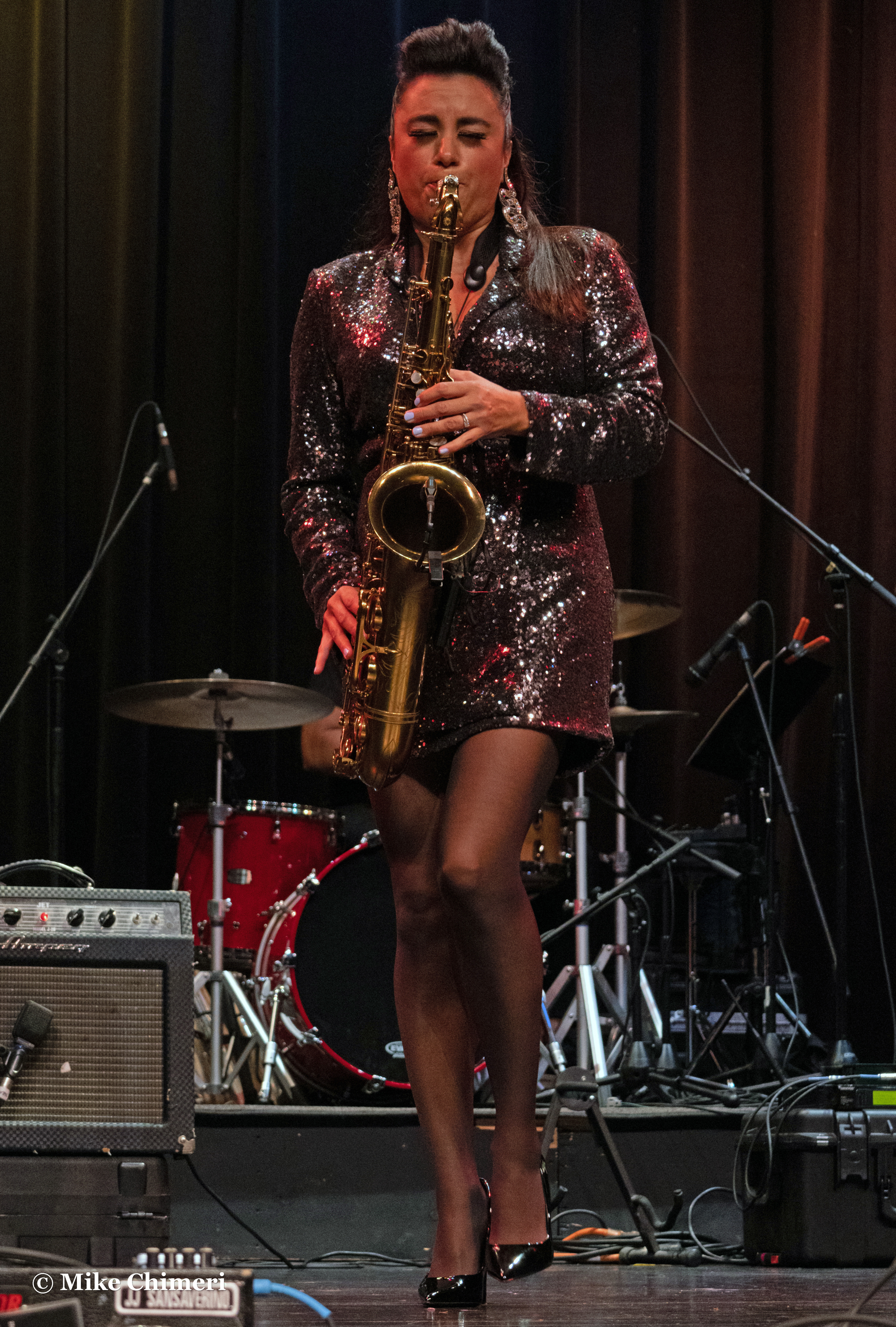
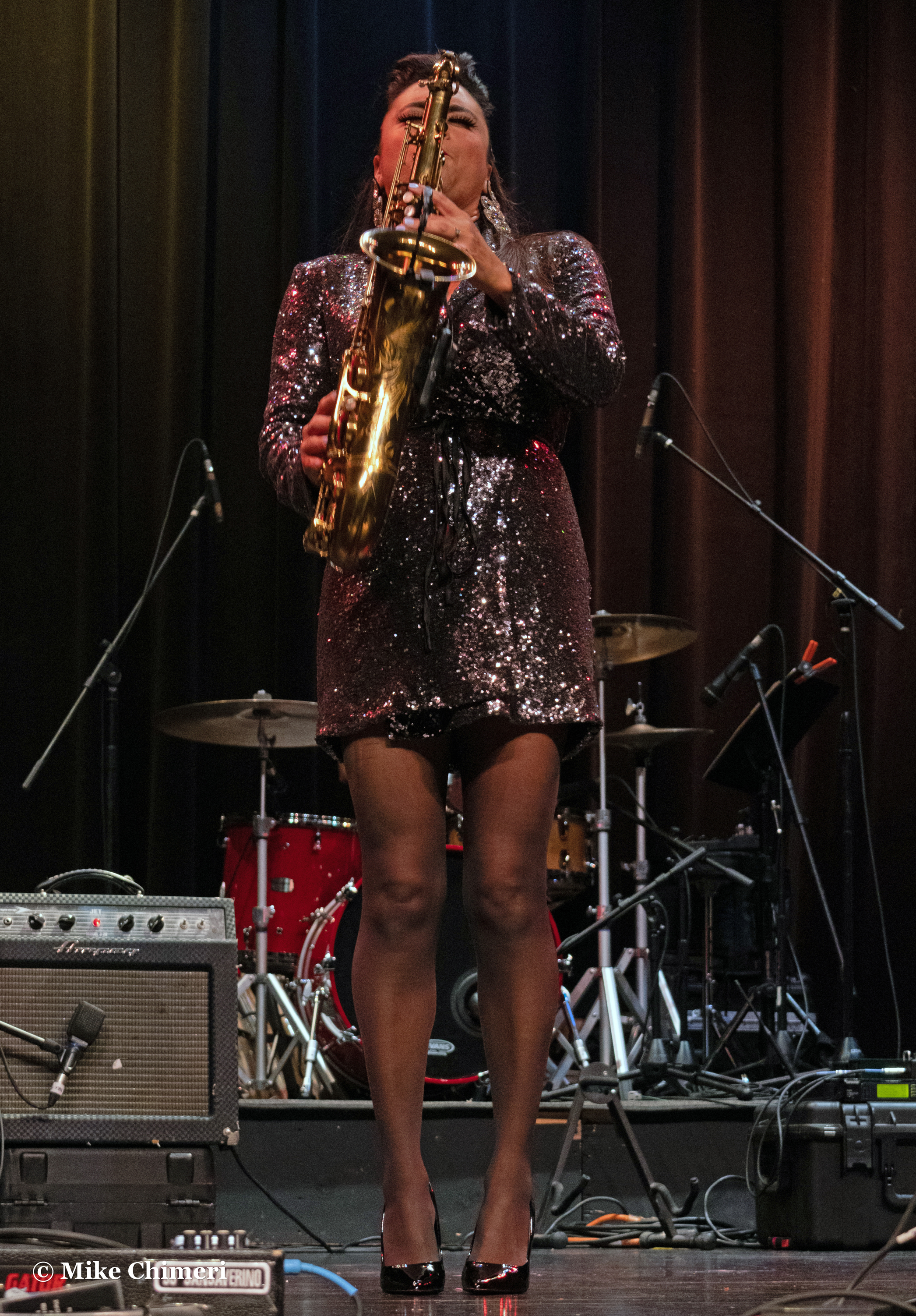
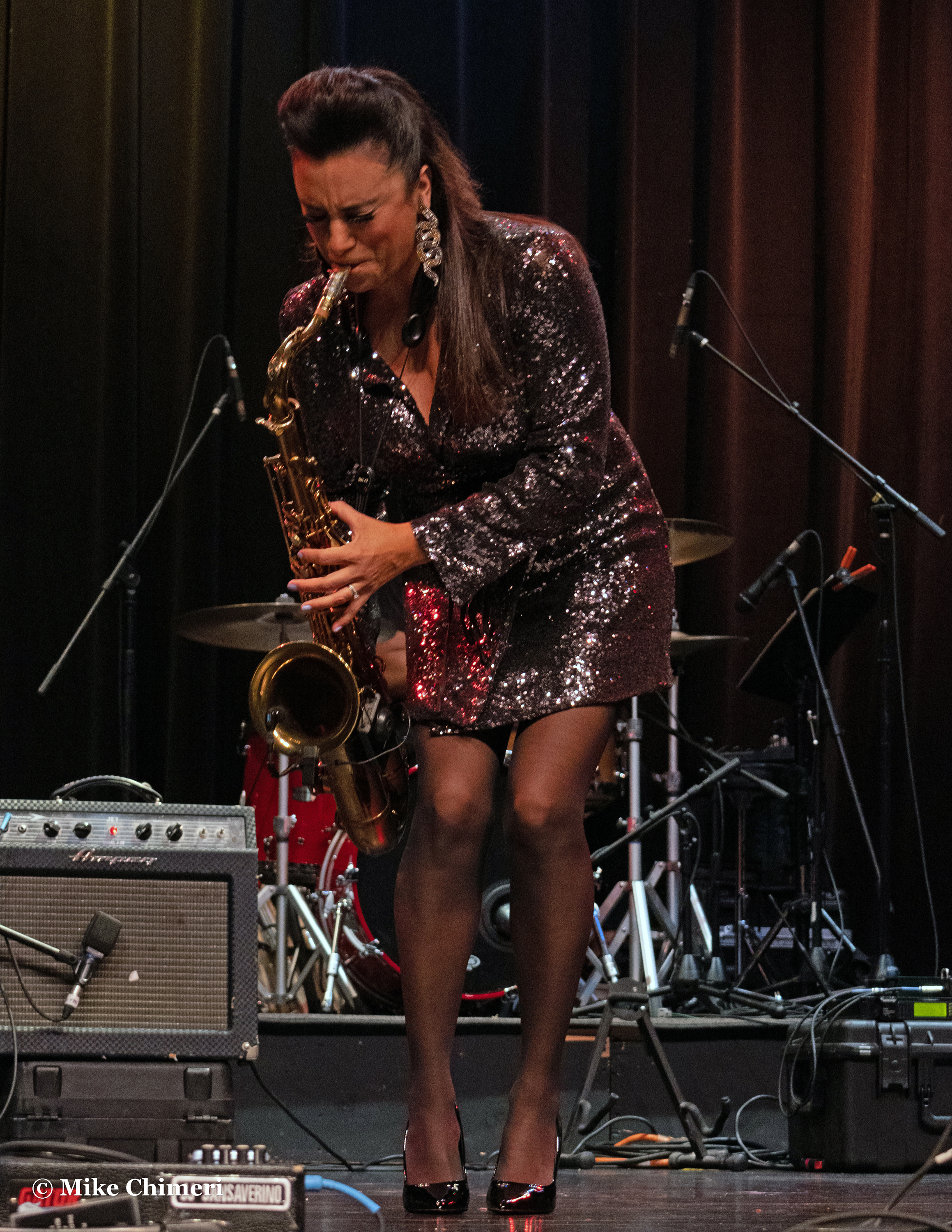
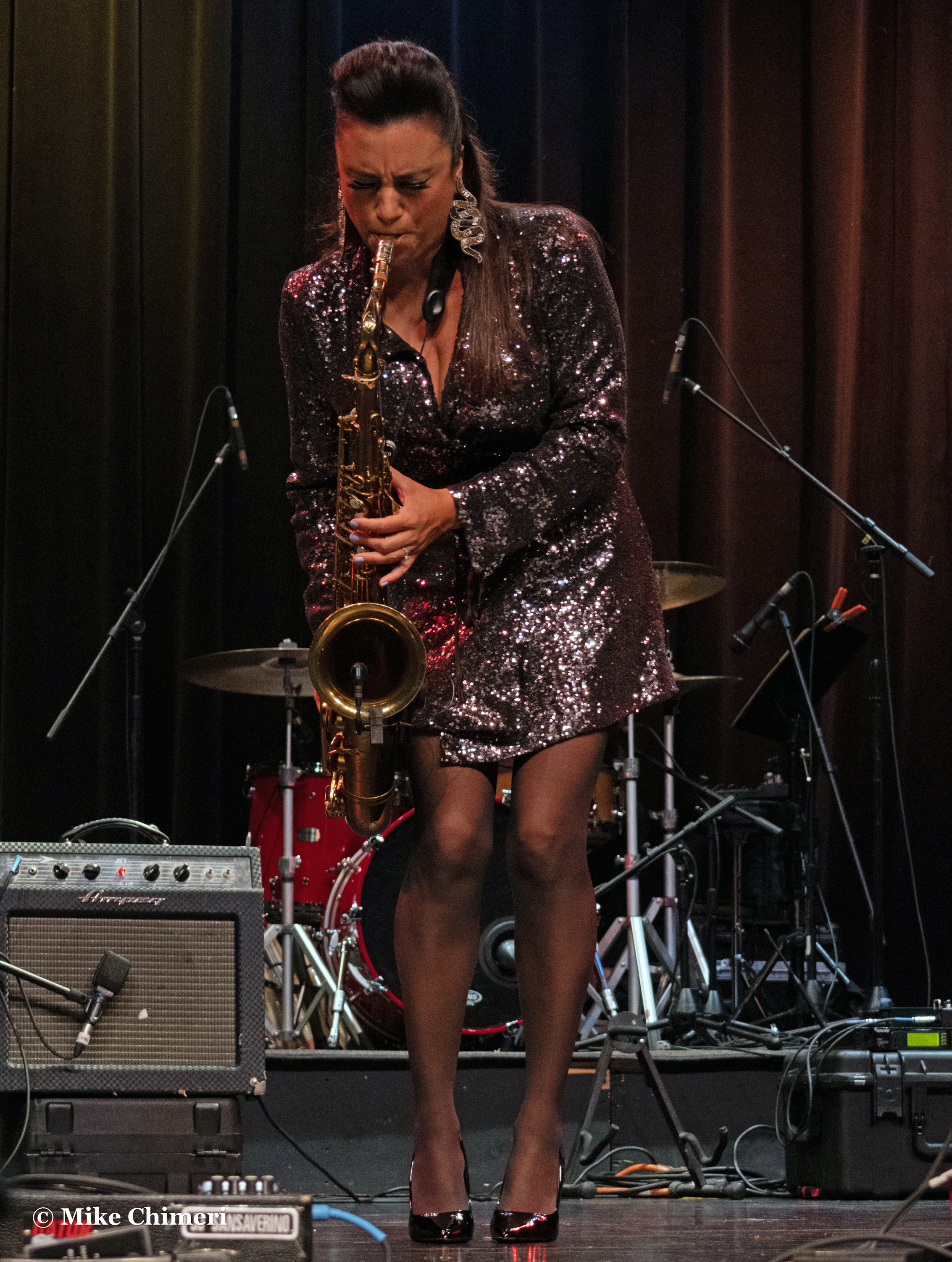


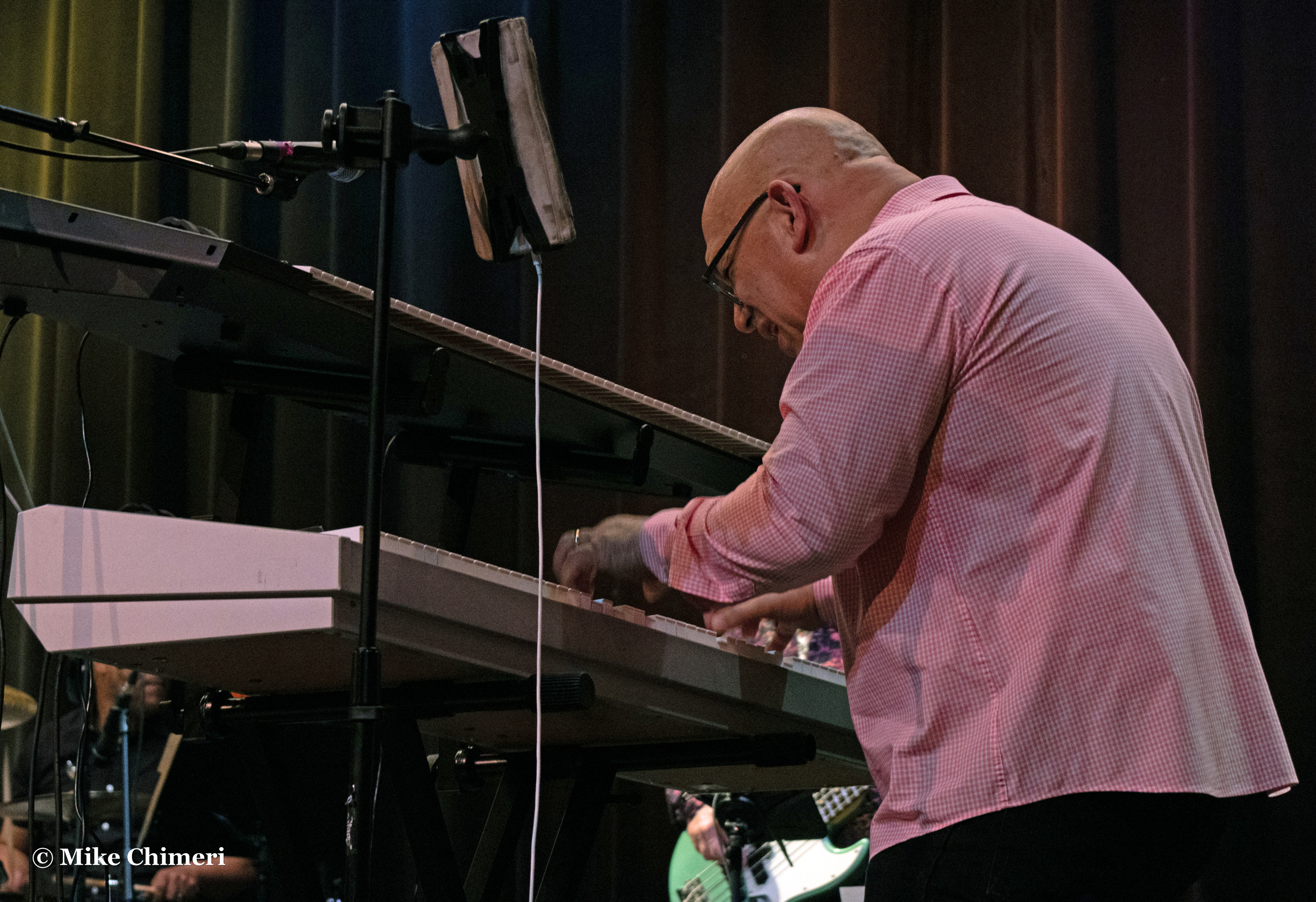
Photo galleries of the house band start with Jay Rowe during his intense “Waterfall” solo:


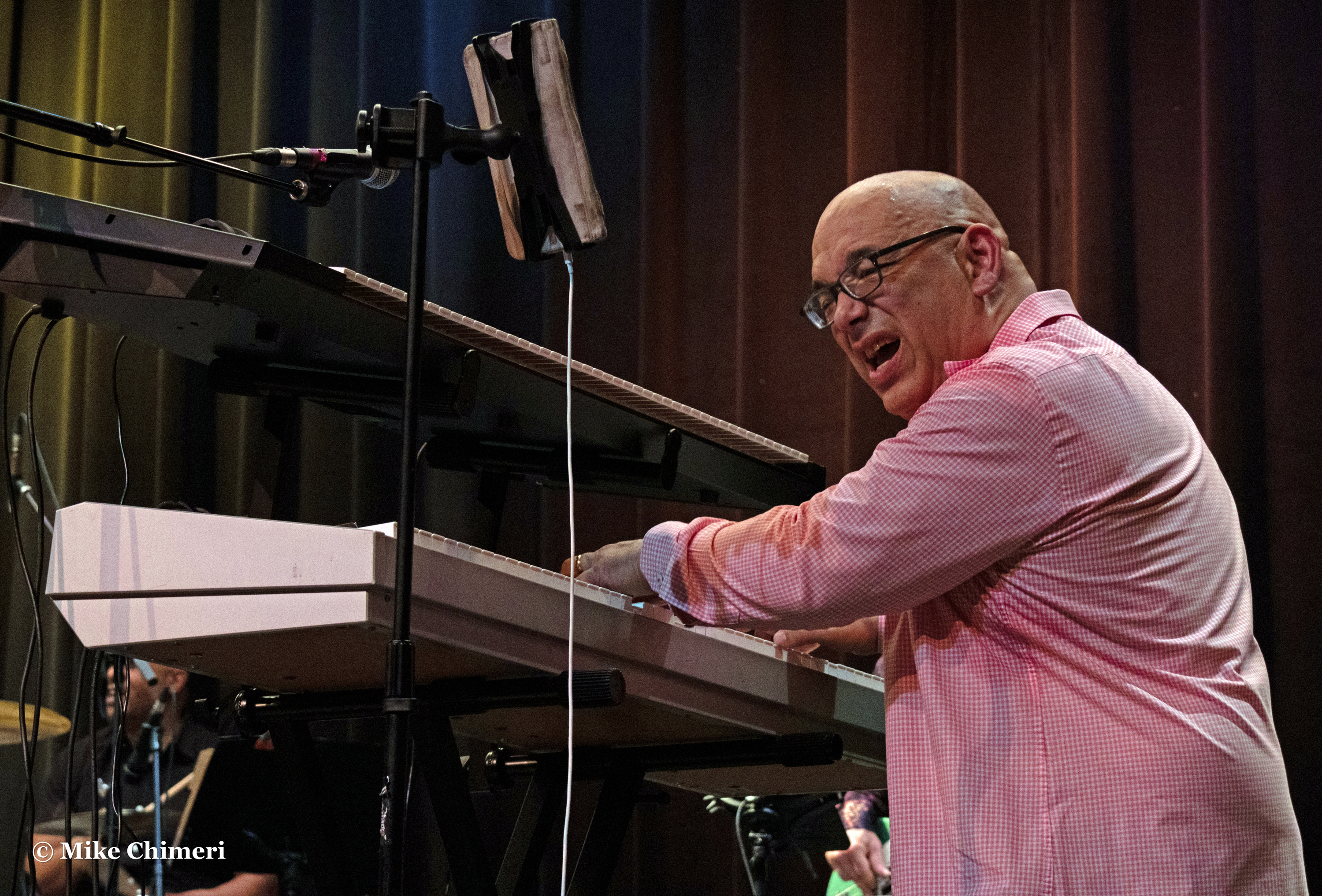
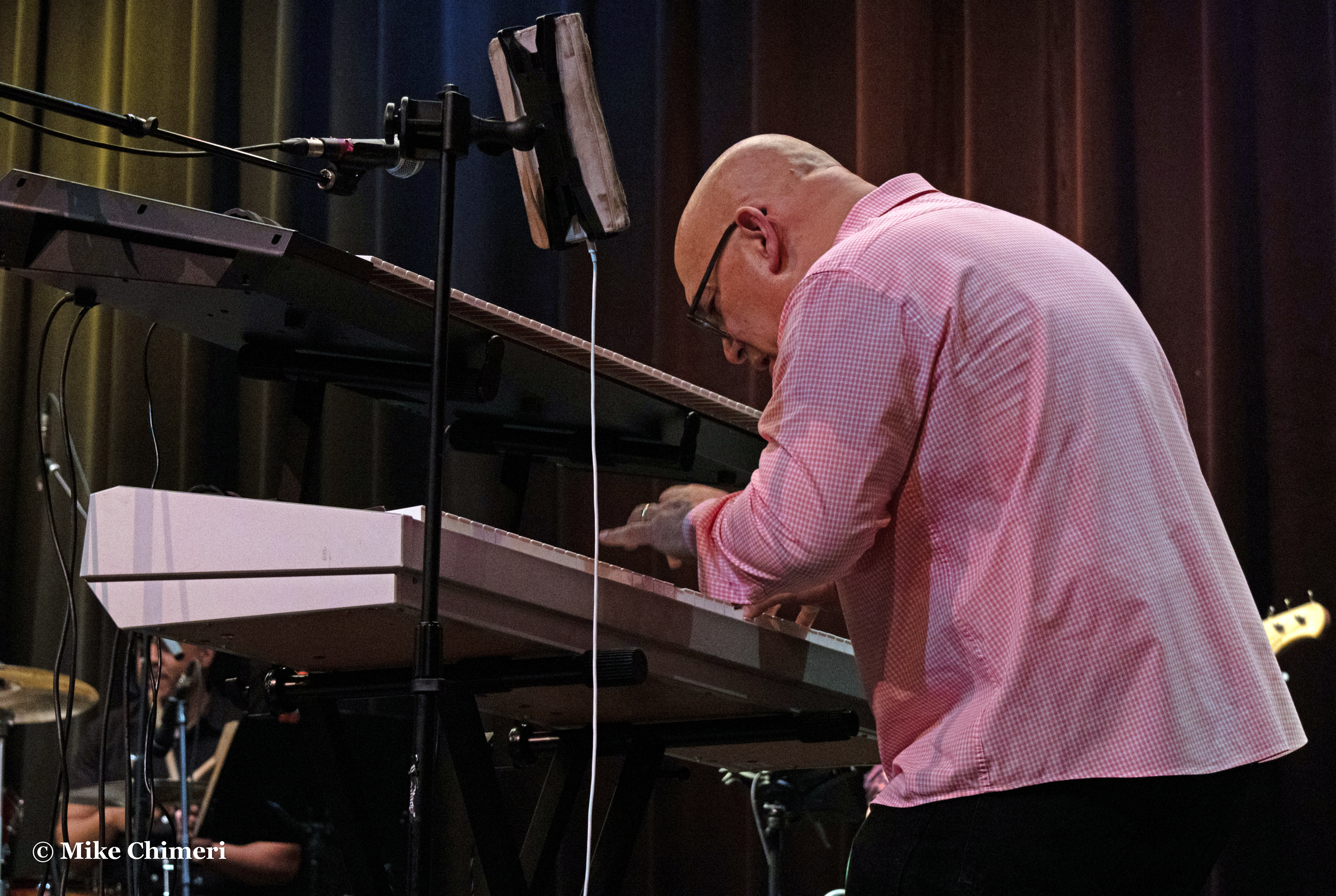
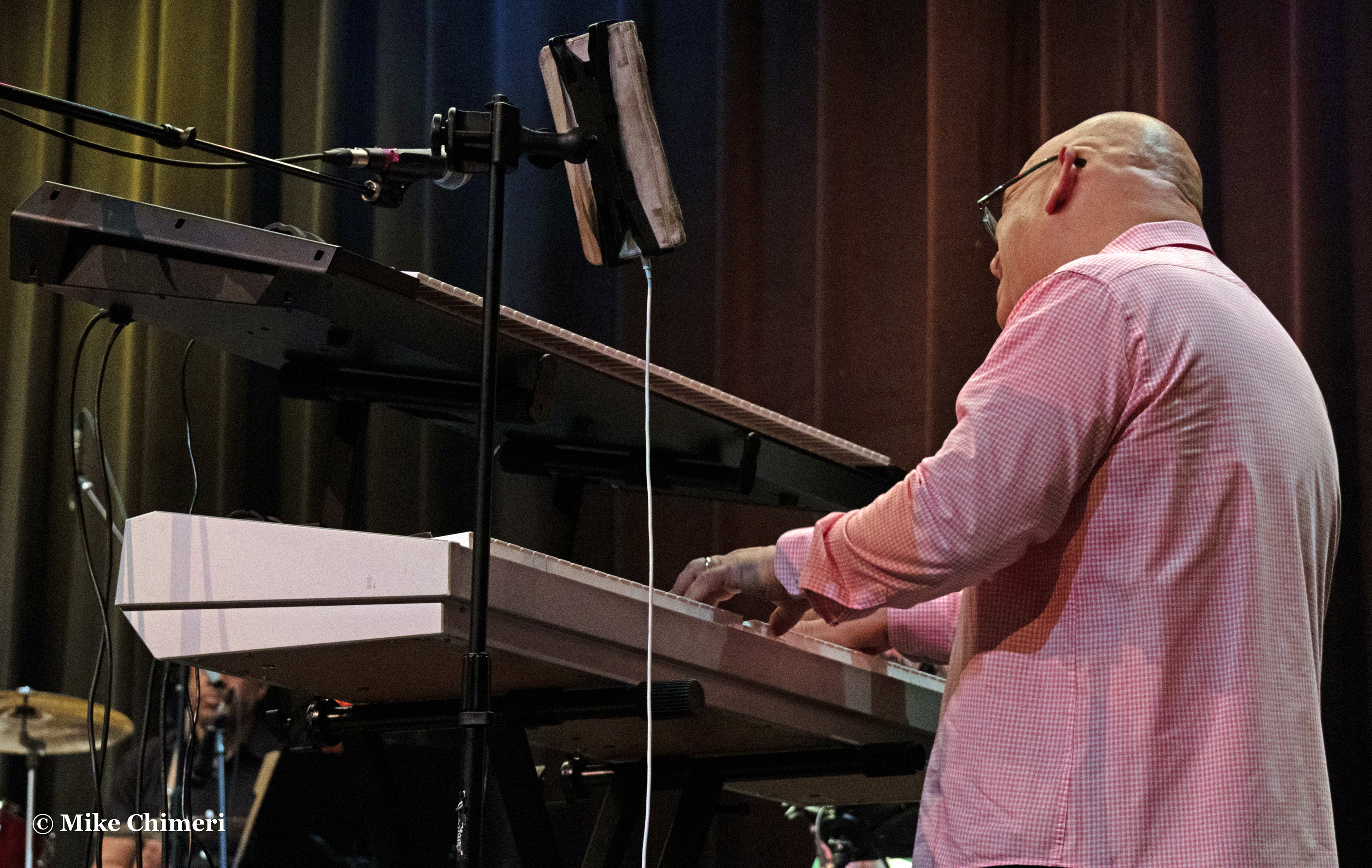


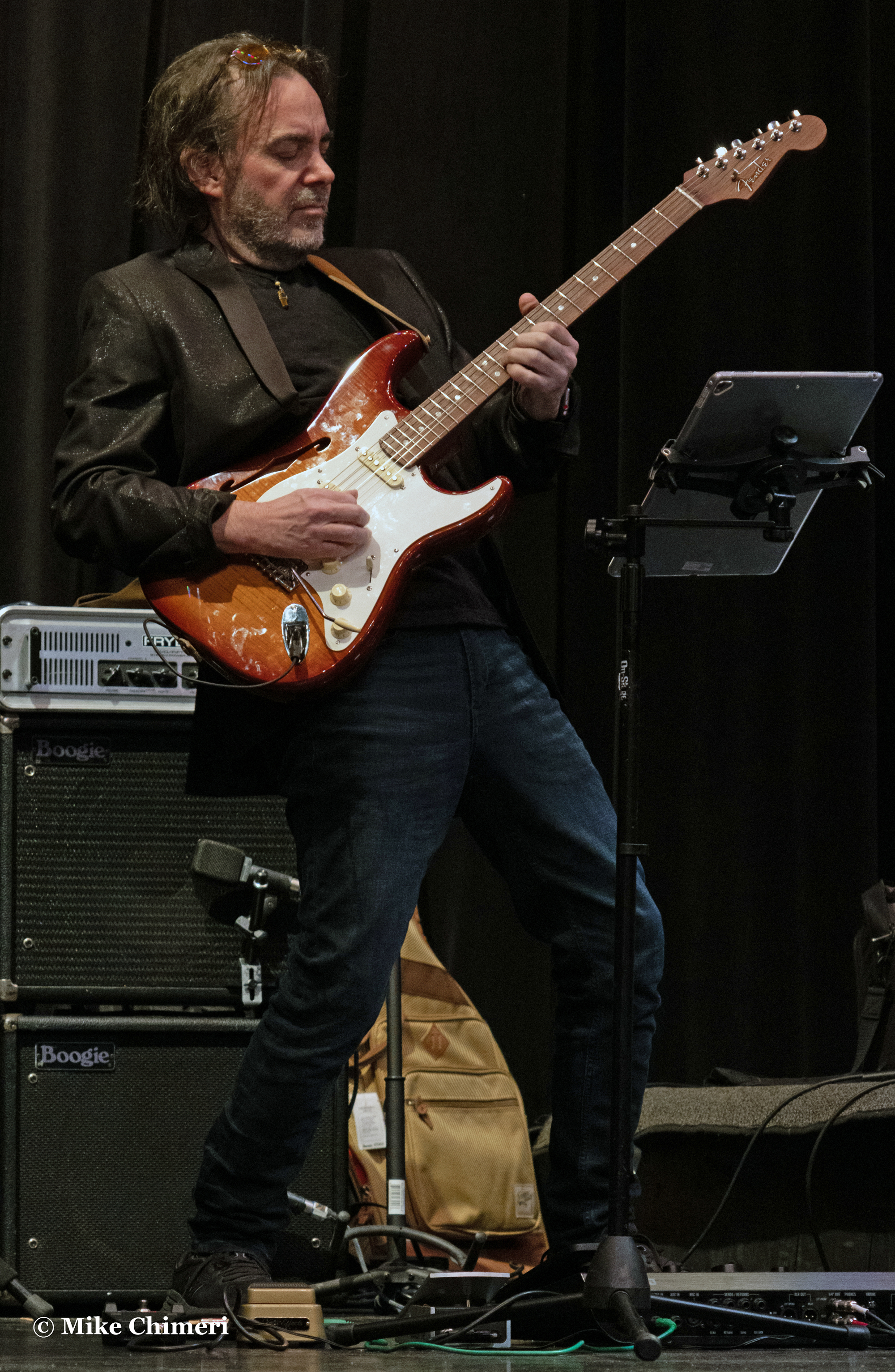
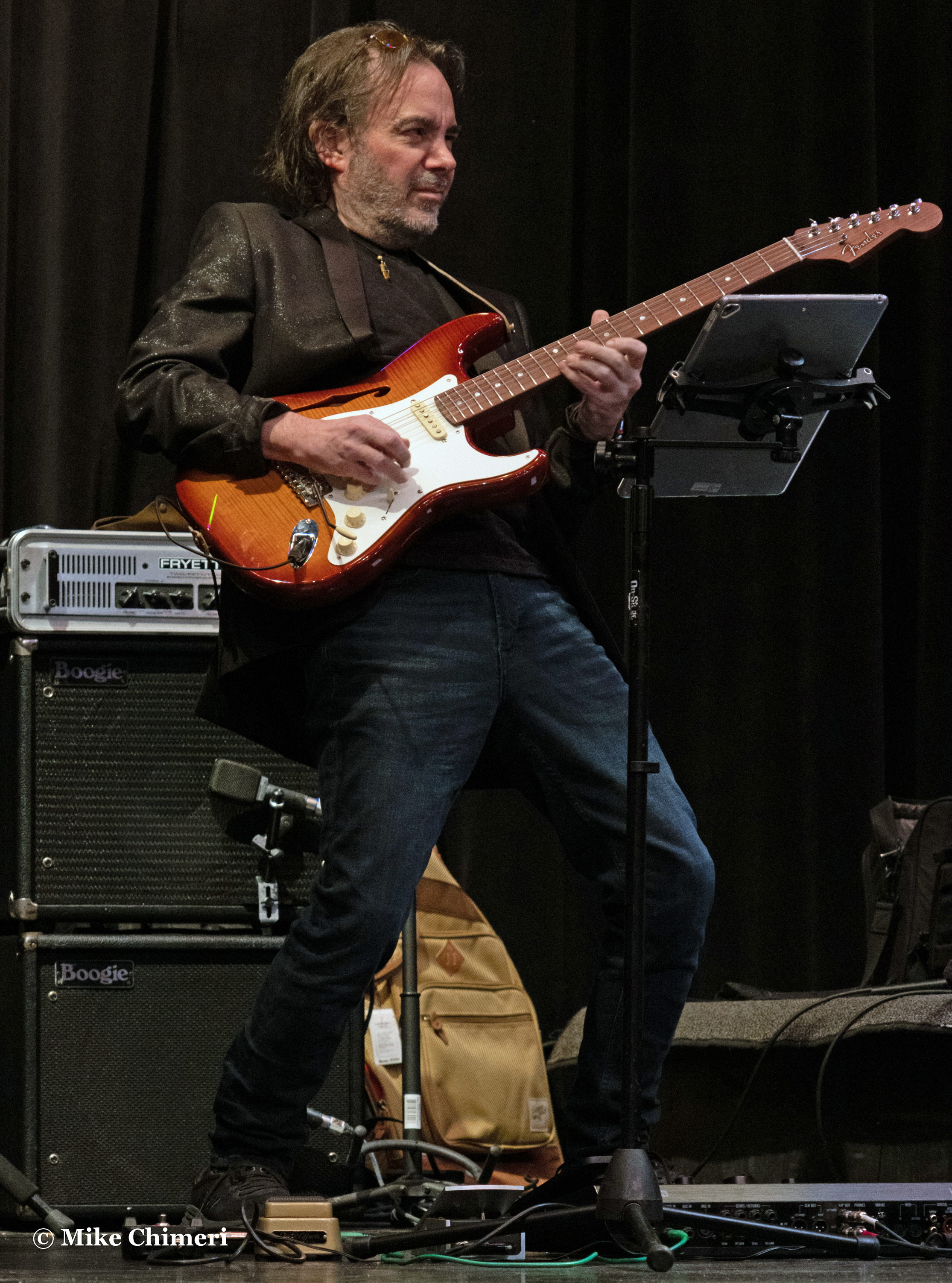
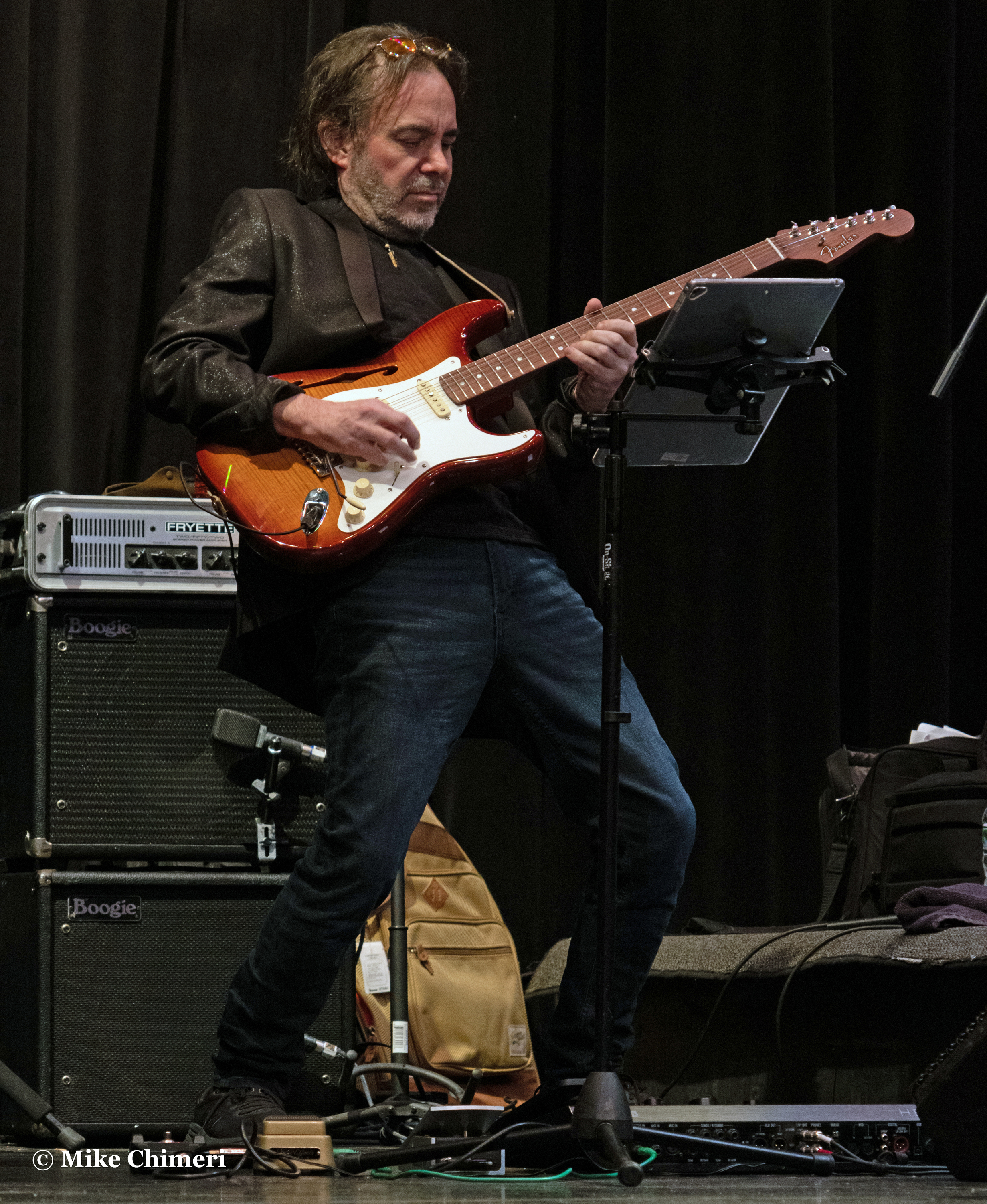
Andy Abel’s “East Coast West Coast” solo:


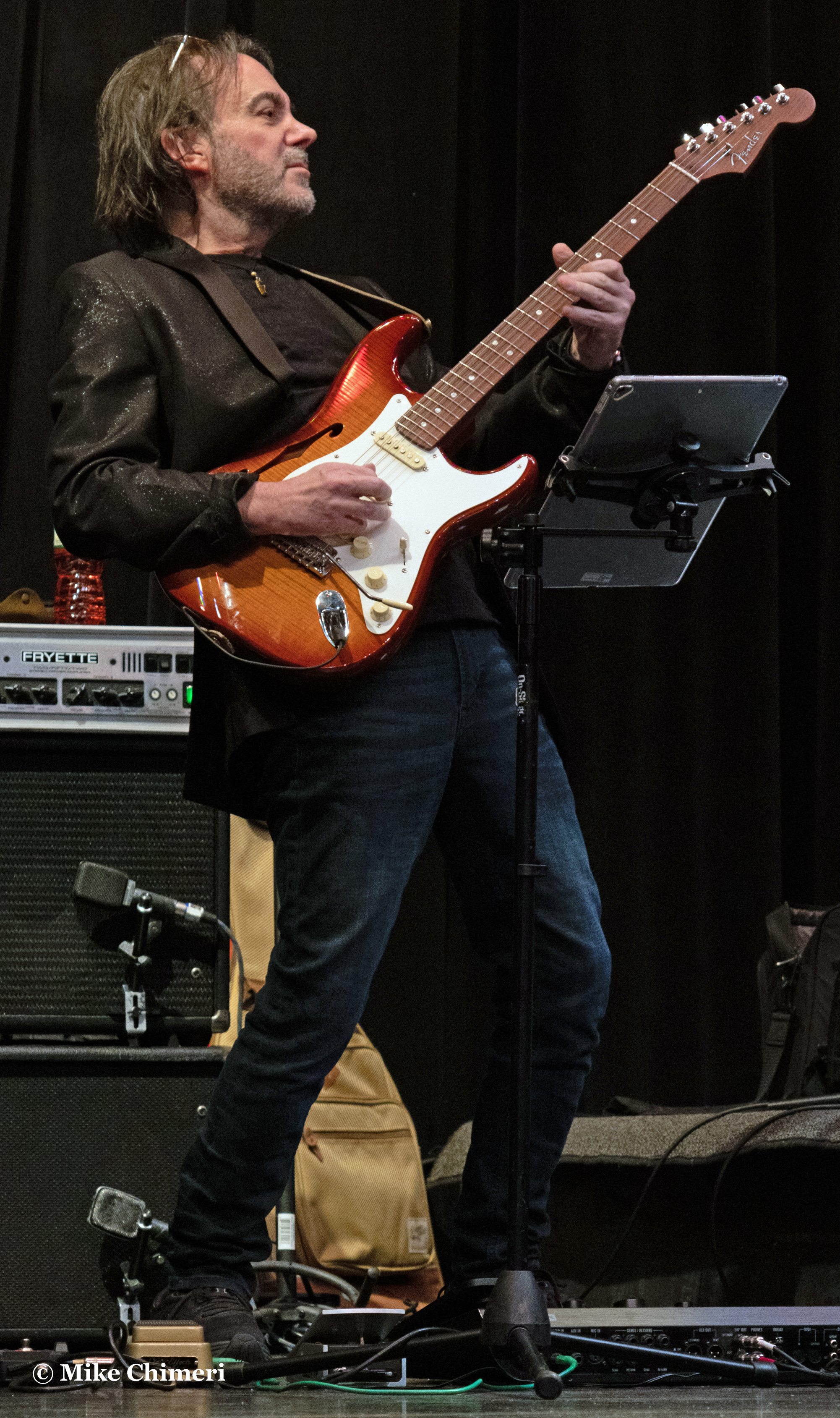
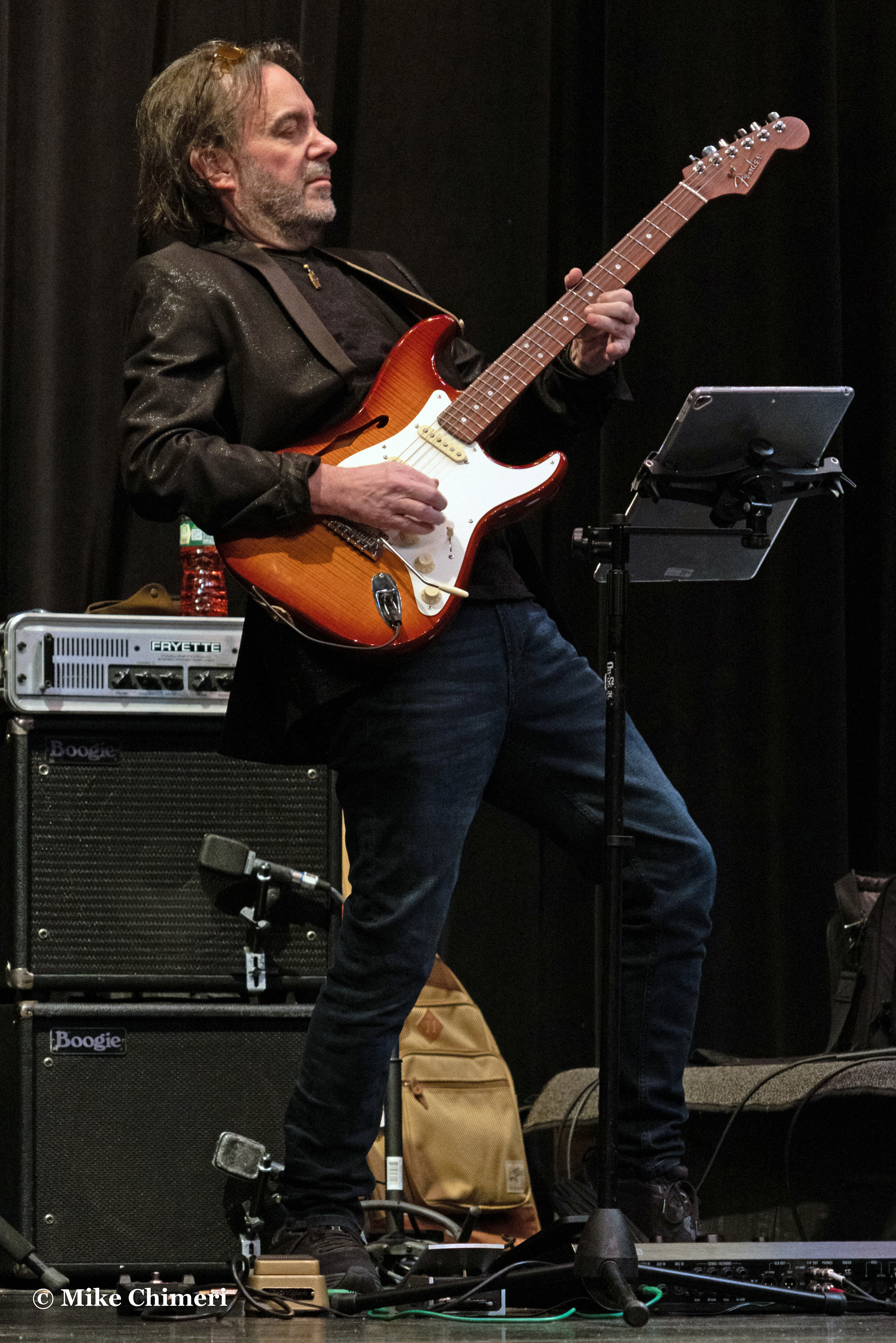

Regrettably, I only took two more photos of Dave Anderson:
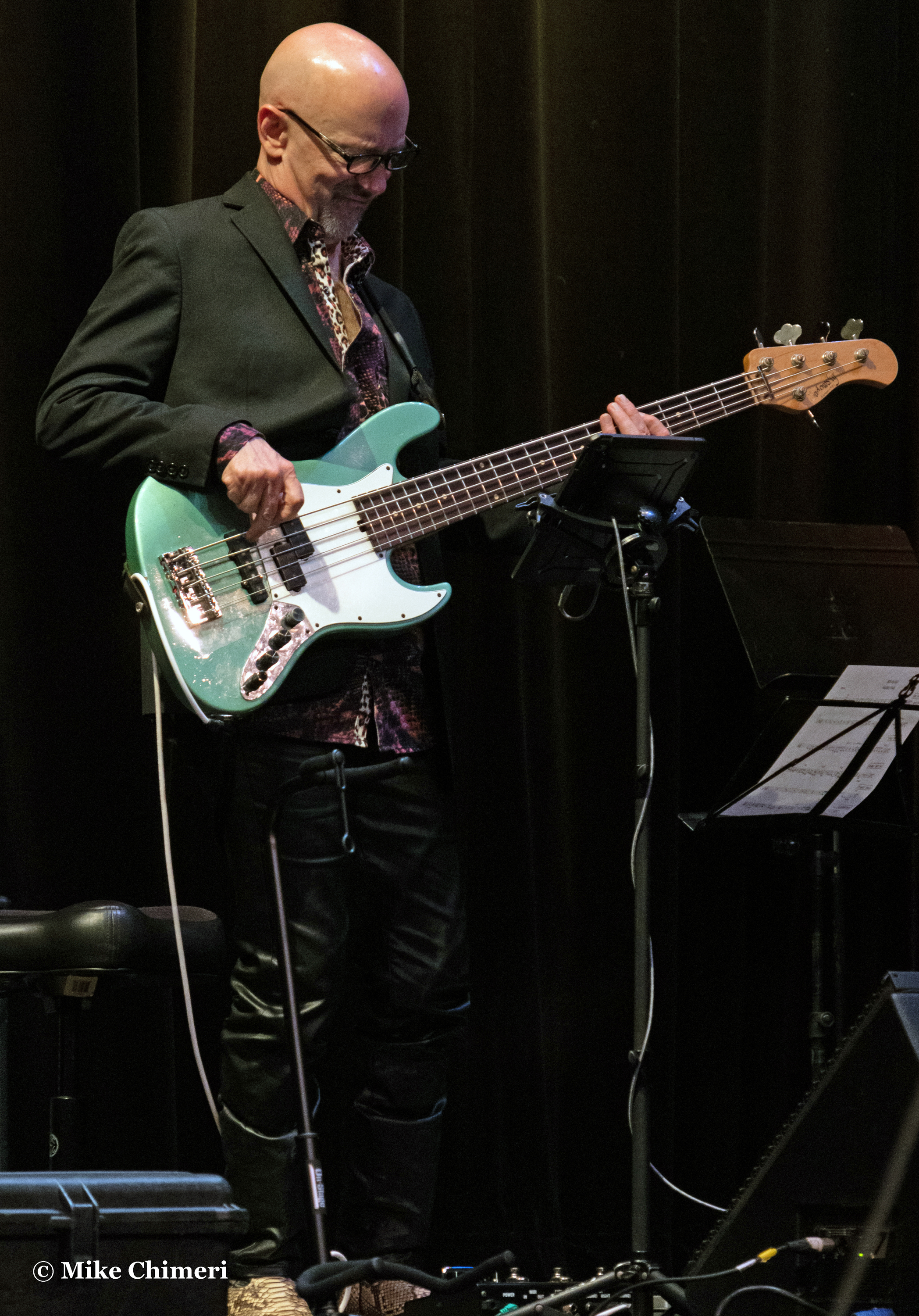
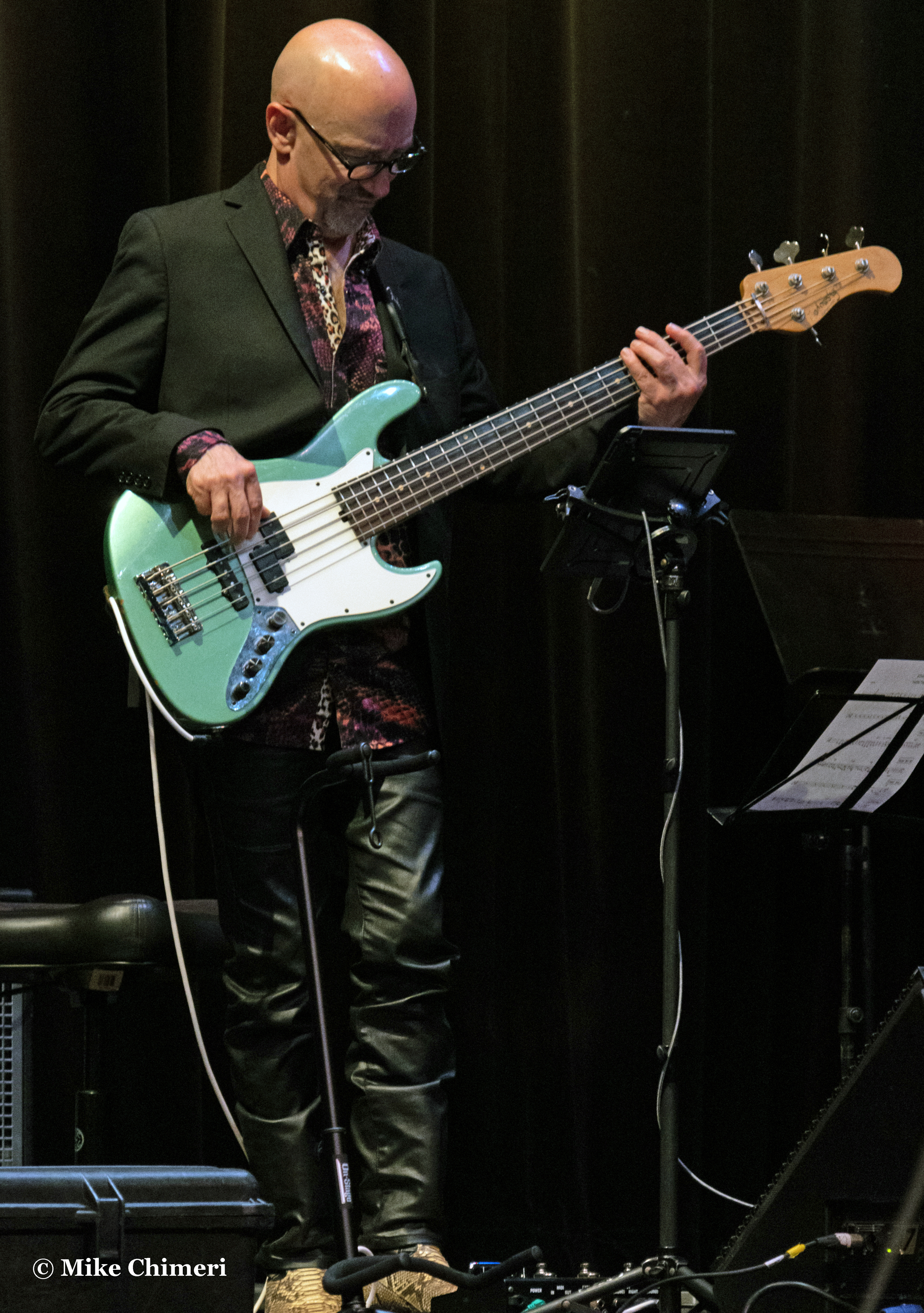
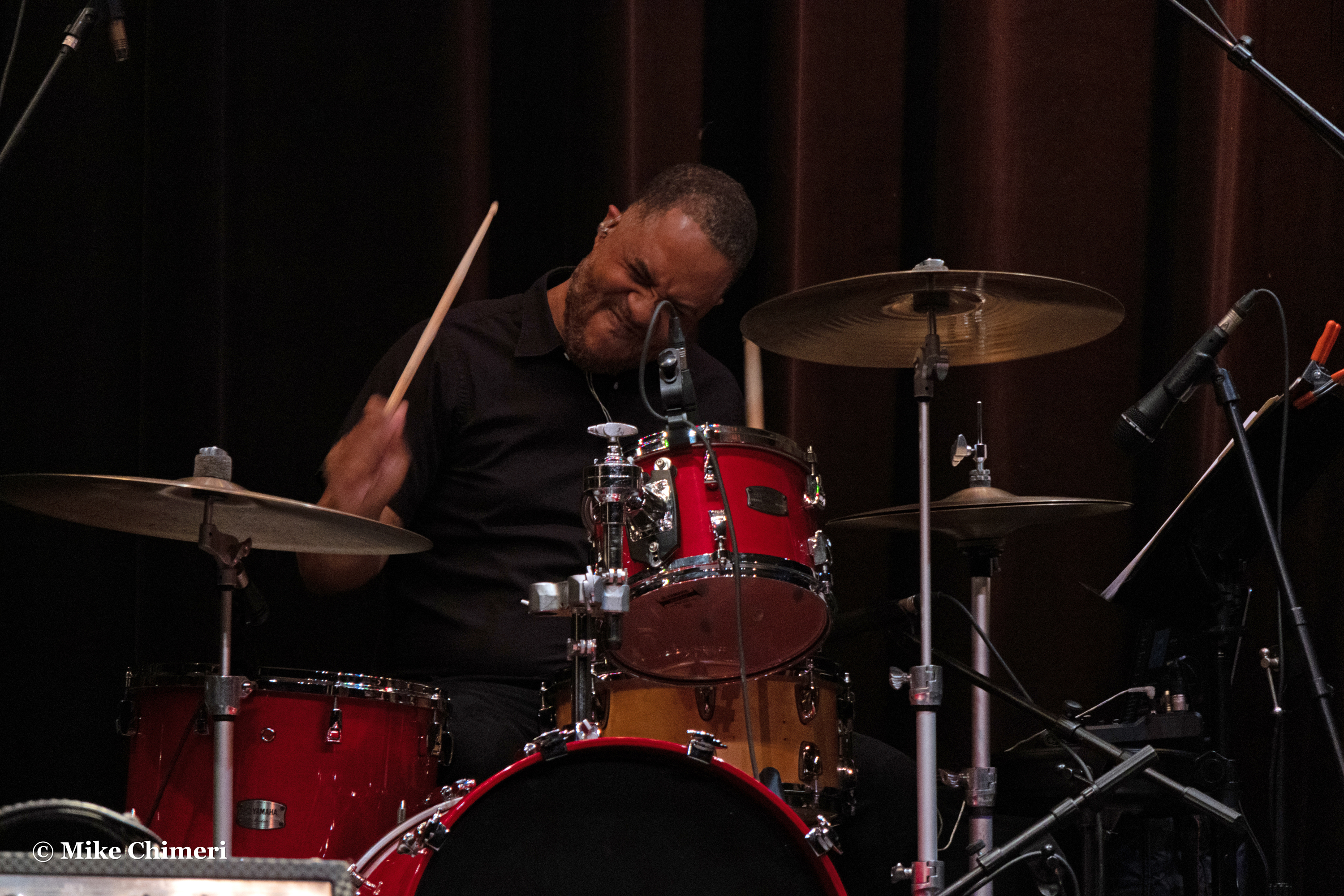
Here are nine of Trever Somerville:


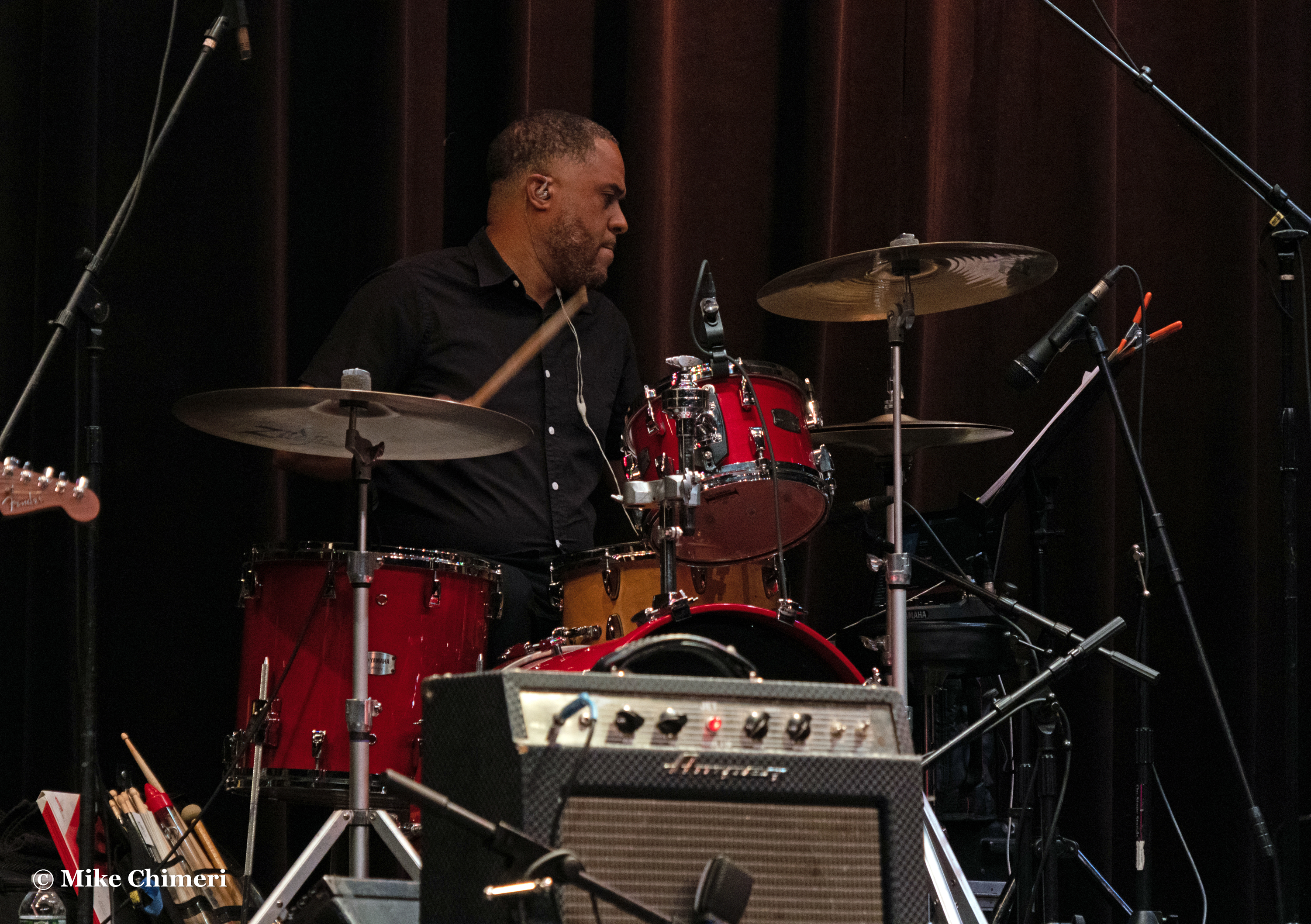
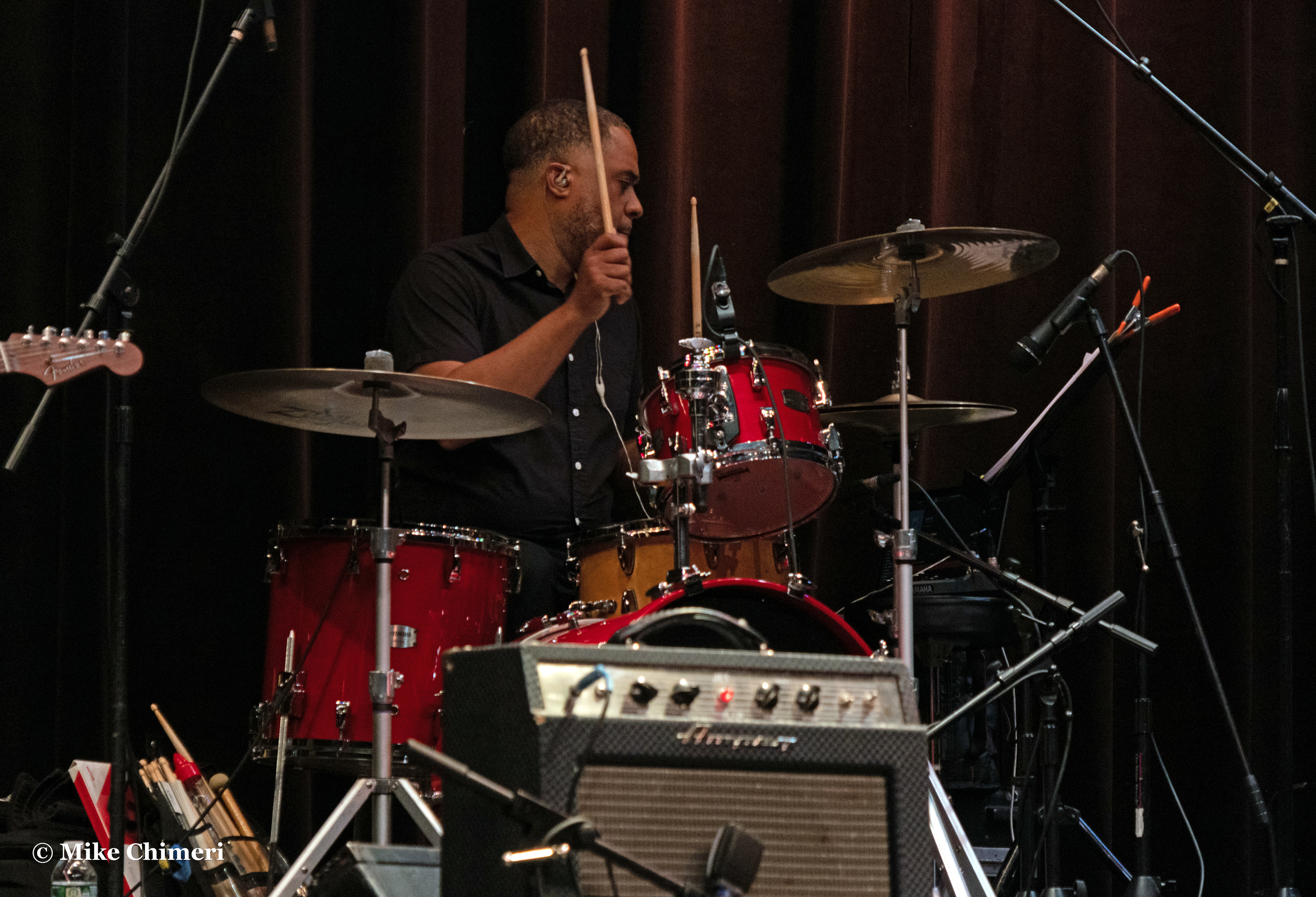
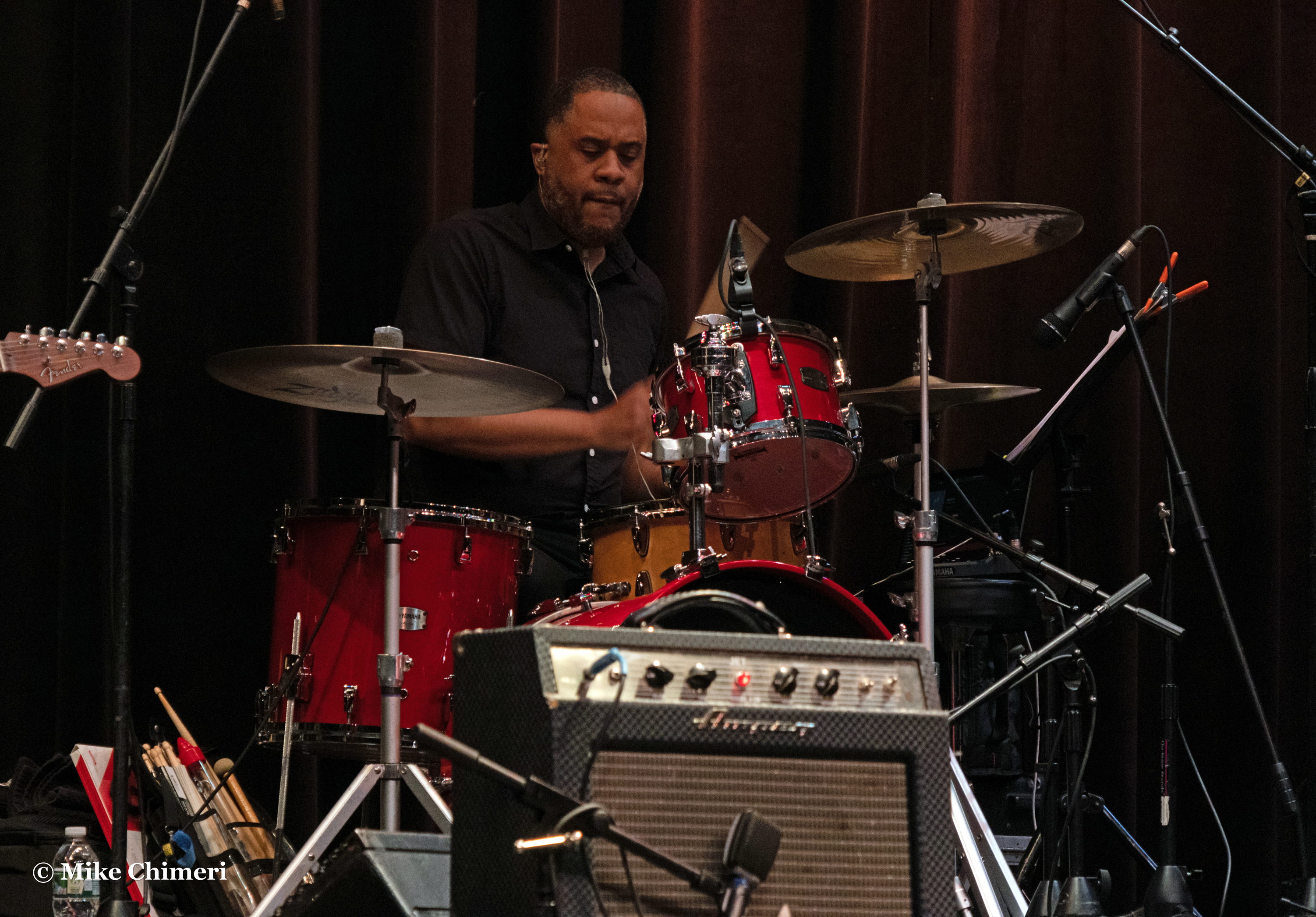

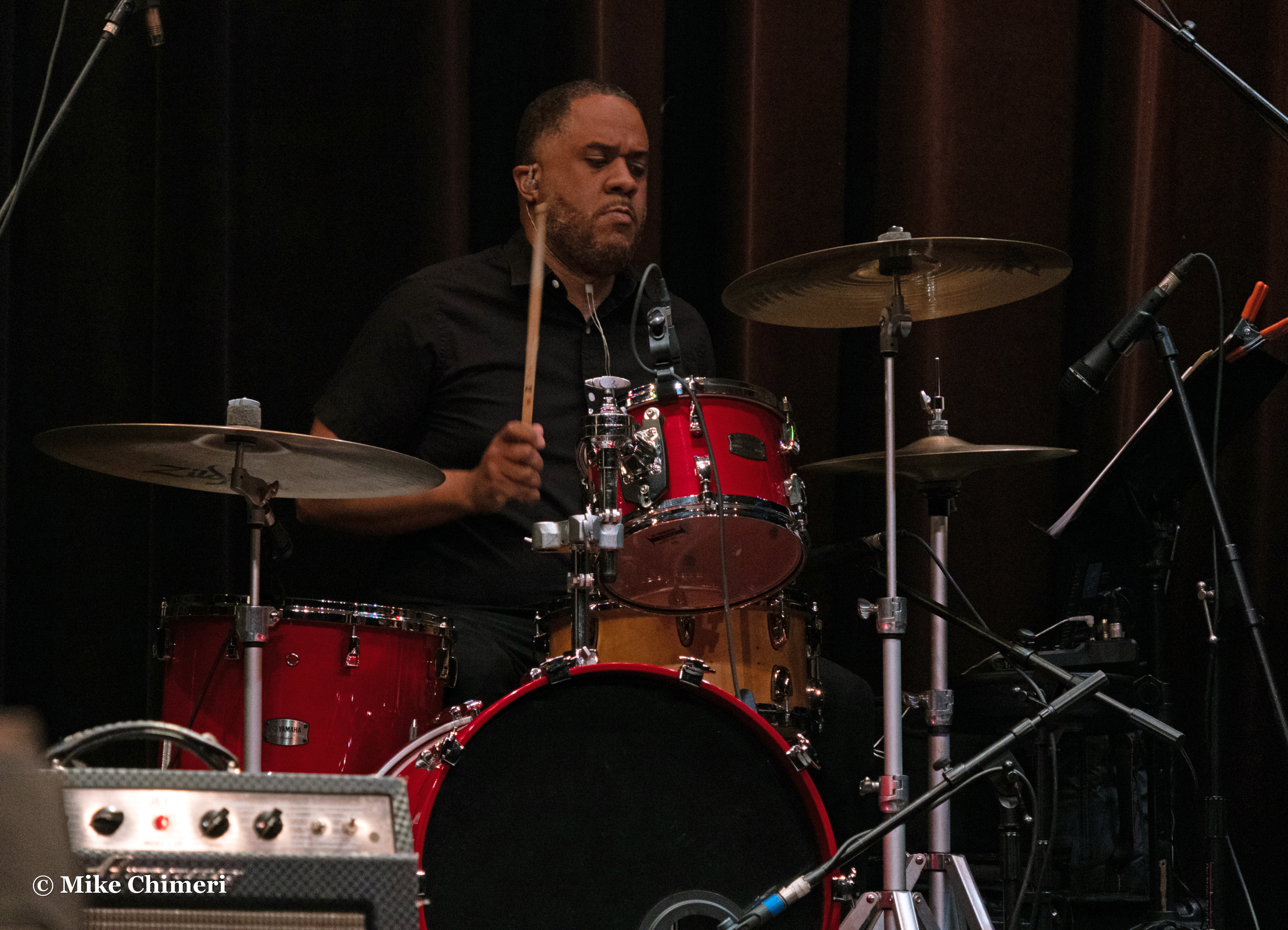

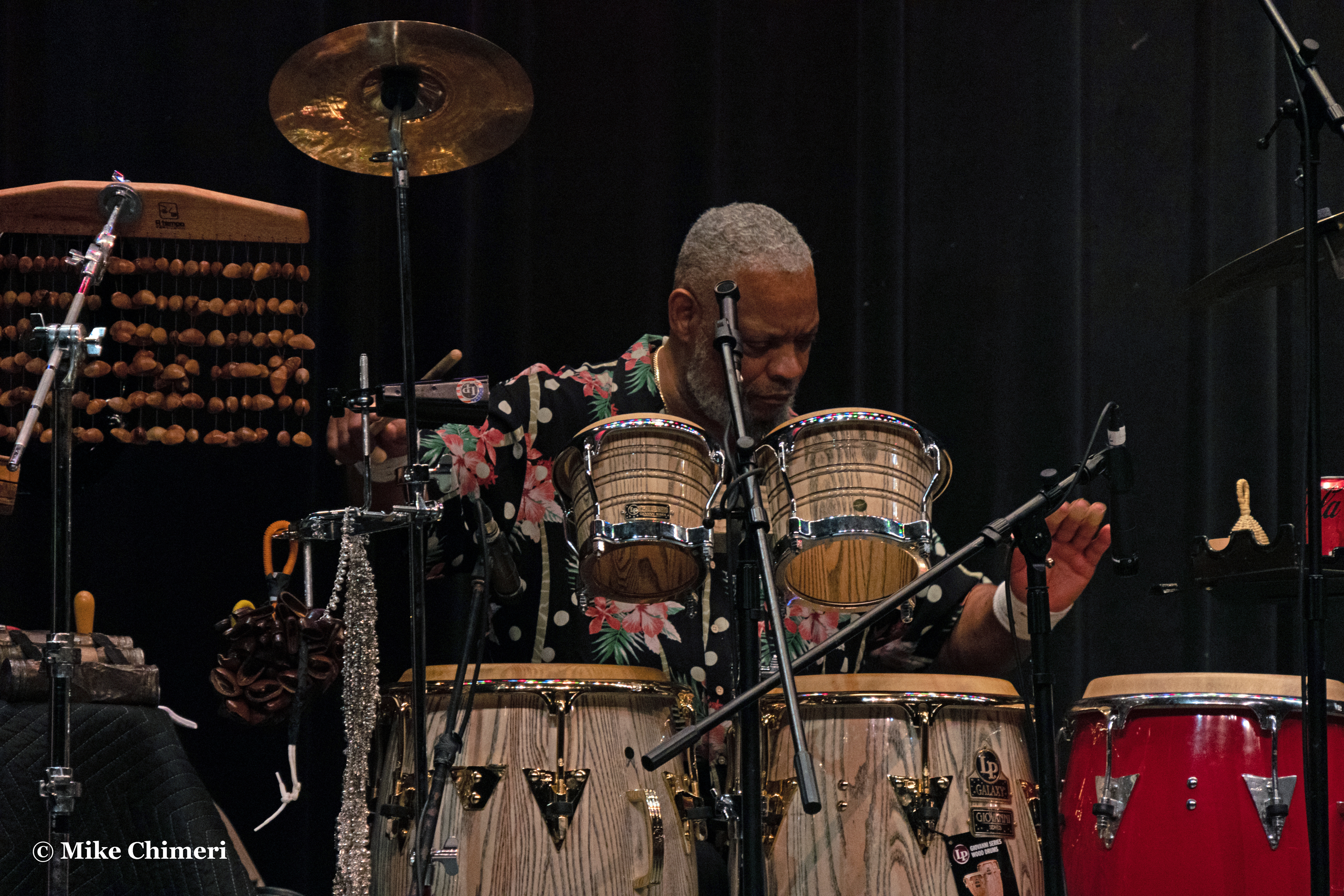
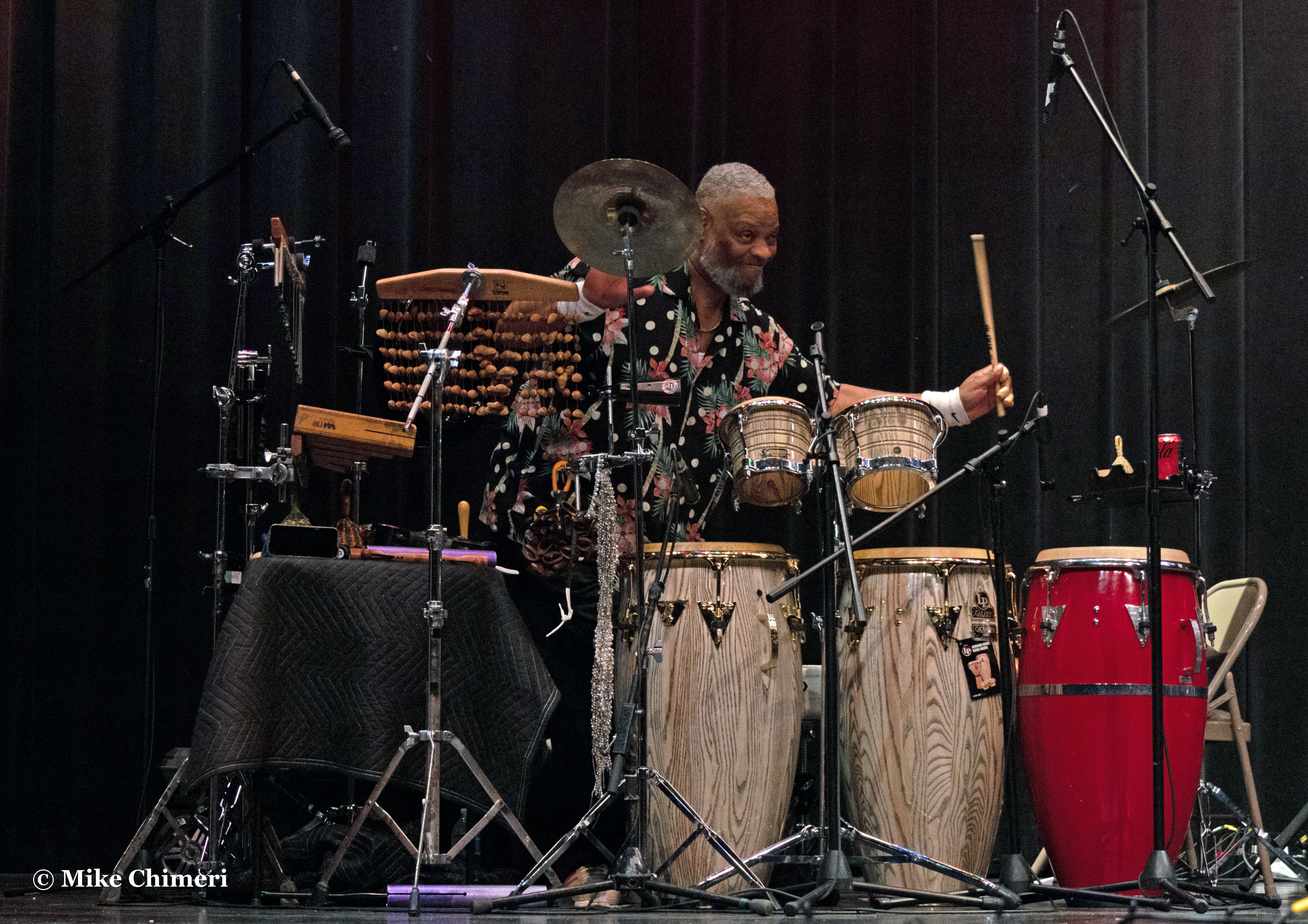
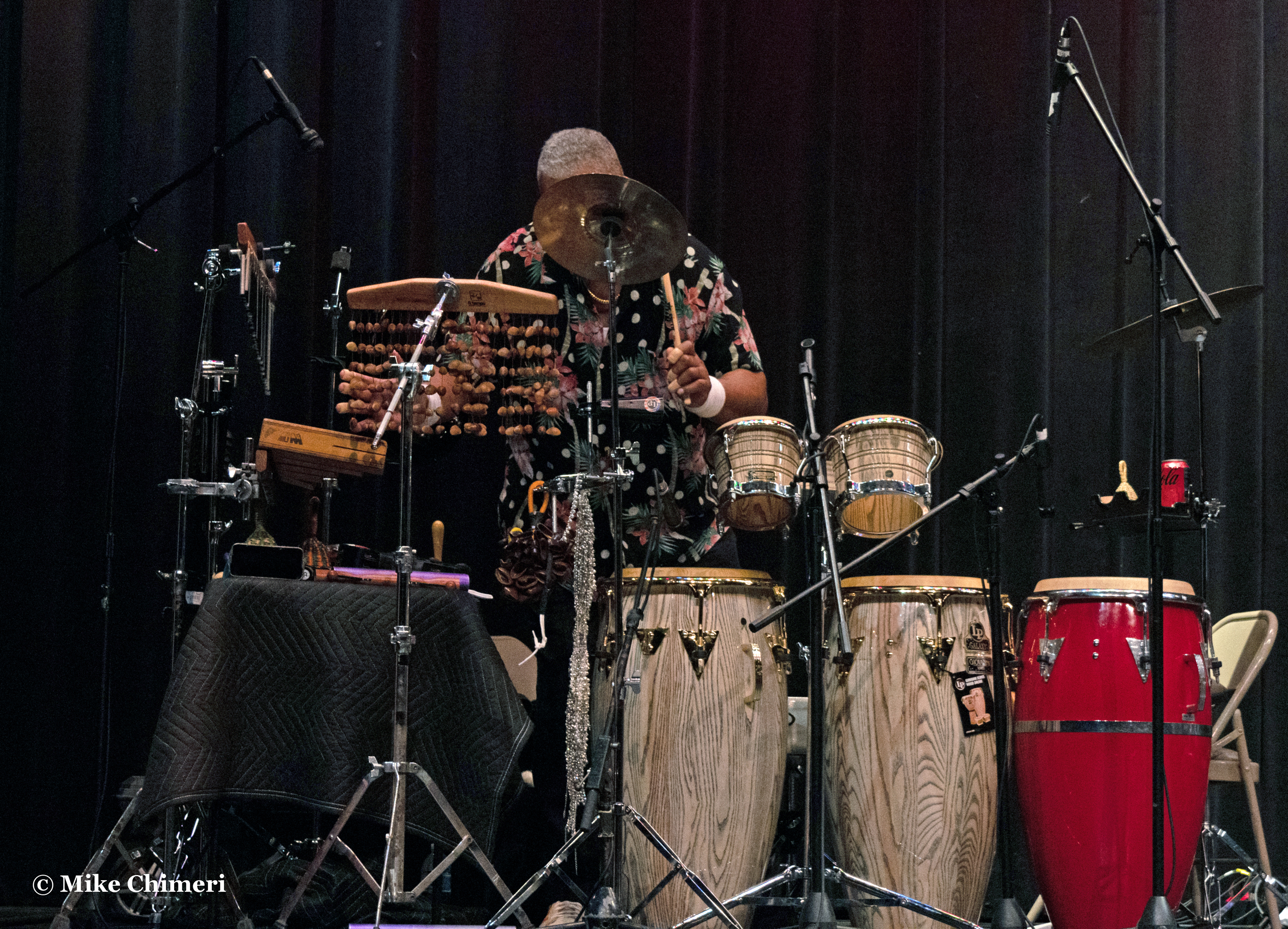
…and the 11 best of Steve Scales:




Medium shots, starting with Kim, Dave and Jay:
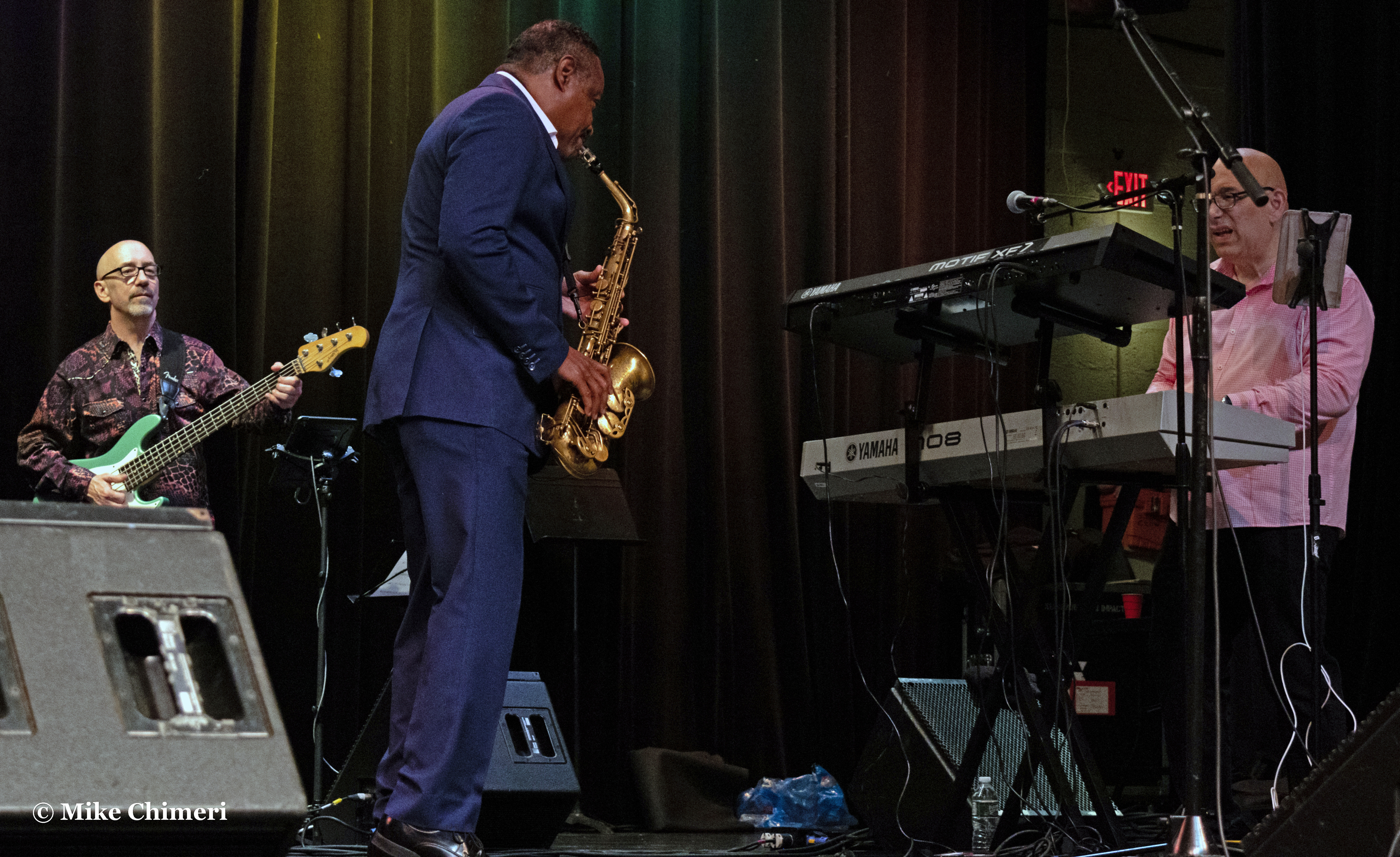
JJ and Jay:


End of “Set It Off”
Jessy J and Jay:

Dancing along (no pun intended) to Jay’s “Tequila Moon” solo 

Jessy and Andy during his “Blue” solo:


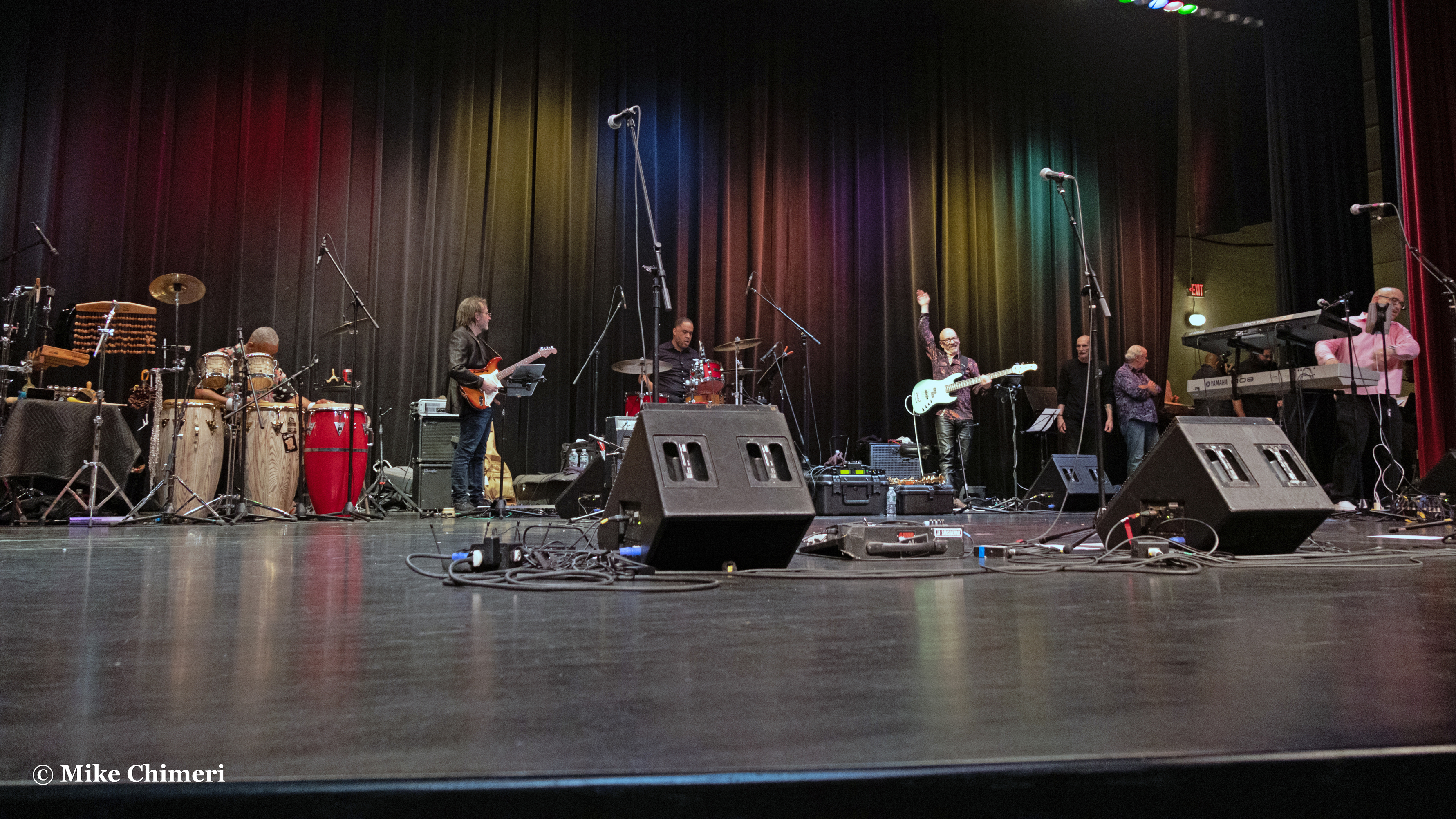
Wide shots:


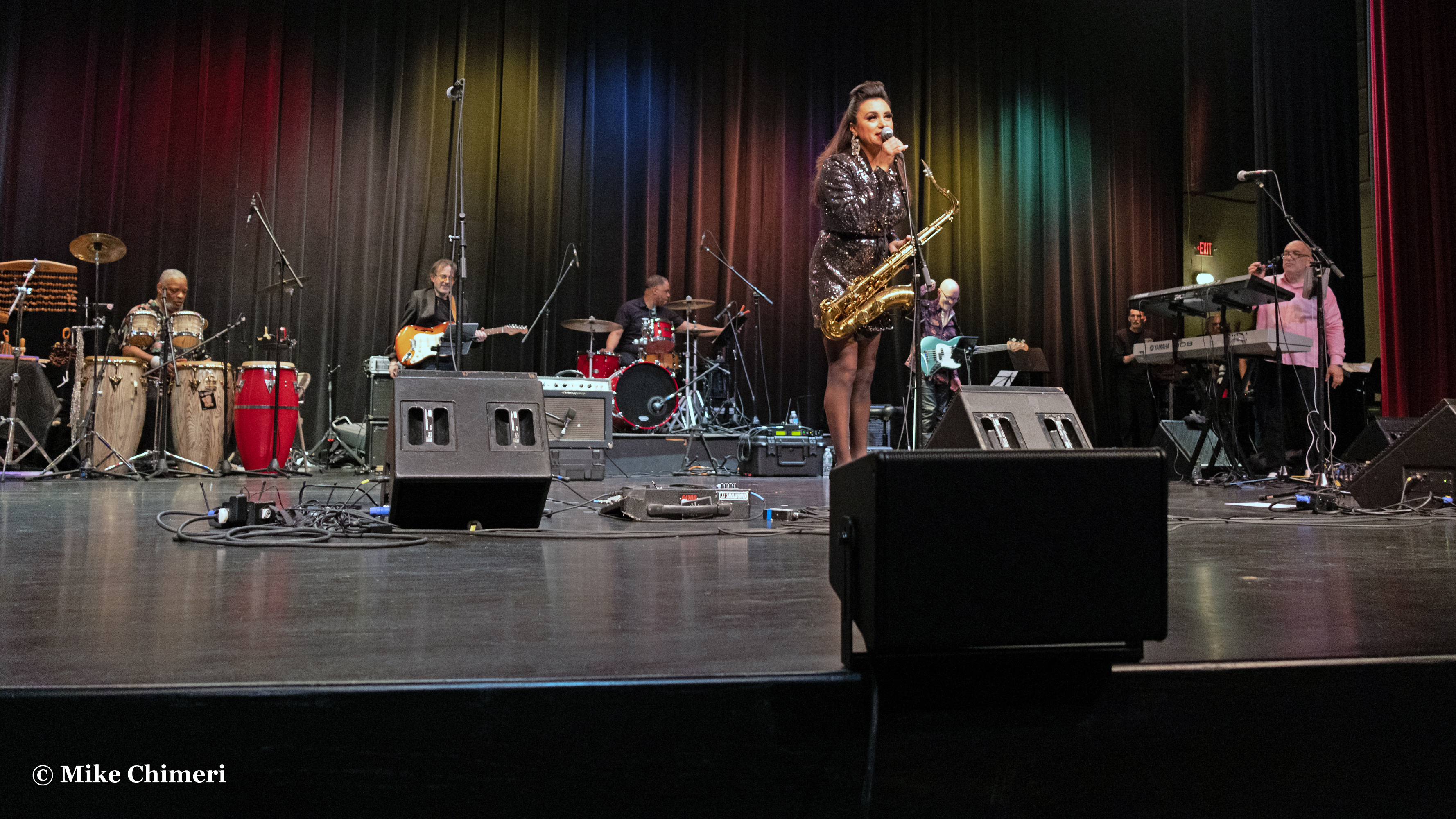


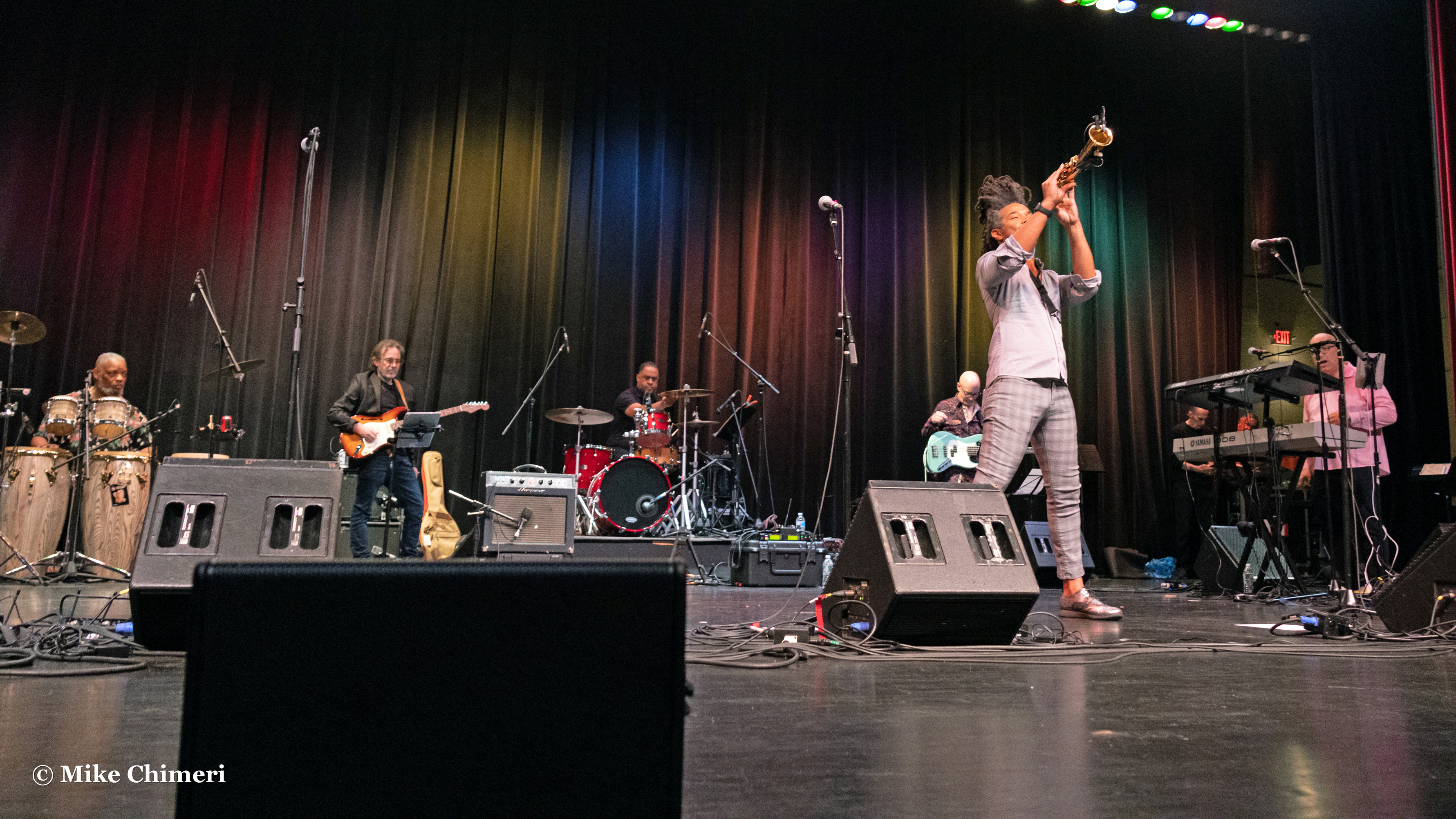

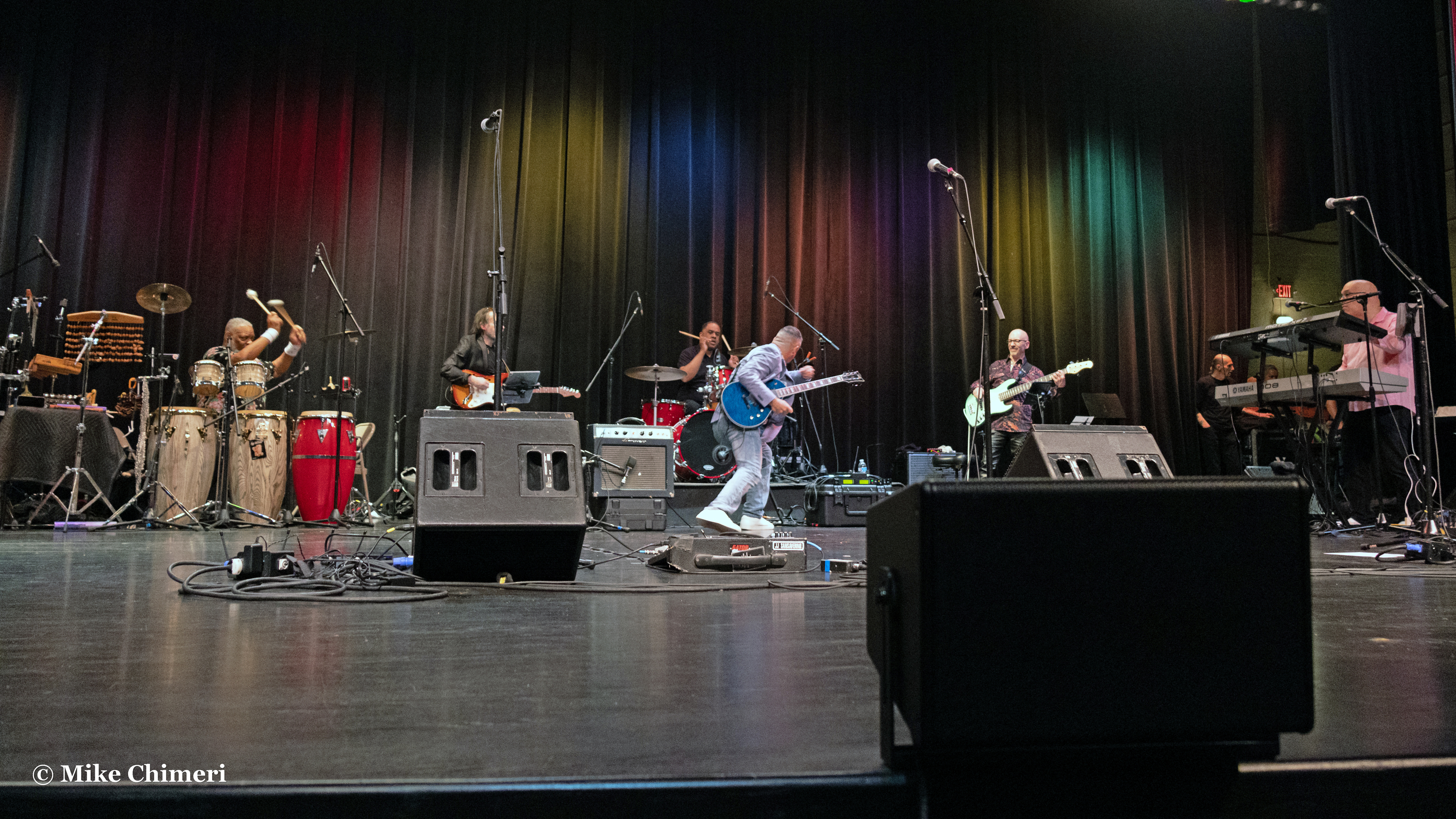

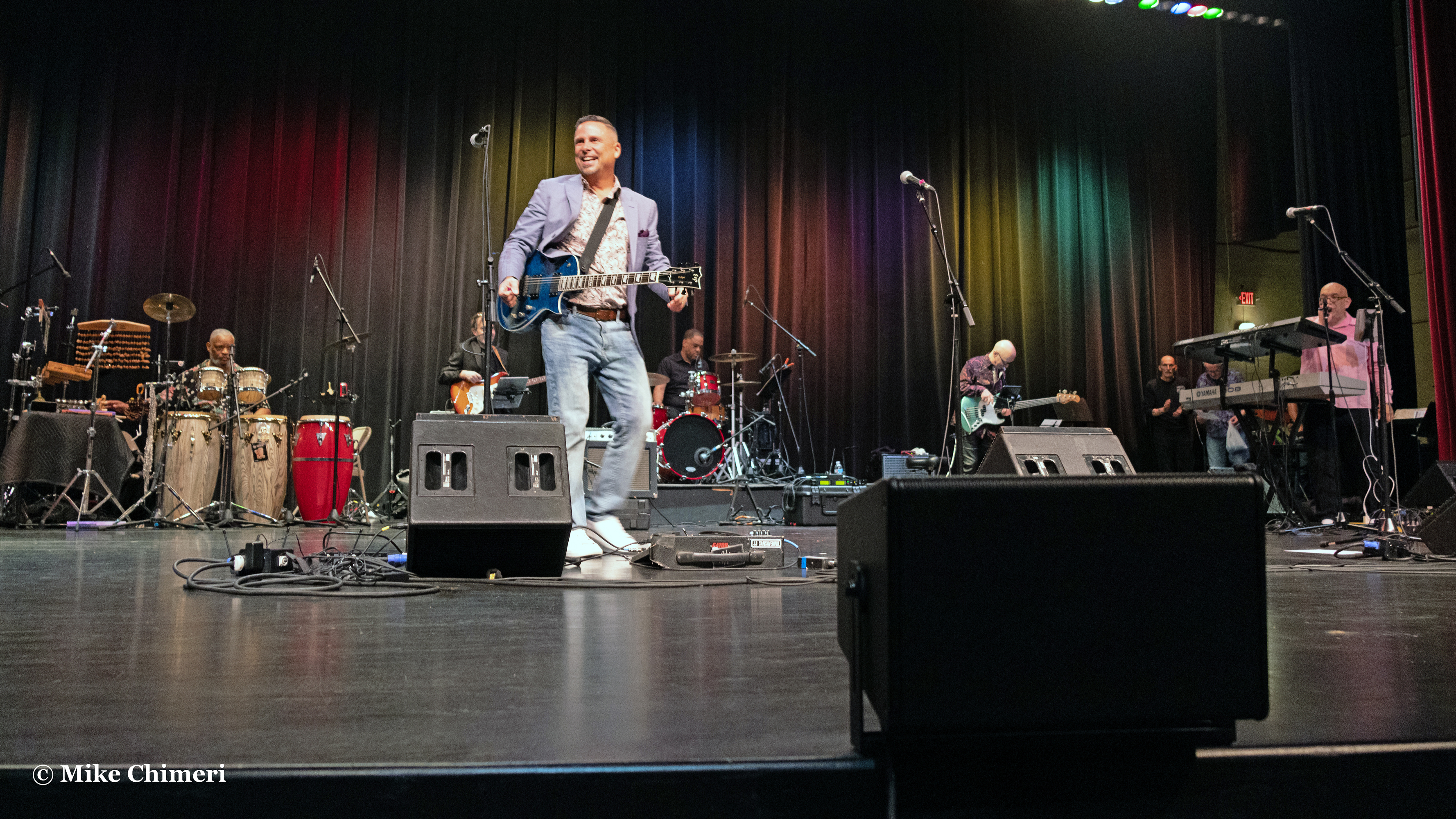
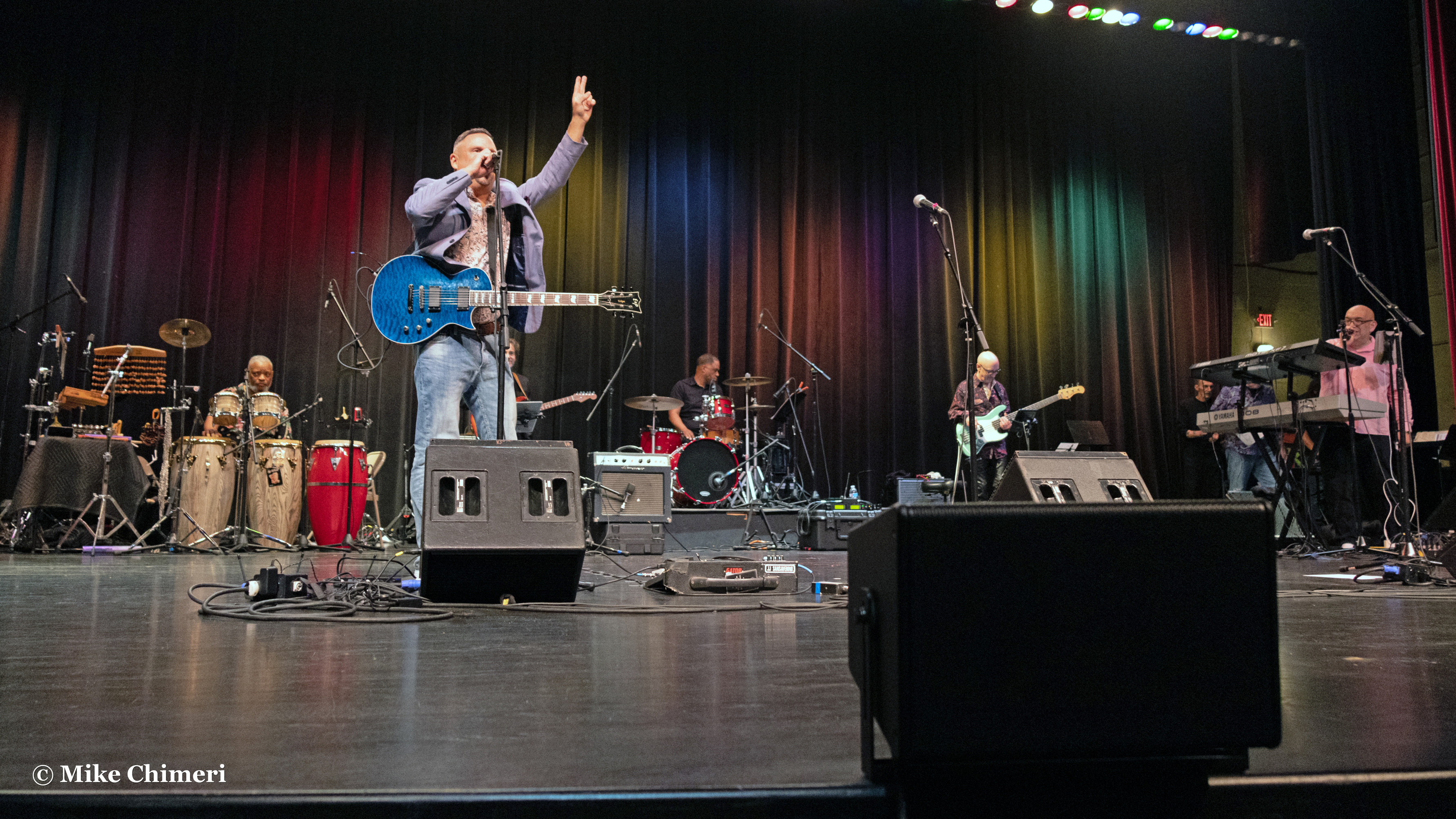
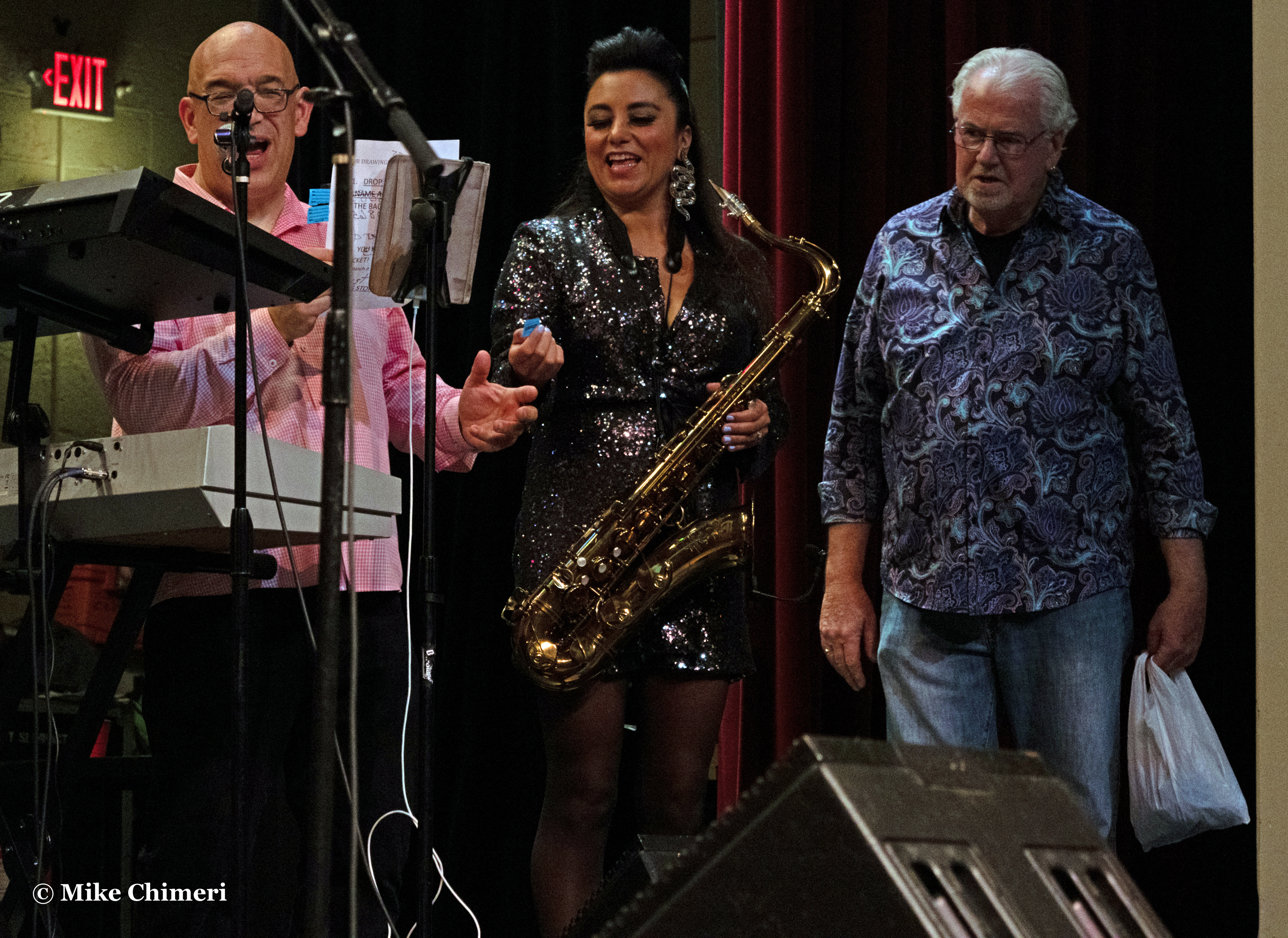
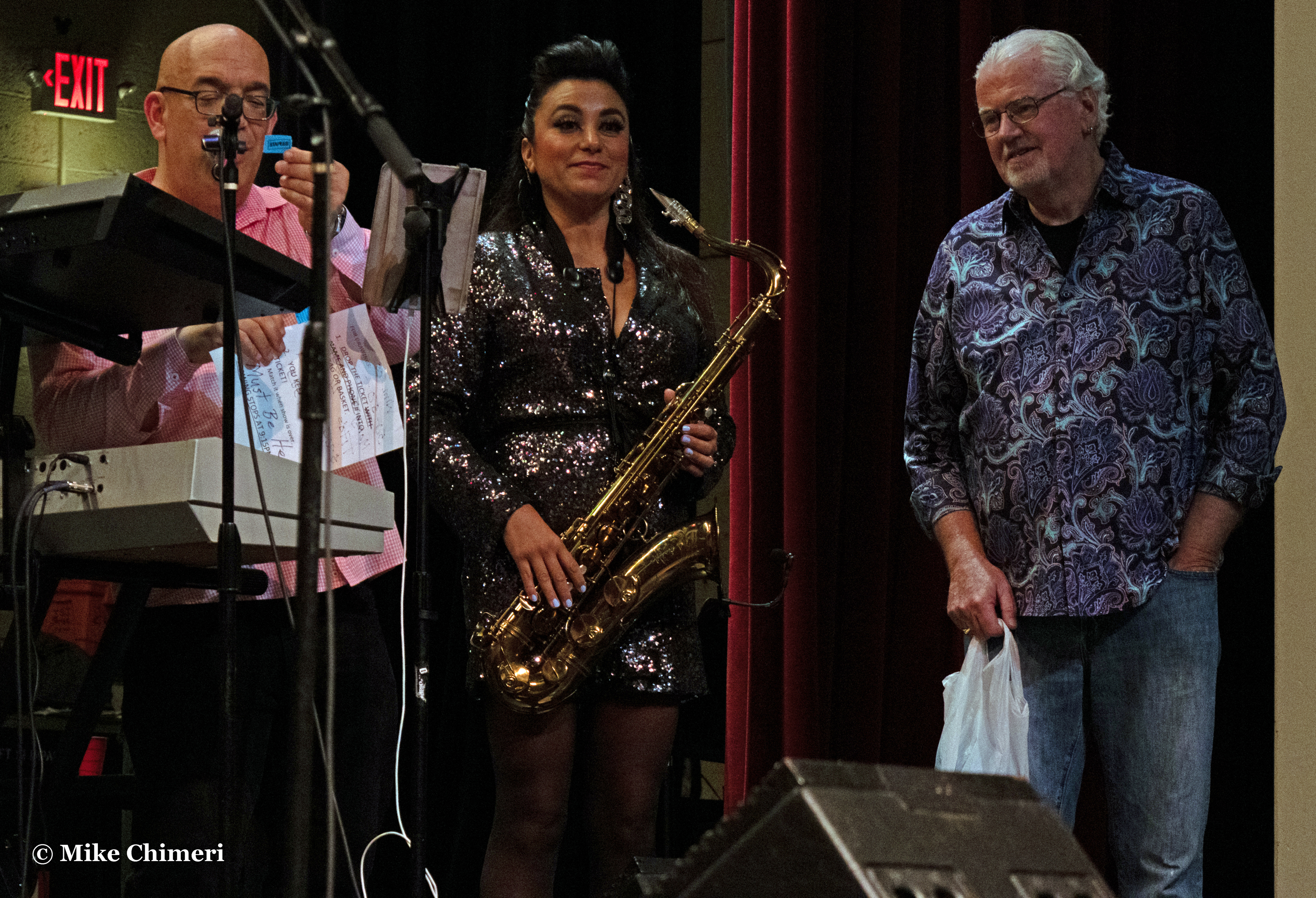
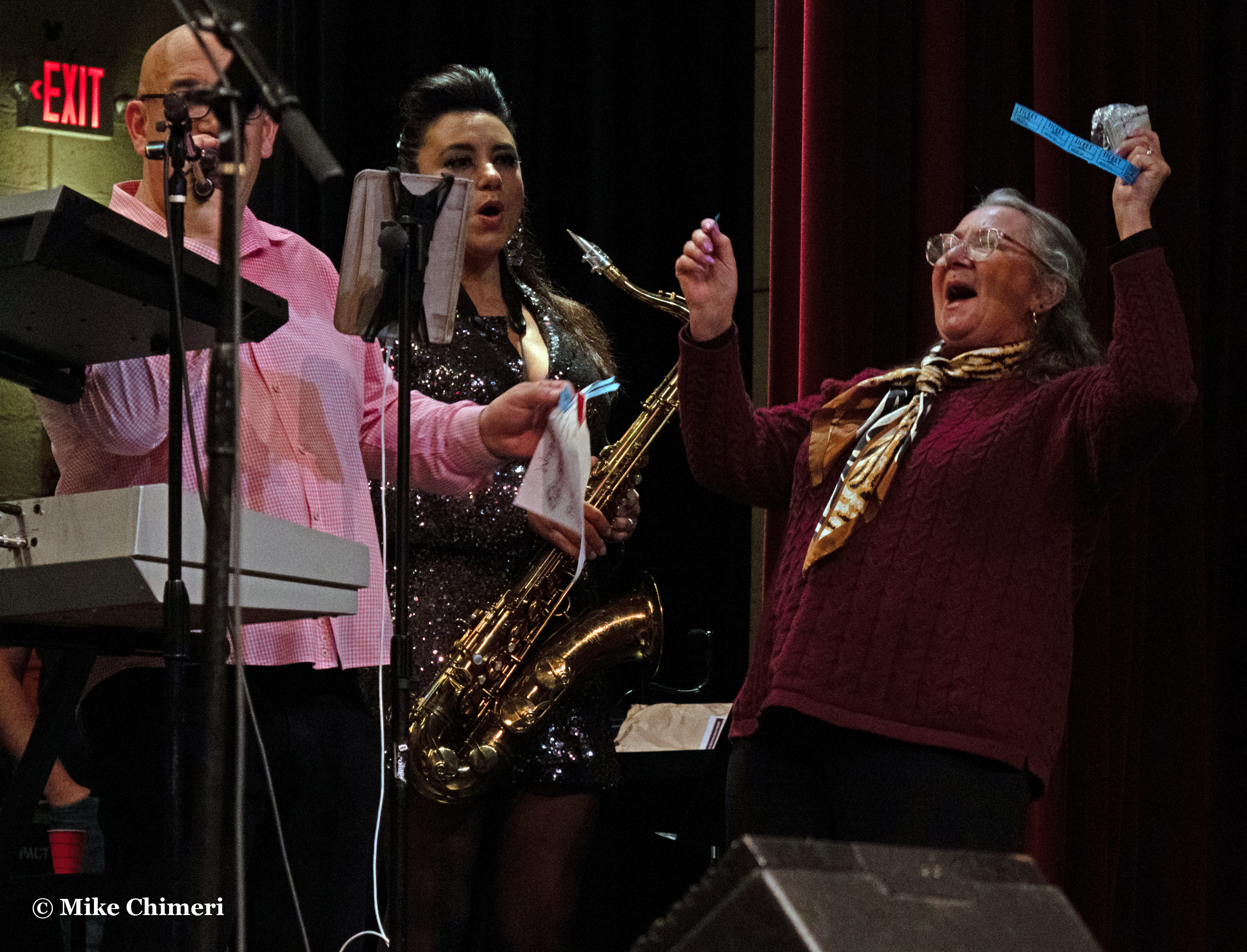
Between “Europa” and “Blue,” the raffle winners were announced from a bag held by Kevin McCabe. Jessy gave Jay the winning 50/50 raffle ticket (I lost again):
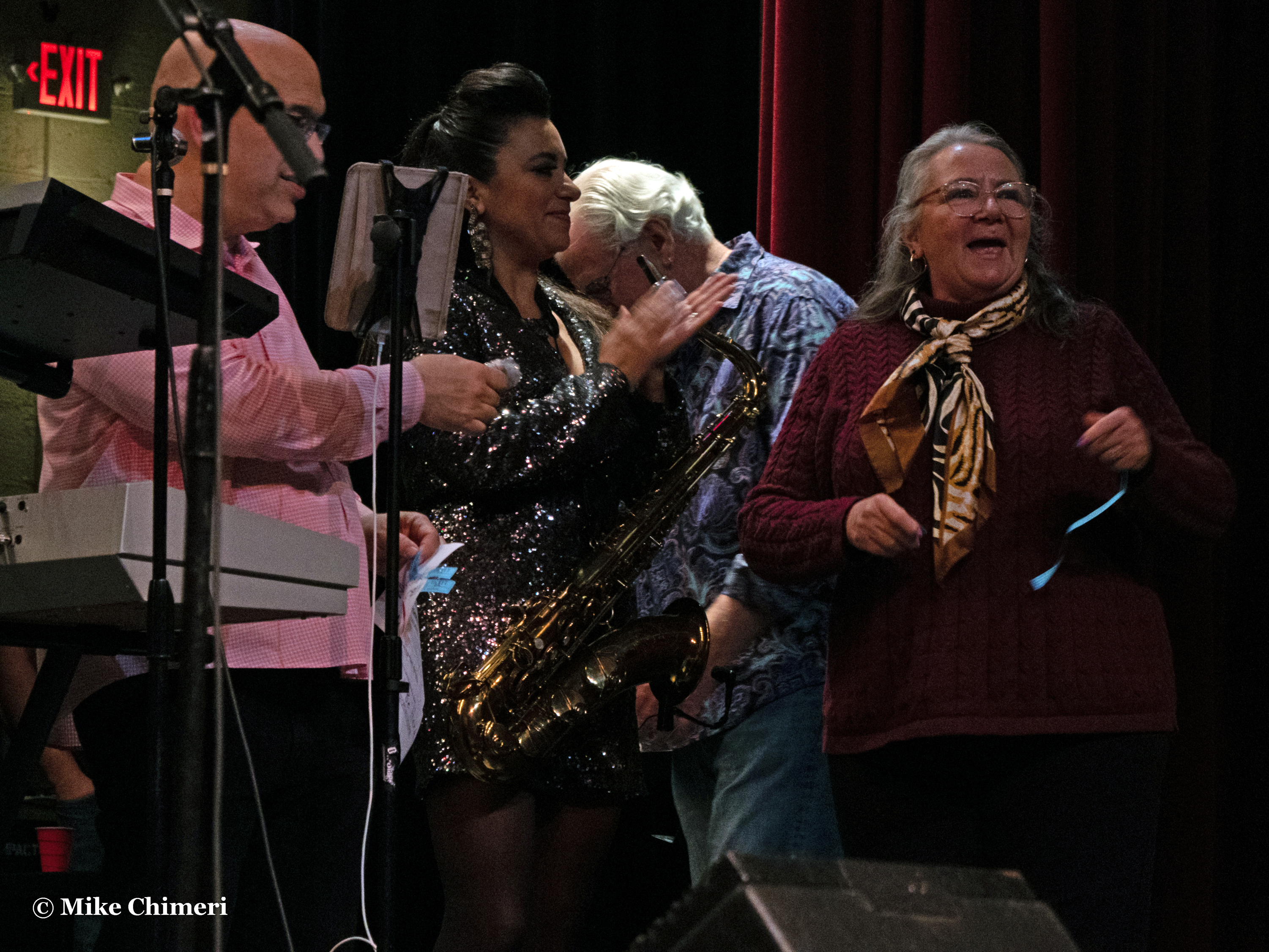

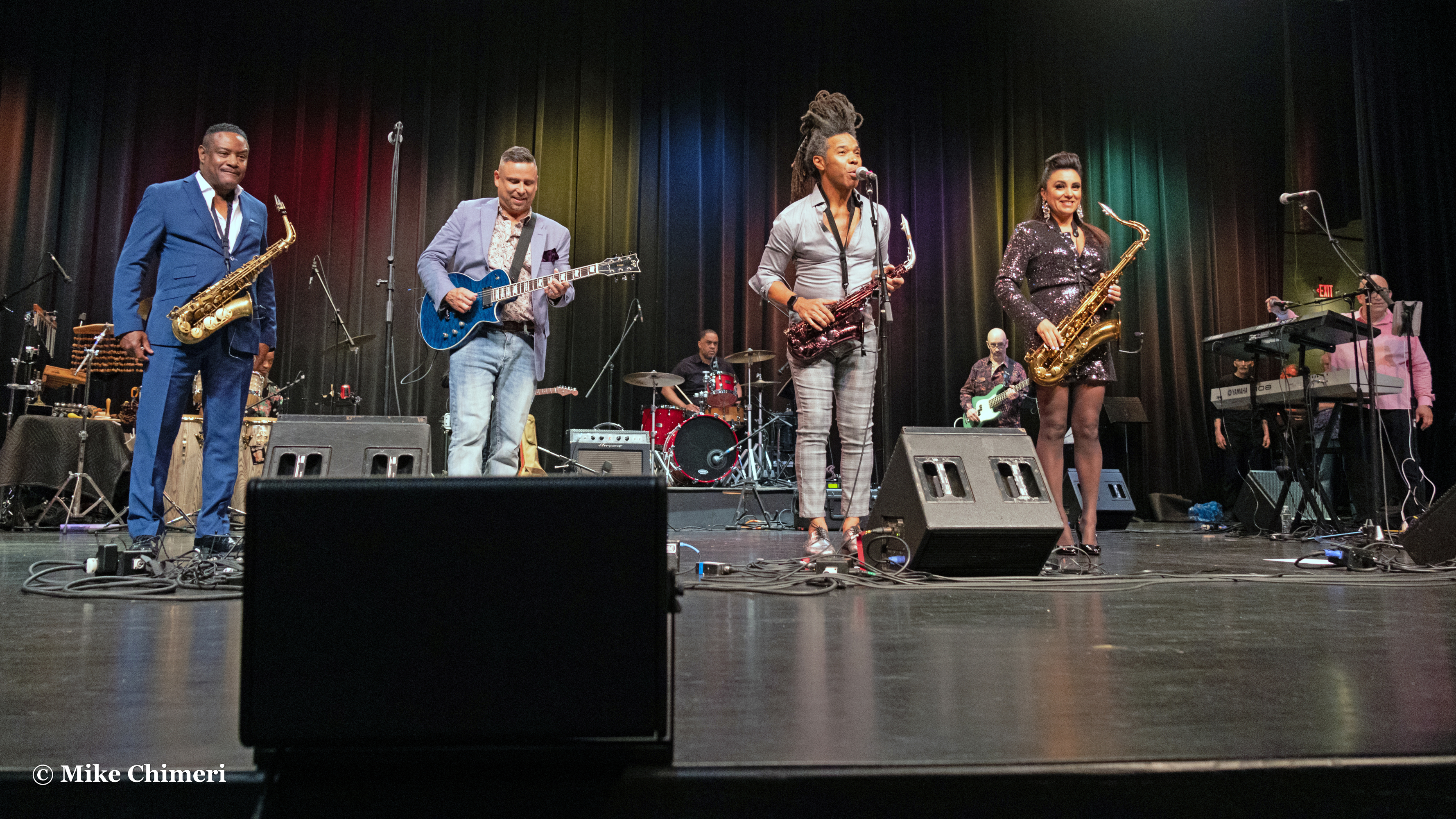
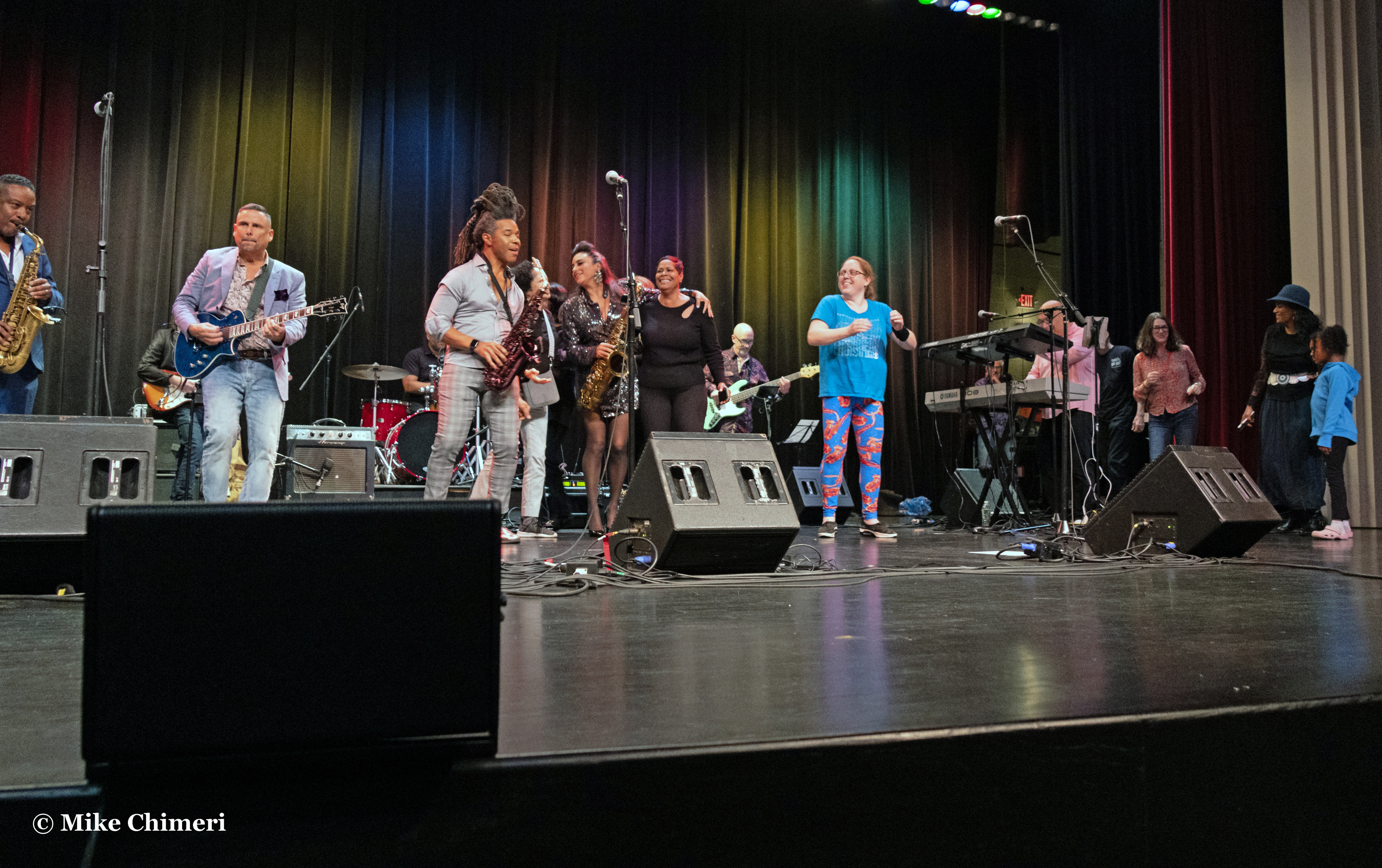
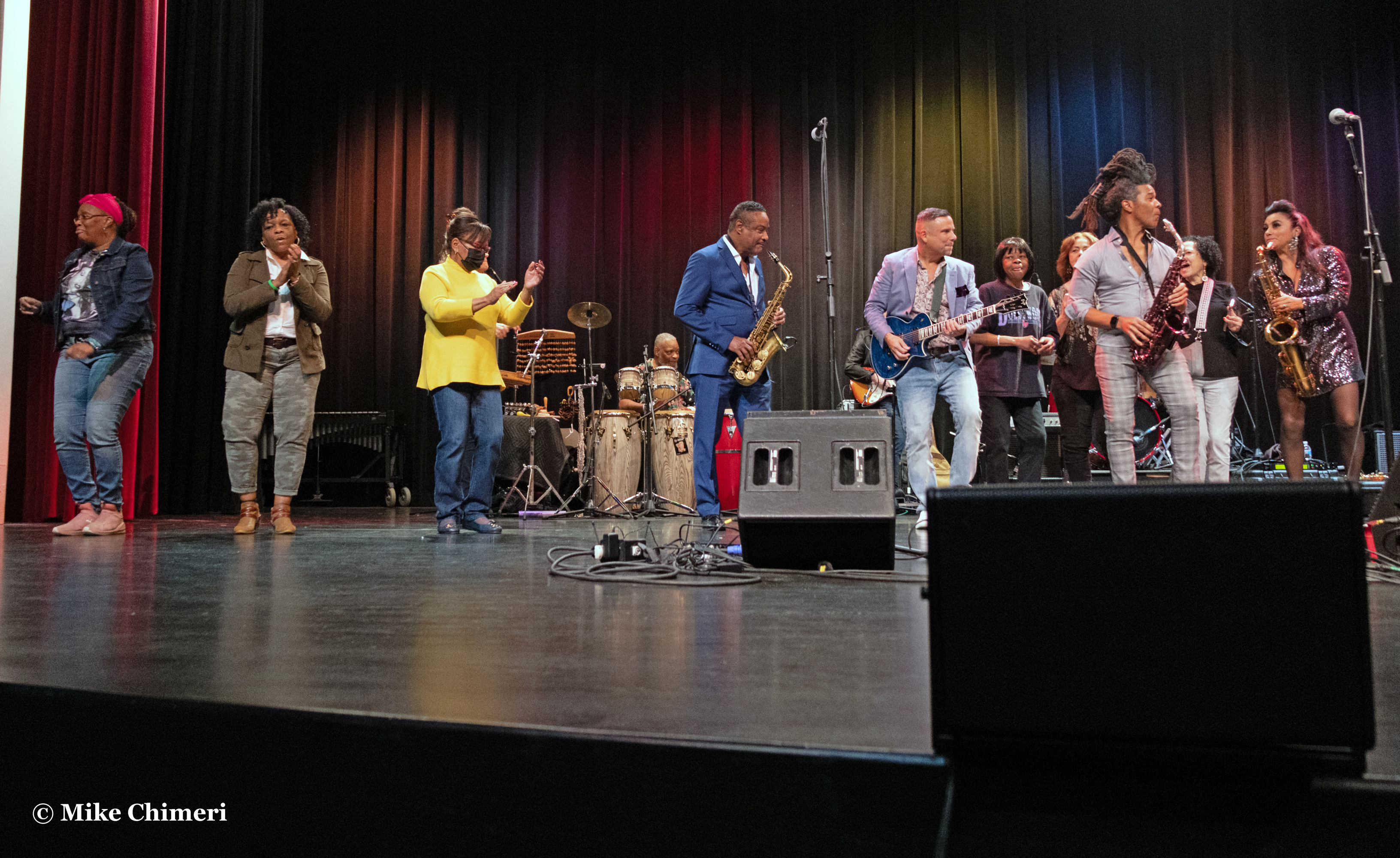
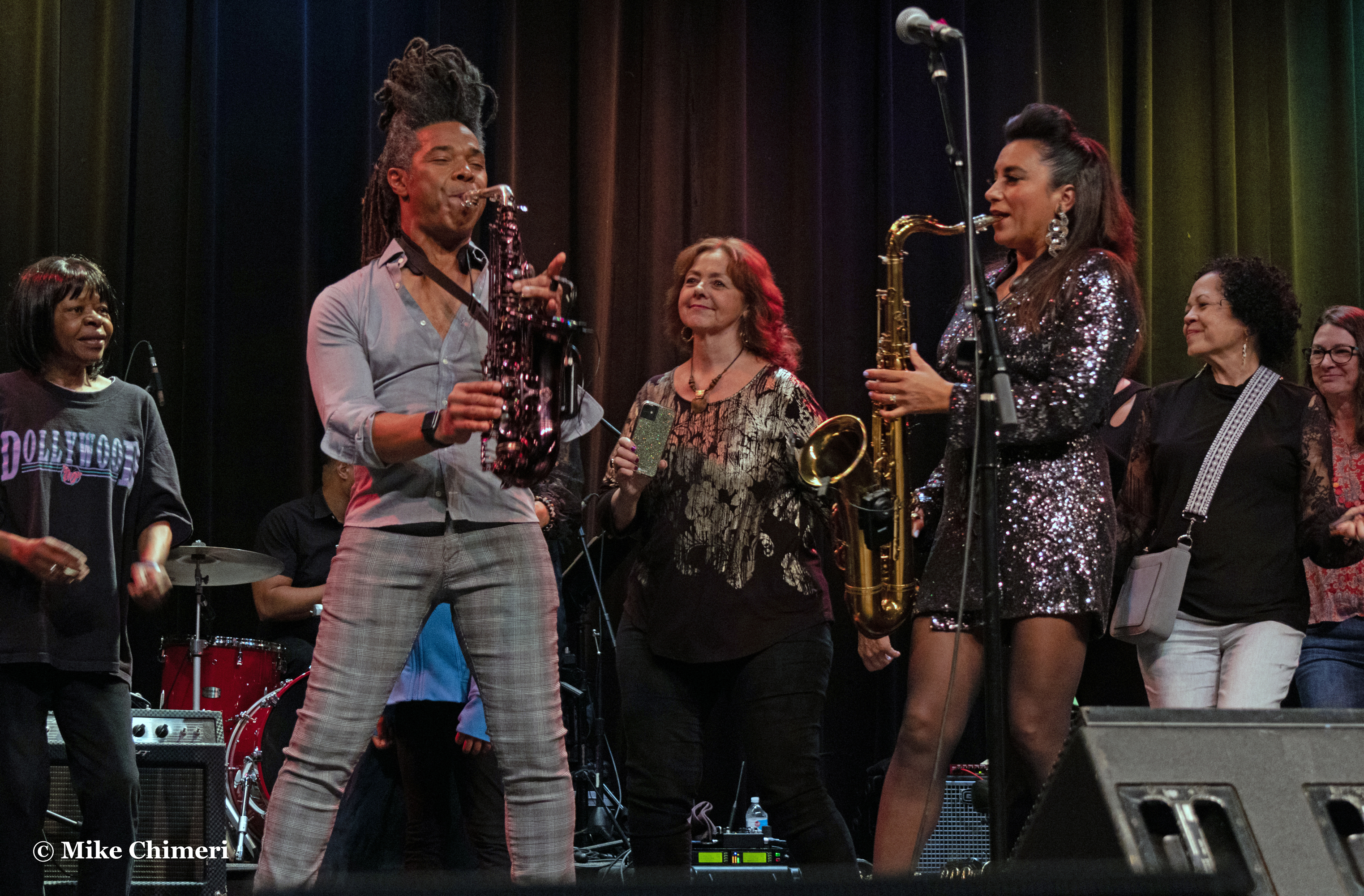
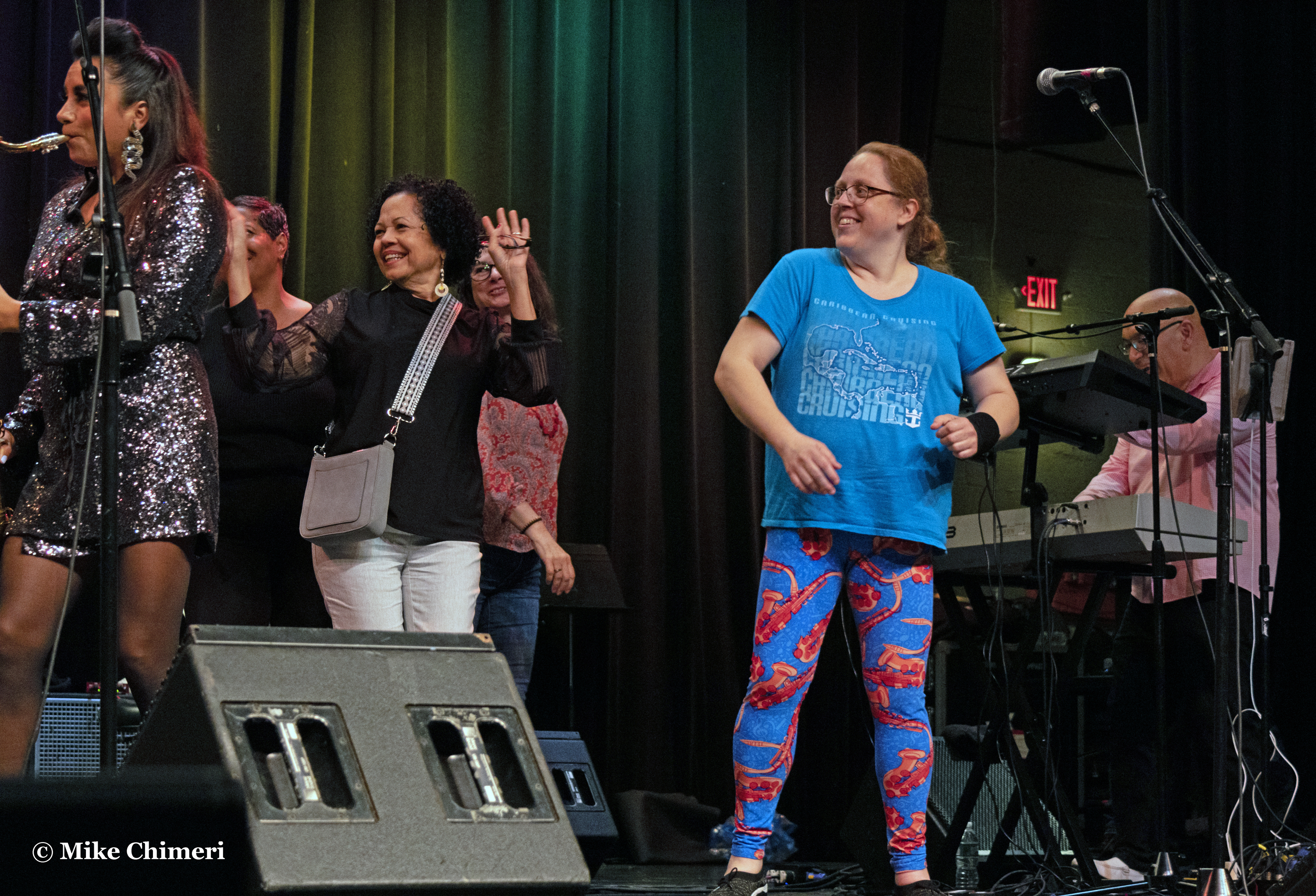
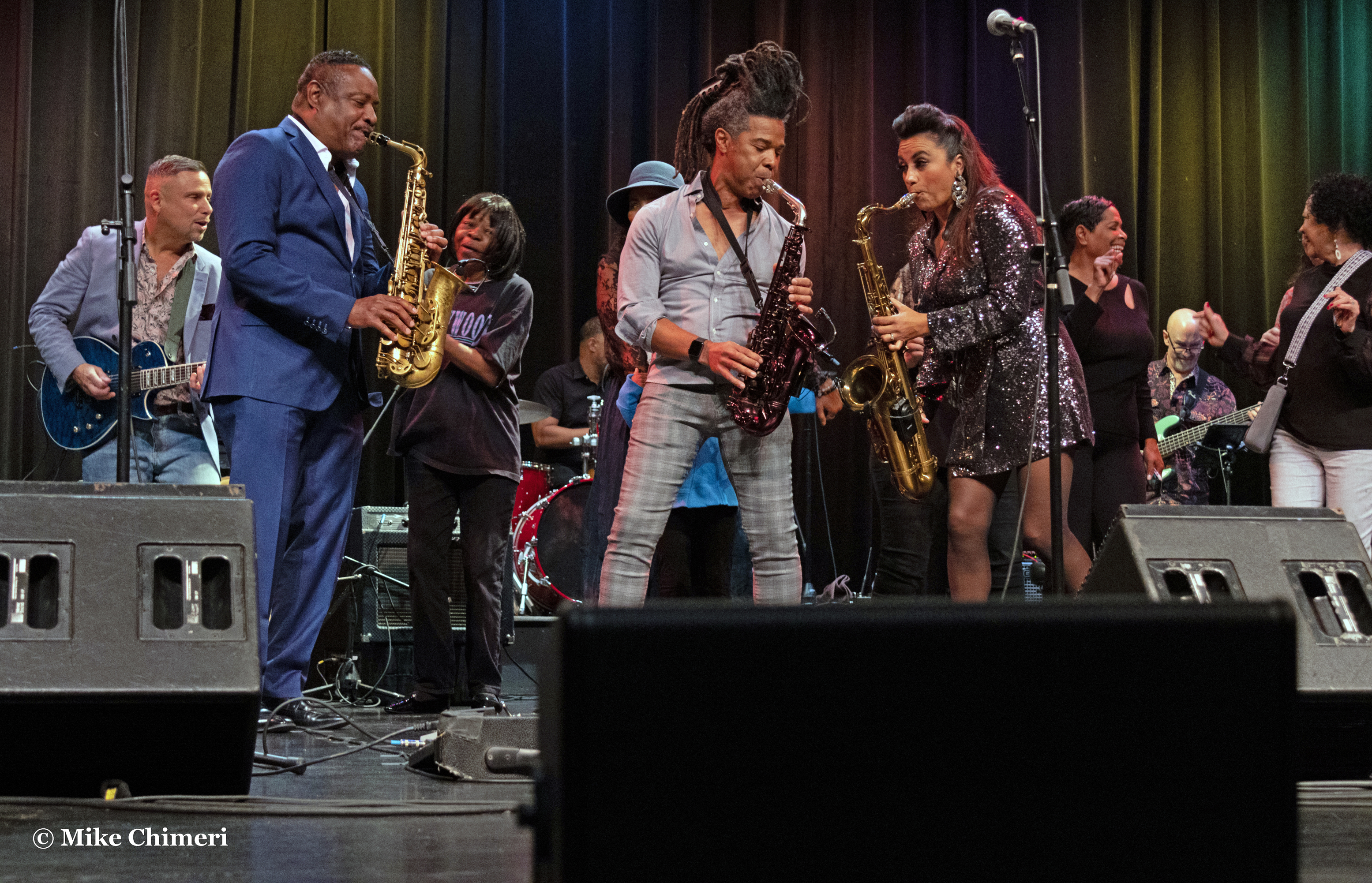
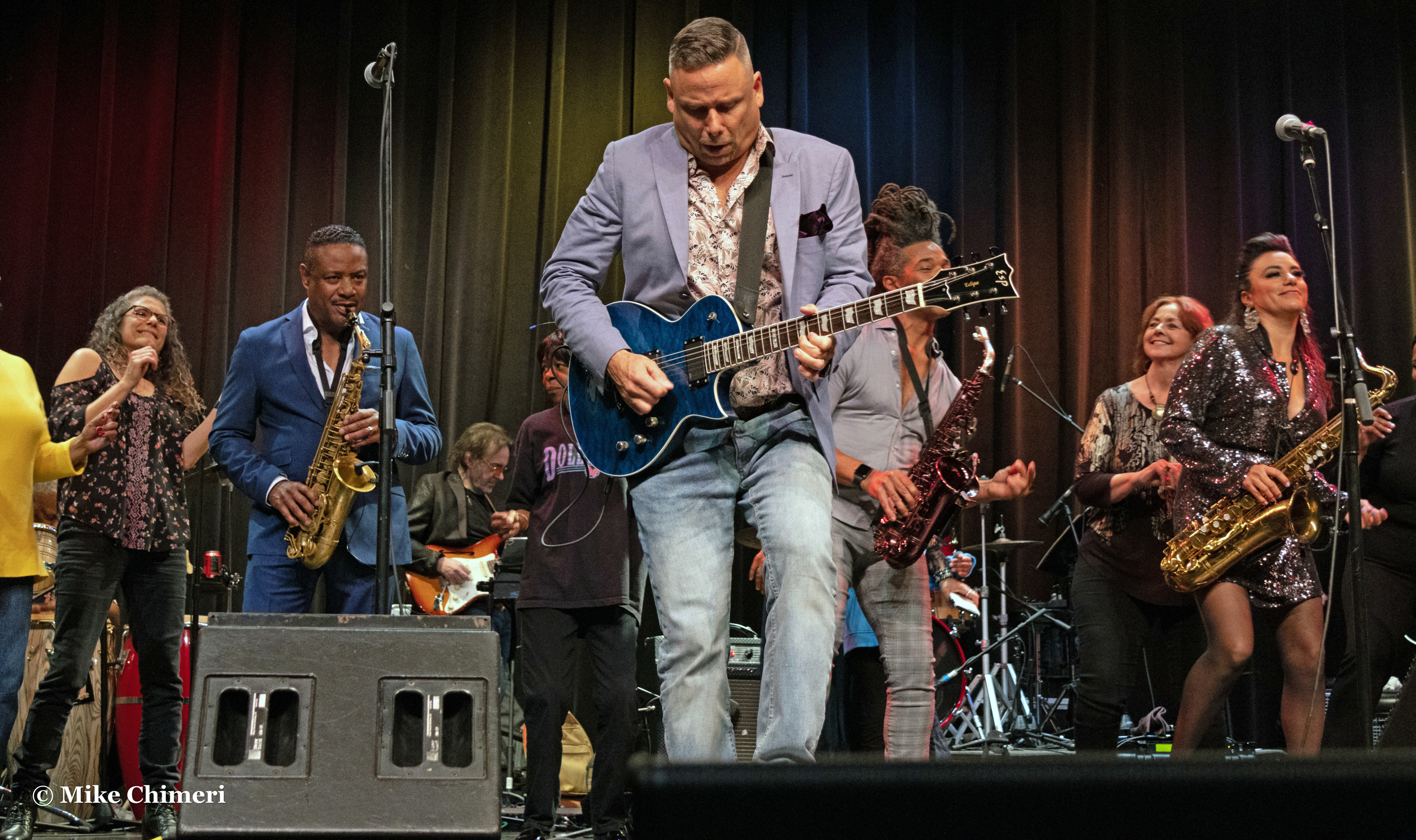
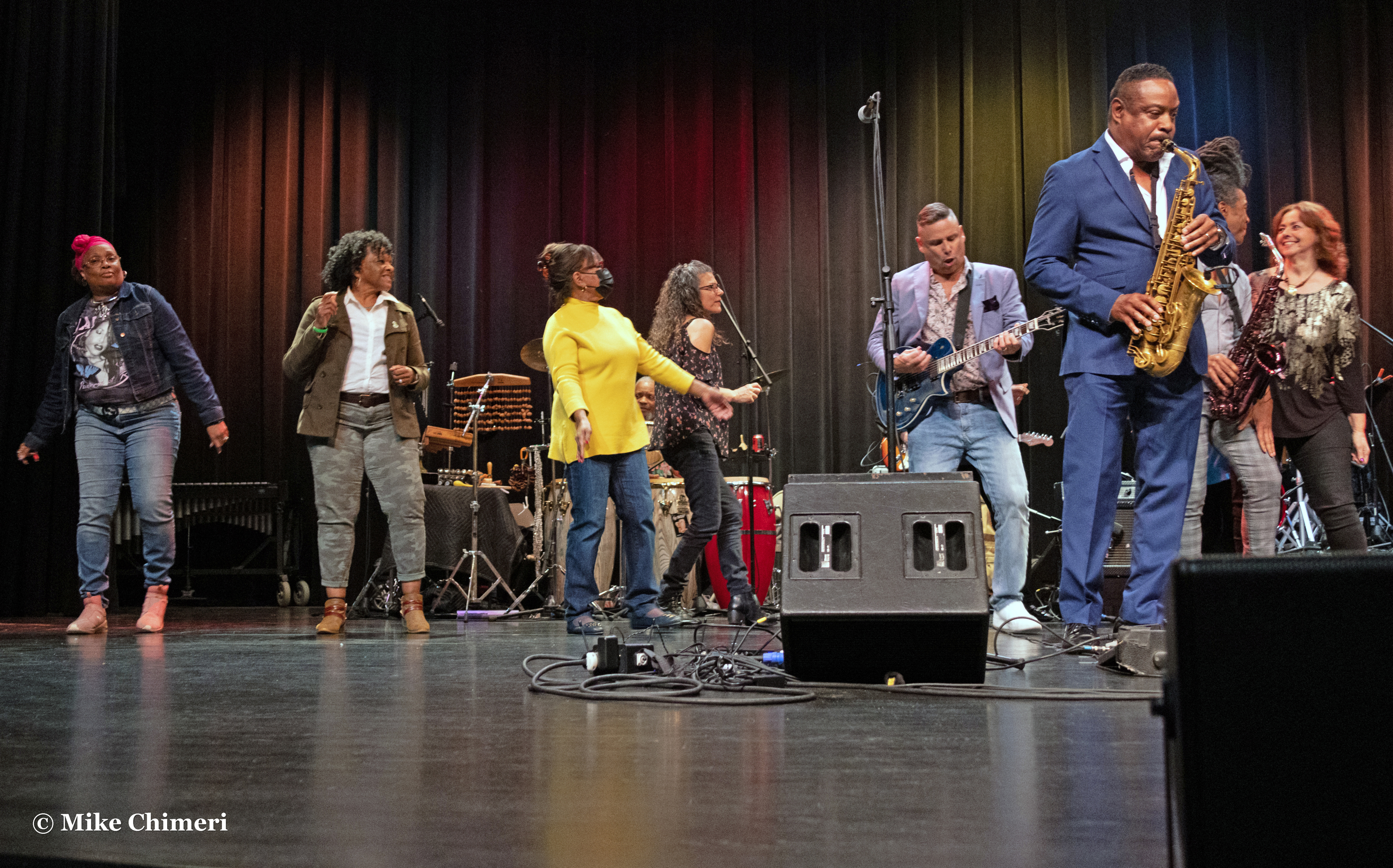
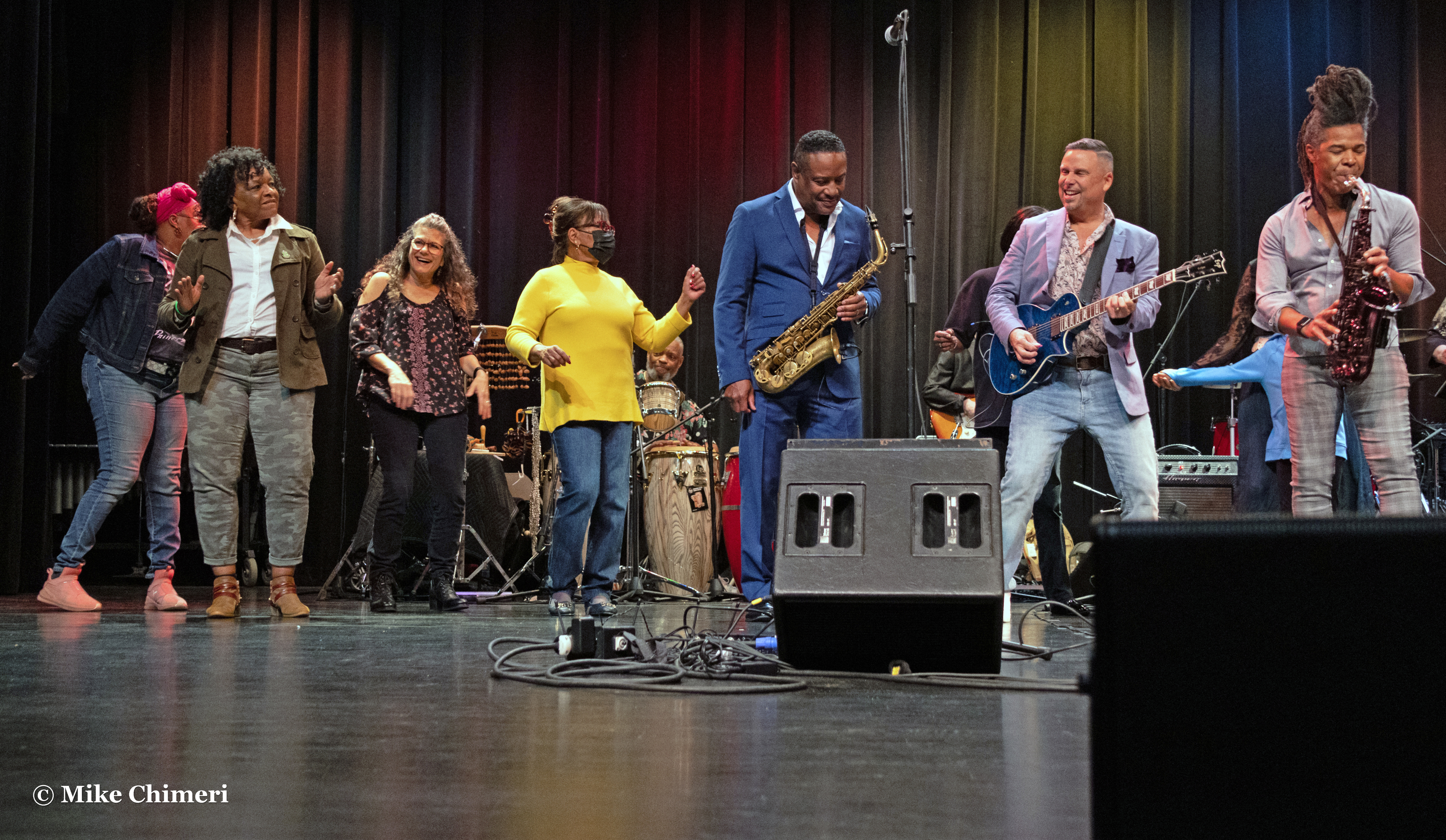
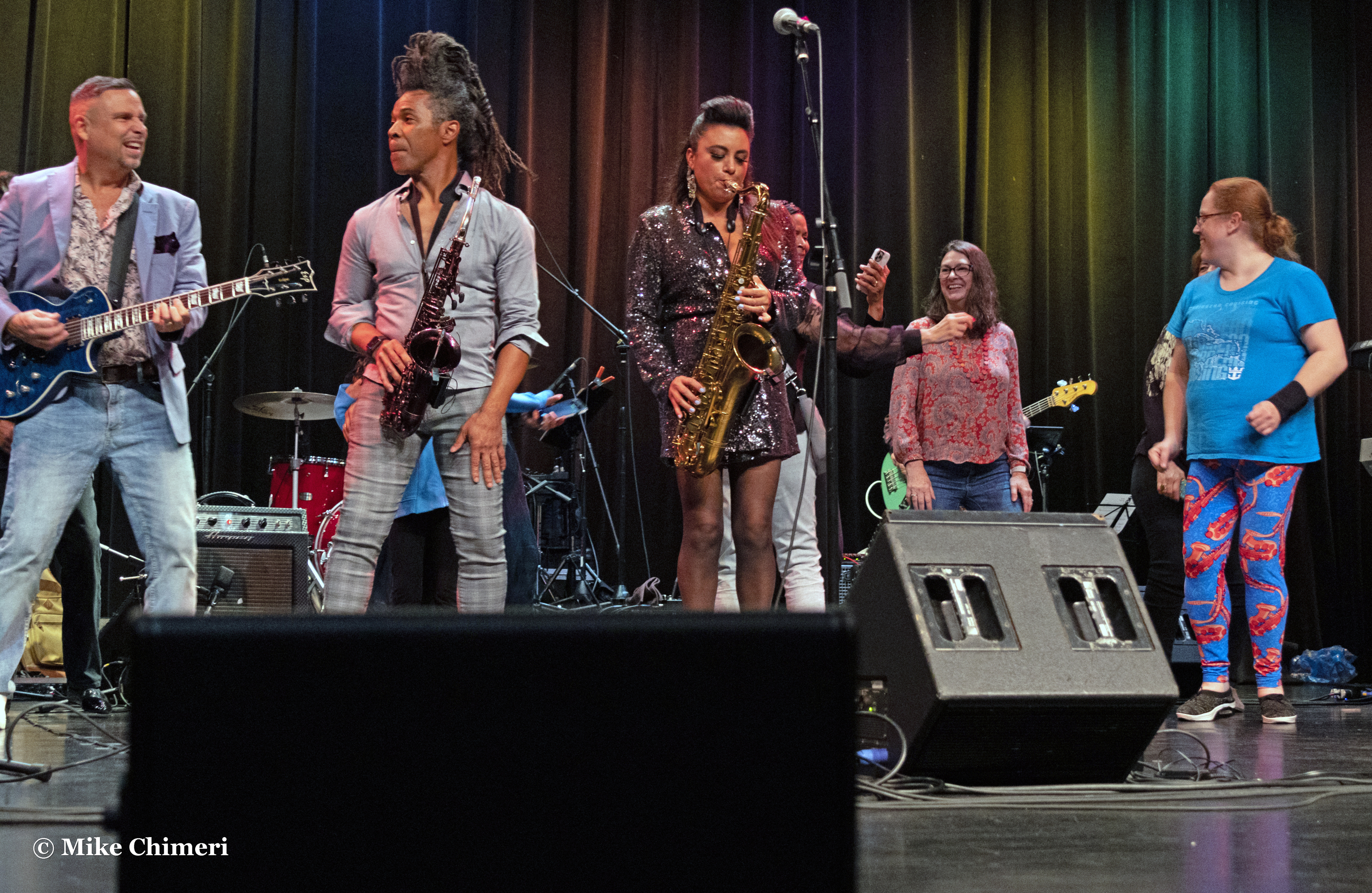
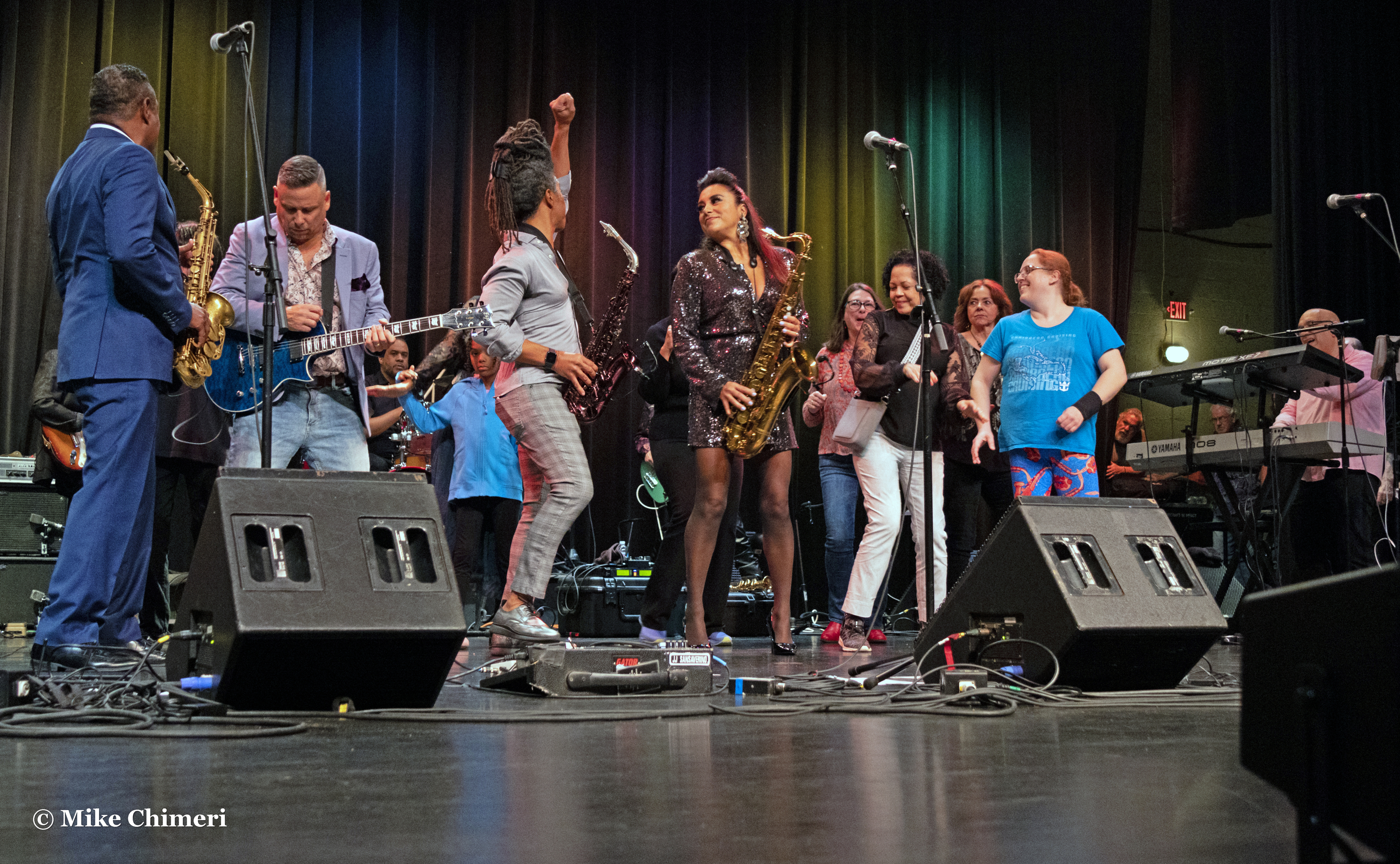
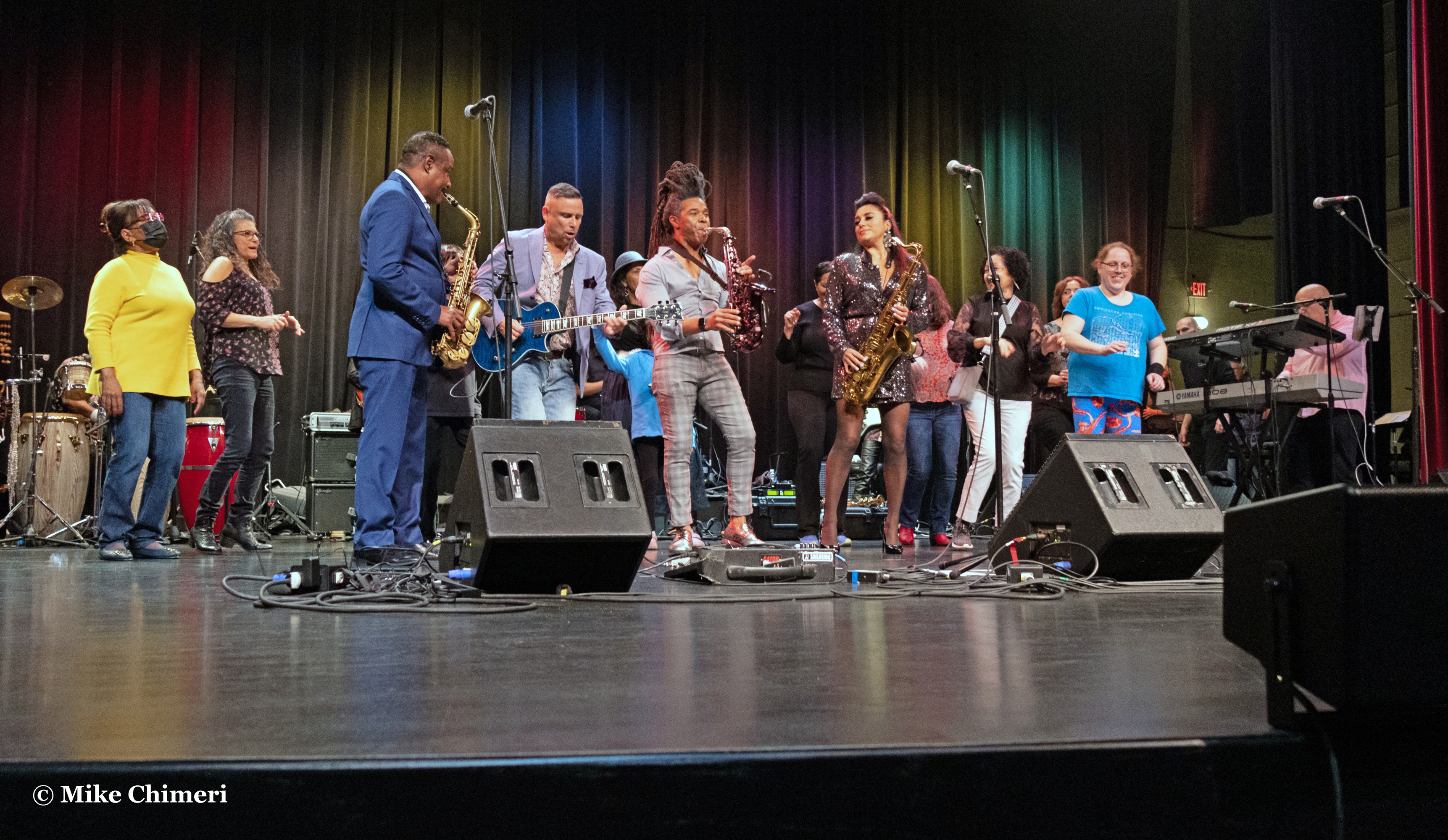
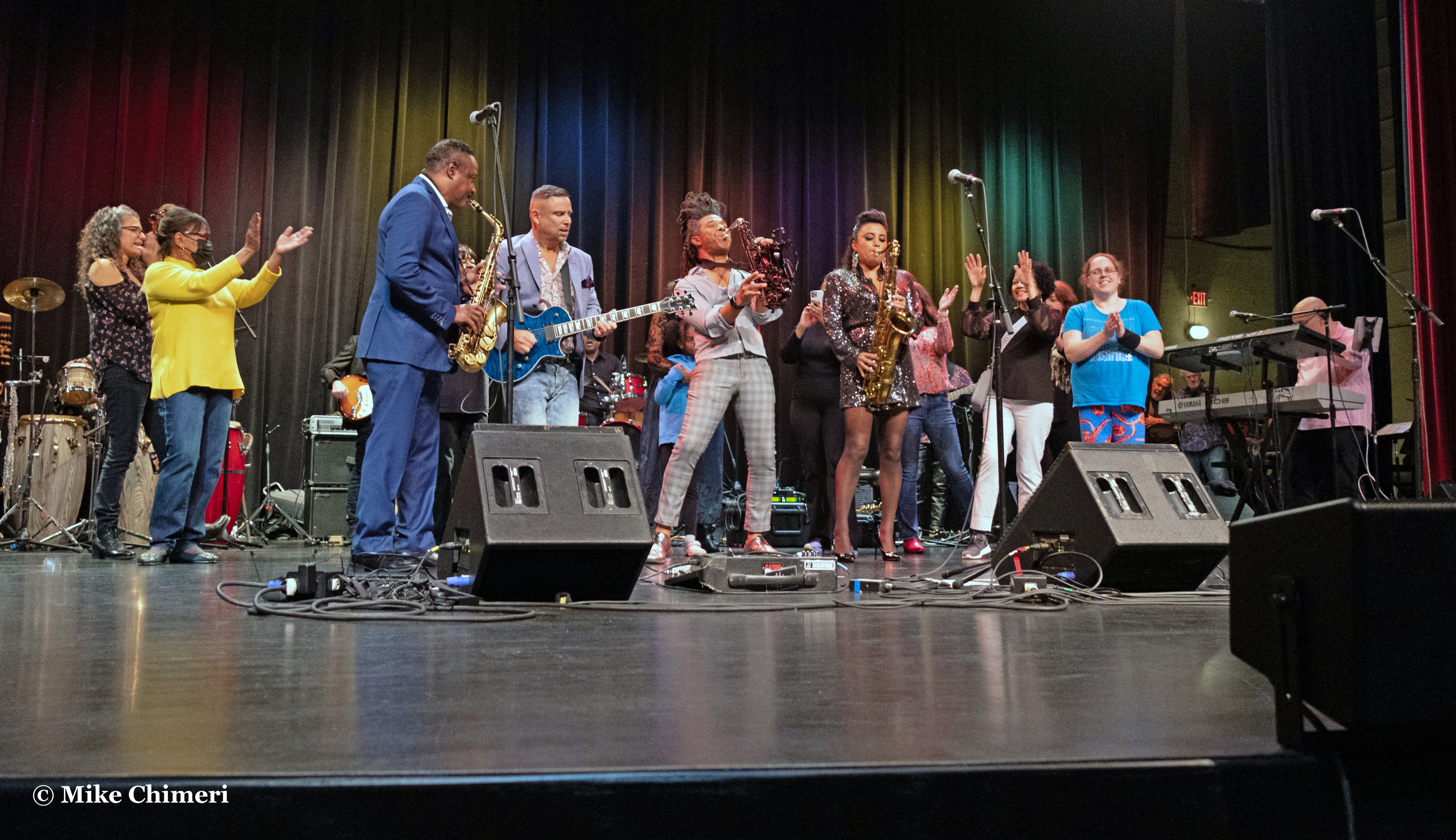
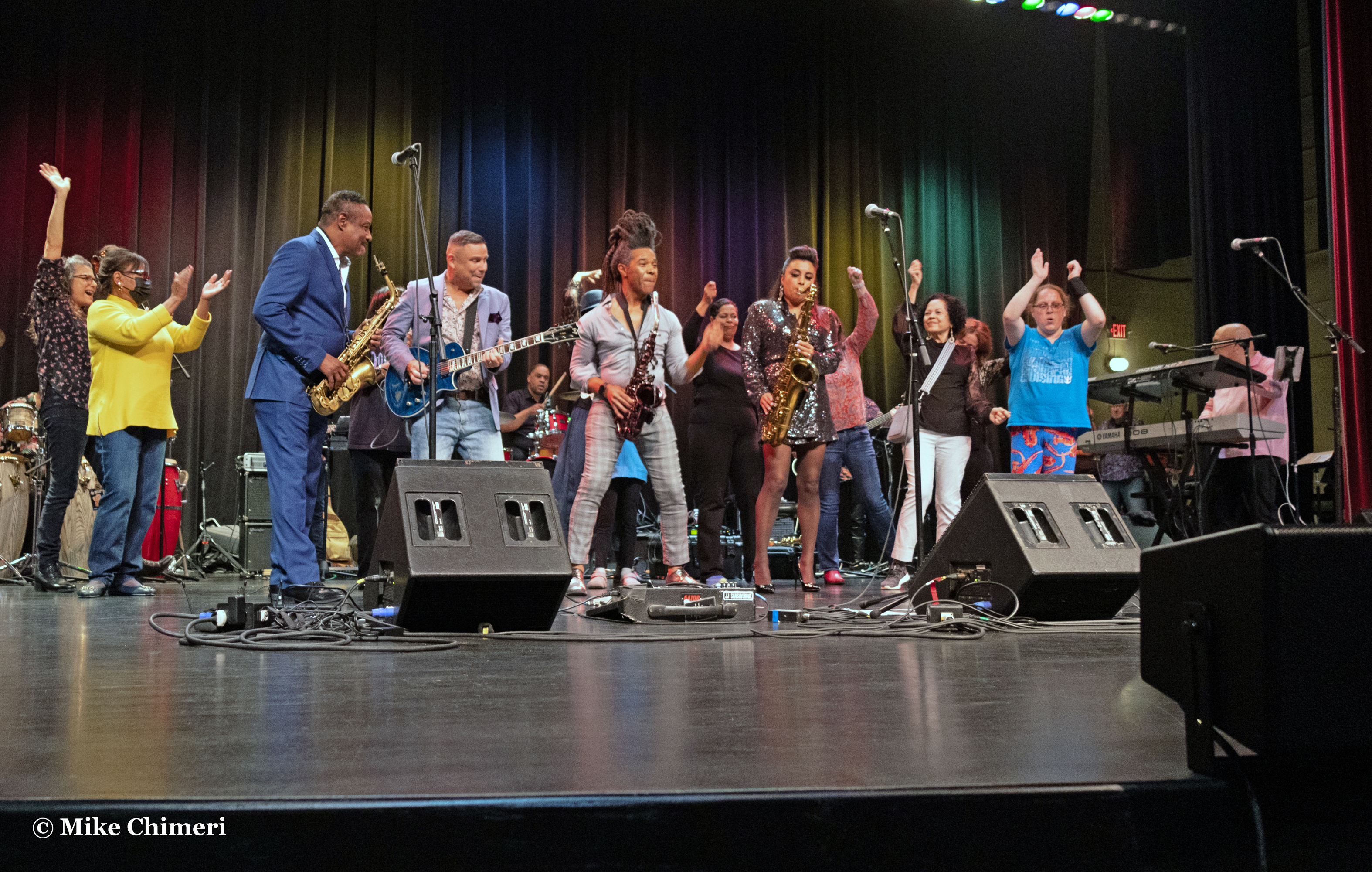
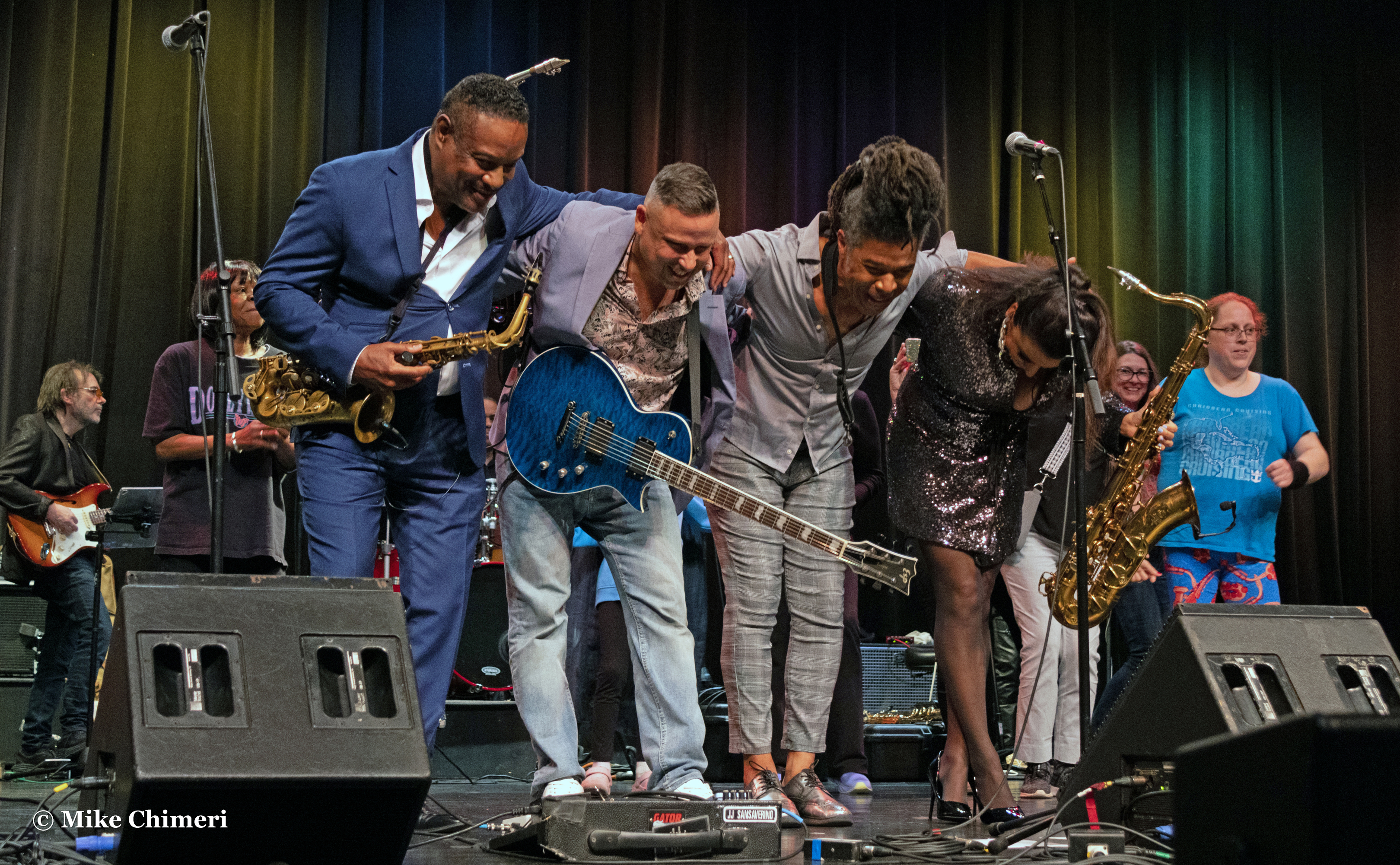
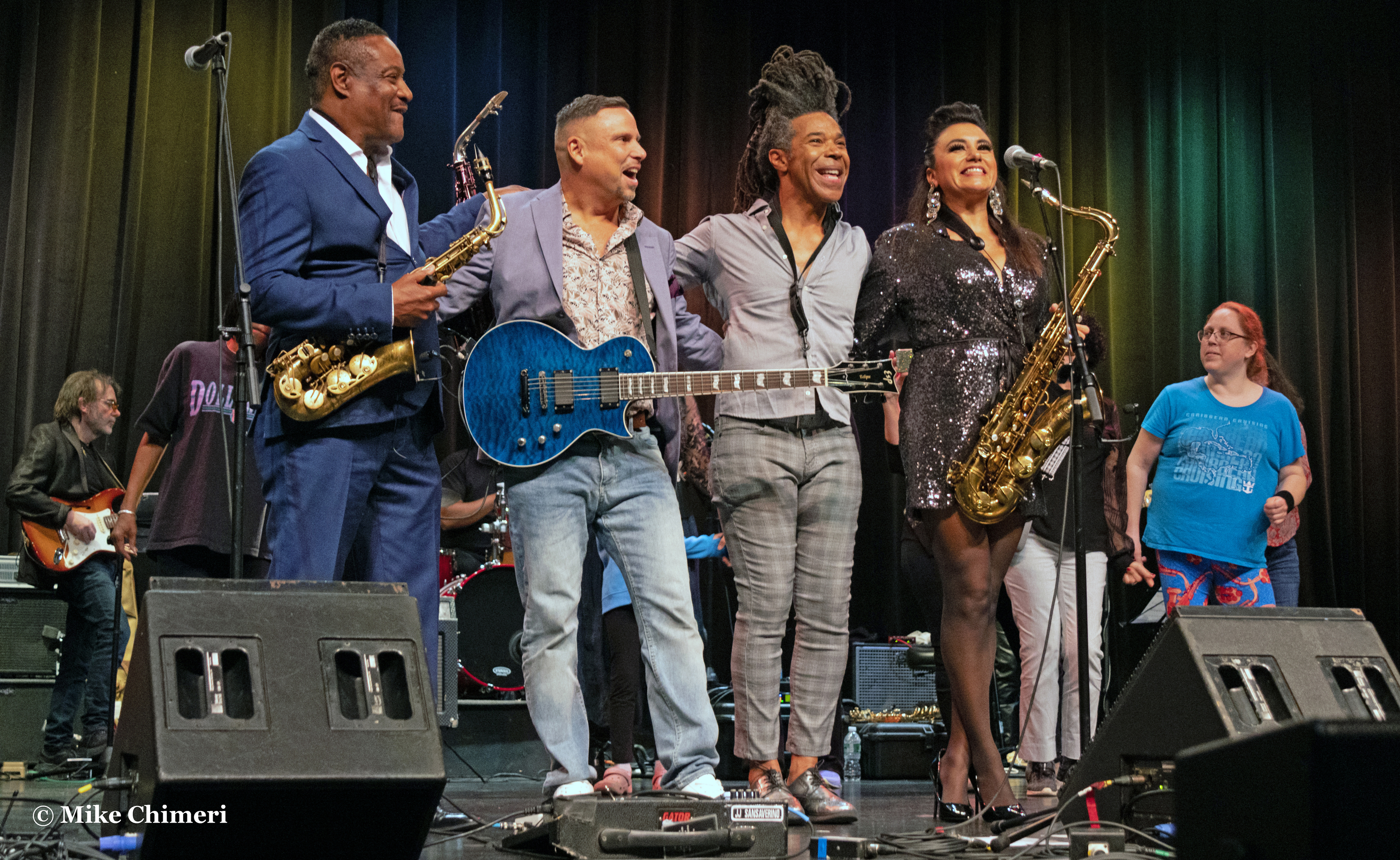
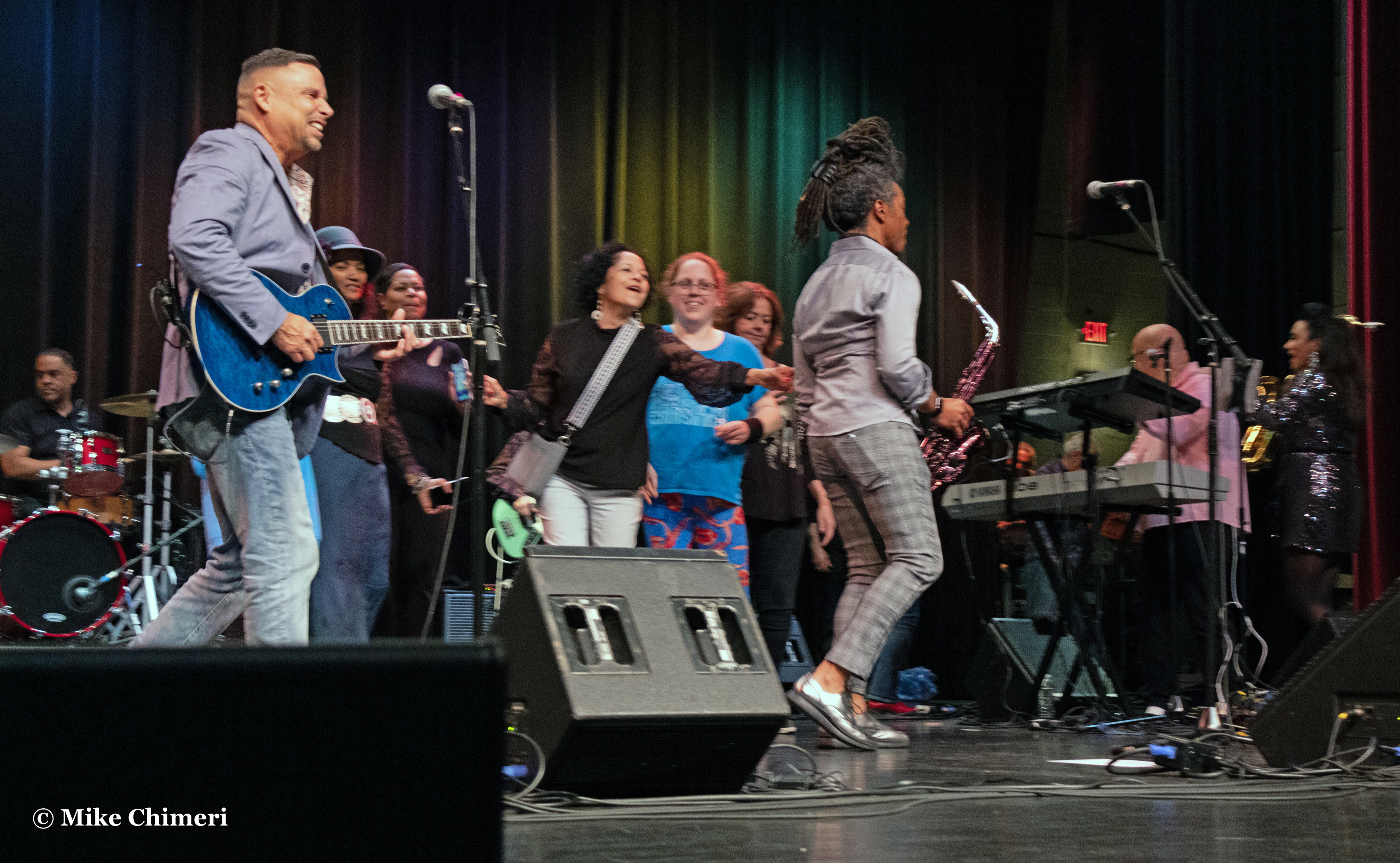
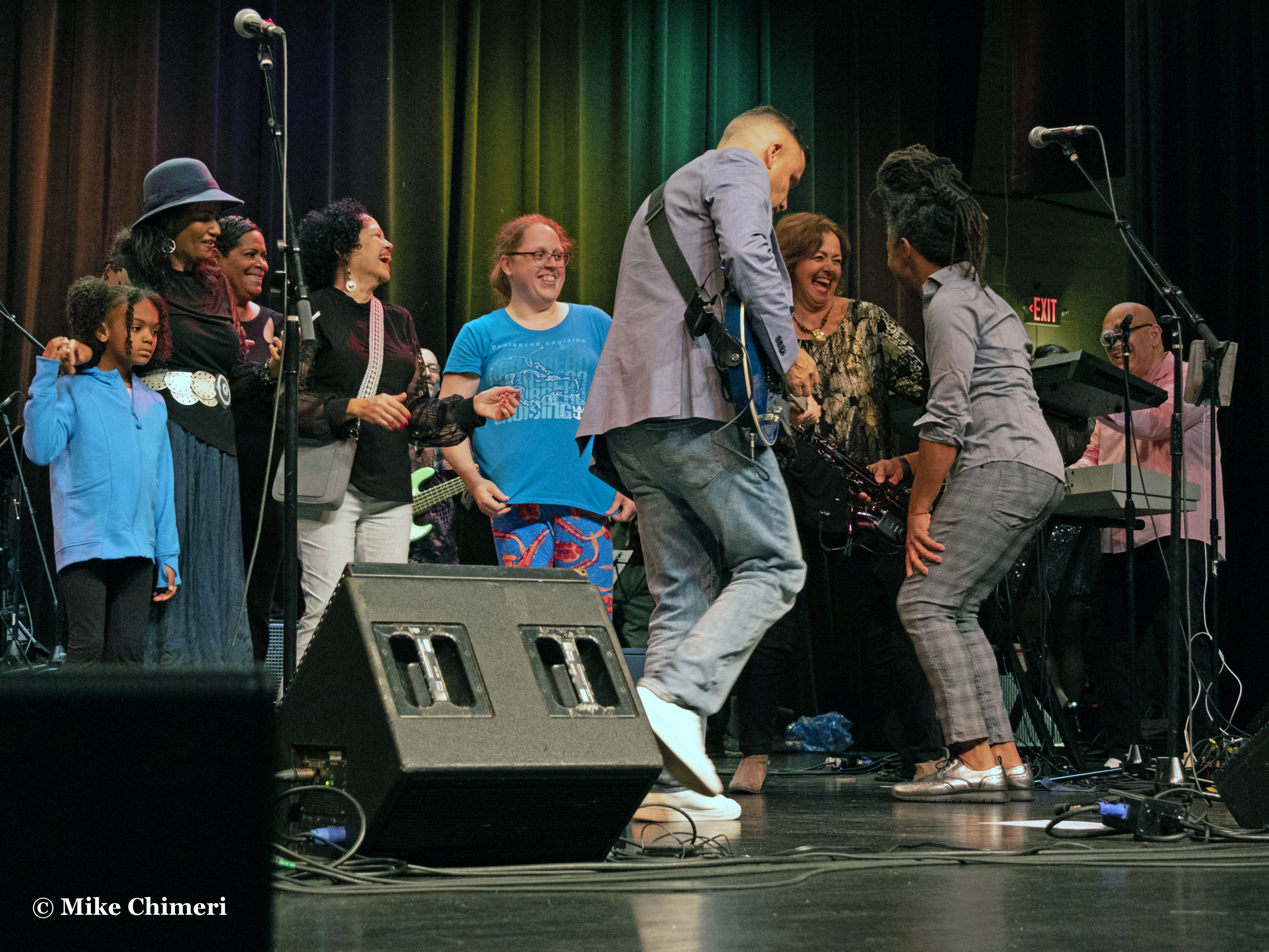
That brings us to the finale: “Ladies’ Choice.” Paul Taylor’s custom for live performances of this song is to invite ten ladies to dance on stage. As you’ll see, Kelly was one of the ten! Feeling ambitious, I started walking to the stage, but turned back before reaching the rope on the left end of the orchestra pit. Now, the photos:






















I packed my equipment and headed for the lobby, putting it all on a table in the corner. Then, I began meeting and greeting, catching up with Kim Waters first:

If I knew he was pointing at me, I’d have pointed back, like I’ve done in other photos.
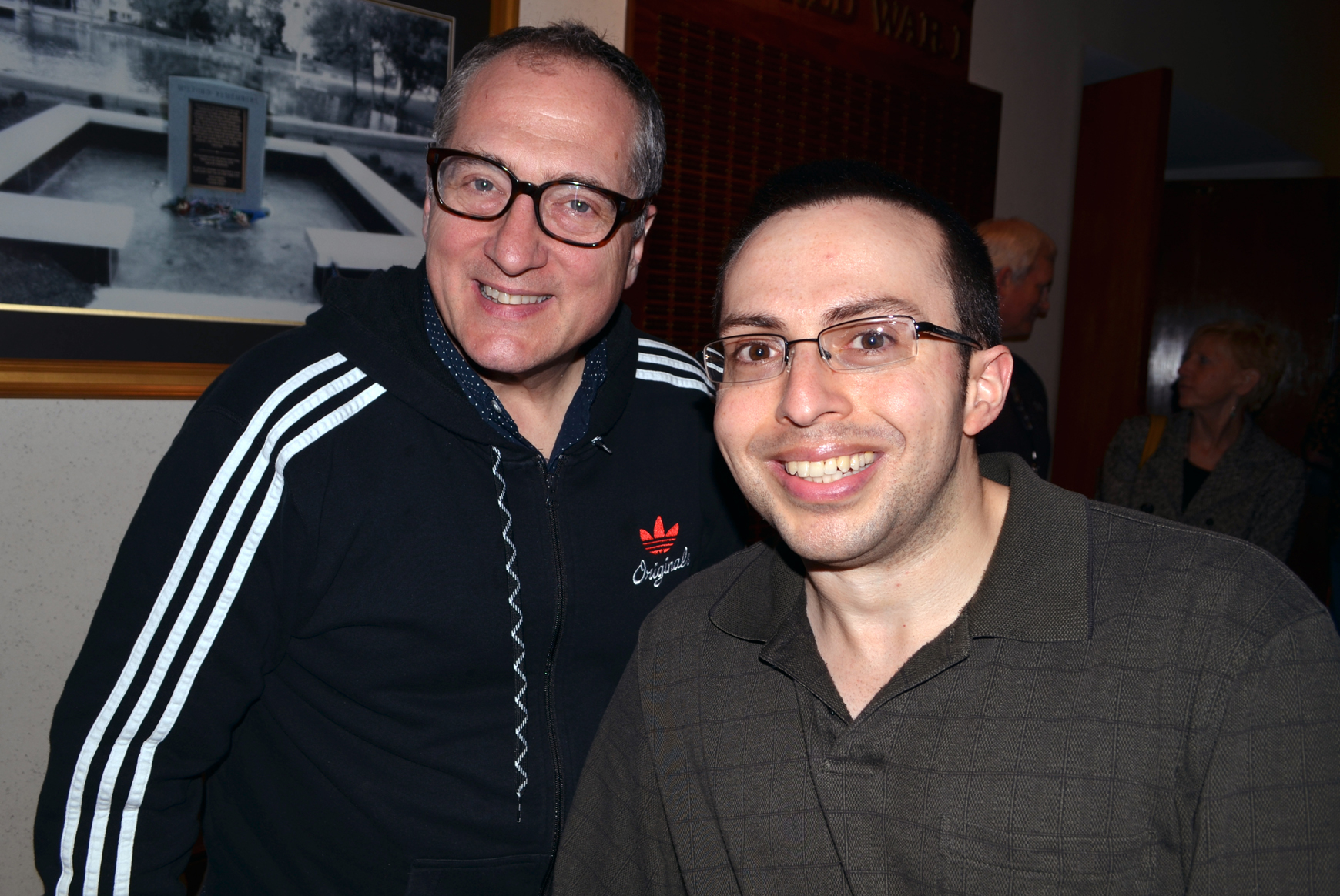
Kim paid tribute to Chuck Loeb after playing “In the House,” a song they wrote and played on. They produced and recorded many albums together in the 1990s and 2000s. I told Kim I hadn’t seen him play live since he and Chuck did the first night of SJFS in 2014.
I said I still have the business card Chuck gave me for his online guitar school, which I scanned for posterity at home Sunday evening:


To Kim’s right at the meet-and-greet table was Paul Taylor:
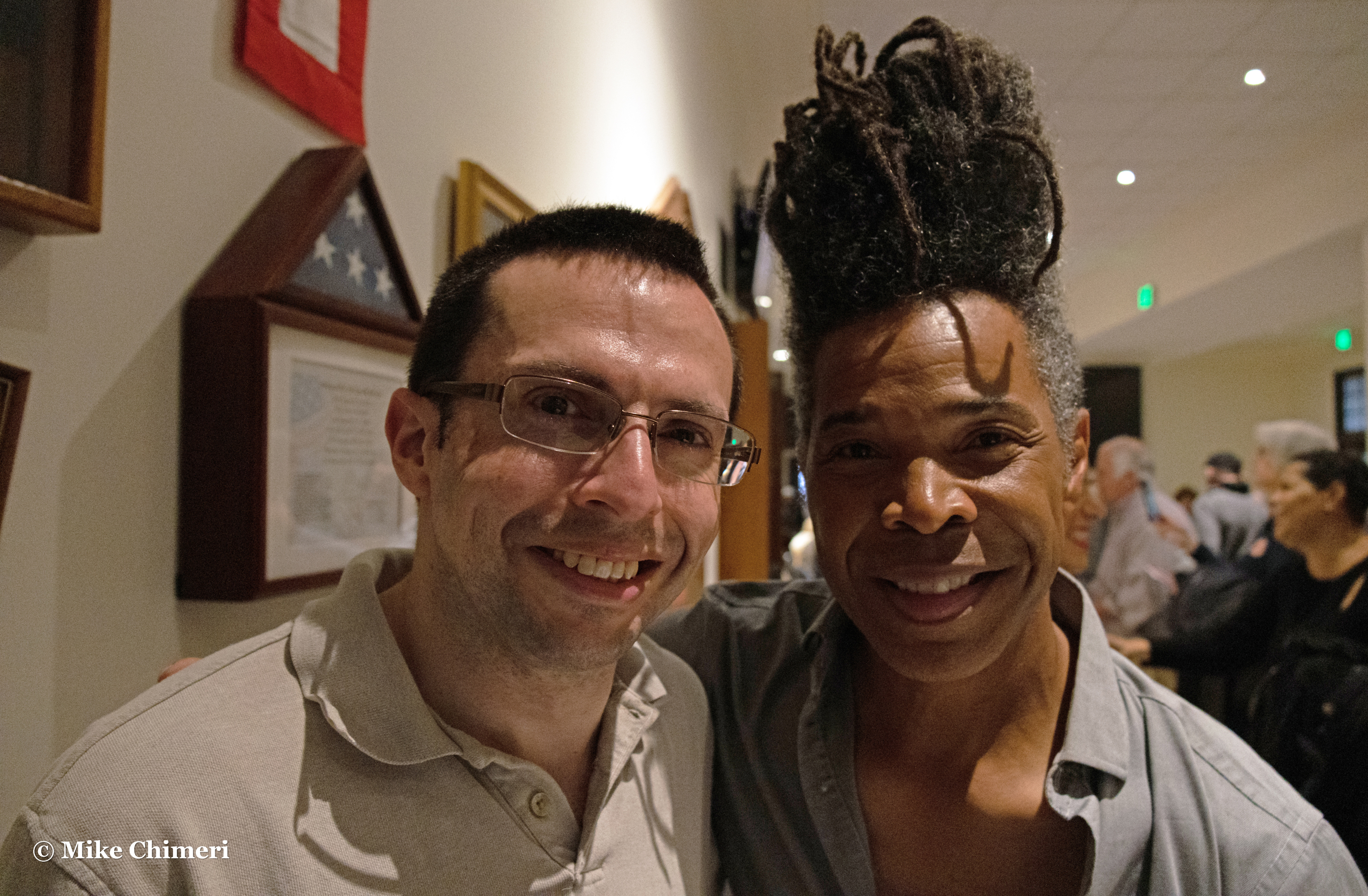
Then, Jessy J:

Jessy thanked me for my positive review of Blue when it was released last April, and we also reflected on the loss of Dancing with the Stars judge Len Goodman the week before. Jessy is in Ray Chew Live, the DWTS house band, and she was highly complimentary of Len. I had thought he retired as judge because of his cancer diagnosis, but Jessy said that came after. Len and his tens will live on in our hearts.
Coincidentally, the shirt I wore instead of the LIU Post polo is the same one I wore the first time I saw Jessy live at The Iridium in Feburary 2012:

Last but not least, JJ Sansaverino:
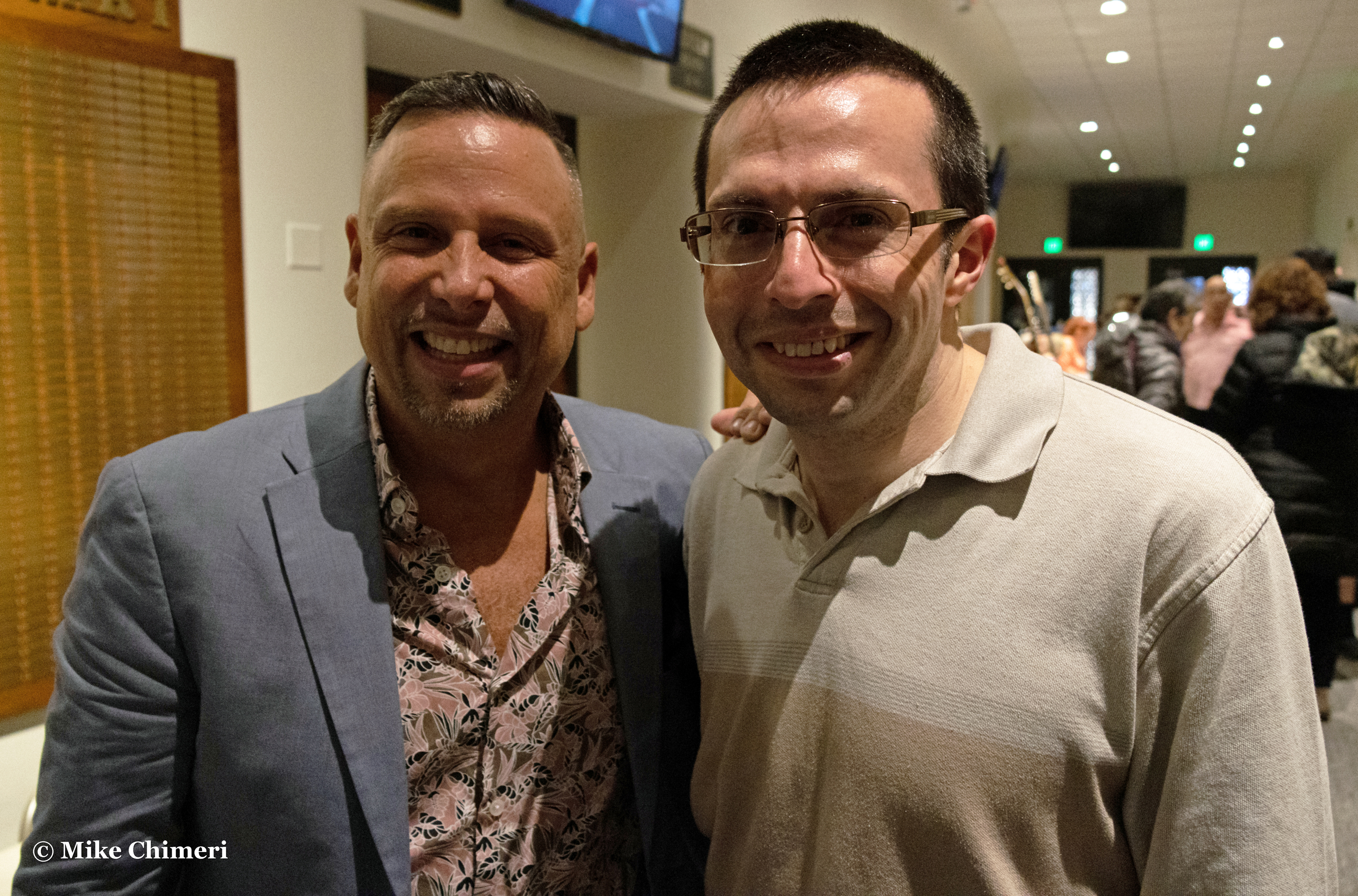
JJ was very happy to see me, admitting he’s enjoyed my Facebook posts and was grateful that I’ve played his music on Instrumental Invasion. I hadn’t seen JJ since he played guitar at saxophonist Steve Cole‘s Houndstooth Pub show in November 2011.
Turning the tables, Jessy took a photo of me and my good friend Steve Lewis, another yearly SJFS volunteer:

I took a photo of Kim with Jay Rowe’s mother, Mia DiStasi:

…and a selfie with Mia:

Kelly and I gathered my equipment and we said goodbye to our friends in the lobby. A lighter rain awaited us outside Parsons on our walk to the parking lot. When we got back to the hotel, I gave Kelly a good night kiss and took the elevator back to my room, bantering with the desk clerk until the doors opened.
In my room, like the night before, I moved photos and videos to my laptop (while watching a Twitch stream), imported the RAW photos into Lightroom, exported them as JPGs, deleted the RAWs, edited the meet-and-greet shots for posting to Facebook, and edited another 15 from Friday’s set. Then, sleep…for another few hours. Back to the laptop to curate my roll. I was left with 70 more photos than Friday. I edited a little, then met Diane and Richard in the common area. They, too, were at both nights of Smooth Jazz for Scholars and we agreed to meet for breakfast Sunday morning. I had my laptop with me, but never opened it. I just talked to them, and Paul Taylor (it was his birthday!) once he came down for breakfast. After a little more editing in my room, I packed up and checked out with my parents.
The ride home took two hours. It was an average time, though longer than I’m used to on Sundays. I spent the entire ride watching YouTube videos, including an episode of the Match Game-Hollywood Squares Hour in which a four-day champion won $30,000 in one day!
I put off further editing until Monday (May 1). The rest of Sunday (April 30) was for unwinding after a long weekend. I vowed to take my time editing the photos and working on this recap.
Editing was completed May 7, immediately followed by watermarking all photos. On May 9 and 10, I picked the best of the best from each night, which was still a lot, then saved lower resolution versions in Photoshop Elements. May 10 is also when I started drafting the written portions of these blog posts, which I incorporated into posts on the 12th and 13th, and fleshed out on the 15th and 16th.
Thank you for reading one or both of my 20th anniversary Smooth Jazz for Scholars blog posts. I will be back next year! See you around.
SJFS 2023 Night 1 recap May 18, 2023
Posted by Mike C. in Animation, Audio, Comedy, Health, Internet, Jazz, Music, Personal, Photography, Radio, Technology, Travel, TV, Video.add a comment
Friday, April 28, was the first of two nights for the 20th anniversary edition of Smooth Jazz for Scholars, hosted by keyboardist Jay Rowe in his hometown of Milford, Connecticut. The event, held on two nights since 2013, benefits the Milford Public Schools music department. It was the 19th SJFS overall (canceled by COVID in 2020 and ’21), my 15th overall, and 14th that I’ve seen it its entirety. (I only saw the first night in 2015 with that year’s WCWP Hall of Fame Ceremony held the following afternoon back on Long Island.)
In the days and hours leading up to the Milford trip, I grew overwhelmed by the impending workload (photos and videos). I struggled to pack everything the afternoon of the 28th, having spent two hours editing most photos from the WCWP station dinner (for student and alumni staff) on the 26th. I didn’t want to go, but felt obligated to go because I didn’t want to back out of the commitment I’d made to Jay. I convinced myself this would be the last year. (SPOILER: It won’t be.)
I finally left house with my parents just before 2:00. We encountered traffic delays on I-95 in Fairfield County, Connecticut. Waze directed us through winding side streets in Westport. We were eventually directed back to I-95 in Bridgeport with little volume the rest of the way to Exit 36 in Milford (in New Haven County, if you’re wondering). Not knowing which would be the official hotel, we booked rooms at Hampton Inn a month or two earlier. Our rooms were on the second floor, facing opposite ends of the building. I chose the room facing the parking lot so I-95 traffic wouldn’t keep me awake.
After settling into our rooms, we went for dinner at Pasquale Pizza a short drive from the hotel. Since we were close to the hotel, I walked back after finishing my pasta. On the way, I passed a Gas & Go station:


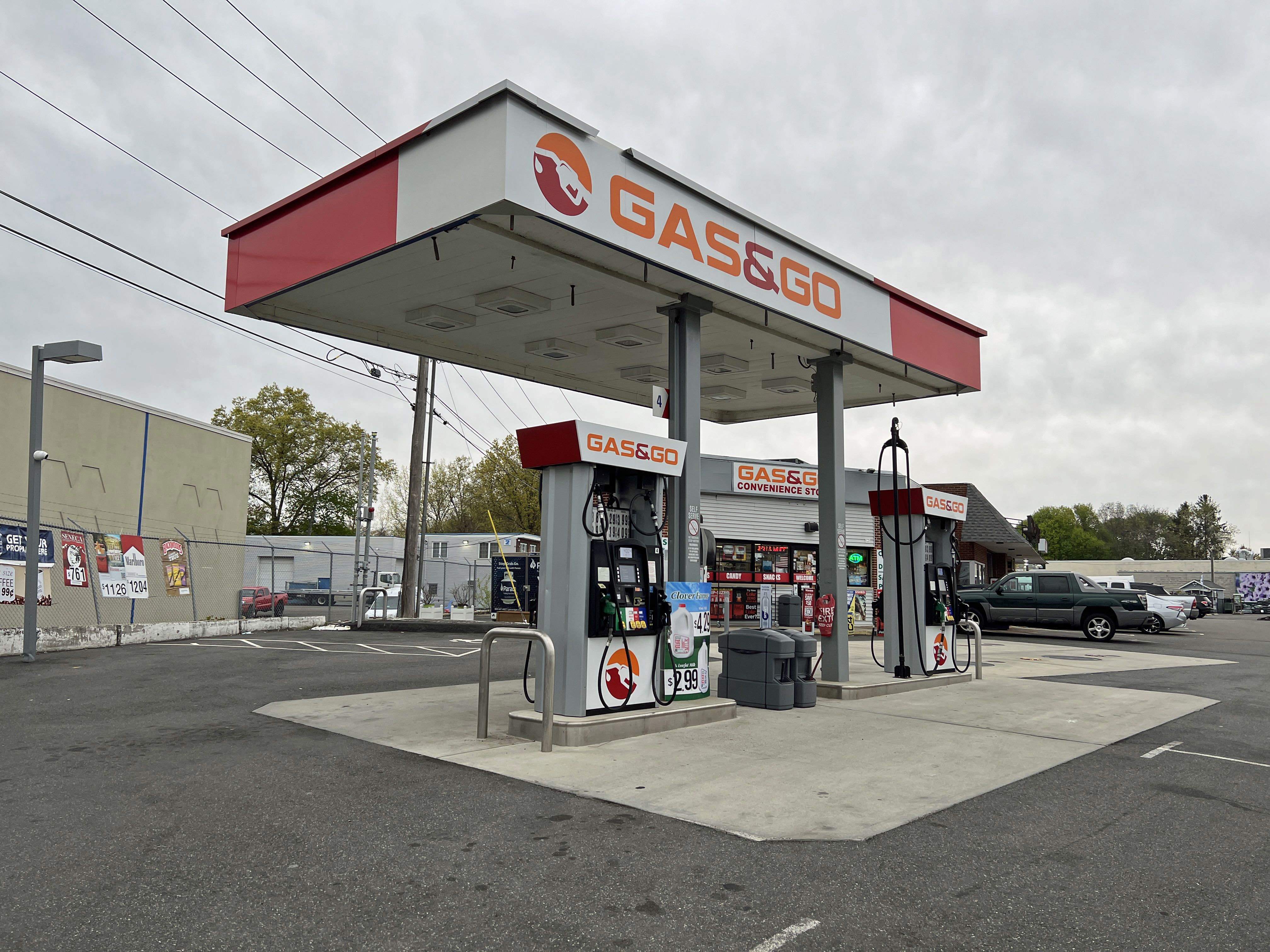
That made me think of the Gasigo sequence in the “Heroboy” episode of Freakazoid! In the sequence, singing attendants delayed Freakazoid’s (Paul Rugg) attempt to reach the villain Gutierrez (Ricardo Montalban). They had to finish the jingle in Freak’s car. Watch:
The episode ended with the Gasigo attendants driving Gutierrez mad as they reprised their jingle:
South of Gas & Go was another gas station/convenience store: Cumberland Farms. I stopped in there to buy ice cream bars for dessert back in my room.
My friend Kelly drove down from Wallingford for the show and met me at my room door around 6:30. We hung out for a little while, then drove to the Parsons Complex. I had her stop at CVS on the way so I could buy a small notebook or pad for writing out the set list and side notes. I forgot to pack a notebook and my sleep mask. I got a cheap gray mask and stenographer pad (close enough), then went on to Parsons. We arrived close to 7:30, after the soundcheck, so the doors were open.
Before entering the Veterans Memorial Auditorium, I decided to take a chance on the 50/50 raffle. I took out my wallet from my coat’s right pocket and bought three tickets for $10. Little did I know I inadvertently knocked out my keys, and wouldn’t realize what happened until the next day. More on that in the Saturday post.
I got plenty of reassurance from Katherine Gilraine and Ron Hancox, my fellow photographers in the orchestra pit, along with friends like Jay Dobbins, Phyllis Abrams, and Robin Morin Stewart. I love what I do and I love the music. I shouldn’t put so much pressure on myself. I need to be present, enjoy myself, trust the process, and take my time. I don’t work for a media outlet. There is no deadline.
With newfound confidence, I set up my equipment on the center-left portion of the orchestra pit below the stage. Production manager Kevin McCabe came on stage around 8:10 to welcome the audience and thank the sponsors:

Then, he introduced Jay Rowe, who read his statement in the program that marked Smooth Jazz for Scholars’ 20th anniversary:


Here is that message:
20 years of Smooth Jazz for Scholars!! I certainly did not think I would reach this milestone when I had the idea to start this event 20 years ago. Doing these shows helped me to become a better musician and play with some of my favorite musicians and people!! In some cases, I was playing alongside my musical heroes like Jeff Lorber, Alex Bugnon, David Benoit, Marc Antoine and Peter White, while watching newer artists like Vincent Ingala and Eric Darius become superstars and amazing entertainers. There have been losses along the way such as the passing of Jeff Golub, Chuck Loeb, Nick Colionne [fan page] and Rohn [“Ron”] Lawrence. These guys are missed terribly in our musical community and will never be forgotten. I have learned much about how important music is in people’s lives and have examined my own relationship with music. I still love playing and I am grateful that musical dreams can still come true in advancing middle age!! I truly hope that the youth of Milford, Connecticut – the town I grew up in and still love to live in – can experience the joy I have when playing music in whatever they pursue when they grow up. I also hope they can have the wonderful friendships that I have had through playing music. Thanks so much to Ken Navarro, Marion Meadows, Chieli Minucci [“key-ellie min-oo-chee”] and Nelson Rangell for being there for me at the very first Smooth Jazz for Scholars show that we played back in 2003 at Foran High School. It is very fitting to me that these artists perform for the first night of our 20th anniversary weekend. It has been a pleasure working with all of the artists who have played at Smooth Jazz for Scholars over the years at various festivals, clubs and events all over the world. Thanks to all of the fans of smooth jazz who have supported this show for all these years. You have been the reason to keep this going to support music education in our public schools inspiring the next generation of artists and music teachers!! Thanks to our sponsors: Barrett Outdoor Communications; Milford Bank; Dr. Anna Cutaia, Superintendent for Milford Public Schools; Amy Perras, Instructional Supervisor for Music, Art and Library Media; Kathy Bonetti, Communications Coordinator for Milford Public Schools; my mom Mia DiStasi; my wife Deborah Rowe; Kevin McCabe; WRTC; Mike Stacy at WRCH; Gregg Roche, former host of The Sunday Smooth Jazz Brunch on WRCH; Steve Butler, my favorite booking agent; everyone in this ad book (program), all of the wonderful fans of smooth jazz and the great artists performing at this year’s shows. Enjoy this year’s shows and stay tuned for next year when Smooth Jazz for Scholars becomes an adult at 21!!
Jay Rowe, 2023 Smooth Jazz for Scholars program
As Jay said, all four headliners from the first show in 2003 were present on the first night 20 years later!
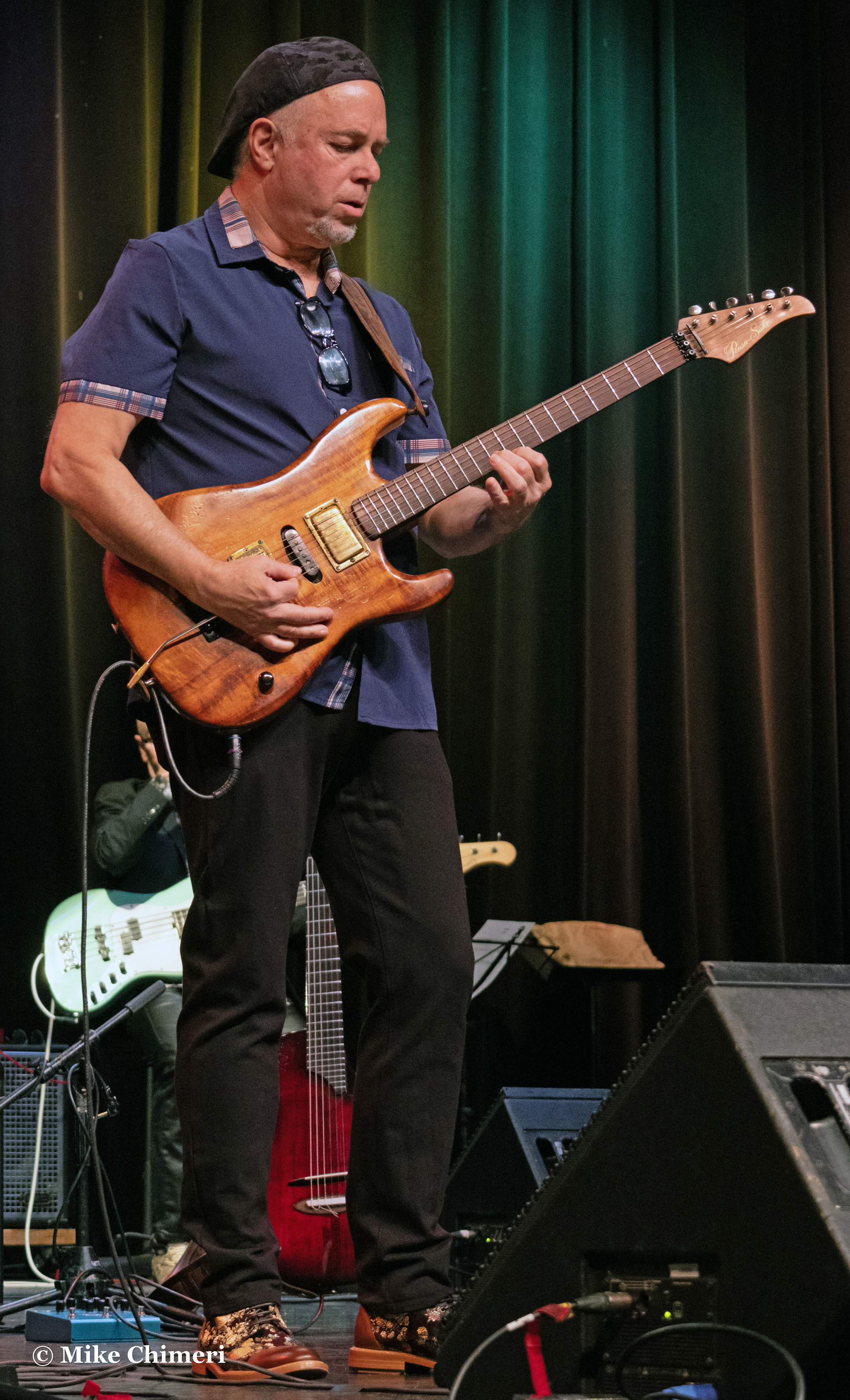
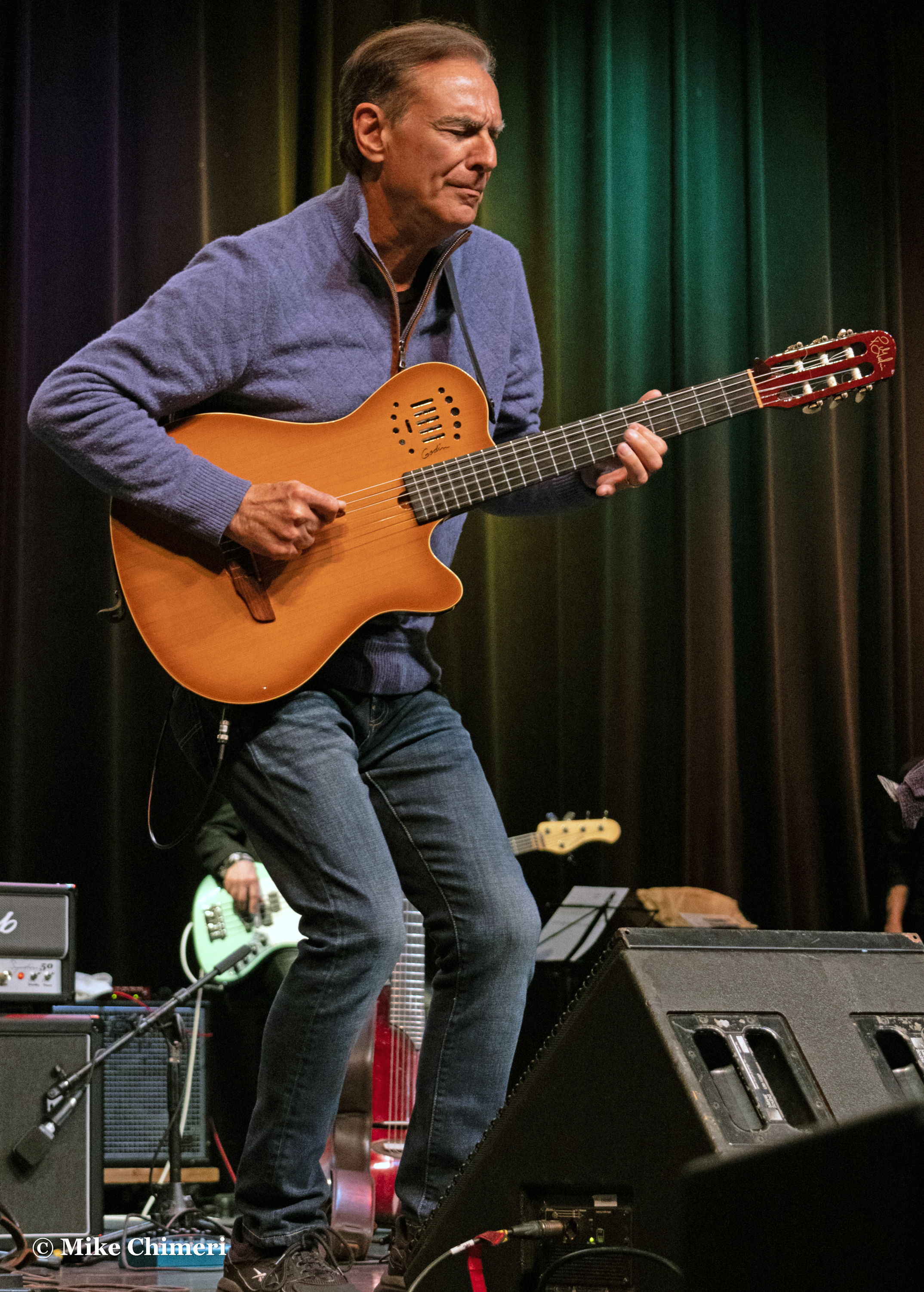
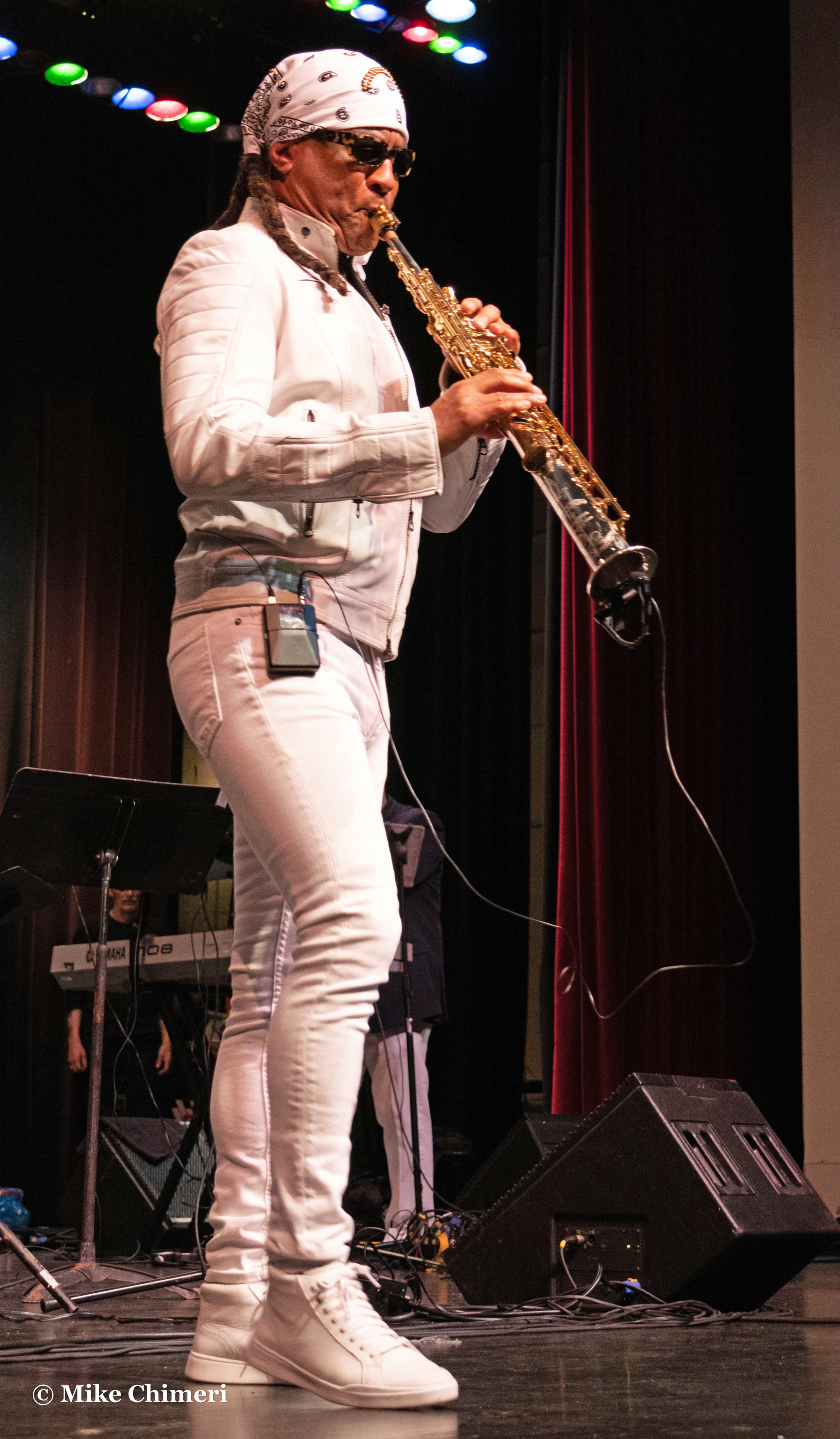
…and Nelson Rangell:

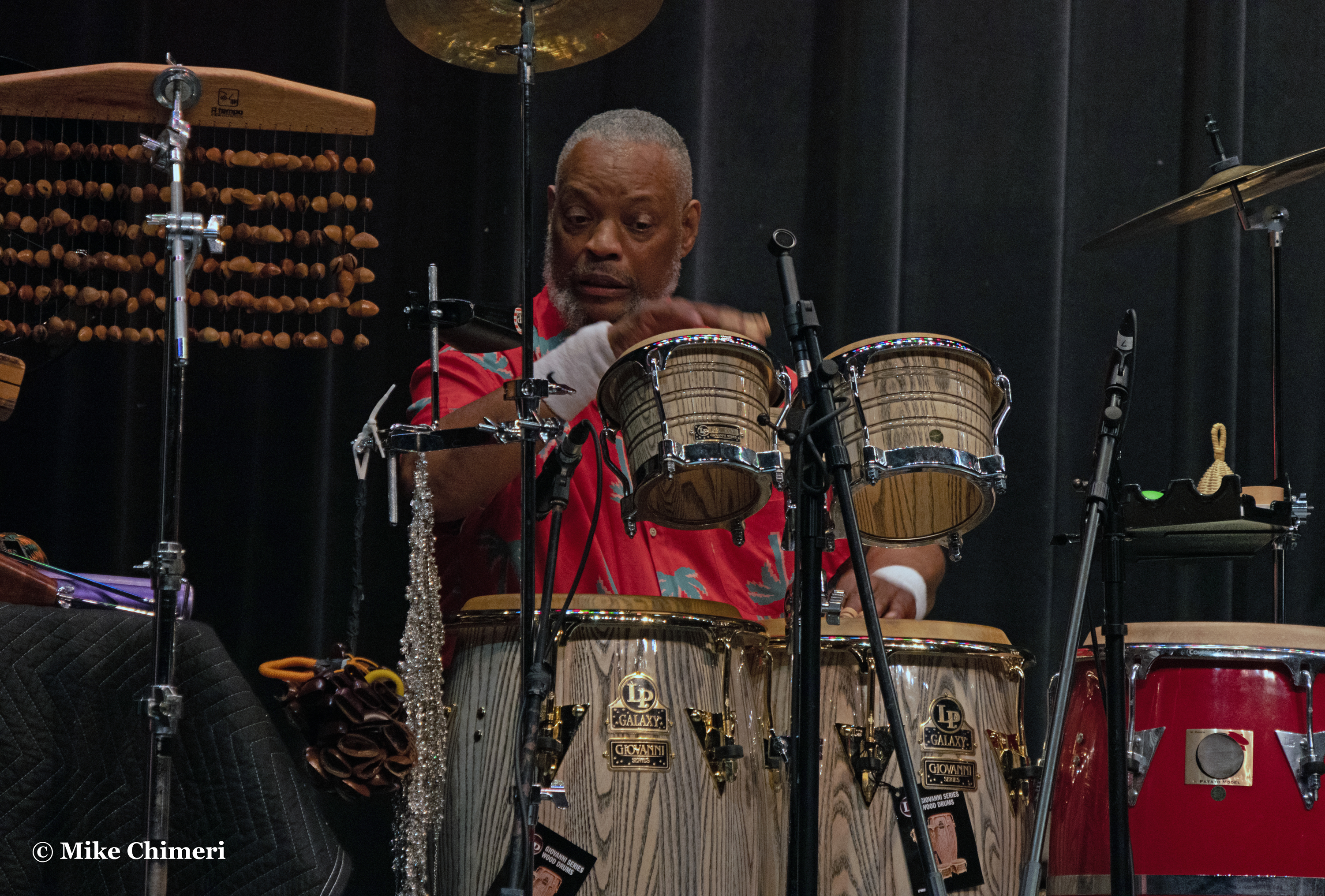
Jay’s house band had percussion by Steve Scales:
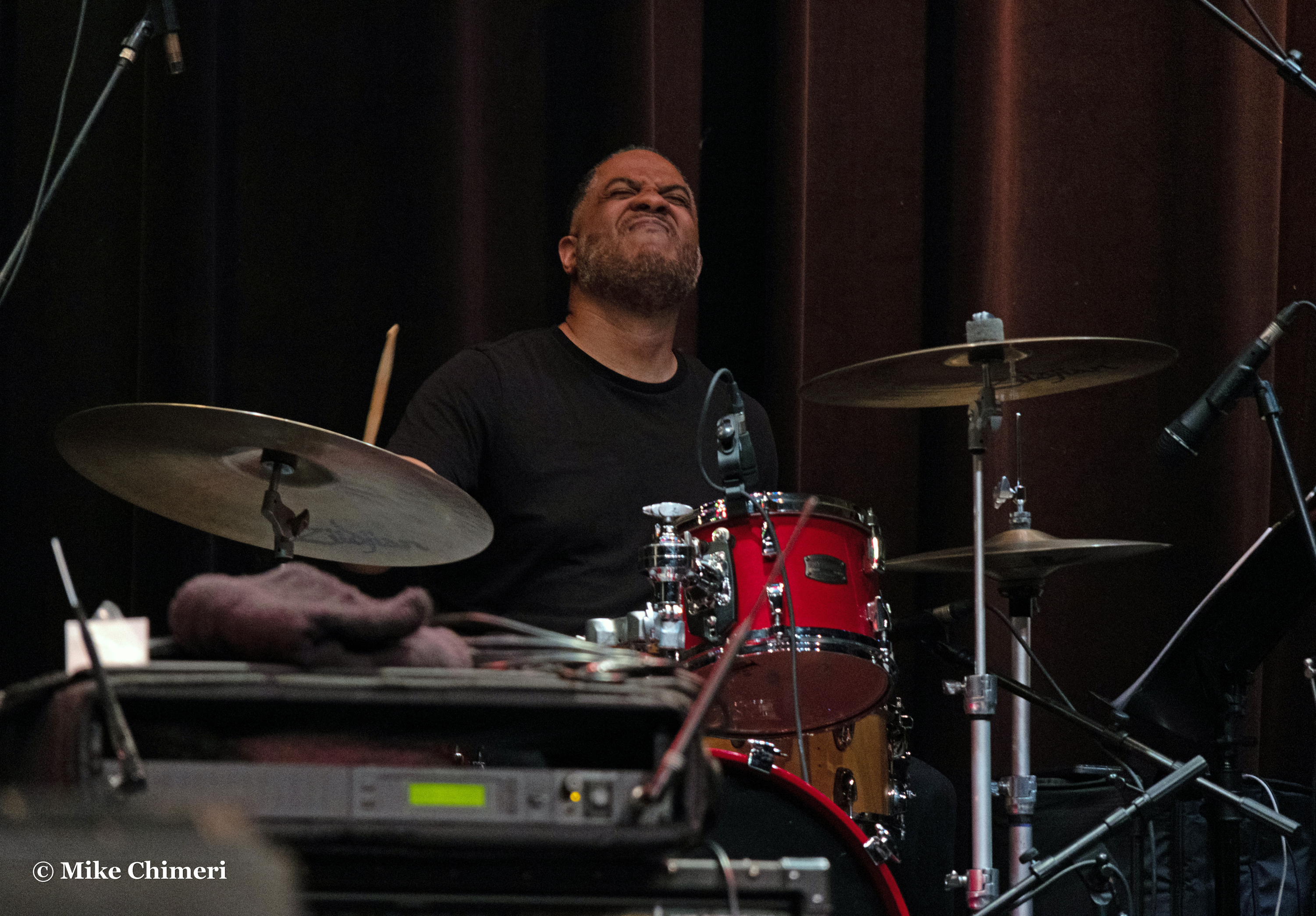
Trever Somerville on drums:
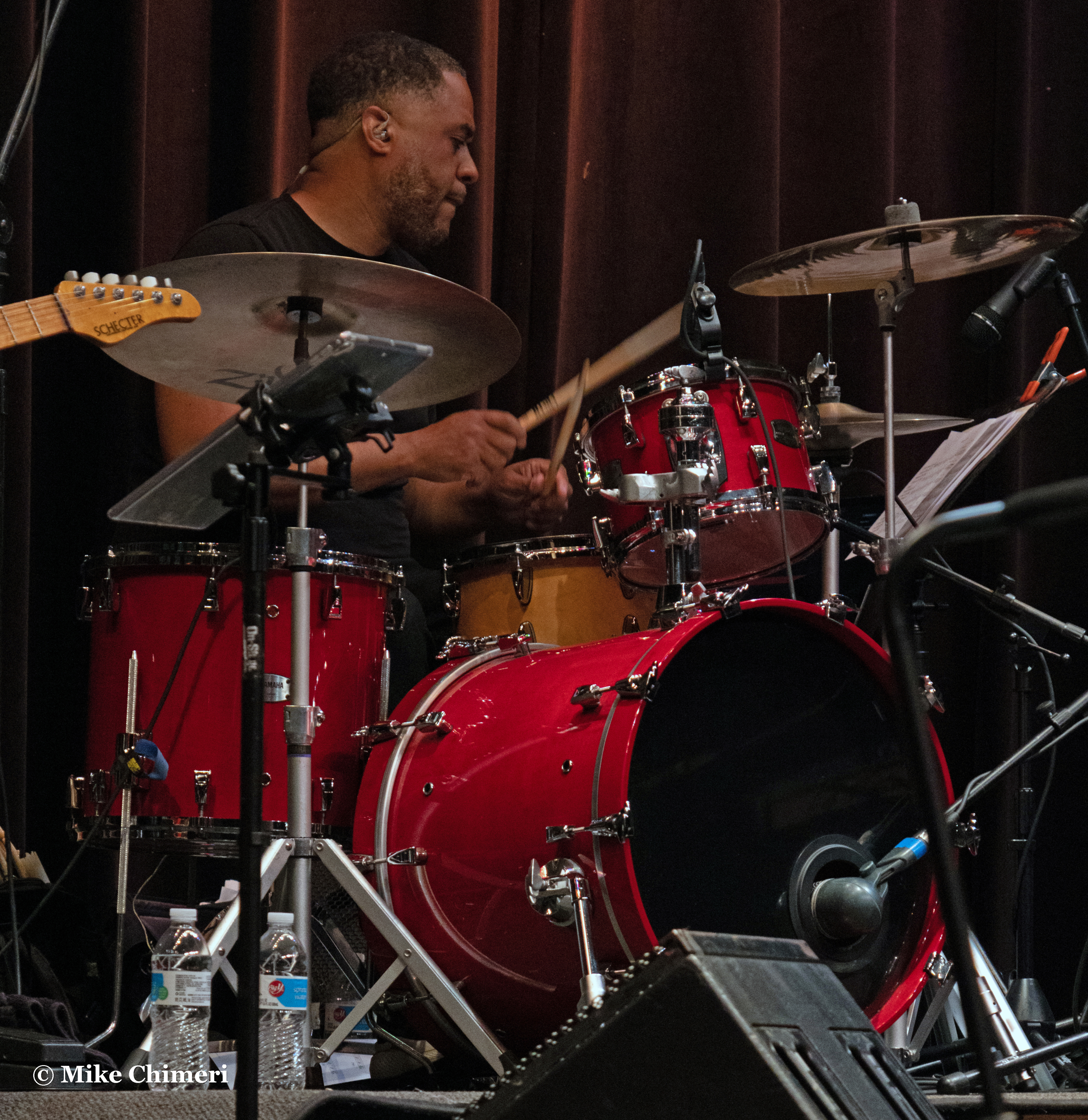
Dave Anderson on bass:
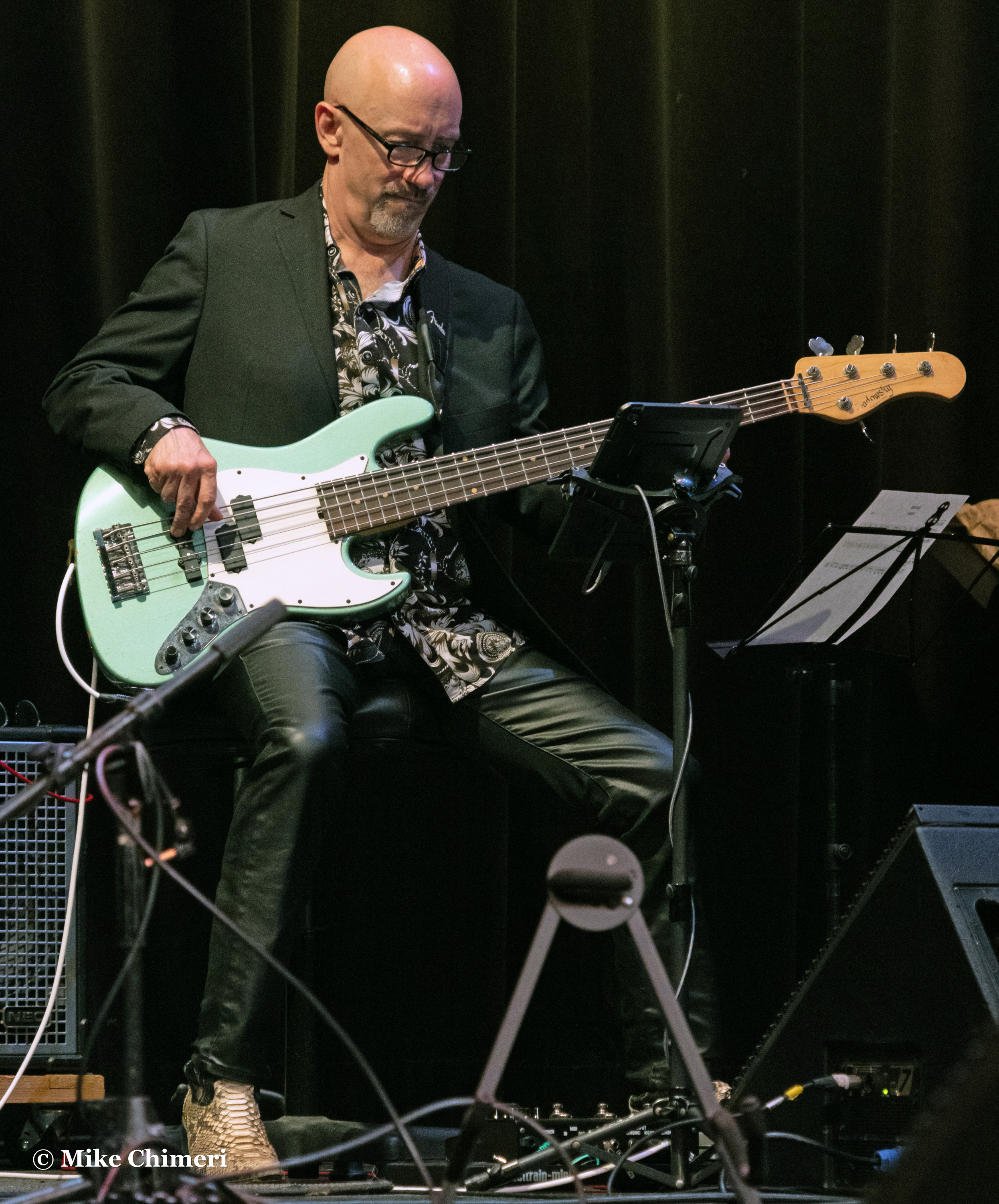
Andy Abel on guitar:

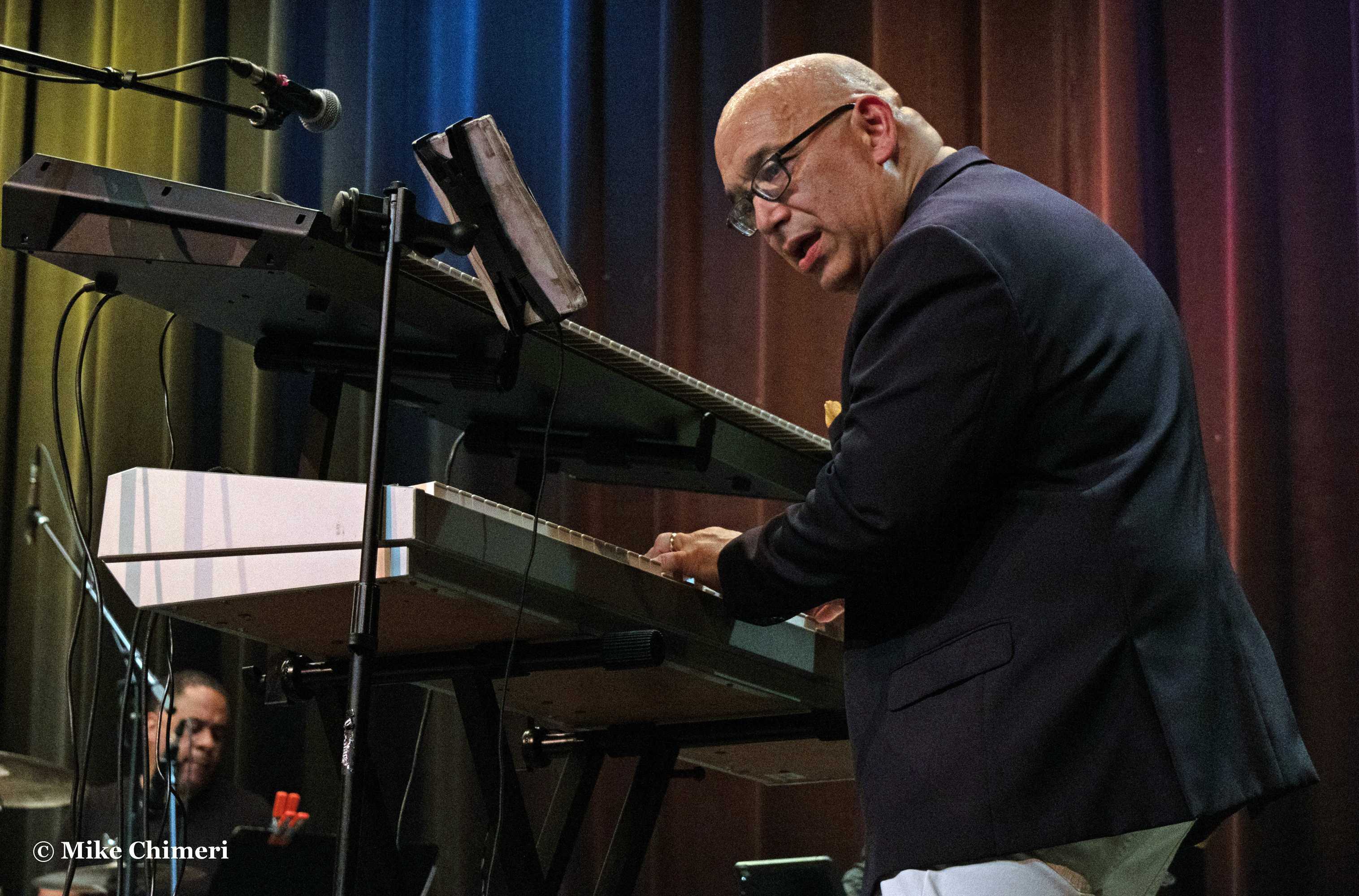
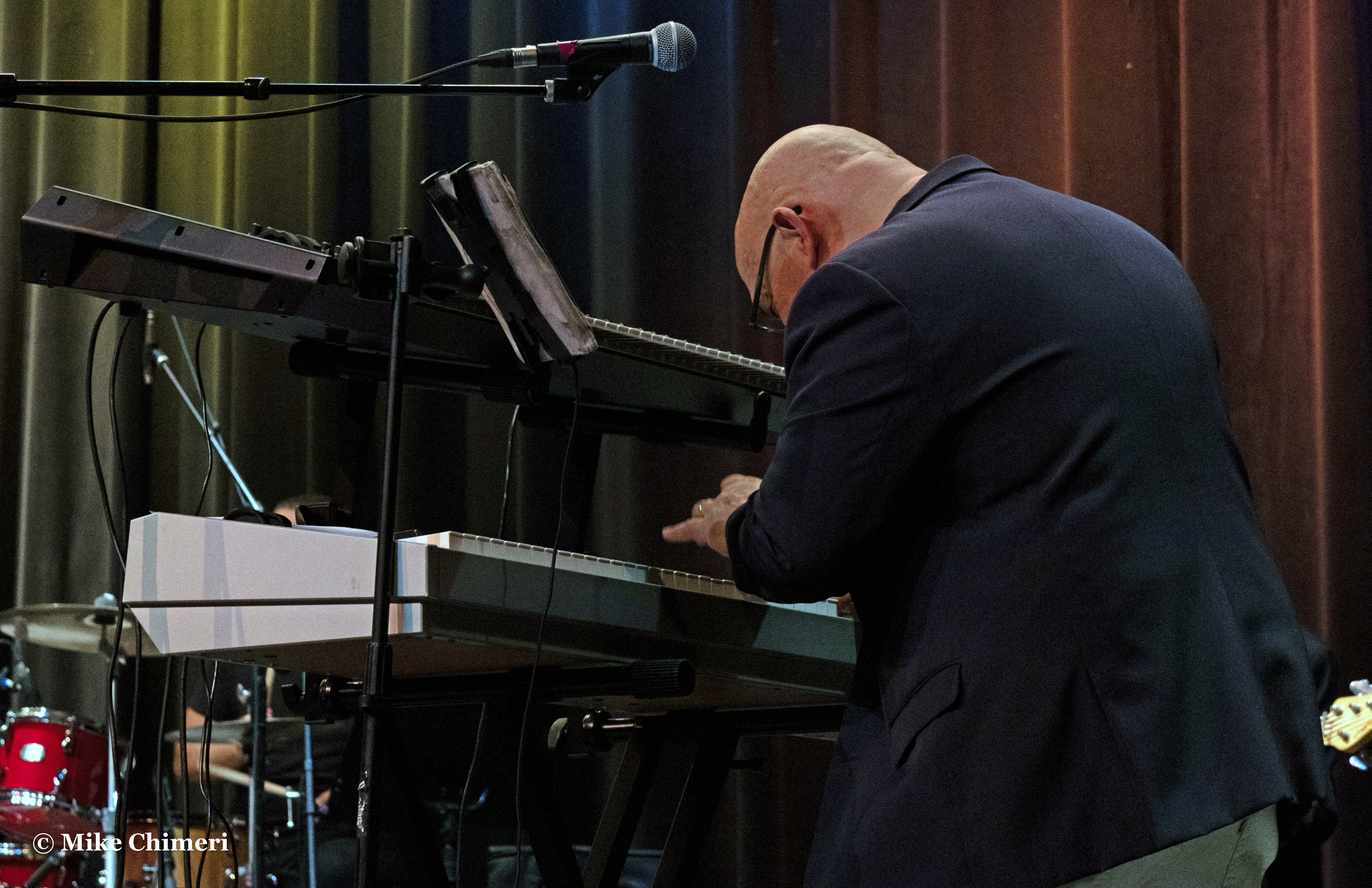
And directing it all, Jay Rowe on keyboards:
(Updated with videos on 5/31. The soundcheck was part of the original post.)
SET LIST
1. Every Woman Every Man (Jay Rowe)
Originally heard on: Smooth Ride (2016) (earlier version of this post incorrectly credited song to Groove Reflections)
Featured musician: Jay Rowe (keyboards)
2. Midnight Dance (Jay Rowe)
Single
Featured musician: Jay Rowe (keyboards)
3. Ballerina (Special EFX)
Originally heard on: Just Like Magic (1990)
Featured musician: Chieli Minucci (electric guitar)
4. George Can’t Dance (Special EFX)
Originally heard on: Catwalk (1994)
Featured musicians: Chieli Minucci (electric guitar), Nelson Rangell (alto sax)
5. Gratitude (Nelson Rangell)
New and unrecorded (10/5/23 UPDATE: It has since been recorded and will debut as a single tomorrow.)
Featured musicians: Nelson Rangell (alto sax), Chieli Minucci (acoustic guitar)
6. Smokin’ Joe (Nelson Rangell)
New and unrecorded; tribute to Joe Sample
Featured musicians: Nelson Rangell (alto sax), Jay Rowe (keyboards)
7. Smooth Sensation (Ken Navarro)
Originally heard on: Smooth Sensation (1997)
Featured musician: Ken Navarro (acoustic guitar)
8. When We Dance (Ken Navarro)
Originally heard on: Into the Light (2020)
Featured musician: Ken Navarro (acoustic guitar)
9. The Lift (Marion Meadows) (started in audience)
Originally heard on: Body Rhythm (1995)
Featured musician: Marion Meadows (soprano sax)
10. My Cherie Amour (Marion Meadows; Stevie Wonder cover)
Originally heard on: Body Rhythm (1995)
Featured musicians: Marion Meadows (soprano sax), Jay Rowe (keyboards)
11. Daybreak (Special EFX)
Originally heard on: Global Village (1992)
Featured musicians: Chieli Minucci (acoustic/electric guitars), Jay Rowe (keyboards), Dave Anderson (bass)
12. Sonora (Nelson Rangell; Hampton Hawes cover)
Originally heard on: Destiny (1995); My American Songbook, Vol. 1 (2005)
Featured musicians: Nelson Rangell (whistling/piccolo), Ken Navarro (acoustic guitar)
13. In the Sky Today (Ken Navarro)
Originally heard on: All the Way (2003)
Featured musicians: Ken Navarro (acoustic guitar), Nelson Rangell (alto sax), Steve Scales (percussion), Trever Somerville (drums)
14. In Memory of Elizabeth Reed (Special EFX; The Allman Brothers Band cover)
Originally heard on: Twenty Twenty 2 (2022)
Featured musicians: Chieli Minucci (electric guitar), Ken Navarro (electric guitar), Jay Rowe (keyboards)
Ken posted video of the soundcheck:
15. Marcosinho (Marion Meadows; Dave Valentin cover)
Originally heard on: Whisper (2013)
Featured musician: Marion Meadows (soprano sax)
16. Romantica (Marion Meadows) (ended in audience)
Originally heard on: Player’s Club (2004)
Featured musician: Marion Meadows (soprano sax)
17 (Finale). What You Won’t Do for Love (Bobby Caldwell cover, tribute to the recently departed singer)
Featured musicians: Everyone, Carla Z (vocals)
Marion was part of Bobby’s live band.
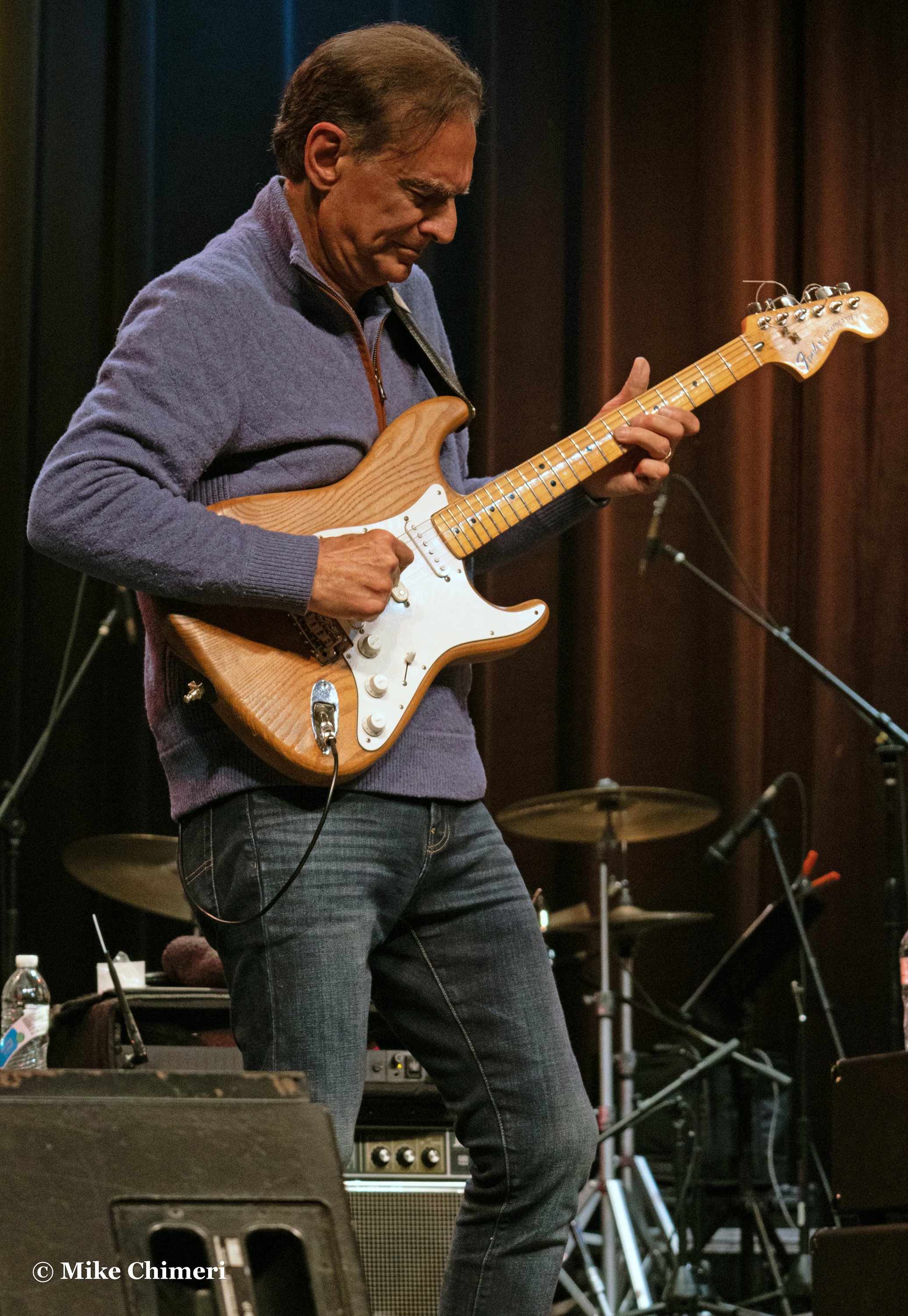
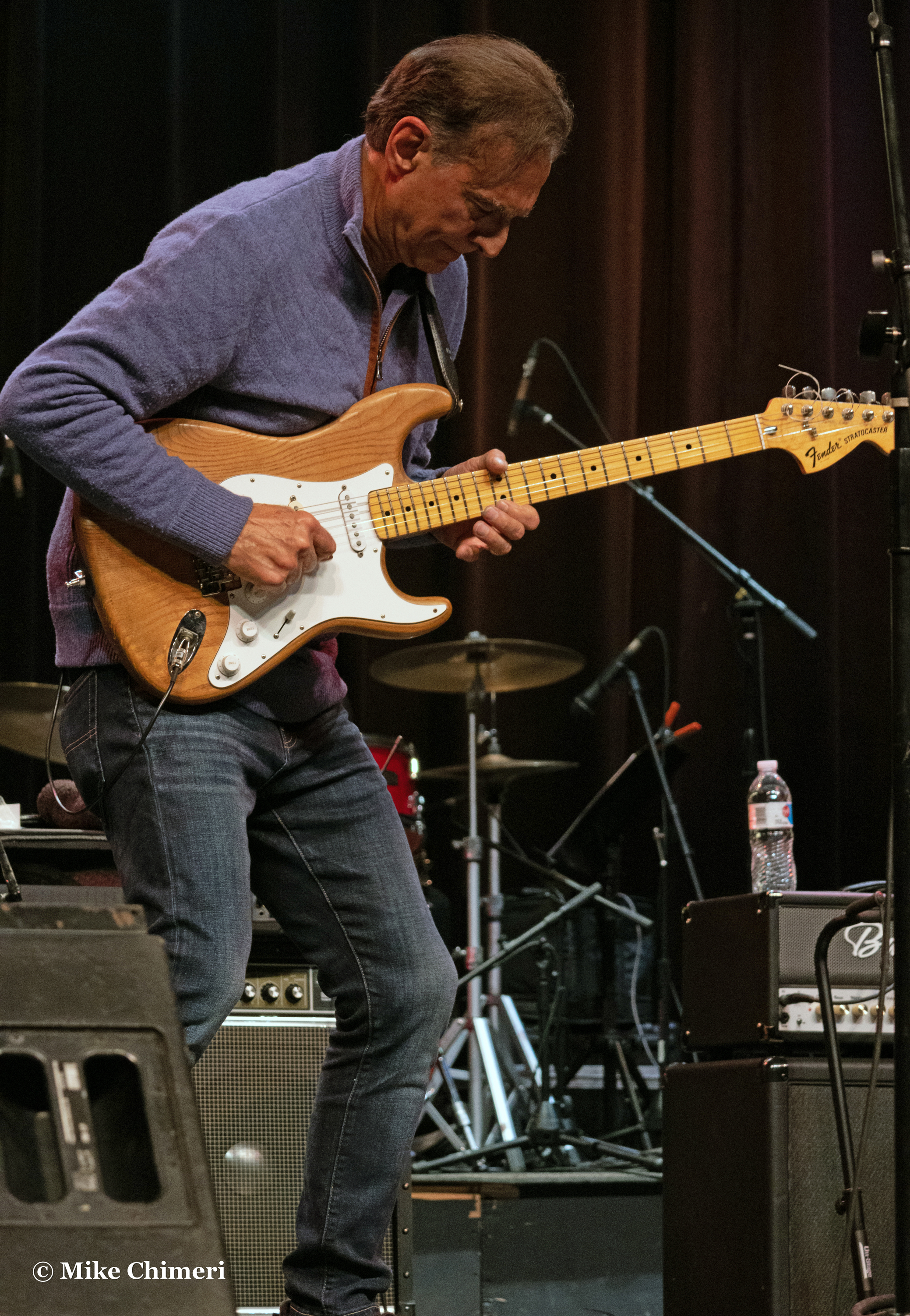
This part of the post is dedicated to photo galleries of the headliners. We start with Chieli Minucci on electric guitar:


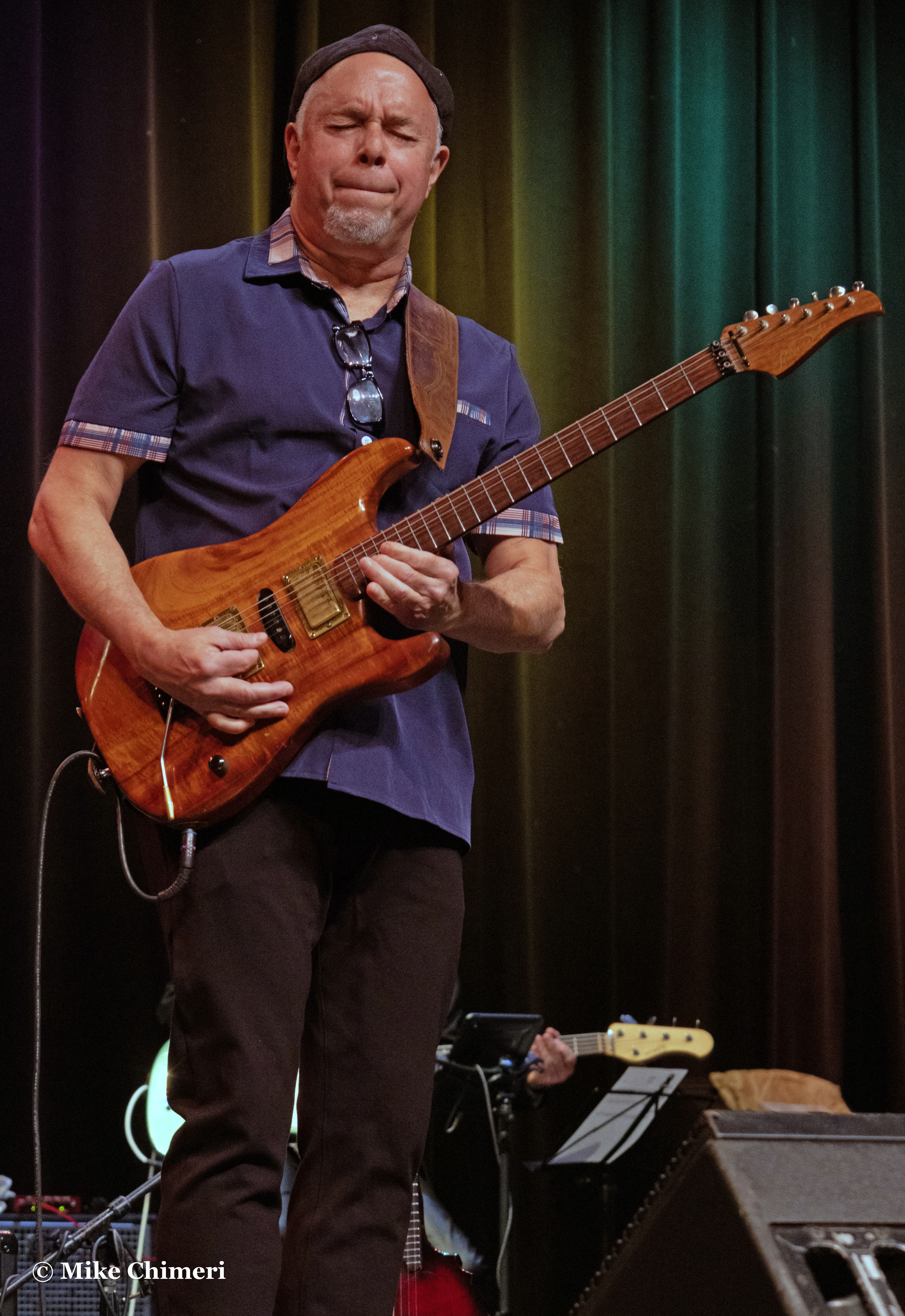
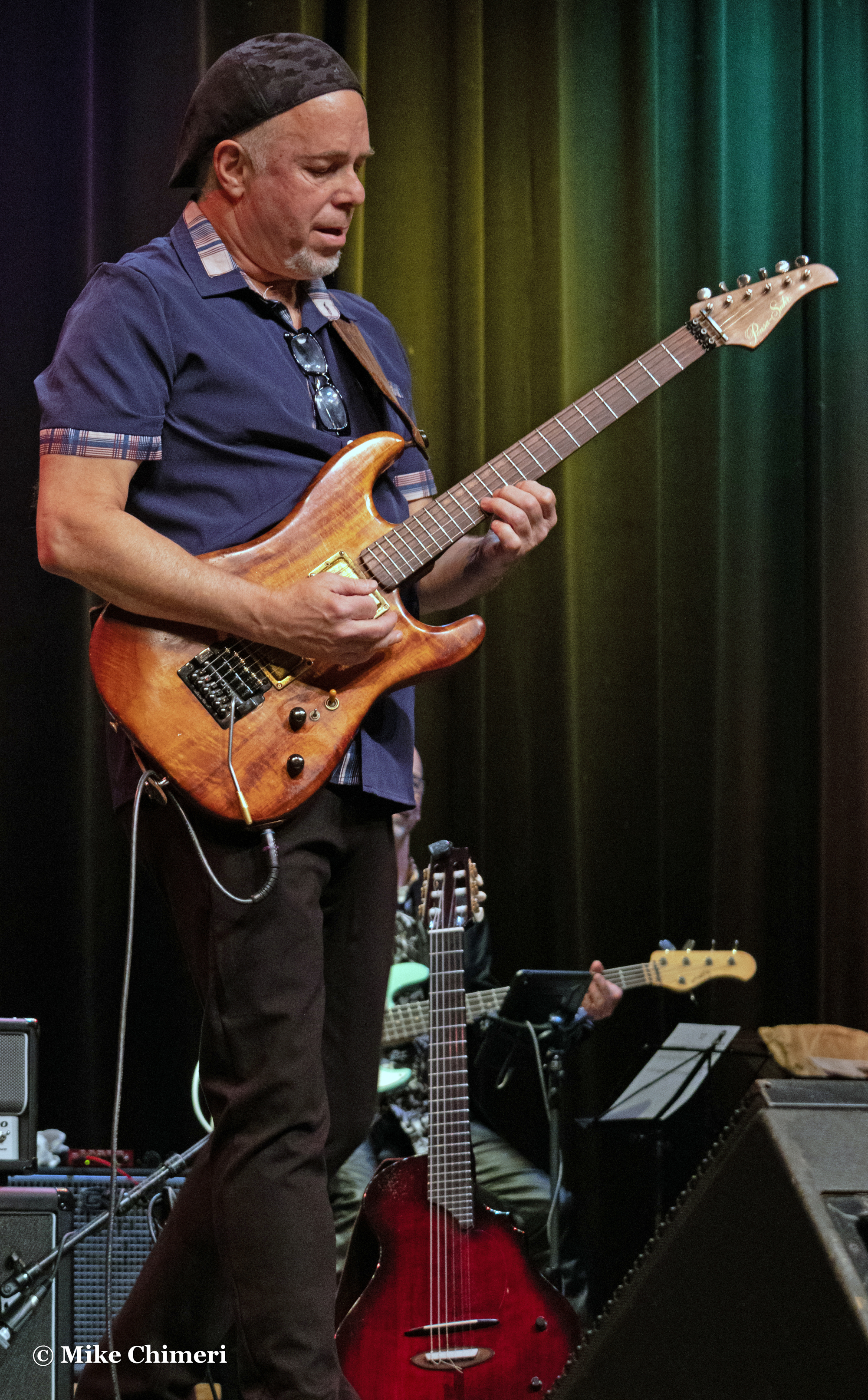
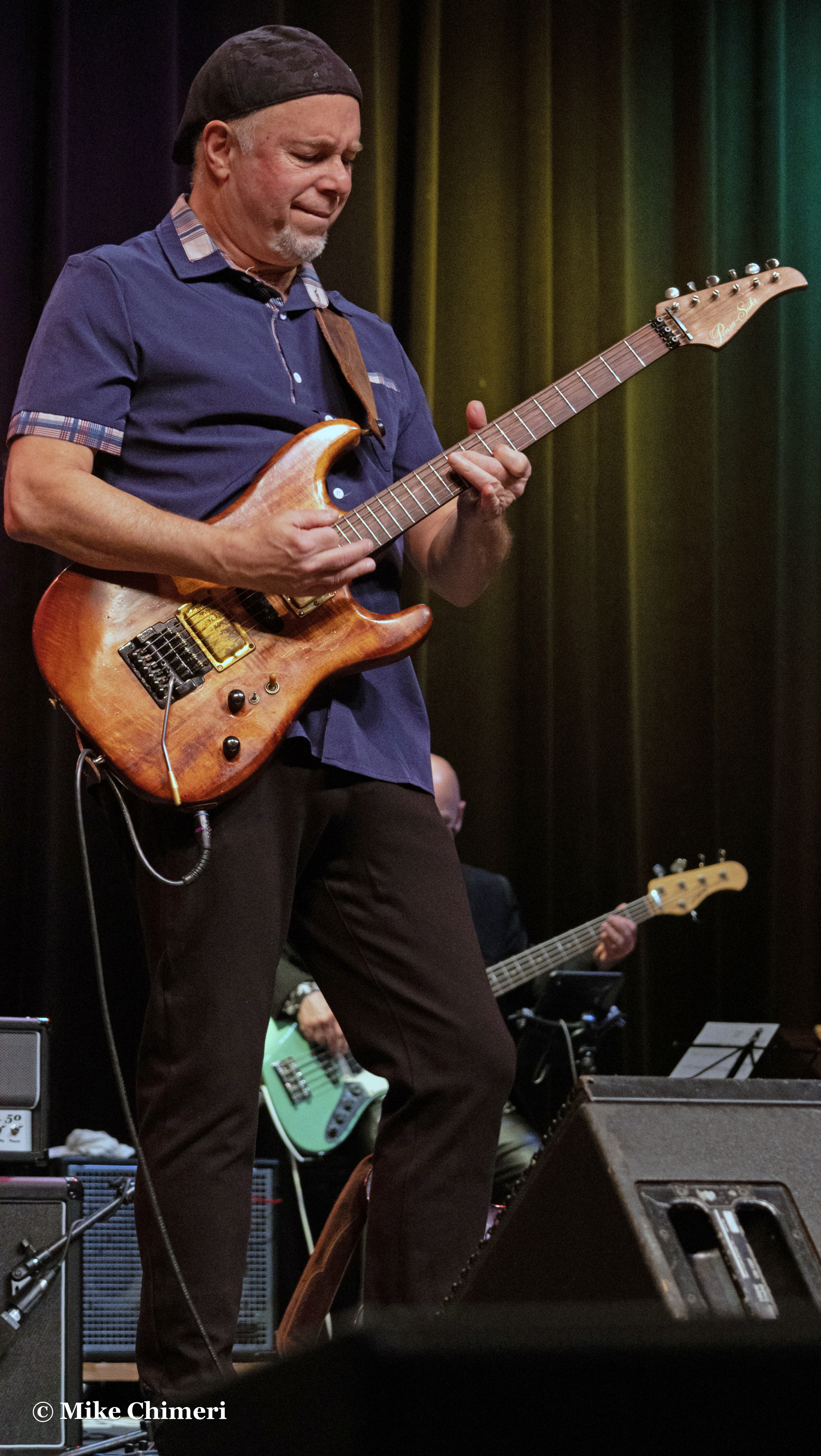

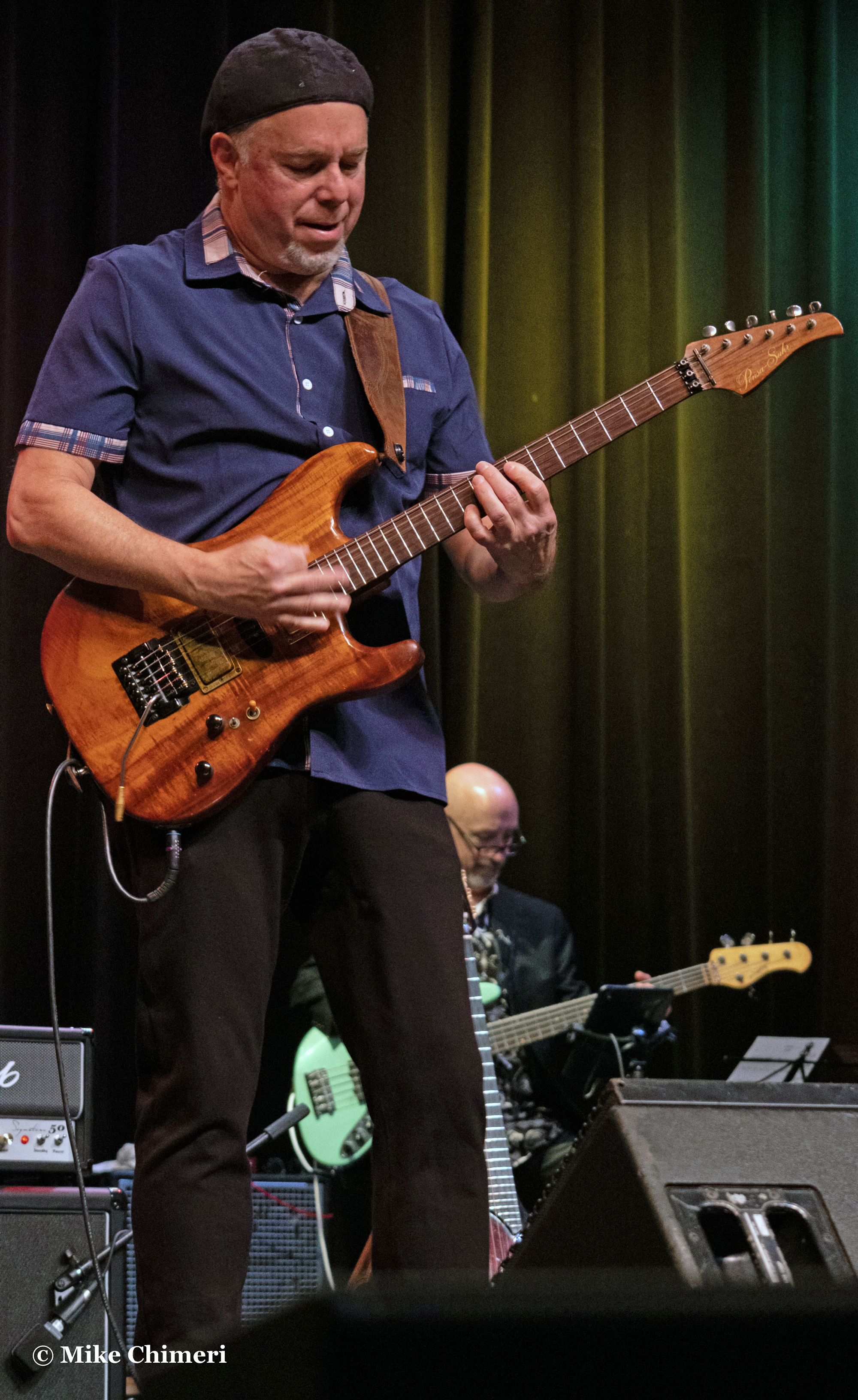
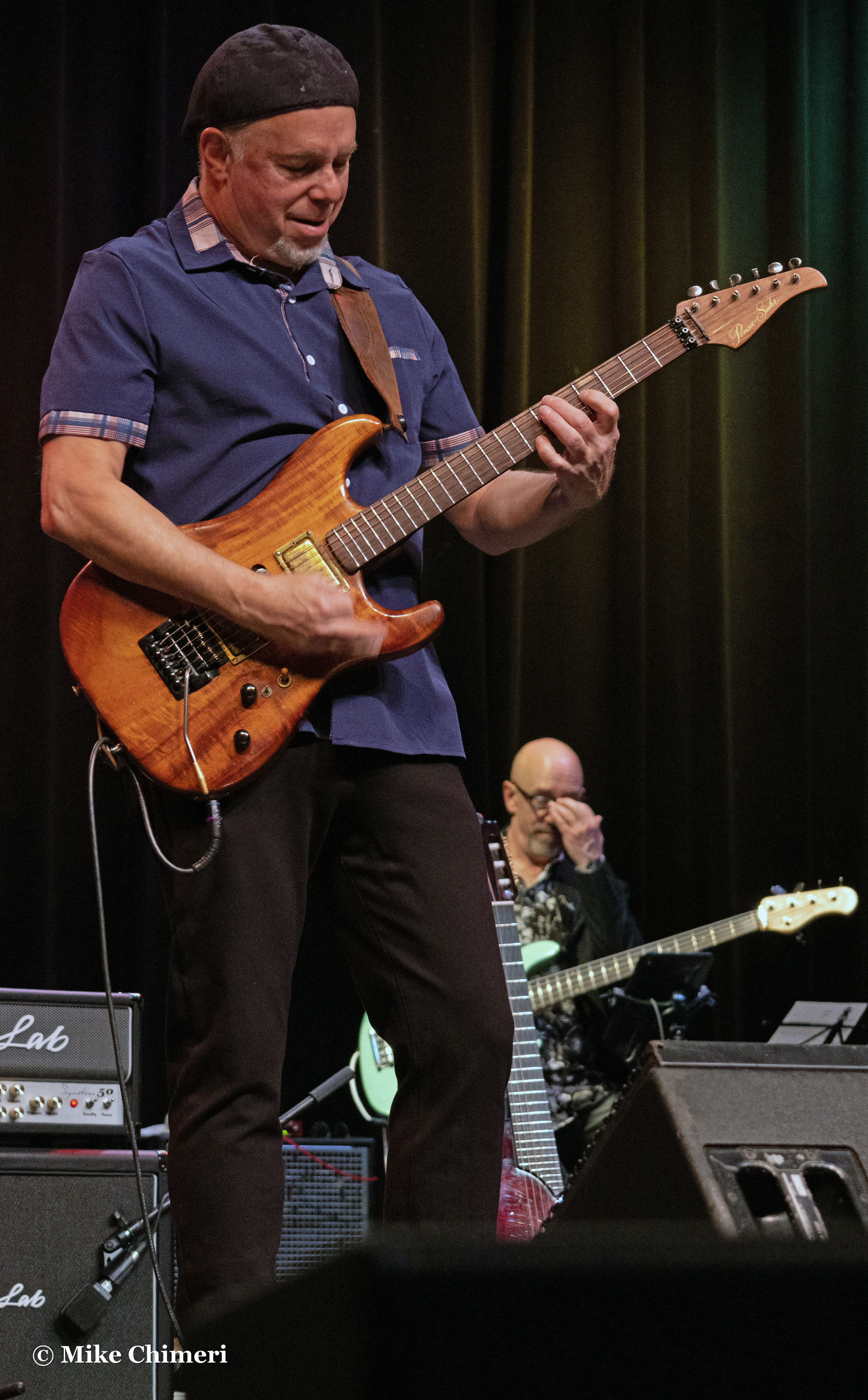
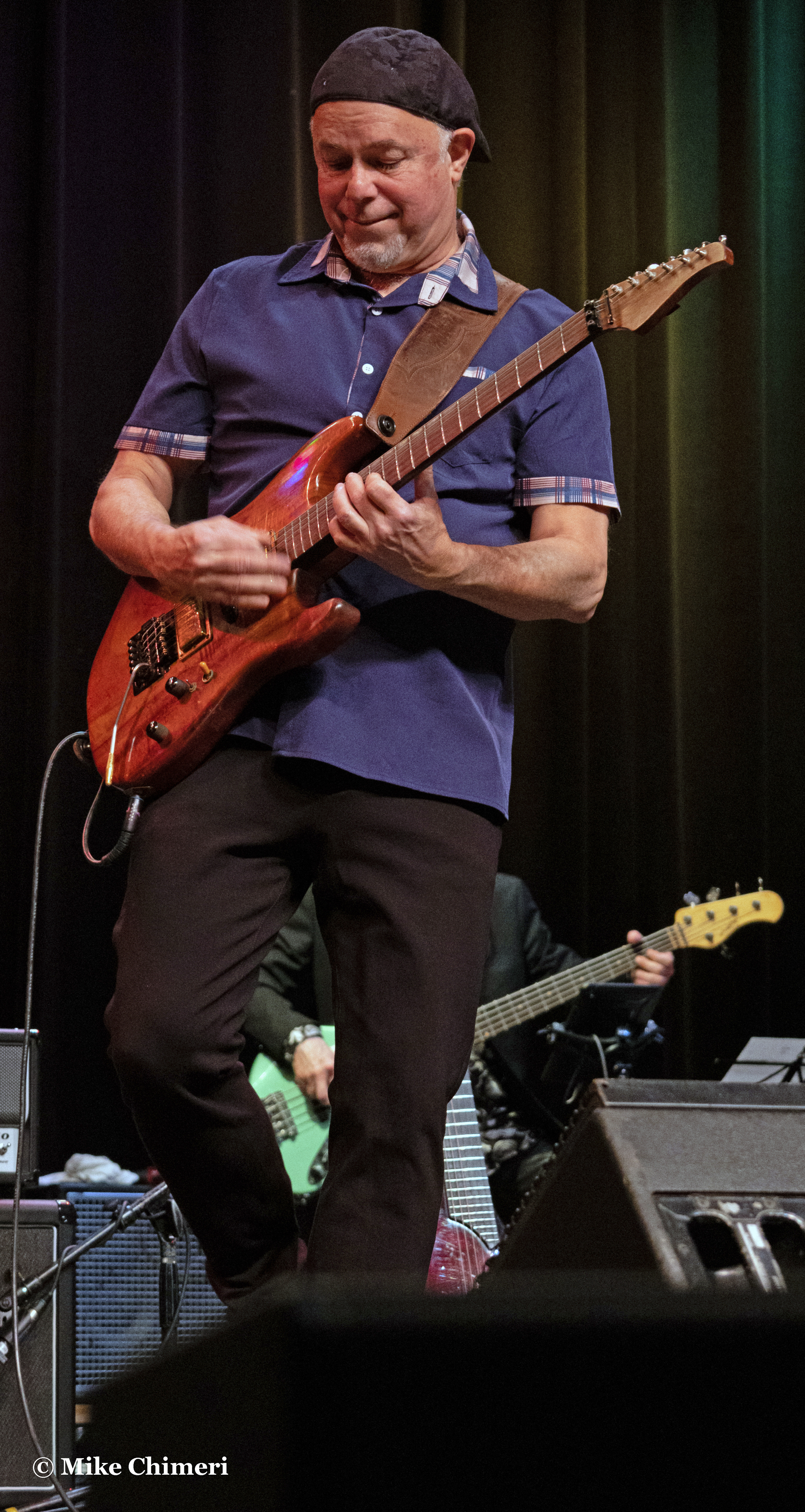
Chieli on acoustic guitar:


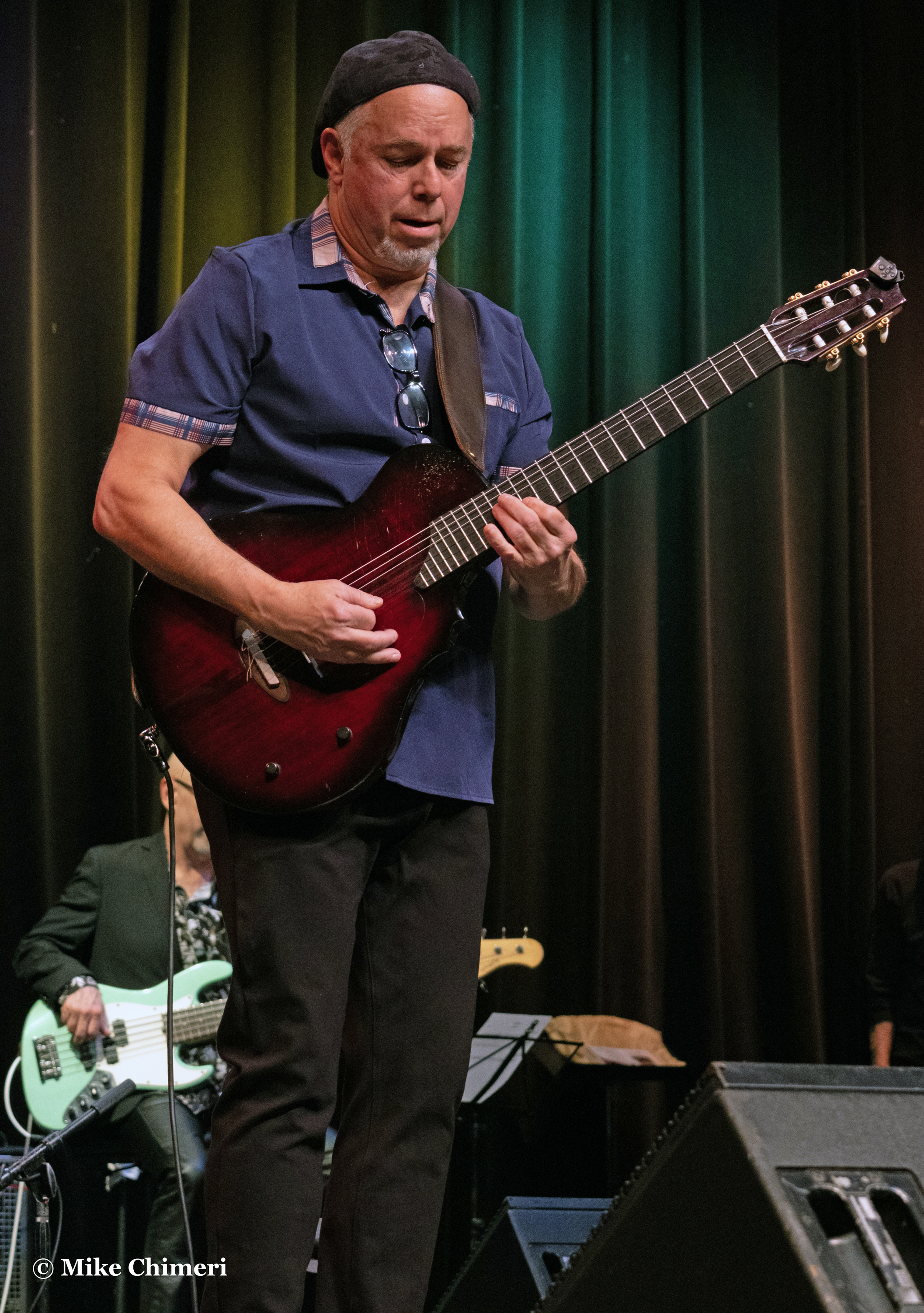
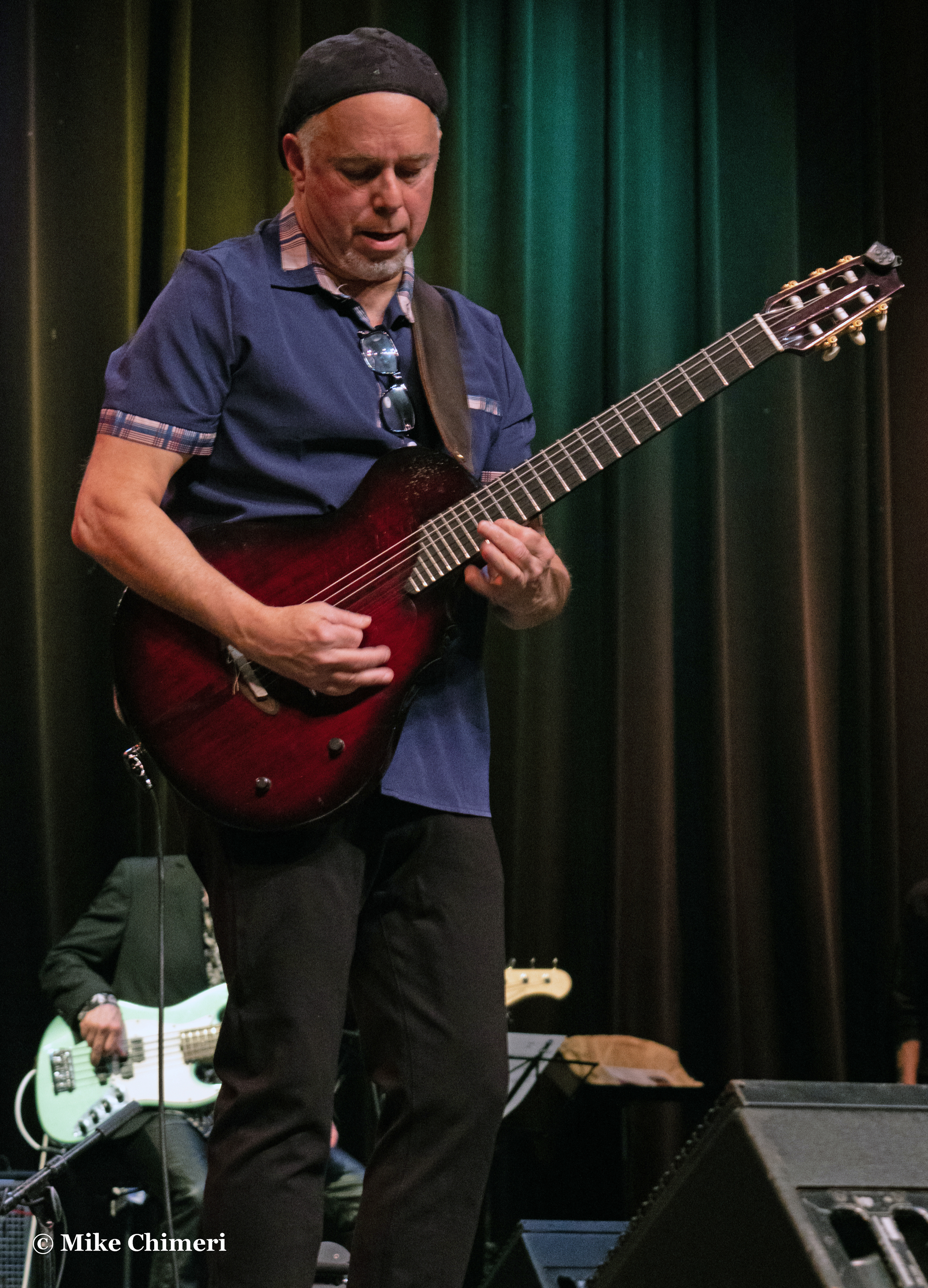
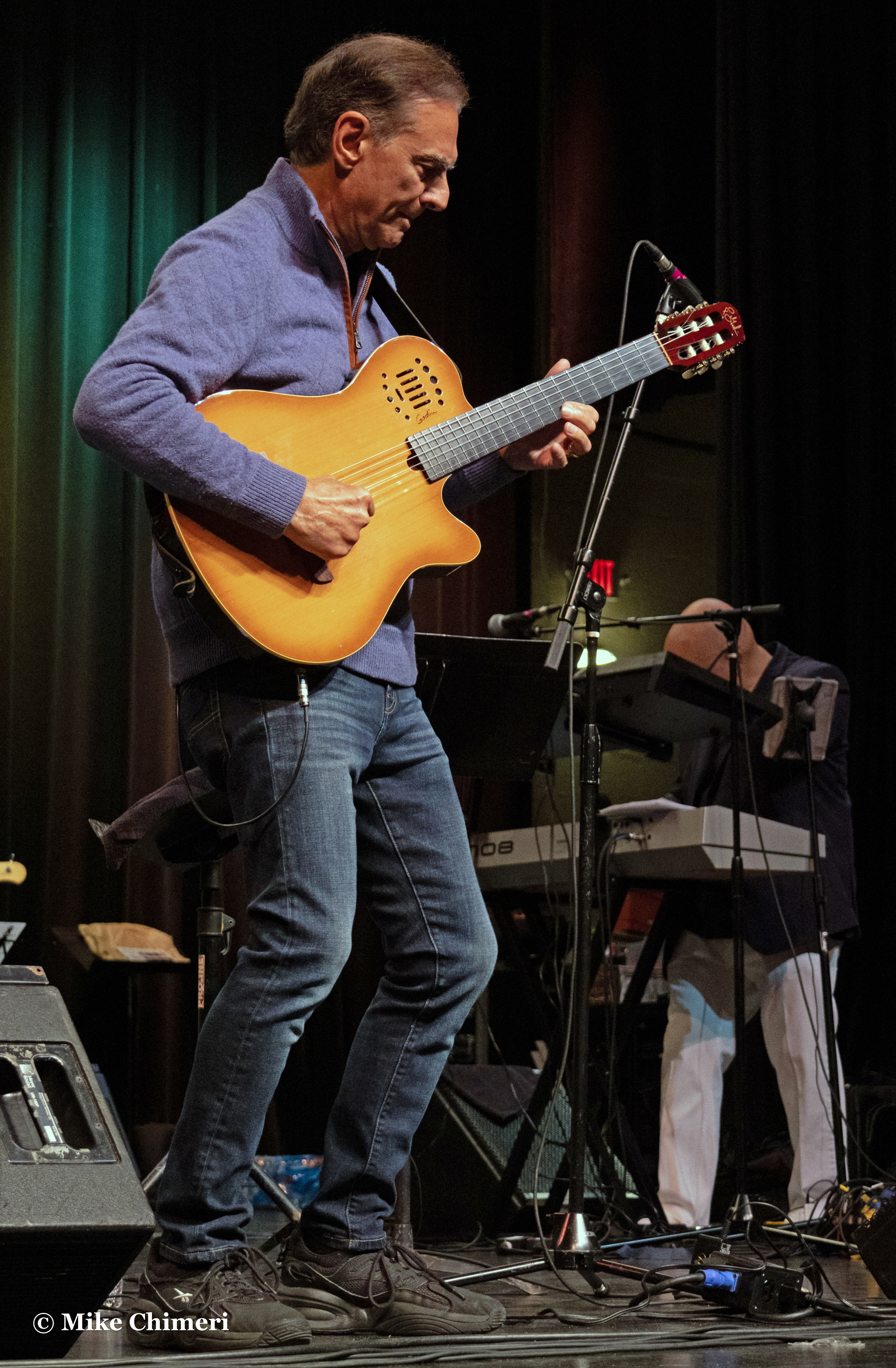
Ken Navarro on acoustic guitar:




Ken on electric guitar for “In Memory of Elizabeth Reed”:



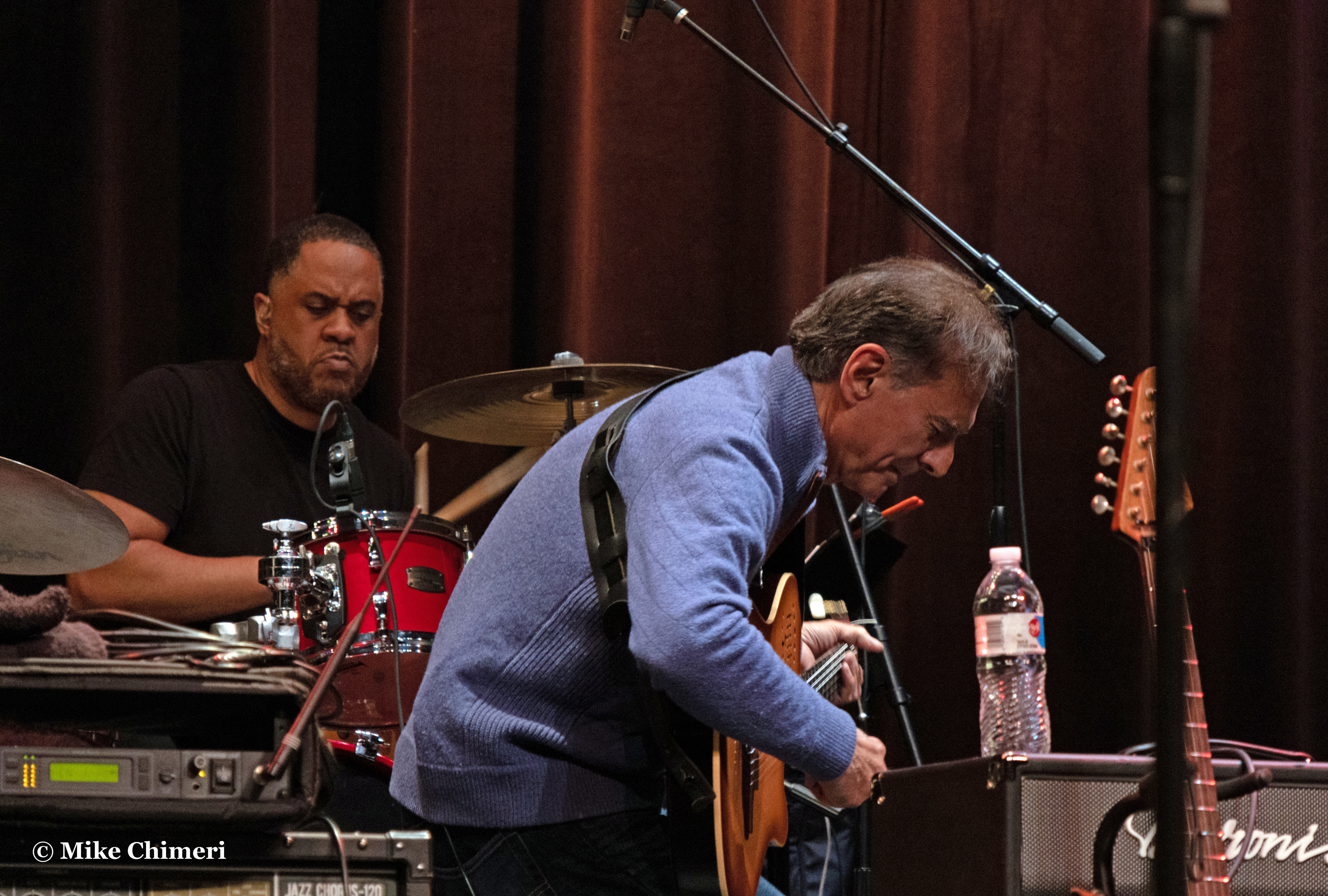
Ken interacting with the band on “In the Sky Today”:


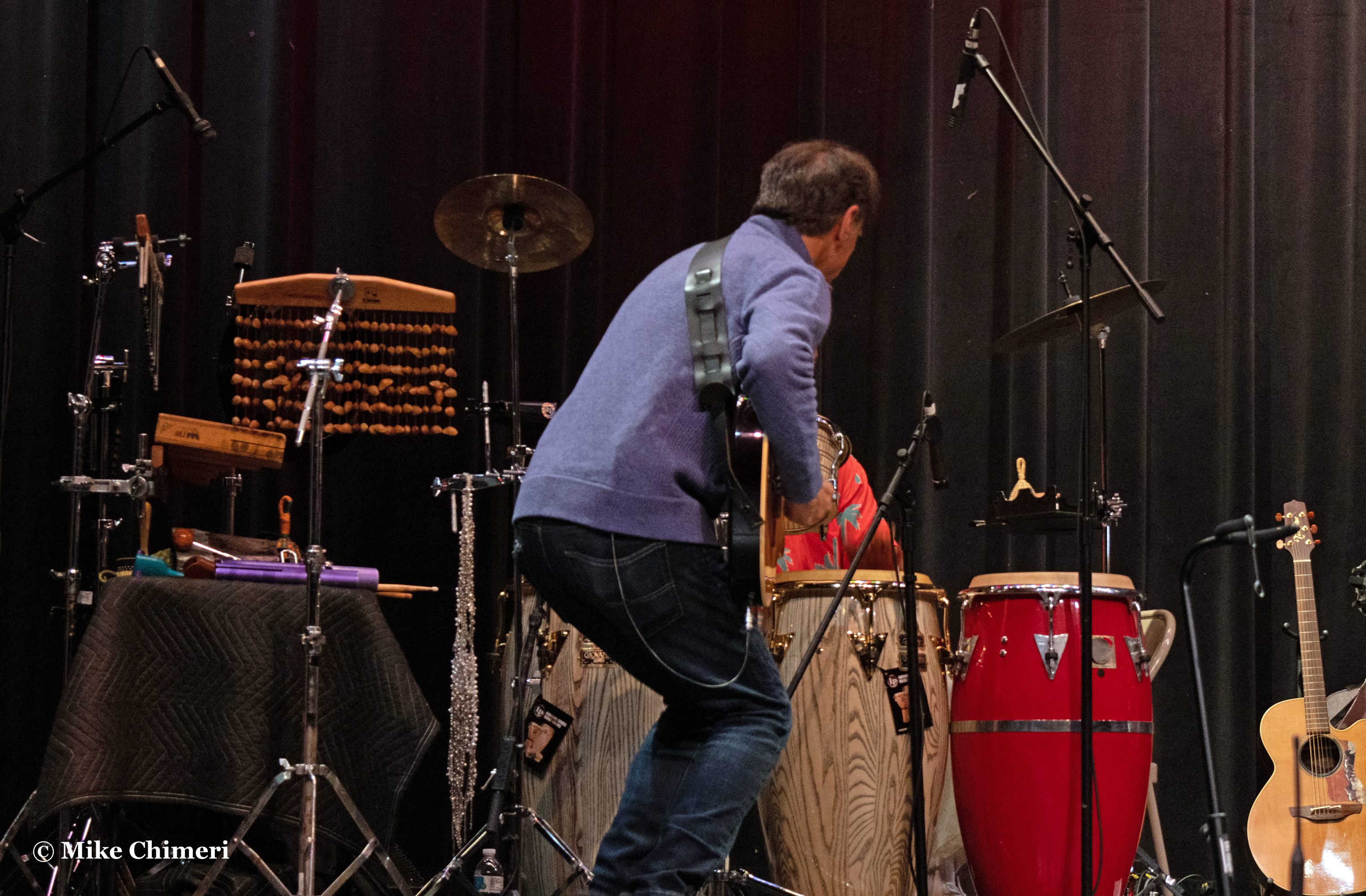

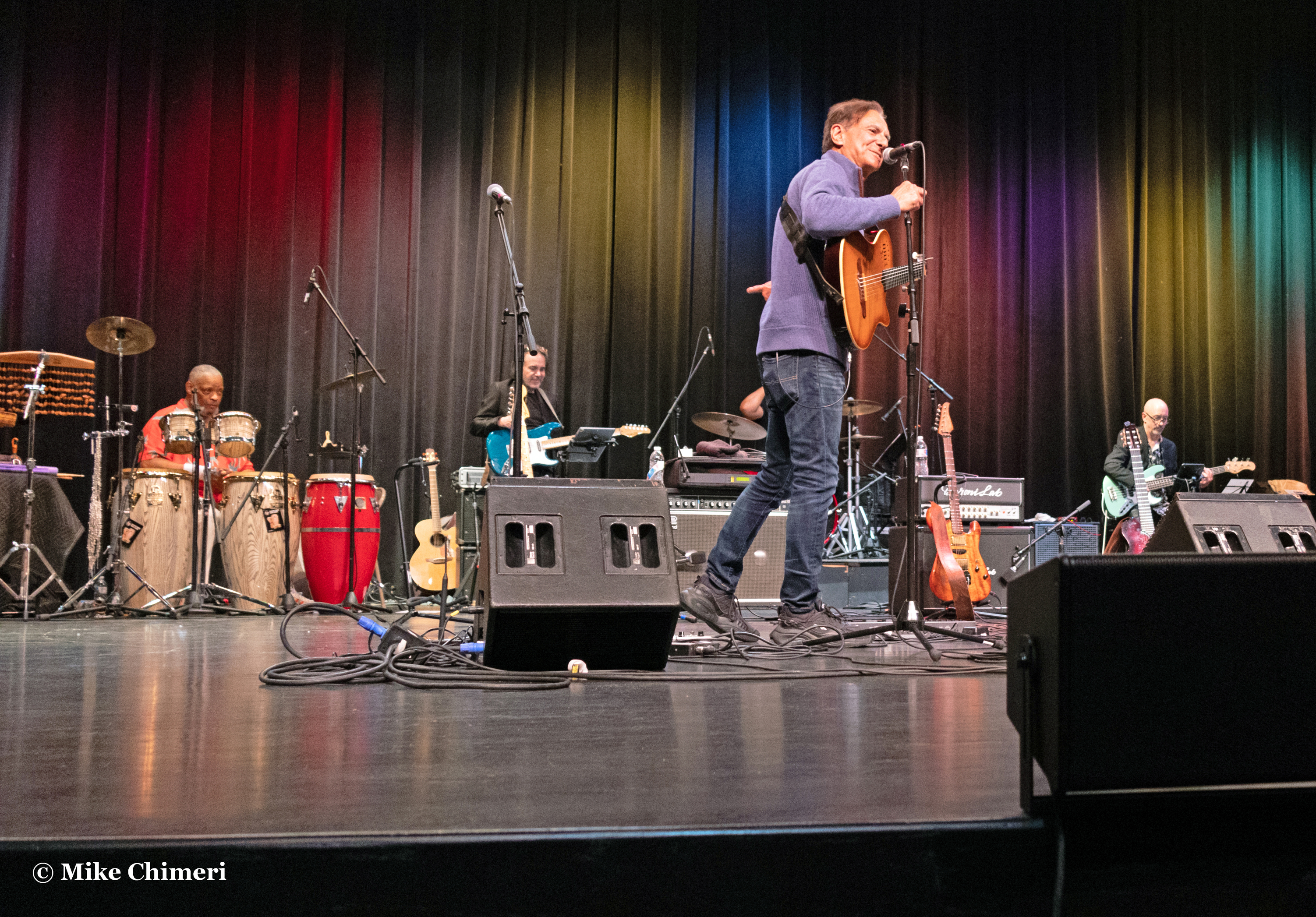
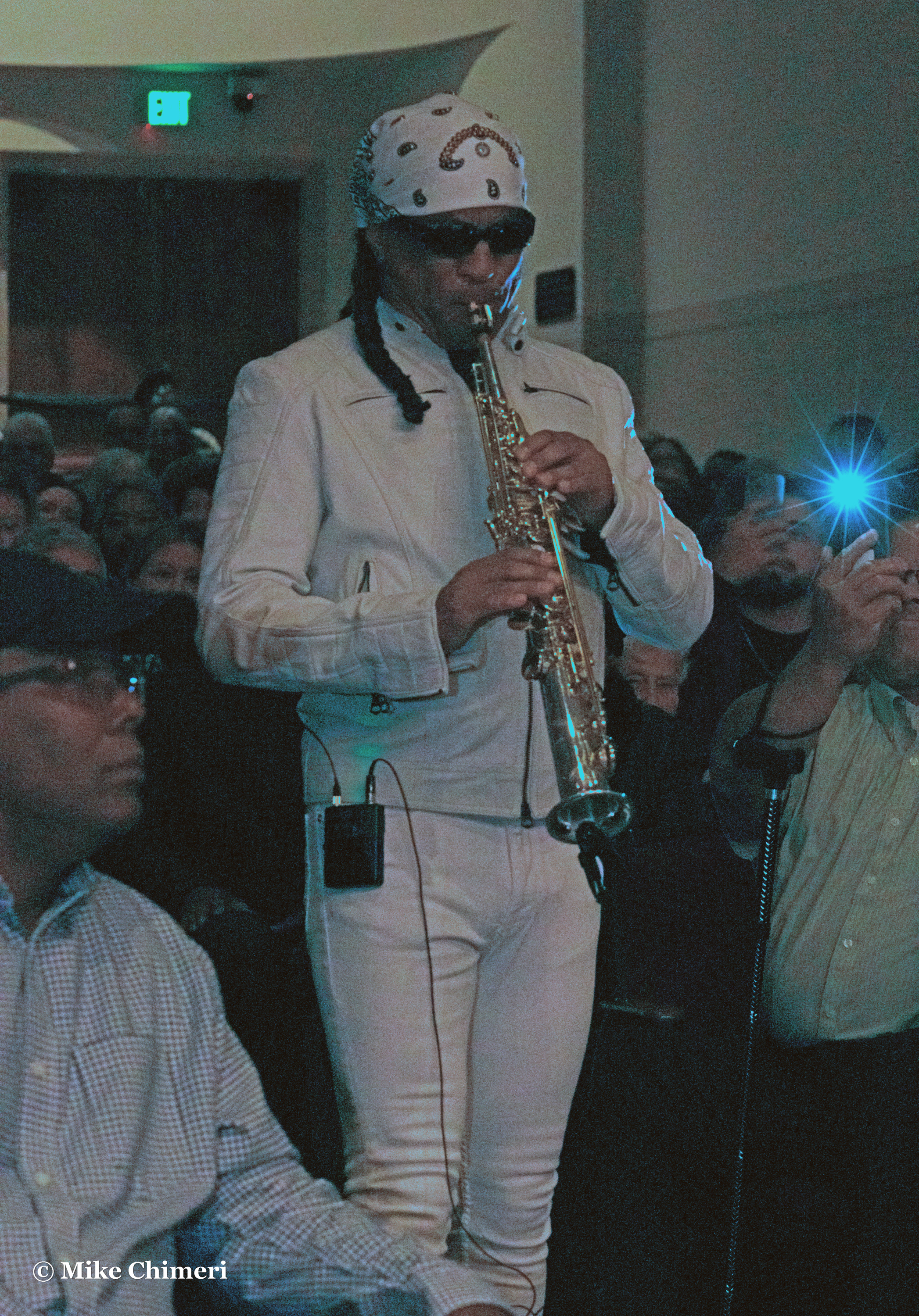
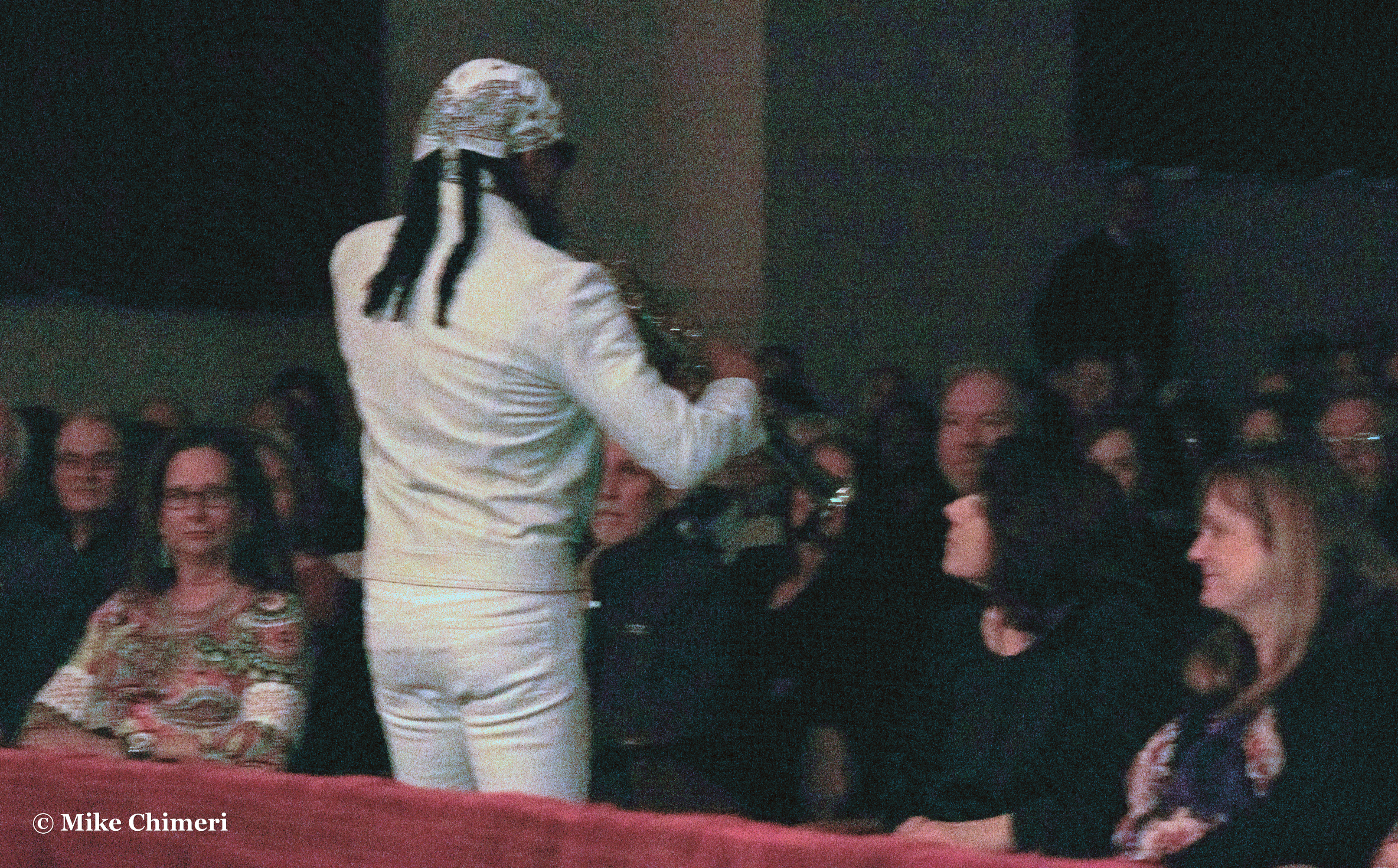
Marion Meadows starting in the audience for “The Lift”:
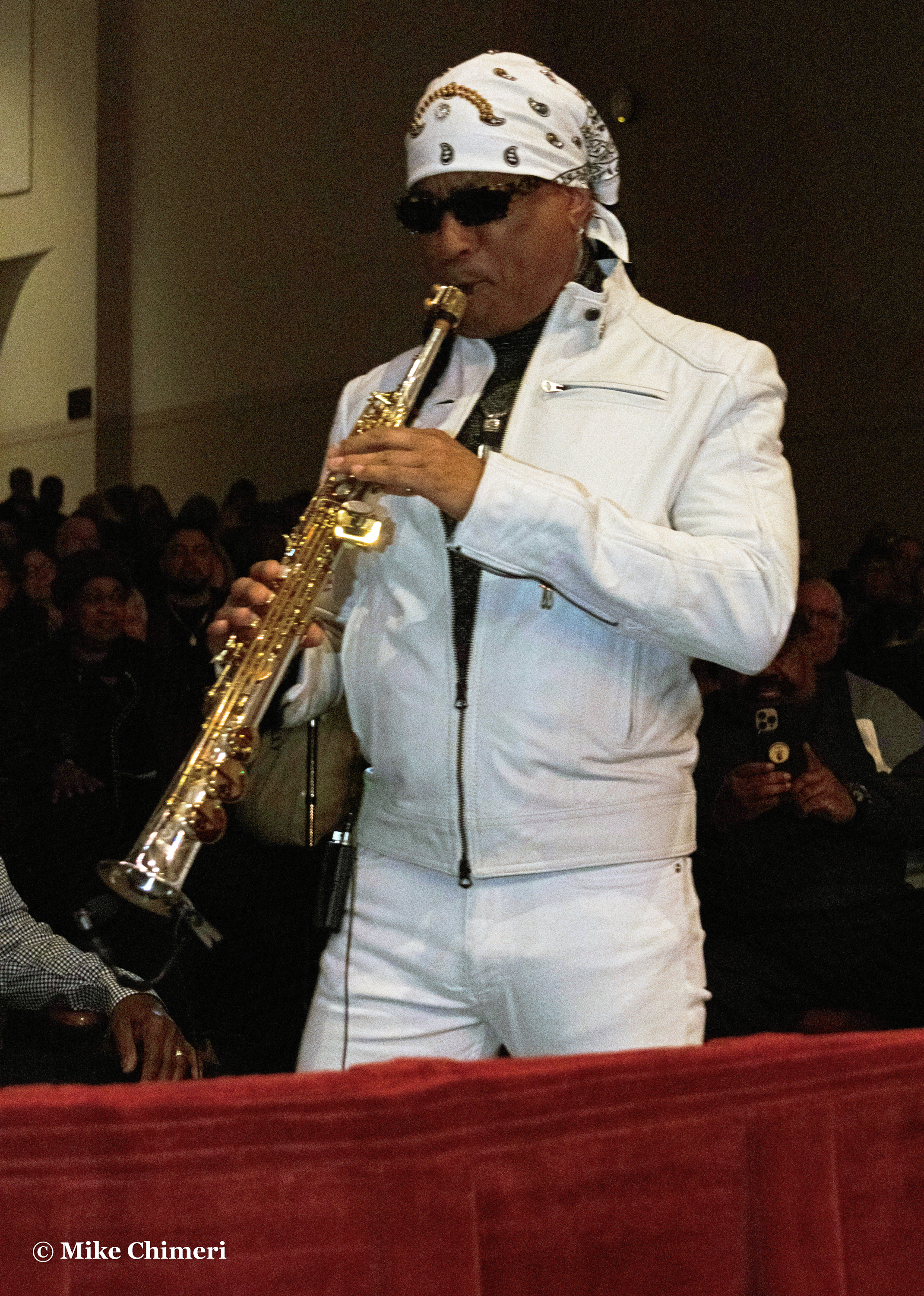
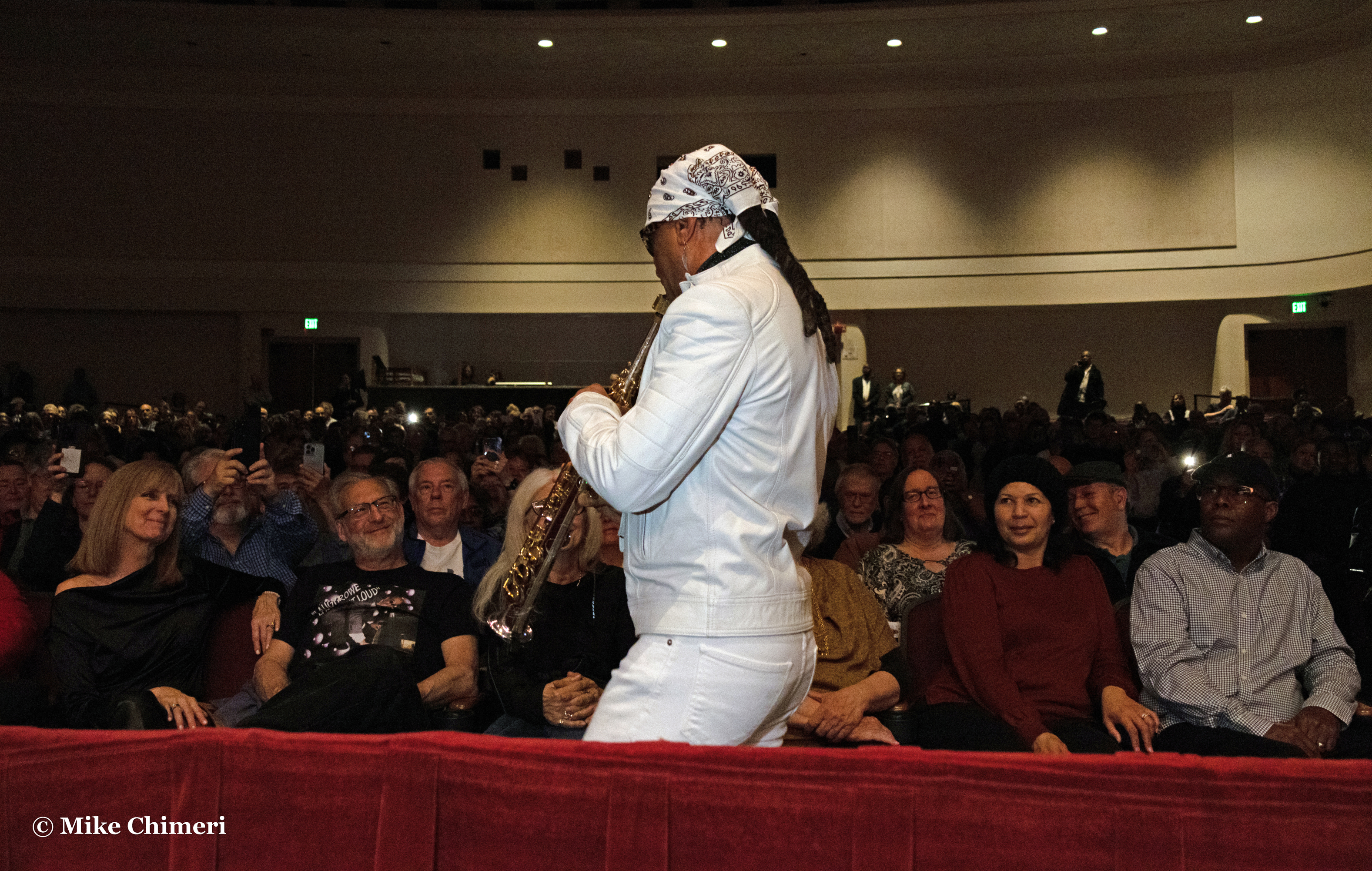


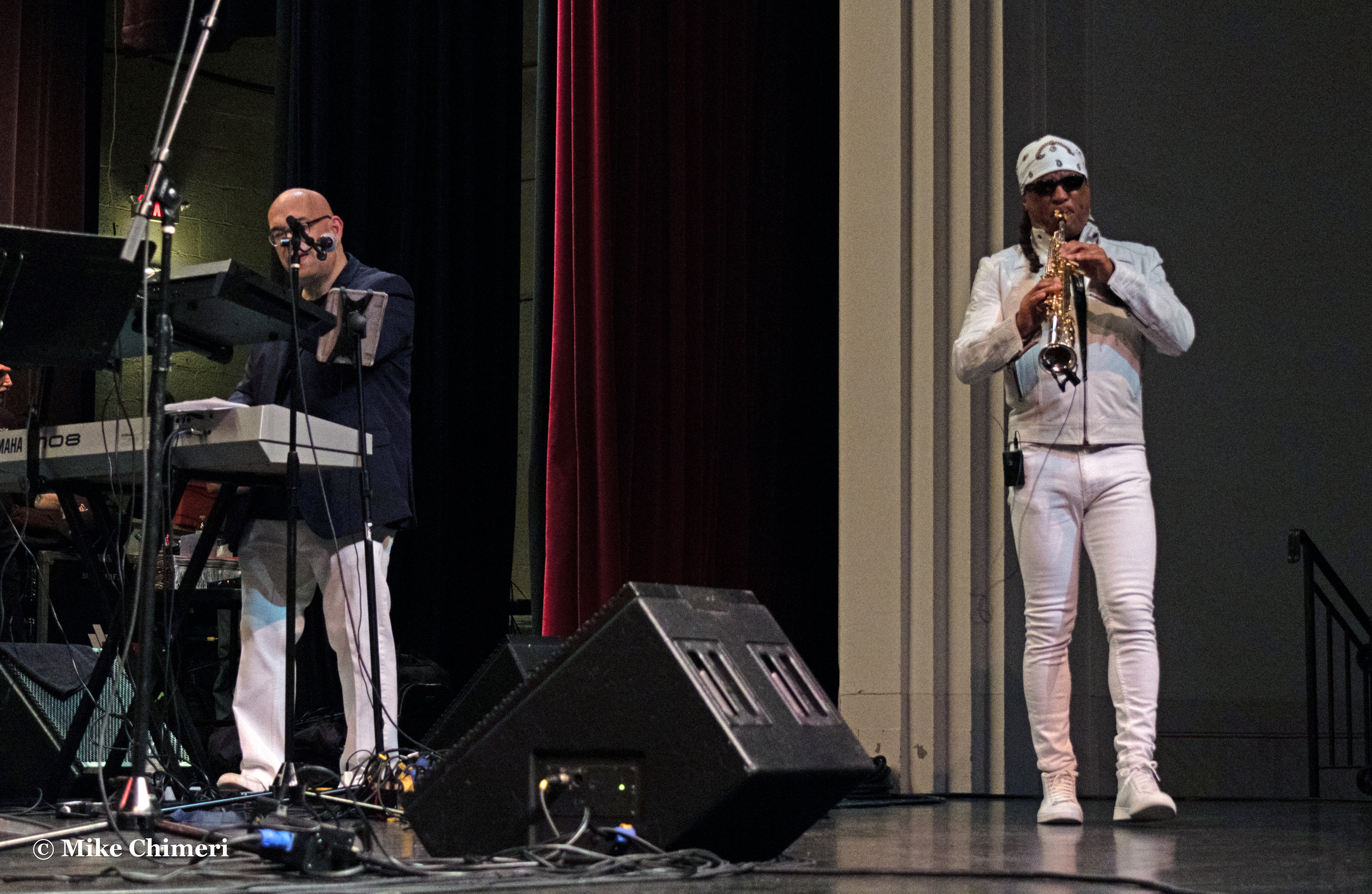
On stage:
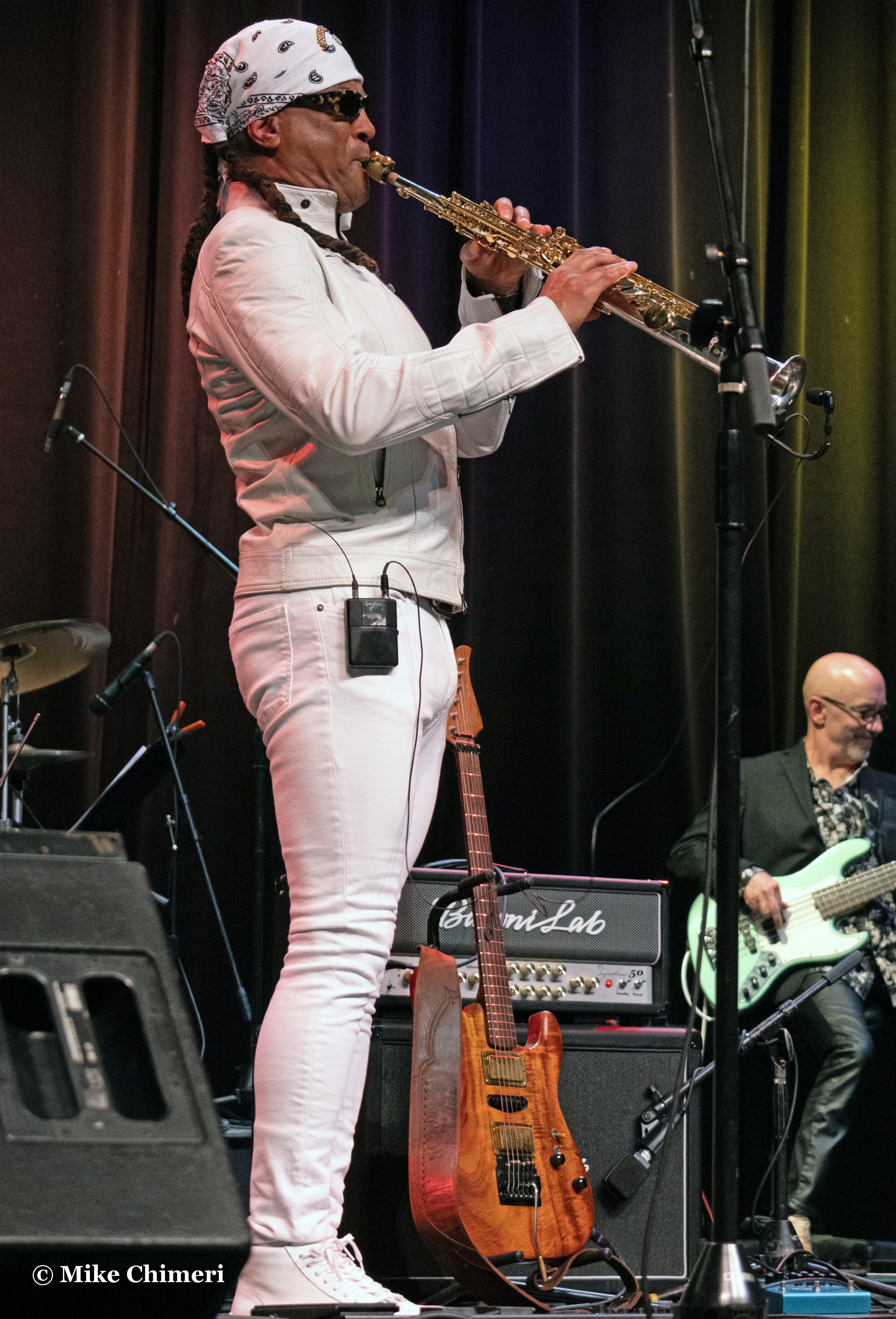
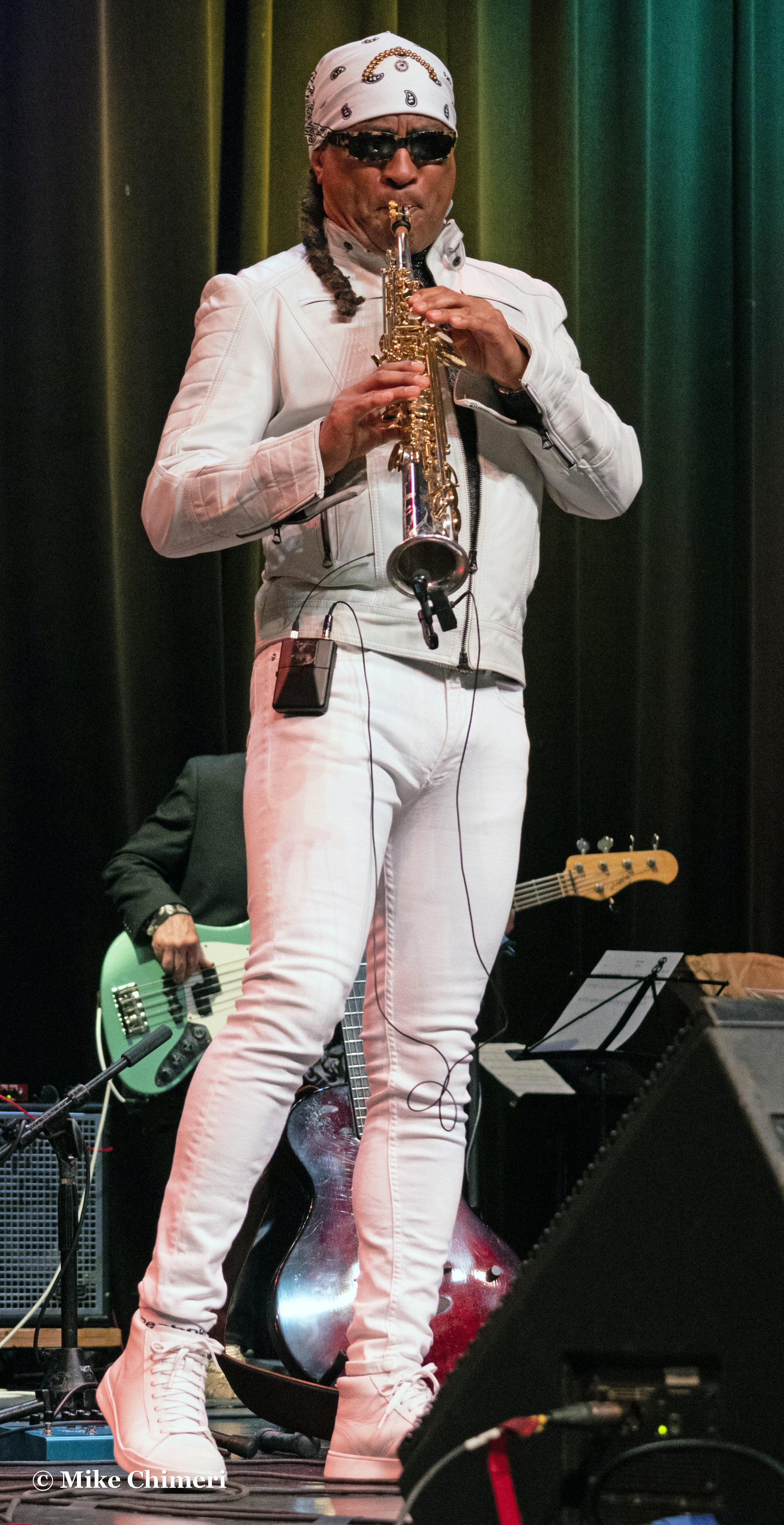
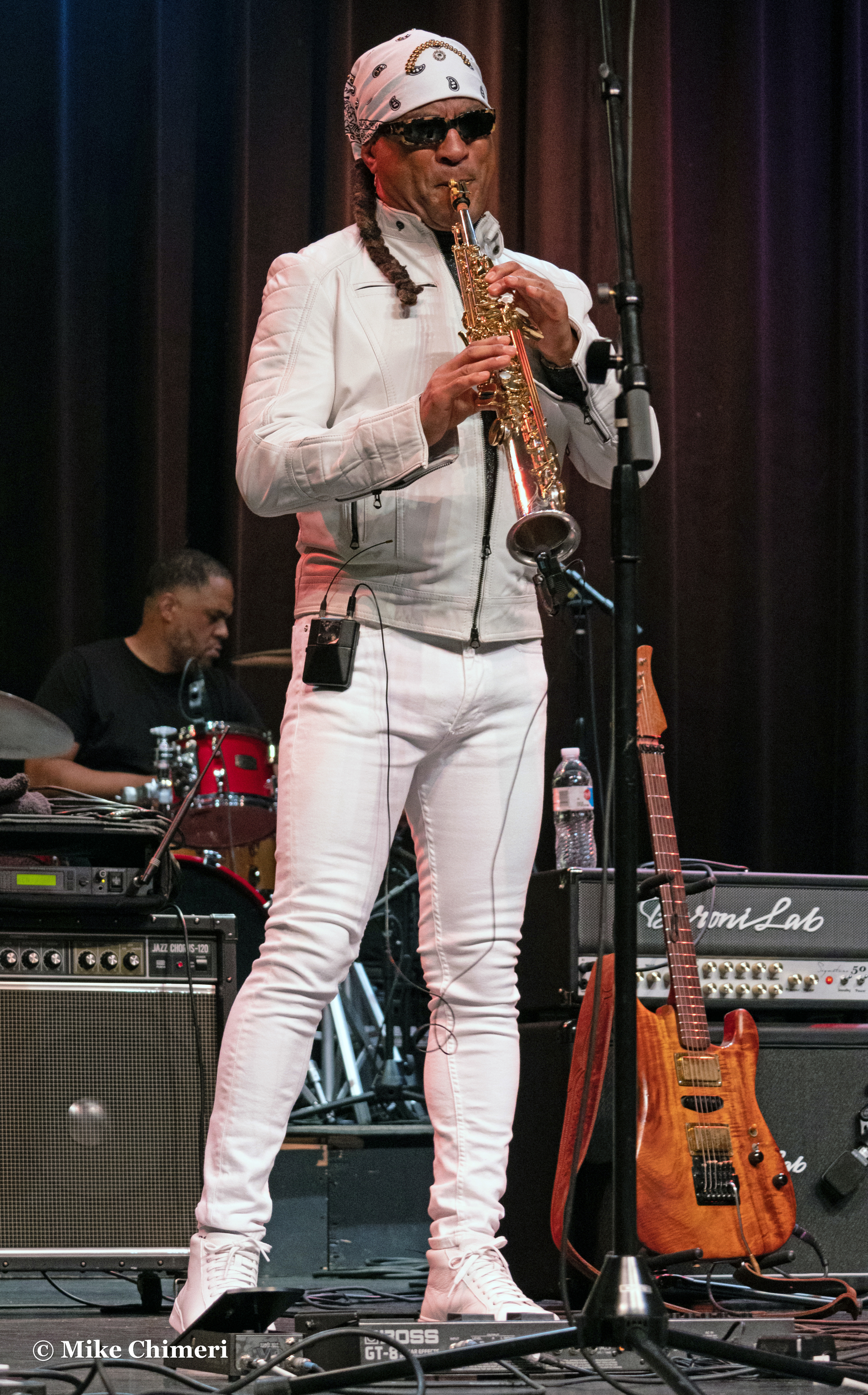


Ending “Romantica” in the audience:

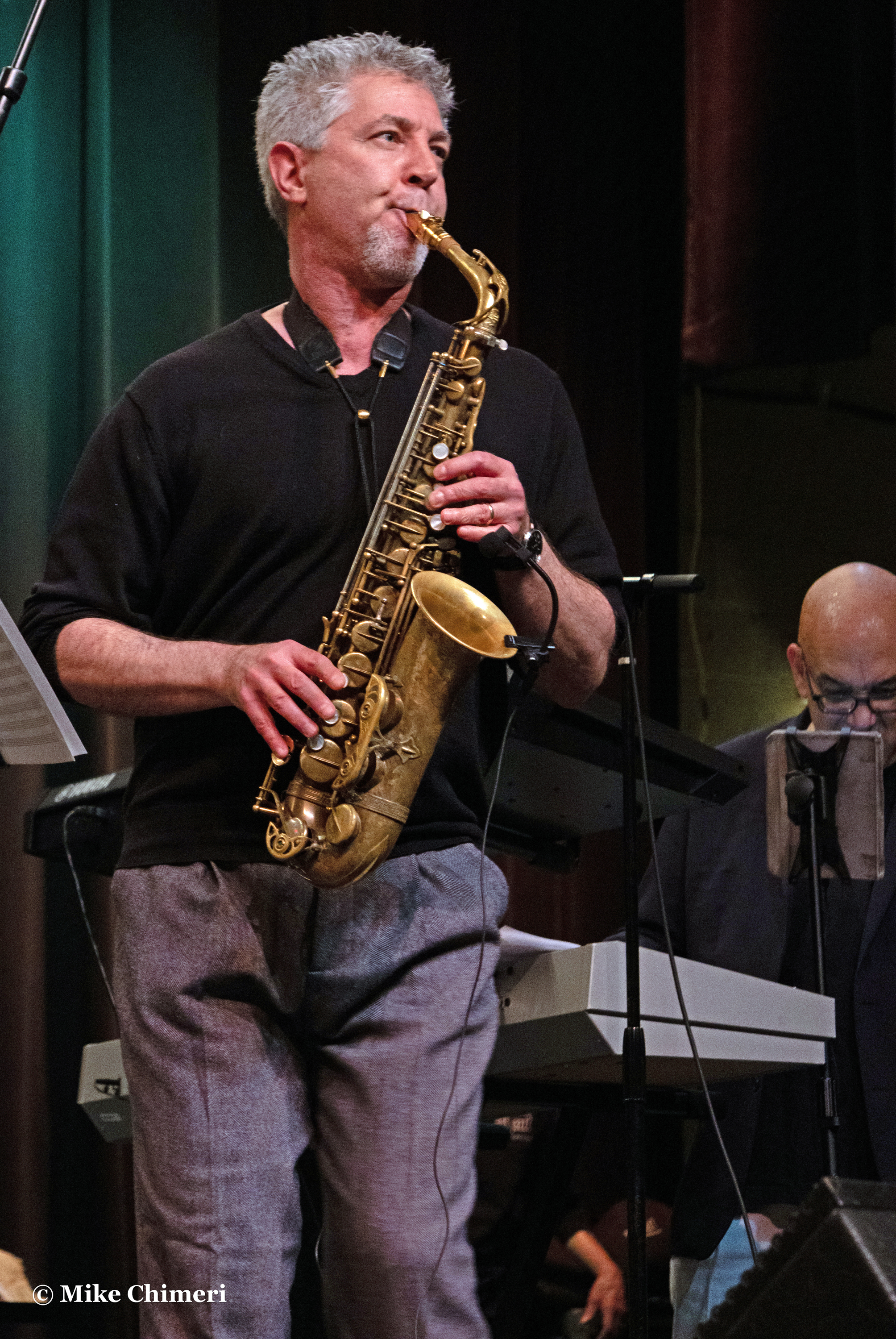
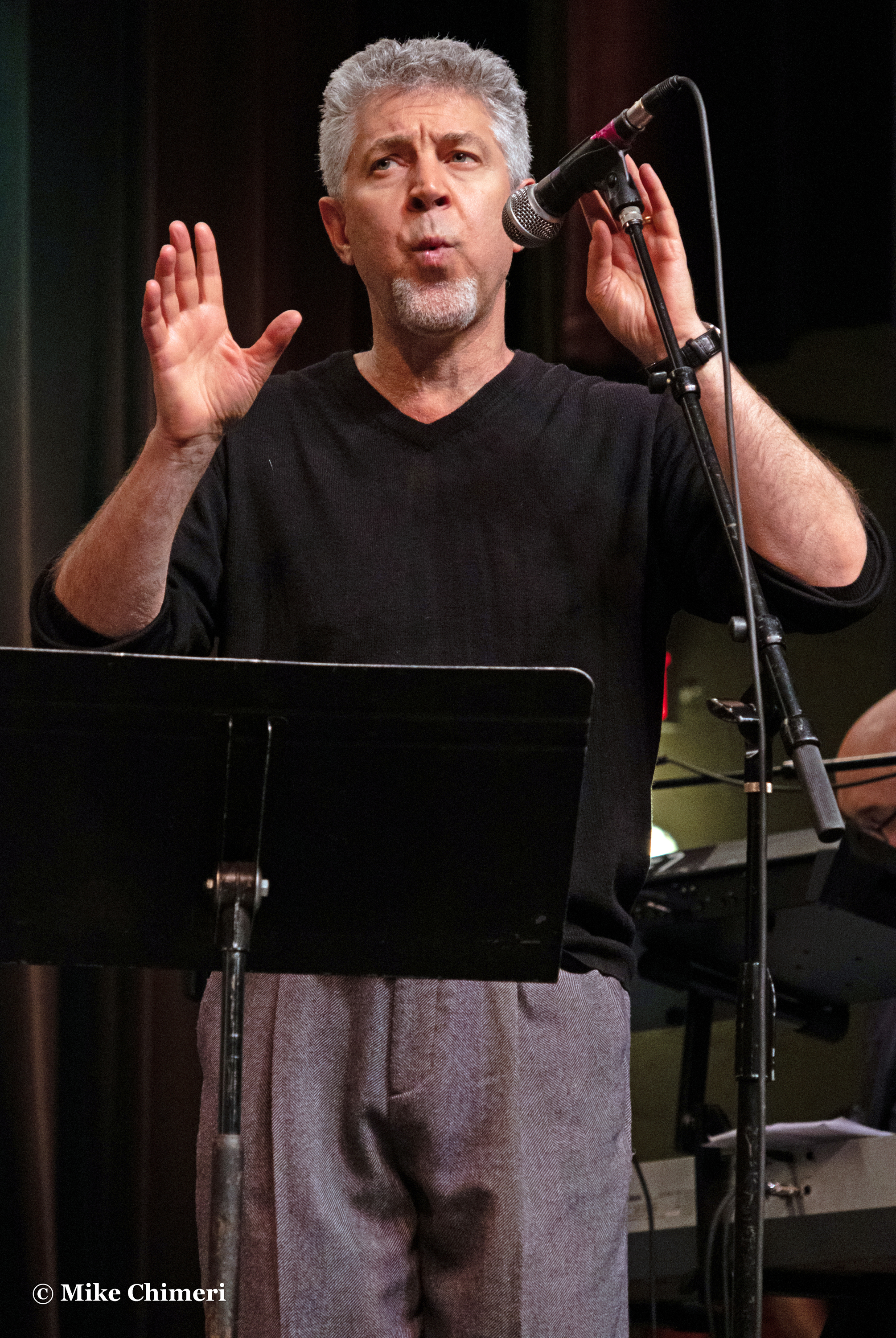
Nelson Rangell on alto sax:


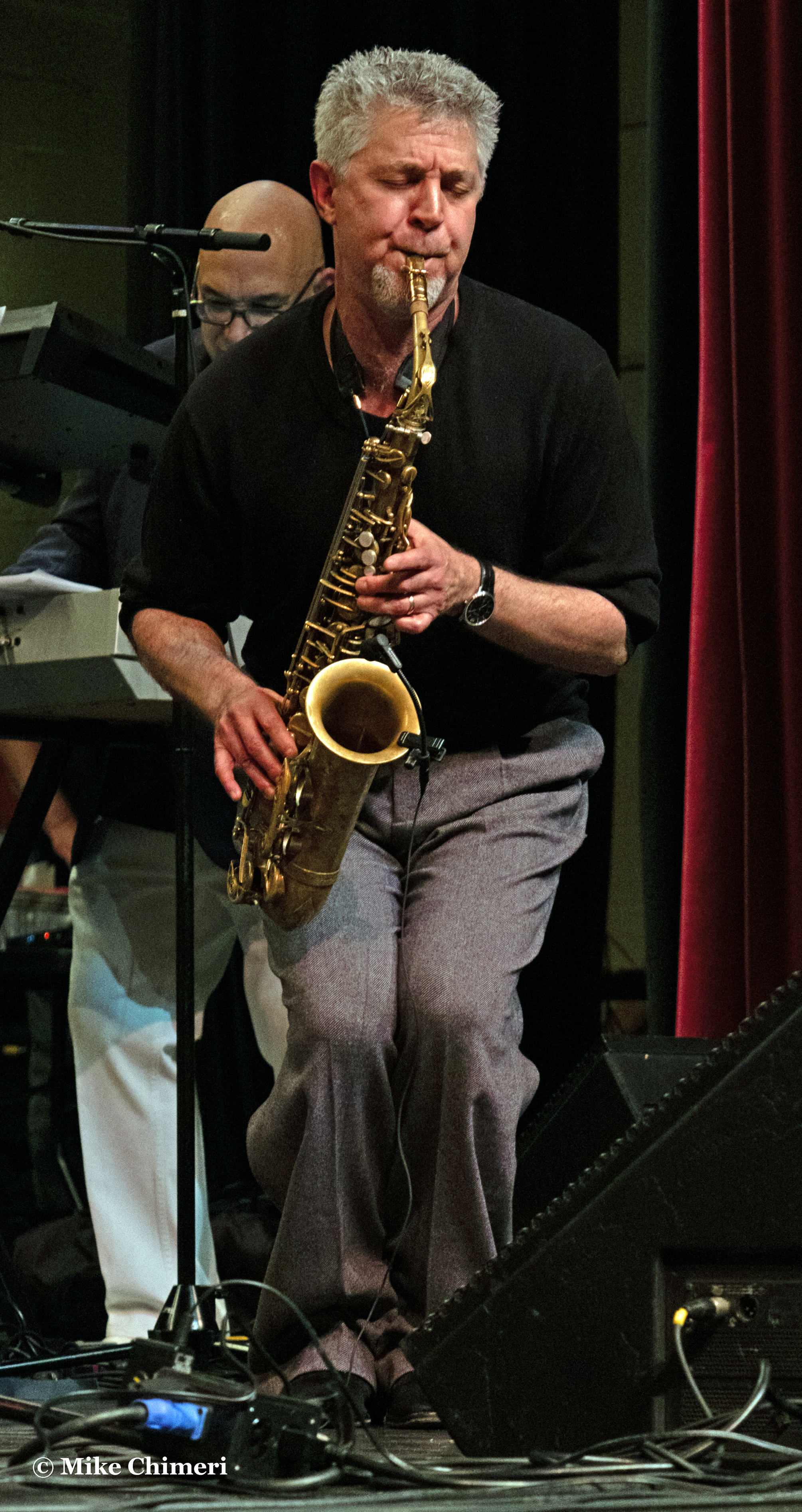
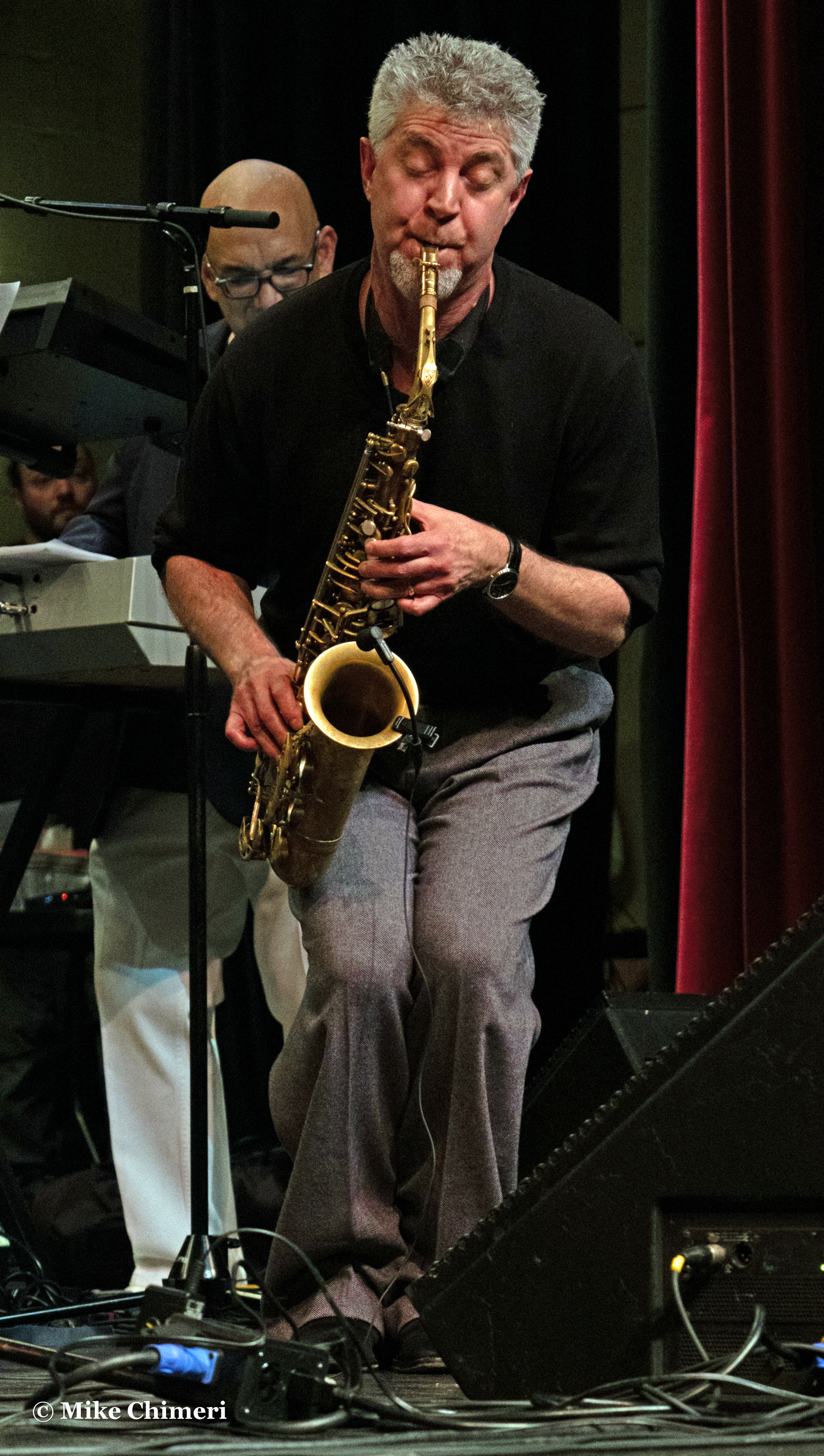


Whistling on “Sonora”:

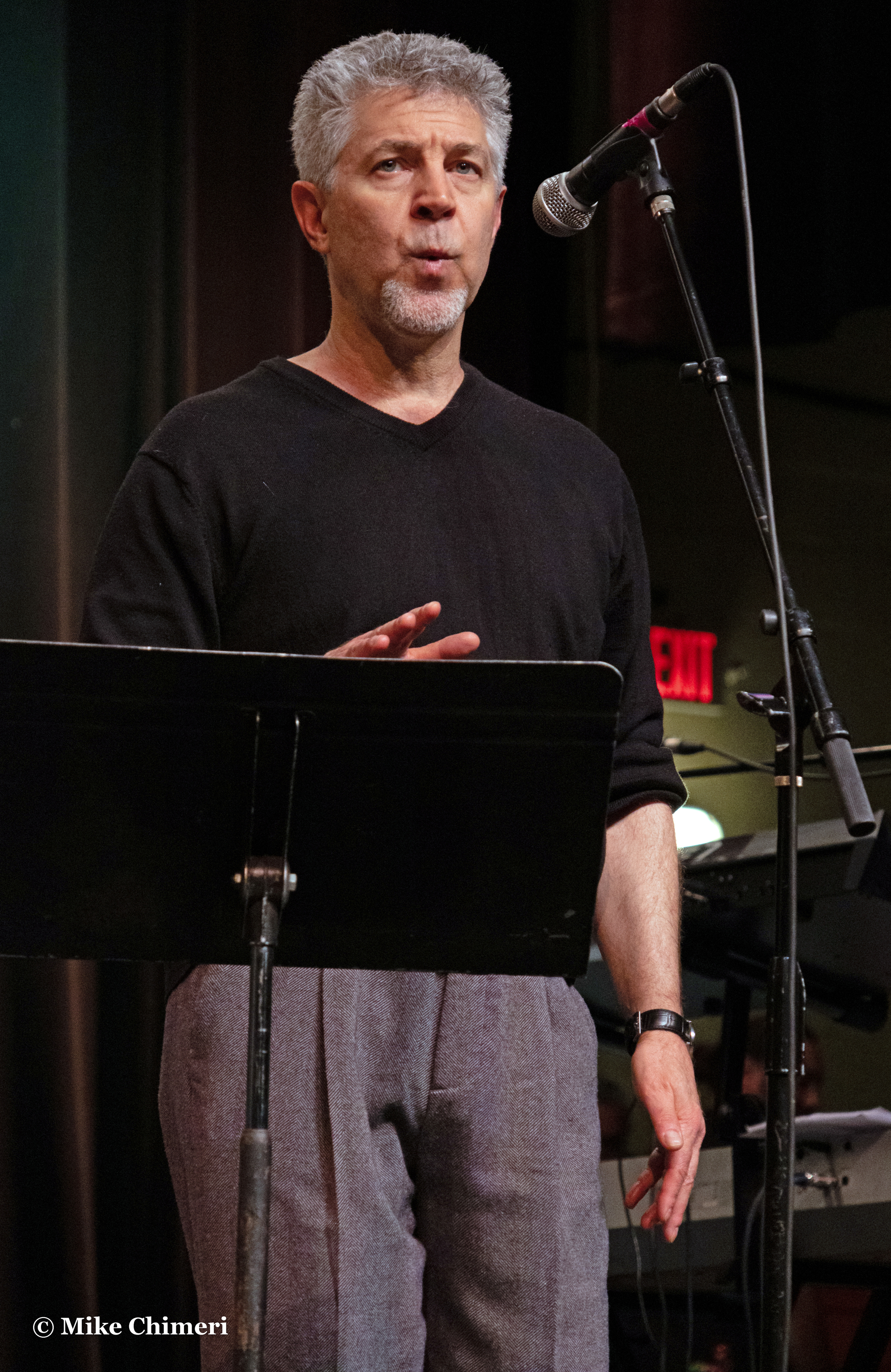

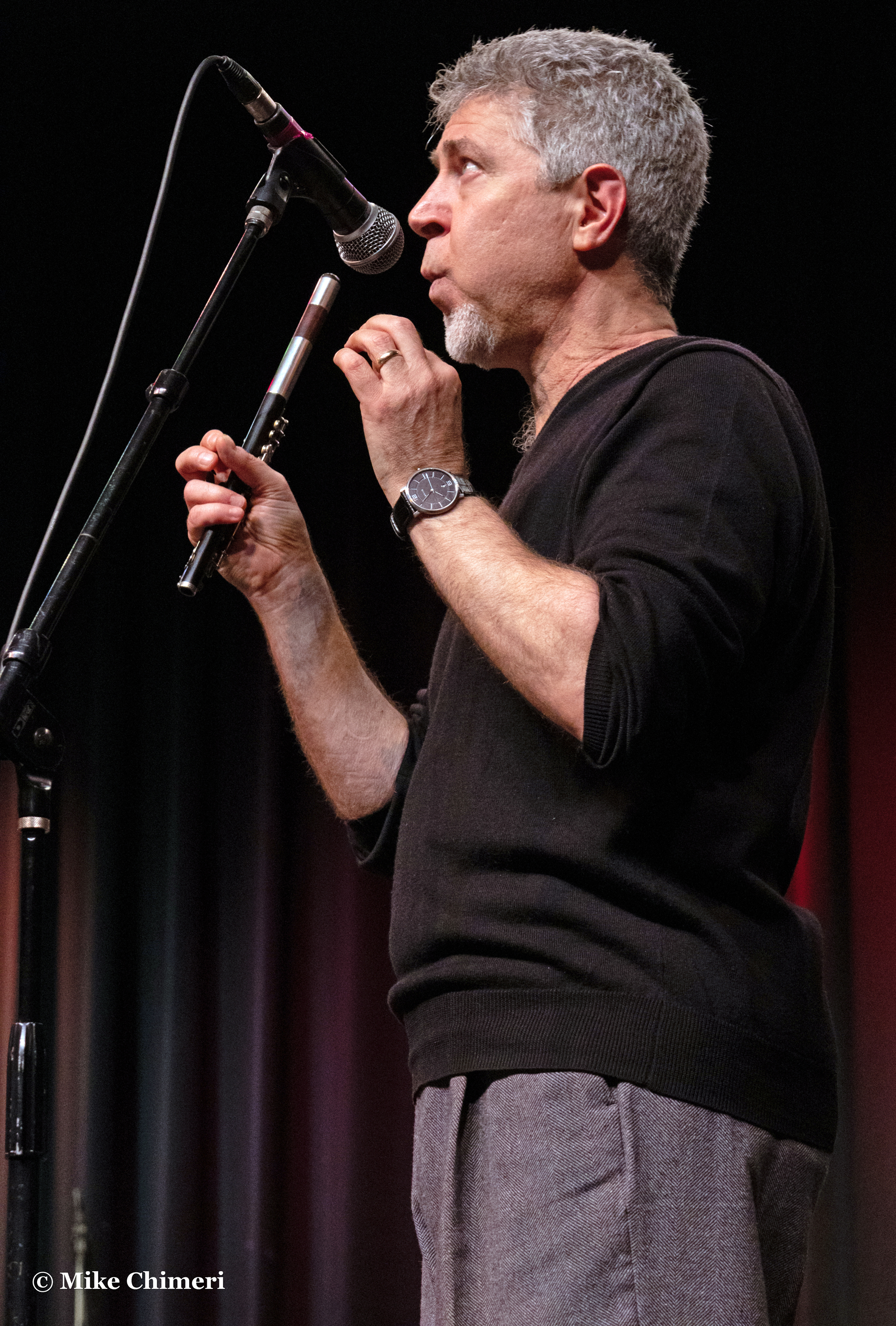
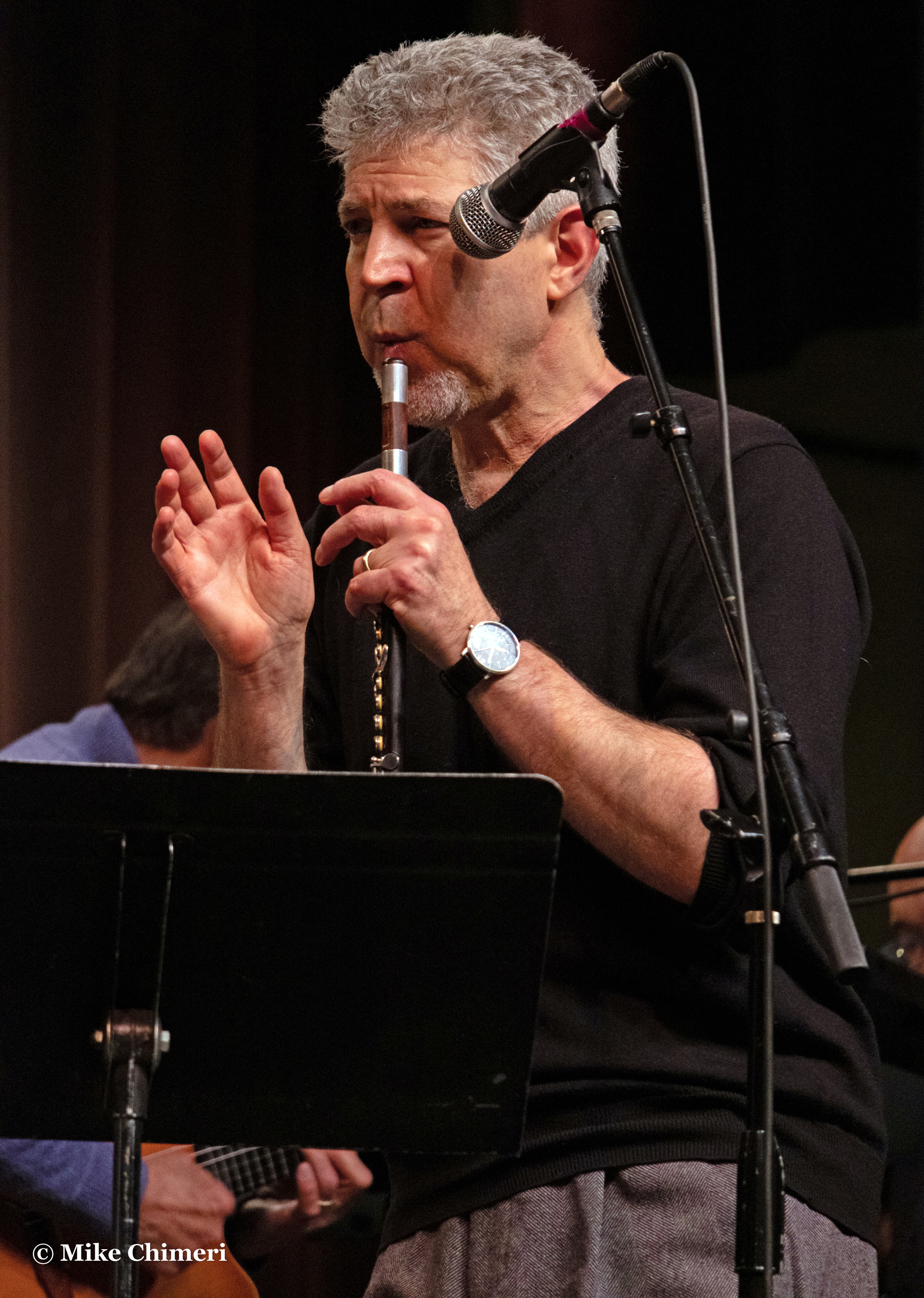
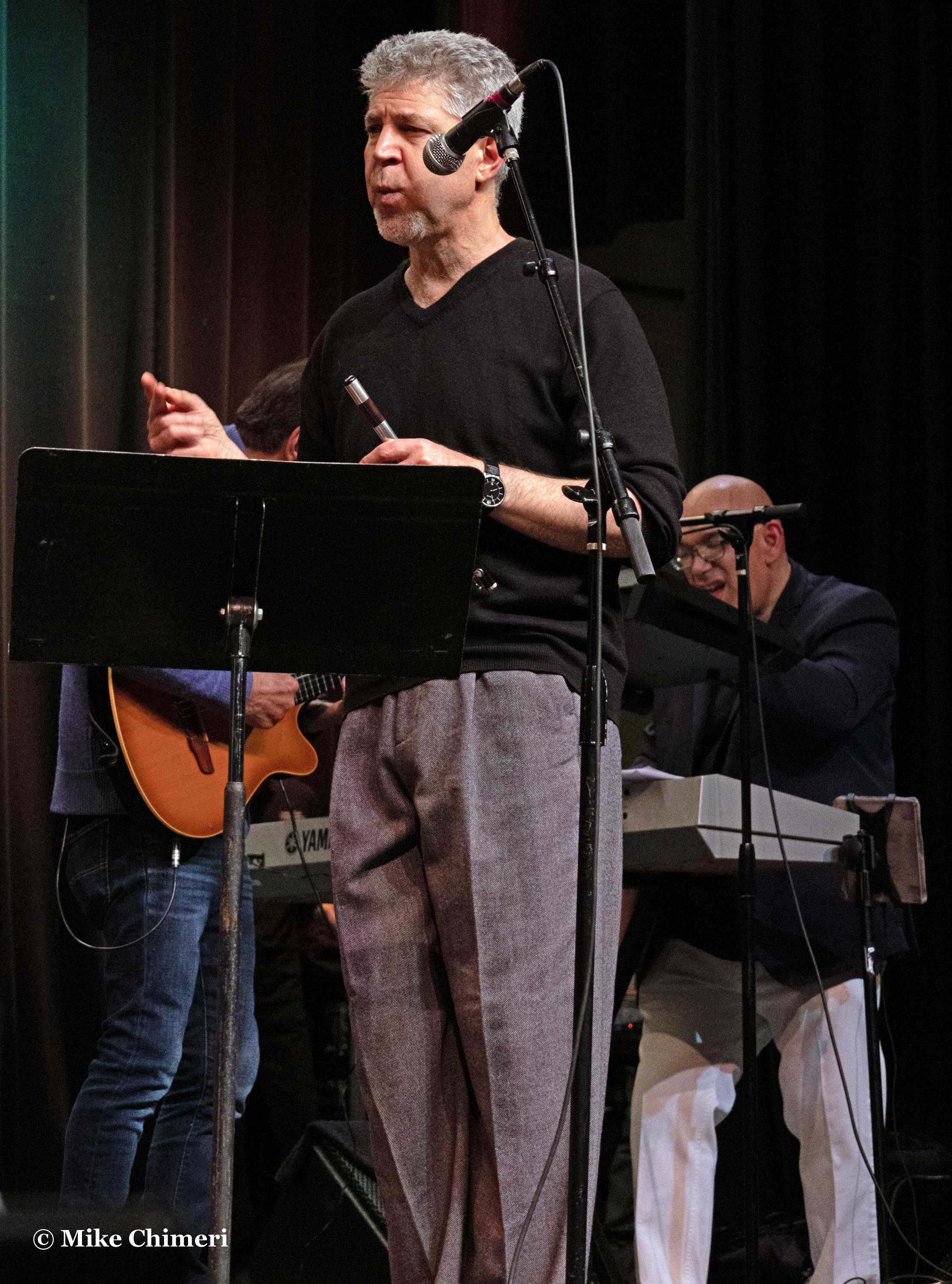
Whistling gave way to piccolo…


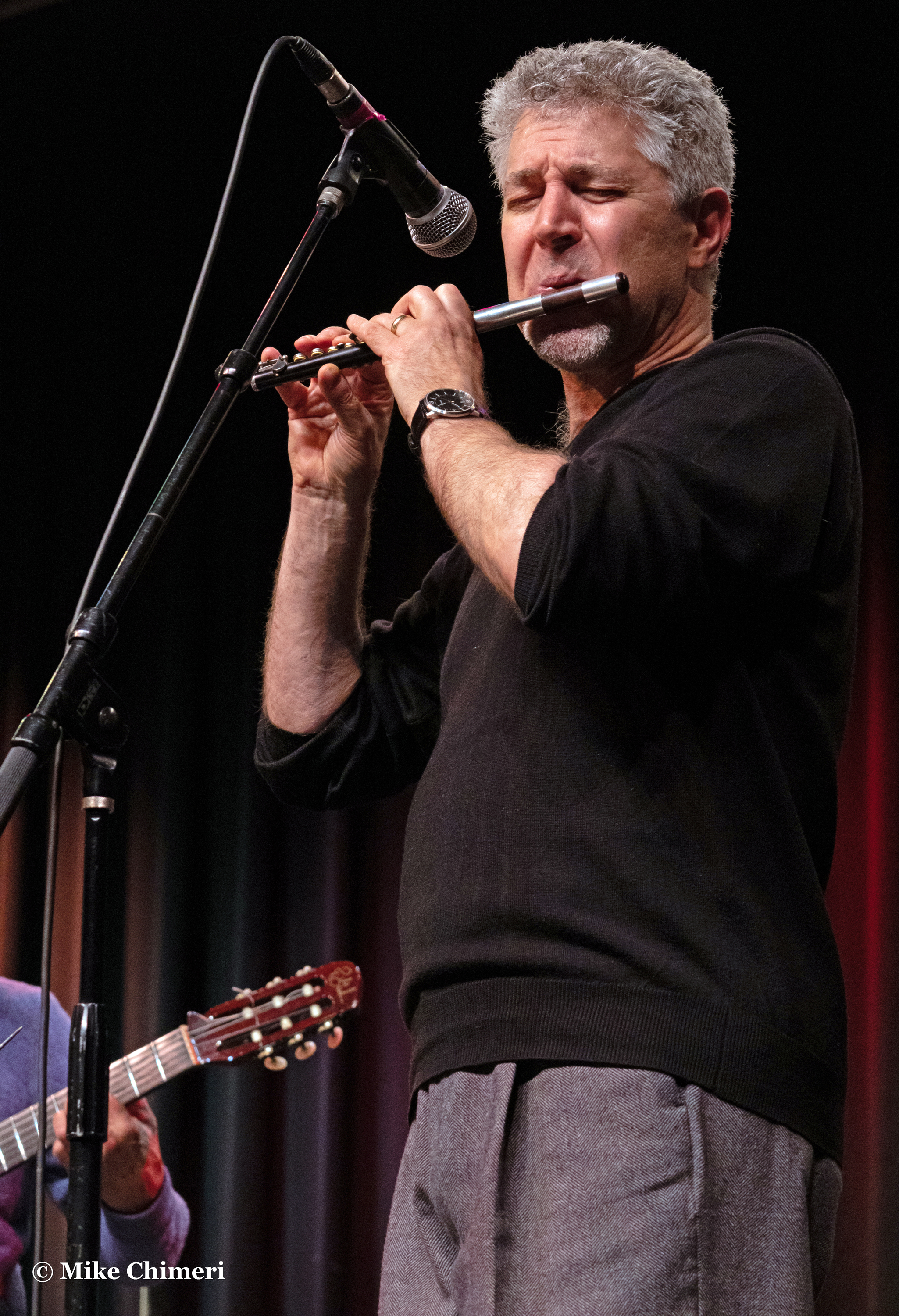
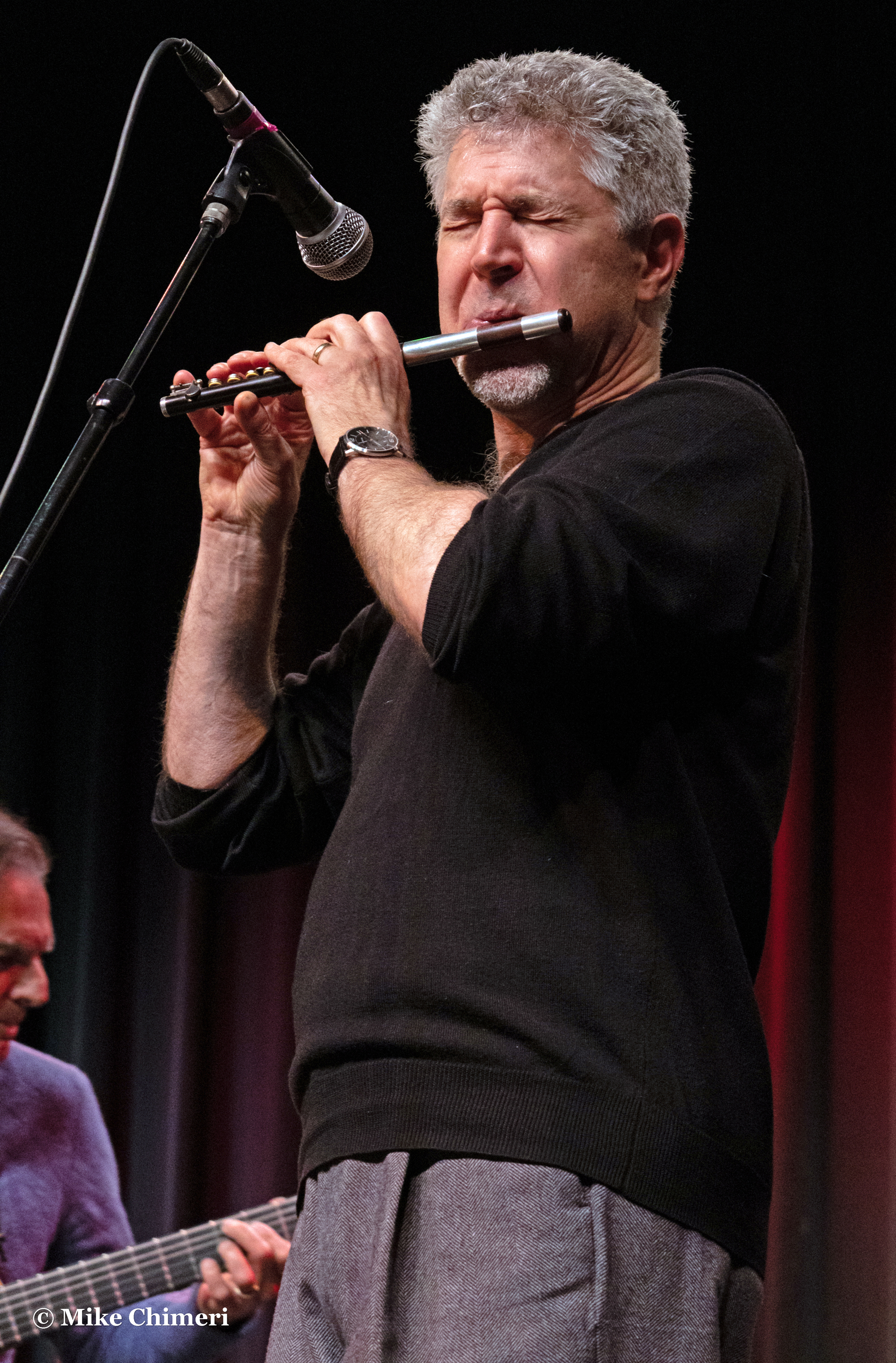
…and whistling while holding the piccolo:


Now, the house band, beginning with percussionist Steve Scales:

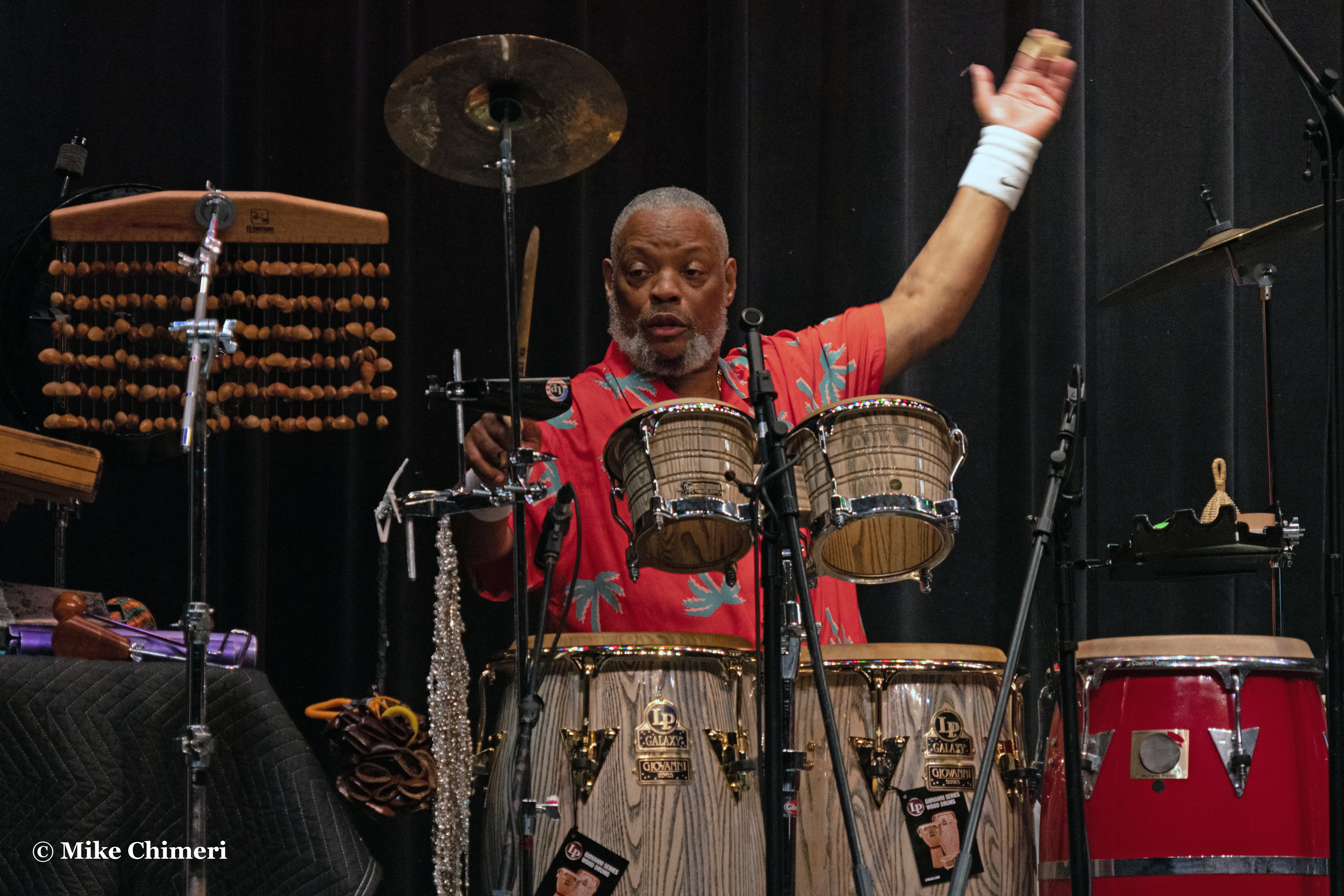
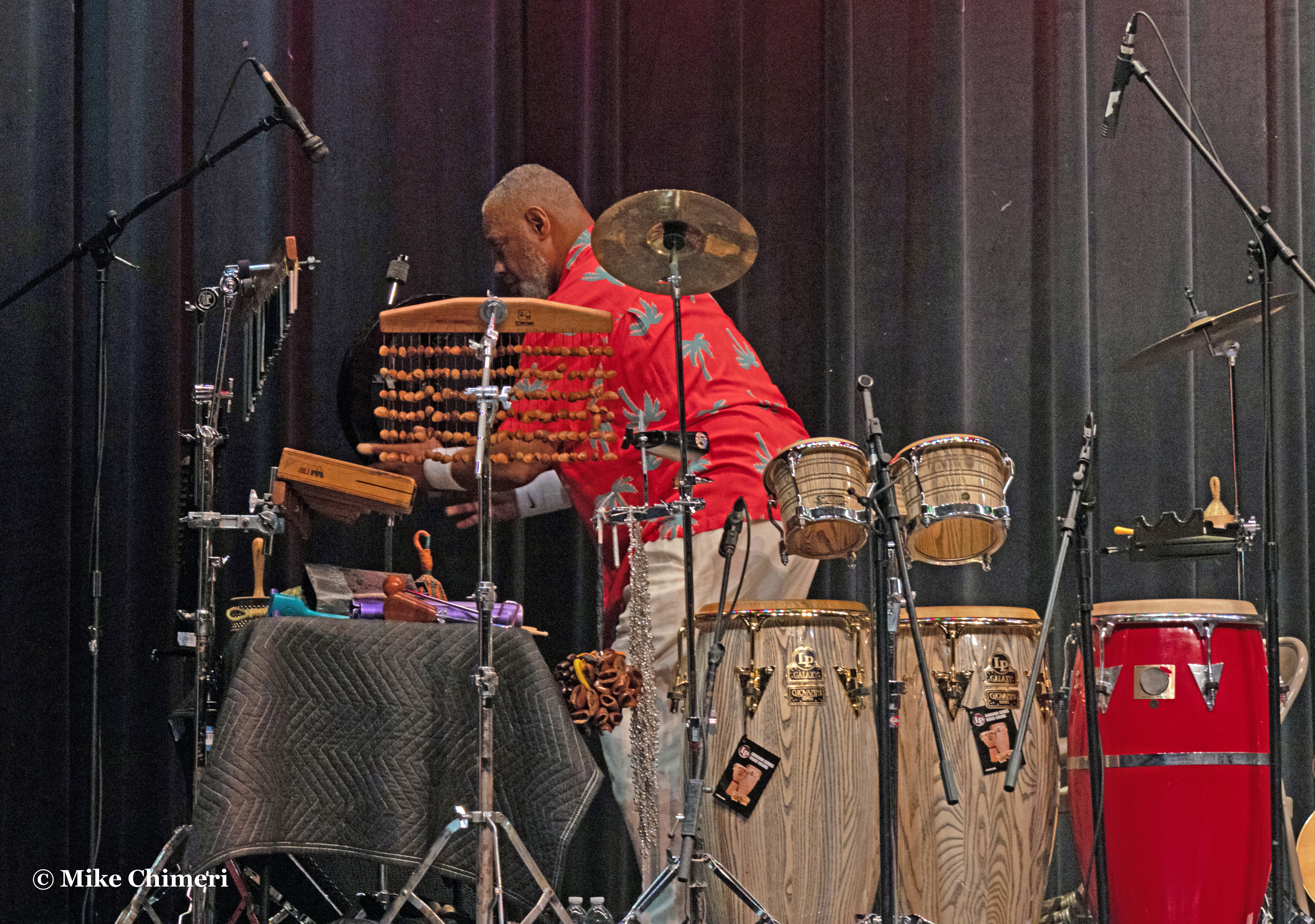

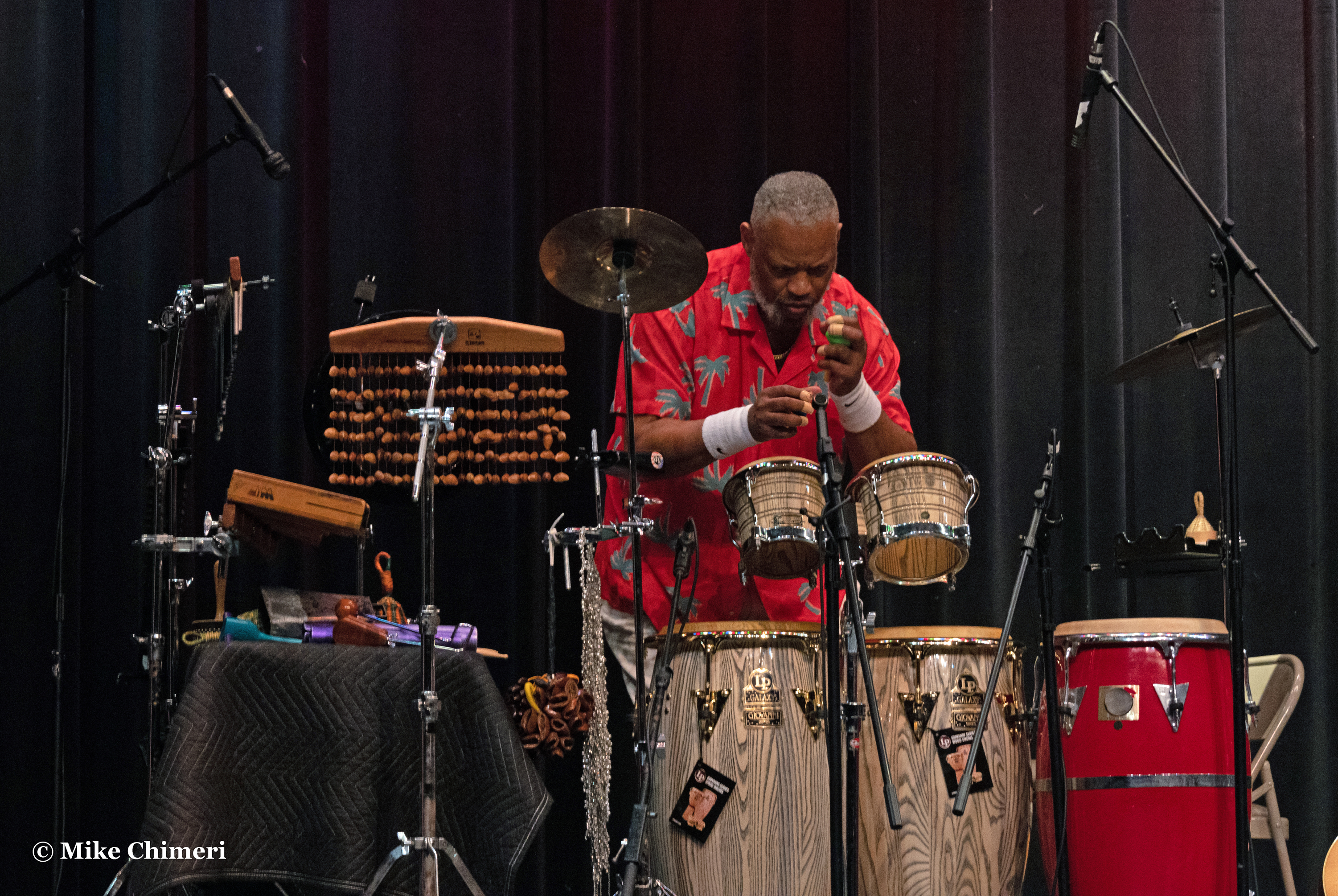

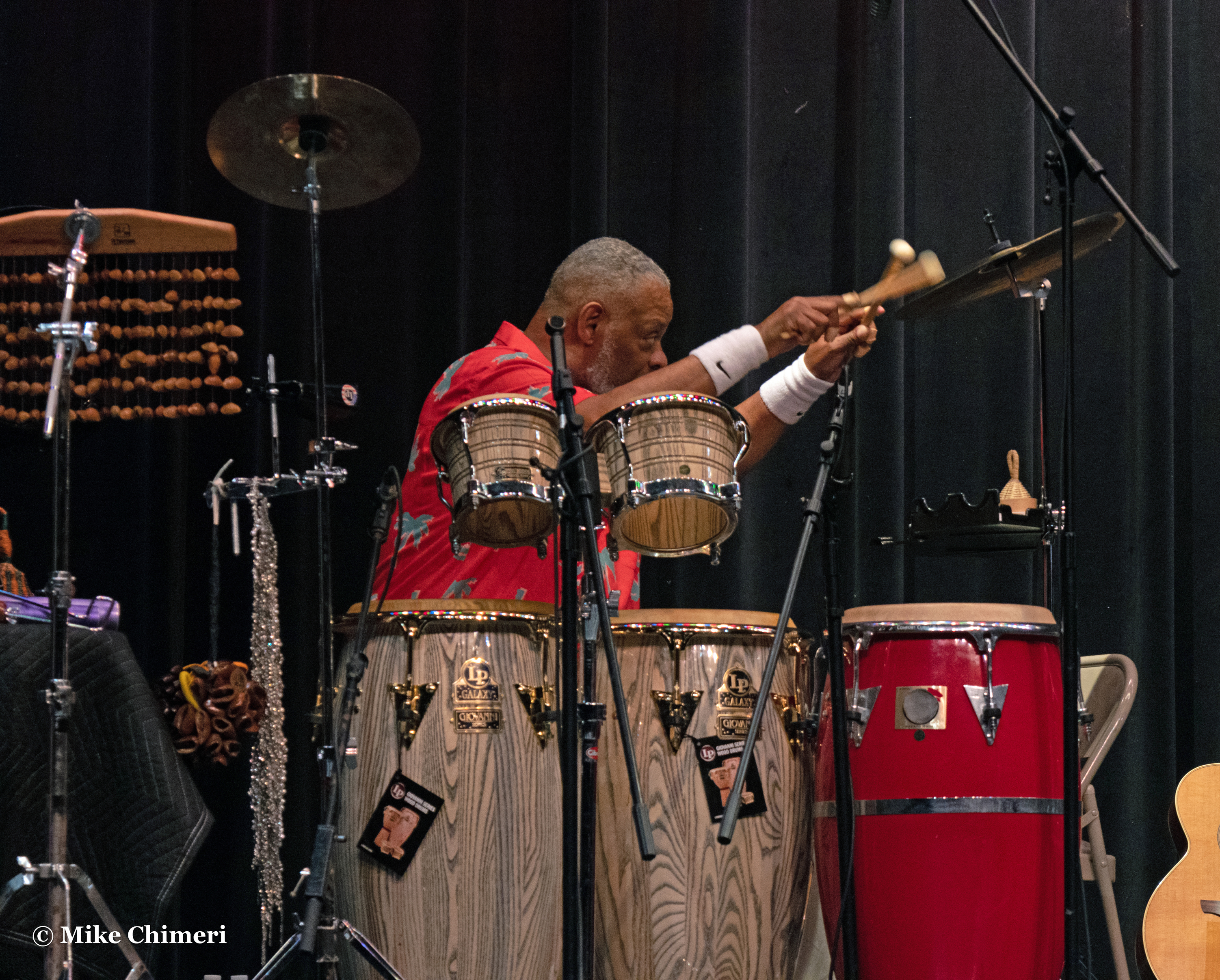

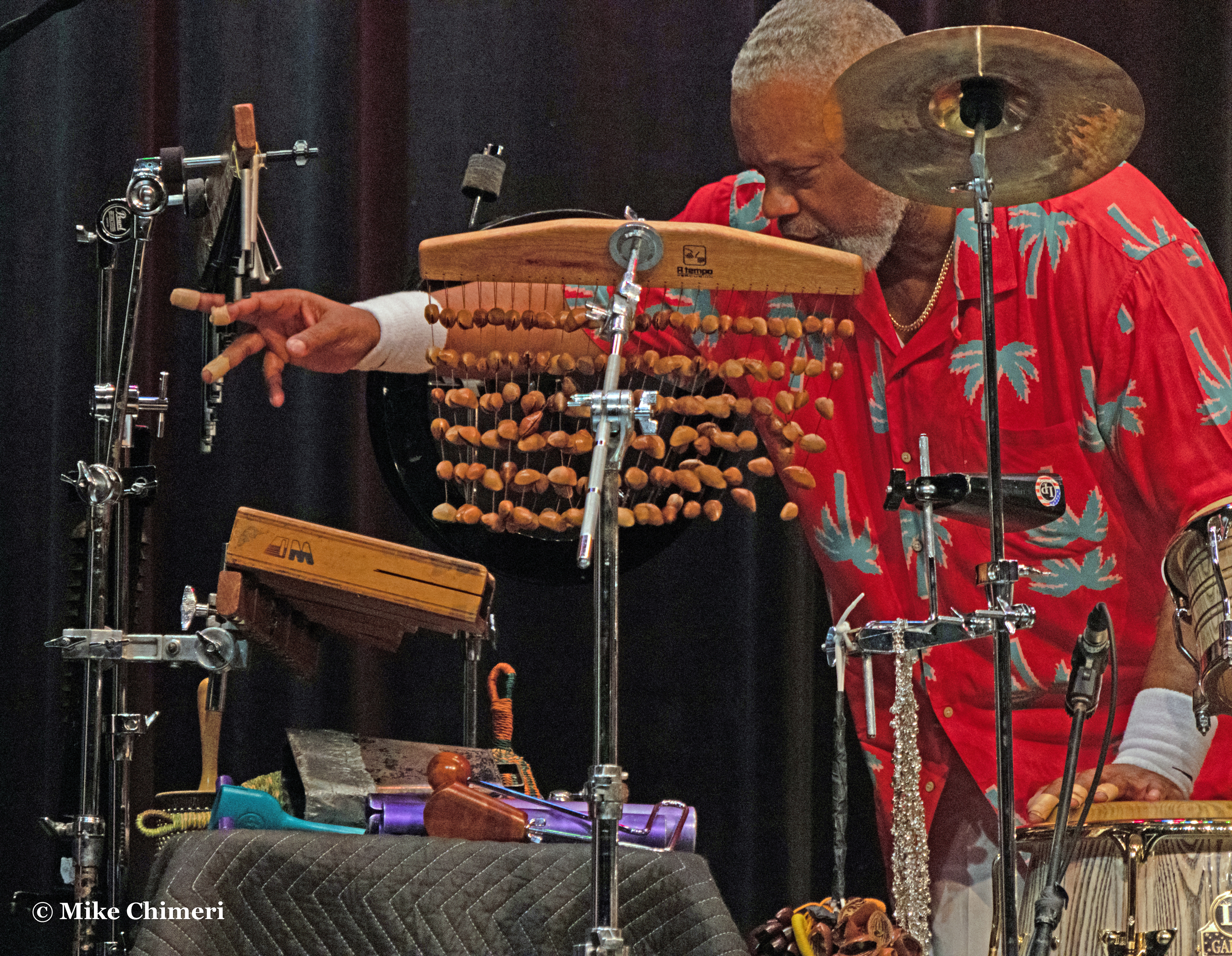
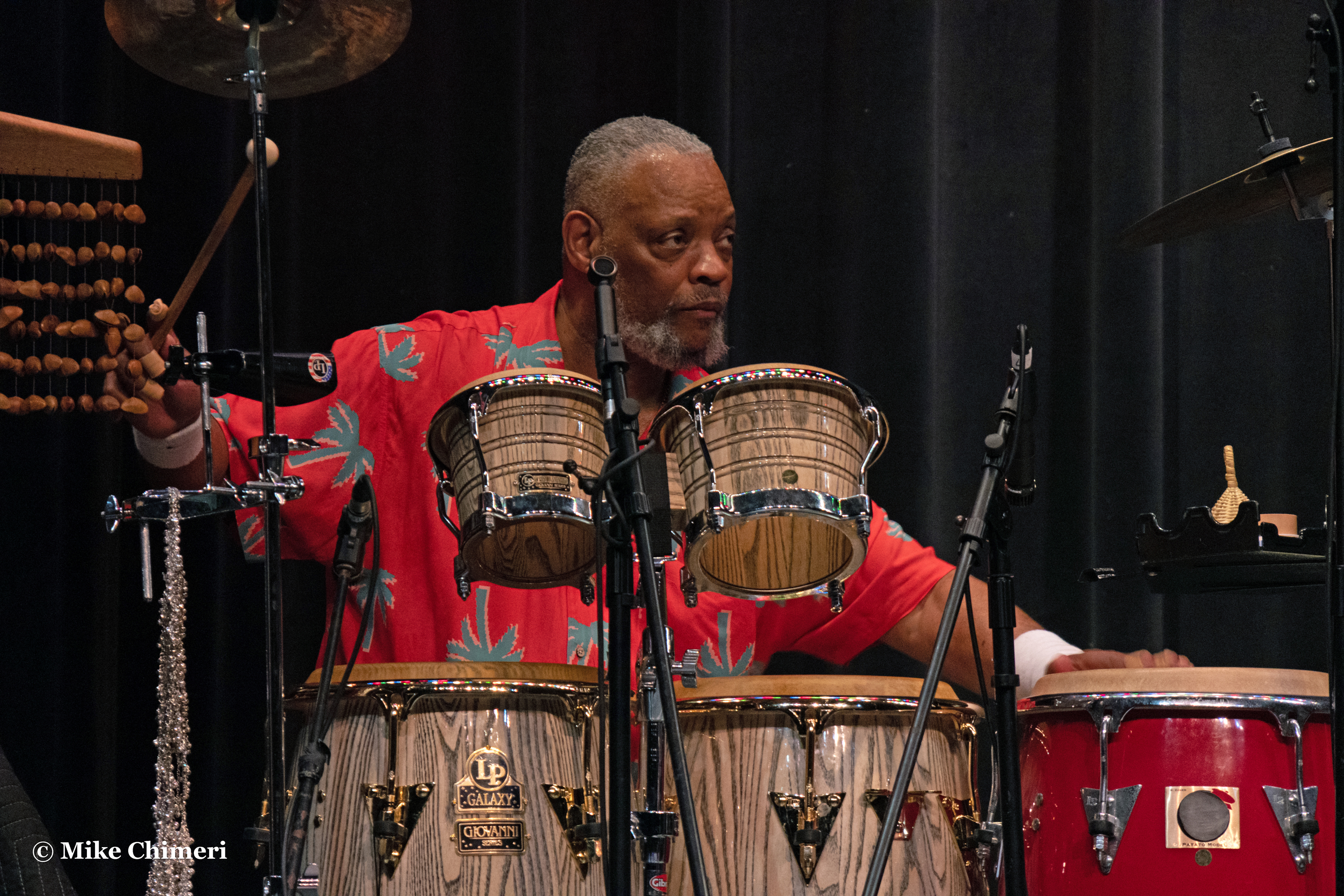
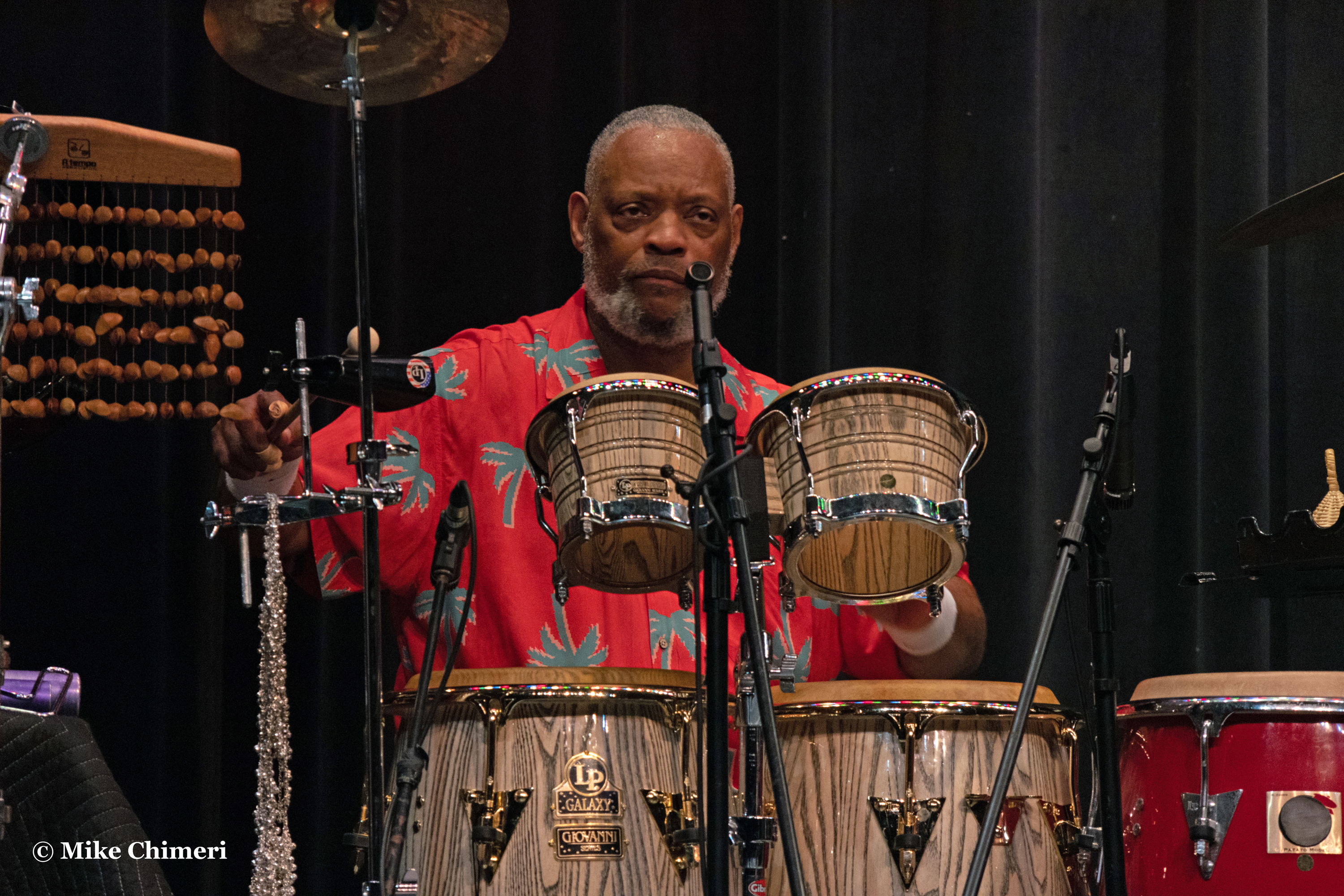
Drummer Trever Somerville:




Bassist Dave Anderson:



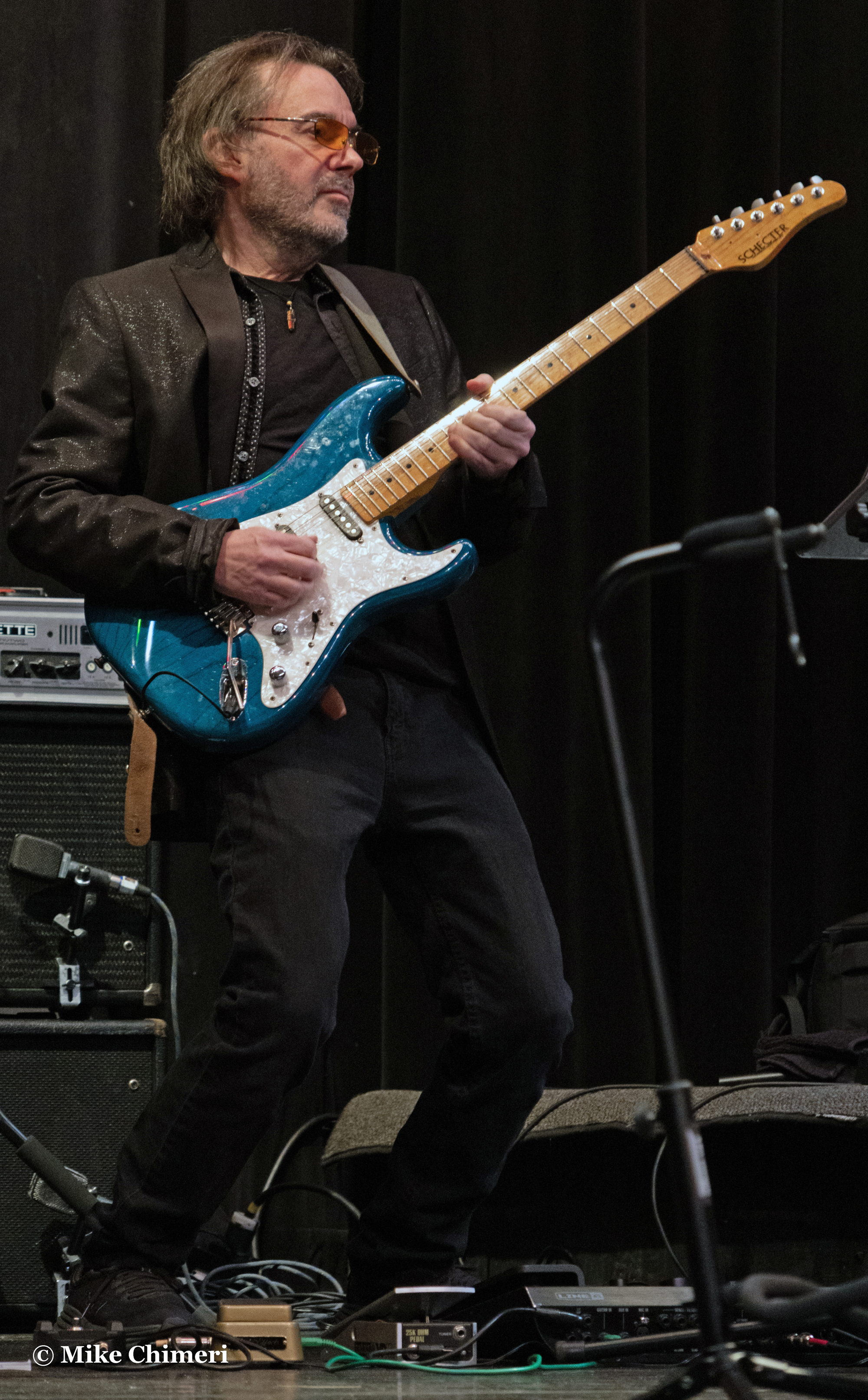
Andy Abel on acoustic guitar:


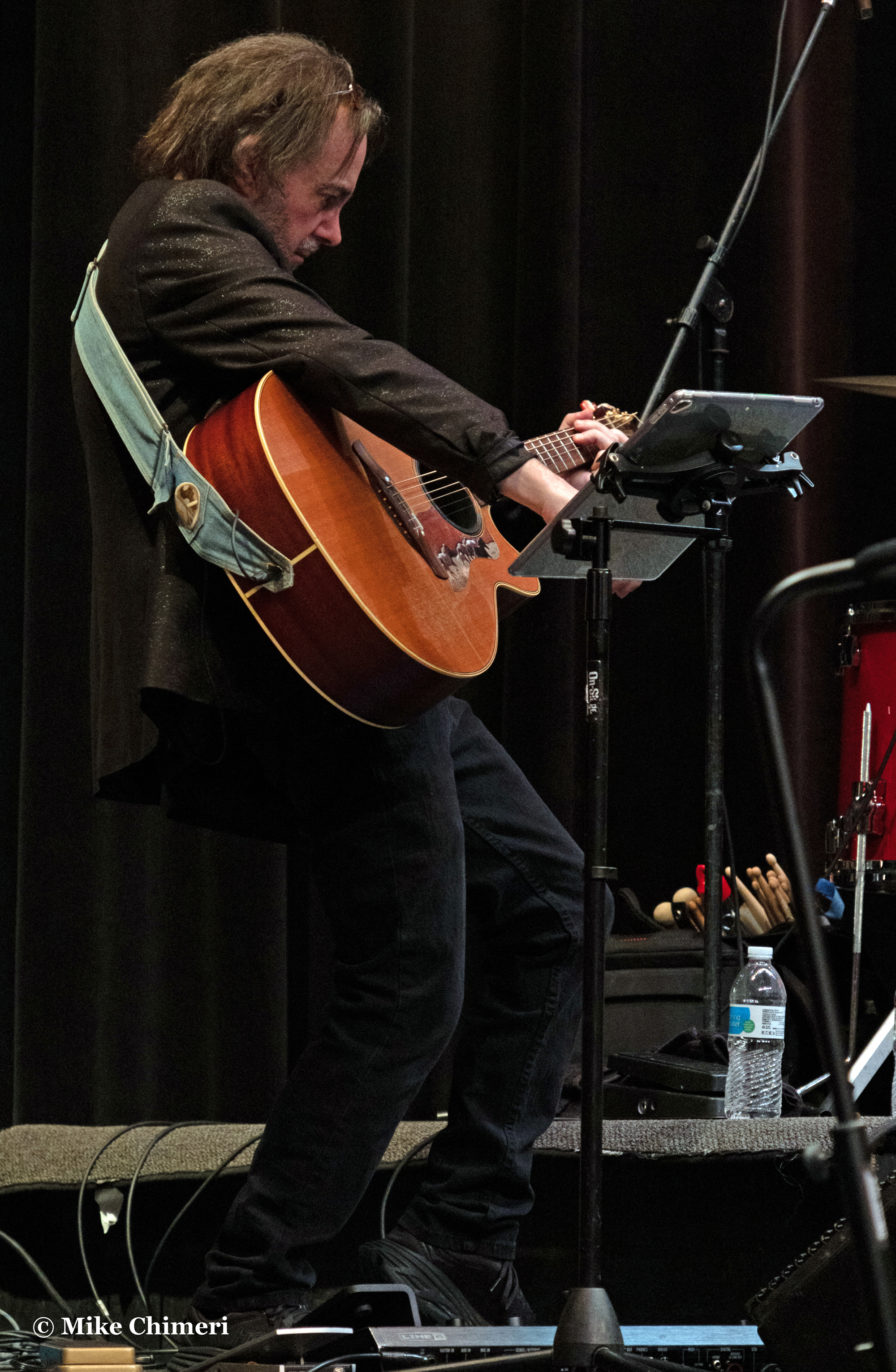
…and otherwise on electric:


Finally, Jay Rowe on keyboards (all but the first are from his “My Cherie Amour”):



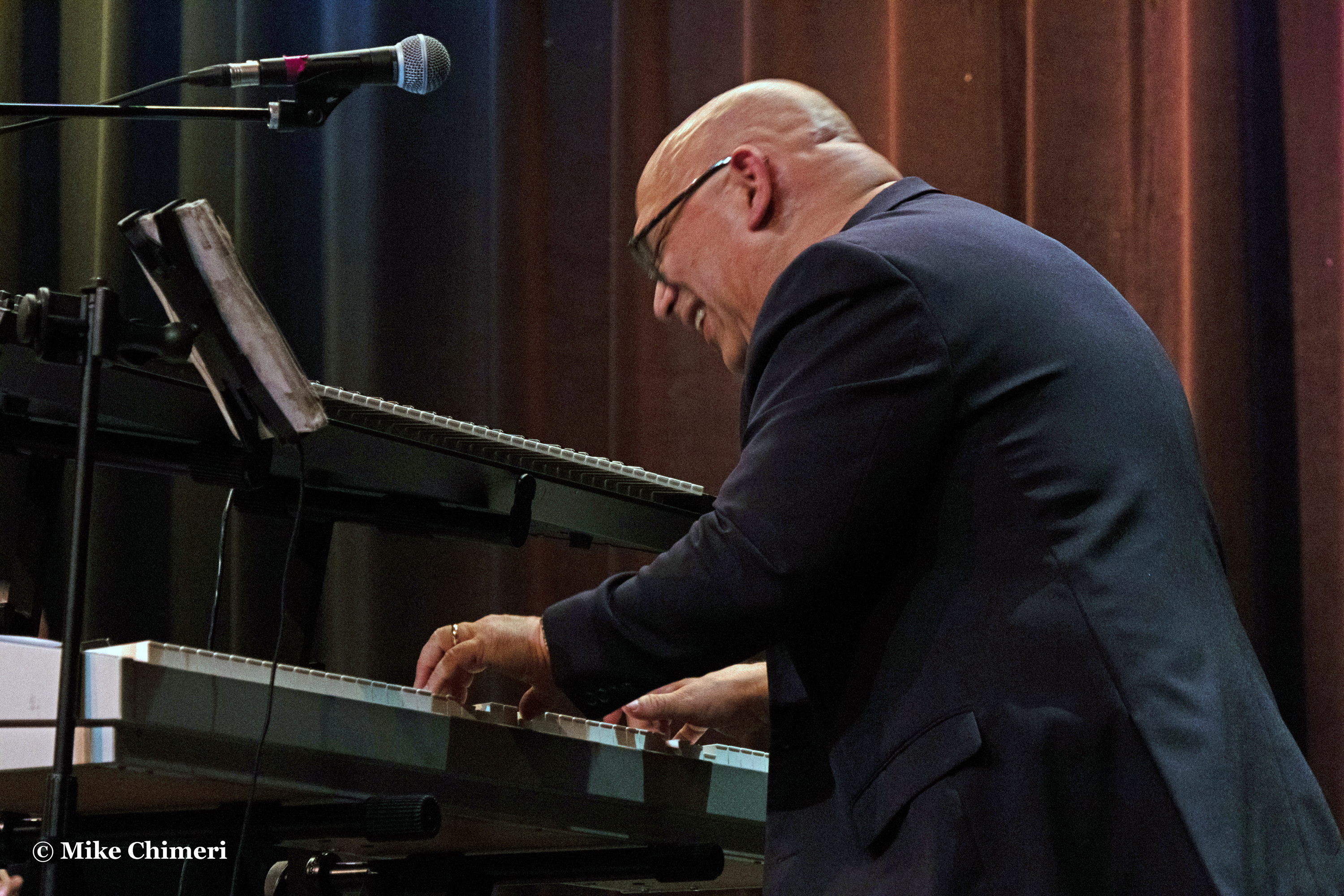
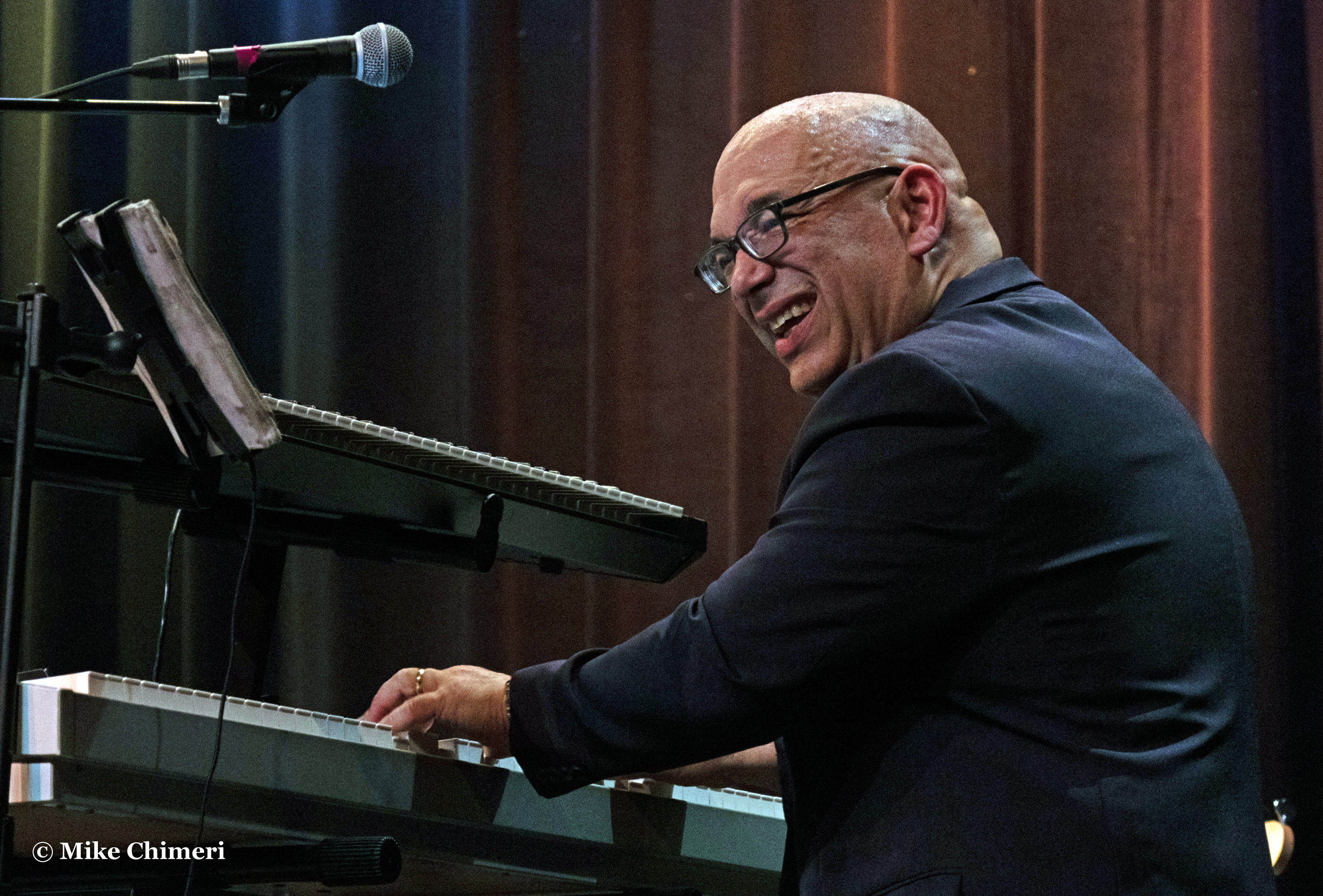


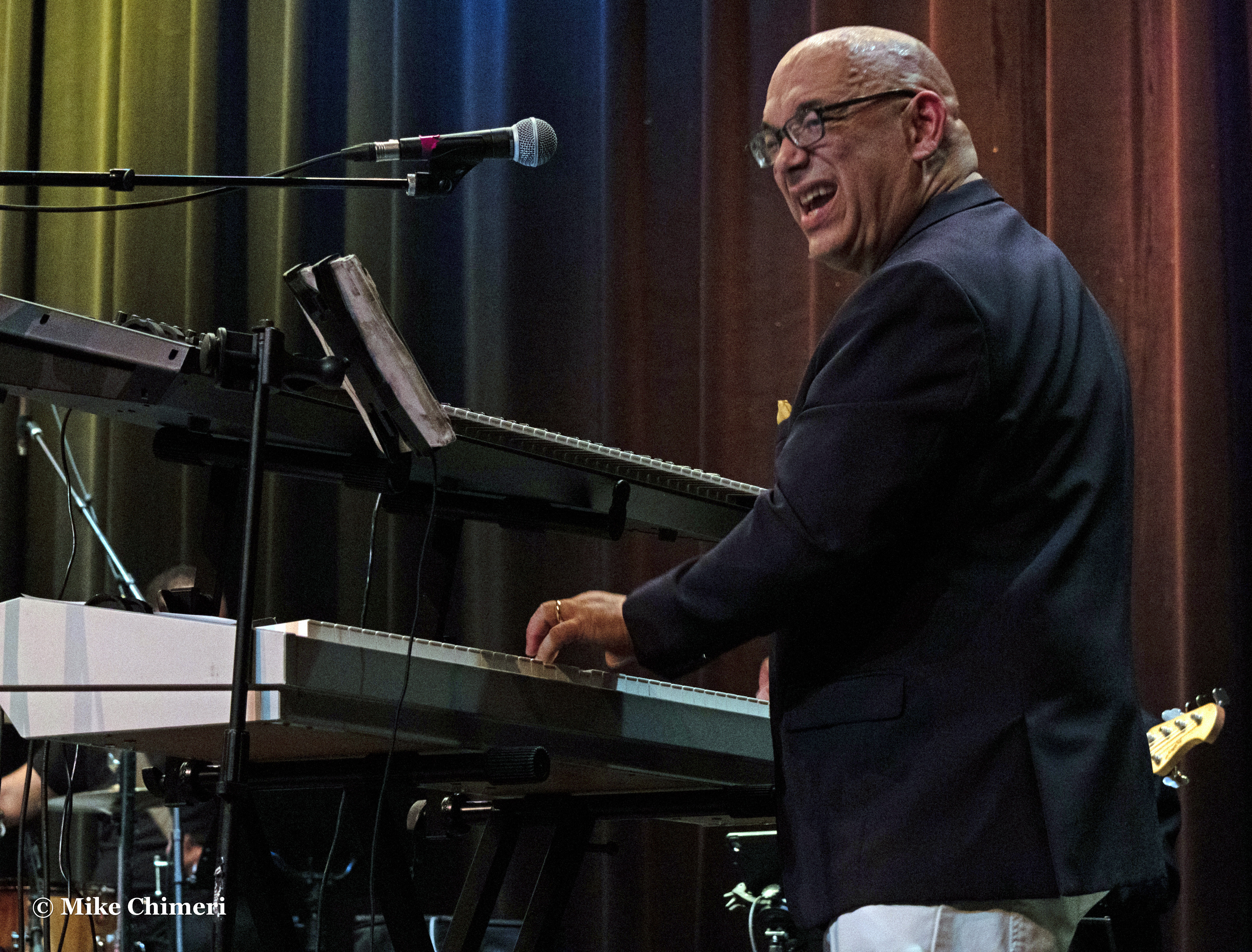
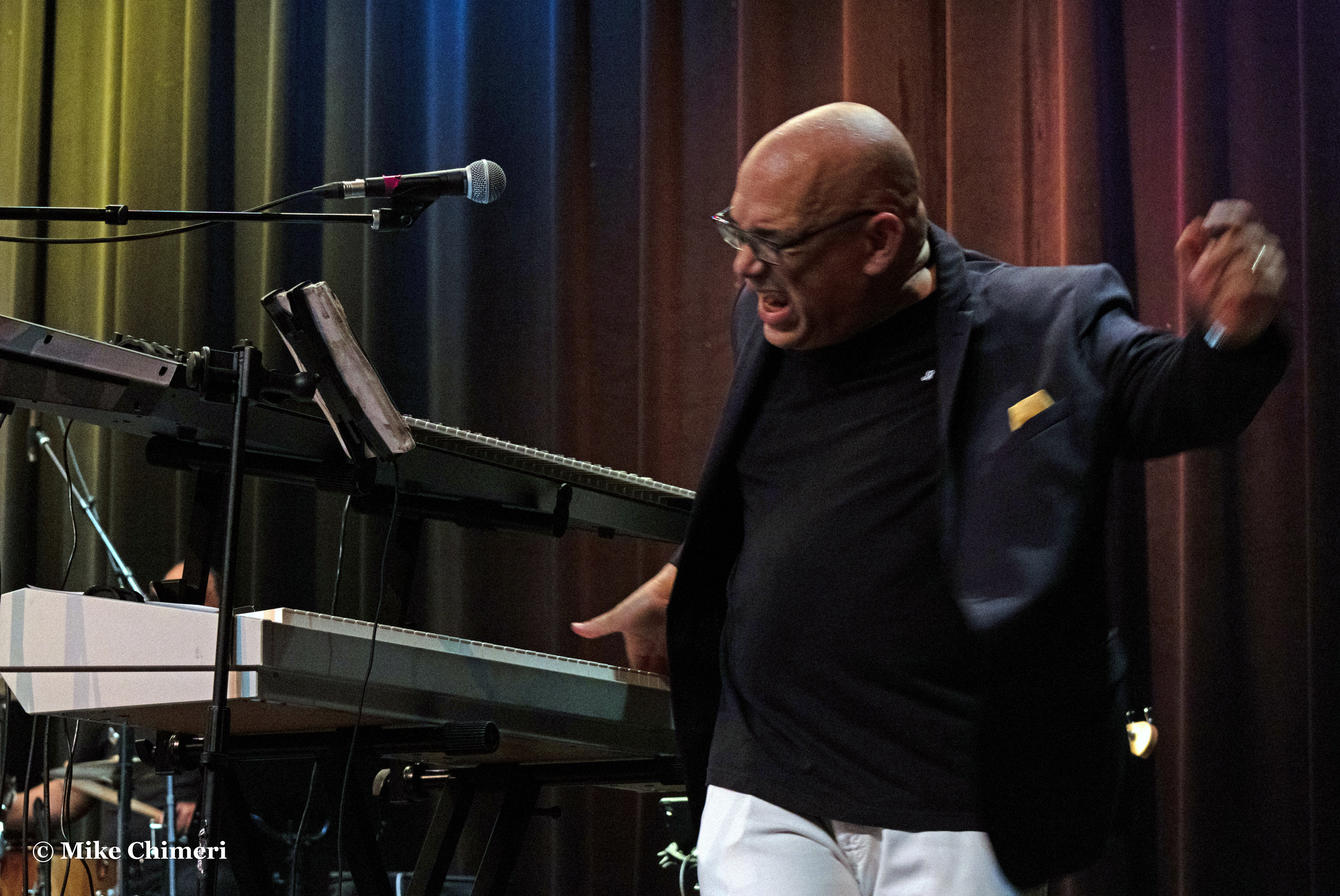
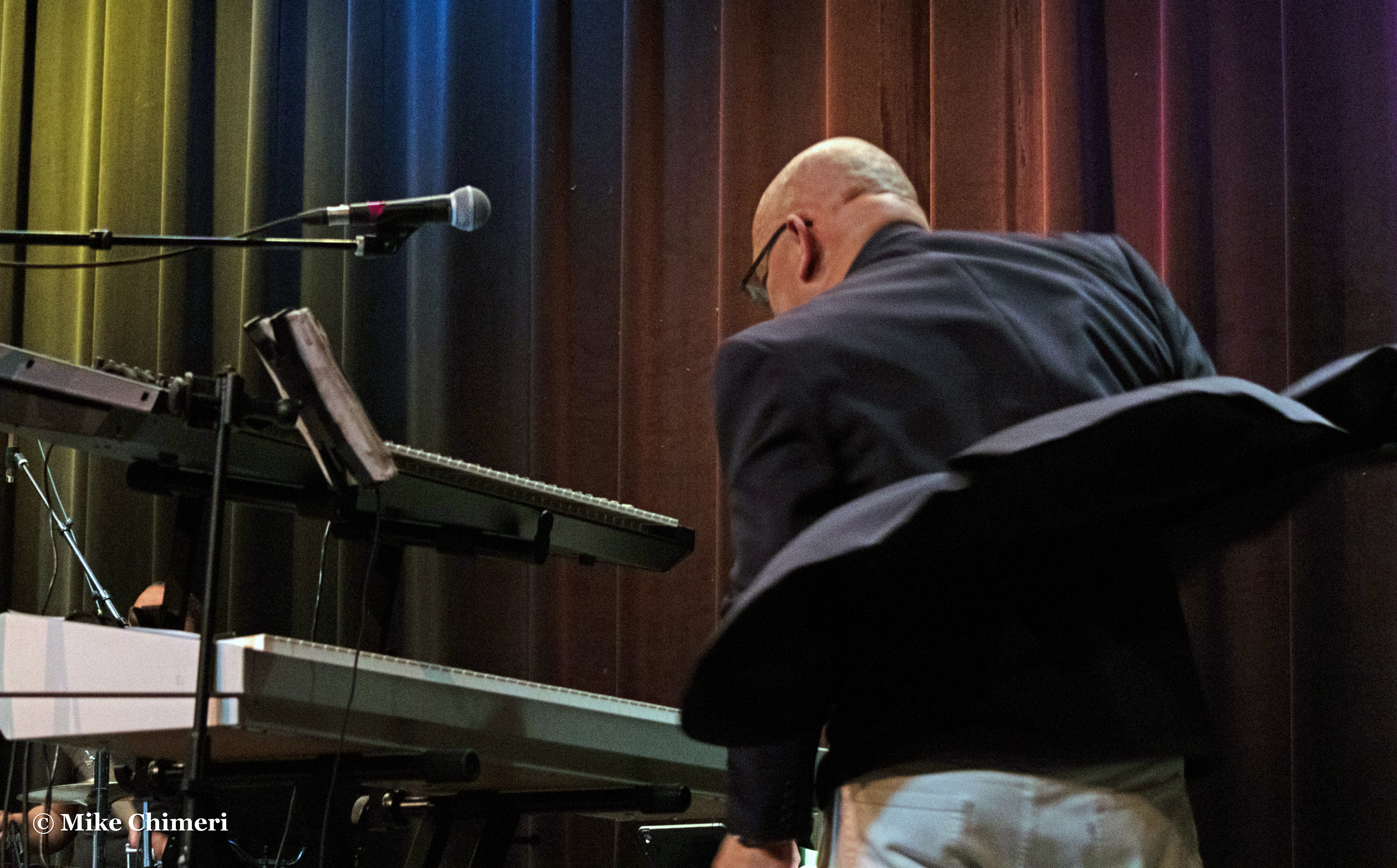
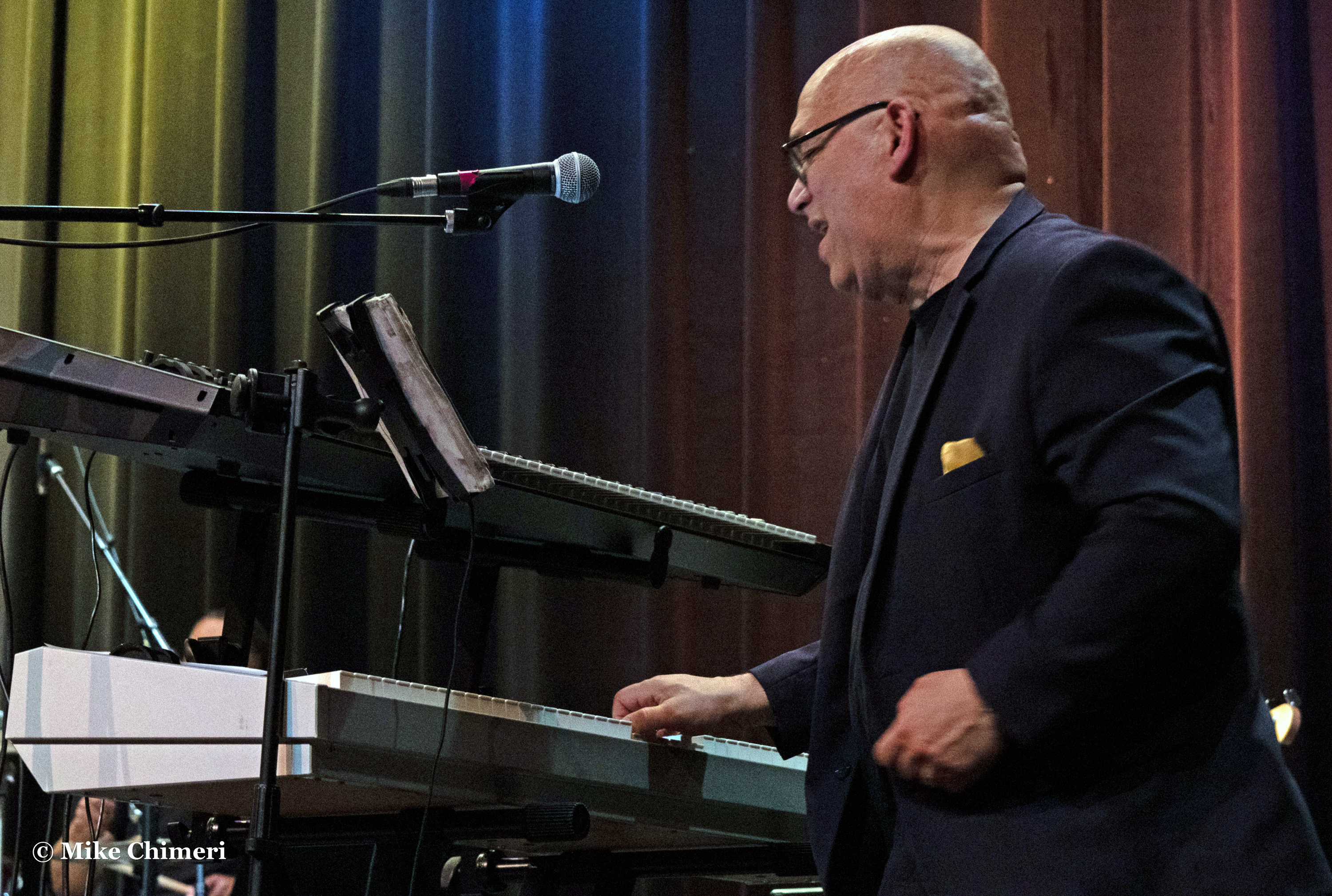
On to medium and wide shots, beginning with Chieli and Nelson:
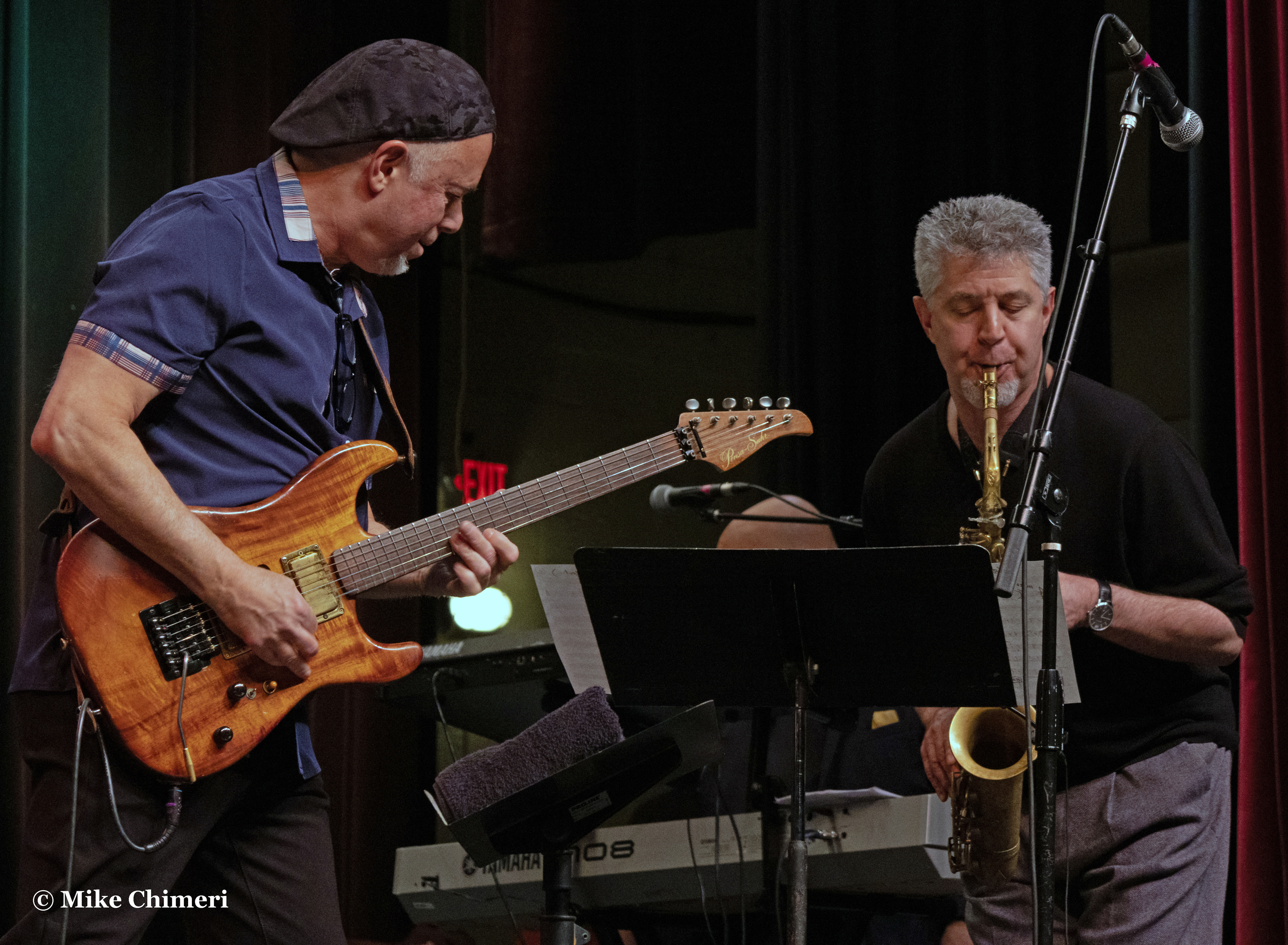
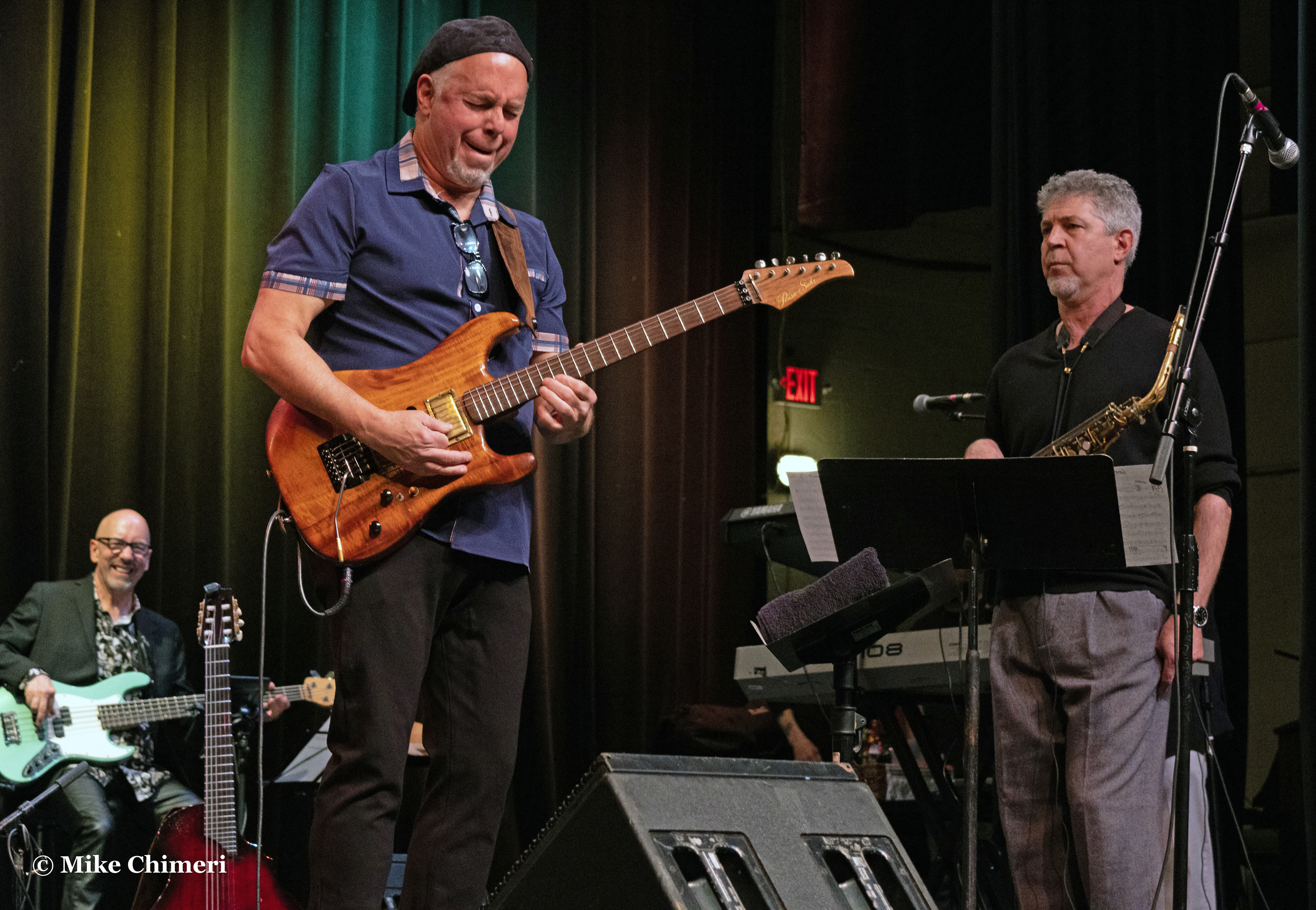
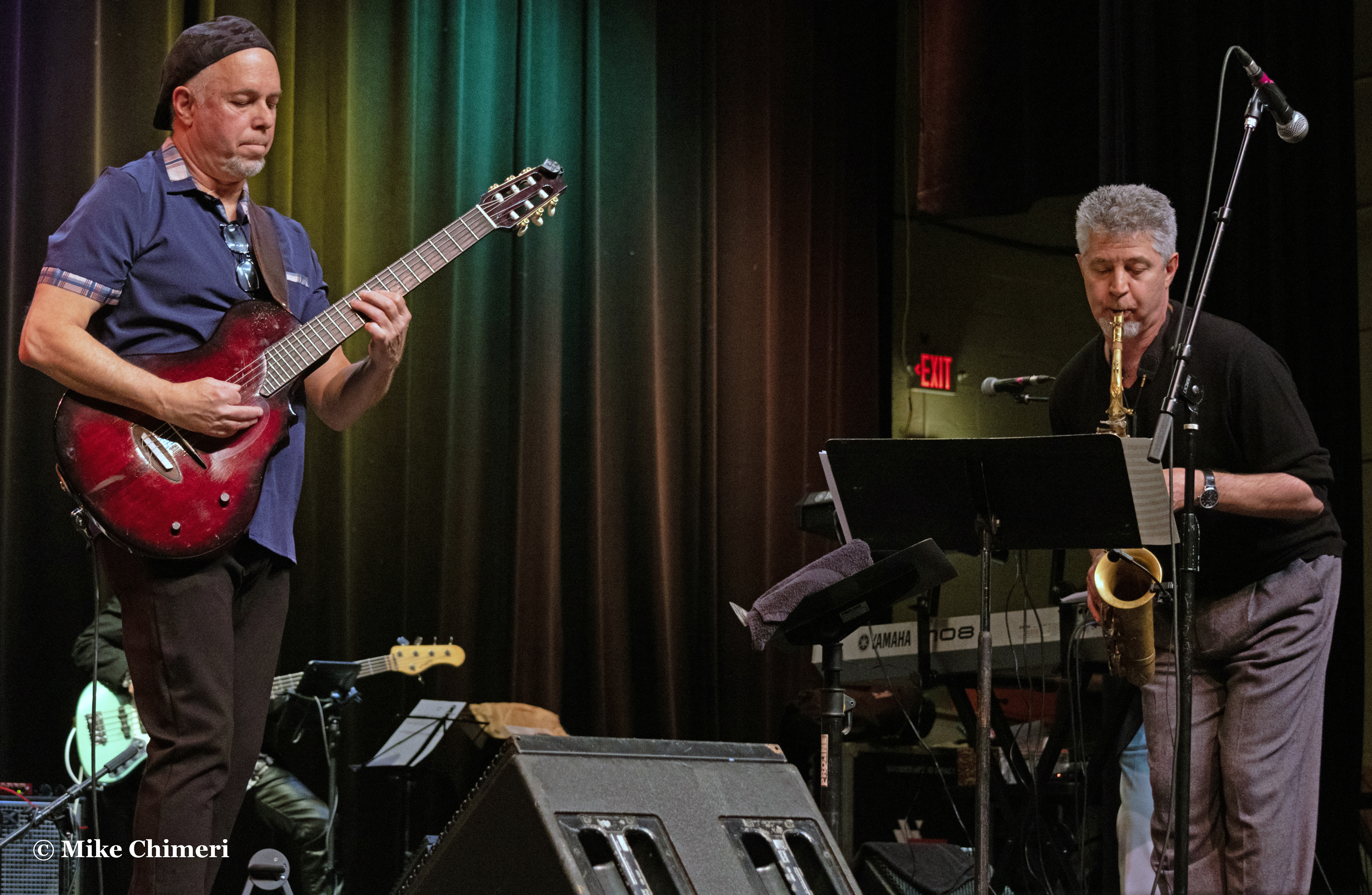
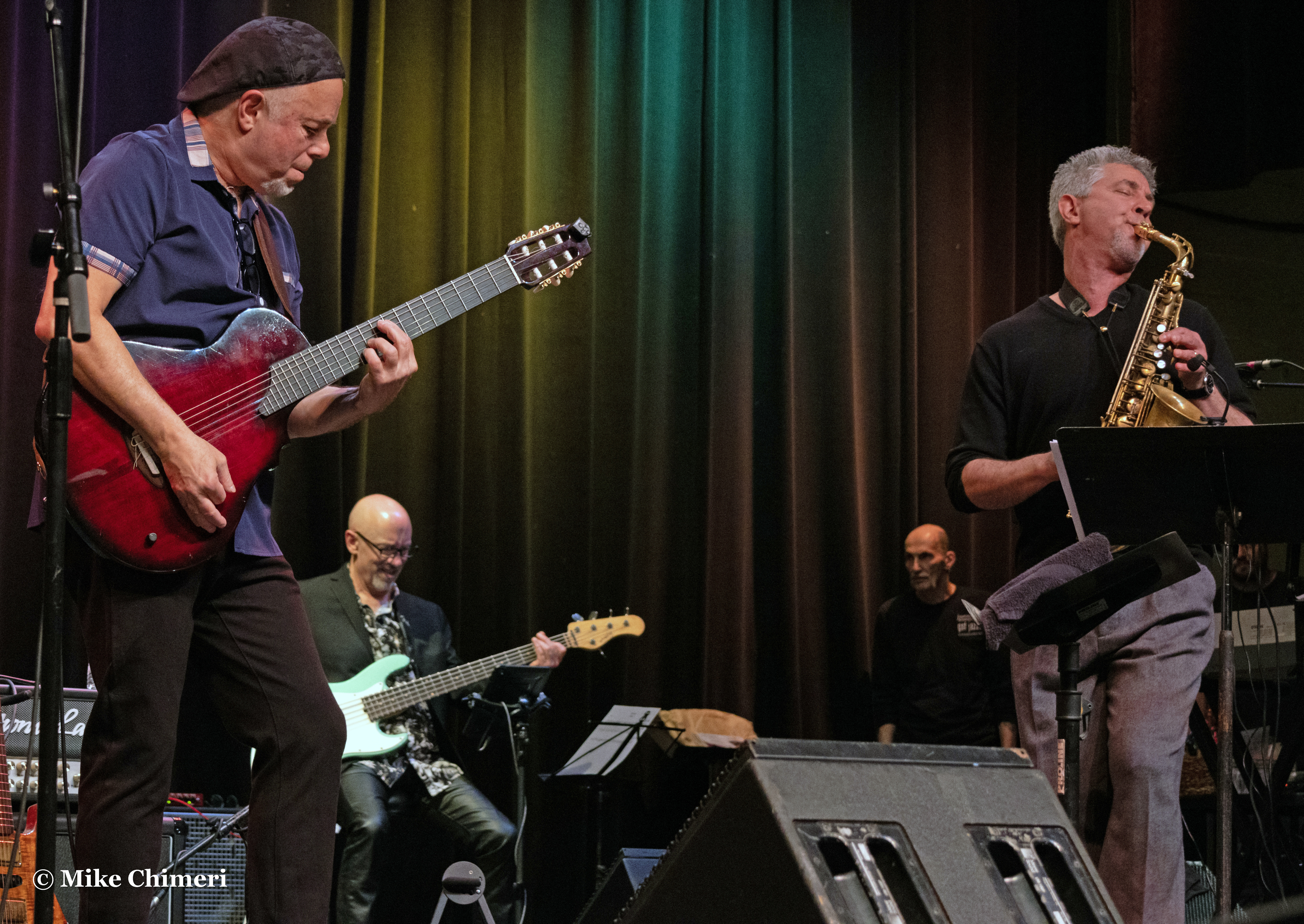

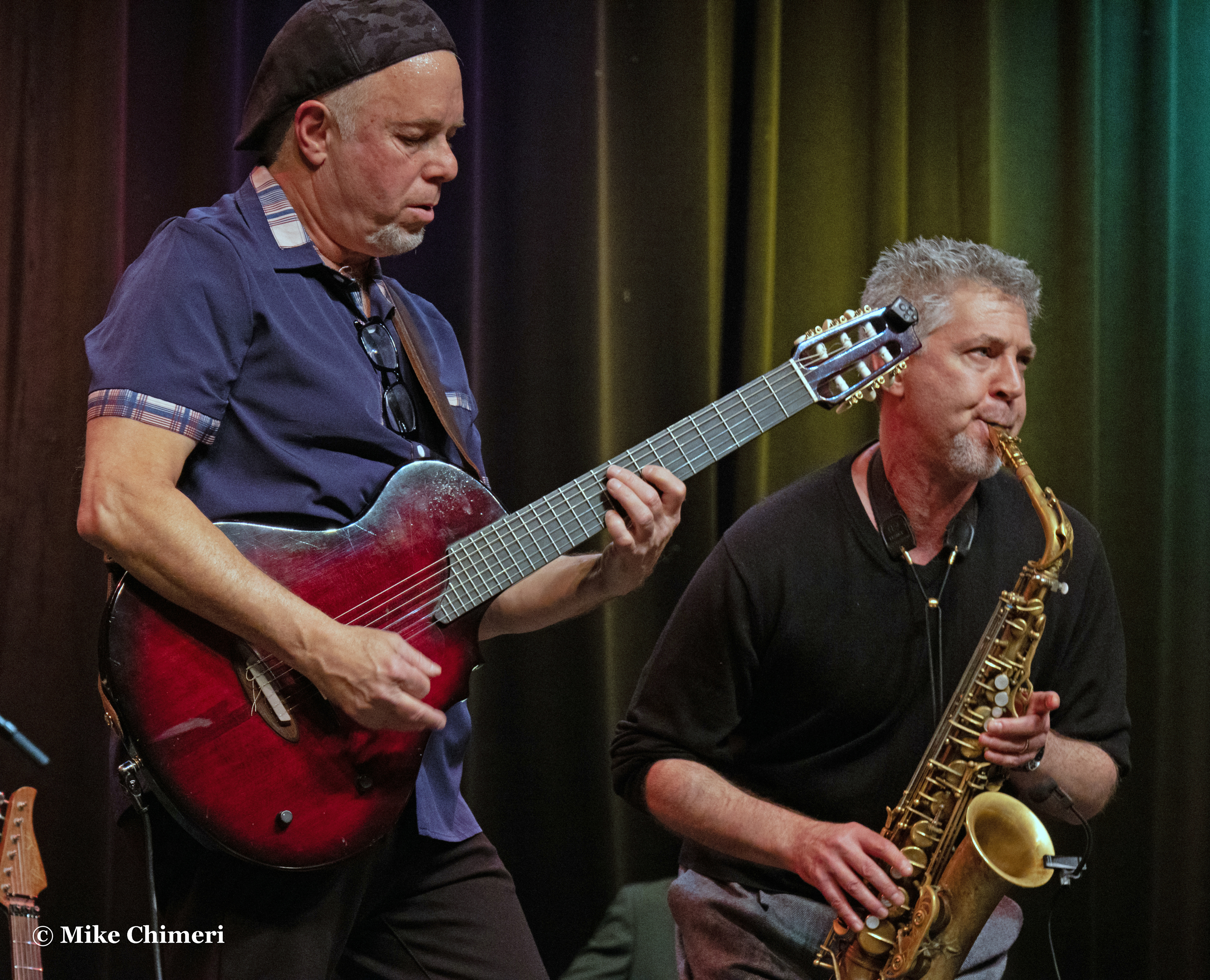
Chieli and Ken on “In Memory of Elizabeth Reed”:
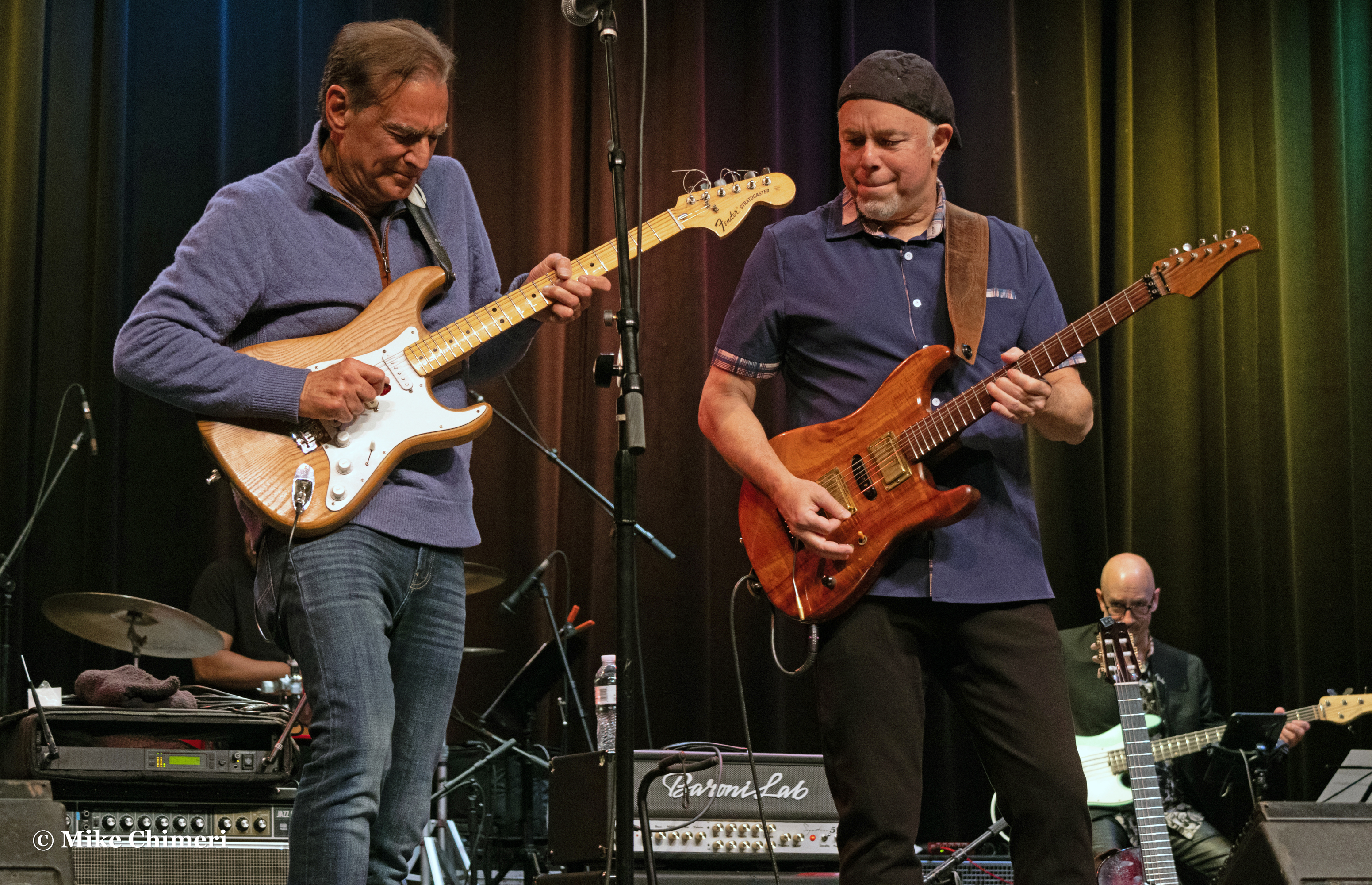


Ken and Nelson:

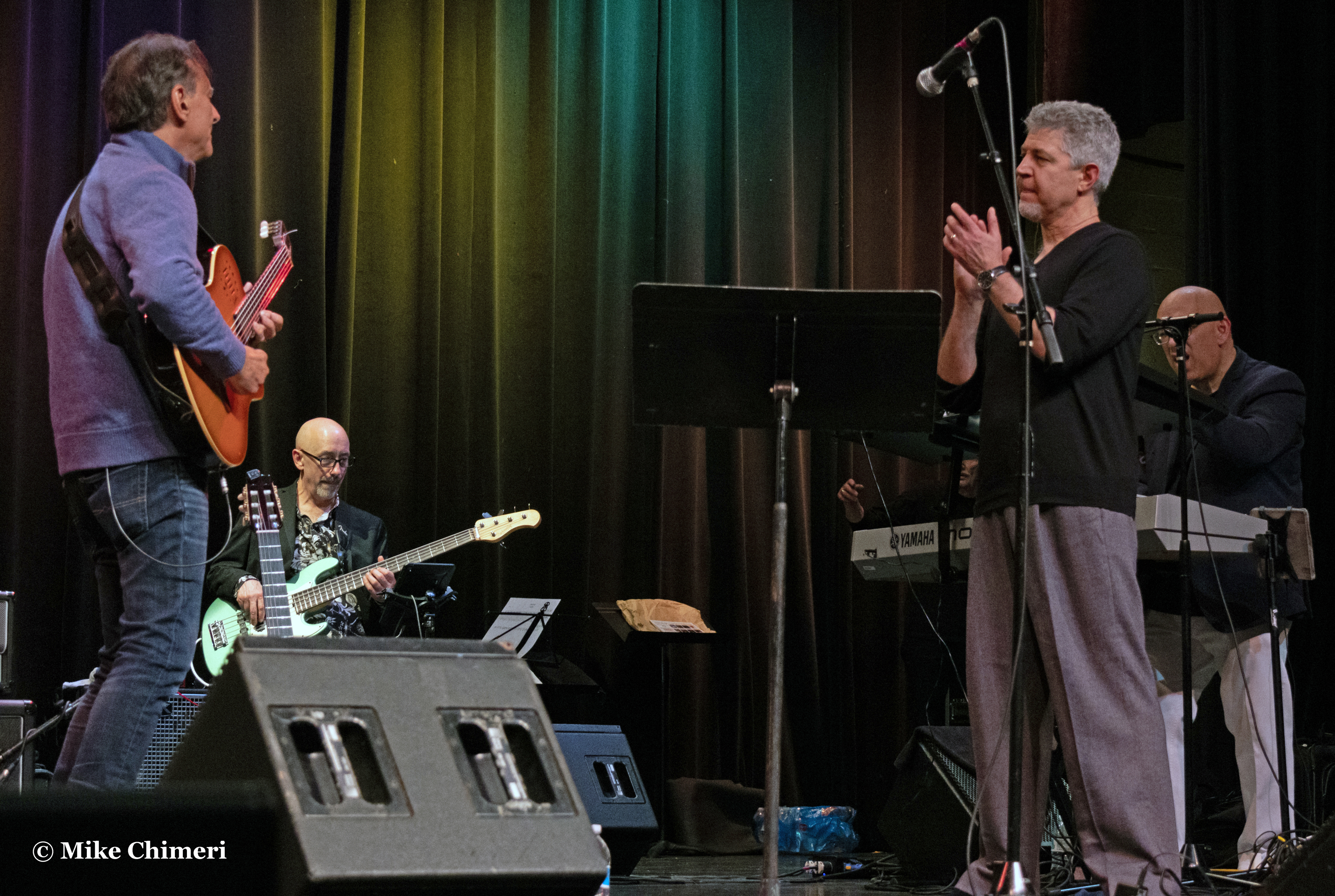


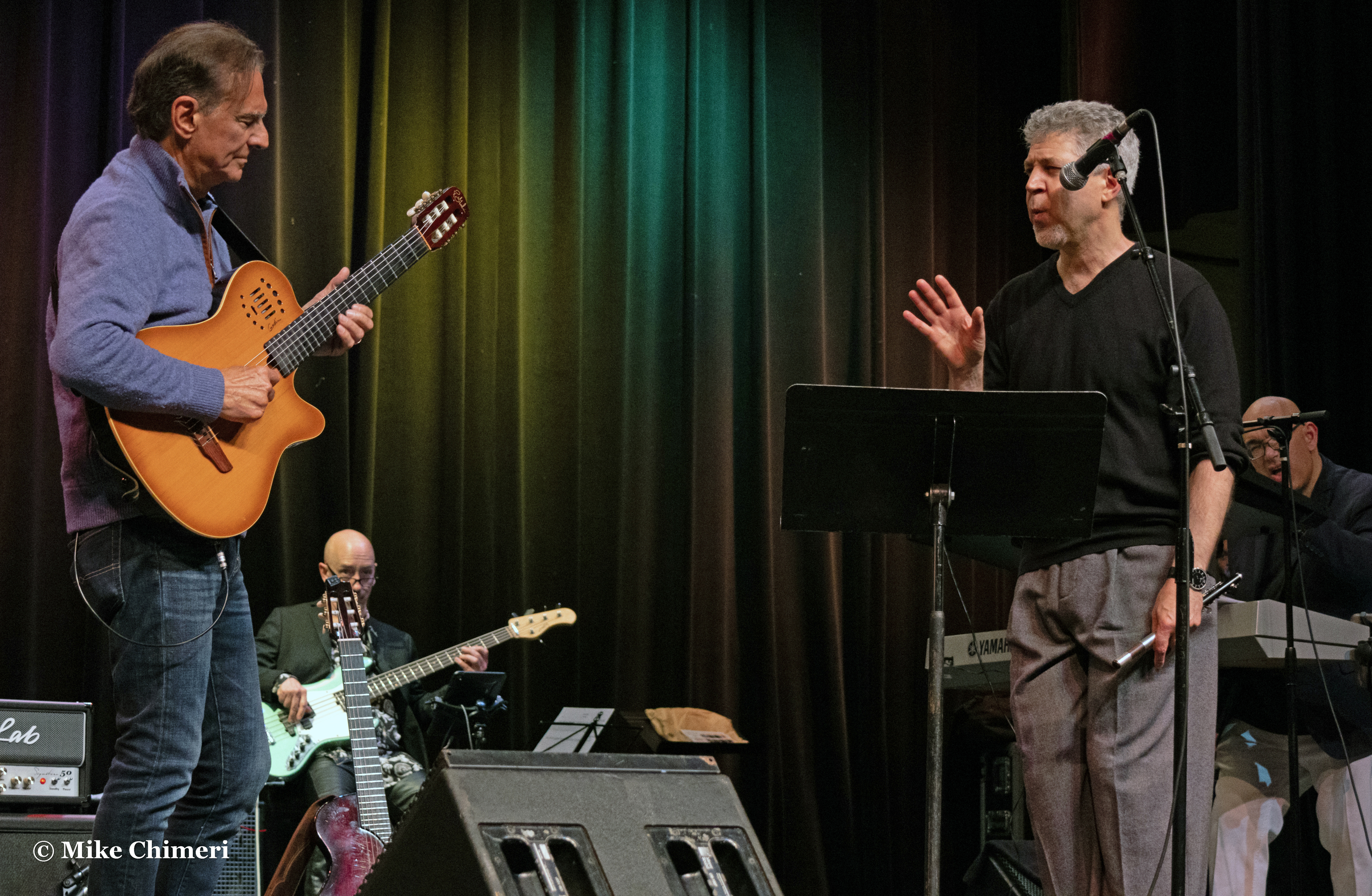

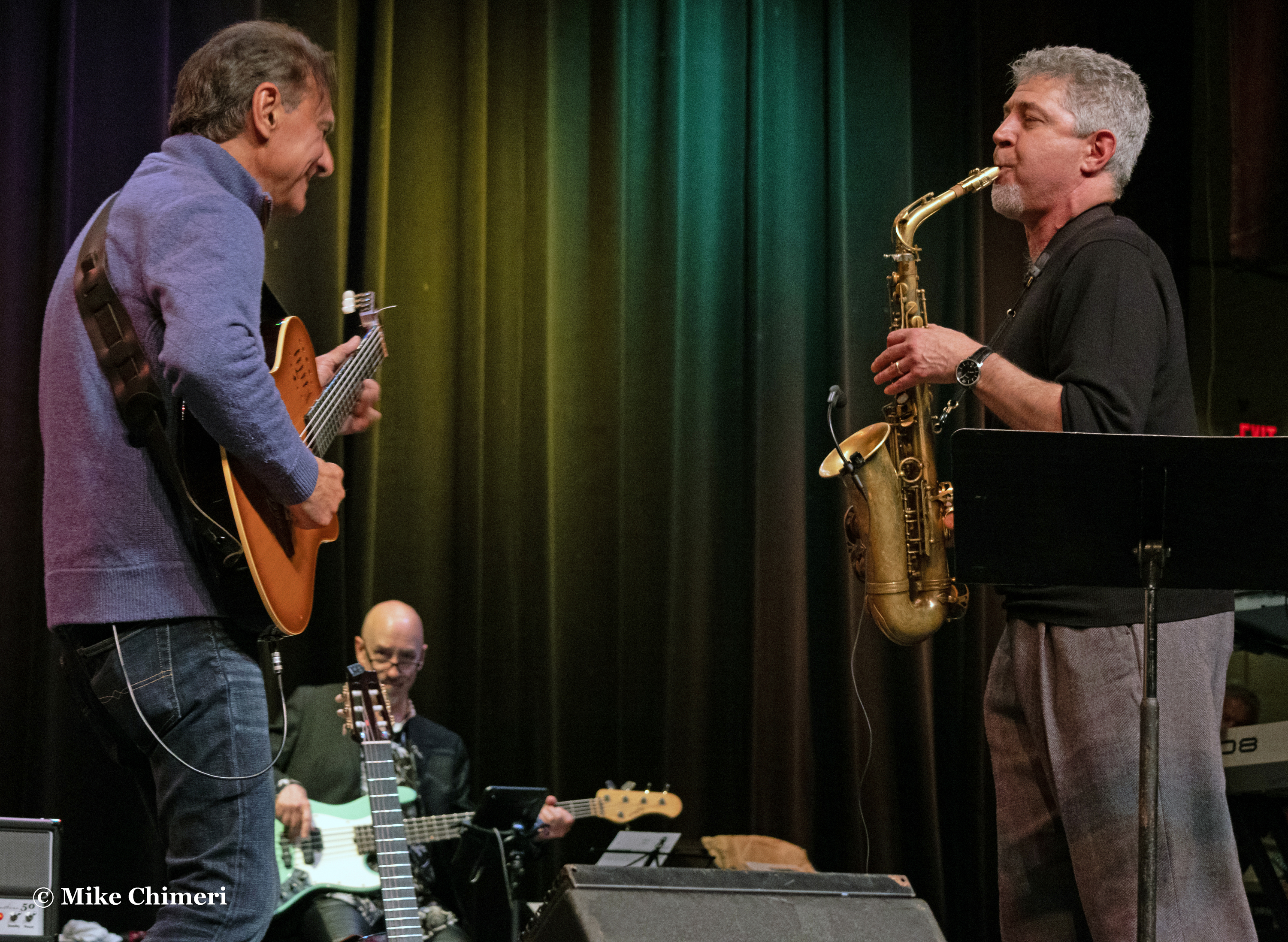
Nelson and Jay:

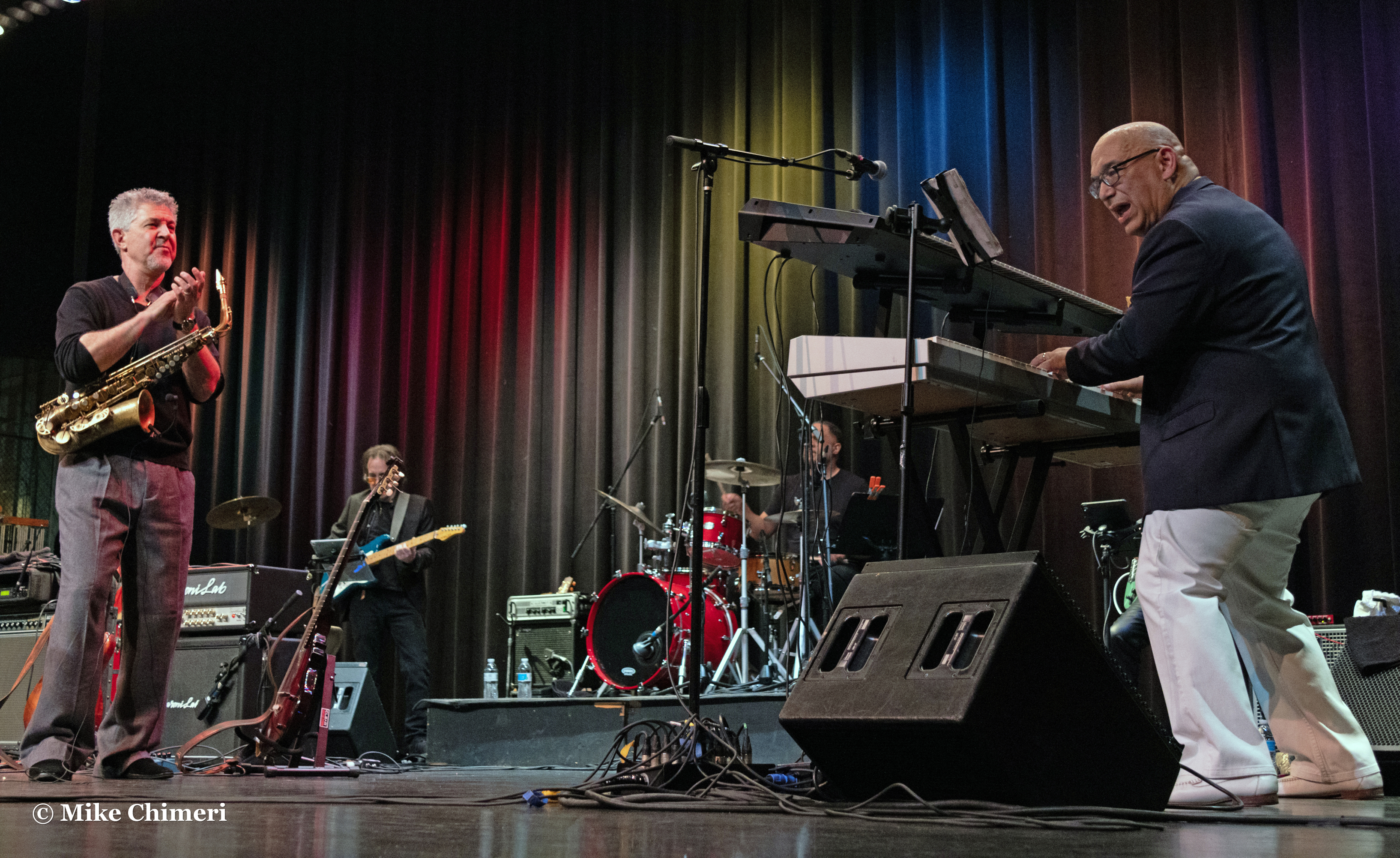
Marion and Jay:
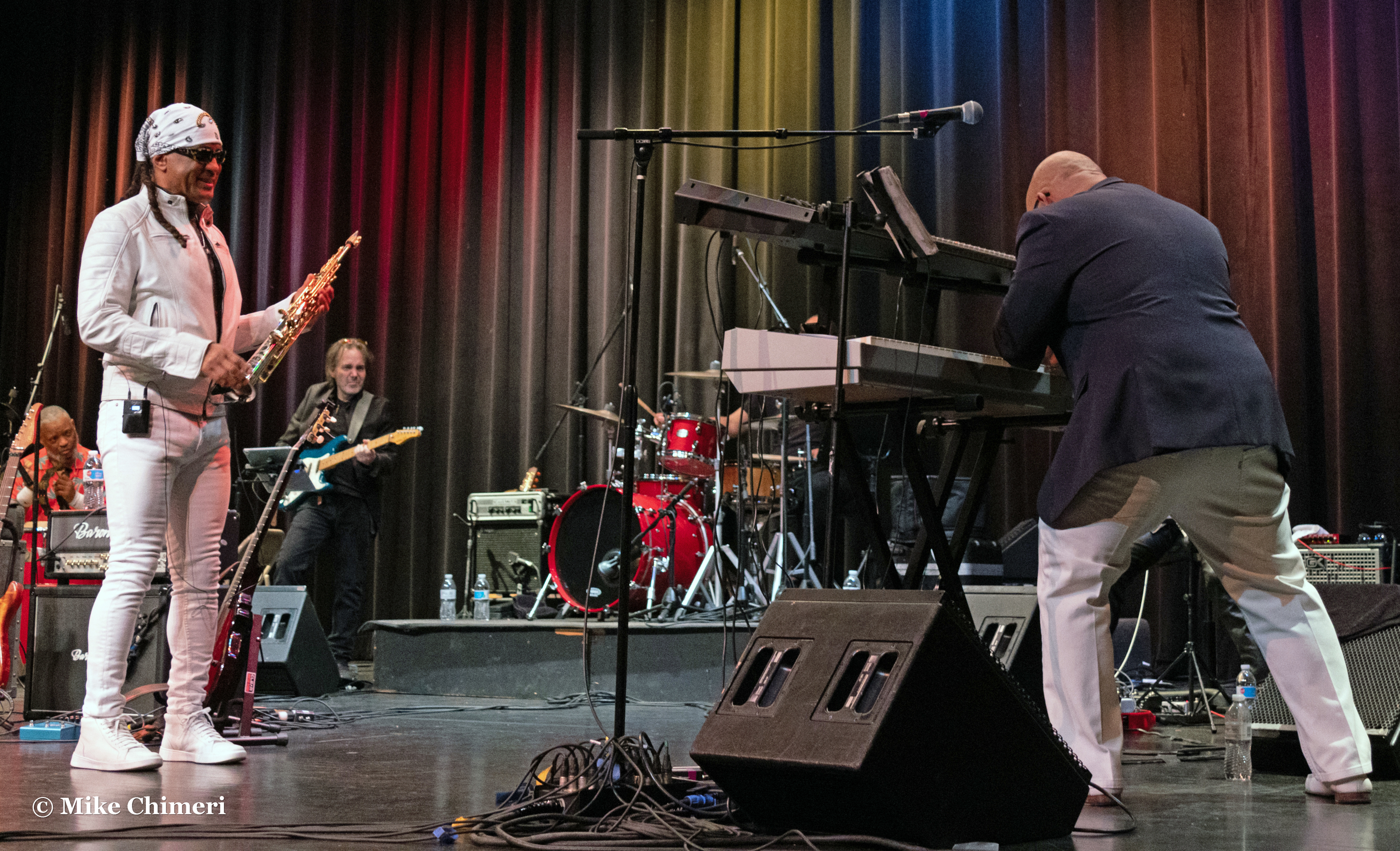
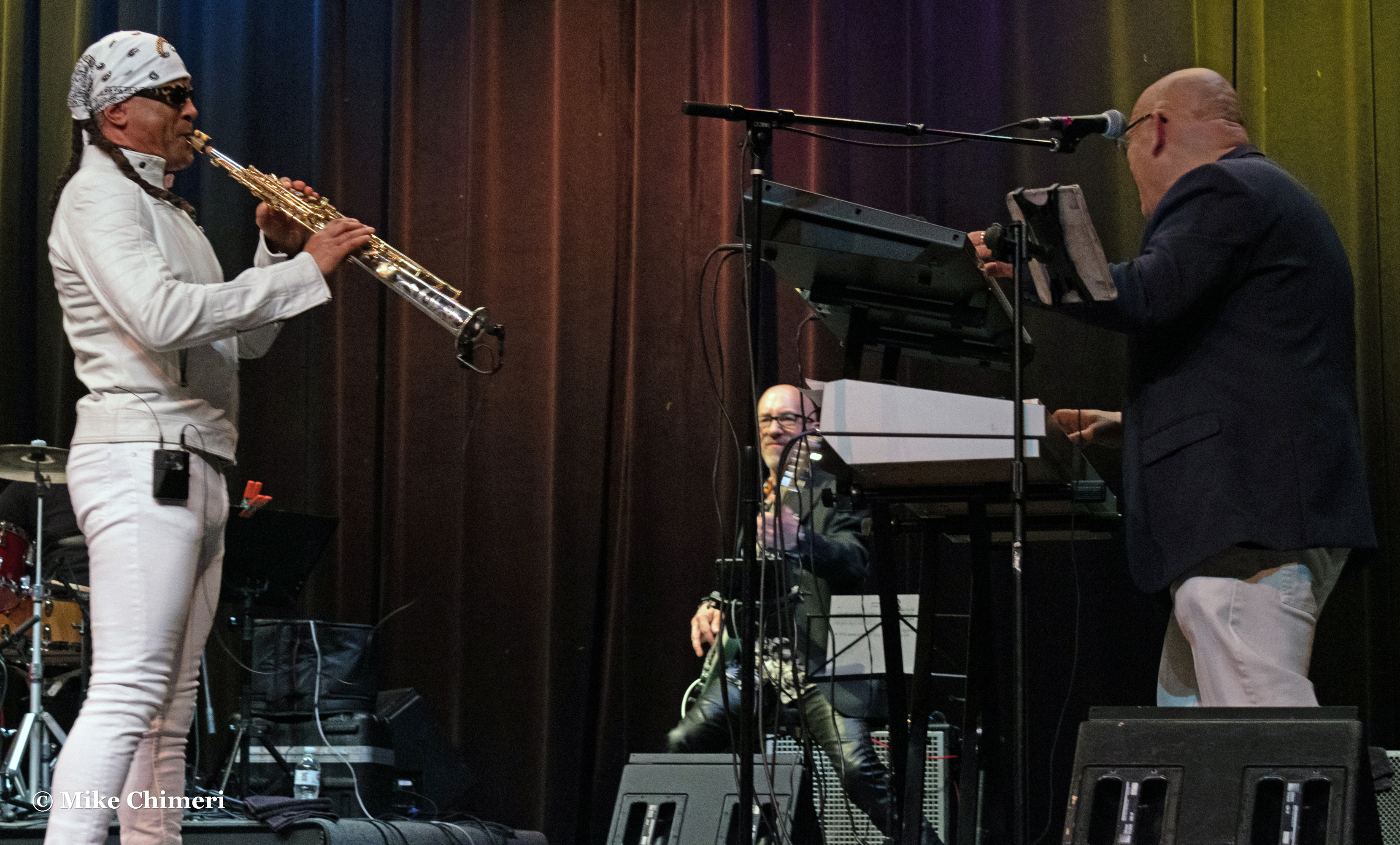
Last in this section, Steve and Trever:

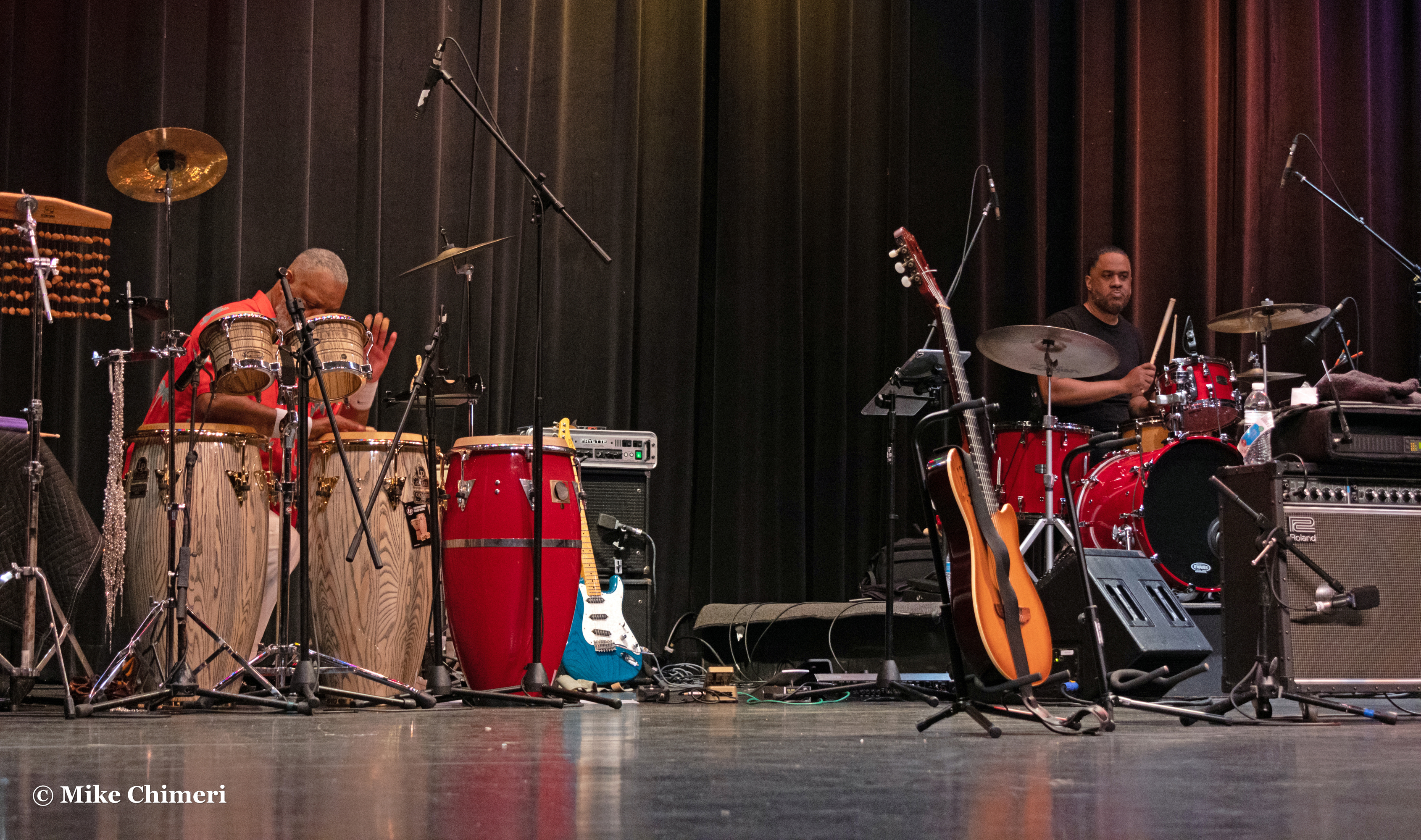
Why not give audience and photographer shots their own section?

Andrew James, Ron and Nydia Hancox 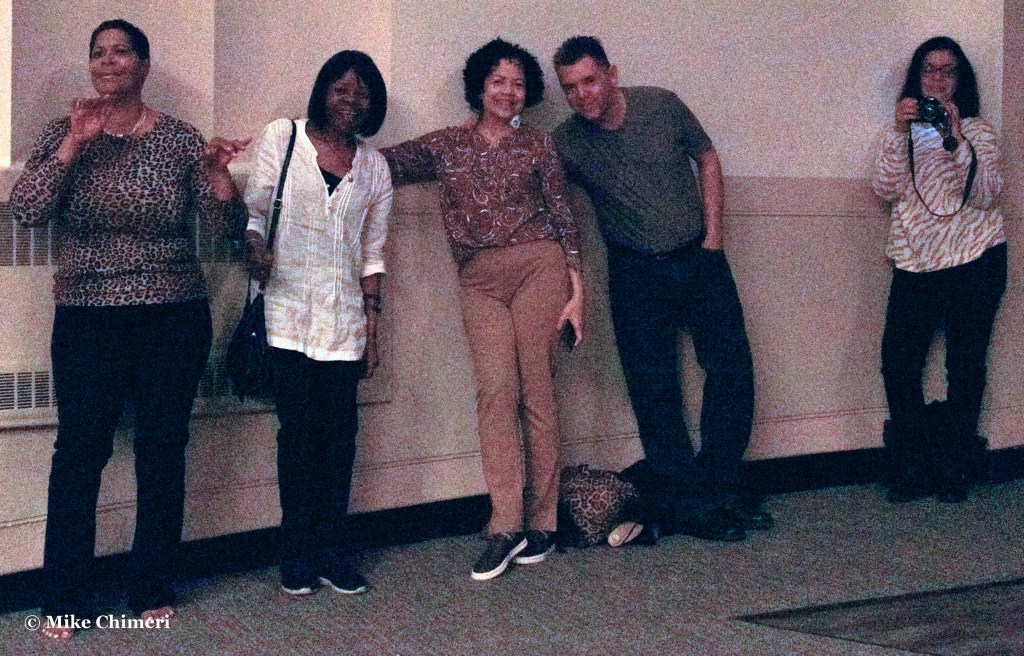
Estella Taylor-Greene, Dolly Moye, Nydia Hancox, Jay Dobbins, Norma Rohadfox 
Another photo of the fab five in my camera’s sports mode. Jay Dobbins spotted me again.
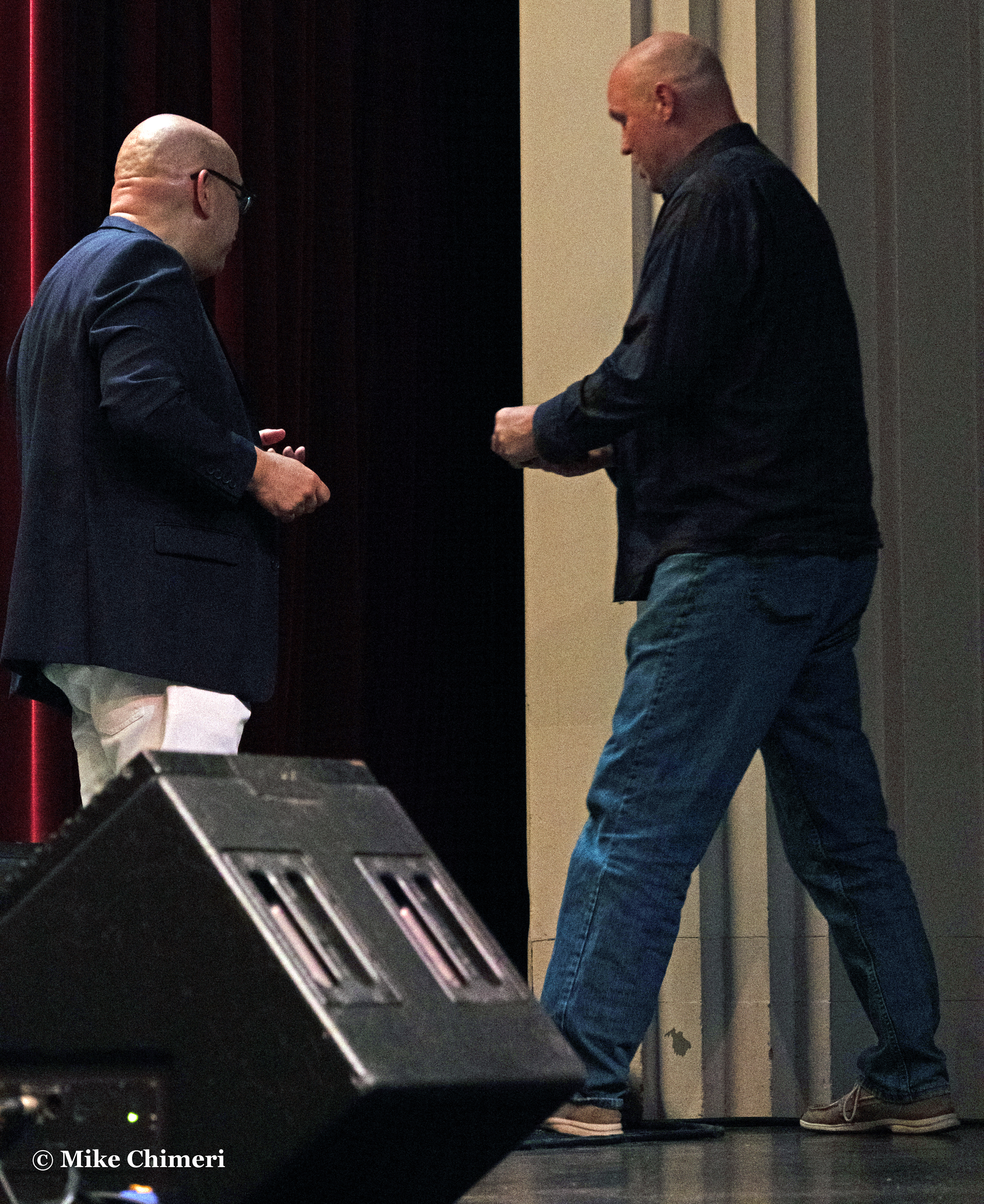
When it came time for the raffles (between “…Elizabeth Reed” and “Marcosinho”), I forgot to only check my tickets for the 50/50 portion. I was needlessly exasperated when my numbers didn’t match what Jay Rowe called.
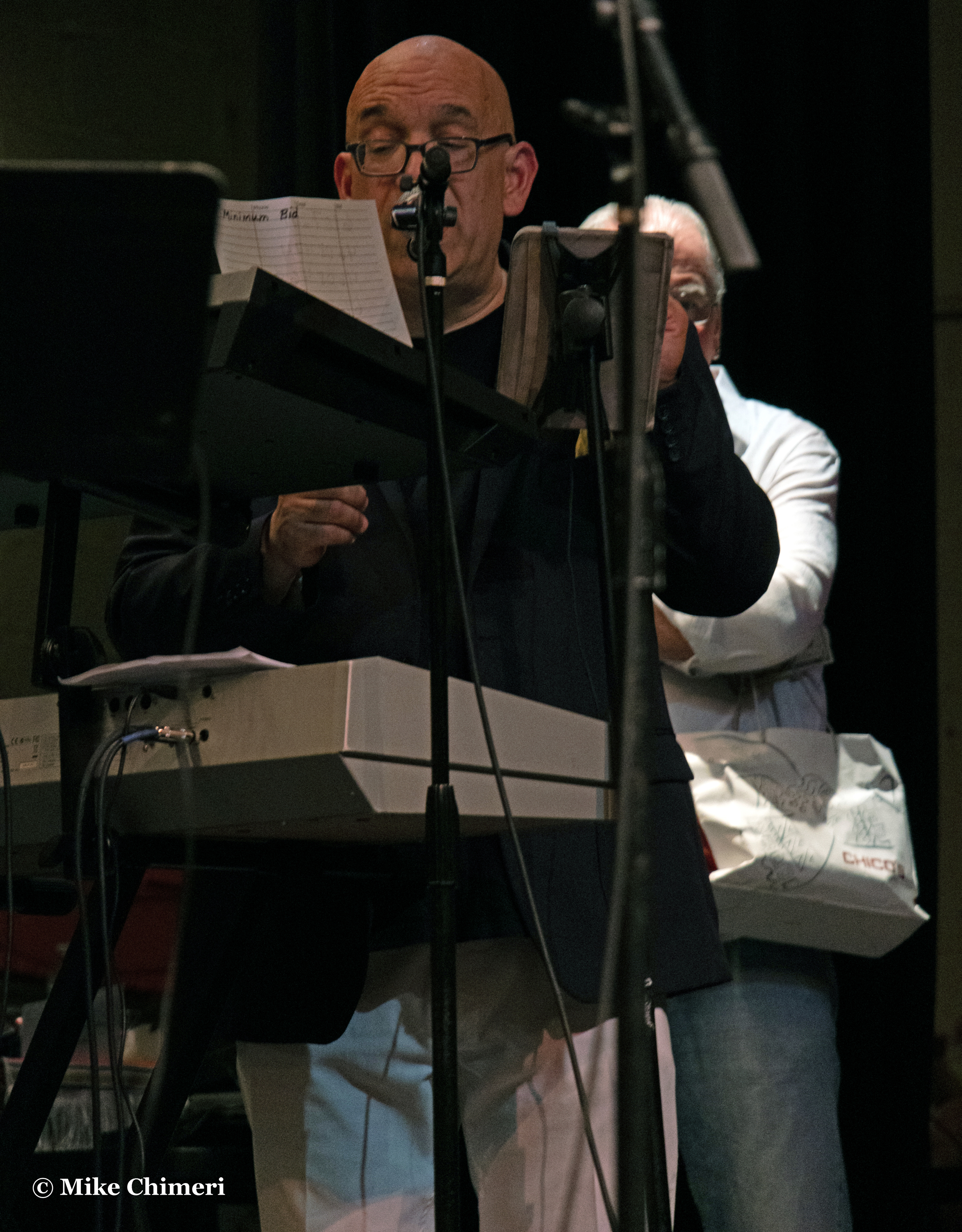
I was rightfully dismayed when I actually lost the 50/50, but at least my $10 went to a great cause. The winner was Steve, who graciously donated back $200 of his winnings.

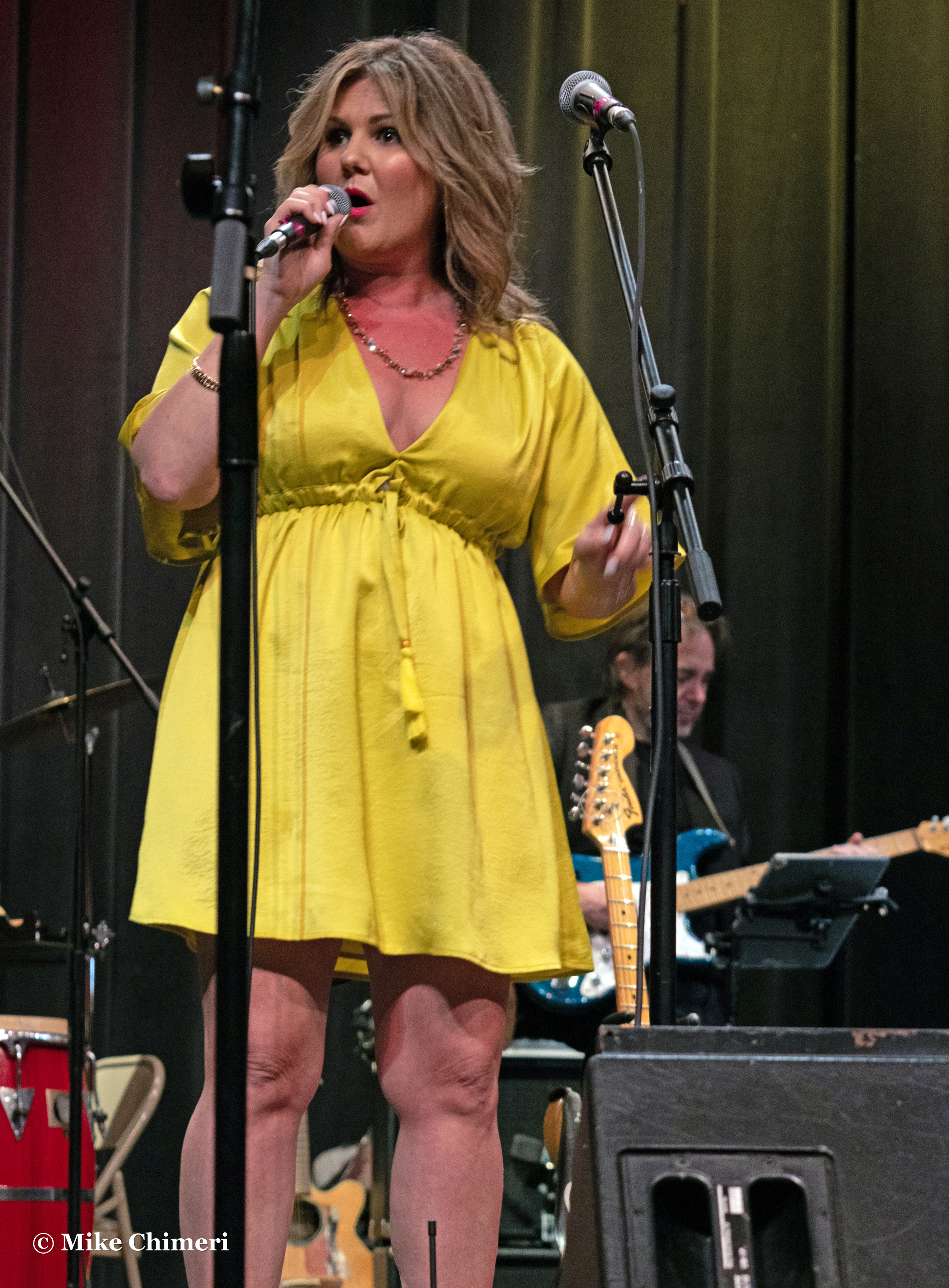
The finale, “What You Won’t Do for Love,” featured vocals by Carla Z:


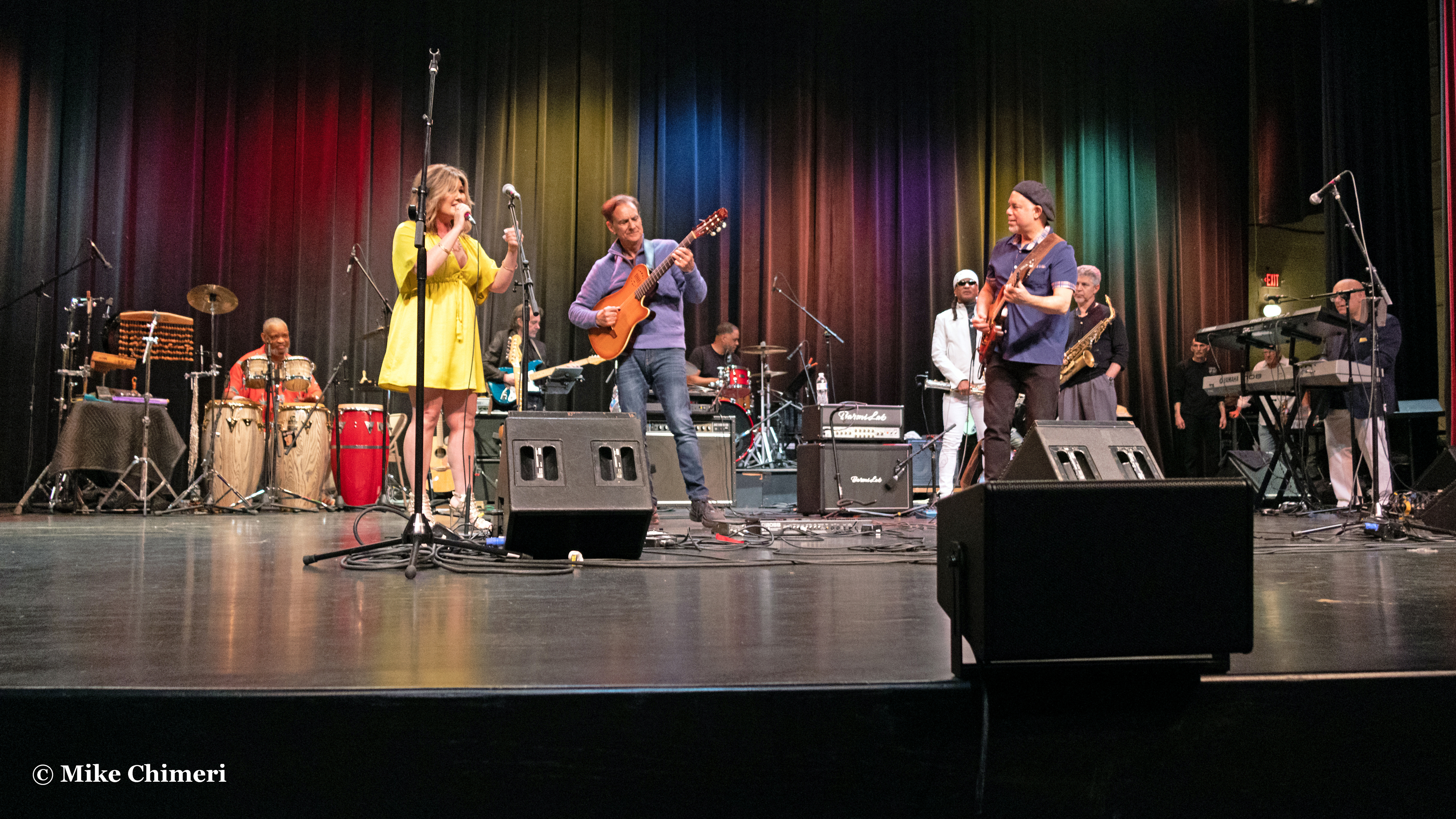

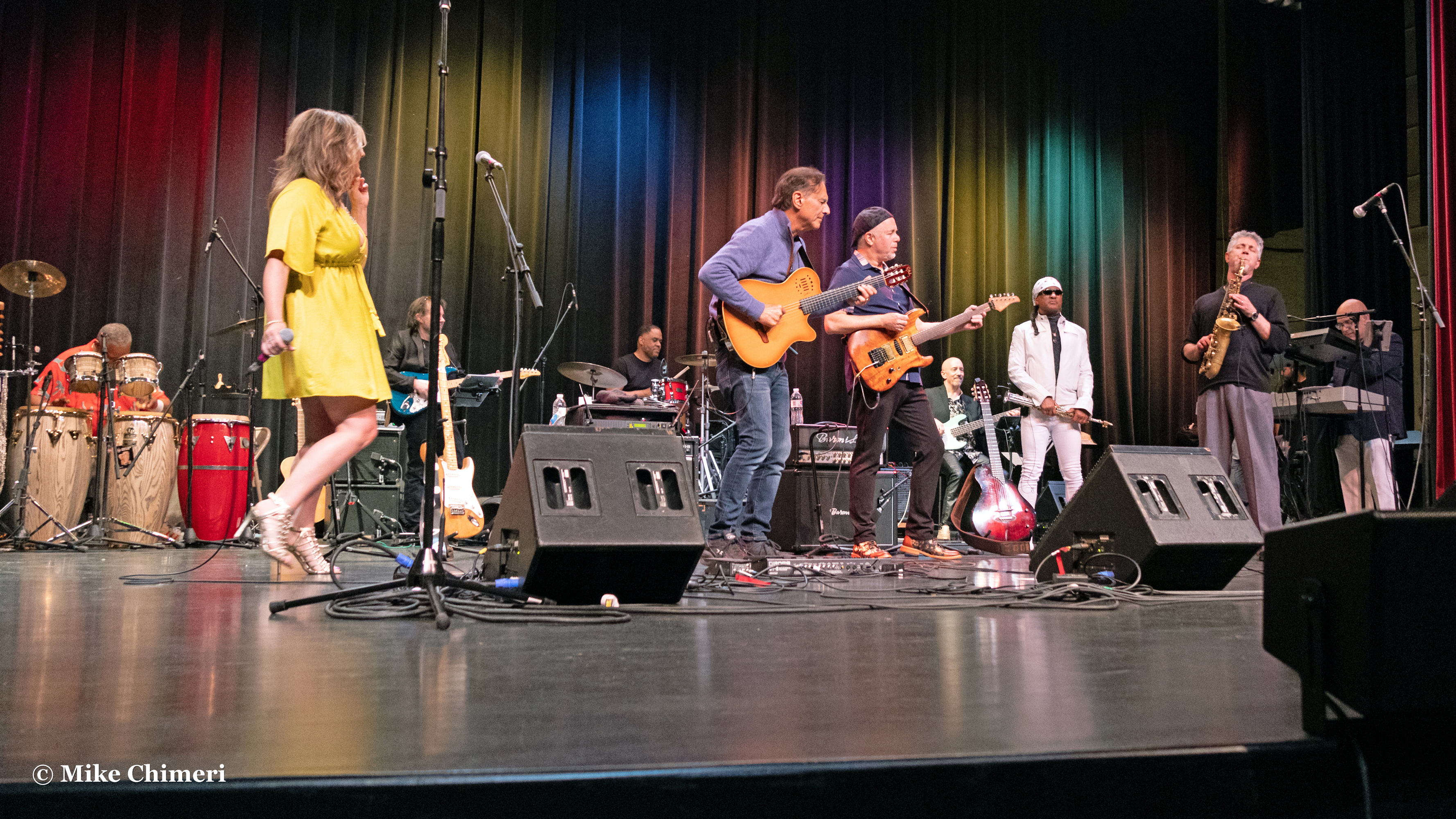
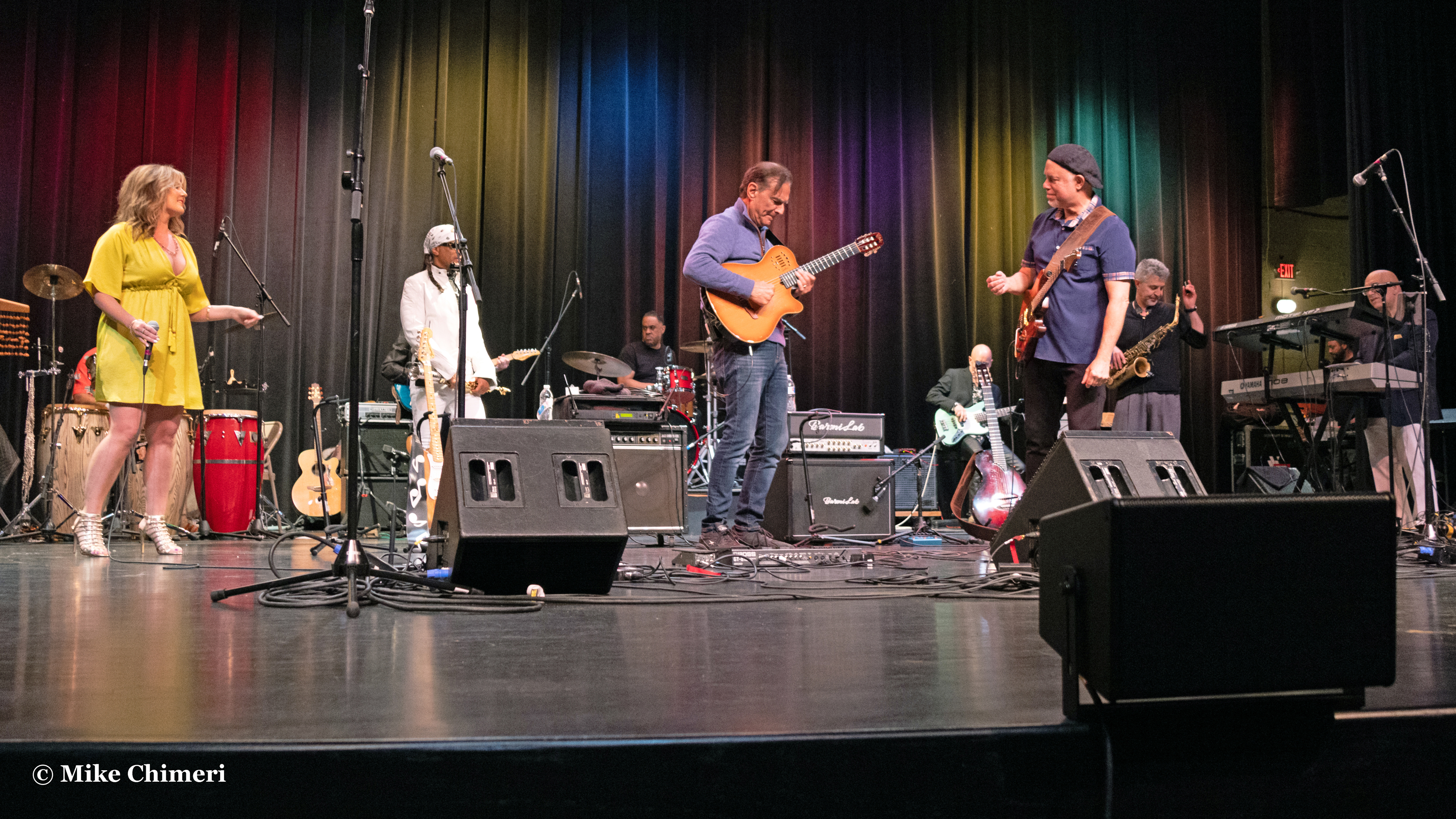

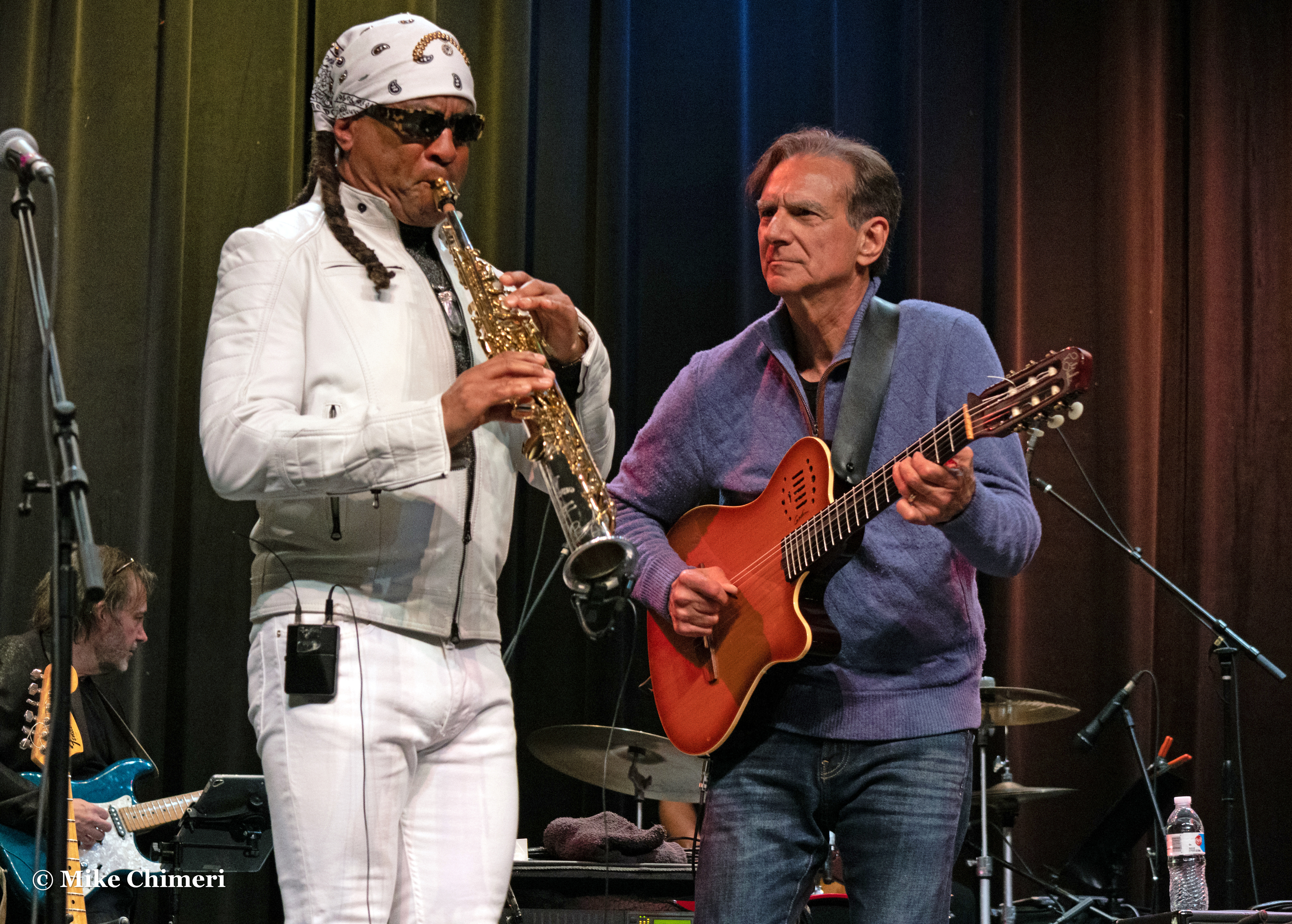

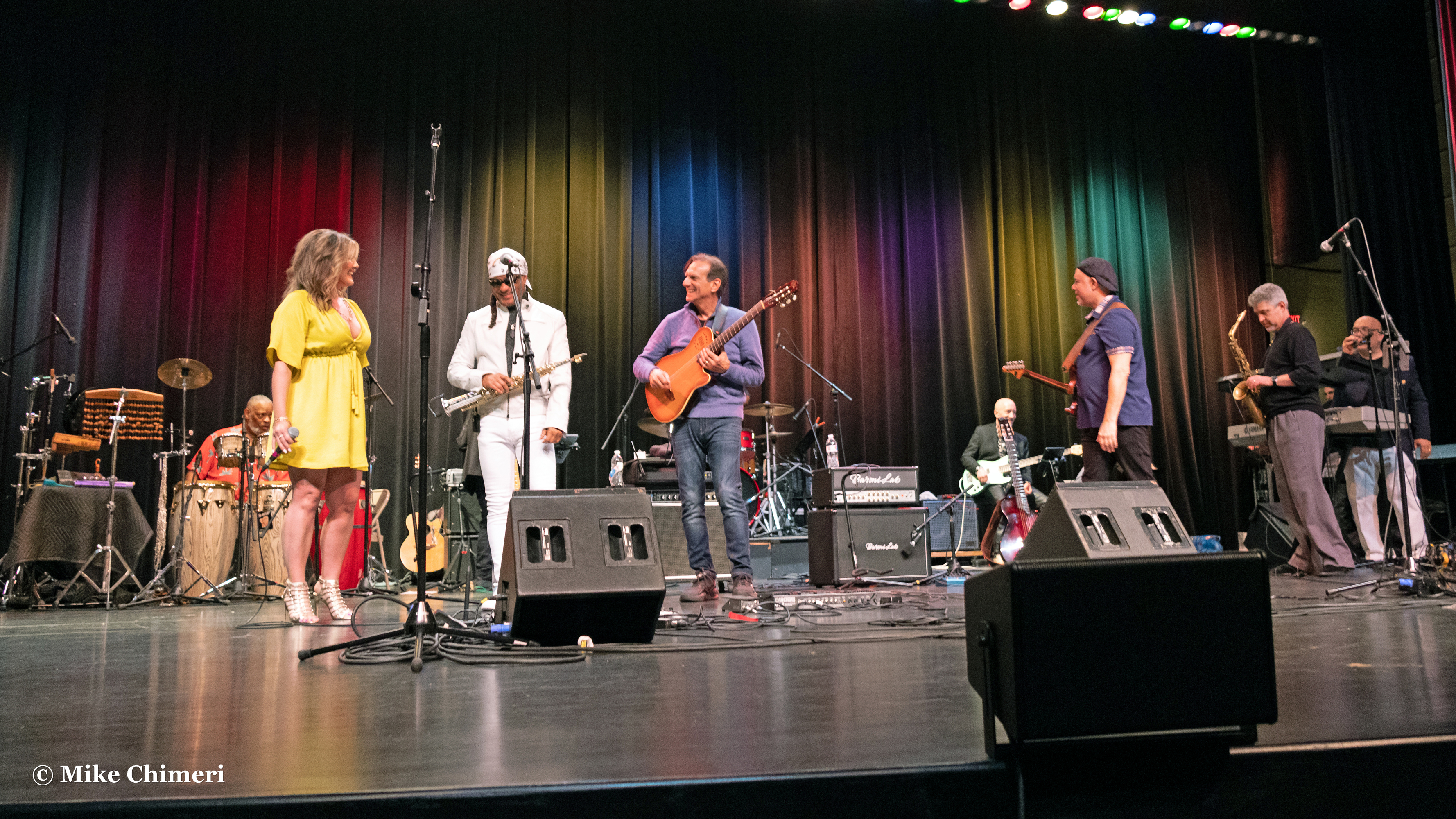
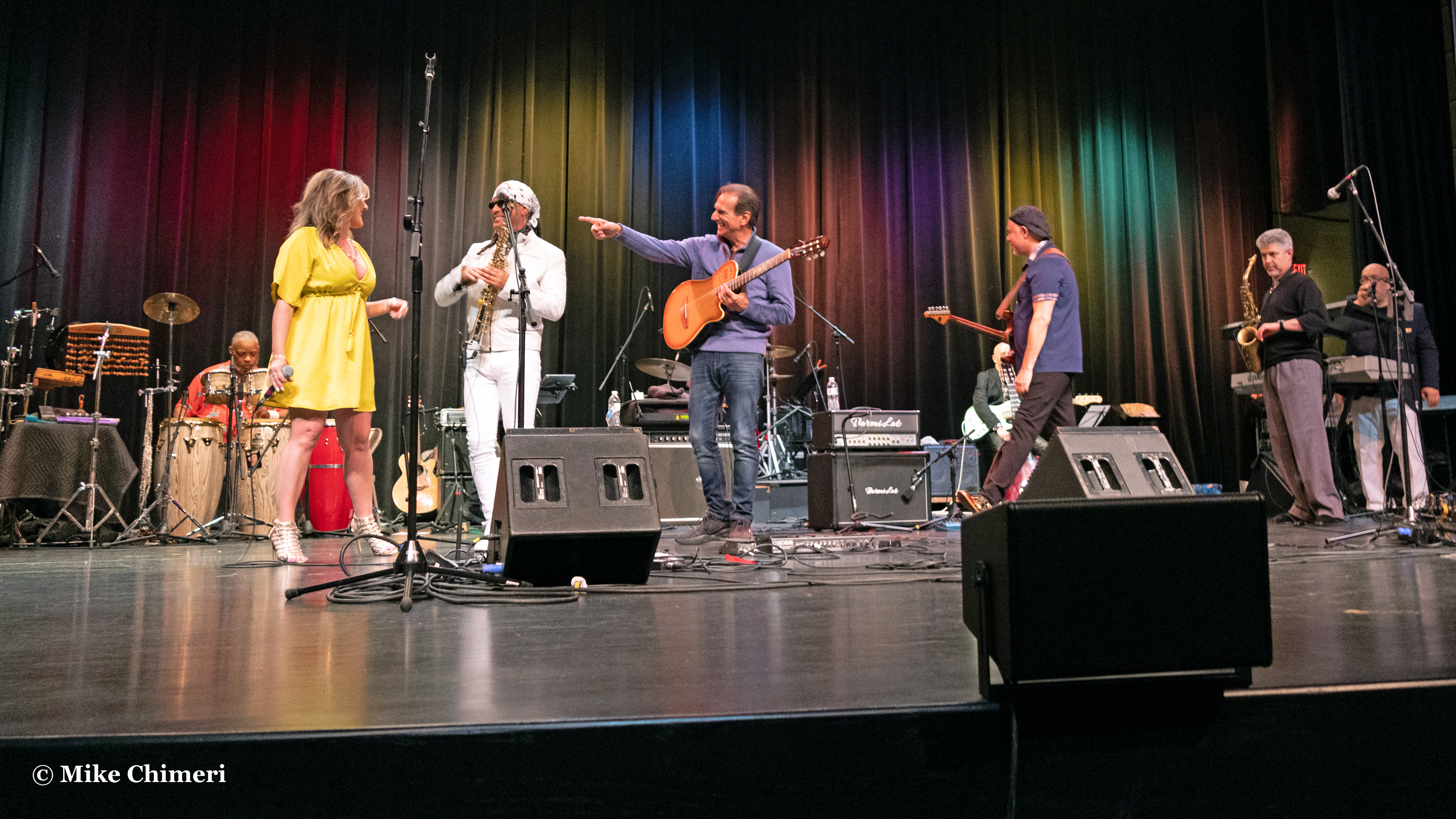


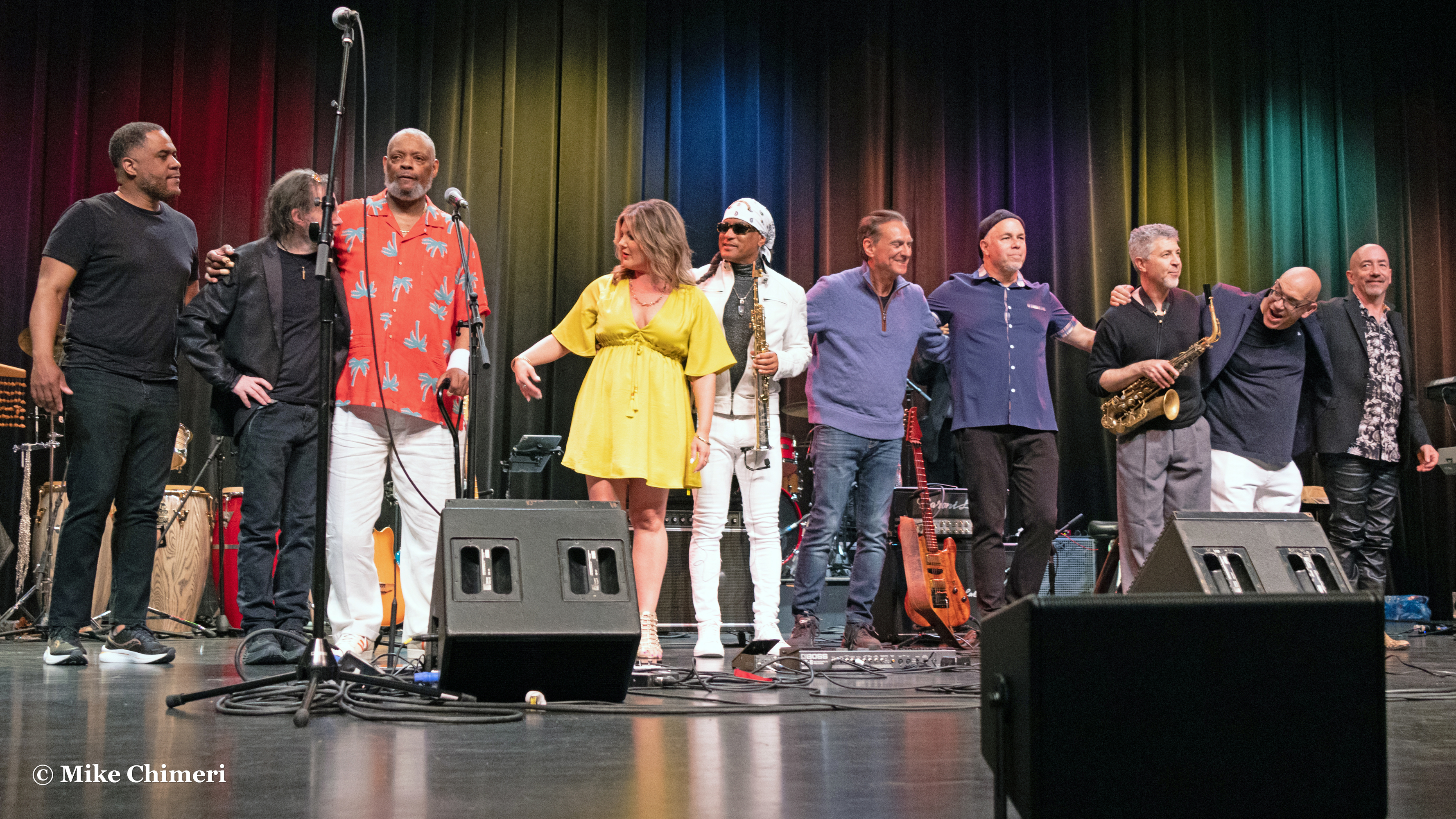
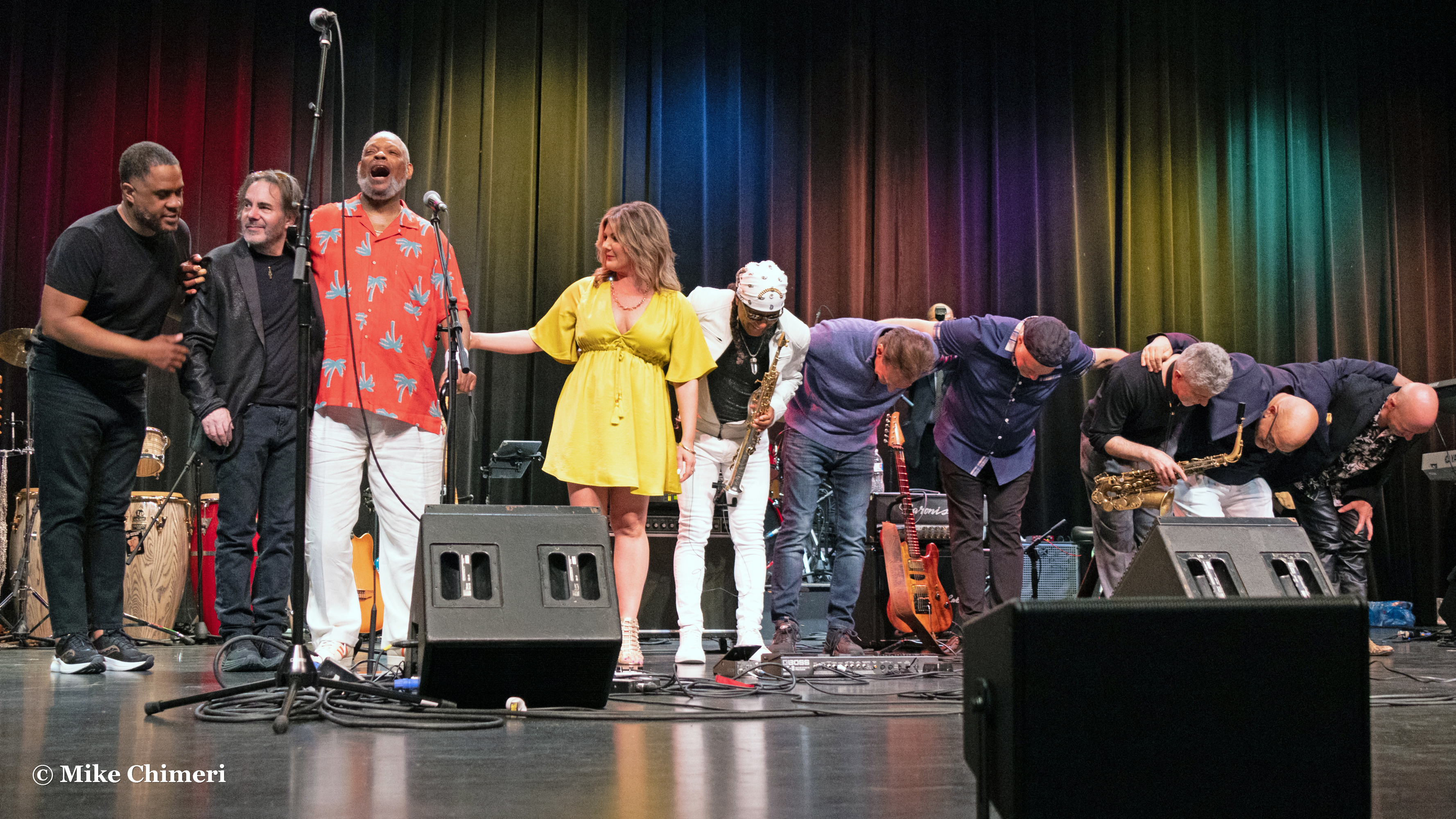
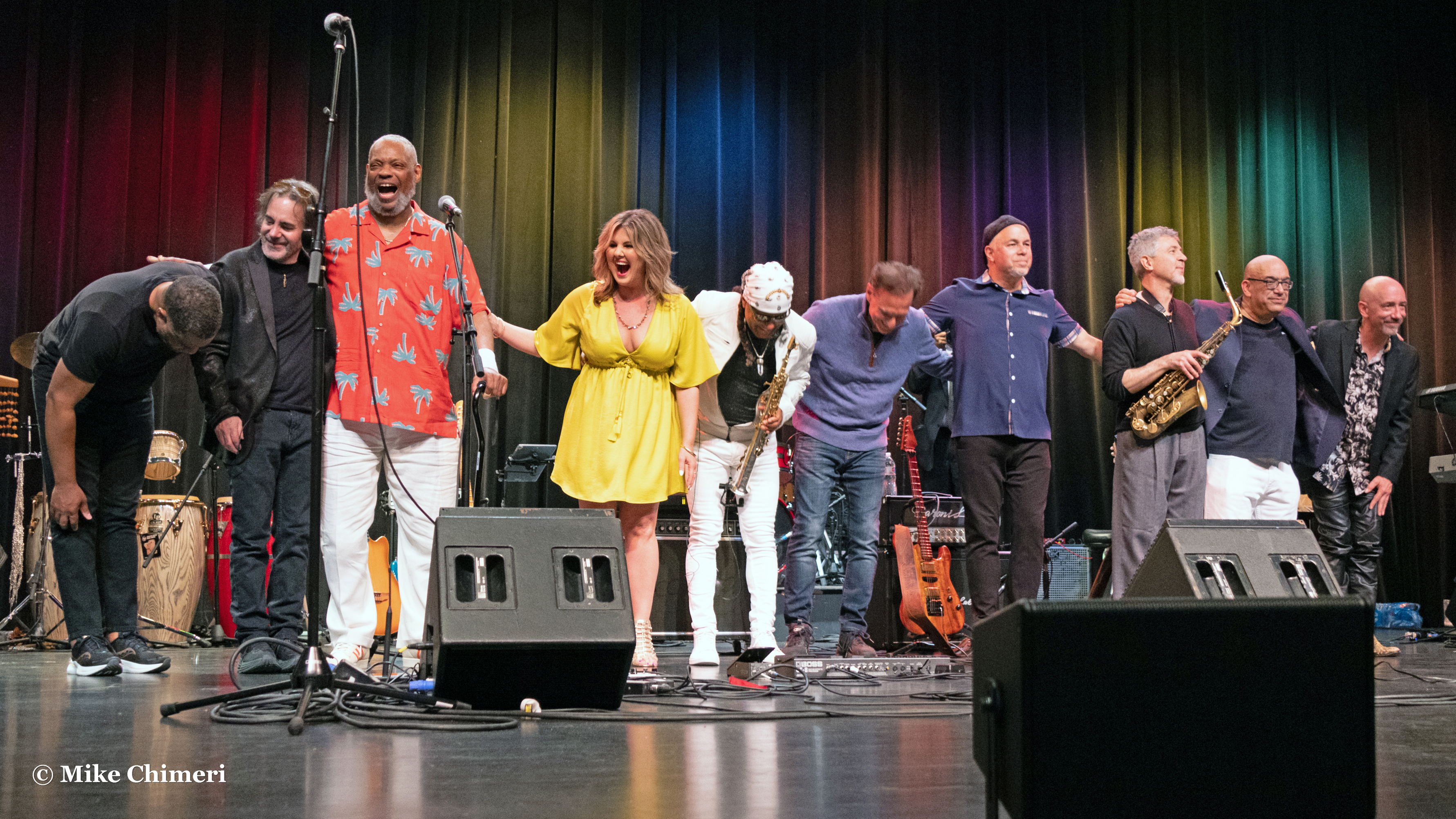


As I was packing up my camcorder – Panasonic HC-X1500 with VW-HU1 and Rode VideoMic GO II – and tripod – Magnus VT-300, Lisa Arpin approached me to say hello. We had met during Jay Rowe’s Tito Tuesdays livestreams on Facebook during the early months of COVID. Afterward, I put the speedlight on my camera – a Canon EOS R7 – for flash meet-and-greet photos. (I was close enough to the stage that the RF-S 18-150mm lens was all I needed.) Unfortunately, the flash and low ISO (100) darkened the background and washed out the foreground. So, I turned off the speedlight and had photos taken at the settings I used during the show: 1/100 second shutter speed and ISO 2500. Later in Adobe Photoshop Elements, I’d bump up the brightness and contrast. (I have regular Photoshop, but mostly use it for upscaling, PDF automation, and graphic design.)
The first photo is of Jay Dobbins and Andy Abel:
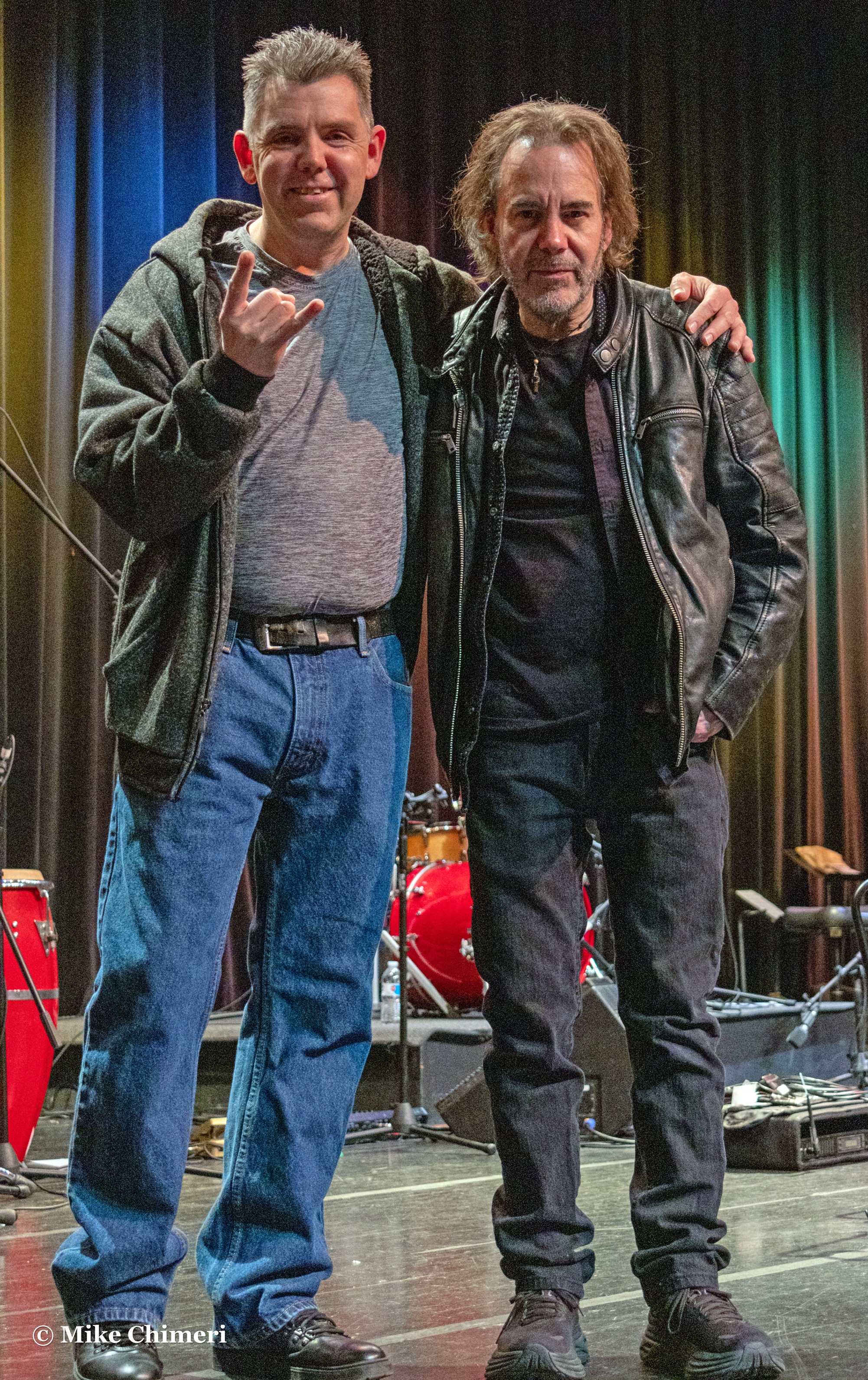
Andy and “Jay Squared” (Dobbins came up with that):

I wanted to get in one photo, which Andy’s sister Janet gladly took (the next day was her birthday):

Once more from the auditorium, me with Jay Dobbins and Steve Scales:

Out in the lobby, I missed a chance to catch up with Chieli Minucci, but was part of a conversation with Marion Meadows and Katherine Gilraine about a documentary he was working on.
It took three attempts to get a photo with Jay Rowe, his wife Deborah, and Nelson Rangell (sorry to all three of you):

The last photo of the night, taken by Kelly, was me with Kristin and Ken Navarro:

Ken acknowledged Kristin during the show before “When We Dance.” It was very nice to catch up with them. Ken spotted me in the orchestra pit while playing “Smooth Sensation,” saying hi to me during a rest. After the show, he climbed off stage to chat with me. I talked about how I’d be debuting tracks from Love is Everywhere on May 17 (last night) at the end of the second Three-of-a-Kind Showcase edition of Instrumental Invasion. Ken liked the concept.
Kelly dropped me off at Hampton Inn around midnight. I wrote the following back in my room (in the vein of what I wrote earlier in this recap):
I had a lot of apprehension and performance anxiety ahead of tonight, the first night of the 20th anniversary Smooth Jazz of Scholars. The thought of taking hundreds of photos and having to edit them all scared me. And yet, I was at the Parsons Complex in Milford and had a great time. No way will I give up what I do. It’s too much fun in the moment. That’s what should matter. I have to remind myself to be present. I can’t look ahead in fear. I have to enjoy myself and snap away. I’m beloved by all that know me, and that was true tonight.
Mike Chimeri, Facebook post, 4/29/23, 1:22 AM
Watching part of a Twitch livestream got me through the late night/early morning hours as I transferred photos and videos from their SD cards. Then, since I shoot RAW now, I imported all the photos into Adobe Lightroom, then exported them as JPGs and deleted the RAW files.
Before retiring for the night/morning, I edited the meet-and-greet photos to include in my all-is-well Facebook post. I was able to get a few hours of sleep before my body decided I’d had enough.
Instrumental Invasion, 3/8/23 March 9, 2023
Posted by Mike C. in Airchecks, Animation, Audio, Comedy, Comics, Computer, History, Internet, Jazz, Media, Music, Personal, Photography, Radio, Technology, TV, VHS, Video, Video Games.add a comment
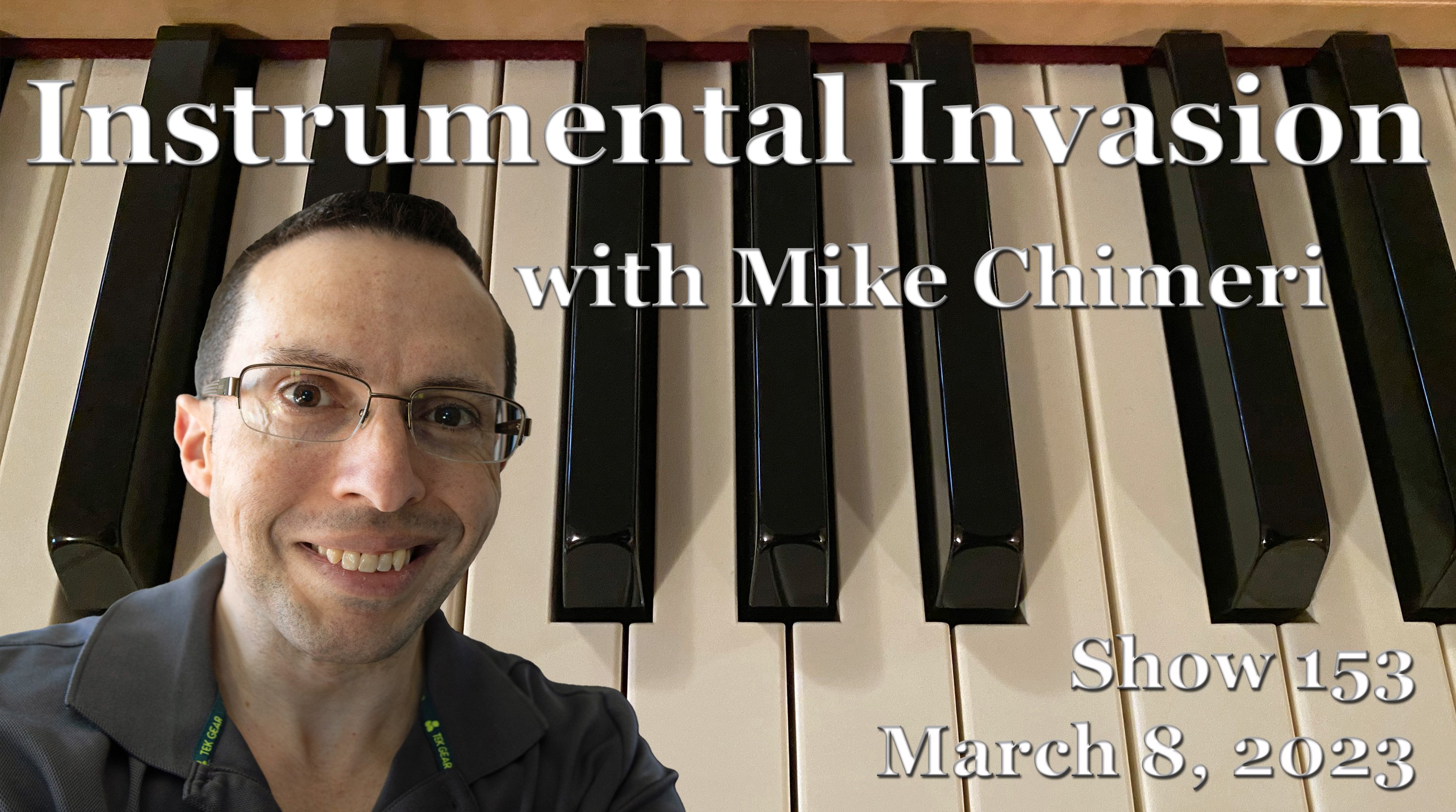
Since there’s much to discuss and many photos and videos, I’ll post the scoped aircheck up here (and below) instead of at the end:
The March 8 Instrumental Invasion on WCWP was recorded from January 14 to 16: the first hour on the 14th, the next two segments on the 15th, and the last on the 16th. Pickups were recorded that day and the next (January 17).
Due to a facility issue at the Abrams Communication Center, WCWP activity was not allowed the day this show aired. Station manager Pete Bellotti informed me the show would air at 7PM and 9PM since there couldn’t be a live edition of The Rock Show. The above scope is from the 7PM broadcast.
The playlist was created and mostly annotated on January 11. The rest of the annotations came on the 12th, followed by the talk break script draft that carried into the 13th. A timing error in the first segment meant I had to make up a 72-second surplus. I successfully made up that time without having to remix segments.
Five songs in this show have appeared in prior shows:
- “Feel Like Making Love” by Bob James (1/20/21)
- “Freda” by Nelson Rangell (9/9/20)
- “When We Dance” by Ken Navarro (4/22/20)
- “And Now This” by Paul Taylor (1/5/22)
- “Ride With Me” by JJ Sansaverino (8/24/22)
“Freda” was preceded by David Benoit‘s arrangement of “Frieda with the Naturally Curly Hair” from Here’s to You, Charlie Brown: 50 Great Years! I had yet to see the special that gave David’s CD its name, but watched a few days after completing production. Here it is:
A chance viewing of a video that showed the differences between the original and subsequent airings of A Charlie Brown Christmas got the ball rolling on Peanuts documentaries and specials. The first video YouTube recommended was the documentary A Boy Named Charlie Brown, not to be confused with the later film:
The second video chronologically was the third recommended to me: Happy Anniversary, Charlie Brown.
The second special I watched was It’s Your 20th Television Anniversary, Charlie Brown. (I originally omitted the “television” part, correcting the error in my January 17 pickup.)
The last special I watched on YouTube before working on this show was You Don’t Look 40, Charlie Brown. This special coincided with the unrelated CD Happy Anniversary, Charlie Brown! David Benoit appears in a “Linus and Lucy” music video, concluding with his anniversary wishes to Good Ol’ Charlie Brown.
After Here’s to You, I watched the CBS News special Good Grief, Charlie Brown: A Tribute to Charles Schulz, hosted by Walter Cronkite:
And just this Sunday, the following ran on CBS Sunday Morning (4/12 UPDATE: CBS removed the YouTube version, so here it is via Facebook):
Lee Cowan’s report featured Schulz’s widow Jean and Pearls Before Swine cartoonist Stephan Pastis (first name pronounced like Stephen Curry).
As my Facebook friends and Instagram followers know, I obsessively archived Brian Simpson‘s Closer Still CD for posterity since it’s rare for anyone to find the real thing. (You can’t even find it on eBay!) I won’t share my WAV and MP3 rips from the CD since you can buy and stream the tracks digitally from places like Amazon Music, Apple Music, and Spotify. I will, however, share my camera photos and flatbed scans. Photos first:


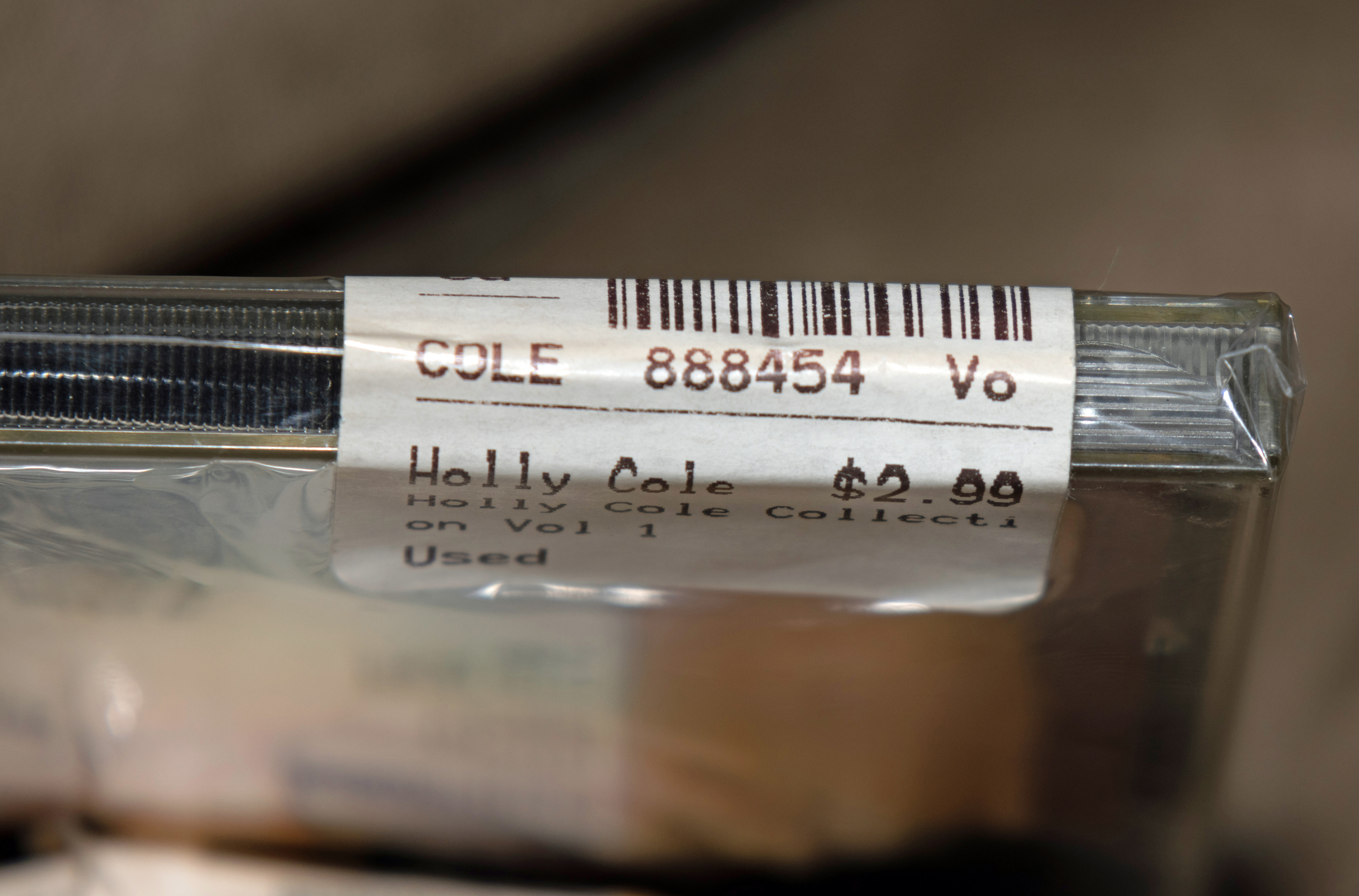


Scans:

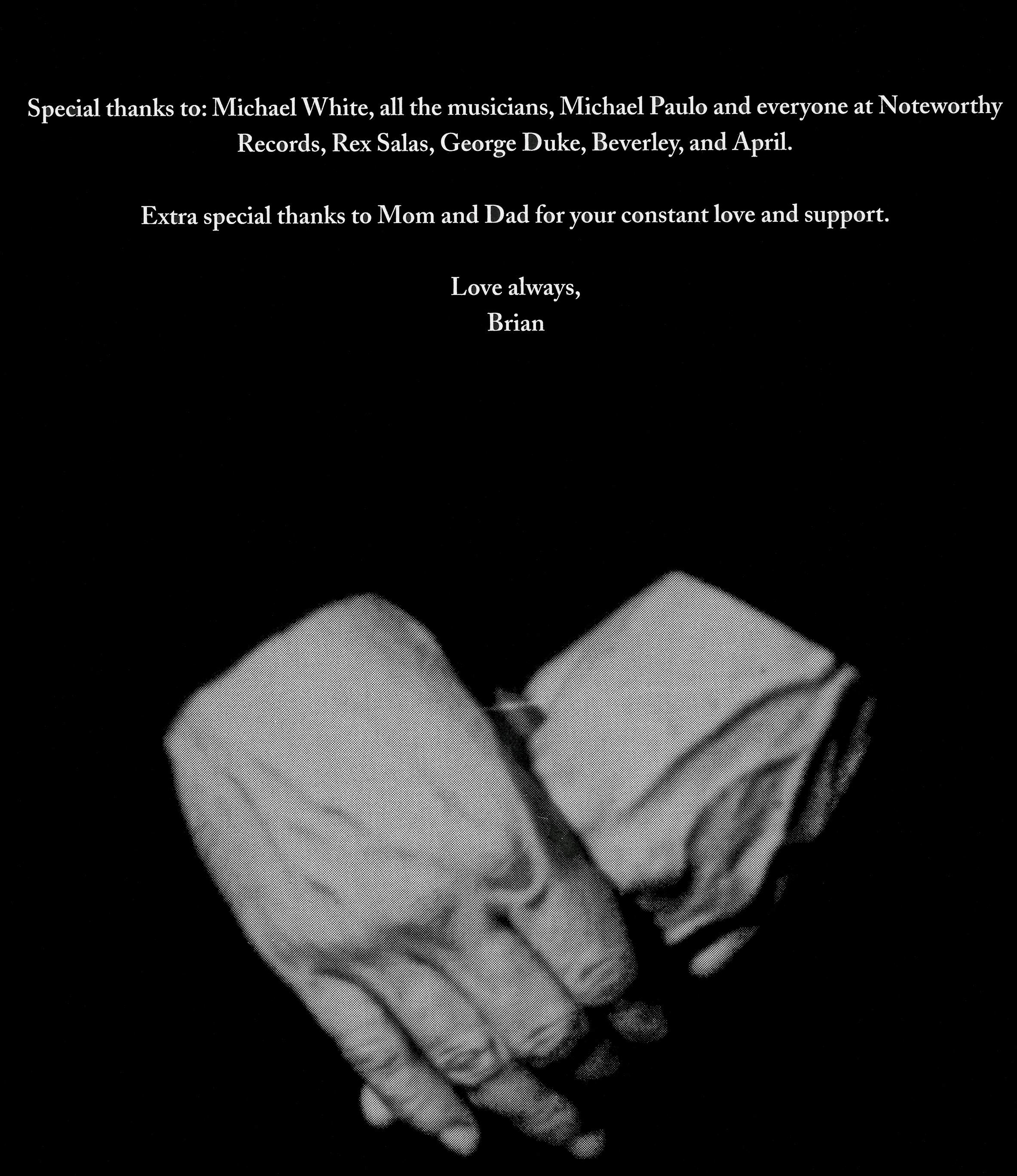
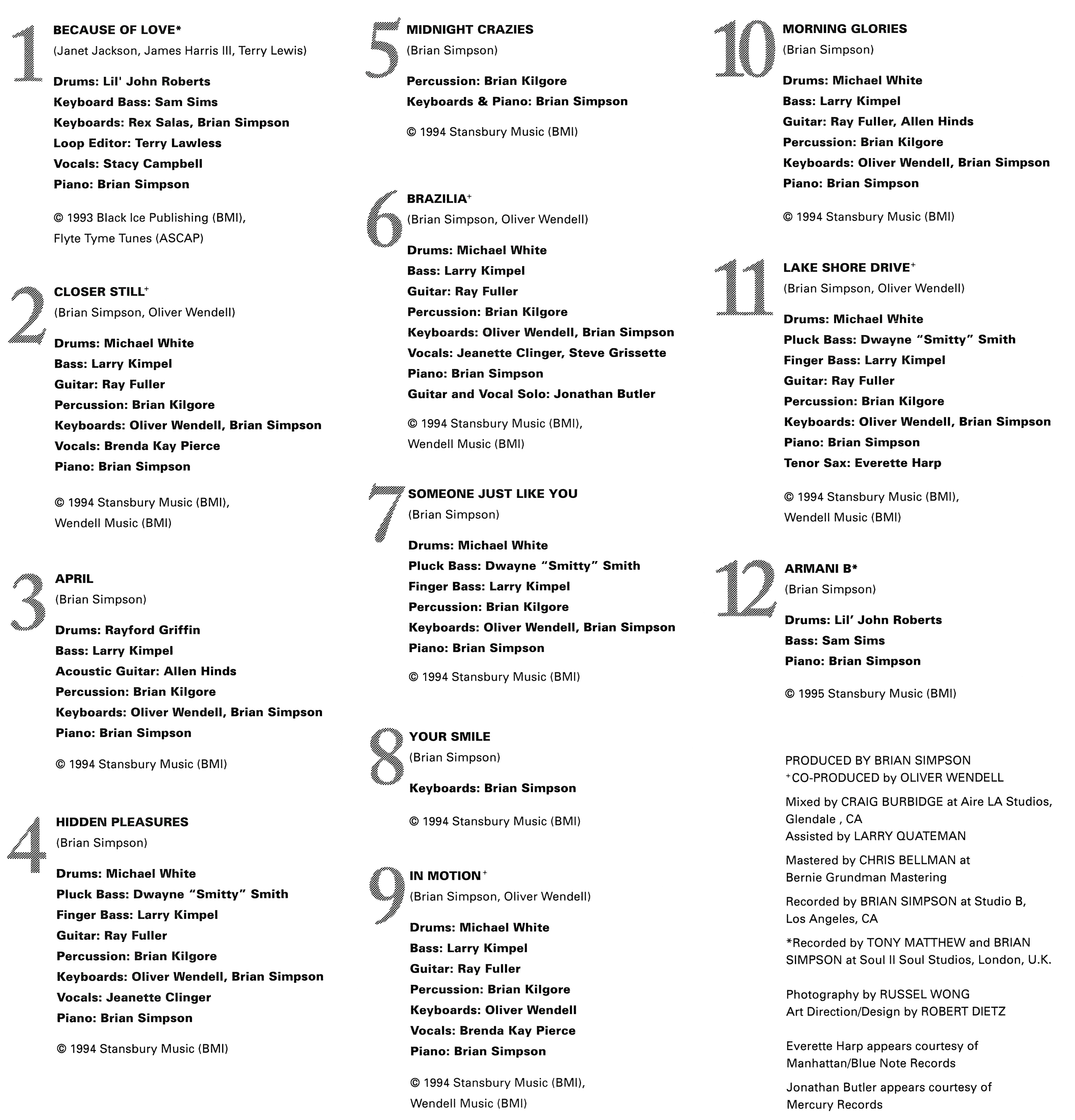

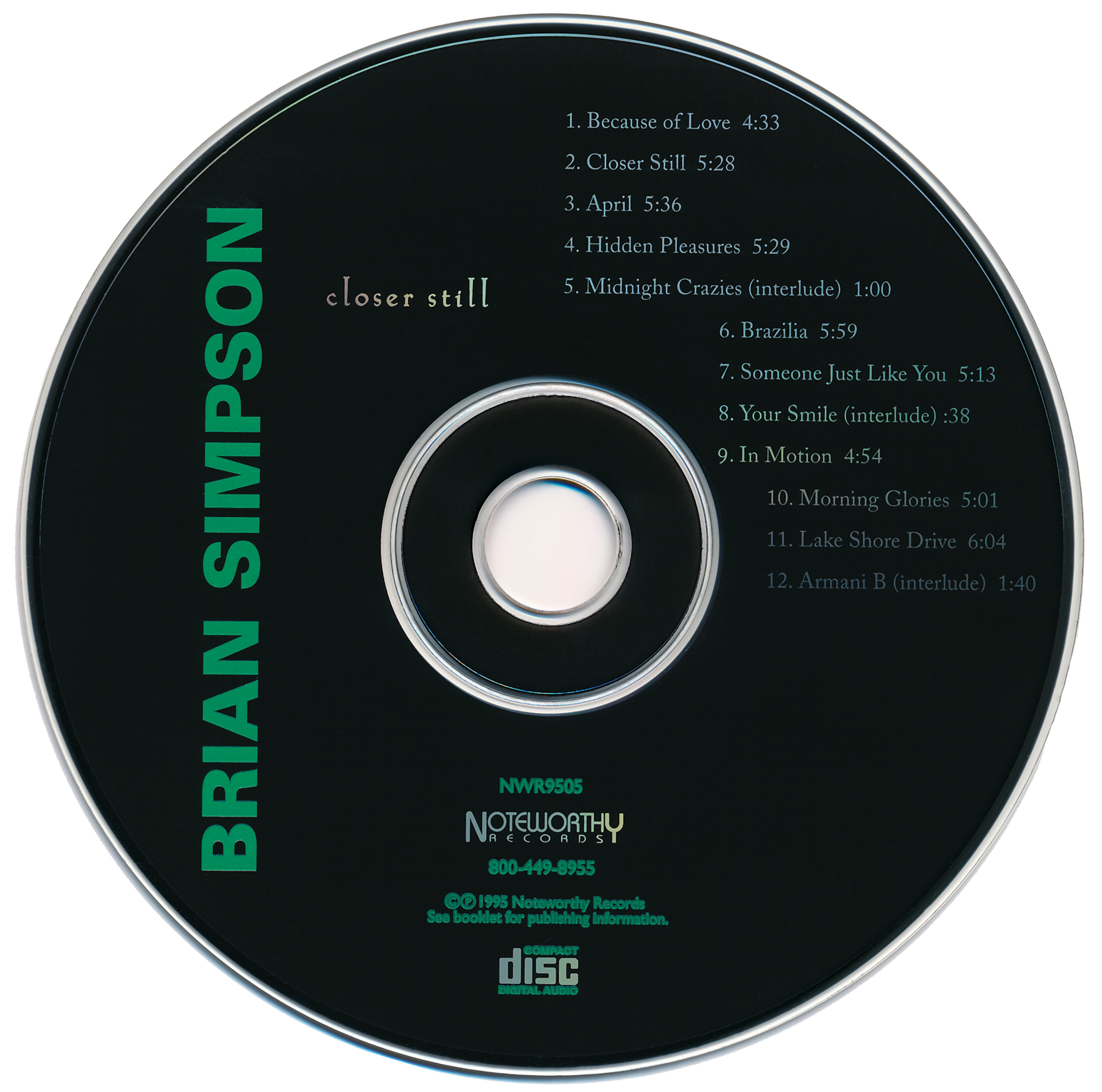

“Hidden Pleasures” (track 4) was the centerpiece of my three Brians segment (two Brians, one Bryan). The talk break that followed paid homage to two video game-centric content creators: Game Dave and Metal Jesus, with a reference to Frank Cifaldi and the Video Game History Foundation for good measure. Metal Jesus occasionally posts “hidden gems” videos, highlighting overlooked video games. Here’s a marathon of six episodes he did on Wii hidden gems:
Thank you for reading to the end of this post. I’ll return to the regular show recap format next week.
Instrumental Invasion, 1/11/23 January 12, 2023
Posted by Mike C. in Airchecks, Audio, Books, DVD, Internet, Jazz, Laserdisc, Media, Music, New Age, Personal, Photography, Radio, Travel, TV, Video, Video Games, Weather.add a comment

The January 11 edition of Instrumental Invasion on WCWP was recorded one hour per day between November 24* and 25. This show brought me back to a comfortable seven-week buffer.
*Thanksgiving, my parents’ 45th wedding anniversary, the 30th anniversary of Sonic 2sDay (release day for Sonic the Hedgehog 2)
The playlist was created on November 21, annotated on the 22nd, and the talk break script was drafted on the 23rd when not working on last week’s show.
Speaking of Sonic 2, I referred to video games and video game consoles again this week: the Oculus Rift, PlayStation VR, and Virtual Boy. Jeremy Parish’s Virtual Boy Works video series can be viewed here and you can buy his book here. (Yes, my story about trying out the Shapp cousins’ Virtual Boy was true.)
I played another cut from the compilation True North, starting the show with “One More River Passing” by James Reynolds. Hear it in a Weather Channel local forecast at this link. Click here for a local forecast featuring “Down Hill Racer” by Patrick O’Hearn.
With only two new albums left that hadn’t met my requisite six tracks to play, I added a second 1996-2006 segment and moved the remaining 2017-present segment to the middle of hour 2. That allowed me to make up for not ending hour 1 with the live 2002 version of “Kukuc” (“koo-kooch”) by John Favicchia, the second week in a row with a version of “Kukuc,” both from Tangible. The second segment of hour 1 and first of hour 2 only had two talk breaks thanks to “Spain” by Return to Forever and “Kukuc.”
This week’s version of “Kukuc” was performed at Backstreet Blues in Rockville Centre, the venue where I was introduced to Fav and his Dharma All-Stars on July 13, 2005. Here are the photos I took that night:

Brad Mason (trumpet), Mark Gatz (tenor sax) (RIP), Mike Nunno (bass), Chieli Minucci (guitar) 
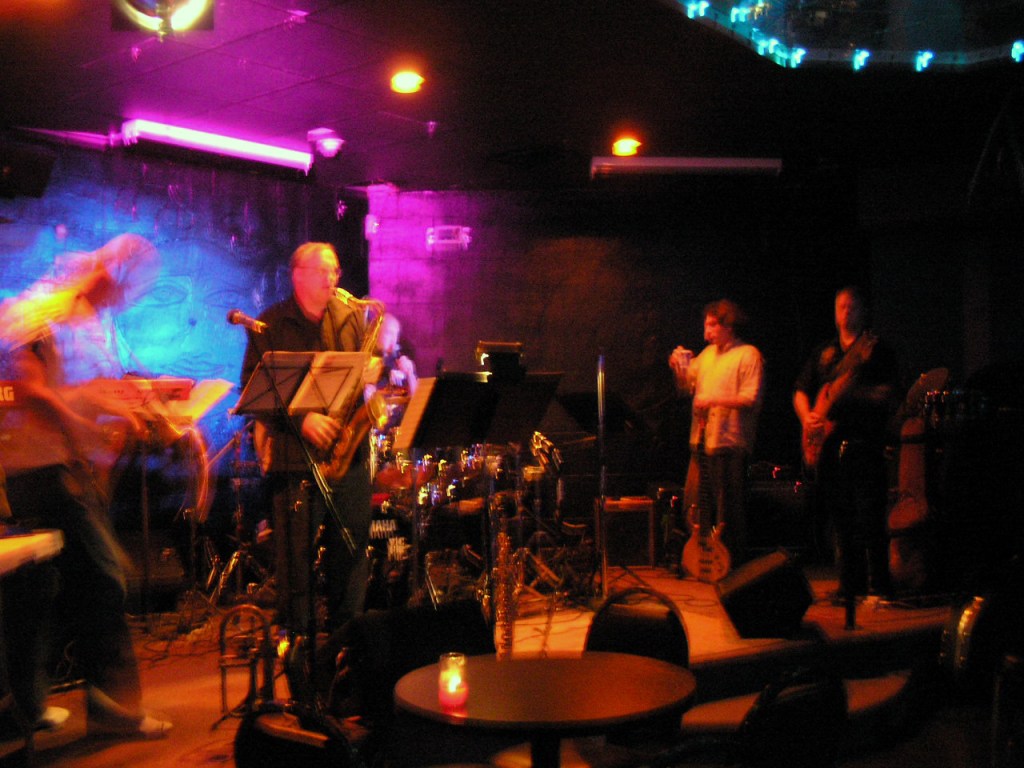
Frederic Las Fargeas (keyboards), Brad Mason (trumpet), Mark Gatz (tenor sax) 
The mostly-clear view from table: Frederic Las Fargeas, Brad Mason, Mark Gatz, John Favicchia, Mike Nunno, Chieli Minucci 
A close-up of Chieli 
This time, with the flash during “Kukuc” (the closer) 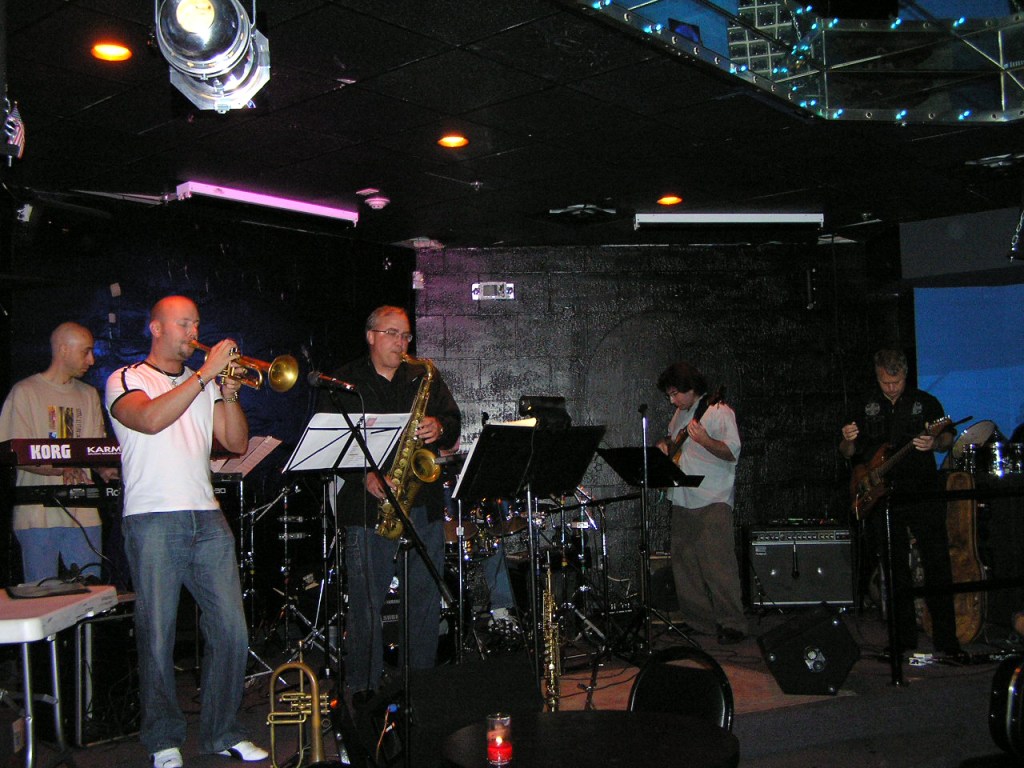
A wide shot with the flash: Frederic Las Fargeas, Brad Mason, Mark Gatz, John Favicchia (out of view), Mike Nunno, Chieli Minucci 
Chieli and I after the set; it was his idea for me to attend; I’m forever grateful to him for that
Backstreet Blues is now known as The New Vibe Lounge.
Click here to download this week’s scoped aircheck or listen below:
Festival of Games 2022 recap December 16, 2022
Posted by Mike C. in Animation, Aviation, Christmas, Game Shows, History, Internet, Media, Military, Personal, Photography, Travel, TV, Video, Video Games, Weather.add a comment
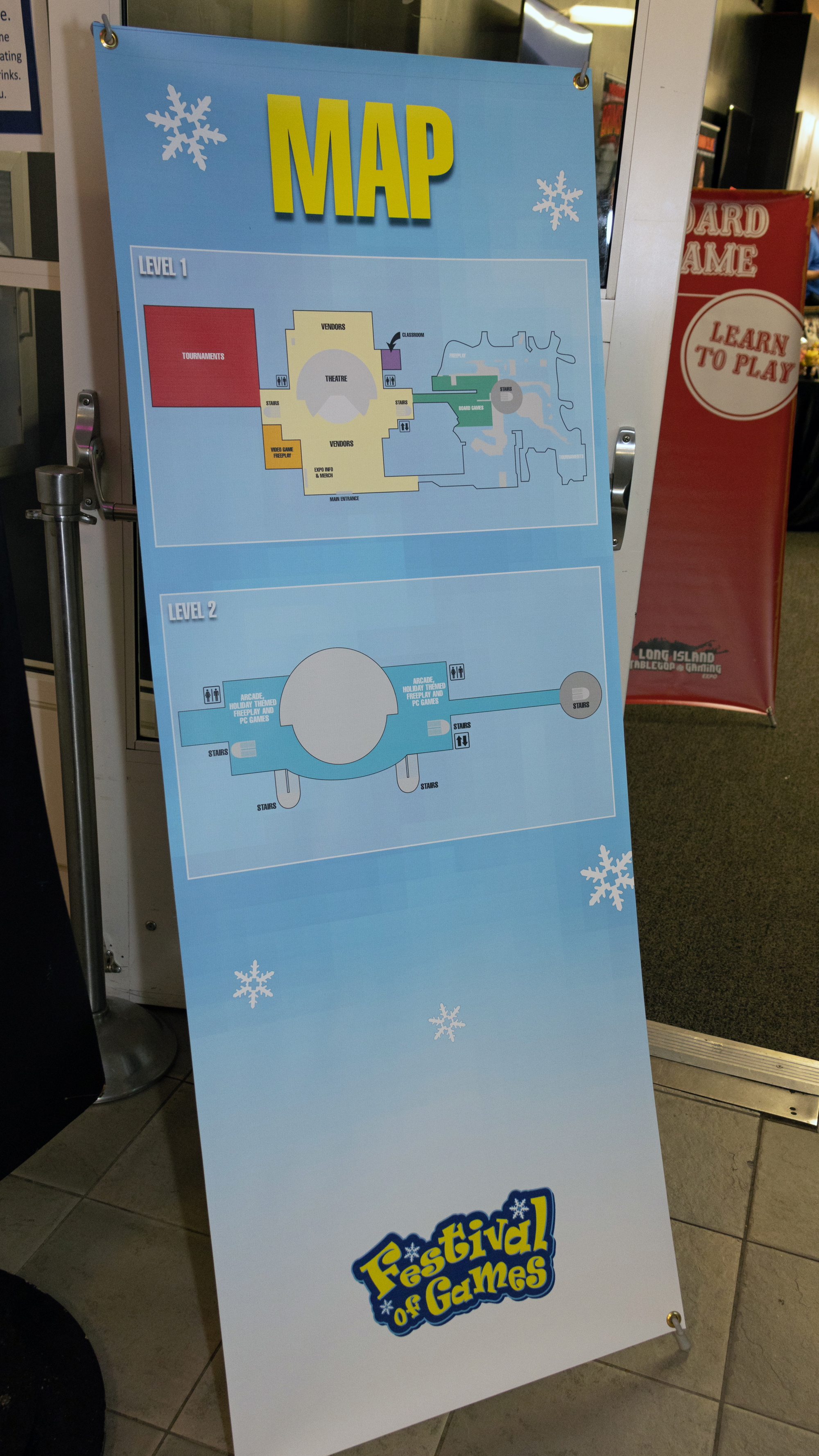
Last Saturday, the second annual Festival of Games was held at the Cradle of Aviation Museum along Museum Row in East Garden City. The so-far one-day spinoff of Long Island Retro Gaming Expo (read about the 2022 LI Retro here) was my latest chance to walk and snap photos in as many sections as possible. Then, back to the vendor halls to add video games to my multi-console, multi-generation collection.
Thanks to my past recaps, I have made friends with the organizers, volunteers, and a week before this Festival of Games, the museum’s director of marketing and community relations, Jerelyn Zontini. I’m honored to know them and to promote special events like this.
I did not think to check the Festival of Games website for this year’s schedule, so I missed out on the panels in the main stage (planetarium) and classes in the classroom, but I saw everything else on offer, and was surprised to meet legendary collector, YouTuber, and streamer Pete Dorr at his vending table. More on that later.
To photograph the event, I brought my Canon EOS R7 with RF-S 18-150mm lens and Speedlite 430EX III-RT. When writing about my initial experience with the mirrorless camera, I did not lower the resolution on test photos. Considering the camera’s higher native max resolution (6984×4660) with the same 3:2 aspect ratio as my previous camera, it made sense while editing Saturday’s photos to increase my default blog post/social media resolution. Thus, going forward, photos will be no lower than 2000 pixels vertically, stepping up from my max horizontal resolution of 2600 pixels.
Again planning on a two-hour stay, my mother dropped me off at 12:43 PM:

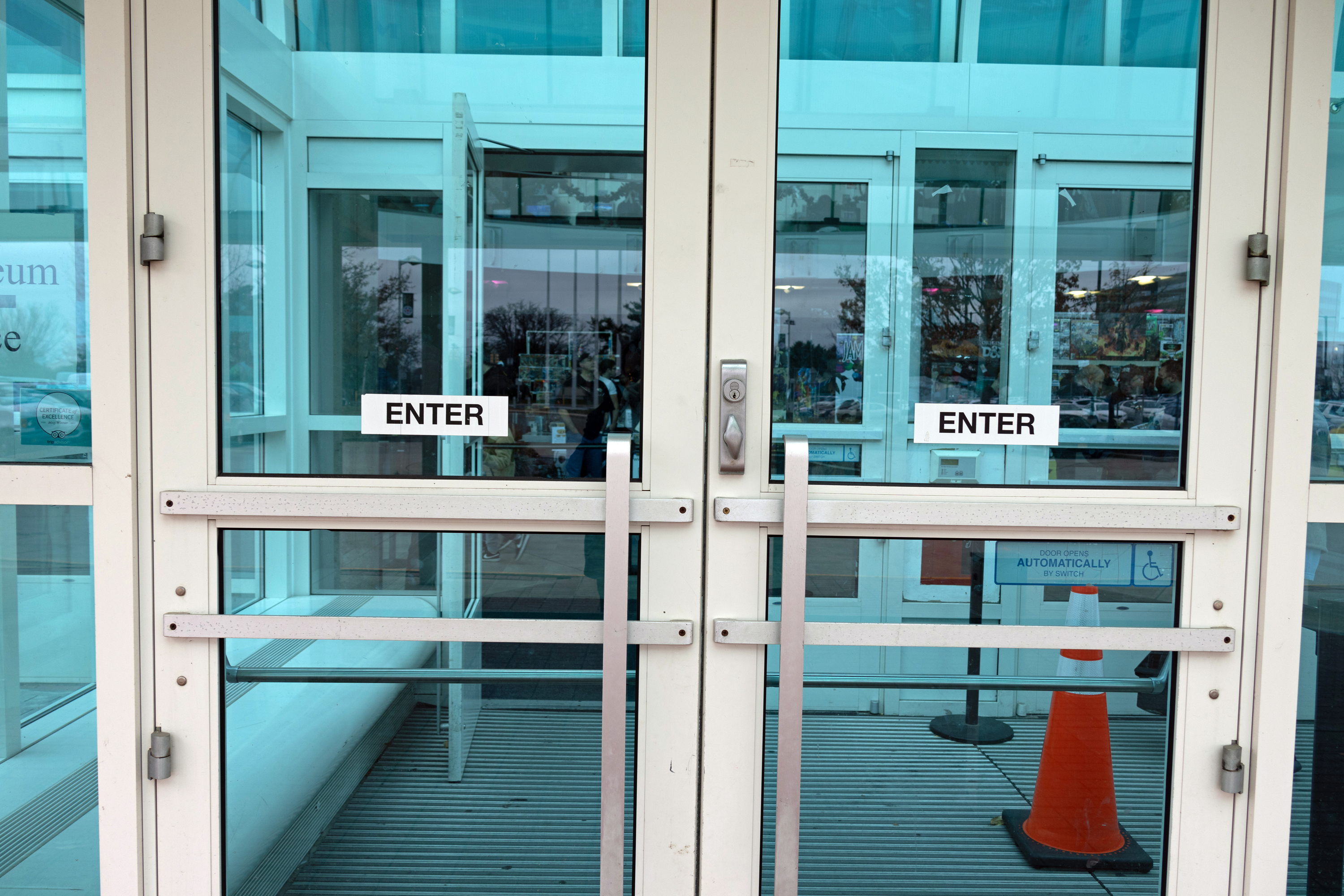
Once inside (and having my bag searched), I presented my e-ticket printout to a box office attendant who stamped my left hand.
A promotional banner for Cradle-Con:

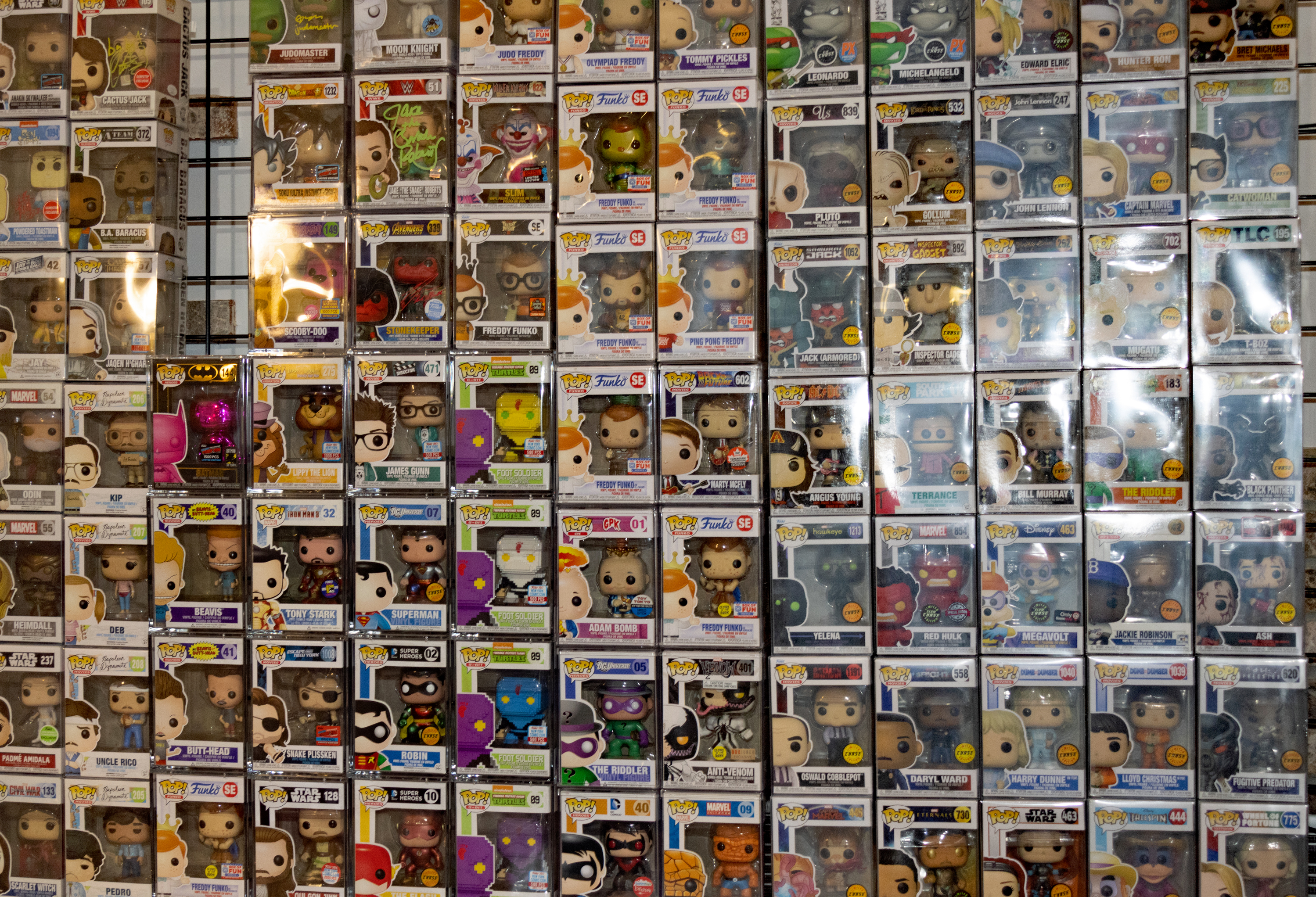
Each section I walked through at Festival of Games has a dedicated photo gallery. We start with the vendor hall gallery:

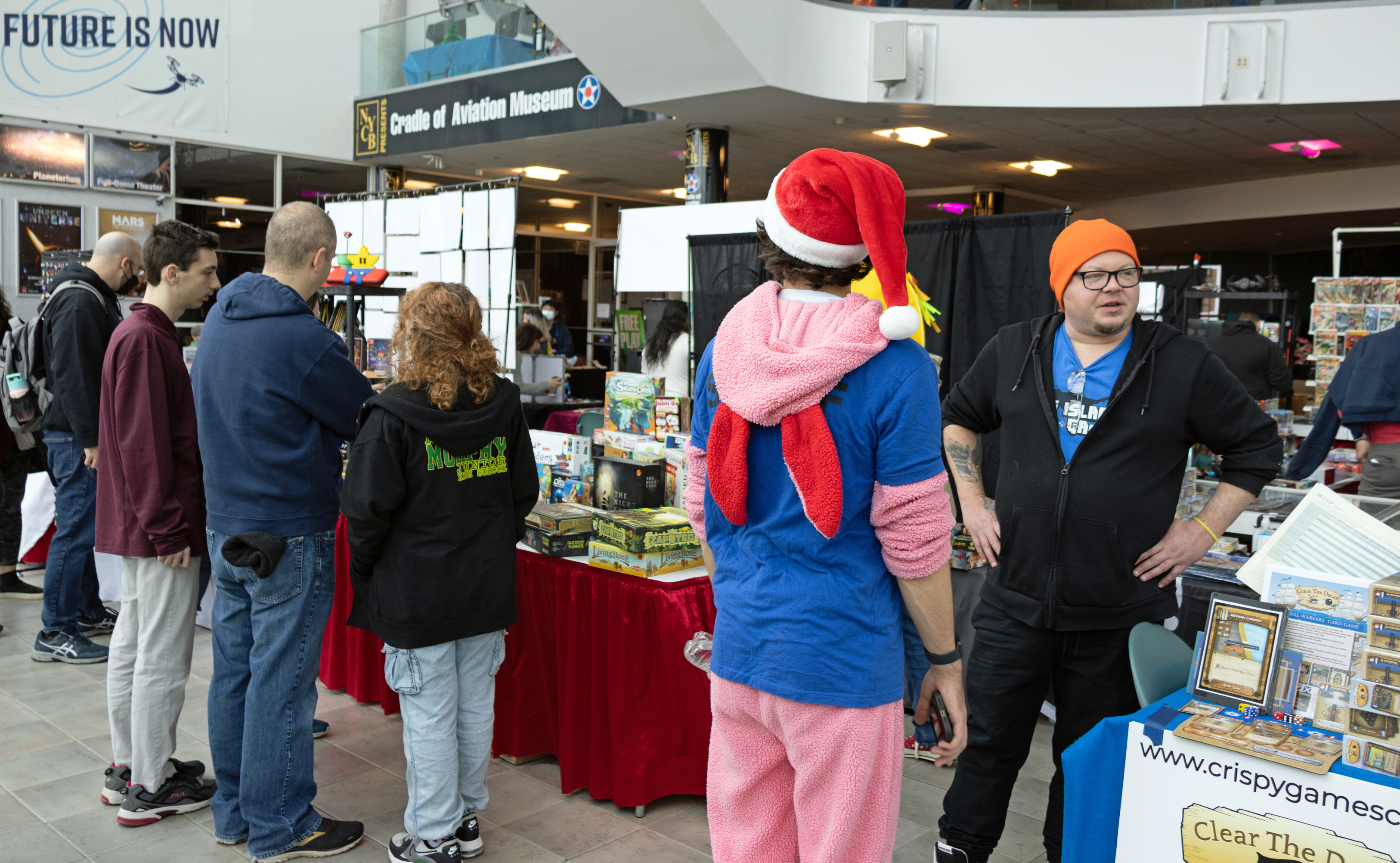

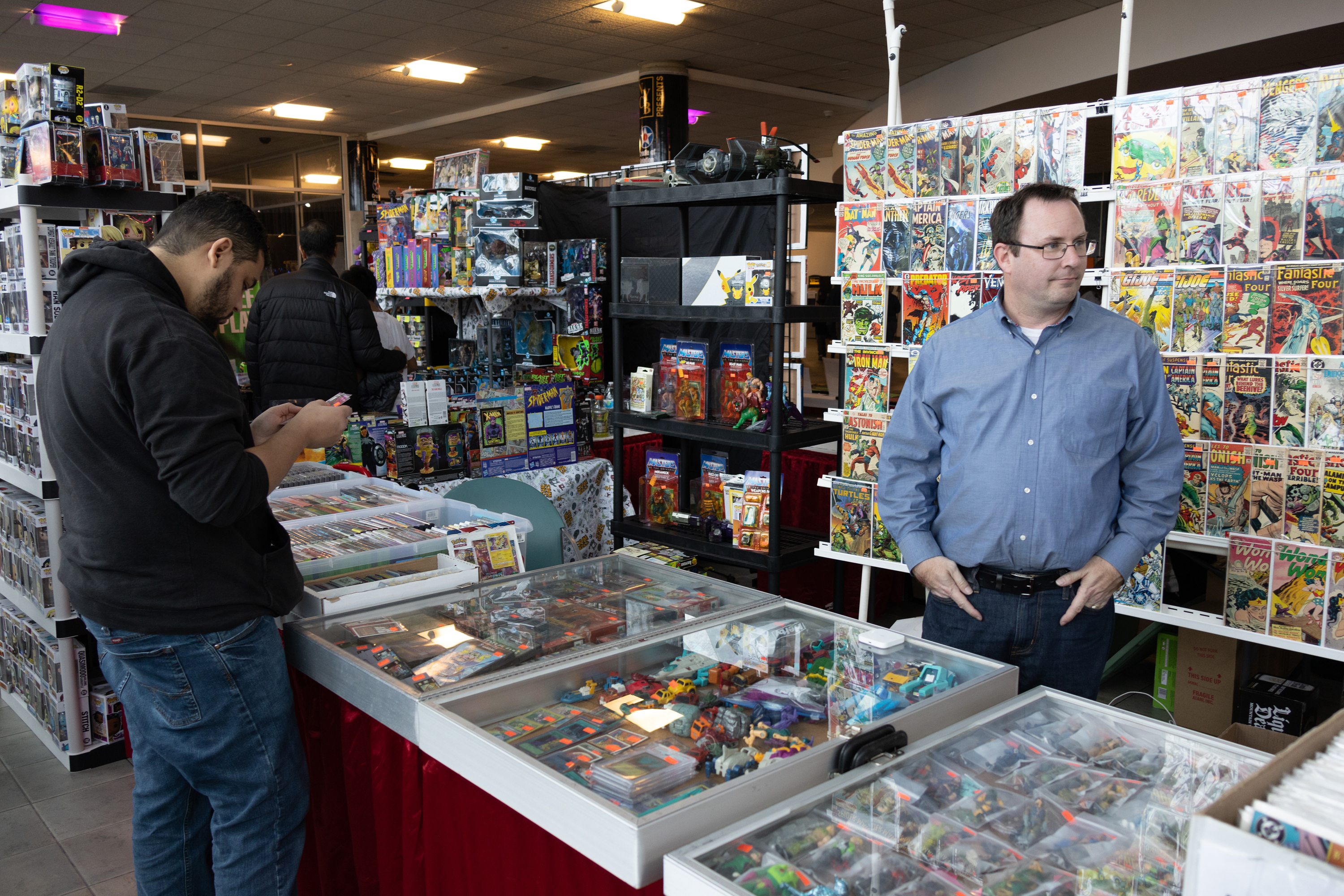
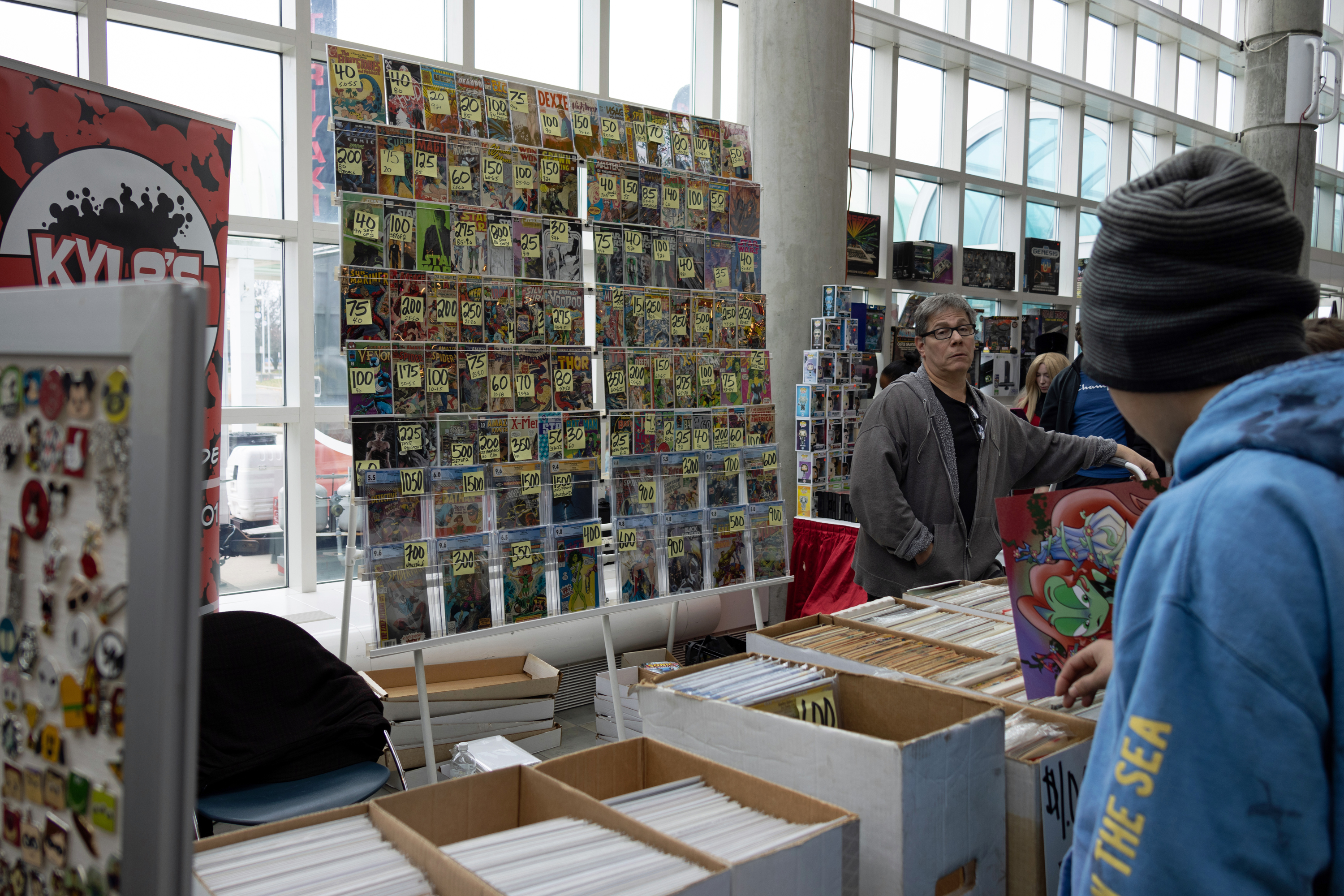
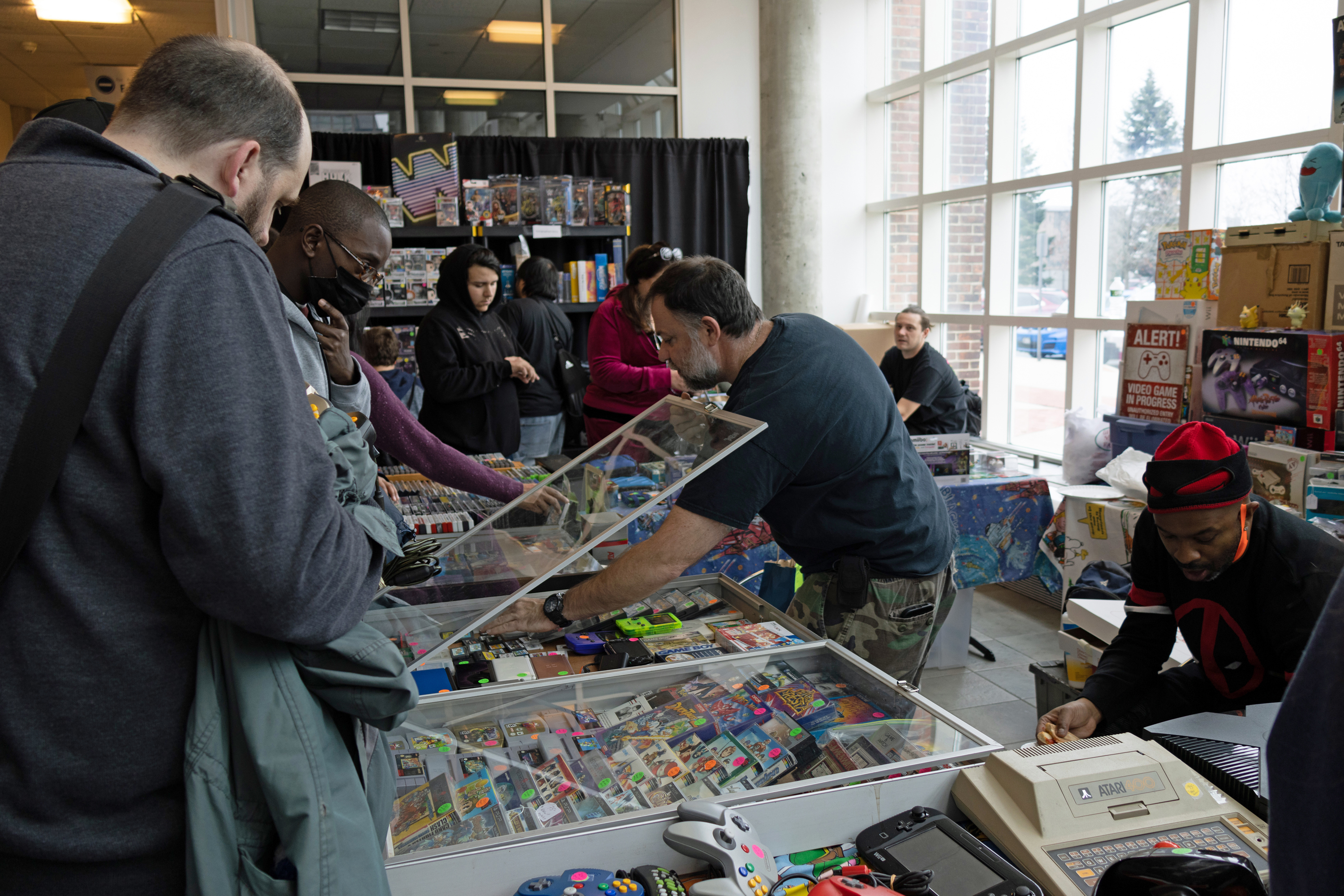
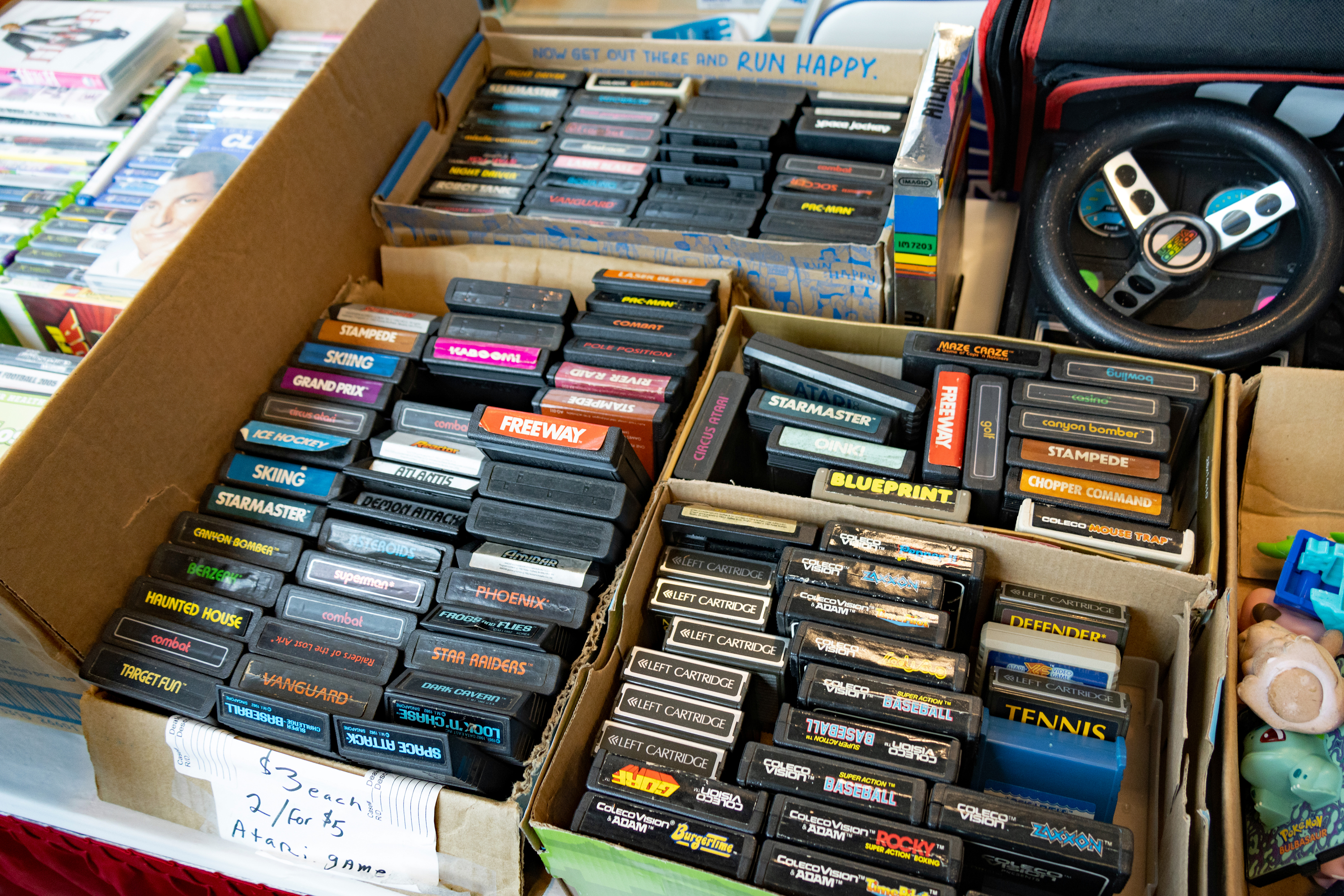
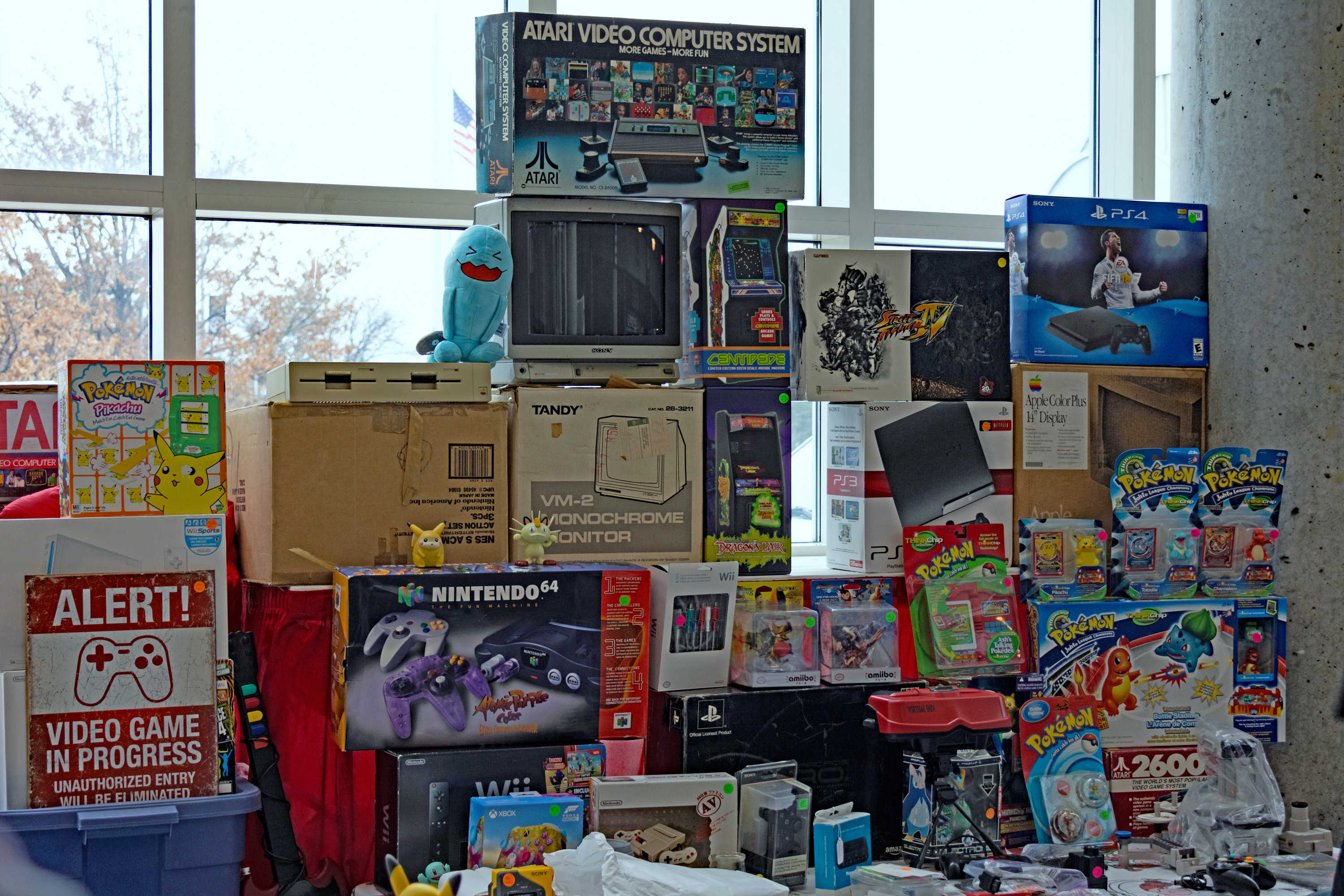
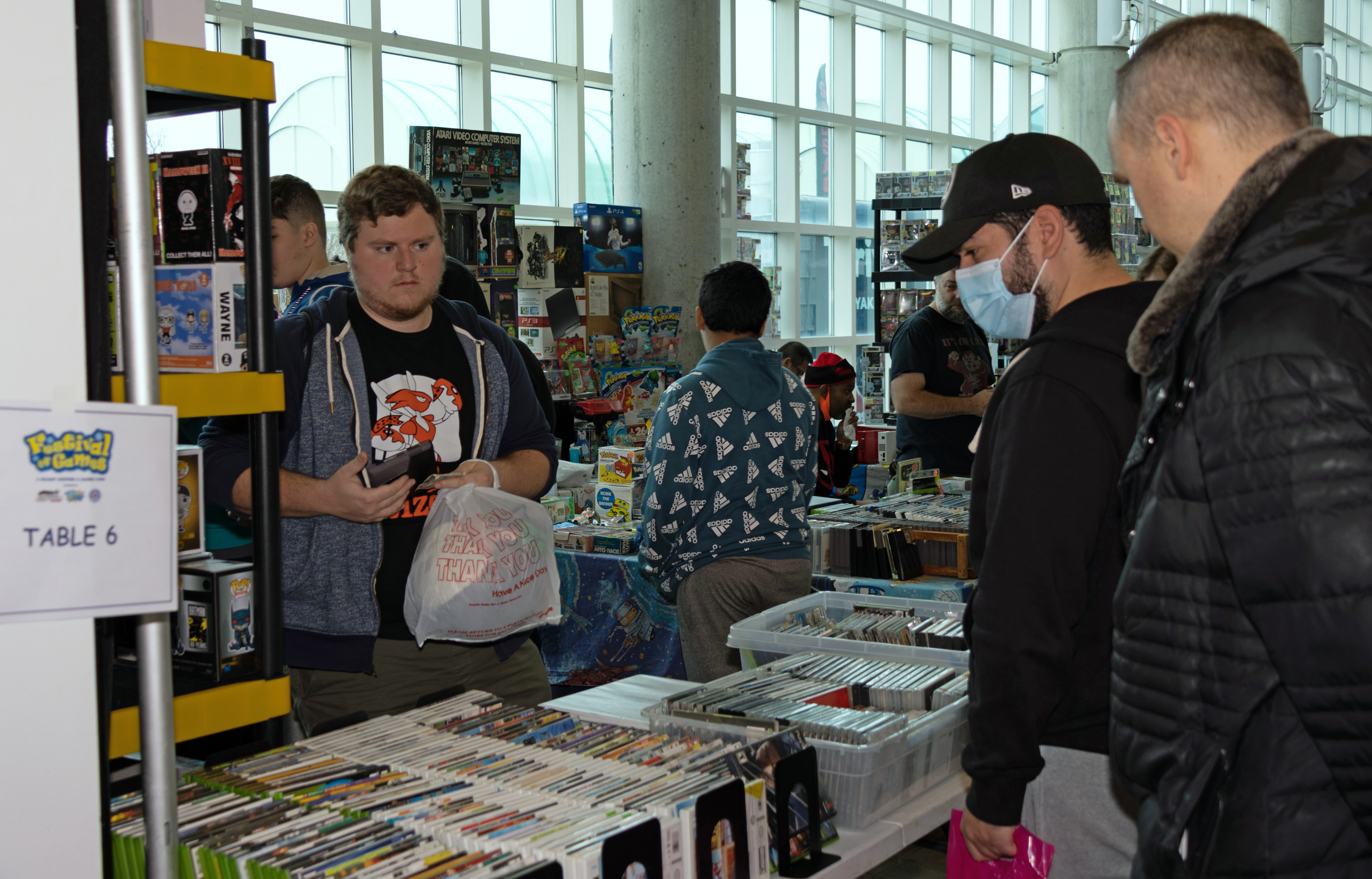


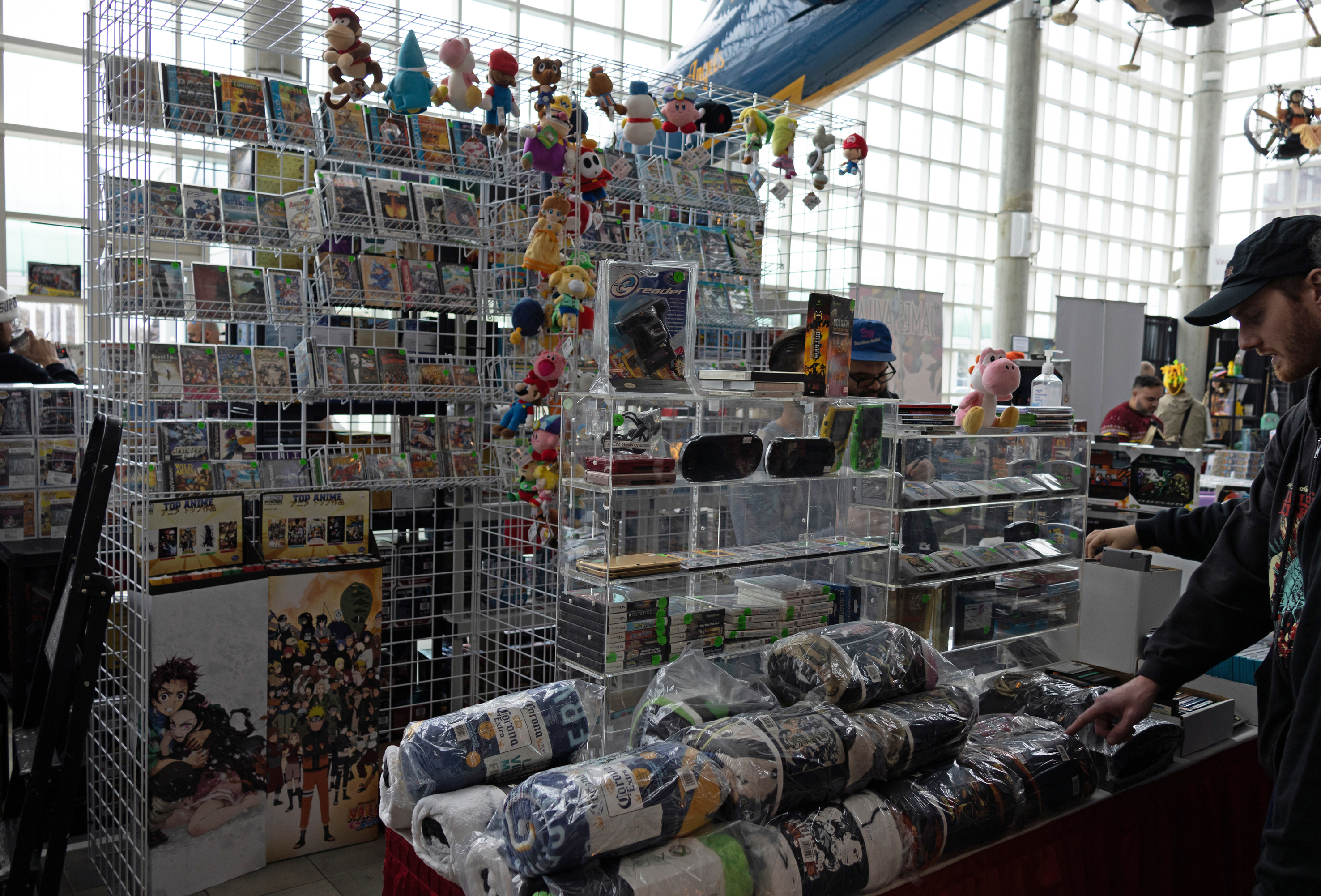

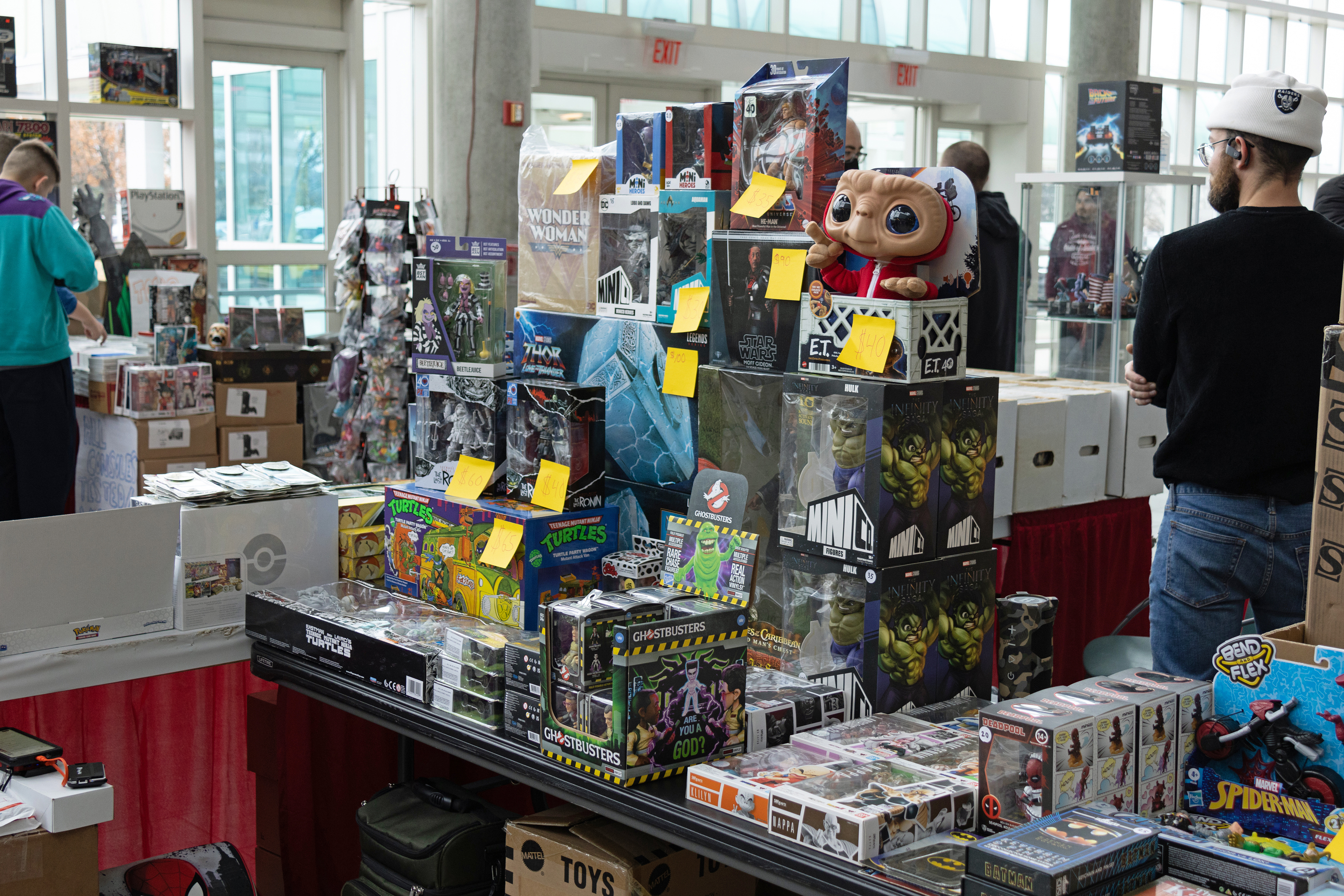


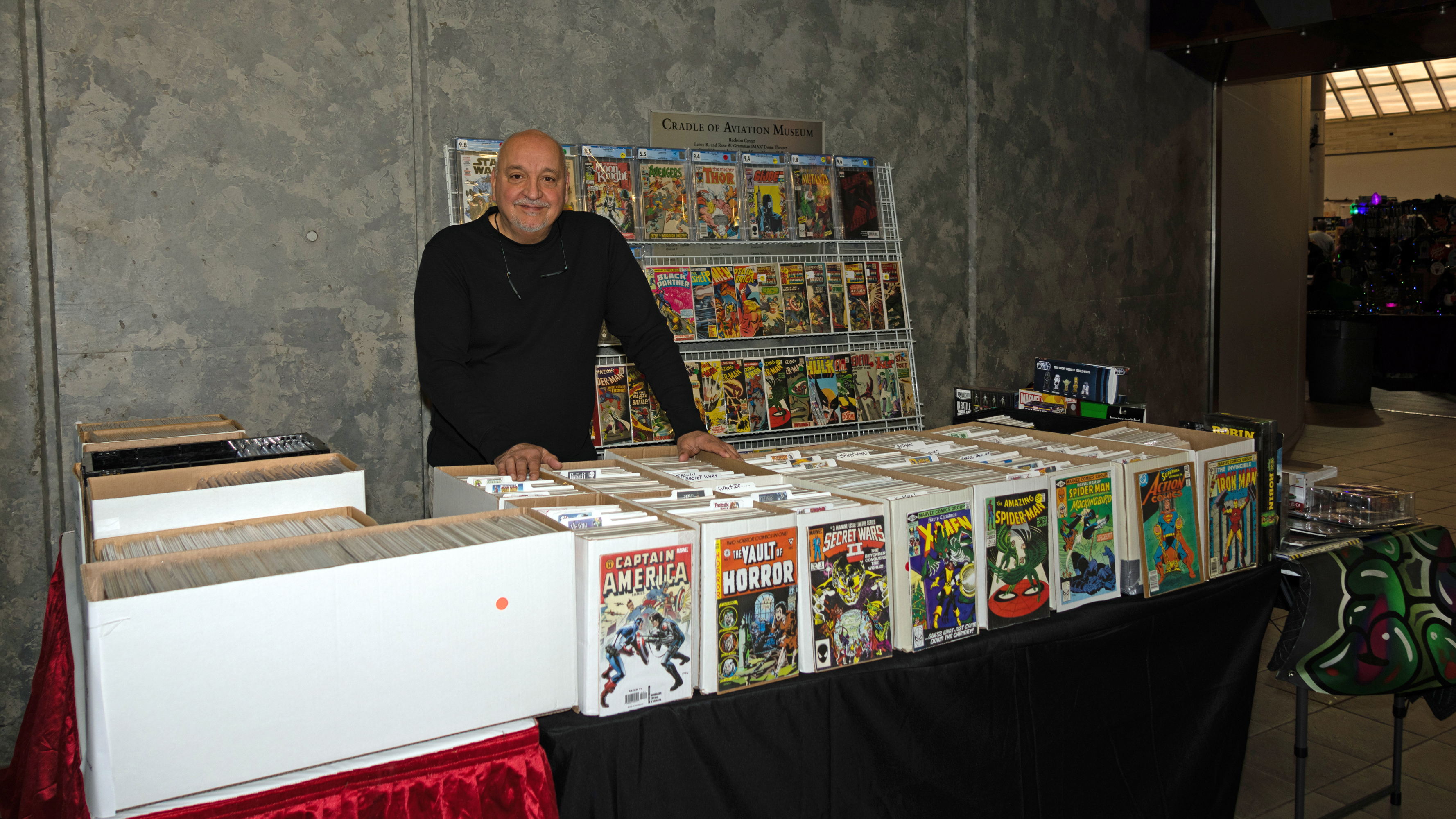

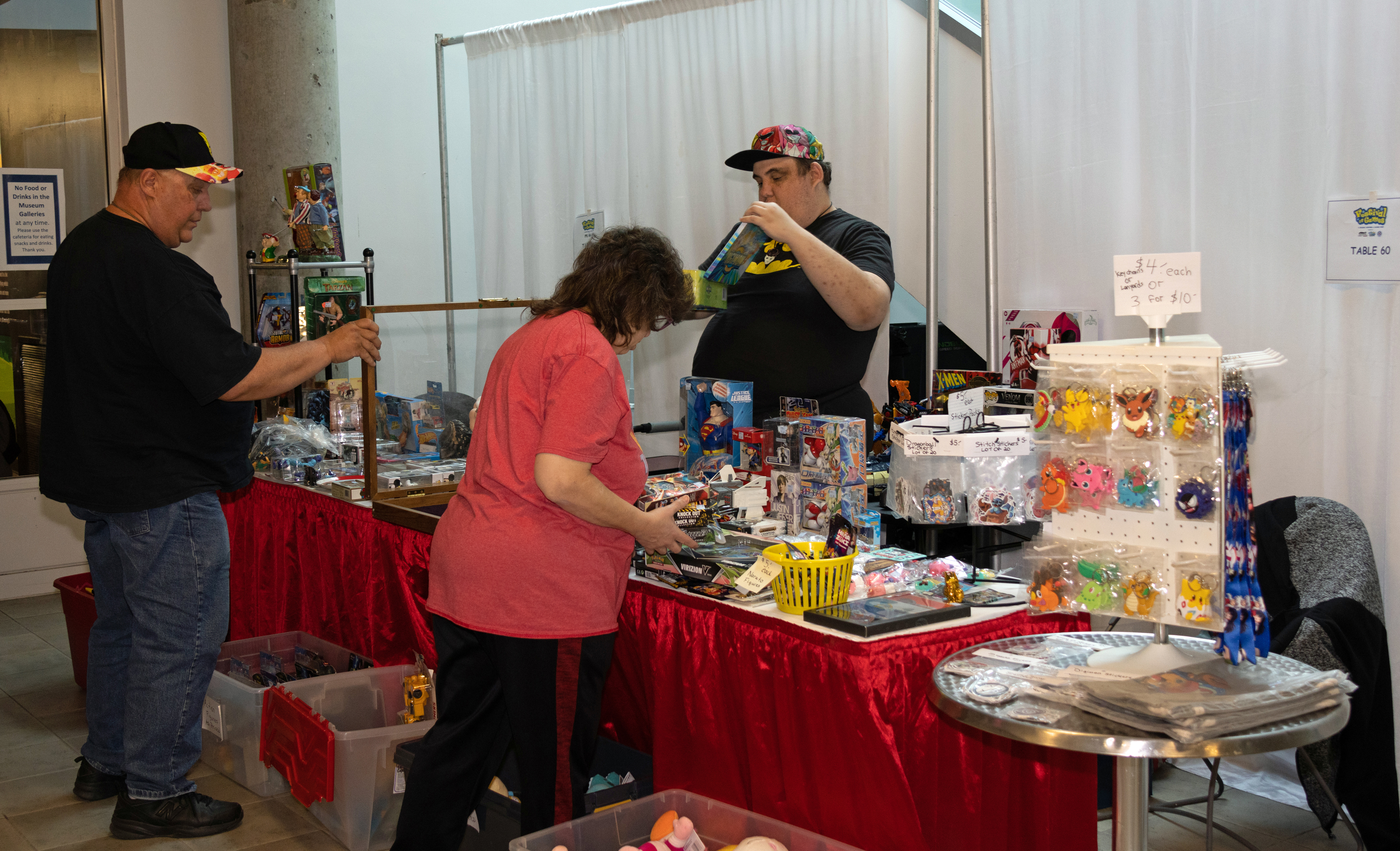
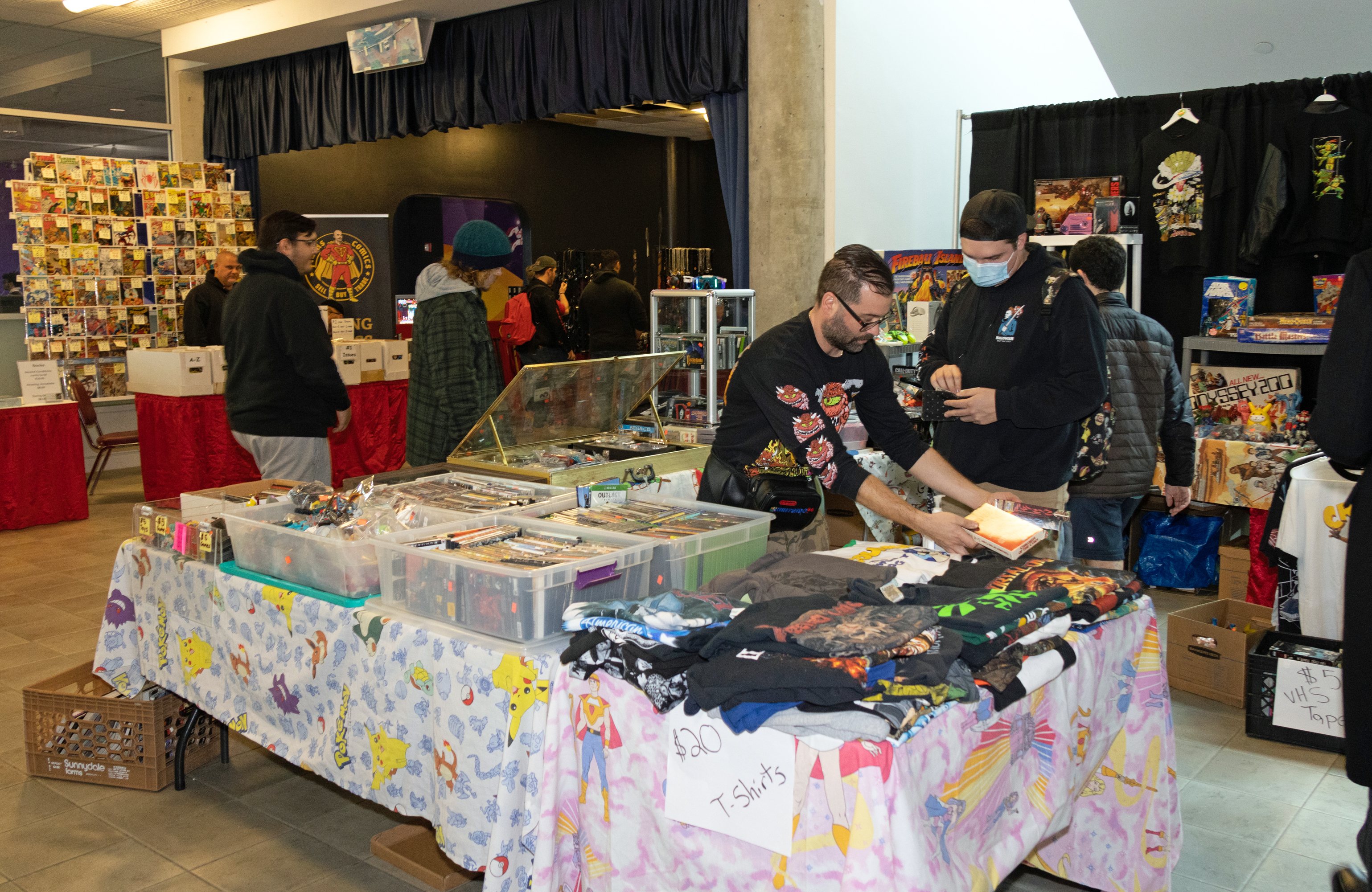
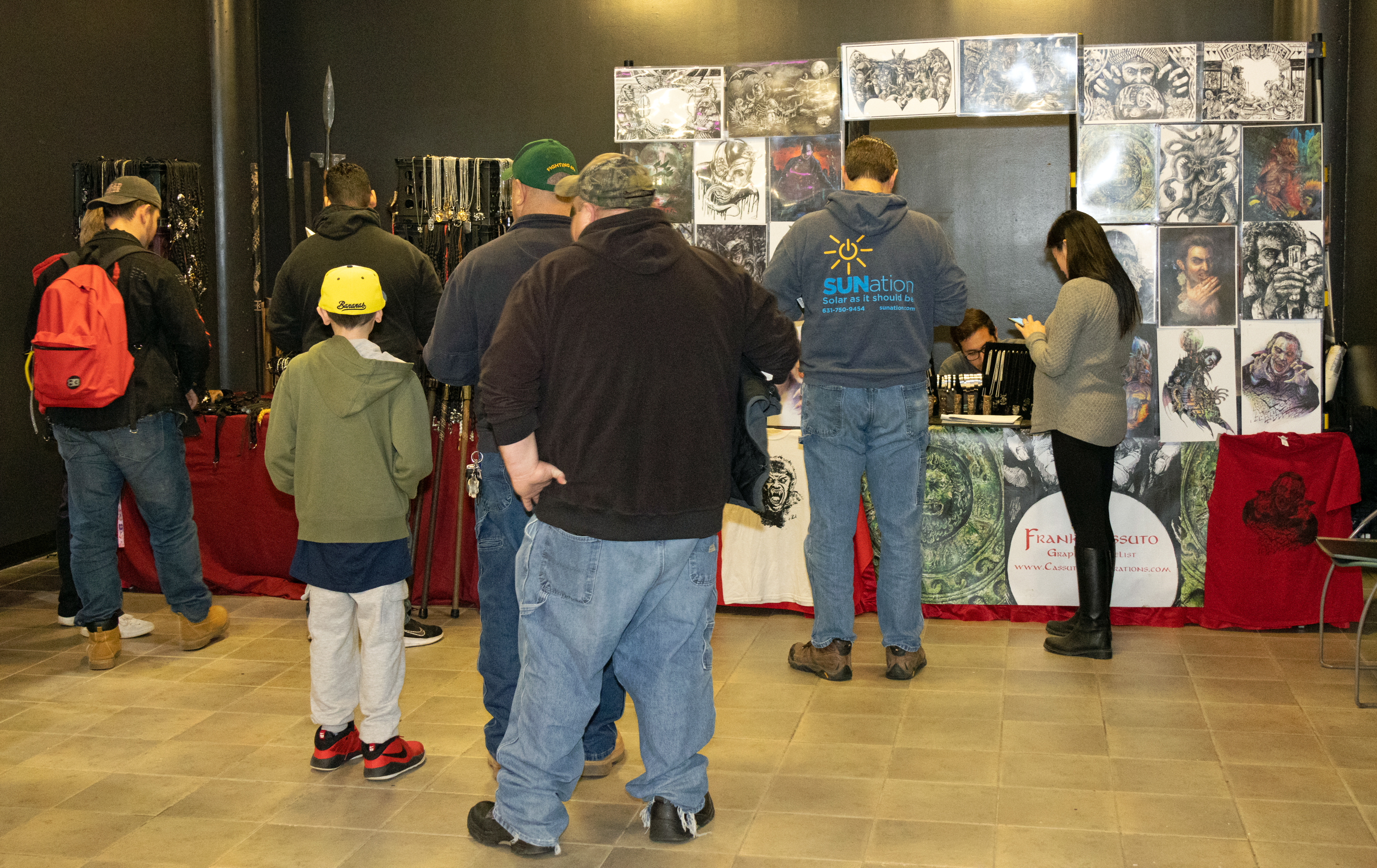
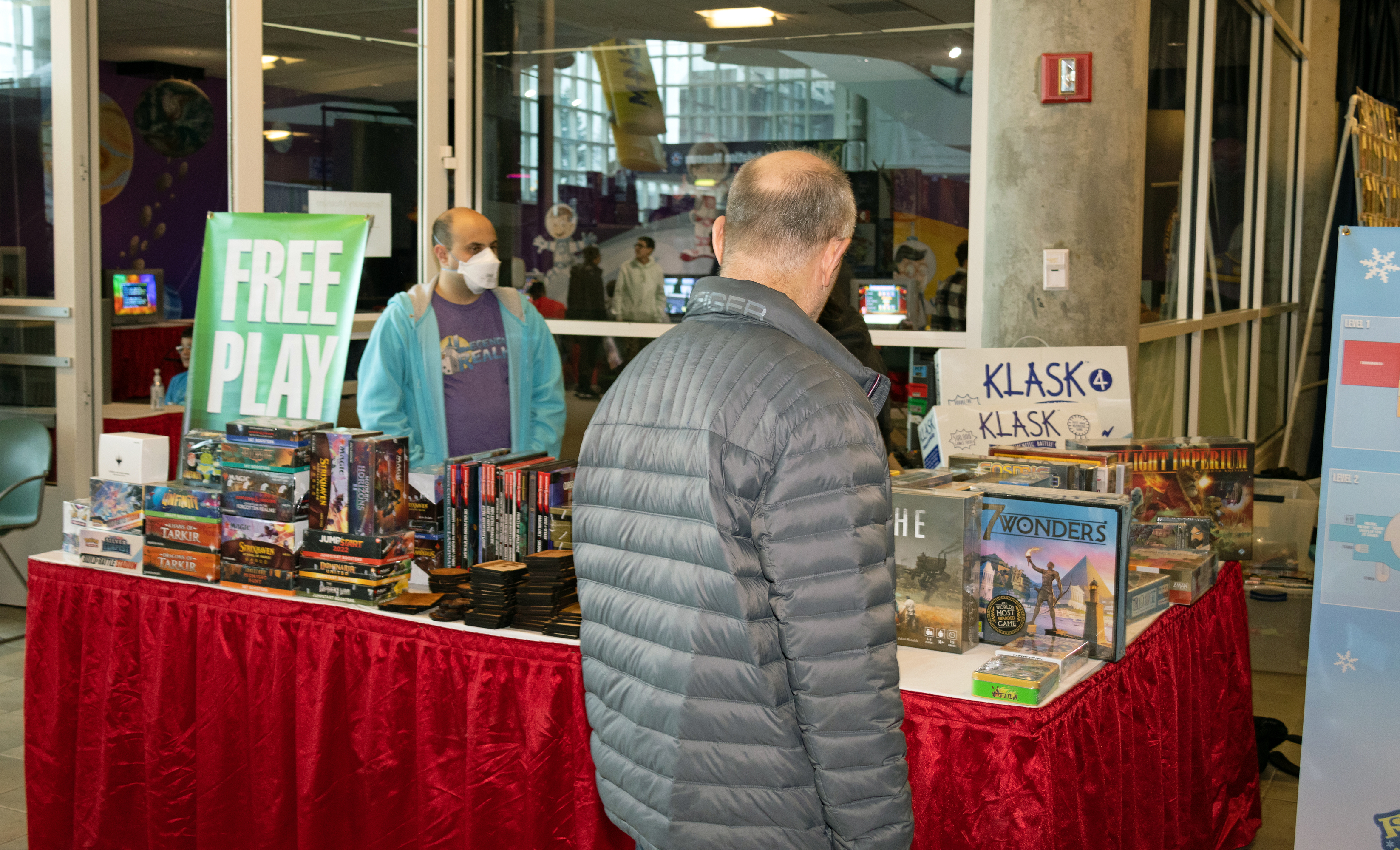
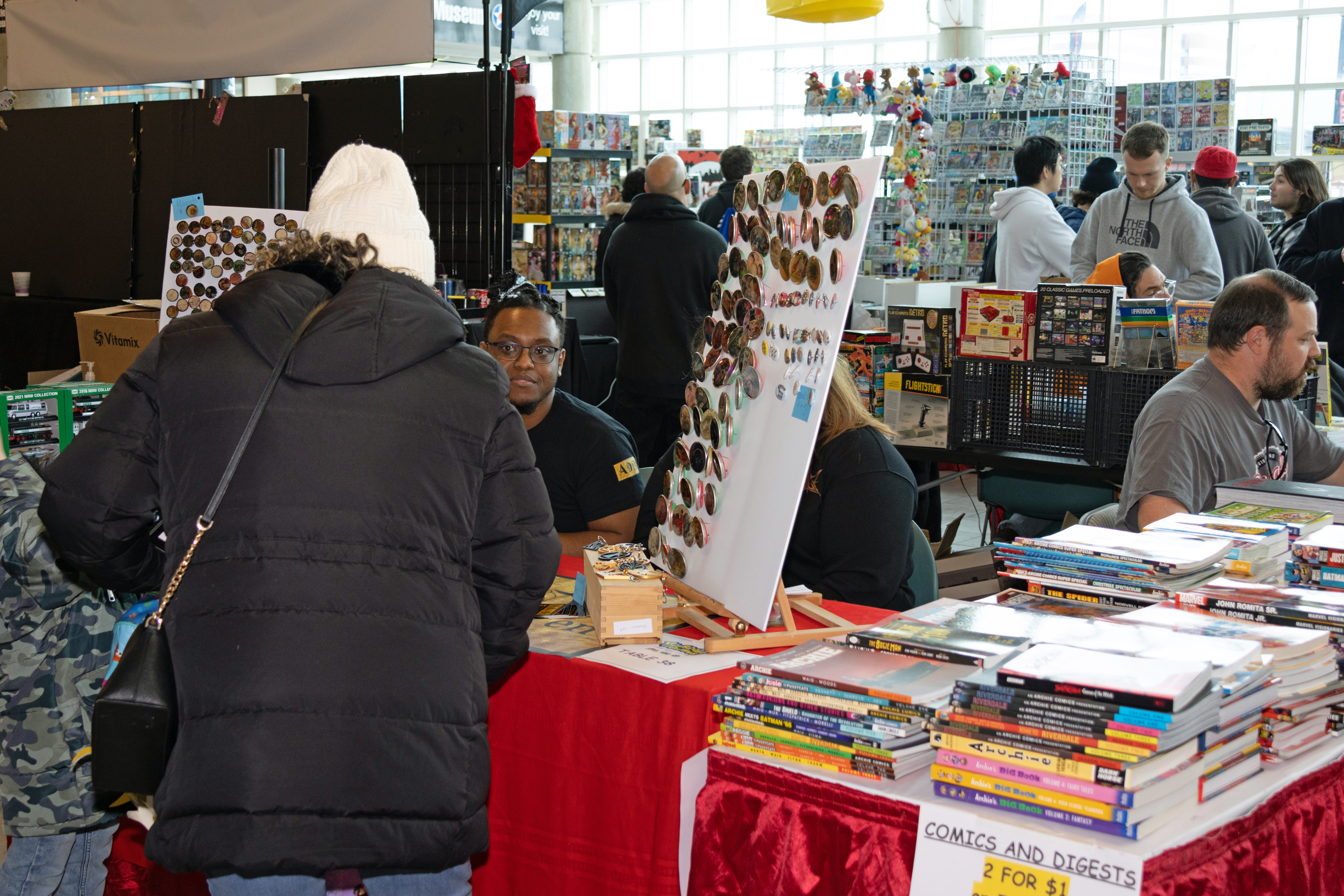
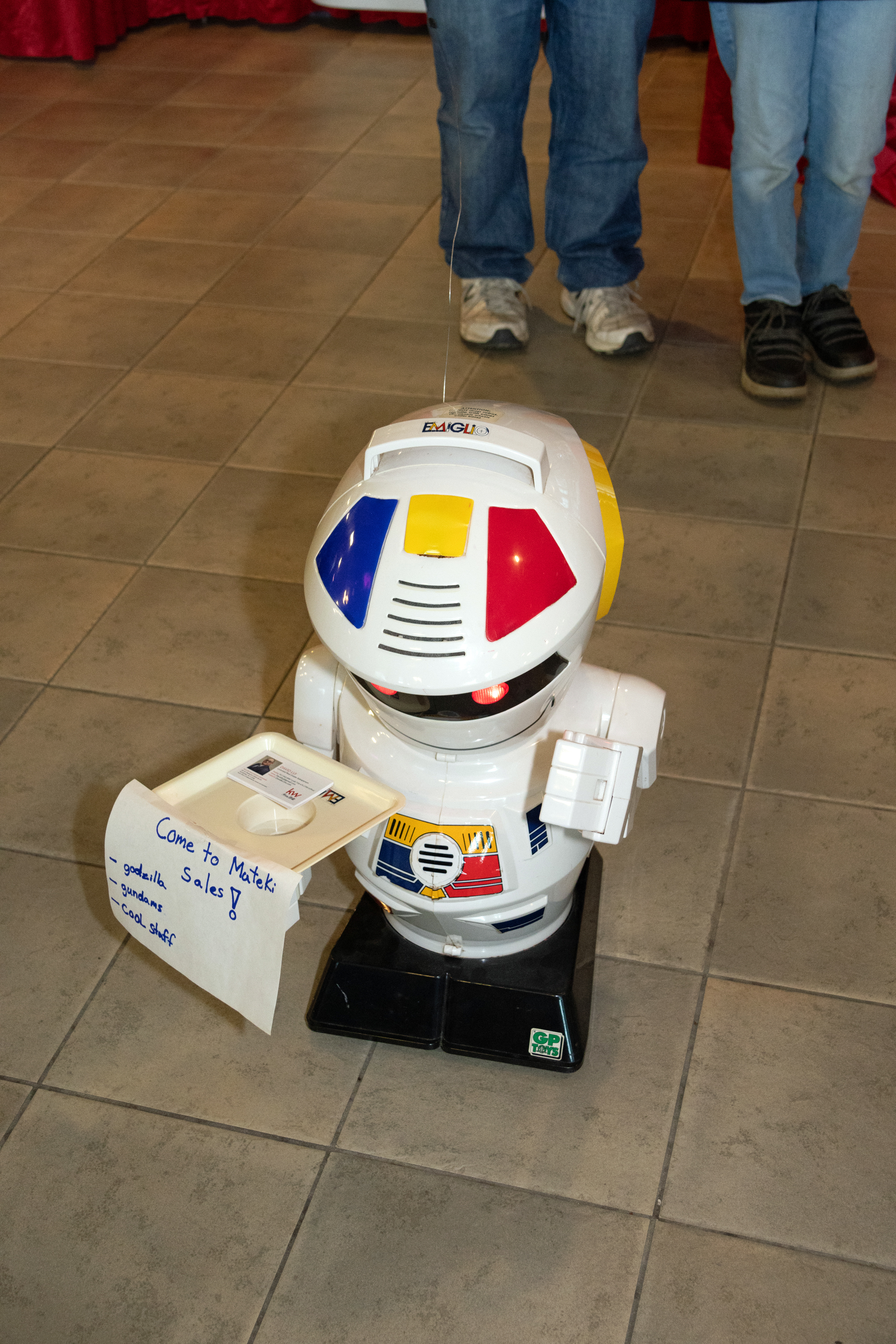


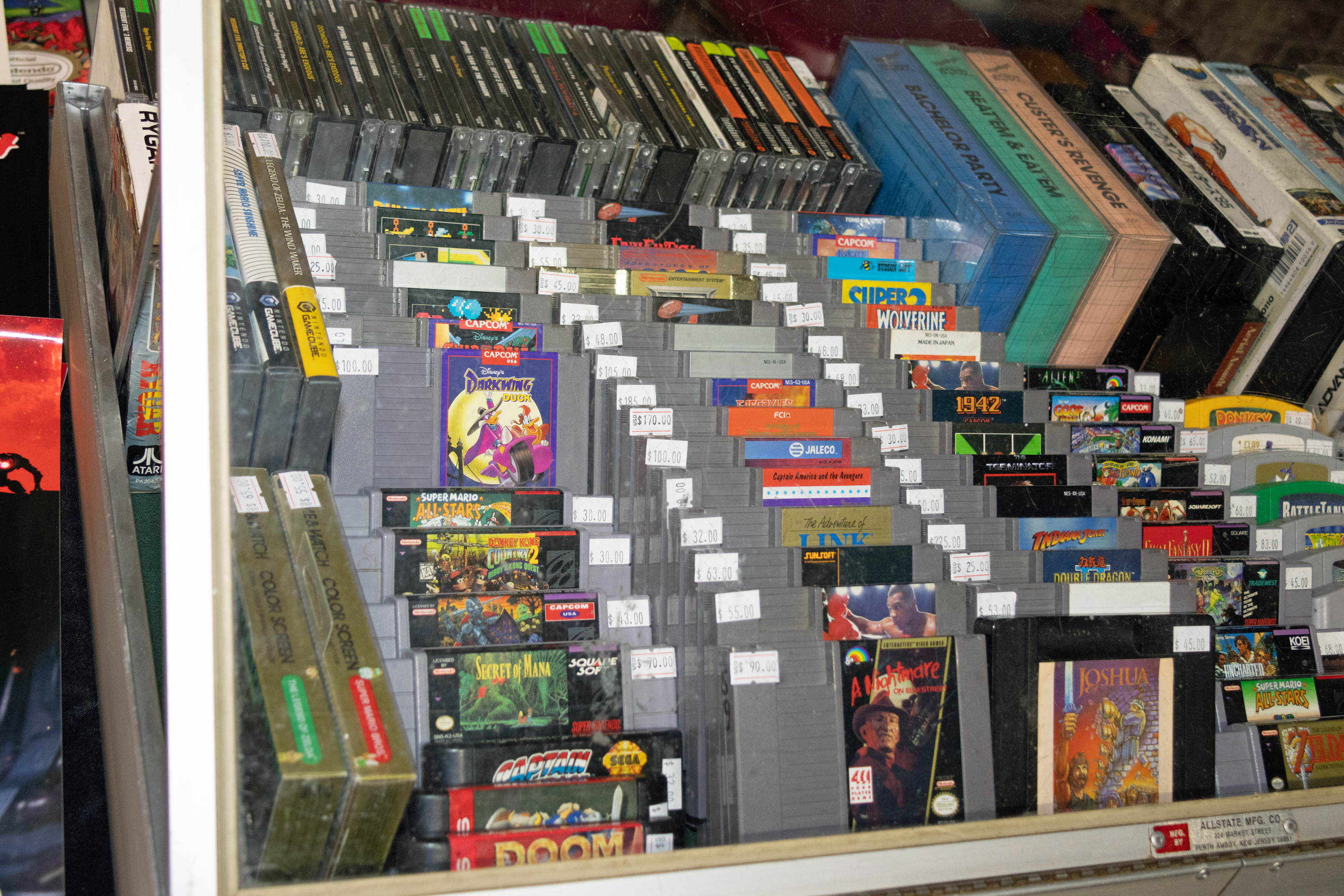


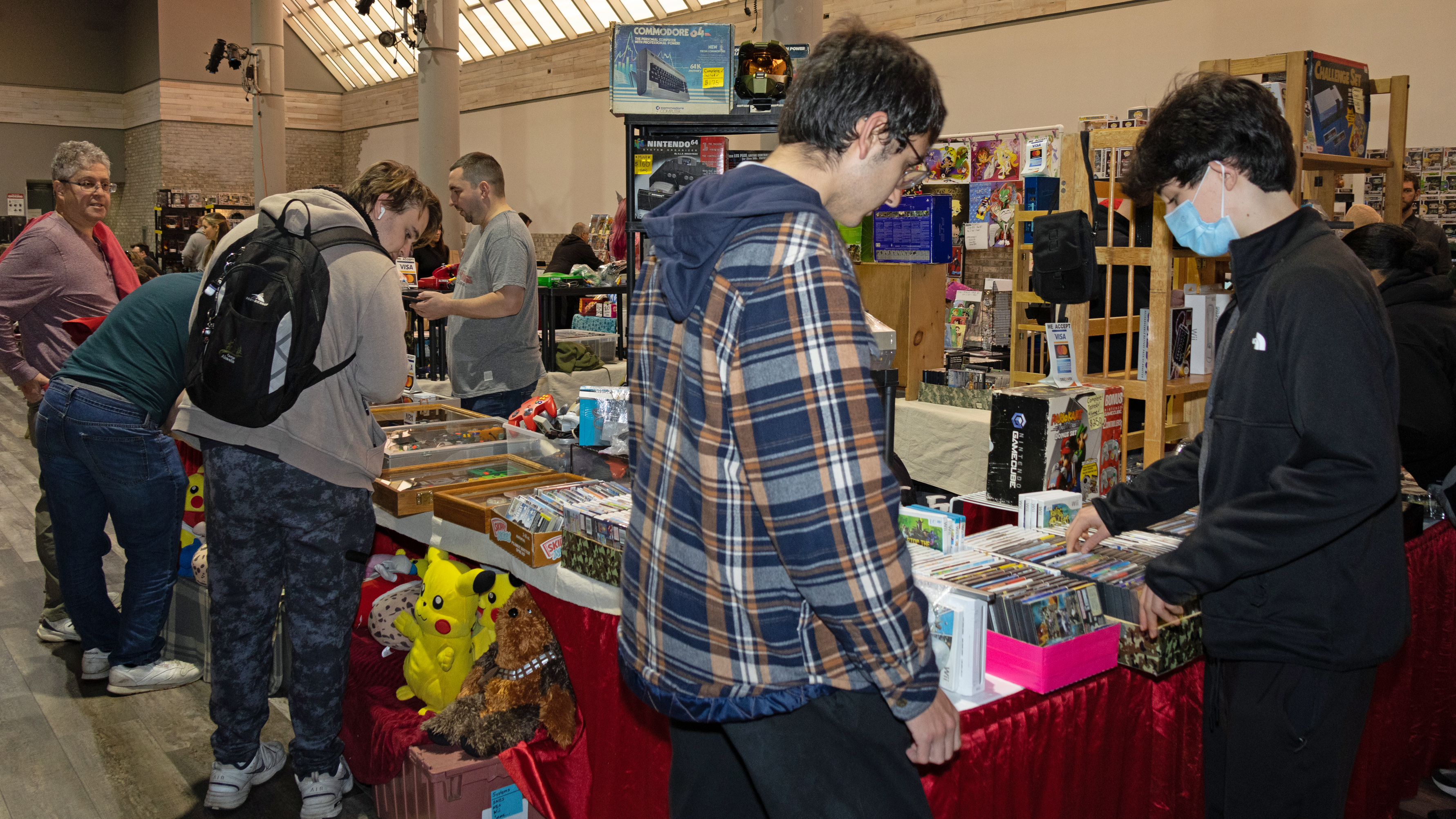
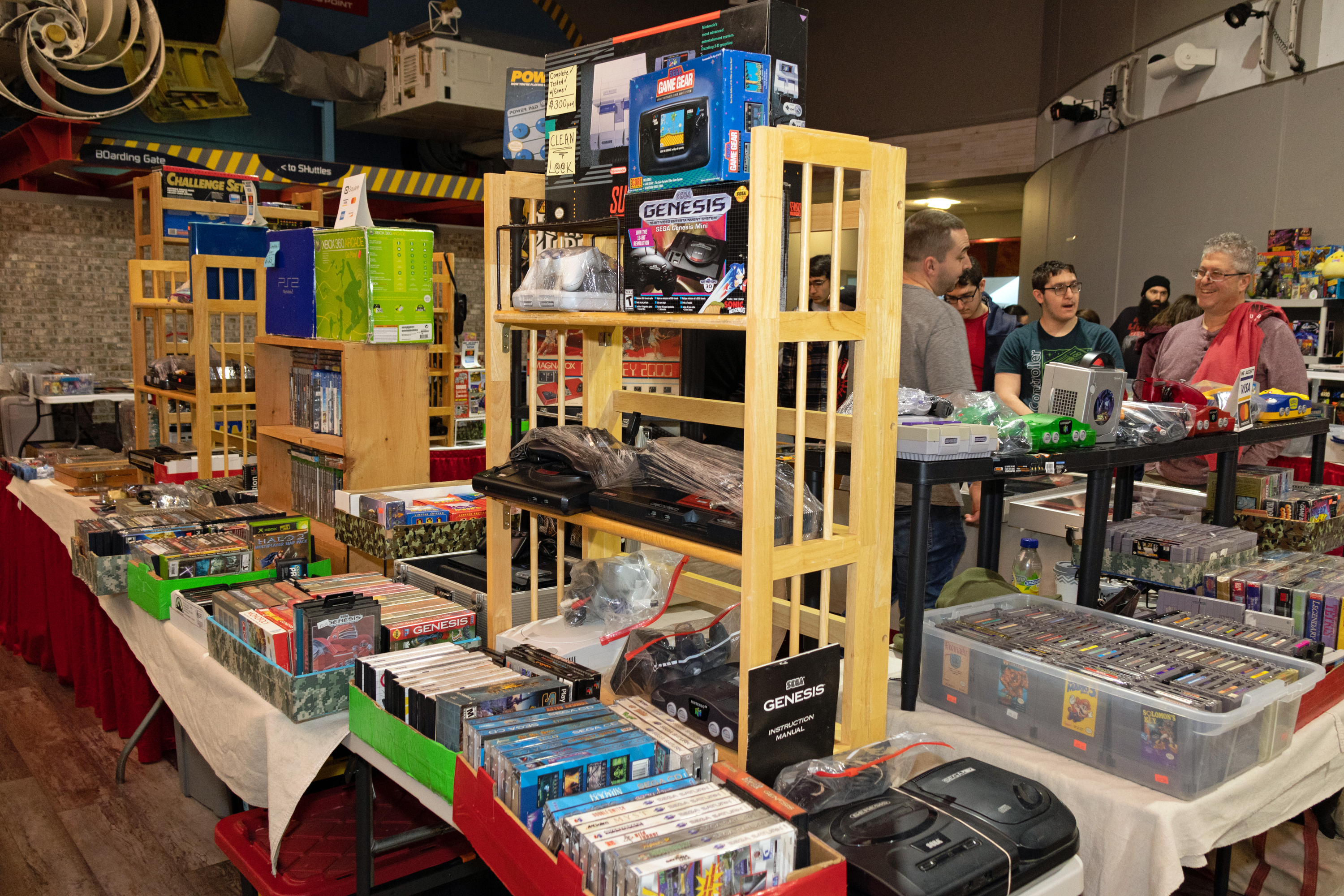
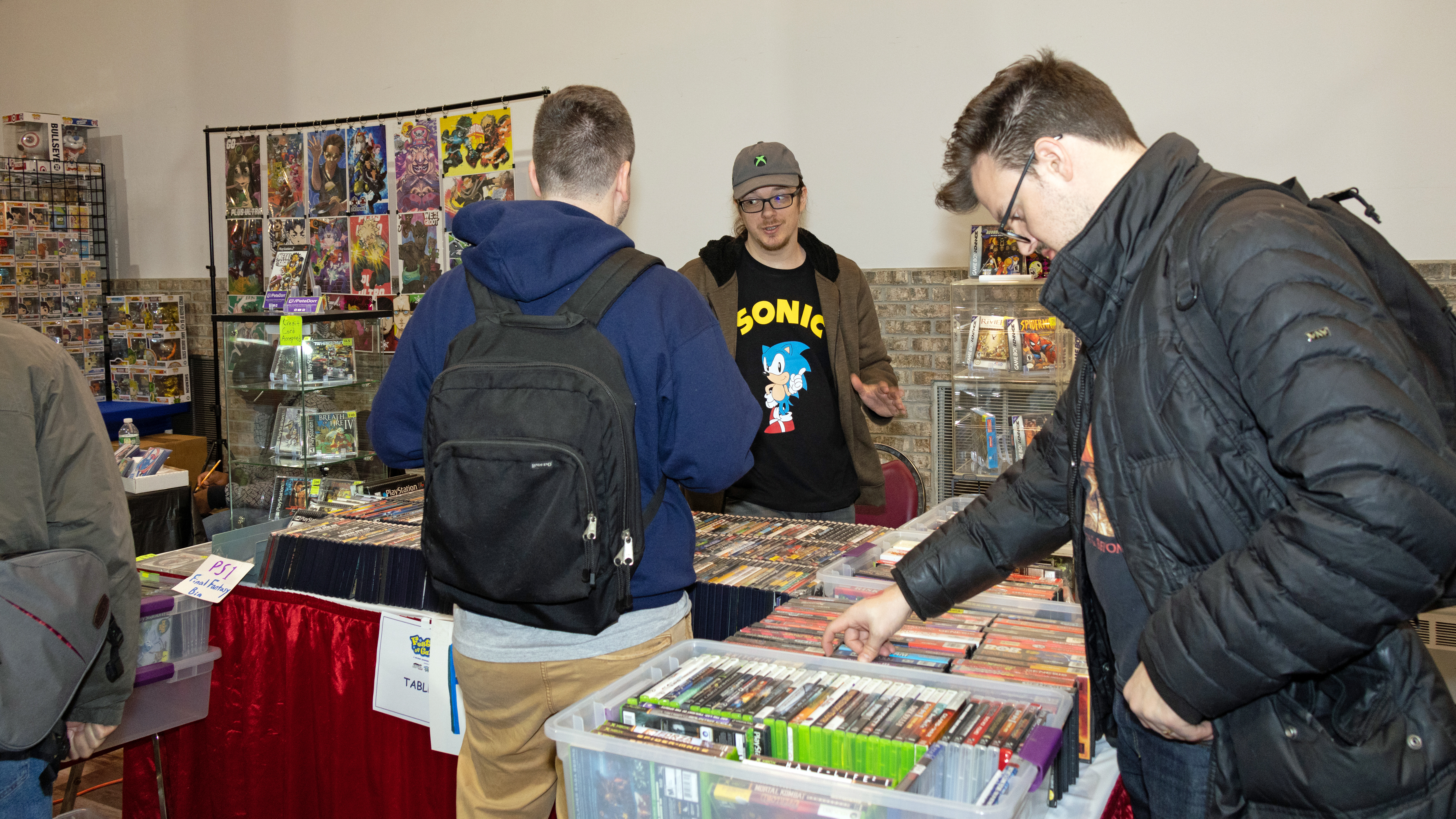


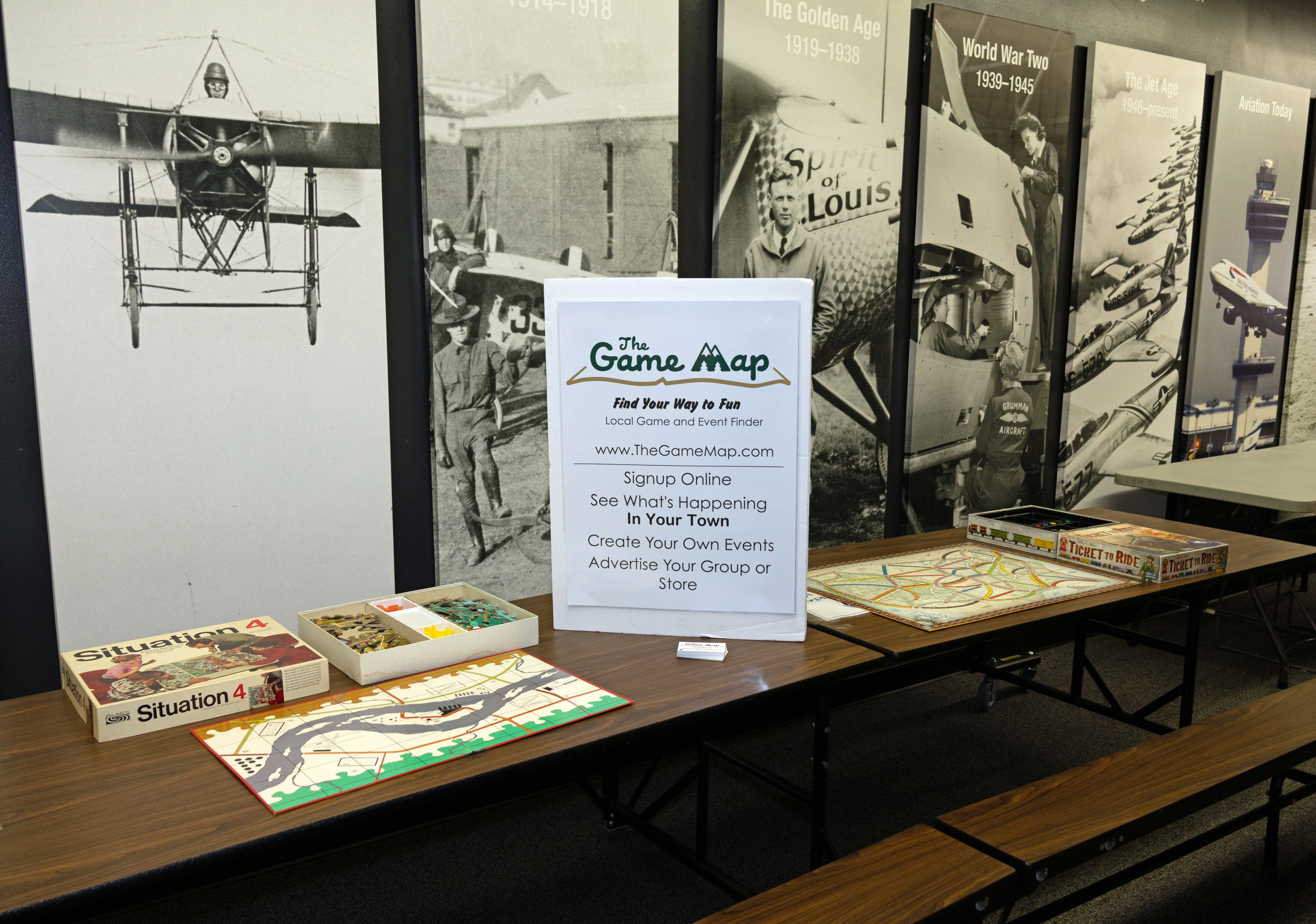
The board game section:


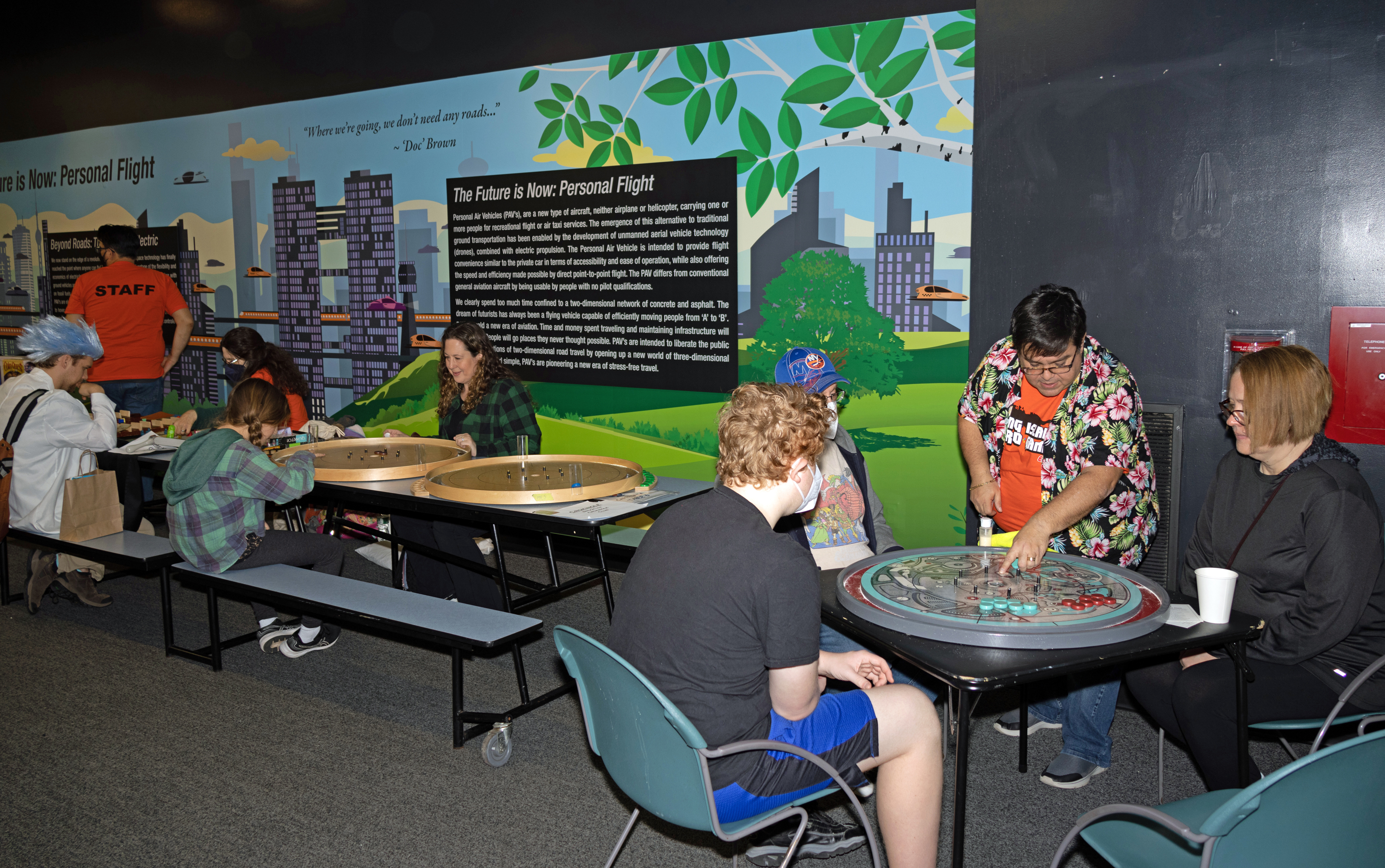

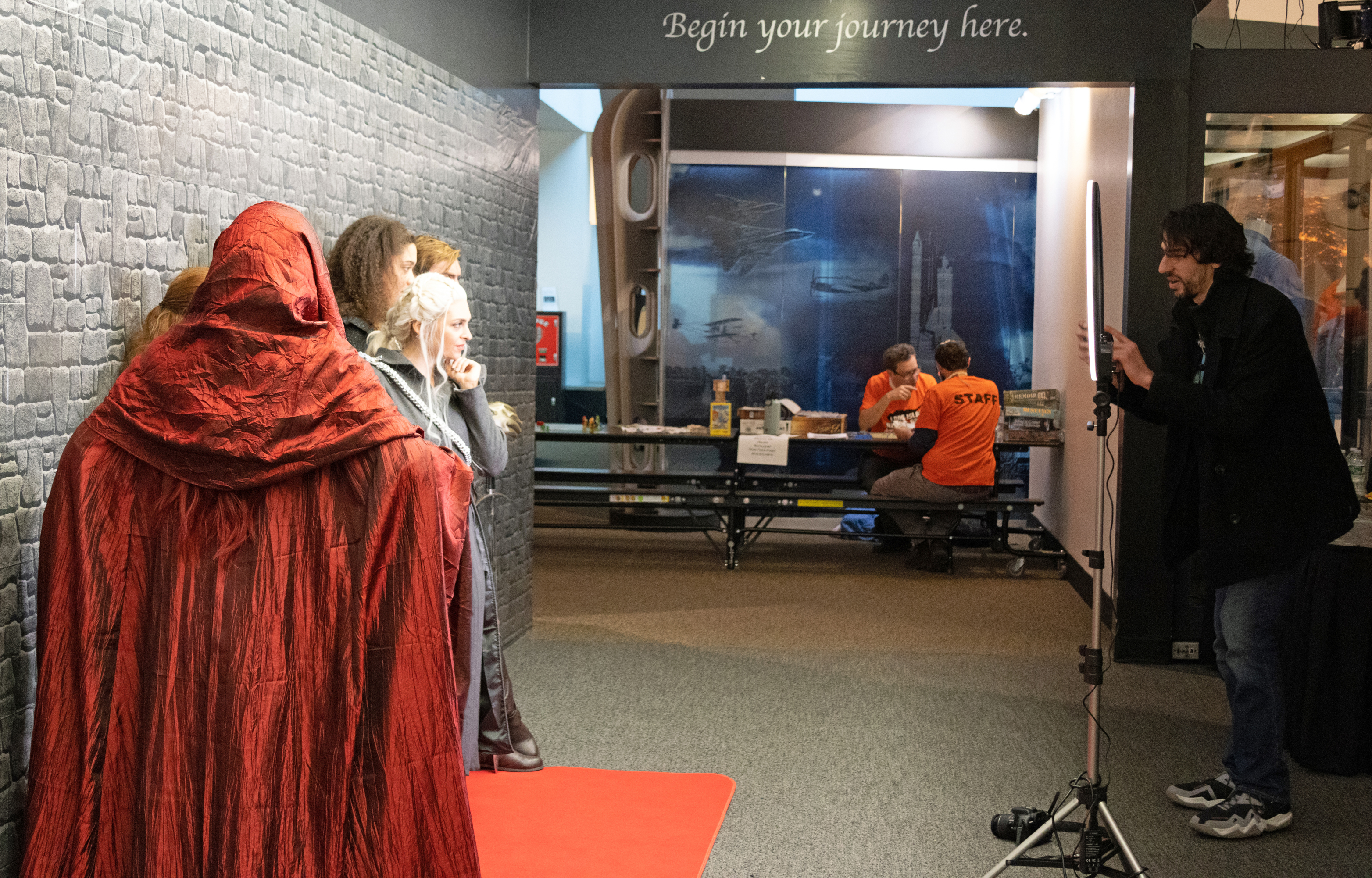
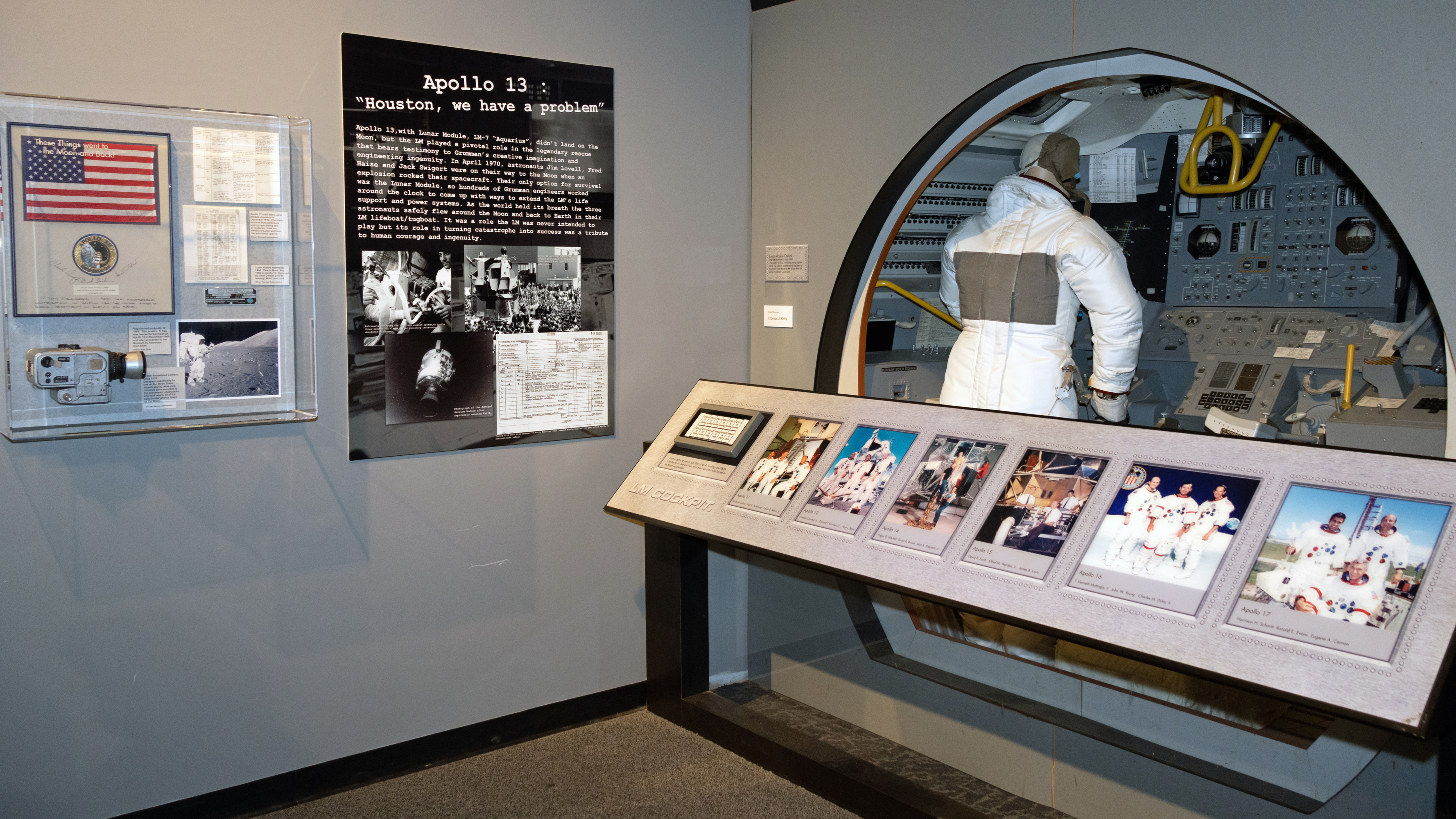
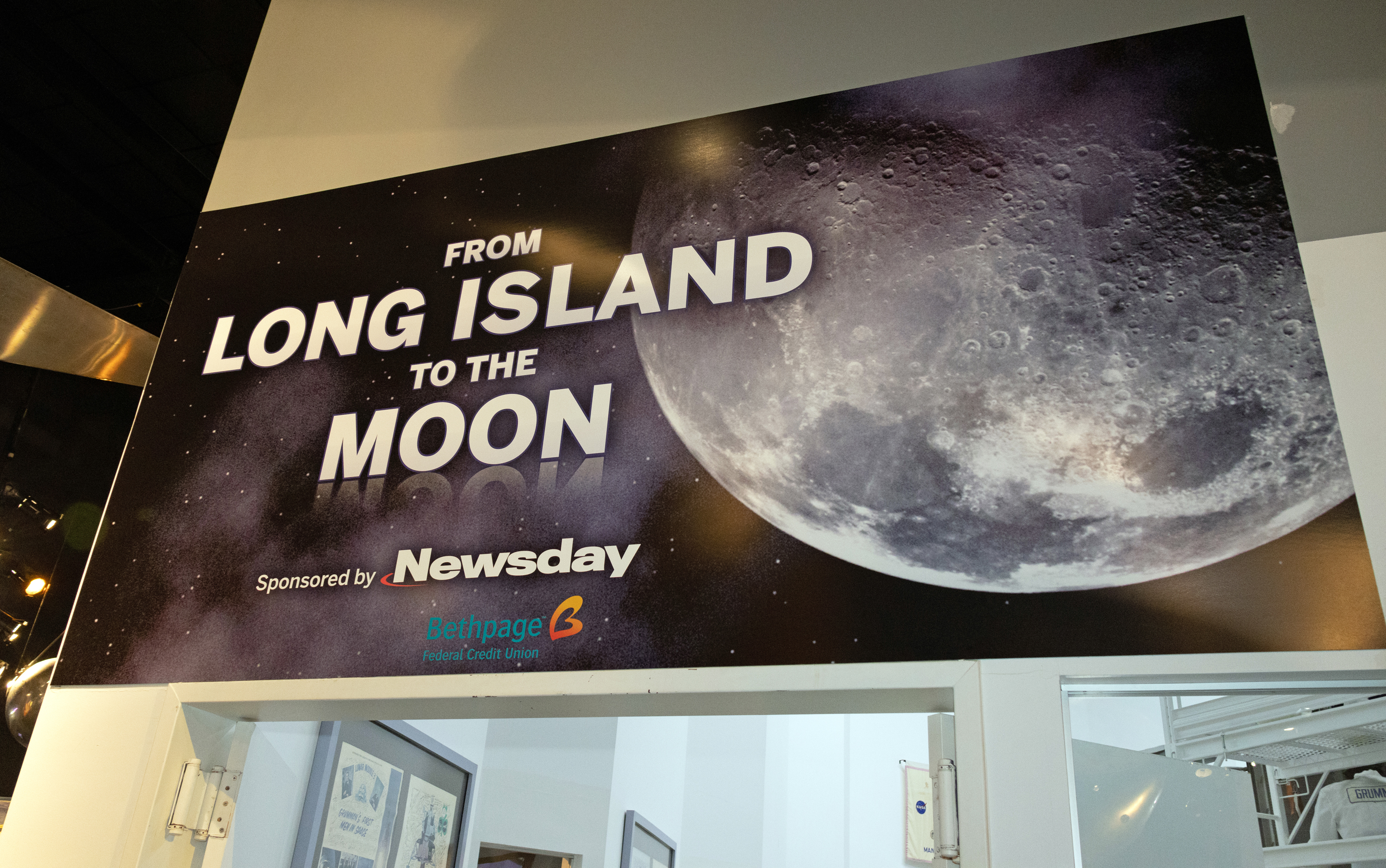
In all the years I’ve been inside the Cradle of Aviation Museum, I never observed its exhibits. I rectified that after passing the board games section.



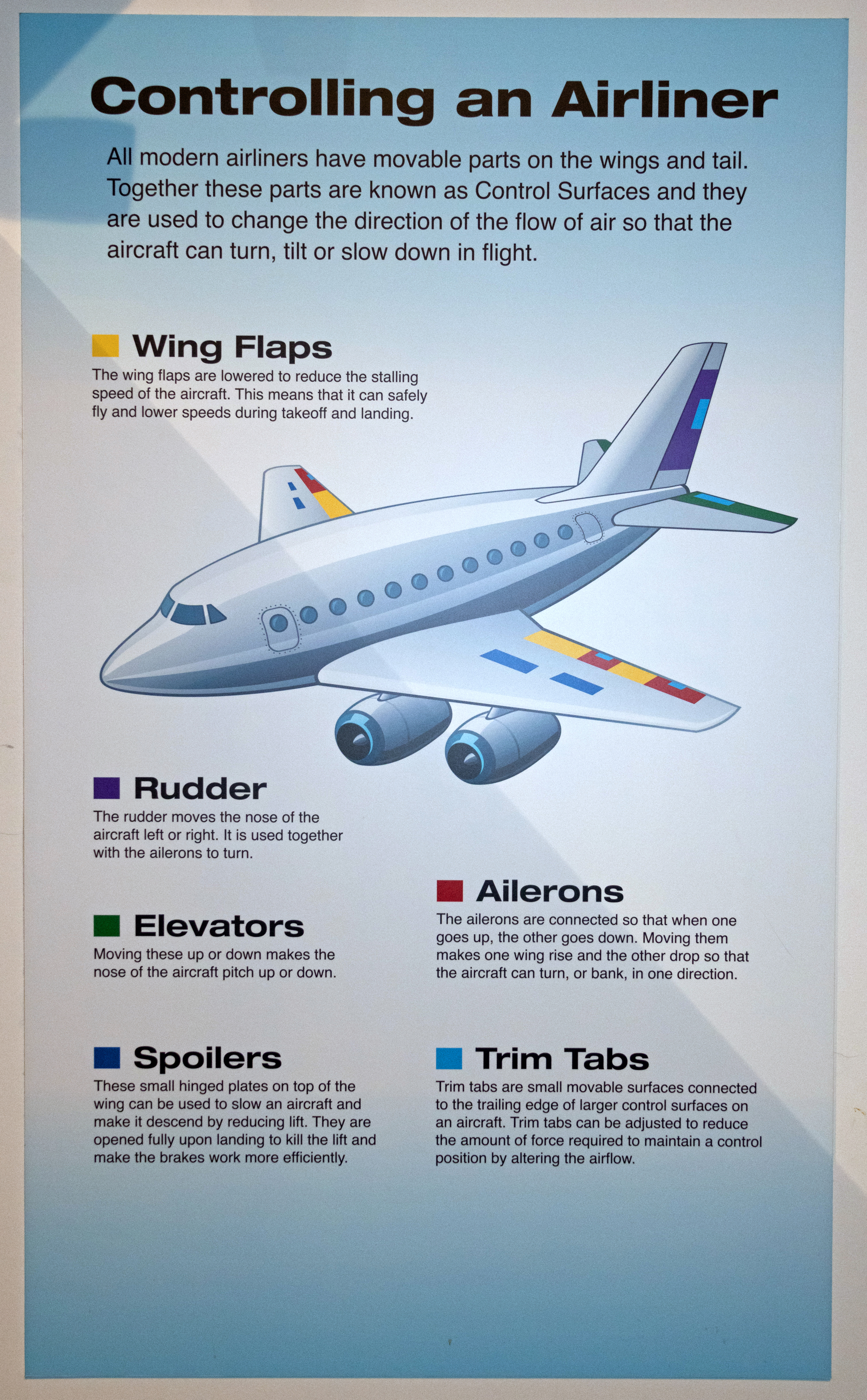
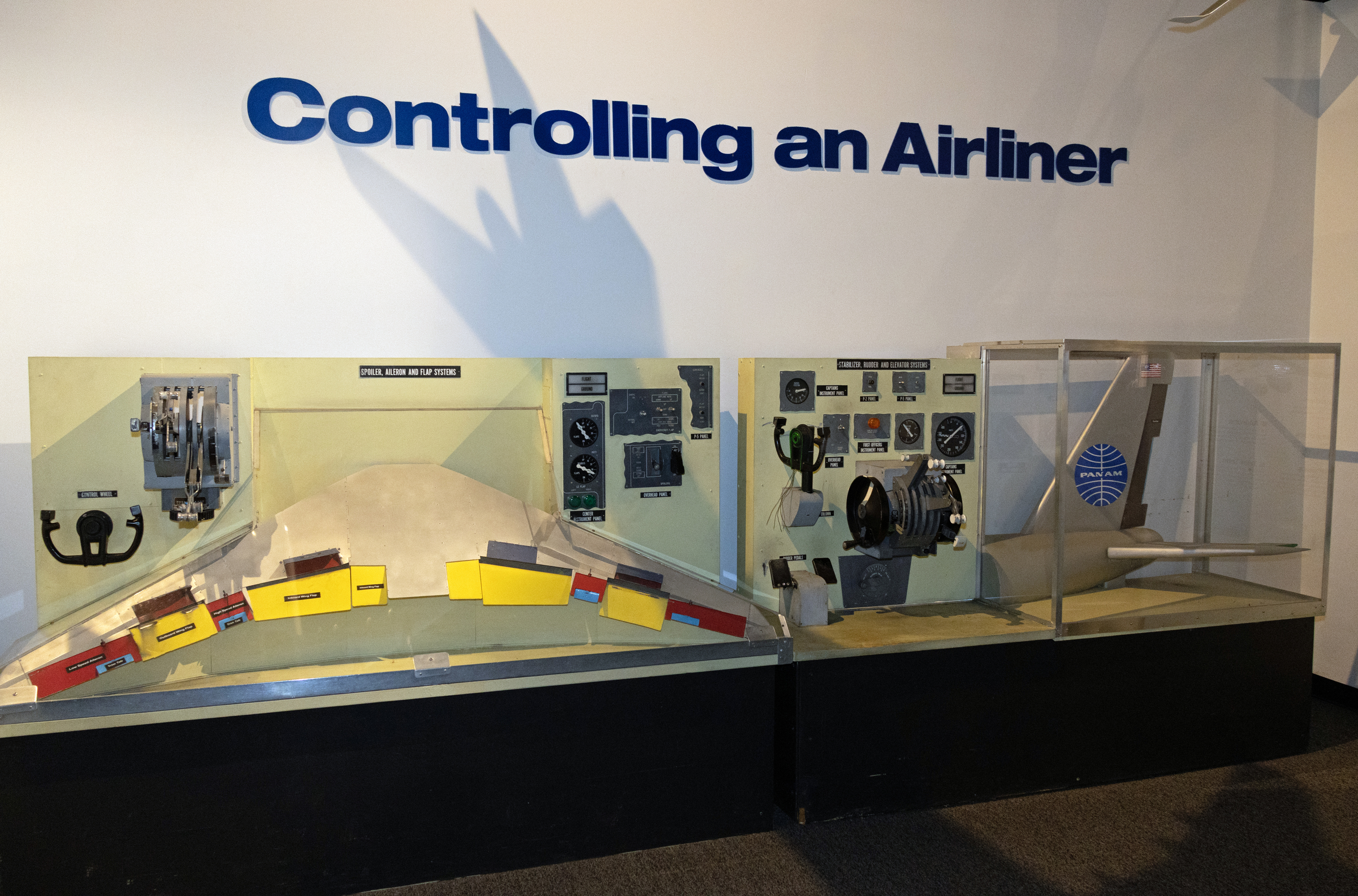
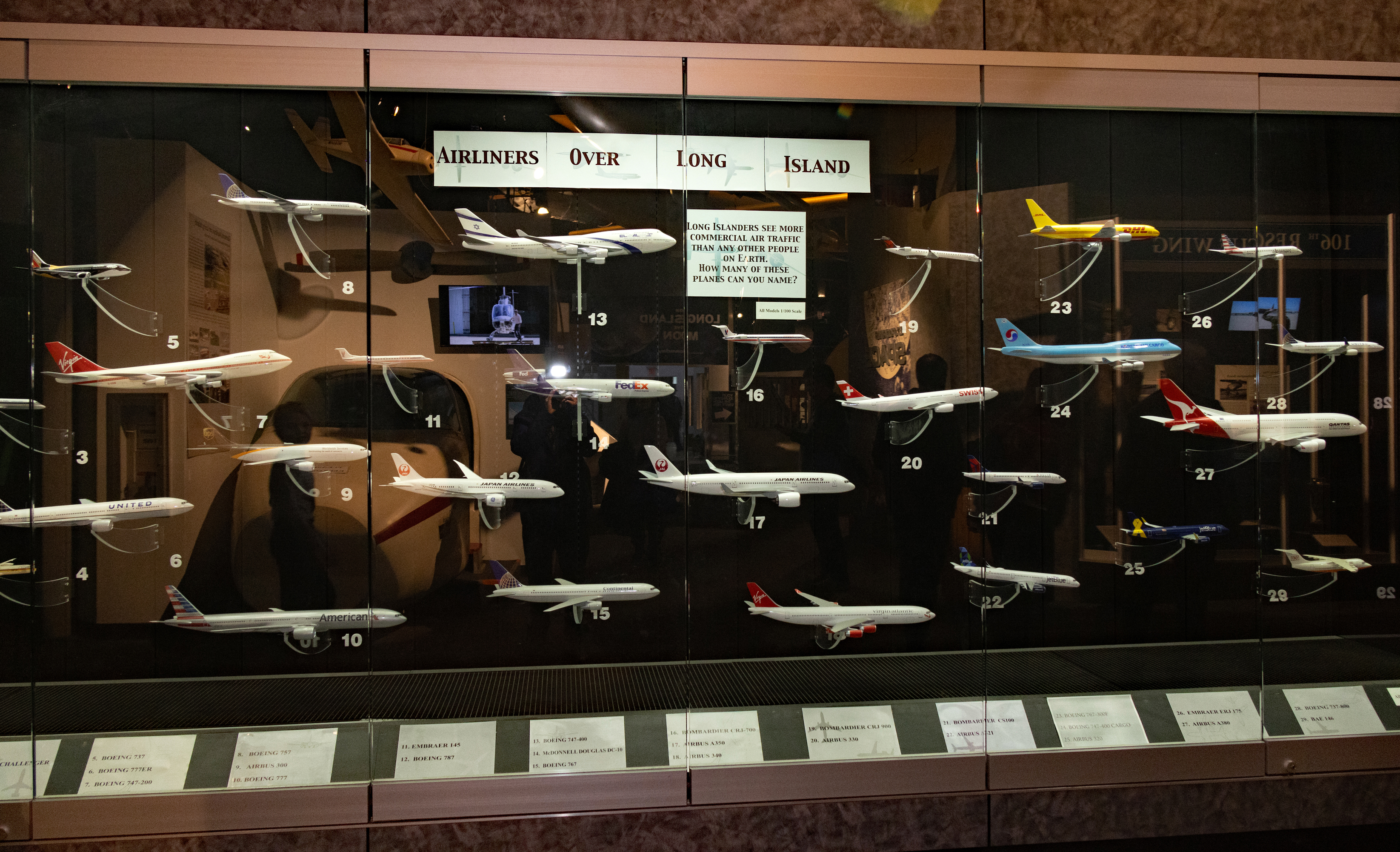
MY ANSWER: Most of them, thanks to my proximity to John F. Kennedy International Airport. The planes are either on final approach or just took off. I also see general aviation aircraft coming to or from Republic Airport in Farmingdale, which is even closer to my house.
Back to video games in the free play area:
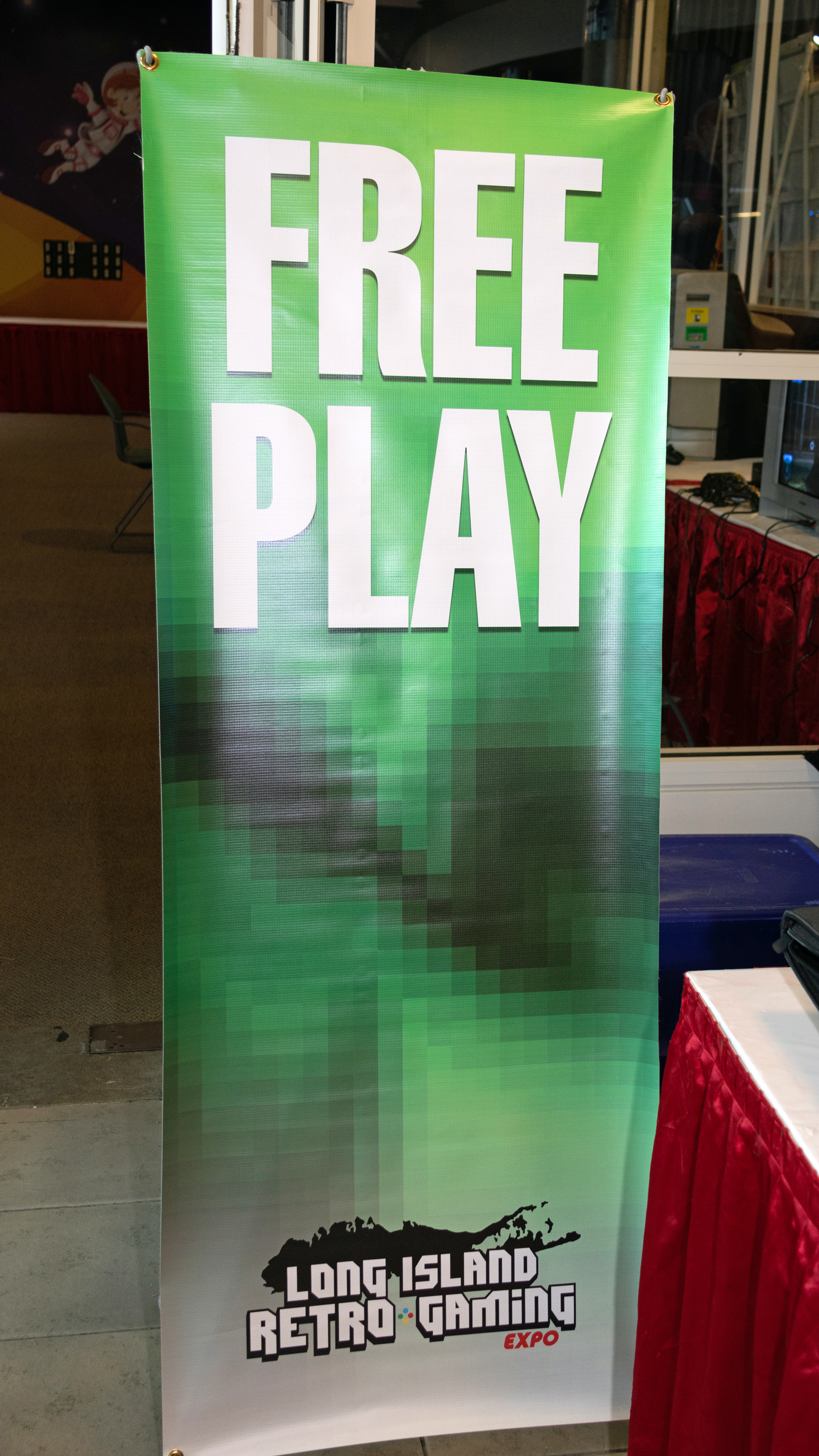


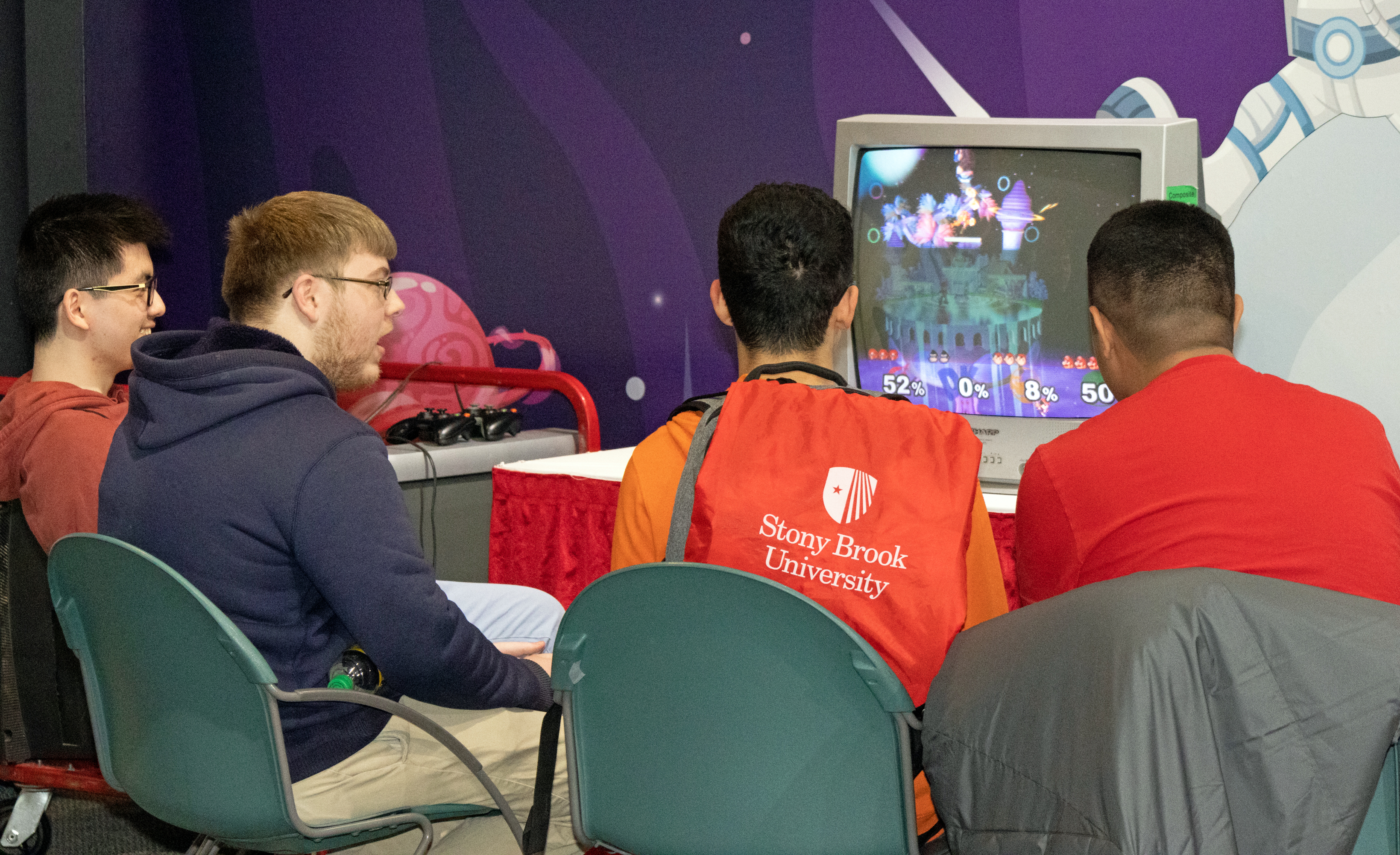
Tournaments:
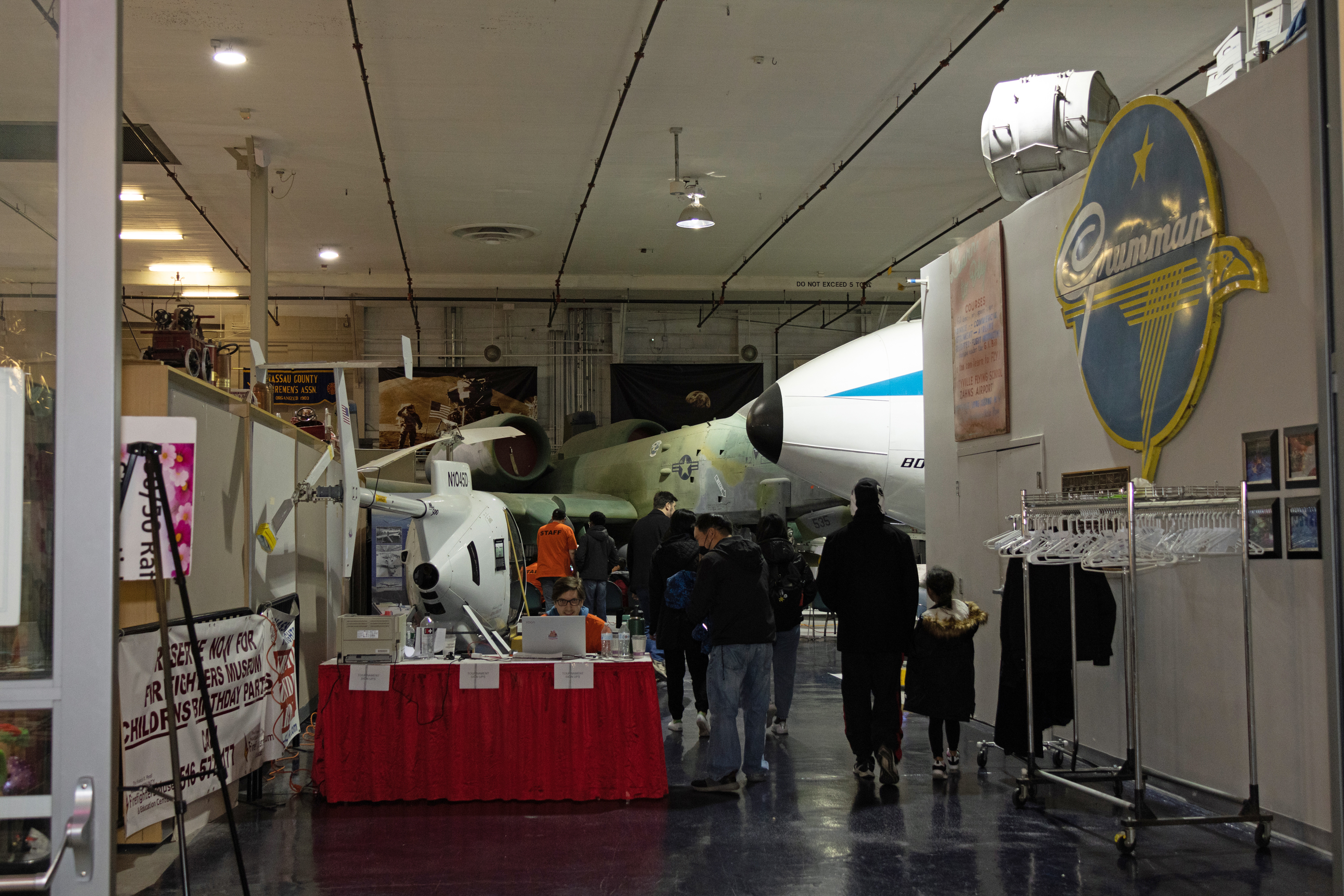
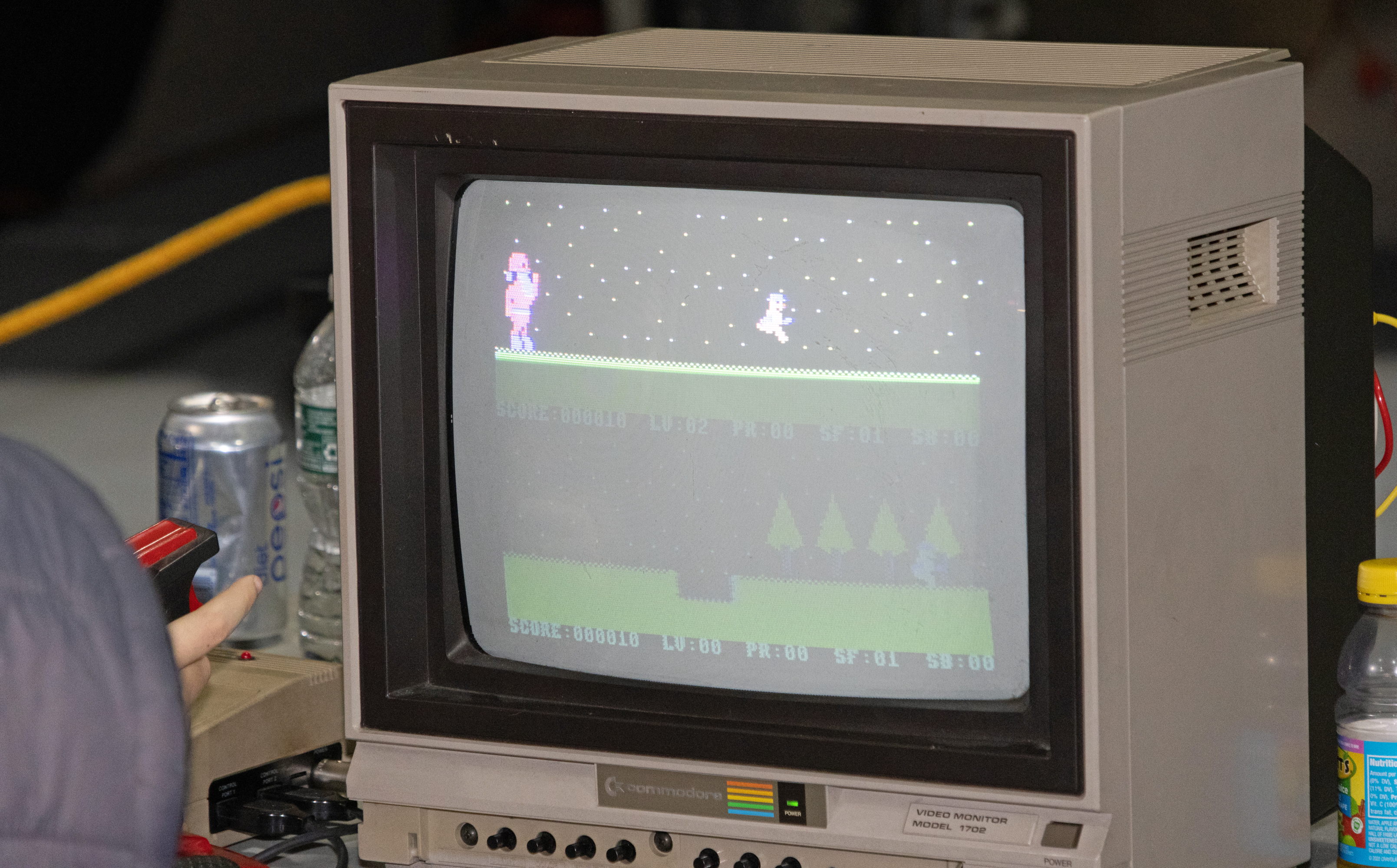
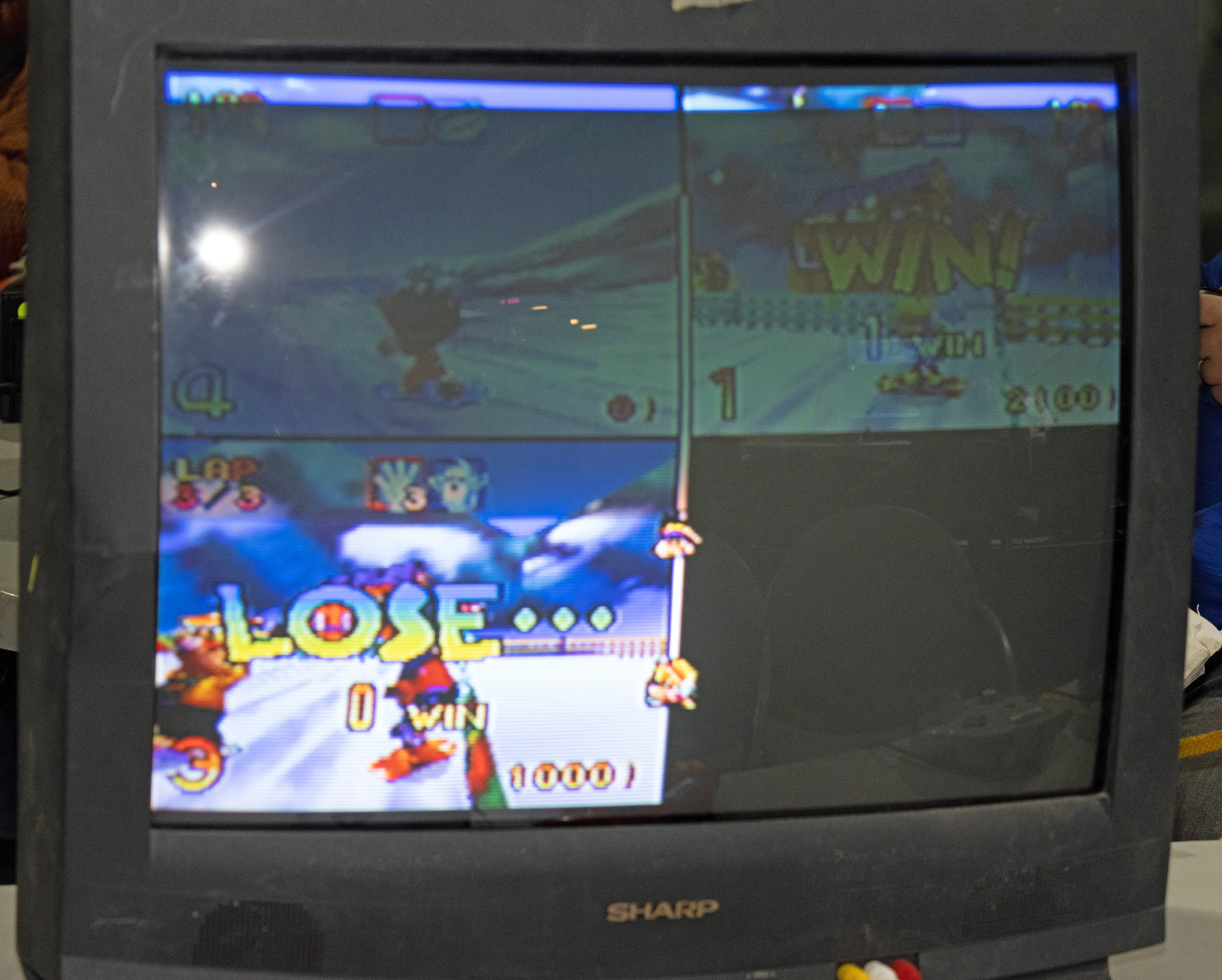
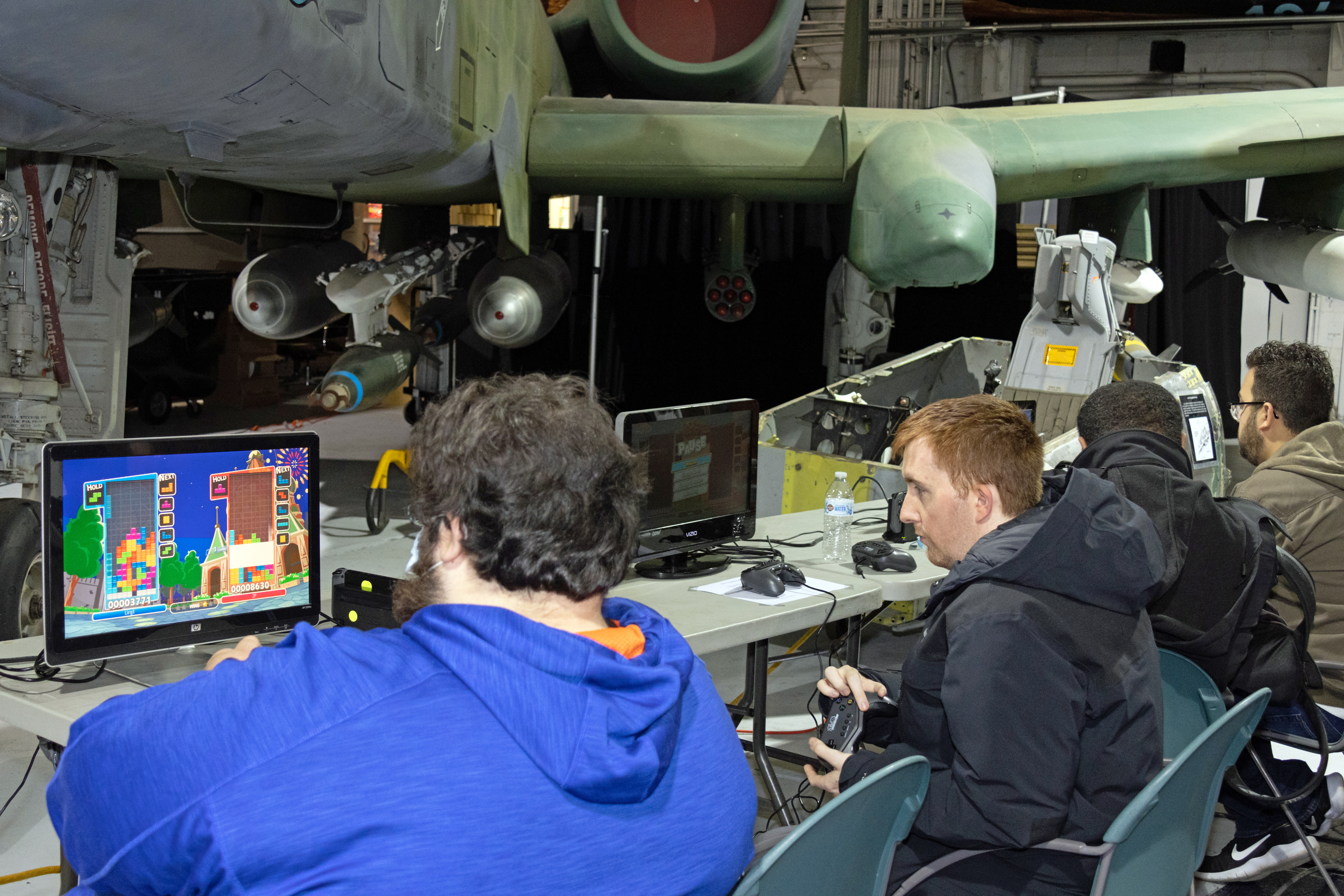


On to the second floor:

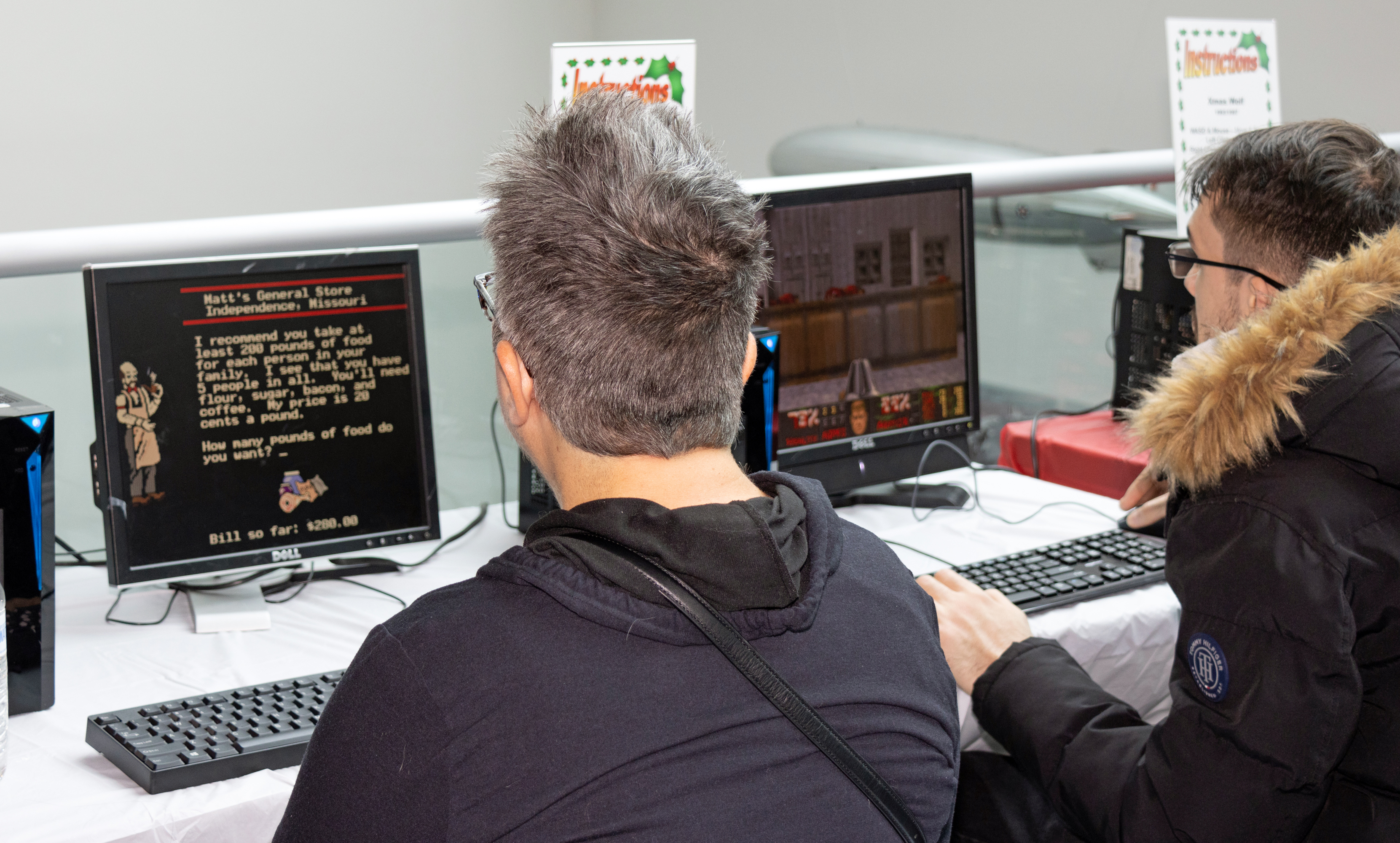
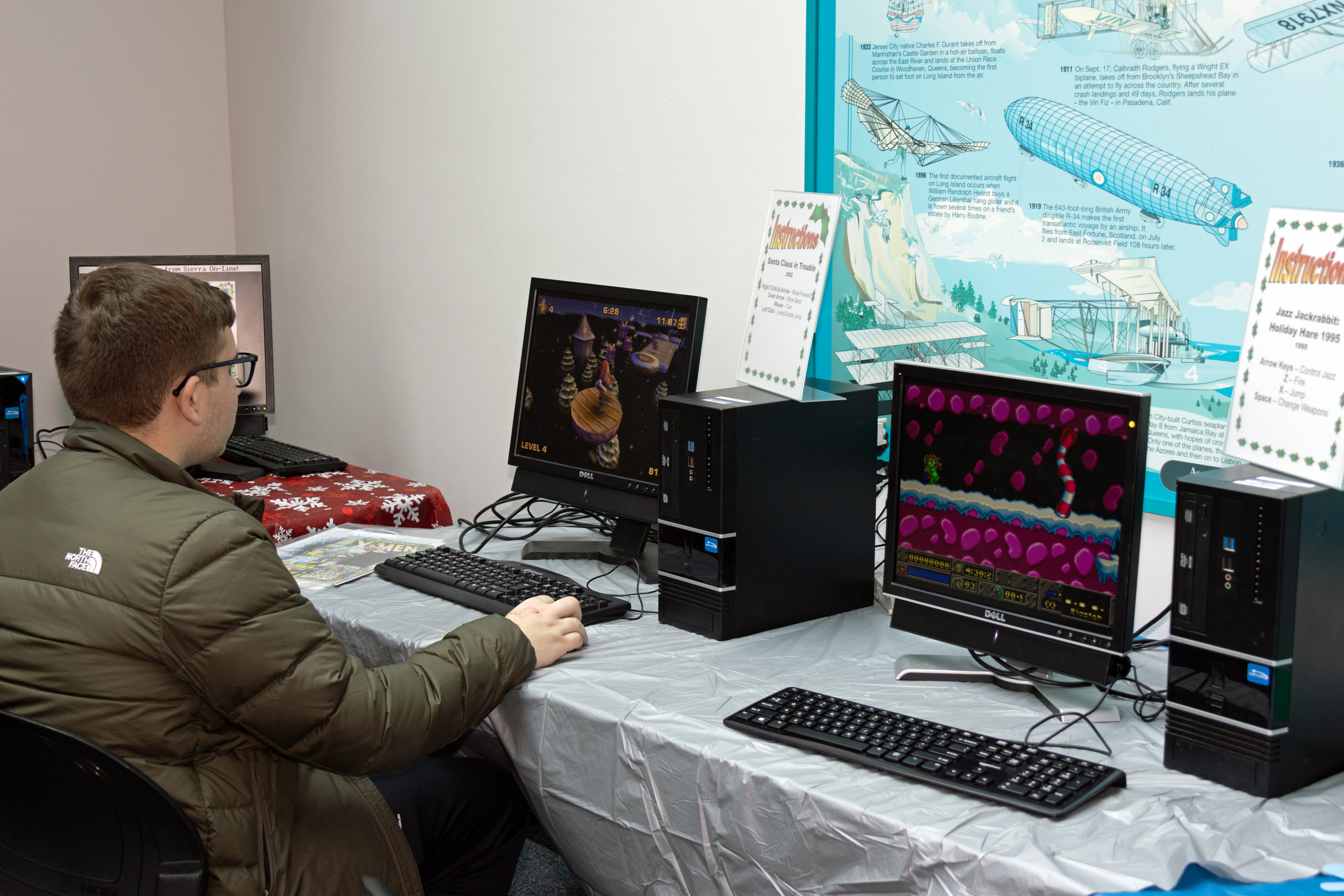

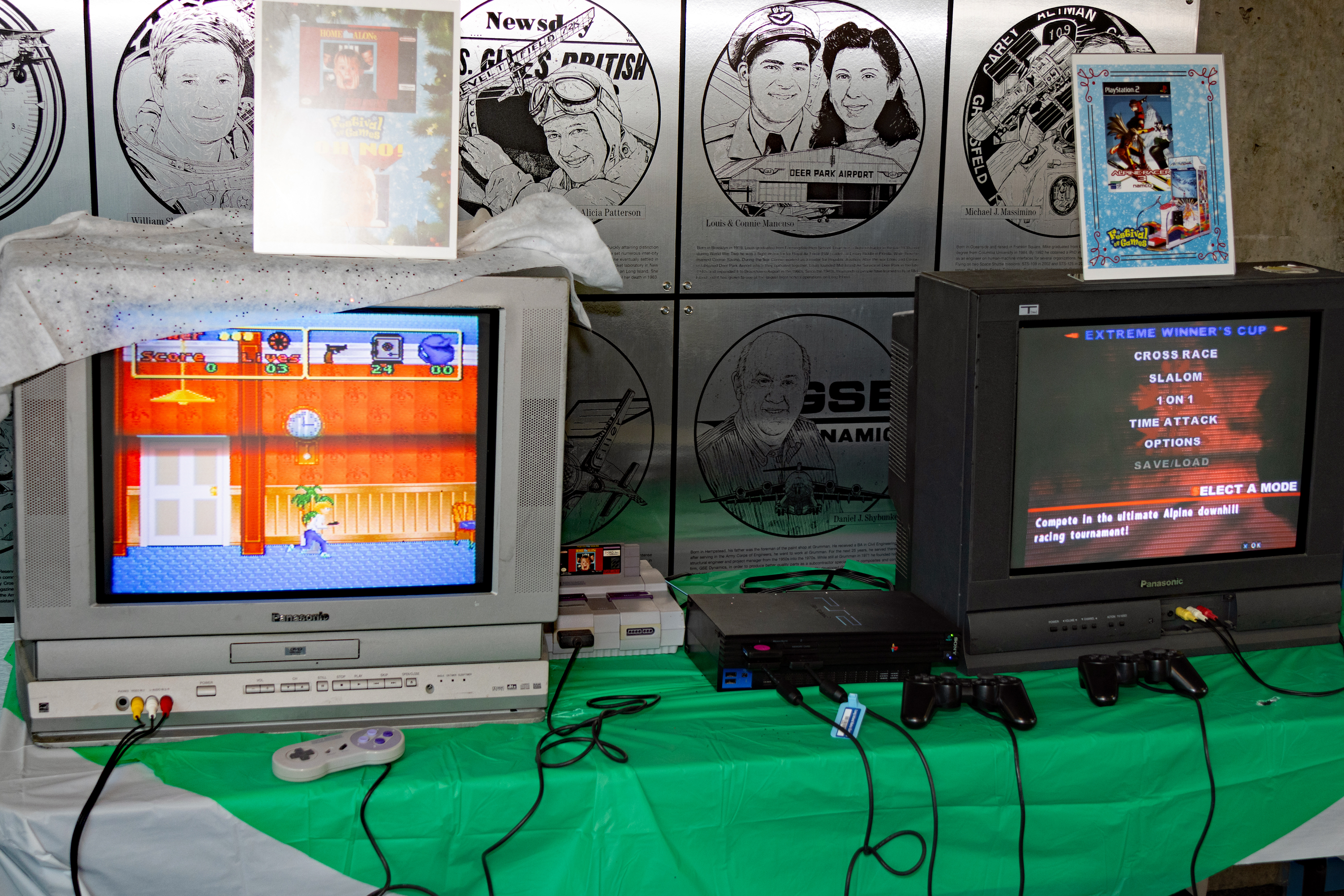

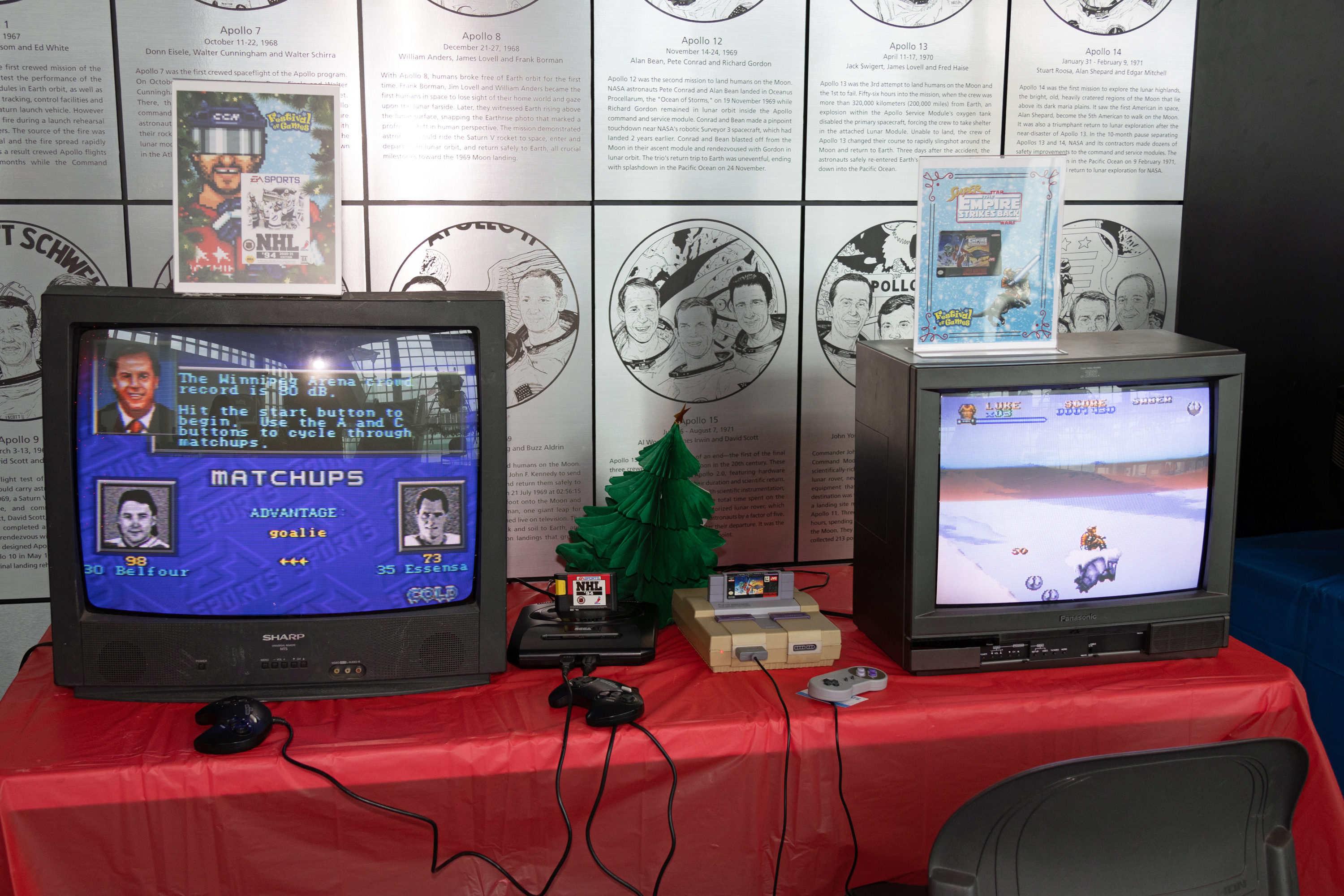
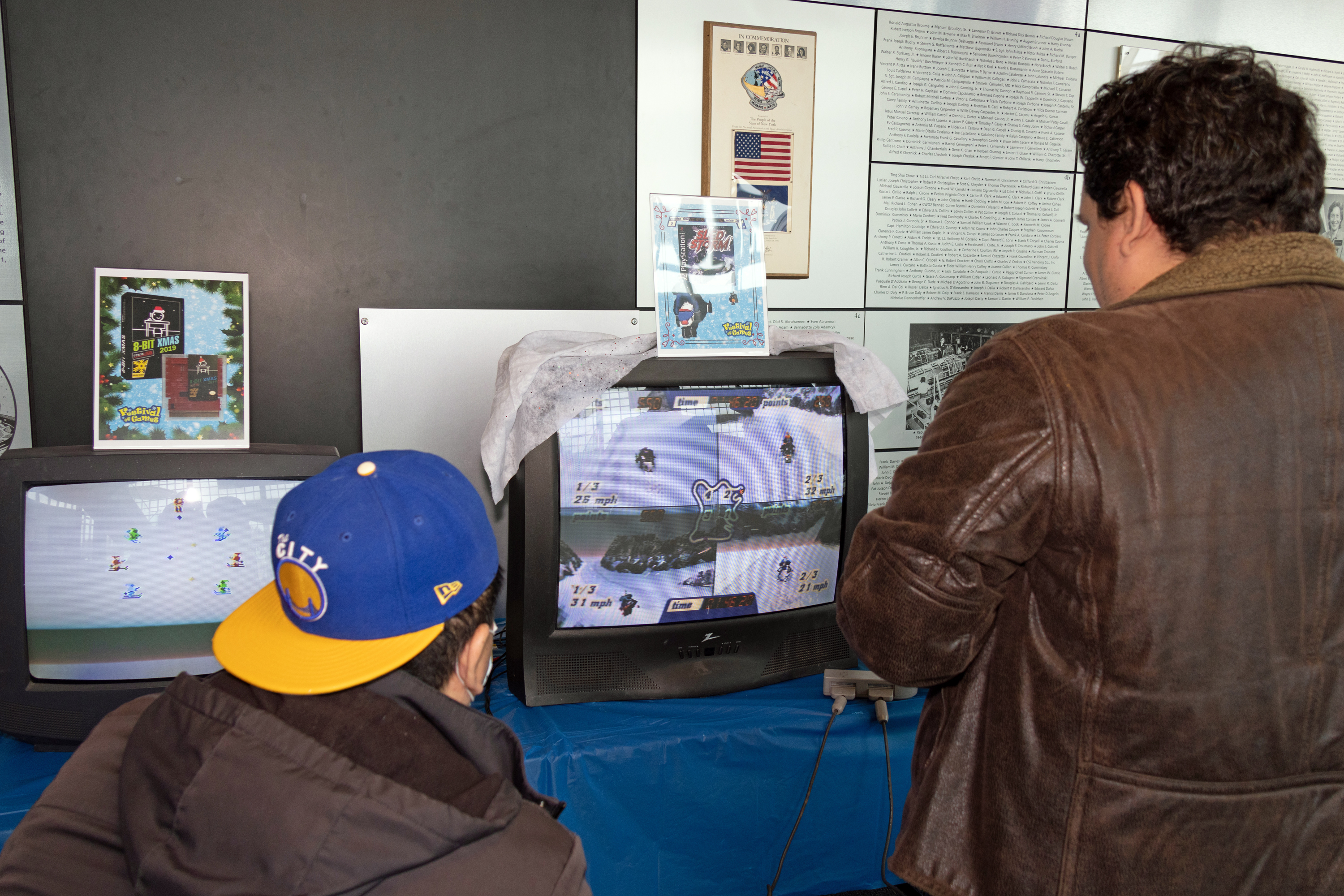
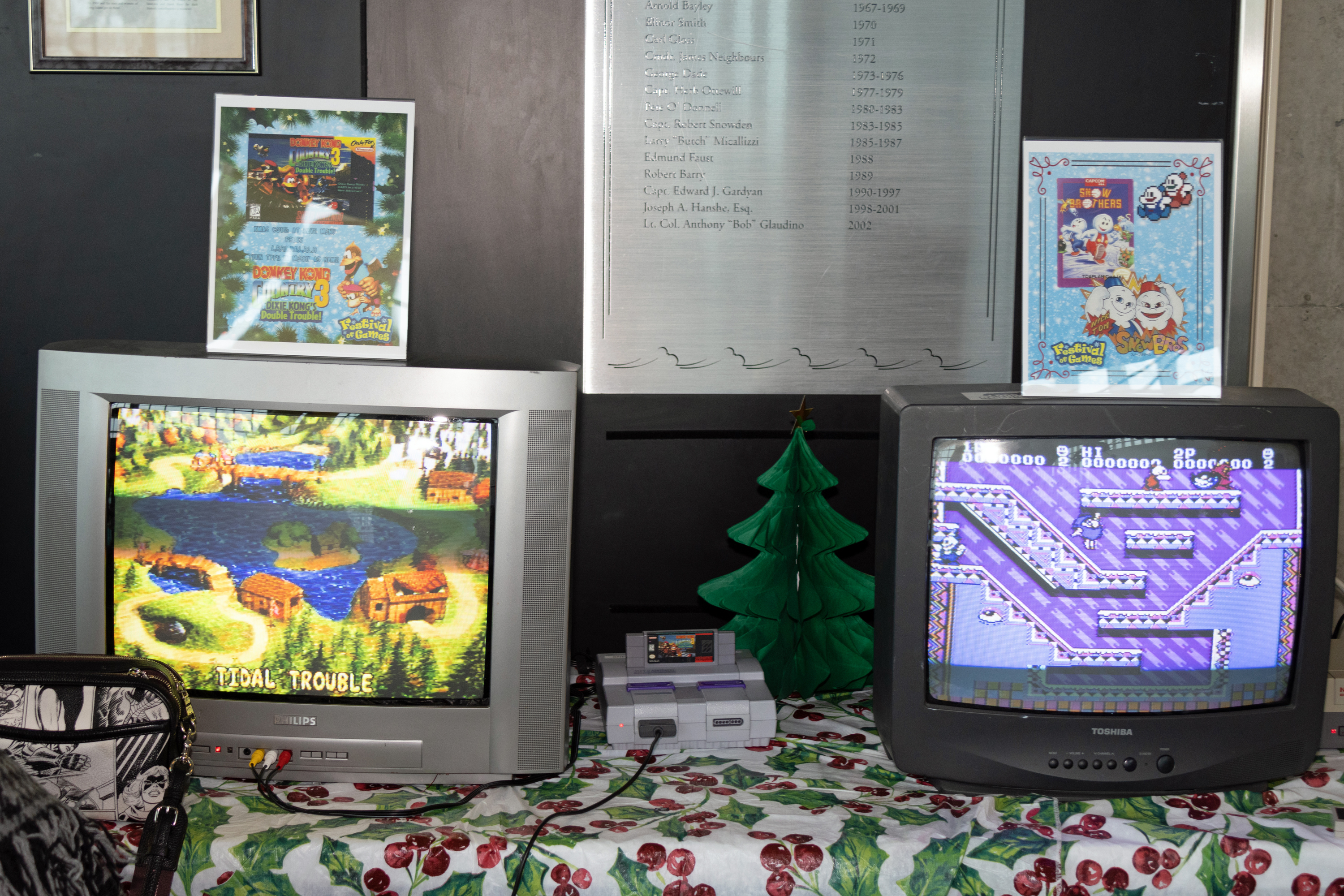

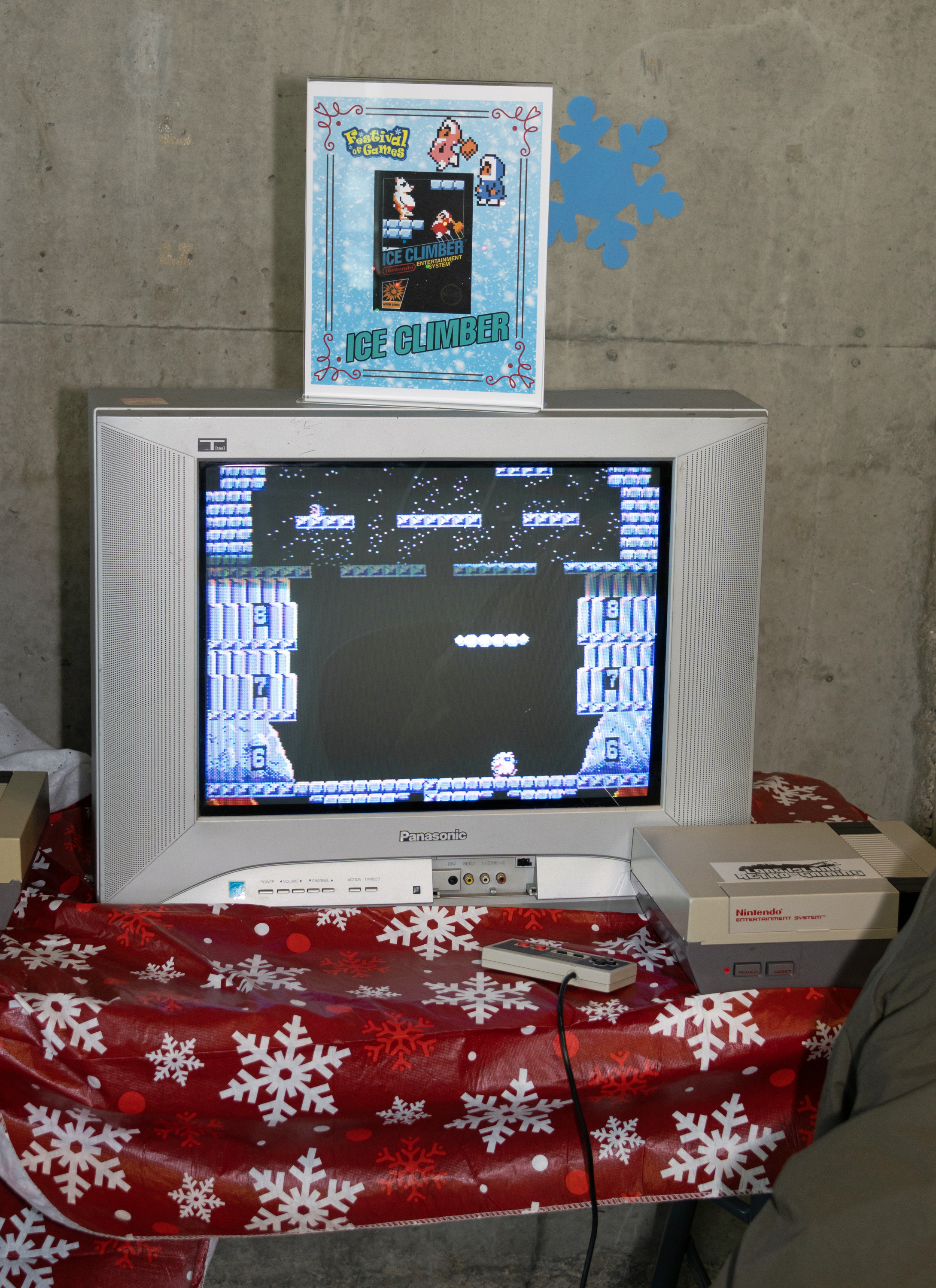


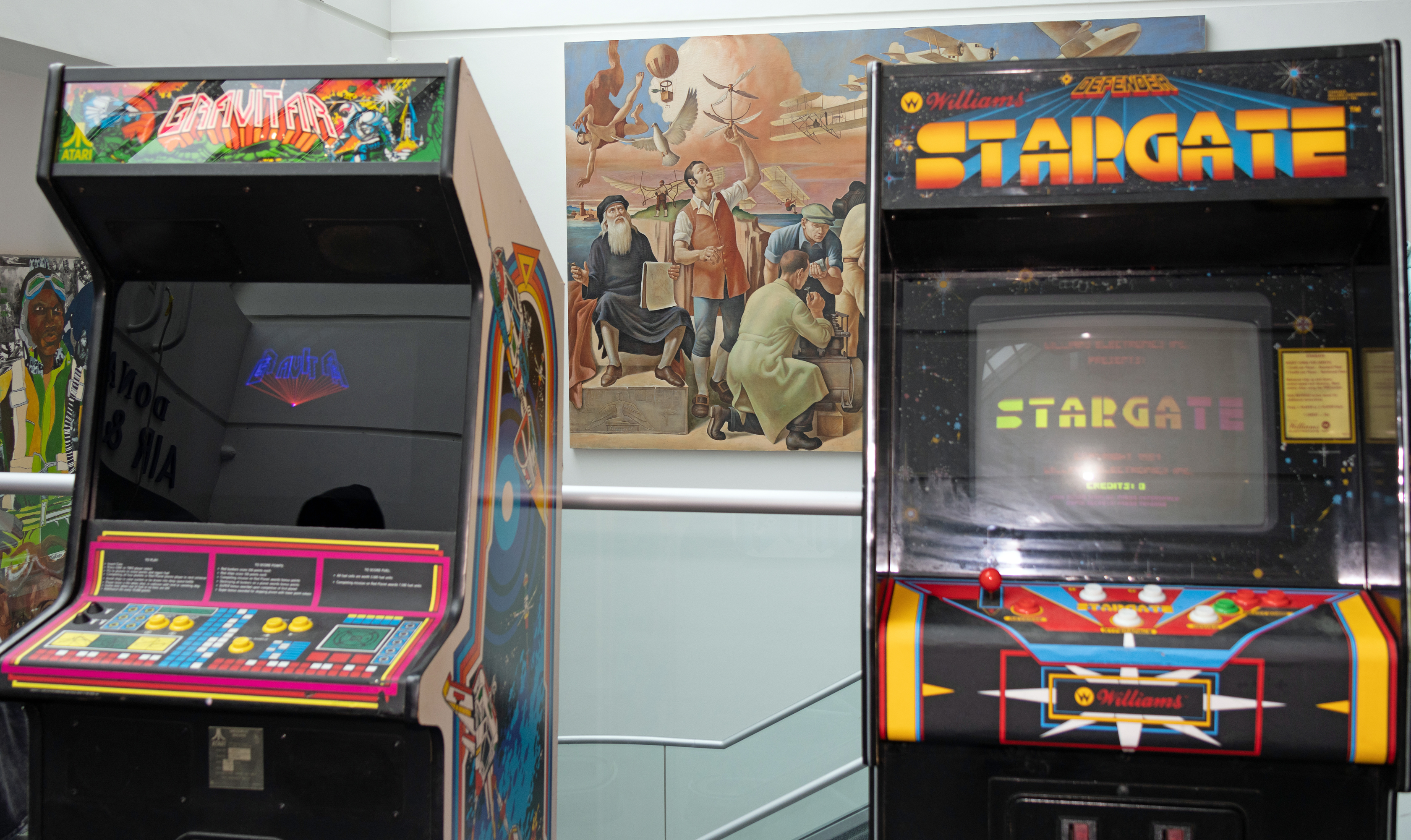
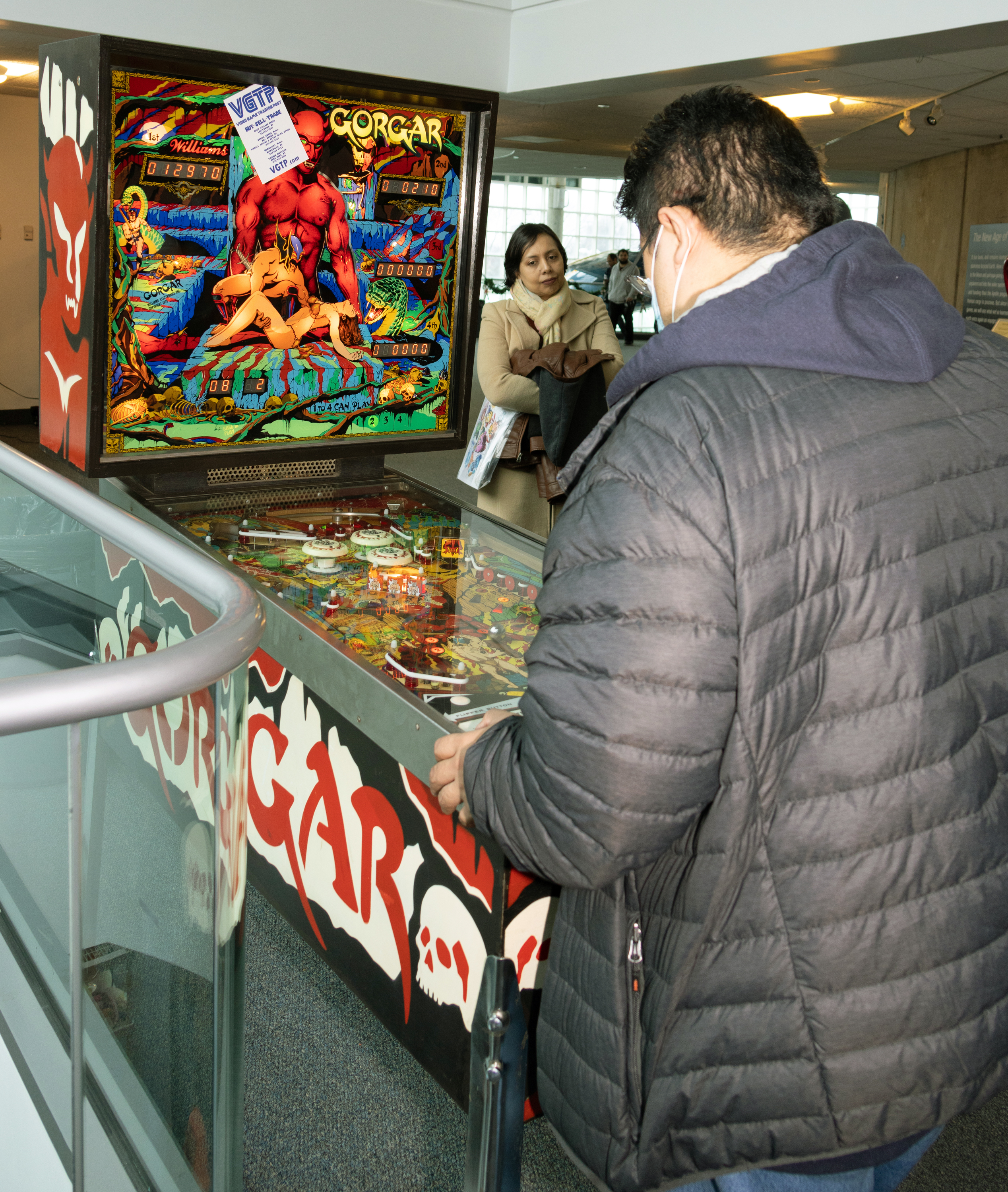
Of course, most of the arcade games were housed on the Air & Space hall sky walk:


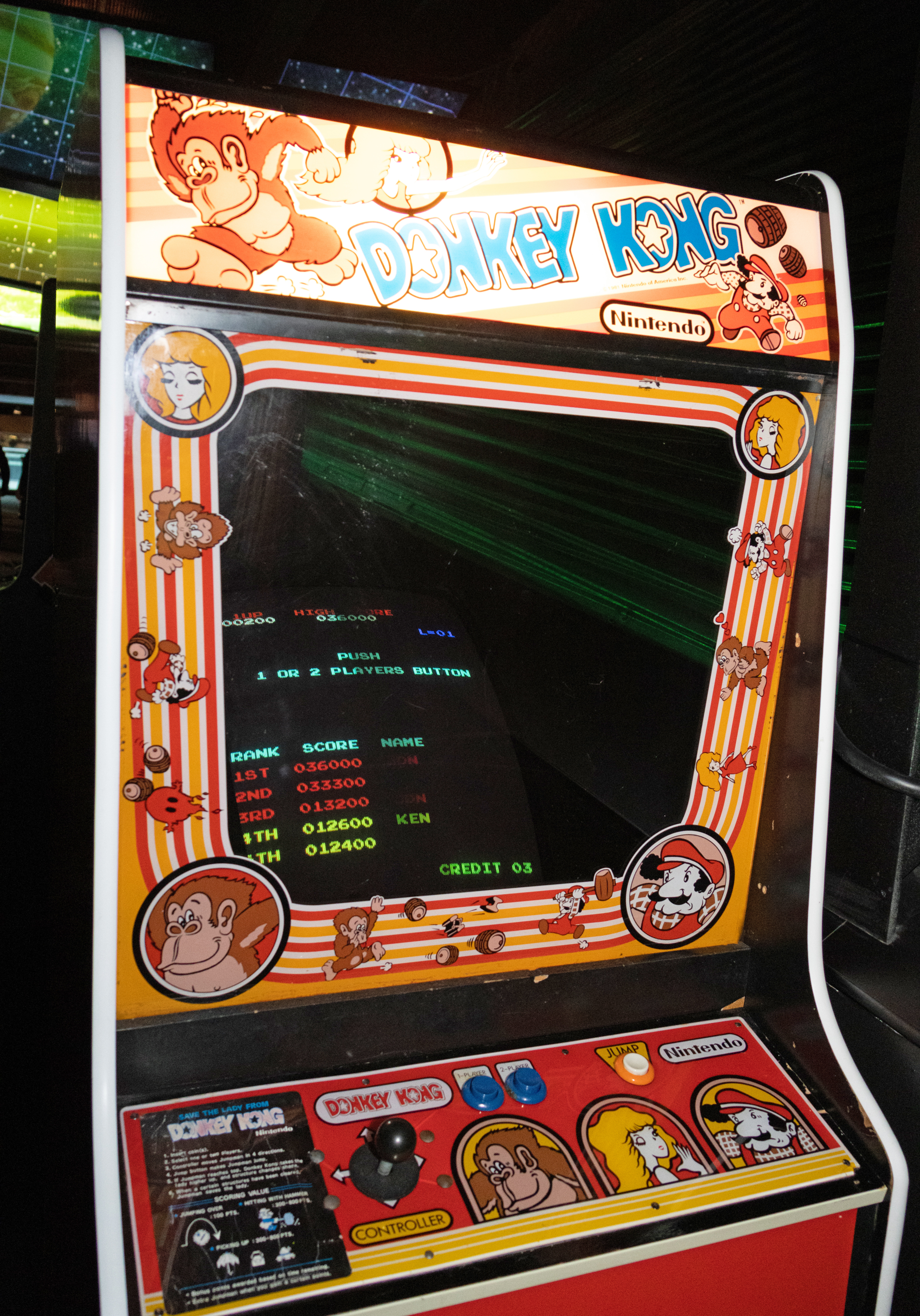


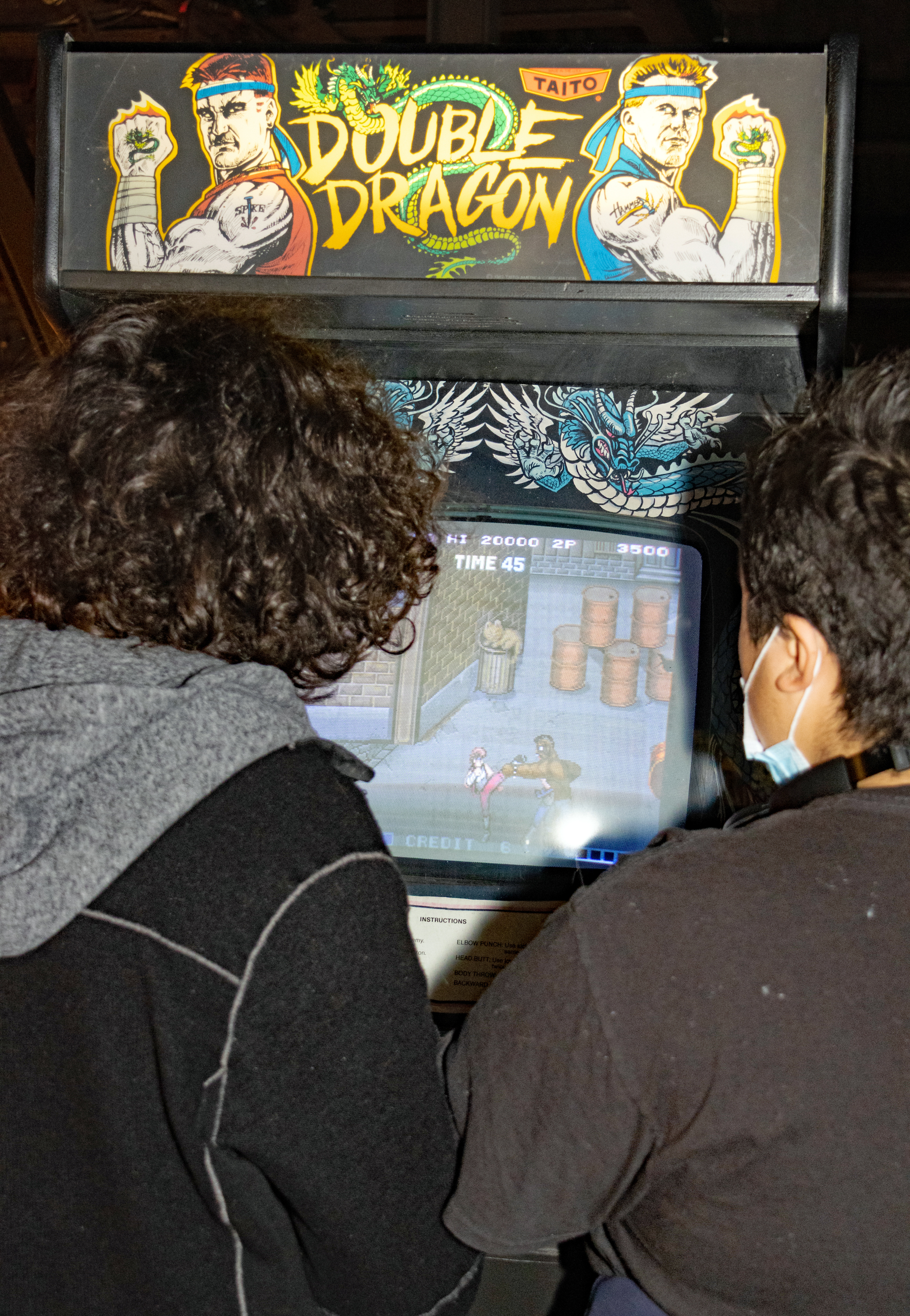
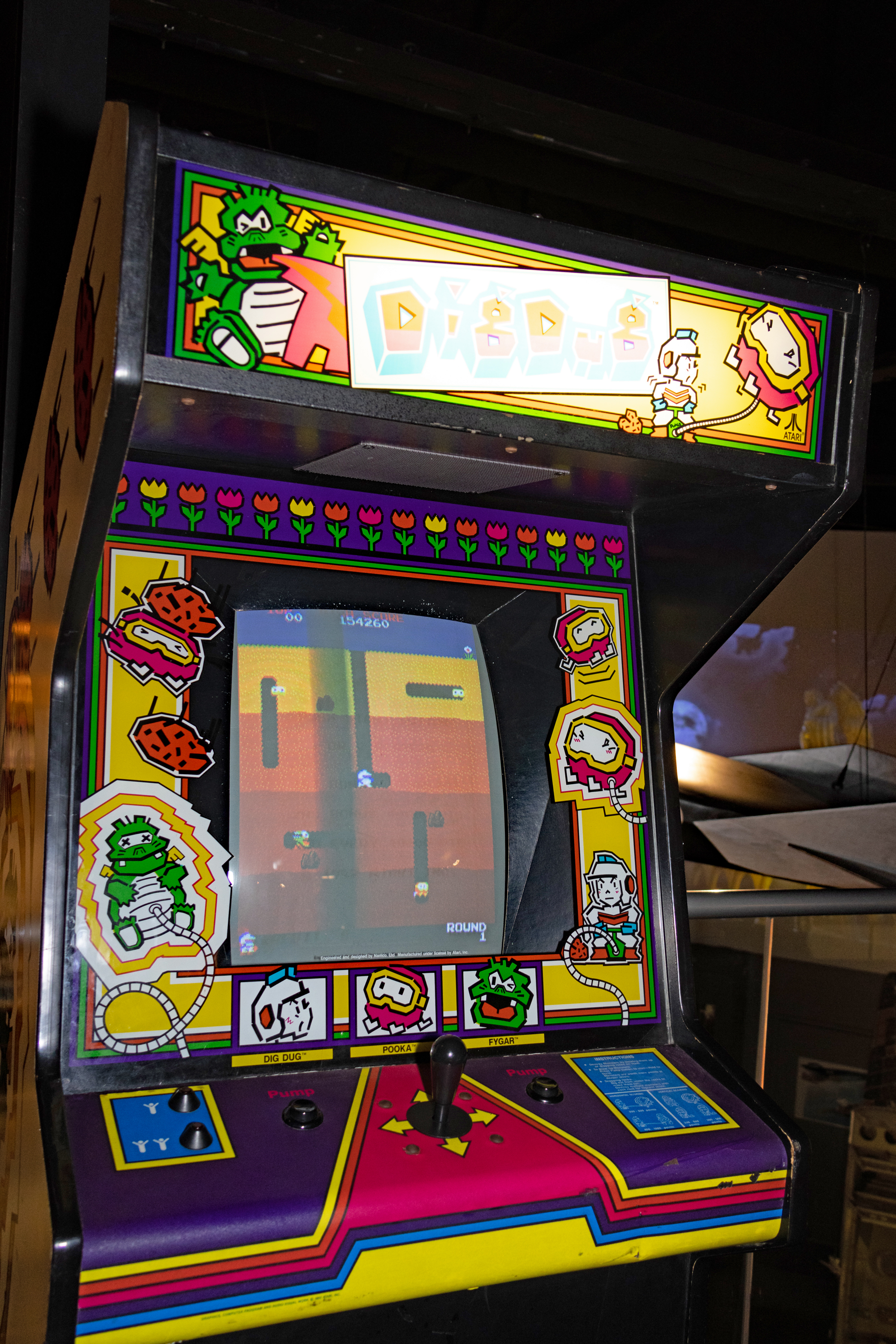
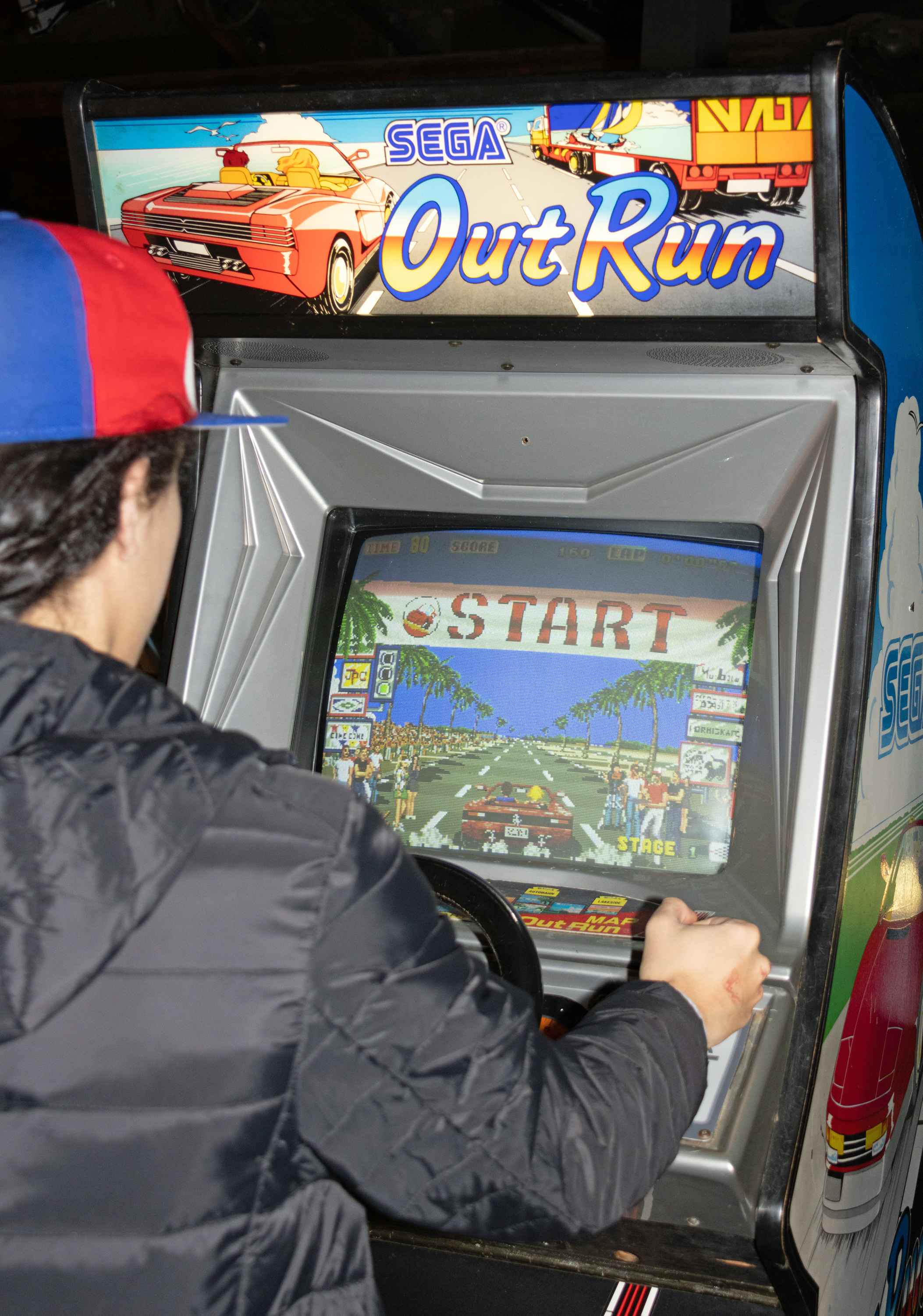
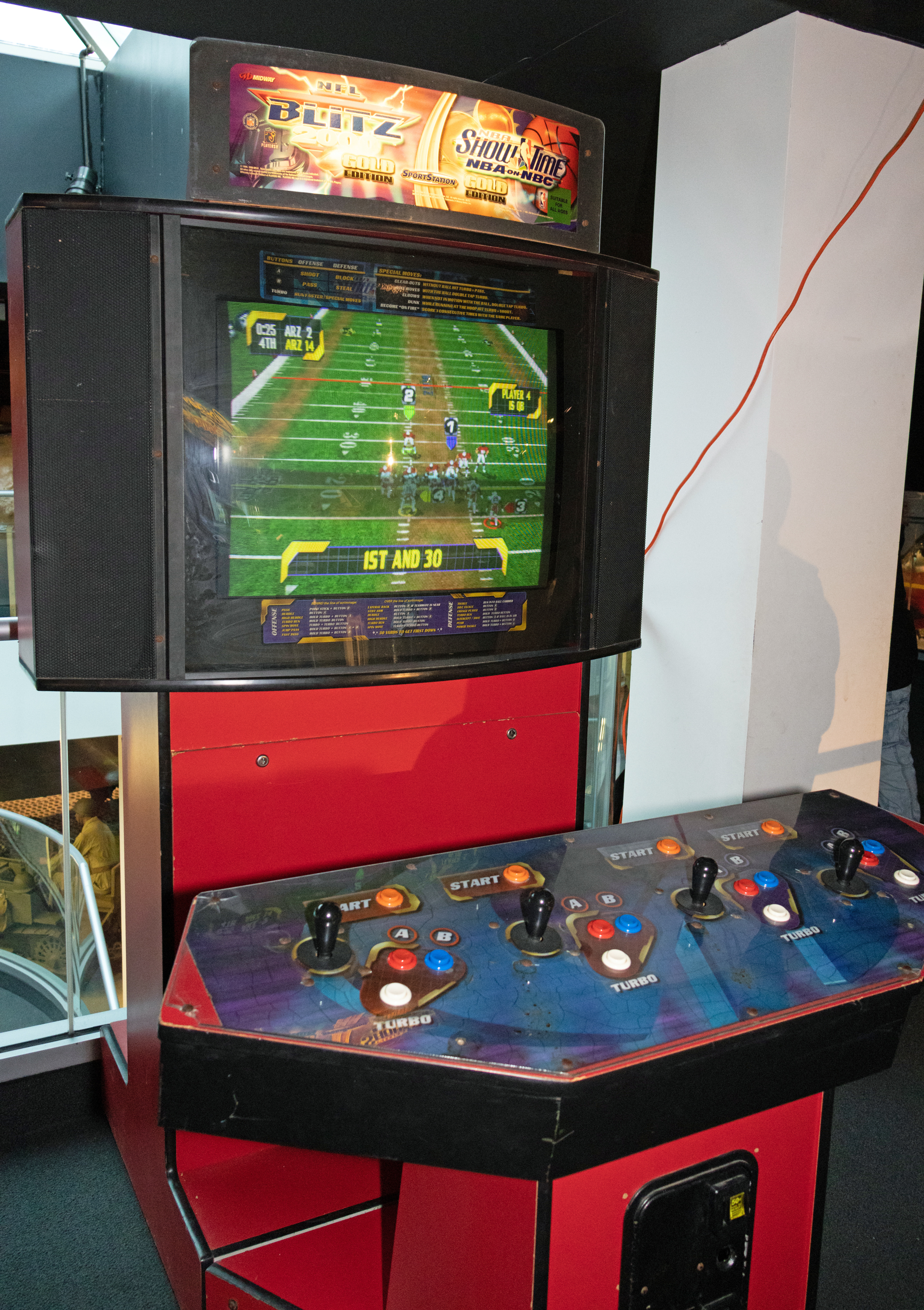

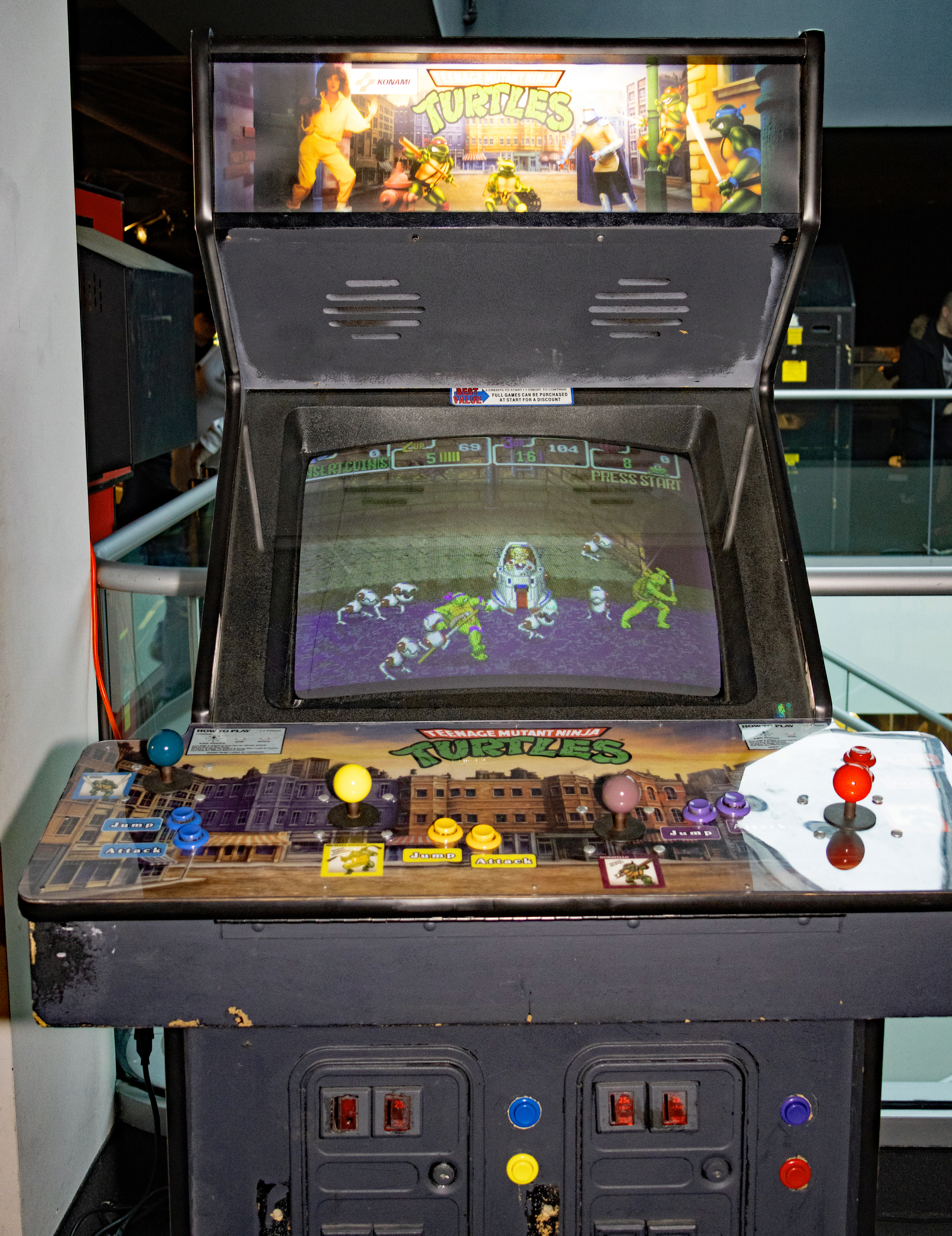

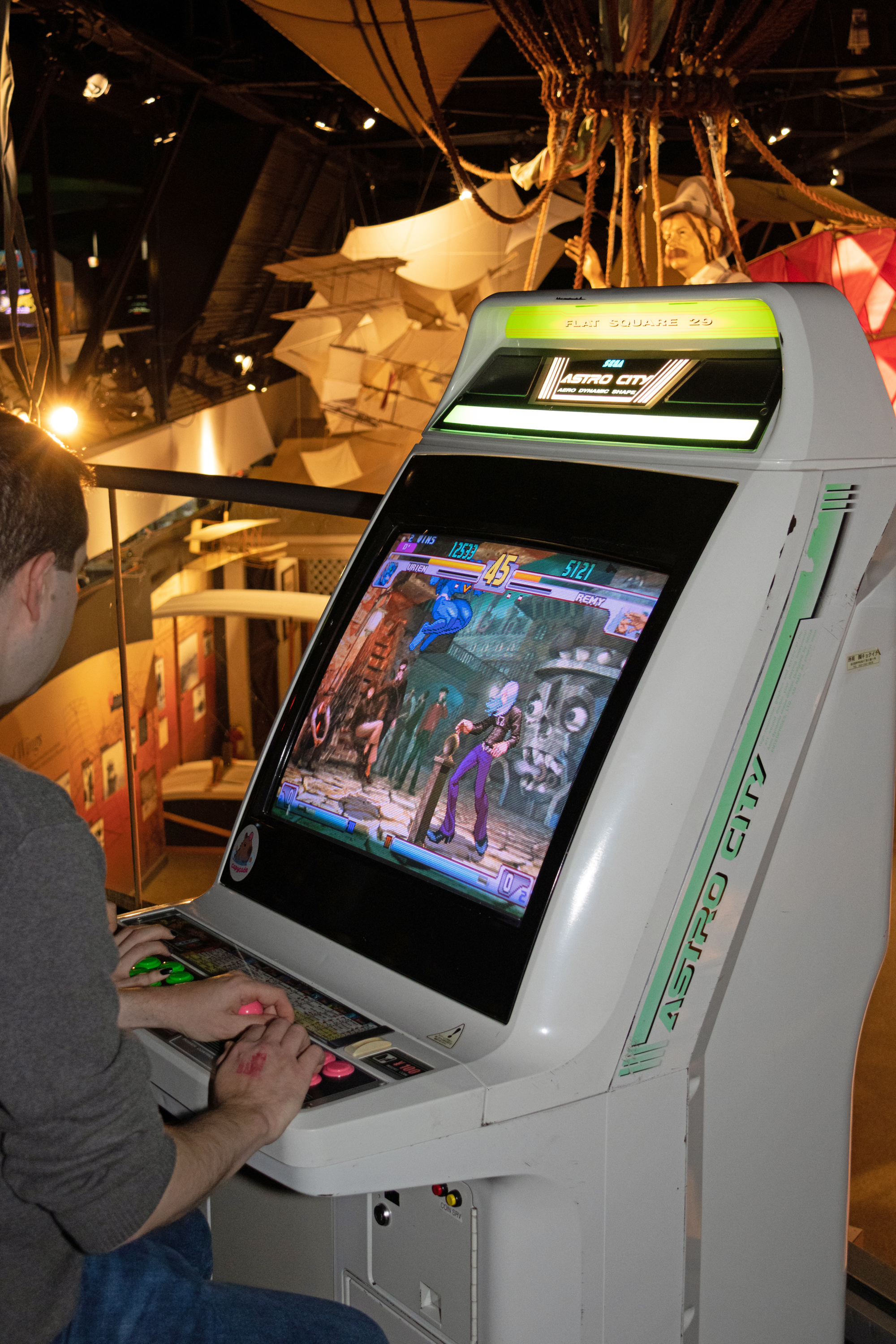

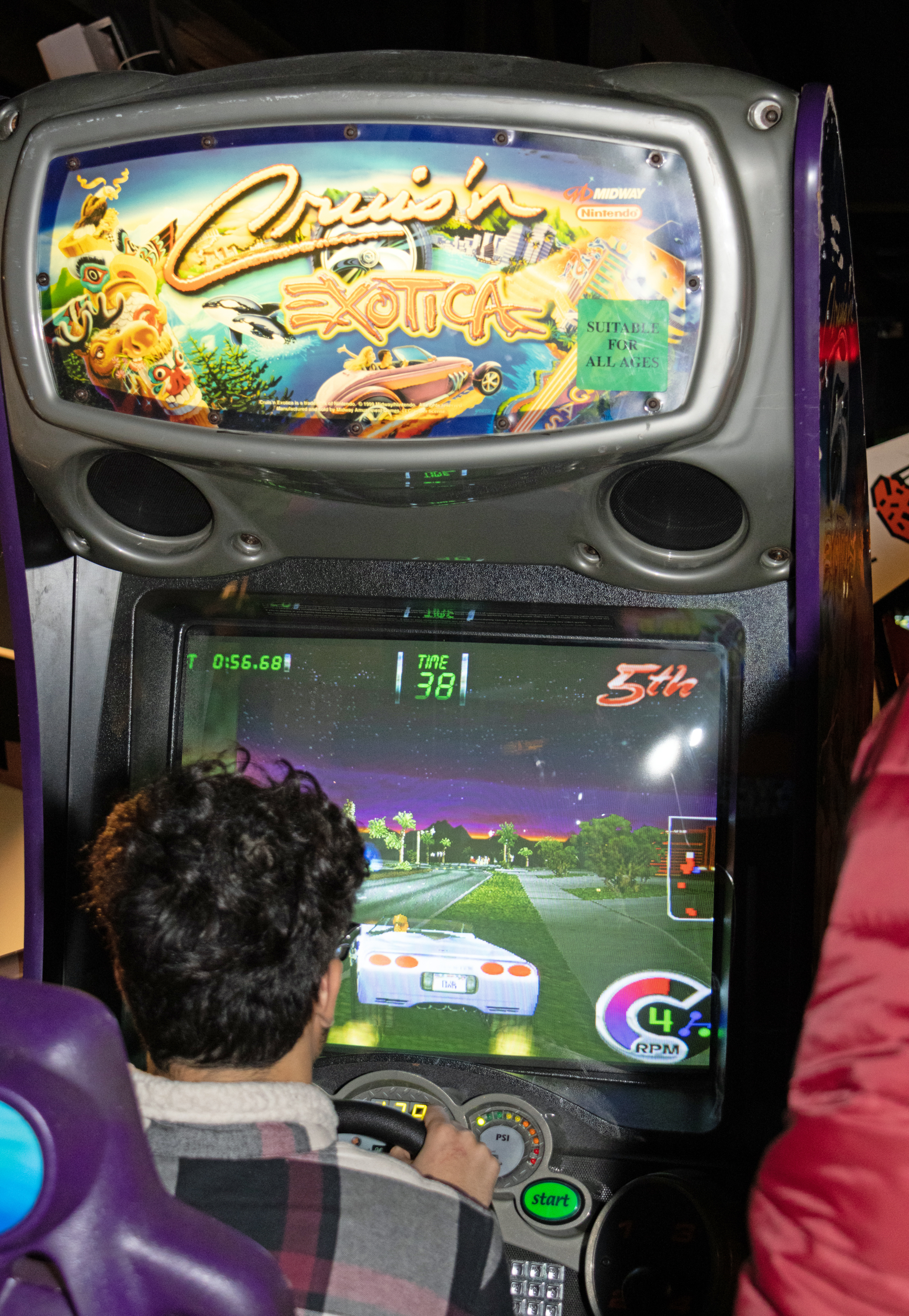

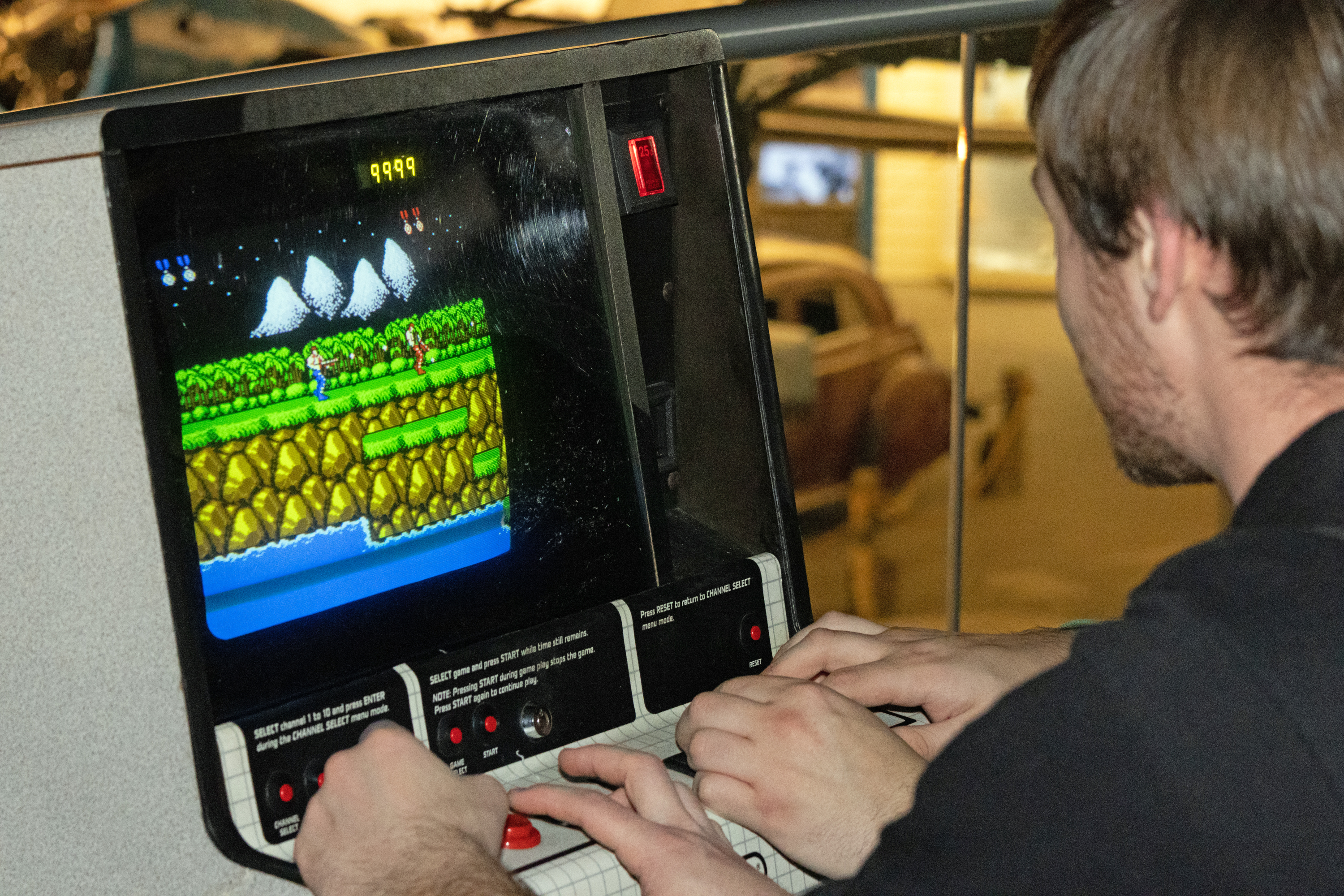
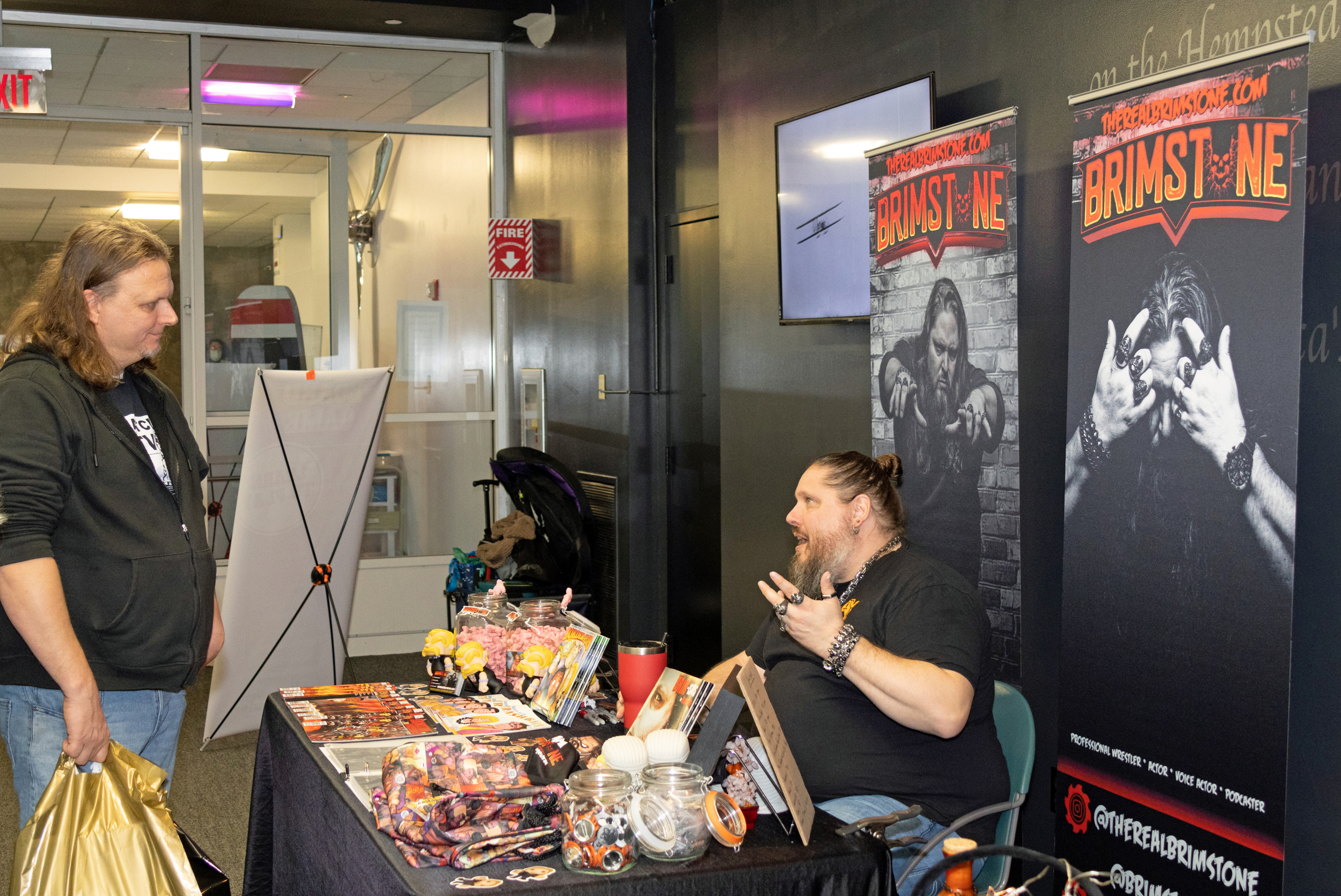
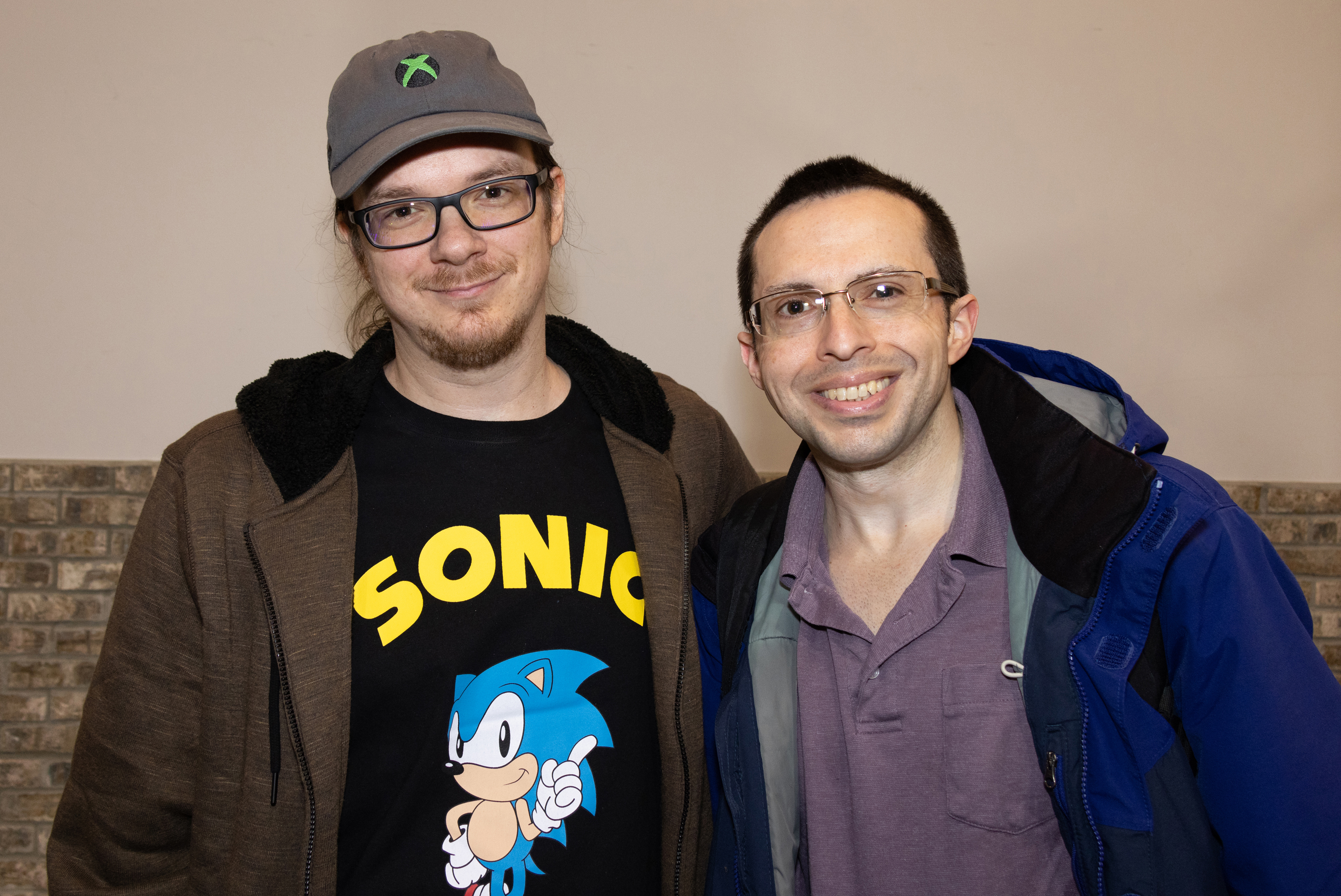
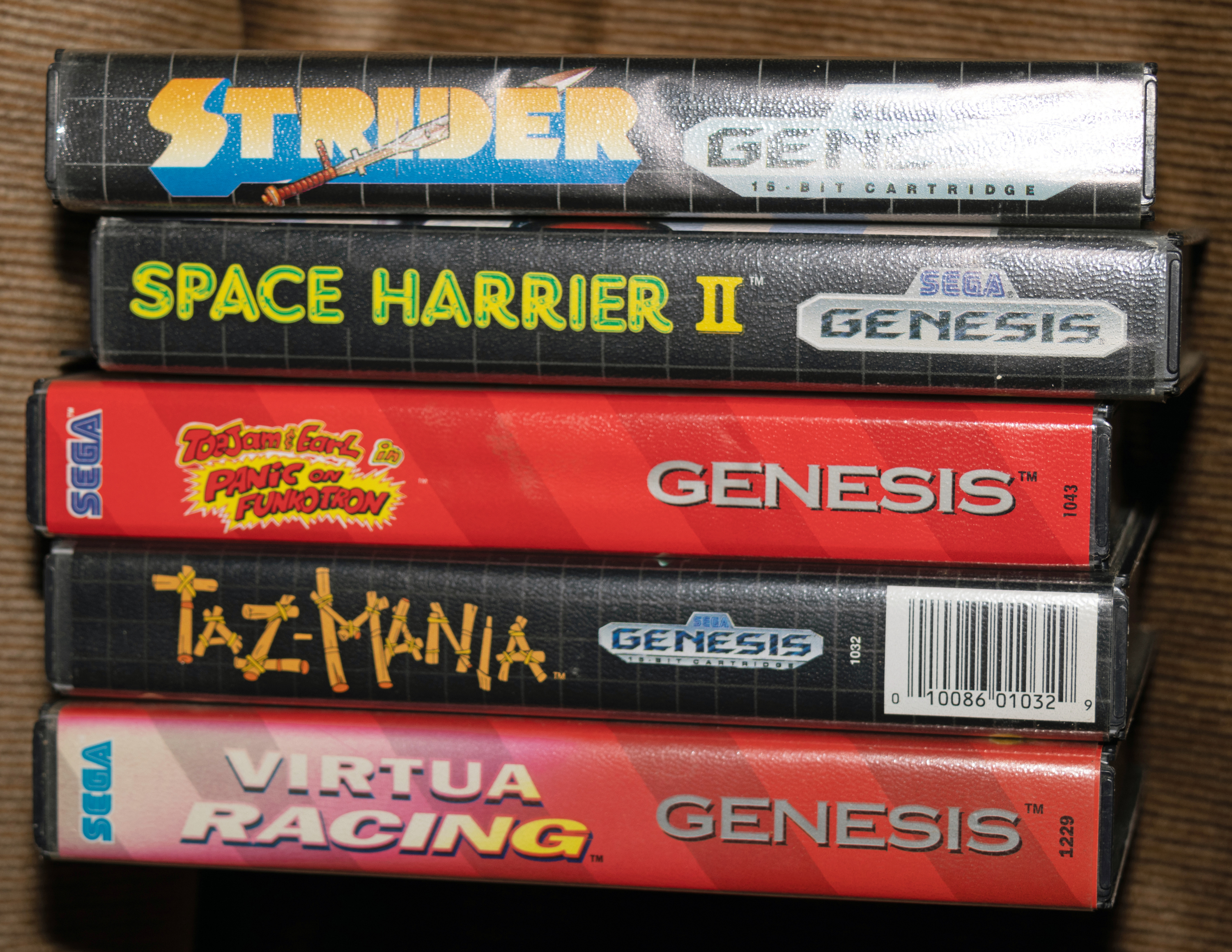
I chose not to play any of the arcade games or free play console games. I just wanted to buy games, and where better to start than at Pete Dorr’s table? I didn’t introduce myself to him right away, but he approached me after a few minutes of rummaging. That’s when I complimented him on his work. I ended up buying five Sega Genesis games from Pete’s table, which he gave me a great discount on. Then, we posed for a photo:
An hour of vendor-hopping yielded 42 games in all, including seven imports! Four games were for the Family Computer (Famicom) and three were for the Super Famicom. Final Fantasy V was a timely get as GTV Japan posted a retrospective the day before (last Friday).
Satisfied, I proceeded to the parking lot for my mom to pick me up.


Back at home, I spent nearly two hours photographing my pickups, removing price stickers, and cataloging the games.

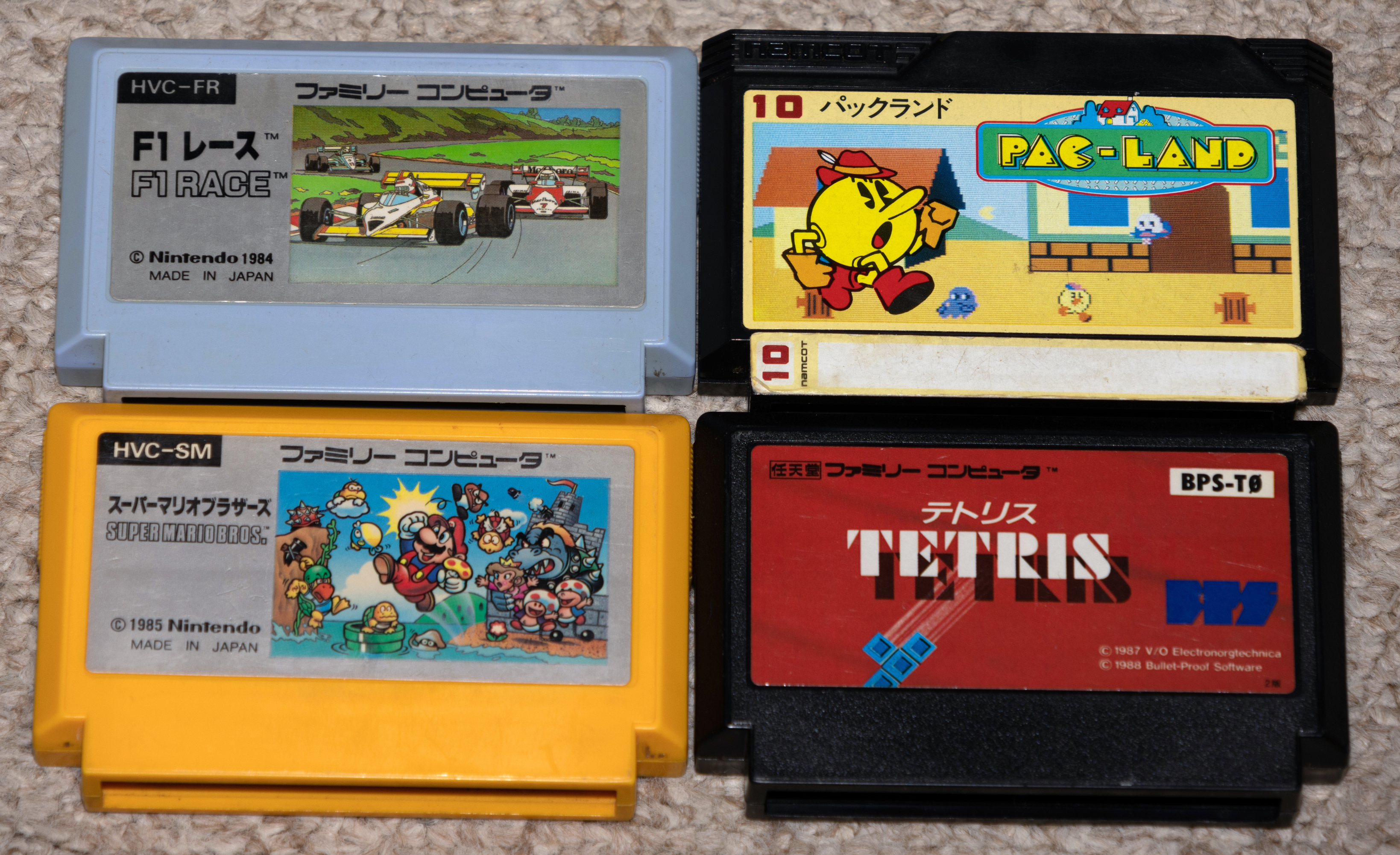
Now, photos of all pickups by console, starting with Family Computer (Famicom):
- F1 Race
- Pac-Land (the first home port of the game)
- Super Mario Bros.
- Tetris (variant after Nintendo acquired the rights; thanks to Leonard Herman for bringing that to my attention)
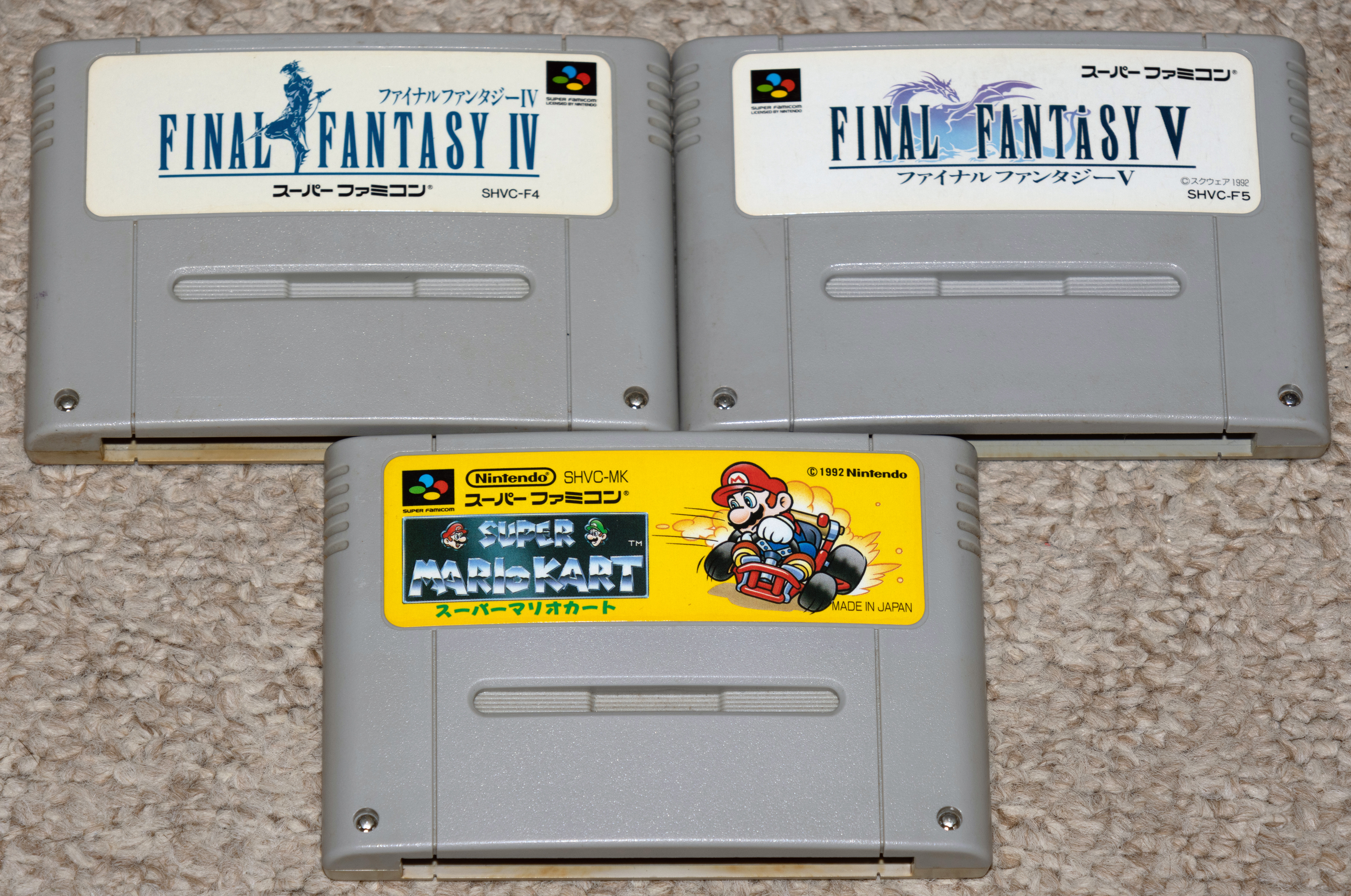
Super Famicom:
- Final Fantasy IV (localized for SNES [Super Nintendo] as Final Fantasy II)
- Final Fantasy V (never ported to SNES)
- Super Mario Kart (champagne!) – This was timely, too, with a Gaming Historian retrospective posted on December 2)
Nintendo Entertainment System:
- Captain Skyhawk
- Goal!
- Gotcha! The Sport! (shown before Goal!)
- Ninja Gaiden
- Ninja Gaiden II: The Dark Sword of Chaos
- Nintendo World Cup – This and Goal! are still more timely gets as the 2022 FIFA World Cup was in the quarterfinal stage last Saturday. The final is this Sunday.
- Operation Wolf
- Ring King
- Skate or Die!
- Tiger-Heli
- Wizards & Warriors
- Xevious

Yes, I passed on Deadly Towers again.
- Best of the Best: Championship Karate
- Bubsy in Claws Encounters of the Furred Kind (Bubsy for short) (complete in box!)
- Cliffhanger
- George Foreman’s KO Boxing
- The Jungle Book
- NHL Stanley Cup
- Road Runner’s Death Valley Rally
- Super Black Bass
- Tecmo Super NBA Basketball
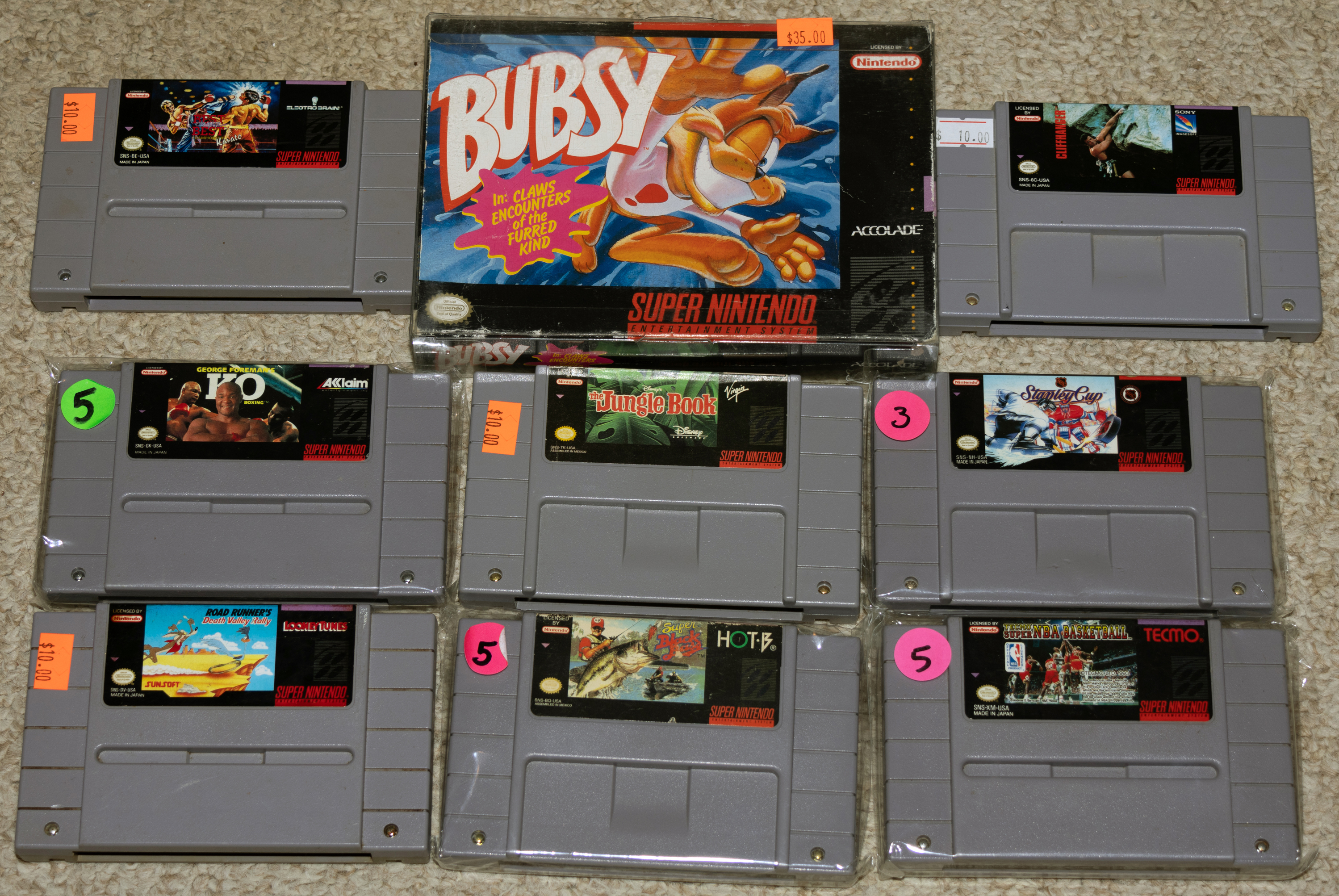
I didn’t notice a crack on the upper left of Tecmo Super NBA Basketball until cataloging later. I bought a better condition cart on eBay Tuesday night and put in an offer for another Looney Tunes game, Speedy Gonzales: Los Gatos Bandidos. I bought that on Wednesday when my offer was accepted.
Sega Master System:

Now, I have the original Zillion to go along with the sequel I bought last year.
Sega Genesis (Mega Drive outside North America):
- Bubsy – I bought this before the CIB SNES port
- Chi Chi’s Pro Challenge Golf (featuring golfer Chi-Chi Rodriguez) – This game always makes me think of Dave White’s [intentionally] mangled pronunciation during a Game Sack end skit (“Chy-Chy Rah-drigwez’s Pro Challenge Golf!”).
- Eternal Champions
- Space Harrier II
- Strider
- Super Hang-On
- Taz-Mania (I bought the SNES version last year)
- Tiny Toon Adventures: Buster’s Hidden Treasure
- ToeJam & Earl in Panic on Funkotron (maybe I’ll find the original next year)
- Virtua Racing

And one Nintendo Wii game: The Price is Right: 2010 Edition:
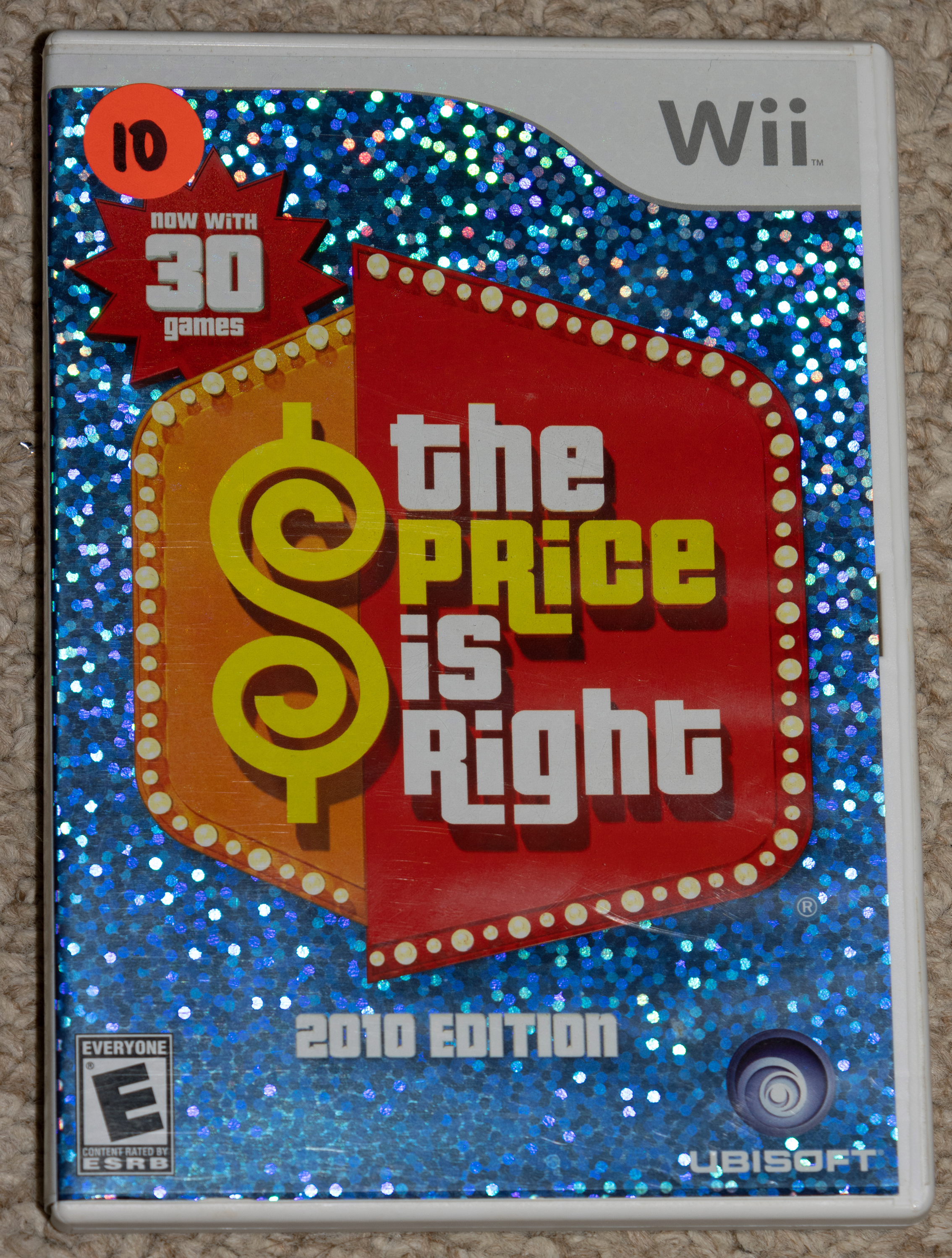
That last pickup was the culmination of all the time that I spent this year watching various winning pricing games and showcases from the Bob Barker era of The Price is Right, and with my resulting renewed obsession with Barker era music cues, many of which can be found on this YouTube channel.
It was another successful and enjoyable Festival of Games. Thank you to Pete Dorr and all the vendors I bought from, to the LI Retro staff including George Portugal (who I saw on Saturday), and to Jerelyn Zontini. It was great to meet her in person after she connected with me on LinkedIn a few weeks ago.
My new Canon EOS R7: test photos, growing pains, lessons learned November 4, 2022
Posted by Mike C. in Internet, Personal, Photography.2 comments
NOTE: Ordinarily, I shrink photos for blog posts, but all photos in this post are their original sizes.
After a week of deliberation, research, and consultation with a Facebook group, I opted to make the Canon EOS R7 my next camera, and entry into the mirrorless realm, rather than the more expensive Nikon Z7II that I said I was considering in my PC build post.
My decision was influenced by the realization that the Nikon 18-300mm superzoom lens I bought last April for the D5500 is a DX lens (for APS-C cameras like D5500), and the Z7II is an FX/full-frame camera. If I used that lens on the Z7II via the FTZ II adapter, the photos would be cropped and the resolution more than halved. Instead of using all of its 45 MP (megapixels), I’d probably use 26. Plus, Nikon’s superzoom Z lens only has a range of 24 to 200mm. I could live with six less millimeters on the wide end, but not 100 less narrow.
I was uncertain about leaving the Nikon ecosystem for my primary camera (keeping the D5500 as a secondary one). I even took a risk the Thursday before WCWP Homecoming Weekend, October 13, by bidding around $1,800 for a used Z7II (shutter count near 8,000) on eBay that had its menu stuck in traditional Chinese (called “an Asian language” by the seller). I was willing to buy and then use the Google Translate app’s camera feature to translate to English so I could reset the menu language to English.
I still hadn’t been outbid come Saturday afternoon, October 15. Then, just as I was telling Bernie Bernard in WCWP’s studio 3 that I expected to be outbid before the auction ended Sunday night, October 16, I was outbid. That did it: Sunday night, I was going all in on the EOS R7 and bringing my interchangeable lens history full circle.
I was introduced to SLRs (no D prefix yet) in 1999 via my dad’s Canon EOS Rebel G. I used it at sporting events – such as a New York Mets game that year and in 2001 (16 days before 9/11) – and at some other personal events with the speedlight attached.
Here’s a photo from each:


After that second Mets game, I didn’t use an SLR camera again until my jazz fan/photographer friend Katherine Gilraine recommended a Nikon DSLR in 2012. Starting that May, I transitioned from a Panasonic Lumix DMC-FZ8 to a Nikon D3100. I started with only the kit 18-55mm lens and used the Lumix for long shots, but when I bought a 55-300mm lens in December, the Lumix was retired. I gifted it to my friend Kelly who still uses it today.
At first, I purchased a backordered EOS R7 camera body and backordered spare LP-E6NH battery from Amazon; due to arrive in early December and mid-November, respectively. All my other purchases would deliver between two and five days later.
Monday morning, October 17, impatience took over and I searched for a site that had the body available now and at a low price. Google determined Abe’s of Maine was the cheapest and I ordered from them for $200 less than I’d have spent on the canceled Amazon backorder. Members of the Facebook group reminded me of Abe’s bad reputation and gray market items. Message board threads I found on Google noted their shady practice of upselling. They weren’t even an authorized U.S. Canon dealer. I was in denial, latching on to this marginally positive thread post. Most retailers ship by the day after ordering, but not Abe’s of Maine. Instead, Wednesday afternoon, October 19, a representative e-mailed me to call and confirm my order. I naively thought it was that simple. Wrong! I dialed the rep’s extension, but another rep answered and routed me to the rep. He upsold me! Did I want the body itself and no battery or to pay more with the battery? And so on. Whatever I chose, I was going to spend more money. So, I vehemently canceled my order. And if I had thoroughly read the first thread I linked to, I’d have seen a post with the same problem:
… About 4 days after placing the order, I received an email asking me to call to “confirm” the order, which I did. The man thanked me for confirming because he wanted to make sure that it was really me and not somebody using my card. Fair enough. But then he pulled the old bait and switch, telling me that the US market version of the lens would be better and he could upgrade me if I wanted to pay more. I then told him that I didn’t appreciate the bait and switch tactic. He then said to me “I don’t know what you’re talking about. Is there something wrong with you?” Truly, he said this to me. I told him to cancel, and he said OK with no hesitation. My card was not charged and I got a confirmation of the cancellation. Just be aware that what you read about Abe’s of Maine is true.
Chet K, DPReview thread post, 2/22/21
Within minutes, a godsend materialized in my renewed Google search. An authorized Canadian Canon dealer, Excellent Photo in Quebec, was selling a legitimately new, factory-sealed R7 body for only $39 more (in USD) than I would have spent from Abe’s. Sold! It took less than an hour for Excellent Photo to ship the camera body! The FedEx driver walked it up my driveway Friday evening, October 21. I was so excited that I met him halfway instead of having him leave it on the front porch.
Thursday morning, October 20, inspired by my Excellent Photo experience, I looked for a retailer that had the LP-E6NH in stock and found Service Photo out of Baltimore (their listing), canceling that Amazon backorder. The battery was delivered by UPS Friday afternoon.
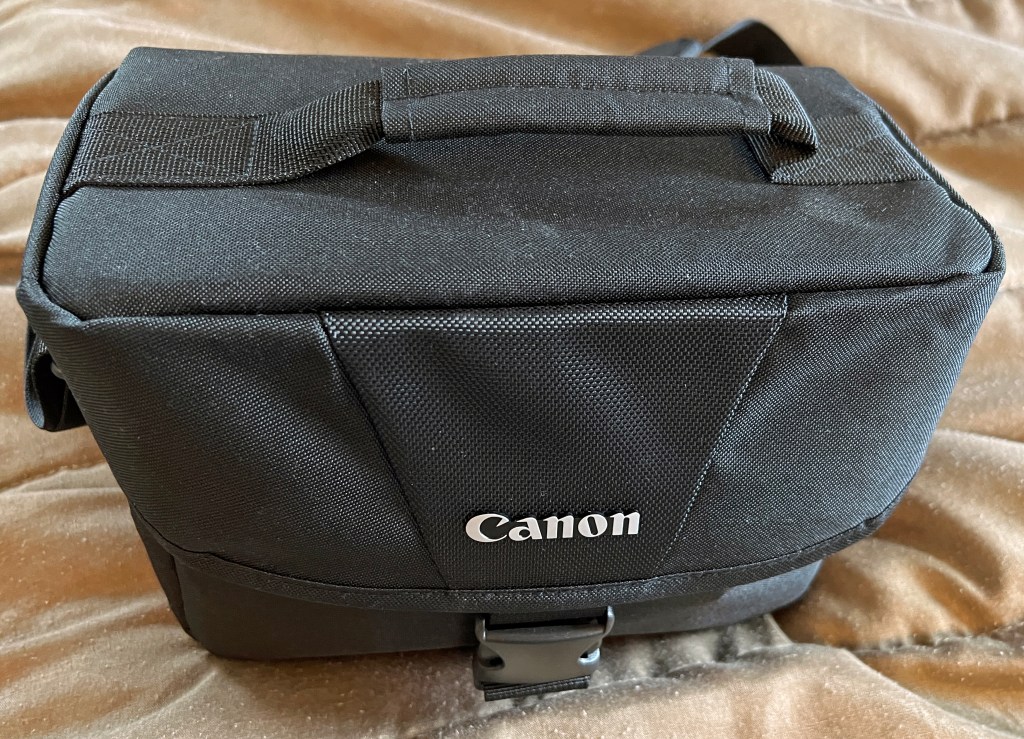
Wednesday morning, I researched Canon gadget bags that could fit the R7 with a control ring mount adapter and Tamron 18-400mm lens for Canon EF mounts. The dimensions on the 200ES bag seemed big enough, so I bought that on eBay. I bought the adapter, Tamron lens, and Canon Speedlite 430EX III-RT from separate eBay sellers on Sunday night. The adapter is for RF-mounted Canon mirrorless cameras; what the FTZ (or FTZ II) adapter is for Nikon’s mirrorless Z series. It was another Thursday arrival, along with the smaller-than-I-thought gadget bag. The speedlight and lens were waiting for me at home late Wednesday evening. (Fun fact for Long Islanders: Canon U.S.A.’s headquarters are in Melville and Tamron Americas is based in Commack.)
My Amazon purchases were two SanDisk Extreme Pro 128GB SDXC cards, a 72mm Tiffen UV filter for the Tamron lens, and a menu screen protector.
After the R7 body arrived Friday evening, I photographed my haul, the last photo of my D5500’s life as a primary camera:

Some of the R7 Facebook group were displeased with my choice of SD cards. I was unaware that there were two classes of UHS speed – UHS-I and UHS-II – and three video speed classes – V30, V60, and V90. (This post explains both sets of classes.) I had bought UHS-I V30 cards. I wouldn’t have fast write speeds or buffering when shooting in bursts. I told the doubting members what photography I specialize in, and they said I’d be fine.
To help pay off my purchases, I took photos of all my retired equipment and put them up for auction on eBay. Outside of a never-used video capture card, I listed my Nikon lenses, Nikon D5100 camera, JVC Everio GZ-HM320BU camcorder, and Panasonic HC-V770 camcorder. I included all accessories I retained (manuals, cables, batteries, power supply) or added (UV filters, SD cards, spare battery). (As of publication on Friday, November 4, I have sold all but the two camcorders.)
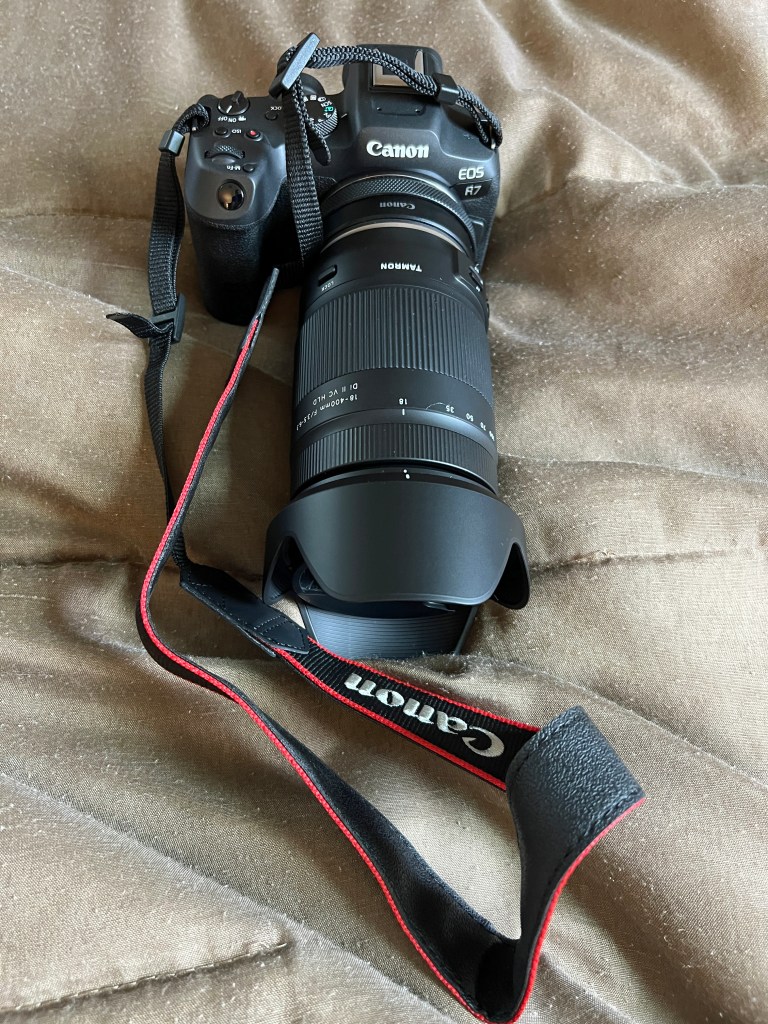
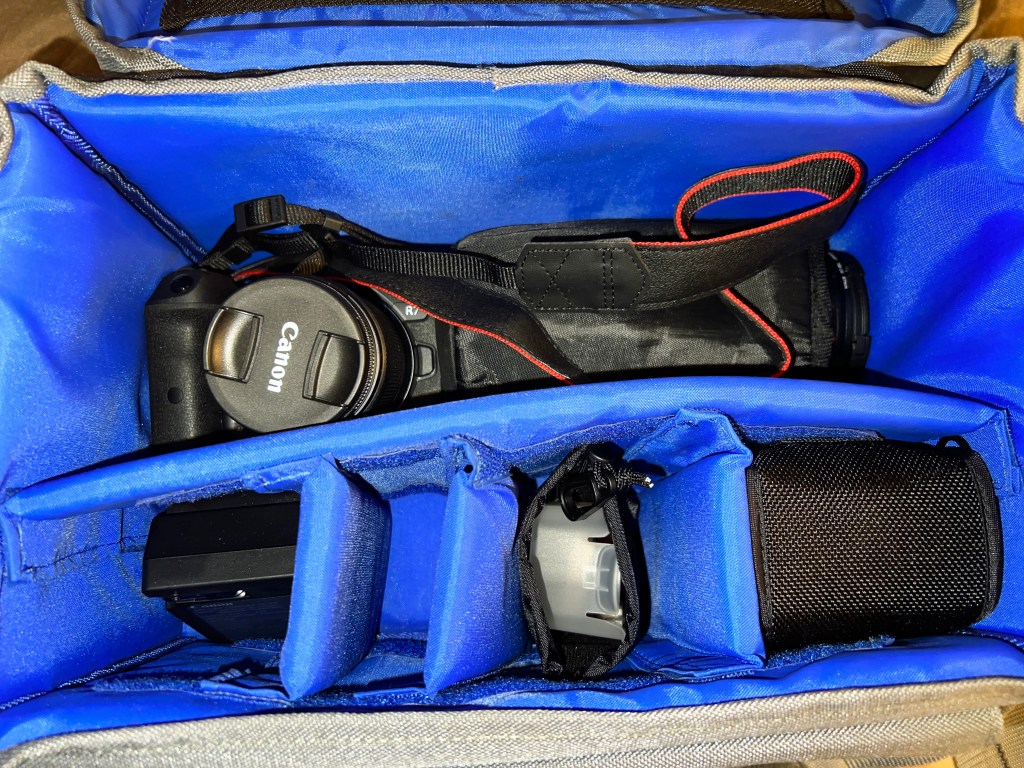
Preoccupied with the WCWP Homecoming Weekend recap, I didn’t set up and get acquainted with the R7 until Sunday morning, October 23. The camera with adapter, lens, and lens hood fit snug inside the bag (photos taken with my iPhone):

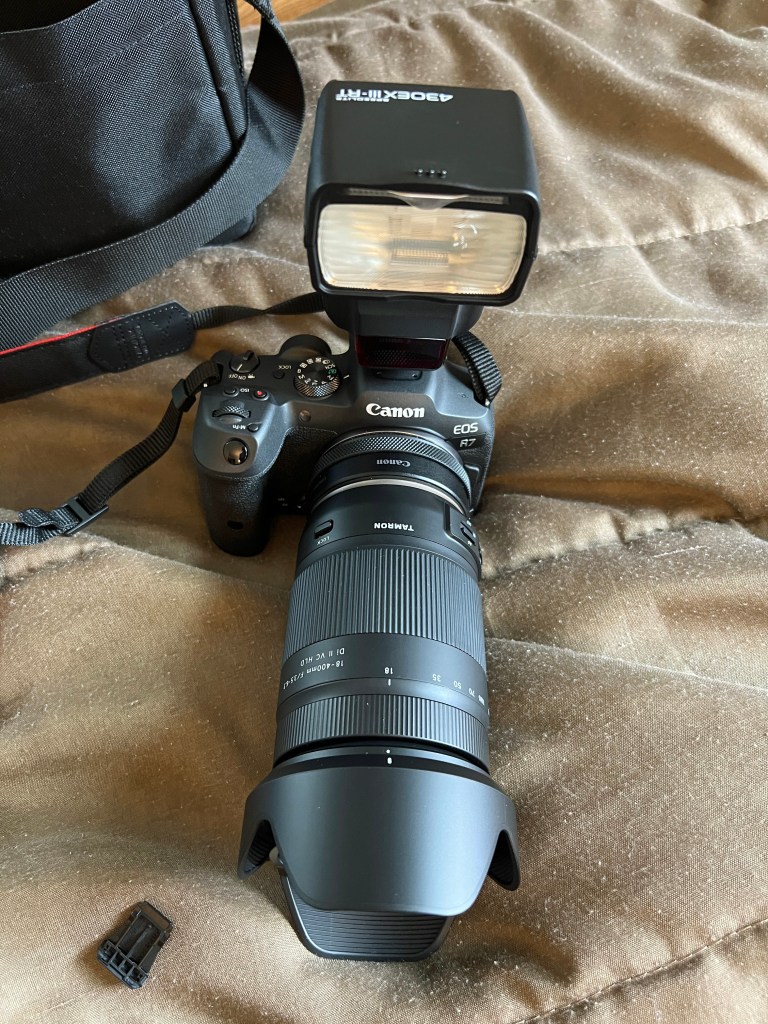

Once the first battery was charged, I began testing exclusively at 400mm:

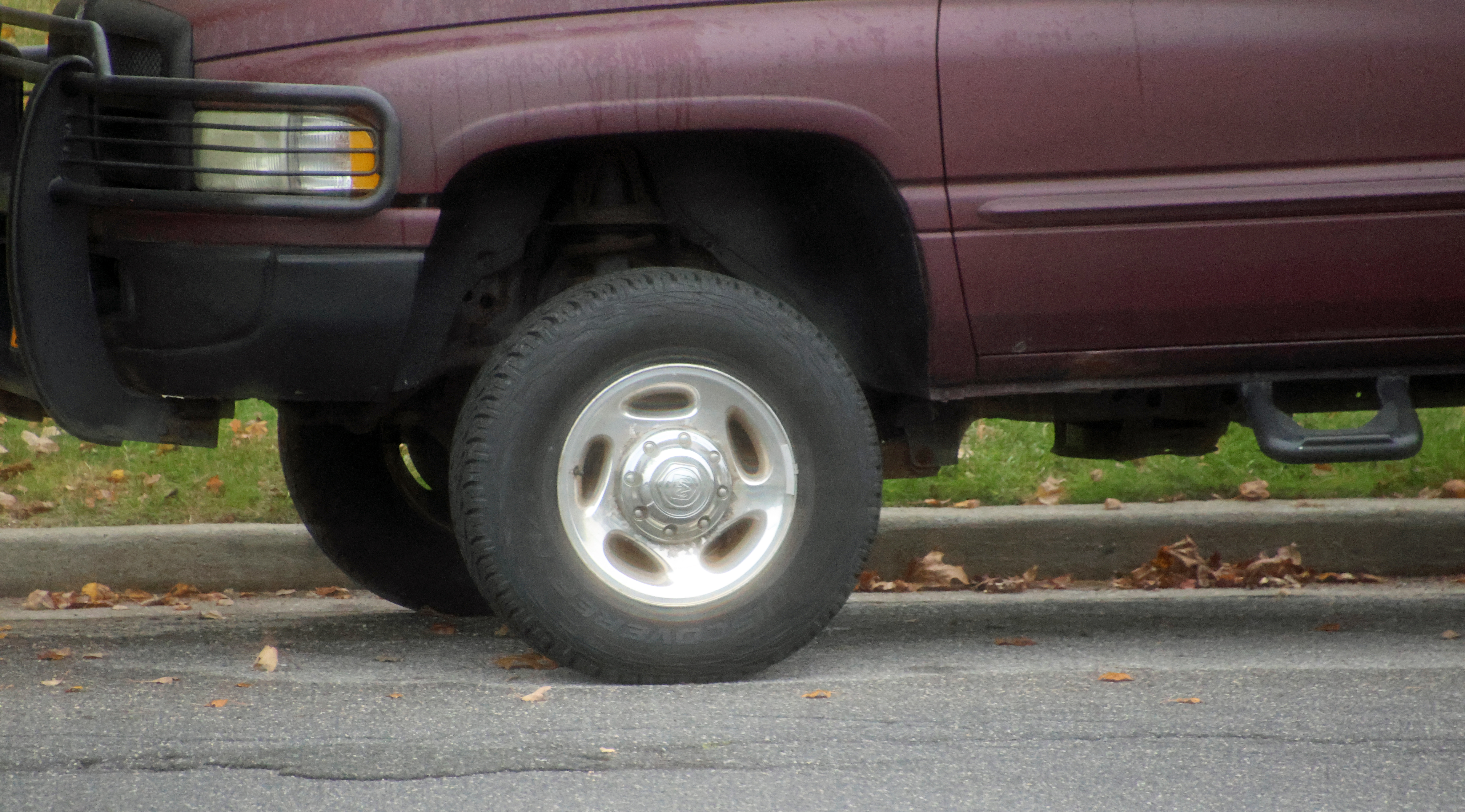


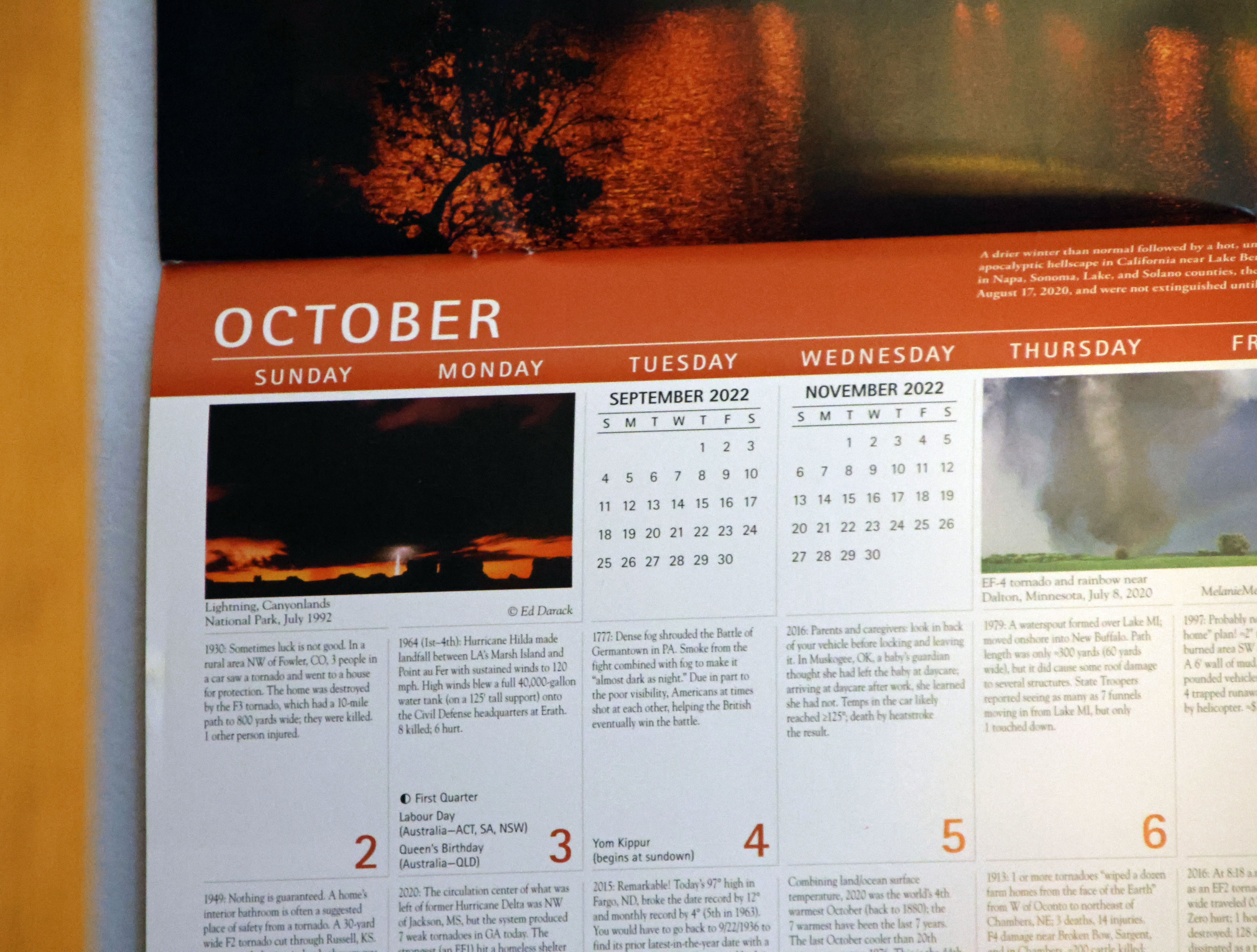


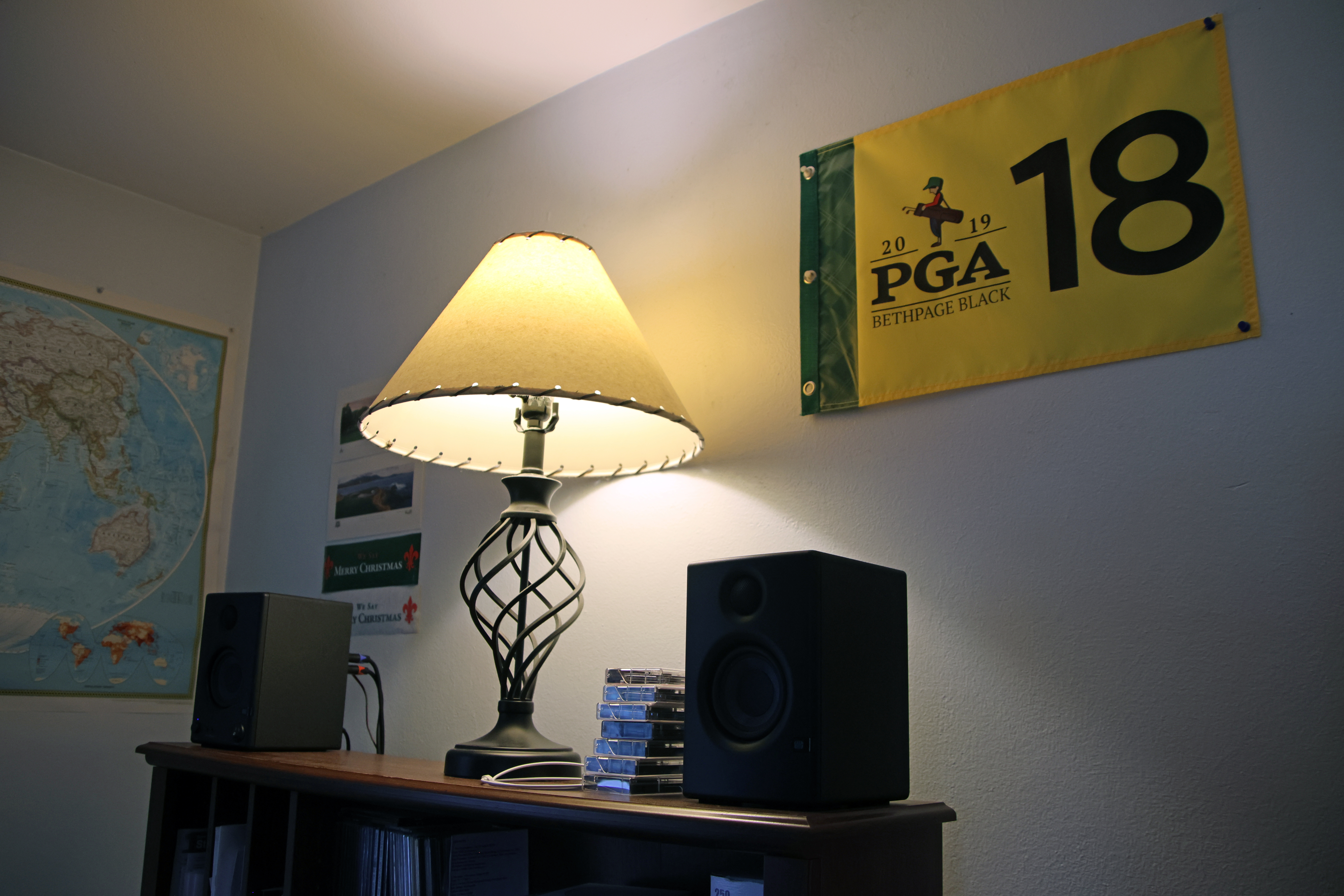



Having success with my Nikon cameras’ JPEG fine mode, I never thought to shoot RAW. The JPEGs looked great, only having a smartphone camera appearance at a high ISO, and they were always 300 PPI. However, the Canon EOS R7’s JPEGs are 72 PPI like your average display, camcorder, or smartphone camera. Even with countless reviewers stating that there is no difference in quality, I didn’t like JPEG processing quality on the R7. So, I tried a RAW photo, my first ever:
I finally had a reason to use Adobe Lightroom – for exporting any RAW photos as JPEGs before editing them in Photoshop Elements 2020 (2023 version). Yes, I have regular Photoshop, and you can edit in Lightroom, but I like Photoshop Elements’ editing tools better. The photo above was edited in Lightroom, though, and the EXIF data showed that Lightroom exports at 240 PPI. Thus, I would now shoot in RAW, export to JPEG, and edit accordingly. If the photo is too sharp, I would despeckle.
I wasted an hour attempting to pair the R7 to my computer via Bluetooth or Wi-Fi. Neither worked, but it does work with my iPhone while Canon’s CameraConnect app is open. I use that app’s location information feature so the GPS location is included in a photo. If I forget to open the app, no GPS tracking.
I noticed a USB-C port on the left side. Without a cable included in the box, I used my PlayStation 5‘s C to type A cable to transfer files to my PC. Then, I bought a two-pack of 3-foot USB-C to type A cables on Amazon. One cable was for my bag to use with my laptop, and the other is for desktop transfers at home. The connection feels loose, but not enough to snap off in mid-transfer.
I didn’t test on Monday, October 24, due to rainy weather, but on Tuesday the 25th, I brought the bag with me in my dad’s car for the camera’s ultimate test: does the IBIS (in-body image stabilization) work in a moving vehicle?
Not really, or at least not with the Tamron lens:
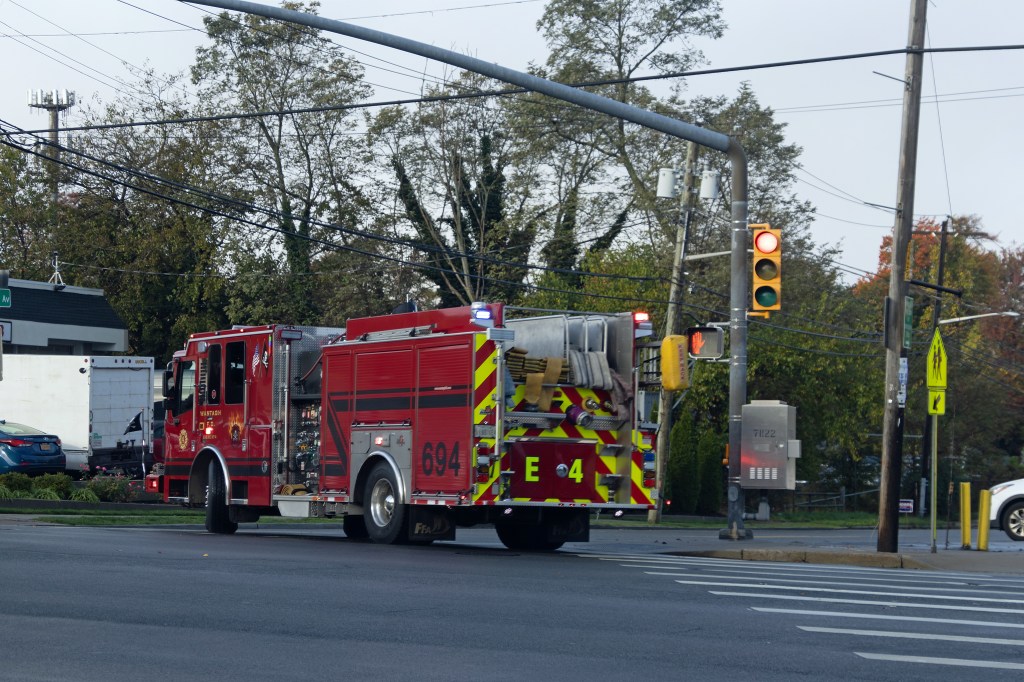

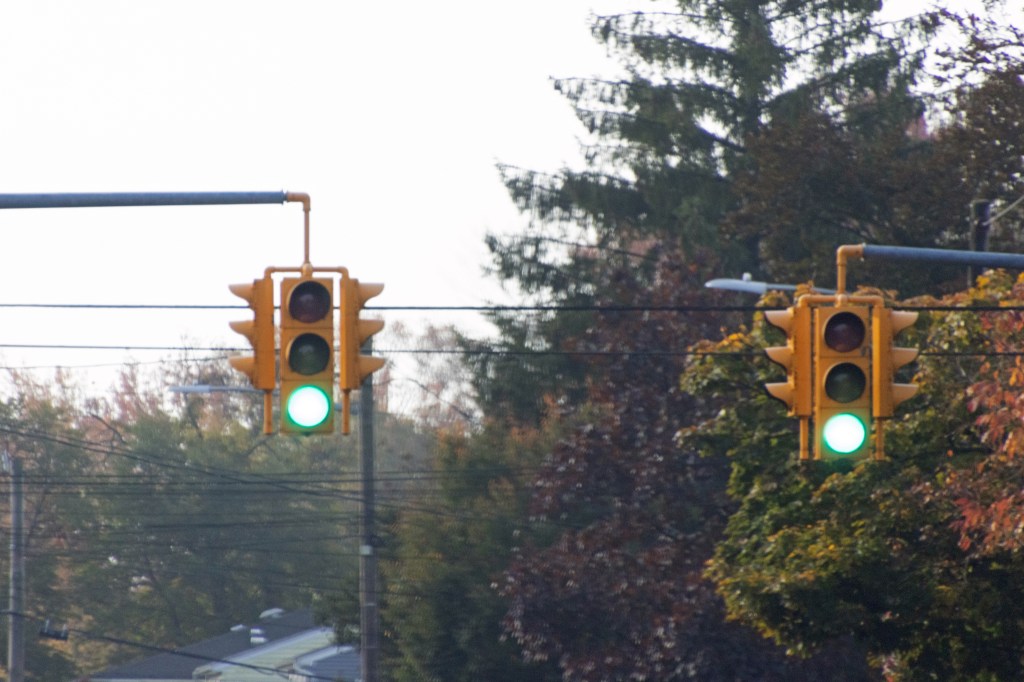
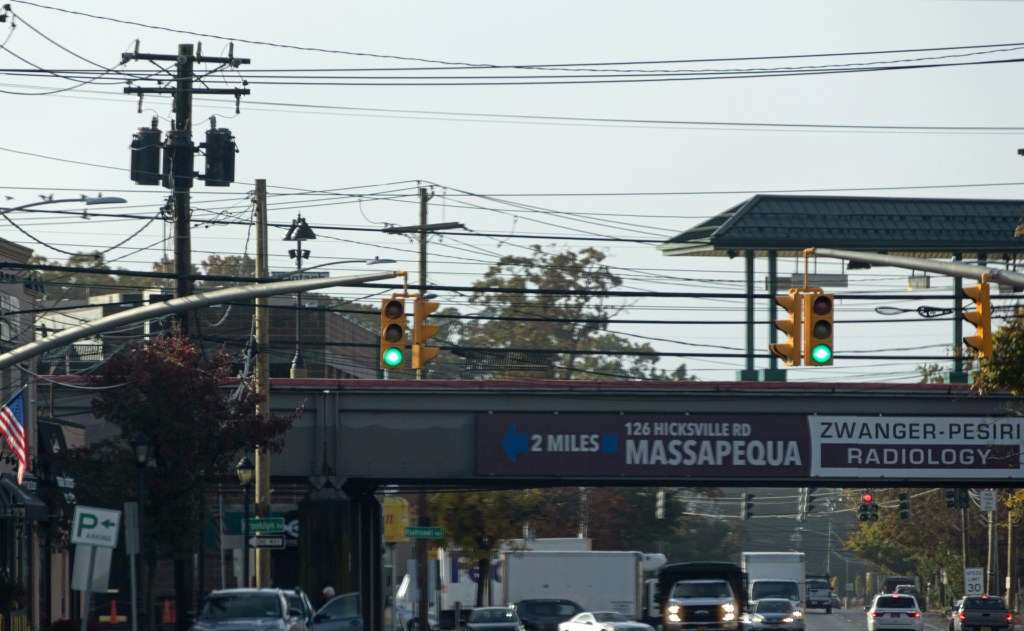
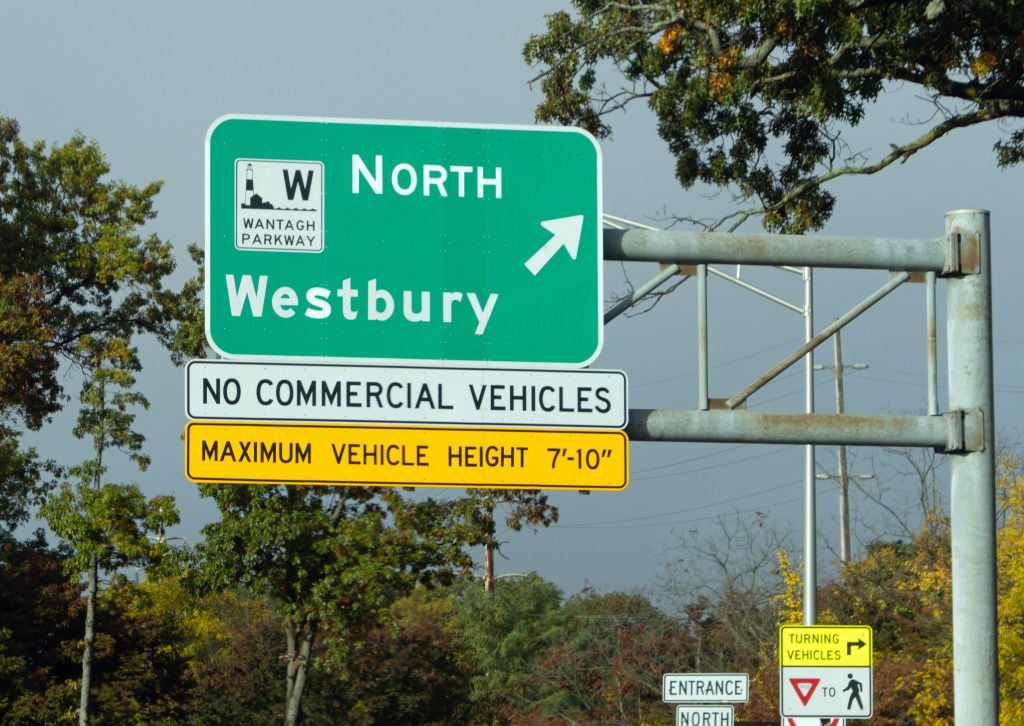


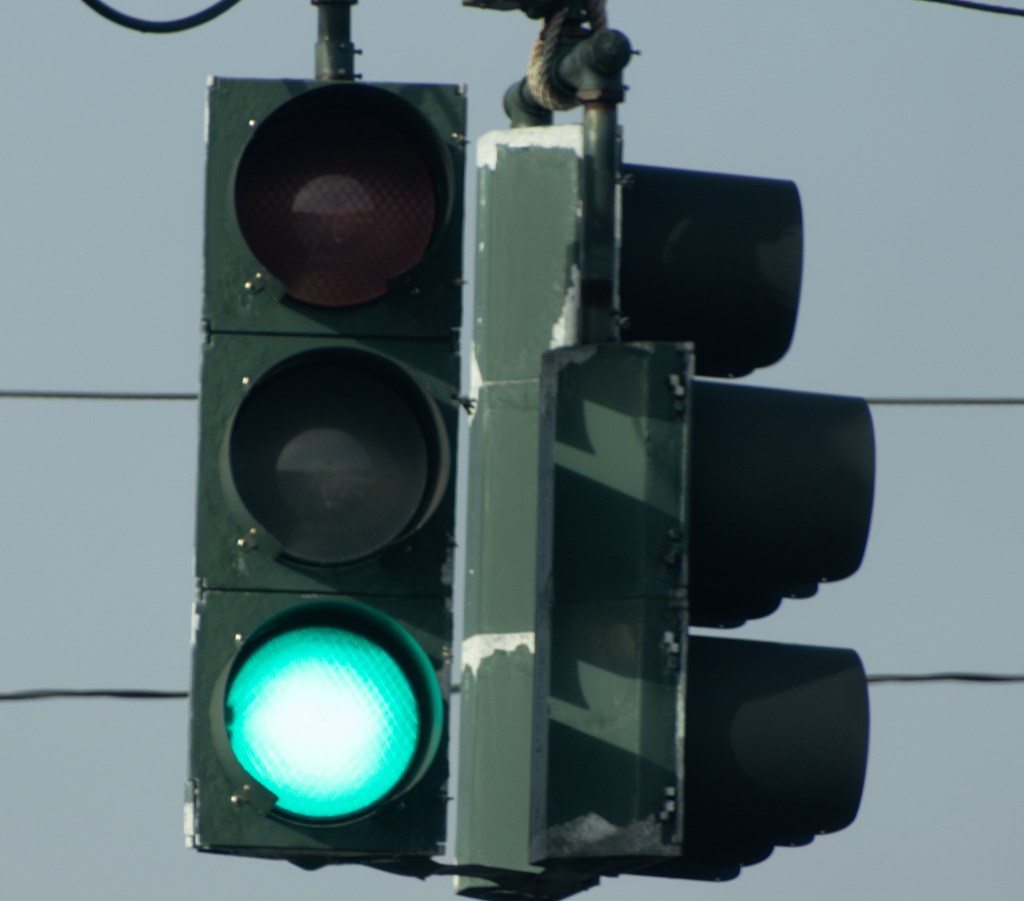
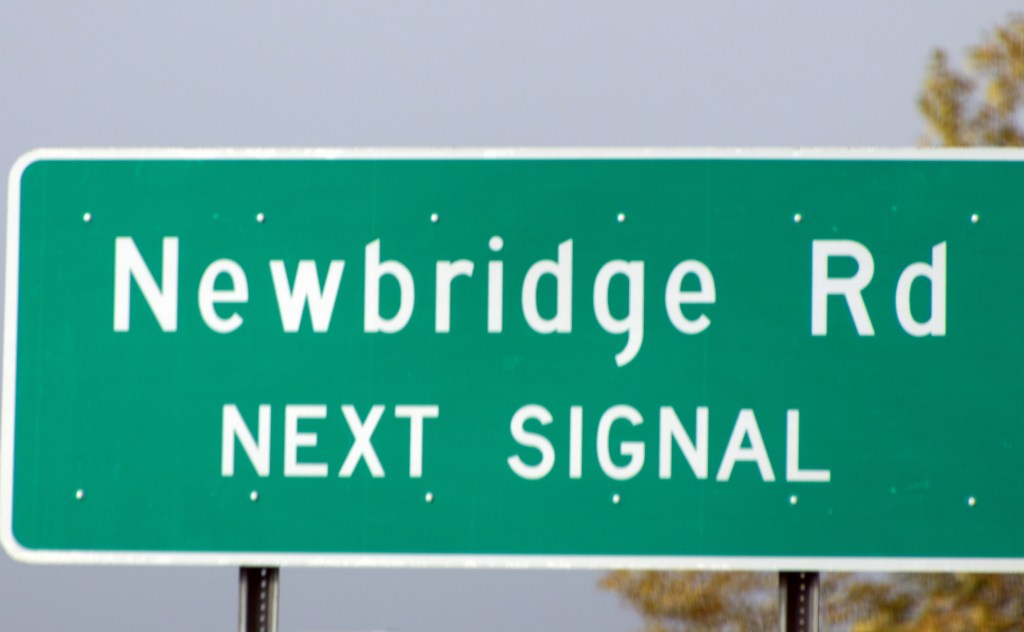

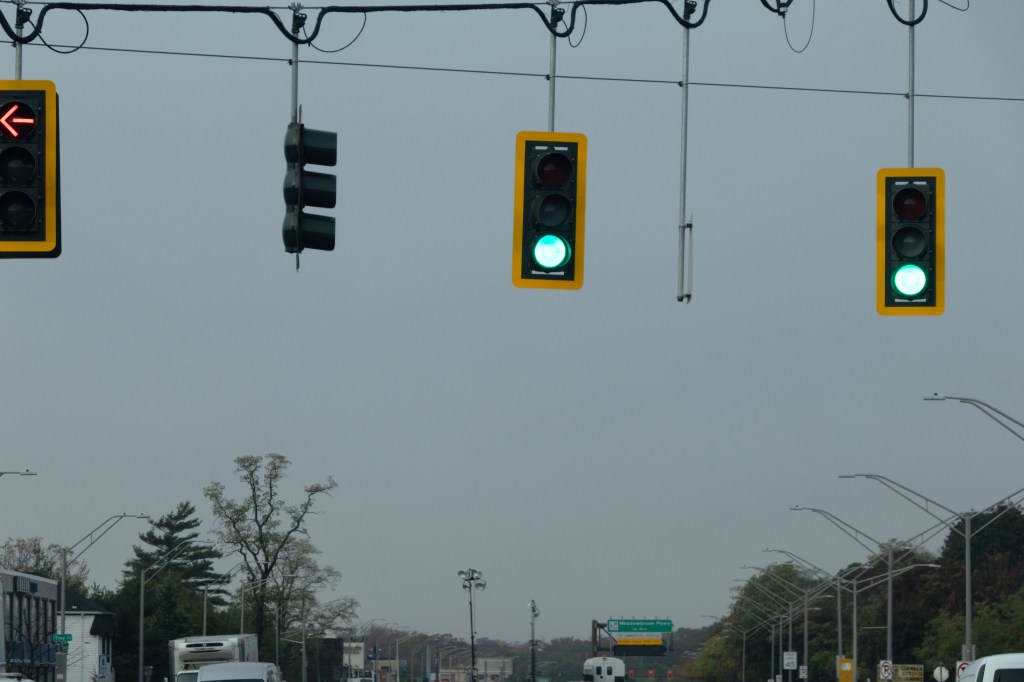
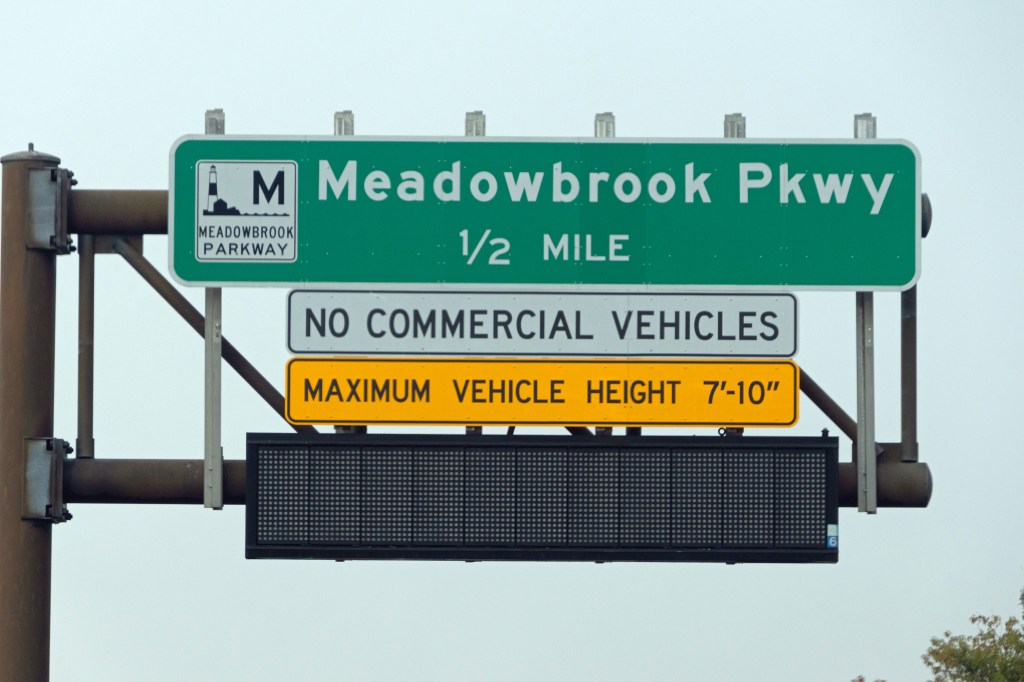


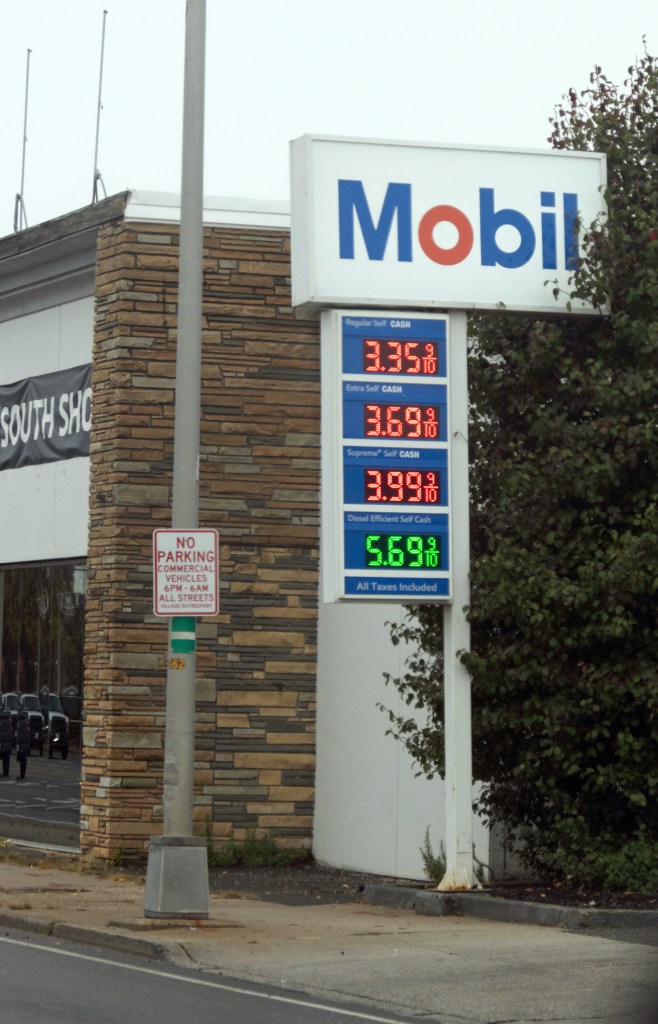


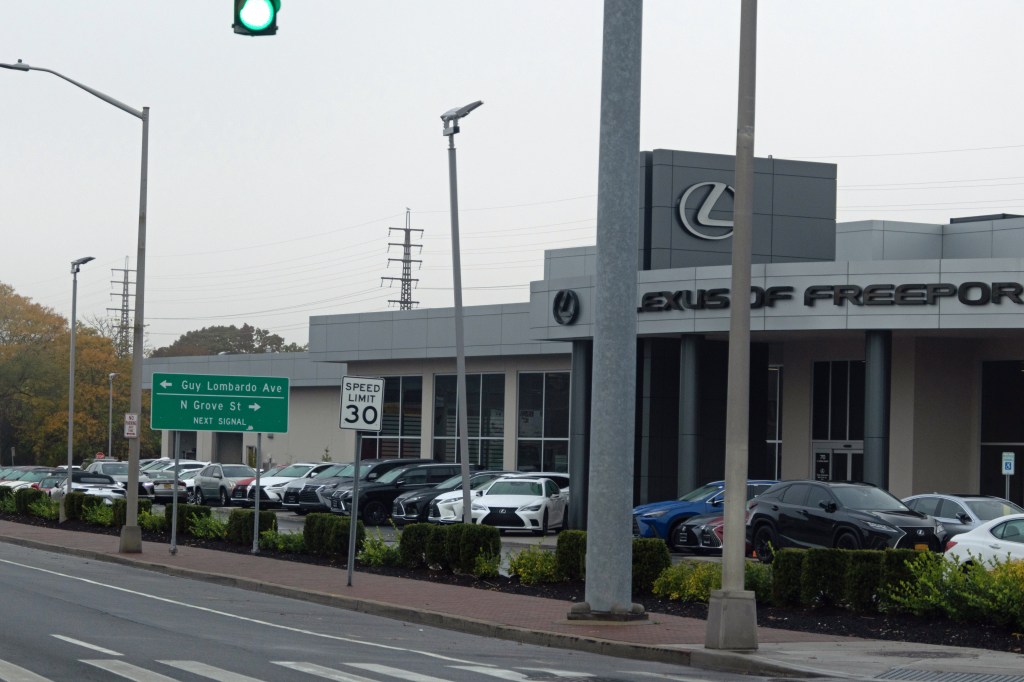
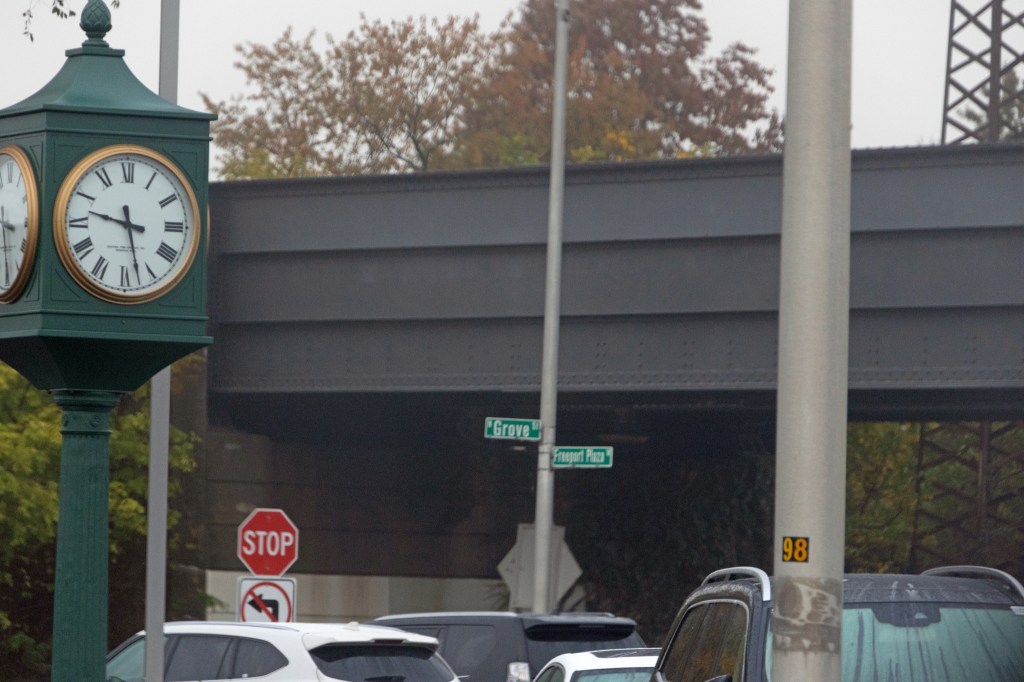

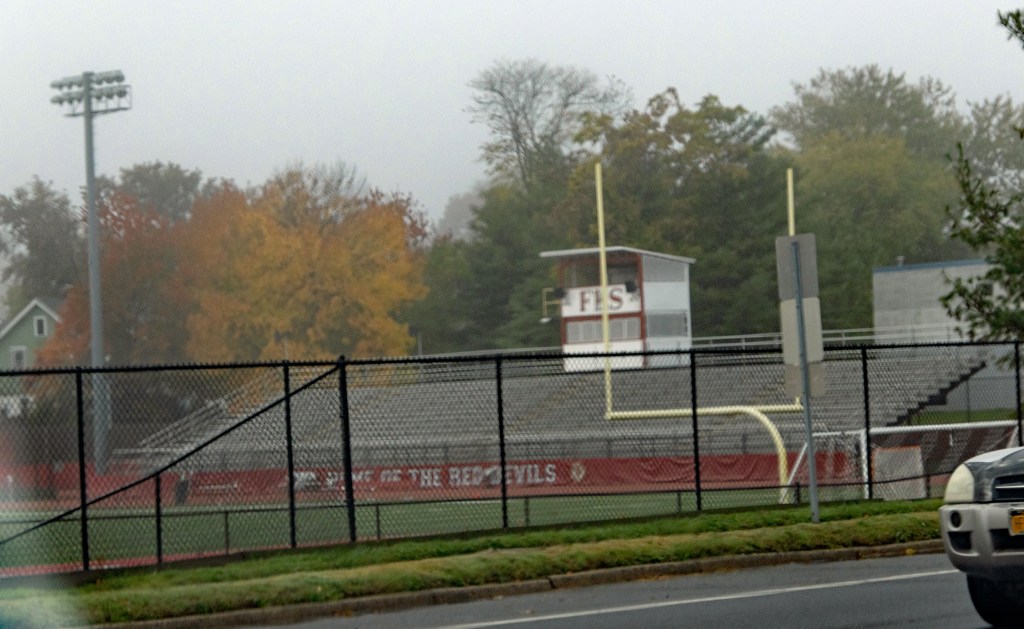

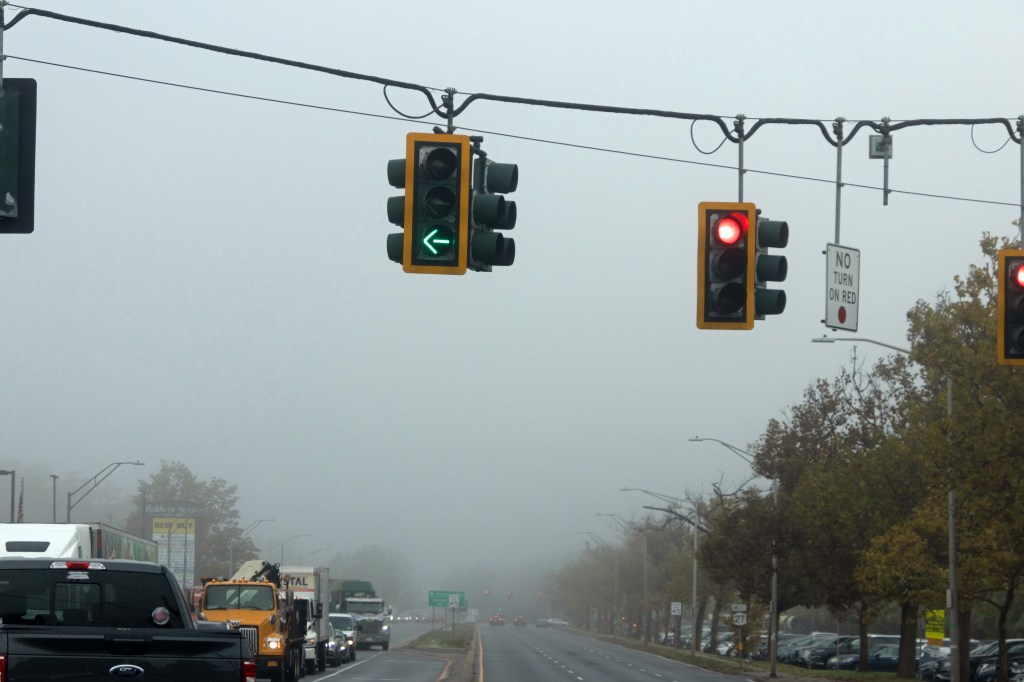
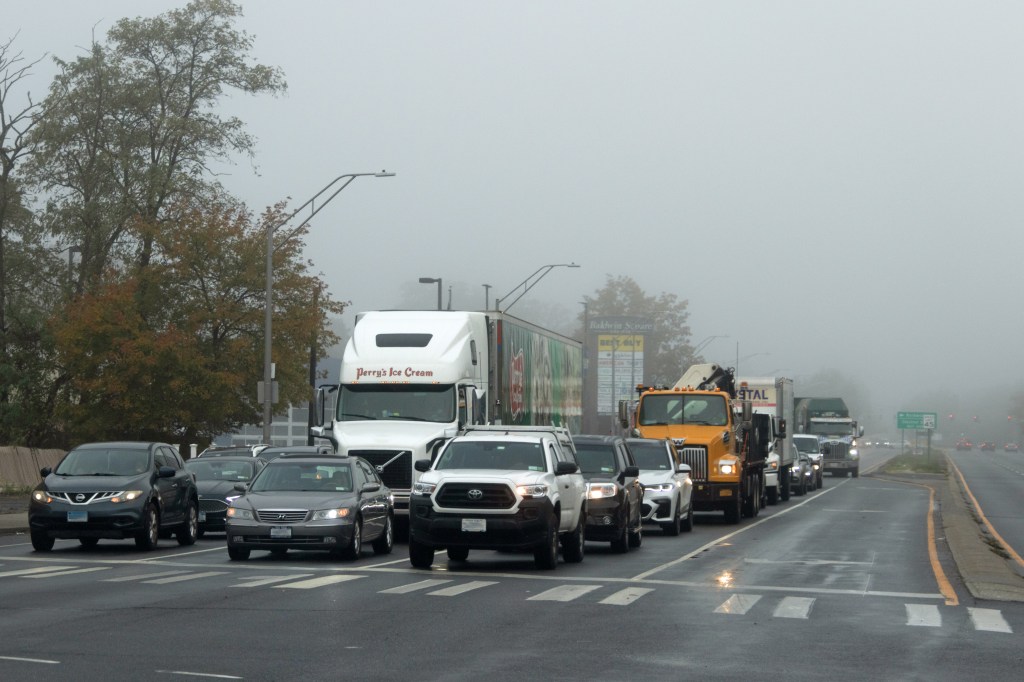


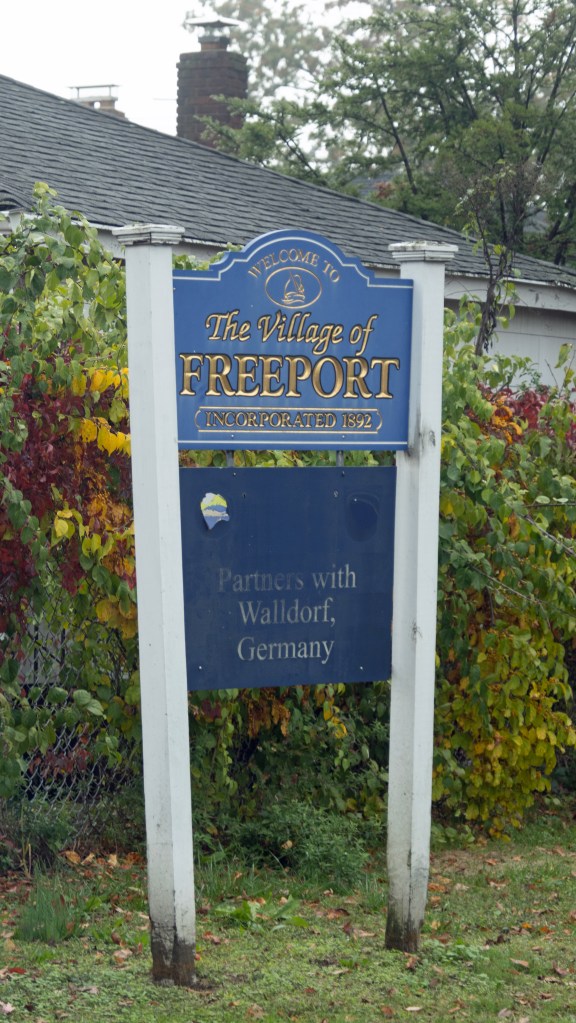

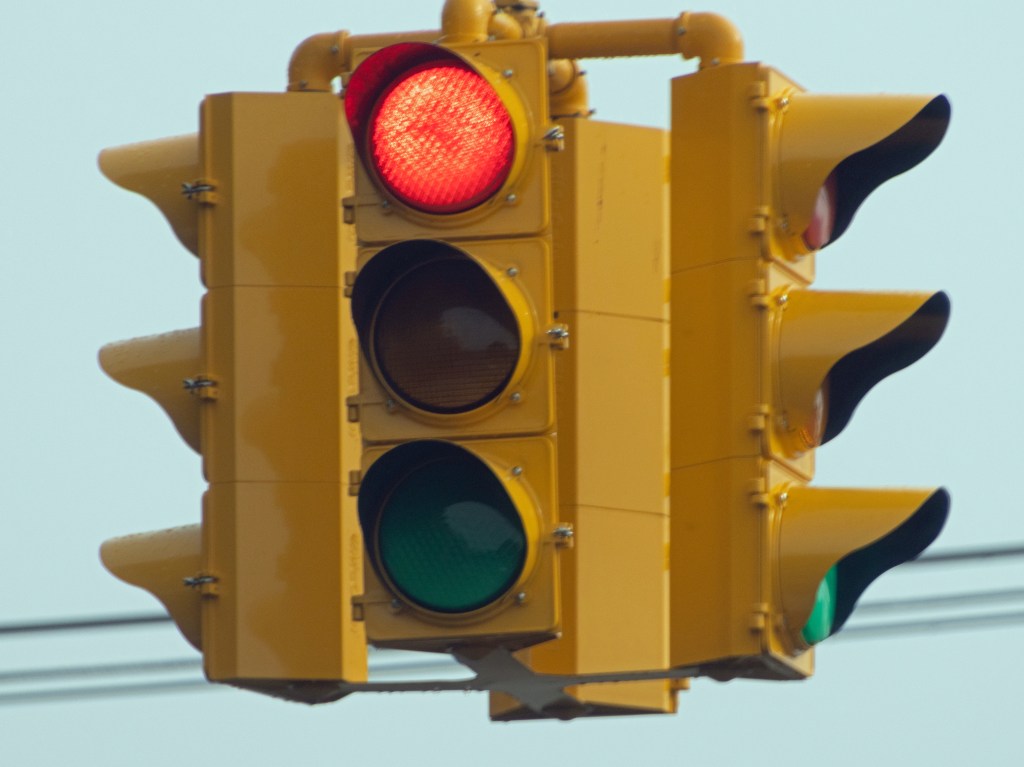

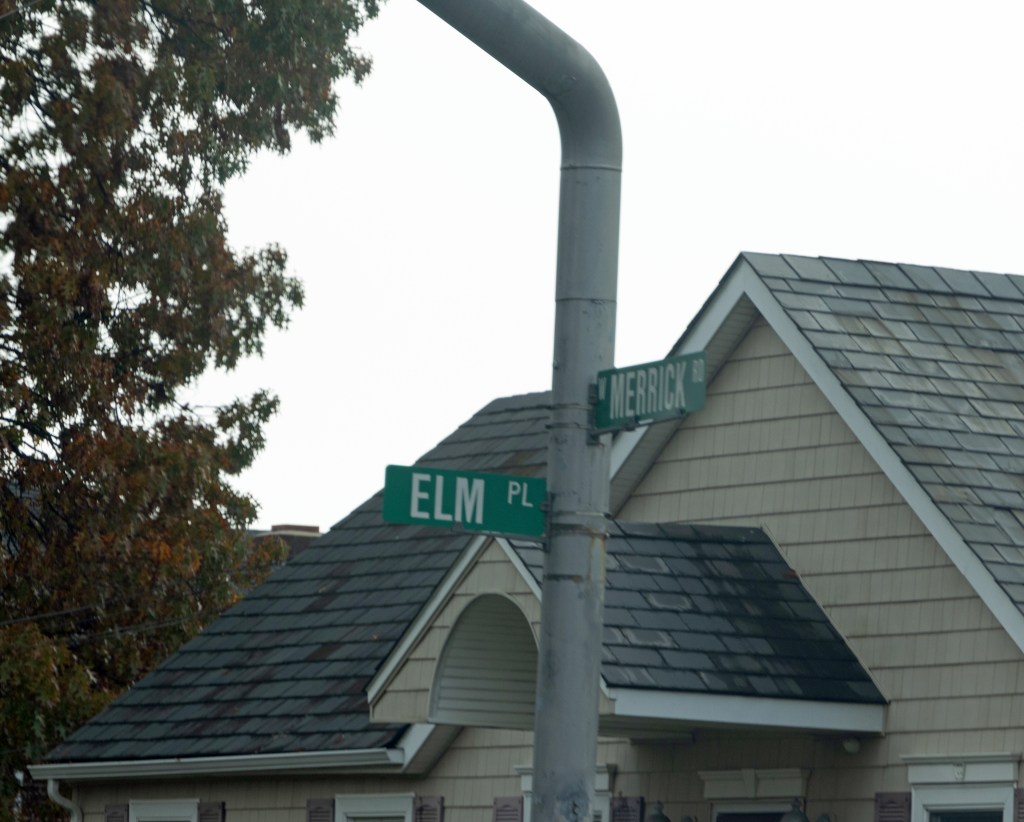
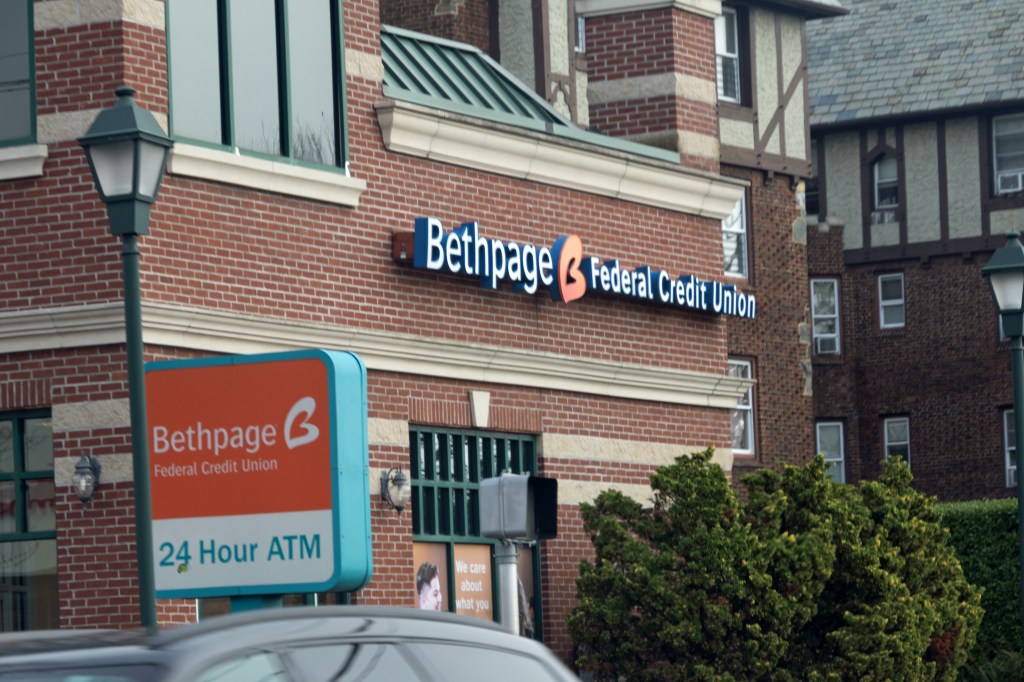
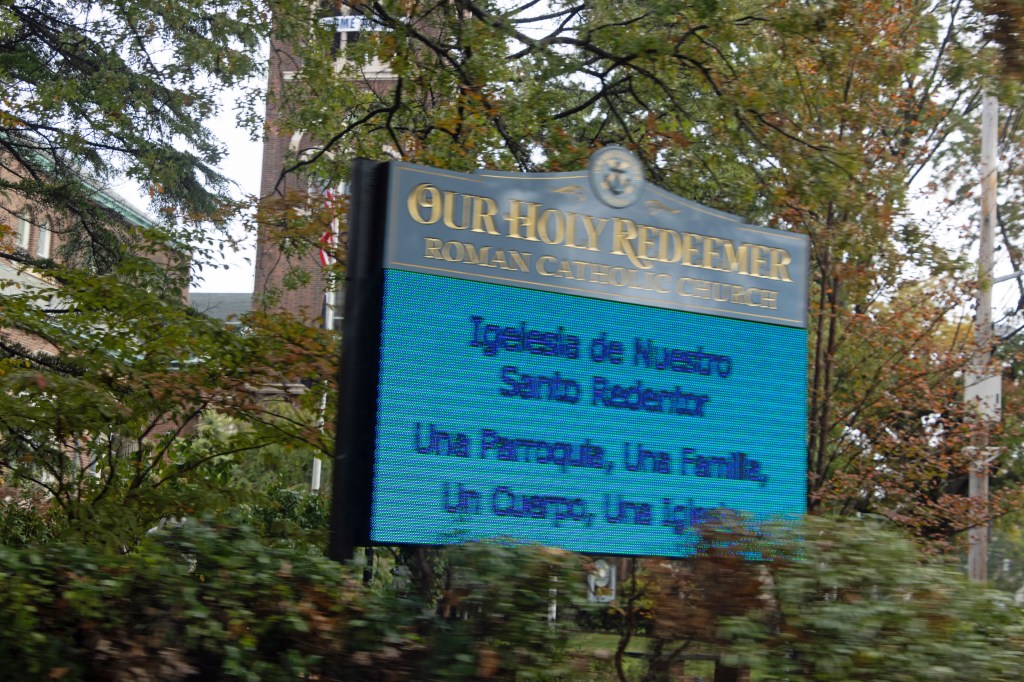

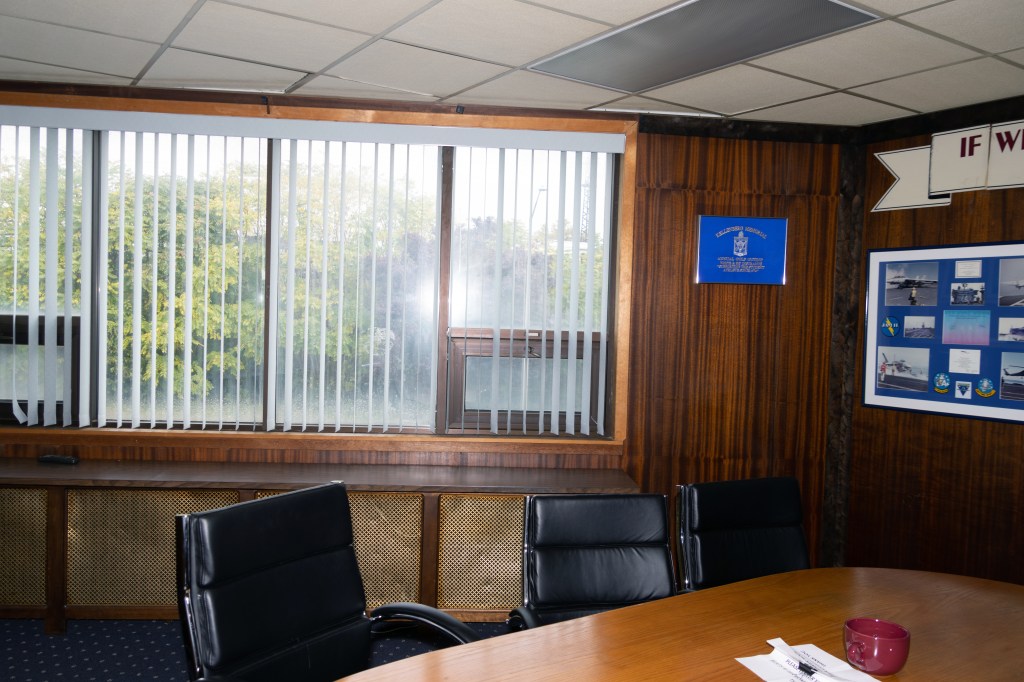

What worked on Sunday in my bedroom did not work in a moving vehicle. The lens seldom focused beyond 200mm, especially in low light. In sports or panning mode, it went in and out of focus with each successive frame. The traffic lights or road signs were visible, and then they weren’t. I even had focus issues in the conference room for the last of the above test photos. What’s worse, a little bit of dust found its way in front, even with a UV filter attached.
I felt awful, worse than with the PC build. In my desire for one lens to rule them all, I should have just bought Canon’s RF 24-240mm lens. And I did, with a hood, while attempting to return the Tamron. (I’d keep the control ring adapter for a future Canon EF lens and save the 72mm UV filter for the RF 24-240.) (3/24/26 UPDATE: I never got another EF lens and put the control ring adapter up for sale on eBay on Sunday [two days ago]. It sold this morning.)
Then, a Facebook group member who got the Tamron lens to work with his R7 tried to coach me on how to get it to work for me. He said I needed to make some adjustments in settings, like turning off subject recognition, which was set to find people. I took another set of test photos with no focus issues:








Thinking the problem was solved, I canceled the Canon lens/hood order and Tamron lens return. Unfortunately, my troubles were far from over. There was an error message whenever I had the camera set to scene priority (sports, panning): “the attached lens does not provide stabilization for subjects.” In other words, my lens couldn’t take advantage of the camera’s IBIS feature. That meant the morning’s problems were back with a vengeance: in and out of focus, locked out of taking a photo due to no focus (red rectangle), motion blur. I lost my mind. Here are the passable test photos:





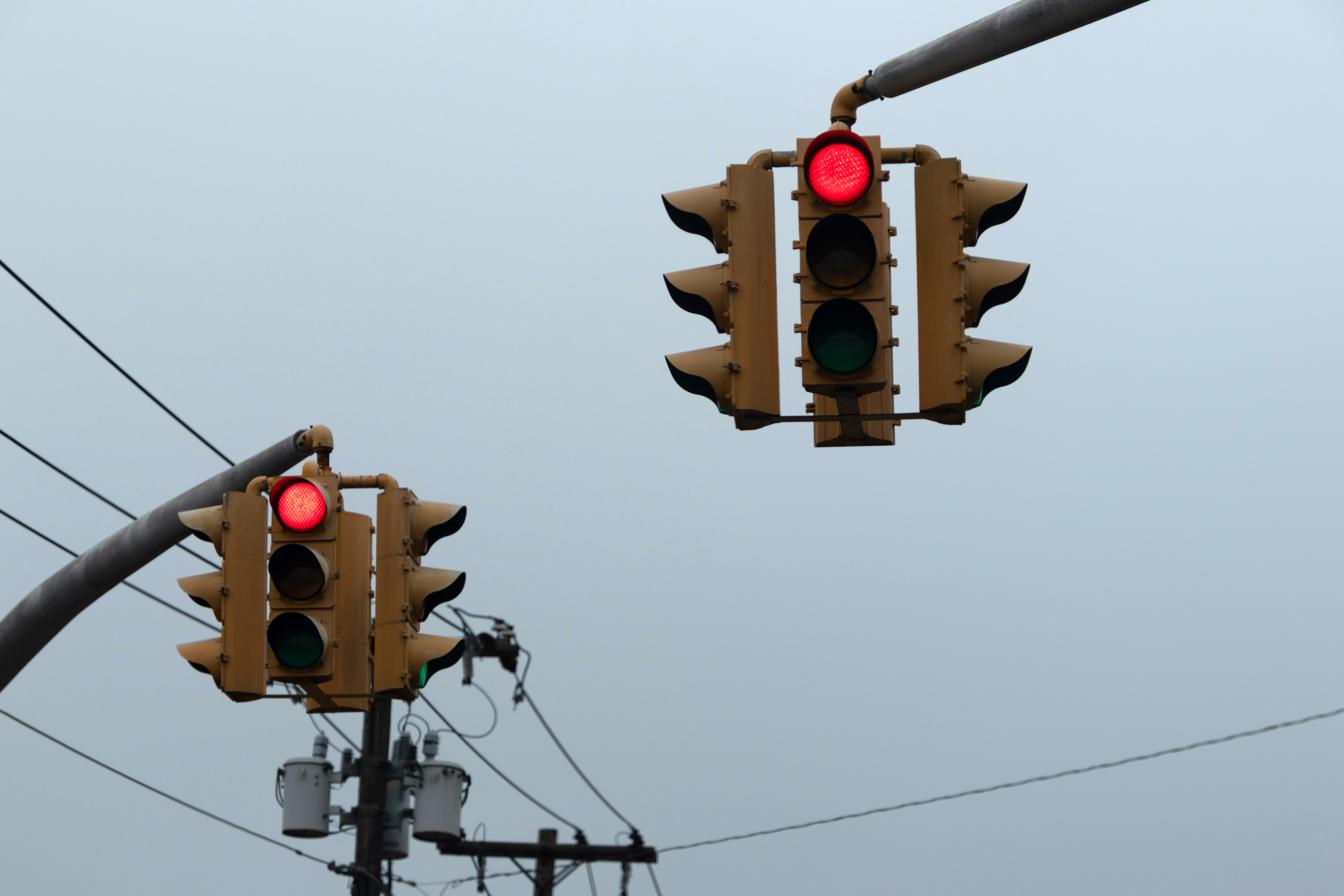


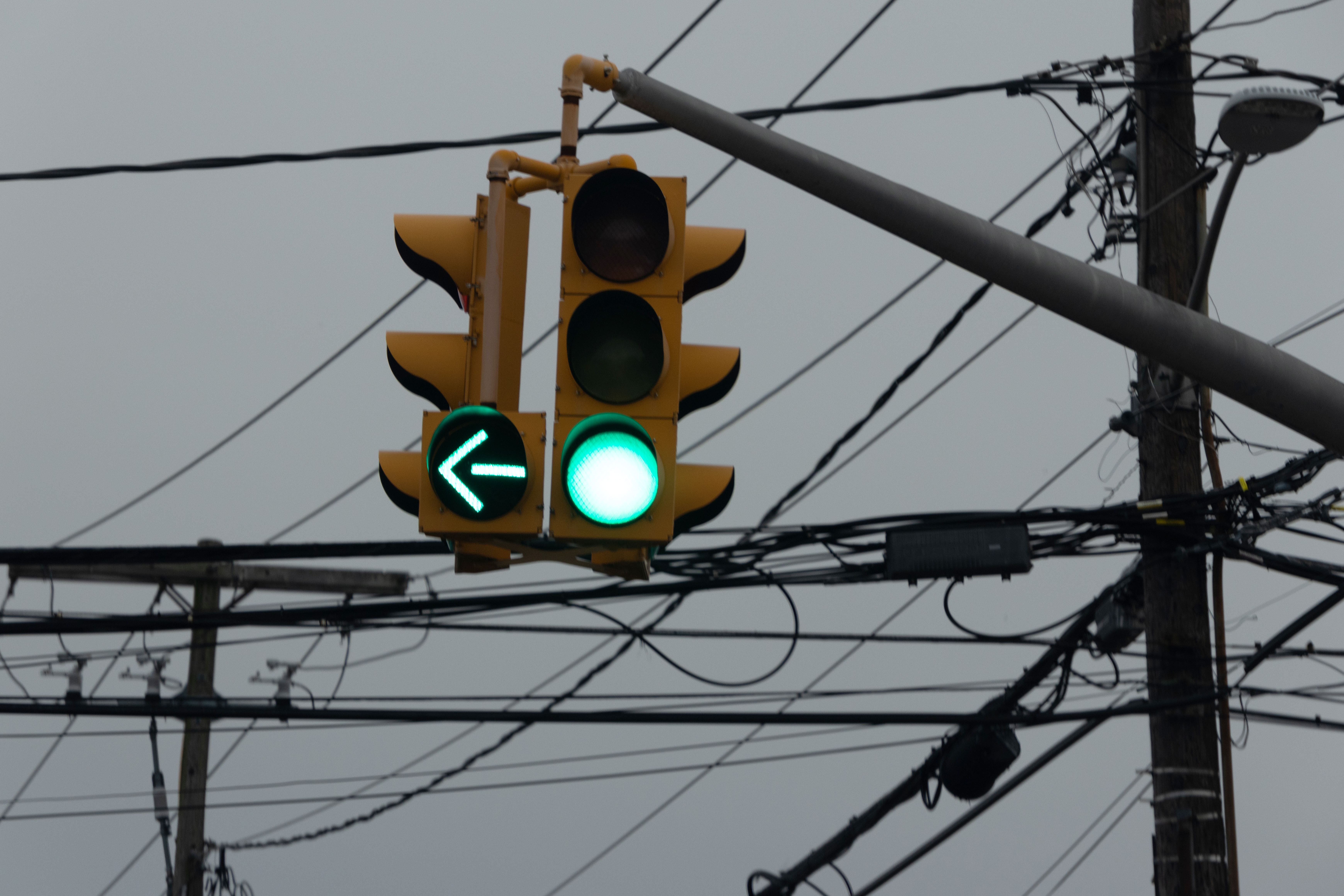


Back at home, the group member made another attempt to solve my issue. Once his guidance felt useless (referring me to a menu option I couldn’t find), I rage quit the group, rebought the 24-240 lens/hood, and renewed my return request to the eBay seller for the Tamron lens. Once the seller said they’d have a return label ready for printing, I took the lens and its hood off the body and put them back in the box with all manuals and warranty info, sealing the top and bottom with whatever bubble wrap I could find. On Wednesday, October 26, they provided the label and enclosed invoice, and I brought everything to The UPS Store for shipping.
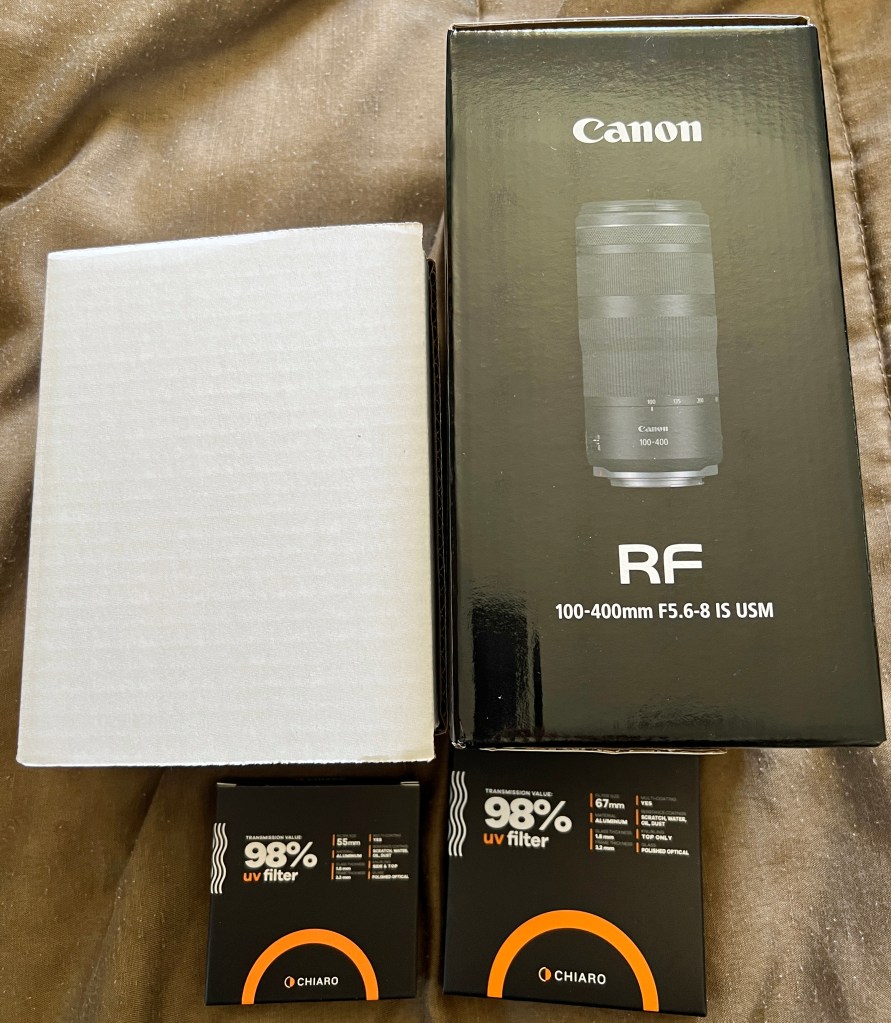
As with the PC build, the Technology Connections Discord chat server finally got me to realize what the R7 group members were trying to get me to understand: Canon’s RF lenses are full-frame; the R7 is APS-C. The image will be slightly zoomed in but not cropped, the opposite scenario of Nikon DX lenses on the Z7II. 24-240mm is more like 35-350mm. And that’s when I did what most of the group preferred: buy an RF-S 18-150mm lens and RF 100-400mm lens (after canceling the 24-240 order). I bought Chiaro Pro UV filters for the lenses, 58mm and 67mm, but not hoods. I’d have to make do without them for now.
I rejoined the group, apologizing for my sudden departure, and letting them know what I had done. They were pleased, but the Tamron lens member warned I may still have the same issue with the RF lenses. I told him I would reach out to him if I did.
In the midst of Tuesday’s craziness, my dad and I swapped camera gadget bags. The Canon 200ES now houses his Nikon gear and I have his old AmazonBasics bag.
The new Canon lenses and Chiaro filters arrived on Thursday, October 27. Well, the filters and 100-400mm lens were new, but the 18-150mm lens was used with a 9+ condition rating from B&H. Here’s how they looked out of the boxes:


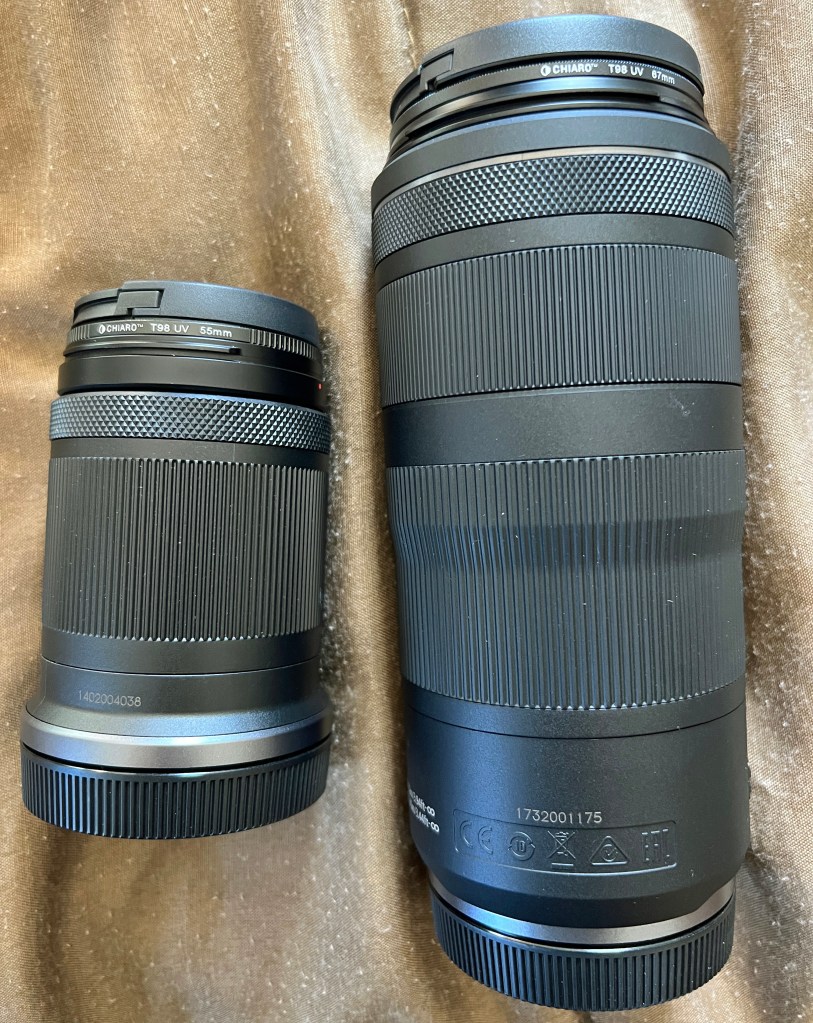

My next task was to apply the 18-150 lens to the R7 body:


Then, test time:
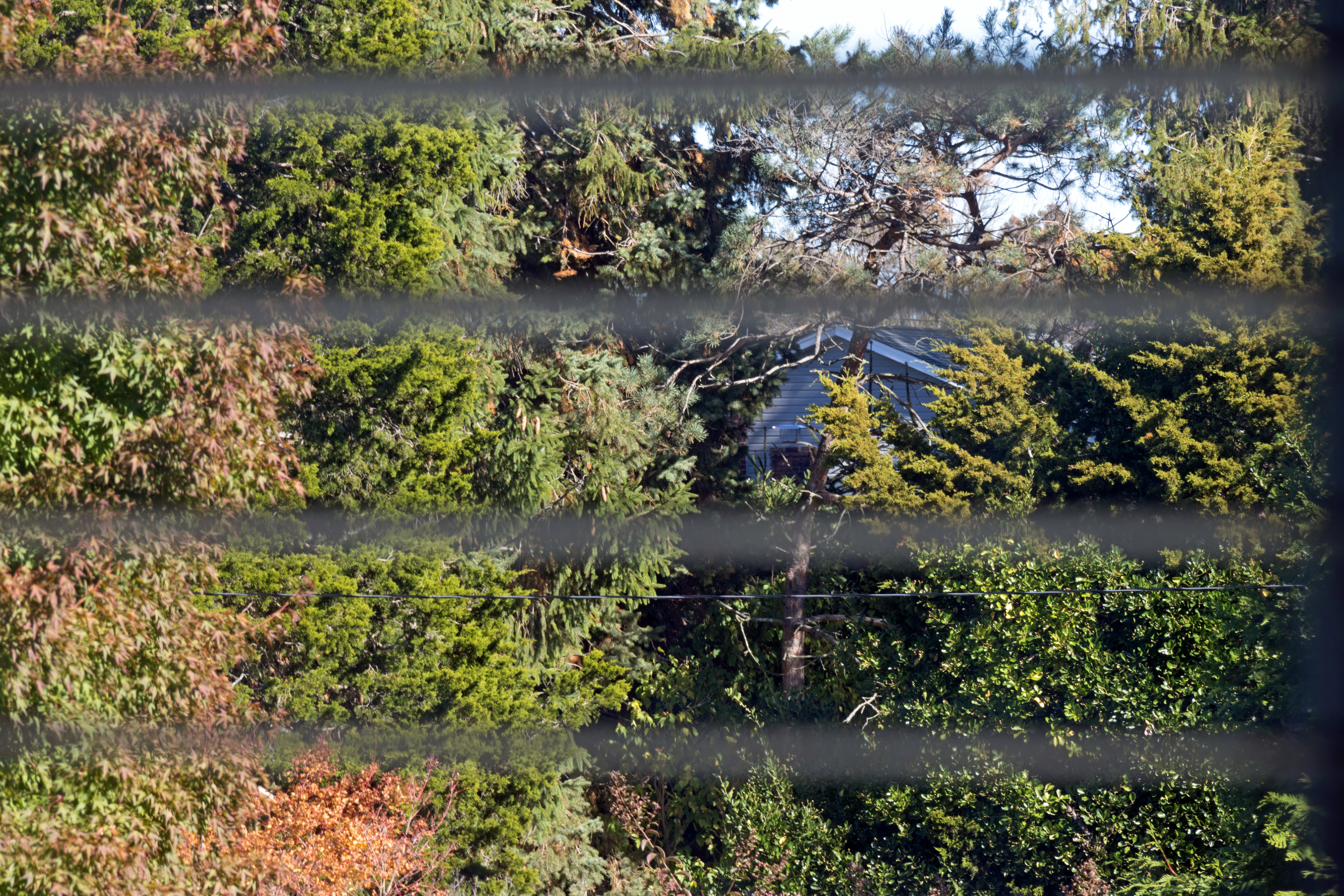


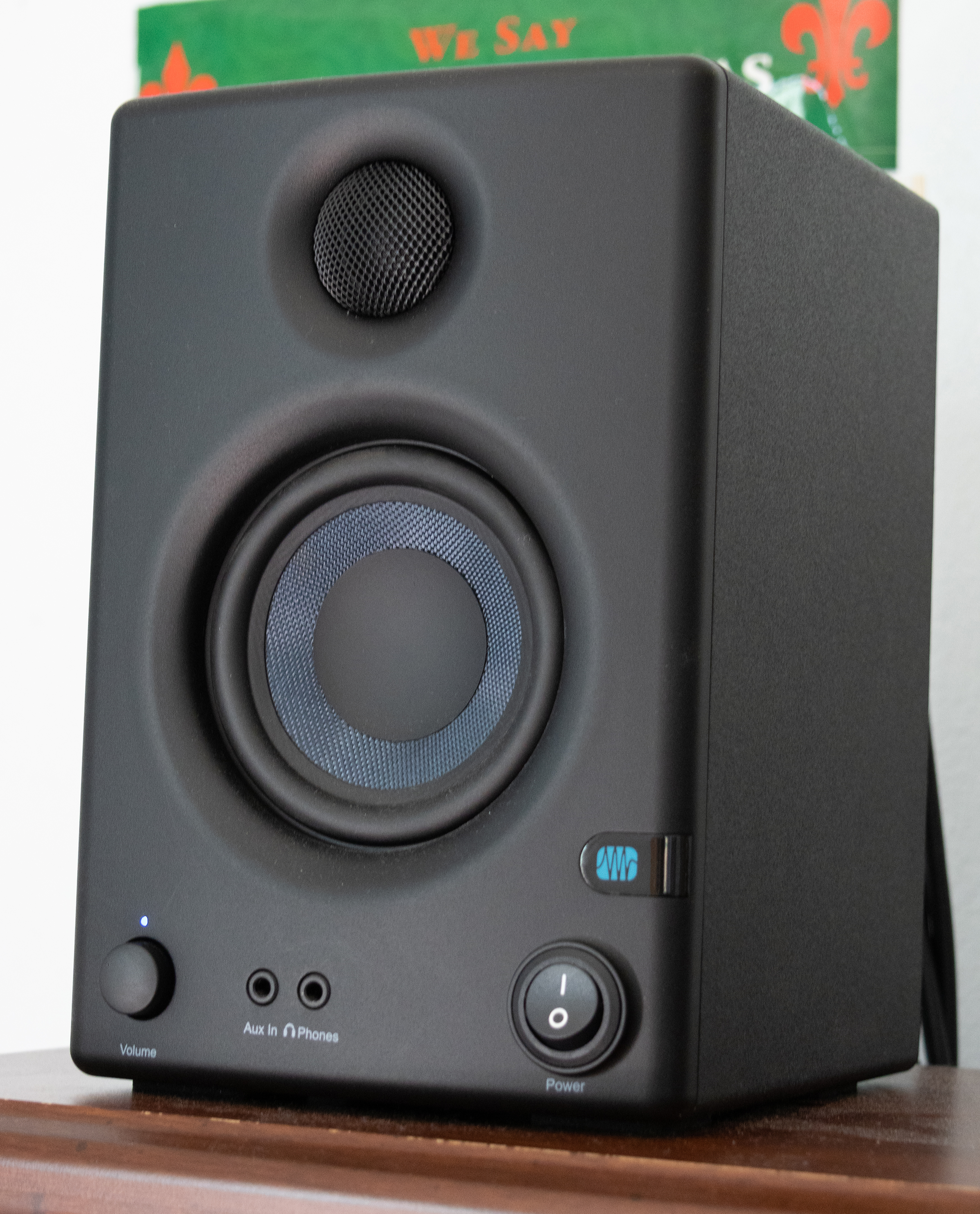
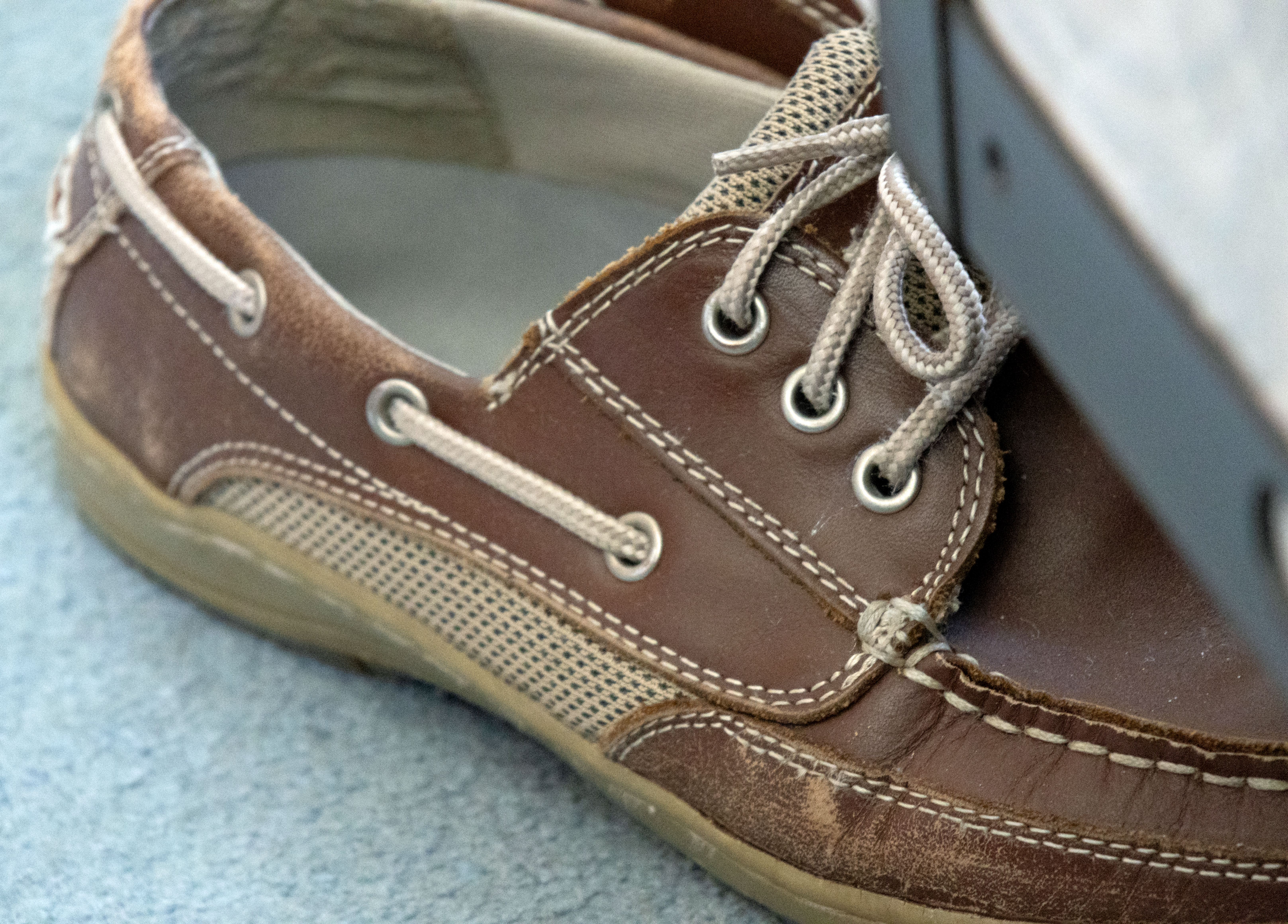


I switched to the 100-400 lens…:

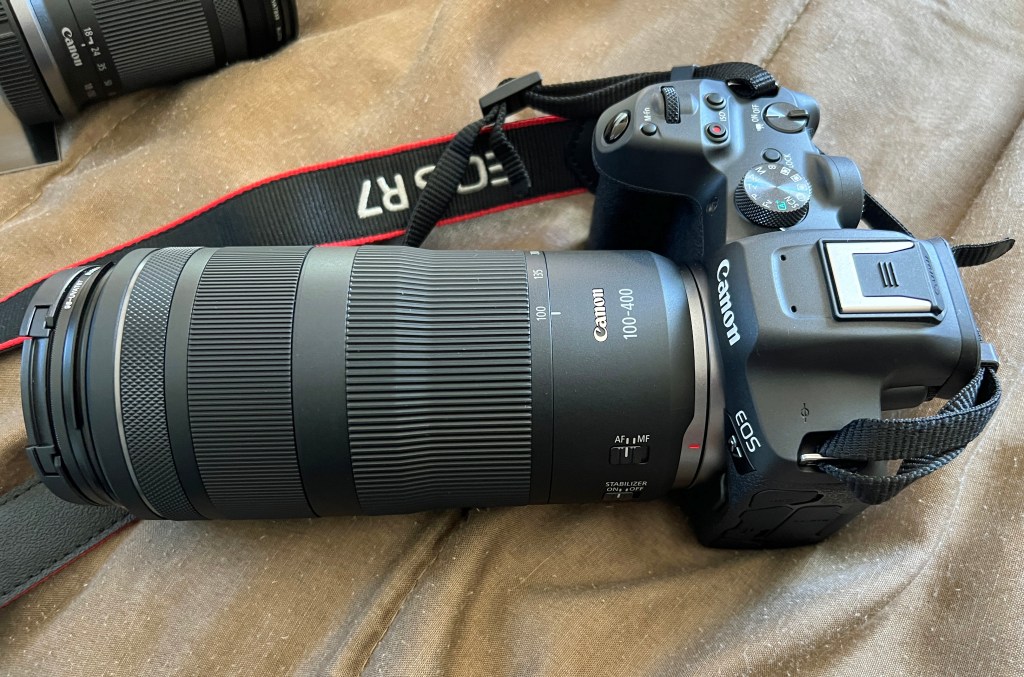
…and tested that:
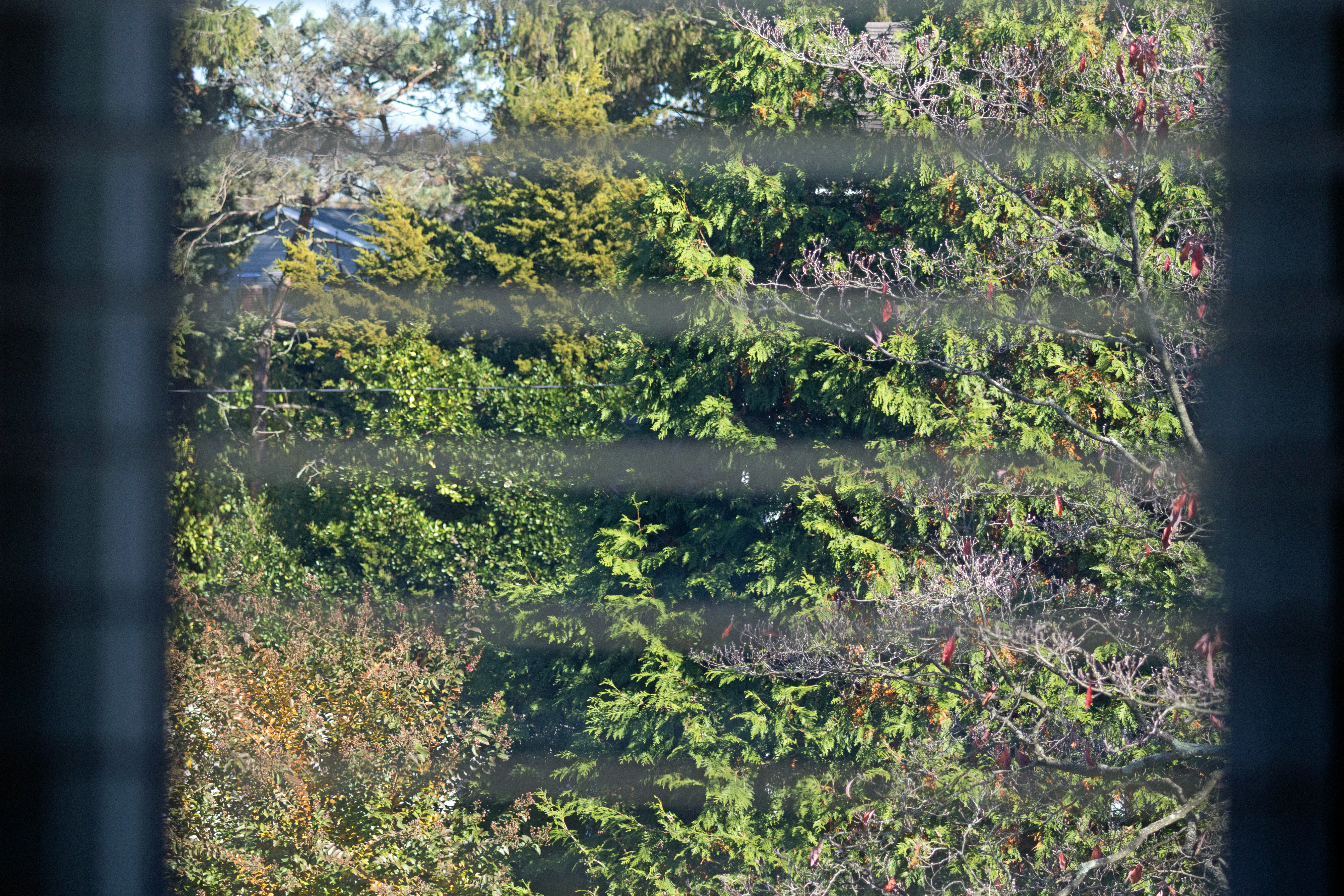







I was impressed with the results, and surprised by how the R7 compensates for the flash on its own. The last four photos were nearly identical.
The true test was to come on Halloween morning; Monday, October 31.
In the meantime, let’s see how the gear fits in Dad’s AmazonBasics bag while the 100-400mm lens is attached:

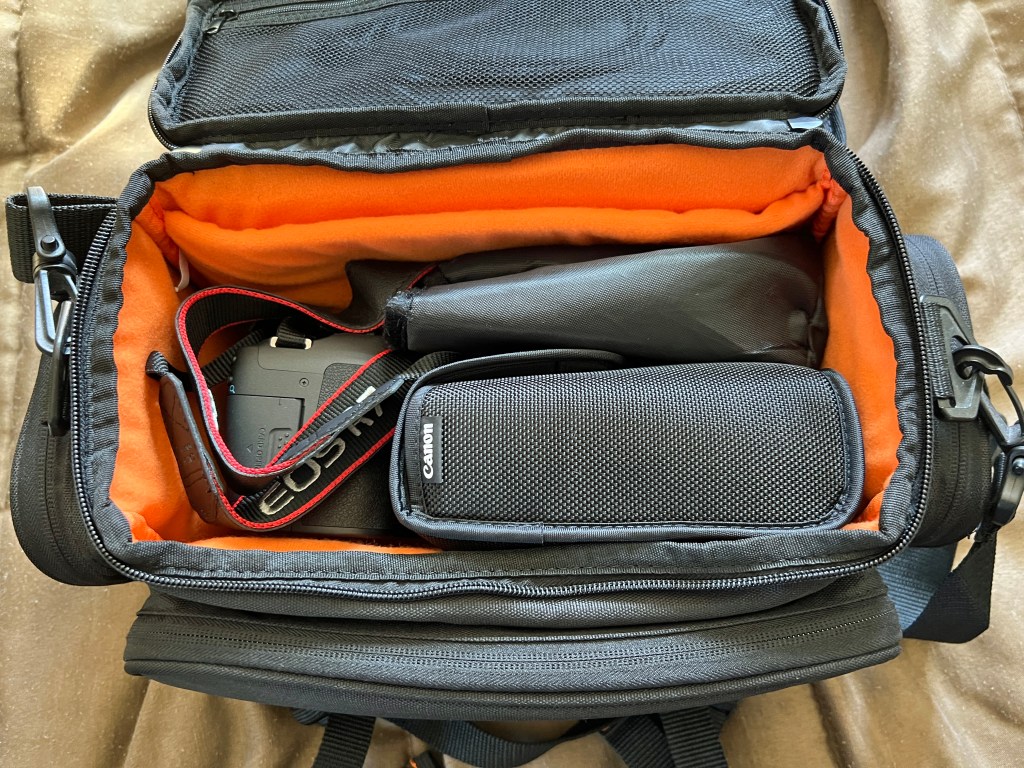
…and the 18-150mm:

The top compartment houses the spare USB-C to Type A cable and the rear cap of whatever lens is connected:
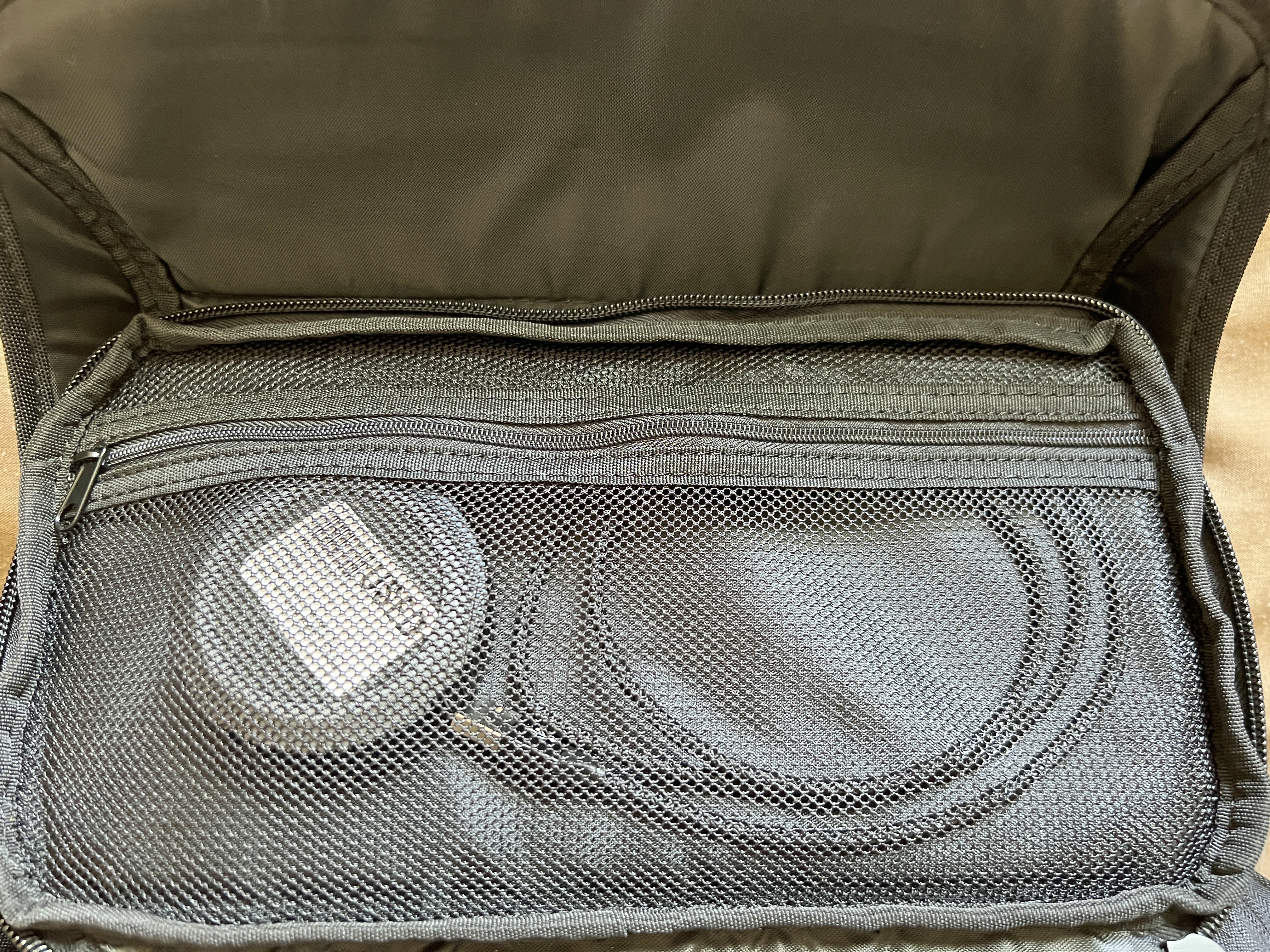
The cable in action on the desktop:


Never mind the fingerprints. The hair on the bottom right was on the screen when I added the protector. Thankfully, it’s the only one and isn’t where the menus are. 

The RAW files with camera-designated filenames 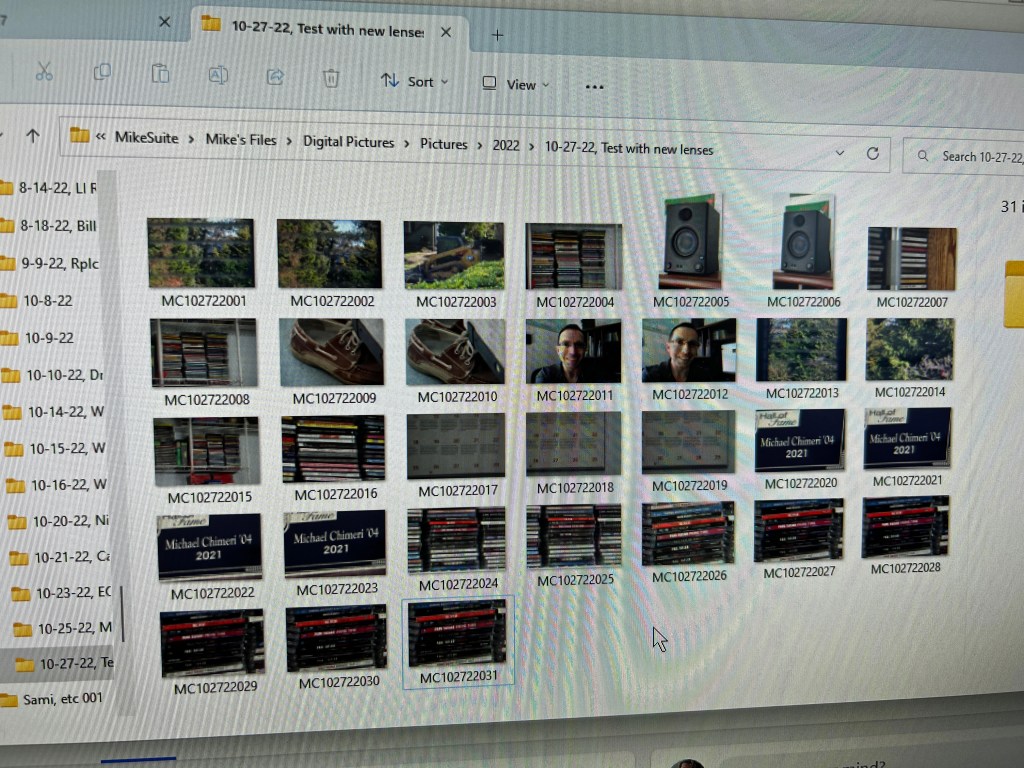
The renamed files
Opening the RAW photos in Lightroom…:
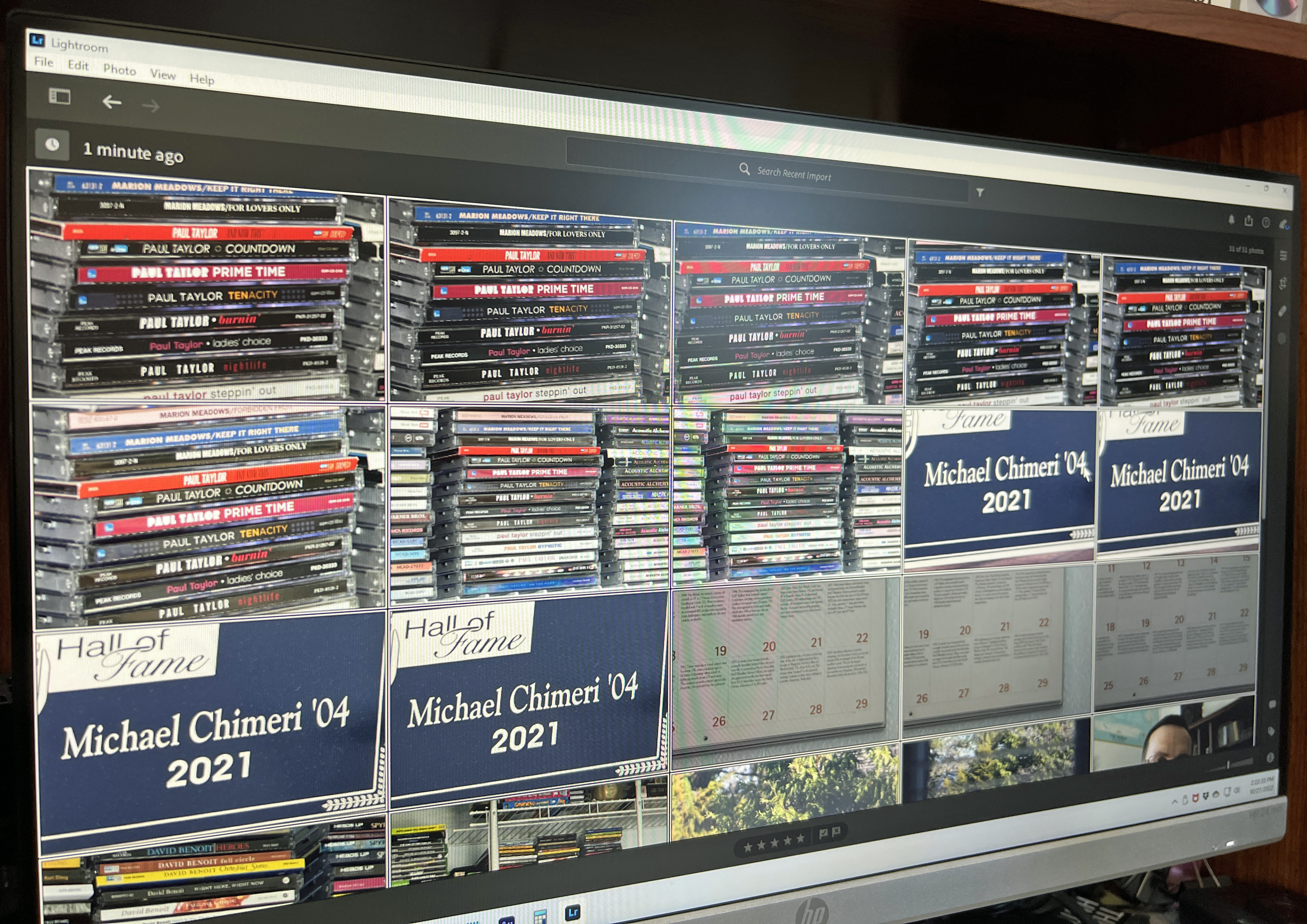
…and exporting as 240 PPI JPEGs…:
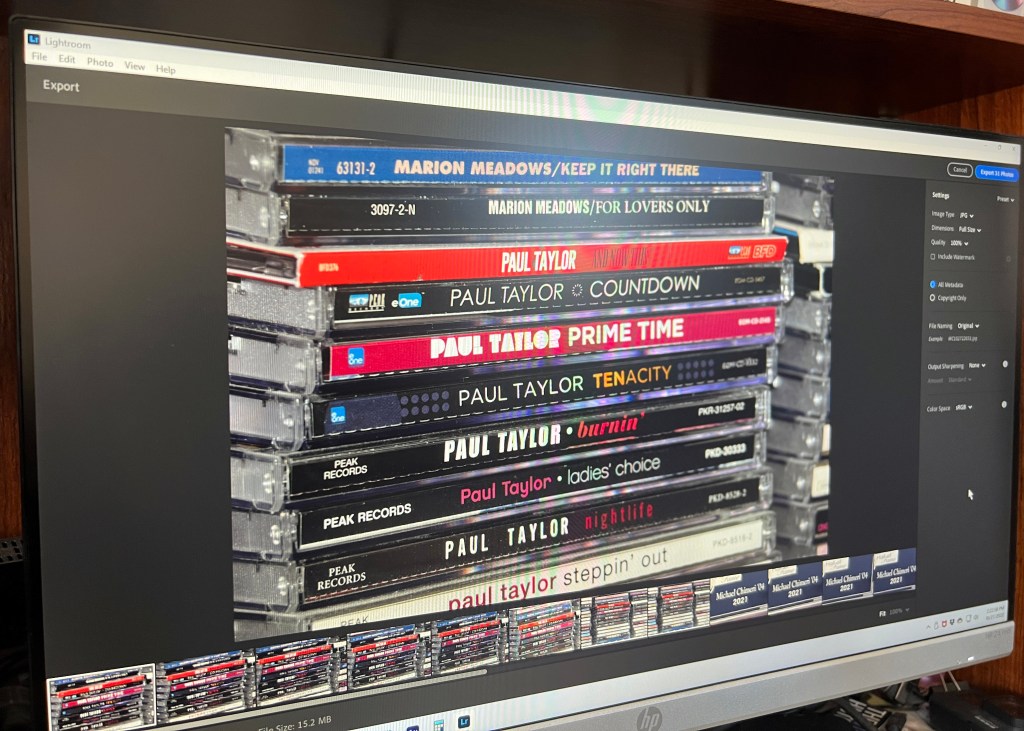
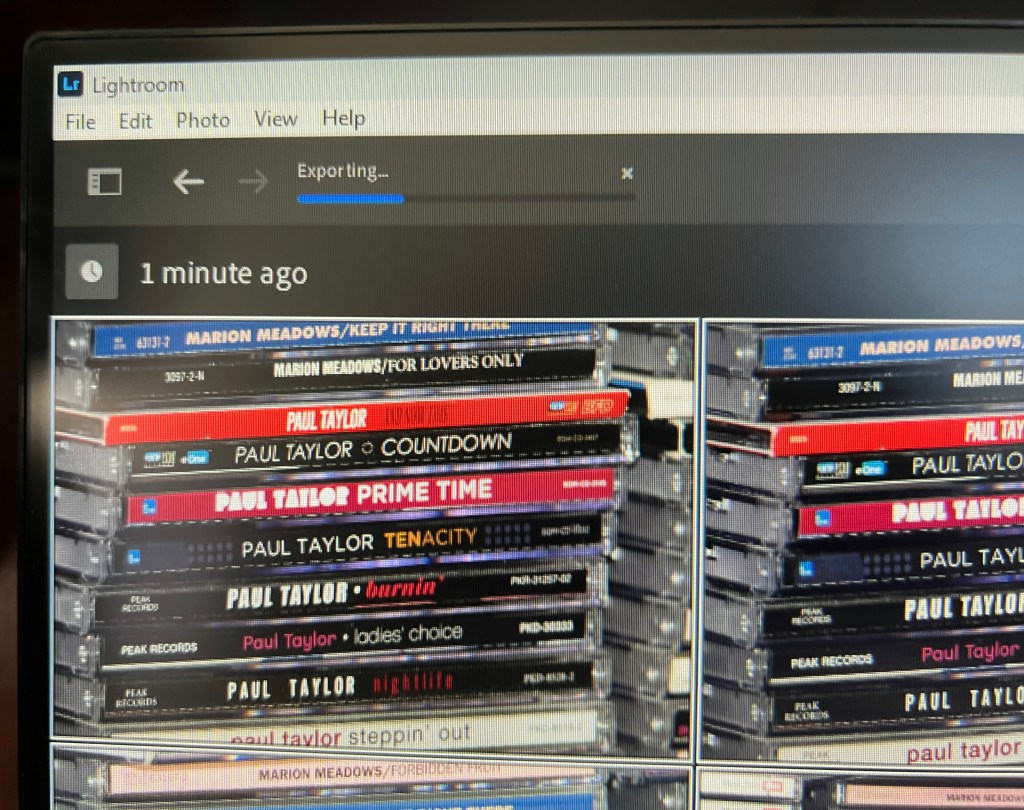
…to edit in Photoshop Elements:


The RAWs and JPEGs together:
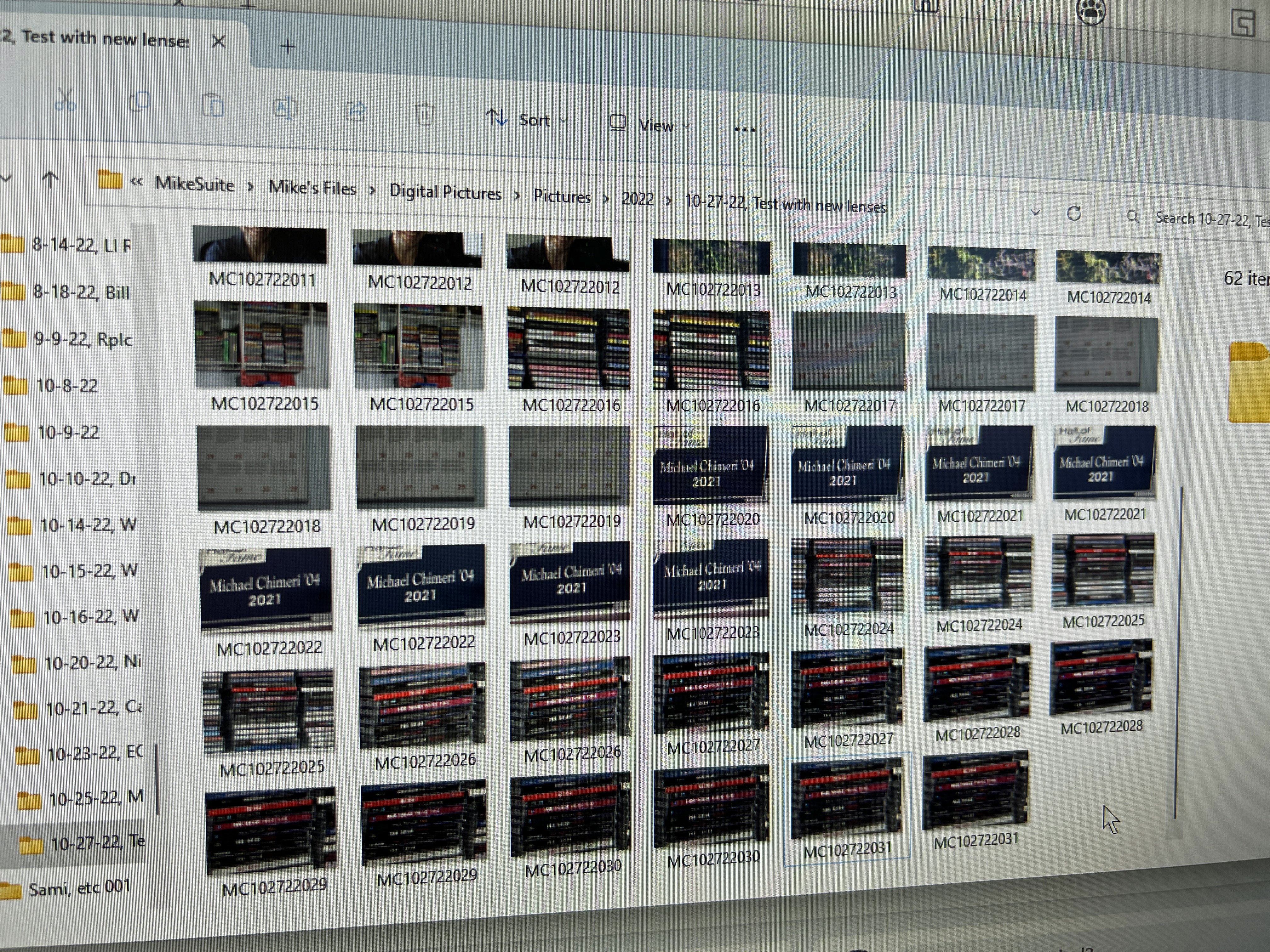
After the JPEG export, I only keep a few RAWs for reference.
The Tamron lens was delivered to the seller on Friday, October 28, and a refund was issued. My nightmare was over. Yet, I occasionally saw photos posted to the R7 Facebook group taken with lenses like the one I returned – or Canon EF lenses. Their photos were crystal clear and perfectly focused. I guess I just need to “git gud” (get good), as the meme goes.
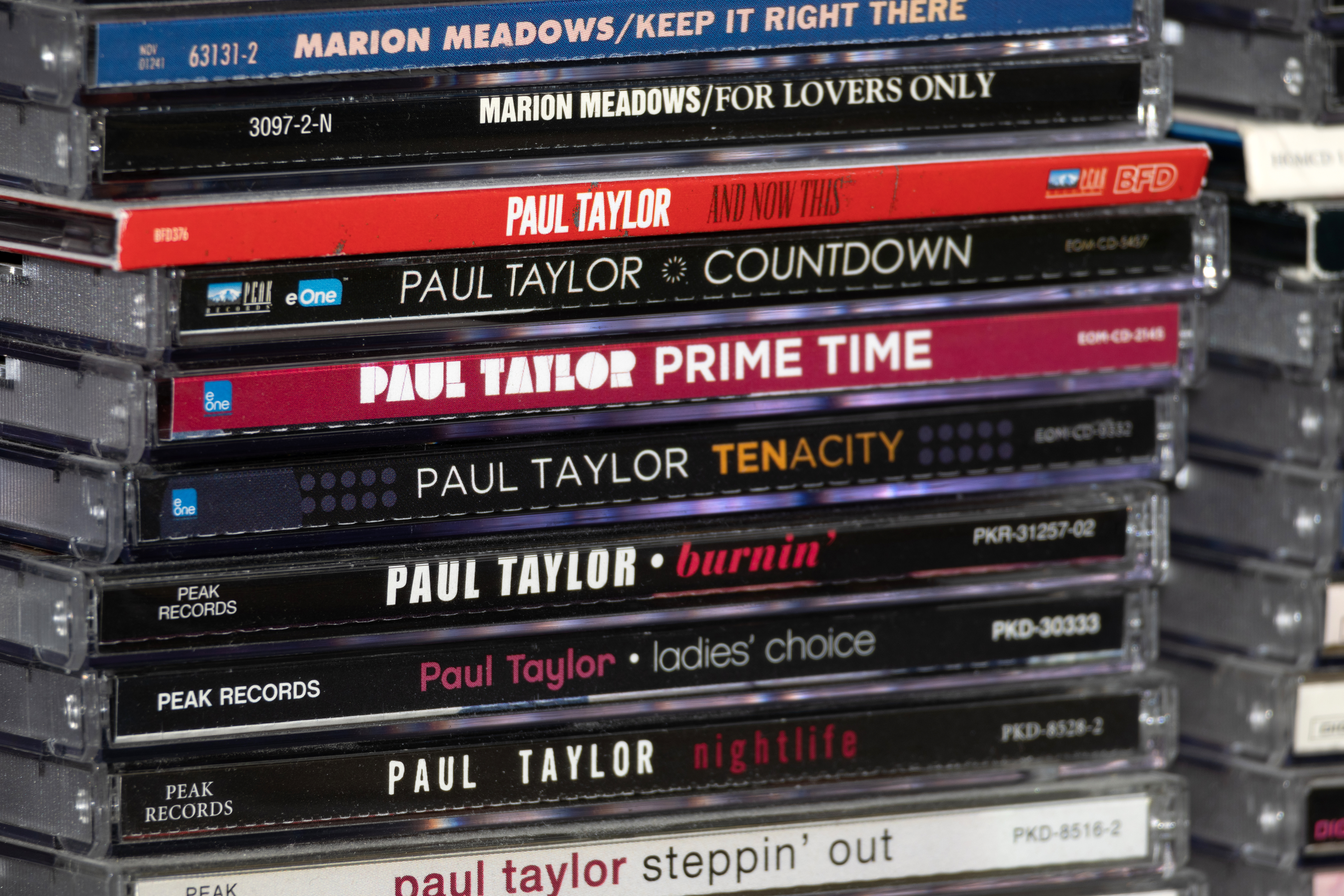
On the evening of Saturday, October 29, I discovered I could use Adobe Lightroom Classic to export RAW photos at 300 PPI, just as the Nikons natively saved fine JPEGs. Here’s the last October 27 test photo at 300 PPI:
I had an earlier opportunity to test the lenses on Sunday, October 30, during a drive to the supermarket, but I opted to wait until Halloween. The wait was worth it! My test with the RF-S 18-150mm lens in the morning was a success! The IBIS seemed to do its job and the R7 had no trouble focusing. I mainly shot in sports mode with a few in auto mode.
The test with the RF 100-400mm lens was equally satisfying once I figured out the car windshield was making 400mm photos blurrier than normal. The wider the focal length, the clearer the photo, and the IBIS is more likely to work. Of course, this is common knowledge to more experienced photographers. Two members of the R7 Facebook group mocked my naivete, and chastised my use of a UV filter because the windshield is already UV-protected. Others politely informed me that wide angle will always provide a clearer view, windshield or not. As for my intended use for road and street sign photography, image stabilization is best at counteracting my hand’s instability, but not so much for motion blur or road vibrations. The photos at a wider length on the 100-400 were clearer, and most photos on other lens were stabilized to the point that motion blur was minimal. Still, on Tuesday, November 1, I sharpened those photos and then despeckled them. This is on top of any other adjustments to a given photo; they are seldom untouched.
Tuesday also started the post-editing practice of going back ino Lightroom to watermark photos I publicize on this blog or social media. Again, I naively held out for over a decade. Live and learn.
Here are the Halloween test photos, starting in the morning with the RF-S 18-150mm…


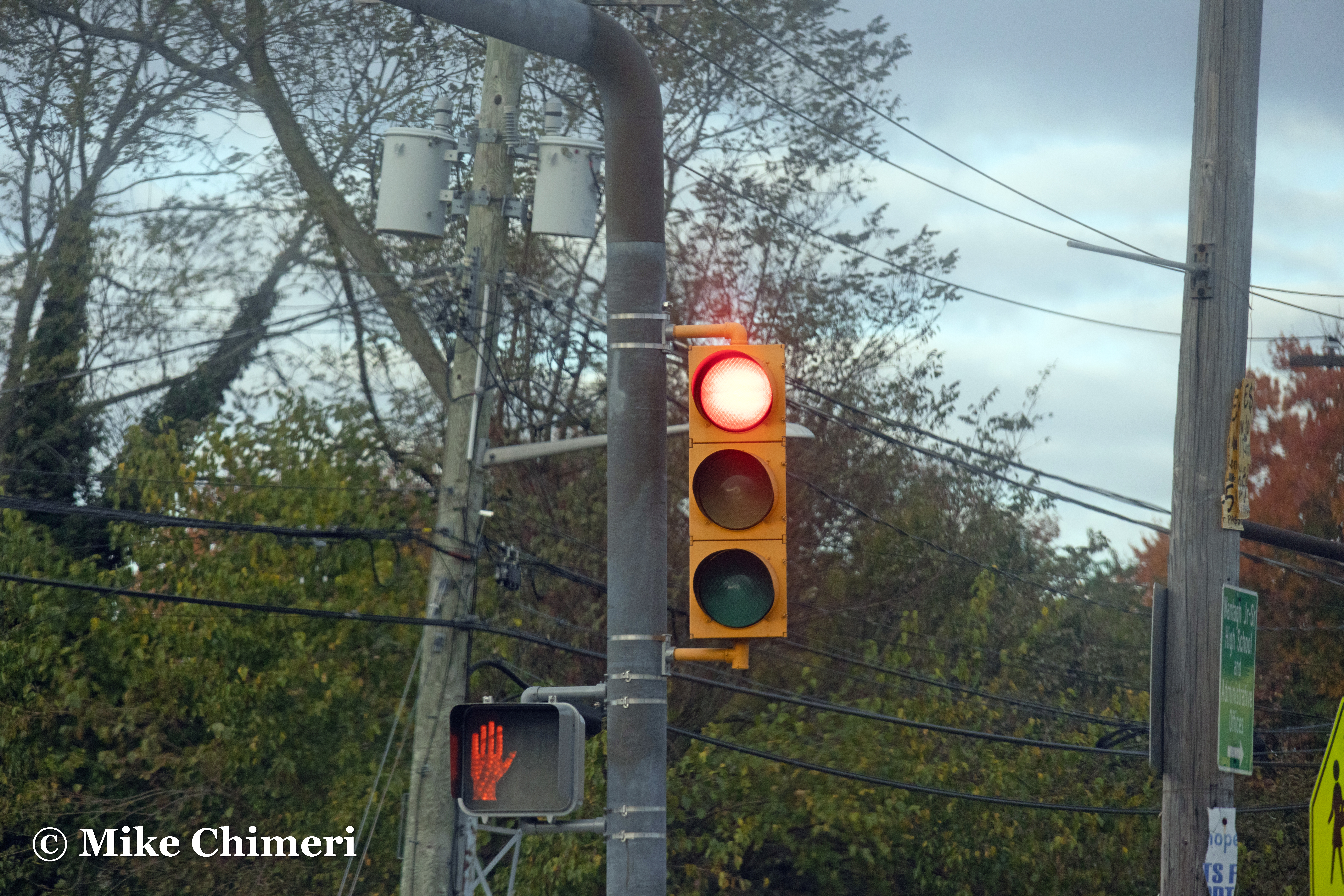




















…and the RF 100-400mm in the afternoon:










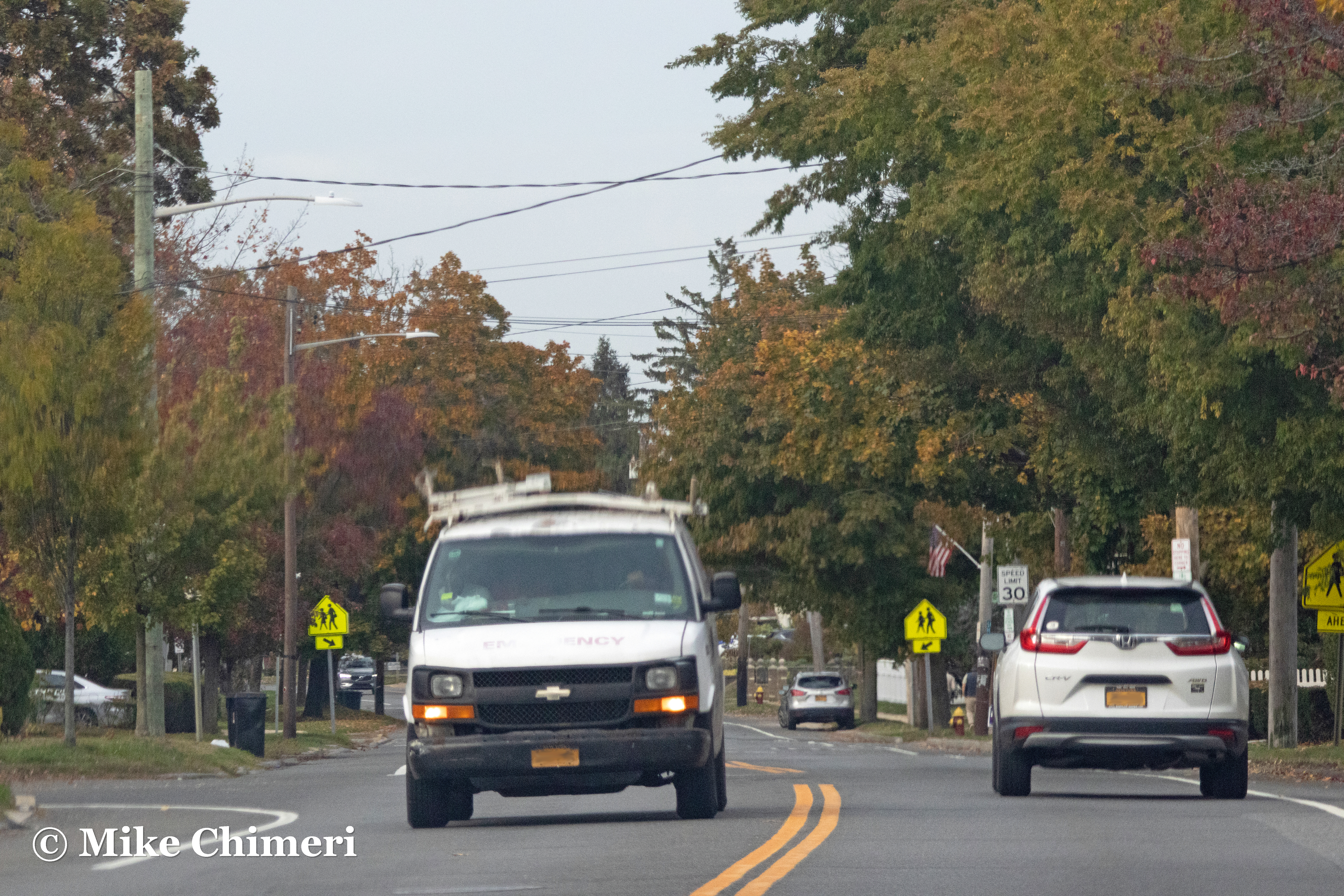


I noticed the first quarter (waxing) phase of the moon on Tuesday night and took this photo:

Tuesday’s photo was in sports mode and the camera automatically chose ISO 6400. Two nights later – Thursday, November 3 – I tried again in shutter priority mode at ISO 100. At first, I only took one photo at a time, at 1/1,000 sand 1/500 shutter speeds. I stayed at 1/500, but switched to burst mode. Out of 58 shots over three sets of bursts, the last one was the best:

The 30th was a close 2nd:

Earlier Thursday, after a morning treadmill run, I noticed the camcorder bag I inherited from family friend Janine looked pretty big. I brought it upstairs in the evening and it was too big, with room to spare! It was also heavier than the AmazonBasics bag, but again, it was free beggars can’t be choosers. Here’s how it looked:
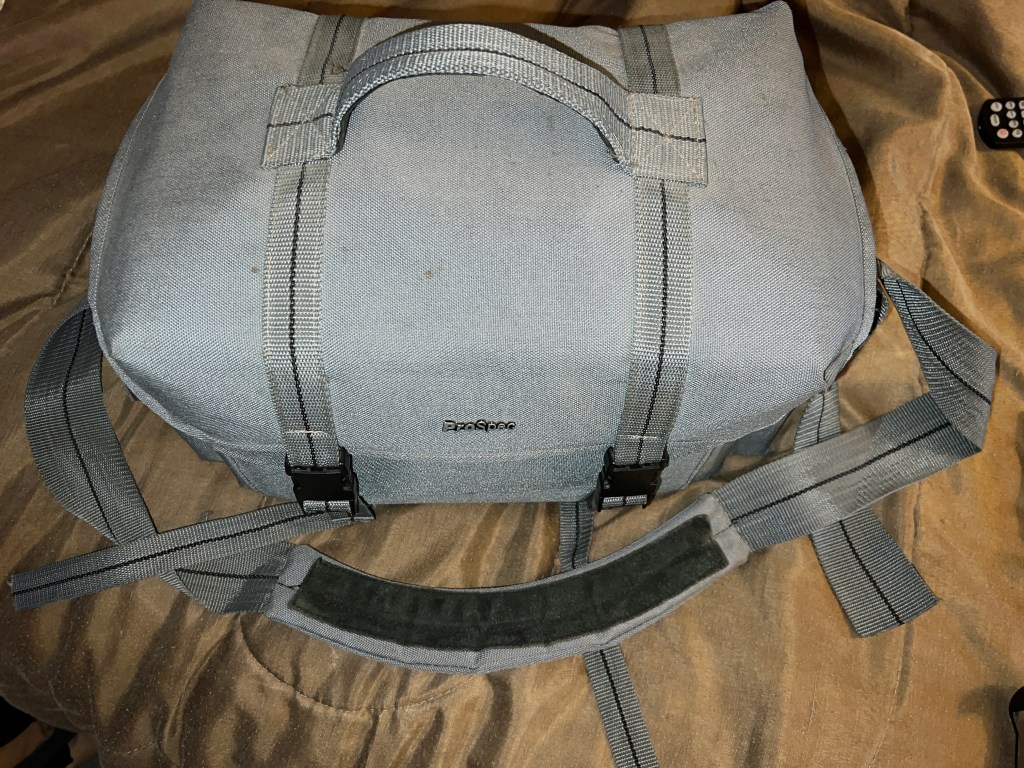

Dad’s bag now houses my current camcorder, a Panasonic HC-X1500 with VW-HU1 hand unit.
So many lessons were learned in my first ten days with the Canon EOS R7, and I will probably learn more in the weeks and months ahead. I haven’t even tried shooting video yet, speaking of camcorders. Wish me luck with it all.
Thank you for reading and viewing.
Photos from Dutchess County trip, drive back home October 28, 2022
Posted by Mike C. in Aviation, Baseball, Biking, Comedy, Film, Fire, Health, Internet, Jazz, Media, Music, Personal, Photography, Politics, Radio, Running, Sci-Fi, Sports, Technology, Travel, Video, Video Games, Weather.add a comment
In two of my Homecoming Weekend posts (live show, main post), I referenced a family trip to Dutchess County the prior weekend. This post is about that trip.
Back in the spring, my mom sprung the trip on me: a few of my relatives were going to run a race – The Fall Foliage Half Marathon and 5K – in Rhinebeck on the Sunday of Columbus Day Weekend and we would all be put up in a nearby AirBNB. I initially panicked, worried that it would conflict with Homecoming Weekend (henceforth, HCW), but one of my alumni friends assured me the LIU Sharks‘ Homecoming football game would likely be the following weekend. And in recent years, it has been held on the third Saturday of October. My conscience was clear and I was prepared for the trip.
I assumed the AirBNB would be in Rhinebeck and my parents, sister, and I would leave for there on the morning of Friday, October 7. Instead, we were to leave in the mid-afternoon and the house was in Staatsburg. I had an extra day to prepare since I decided not to go to New York Comic Con this year, or ever again, due to my disenchantment with the event and a need to save money for paying off my PC build. (And then, a week later, I went and bought a new camera and related equipment, which I’m still trying to get the hang of.)
I have a mixed record when it comes to time management. More often than not, I mismanage my time, and that’s what I did prior to departure on Friday afternoon. In the days leading up to the weekend, I tried to get as many radio shows recorded as possible to allow for a sizable buffer of weeks ahead. I only managed to produce and record the HCW prerecord and one regular show (November 16). I finished creating the playlist for the live HCW show with only an hour to spare before leaving the house.
Annotations for the live show and next regular show (November 23) were done from my laptop during downtime at the AirBNB. It was not an easy task with constant action at breakfast time or with babies occasionally crying indefinitely, all amplified by the hardwood floors on the main floor. Most of the regular show annotations were done on Sunday evening when I had the house to myself and then in my bedroom with white noise blaring in my earbuds.
Don’t chalk this up to disdain for the experience that weekend. Overall, I had a great time seeing the sights and catching up with relatives.
My parents and I left at 3:15 Friday afternoon and drove five minutes east to pick up my sister at her apartment. Four hours of traffic and spotty cell service later, we arrived at the AirBNB on Connelly Drive in Staatsburg.
For privacy’s sake, I won’t include photos of the house’s interior or of my family, but here are two exterior shots I took Saturday afternoon:
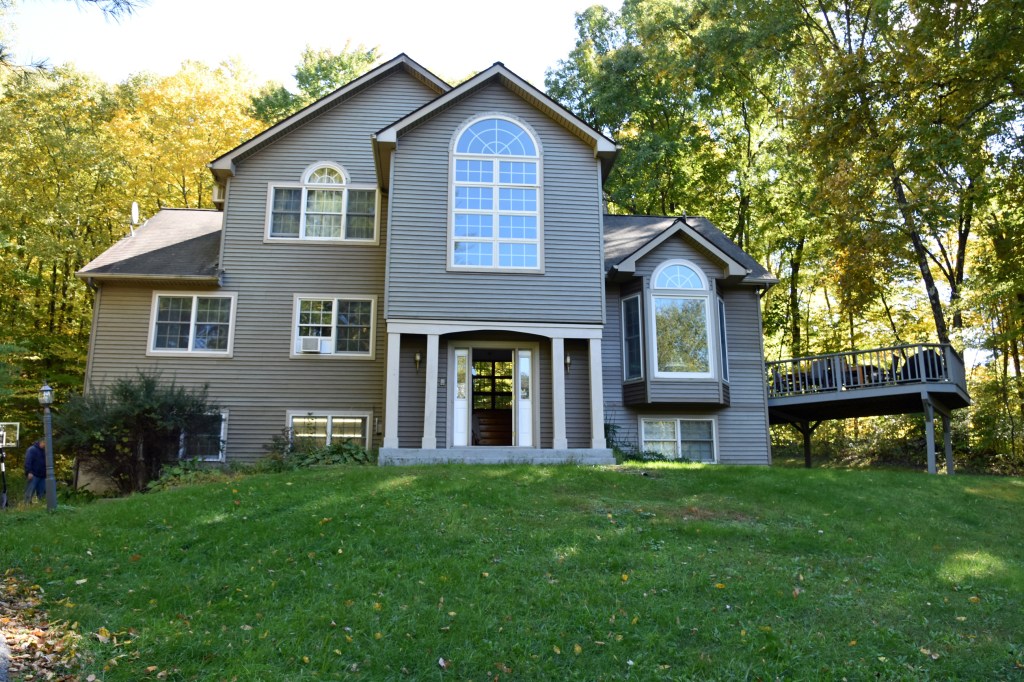

The rest of the post is dedicated to scenery photos taken from Saturday, October 8, to the ride home on Monday, October 10.
First, two more negatives:
- The Mets completed their unraveling by losing their National League Wild Card Series to the Padres. I found out about their game 1 loss Saturday morning, game 2 win Sunday morning, and game 3 loss seconds after it happened Sunday night. It was extremely demoralizing. I spent five months of my life believing this was the year the Mets would win their third World Series, allowing me not to care if they’d win a fourth in my lifetime. Five months of my life were wasted for nothing, including hours spent editing photos from the two games I attended. Obviously, I won’t make a slideshow of photos from that second game, which turned out to be the apex of the Mets’ season; all downhill from there. I hadn’t thrown away so many months expecting an outcome that didn’t happen since the 2012 presidential election. And I was away from home that night, too, at a family friend’s house in Rockville Centre, waiting for power to be restored back at my Wantagh home. (It was the next afternoon.) (11/1 UPDATE: Whoops, forgot to note power was lost during Sandy. I wrote about my experience here.) Incidentally, that family friend now lives an hour north of where we were and she met up with us Sunday in downtown (village) Rhinebeck.
- In another case of time mismanagement, I hurriedly and anxiously shaved my face and neck on Saturday and Sunday, making everyone wait before we could drive to wherever we were going. I cut myself in multiple places, and contemplated going back to an electric razor after nearly 20 years of a manual razor with five-blade cartridges. My dad generously bought one for me as an early birthday present on Monday morning. As of publication, I’m still mastering it. Most of my face is easy to shave, but I can’t get all the hairs off my neck, above my chin, or below my sideburns.
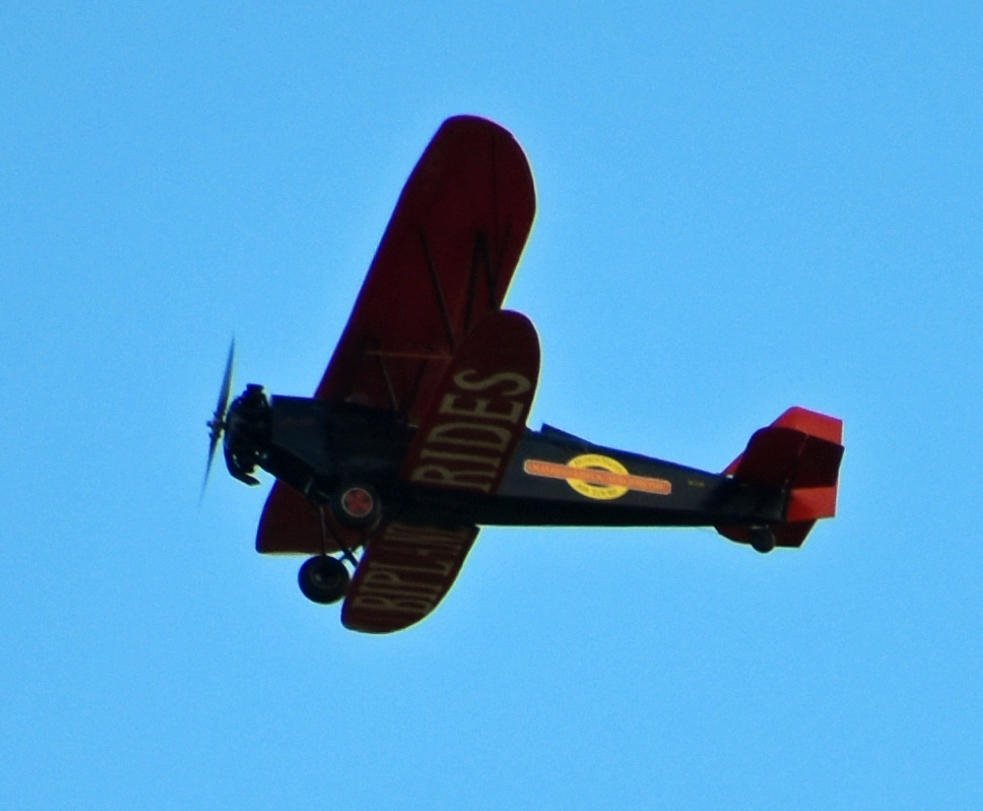
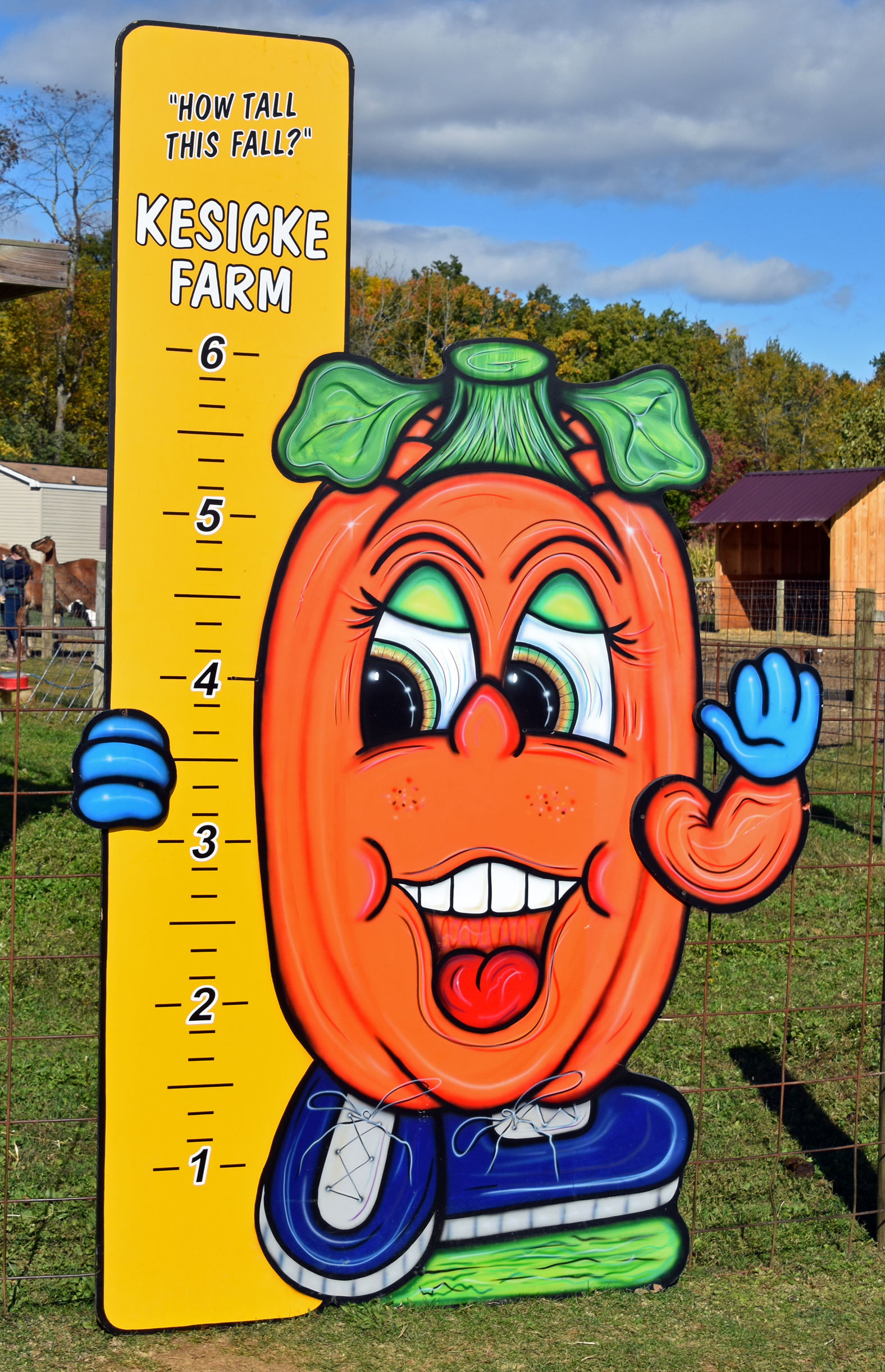
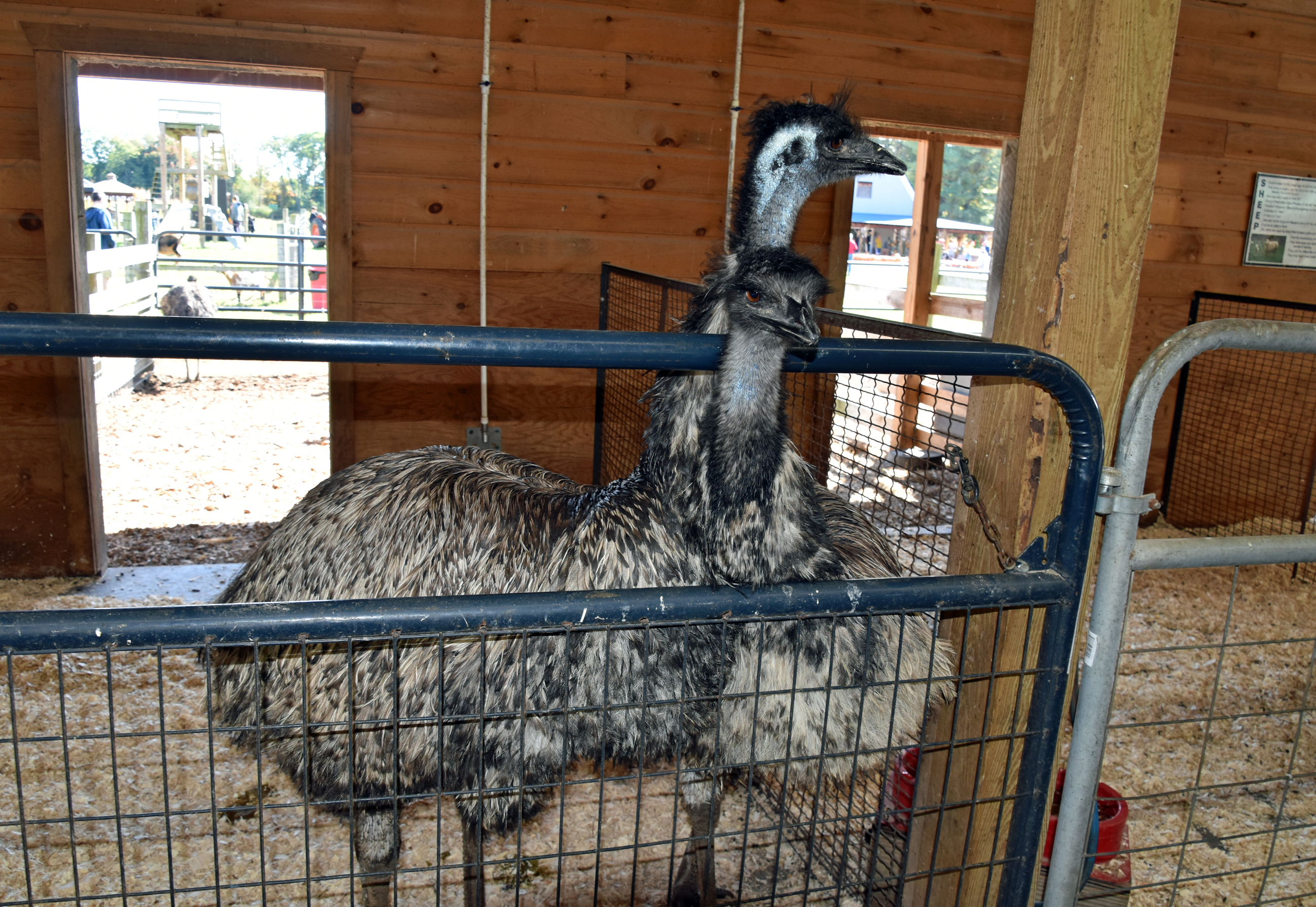
Now for the photos. Saturday morning, October 8, included a trip to the Kesicke Farm Fall Festival (more alliteration) in Rhinebeck. One day after warm and slightly humid conditions, conditions were sunny and breezy with temperatures in the 50s. I brought a winter hat and light gloves on the trip, but only needed the gloves.

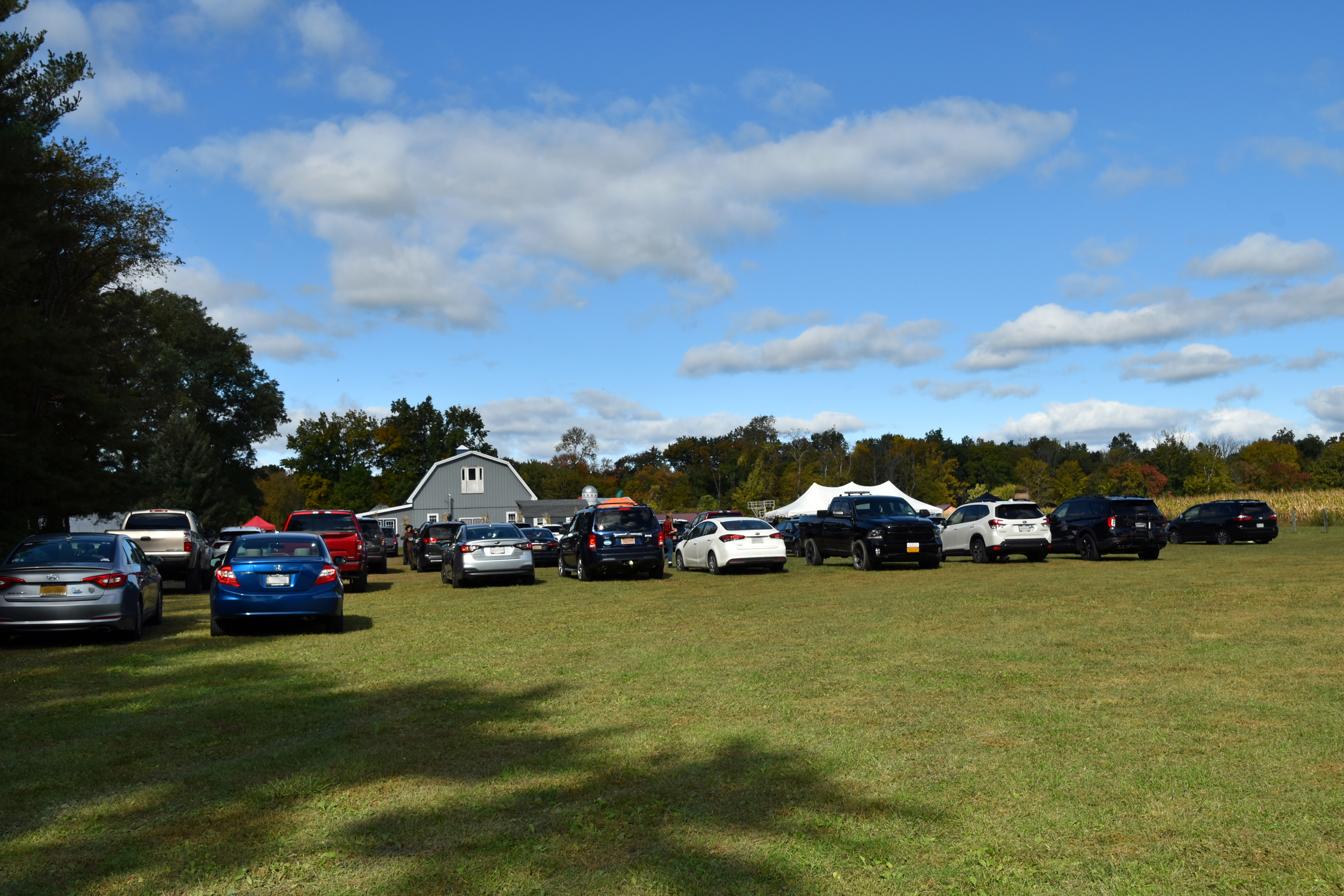


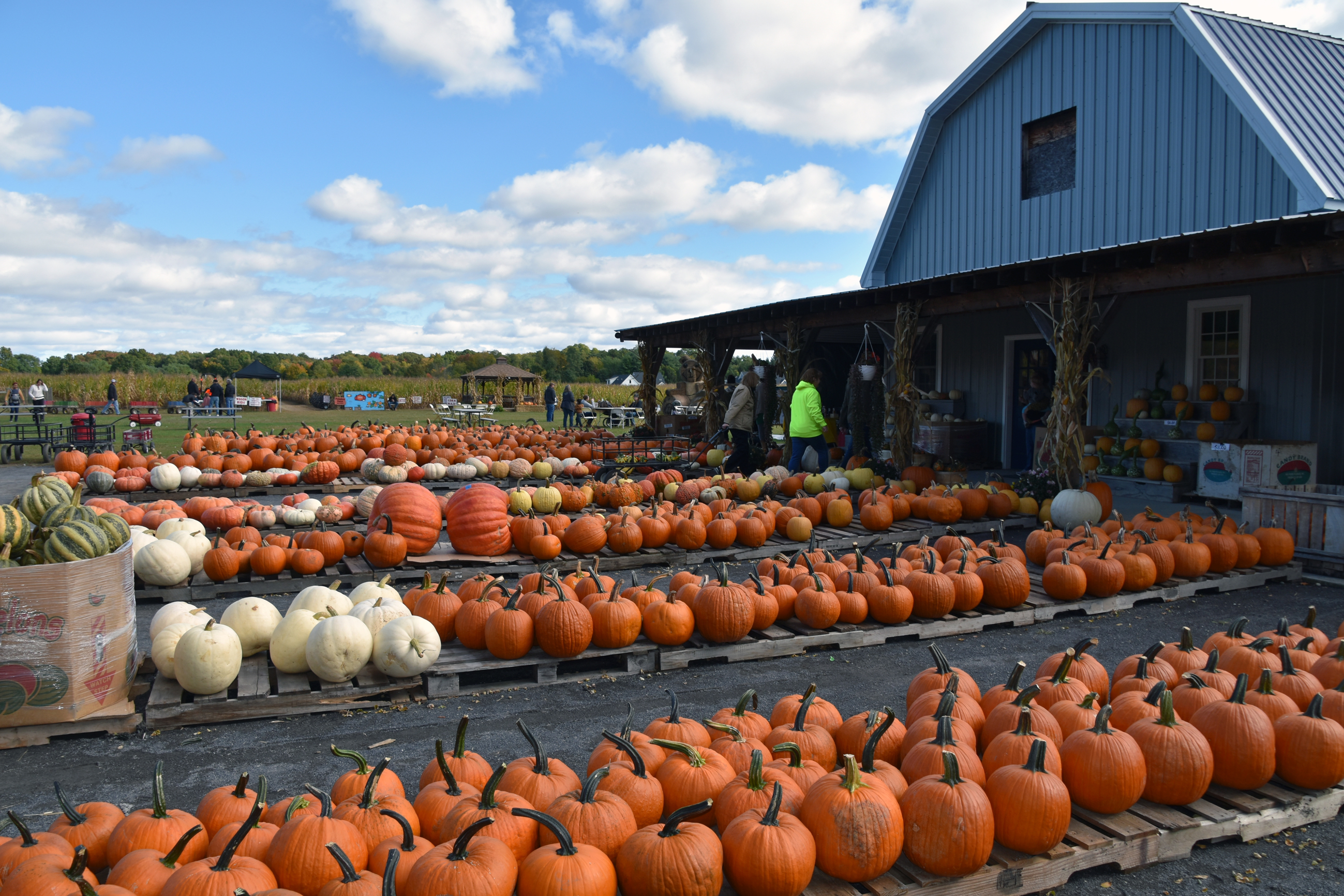








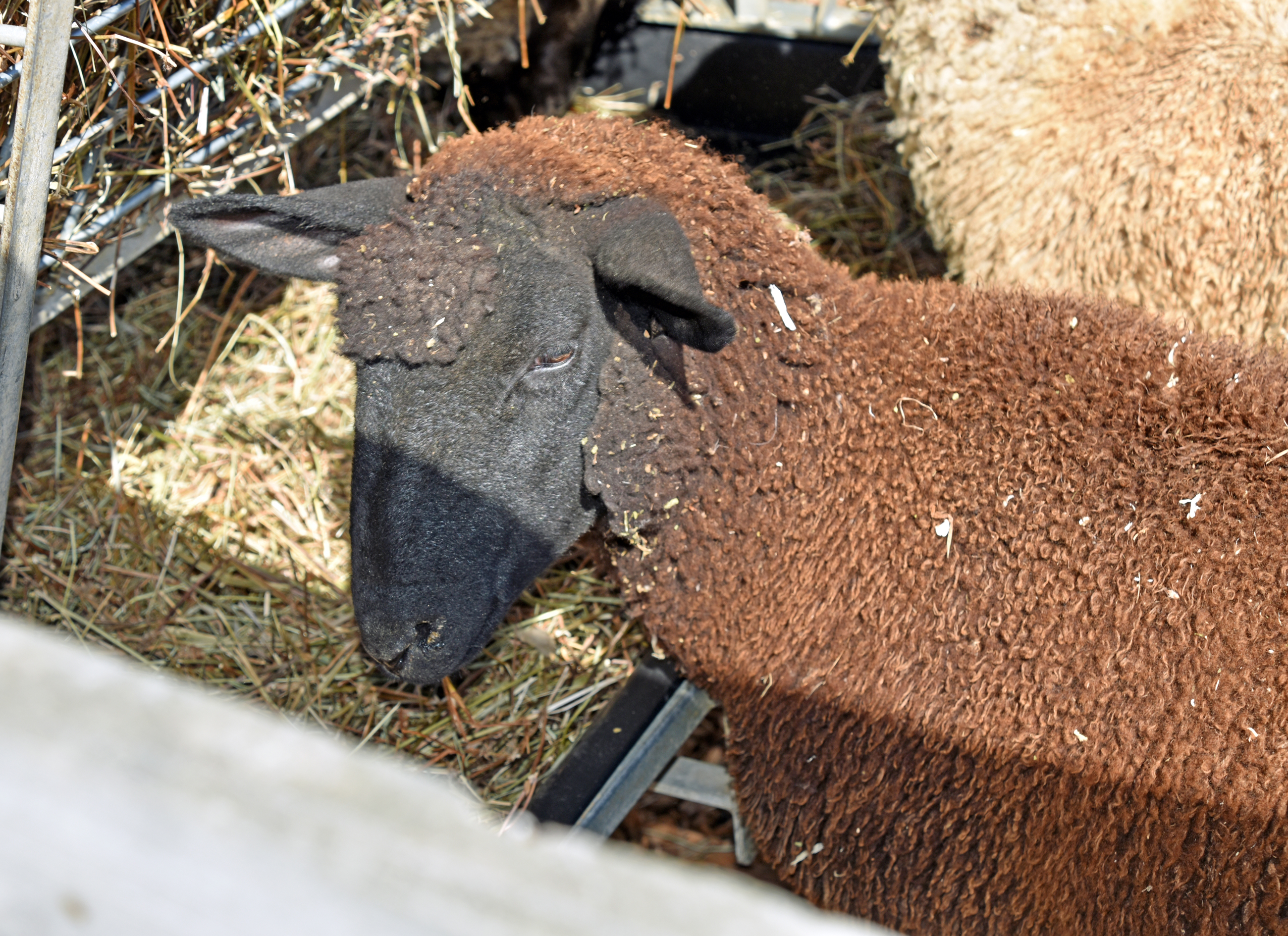

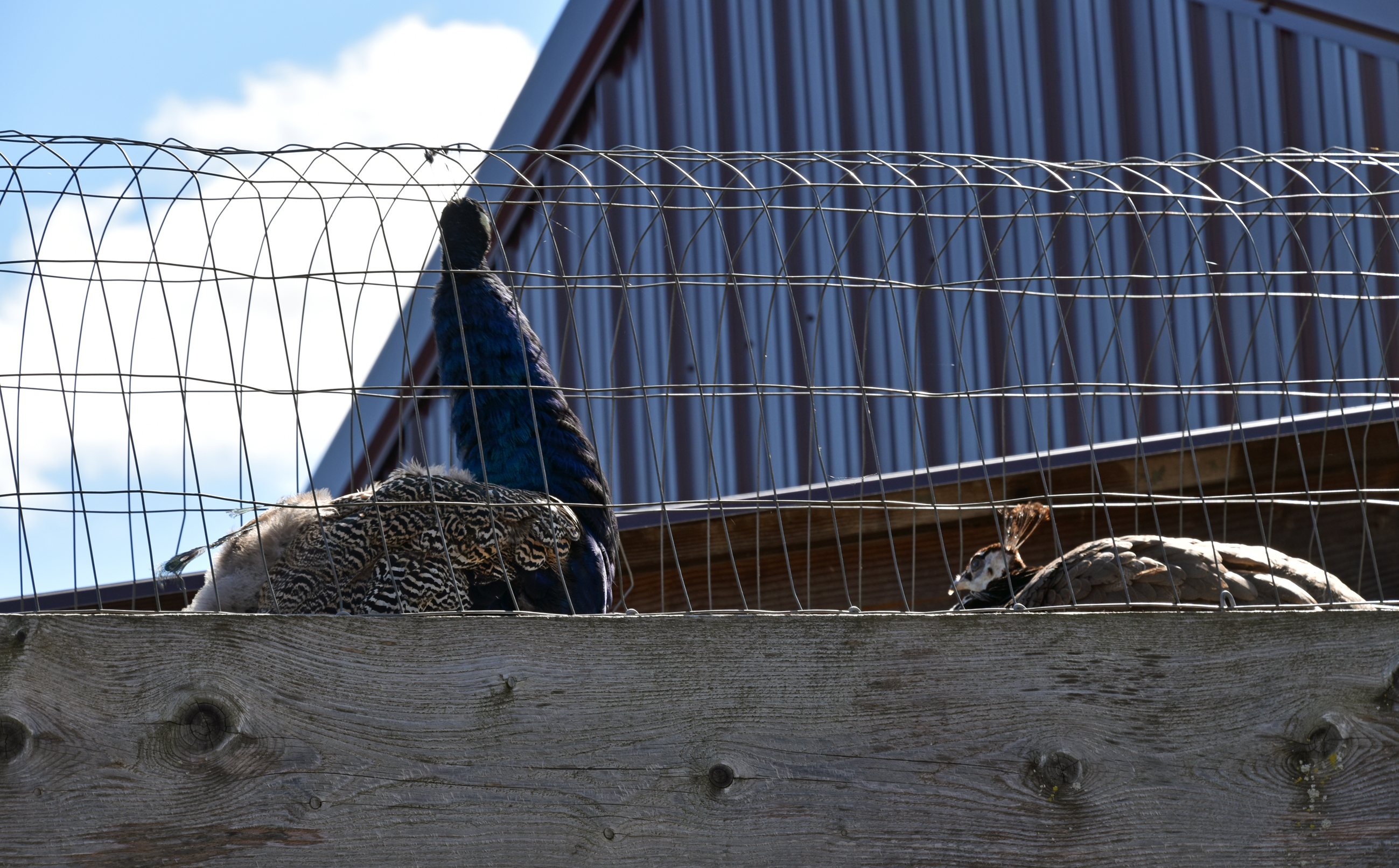


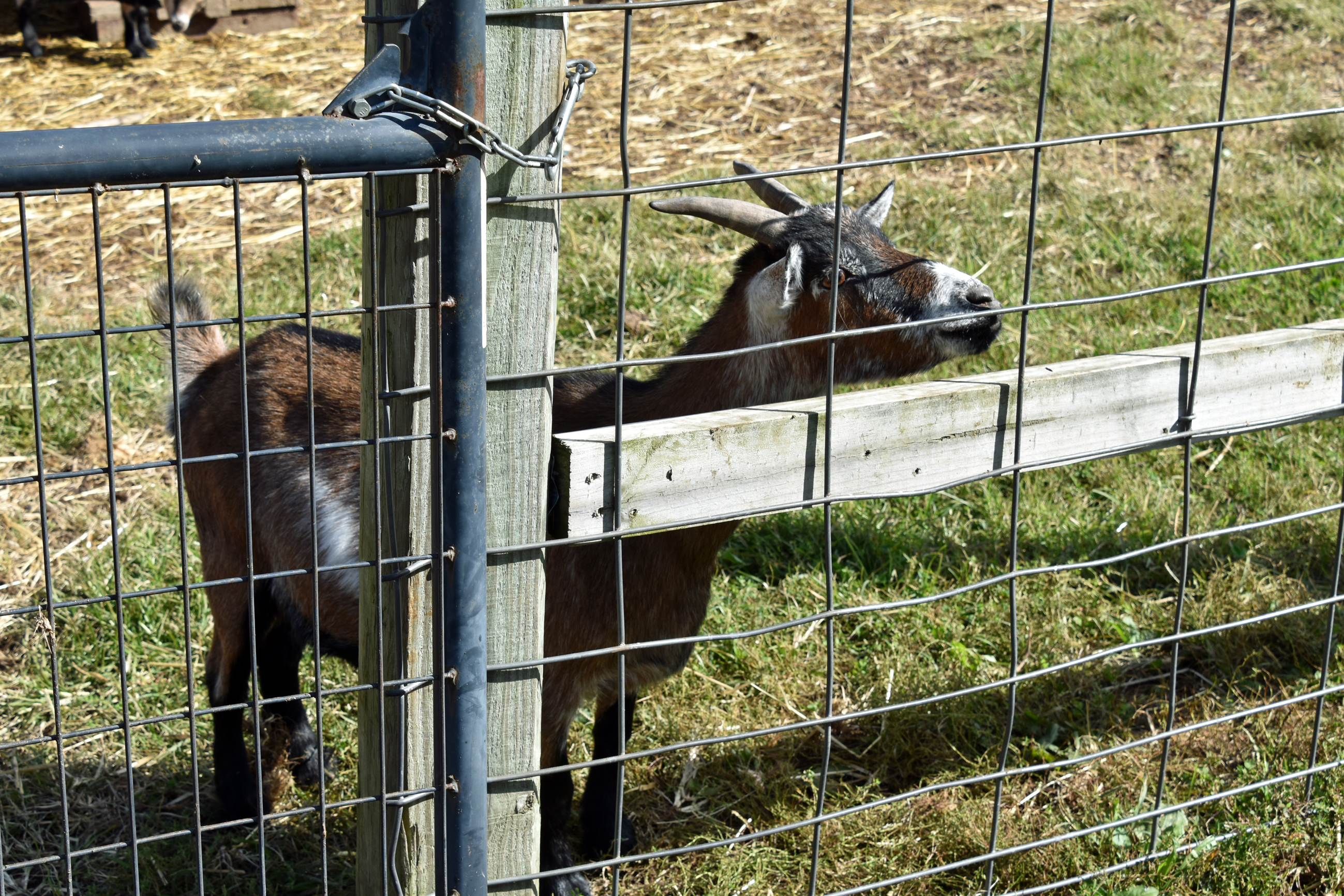
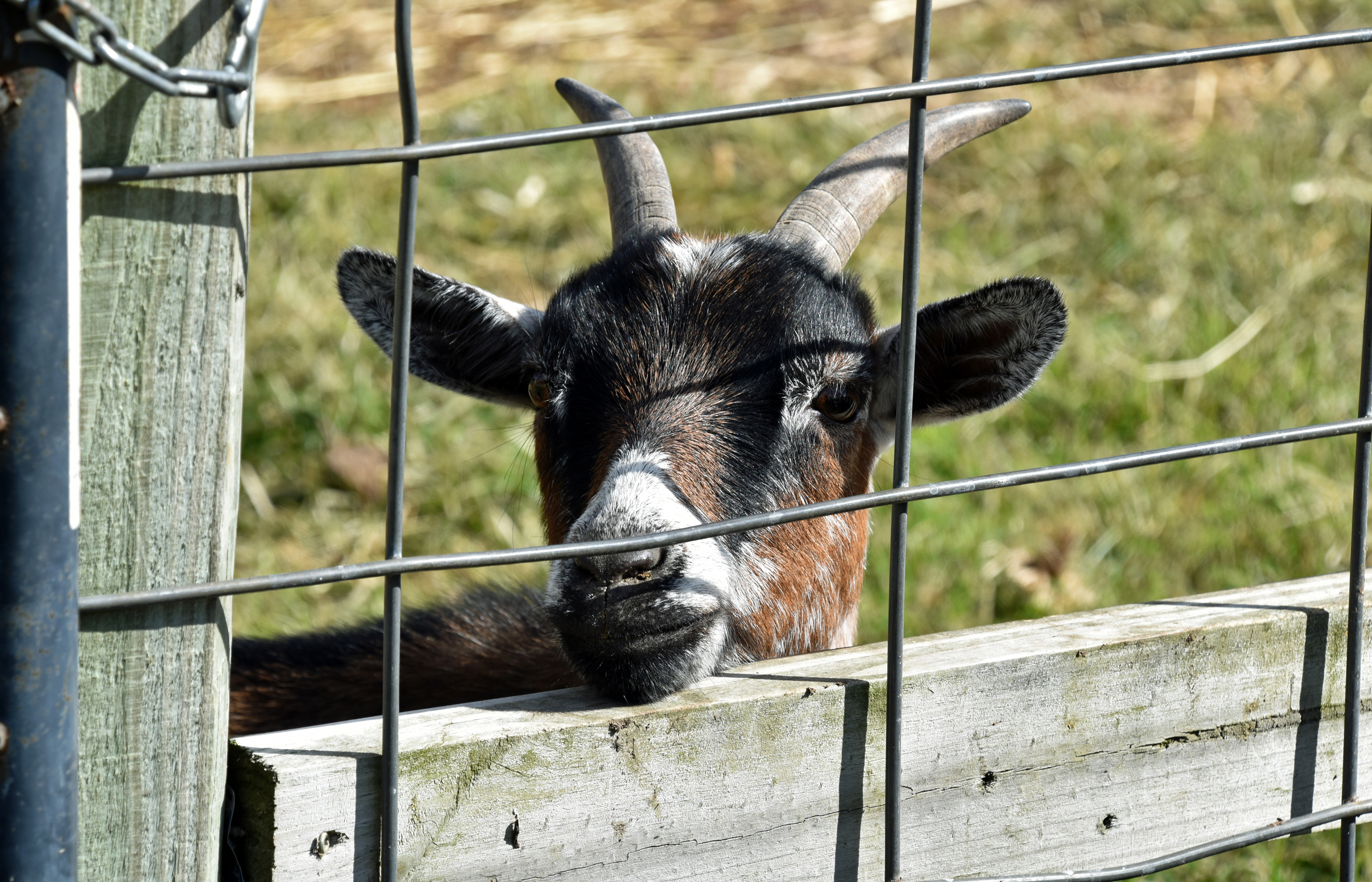


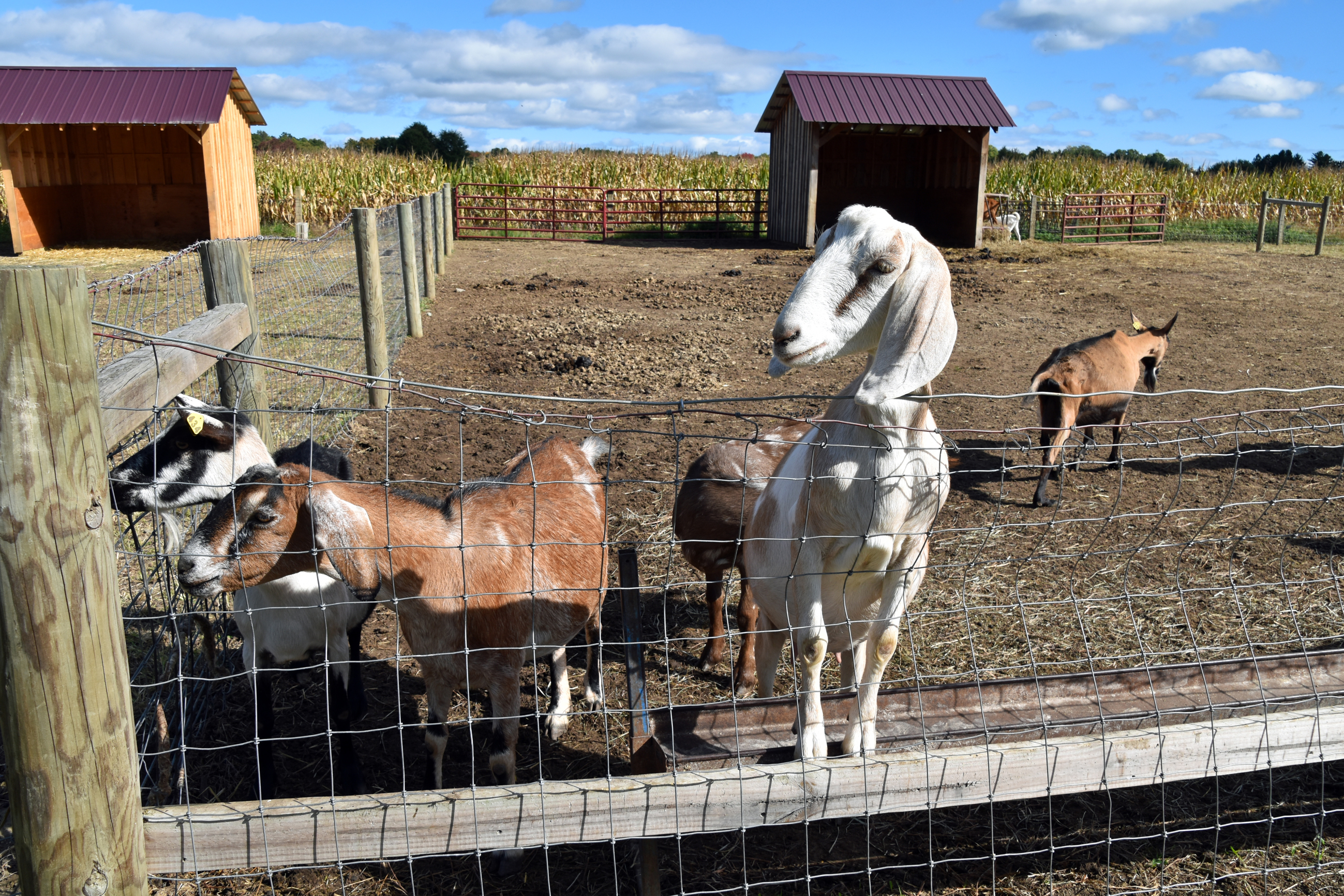

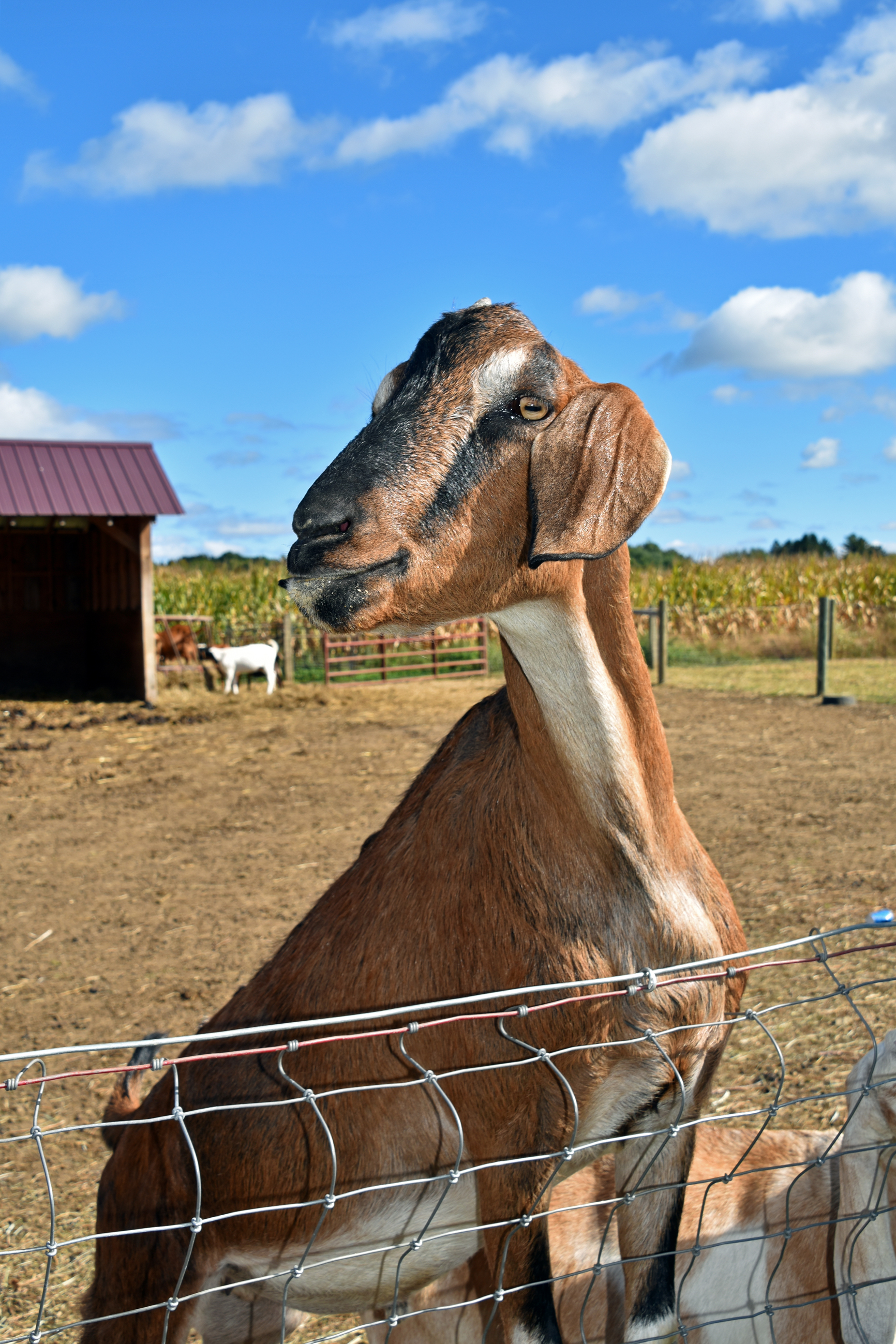
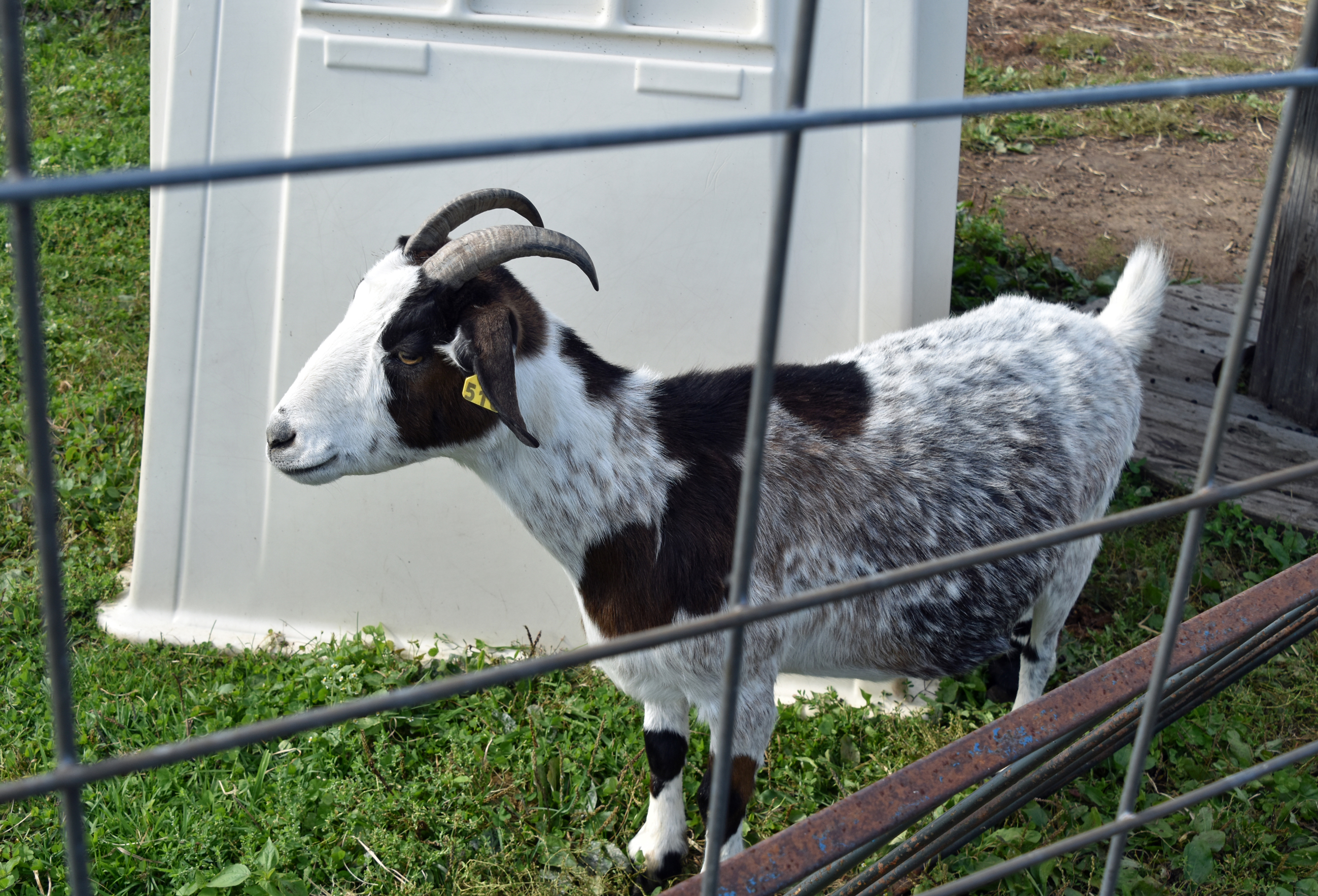


Returning to the AirBNB:

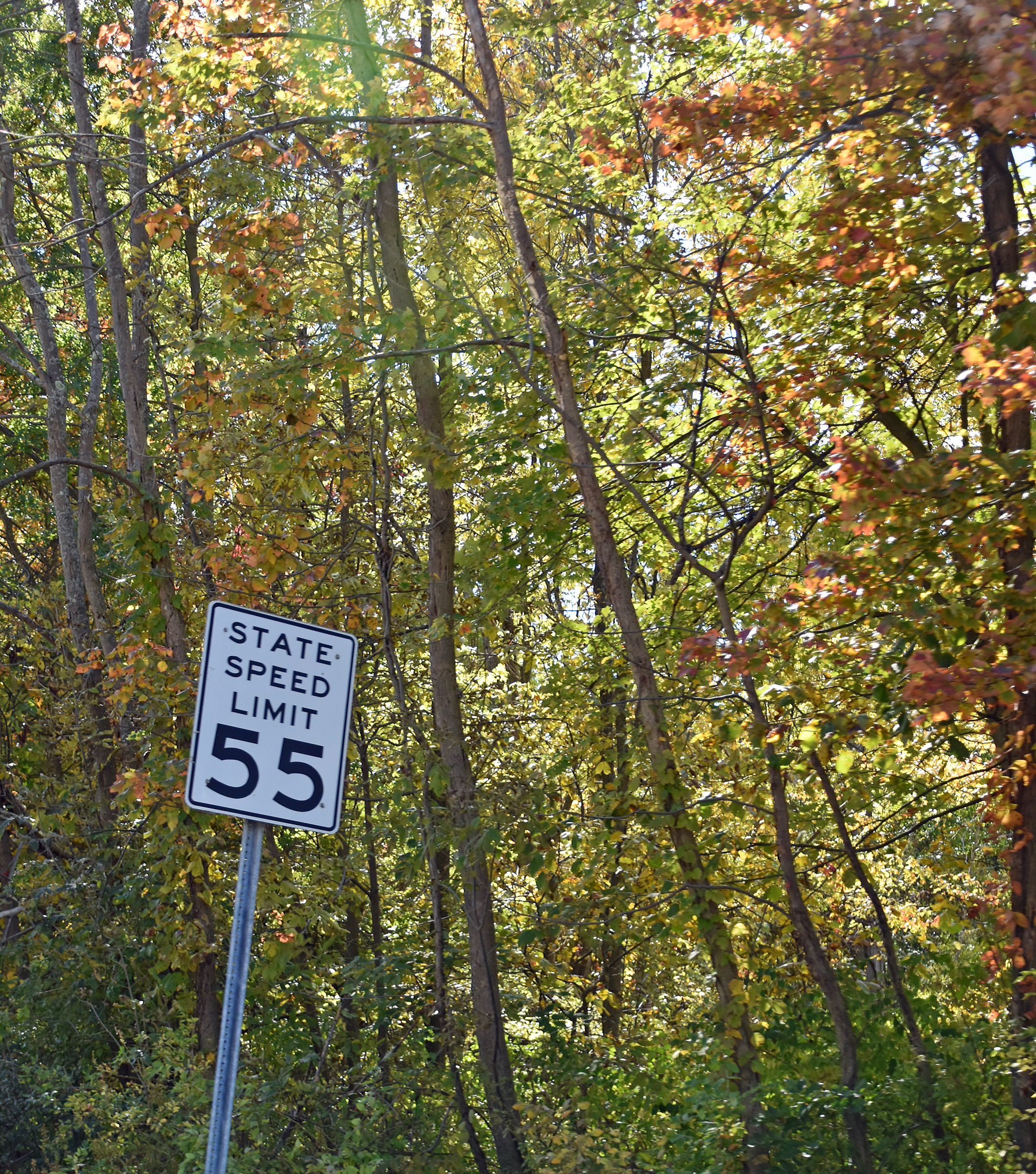


Sunday, October 9, brought us back to Rhinebeck. I packed my camcorder and tripod on Friday because I thought we’d be watching the end of the races Sunday. I thought wrong. I did use the camcorder Saturday afternoon to record soccer practice with my sister and our cousin. We did, however, walk up and down Market Street in Rhinebeck. That made me think of a song bearing that name by Yellowjackets from the Star Trek IV: The Voyage Home soundtrack. Of course, the film was based in San Francisco, not Rhinebeck, but Rhinebeck was the location of Spyro Gyra‘s last album of original music to date, The Rhinebeck Sessions.

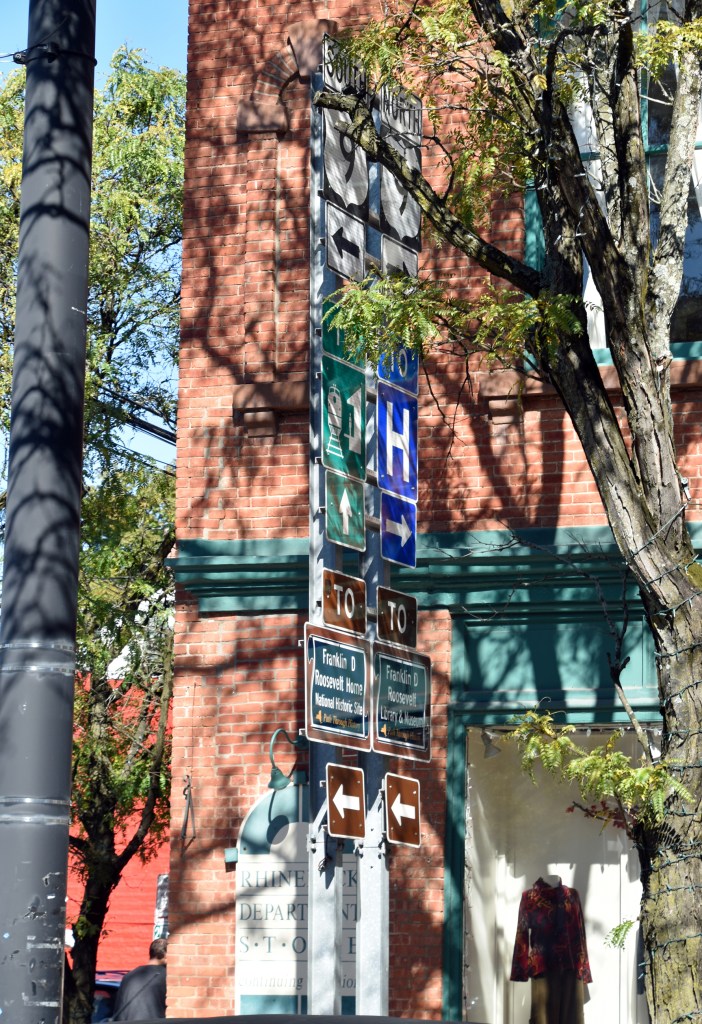


A recent episode of Sound Sack included misheard lyrics Joe Redifer imagined for music in Tengai Makyō: Fuun Kabuki Den for PC Engine (making me laugh real hard) and Sega Rally 2 for Dreamcast. Misheard lyrics for a cue from Sega Rally 2 included “because your fear of Daryl’s pager.” It may have an extra R, but this clothing store on Market Street made me think of Joe’s lyric. 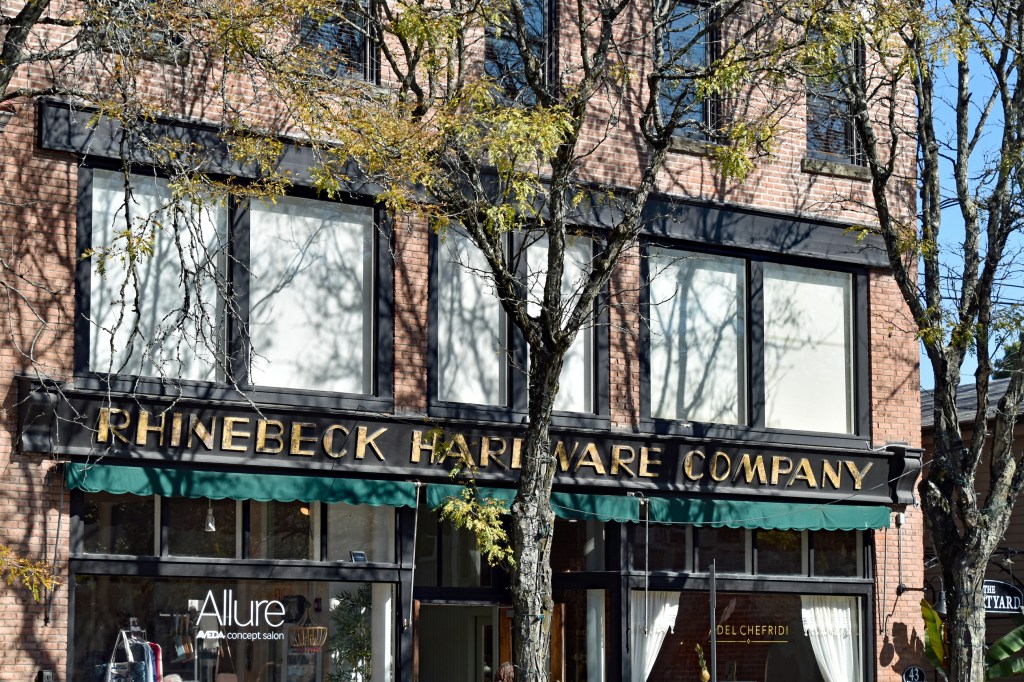

For my dad, a Freeport firefighter, I photographed this firehouse. 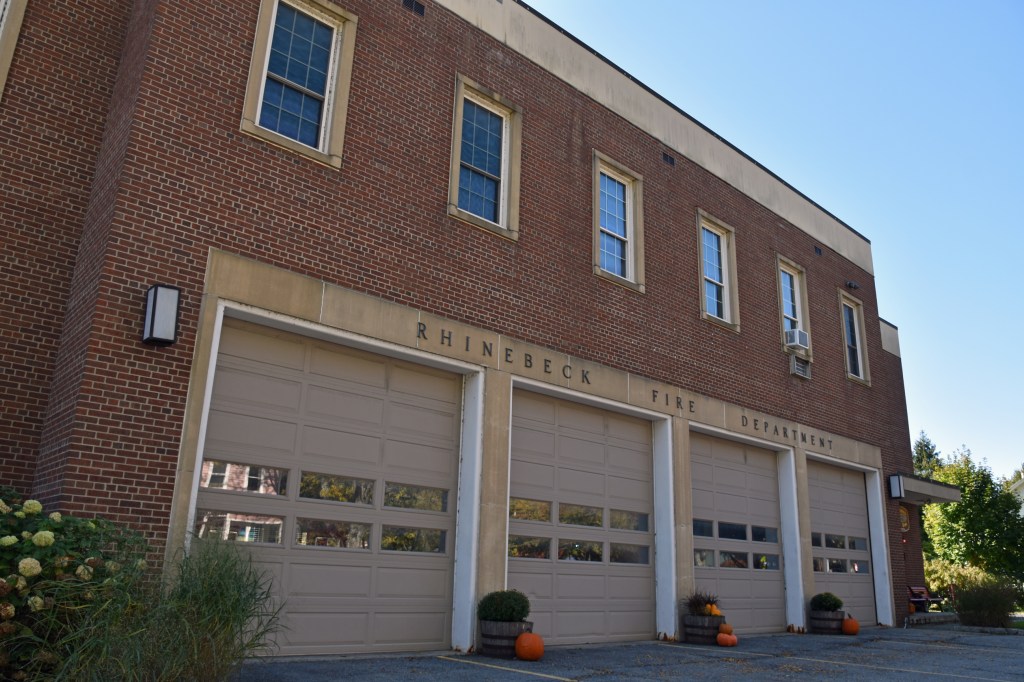


Notice the lens flare? 

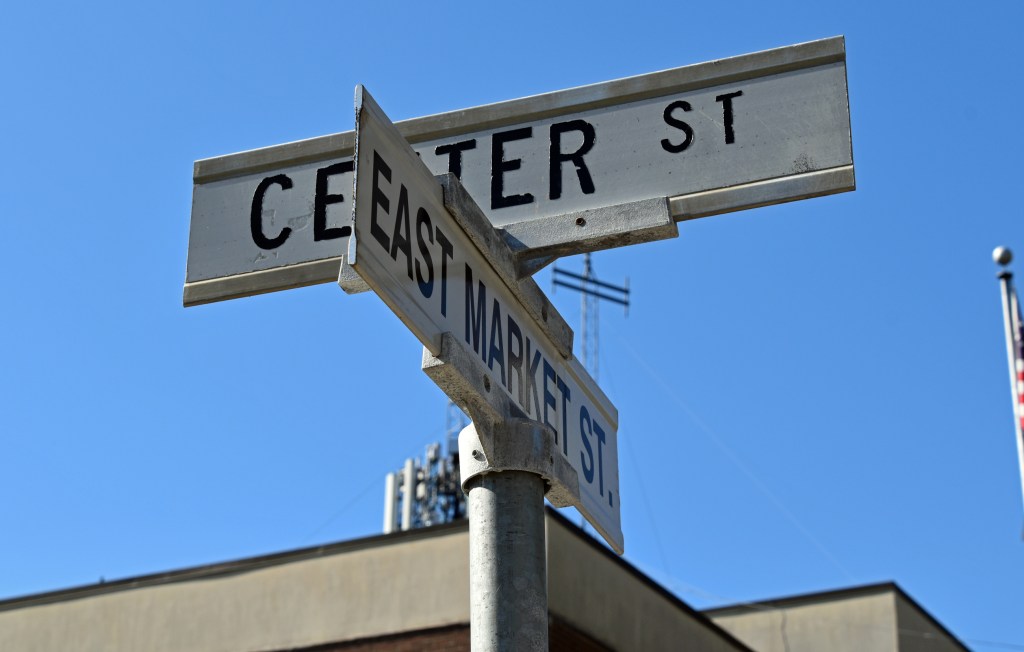
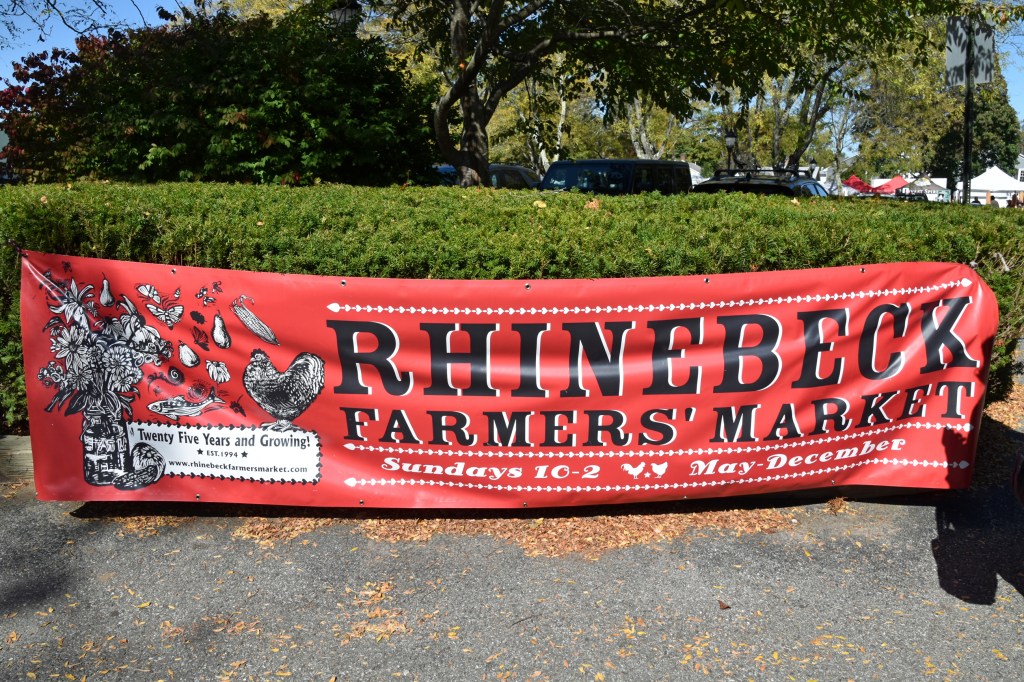
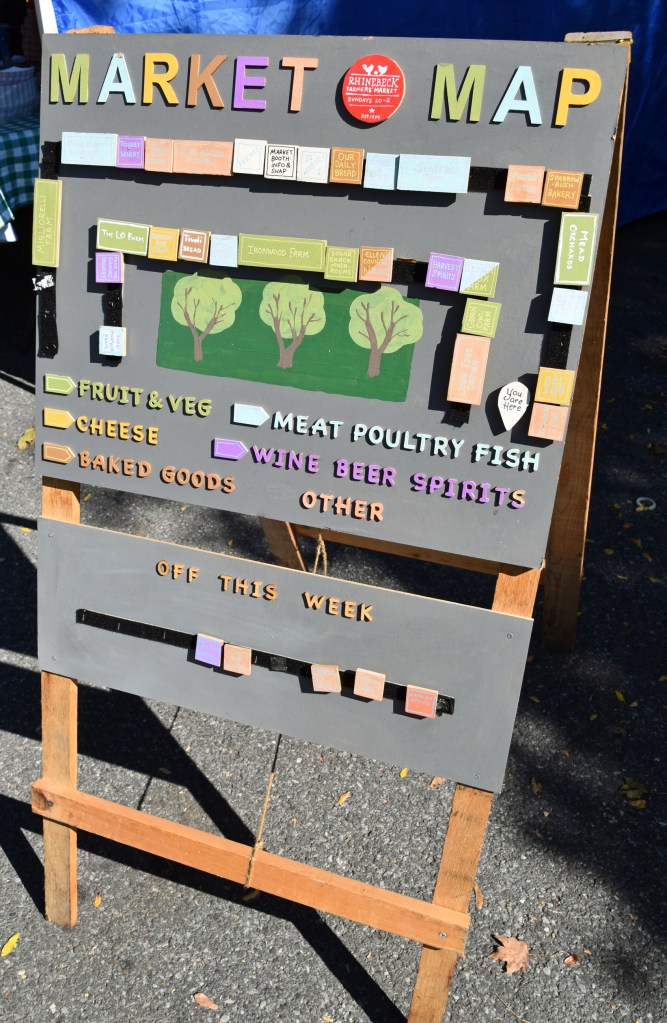
I walked through the Rhinebeck Farmers’ Market with my mom, aunt, and their high school friend (the aforementioned family friend). 
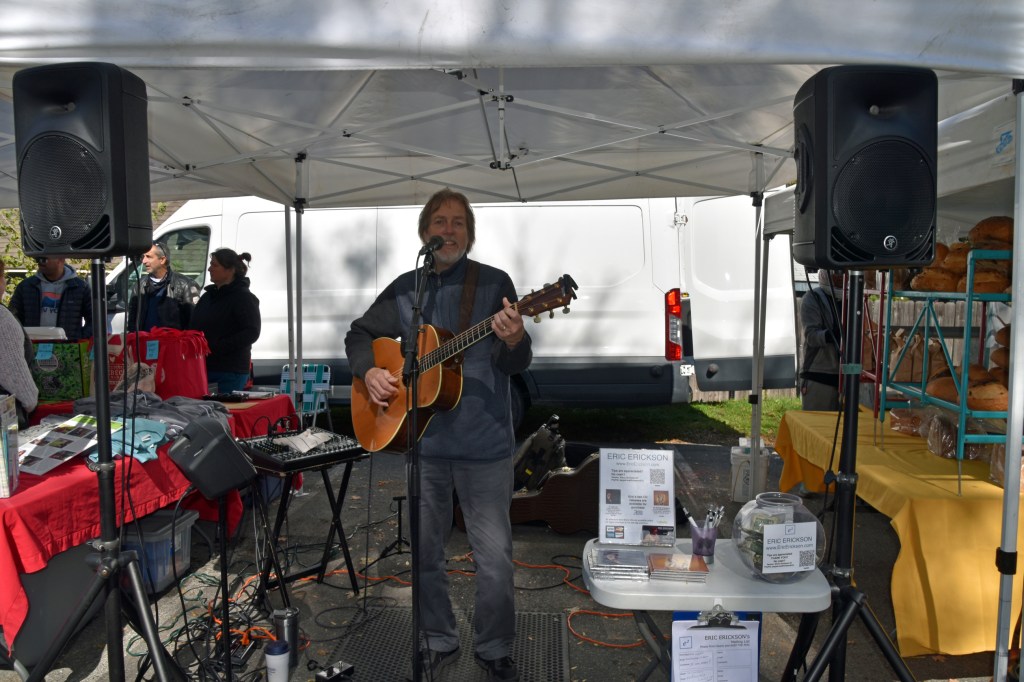
The folk stylings of Eric Erickson 

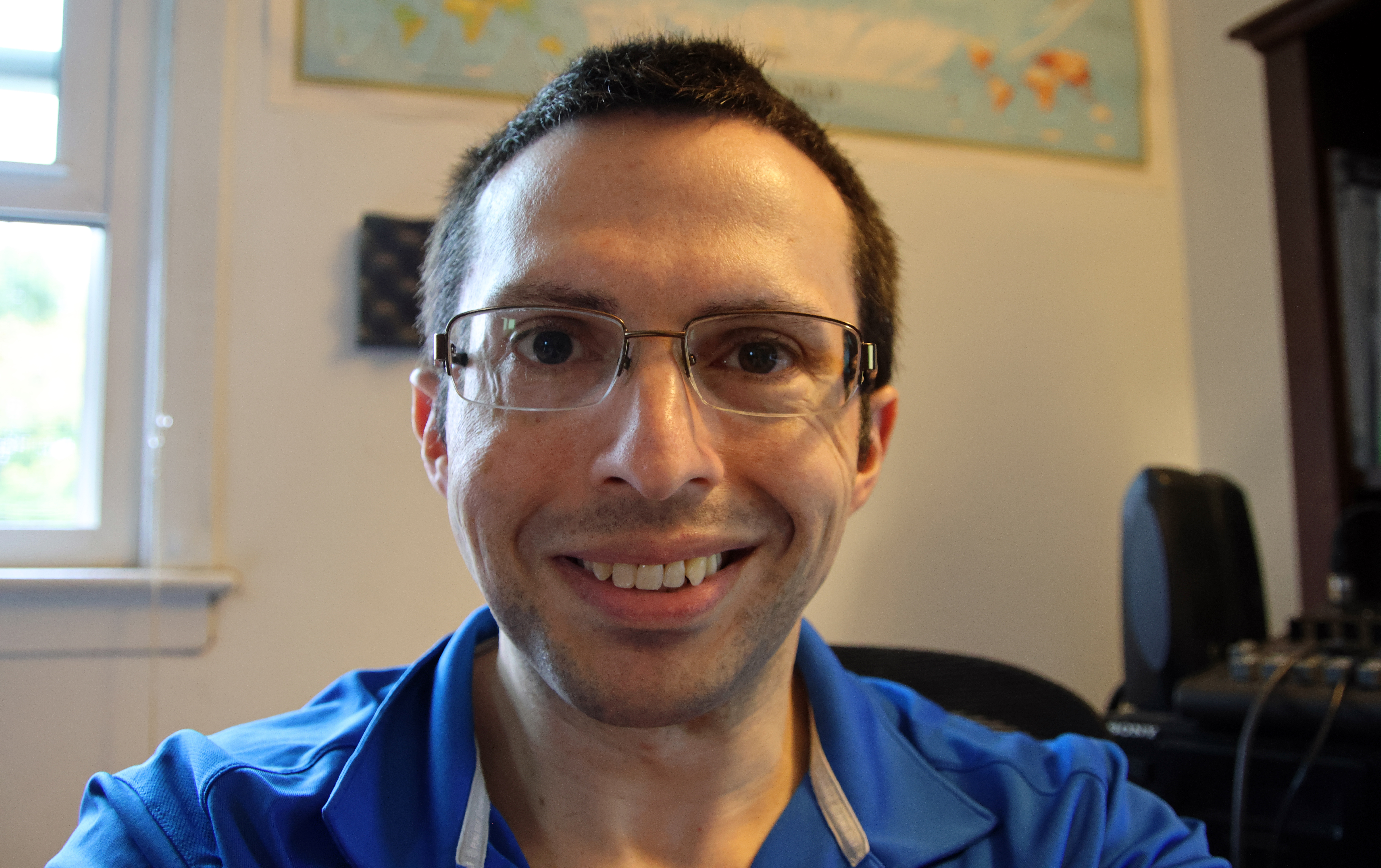
A selfie (with the blemishes and shaving cuts edited out) 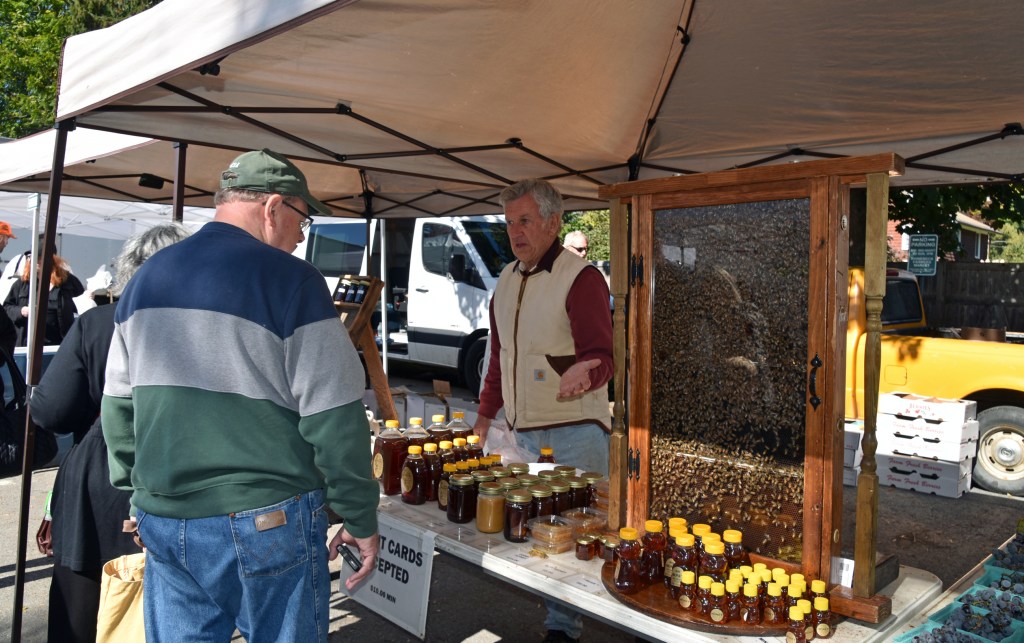


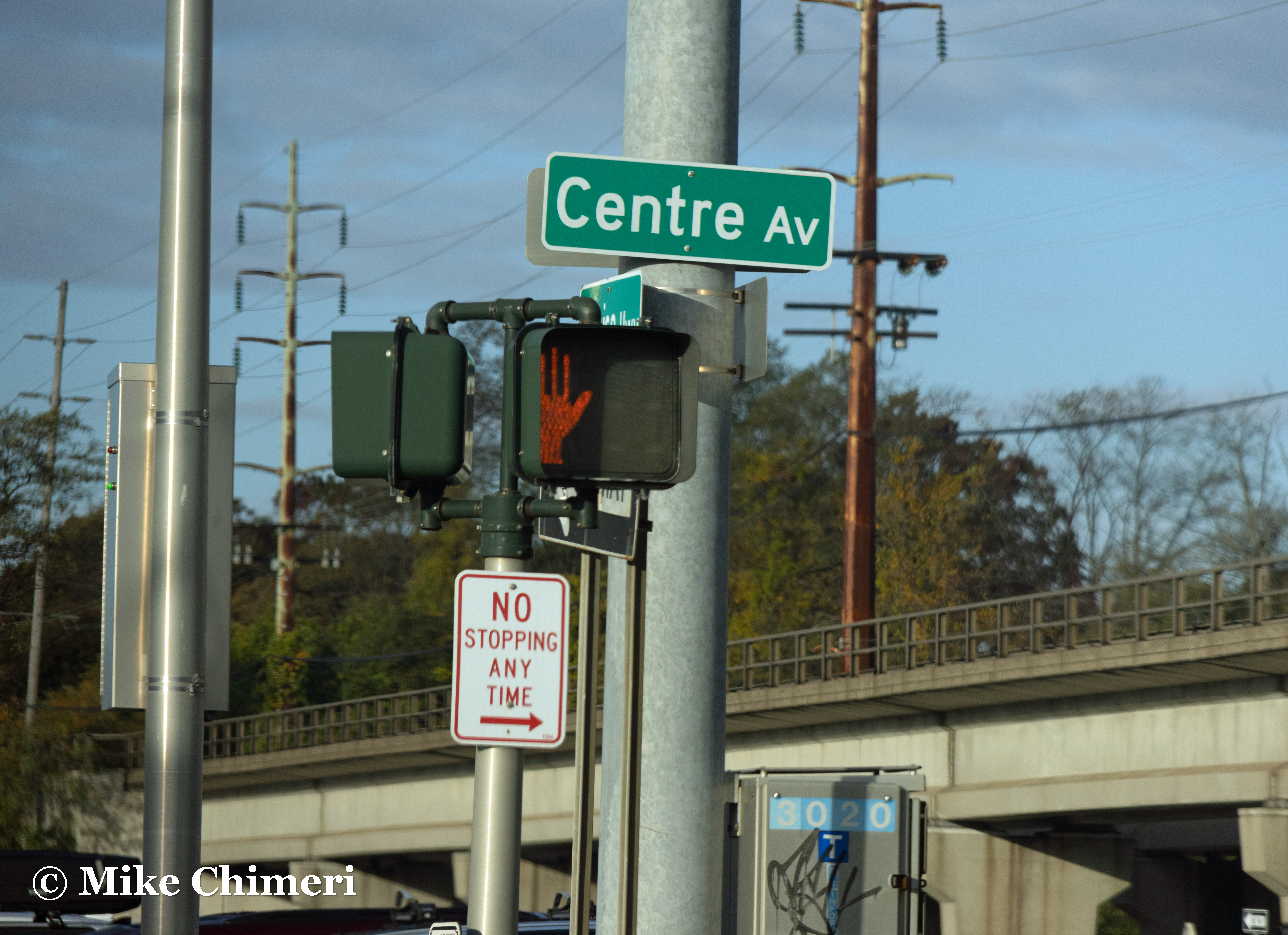
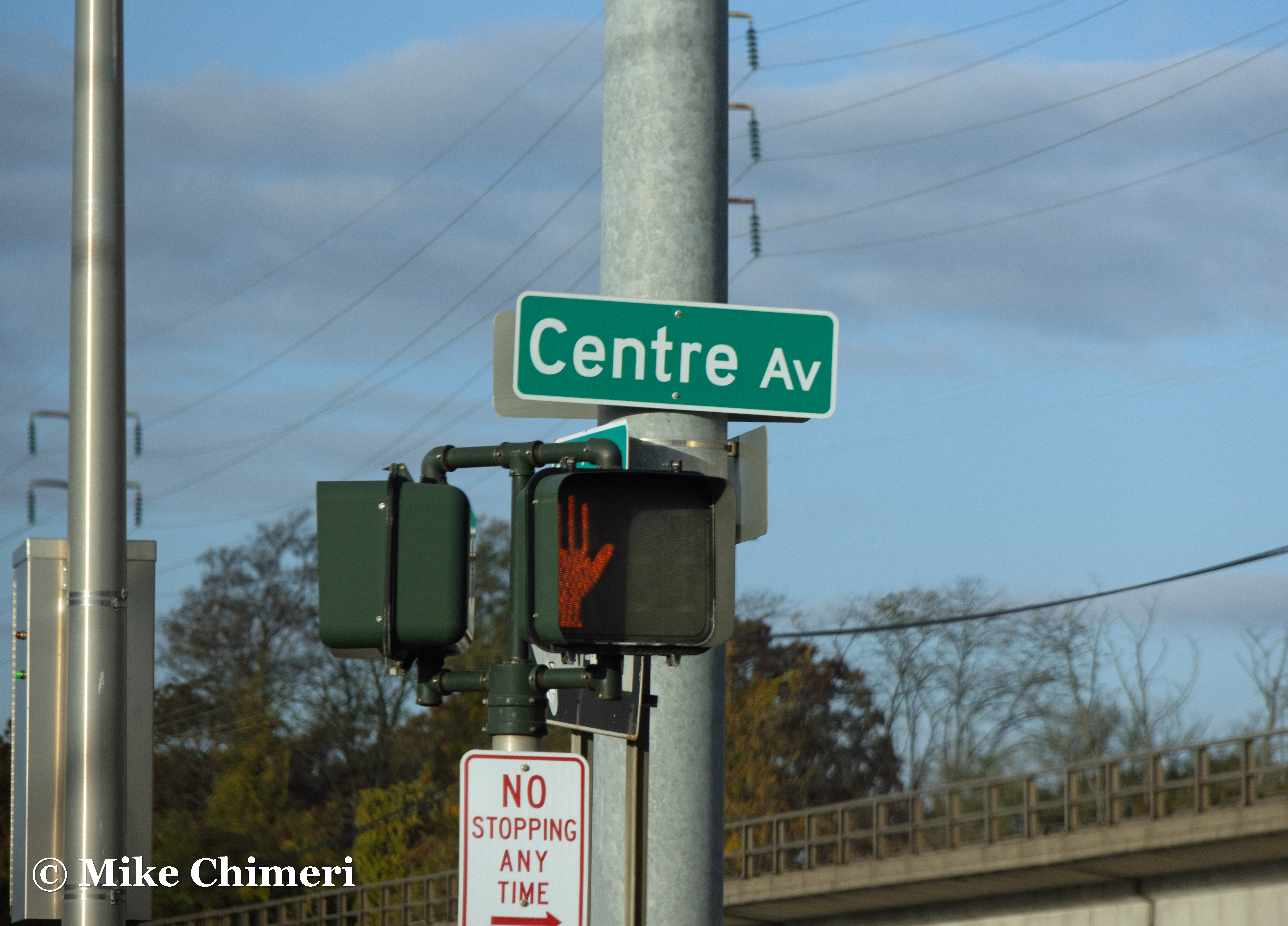
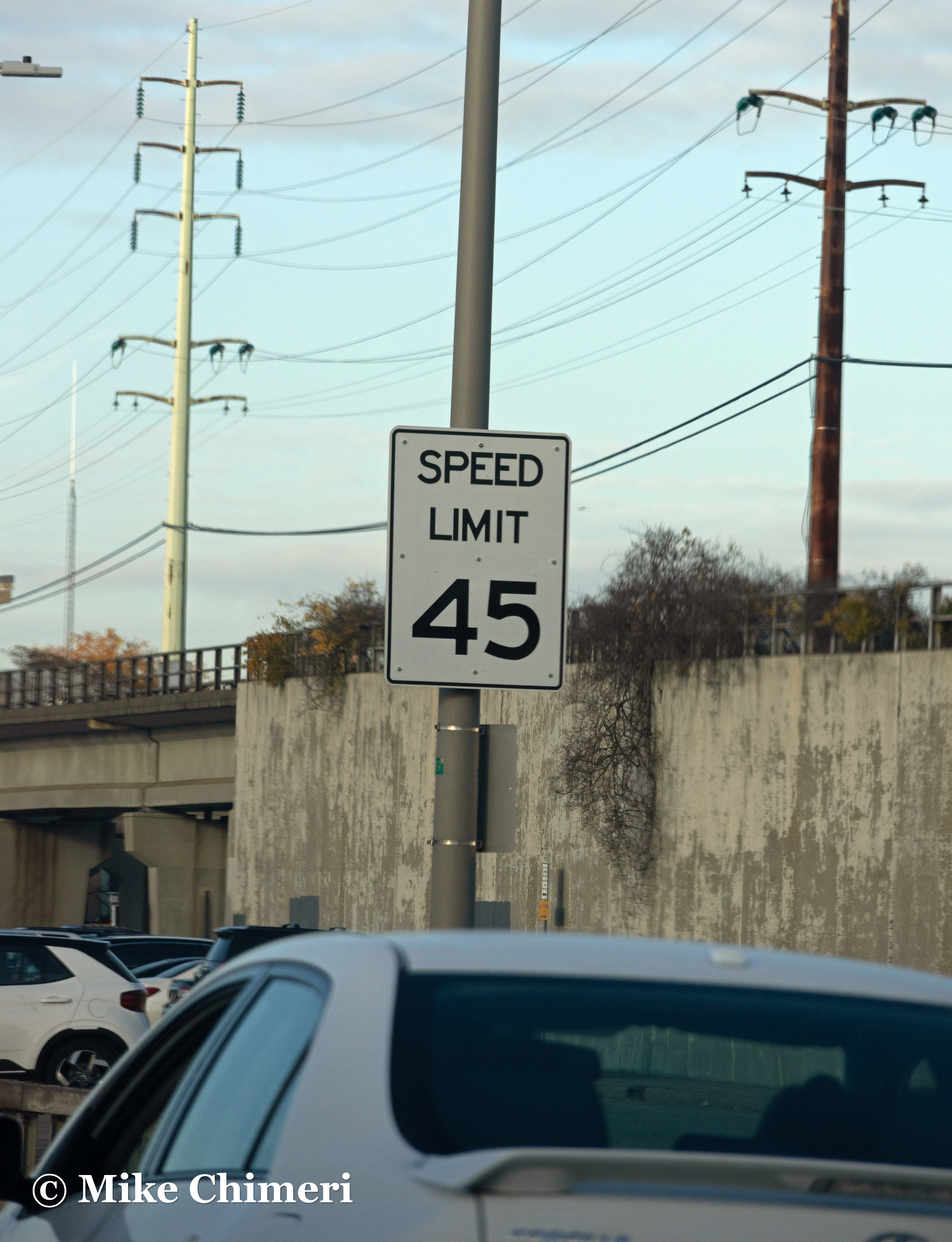
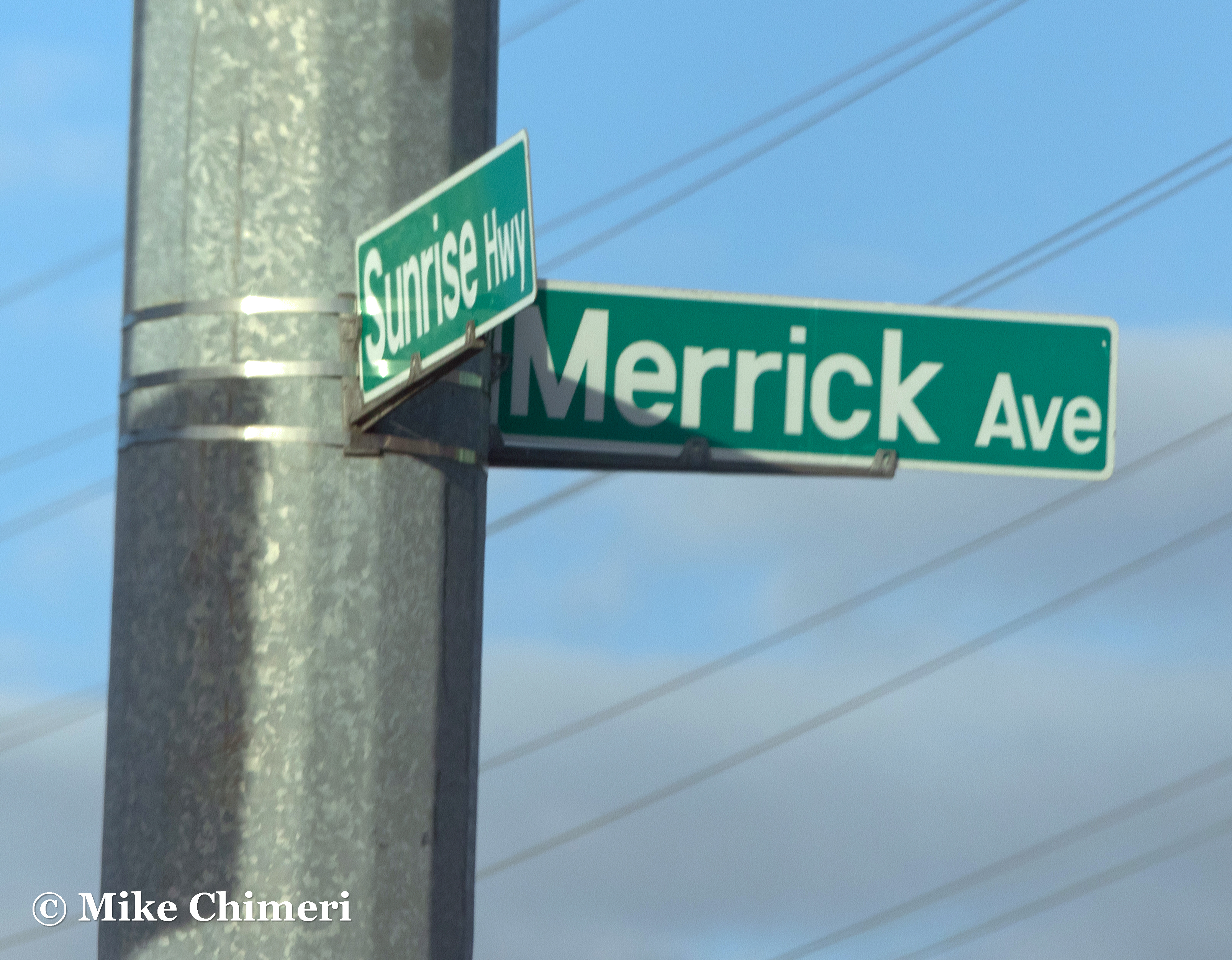
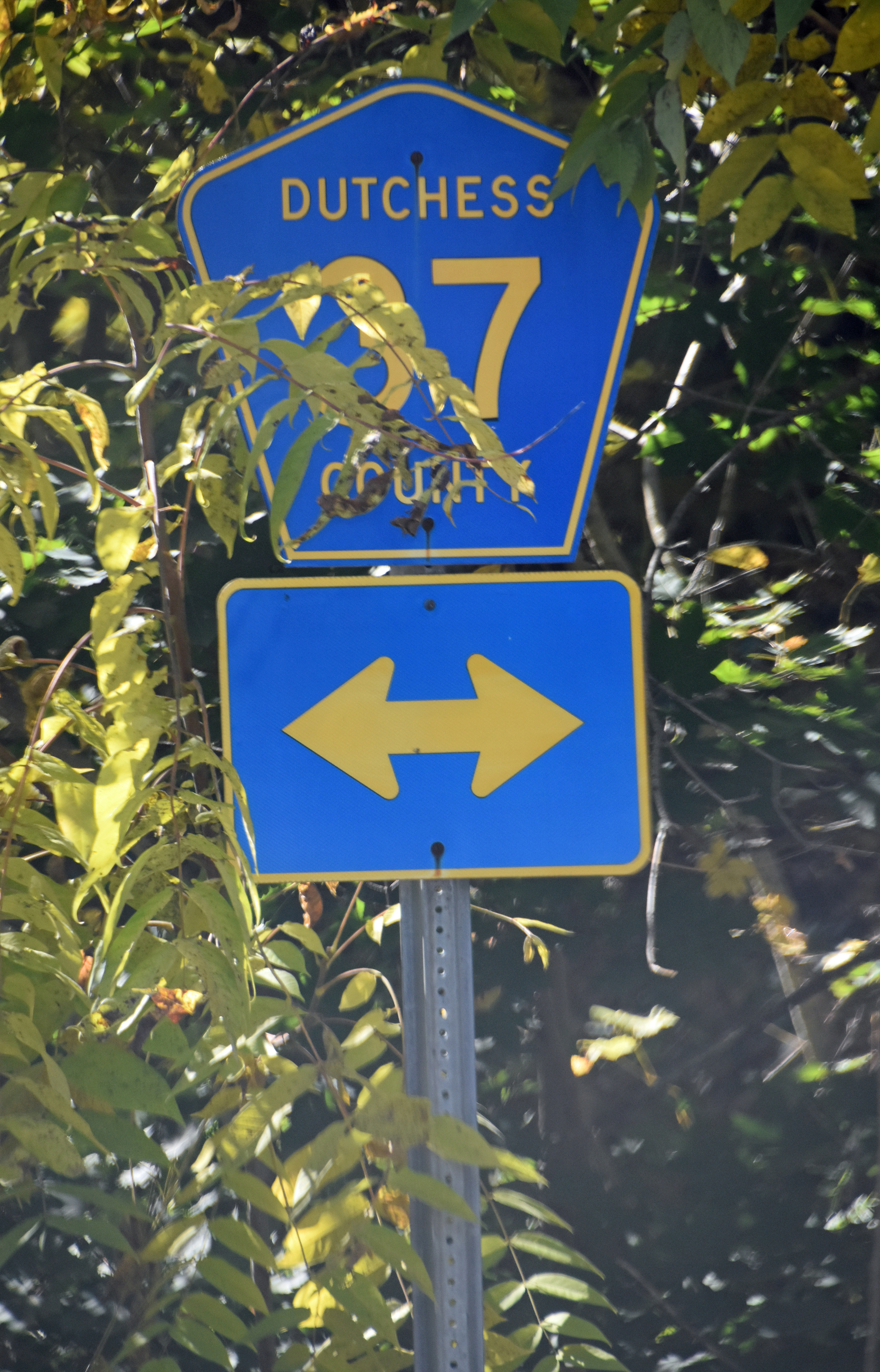
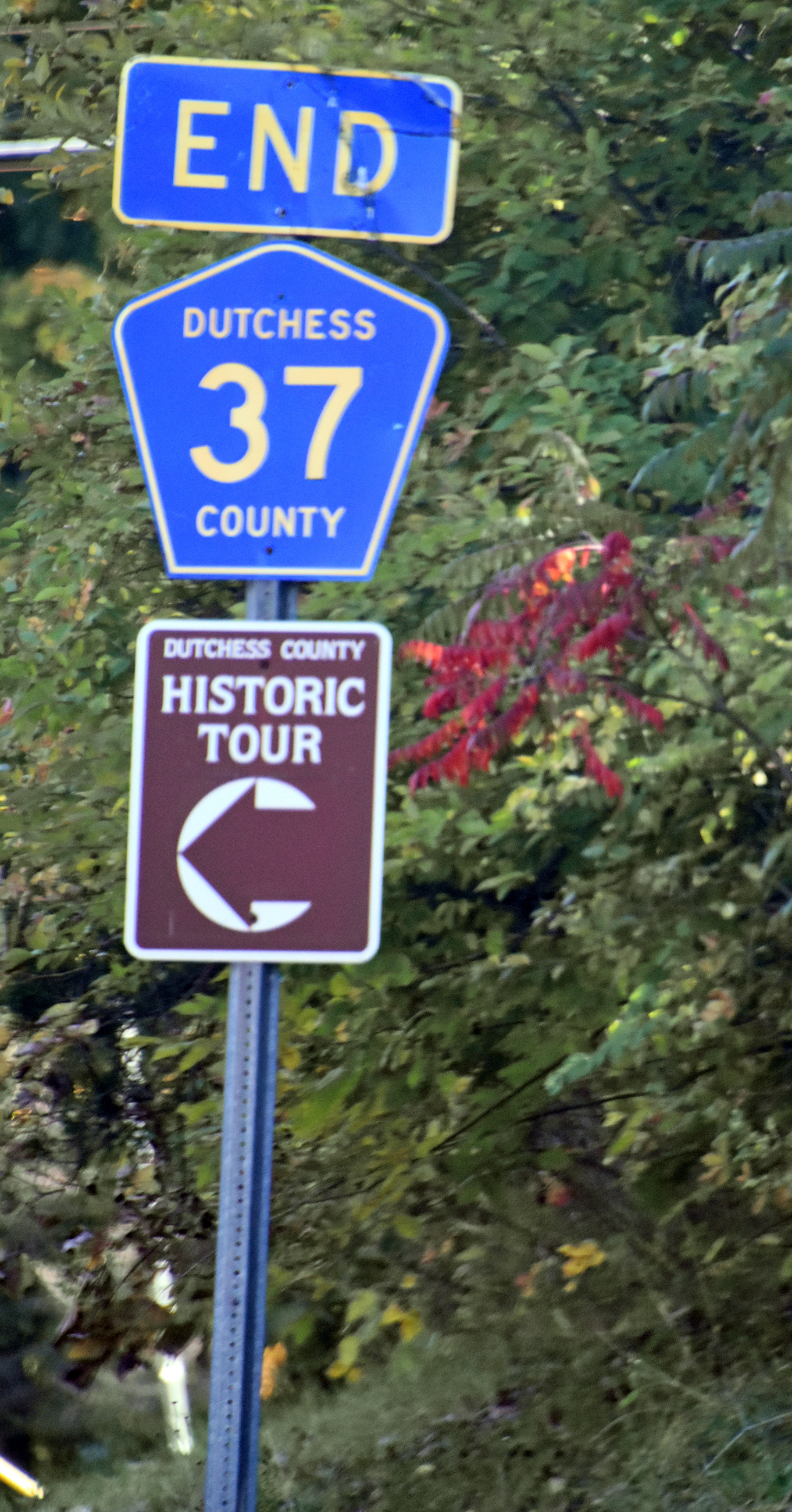
Another pair of road signs on the way back to Staatsburg:
While I was walking through Rhinebeck, my dad biked to and from the Ashokan Reservoir via the Ashokan Rail Trail. Those are the first two photos below. He took the third Sunday evening while everyone but me traveled to the Walkway Over the Hudson. (I stayed in Staatsburg.)


Monday morning, October 10, I spotted three wild turkeys walking through the AirBNB’s backyard. I went outside to take photos with my phone, and ended up following them several yards into the woods.
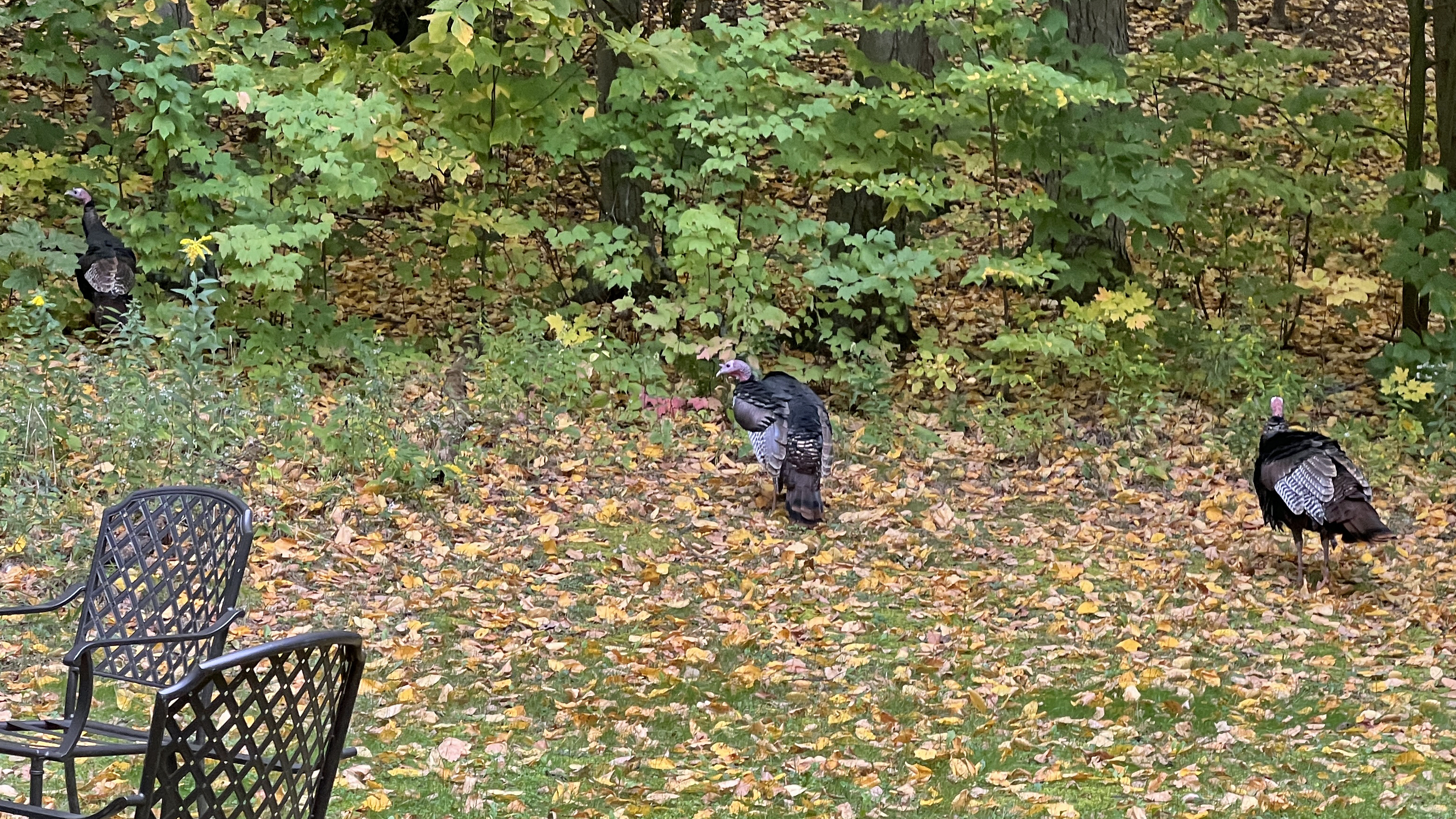


Trembling from excitement and anxiety (I wanted to go home), I shot this shaky video:
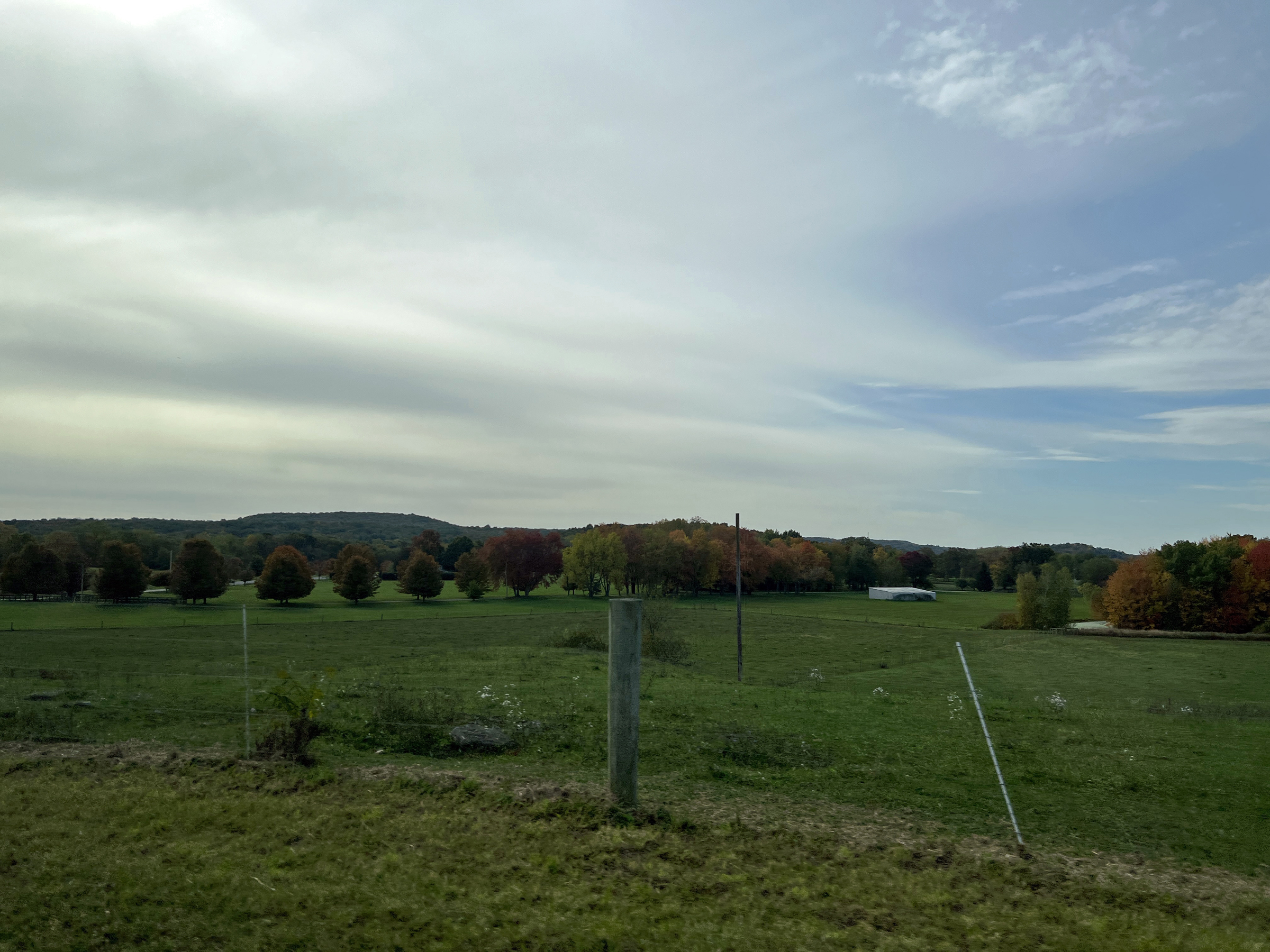
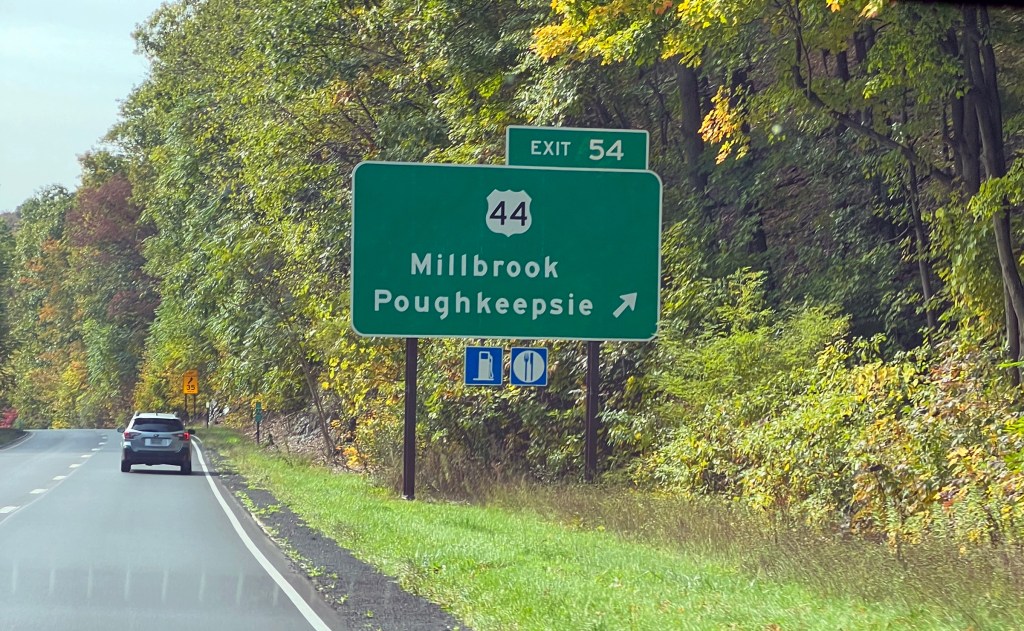
We left for Wantagh at around 10:30 AM. These photos were taken on the way to the Taconic State Parkway:
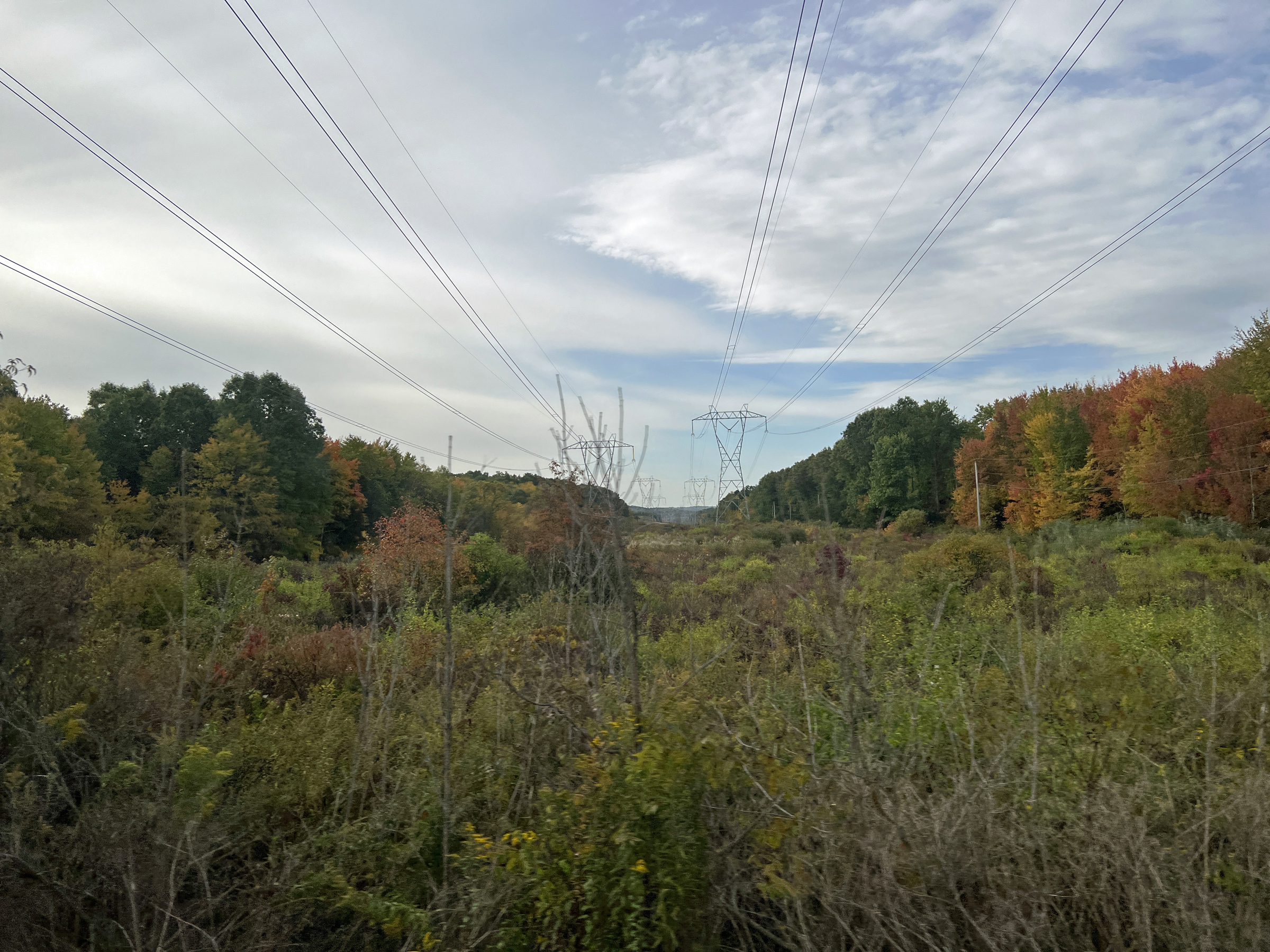
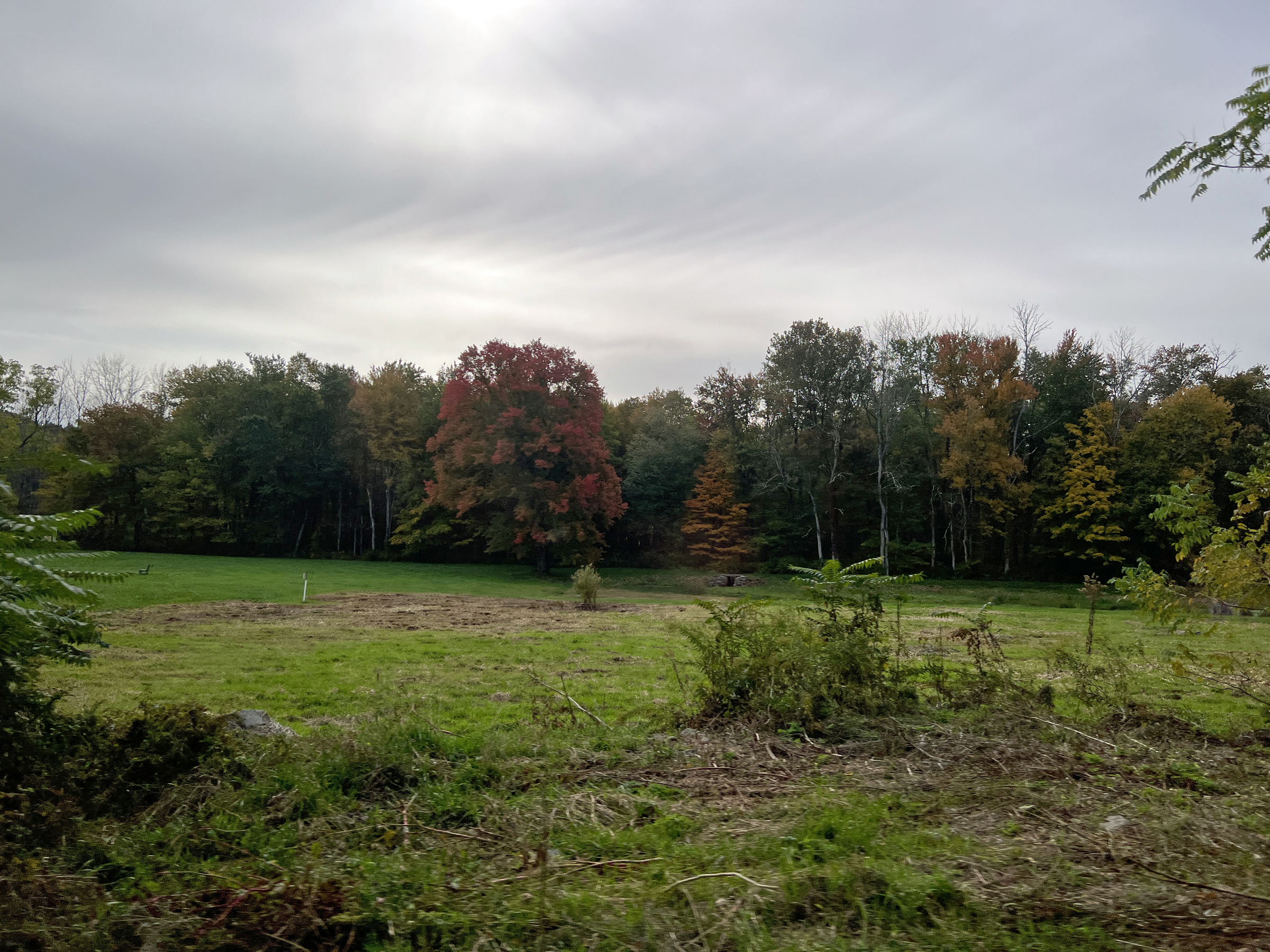
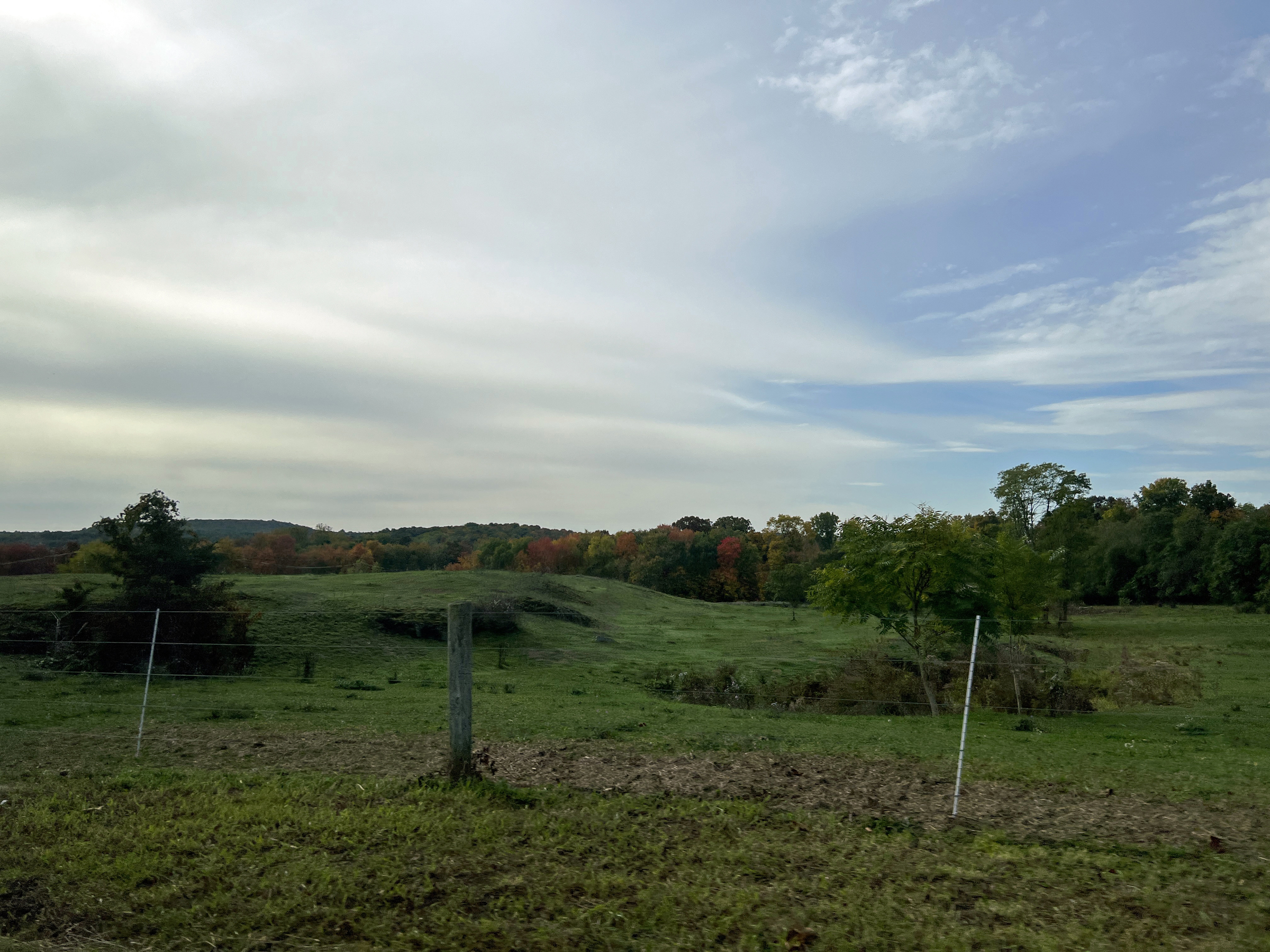


On the parkway:
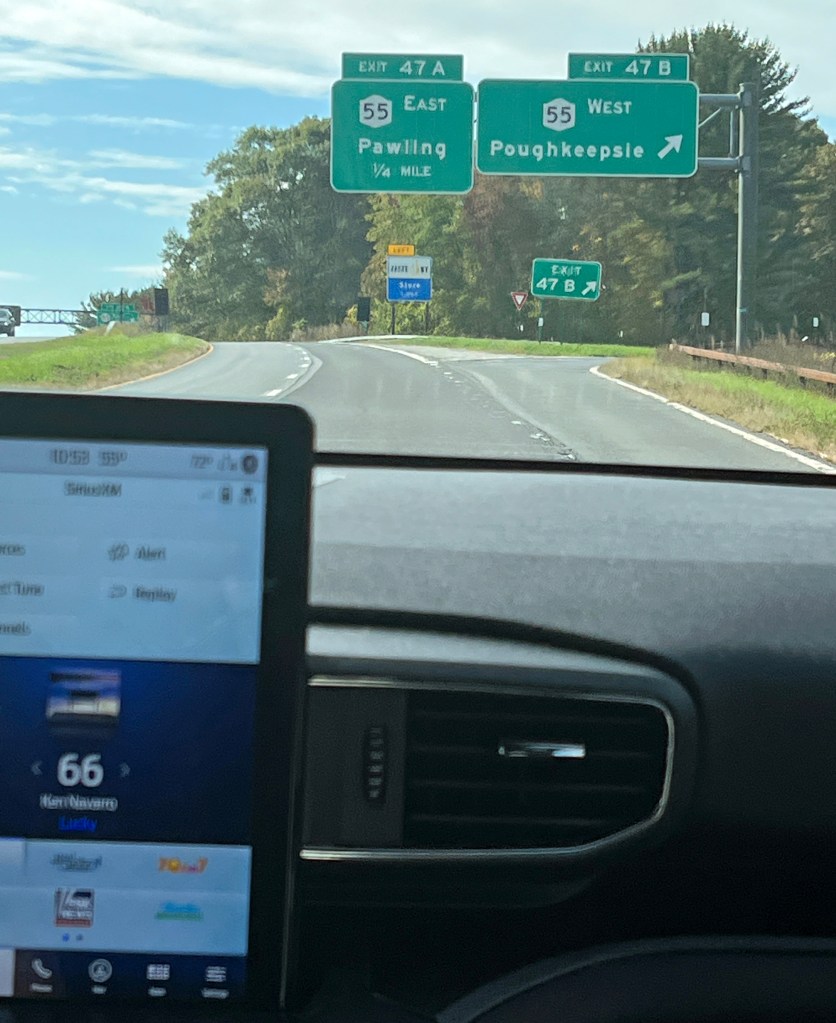
“Lucky” by Ken Navarro was playing on SiriusXM’s Watercolors. 
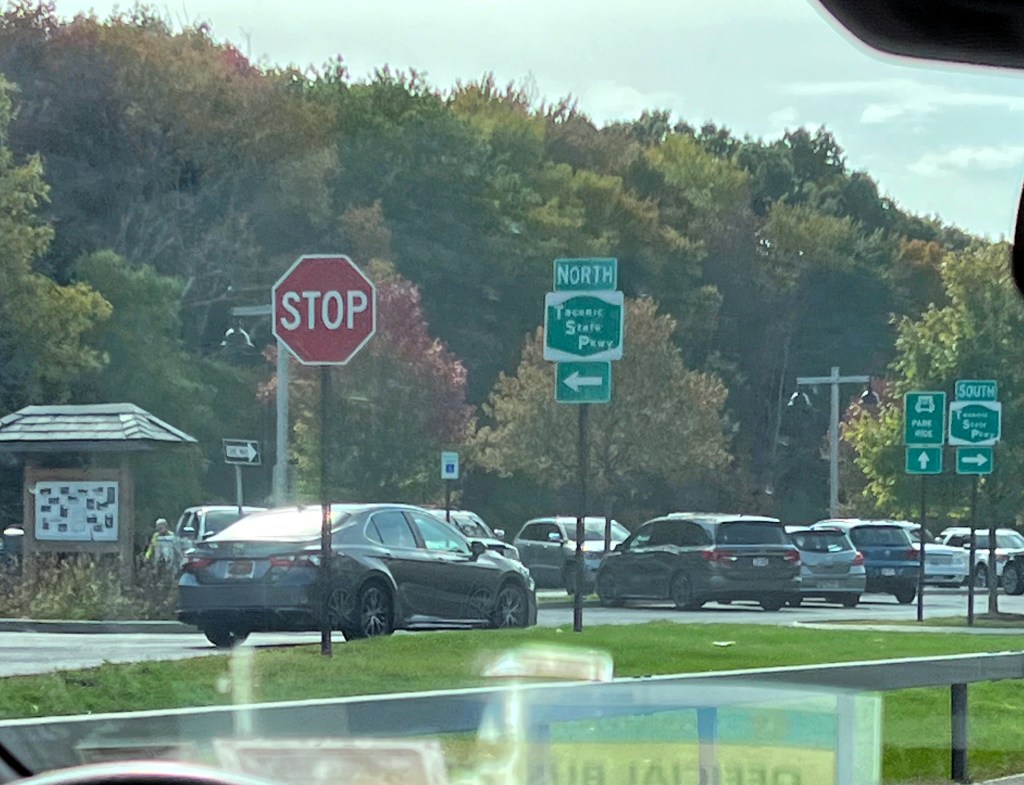
A rest stop 

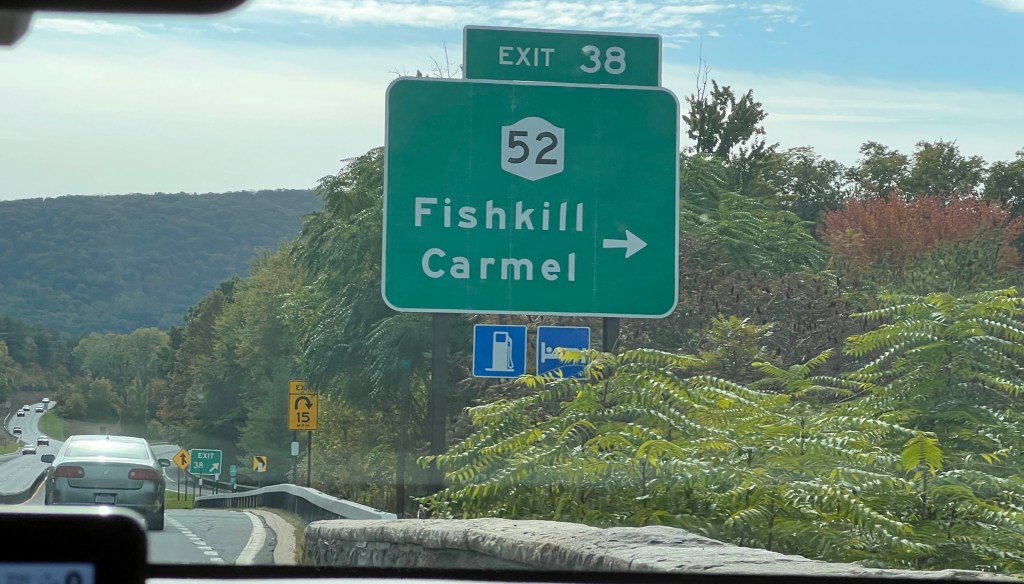

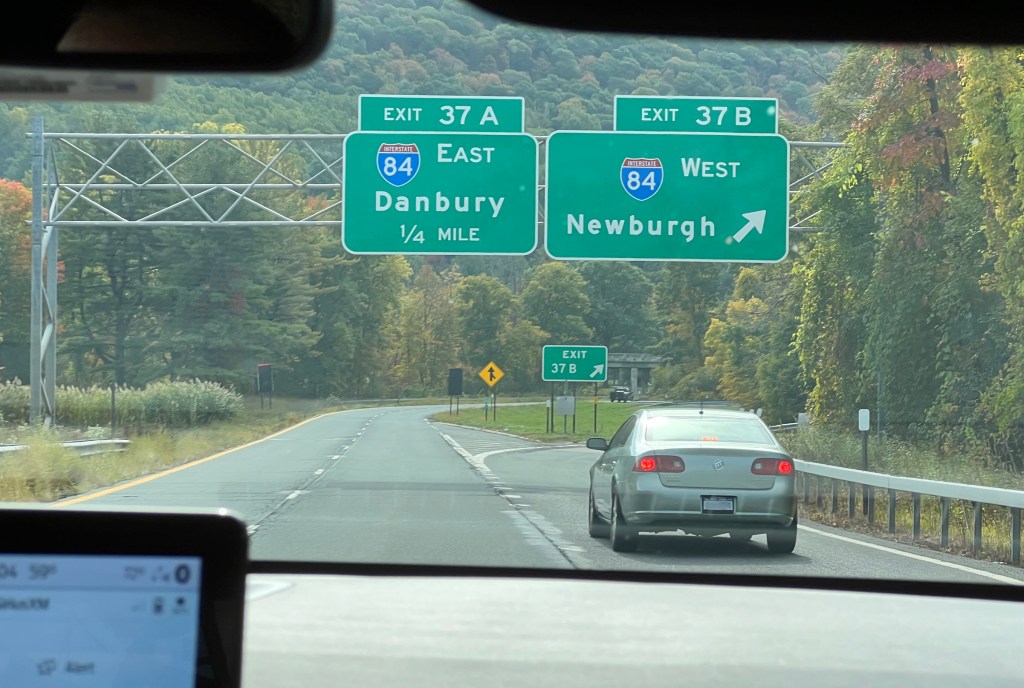

I-84:


I-684 (briefly in Connecticut):

No longer content with my phone’s 3x zoom, I switched to my DSLR. 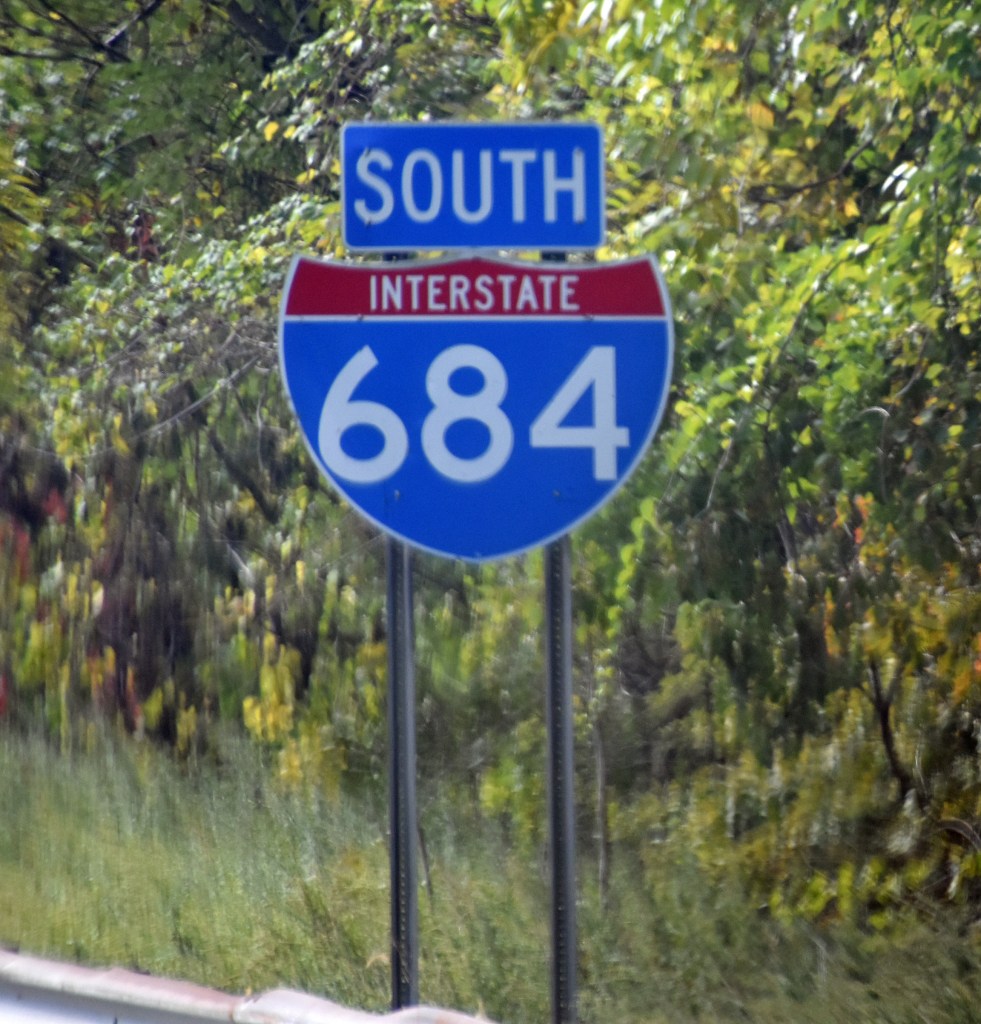
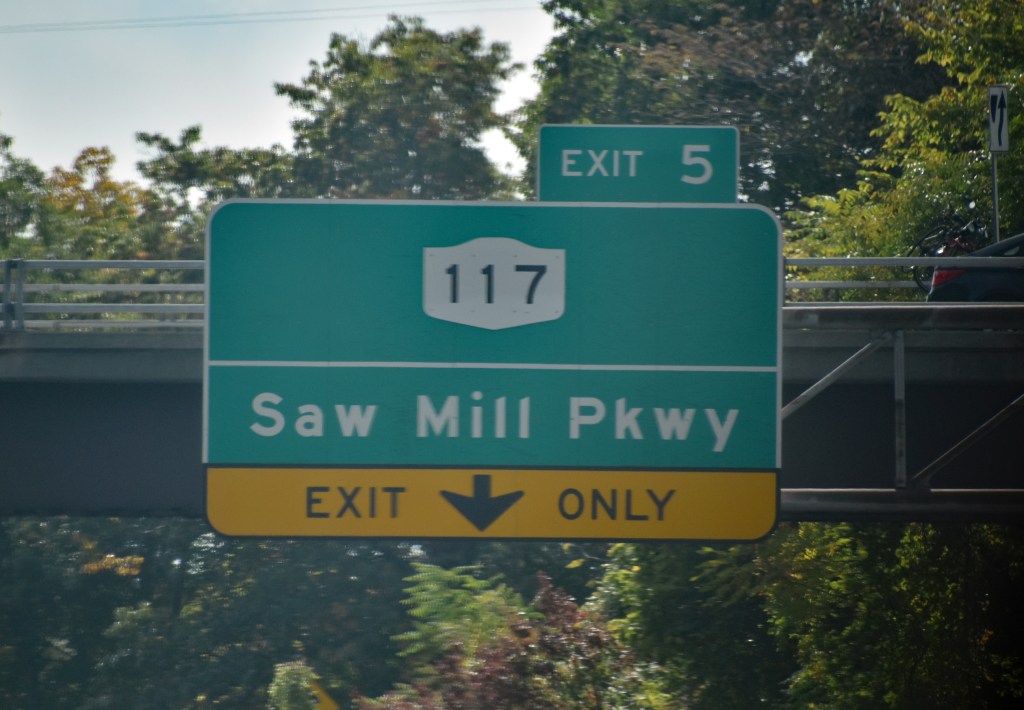
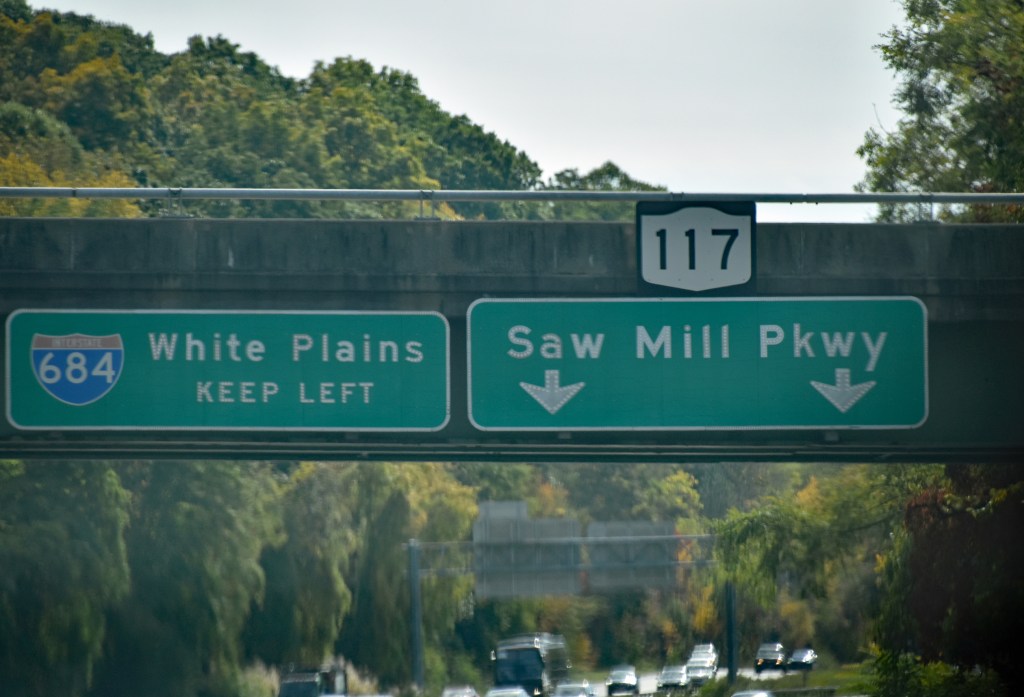
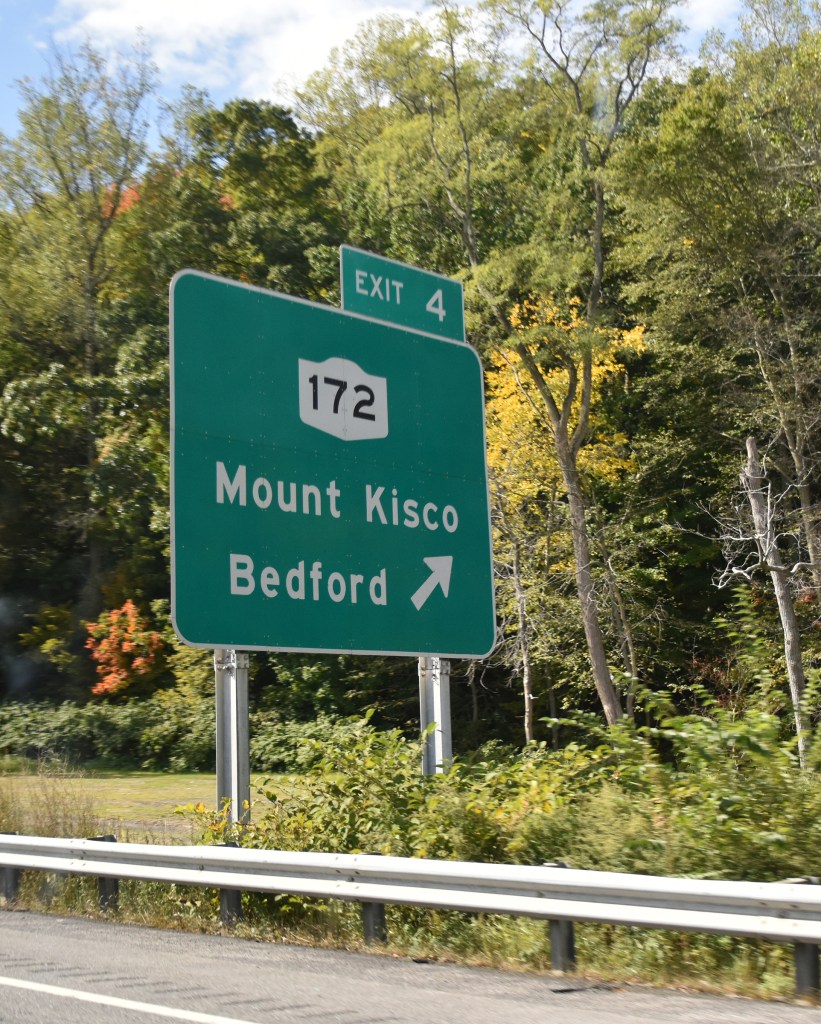
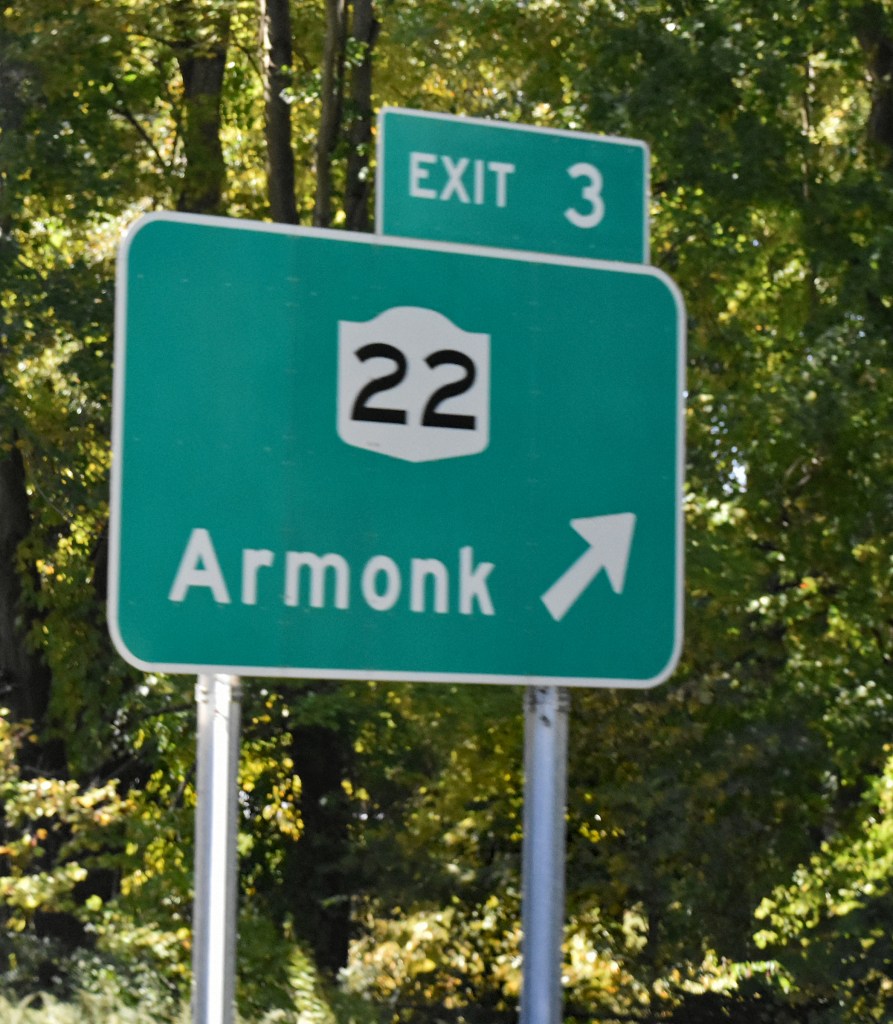


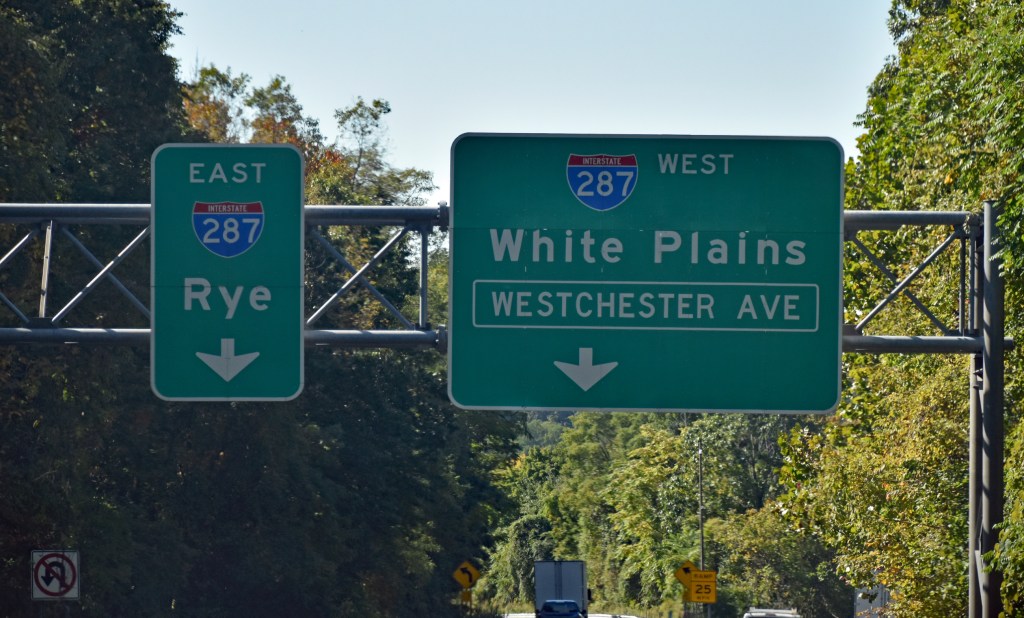
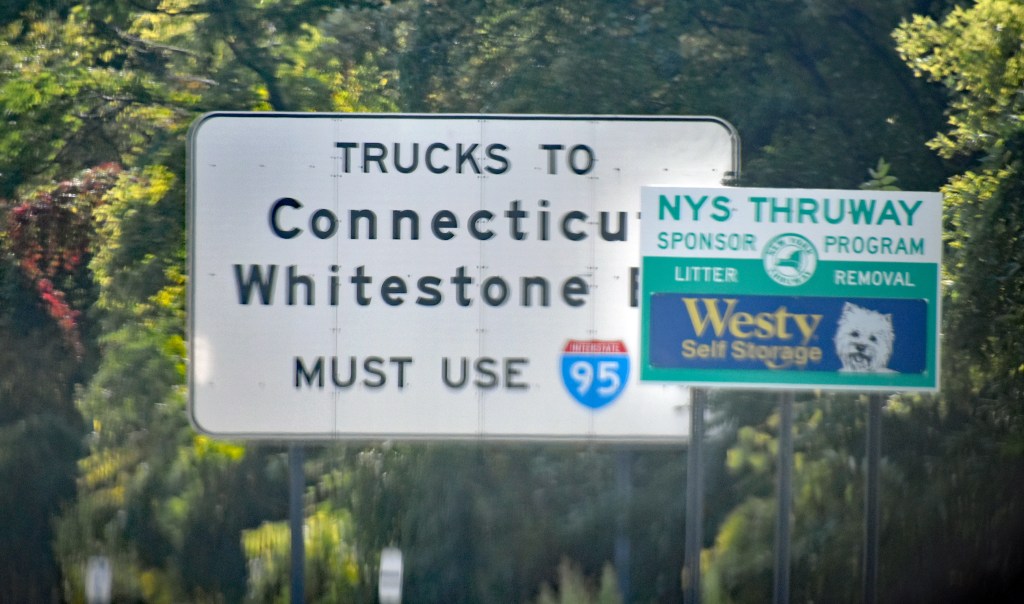
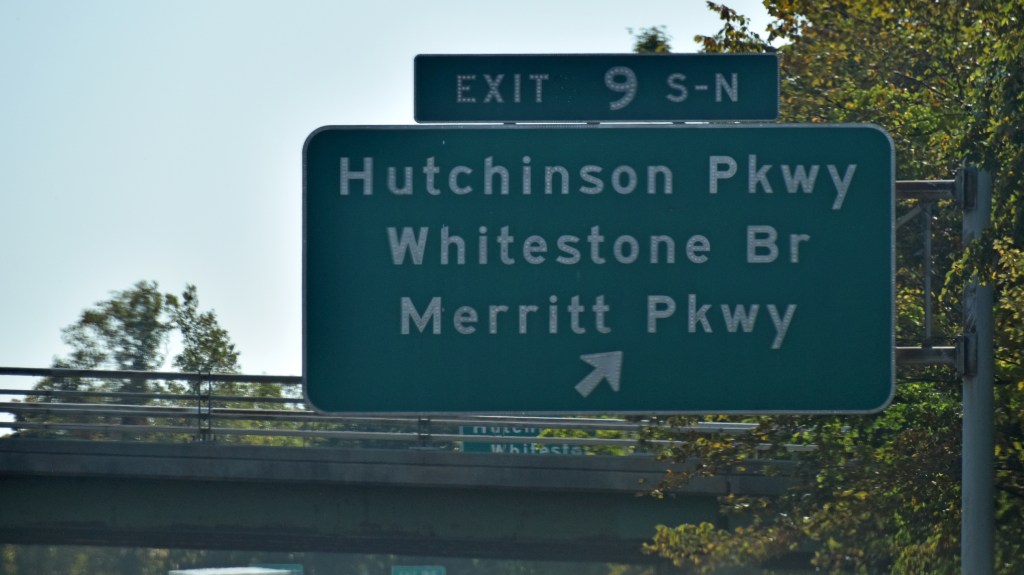

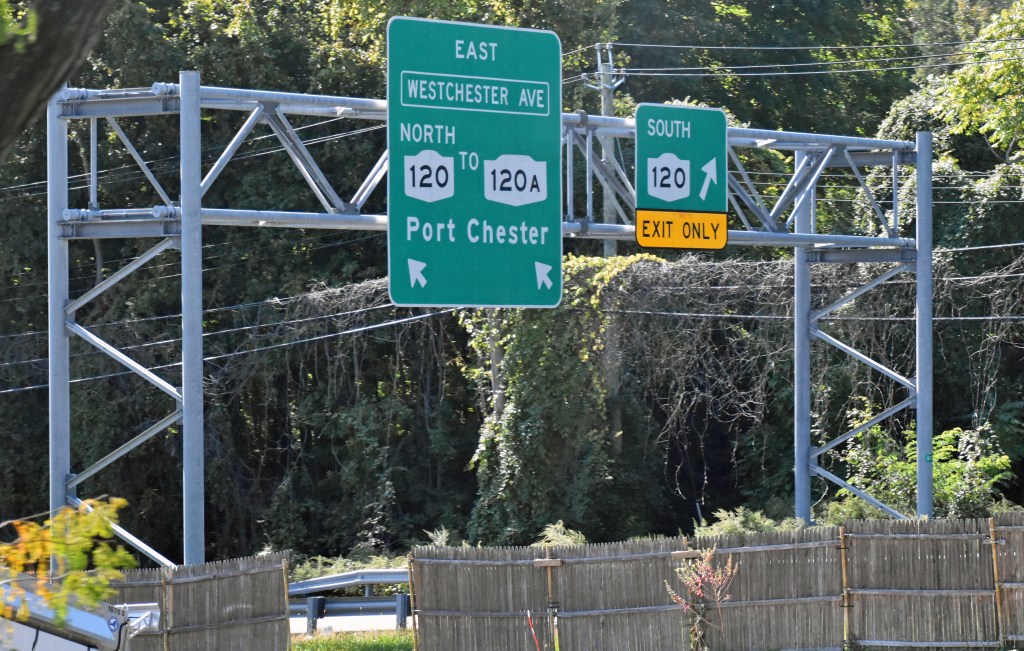


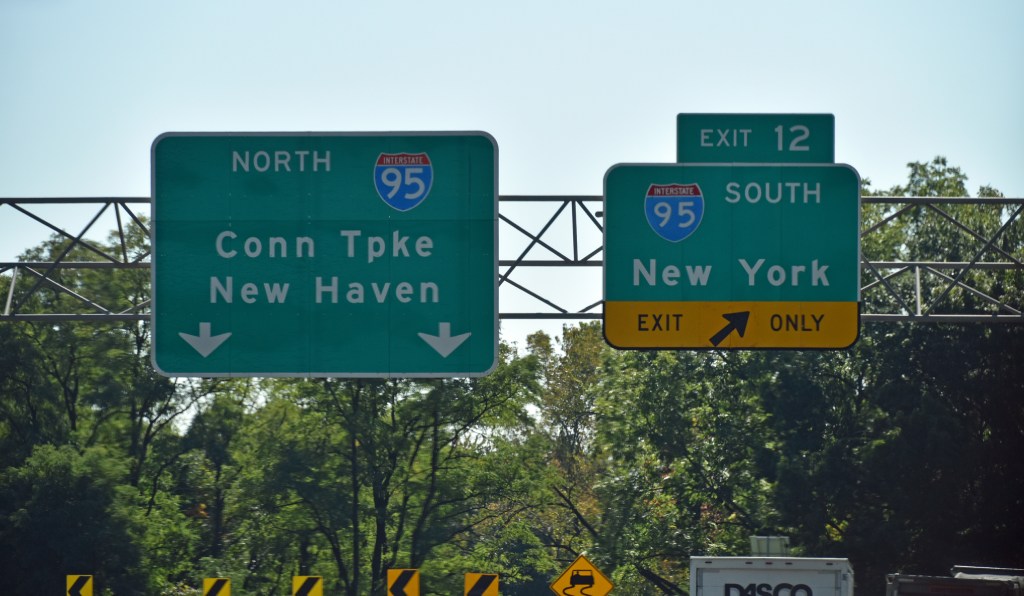
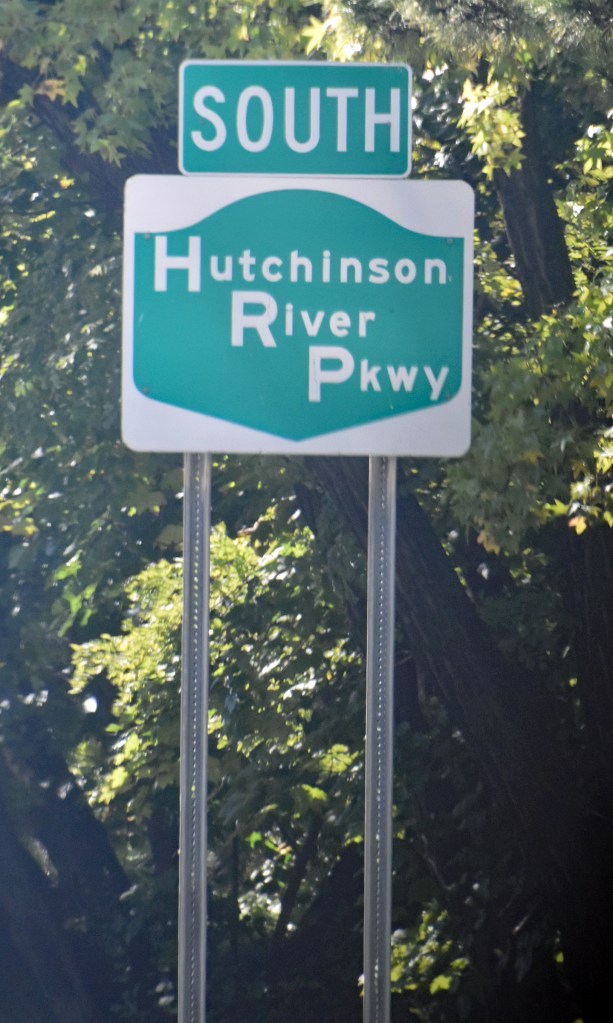
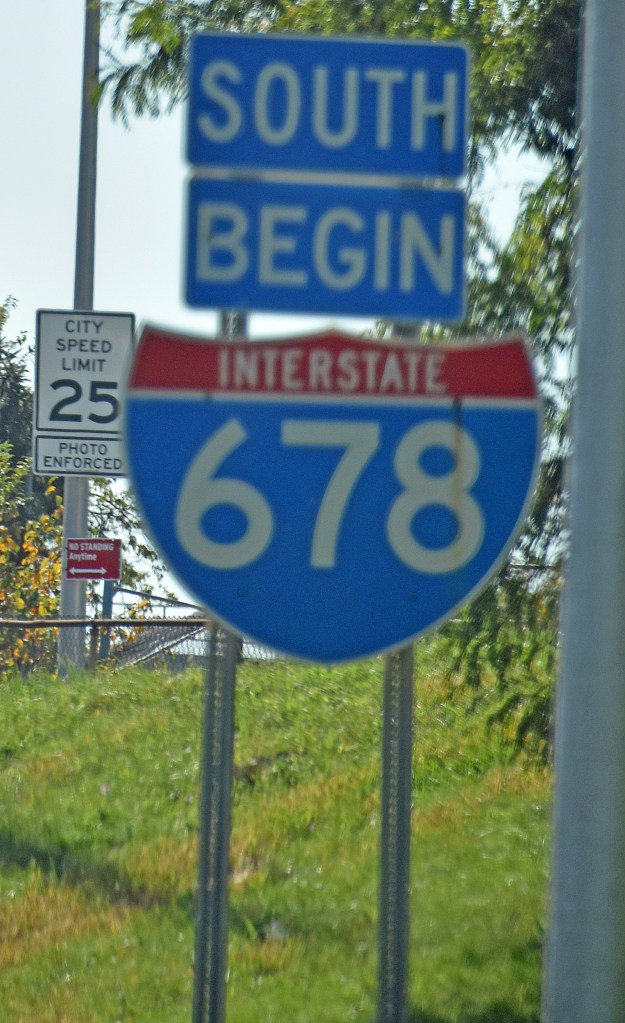
The Hutchinson River Parkway/I-678 (supplementing my photos from May 1):


Viewing Manhattan from the Bronx-Whitestone Bridge 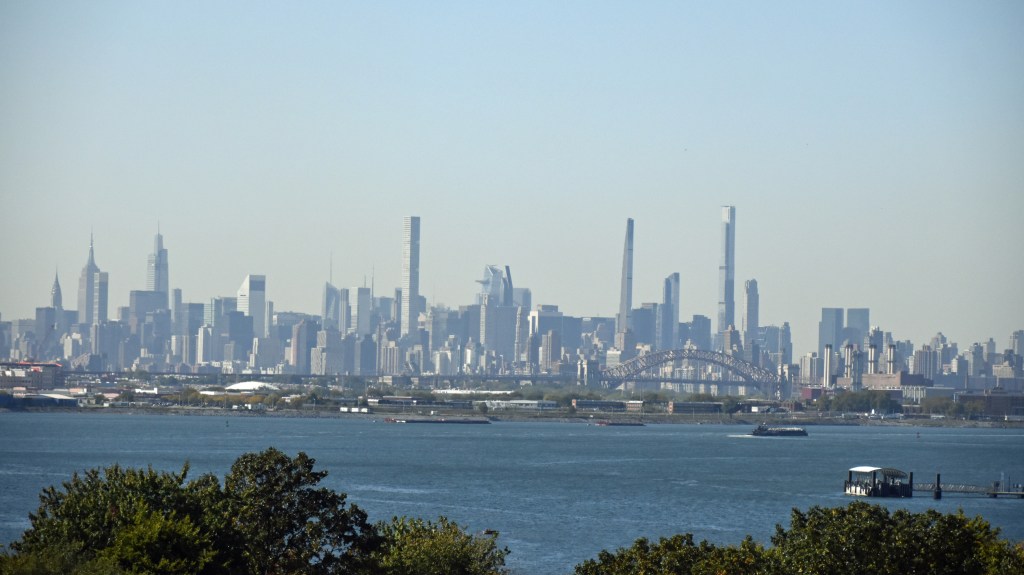


The Cross Island Parkway:
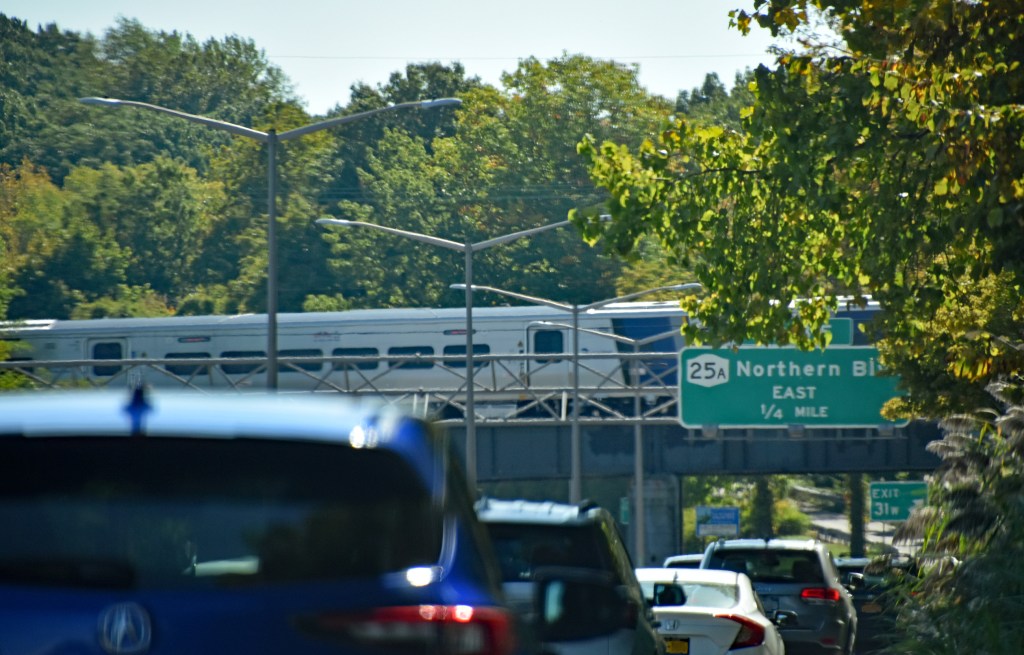

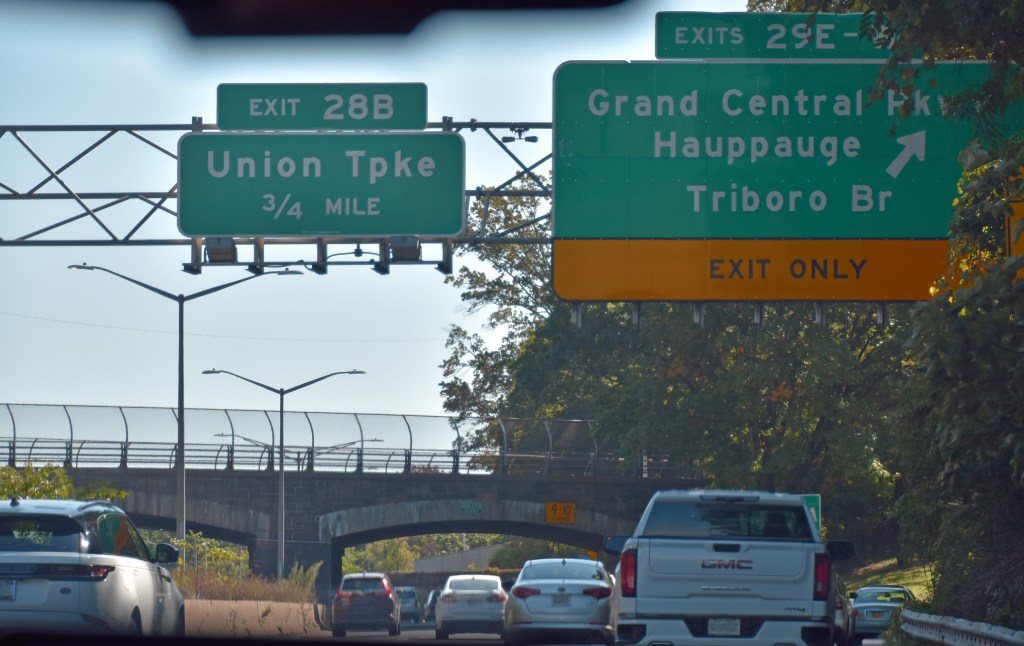

And finally, the Grand Central Parkway/Northern State Parkway:


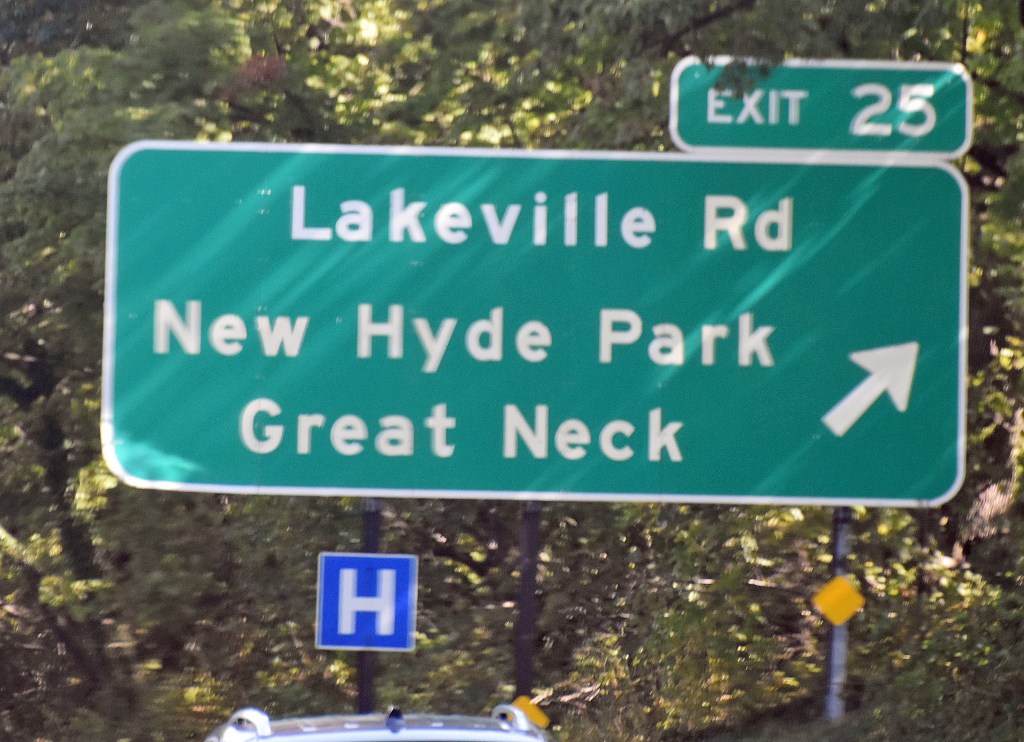
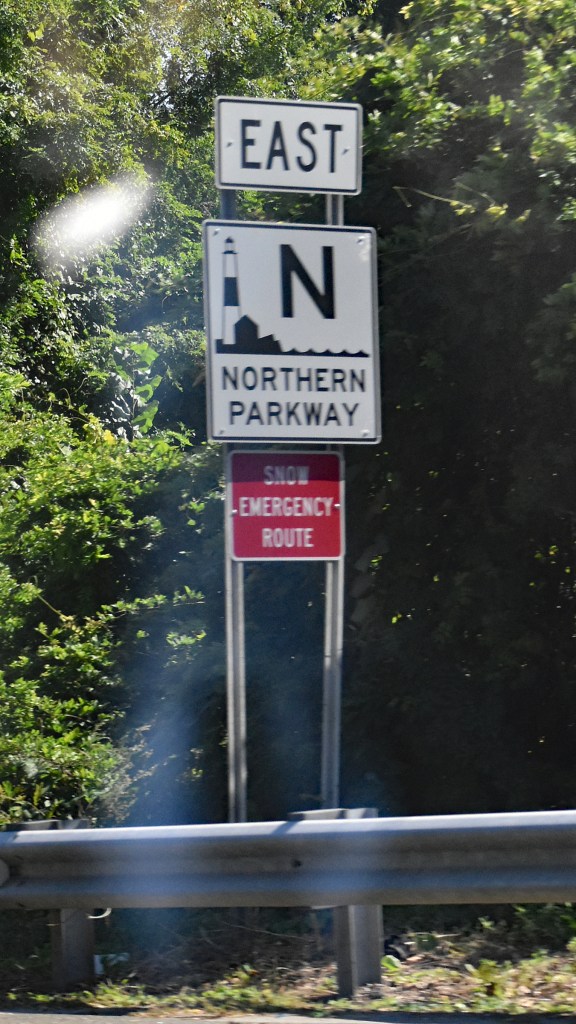
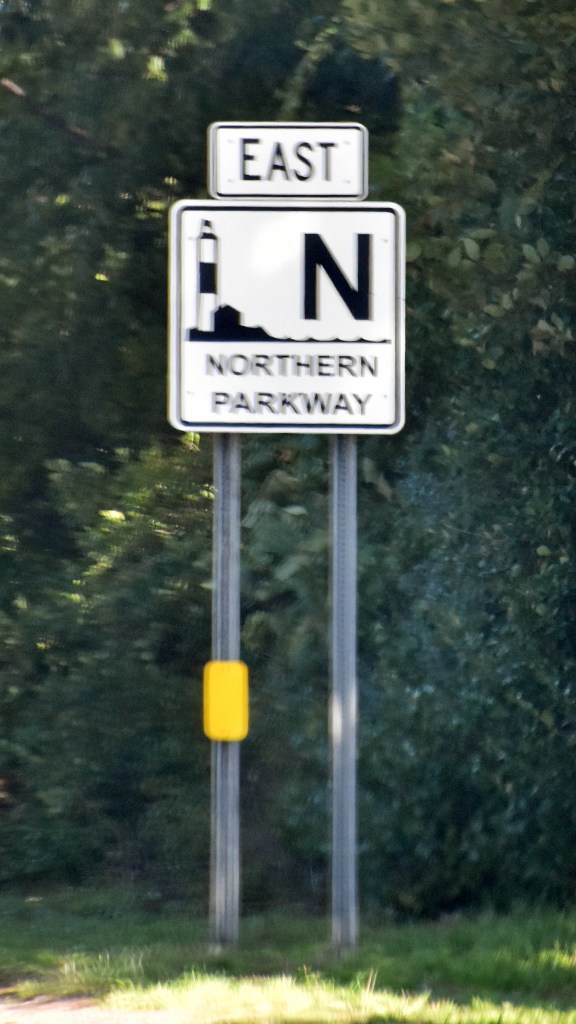


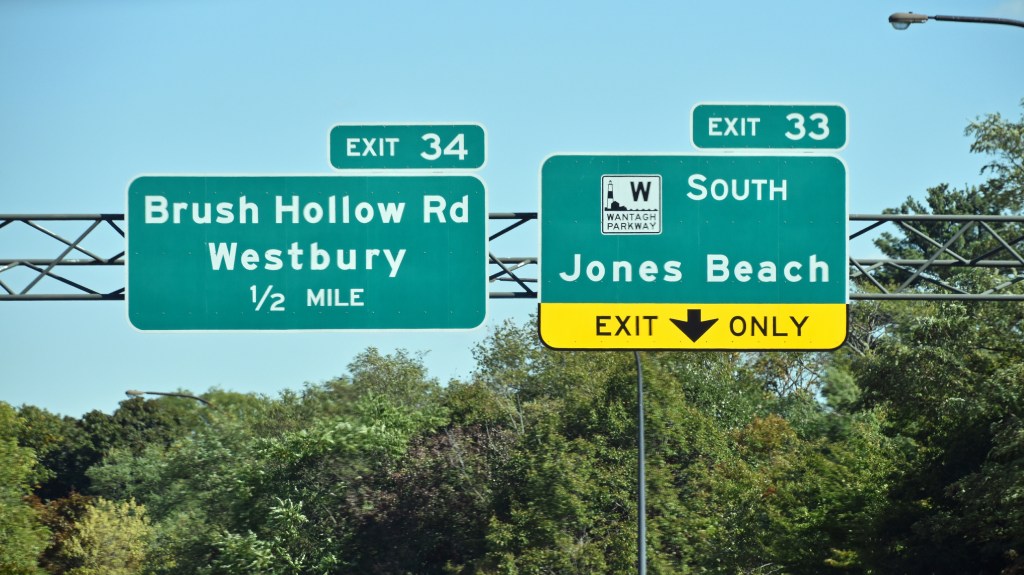
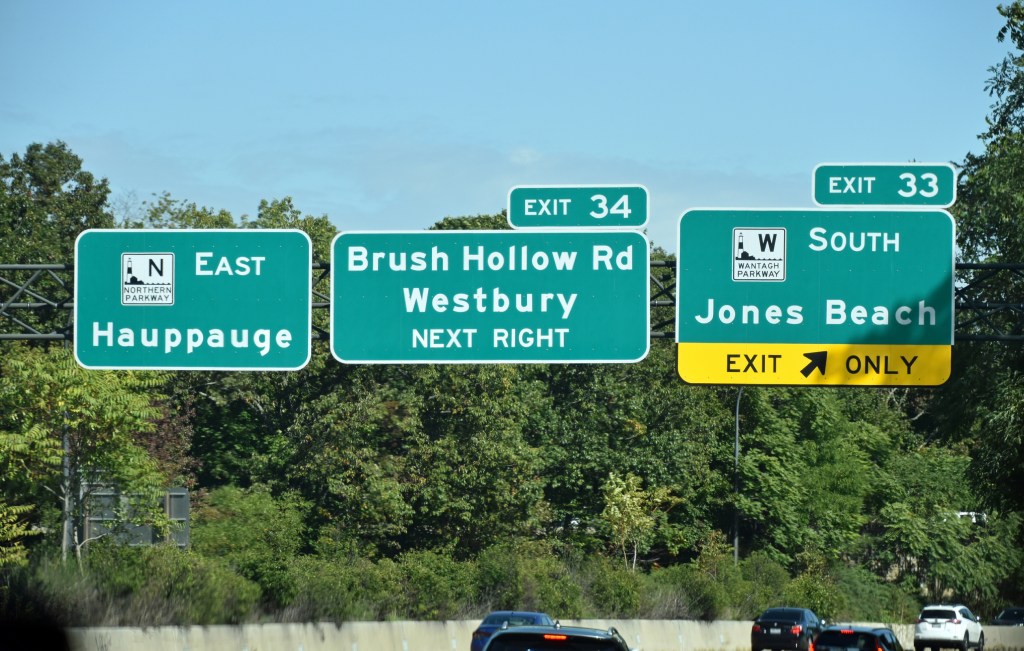
The last photo of the trip
It took less than 2 1/2 hours to drive from Staatsburg to Wantagh. After a short treadmill run to compensate for Friday’s shortened run, I tried my best to unwind. I edited Saturday’s and Sunday’s photos at the AirBNB, but took care of Monday’s photos at my remote location on Tuesday and Wednesday (October 11 and 12). After uploading the scenery photos (and selfie) to WordPress and making a rough draft of this post with only the photos, I shifted my focus to HCW (Homecoming Weekend, if you forgot) and finally wrote a recap on the 24th, publishing today, the 28th. Thank you for reading it all and I hope you liked the photos.
2022 LIU Post & WCWP Homecoming Weekend, WCWP Hall of Fame Announcement October 22, 2022
Posted by Mike C. in Airchecks, Audio, Football, Internet, Interviews, Media, Music, Personal, Photography, Pop, Radio, Rock, Travel, Video.add a comment
Other recaps: 2008, 2009, WCWP 50th Anniversary (2011), 2012, 2013, 2014, 2015, 2016, 2017, 2018, 2019, 2021
Four months after going into the WCWP Hall of Fame, I returned to the campus of LIU Post for part of WCWP‘s Homecoming Weekend programming block, the first under new station manager Pete Bellotti. (The list of 2022 HOF inductees comes later in this recap.)
Friday, October 14
This year, Homecoming Weekend started an hour earlier, at 11AM, making for 61 hours of alumni-run shows. In August, Bernie Bernard earned a Master of Arts degree from Florida Atlantic University. Her aural thesis on pirate radio led off the weekend:
The second show, at noon, was also prerecorded: a compilation of select episodes of Bill Mozer’s WCWP Alumni Career Path Podcast:
I have a dedicated blog post for my live edition of Instrumental Invasion at 2PM, but here is a snippet:
… I did not draft a talk break script; a live show calls for spontaneity, albeit with annotations to work from. I ended up referencing [my family trip to Dutchess County, subject of a blog post next week] during the show.
I feel like I wasn’t my best without a script, but all that matters is what listeners thought, and they liked it. Naturally, [the show] started with a technical glitch. Automation didn’t switch off [after Bill’s show ended], allowing me to go live from studio 2. I relayed the problem to station manager Pete Bellotti and he had me start the show even though the first minute or so (54 seconds) would go unaired. …
What a coincidence that David Benoit’s latest single of A Midnight Rendezvous is “Pioneer Town.” That allowed me to allude to the days before the One LIU merger when the Brooklyn and Post campuses had separate athletic programs.
For my official archive of the show, I included the unaired part, re-created from the liners I played (mostly as heard on my restart) and amplified/noise reduced camcorder audio. Here is the scope video:
I faded the last song out just in time for automation to kick back in for John Commins at 4PM. To keep listeners from tuning out, I did not acknowledge that he was prerecorded. Within 20 minutes, I had packed up my equipment and headed for home. My video equipment was a Panasonic HC-X1500 with VW-HU1 detachable hand unit, both bought in late March, and my tripod of nearly seven years: a Magnus VT-300. Mozer recommended a Magnus tripod in a discussion at the 2015 Homecoming, but not the one I chose. I don’t remember which one. The HC-X1500/VW-HU1 combo was in lieu of an HC-X2000 built with the hand unit. I didn’t want to pay more for 3G-SDI output. But enough about video gear.
WCWP was entirely live from studio 2 from 6PM to midnight. John Zoni had the 6PM show:
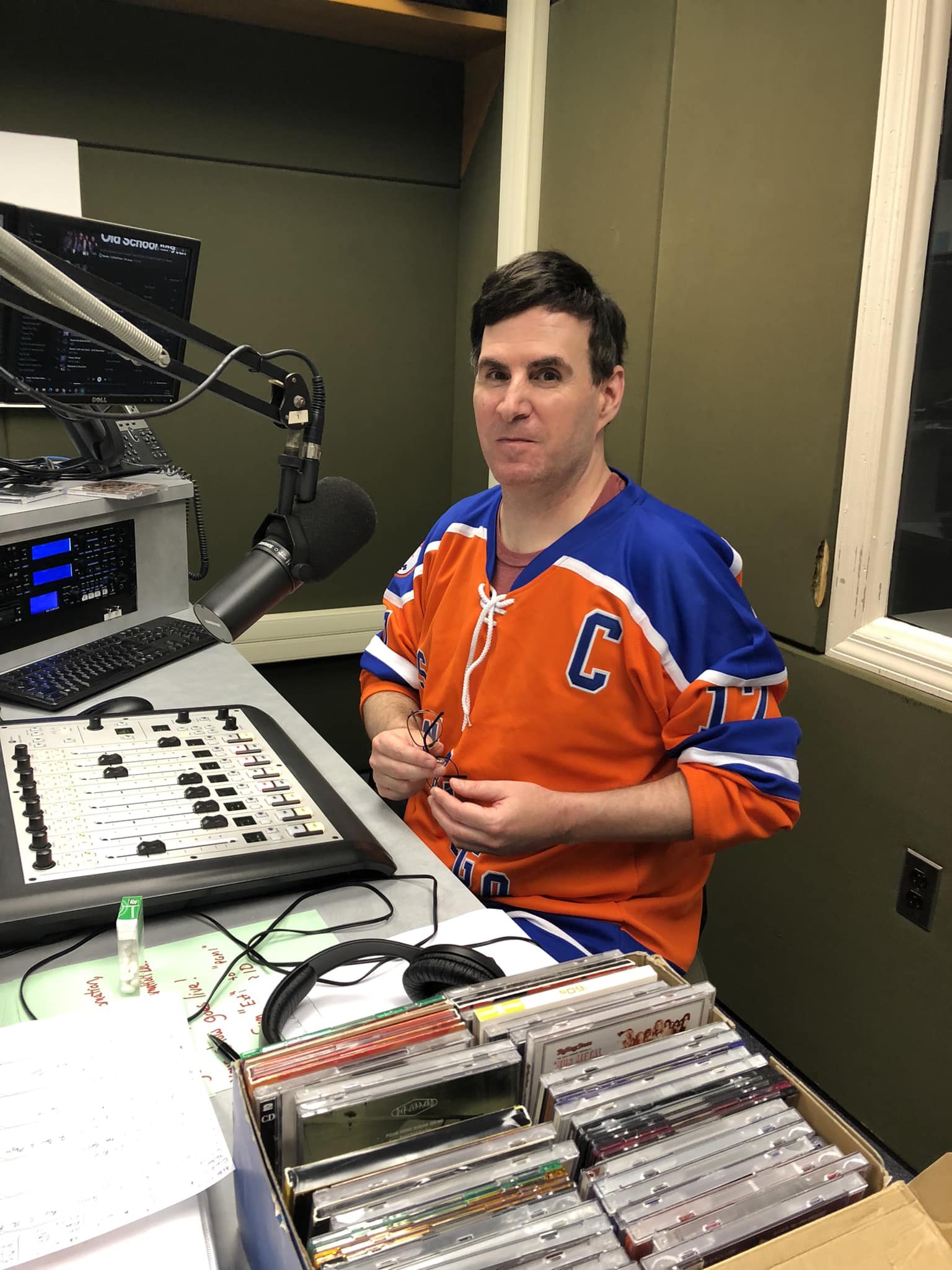
Alan’s final show was Seltzer with a Twist, starting at 8PM:
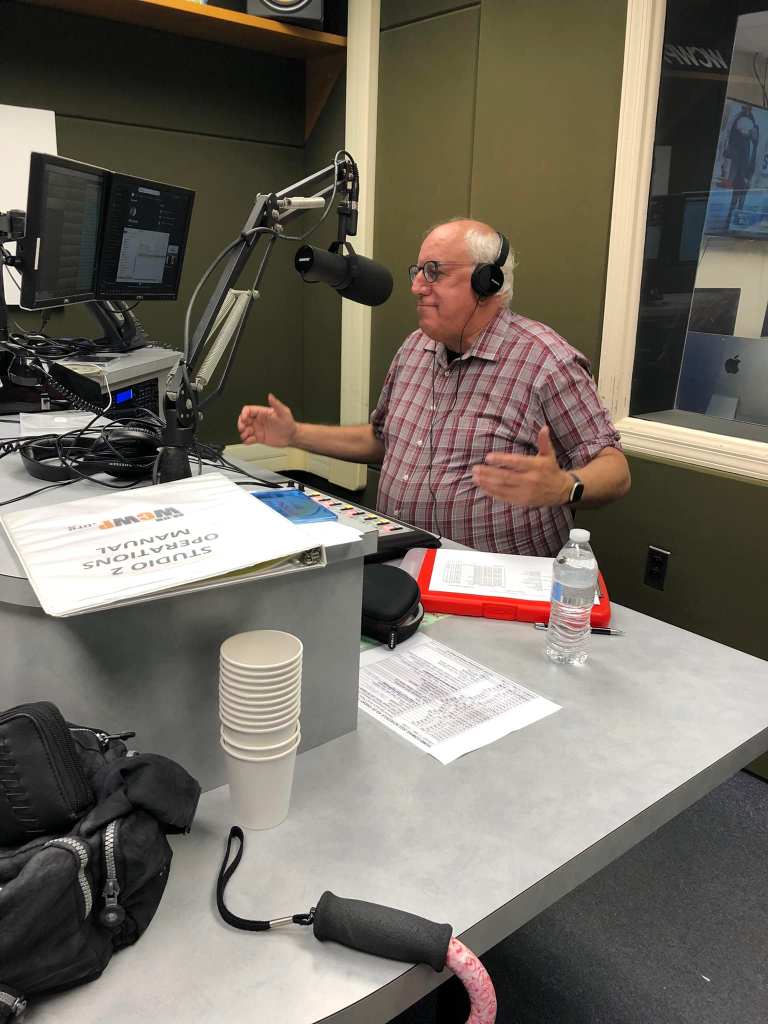
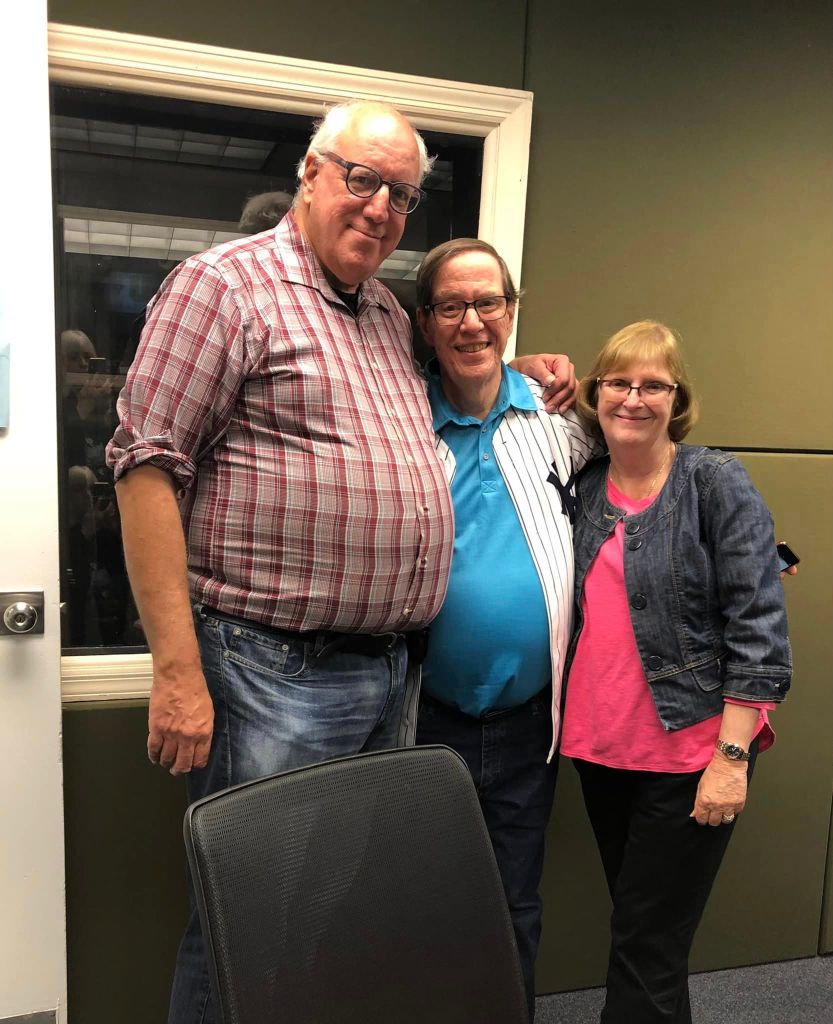
Scott Perschke and his wife Janet were also present for the last show, as heard in the scoped aircheck below. 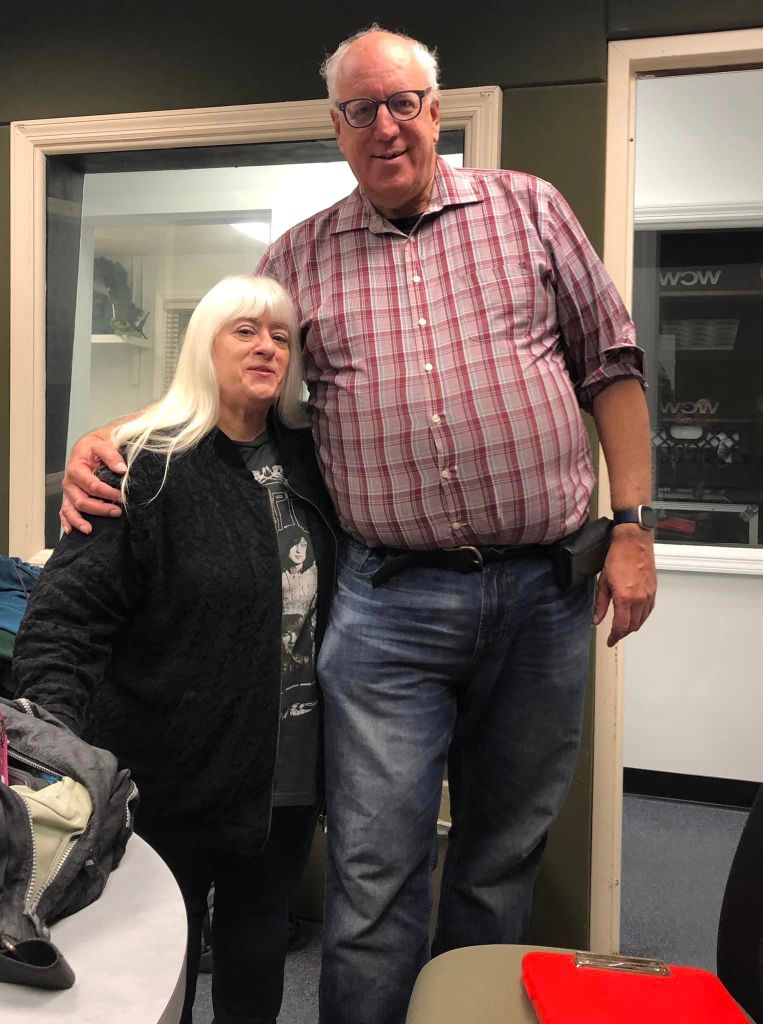
Alan and Bernie 
Alan and Jay Mirabile, host of a special DFK Show at 10PM 
Bernie’s perspective before the photo below on Jay’s phone 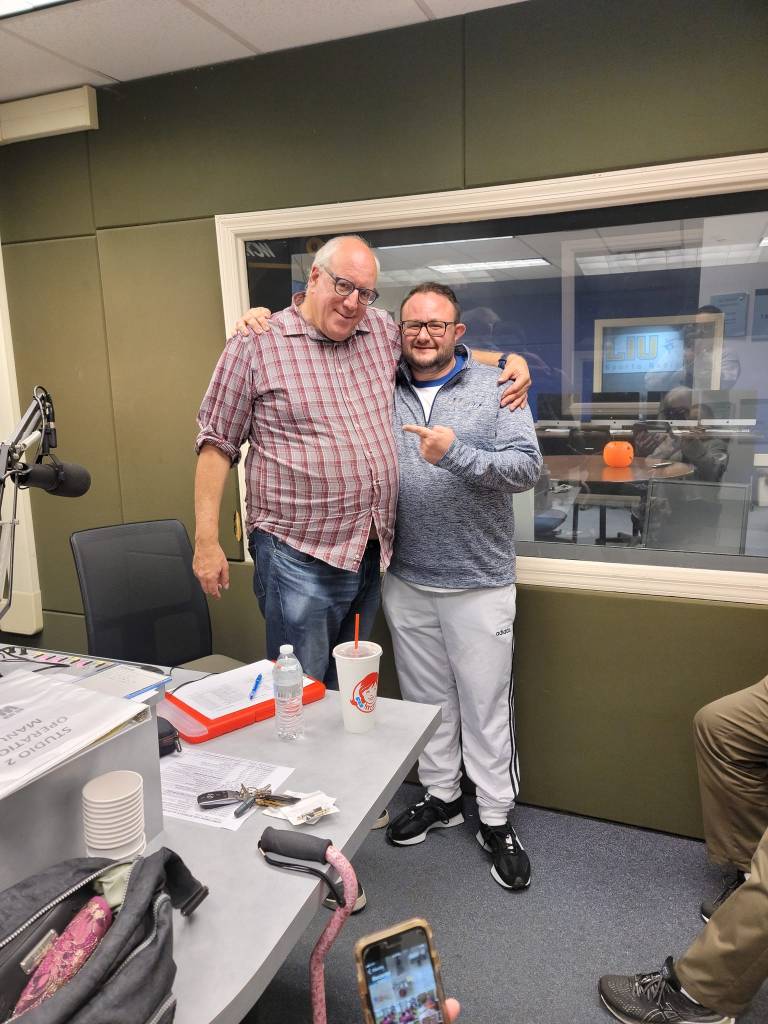
There was about 30 seconds of dead air after Alan’s last song finished, so Jay began The DFK (Disco and Funk King) Show seconds before 10PM:
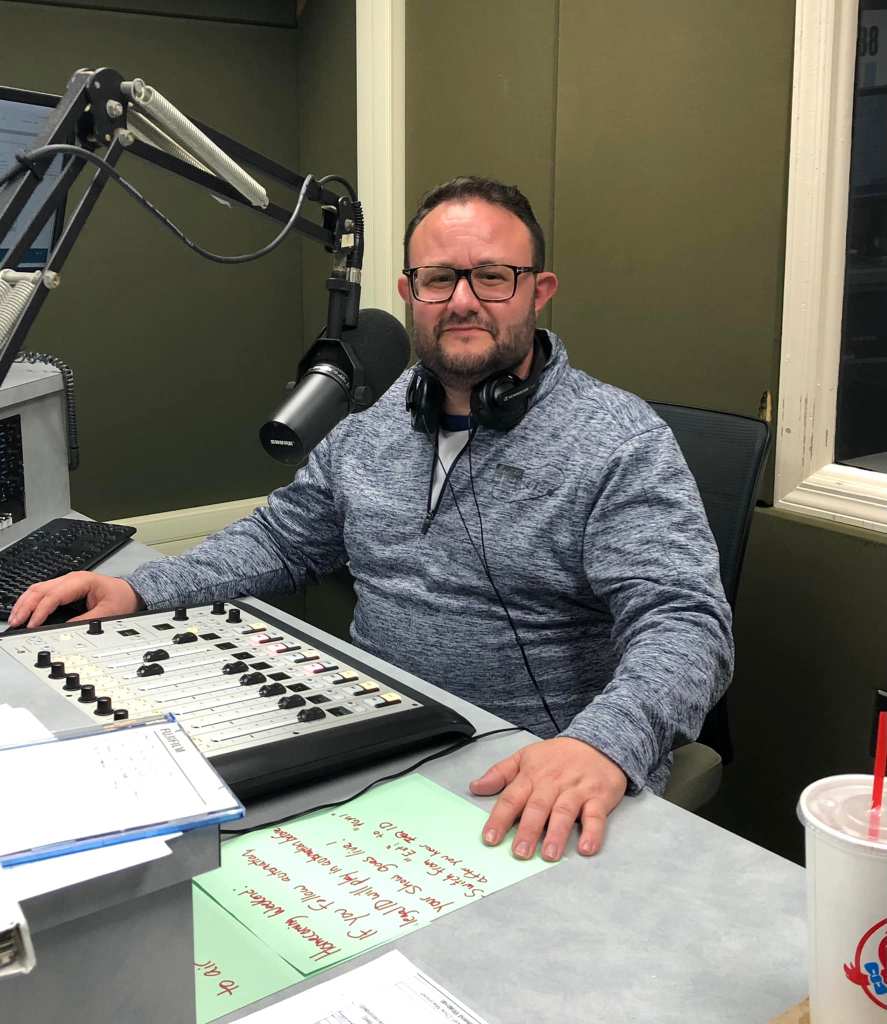
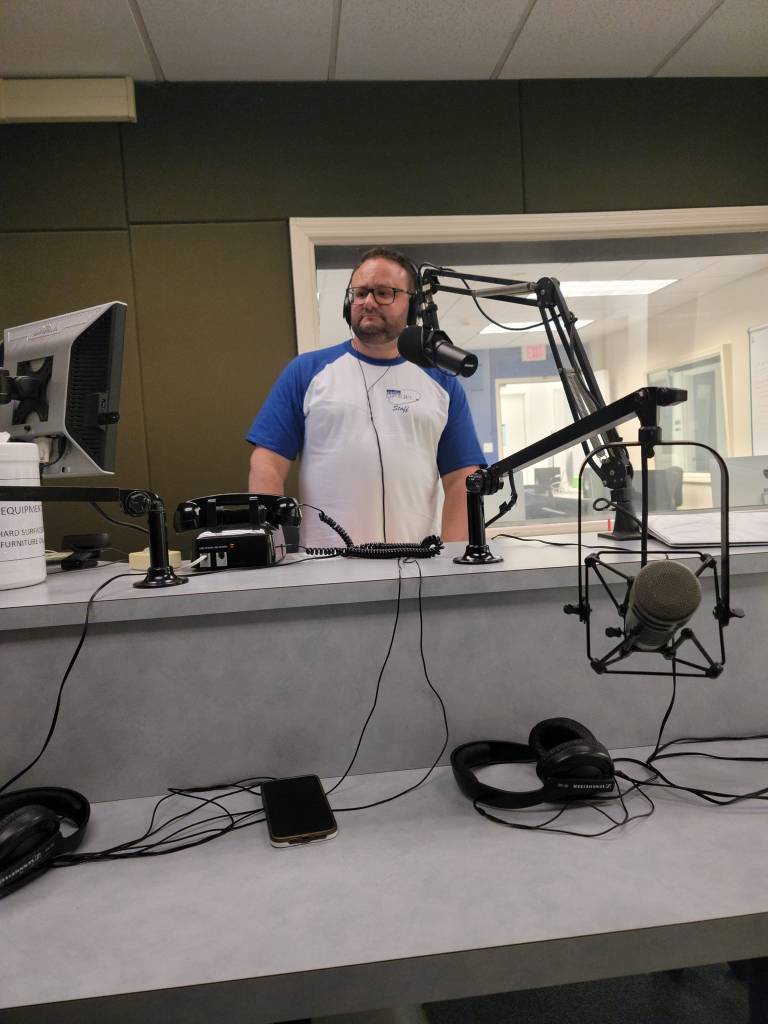
The Young Prince K.J. Mills stayed up late to host The Storm 2.0 at 2AM (I’m counting this as part of Friday’s lineup):
Saturday, October 15
I returned to LIU Post at 1:30 Saturday afternoon. This time, I brought along my GoPro Hero 7 for shooting B-roll. Unlike last year, I did use it, thanks to a flexible tripod I bought in November, inspired by the video of Joe Honerkamp’s show.
In a bold move, I opted not to walk down to the football field to catch part of the LIU Sharks‘ Homecoming game. Considering they were creamed by the Saint Francis Red Flash, 57-7 (box score, recap), I made the right decision. As the game carried on, I sat at my laptop and spoke to any alumni that walked into studio 3, where my laptop was set up for web browsing on my downtime, but otherwise to aircheck the shows following the football game. My aircheck equipment, used Friday and Saturday, was a Behringer U-Phono UFO202 pre-amp connected to a Sangean HDR-16 radio. WCWP also uses the UFO202 for airchecking off FM tuners, doing so to clip key plays in Sharks games. Home airchecks were recorded in Audacity, either on my computer or the guest room computer, then edited in Adobe Audition.
One such alum to drop by during the football game was M.J. Lonardo, known as DJ M.J. during her time at WCWP. The photo I took of her and station manager Pete Bellotti is the first in a series of two-person photos taken throughout the day:
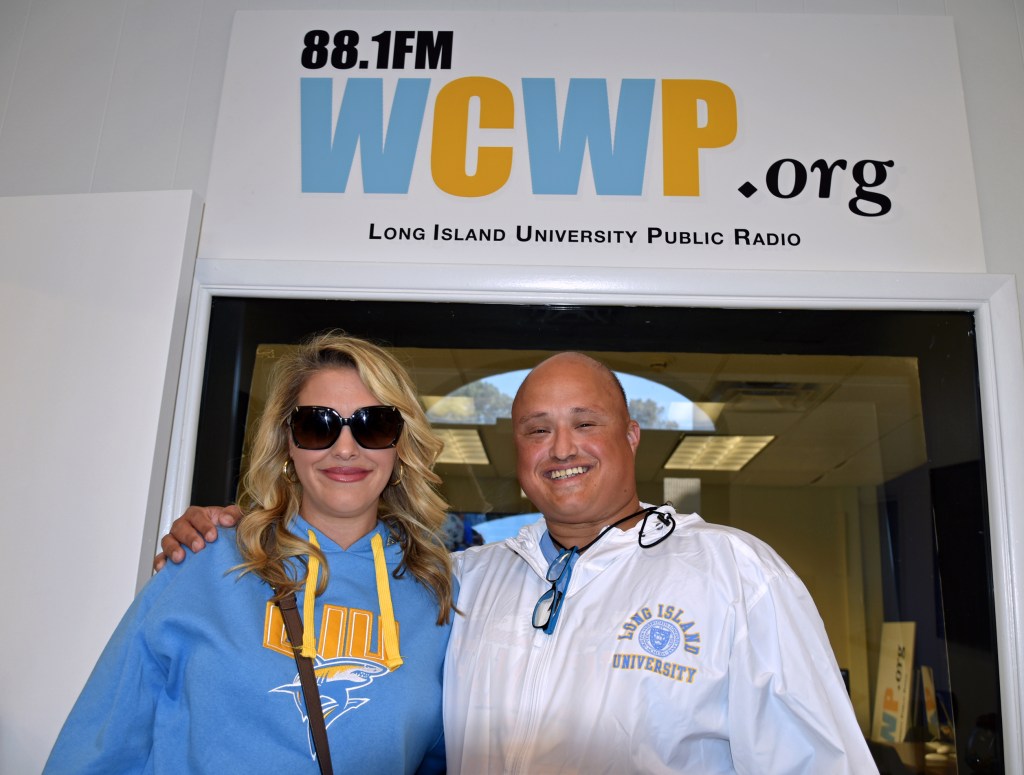
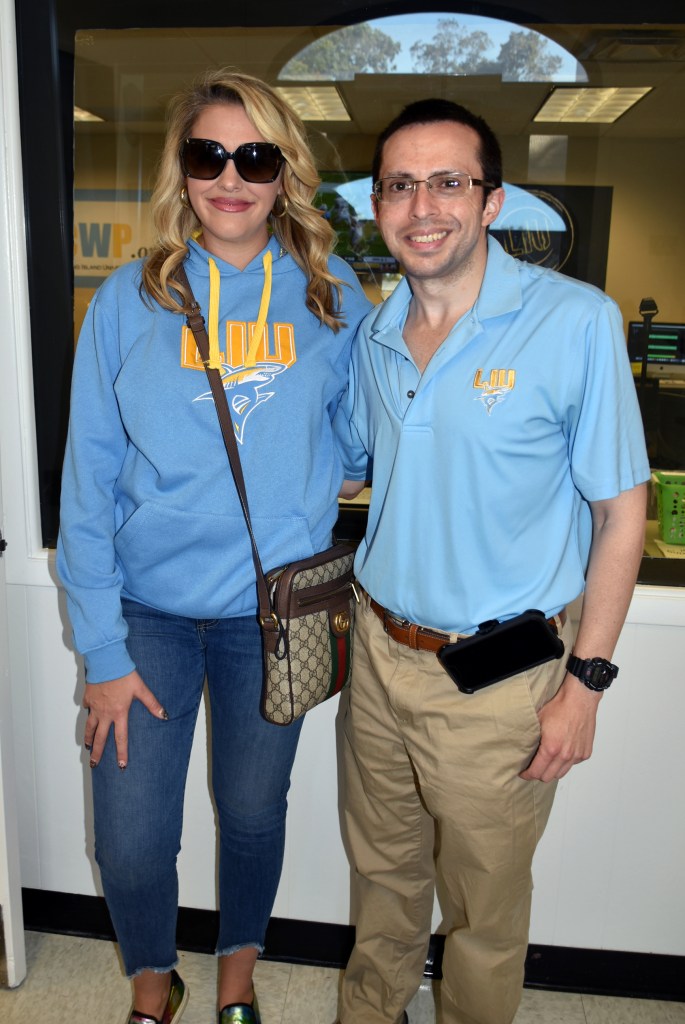
M.J. and me 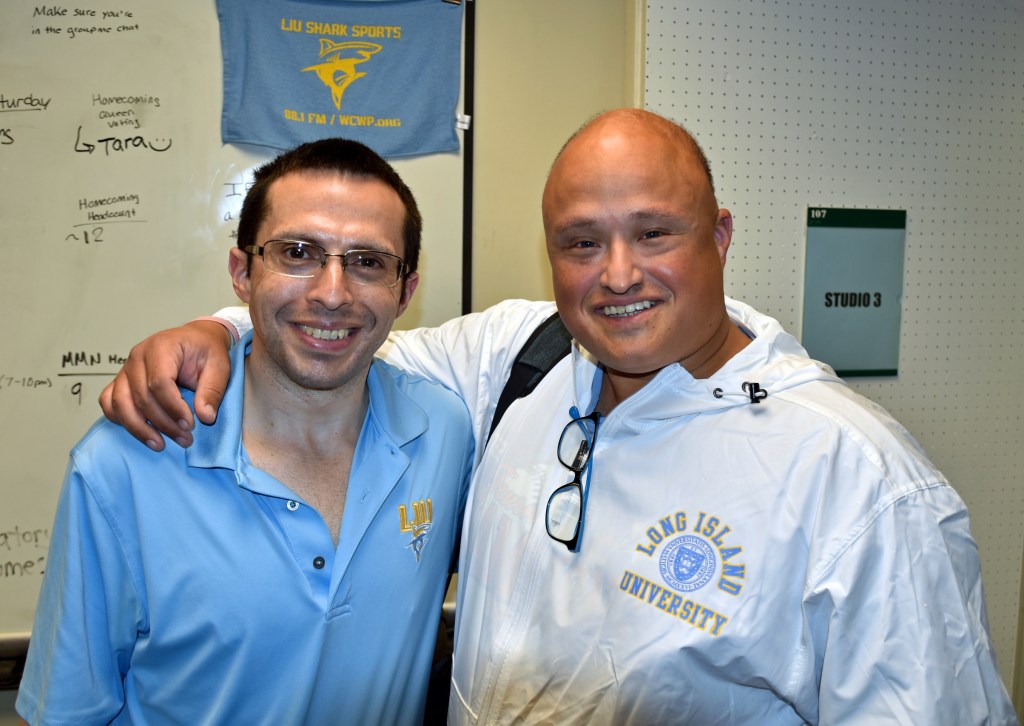
Me and Pete 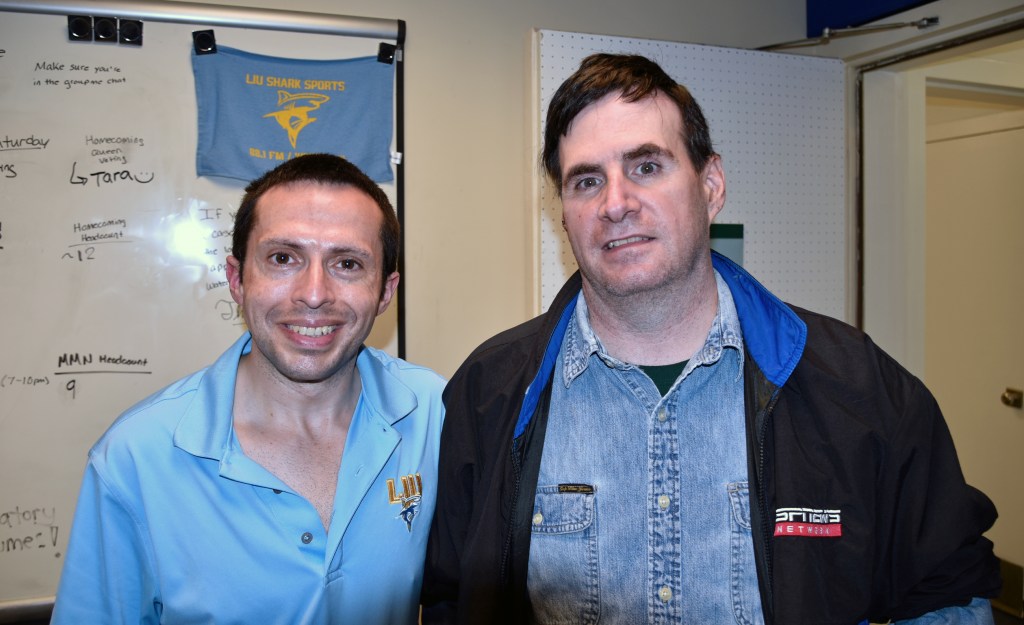
Me and John Zoni 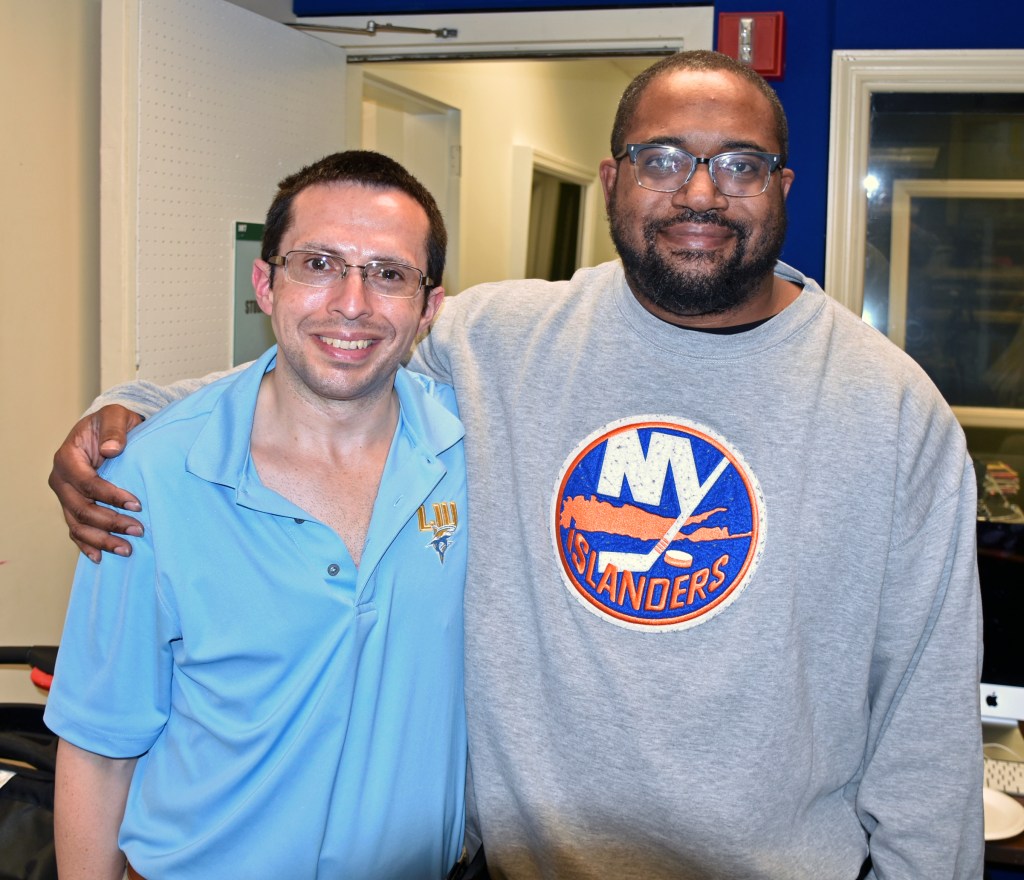
Me and K.J. Mills 
Alan and me; I’ll miss you, Alan.
On to photos from Bernie Bernard’s Barbecue Bash (by golly), starting at 4:08 PM:
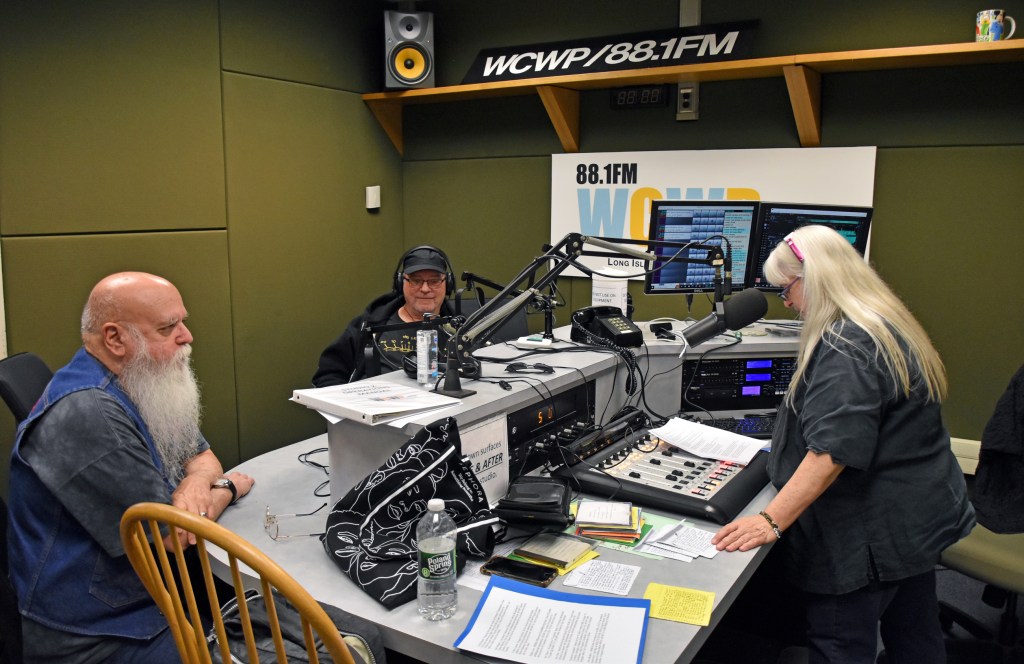
Grandfather Rock Chris MacIntosh, longtime host of Rock ‘N Soul Gospel, and Hugh Hammill, Bernie’s friend from her WBAB days 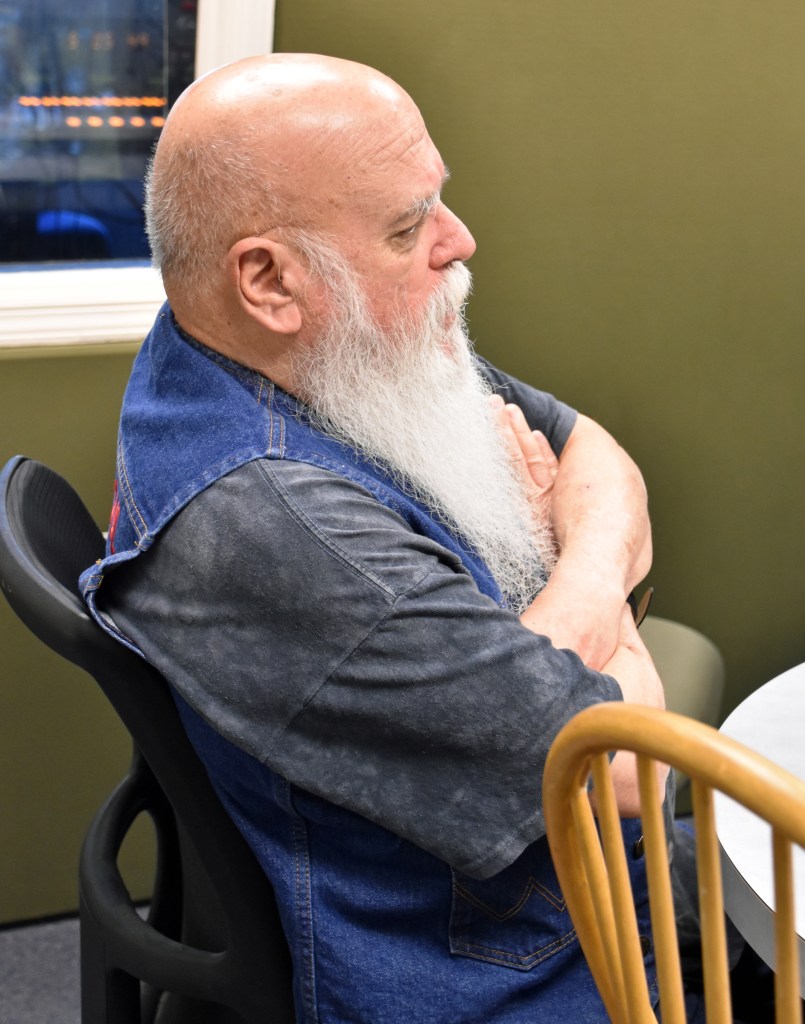
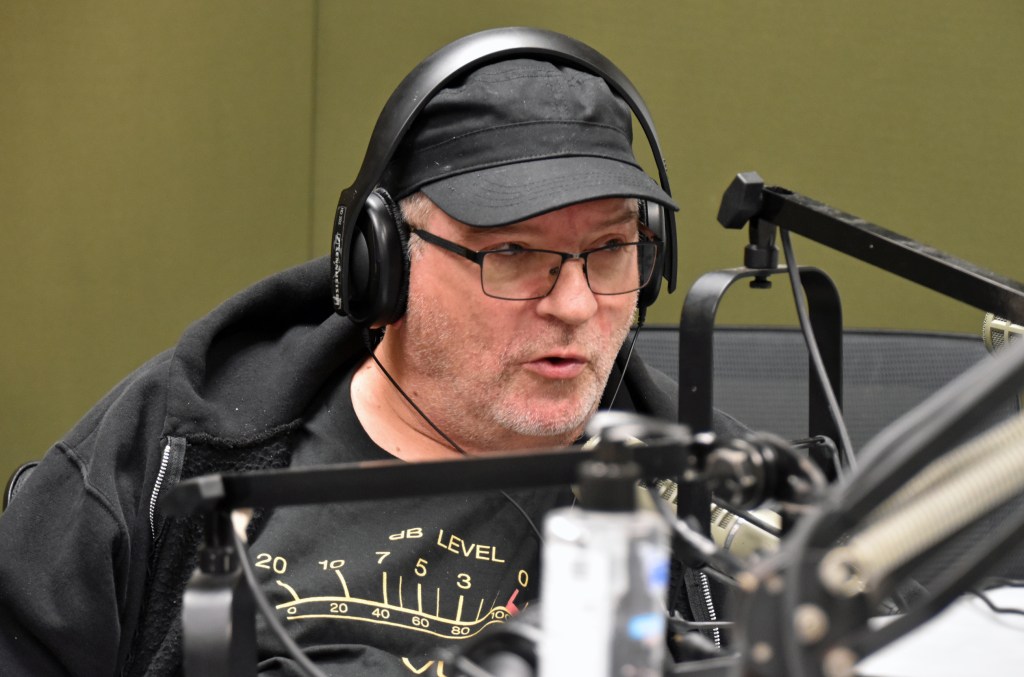

Jett Lightning joined Chris in studio 2 with Bernie 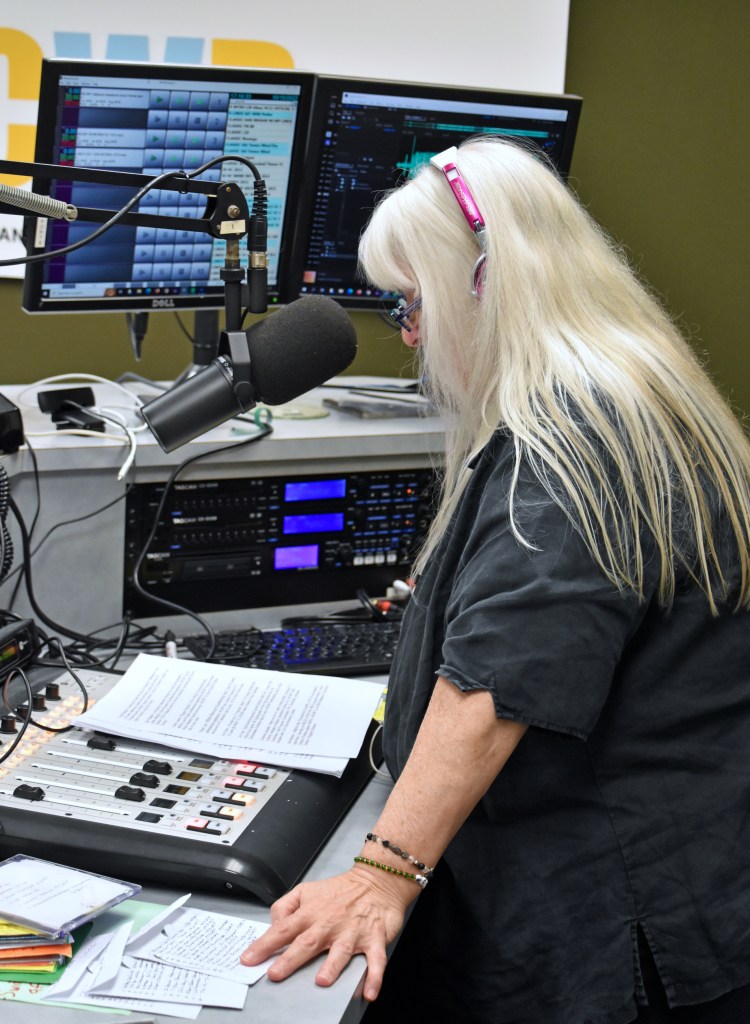
At 5:11, Bernie announced the 2022 WCWP Hall of Fame inductees, who will be inducted in ’23. In the order listed on Bernie’s sheet below, they are: Travis Demers, Dan Reagan (reegan), Cosmo Leone, Roger Luce, Kim Dillon, Jon Cole, Suzanne Langwell, and John Mullen. 
Cosmo, Jon, and John all called in during the show. You’ll see and hear them in the video and audio below this stacked gallery. 


Technical assistance was required to fix the telephone hybrid audio. The quirky sound that afflicted Cosmo Leone’s interview was mitigated while speaking to Jon Cole. I had to cut away to some of these photos during that part of the video because my view of Bernie was blocked. 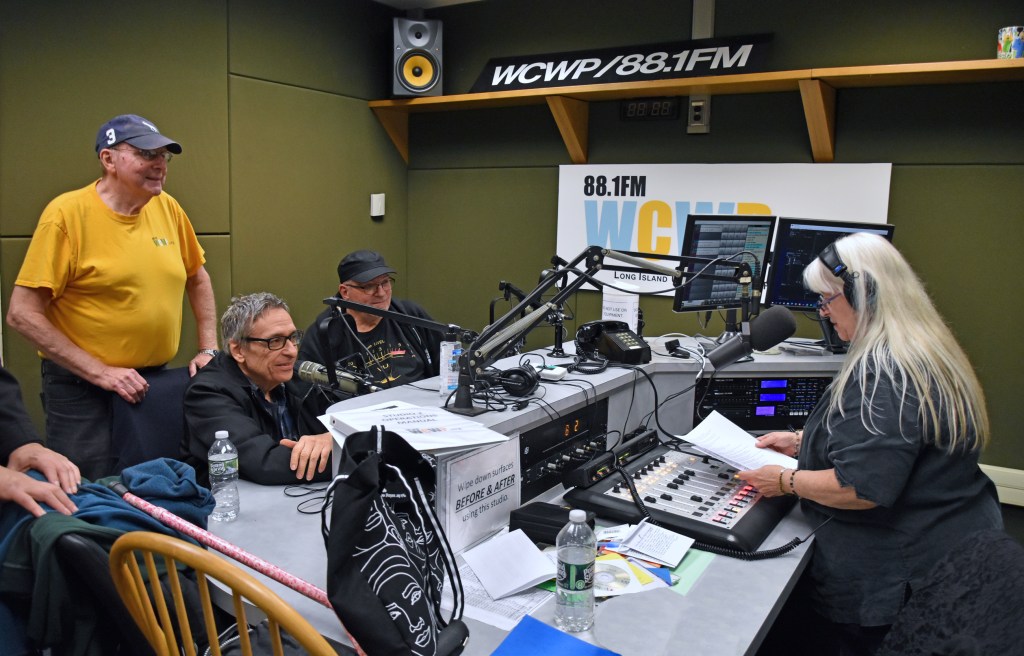
The tradition of Mike Riccio (sitting) and Bobby Guthenberg (standing) following Bernie with their countdown show continued this year. Bernie spoke with them beforehand.
Here is the aforementioned video:
Anyway, here is the audio version with longer lead-outs and the start of the first talk break in the video:
Mike Riccio and Bobby G.’s countdown began at 7:03 PM. Mike couldn’t find a legal ID to run in WaveCart, so I approached the board and picked one. Then, the show began with “Wooden Heart” by Elvis Presley. Editing video of this show has left the end of “Wooden Heart” ingrained in my head. First, the photos:
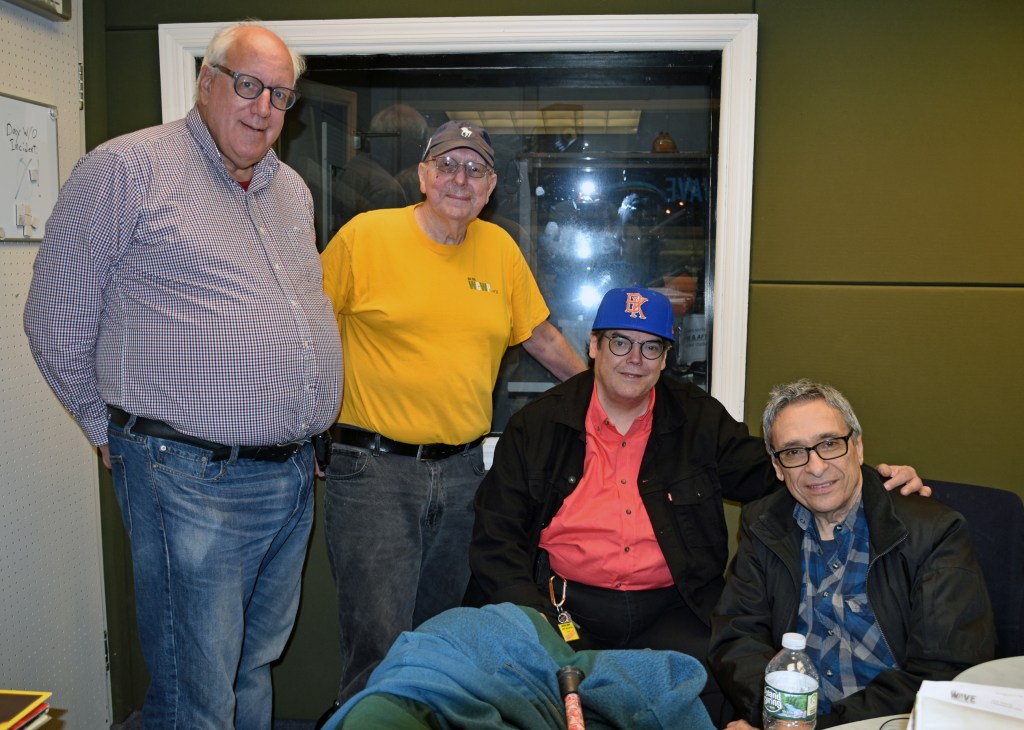
A group photo with Alan Seltzer and Jett Lightning before air 
Jett and Alan guessed which songs were next based on Mike’s clues. 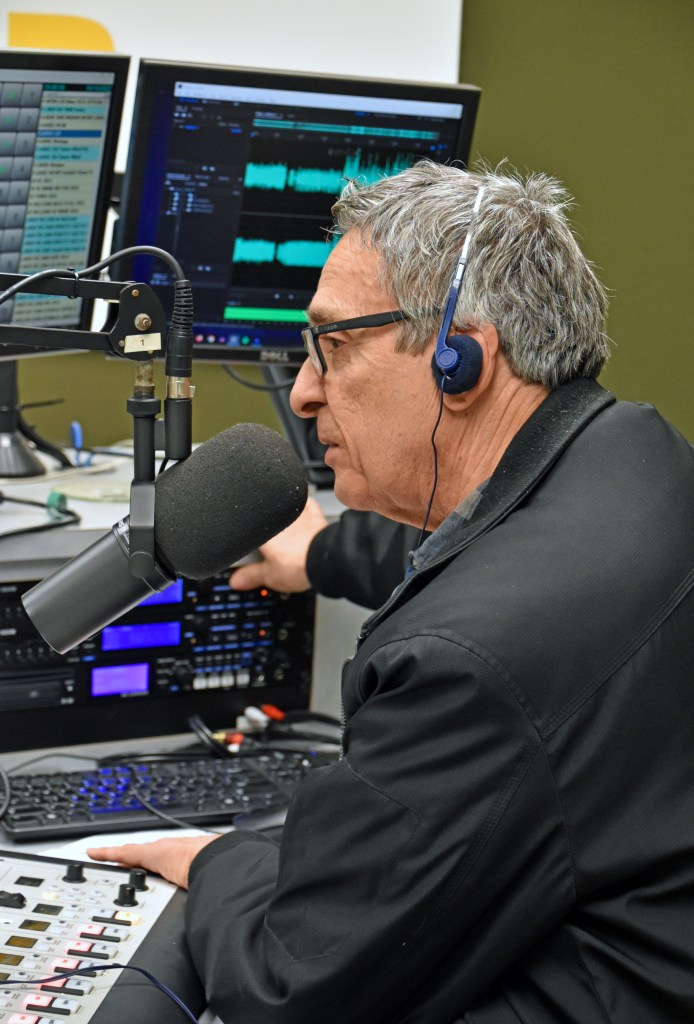
A close-up of Mike Riccio 
Bobby G. 

Alan Seltzer 
Jett Lightning (I wanted a candid shot, but he spotted me) 


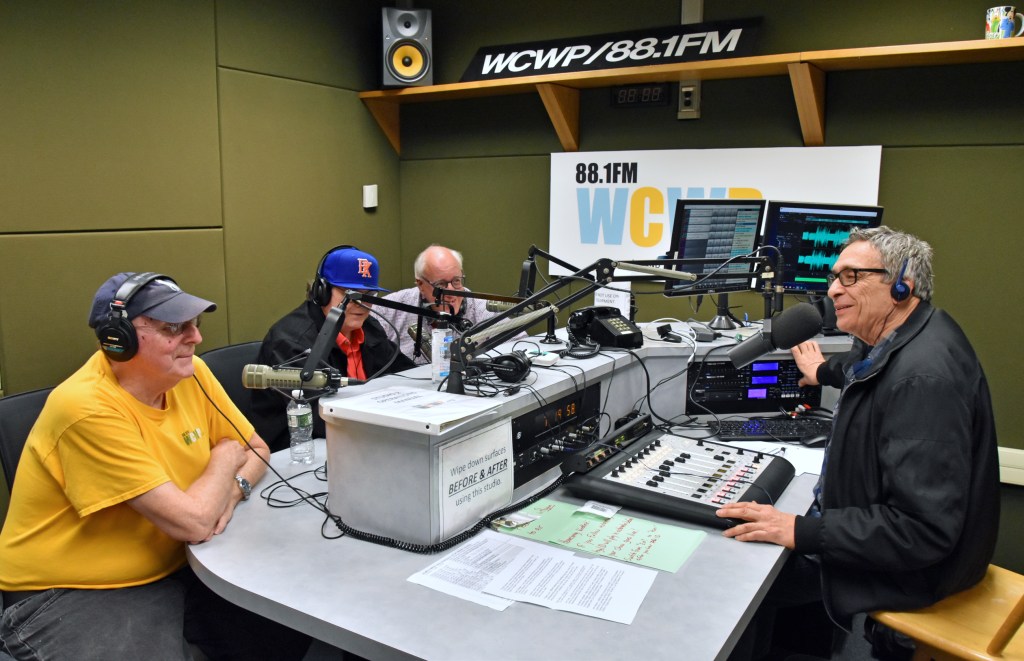


I took this parting photo before packing up for home. My parents picked me up after dinner in Syosset.
The video:
And the audio version, including parts of the last two hours and with extended lead-outs:
The above photos are the last taken at an event with my Nikon D5500. As Homecoming Weekend was wrapping up, I consulted with a Facebook group for fans and users of the Canon EOS R7 mirrorless camera. I said in my PC build post that I had a Nikon Z7II in mind, but it’s too expensive and I’d have to buy a 24-200mm (not 300) Z lens (I like to use one superzoom lens) to take full advantage of the megapixel increase. My existing F mount 18-300 superzoom would be heavily cropped because it’s not made for full frame cameras like the Z7II. The EOS R7 and all the accessories I bought for it, including a Tamron 18-400 superzoom and control ring mount adapter, cost less combined than a Z7II body alone.
I hope to write about my early experience with the EOS R7 and equipment in a later post, but for now, back to Homecoming Weekend.
Sunday, October 16
I woke up a few minutes into my prerecorded Instrumental Invasion, another show with a dedicated blog post. Otherwise, the scoped aircheck:
When that was over at 8AM, Jay LaPrise (la-PREE) had the first live show of the day:
My attempt at airchecking Jamie Mazzo and Sara Dorchak’s Ladies of Prison Break Radio show at 10AM was a bust. With my weekly Zoom meeting at 11:30, I had to aircheck on my laptop. I should have recorded the audio loopback, like on my desktop, but I didn’t. The same unnatural audio boost problem that kept me up in the hours after my September 14 show afflicted the laptop aircheck.
The Rockin’ Sunday Show with Alana followed at noon, its usual time on a regular Sunday:

Alana’s photos are the only ones taken Sunday (that I’m aware of). 
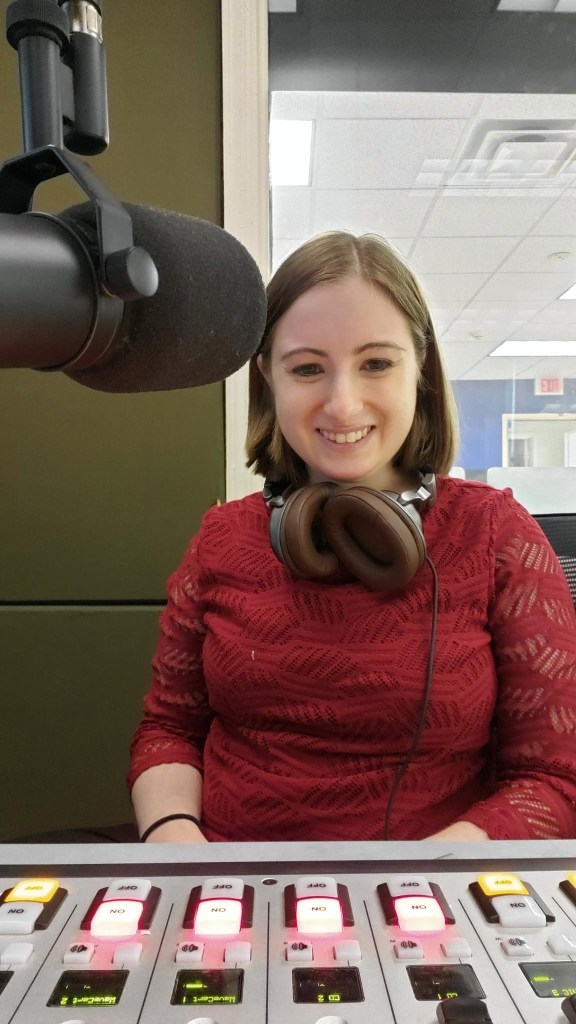
Just after 2PM, it was Joe Honerkamp’s turn:
The last show I airchecked on Sunday was Jett Lightning at 4PM:
Saturday, Jett persuaded me to add John Coltrane‘s Blue Train album to my collection. I’m certain he played the title track on his Sunday show for me.
Homecoming Weekend pulled up its stakes at 12:02 AM Monday morning, and on that note, we’ve reached the end of the 2022 recap. Thank you for reading, watching, and listening. Until next year.
Instrumental Invasion, 10/14/22, 2PM (Homecoming Weekend) (Live!) October 16, 2022
Posted by Mike C. in Airchecks, Audio, Internet, Jazz, Media, Music, Personal, Photography, Radio, Travel, Video.add a comment

Friday’s live WCWP Homecoming Weekend show was my first live radio show in three years and the first live show of the 61-hour block (starting at 11AM, not noon)!
The playlist was created only one week before air, on October 7, shortly before a weekend excursion to Staatsburg in Dutchess County with relatives. They were in the area for a half marathon and 5K in Rhinebeck. One of my cousins ran the half marathon while my uncle and another cousin ran the 5K. I drafted this and two other blog posts, along with annotations, on my laptop at the AirBNB we stayed at. I did not draft a talk break script; a live show calls for spontaneity, albeit with annotations to work from. I ended up referencing the trip during the show.
I feel like I wasn’t my best without a script, but all that matters is what listeners thought, and they liked it. Naturally, it started with a technical glitch. Automation didn’t switch off, allowing me to go live from studio 2. I relayed the problem to station manager Pete Bellotti and he had me start the show even though the first minute or so (54 seconds) would go unaired.
I took photos in studio 2 during the latter portion of the show:

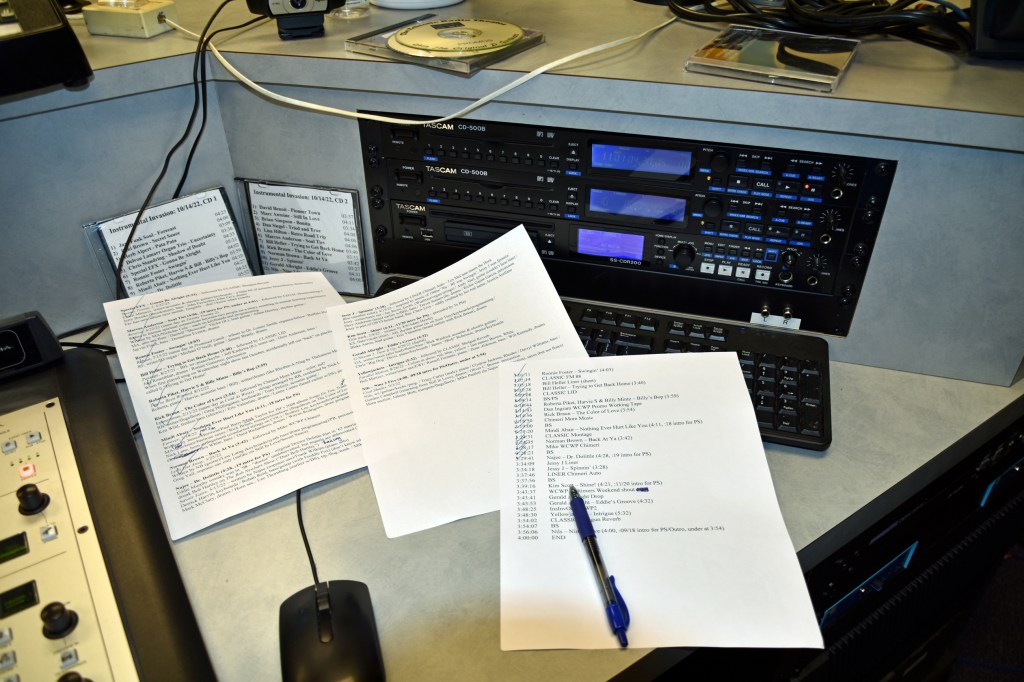
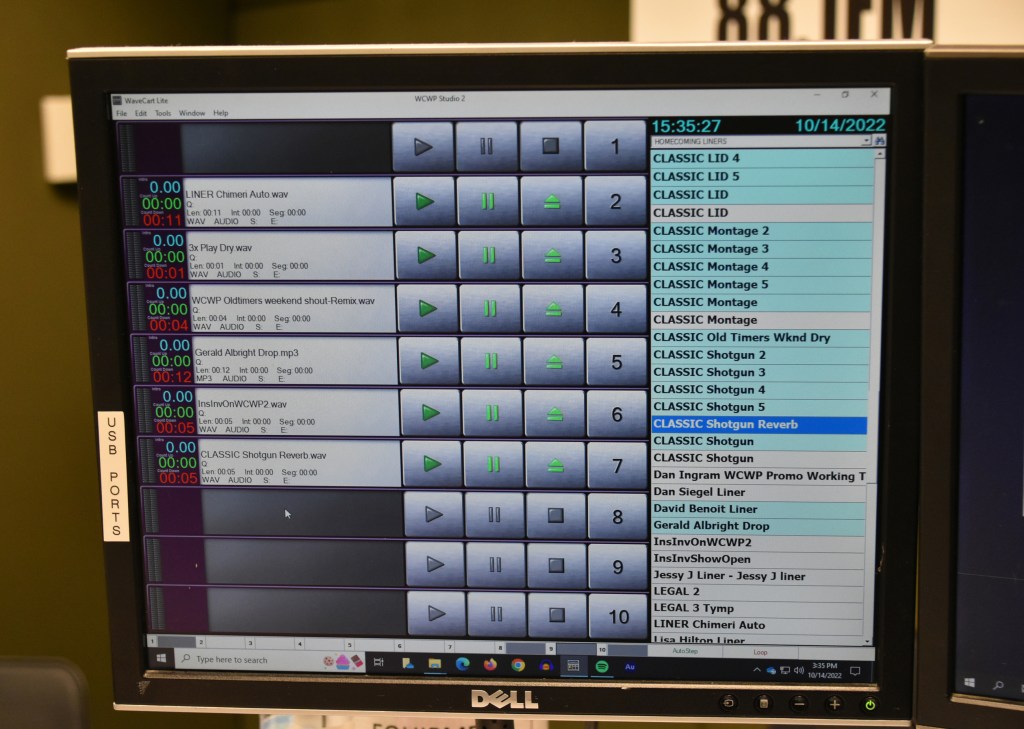


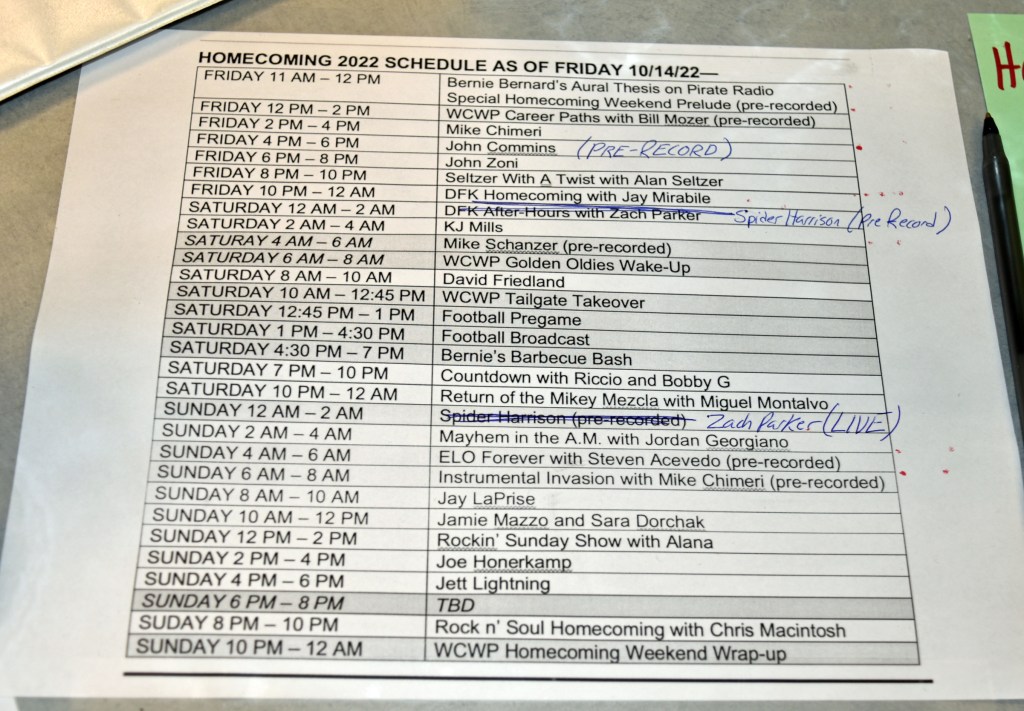
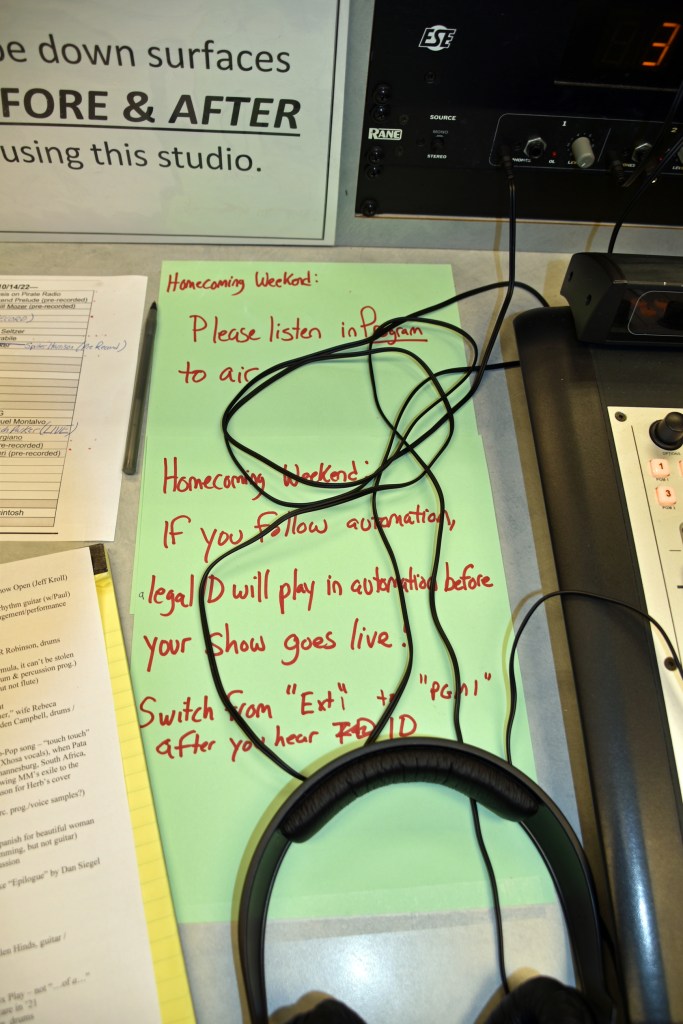
Then, I had Pete take photos of me at the controls:


He also took photos for the WCWP Alumni Association Facebook group’s communal photo album:


And I took a self-timed selfie:
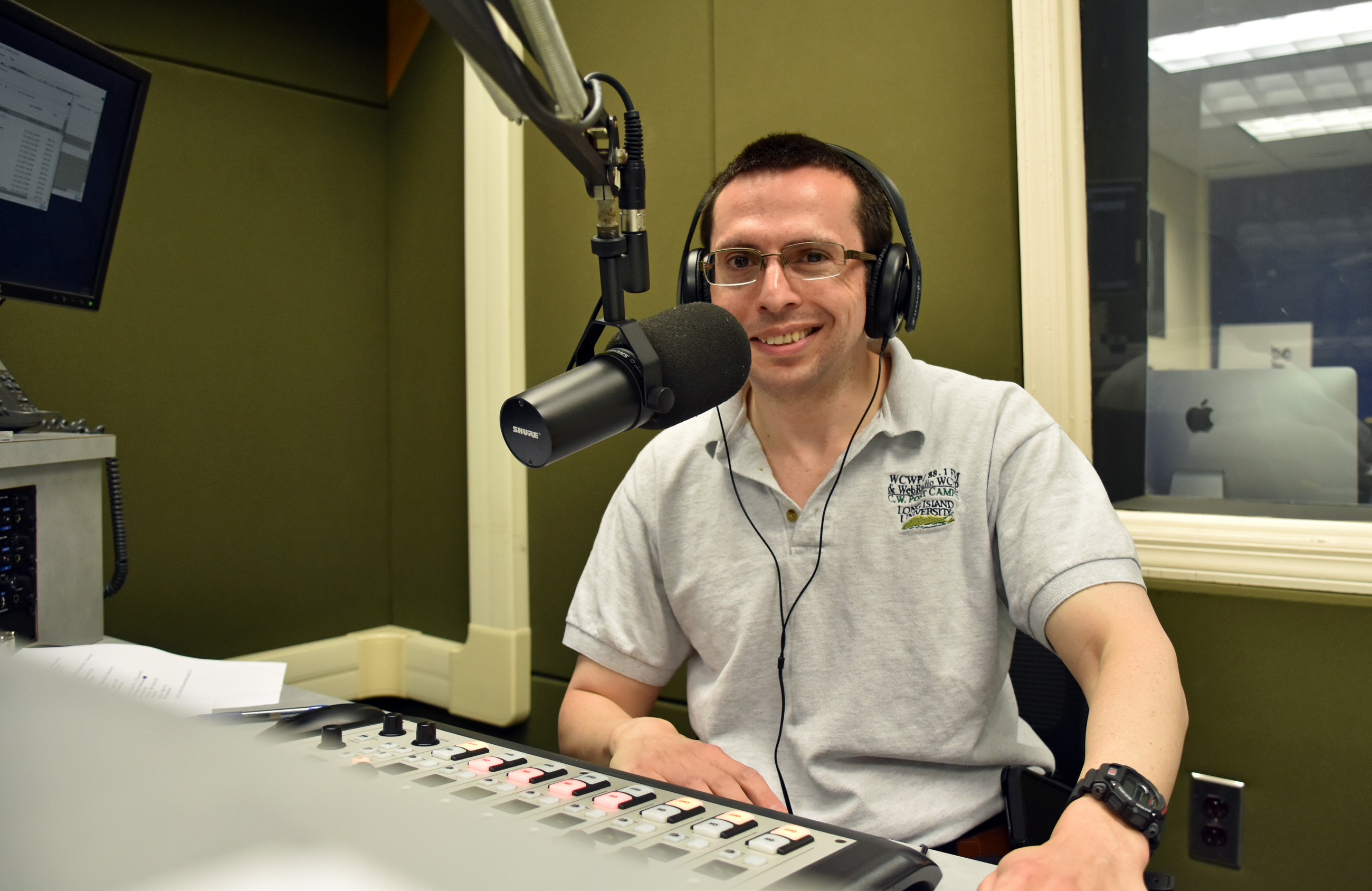
Continuing my another of my Homecoming show traditions, dating back to 2007, I simultaneously shot video to sync with the aircheck scope (and unaired portion). Watch below (in 4K!):
The regular scoped aircheck MP3 (also with the unaired portion) can be downloaded here or listened to below:
The unscoped aircheck (unaired portion, too) is available for download on Google Drive.
Click here to read about the pre-recorded show that aired Sunday morning. The rest of the weekend will have its own blog post on Friday Saturday. 10/27 UPDATE: Here is that post.
The adventure of building my own PC (12/21/24 UPDATE: 27-month experiment ended in disappointment) September 10, 2022
Posted by Mike C. in Computer, Internet, Personal, Photography, Technology.add a comment
NOTE 1: This is a long post.
NOTE 2: I added follow-ups at the end, written on June 24, 25, and 27, November 5, and December 6, 2023.
NOTE 3: Another follow-up was written on December 21, 2024, after replacing the PSU to no avail and buying a Dell Alienware desktop PC.
For 3 1/2 years, my bedroom/home studio desktop computer was a Dell XPS 8930 that I had custom built by Dell. All my PCs since 2011, laptop and desktop, had been customized and bought from either Dell or HP.
My needs have grown over time. Media production requires top-of-the-line parts. A video shouldn’t have a render time that’s triple its running time. Photo editors shouldn’t struggle to load files and apply effects, nor should they flicker when operating. On the audio front, it’s frustrating if the computer freezes while airchecking a radio show. That’s one reason I’ve been recording on my computer and the computer in the neighboring guest room: an HP Envy 750-170se, which was even slower than the XPS 8930. And the most annoying thing about the XPS is how its cooling fan screams during an intense task.
Thus, in July, I began searching for a new computer. I had already planned on buying a mirrorless Nikon Z7 II with IBIS (in-body image stabilization), higher maximum resolution, and lower minimum ISO. I’d get it with an FTZ II lens mount adapter so I could keep using my F-mount Nikkor all-in-one lens. (The vertical grip is enticing.) I eventually learned the Z cameras lack a built-in flash and I’d have to buy a speedlight attachment, as well. Review sites like this one recommend a top-of-the-line model, but Nikon recommends what the review site considers #2.
The potential customizations for Dell and HP PCs (desktop homepages here and here) were expensive, but limited in maximum storage and memory. My friends in the Discord chat servers for Technology Connections and Game Dave recommended building my own PC with individual parts. Newegg lets you create, save, and share custom build lists. I shared my build with the TC Discord and they suggested tweaks, which I made. I thought I’d need to double the RAM (random-access memory) of the XPS, from 64GB (gigabytes) to 128GB, but they said 64GB would be fine with the CPU (central processing unit) and GPU (graphics processing unit) I had in mind. 128GB would be overkill.
On the morning of August 27, I had an epiphany: buying the camera before the computer was putting the cart before the horse. I should buy a more powerful computer now (that morning), and save the more advanced camera for later (my birthday in November or Christmastime in December). (6/24/23 UPDATE: I bought a cheaper Canon EOS R7 instead.) I made final tweaks to the build to cut costs. I still had highly-rated components, but not as flashy. It all cost $2,890.79, with taxes and shipping yielding a grand total of $3,156.96. The shared build list can be viewed here. If you’re not on a smartphone or don’t have the Newegg app installed (iOS, Android), click the center arrow for full descriptions. 12:30 PM UPDATE: I’ve been told the Newegg build list link doesn’t work for some readers. So, here are direct links to each part (with Newegg’s descriptions):
- CPU: AMD Ryzen 9 5900X – Ryzen 9 5000 Series Vermeer (Zen 3) 12-Core 3.7 GHz Socket AM4 105W Desktop Processor 100-100000061WOF
- Motherboard: MSI MAG X570S TOMAHAWK MAX WIFI AM4 AMD X570 SATA 6Gb/s ATX AMD
- Memory: G.SKILL Ripjaws V Series 64GB (2 x 32GB) 288-Pin PC RAM DDR4 3200 (PC4 25600) Intel XMP 2.0 Desktop Memory Model F4-3200C16D-64GVK
- GPU: MSI Ventus GeForce RTX 3080 10GB GDDR6X PCI Express 4.0 Video Card RTX 3080 VENTUS 3X PLUS 10G OC LHR
- Case: ASUS ROG Strix Helios GX601 White Edition RGB Mid-Tower Computer Case for ATX/ EATX Motherboards with Tempered Glass, Aluminum Frame, GPU Braces, 420mm Radiator Support and Aura Sync
- Power Supply: EVGA SuperNOVA 1000 G6, 80 Plus Gold 1000W, Fully Modular, Eco Mode with FDB Fan, 10 Year Warranty, Includes Power ON Self Tester, Compact 140mm Size, Power Supply 220-G6-1000-X1 (Replaced on 12/21/24 with CORSAIR HX1200i Fully Modular Ultra-Low Noise ATX Power Supply – ATX 3.0 & PCIe 5.0 Compliant – Fluid Dynamic Bearing Fan – CORSAIR iCUE Software Compatible – 80 Plus Platinum Efficiency – Black)
- Storage 1: SAMSUNG 980 PRO Heatsink M.2 2280 2TB PCI-Express 4.0 x4 V6(12xL) V-NAND 3bit MLC Internal Solid-State Drive (SSD) MZ-V8P2T0CW
- Storage 2: Seagate IronWolf 8TB NAS Hard Drive 7200 RPM 256MB Cache SATA 6.0Gb/s CMR 3.5″ Internal HDD for RAID Network Attached Storage ST8000VN004
- CPU Cooler: be quiet! 250W TDP Dark Rock Pro 4 CPU Cooler with Silent Wings – PWM Fan – 135 mm LGA 1700 Compatible
- Operating System: Microsoft Windows 11 Pro (USB)
- Accessory 1: EVGA Z15 RGB Mechanical Gaming Keyboard, Clicky Switch, RGB Backlit LED, Hot Swappable Kailh Speed Bronze Switches 822-W1-15US-KR
- Accessory 2: ASUS USB 2.0 / USB 3.0 External 16X Blu-Ray Re-writer MacOS Compatible Model BW-16D1X-U LITE/BLK /G /AS
All but one component arrived between August 30 and September 2:

The entire first shipment 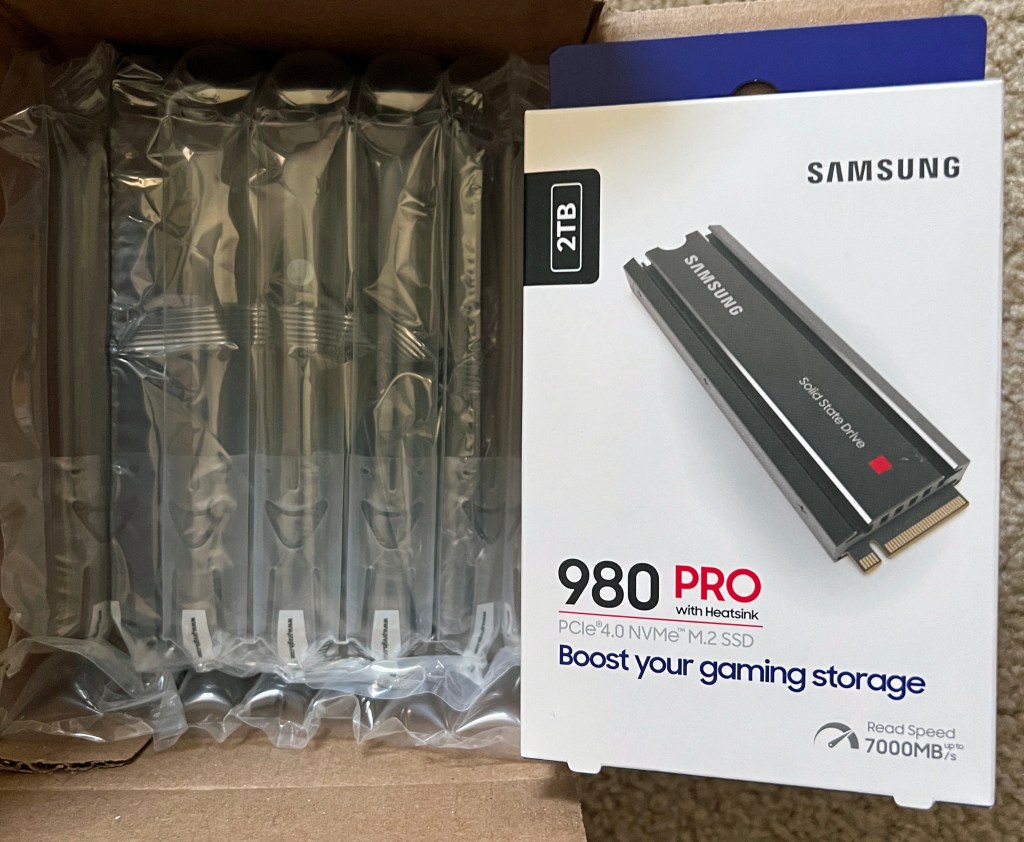
HDD (hard disk drive) and SSD (solid-state drive) 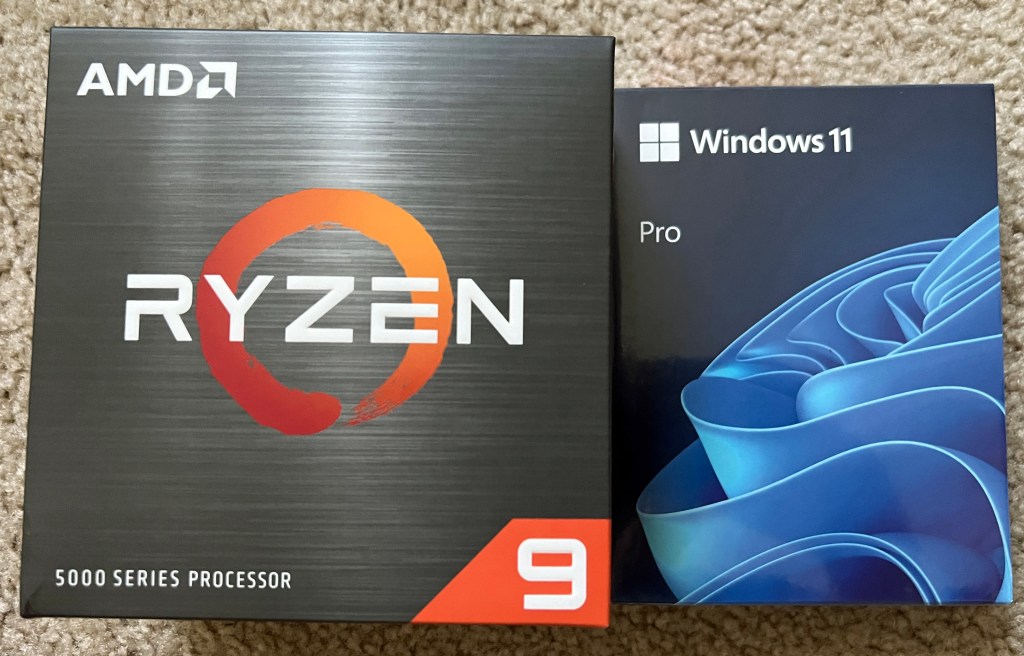
CPU, operating system 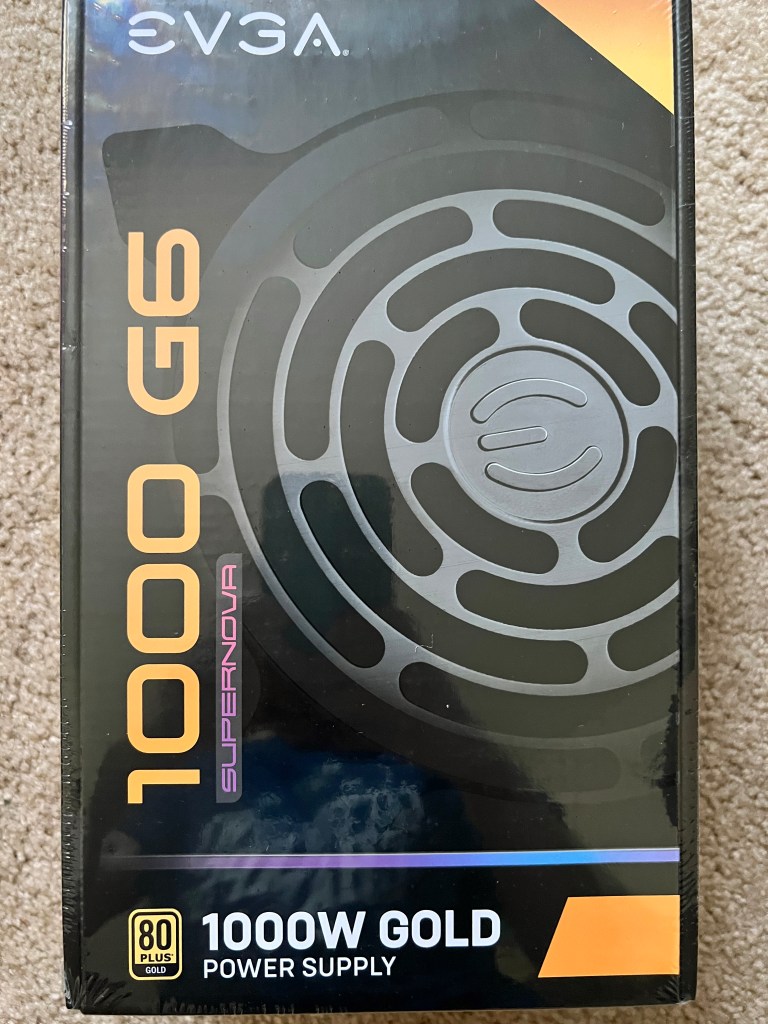
Power supply 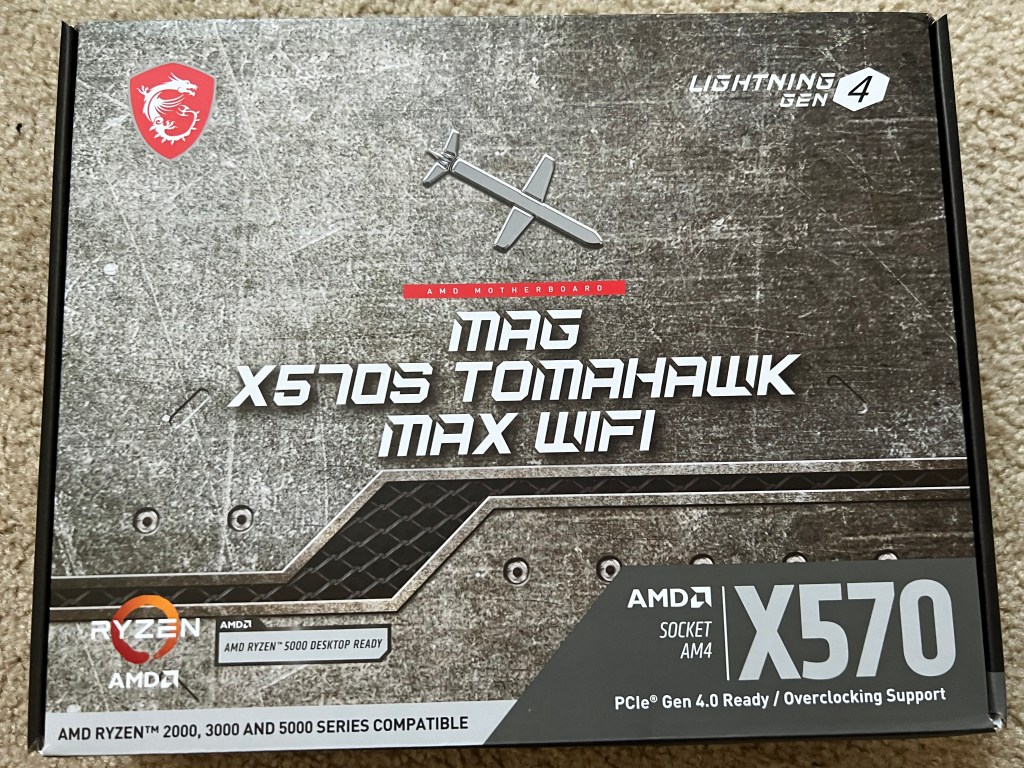
Motherboard 
GPU 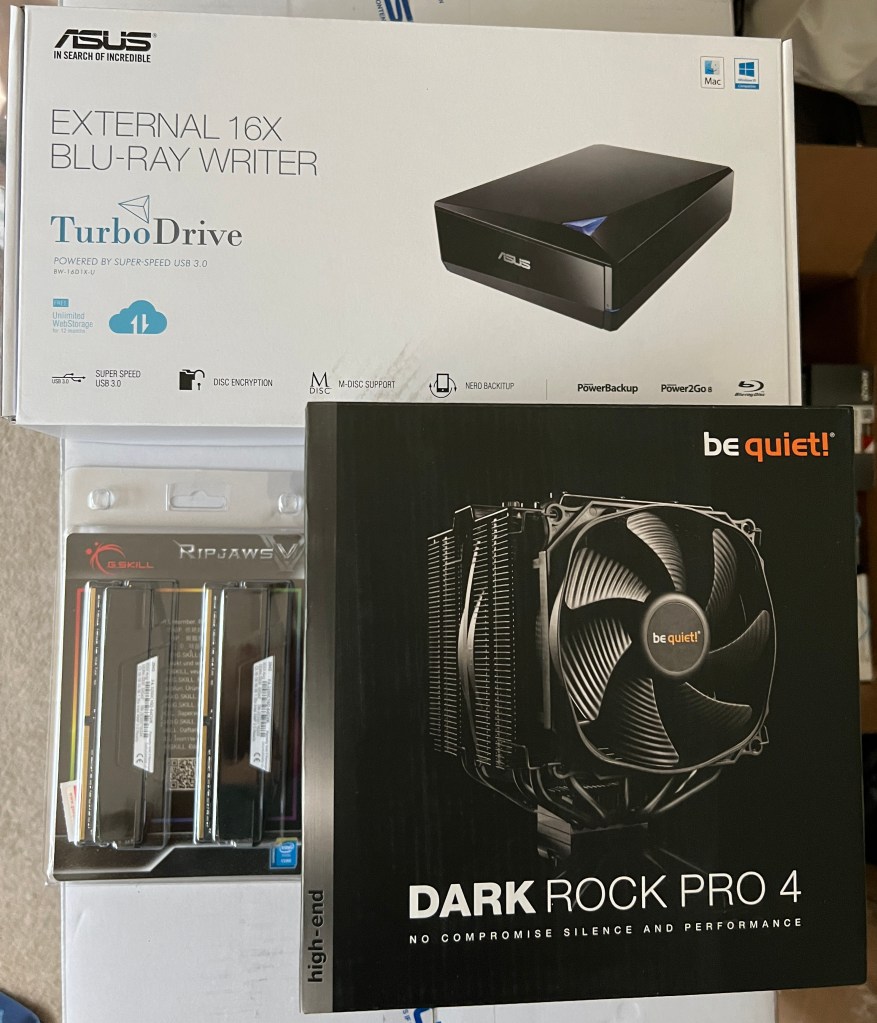
External Blu-ray writer drive, 2x32GB RAM DIMMs (RAM sticks), CPU cooler 
The surprisingly big tower case
Yes, I made a gargantuan oversight when picking a tower case: I didn’t check the dimensions! It’s 23.27 inches high, 9.84 wide, and 22.24 deep. No wonder it has straps for carrying at the top. Still, my dad told me that cases that big are better because they allow for more maneuverability during assembly.
The lone late arrival was the mechanical gaming keyboard, scheduled to arrive on Tuesday, September 6. Unfortunately, I wasn’t home to sign for it. Everything else arrived in the evening while I was home, but the UPS driver reached my house in the afternoon on a day when I was out. So, I had to pick it up the next day at my local CVS, a UPS Access Point location.
In the meantime, I was willing to use a spare keyboard temporarily and an old Dell wired USB mouse that I found in a basement storage box as the mouse for my build.
I could have started assembly on Friday, September 2, but bought a new FireWire (IEEE 1394) card on Amazon (this one) rather than swap out the one in my Dell XPS 8930. Amazon is also where I bought an ESD (electrostatic discharge) anti-static wrist strap (this one) to wear during assembly (clipped to the case) and two use licenses for Laplink PCmover Professional, my go-to data migration software since getting the XPS in February 2019 and an HP Omen 15t-dc000 laptop that January. The laptop was superseded by a Dell Alienware m15 R3 in December 2020. I mistakenly sprung for Dell Update, which wasn’t as good as PCmover. I held on to the Omen laptop until cleaning it out last week – uninstalling extra software and logging out of my Microsoft account – and donating it to my sister.
Exactly one week after my purchases – the morning of Saturday, September 3 – I prepped my desk’s computer compartment for its much bigger inhabitant. I unscrewed the door hinges (years after taking out the door), took out the drawer above it (uninhabited for about five years) and unscrewed the supports, removed the plank below the desk center, and unscrewed its supports. There was a cardboard backing behind the compartment that had been partially cut open when I first got the desk in 2004. There was clearance for the back of all computer towers until my build. So, I ripped out what was left.
When the FireWire card was delivered in the afternoon, I began assembling the computer on the guest room L-shaped desk. I had no idea what I was in for.
Hours passed as I struggled to decipher the manuals and juggle parts in my lap, falsely assuming it wouldn’t take long to assemble this to that. I had big trouble with the CPU cooler manual, reading the instructions left to right by column rather top to bottom by row. Somehow, the thermal paste held when I finally figured out how to secure it to the motherboard.
I mistakenly assumed I had to unscrew the motherboard’s back panel exterior before attaching it to the case. No! Why else would the screws be so small?! I had to unscrew the motherboard, re-screw the back panel exterior, then re-screw the board to the case.
Inserting the GPU/graphics card required unscrewing and removing a vertical expansion slot compartment, then removing multiple inserts to house the card. It was a pain fitting the card into the PCI Express slot, then re-screwing the open inserts and re-screwing the vertical compartment. I didn’t bother with the included bracket; the card stood up just fine.
The graphics card made RAM insertion tough, having to finesse them in.
I couldn’t properly screw in the SSD. I settled for barely connecting it with mismatched screws.
The easy parts of assembly were unscrewing the disposable parts of the tower case, screwing in the power supply (the first two things I did), inserting the SATA (Serial ATA) HDD, and attaching most connectors to the motherboard, whether for the components or the case’s front panel. The power LED positive and negative connectors were impossible to secure, but somehow I did.
I usually eat dinner around 4 or 5PM, but it wasn’t until 7PM that I paused assembly to cook and eat it. Then, back to work.
Thinking I had assembled everything, I closed the tower case at around 10:30 and prepped for bed.
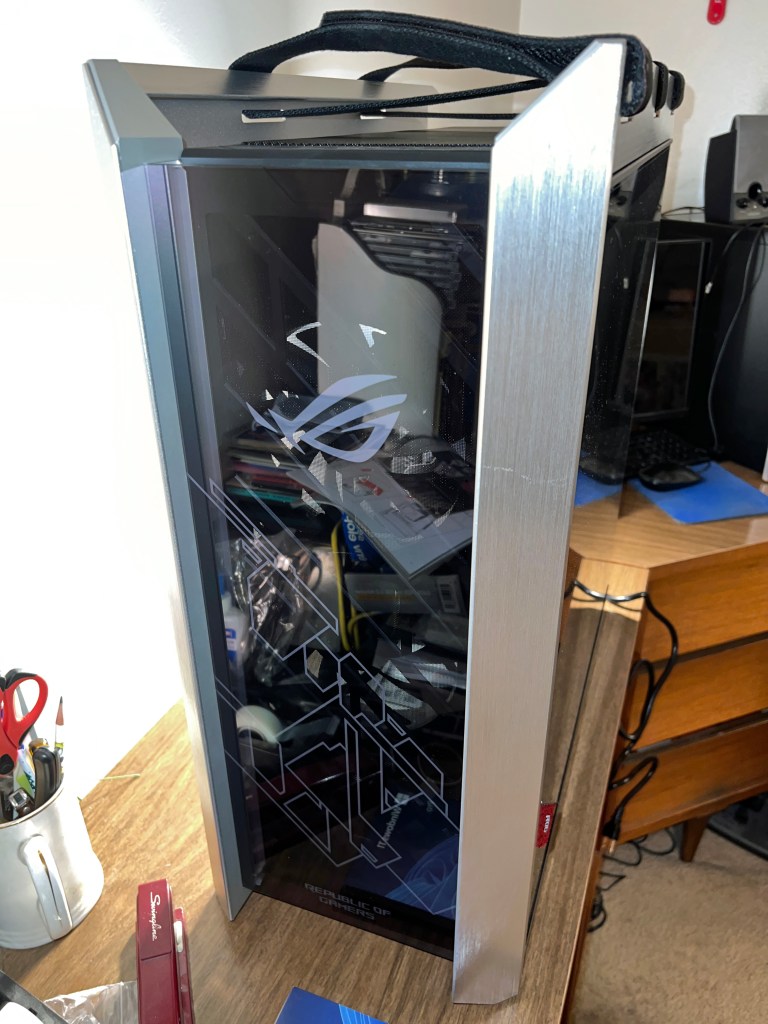
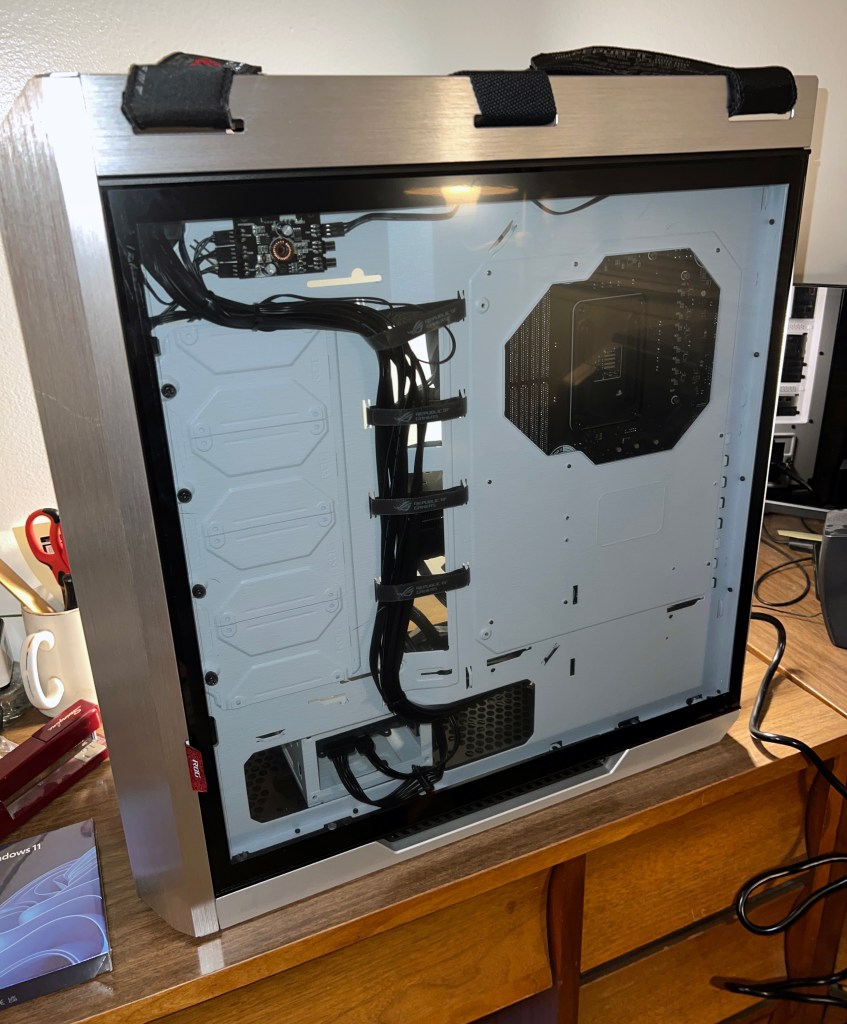

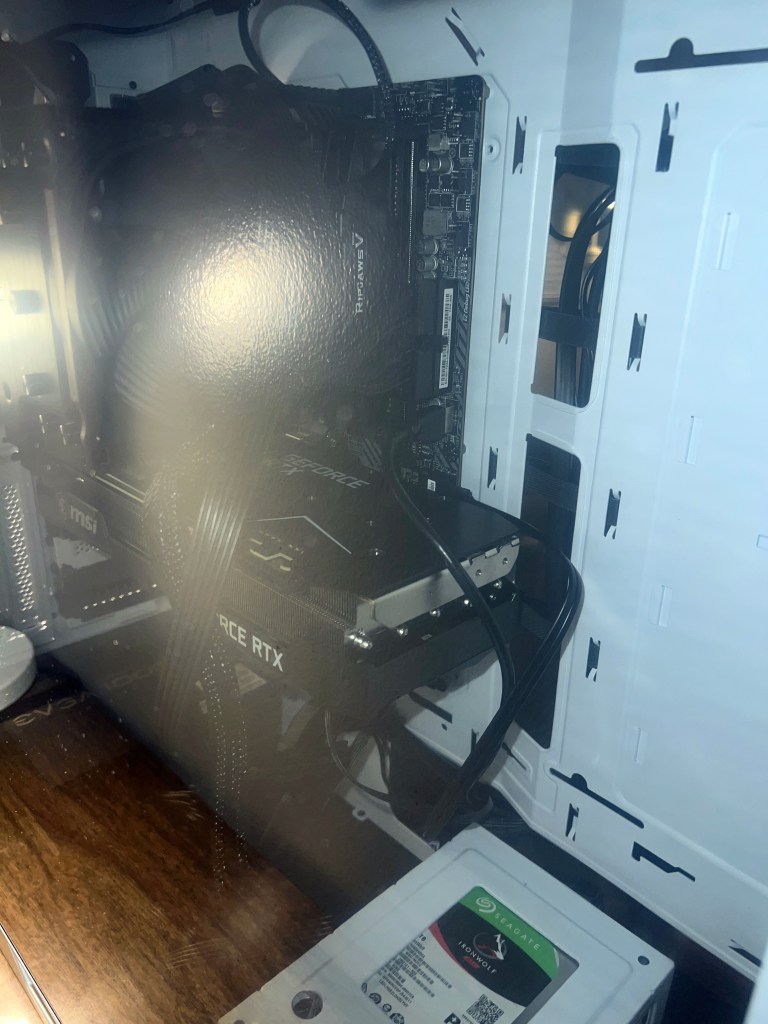
After some sleep, I woke up Sunday morning, September 4, ready to turn the computer on, install Windows 11, and start migrating data. It wouldn’t turn on. Thankfully, with the help of Ganiman and Filbert from the Game Dave Discord, I attached connections to the power supply that were mislabeled and I thought were incompatible, but by golly, they all fit and the computer turned on! What a relief!

The default LED (light-emitting diode) color was green, and there’s even an option to cycle through all colors, but I settled on red. The fourth USB 3.2 type-A port doesn’t work, but I’m willing to live with that. After all, my XPS 8930 only had three front type-A ports and one USB-C. Nonetheless, I turned off the power and tried swapping the type-A connectors on the motherboard, inadvertently knocking out the power connections. Luckily, I got those back in place so the power and LED worked again, but no luck with the fourth type-A port. Fine, just three work. 

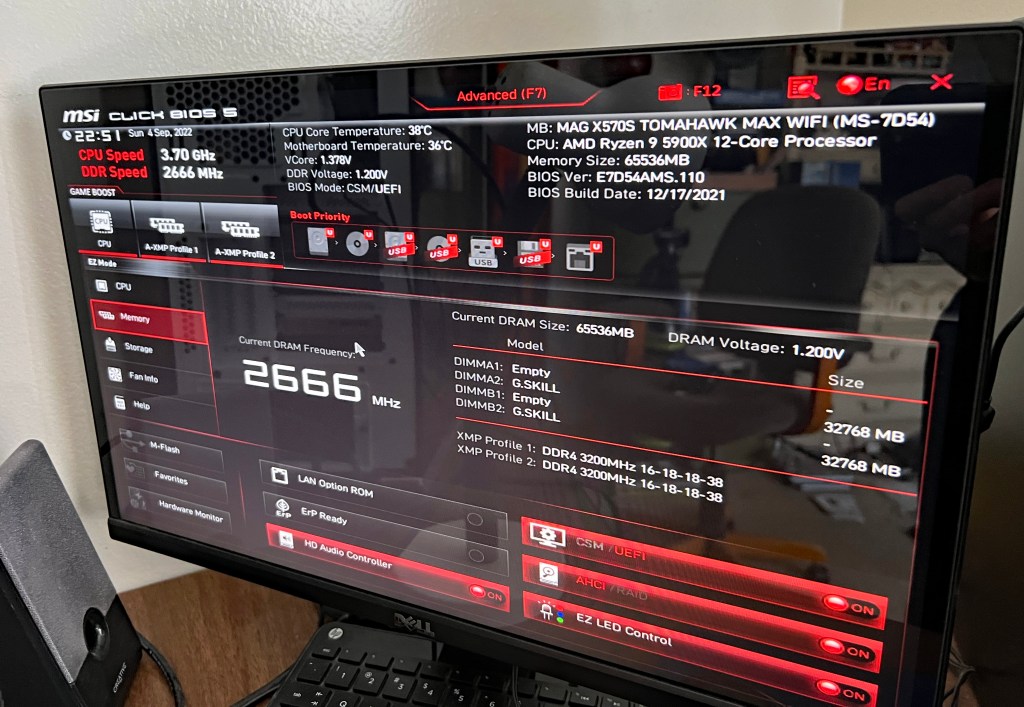
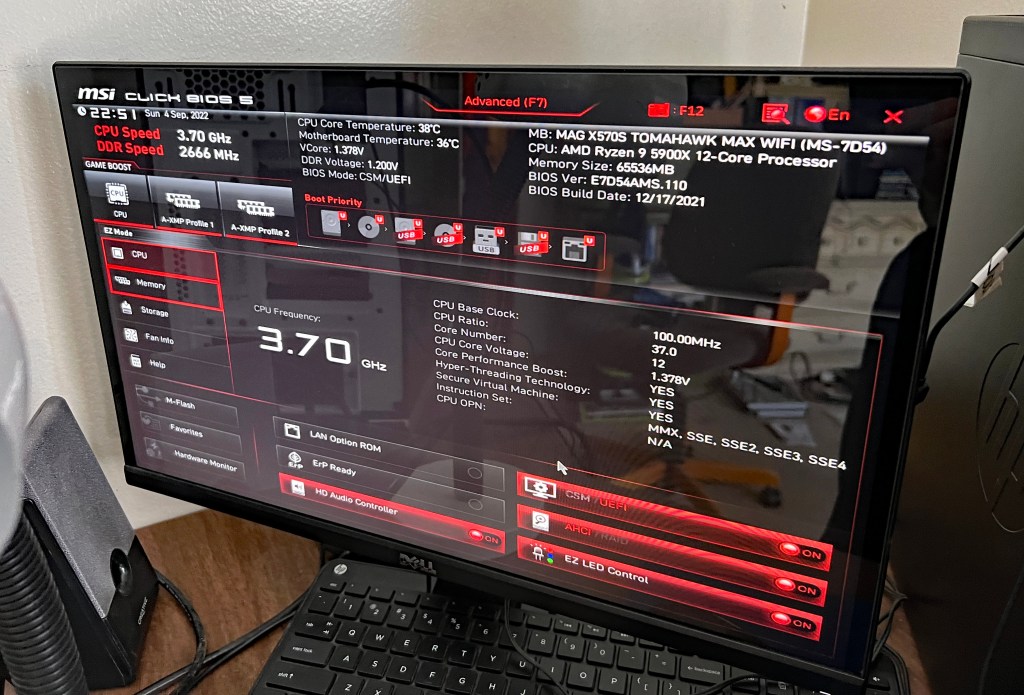
Notice that the BIOS build date is last December 17. It turns out that predates compatibility with Windows 11. My attempt to install yielded an error message. I figured out on my own to update the BIOS by downloading the latest firmware on the Dell, putting it on a flash drive, and loading it to the new build.

That did the trick. I actually had to install Windows 11 twice (another redo). I initially had it on the HDD, but Ganiman said the SSD is the better option for storing the OS.
After that, the long process of data migration began while I relaxed in my room.


After another night of some sleep, I resumed work on Labor Day morning; Monday, September 5. I moved my desk chair out of the way, disconnected and unplugged the Dell and moved it to the guest room. I left it on the floor and lugged the build into my room.
There’s very little space between the back of the desk and my wall, and less maneuverability for connecting cables. The tower case was too wide to turn towards me. The previous ones could be turned, allowing me to see the back panel from my contorted position to the left of the desk. This time, I had to consult the motherboard manual and connect by feel. Before I could do any of that, I considered placing the case outside to the left and moving the items that had been there – power strip, 8mm camcorder (for digitizing home videos), external FireWire converter (for analog video and audio from camcorders and VCRs) – into the compartment along with the external Blu-ray writer. Realizing that would be a waste of space, I put the tower back in and moved the camcorder and converter under the desk below the keyboard stand, where a DVD recorder and two 4-head Hi-Fi VCRs were situated. The camcorder went to the left of the VHS VCRs and the converter was seated on the right end of the DVD recorder. A/V cables were moved to the back.
Three hours later…

It was tough connecting the USB 2.0 cables for my flatbed scanner and mouse while keeping the Wi-Fi antennae secure. 
It took another hour to uninstall and reinstall programs that didn’t transfer entirely. In the case of iTunes, a Google search reminded me how to properly carry over iTunes settings from one computer to the next. I copied the iTunes folder in the Music section of my old computer to a flash drive and then copied to the same folder on the new one. Bingo! I picked up right where I left off!
It was finally time to open PCmover on the HP Envy and Dell XPS (with the second use license) and transfer from one to the other. In order to see what I was doing, I connected the computers to an HDMI switch that I connected to the monitor, and alternated between them. An error message in PCmover on the Dell said there wasn’t enough room to transfer everything, even when I specified what data would go on the small 512GB SSD C: drive and the bigger 2TB (terabytes) HDD D: drive. Attempts to uninstall and pinpoint folders with the most data didn’t help much. Still another hour had passed once I gave up and transferred anyway.
While that was going on, I made up for lost time by eating a late breakfast in my room and heading to the basement for a treadmill run and weightlifting. After a shower, I checked on the transfer. Despite my specifications, data intended for the D: drive still went to the C:. There were only 10GB left on the C: drive, but clearing unnecessary data brought that number back to around 100GB. I cut and pasted the pictures, documents, music, and videos folder contents to the D: drive along with any other storage folders.
Satisfied, I turned off the computers, unplugged them, and disconnected cables. Then, I got an ultimately-time-consuming idea. Why not take the HDD out of the HP and put it in the Dell as a secondary data drive? Opening the two towers and removing the HDD was easy. Getting it into the Dell was where time slipped away. I needed to print out pages from the XPS 8930 maintenance manual to figure out how to seat it. Attempts to remove the graphics card bracket failed, meaning I couldn’t take out the drive slot to screw the drive in place. After attaching the built-in power supply connector and using a spare SATA cable from the motherboard assembly kit, I opened the bag of unused zip ties (cable ties) from my tower case assembly kit and tried to secure the HDD to the slot with them. It worked, but I couldn’t put the right-side cover back on. I seated the drive upside down and the cables were in the way. I tried in vain to swap the straight and right-angle ends of the SATA cable. The zip ties had to be cut off. That’s when I gave up. The HDD would sit loosely in the slot, period. Now, the cover fit back in place and closed securely.
I screwed the HP Envy’s right-side cover back on (much easier), prepared for future disposal, and set up the Dell XPS in its place. I formatted the HP’s HDD and it was ready for use. The only problem was I accidentally allowed PCmover to transfer the built-in HP Recovery software and couldn’t remove it from any drive, not even the “new” one after formatting. Oh, well. I can live with that, too.
Ironically, all my hard labor took place over Labor Day Weekend.
Before I get to the aftermath portion, here are the rest of Monday’s photos:

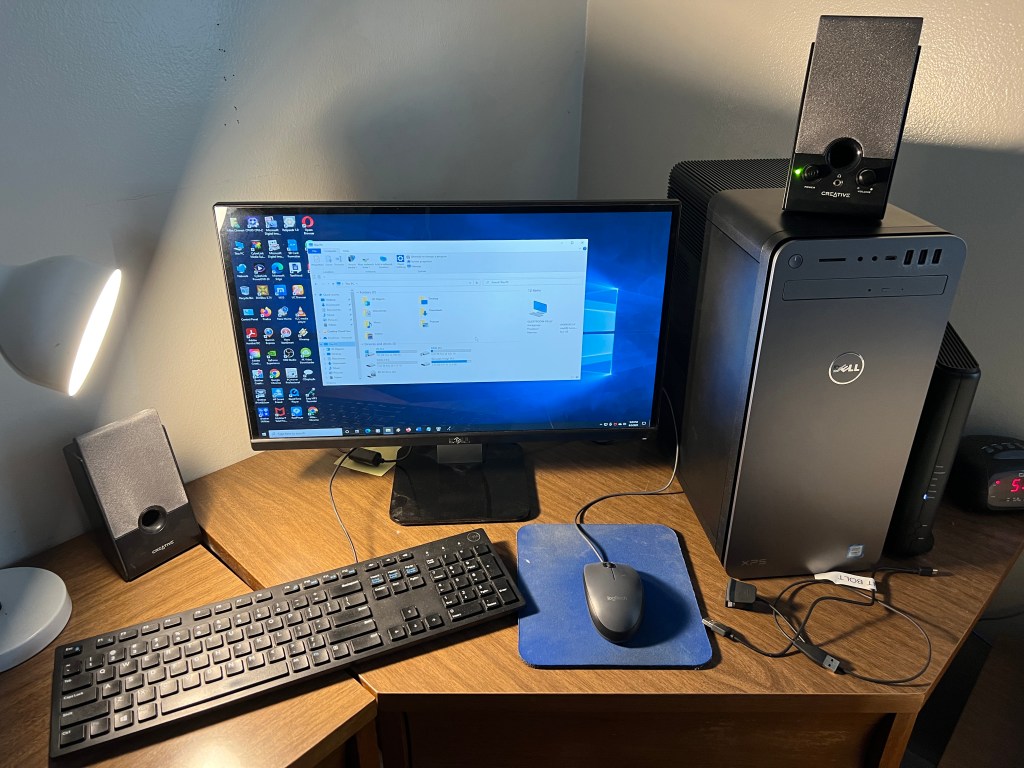
Aftermath
Things seemed fine on my build once I acclimated to it, but I made another oversight that led to another living nightmare.
The first sign of trouble came Monday morning when I tried to change the built-in FireWire driver to a legacy driver I had used on prior computers. I would just disable the driver and make the change. Wrong! Disabling the drive crashed the computer and forced a reset. I did a test video capture with the irremovable driver and there weren’t any capture freezes (where it thinks there’s no signal) or dropped frames. So, I accepted my fate with the new driver.
The next sign of trouble came that evening when a trial version of Topaz Video Enhance AI froze while loading. Ending via the task manager (Control-Alt-Delete) seemed to help as it worked fine upon reloading. I used the program to test video upscaling speed; only slightly faster than on the XPS desktop and Alienware laptop.
The nightmare came on Tuesday, September 6. Apparently, my computers’ desktop folders are tied to my OneDrive account. Program shortcuts in that folder are visible on all computers. If the program isn’t on the computer, the shortcut goes nowhere and has a blank icon. To remedy this, I either deleted shortcuts or installed the software. The one program I thought to install on my build that was on my laptop was the Nox Android emulator for watching the Optimum TV app. I had been using Bluestacks 5, but at some point this year (when the app was still called Altice One), an update was introduced that rendered the app unusable beyond the login screen. A month ago, I looked for other emulators and found Nox. The app works on there. If Nox worked on my laptop, surely it would work on here. Blue screen of death wrong!
My first attempt to load the program caused the computer to lock up, but not prompt a BSoD. So, I simply reset. I immediately tried to load it again after logging back in and this caused a BSoD! I looked online for solutions and one told me to create a code that allows you to open “Windows without Hyper-V” instead of Windows 11, which I blamed for the nightmare. Hyper-V wasn’t even checked, but I put the code in anyway. It seemed promising when the load progress approached 90%, but bam!, another BSoD. I uninstalled Nox and removed the “Windows without Hyper-V” boot option. I shouldn’t have an emulator to watch the Optimum TV app on a computer in the same room as a DVR (digital video recorder).
At any point during assembly when I ran into trouble, hopelessness and self-doubt kicked in. In those moments, I thought I shouldn’t have done this, that I should have just bought from Dell or HP like I always had. I could add expansions once the pro build arrived. Well, when I entered BSoD hell Tuesday evening, the self-doubt and buyer’s remorse came back with a vengeance. My irrational mind screamed that I blew my money on a lemon, or that I’d have to pay a technician to clean up my mess.
Someone in the Technology Connections Discord suggested I update the CPU chipset. All that did was lead to faulty audio and a BSoD with a different stop code, one that I remember: KERNEL_MODE_HEAP_CORRUPTION. The same one came seconds after logging in upon restart, and I didn’t even open anything. After that, I repeatedly typed the delete key to prompt the BIOS menu before Windows could boot. Then, I asked the Discord what to do next. While waiting for a response, I turned off the computer. When I turned it back on, the Windows Recovery environment launched. I was able to roll back to Tuesday morning, before I installed any problematic software. Then, I ran the Windows Memory Diagnostics Tool. As it ran, the TC Discord – I was chatting on the Dell in the guest room at this point – recommended I download and install drivers for the motherboard and graphics card; yet another oversight. I should have done that on Sunday.
I downloaded the drivers, copied them to a flash drive, and installed them all on my computer once the memory diagnosis was complete and no problems were found. Then, I restarted and didn’t get a BSoD in the 20 minutes I was logged in before one more try at disabling the FireWire driver. That still caused a reset, but no BSoD afterward. I took two screenshots of the audio enhancing software included with the audio drivers and called it a night:


Overnight, I had dreams about BSoD and tweaking the motherboard. I woke up early Wednesday morning, September 7, and turned on my computer. There were no BSoD in the three hours it was on before leaving the house for the day. Topaz Video Enhance AI seemed to freeze, at least somewhat, when I tried it out, so I uninstalled it. If I want to upscale video, I’ll buy DaVinci Resolve 18.
Back at home that evening, the mechanical keyboard felt nice. It will take time to get used to and cut down on typos. The accompanying wrist rest, which attaches magnetically, was too thin and firm for comfort. So, I bought a cushy replacement.
I took a photo of the keyboard once I set it up, and screencapped a typing test:


As with the tower case, the keyboard has RGB backlighting and I chose static red as my color. Even the keyboard needed a firmware update, exemplified by a random disconnect and reconnect when I took my first break from typing. That hasn’t happened since the update. Part of the update is a program that lets you save your color preference and that regulates the backlighting, which turns off after five minutes of inactivity and turns back on next time you type.

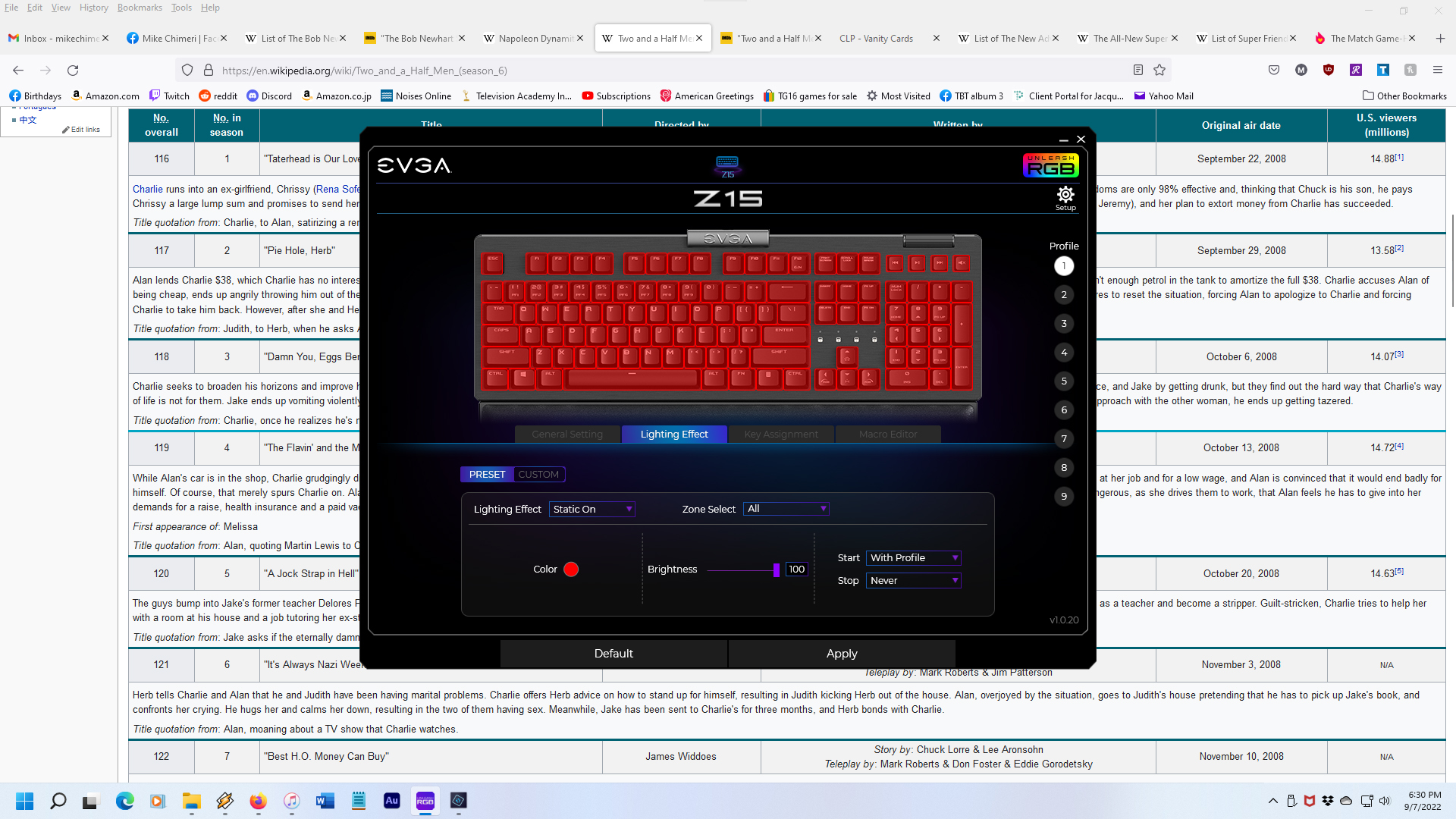
The replacement wrist rest arrived yesterday – Friday, September 9. I tested the feel while lined up with the keyboard and with the keyboard and rest separated by 3/4 inch. The second test felt better, so I secured it with three pieces of mounting tape; left, center, right.
Here’s the result:

As of today, September 10, my BSoD-free streak is intact (knock on wood), but there was no power to the keyboard when I tried to log in after turning on the computer, requiring a disconnect and reconnect before entering my PIN. A minute or so later, neither the keyboard nor mouse functioned properly, and both had to be disconnected and reconnected. Checking Windows Update revealed that a USB driver update was pending. That must have been the culprit.
Here’s hoping my build lasts as long as five years before any replacements are necessary. I will surely replace my desk before then, an open kind with easy access to the tower. (Maybe this one?) Until then, thank you for reading about the week-long adventure of building my own PC and the growing pains that followed.
6/24/23 UPDATE: I replaced my desk with this one, which my uncle Scott generously assembled after I disassembled the old one. Here are the before and tentative after photos:
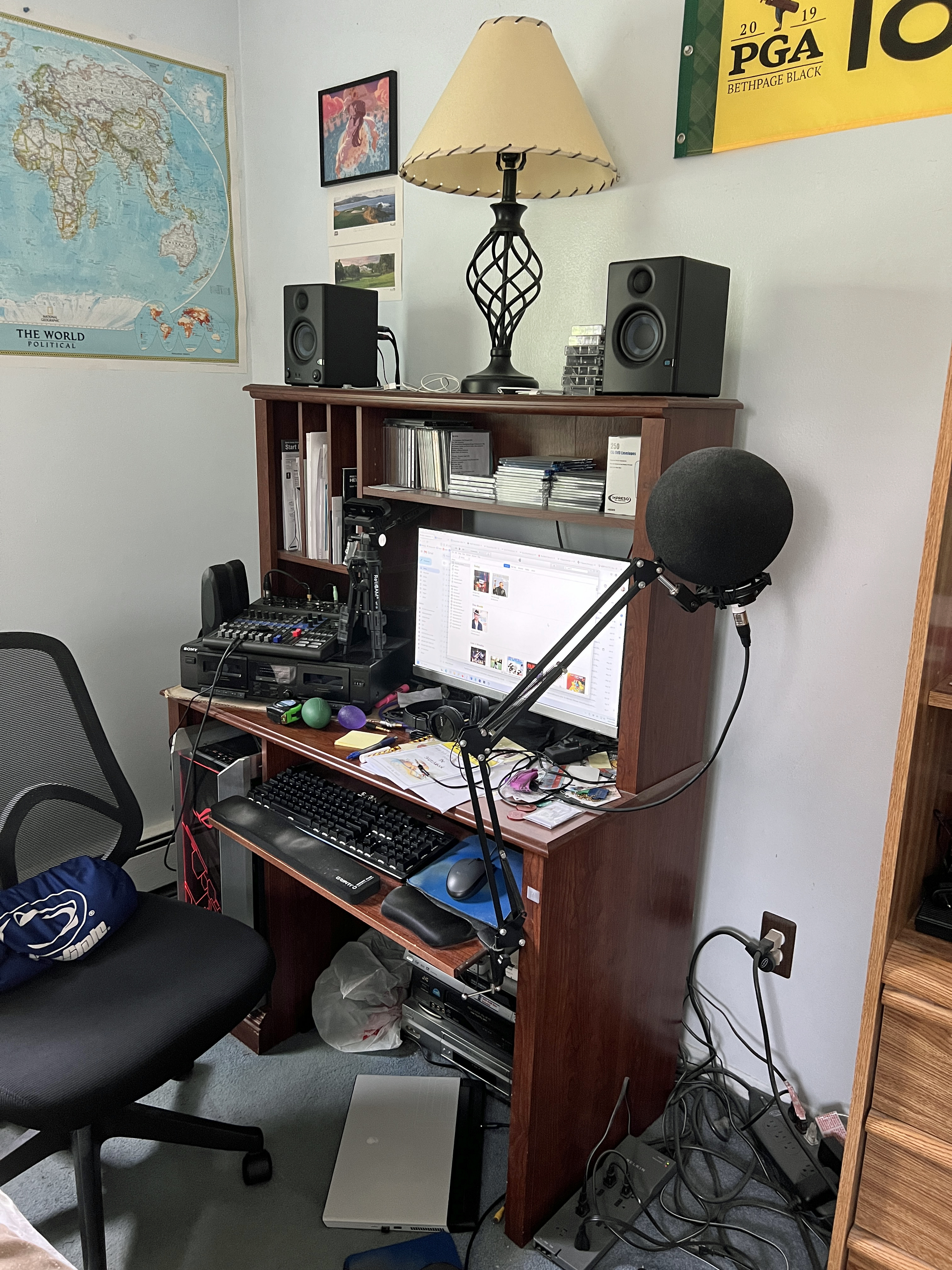

Repeating from the 6/21/23 Instrumental Invasion post, the after photo is tentative because my dual monitor setup is in limbo. The primary monitor had dead pixels that I didn’t notice until shutting down the PC on the first night (6/17). I turned it back on and confirmed the problem on a screen saver test:

I bought the monitor from Walmart and returned for a replacement, but ended up getting a mate for it from Amazon after scuffing the screen on my single-turned-secondary monitor.
An October update to Windows 11 caused an irremovable bug in Adobe Creative Cloud. Updates are deemed “not available” and cannot install. The only workaround is to uninstall all apps and Creative Cloud, then reinstall CC and the apps. While I usually do this dance every month or two, I procrastinated for over three months until Premiere Pro caused a BSoD (the first since those driver updates). I was exporting a video and it crashed hard during finalization. It hasn’t happened since (knock on wood). It had me thinking I should have gone with 128GB of RAM in the first place. Then, I read articles like this to tamp down that notion. Besides, if I do add two more 32GB DIMMs, I’ll need to move and put back the CPU cooler.
Over time, the Z15 keyboard developed debouncing issues where certain keys double or even triple type. O, A, G, and space bar are the biggest culprits. Again, the Technology Connections Discord had the solution: take off the trouble keys and use contact cleaner on the switches. (I bought this kind.) If that doesn’t work, the keyboard came with eight replacement switches. This is another page I consulted.
6/25/23 UPDATE: Cleaning the contacts did not work. I gave up and bought a Logitech MK200 keyboard/mouse combo. So far, so good (knock on wood), though I may have to get a thinner/lower wrist pad. After writing that sentence, someone on the Ashley Abbink Discord (she’s a music streamer) mentioned they have a Logitech G413. I should have gotten that last year, even without volume controls. For now, it’s the MK200.
Photos of the Z15 yesterday:


And the MK200 today:

6/27/23 UPDATE: My dual monitor setup is complete. The replacement and mate arrived today and neither had dead pixels on their screens.
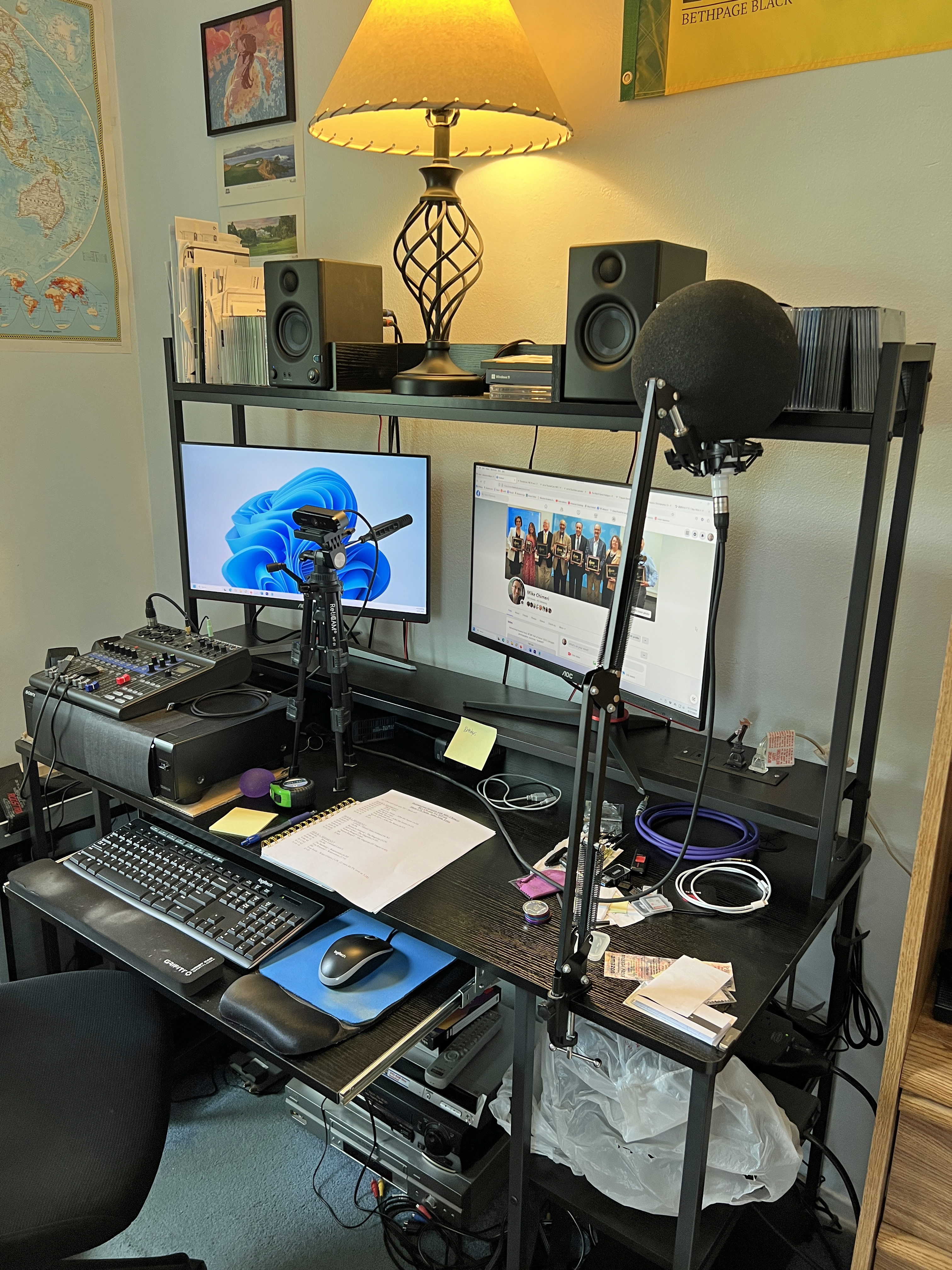
11/5/23 UPDATE: Last Monday, I returned to the mechanical keyboard sphere with a Logitech G413 SE.

I’d grown disenchanted with the MK200 combo’s keyboard. The mouse is great and I still use it, but the keyboard’s keys were stiff, the backspace key was stiffer, I regularly missed keys while typing, and I occasionally hit a key one row above or below the intended key.
So far, the G413 SE doesn’t suffer from as much debouncing as the EVGA Z15 had. Keys are nice and smooth which makes typing a breeze and correcting typos simple because I do make my share of them.
I also had to replace the right monitor with the same model repeating my accidental scuffing by knocking over the webcam tripod. I’ve since spread out the tripod legs and raised the top to match the height of the prior configuration.
12/6/23 UPDATE: I came around on the RAM upgrade and bought another pair of DIMMs on Black Friday (November 24), the same pair I initially bought last year. They arrived last Thursday, November 30. Once I opened up the tower, I did have to disassemble the end of the CPU cooler in order to seat one of the DIMMs. I then reassembled and closed the tower. I also had to vacuum and blow compressed air in and around the tower. I don’t notice a difference in performance so far, but I haven’t had to render video yet.
I neglected to announce in my earlier updates that I installed an Elgato 4K60 Pro MK.2 internal capture card for my future (current) Twitch aspirations. These are photos of the installation back on May 18:


For gameplay, unless I bring up a console from the basement, I run a 25-foot Amazon Basics HDMI cable from a DotStone 4-port HDMI switcher for the four consoles in my room (PS5, Xbox Series X, Nintendo Switch, Wii U), and run that cable behind my shelf, under my bed, and to the card’s “in” port. I use Elgato 4K Capture Utility to play in real time while OBS applies a 300ms delay to the card, my webcam, and my mixer where the mic is connected.
12/21/24 UPDATE: First of all, the gameplay setup has changed, which you can read about here. Second, as noted earlier in this post, I replaced the PSU. The EVGA Supernova began to randomly power off my PC and automatically restart it. This happened twice on December 8 (11:09 AM, 10:37 PM) and December 16 (4:29 PM, 8:48 PM). Until the second wave, I assumed this was a BSoD problem, even though Windows reliability history didn’t list it as the cause. I updated the graphics drivers and BIOS. I panicked when the 4:29 power-off occurred and began thinking of buying a replacement PC from Dell. (I will buy an Alienware as my next desktop PC. While I appreciate encouragement I’ve gotten, I’m never building my own again.) I ran the Windows Memory Diagnostic Tool, and after a long two hours, it was determined my RAM DIMMs were healthy.
A Google yielded a How-To Geek article outlining my problem. I was willing to buy a PSU tester, and did so, but then came the second power-off of the second wave. With help from my dad, I bought a more reputable PSU from CORSAIR: the HX1200i. Amazon estimated it wouldn’t be delivered until Saturday (the day I’m writing this). In the meantime, I used my PC build sparingly, otherwise using the XPS 8930 in the guest room, or my Alienware M15 R3 laptop. (I went so far as to buy an external capture card for Twitch streaming on my laptop on December 18.) I operated this way until the evening of December 19. Someone on one of the Discords I didn’t reference in the original post suggested I try reseating the EVGA PSU cables, particularly the one running to the motherboard. I did that, turned my PC back on, and the power stayed on. This continued on December 20, when a stroke of luck hit: the CORSAIR HX1200i arrived a day early!

I went to sleep early and woke up early, then immediately got to work replacing the PSU. I switched off the EVGA PSU, unplugged it, disconnected the external cables from the PC, and lugged the tower into the guest room.
Here are the before photos:

…and the after photos:


It didn’t seem right to leave the second CPU port open, so I swapped out the EVGA cable.
Once I brought the tower back to my room and reconnected the external cables to the corresponding ports, I was dismayed when the PC wouldn’t power on. Thinking the swapped cable was the culprit, I took switched off the PSU, took off the left side panel, and disconnected that cable. I switched the PSU back on, pressed the power button atop the tower, and the PC came back to life! I am writing this update from my PC with the new PSU. Here’s hoping this is the end of my power troubles and has extended the life of my PC build.
I’ll leave you with photos taken after successfully powering on:


12/21/24, 7:30 AM UPDATE: Hope for naught. Random power loss and restart. The PC build experiment is over. I’ve ordered a Dell Alienware Aurora R16 and will swap out the 8TB HDD, FireWire and Elgato cards upon arrival by next Friday. Until then, I’ll make do with my build, no matter how many more power-offs I endure.
 MikeChimeri.com