Instrumental Invasion, 10/12/22: Pre-Homecoming Weekend Edition October 13, 2022
Posted by Mike C. in Airchecks, Audio, Comedy, Internet, Jazz, Media, Music, Personal, Radio, TV, Video.add a comment

The October 12 pre-Homecoming Weekend edition Instrumental Invasion on WCWP was made in two parts. The talk breaks were recorded all at once on August 29 and the segments were mixed on the 30th. Most pickups were recorded during mixing on August 30, except for one each on September 2 and 15.
Not expecting a secondary slot this weekend, I applied its 50/40-year musical journey format to this week’s Wednesday night show. As you heard, I opted for a 60-week musical journey so I could play songs by The Jazz Crusaders in 1962 and Herb Alpert and the Tijuana Brass in ’67.
After production wrapped, I was asked if I’d be interested in a secondary slot, after all; of course, I accepted. It is slated to air at 6AM Sunday, but may air at other times since there aren’t any time-specific references. Out of laziness, I opted not to redo talk breaks to acknowledge the extra show this weekend. Surprise!
Sunday’s show will have the same music, but with new talk breaks, additional liners, and two extra songs. (10/20 UPDATE: Here’s the recap of that show and of the live Friday show.)
The playlist was created – after a week and a half production hiatus (due in part to the LI Retro recap) – on August 24 and 25 immediately followed by next week’s playlist. Annotations were written on the 26th and the talk break script was drafted on the 28th. Doing the math, you’ll notice that I went four seconds over. So be it. I’m willing to go a minute or two over my desired total duration of one hour and 48 minutes.
Many shows were on my playlist wish list for weeks and I finally got around to them here. The only retread was “Q’s Motif” by David Benoit, previously heard on June 24, 2020. “Q’s Motif” was preceded by Darren Rahn‘s “Wave of the Future,” which made me think of this Saturday Night Live sketch from October 18, 1986:
Click here to download this week’s scoped aircheck or listen below:
On to Homecoming Weekend!
Instrumental Invasion, 10/5/22: My 21st Radio Anniversary October 6, 2022
Posted by Mike C. in Airchecks, Audio, Internet, Jazz, Media, Music, Personal, Radio.add a comment
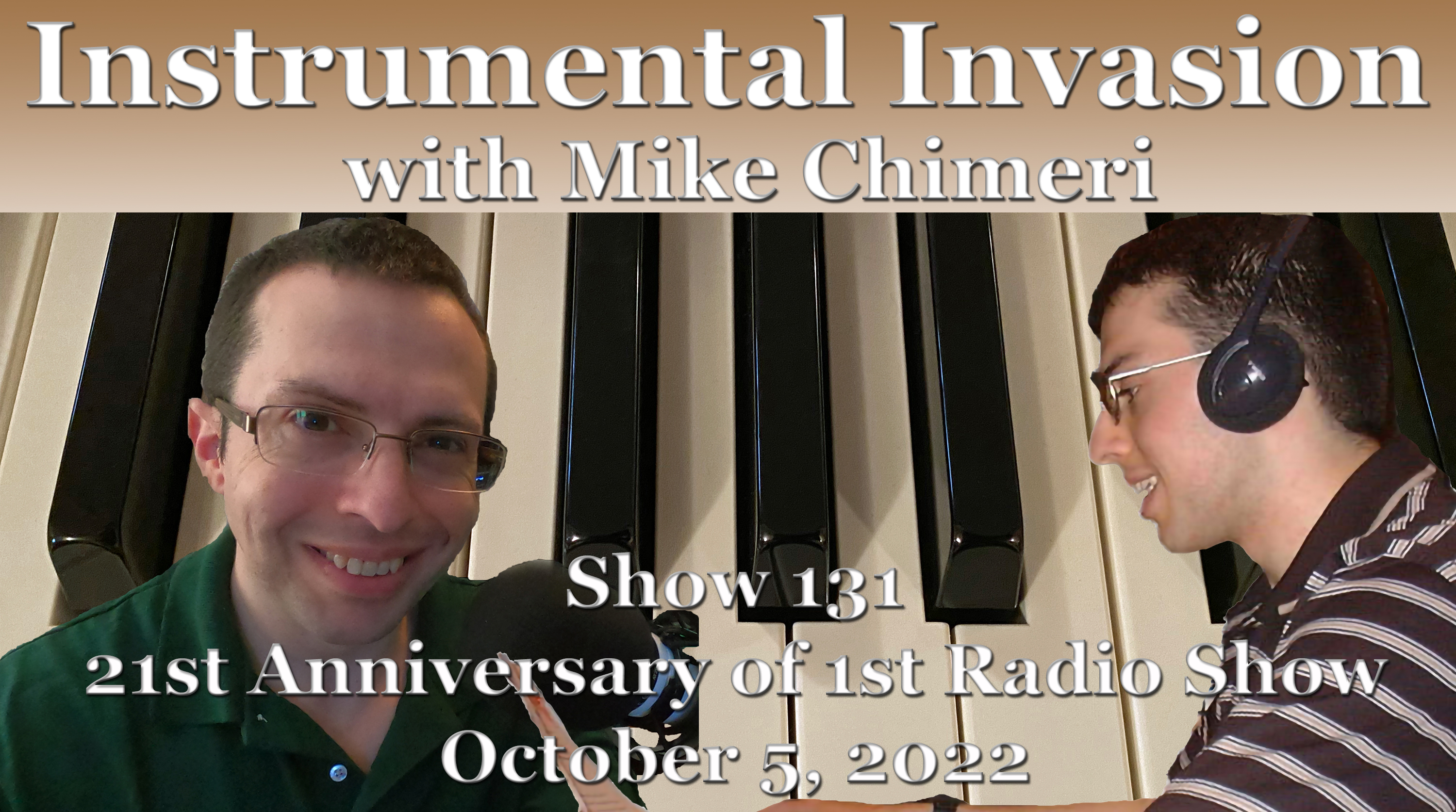
The October 5 Instrumental Invasion on WCWP aired on the 21st anniversary of my radio debut with The Mike Chimeri Show. (Click here for scoped airchecks of some shows from the second week and beyond.) This anniversary show was recorded one hour per day on August 11 and 12 with a pickup on the 15th.
The playlist was created on August 1, along with last week’s show, and was annotated on the 3rd. The combination of those annotations and misguided one-arm shoulder presses wrecked my right wrist. I couldn’t lift weights for over a week, nor could I write for too long. First draft: Thus, this was the last show with handwritten annotations, which means no more printouts, scans or retouching. Starting next week, playlists are made in Microsoft Word, saved as PDFs, and annotated in Adobe Photoshop. Annotations will include when a segment is recorded and whether a segment’s duration is over, under, or exactly 18 minutes. Second draft: No, it’s too cumbersome. Handwritten annotations are the only way to go, especially if I never attempt one-arm shoulder presses again, which I haven’t. Third draft: There will be a new way, after all, starting on October 26. Annotations will be made in a separate Word document and archived as a separate PDF. The main playlist will still be printed, recording dates acknowledged, segment elements checked or crossed off (number of seconds over or under), and scanned afterward.
Here is a scan of my first show’s playlist 21 years ago. It proves what I said this week: that I played multiple songs by certain artists due to my limited collection. Nine songs I played from that first show were played previously on Instrumental Invasion. In order of appearance:
- “Mountain Dance” by Dave Grusin: December 2, 2020
- “Phase Dance” by Pat Metheny Group: April 1, 2020 (first Wednesday night show)
- “Rise” by Herb Alpert: July 29, 2020
- “Linus and Lucy” (1989) by David Benoit: November 25, 2020
- “Promenade” by Peter White: August 5, 2020 – This time, I pronounced it properly and shared Peter’s backstory from this year’s Smooth Jazz for Scholars
- “Deeper Than You Think” by George Benson: June 30, 2021
- “Better Days Ahead” by Norman Brown: November 17, 2021
- “Cast Your Fate to the Wind” by David Benoit: March 10, 2021
- “Tourist in Paradise” by The Rippingtons: October 20, 2021
The fifth segment (second of hour 2) was the first to run exactly 18 minutes since the first segment of the August 31 show, the last one recorded for that show. Along those lines, only this week’s second and third segments were recorded out of sequence. I anticipated the third would run short and the second would run long. While the third was 39 seconds short, the second only went over two seconds. And my last talk break was much shorter than anticipated, which meant (like last week) padding out the segment and elongating an earlier segment. That earlier segment was the fourth (first of hour 2), going from 10 seconds under to 26 over.
Click here to download this week’s scoped aircheck or listen below:
Instrumental Invasion, 9/28/22 September 29, 2022
Posted by Mike C. in Airchecks, Audio, Baseball, Internet, Media, Music, Personal, Radio, Rap, Video.add a comment

The September 28 Instrumental Invasion on WCWP was recorded in sequence (for a change) over three days in August: three segments (hour 1) on the 6th, one on the 7th, and two on the 8th. Pickups were recorded on the 8th and 9th.
The playlist was created on August 1, along with next week’s show, and annotated on the 2nd. The talk break script was drafted on the 3rd and 4th.
I anticipated the last talk break would run long, so I made sure to accumulate extra seconds by making the first five segments shorter than 18 minutes. The second segment ran over eight seconds, but the other four were a combined 56 seconds under. Despite having 48 extra seconds to work with in the last segment, I was short! The first and last songs went from starting as beds to starting cold, and I still had to add a liner going into the last talk break. I made up the remaining two seconds by extending the second segment.
This week’s show marked the long overdue debut of Beegie Adair and began with the Def Jazz arrangement of “Hey Young World” by Slick Rick. I know Jay Mirabile appreciated the latter.
“From Beegie to Bernie,” I couldn’t have imagined last month that playing “Just Because” by Bernie Williams would tie into his former team’s successes on consecutive nights. Tuesday night, the Yankees clinched the American League East division title, and last night, Aaron Judge hit his 61st home run of the season, tying Roger Maris for the AL home run record. (10/5 UPDATE: Judge set the AL record six nights later [last night].) Referencing the now-Miami Marlins tied in with another local event last night: the Mets’ come-from-behind win against the Marlins. (10/3 UPDATE: That last sentence proved to be a jinx.) (10/13 UPDATE: And they were eliminated in the NL Wild Card Series. The loss was so demoralizing that I haven’t seen a single pitch of postseason play since Sunday night [10/9].)
The first song of the last segment was the album version of “Dance Beat” by Jessy J. This means I have now played every song from Blue. Following “Dance Beat” was “One Day” by Yellowjackets and the WDR Big Band, originally heard last January 6 (I know, a bright spot on a dark day). Both songs have music videos. The “Dance Beat” video is set to its radio edit:
…and the “One Day” video coincided with the Jackets XL recording session:
Click here to download this week’s scoped aircheck or listen below:
Instrumental Invasion, 9/21/22 September 22, 2022
Posted by Mike C. in Airchecks, Animation, Audio, Comedy, Film, Game Shows, Internet, Jazz, Media, Music, News, Personal, Radio, TV, Video, Western.add a comment

The September 21 Instrumental Invasion on WCWP was recorded on July 24 (third and first segments) and 25 (all the rest) with a pickup on the 26th.
The playlist was created simultaneously with last week’s show on July 17. Annotations followed on the 19th and the talk break script was drafted on the 22nd. I didn’t realize I had put so many blank-and/n-blank songs in the playlist until drafting the script.
I made another cartoon reference this week – to Freakazoid! – while talking up “Primal Scream” by Maynard Ferguson. The “Candle Jack” segment of episode 2 starts with Joe Leahy announcing that the cartoon would be “presented in SCREAM-O-VISION.” The excerpt leading into “Primal Scream” had Jeff Bennett as the prompter – “scream” in deadpan – and Tress MacNeille as the screamer. The day after I recorded that segment, I learned that David Warner, voice of The Lobe, had died of cancer. Paul Rugg – writer, producer, creator, and voice of Freakazoid – reminded his social media followers of The Lobe’s musical turn in episode 14, “Dexter’s Date.” In the spirit of “Hello, Dolly!,” Lobe, Freakazoid (as Louis Armstrong), and ancillary characters (including Jeff Bennett) sang “Bonjour, Lobey“:
Regarding the Dancing with the Stars tangent I went on in the third segment, a premiere date for season 31 hadn’t been announced when this week’s show was recorded. That date ended up being earlier this week – Monday, September 19. It’s their first season on Disney+, and that platform’s first live show. As noted last night, there are two hosts again, but the dynamic has shifted. Tyra Banks remains in the lead host role originally held by Tom Bergeron with Alfonso Ribeiro (season 19 champion) in the secondary role last held by Erin Andrews. Jessy J had a tenor sax solo during one of the dances!
In a similar vein, playing “Treasure Hunt” by Dan Siegel allowed me to refer to the two iterations of the game show Treasure Hunt. The New Treasure Hunt had a great closing theme: a jazzy rendition of Elmer Bernstein‘s “Main Title” piece for True Grit.
For the second week in a row, songs made their return appearance:
- “Over the Horizon” by Willie Bradley (January 12)
- “Friday@5” by Paul Taylor (March 9)
In between the two songs, I played “Don’t Stop” by Paul Brown, leading to my early Mike Chimeri Show anecdote. Go to the 2:13 mark in “anecdote” for my “wouldn’t you know it, they stopped” quip. Jay Mirabile also brought it up at the WCWP Hall of Fame Ceremony in June.
Click here to download this week’s scoped aircheck or listen below:
For airchecking, I scheduled timer records in Audacity on my computer and the one in the guest room. The loopback recording on my computer was flawless, so I deleted the alternate guest room recording, loaded what I kept into Adobe Audition, and went through the usual post-production process.
Instrumental Invasion, 9/14/22 September 15, 2022
Posted by Mike C. in Airchecks, Animation, Audio, Audiobooks, Books, Comedy, Computer, Internet, Jazz, Media, Music, Personal, Radio, Technology, TV.add a comment

The September 14 Instrumental Invasion on WCWP was recorded from July 22 to 24. The fourth segment was recorded on the 22nd because I rightly anticipated it would be the longest. That was followed on the 23rd by all but the last segment, which was recorded on the 24th along with pickups. I started recorded next week’s show later that day.
An additional pickup was recorded on August 26, the day after the untimely death of organist Joey DeFrancesco, who appeared on Lee Ritenour‘s “78th and 3rd” with drummer (and future collaborator) Byron “Wookie” Landham.
The playlist was created simultaneously with next week’s show on July 17 with annotations on the 18th and 19th. The talk break script was drafted on the 20th and 21st.
Three songs made their second appearance, one of which I’ll elaborate on in the next paragraph (two weeks in a row with a false memory):
- Dave Pike‘s cover of “You’ve Got Your Troubles” (July 1, 2020)
- “What I’m Waiting For” by Brian Simpson (August 18, 2021)
- “Angela” by the Bob James Trio (April 20, 2022)
I played “Angela” in order to correct my January 19 mistake, a mistake I also made in my pre-recorded 2019 Homecoming Weekend show. Listening to Jimmy Burrows‘s memoir on Audible, Directed by James Burrows, set me straight about the “Blind Date” episode of Taxi, featuring the titular character Angela Matusa (Suzanne Kent). (Oh, Suzanne was an original member The Groundlings! No wonder she did Pee-wee’s Playhouse!) Angela wasn’t literally blind; just gruff and cynical, the opposite of her answering service persona. I don’t know where the false memory originated, but I regret the twice-told error.
Nowhere else will you get a reference to SpongeBob SquarePants after playing “Secret Sauce” by Paul Brown (adjacent to the Krabby Patty secret formula that Plankton tries to steal) or to Phineas and Ferb after playing “Candice Dance” by Richard Elliot and a song featuring guitar solos by Perry Hughes (hence, the Perry the Playtpus reference). As noted on the air, Candace Flynn spelled her name differently.
After recording last week’s aircheck on my new PC, I noticed that audio levels were bumped up when certain songs faded out or on vocal pauses in liners and talk breaks. Those bump-ups were replaced with audio from an alternate aircheck on the Dell PC in the guest room. I chalked it up to an audio enhancement setting and thought to have that enhancement off this week. Sadly, the problem was still there this week. I wasted nearly three hours figuring out how to stop that from happening. I now assume it’s related to the motherboard’s “Audio Boost 5” feature.
Finally, at around 2:45 this morning, I came across this webpage. The solution was option 2:
Don’t have a Stereo Mix option? No problem. Audacity has a useful feature that can record the audio coming out of your computer – even without Stereo Mix. In fact, Audacity’s feature may be even better than Stereo Mix, assuming you’re willing to use Audacity to record the audio. This method takes advantage of a feature that Microsoft added in Windows Vista named the Windows Audio Session API (WASAPI) [link added by me]. The feature also functions in Windows 7, 8, and 10, and helps make up for the lack of a Stereo Mix option on modern Windows PCs.
In Audacity, choose the “Windows WASAPI” audio host, and then choose an appropriate loopback device, such as “Speakers (loopback)” or “Headphones (loopback).”
Click the Record button to start recording the audio in Audacity, and then click Stop when you’re done. Because you’re using Audacity, you can easily trim and edit the sound file when you’re done.
How to Record the Sound Coming From Your PC (Even Without Stereo Mix)
It’s ironic that the solution came via free software while a program I paid for years ago – Easy MP3 Recorder 2.0 – and one I pay for monthly – Adobe Audition – are no longer useful on the new build for recording system audio.
The angst caused by the problem is the reason this post wasn’t published until afternoon. I still needed to add these paragraphs and then scope the aircheck.
Click here to download that scoped aircheck or listen below:
The adventure of building my own PC (12/21/24 UPDATE: 27-month experiment ended in disappointment) September 10, 2022
Posted by Mike C. in Computer, Internet, Personal, Photography, Technology.add a comment
NOTE 1: This is a long post.
NOTE 2: I added follow-ups at the end, written on June 24, 25, and 27, November 5, and December 6, 2023.
NOTE 3: Another follow-up was written on December 21, 2024, after replacing the PSU to no avail and buying a Dell Alienware desktop PC.
For 3 1/2 years, my bedroom/home studio desktop computer was a Dell XPS 8930 that I had custom built by Dell. All my PCs since 2011, laptop and desktop, had been customized and bought from either Dell or HP.
My needs have grown over time. Media production requires top-of-the-line parts. A video shouldn’t have a render time that’s triple its running time. Photo editors shouldn’t struggle to load files and apply effects, nor should they flicker when operating. On the audio front, it’s frustrating if the computer freezes while airchecking a radio show. That’s one reason I’ve been recording on my computer and the computer in the neighboring guest room: an HP Envy 750-170se, which was even slower than the XPS 8930. And the most annoying thing about the XPS is how its cooling fan screams during an intense task.
Thus, in July, I began searching for a new computer. I had already planned on buying a mirrorless Nikon Z7 II with IBIS (in-body image stabilization), higher maximum resolution, and lower minimum ISO. I’d get it with an FTZ II lens mount adapter so I could keep using my F-mount Nikkor all-in-one lens. (The vertical grip is enticing.) I eventually learned the Z cameras lack a built-in flash and I’d have to buy a speedlight attachment, as well. Review sites like this one recommend a top-of-the-line model, but Nikon recommends what the review site considers #2.
The potential customizations for Dell and HP PCs (desktop homepages here and here) were expensive, but limited in maximum storage and memory. My friends in the Discord chat servers for Technology Connections and Game Dave recommended building my own PC with individual parts. Newegg lets you create, save, and share custom build lists. I shared my build with the TC Discord and they suggested tweaks, which I made. I thought I’d need to double the RAM (random-access memory) of the XPS, from 64GB (gigabytes) to 128GB, but they said 64GB would be fine with the CPU (central processing unit) and GPU (graphics processing unit) I had in mind. 128GB would be overkill.
On the morning of August 27, I had an epiphany: buying the camera before the computer was putting the cart before the horse. I should buy a more powerful computer now (that morning), and save the more advanced camera for later (my birthday in November or Christmastime in December). (6/24/23 UPDATE: I bought a cheaper Canon EOS R7 instead.) I made final tweaks to the build to cut costs. I still had highly-rated components, but not as flashy. It all cost $2,890.79, with taxes and shipping yielding a grand total of $3,156.96. The shared build list can be viewed here. If you’re not on a smartphone or don’t have the Newegg app installed (iOS, Android), click the center arrow for full descriptions. 12:30 PM UPDATE: I’ve been told the Newegg build list link doesn’t work for some readers. So, here are direct links to each part (with Newegg’s descriptions):
- CPU: AMD Ryzen 9 5900X – Ryzen 9 5000 Series Vermeer (Zen 3) 12-Core 3.7 GHz Socket AM4 105W Desktop Processor 100-100000061WOF
- Motherboard: MSI MAG X570S TOMAHAWK MAX WIFI AM4 AMD X570 SATA 6Gb/s ATX AMD
- Memory: G.SKILL Ripjaws V Series 64GB (2 x 32GB) 288-Pin PC RAM DDR4 3200 (PC4 25600) Intel XMP 2.0 Desktop Memory Model F4-3200C16D-64GVK
- GPU: MSI Ventus GeForce RTX 3080 10GB GDDR6X PCI Express 4.0 Video Card RTX 3080 VENTUS 3X PLUS 10G OC LHR
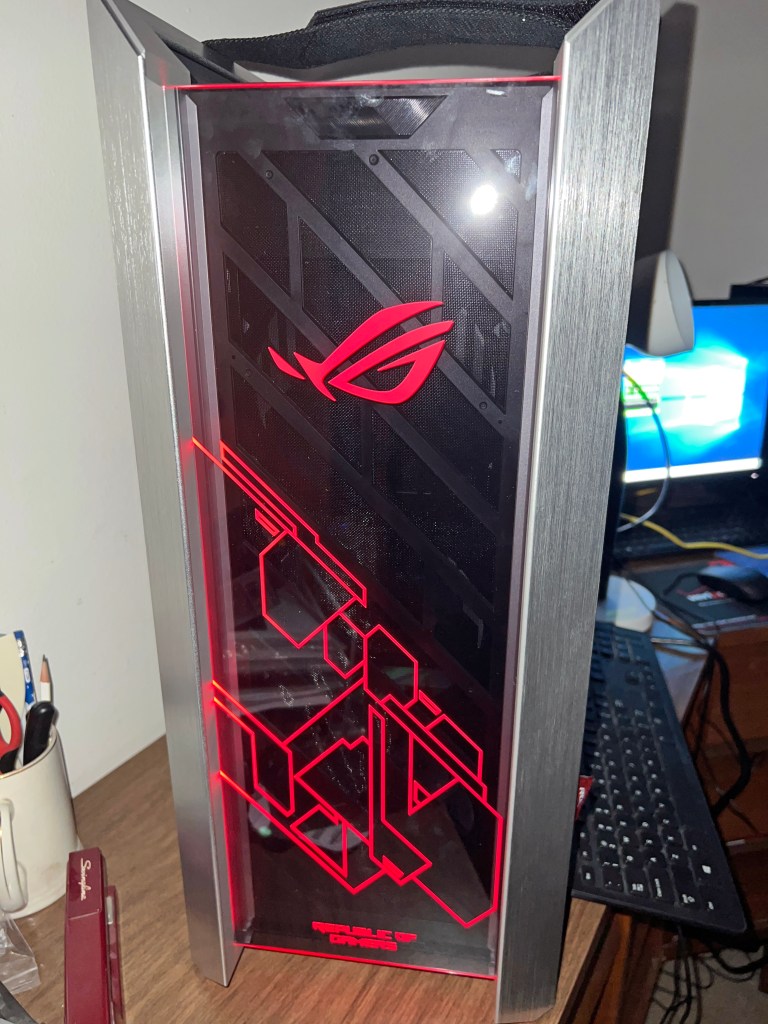
- Case: ASUS ROG Strix Helios GX601 White Edition RGB Mid-Tower Computer Case for ATX/ EATX Motherboards with Tempered Glass, Aluminum Frame, GPU Braces, 420mm Radiator Support and Aura Sync
- Power Supply: EVGA SuperNOVA 1000 G6, 80 Plus Gold 1000W, Fully Modular, Eco Mode with FDB Fan, 10 Year Warranty, Includes Power ON Self Tester, Compact 140mm Size, Power Supply 220-G6-1000-X1 (Replaced on 12/21/24 with CORSAIR HX1200i Fully Modular Ultra-Low Noise ATX Power Supply – ATX 3.0 & PCIe 5.0 Compliant – Fluid Dynamic Bearing Fan – CORSAIR iCUE Software Compatible – 80 Plus Platinum Efficiency – Black)
- Storage 1: SAMSUNG 980 PRO Heatsink M.2 2280 2TB PCI-Express 4.0 x4 V6(12xL) V-NAND 3bit MLC Internal Solid-State Drive (SSD) MZ-V8P2T0CW
- Storage 2: Seagate IronWolf 8TB NAS Hard Drive 7200 RPM 256MB Cache SATA 6.0Gb/s CMR 3.5″ Internal HDD for RAID Network Attached Storage ST8000VN004
- CPU Cooler: be quiet! 250W TDP Dark Rock Pro 4 CPU Cooler with Silent Wings – PWM Fan – 135 mm LGA 1700 Compatible
- Operating System: Microsoft Windows 11 Pro (USB)
- Accessory 1: EVGA Z15 RGB Mechanical Gaming Keyboard, Clicky Switch, RGB Backlit LED, Hot Swappable Kailh Speed Bronze Switches 822-W1-15US-KR
- Accessory 2: ASUS USB 2.0 / USB 3.0 External 16X Blu-Ray Re-writer MacOS Compatible Model BW-16D1X-U LITE/BLK /G /AS
All but one component arrived between August 30 and September 2:

The entire first shipment 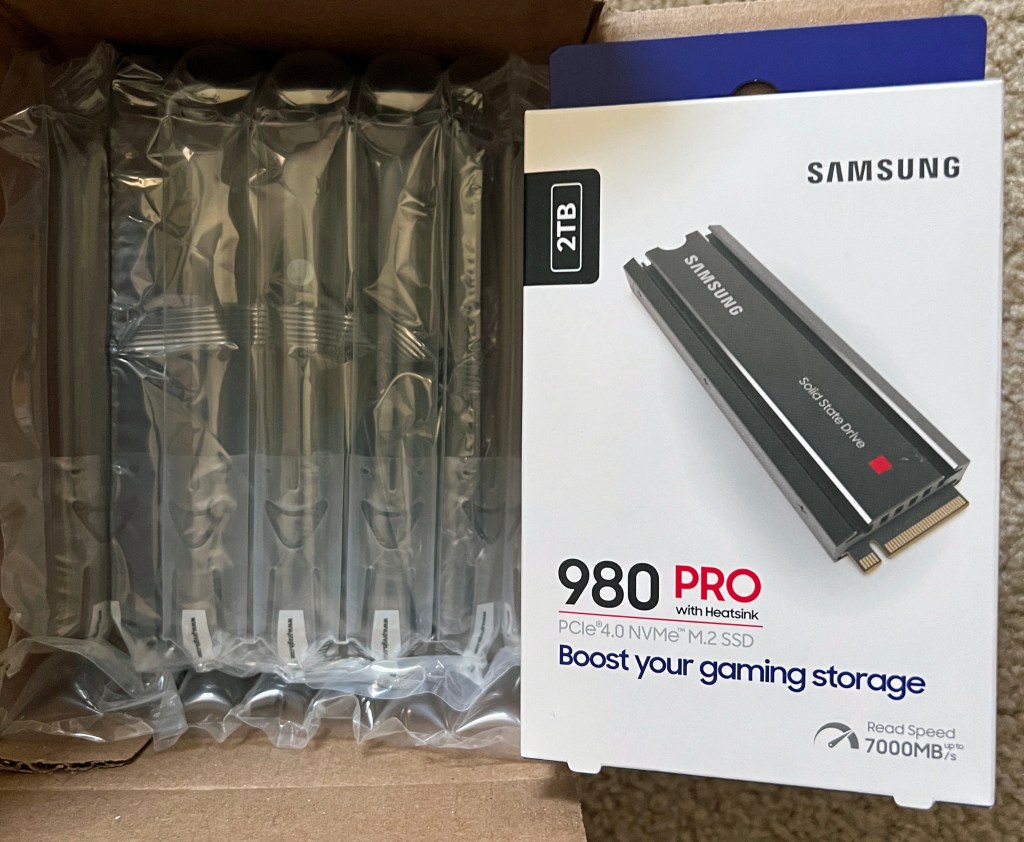
HDD (hard disk drive) and SSD (solid-state drive) 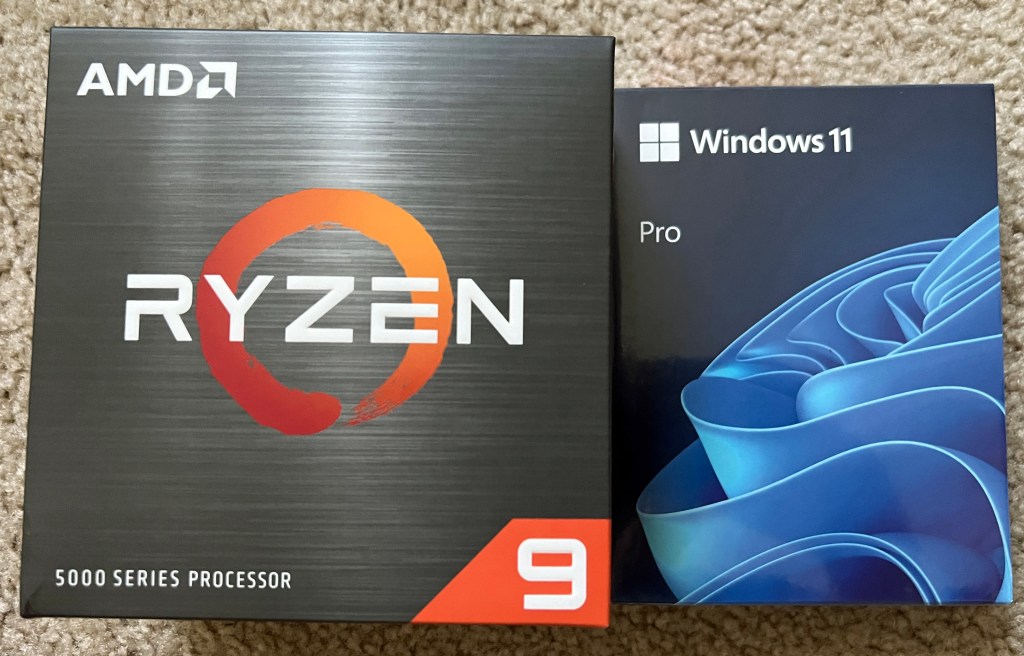
CPU, operating system 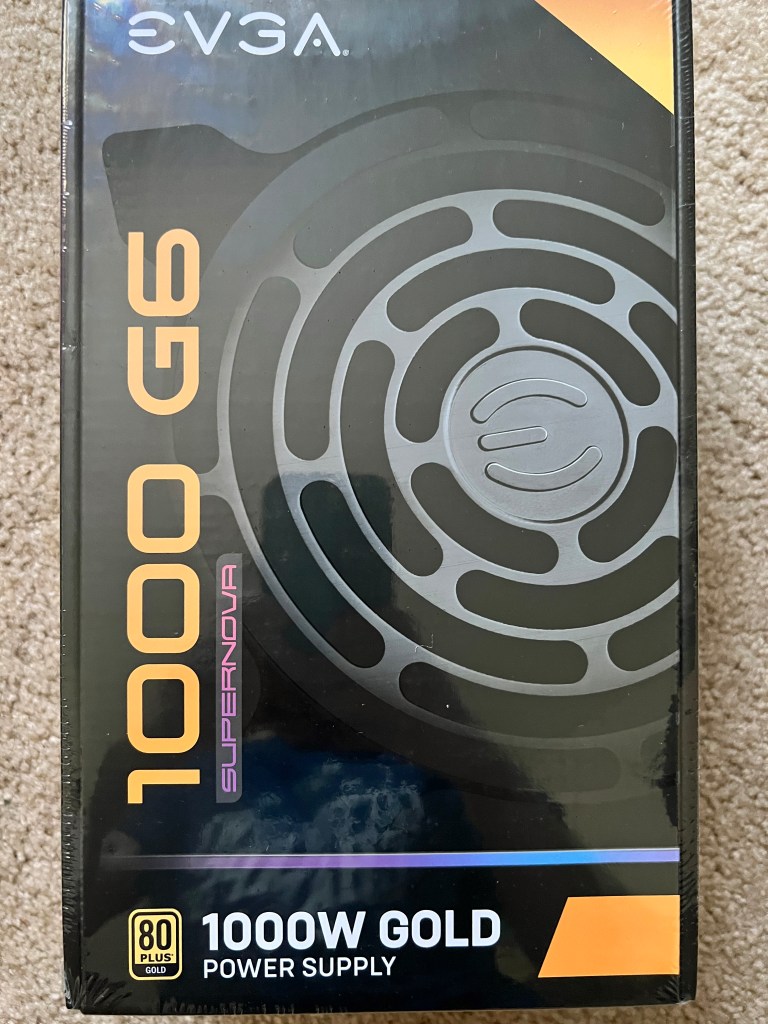
Power supply 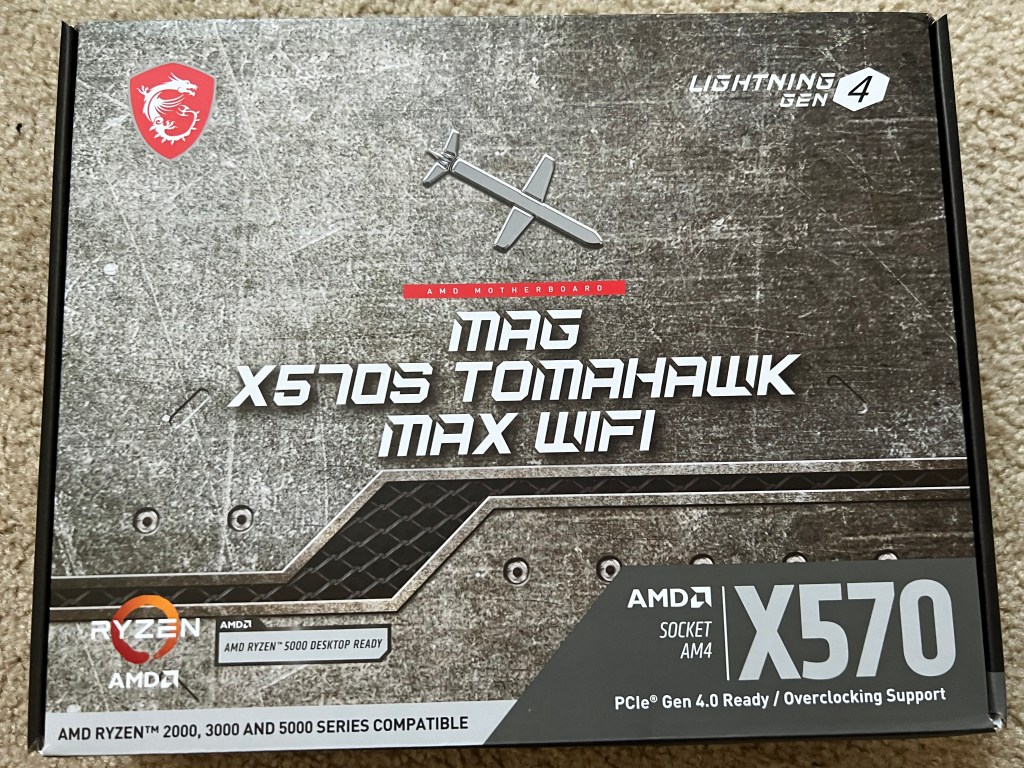
Motherboard 
GPU 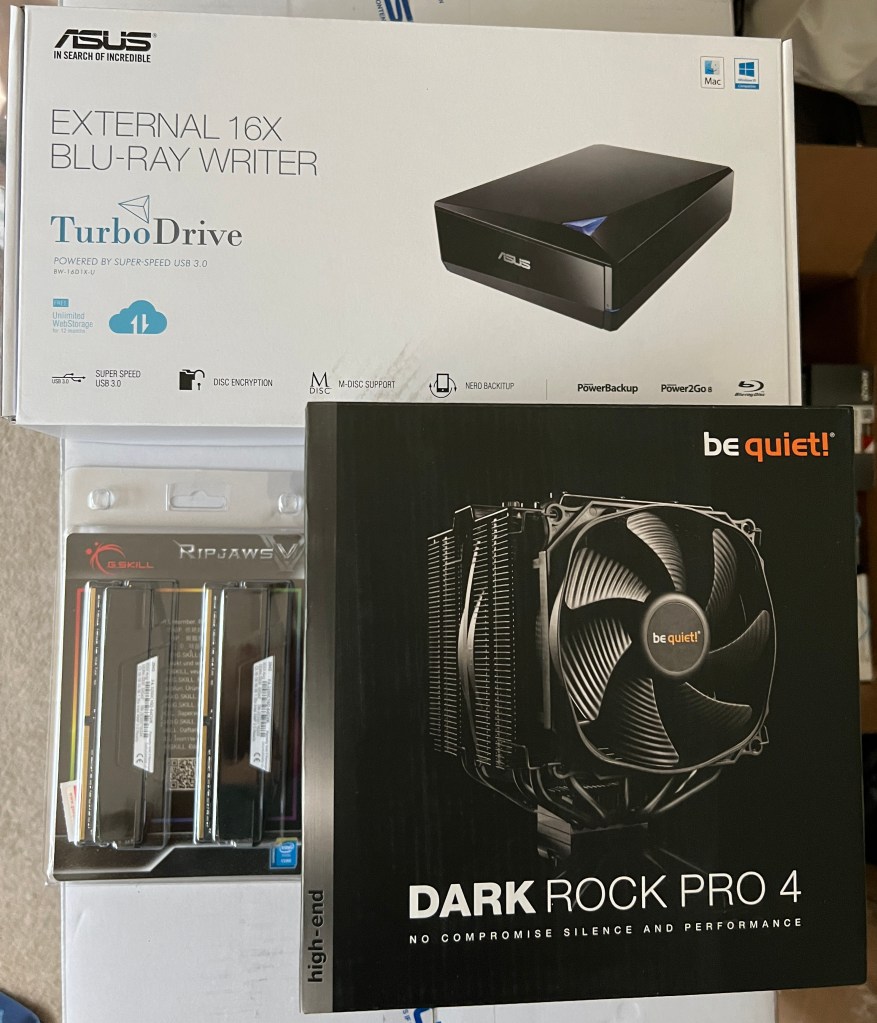
External Blu-ray writer drive, 2x32GB RAM DIMMs (RAM sticks), CPU cooler 
The surprisingly big tower case
Yes, I made a gargantuan oversight when picking a tower case: I didn’t check the dimensions! It’s 23.27 inches high, 9.84 wide, and 22.24 deep. No wonder it has straps for carrying at the top. Still, my dad told me that cases that big are better because they allow for more maneuverability during assembly.
The lone late arrival was the mechanical gaming keyboard, scheduled to arrive on Tuesday, September 6. Unfortunately, I wasn’t home to sign for it. Everything else arrived in the evening while I was home, but the UPS driver reached my house in the afternoon on a day when I was out. So, I had to pick it up the next day at my local CVS, a UPS Access Point location.
In the meantime, I was willing to use a spare keyboard temporarily and an old Dell wired USB mouse that I found in a basement storage box as the mouse for my build.
I could have started assembly on Friday, September 2, but bought a new FireWire (IEEE 1394) card on Amazon (this one) rather than swap out the one in my Dell XPS 8930. Amazon is also where I bought an ESD (electrostatic discharge) anti-static wrist strap (this one) to wear during assembly (clipped to the case) and two use licenses for Laplink PCmover Professional, my go-to data migration software since getting the XPS in February 2019 and an HP Omen 15t-dc000 laptop that January. The laptop was superseded by a Dell Alienware m15 R3 in December 2020. I mistakenly sprung for Dell Update, which wasn’t as good as PCmover. I held on to the Omen laptop until cleaning it out last week – uninstalling extra software and logging out of my Microsoft account – and donating it to my sister.
Exactly one week after my purchases – the morning of Saturday, September 3 – I prepped my desk’s computer compartment for its much bigger inhabitant. I unscrewed the door hinges (years after taking out the door), took out the drawer above it (uninhabited for about five years) and unscrewed the supports, removed the plank below the desk center, and unscrewed its supports. There was a cardboard backing behind the compartment that had been partially cut open when I first got the desk in 2004. There was clearance for the back of all computer towers until my build. So, I ripped out what was left.
When the FireWire card was delivered in the afternoon, I began assembling the computer on the guest room L-shaped desk. I had no idea what I was in for.
Hours passed as I struggled to decipher the manuals and juggle parts in my lap, falsely assuming it wouldn’t take long to assemble this to that. I had big trouble with the CPU cooler manual, reading the instructions left to right by column rather top to bottom by row. Somehow, the thermal paste held when I finally figured out how to secure it to the motherboard.
I mistakenly assumed I had to unscrew the motherboard’s back panel exterior before attaching it to the case. No! Why else would the screws be so small?! I had to unscrew the motherboard, re-screw the back panel exterior, then re-screw the board to the case.
Inserting the GPU/graphics card required unscrewing and removing a vertical expansion slot compartment, then removing multiple inserts to house the card. It was a pain fitting the card into the PCI Express slot, then re-screwing the open inserts and re-screwing the vertical compartment. I didn’t bother with the included bracket; the card stood up just fine.
The graphics card made RAM insertion tough, having to finesse them in.
I couldn’t properly screw in the SSD. I settled for barely connecting it with mismatched screws.
The easy parts of assembly were unscrewing the disposable parts of the tower case, screwing in the power supply (the first two things I did), inserting the SATA (Serial ATA) HDD, and attaching most connectors to the motherboard, whether for the components or the case’s front panel. The power LED positive and negative connectors were impossible to secure, but somehow I did.
I usually eat dinner around 4 or 5PM, but it wasn’t until 7PM that I paused assembly to cook and eat it. Then, back to work.
Thinking I had assembled everything, I closed the tower case at around 10:30 and prepped for bed.
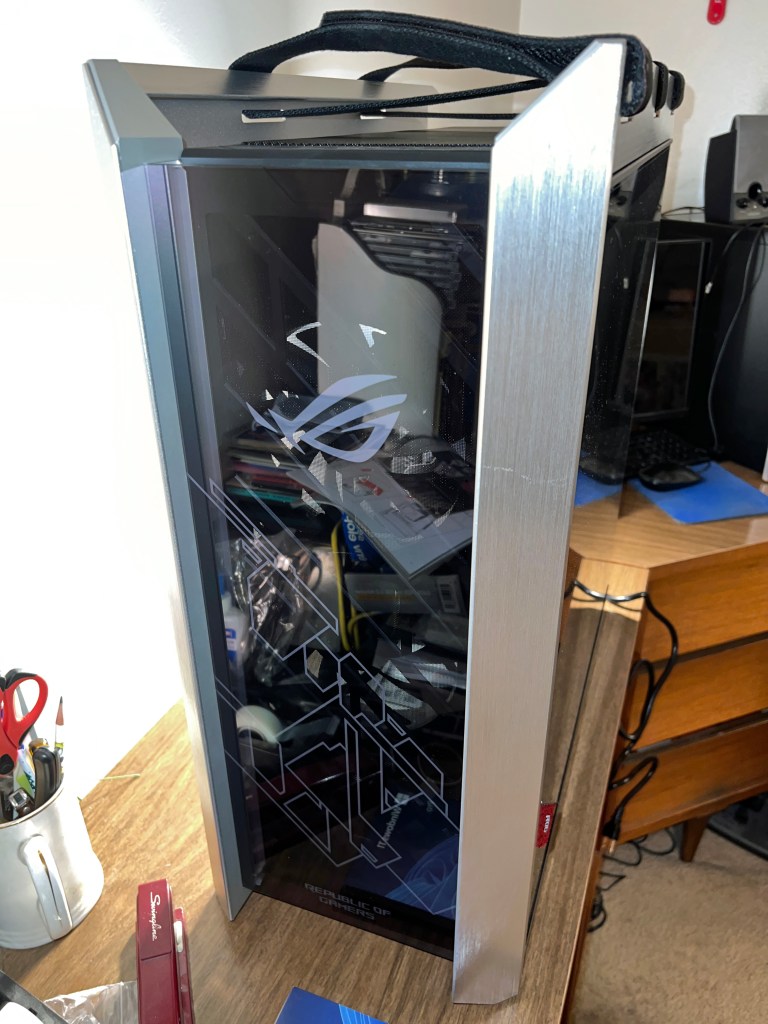
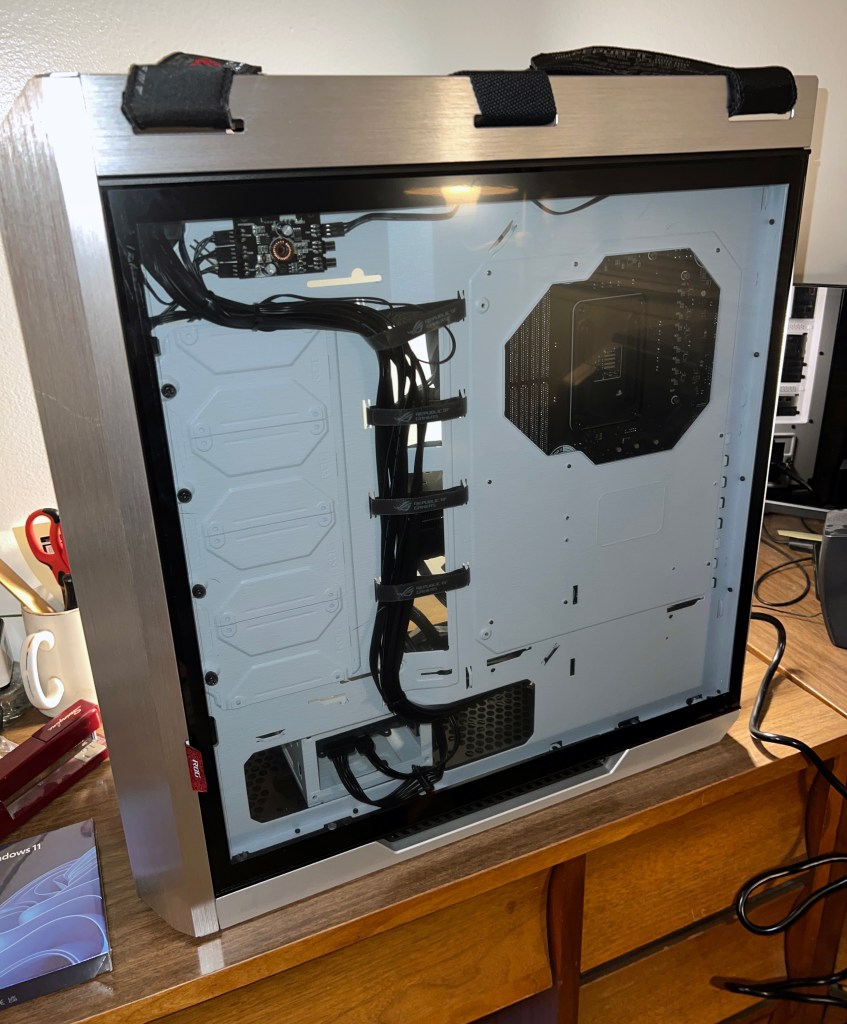

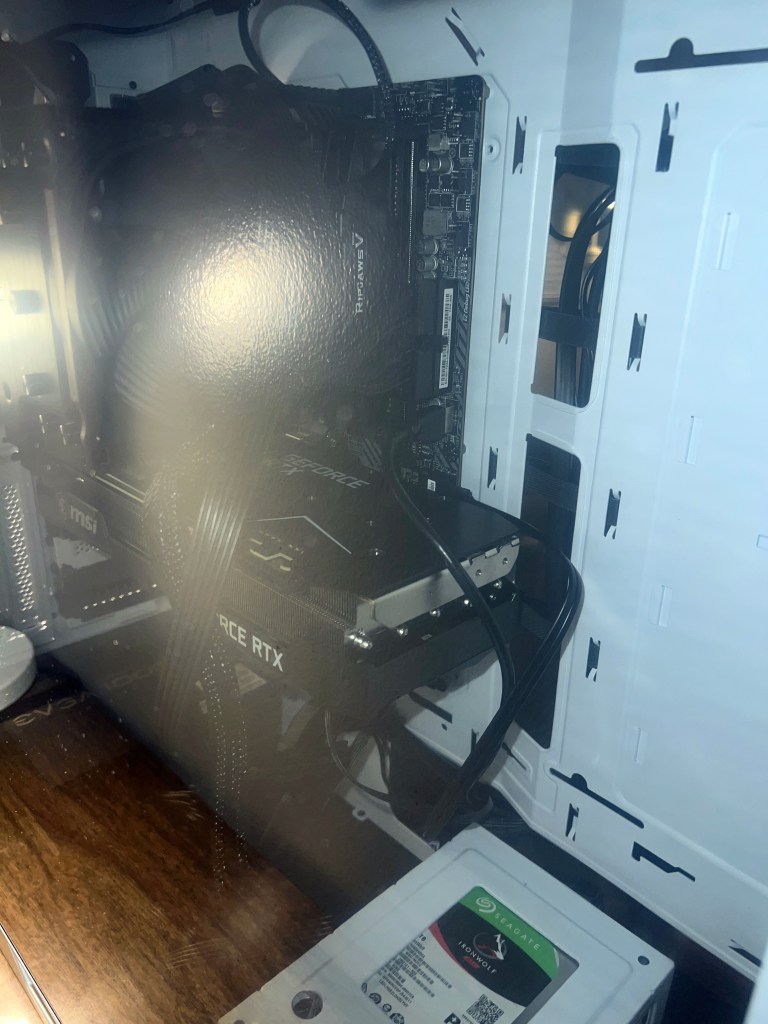
After some sleep, I woke up Sunday morning, September 4, ready to turn the computer on, install Windows 11, and start migrating data. It wouldn’t turn on. Thankfully, with the help of Ganiman and Filbert from the Game Dave Discord, I attached connections to the power supply that were mislabeled and I thought were incompatible, but by golly, they all fit and the computer turned on! What a relief!

The default LED (light-emitting diode) color was green, and there’s even an option to cycle through all colors, but I settled on red. The fourth USB 3.2 type-A port doesn’t work, but I’m willing to live with that. After all, my XPS 8930 only had three front type-A ports and one USB-C. Nonetheless, I turned off the power and tried swapping the type-A connectors on the motherboard, inadvertently knocking out the power connections. Luckily, I got those back in place so the power and LED worked again, but no luck with the fourth type-A port. Fine, just three work. 

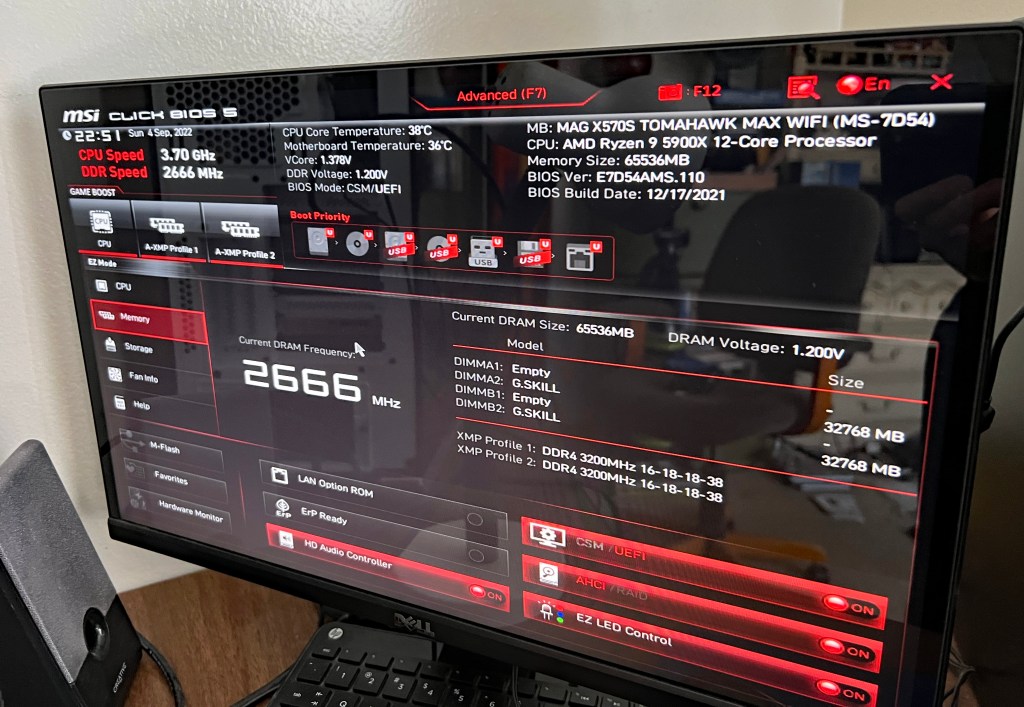
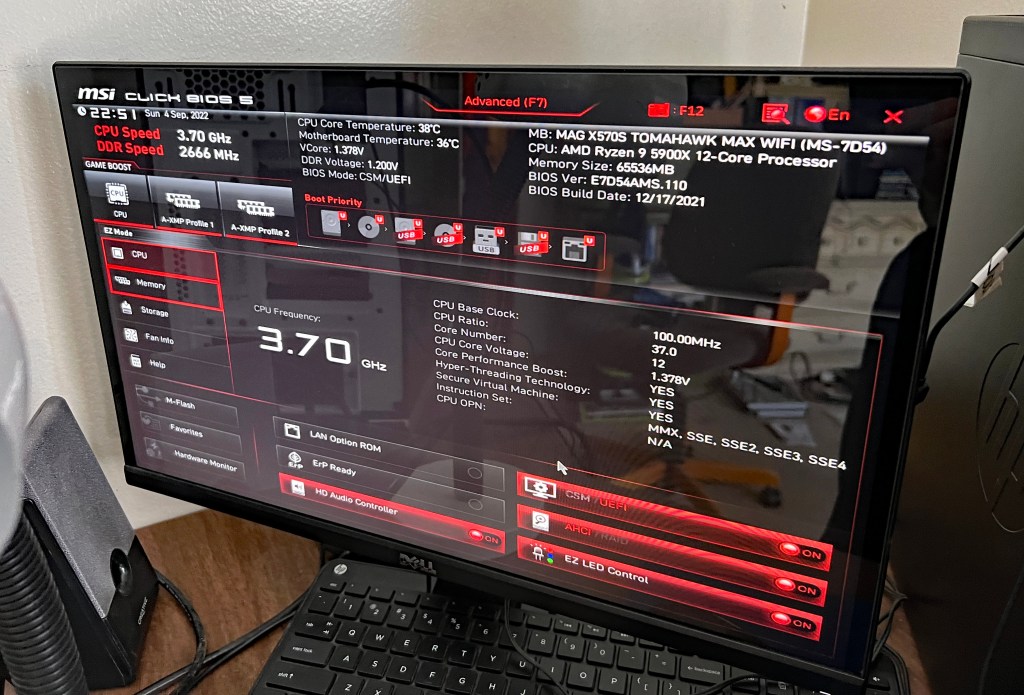
Notice that the BIOS build date is last December 17. It turns out that predates compatibility with Windows 11. My attempt to install yielded an error message. I figured out on my own to update the BIOS by downloading the latest firmware on the Dell, putting it on a flash drive, and loading it to the new build.

That did the trick. I actually had to install Windows 11 twice (another redo). I initially had it on the HDD, but Ganiman said the SSD is the better option for storing the OS.
After that, the long process of data migration began while I relaxed in my room.

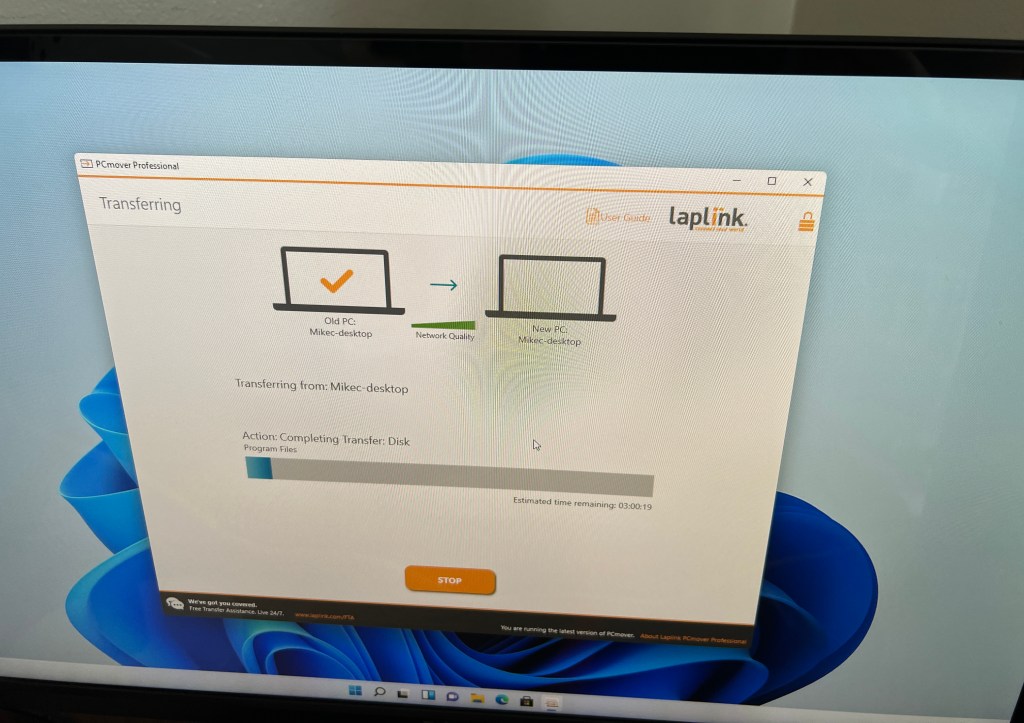

After another night of some sleep, I resumed work on Labor Day morning; Monday, September 5. I moved my desk chair out of the way, disconnected and unplugged the Dell and moved it to the guest room. I left it on the floor and lugged the build into my room.
There’s very little space between the back of the desk and my wall, and less maneuverability for connecting cables. The tower case was too wide to turn towards me. The previous ones could be turned, allowing me to see the back panel from my contorted position to the left of the desk. This time, I had to consult the motherboard manual and connect by feel. Before I could do any of that, I considered placing the case outside to the left and moving the items that had been there – power strip, 8mm camcorder (for digitizing home videos), external FireWire converter (for analog video and audio from camcorders and VCRs) – into the compartment along with the external Blu-ray writer. Realizing that would be a waste of space, I put the tower back in and moved the camcorder and converter under the desk below the keyboard stand, where a DVD recorder and two 4-head Hi-Fi VCRs were situated. The camcorder went to the left of the VHS VCRs and the converter was seated on the right end of the DVD recorder. A/V cables were moved to the back.
Three hours later…

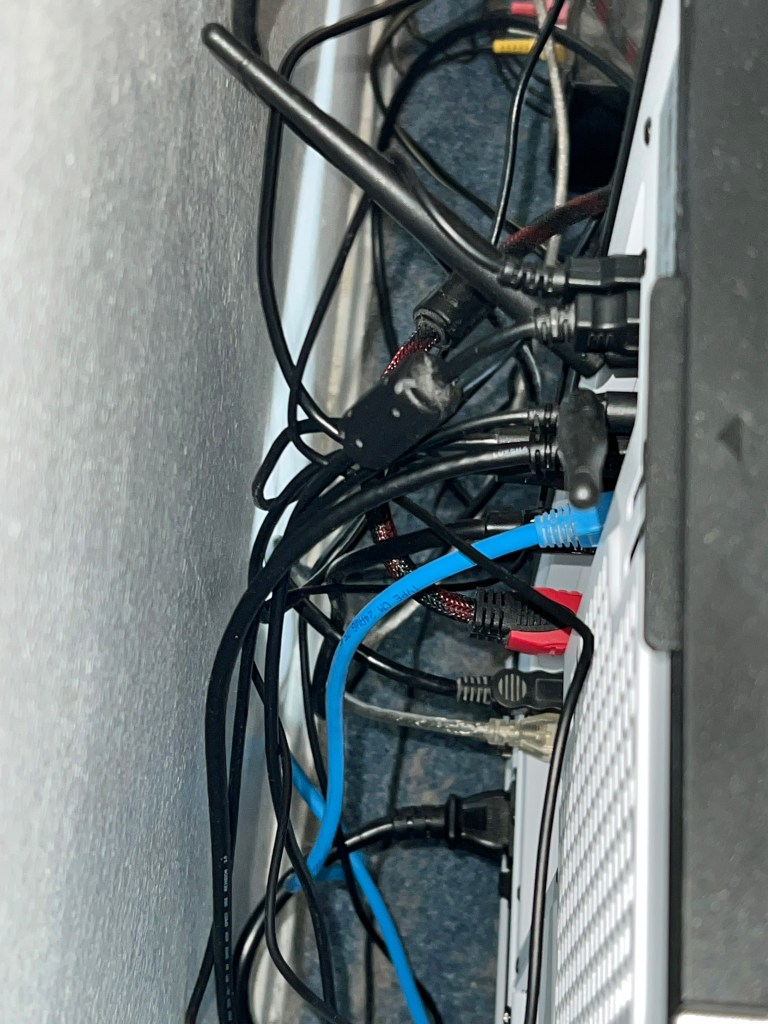
It was tough connecting the USB 2.0 cables for my flatbed scanner and mouse while keeping the Wi-Fi antennae secure. 
It took another hour to uninstall and reinstall programs that didn’t transfer entirely. In the case of iTunes, a Google search reminded me how to properly carry over iTunes settings from one computer to the next. I copied the iTunes folder in the Music section of my old computer to a flash drive and then copied to the same folder on the new one. Bingo! I picked up right where I left off!
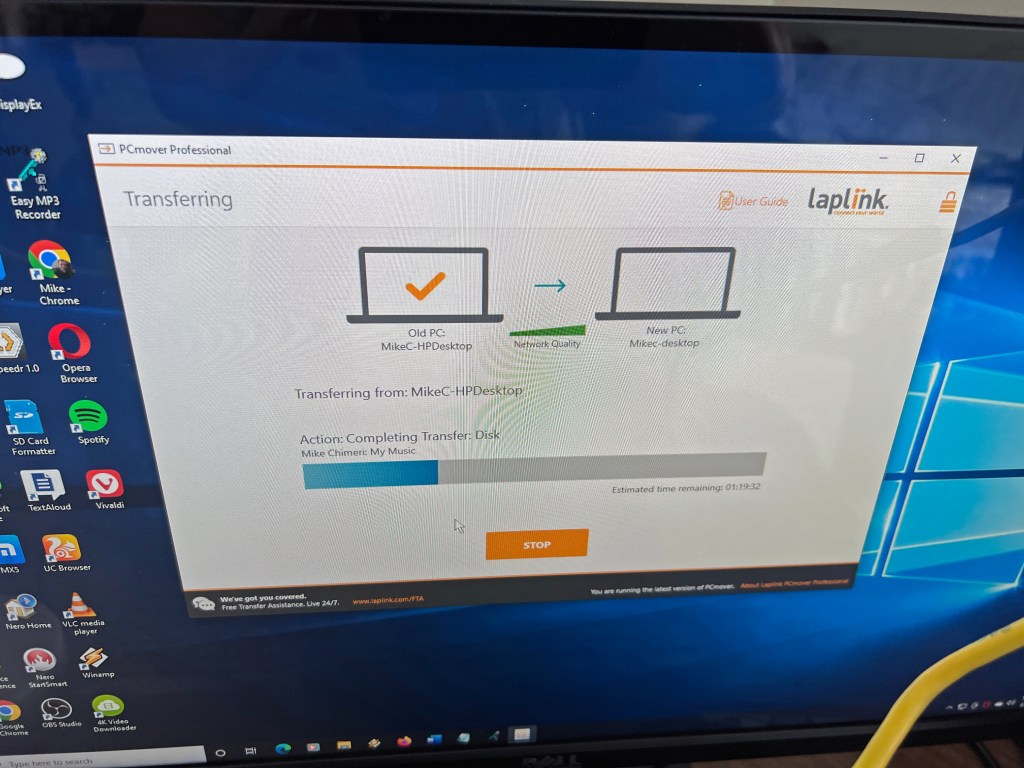
It was finally time to open PCmover on the HP Envy and Dell XPS (with the second use license) and transfer from one to the other. In order to see what I was doing, I connected the computers to an HDMI switch that I connected to the monitor, and alternated between them. An error message in PCmover on the Dell said there wasn’t enough room to transfer everything, even when I specified what data would go on the small 512GB SSD C: drive and the bigger 2TB (terabytes) HDD D: drive. Attempts to uninstall and pinpoint folders with the most data didn’t help much. Still another hour had passed once I gave up and transferred anyway.
While that was going on, I made up for lost time by eating a late breakfast in my room and heading to the basement for a treadmill run and weightlifting. After a shower, I checked on the transfer. Despite my specifications, data intended for the D: drive still went to the C:. There were only 10GB left on the C: drive, but clearing unnecessary data brought that number back to around 100GB. I cut and pasted the pictures, documents, music, and videos folder contents to the D: drive along with any other storage folders.
Satisfied, I turned off the computers, unplugged them, and disconnected cables. Then, I got an ultimately-time-consuming idea. Why not take the HDD out of the HP and put it in the Dell as a secondary data drive? Opening the two towers and removing the HDD was easy. Getting it into the Dell was where time slipped away. I needed to print out pages from the XPS 8930 maintenance manual to figure out how to seat it. Attempts to remove the graphics card bracket failed, meaning I couldn’t take out the drive slot to screw the drive in place. After attaching the built-in power supply connector and using a spare SATA cable from the motherboard assembly kit, I opened the bag of unused zip ties (cable ties) from my tower case assembly kit and tried to secure the HDD to the slot with them. It worked, but I couldn’t put the right-side cover back on. I seated the drive upside down and the cables were in the way. I tried in vain to swap the straight and right-angle ends of the SATA cable. The zip ties had to be cut off. That’s when I gave up. The HDD would sit loosely in the slot, period. Now, the cover fit back in place and closed securely.
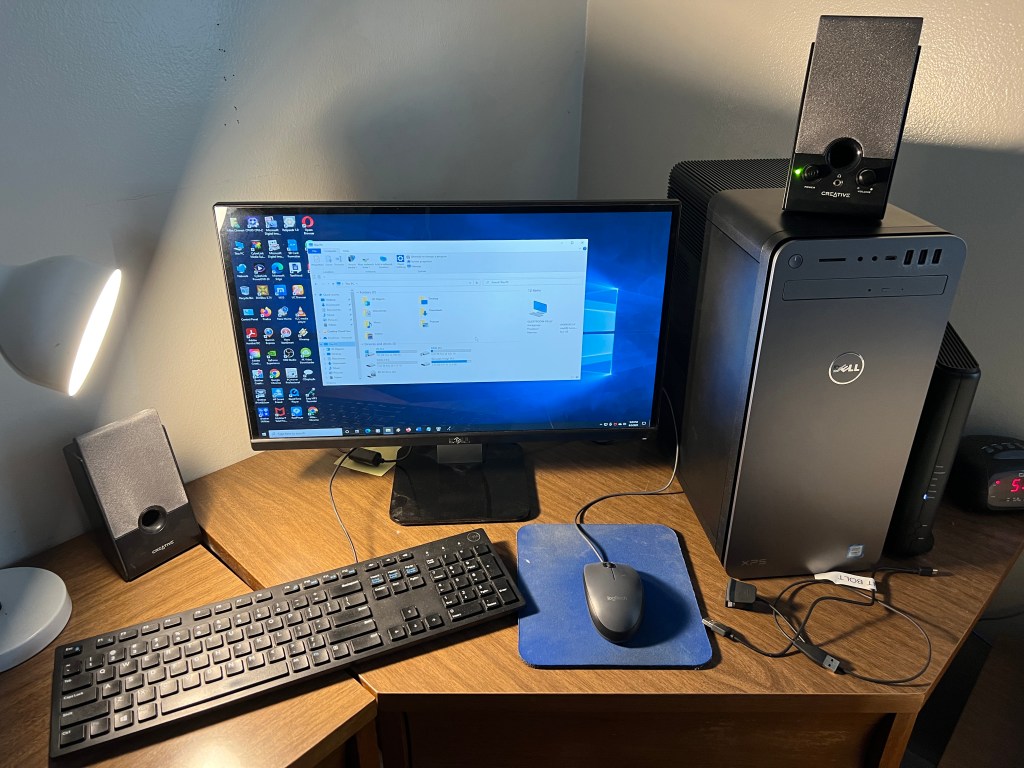
I screwed the HP Envy’s right-side cover back on (much easier), prepared for future disposal, and set up the Dell XPS in its place. I formatted the HP’s HDD and it was ready for use. The only problem was I accidentally allowed PCmover to transfer the built-in HP Recovery software and couldn’t remove it from any drive, not even the “new” one after formatting. Oh, well. I can live with that, too.
Ironically, all my hard labor took place over Labor Day Weekend.
Before I get to the aftermath portion, here are the rest of Monday’s photos:

Aftermath
Things seemed fine on my build once I acclimated to it, but I made another oversight that led to another living nightmare.
The first sign of trouble came Monday morning when I tried to change the built-in FireWire driver to a legacy driver I had used on prior computers. I would just disable the driver and make the change. Wrong! Disabling the drive crashed the computer and forced a reset. I did a test video capture with the irremovable driver and there weren’t any capture freezes (where it thinks there’s no signal) or dropped frames. So, I accepted my fate with the new driver.
The next sign of trouble came that evening when a trial version of Topaz Video Enhance AI froze while loading. Ending via the task manager (Control-Alt-Delete) seemed to help as it worked fine upon reloading. I used the program to test video upscaling speed; only slightly faster than on the XPS desktop and Alienware laptop.
The nightmare came on Tuesday, September 6. Apparently, my computers’ desktop folders are tied to my OneDrive account. Program shortcuts in that folder are visible on all computers. If the program isn’t on the computer, the shortcut goes nowhere and has a blank icon. To remedy this, I either deleted shortcuts or installed the software. The one program I thought to install on my build that was on my laptop was the Nox Android emulator for watching the Optimum TV app. I had been using Bluestacks 5, but at some point this year (when the app was still called Altice One), an update was introduced that rendered the app unusable beyond the login screen. A month ago, I looked for other emulators and found Nox. The app works on there. If Nox worked on my laptop, surely it would work on here. Blue screen of death wrong!
My first attempt to load the program caused the computer to lock up, but not prompt a BSoD. So, I simply reset. I immediately tried to load it again after logging back in and this caused a BSoD! I looked online for solutions and one told me to create a code that allows you to open “Windows without Hyper-V” instead of Windows 11, which I blamed for the nightmare. Hyper-V wasn’t even checked, but I put the code in anyway. It seemed promising when the load progress approached 90%, but bam!, another BSoD. I uninstalled Nox and removed the “Windows without Hyper-V” boot option. I shouldn’t have an emulator to watch the Optimum TV app on a computer in the same room as a DVR (digital video recorder).
At any point during assembly when I ran into trouble, hopelessness and self-doubt kicked in. In those moments, I thought I shouldn’t have done this, that I should have just bought from Dell or HP like I always had. I could add expansions once the pro build arrived. Well, when I entered BSoD hell Tuesday evening, the self-doubt and buyer’s remorse came back with a vengeance. My irrational mind screamed that I blew my money on a lemon, or that I’d have to pay a technician to clean up my mess.
Someone in the Technology Connections Discord suggested I update the CPU chipset. All that did was lead to faulty audio and a BSoD with a different stop code, one that I remember: KERNEL_MODE_HEAP_CORRUPTION. The same one came seconds after logging in upon restart, and I didn’t even open anything. After that, I repeatedly typed the delete key to prompt the BIOS menu before Windows could boot. Then, I asked the Discord what to do next. While waiting for a response, I turned off the computer. When I turned it back on, the Windows Recovery environment launched. I was able to roll back to Tuesday morning, before I installed any problematic software. Then, I ran the Windows Memory Diagnostics Tool. As it ran, the TC Discord – I was chatting on the Dell in the guest room at this point – recommended I download and install drivers for the motherboard and graphics card; yet another oversight. I should have done that on Sunday.
I downloaded the drivers, copied them to a flash drive, and installed them all on my computer once the memory diagnosis was complete and no problems were found. Then, I restarted and didn’t get a BSoD in the 20 minutes I was logged in before one more try at disabling the FireWire driver. That still caused a reset, but no BSoD afterward. I took two screenshots of the audio enhancing software included with the audio drivers and called it a night:


Overnight, I had dreams about BSoD and tweaking the motherboard. I woke up early Wednesday morning, September 7, and turned on my computer. There were no BSoD in the three hours it was on before leaving the house for the day. Topaz Video Enhance AI seemed to freeze, at least somewhat, when I tried it out, so I uninstalled it. If I want to upscale video, I’ll buy DaVinci Resolve 18.
Back at home that evening, the mechanical keyboard felt nice. It will take time to get used to and cut down on typos. The accompanying wrist rest, which attaches magnetically, was too thin and firm for comfort. So, I bought a cushy replacement.
I took a photo of the keyboard once I set it up, and screencapped a typing test:


As with the tower case, the keyboard has RGB backlighting and I chose static red as my color. Even the keyboard needed a firmware update, exemplified by a random disconnect and reconnect when I took my first break from typing. That hasn’t happened since the update. Part of the update is a program that lets you save your color preference and that regulates the backlighting, which turns off after five minutes of inactivity and turns back on next time you type.

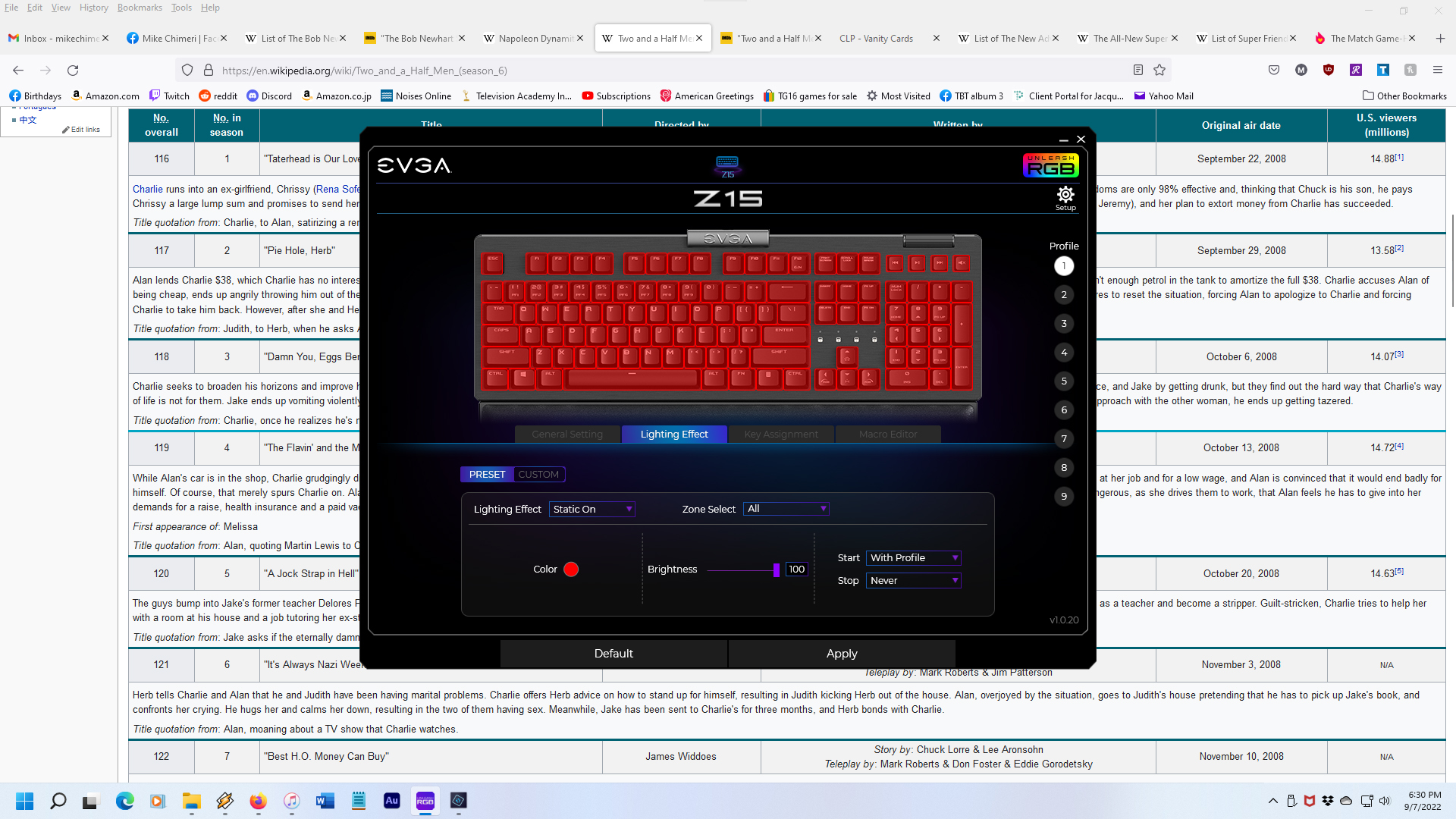
The replacement wrist rest arrived yesterday – Friday, September 9. I tested the feel while lined up with the keyboard and with the keyboard and rest separated by 3/4 inch. The second test felt better, so I secured it with three pieces of mounting tape; left, center, right.
Here’s the result:

As of today, September 10, my BSoD-free streak is intact (knock on wood), but there was no power to the keyboard when I tried to log in after turning on the computer, requiring a disconnect and reconnect before entering my PIN. A minute or so later, neither the keyboard nor mouse functioned properly, and both had to be disconnected and reconnected. Checking Windows Update revealed that a USB driver update was pending. That must have been the culprit.
Here’s hoping my build lasts as long as five years before any replacements are necessary. I will surely replace my desk before then, an open kind with easy access to the tower. (Maybe this one?) Until then, thank you for reading about the week-long adventure of building my own PC and the growing pains that followed.
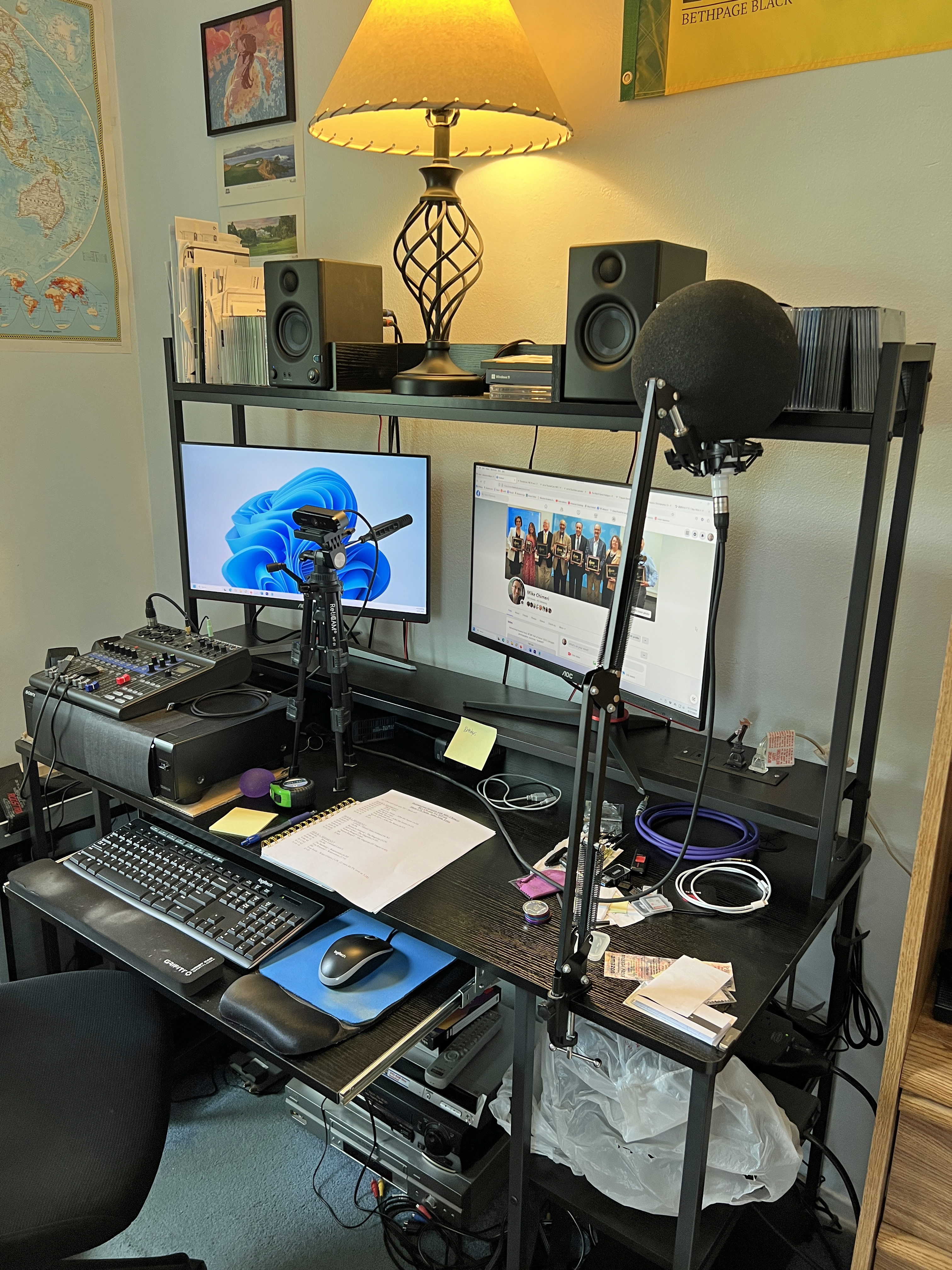
6/24/23 UPDATE: I replaced my desk with this one, which my uncle Scott generously assembled after I disassembled the old one. Here are the before and tentative after photos:
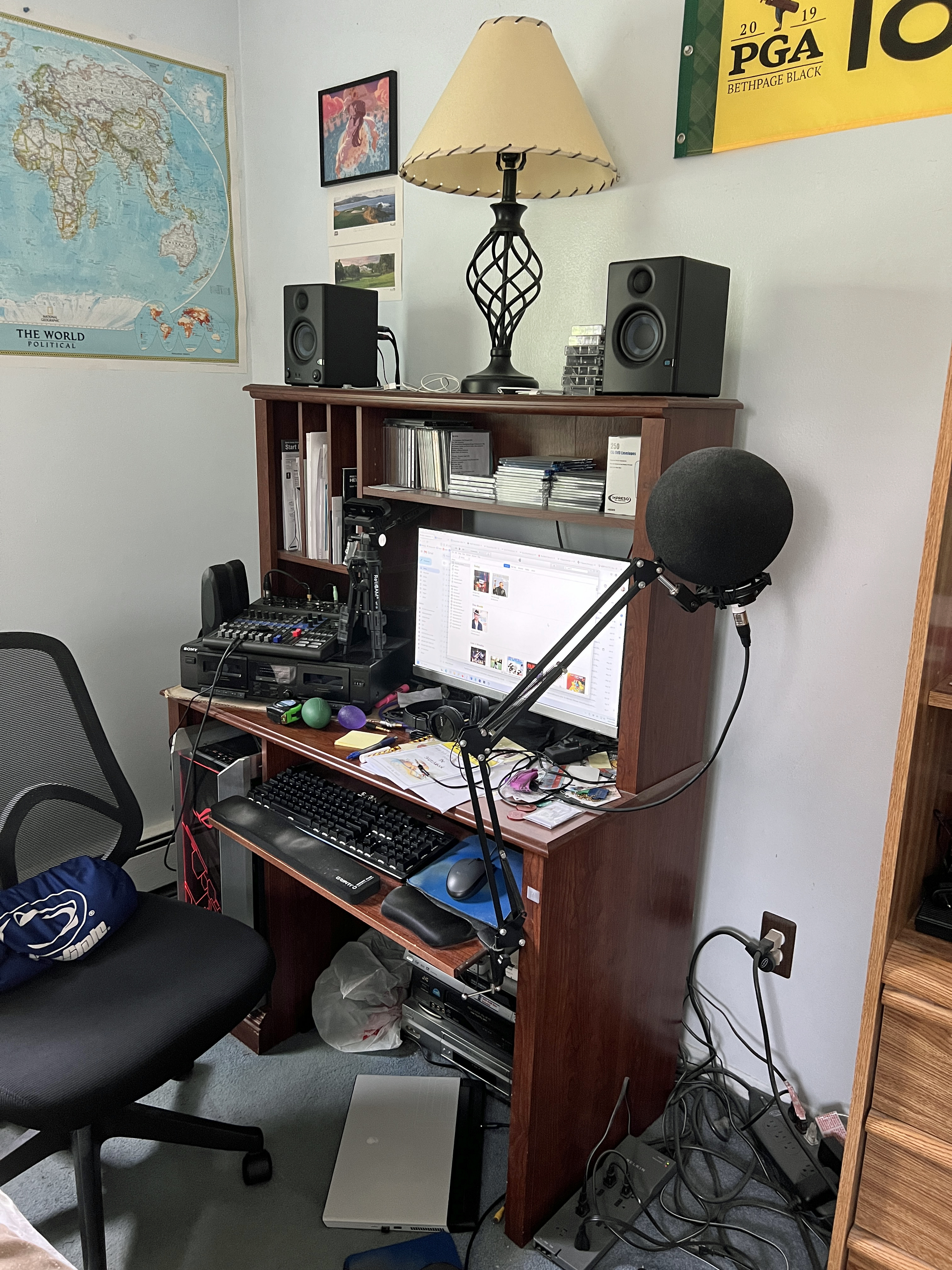

Repeating from the 6/21/23 Instrumental Invasion post, the after photo is tentative because my dual monitor setup is in limbo. The primary monitor had dead pixels that I didn’t notice until shutting down the PC on the first night (6/17). I turned it back on and confirmed the problem on a screen saver test:

I bought the monitor from Walmart and returned for a replacement, but ended up getting a mate for it from Amazon after scuffing the screen on my single-turned-secondary monitor.
An October update to Windows 11 caused an irremovable bug in Adobe Creative Cloud. Updates are deemed “not available” and cannot install. The only workaround is to uninstall all apps and Creative Cloud, then reinstall CC and the apps. While I usually do this dance every month or two, I procrastinated for over three months until Premiere Pro caused a BSoD (the first since those driver updates). I was exporting a video and it crashed hard during finalization. It hasn’t happened since (knock on wood). It had me thinking I should have gone with 128GB of RAM in the first place. Then, I read articles like this to tamp down that notion. Besides, if I do add two more 32GB DIMMs, I’ll need to move and put back the CPU cooler.
Over time, the Z15 keyboard developed debouncing issues where certain keys double or even triple type. O, A, G, and space bar are the biggest culprits. Again, the Technology Connections Discord had the solution: take off the trouble keys and use contact cleaner on the switches. (I bought this kind.) If that doesn’t work, the keyboard came with eight replacement switches. This is another page I consulted.
6/25/23 UPDATE: Cleaning the contacts did not work. I gave up and bought a Logitech MK200 keyboard/mouse combo. So far, so good (knock on wood), though I may have to get a thinner/lower wrist pad. After writing that sentence, someone on the Ashley Abbink Discord (she’s a music streamer) mentioned they have a Logitech G413. I should have gotten that last year, even without volume controls. For now, it’s the MK200.
Photos of the Z15 yesterday:


And the MK200 today:

6/27/23 UPDATE: My dual monitor setup is complete. The replacement and mate arrived today and neither had dead pixels on their screens.
11/5/23 UPDATE: Last Monday, I returned to the mechanical keyboard sphere with a Logitech G413 SE.

I’d grown disenchanted with the MK200 combo’s keyboard. The mouse is great and I still use it, but the keyboard’s keys were stiff, the backspace key was stiffer, I regularly missed keys while typing, and I occasionally hit a key one row above or below the intended key.
So far, the G413 SE doesn’t suffer from as much debouncing as the EVGA Z15 had. Keys are nice and smooth which makes typing a breeze and correcting typos simple because I do make my share of them.
I also had to replace the right monitor with the same model repeating my accidental scuffing by knocking over the webcam tripod. I’ve since spread out the tripod legs and raised the top to match the height of the prior configuration.
12/6/23 UPDATE: I came around on the RAM upgrade and bought another pair of DIMMs on Black Friday (November 24), the same pair I initially bought last year. They arrived last Thursday, November 30. Once I opened up the tower, I did have to disassemble the end of the CPU cooler in order to seat one of the DIMMs. I then reassembled and closed the tower. I also had to vacuum and blow compressed air in and around the tower. I don’t notice a difference in performance so far, but I haven’t had to render video yet.
I neglected to announce in my earlier updates that I installed an Elgato 4K60 Pro MK.2 internal capture card for my future (current) Twitch aspirations. These are photos of the installation back on May 18:


For gameplay, unless I bring up a console from the basement, I run a 25-foot Amazon Basics HDMI cable from a DotStone 4-port HDMI switcher for the four consoles in my room (PS5, Xbox Series X, Nintendo Switch, Wii U), and run that cable behind my shelf, under my bed, and to the card’s “in” port. I use Elgato 4K Capture Utility to play in real time while OBS applies a 300ms delay to the card, my webcam, and my mixer where the mic is connected.
12/21/24 UPDATE: First of all, the gameplay setup has changed, which you can read about here. Second, as noted earlier in this post, I replaced the PSU. The EVGA Supernova began to randomly power off my PC and automatically restart it. This happened twice on December 8 (11:09 AM, 10:37 PM) and December 16 (4:29 PM, 8:48 PM). Until the second wave, I assumed this was a BSoD problem, even though Windows reliability history didn’t list it as the cause. I updated the graphics drivers and BIOS. I panicked when the 4:29 power-off occurred and began thinking of buying a replacement PC from Dell. (I will buy an Alienware as my next desktop PC. While I appreciate encouragement I’ve gotten, I’m never building my own again.) I ran the Windows Memory Diagnostic Tool, and after a long two hours, it was determined my RAM DIMMs were healthy.
A Google yielded a How-To Geek article outlining my problem. I was willing to buy a PSU tester, and did so, but then came the second power-off of the second wave. With help from my dad, I bought a more reputable PSU from CORSAIR: the HX1200i. Amazon estimated it wouldn’t be delivered until Saturday (the day I’m writing this). In the meantime, I used my PC build sparingly, otherwise using the XPS 8930 in the guest room, or my Alienware M15 R3 laptop. (I went so far as to buy an external capture card for Twitch streaming on my laptop on December 18.) I operated this way until the evening of December 19. Someone on one of the Discords I didn’t reference in the original post suggested I try reseating the EVGA PSU cables, particularly the one running to the motherboard. I did that, turned my PC back on, and the power stayed on. This continued on December 20, when a stroke of luck hit: the CORSAIR HX1200i arrived a day early!

I went to sleep early and woke up early, then immediately got to work replacing the PSU. I switched off the EVGA PSU, unplugged it, disconnected the external cables from the PC, and lugged the tower into the guest room.
Here are the before photos:

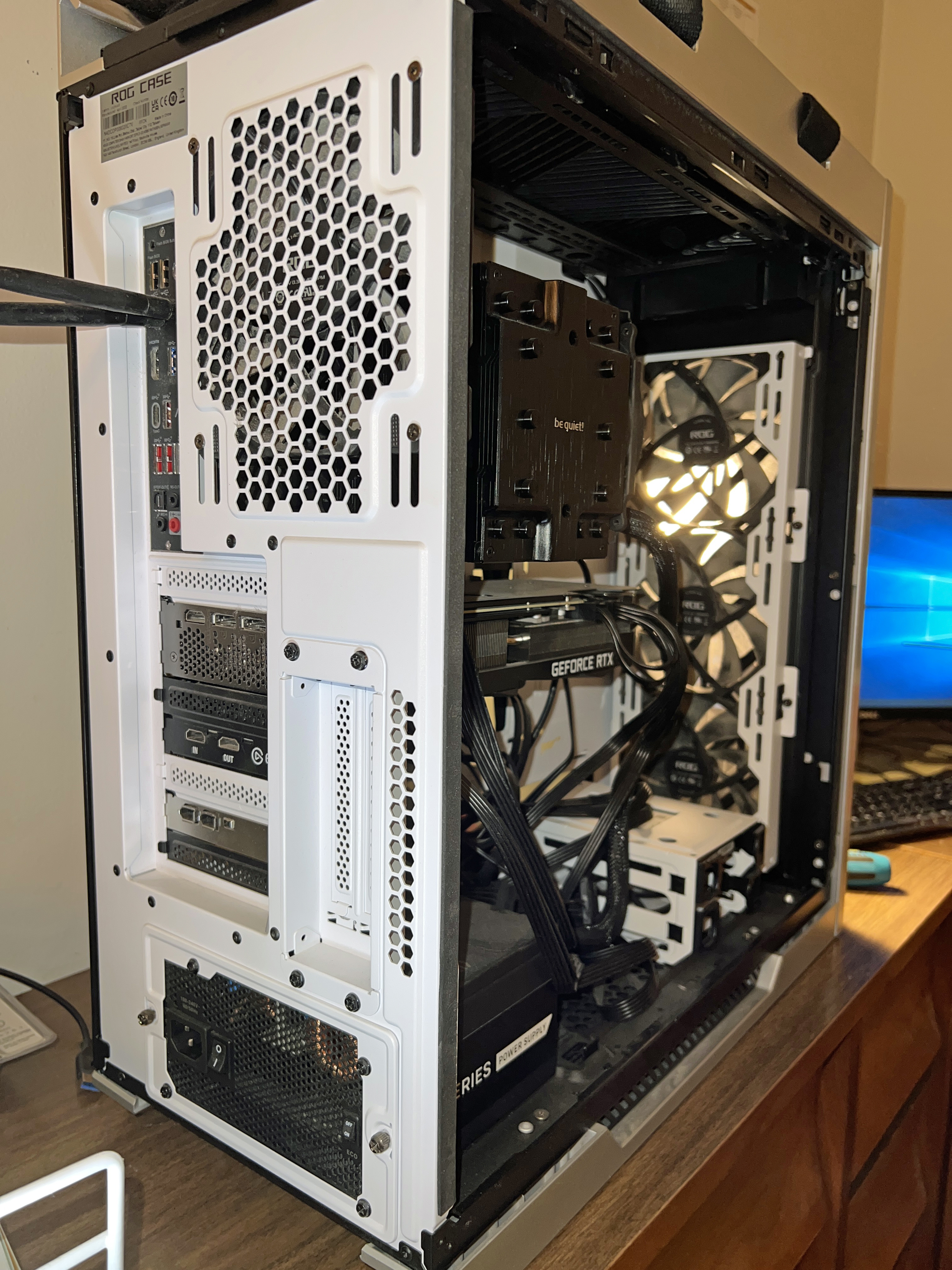
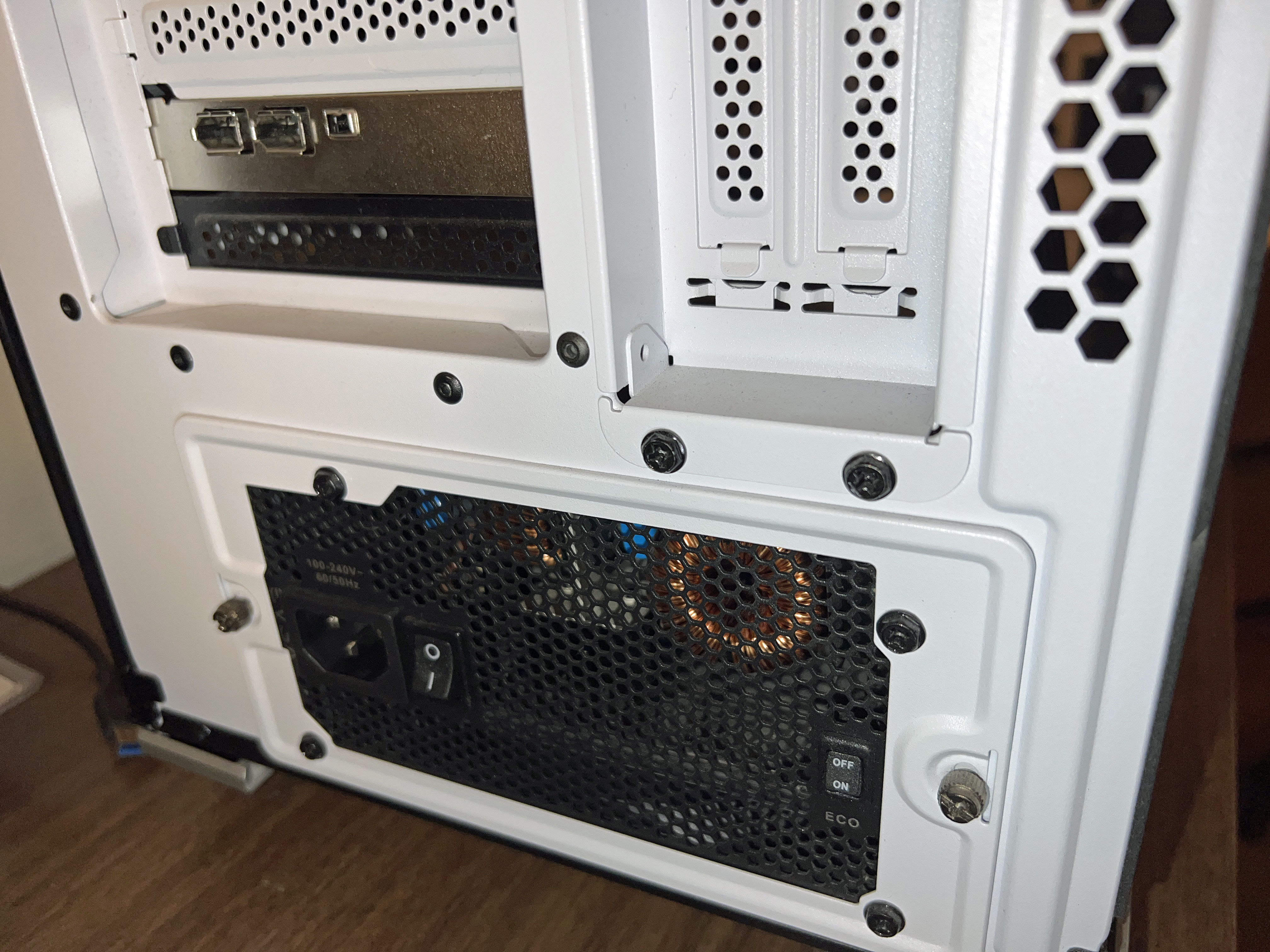
…and the after photos:


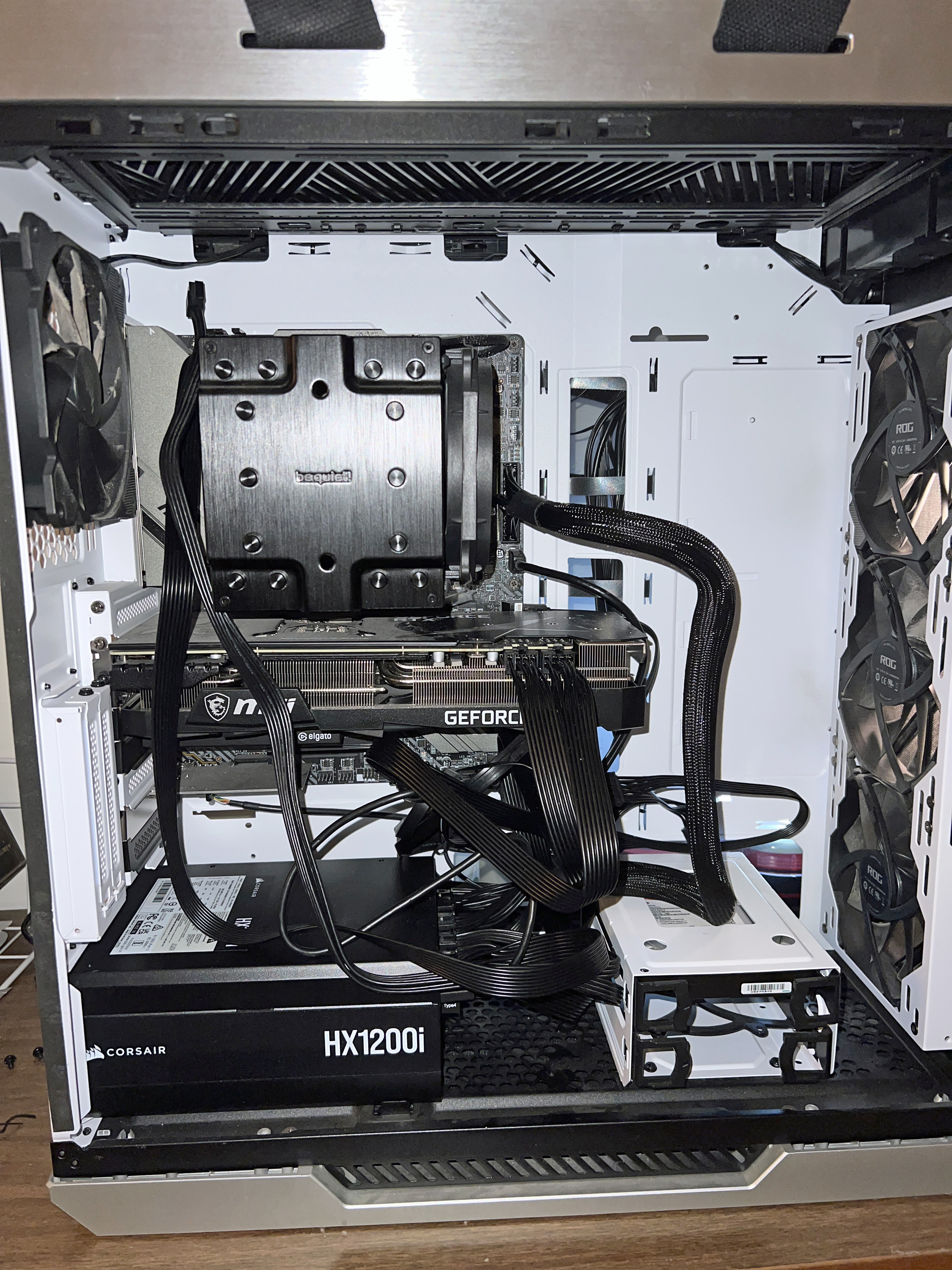
It didn’t seem right to leave the second CPU port open, so I swapped out the EVGA cable.
Once I brought the tower back to my room and reconnected the external cables to the corresponding ports, I was dismayed when the PC wouldn’t power on. Thinking the swapped cable was the culprit, I took switched off the PSU, took off the left side panel, and disconnected that cable. I switched the PSU back on, pressed the power button atop the tower, and the PC came back to life! I am writing this update from my PC with the new PSU. Here’s hoping this is the end of my power troubles and has extended the life of my PC build.
I’ll leave you with photos taken after successfully powering on:
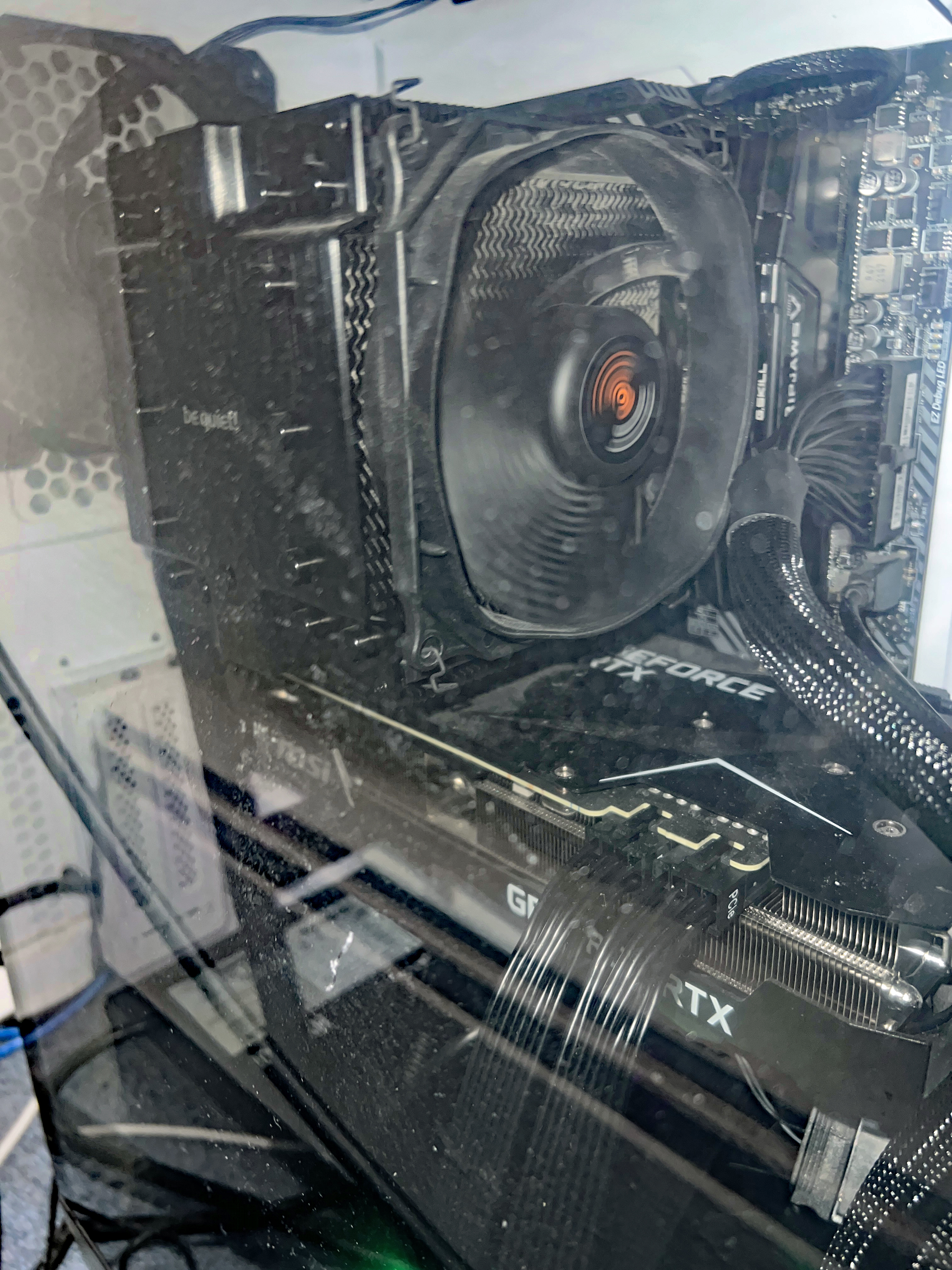


12/21/24, 7:30 AM UPDATE: Hope for naught. Random power loss and restart. The PC build experiment is over. I’ve ordered a Dell Alienware Aurora R16 and will swap out the 8TB HDD, FireWire and Elgato cards upon arrival by next Friday. Until then, I’ll make do with my build, no matter how many more power-offs I endure.
Instrumental Invasion, 9/7/22: Dan Ingram Tribute September 8, 2022
Posted by Mike C. in Airchecks, Audio, Game Shows, History, Internet, Jazz, Media, Music, Personal, Pop, Radio, Rock, TV.add a comment

The September 7 Instrumental Invasion on WCWP was a tribute to the late New York radio personality Dan Ingram on what would have been his 88th birthday. The tribute came 18 years after I played my re-creation of his closing theme edit of “Tri-Fi Drums” by Billy May and His Orchestra (from Wild Stereo Drums) to close The Instrumental Invasion that aired on Dan’s 70th. This tribute covered most of the show. The theme was songs that start with a letter in any of the call letters of stations Dan worked for. Talk breaks were supplemented by edits of jingles, led by my mashup of a WCWP jingle with the bell at the end of the WABC Chime Time jingle:
As I said on the air, thanks to Allan Sniffen and Jon Wolfert for their inspiration. I absorbed Big Dan’s lore from repeatedly listening to archives of The Life and Times of Dan Ingram: In His Own Words that Allan produced for Rewound Radio, and Jon’s The History of Musicradio WABC Jingles, also for Rewound Radio.
The show playlist was created on July 5 and annotated on the 6th, followed by the talk break script draft that carried into the 7th.
Unlike previous weeks, the show was mostly recorded sequentially, two segments per day from July 8 to 10. I recorded the last segment before recording the fifth because I anticipated going over or cutting it close. Instead, I was 14 seconds short, increasing my surplus to 22 seconds. The fifth segment dropped the surplus to 12 seconds. In the process of recording pickups on the 10th, with 12 seconds left to make up, I remixed the second and fourth segments that I painstakingly tweaked to run exactly 18 minutes during initial recording. The third talk break of the second segment was originally speed compressed and I cut my quip about most Love Connection contestants going home solo (a false memory, as the linked entry reminds me) – playing off the name of Julian Vaughn‘s album with “Love Connection” on it. I redid the entire talk break at regular speed with the quip included. Thus, that segment went 8 seconds over and the fourth went 4 over, completing the 18-minute average I strive for.
Speaking of “love,” “jeg elsker deg” (pronounced “yale skaday”) means “I love you” in Norwegian and the “I love you” vocal in Nick Colionne‘s cover of “Hurry Up This Way Again” (on Arrival) allowed me to reference Dan Ingram’s on-air affirmation while married to Norway native Anita Strand.
Enough talk. Click here to download the (tele)scoped aircheck MP3 or listen below:
Bonus material:
Instrumental Invasion, 8/31/22 September 1, 2022
Posted by Mike C. in Airchecks, Audio, Education, Football, Internet, Jazz, Media, Personal, Radio, Sports, Travel.2 comments
The August 31 Instrumental Invasion on WCWP was recorded over three days: two segments on July 2, three on the 3rd, and one on the 4th before intermittent daytime fireworks began. Pickups were recorded on the 4th and 5th.
The playlist was created on the morning of June 27 before the marathon recording session of the August 17 show and last week’s first segment. Annotations began on June 28, but were delayed until July 1. First, on the 28th, an opportunity arose to record the second hour of last week’s show. I was preoccupied with ripping and editing tracks from two Maynard Ferguson CD album bundles on the 29th. (The bundles contained releases between 1974 and ’79.) On the 30th, new Bluetooth reference monitors arrived and initially worked, but interference led to incessant stuttering. Plus, without a wired connection, I couldn’t record computer audio from “stereo mix.” Installing a virtual cable worked temporarily, but didn’t last. I exchanged the Bluetooth monitors for their cheaper wired equivalent, even though the ones I replaced also had wired connections. Then, I got a 6-foot male-to-male Y-splitter to run from the computer to the input jacks on the left monitor. The computer end is 1/8-inch TRS and the monitor end is dual 1/4-inch TS.
The talk break script was drafted on July 1 and 2.
I recorded the segments wildly out of sequence because I knew that the last talk break would be really long, though not three minutes long! Even by removing ancillary sentences and speed compression, the segment still ended up 57 seconds over! With that in mind, the remaining segments were recorded in order of what I presumed to be shortest. Most anecdotes and callbacks were scrapped from the script, but among those left in were the Penn State allusions: about returning from my sister’s graduation in 2005 and about the legendary 1994 season of Nittany Lions football. Their 2022 football season starts tonight (Thursday night) at Purdue!
As the playlist shows, the other segment recorded July 2 was the fifth segment, making up 13 seconds. On July 3, I worked on the third segment (adding back six seconds), fourth segment (making up 15 seconds), and second segment (making up 21). I was left with a net overage of 14 seconds, but I removed one further anecdote from the last talk break, and that allowed me to break even. All that remained was a tight 18 minutes on the 4th, which I accomplished. Hallelujah. Incidental to that first segment, Fred Wesley, the trombonist on “Theme from Good King Bad” by George Benson, was born on the Fourth of July!
For the third week in a row, I swapped out the second 2017-present segment, this time opting for a second 1985-95.
Click here to download the aircheck MP3 or listen below:
Instrumental Invasion, 8/24/22 August 25, 2022
Posted by Mike C. in Airchecks, Audio, Internet, Jazz, Media, Music, Personal, Radio.add a comment
The August 24 Instrumental Invasion on WCWP was recorded in two days: one segment on June 27 (after all of last week’s show) and the other five on June 28, plus a pickup on the 29th. I haven’t recorded two shows in two days since the first two Wednesday night shows ever, back in April 2020 (April 1, April 8), and that was a stretch of six shows recorded in six days. (The talk breaks for the first and fourth show were recorded before producing multitrack segments for each segment.)
The playlist was created on June 22 and annotated on the 23rd (after finishing last week’s annotations) and 24th. The talk break script was drafted on the 26th (a day after last week’s script).
I recorded all the talk breaks for the last two segments before making their multitrack sessions, after doing the same for the first segment of hour two. I did not anticipate running short in the last segment, which required me to retroactively add 25 seconds to the first segment of the show. Thankfully, I didn’t have to record pickups.
For the second week in a row, I swapped out one of the 2017-present segments since I didn’t have much music to play from new albums. I moved the one that remained to the middle of hour 2 and added a 1996-2006 segment. To that end, this was also the second week in a row with a song from Larry Carlton‘s Fingerprints album and second show in the last three with a song from Ken Navarro‘s The Grace of Summer Light. And as it happens, I’d gone exactly 26 months between playing songs from Dan Siegel‘s The Hot Shot and 52 weeks between songs from Nelson Rangell‘s Always.
Click here to download the aircheck MP3 or listen below:
2022 Long Island Retro Gaming Expo recap August 21, 2022
Posted by Mike C. in Audio, Aviation, Books, Education, History, Internet, Media, Music, Personal, Photography, Podcast, Travel, TV, Video, Video Games, Weather.Tags: Brett Weiss, CU podcast, ian ferguson, John Riggs, leonard herman, LI Retro, Long Island Retro Gaming Expo, pat contri, ralph baer, Video Games
add a comment
Part 1: Introduction
The Long Island Retro Gaming Expo‘s long-awaited return came on Friday, August 12, after a three-year COVID-caused absence. Yes, the expo was expanded to three days starting this year, running from Friday afternoon to Sunday evening. The venue was the same as always: the Cradle of Aviation Museum, situated along Museum Row in East Garden City on the former site of Mitchel Air Force Base.
The purported 2020 edition of LI Retro was announced in February of that year. I immediately bought a weekend pass (still just two days). Little did anyone know that the faraway disease then referred to as the Coronavirus would reach the United States a few weeks later. As COVID-19 spread and a pandemic grew, venues shut down and events were either canceled or postponed. LI Retro’s postponement came that May. 2020 tickets would be honored in ’21. UPLINK, a virtual expo, was scheduled in its place on August 8 and 9. Of course, I attended and wrote a recap.
Even as vaccines were rolled out going into 2021, the organizers felt it was too soon to resume. Thus, they postponed again to ’22; and again, tickets for the postponed years would be honored. Another edition of UPLINK was held virtually in February. I attended, but was overwhelmed by the amount of transcribing and note-taking I’d have to do for the panels I planned on watching. So, I abandoned the recap in favor of continued radio show production.
Last December, LI Retro held its first annual one-day Festival of Games. I was in and out within two hours after a photographic walking tour (similar to the one you’ll see later in this post), arcade game sampling, and buying games from vendors. There was a recap for that.
As August drew closer, a third day of LI Retro was introduced. I considered attending, but opted to stick to the weekend.
With a week to go, I feared I’d compulsively take too many photos, a habit that’s gotten out of hand (i.e. Memorial Day boat ride, June 18 Mets game). I only took 353 photos at another Mets game on August 10, but sure enough, I went overboard at LI Retro. To that end, this is the first post with photo galleries.
The bulk of my photos were shot with my DSLR, but I took supplemental photos with my iPhone.
I arrived at the Cradle of Aviation Museum at 10:06 AM on Saturday:
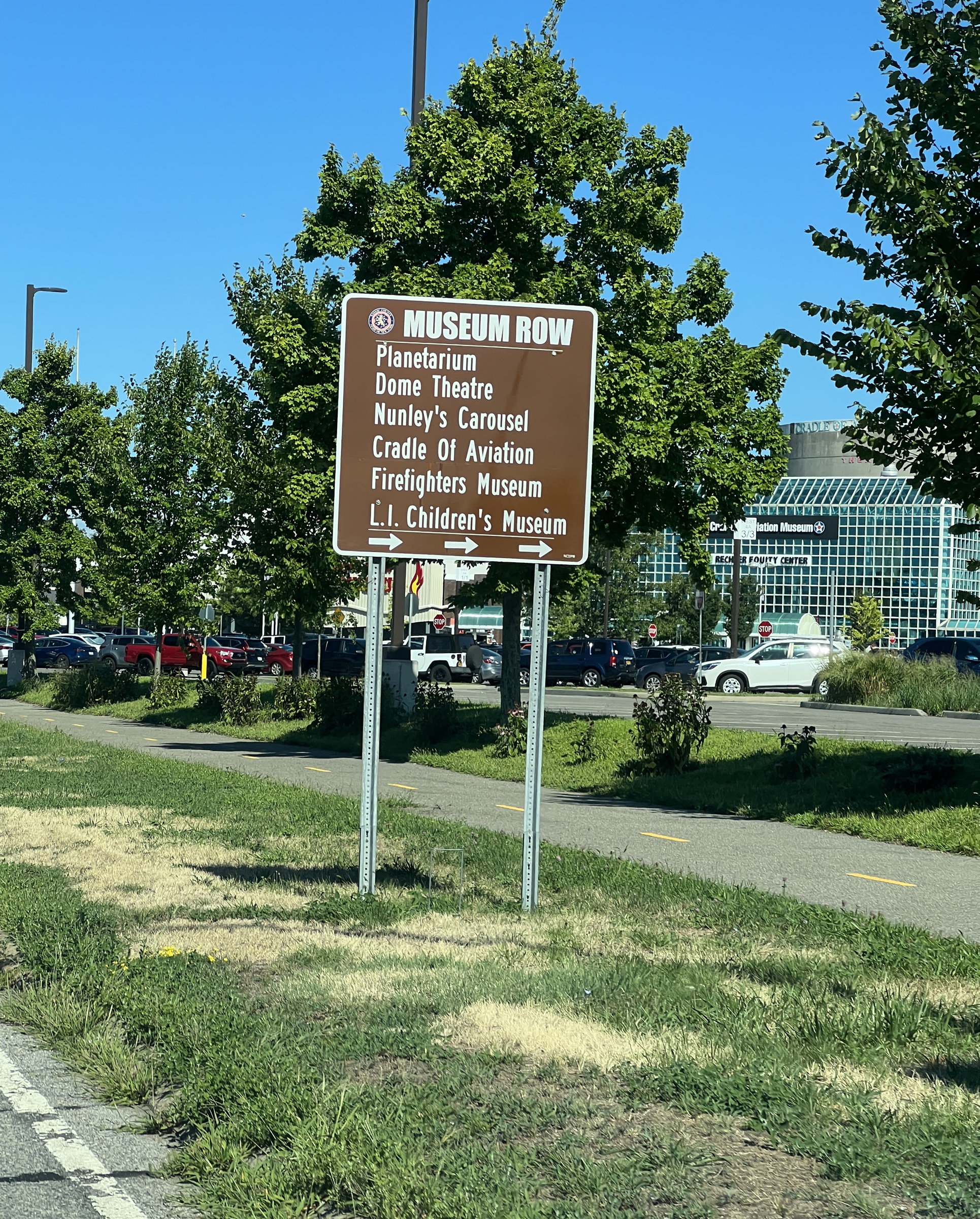


Within 15 minutes, I was inside. I walked to the box office and handed my ticket to the attendant in exchange for a badge. “Finally,” I told her, “after 2 1/2 years, I get to use this [ticket].” She handed me my badge and my adventure began.

Part 2: Panels
My first panel – after meeting and greeting, and photographing the vendor rooms, was by Brett Weiss. “I Survived the Video Game Crash of 1983” began at 11AM in Panel Room 2. I joined it in progress, grabbing a front row seat, but oddly holding back on photos.
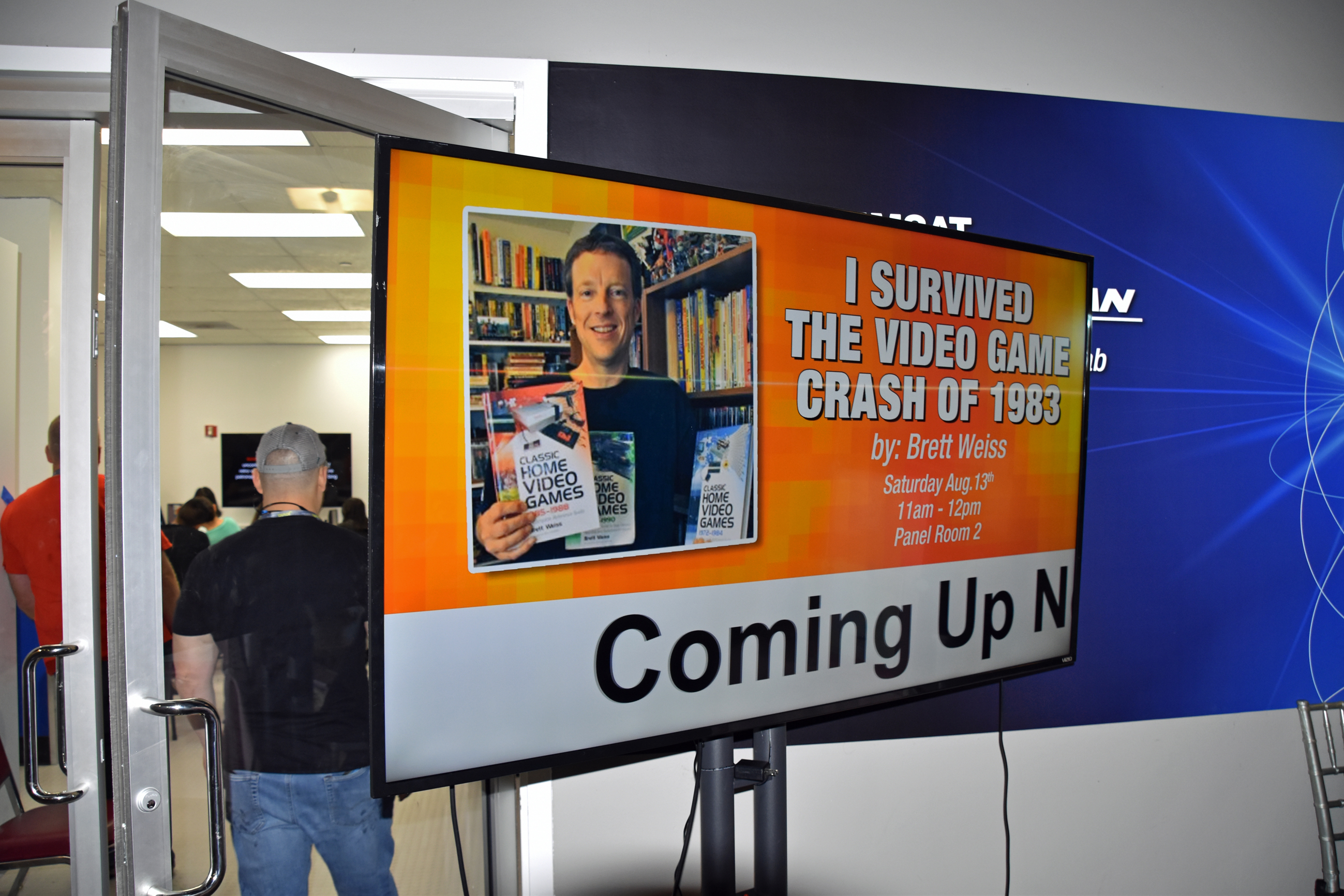

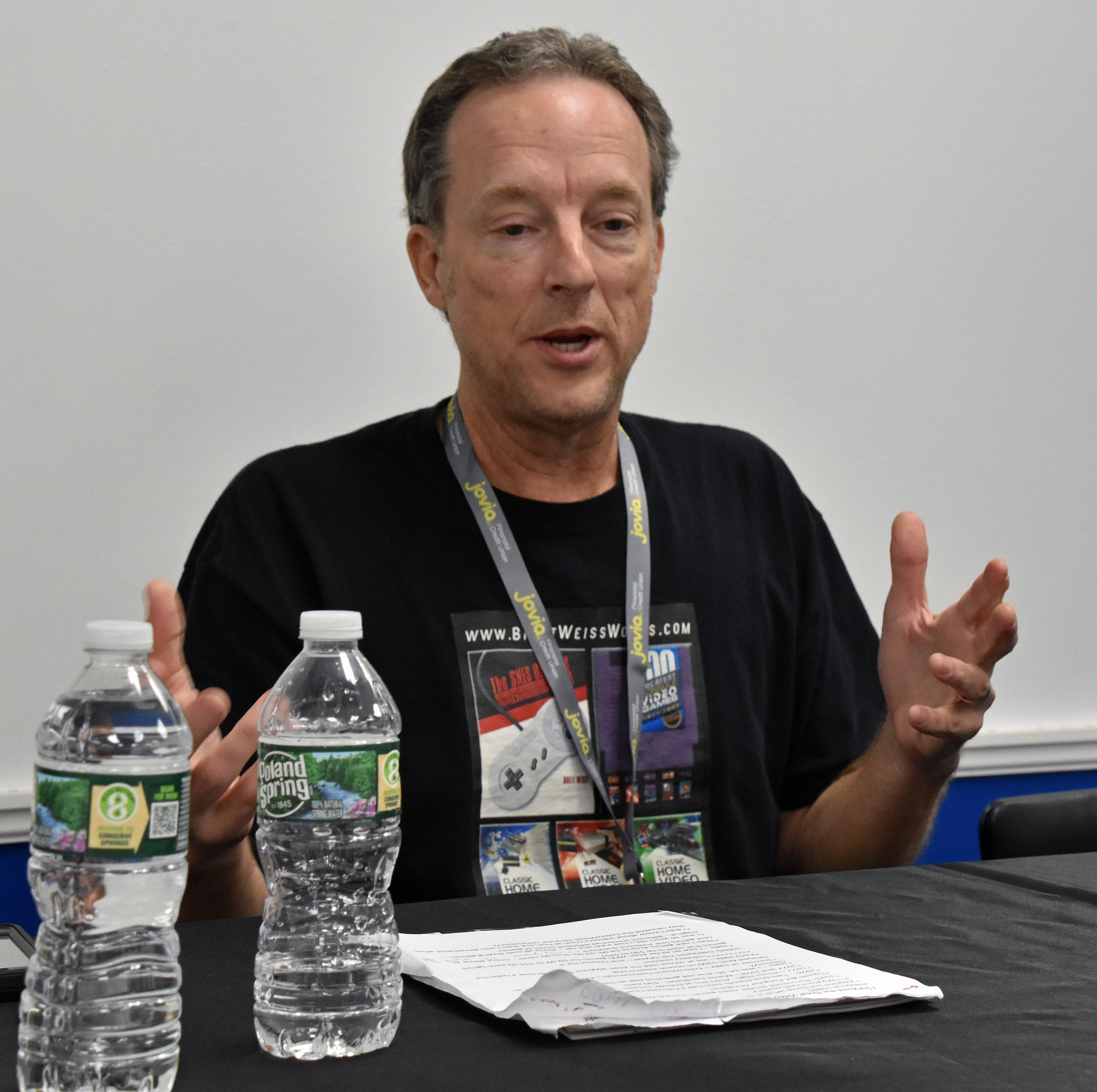


Brett talked about his experiences with arcade games and home video game consoles from the second generation into the third, and how the rise of home computers played a role in the 1983 crash.
During the Q&A session at the end, I relayed (but didn’t ask, so I apologized) my video game experience growing up. I was a home (and school) computer guy, fluent with Apple II, and my sister and I received an NES (Nintendo Entertainment System) in February 1990, as the third home video game console generation gave way to the fourth.
The book in the last photo is the one I bought from Brett afterward.
After snacking on a protein bar, I entered the Main Theatre for Pat Contri and Ian Ferguson’s 12:30 PM panel. I spoke to Pat and Ian during my meet and greet session two hours earlier, reminding them that I met them in 2019 and immersed myself in content from Pat’s YouTube channel after buying (at their merchandise table) the four DVD sets of Pat the NES Punk and the book Ultimate Nintendo: Guide to the NES Library. I subsequently bought the SNES guide. I wrote reviews of each – NES, SNES. (And you can buy the DVDs and books here.) This year, I bought two stickers and a CU Podcast (Completely Unnecessary Podcast) t-shirt. It was the last large size they had. I said I’d probably get along swimmingly with Frank, Pat’s older friend from New Jersey who settled in San Diego before Pat and Ian made their respective moves there.
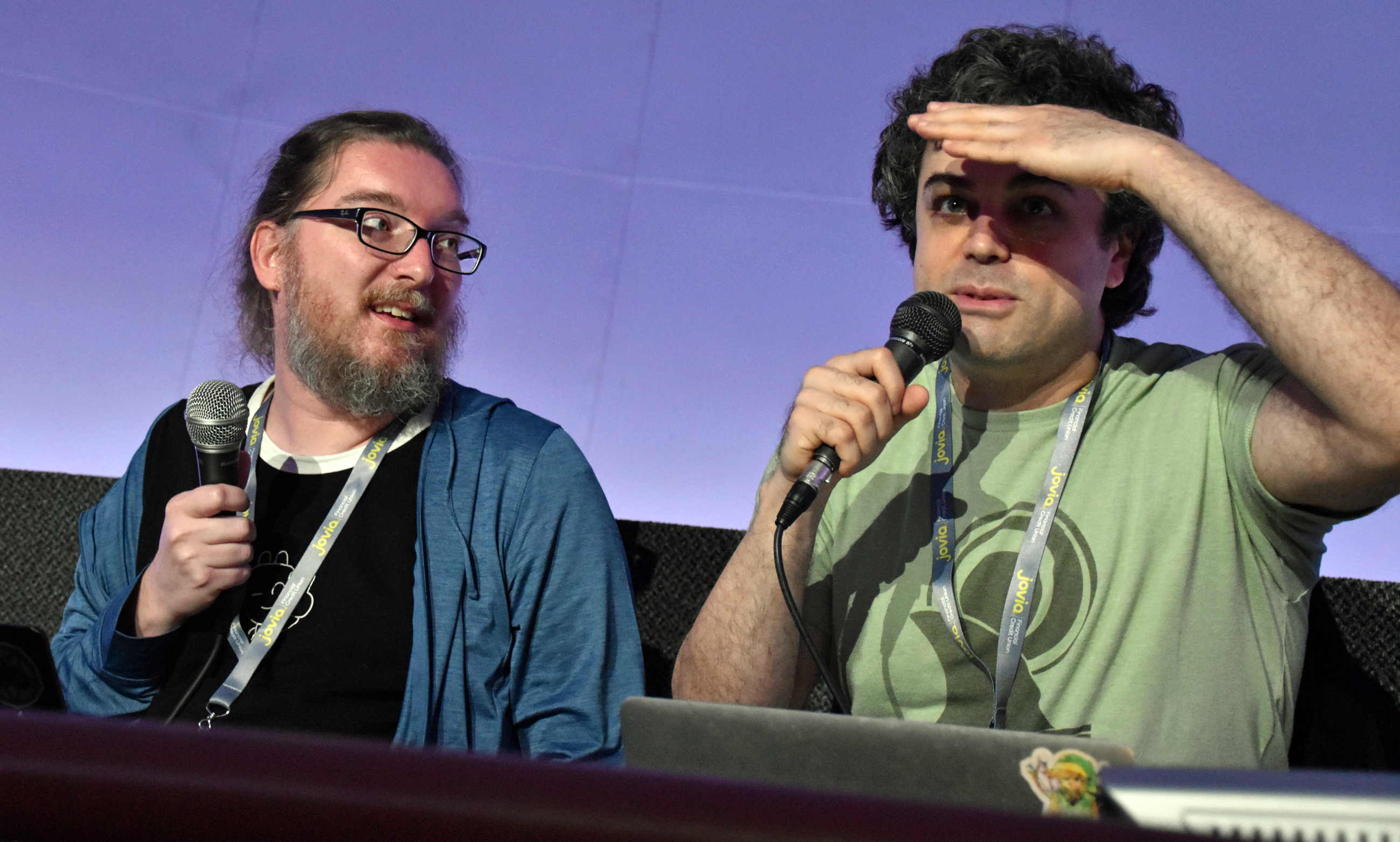
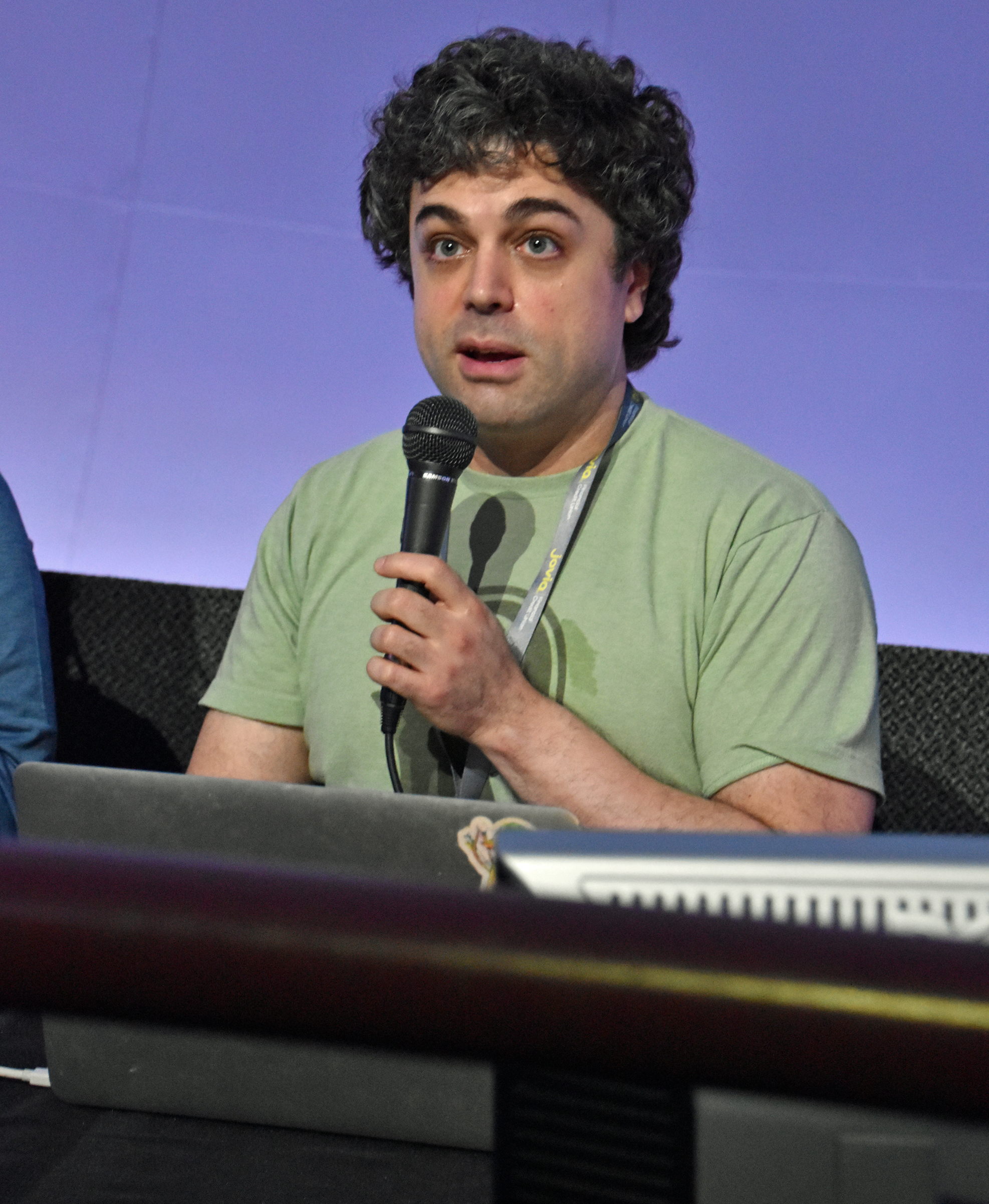
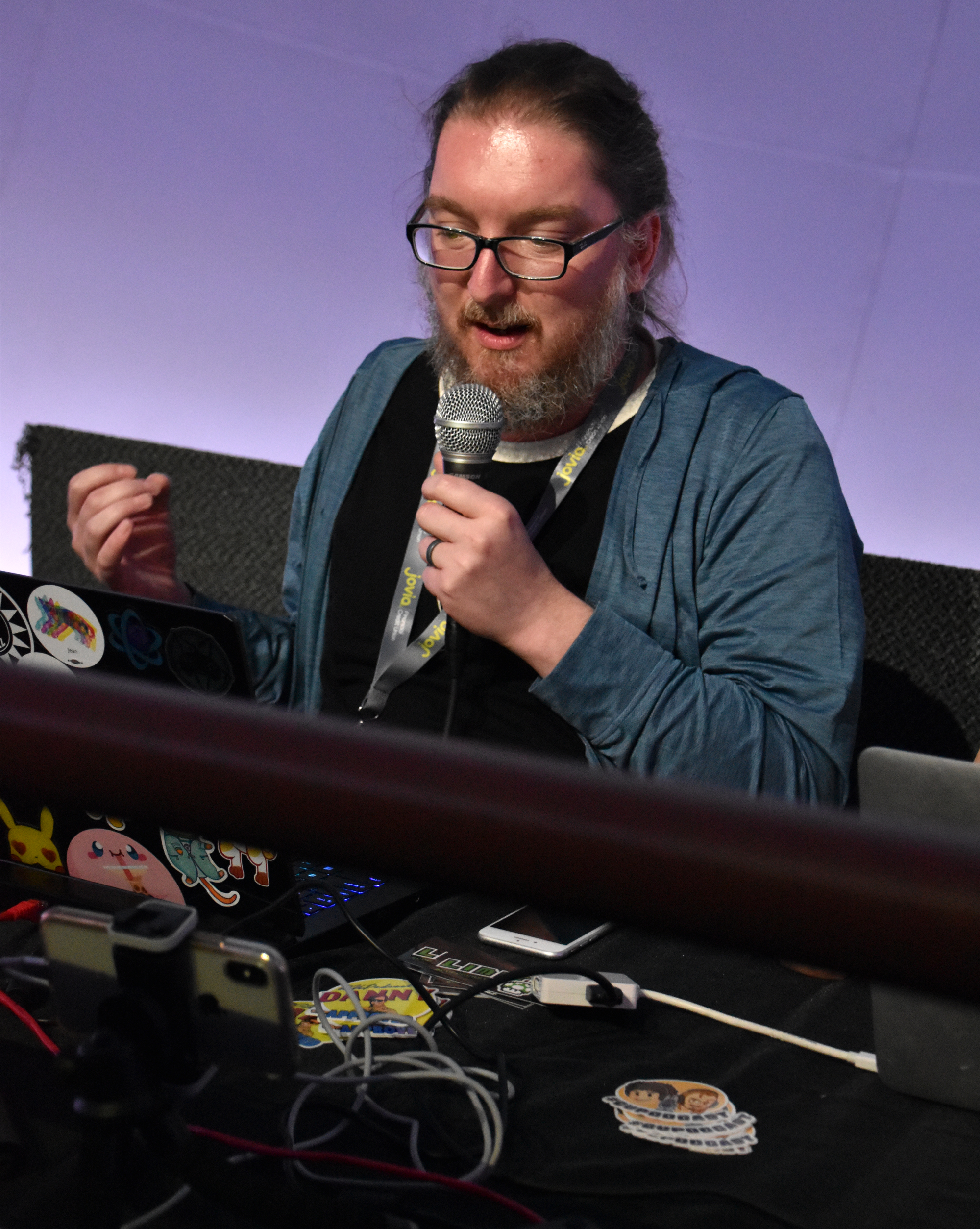
Pat and Ian’s panel was a live portion of their next episode of the CU Podcast. Before it started, and while I settled into my front row seat, the volunteer assigned to the theater asked them to “say something into the microphone” as a mic check. Ian jokingly parroted the request: “say something into the microphone.” I amusingly replied, “I knew you were gonna say that.”
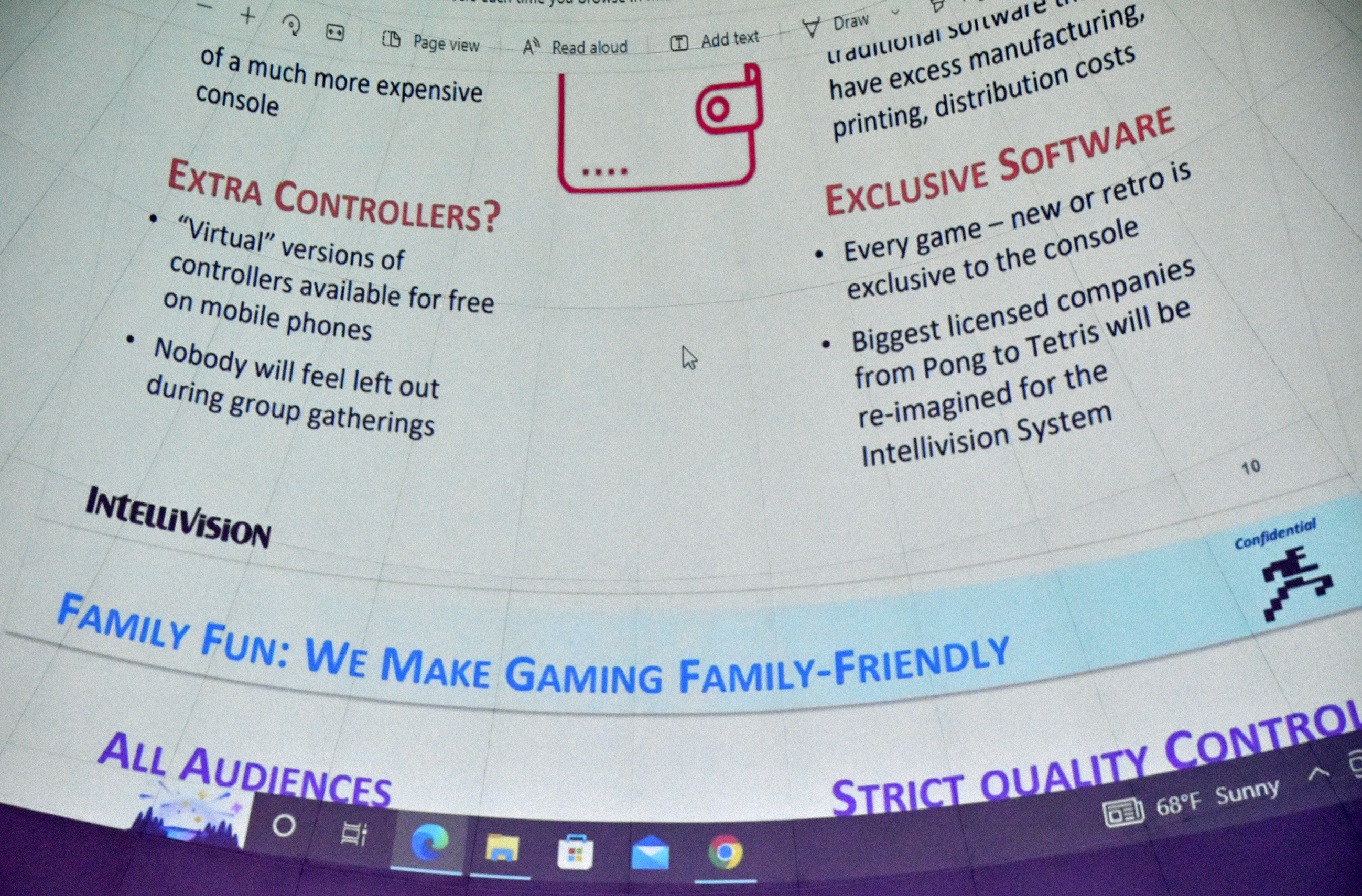
Continuing from prior episodes, Pat and Ian criticzed Tommy Tallarico and his vaporware console that would have been (or could still be?) the Intellivision Amico. On display above them was the console’s leaked “fact book.” There will be audio and video, but first, the photos:







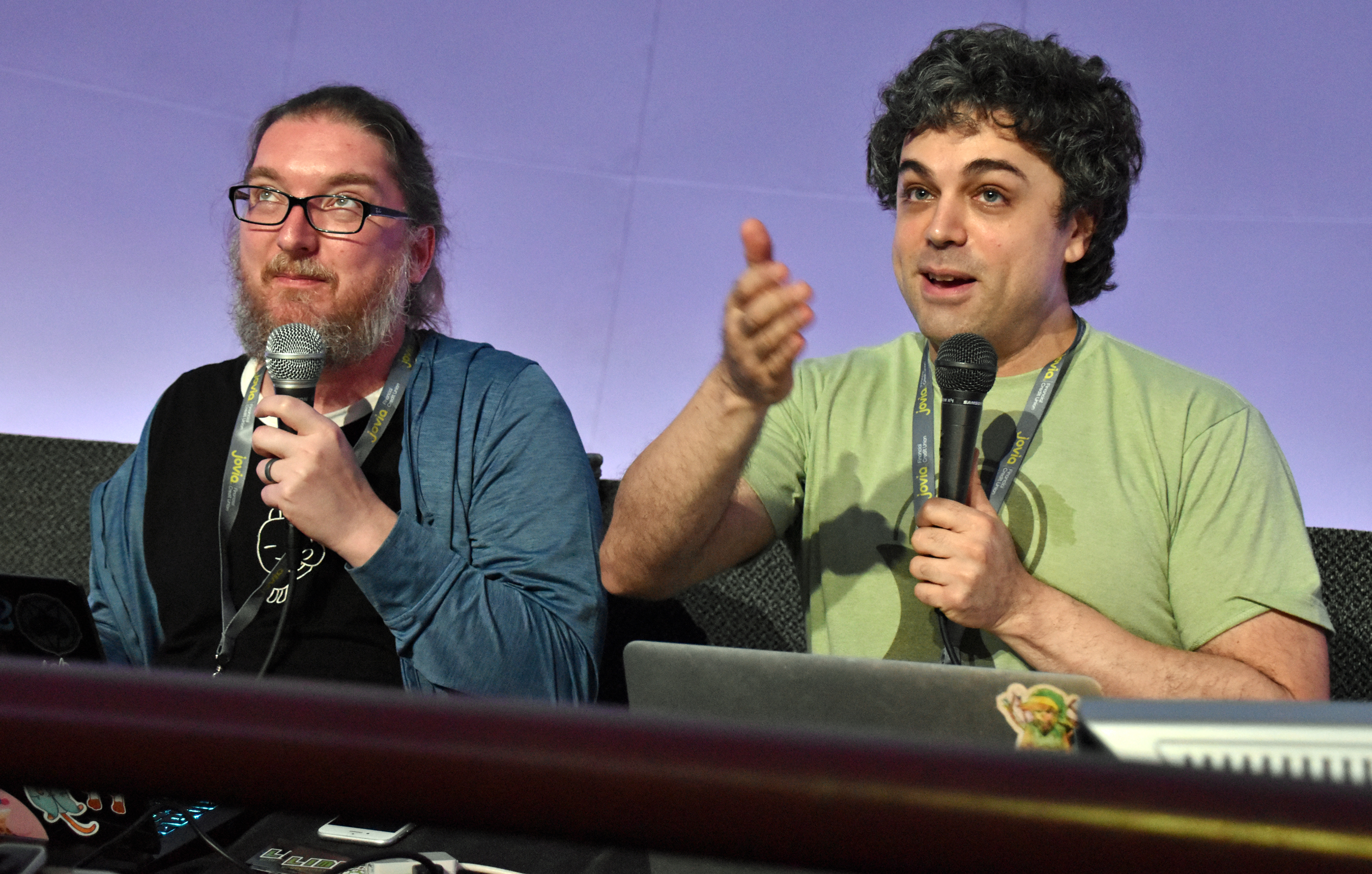
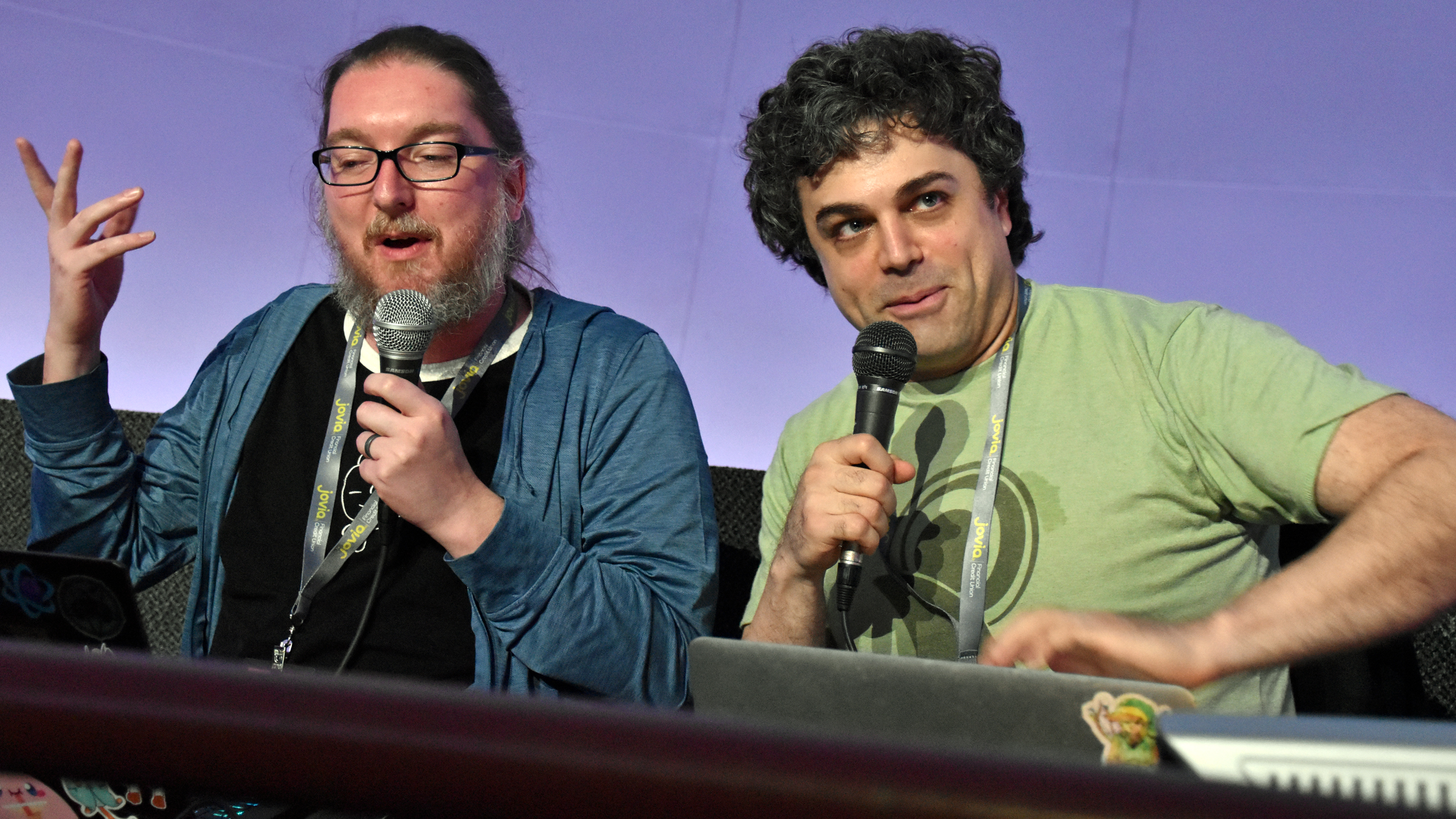


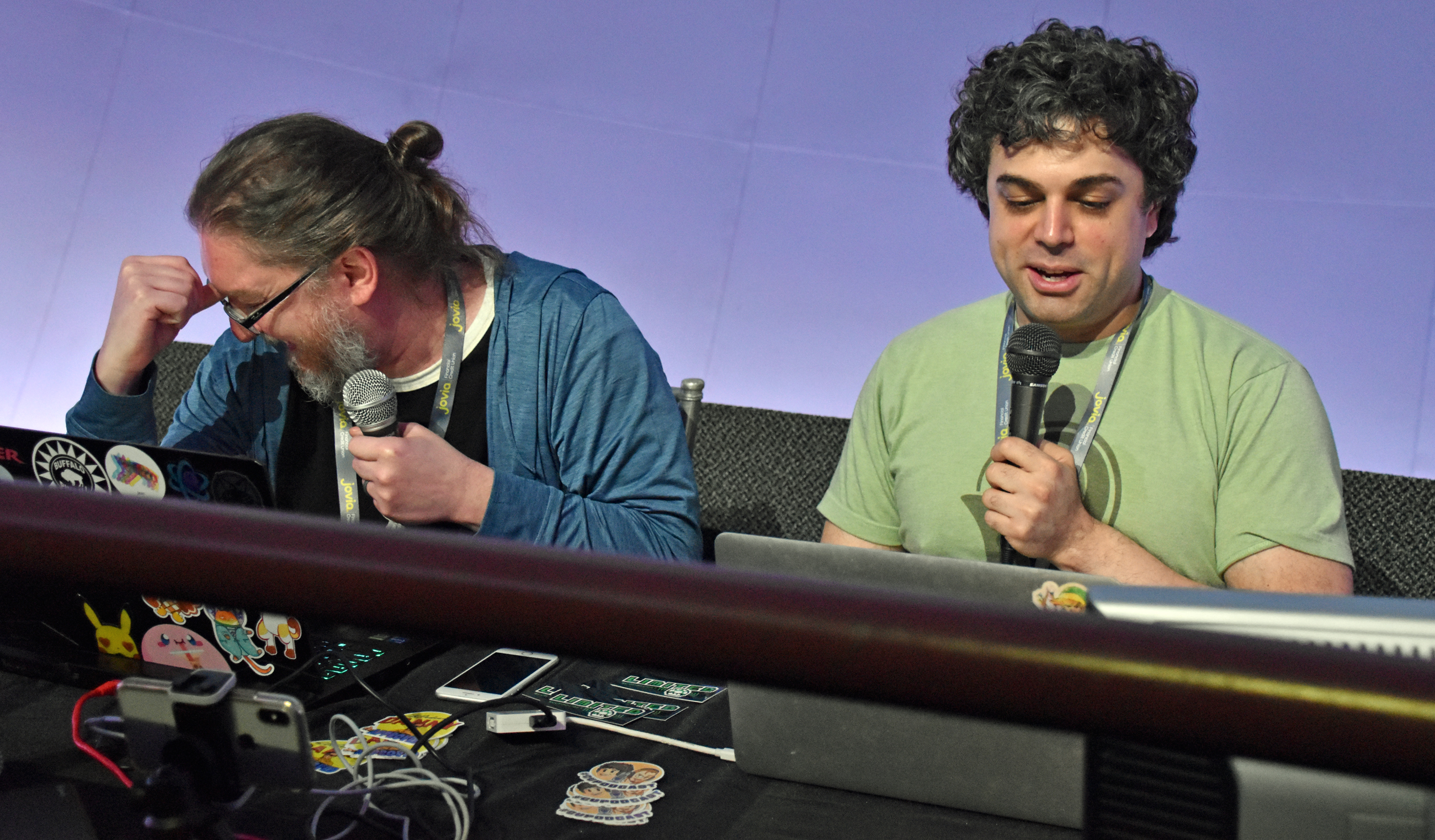

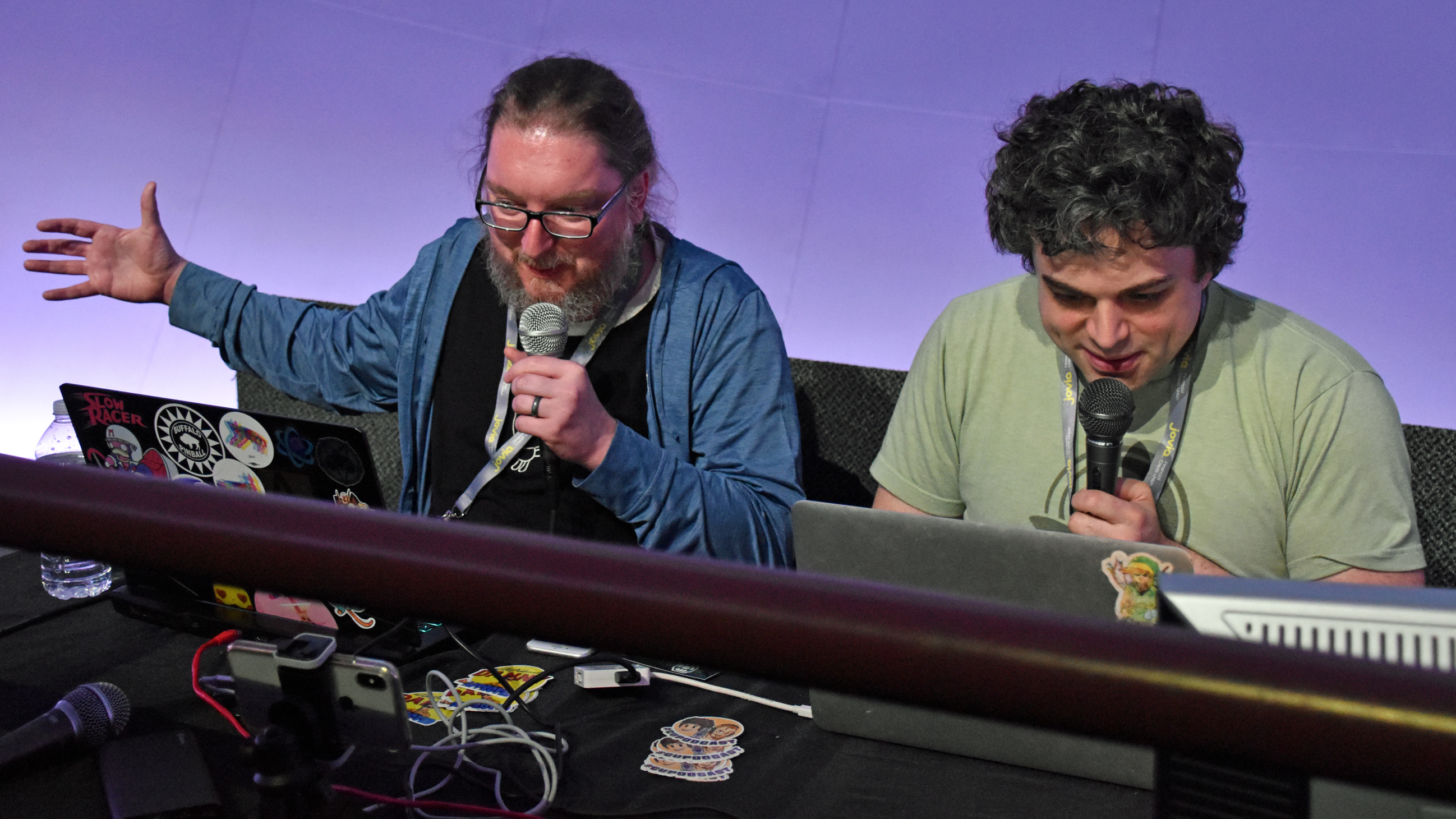

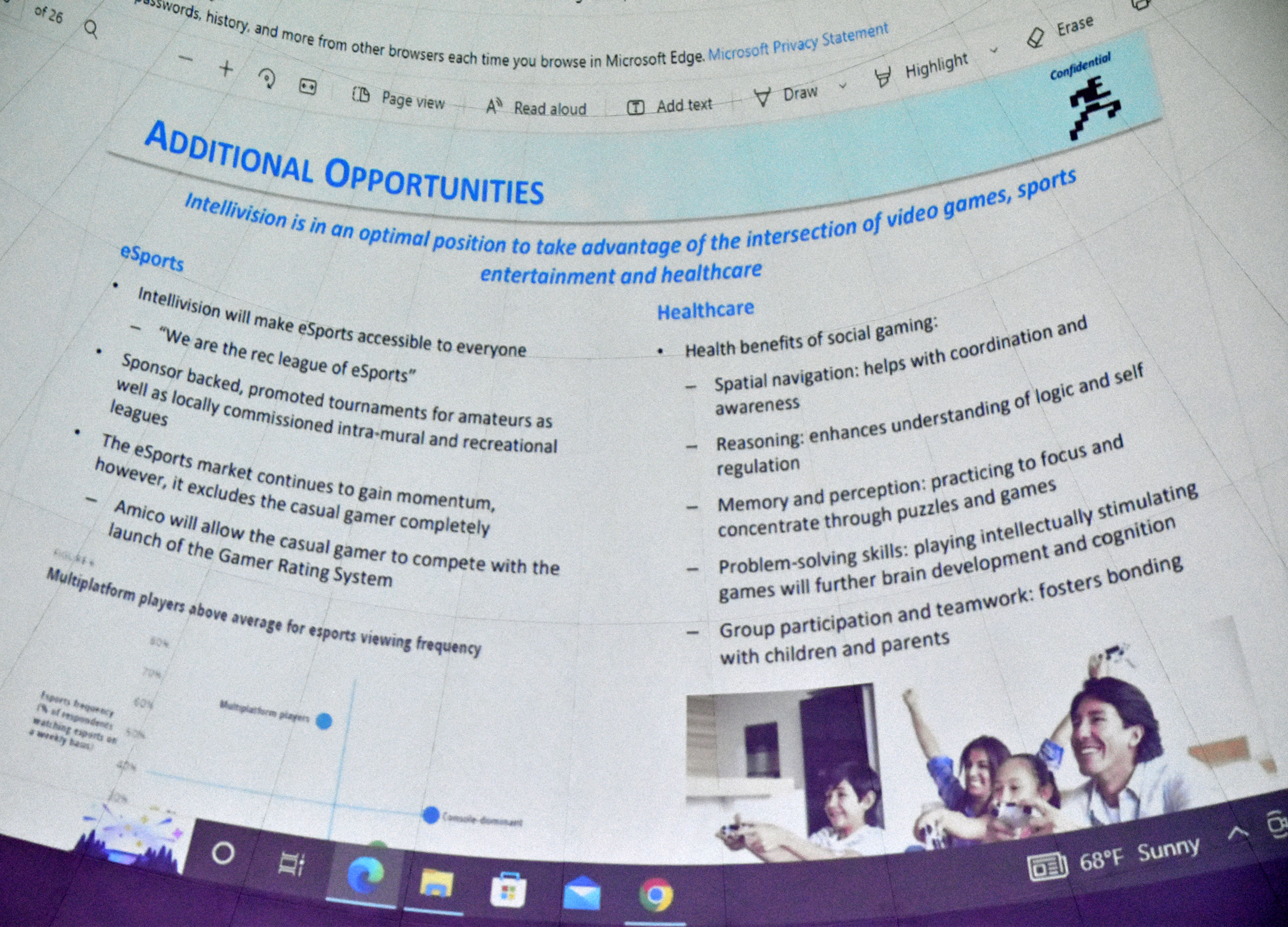


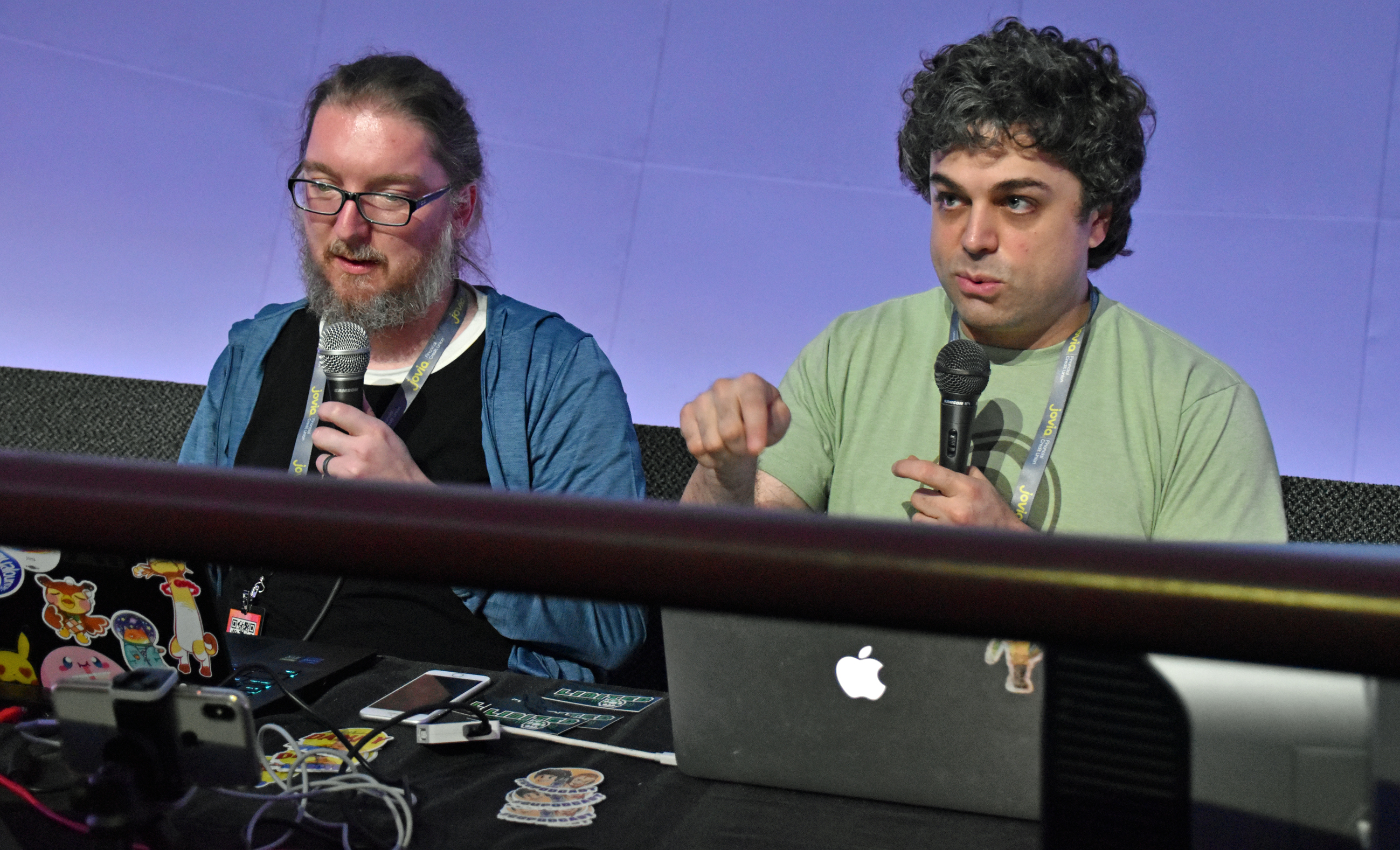

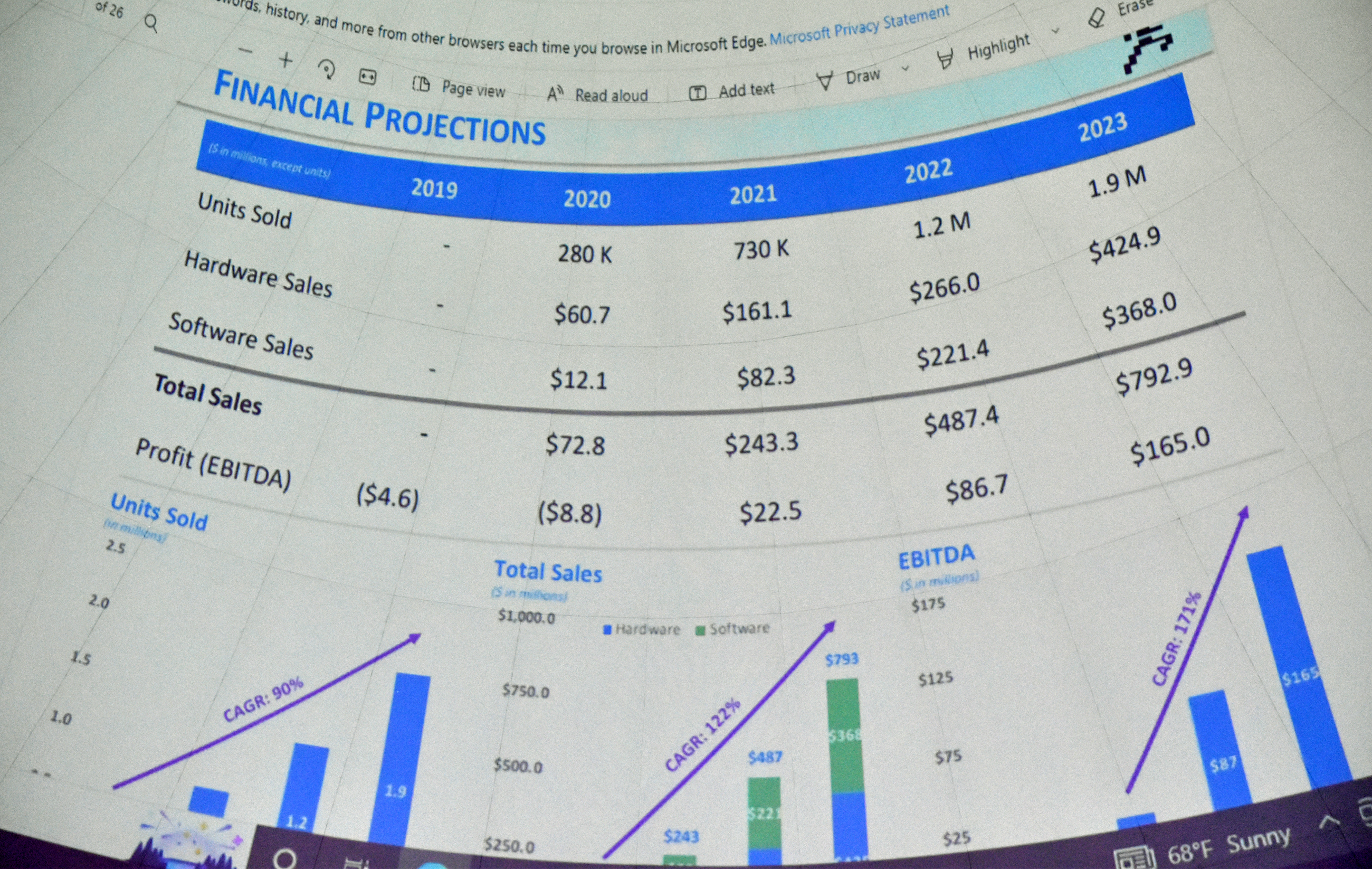

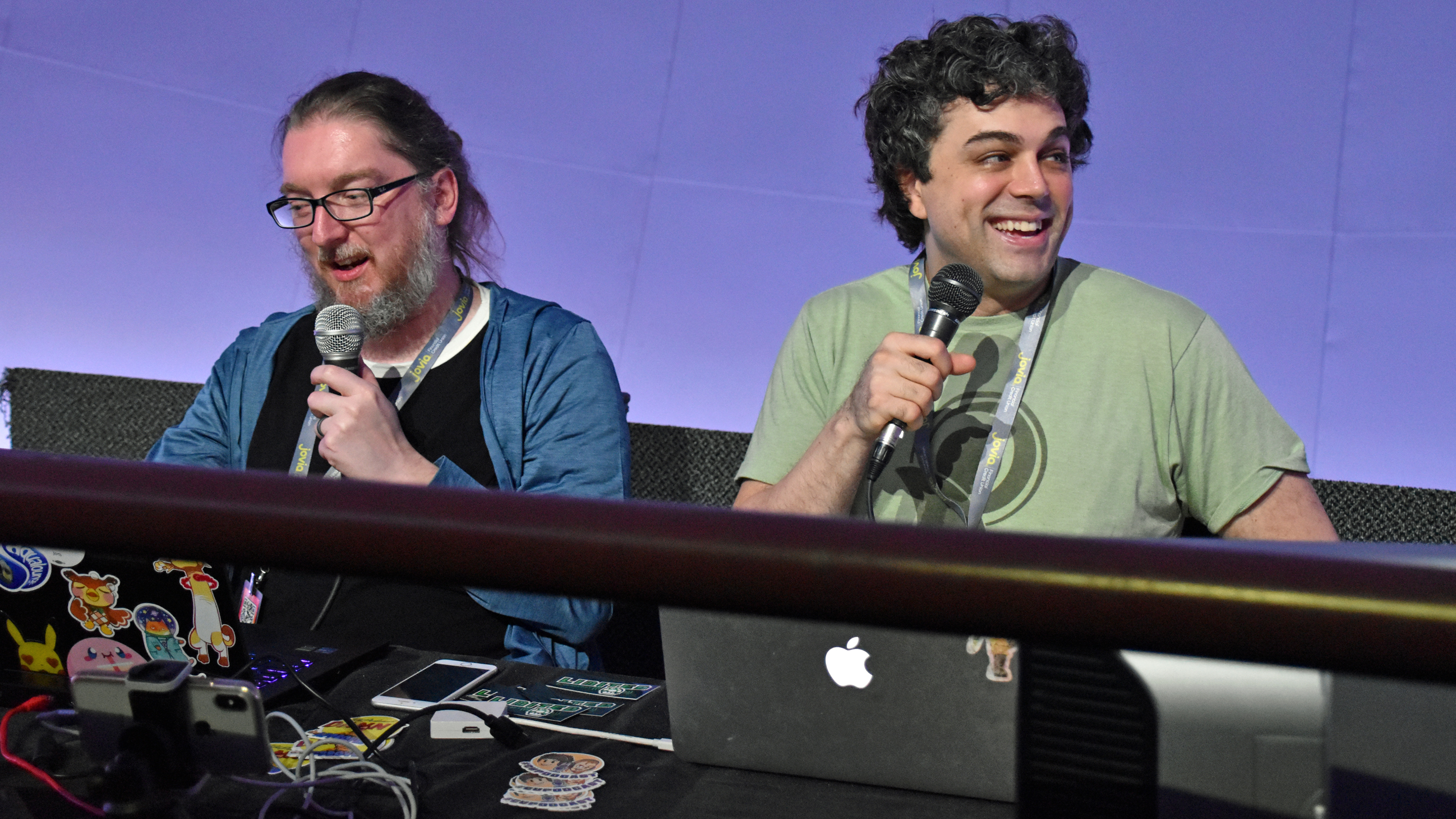

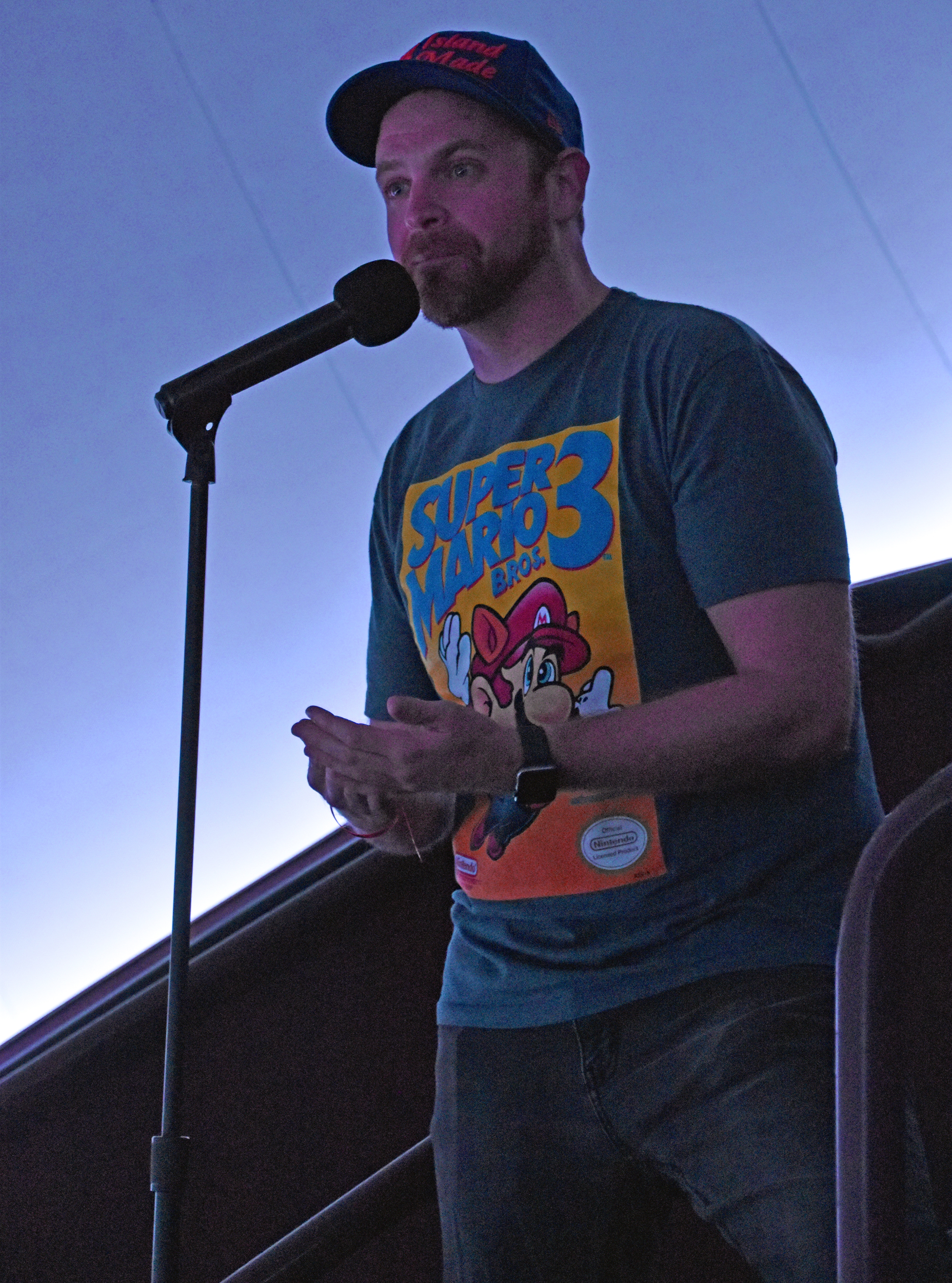
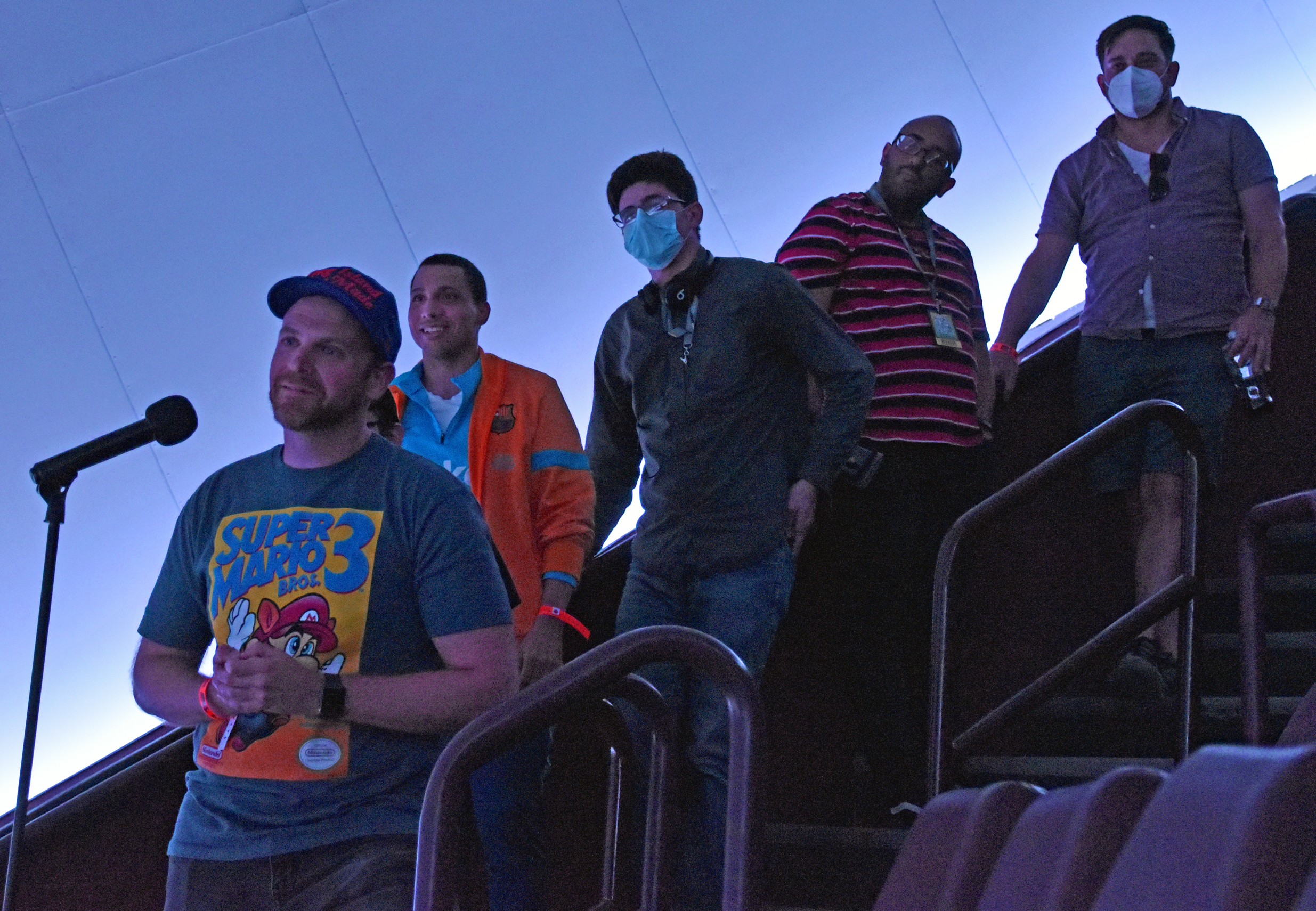


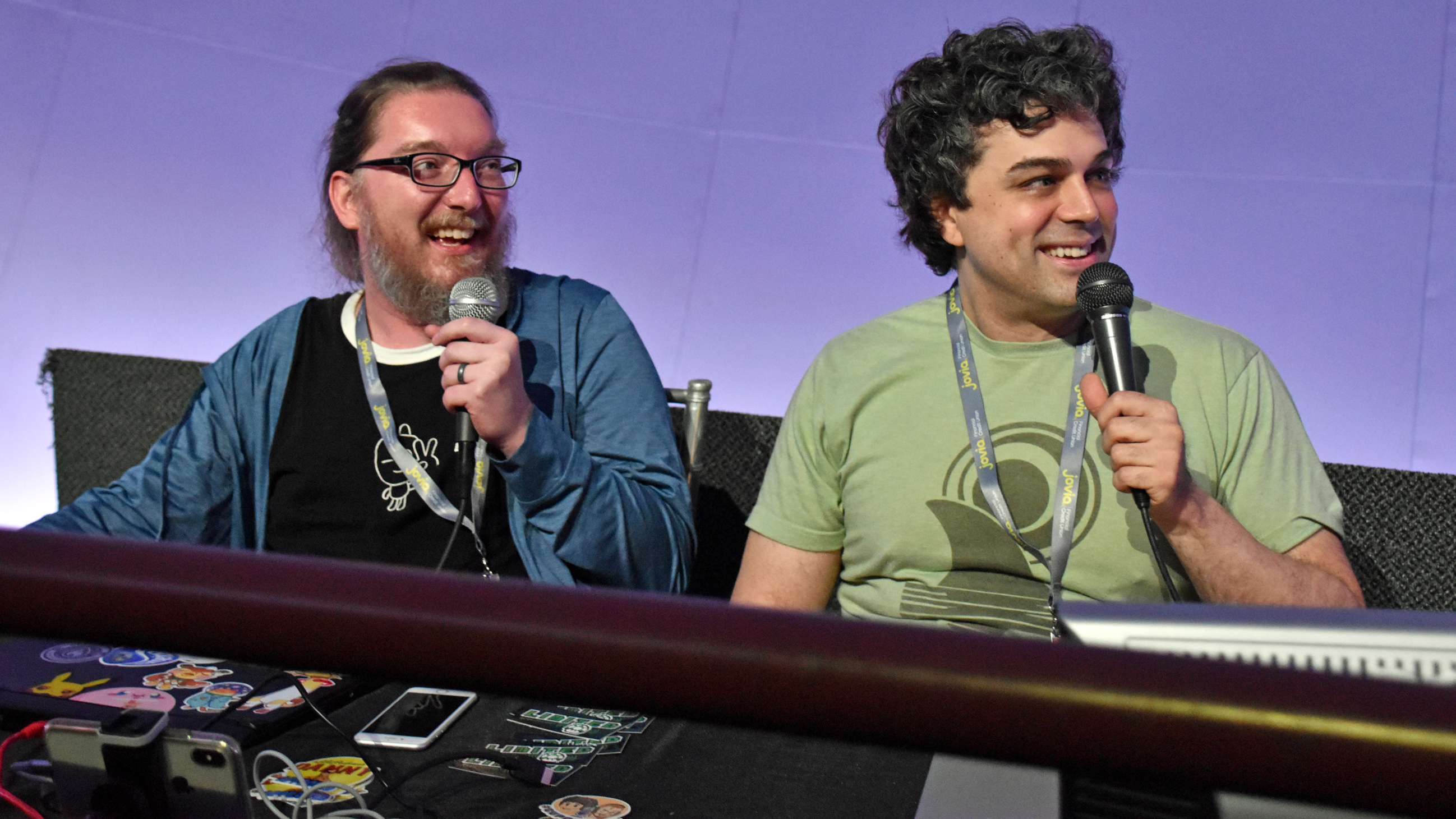
You can hear the panel-turned-podcast-episode here. My portion of the Q&A starts at 1:57:08, but I’ve clipped it here:
And this is a video excerpt from the panel – shot with the iPhone on the table – that was posted to Pat’s YouTube channel:
I was the voice at 16:44 saying that Sean Astin narrated a video game documentary. I was thinking of Video Games: The Movie, but a comment to the video said the fact sheet was referencing the later docuseries called Playing with Power: The Nintendo Story.
I liked Ian’s quaint pronunciation of wanton, “wonton” instead of “wantin’.”
Video of the Q&A portion:
My questions start at 18:26, “Tommy” starts at 25:13.
Theater guests had to exit on the third floor, so I bode my time by taking photos of the few console freeplay tables there. Then, I snapped pics for most of the second floor exhibits prior to the Axinn Air and Space Museum Hall entrance. I saved that for after the 2PM panel back in the theater.
In that 2PM panel, John Blue Riggs performed a live ROM hack of Super Mario Bros. for the NES, the first game I played in February 1990 via the Duck Hunt combo cart. With the right software, John imported tiles from whatever NES game ROMs the audience requested, and he altered the SMB code to altered the colors and text. Let the editing begin!

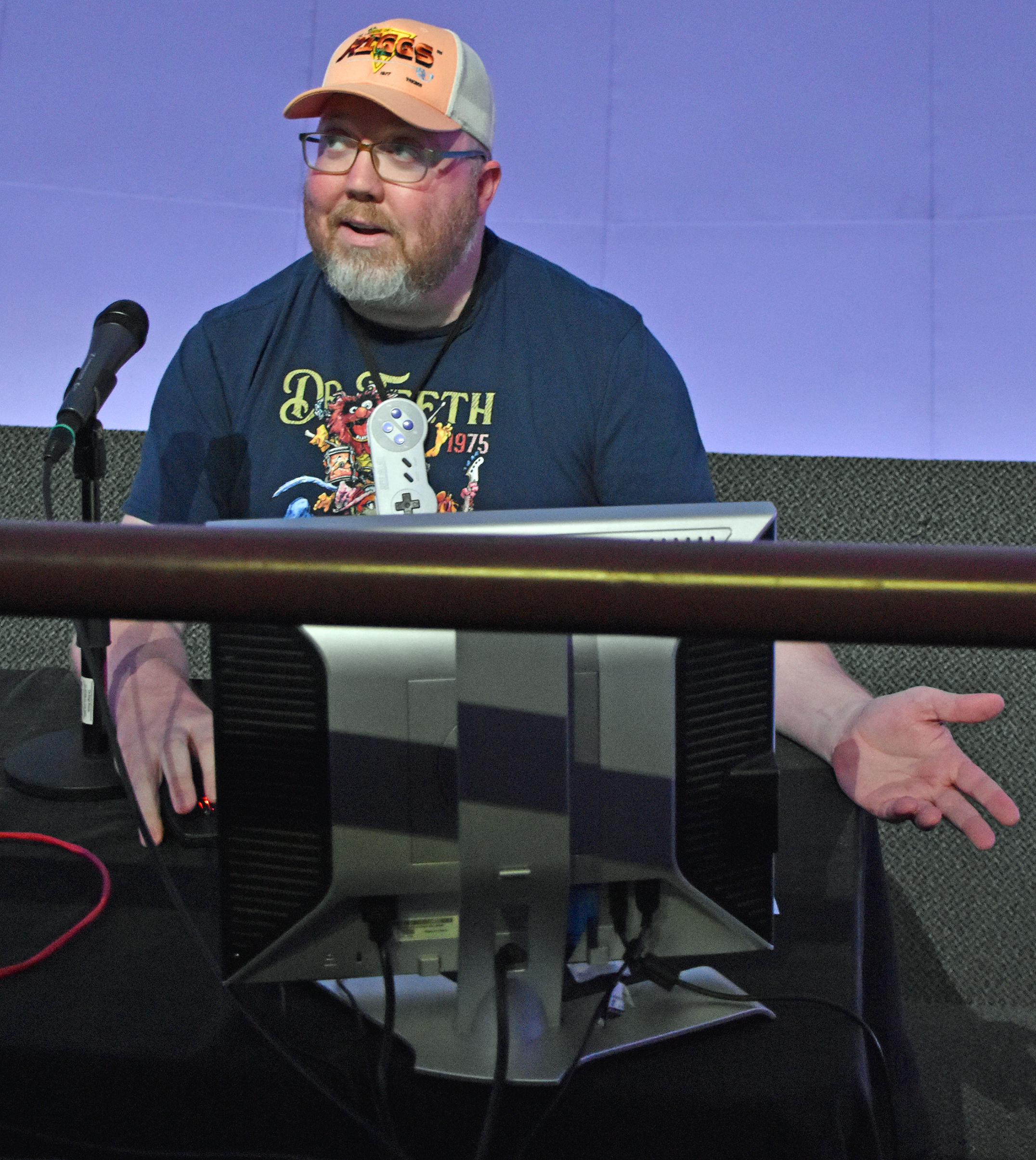
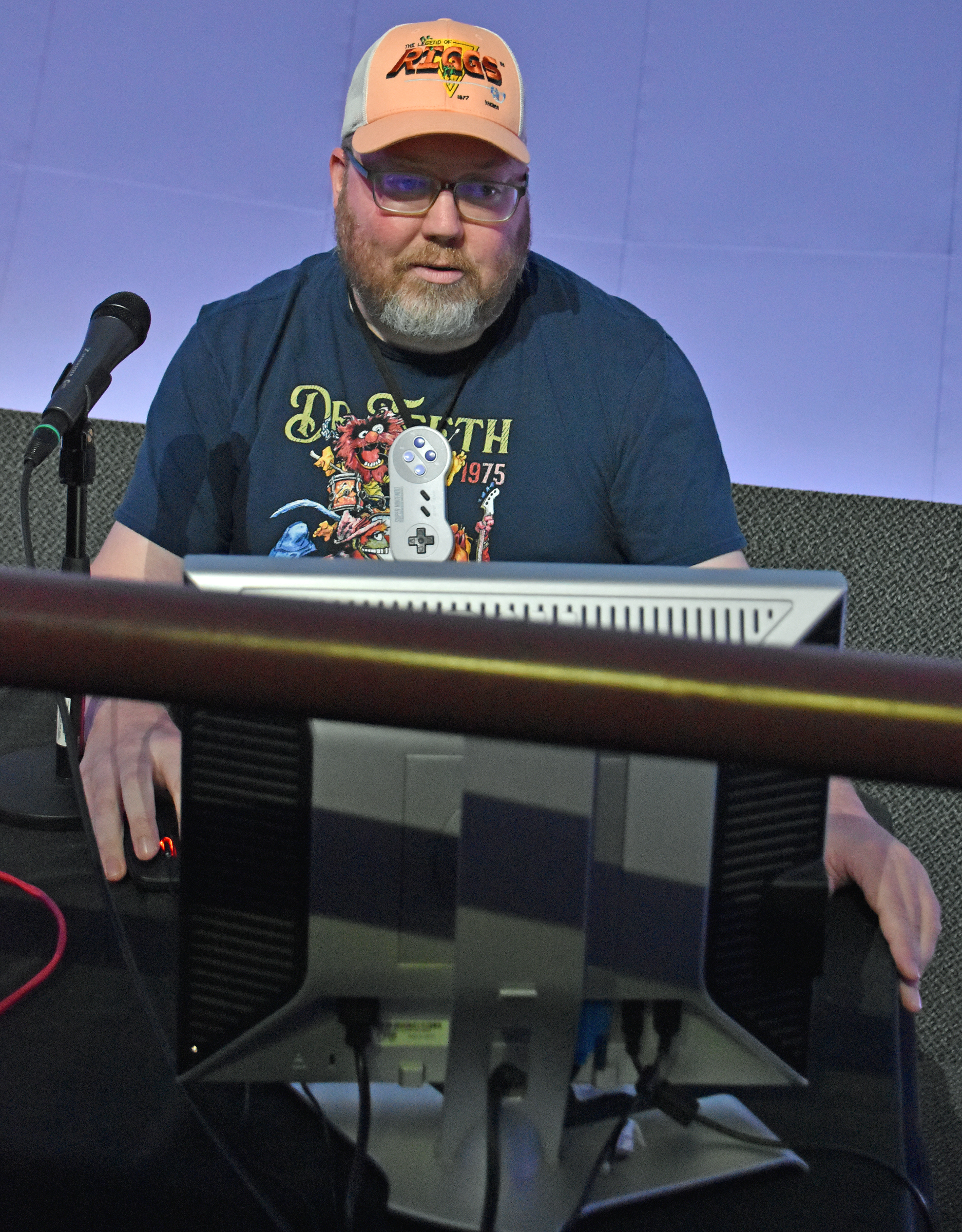
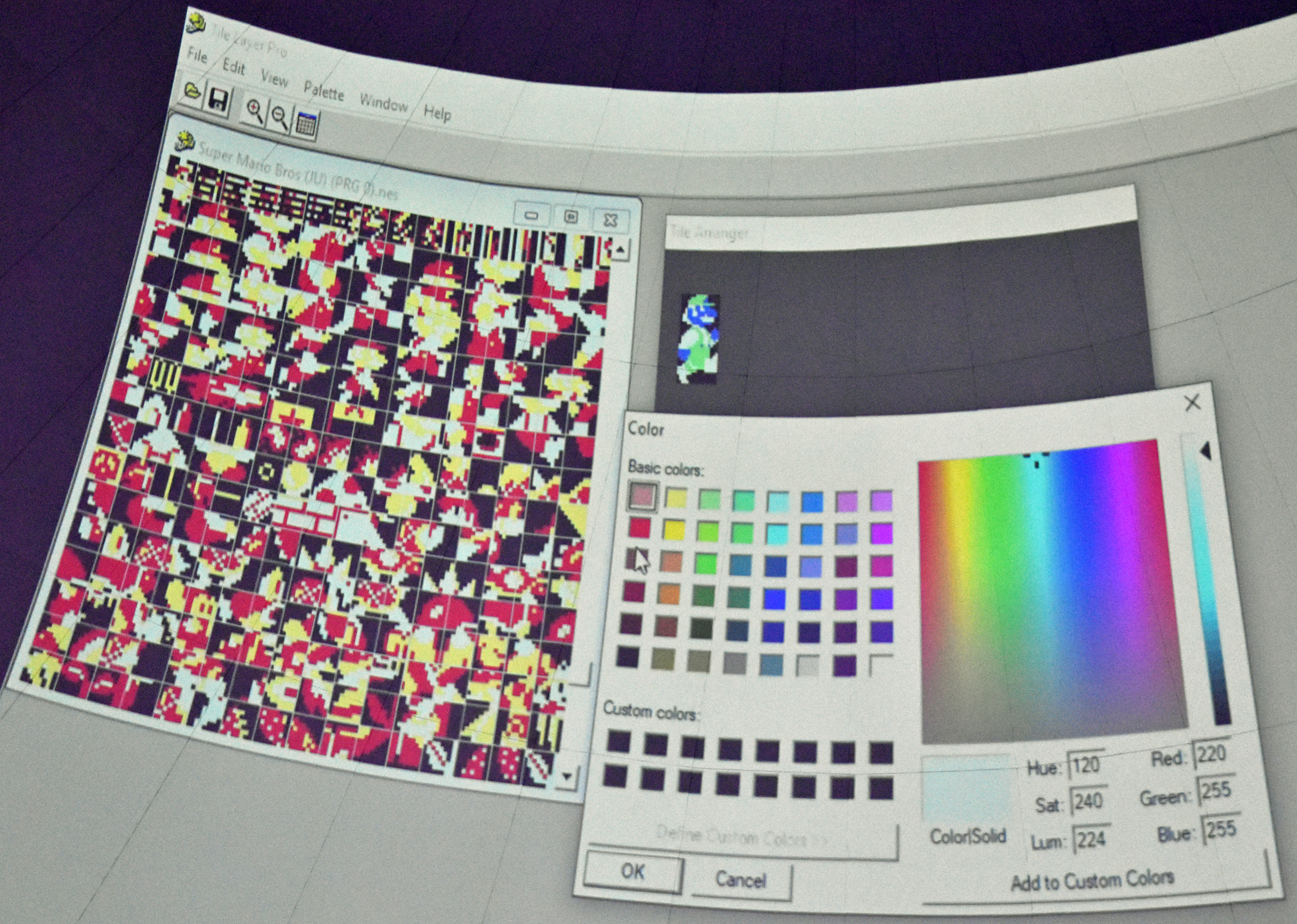


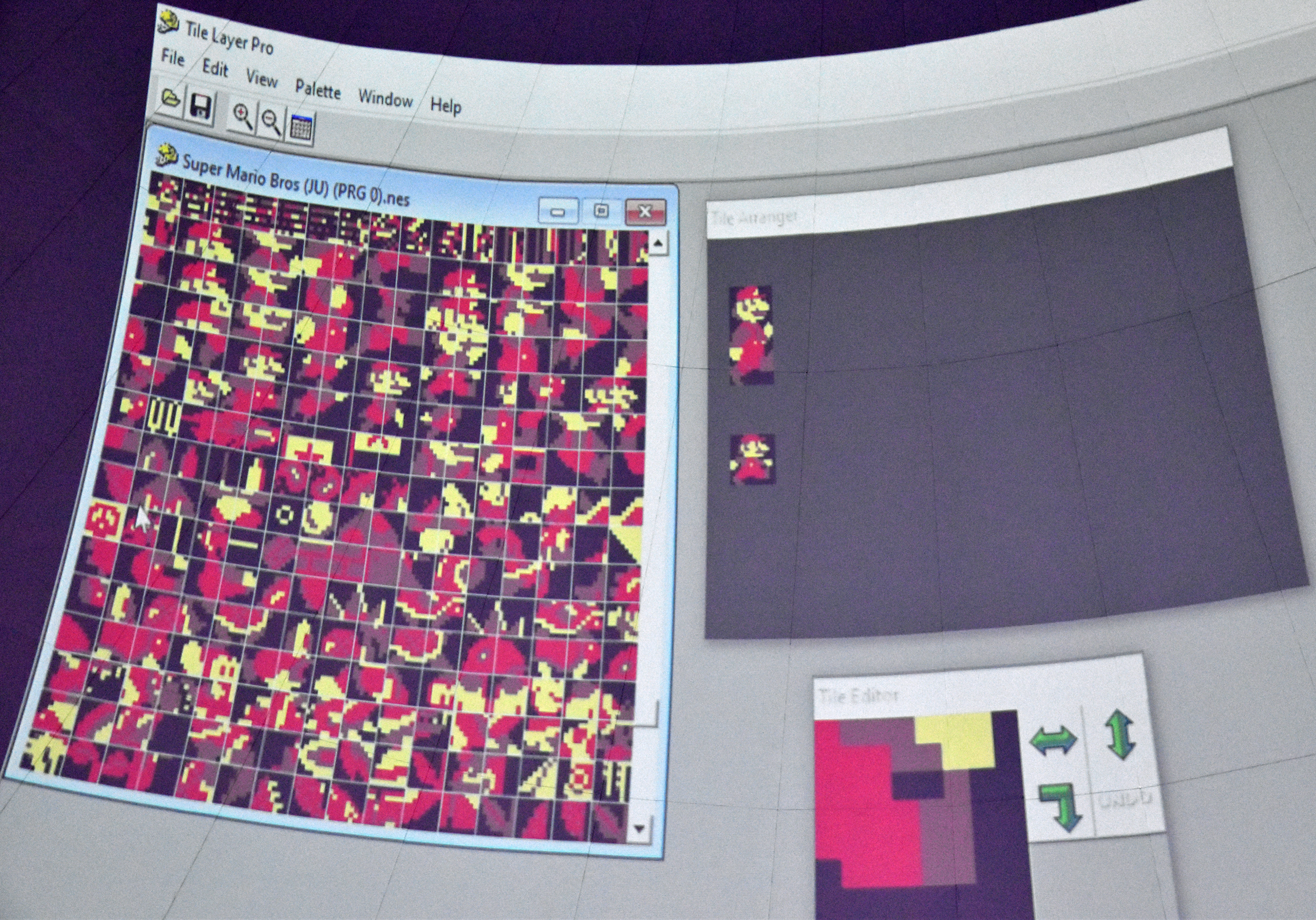


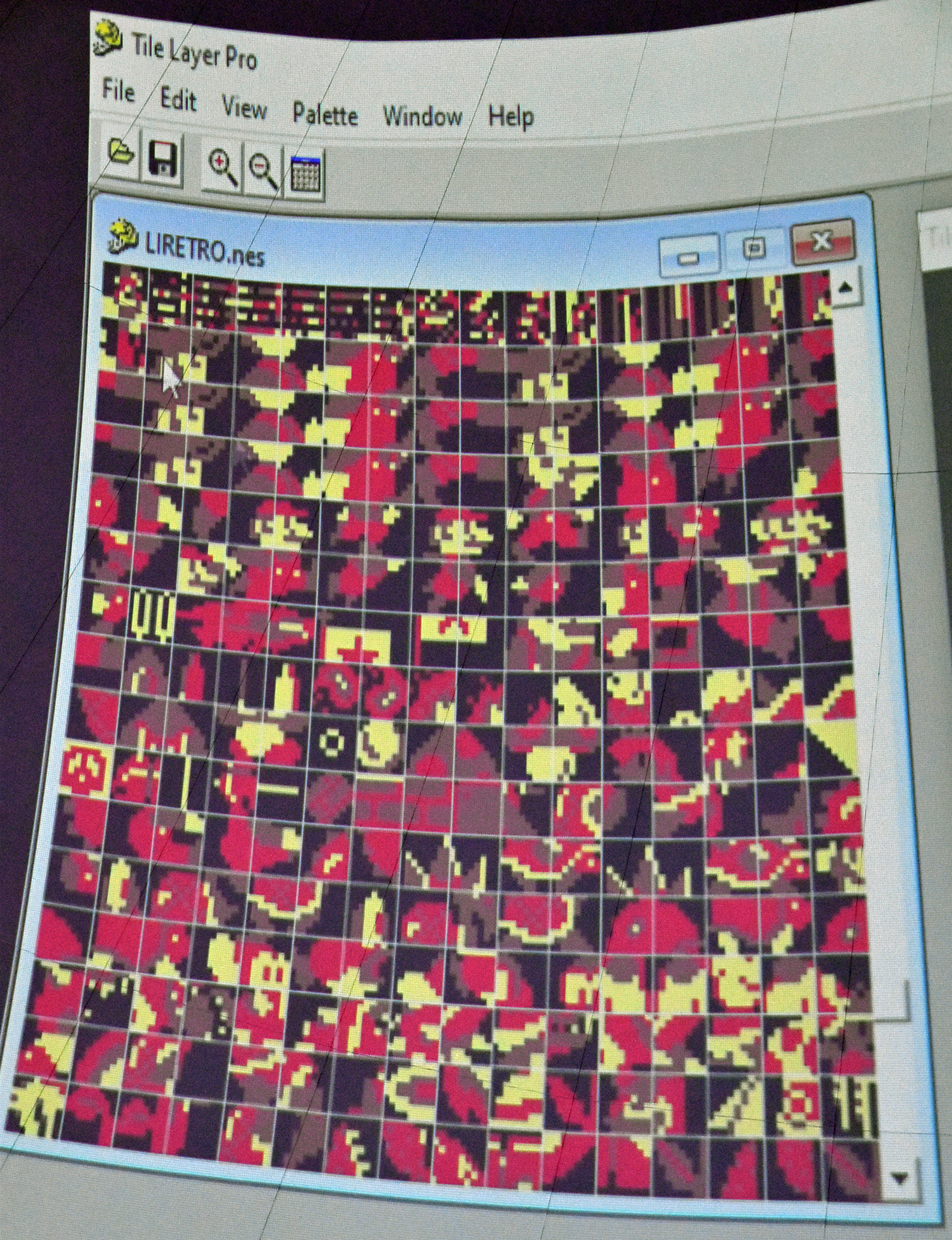


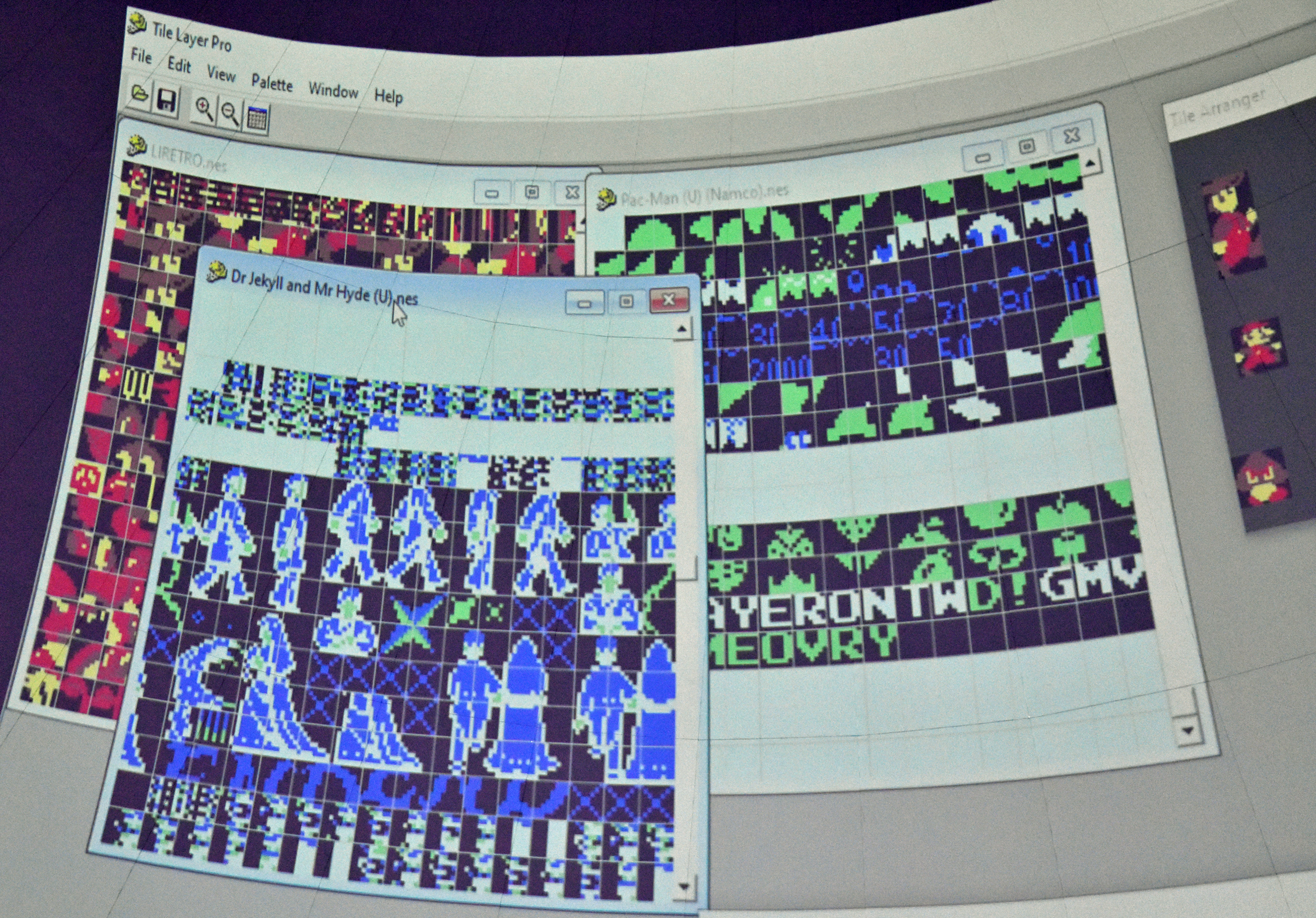
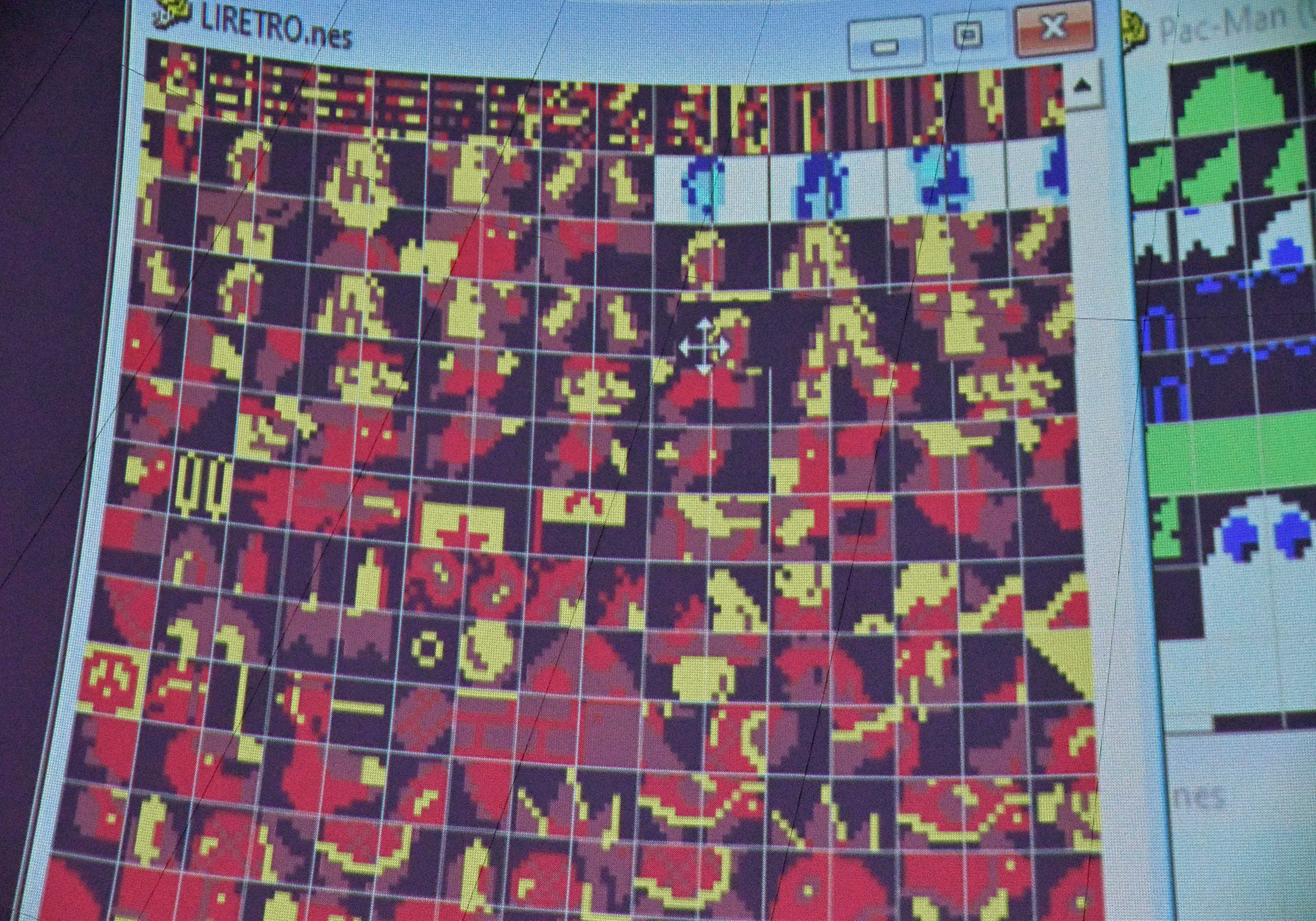

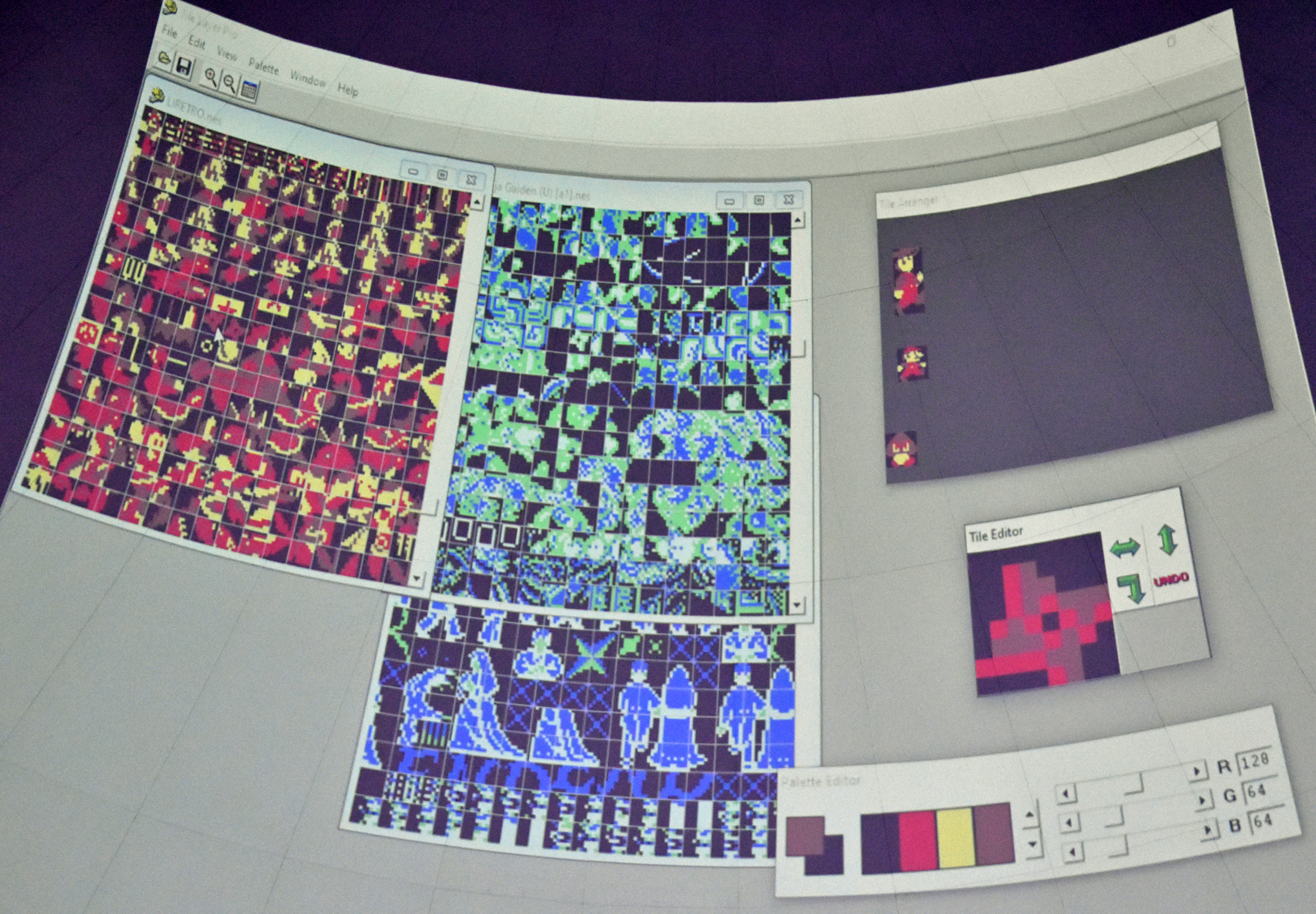
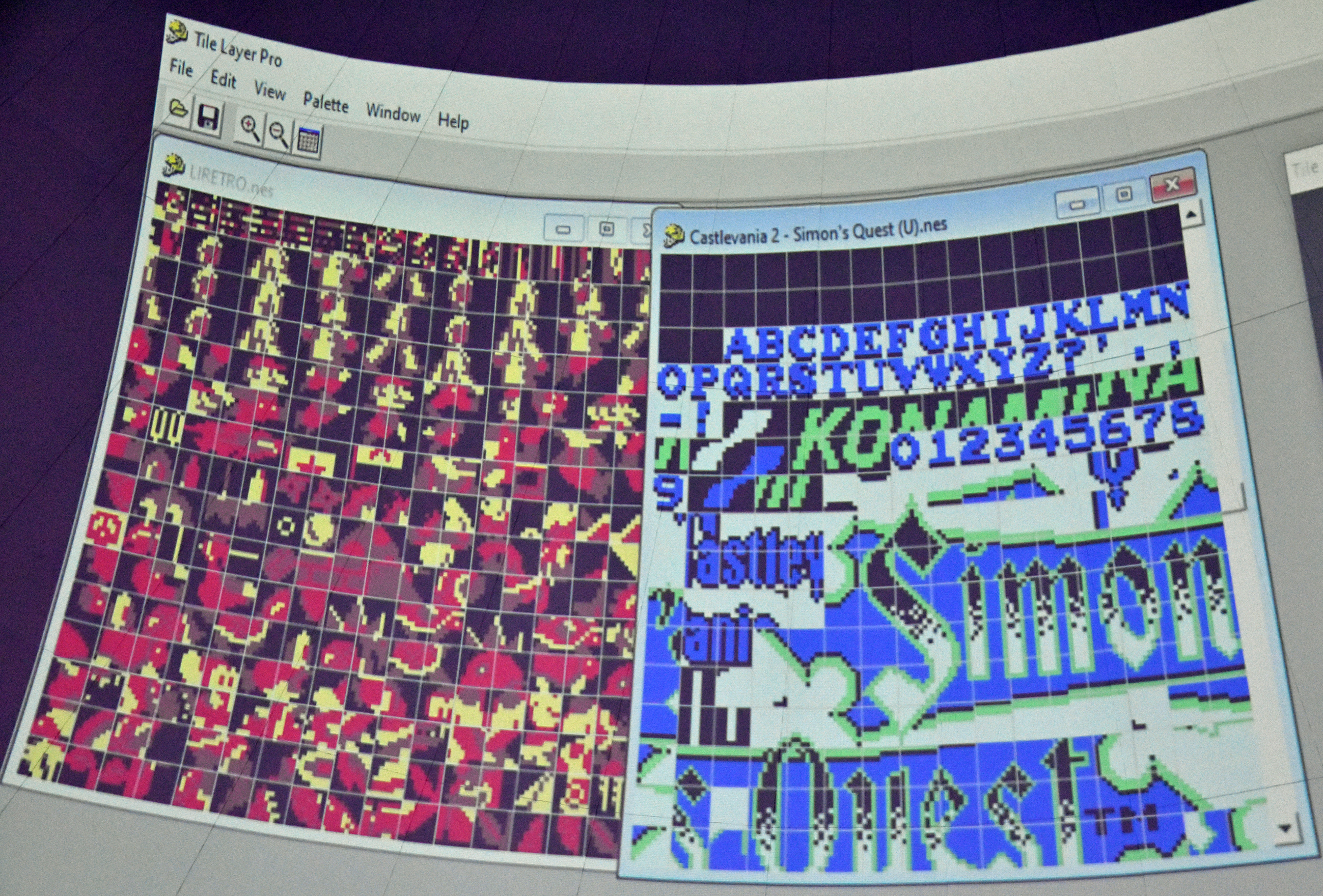
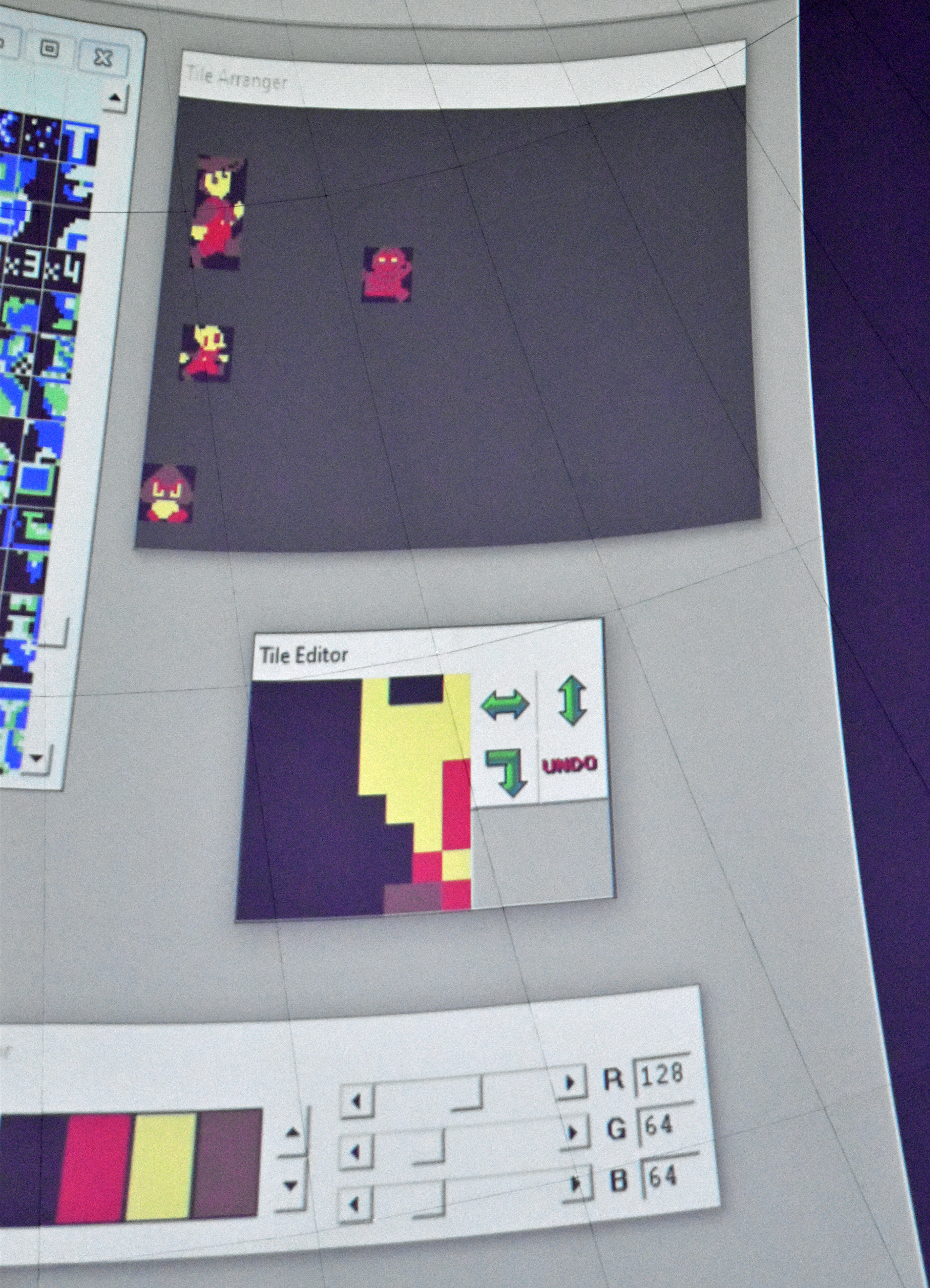
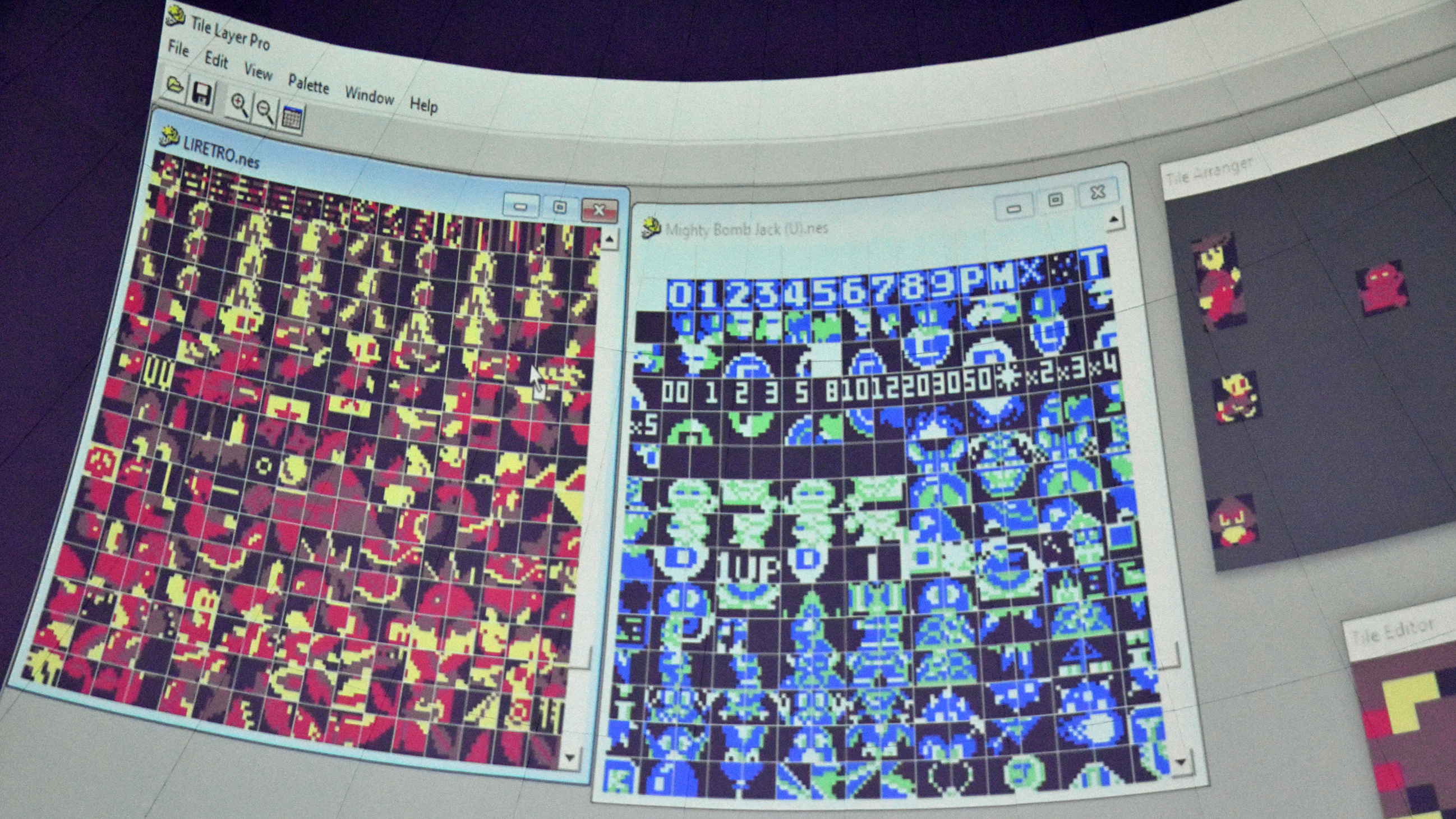
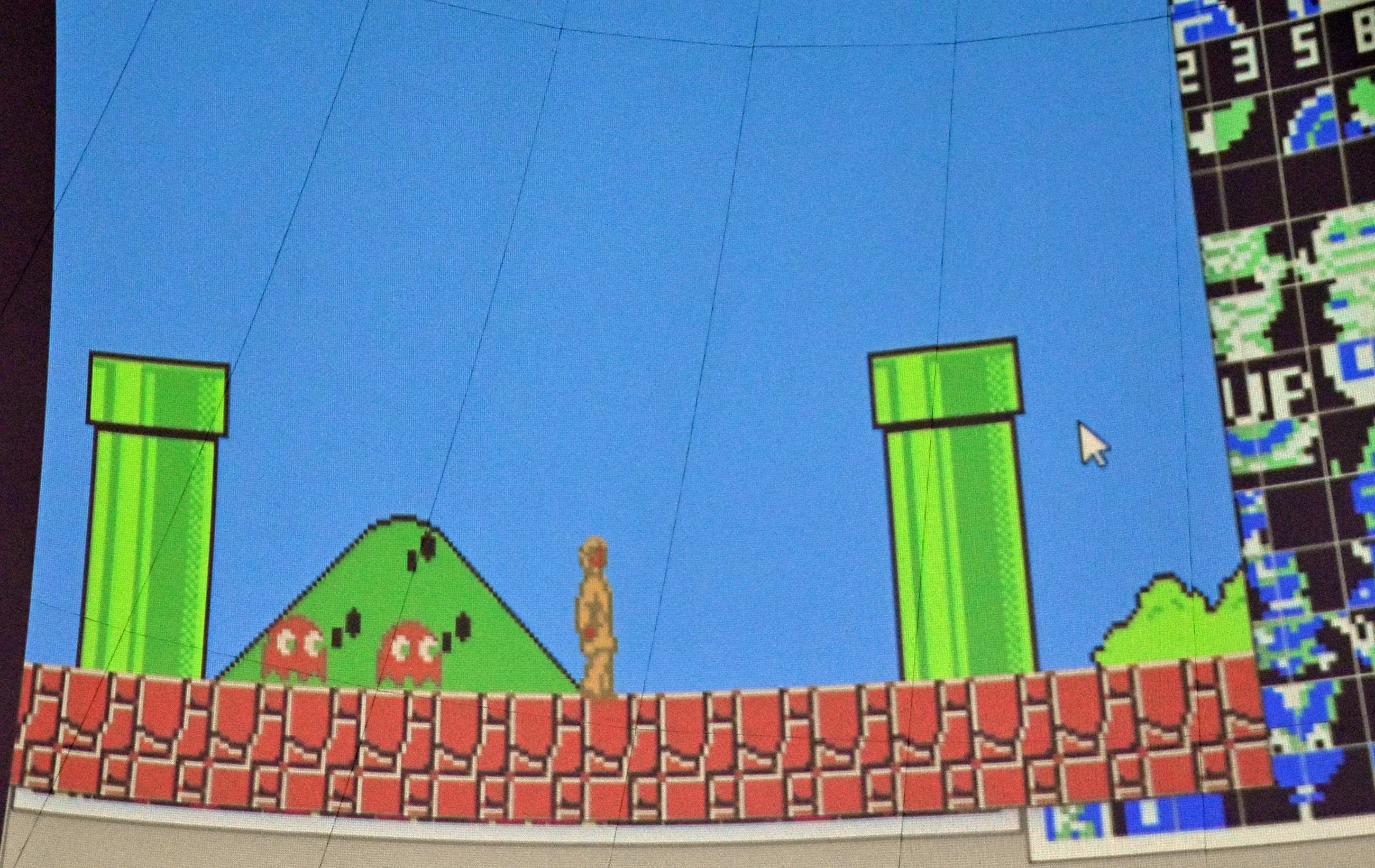


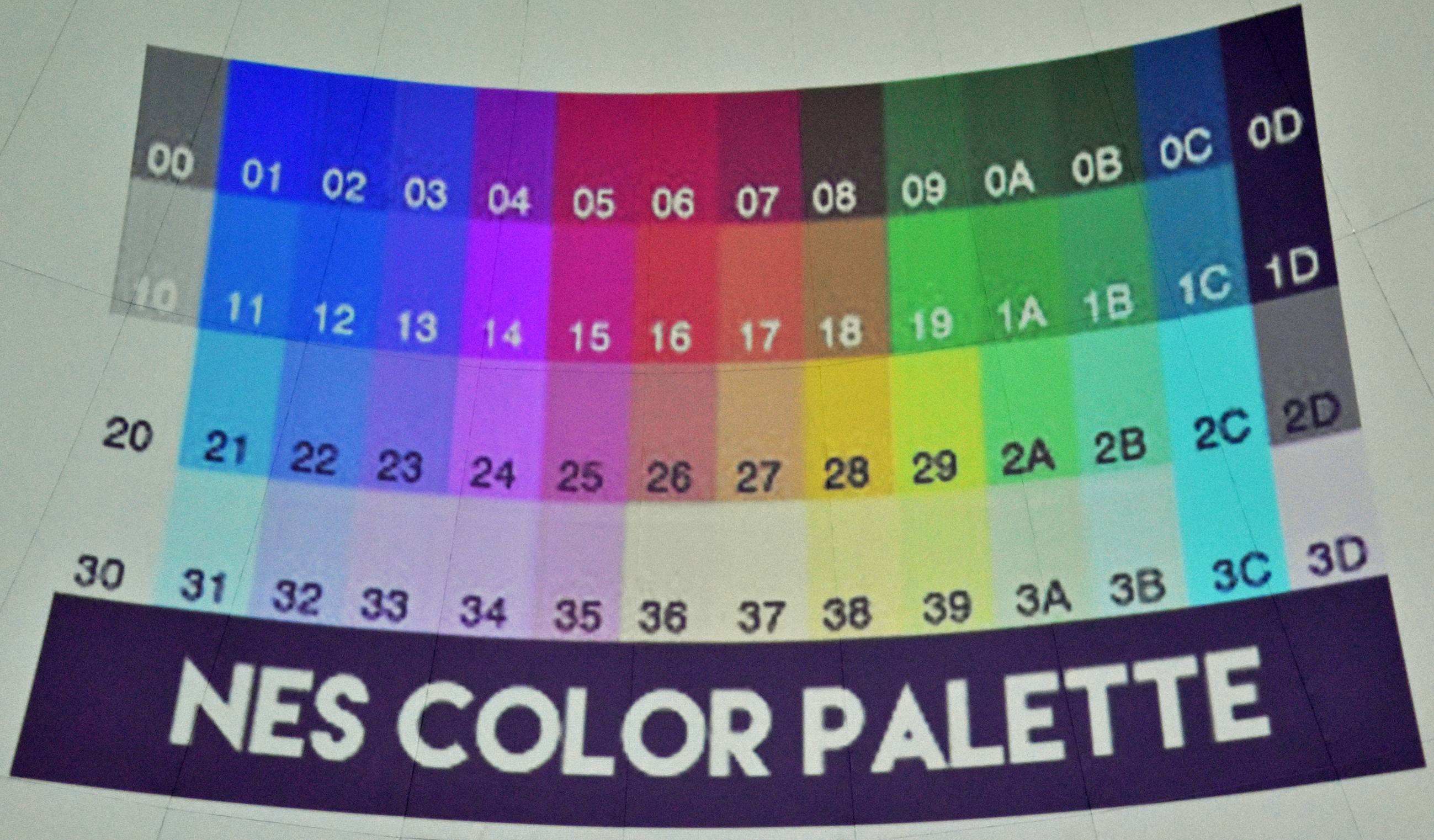

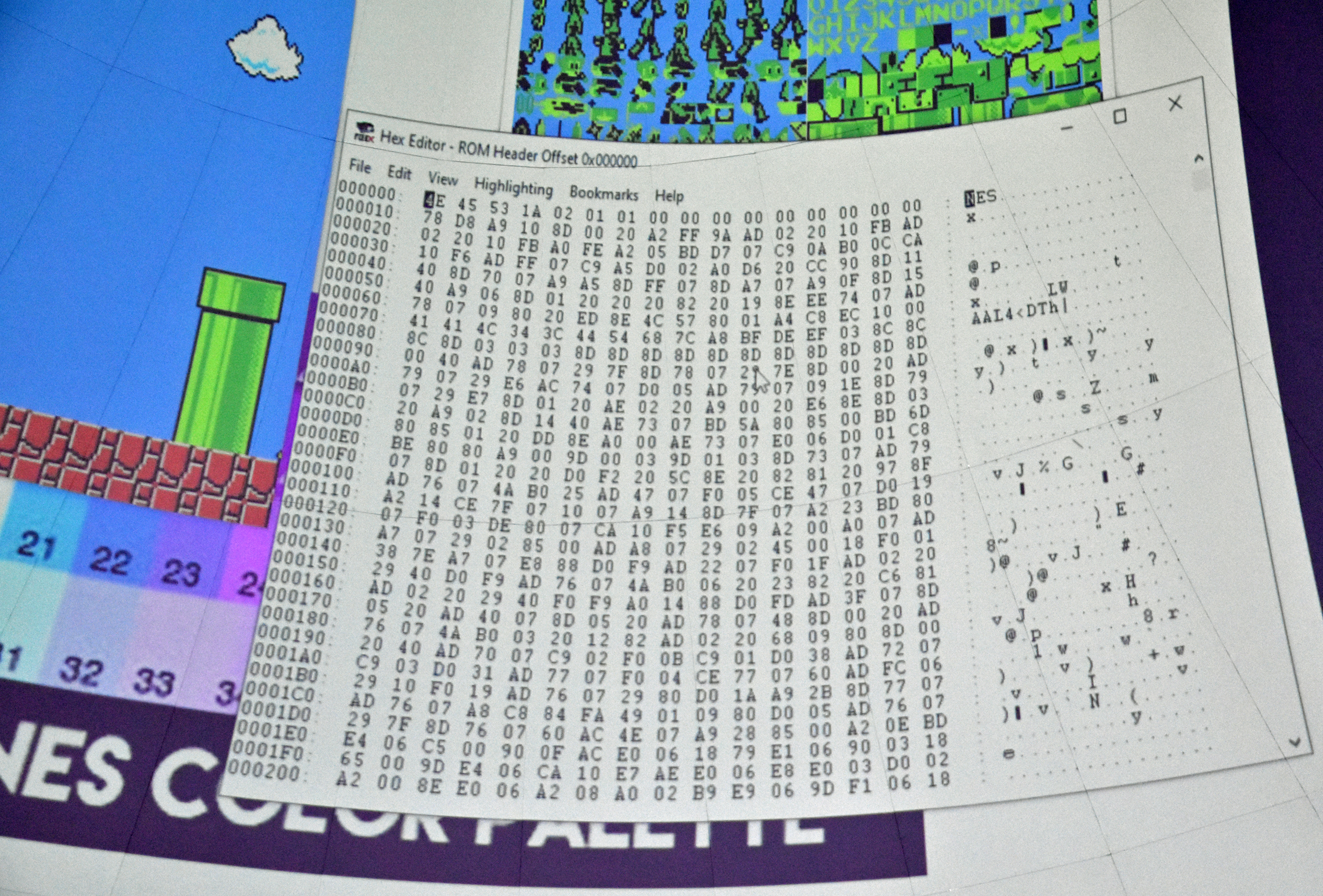
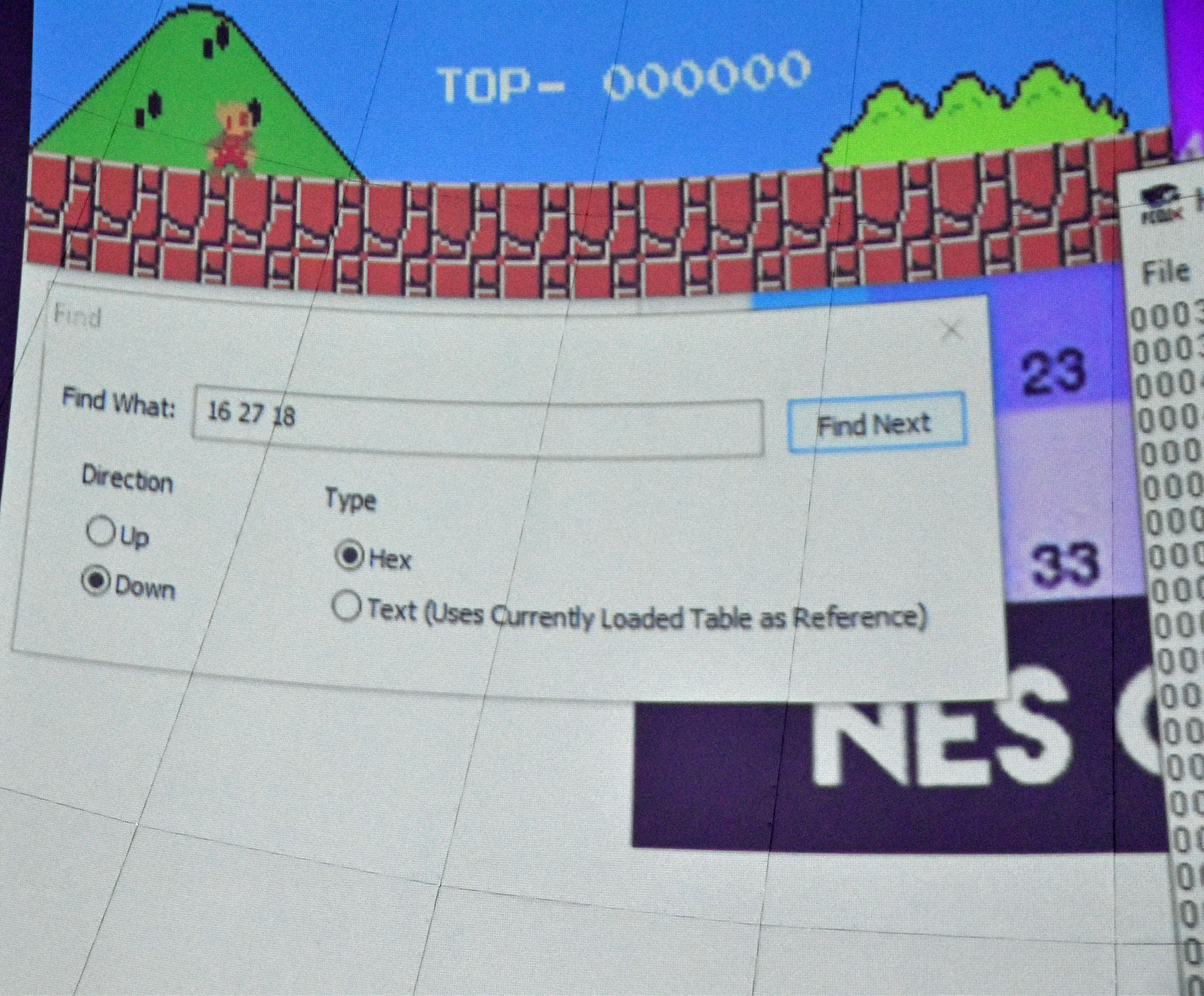


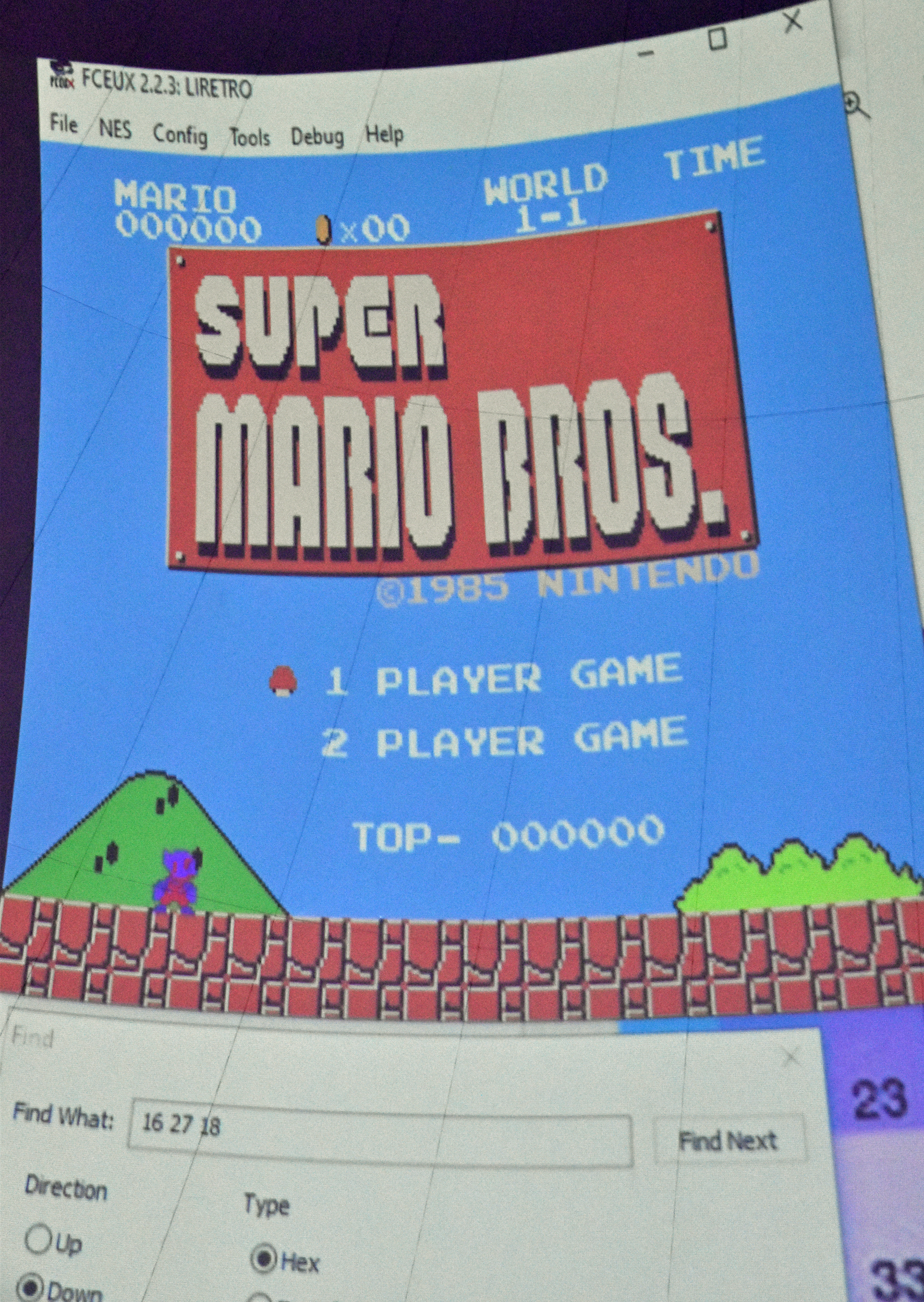


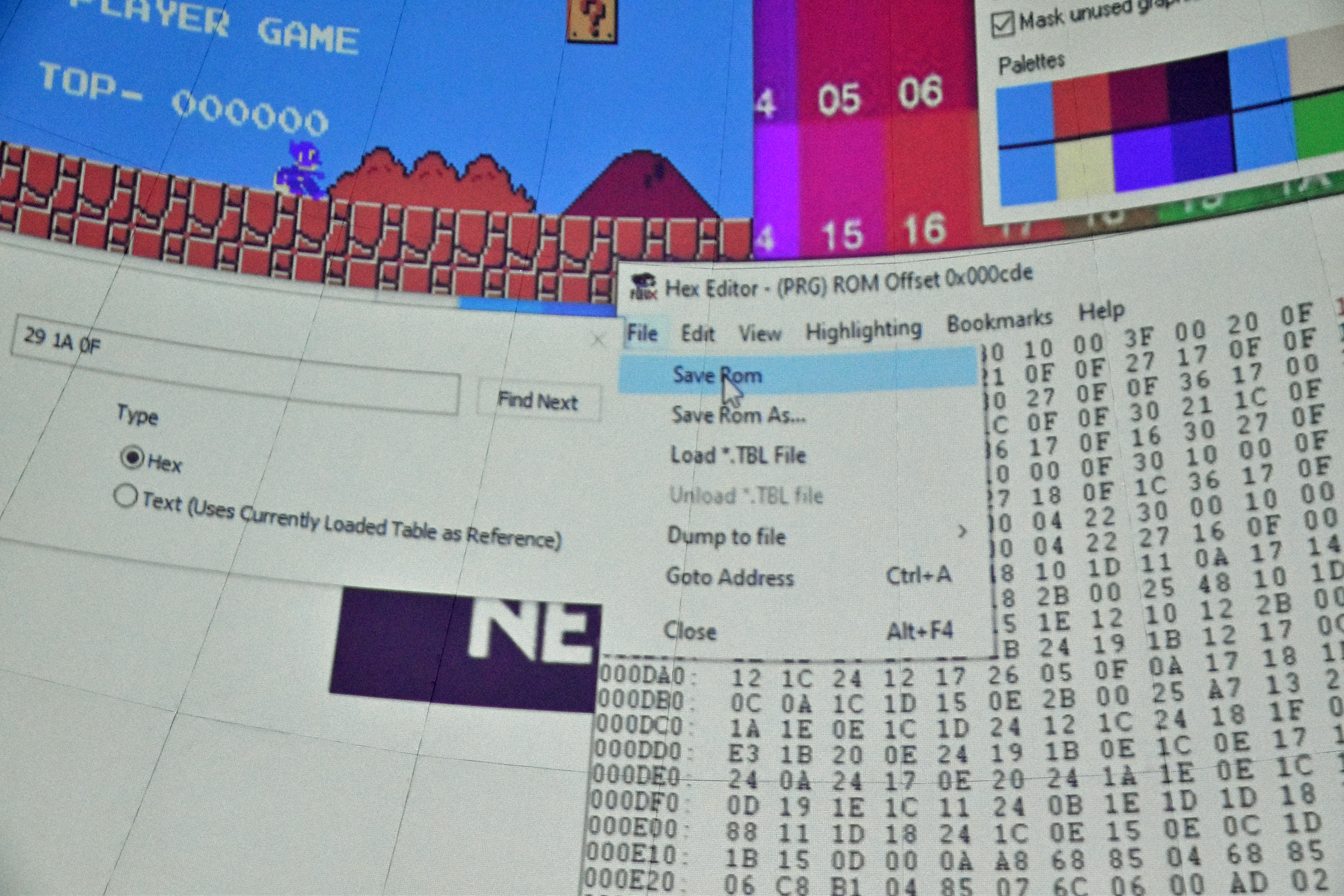
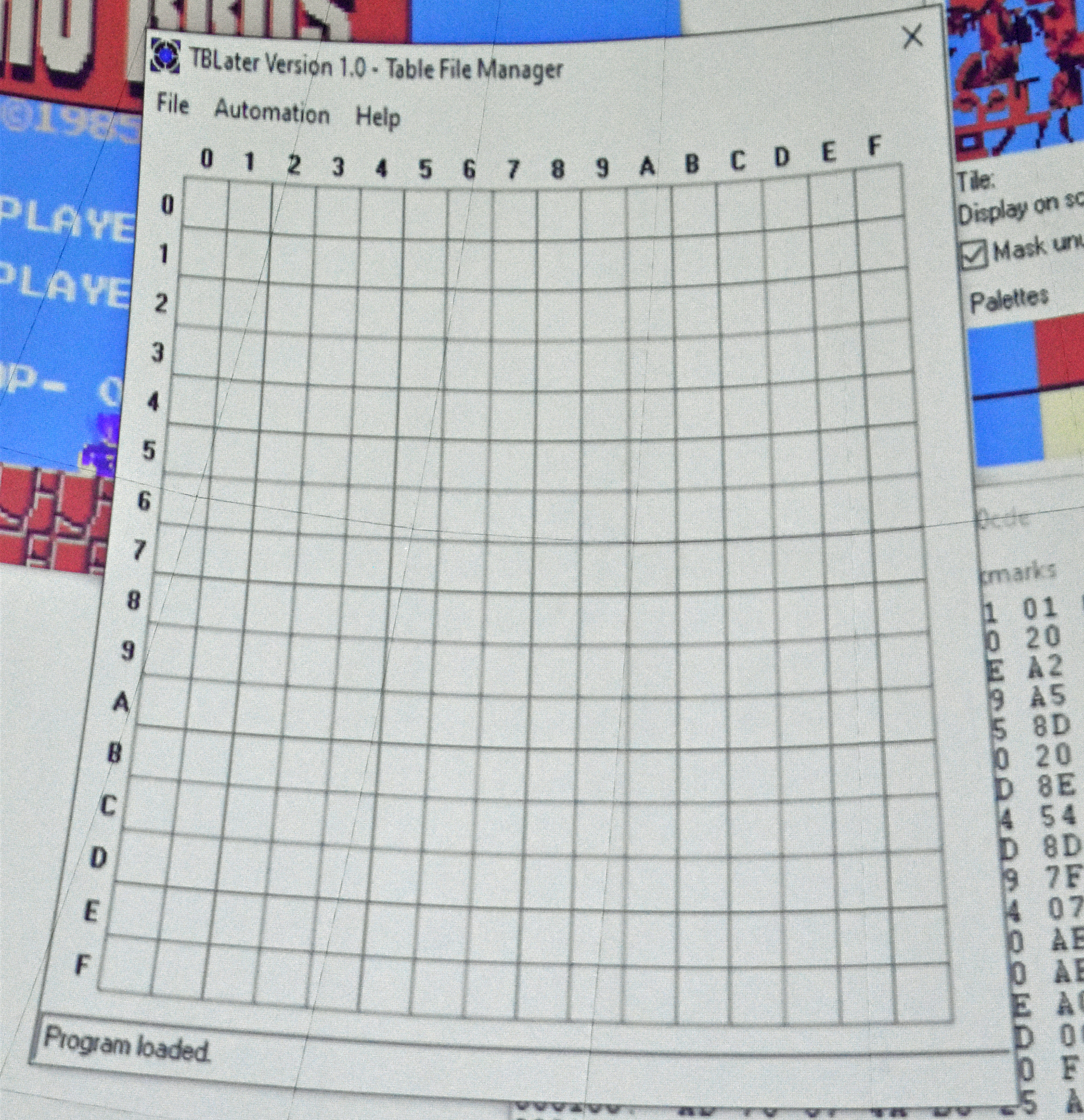
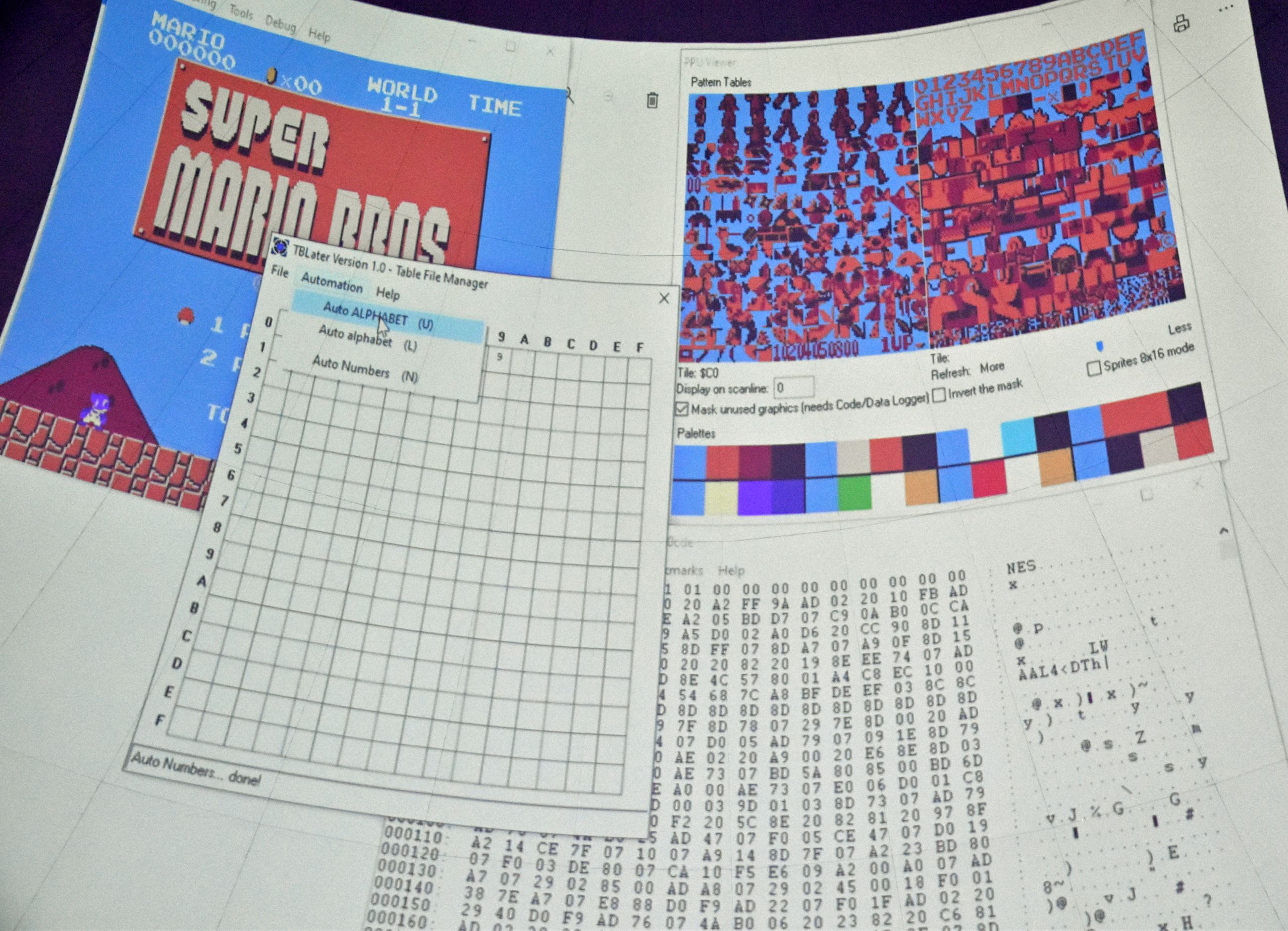

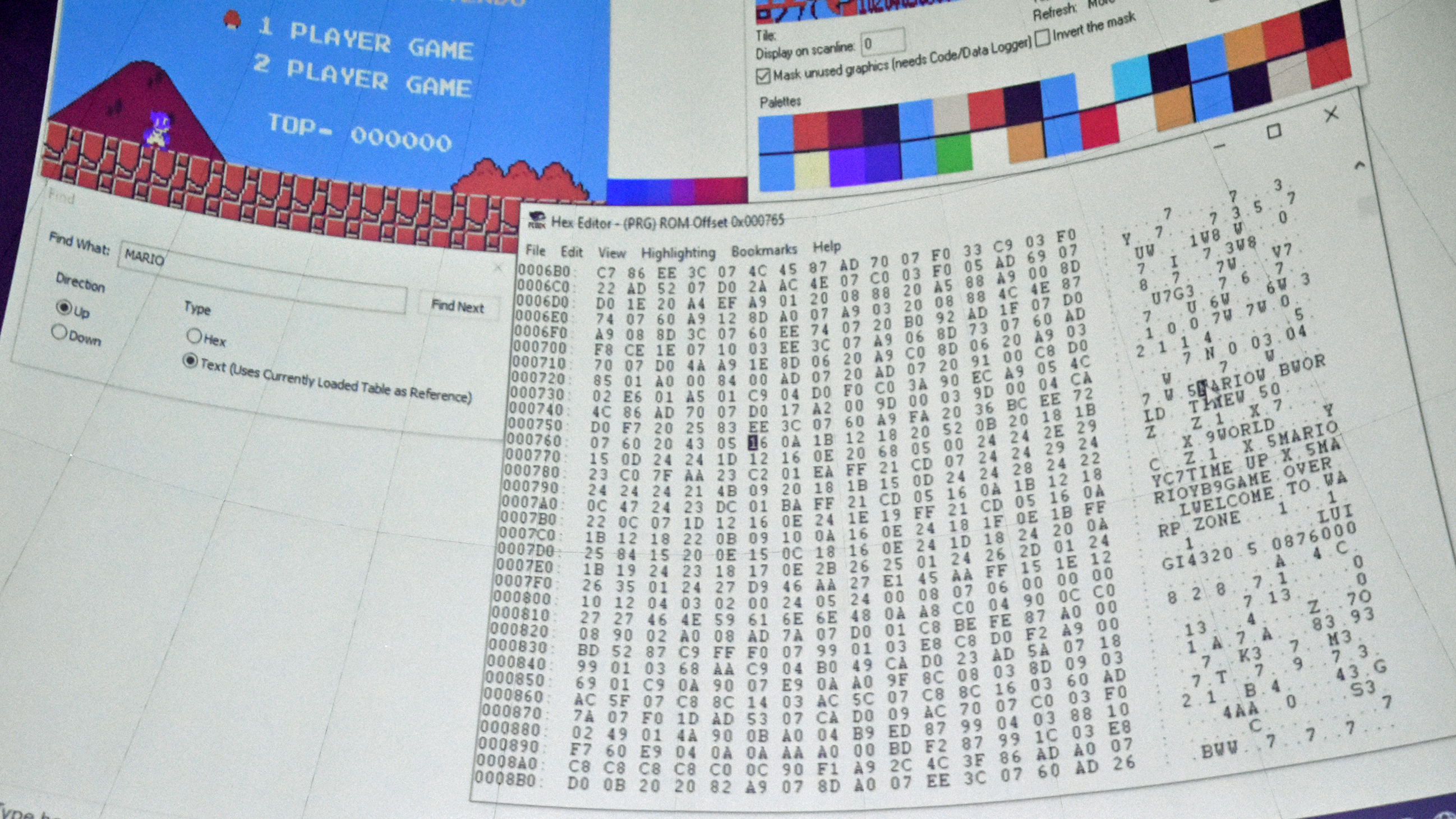
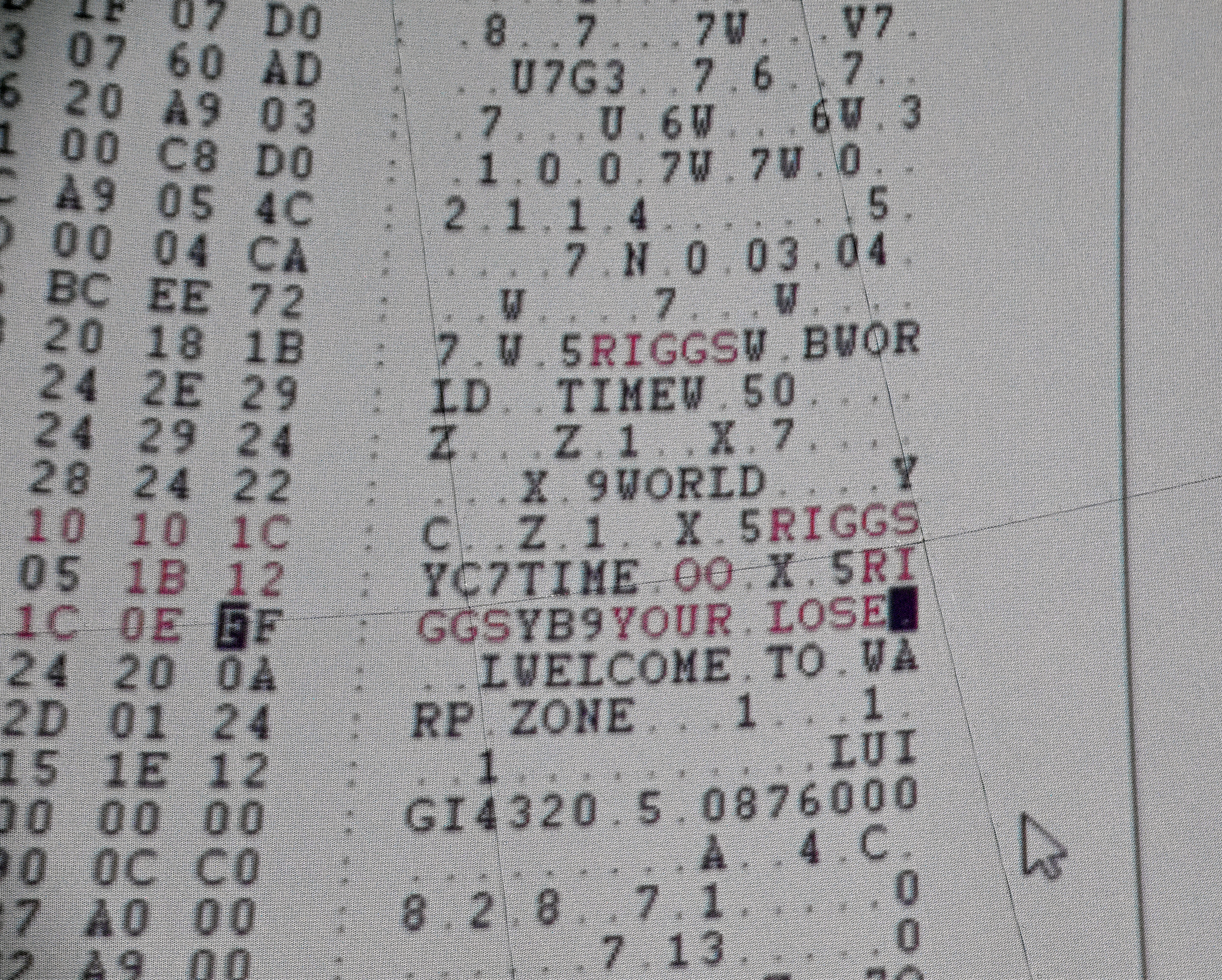


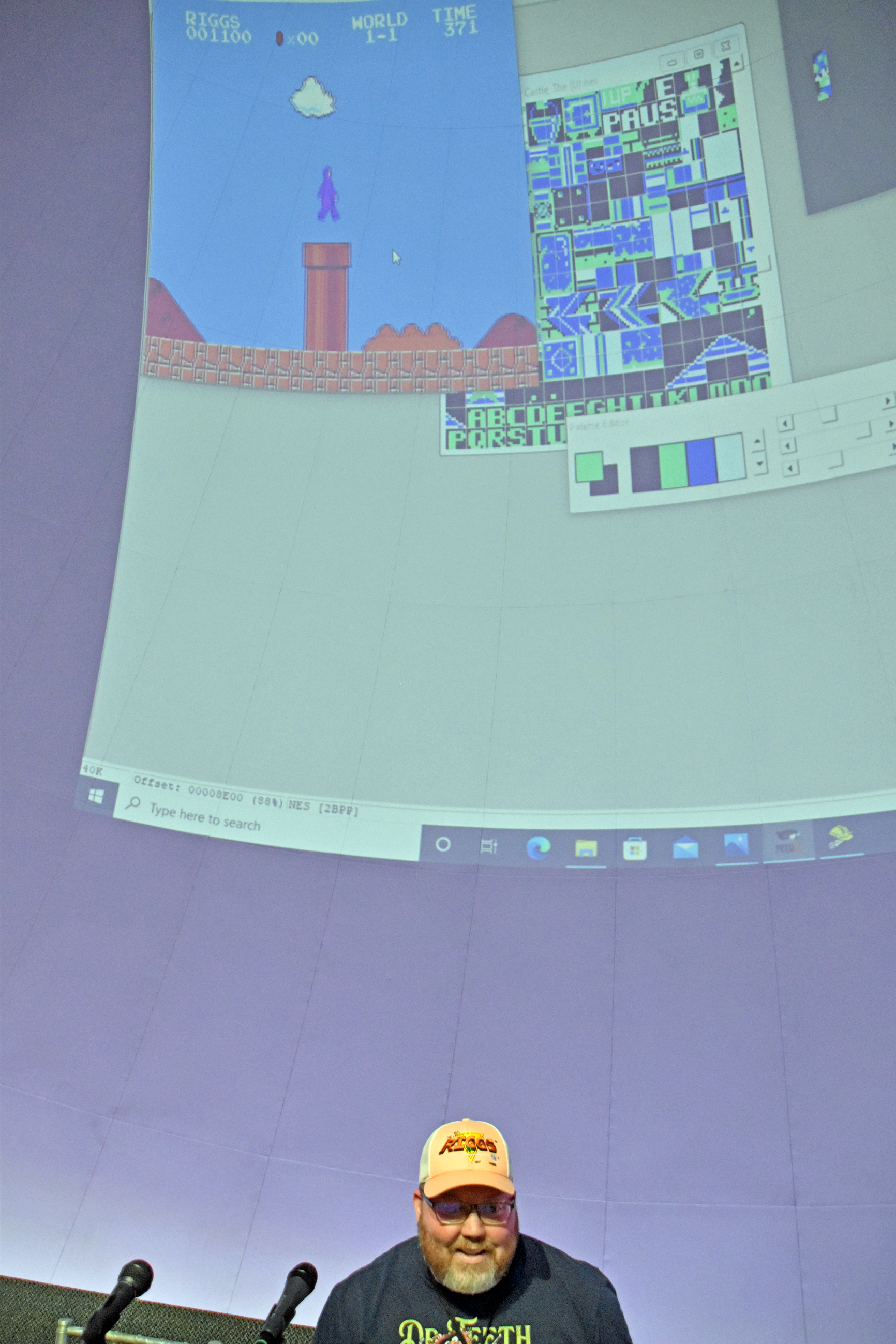
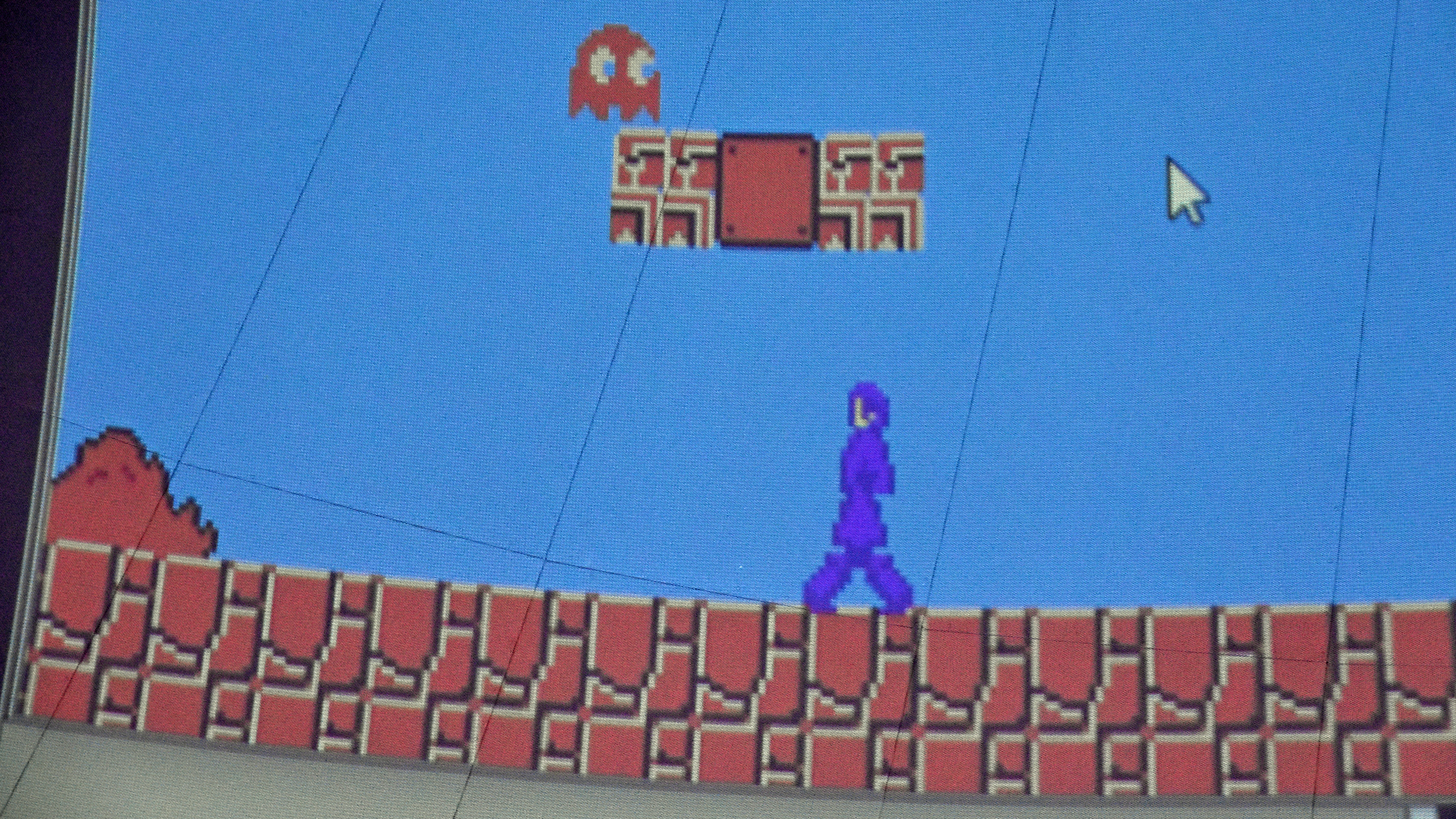
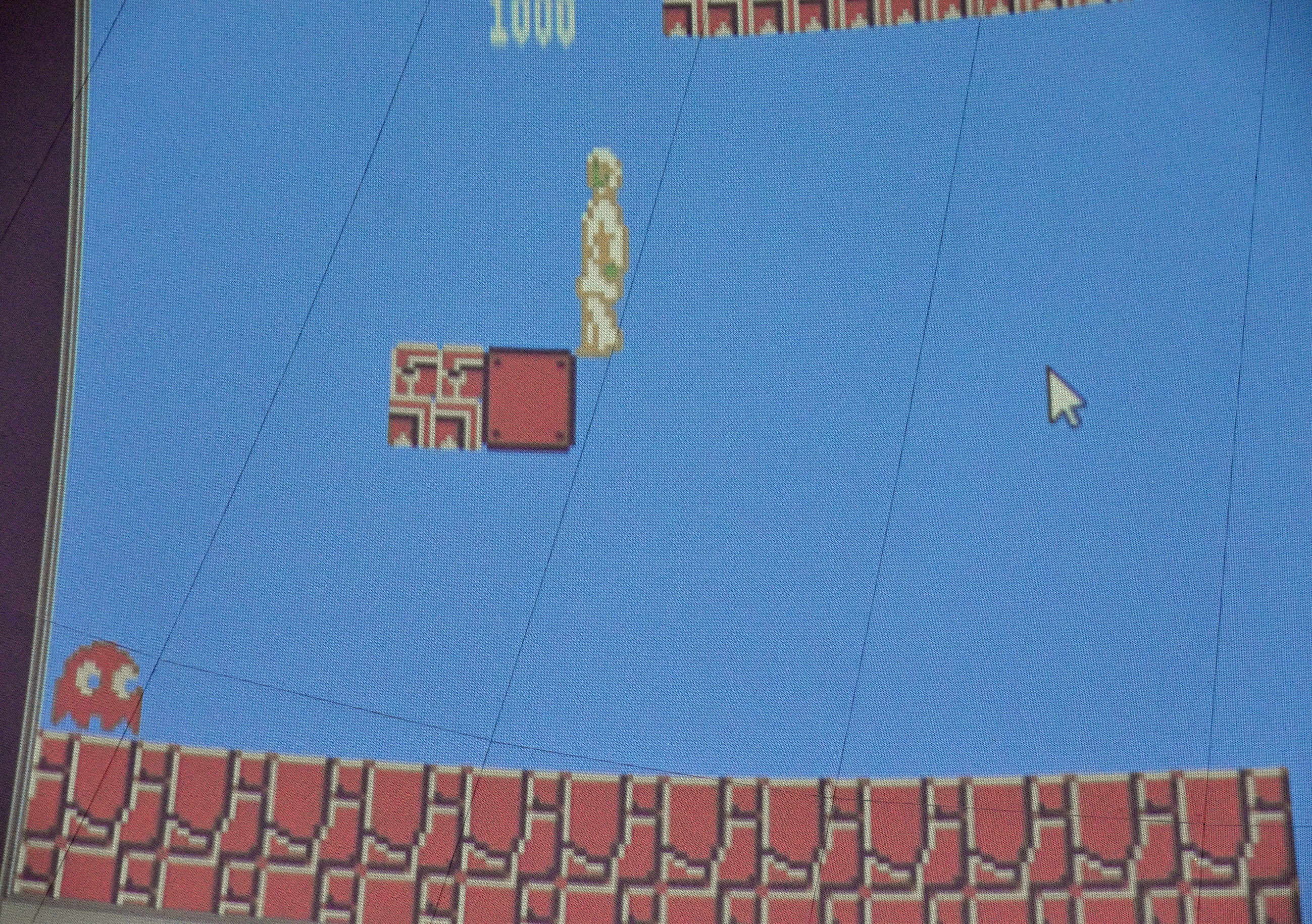
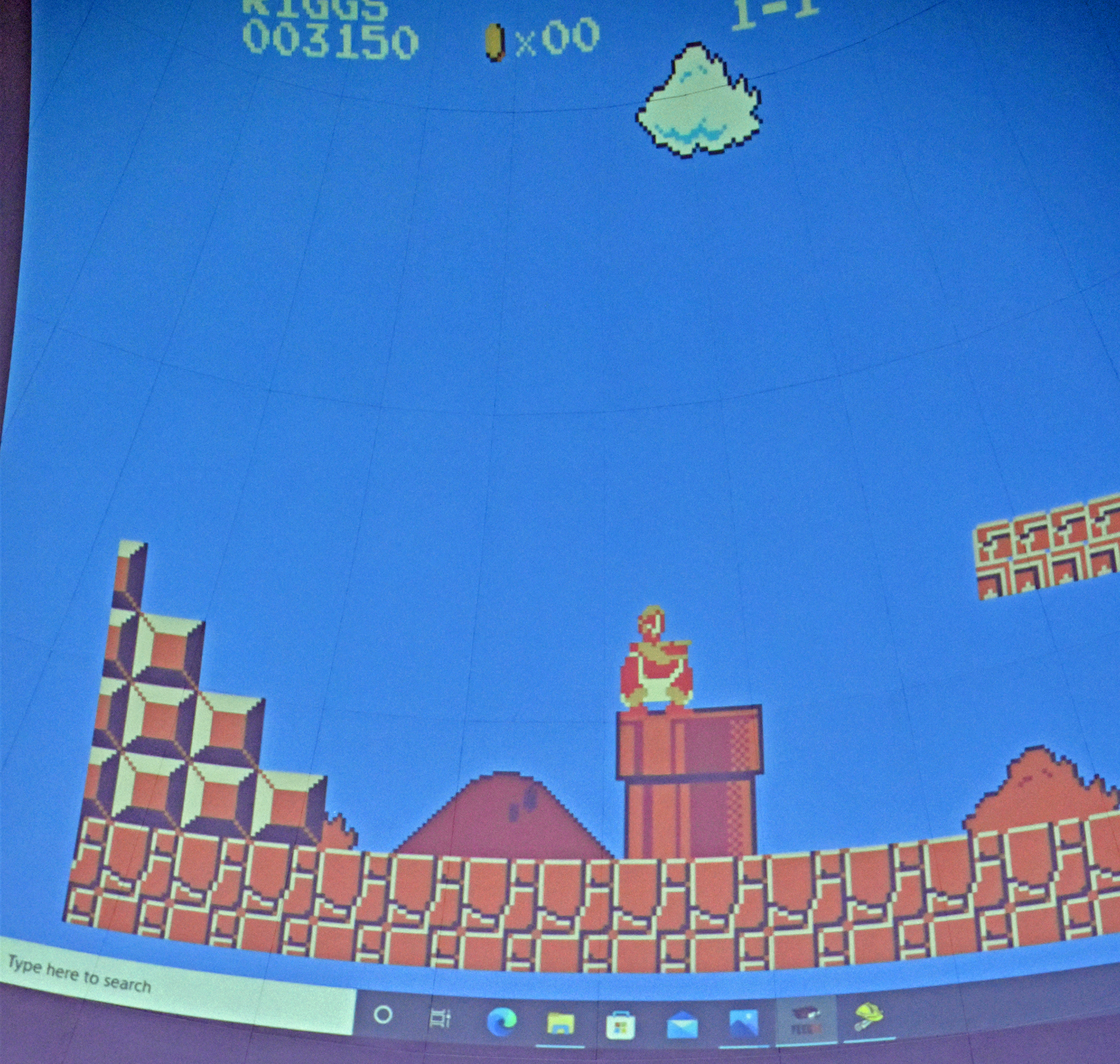


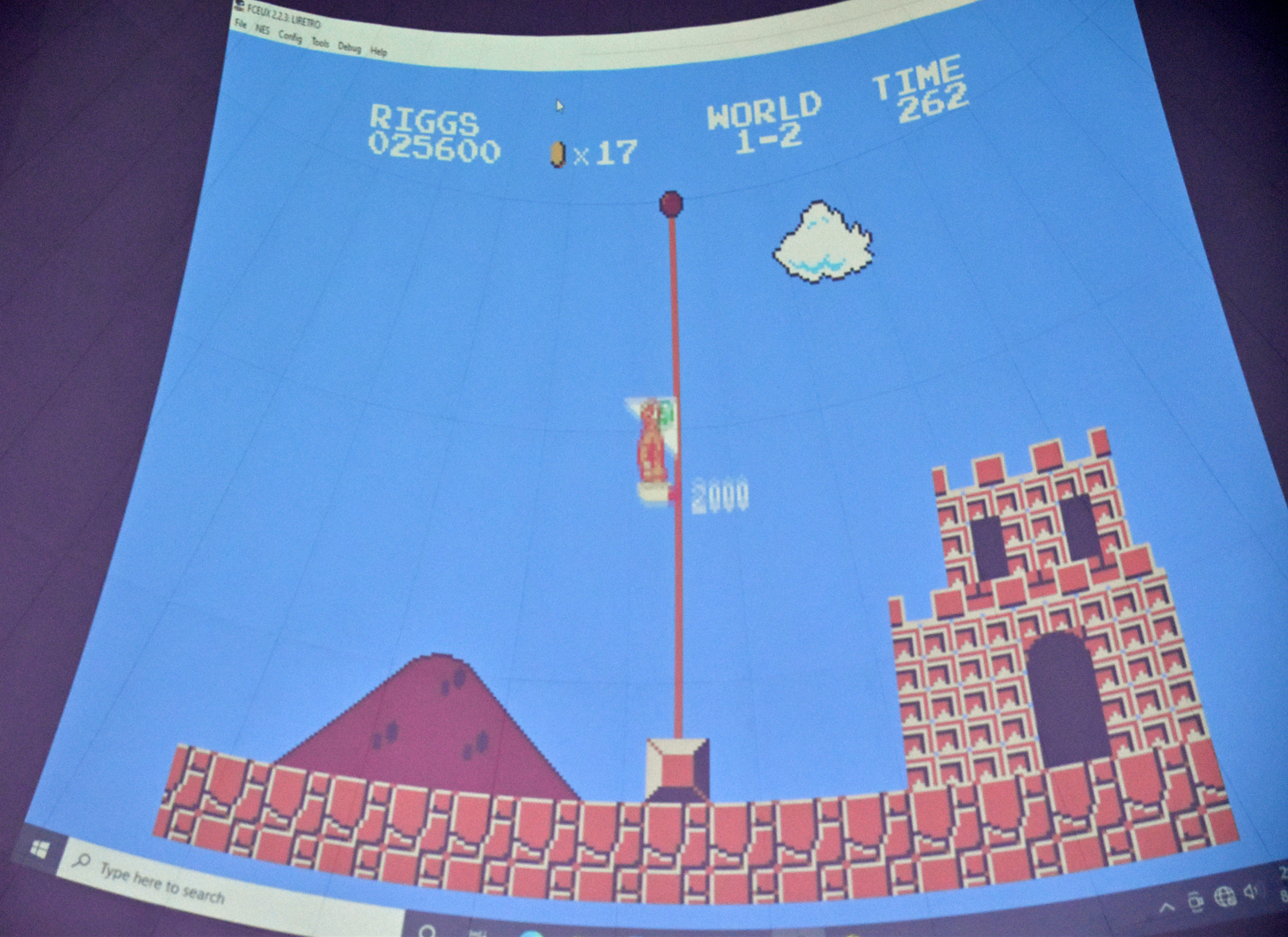


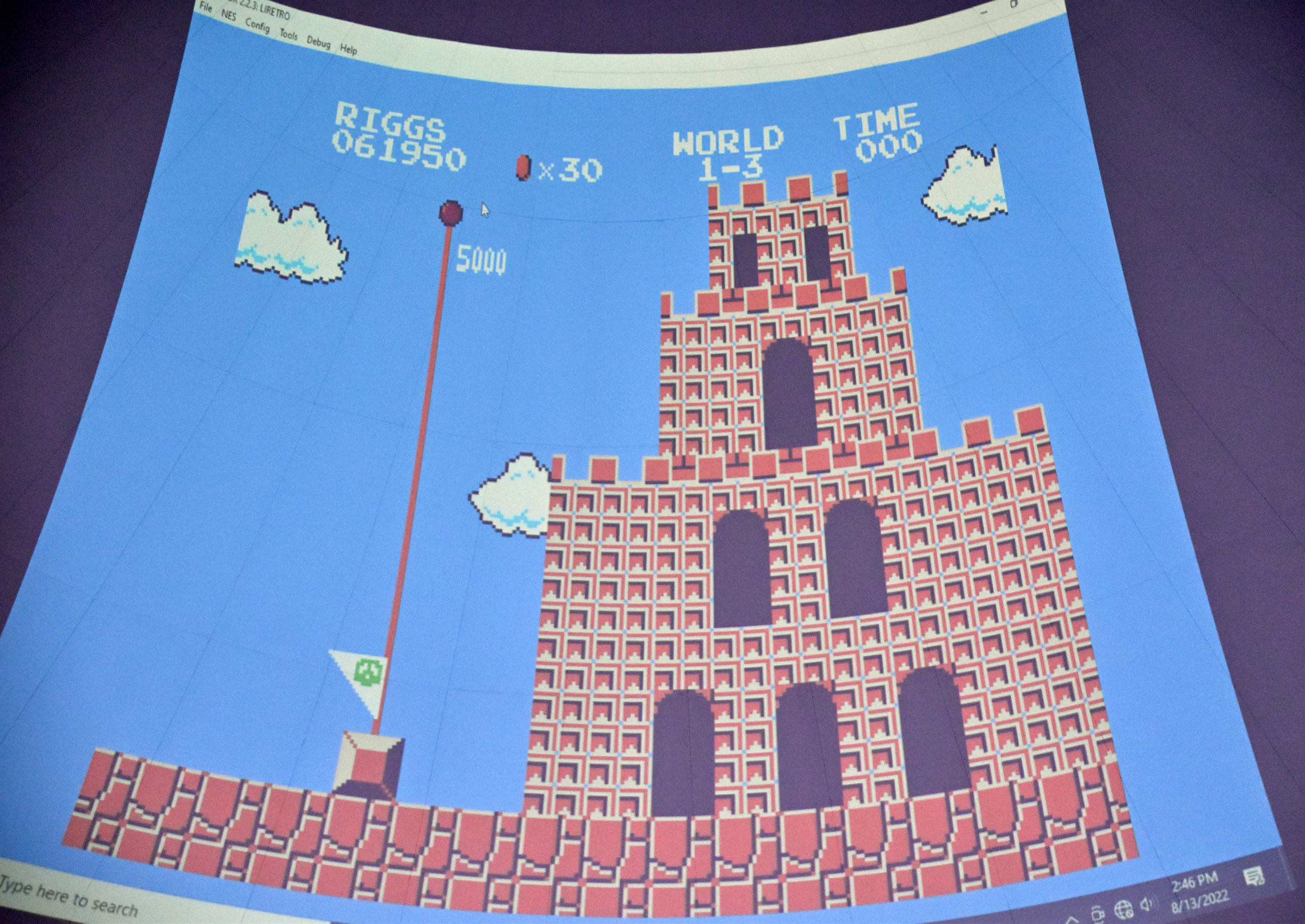
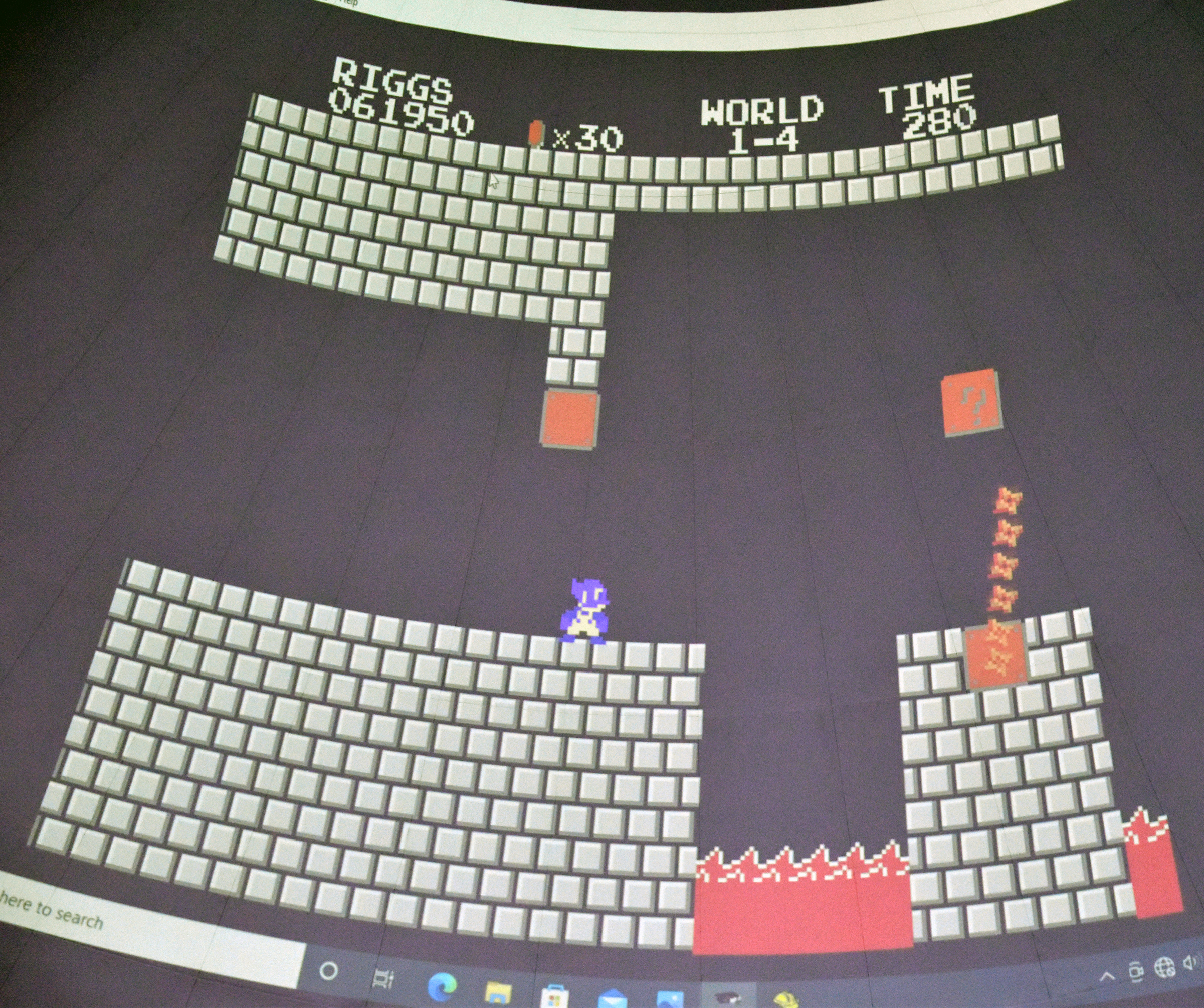
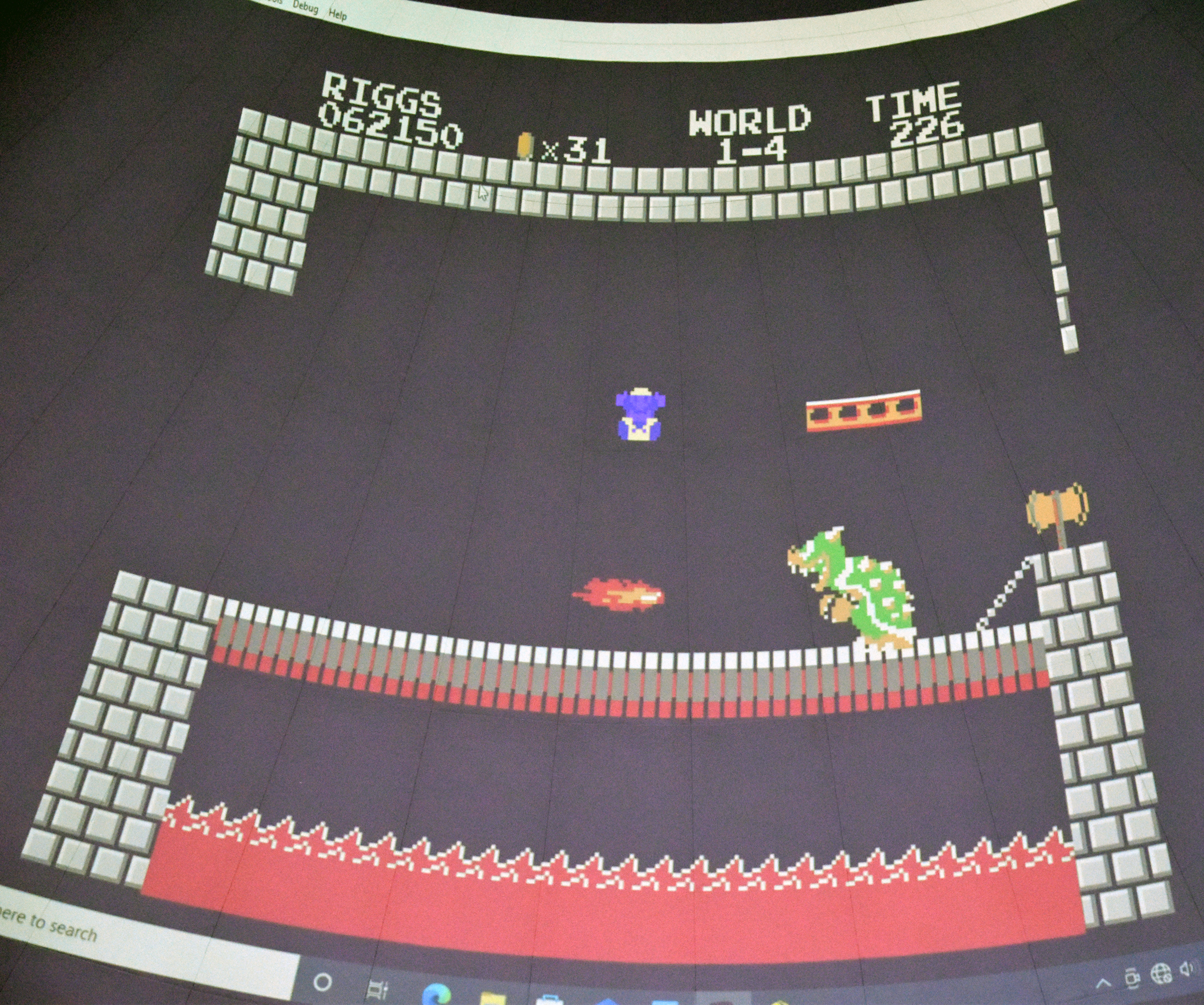
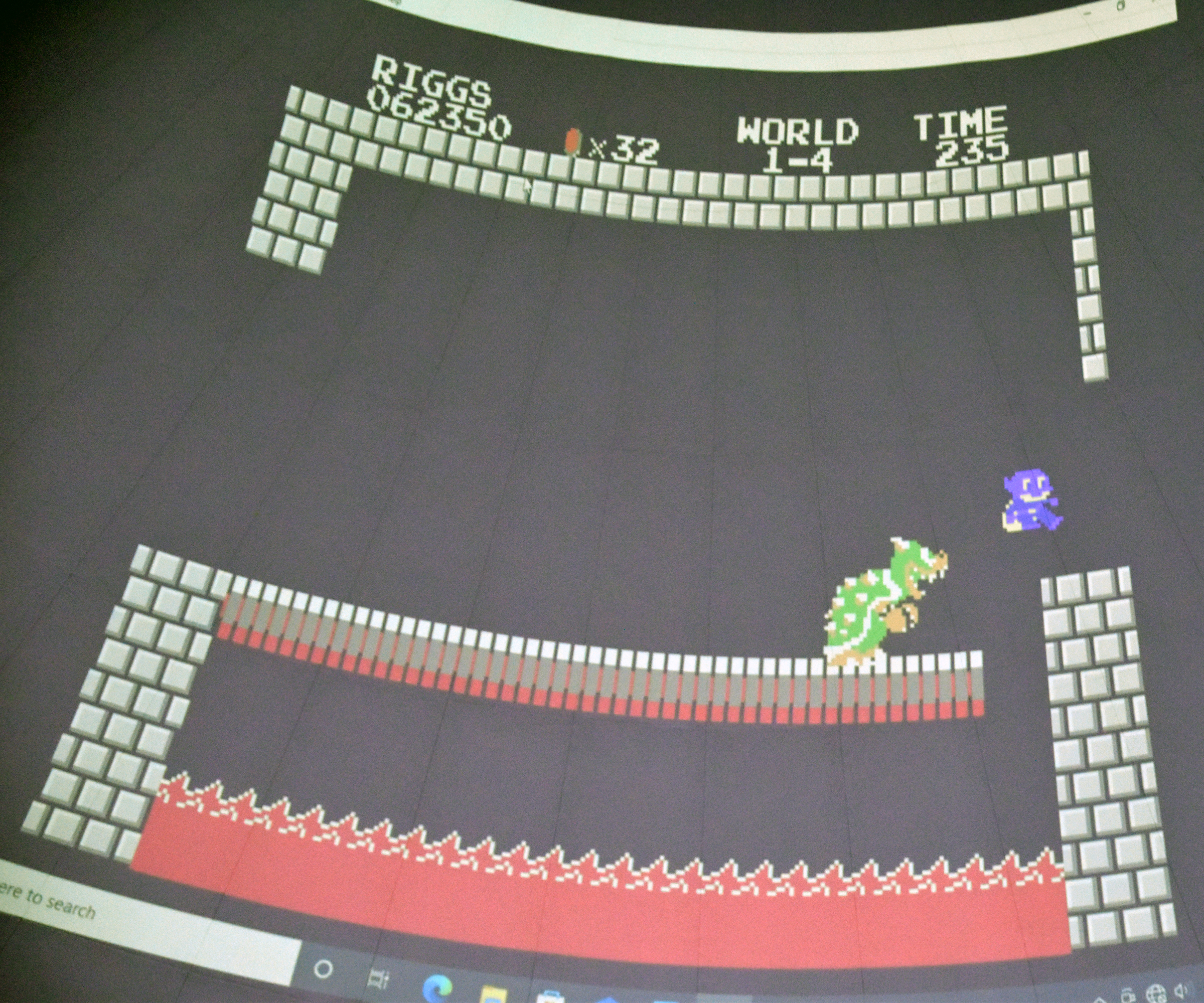

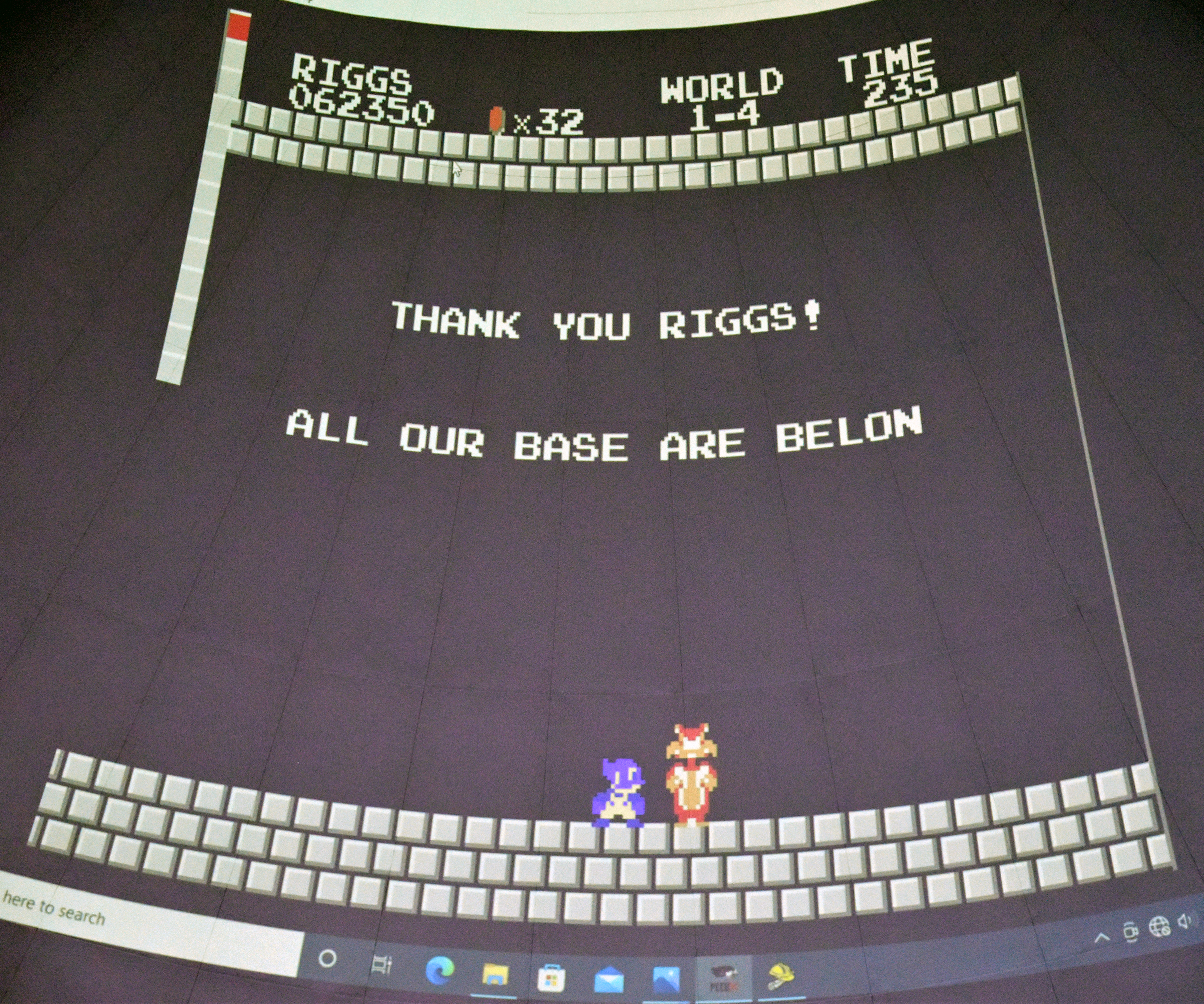
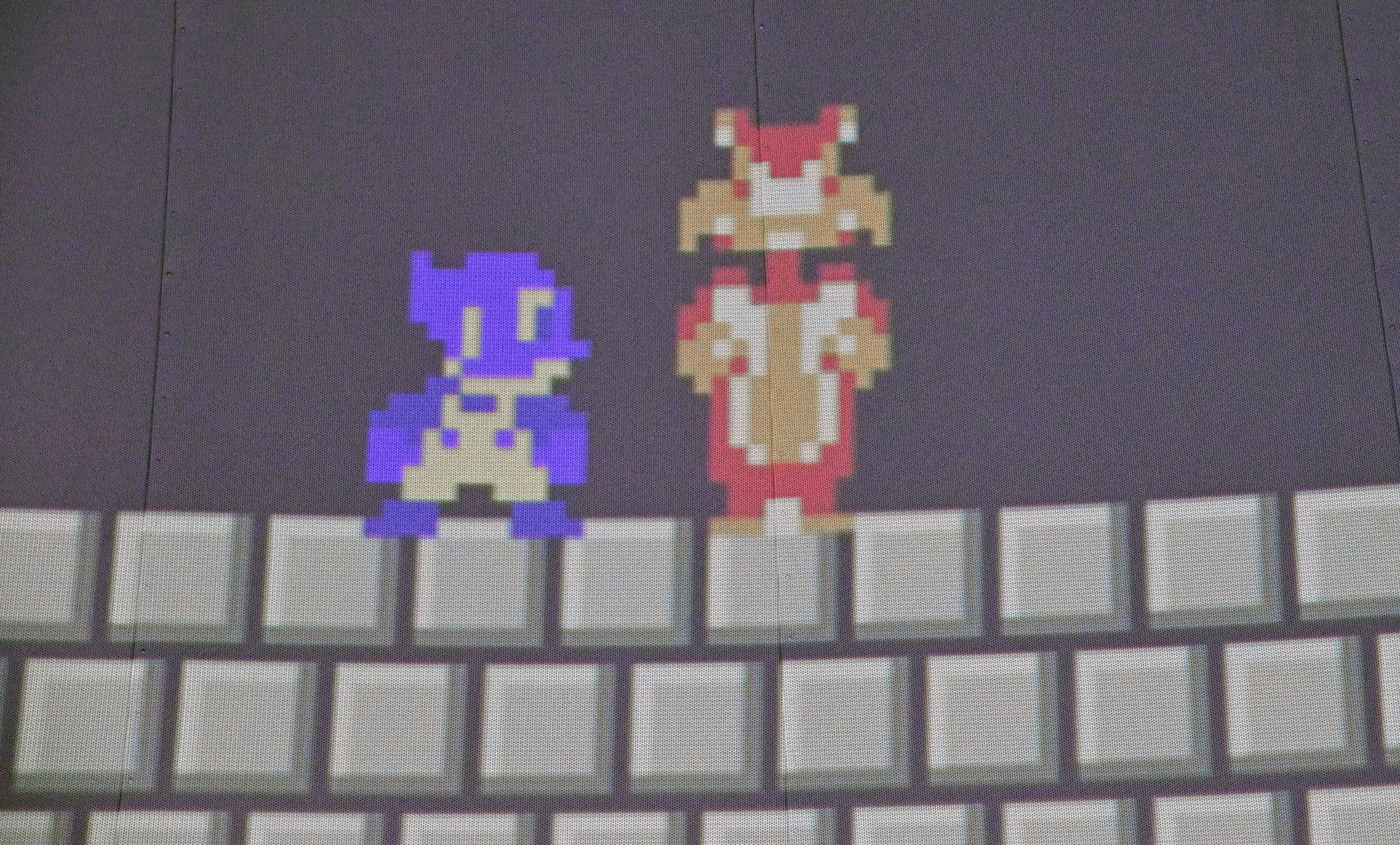


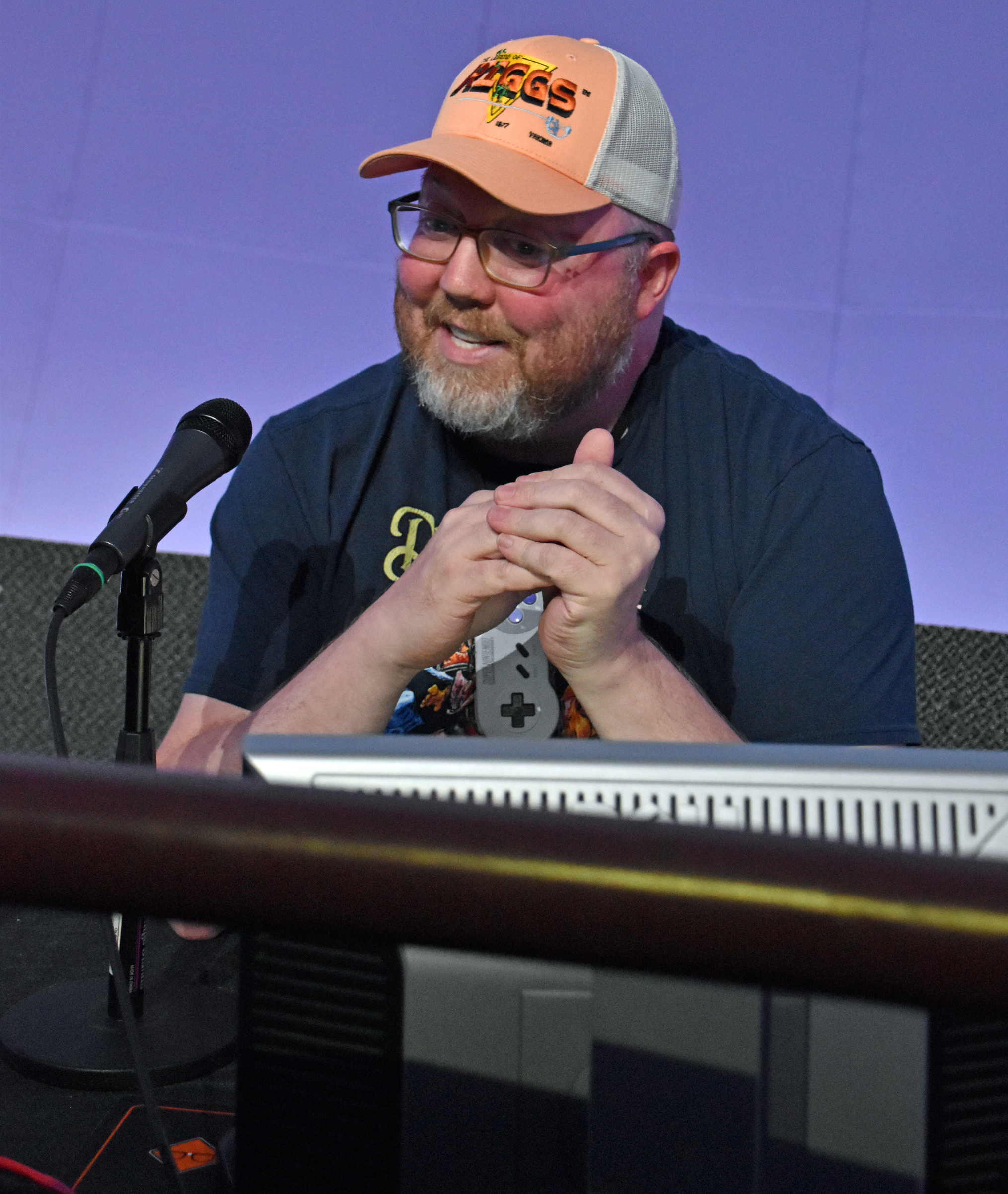

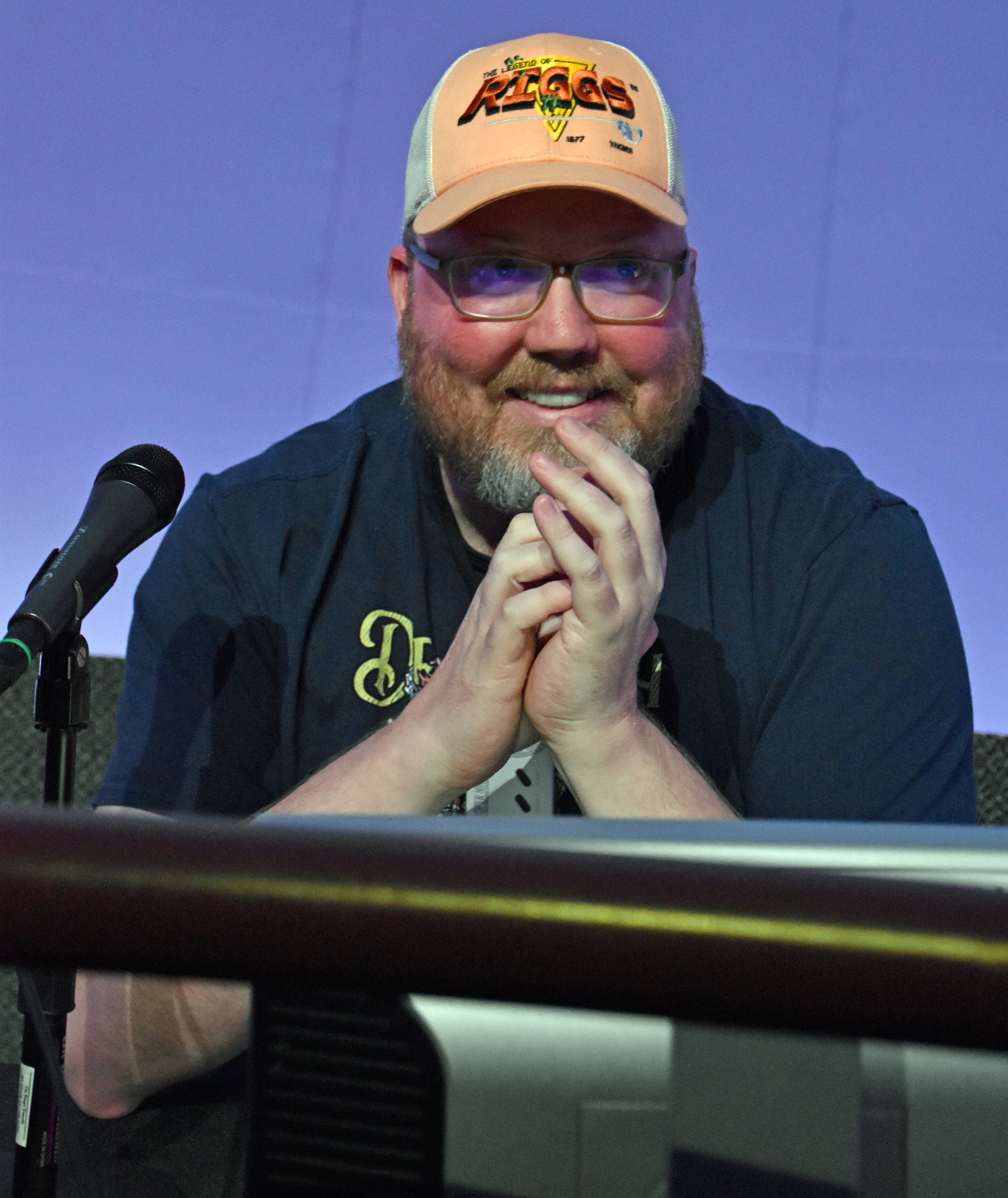

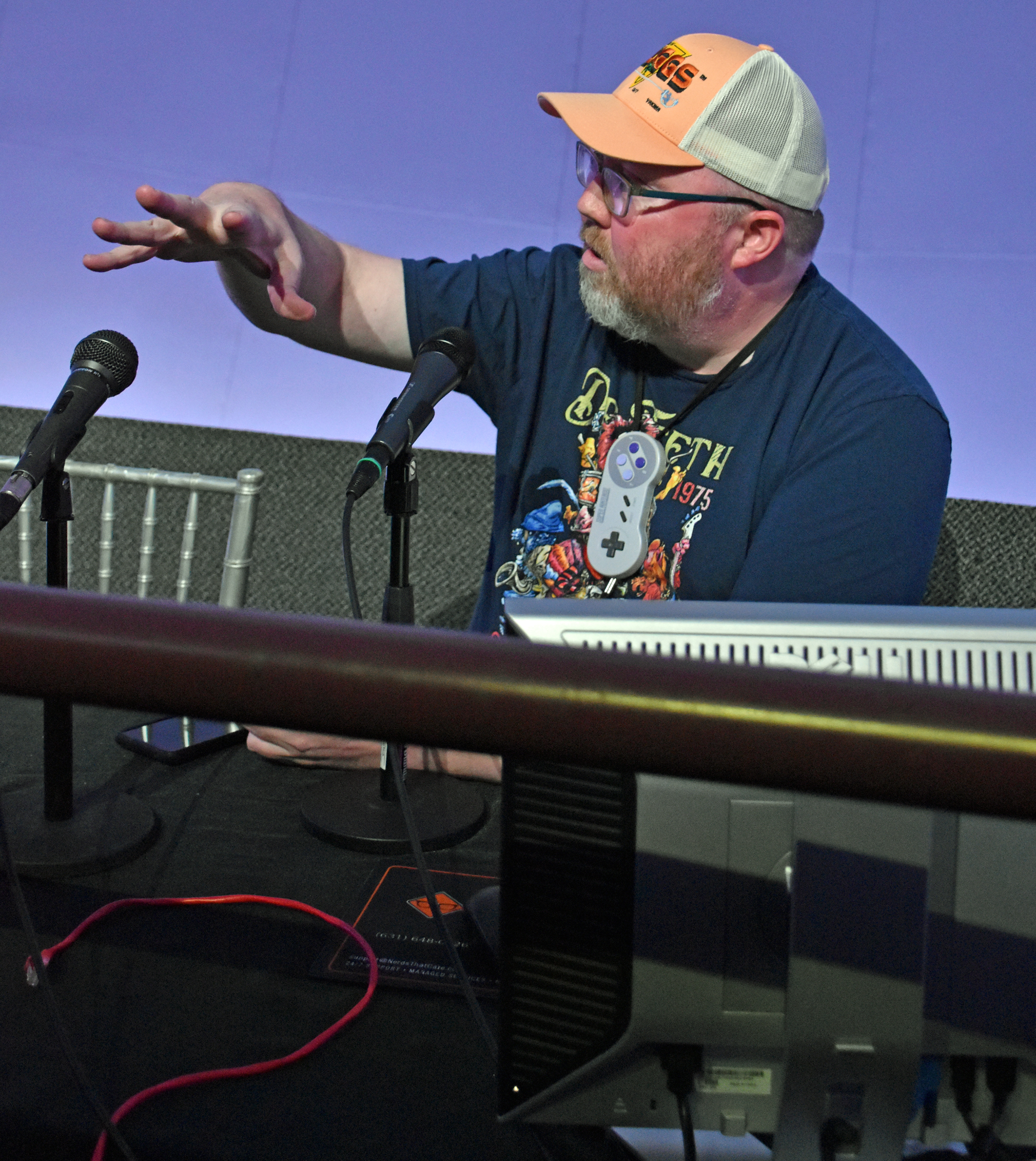
I spoke to John during the meet and greet, letting him know that like his son, I am on the autism spectrum, specifically with what used to be called Asperger Syndrome. While at his table, I bought a Sega Genesis ROM hack that put Scott Pilgrim from his titular video game in Streets of Rage 2. We posed for a photo, but when I got home, I was dismayed to find that my DSLR’s lens didn’t focus on us when his tablemate Dave took our photo. They graciously allowed a do-over with my iPhone Sunday morning.
Here is John’s aforementioned vlog of his LI Retro experience:
I’m in the vlog at 13:30, going through my DSLR camera roll before John’s panel. At 19:56, he and Dave ate at Friendly’s in nearby East Meadow. I ate there with my girlfriend Kelly during her visit in April.
After the panel, I photographed what I believed to be nearly every other nook and cranny of the freeplay and tournament areas. John saw much more than I did.
The last item on my Saturday agenda was to buy games from vendors. (See the end of part 4.)
The combination of excitement from earlier in the day and a loud block party somewhere south of my house kept me from relaxing and easing into sleep. I probably slept two to four hours, at best.
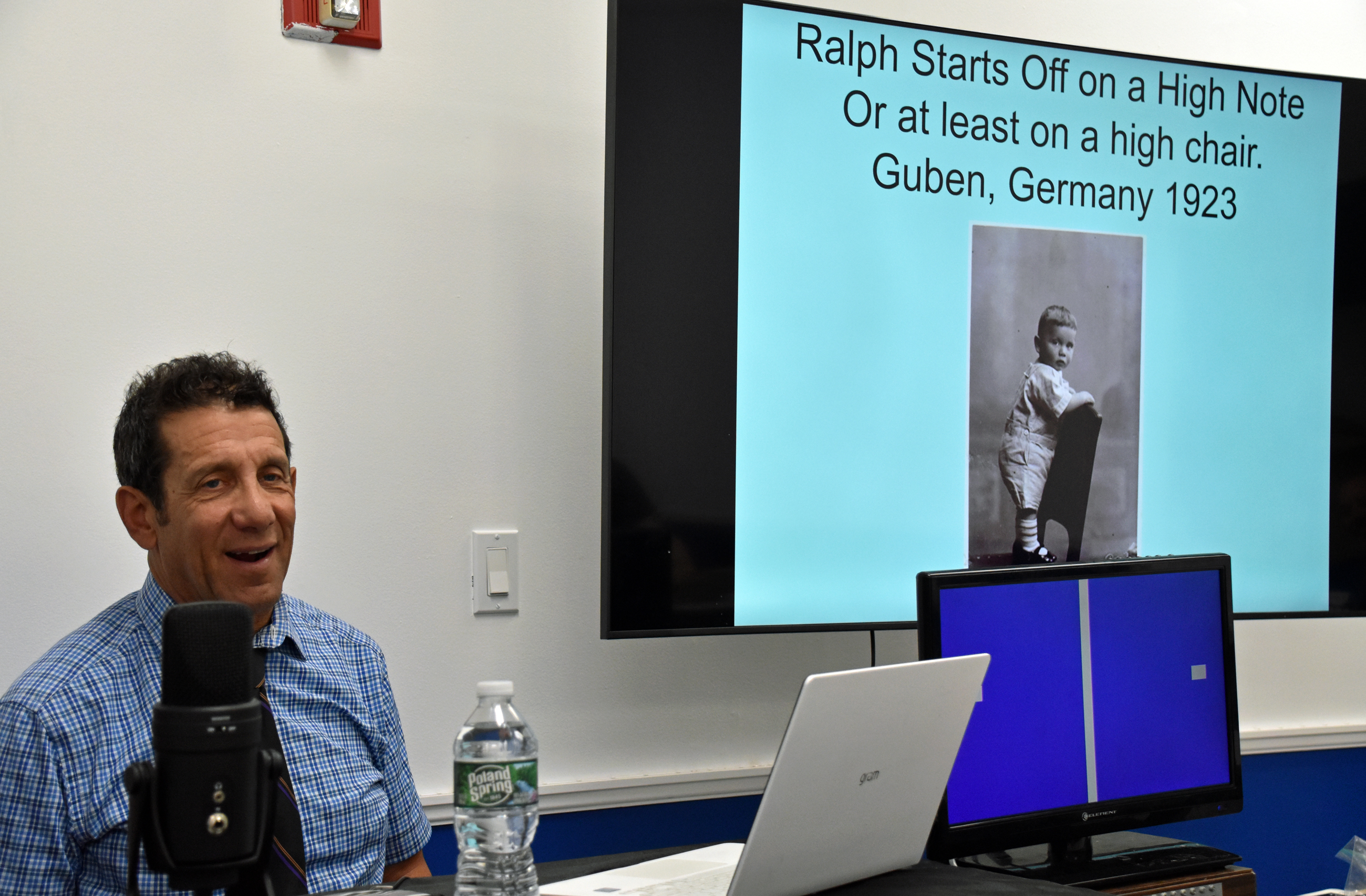
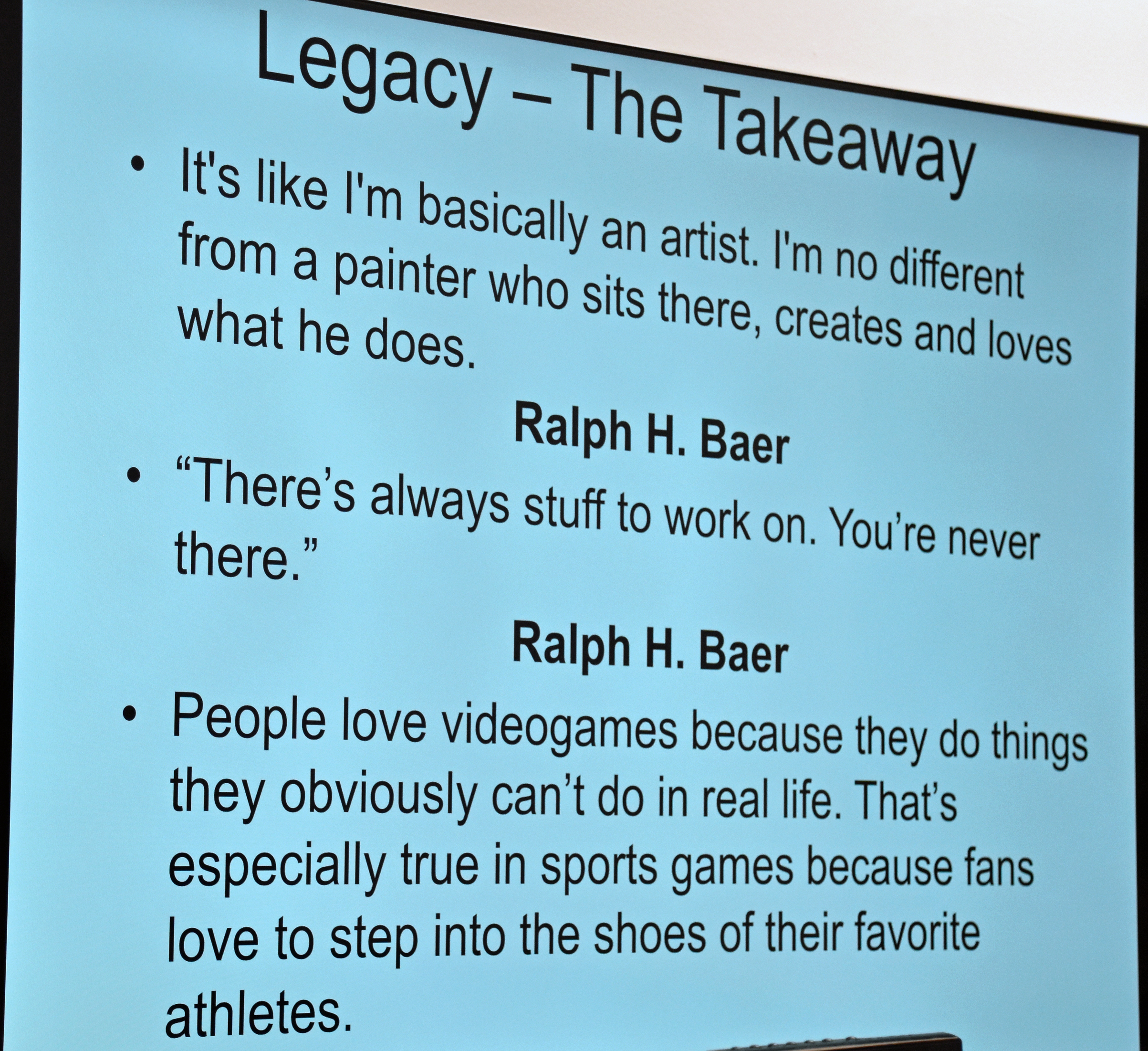
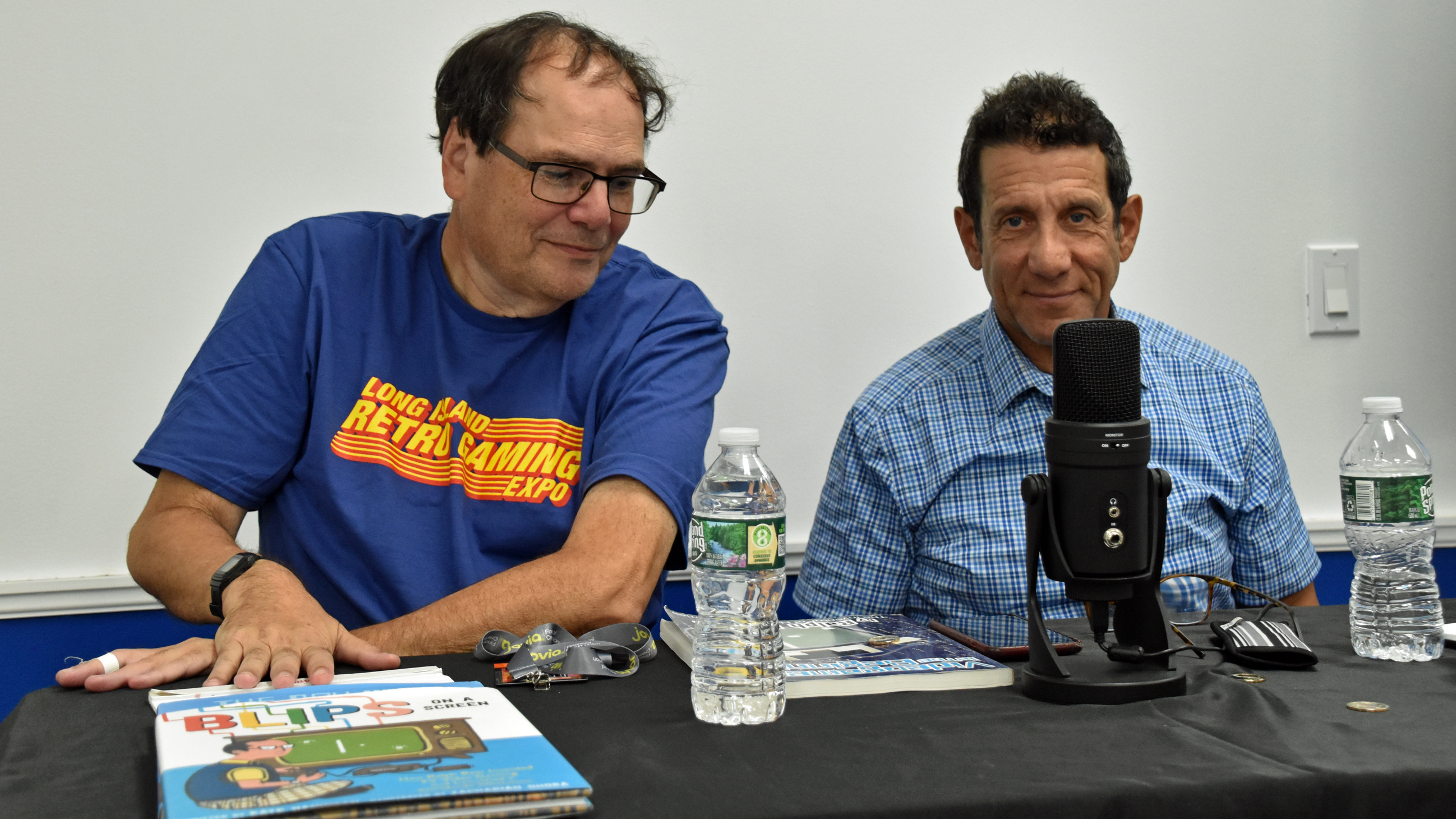
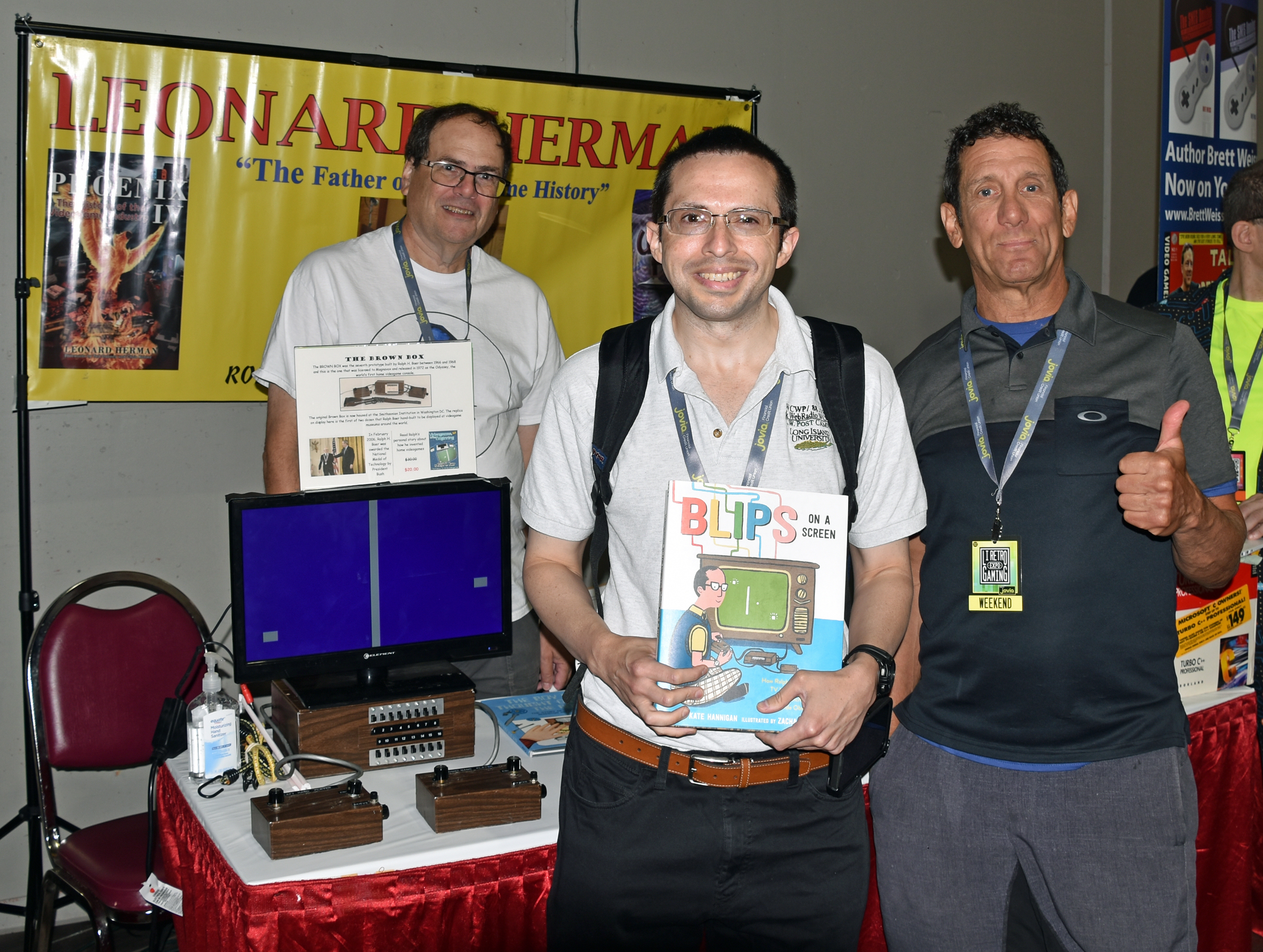
I arrived at day three of the Long Island Retro Gaming Expo at around 10:30 AM. I met Justin, Marshall, and Kieran from Cinemassacre/Screenwave Media (and bought Angry Video Game Nerd: The Movie), got the second chance photo with Riggs, and hung out at Leonard Herman‘s table. I’ve known Lenny (to his friends and family) since meeting him at the 2018 LI Retro and then reviewing his video game history book, Phoenix IV. In 2019, I met his associate Jeff, and this year, I was honored to meet Patrick Wong and Mark W. Baer, the middle child of Dena and Ralph H. Baer, the inventor of videogames (one word). They’re all nice and friendly, and it was my pleasure buying Ralph’s book Videogames in the Beginning, and Kate Hannigan‘s biographical children’s book, Blips on a Screen. I will definitely read that to Leo F. Giblyn School students next March, another annual tradition of mine.
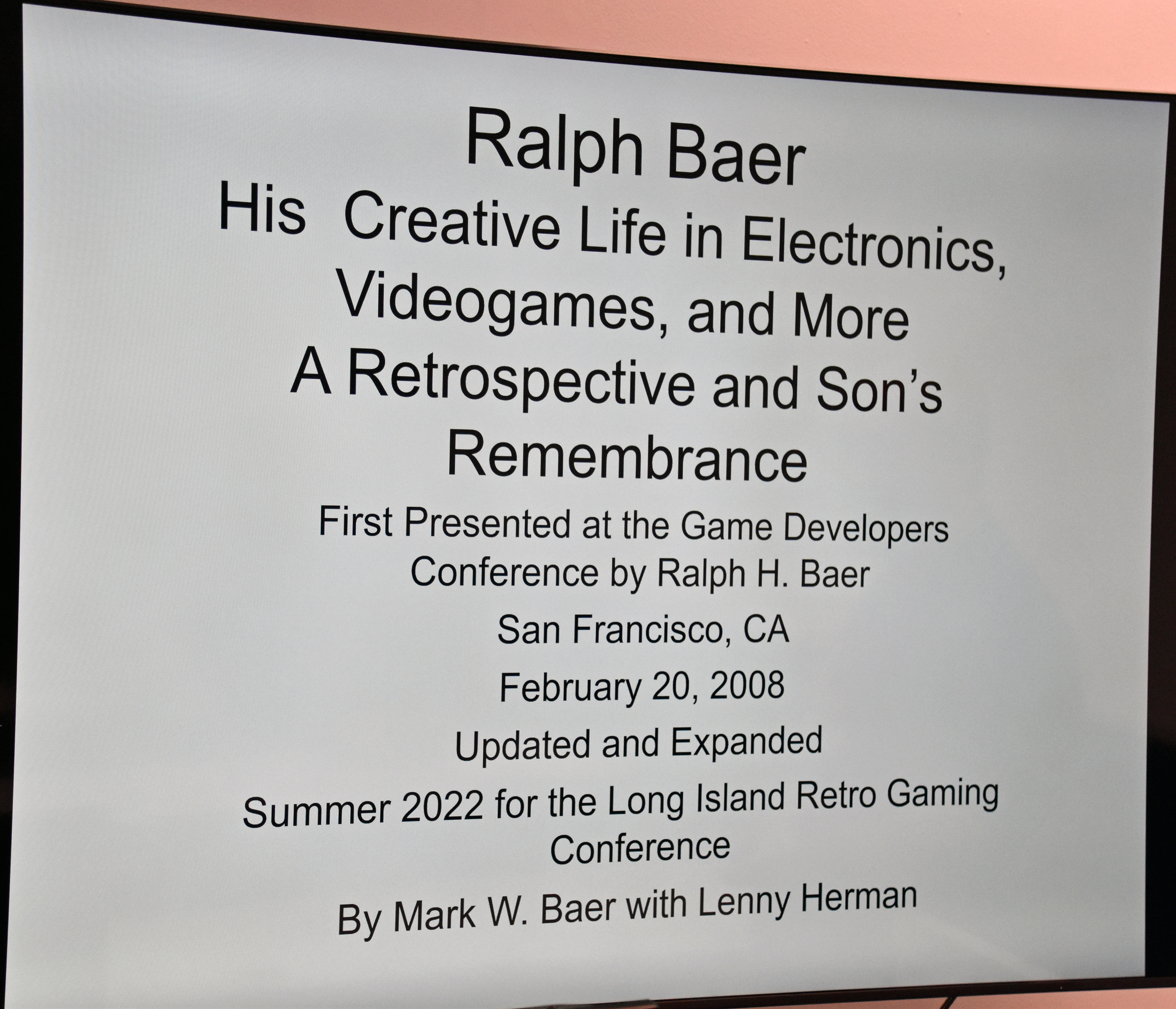
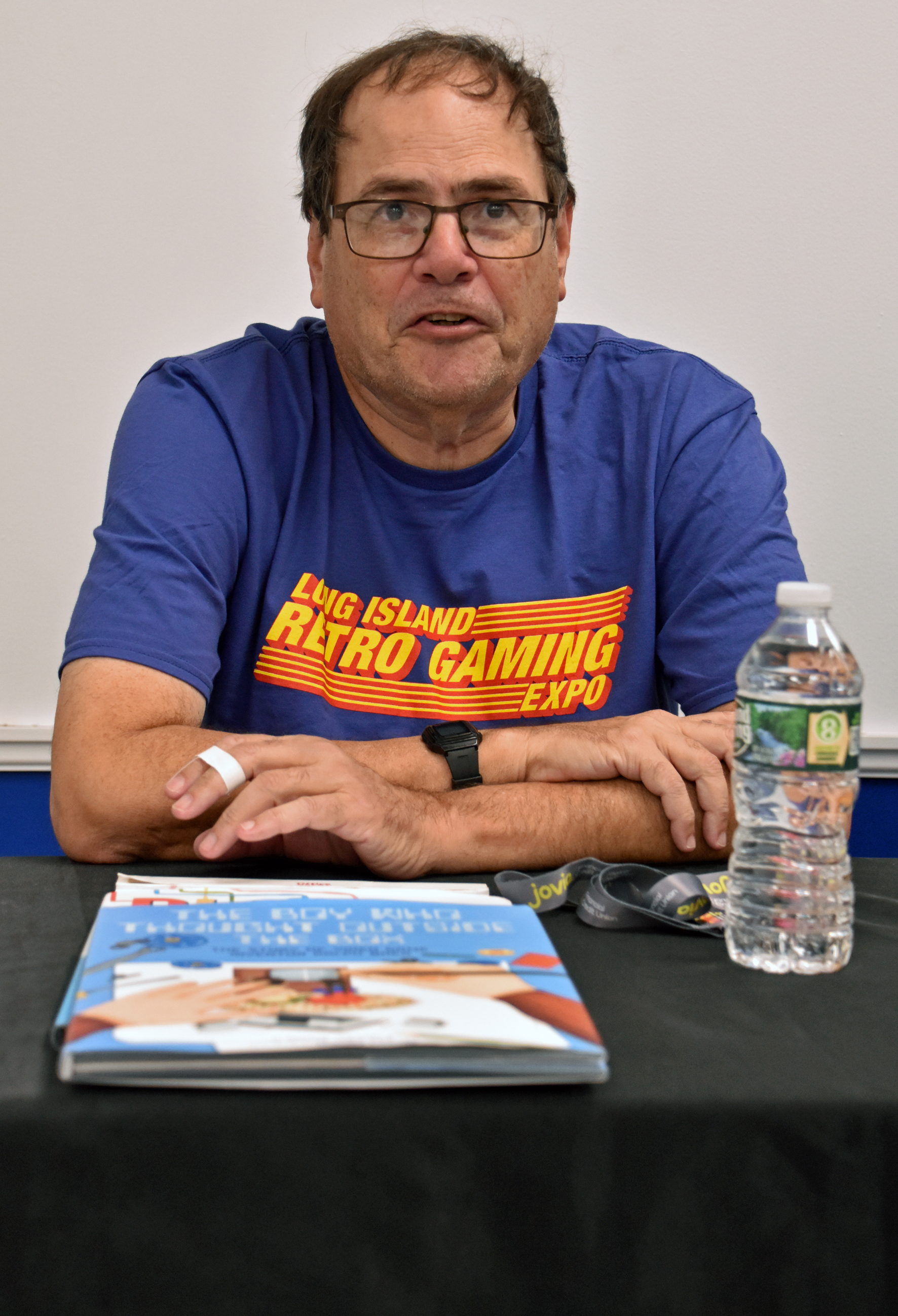
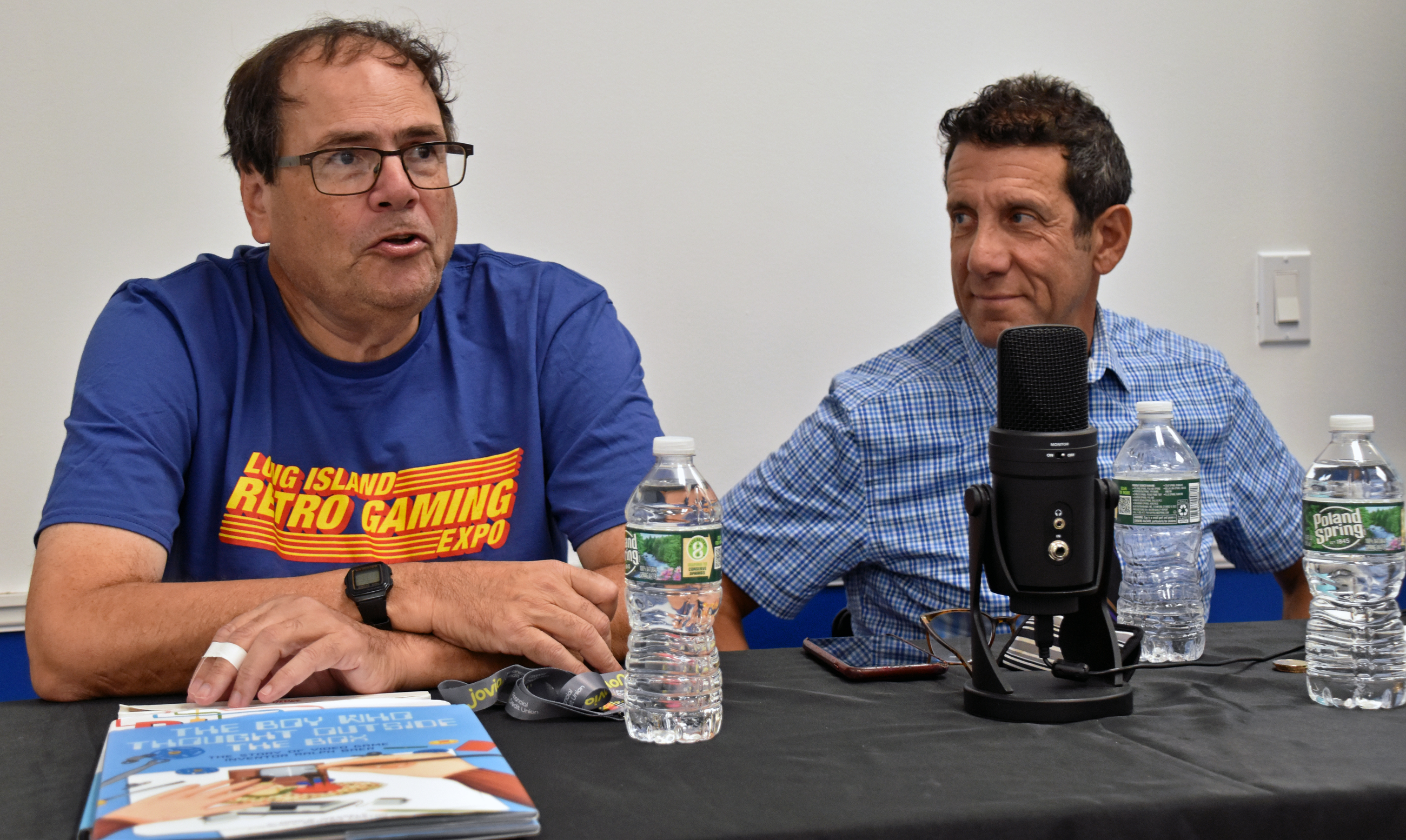
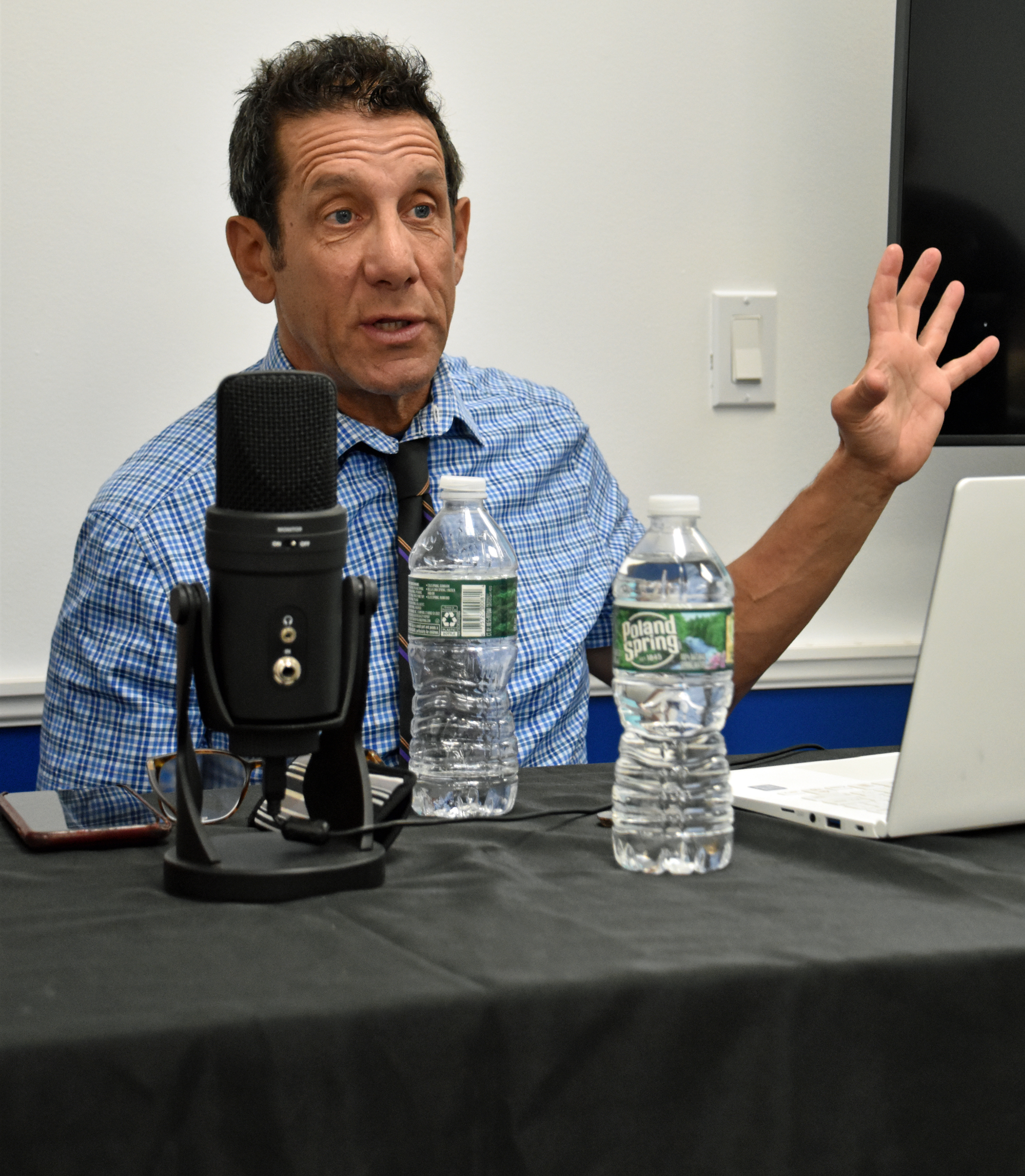
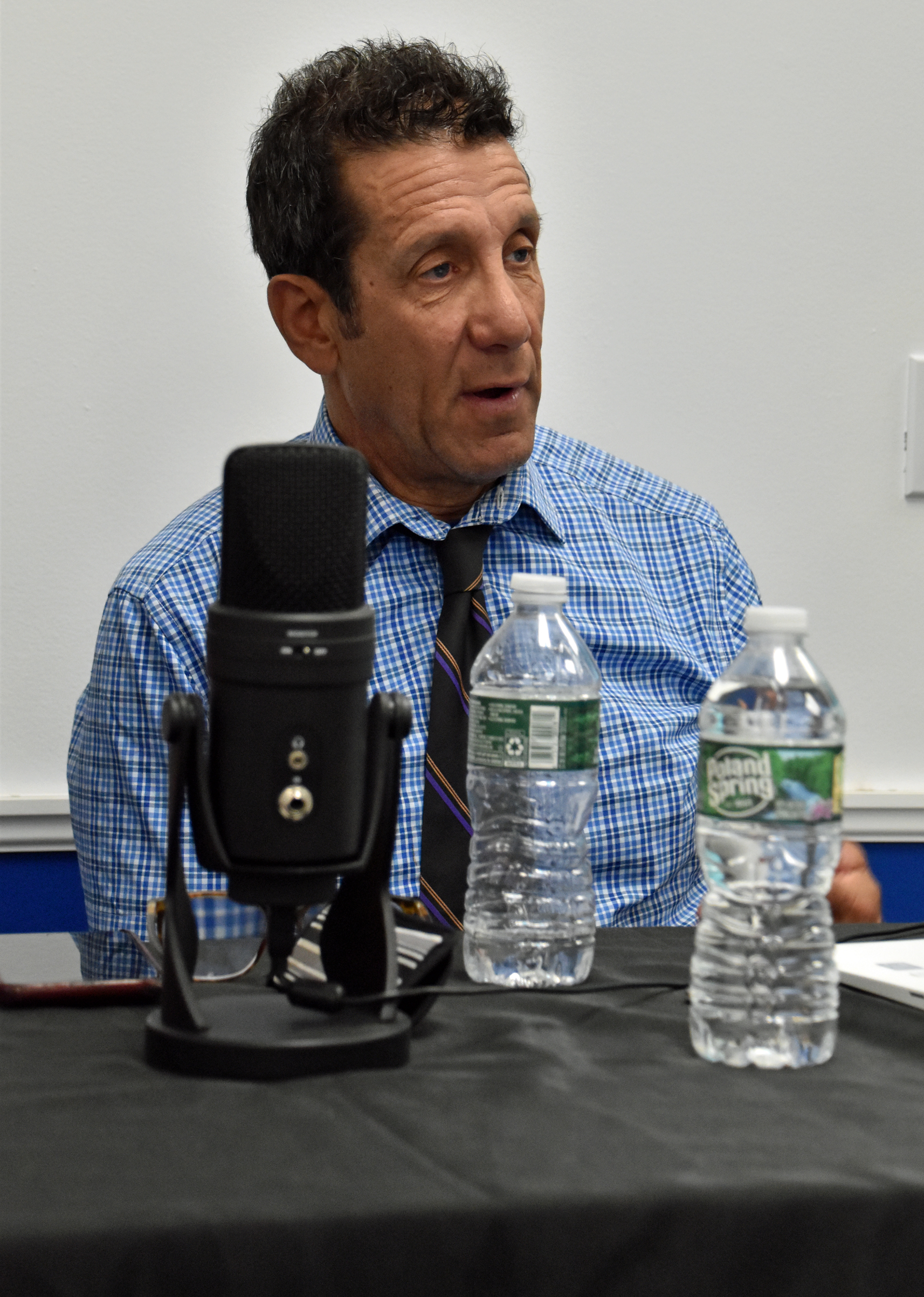
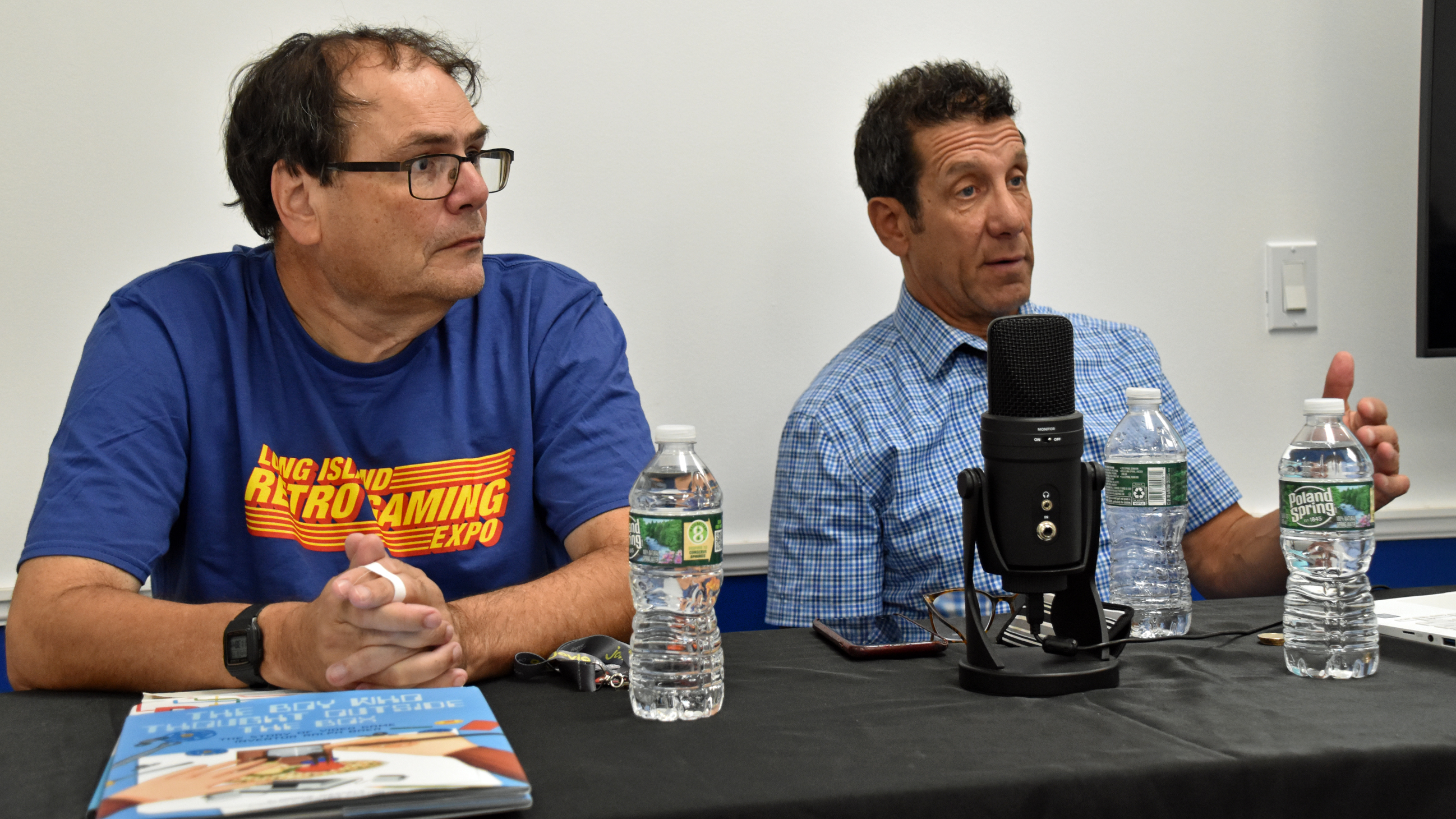
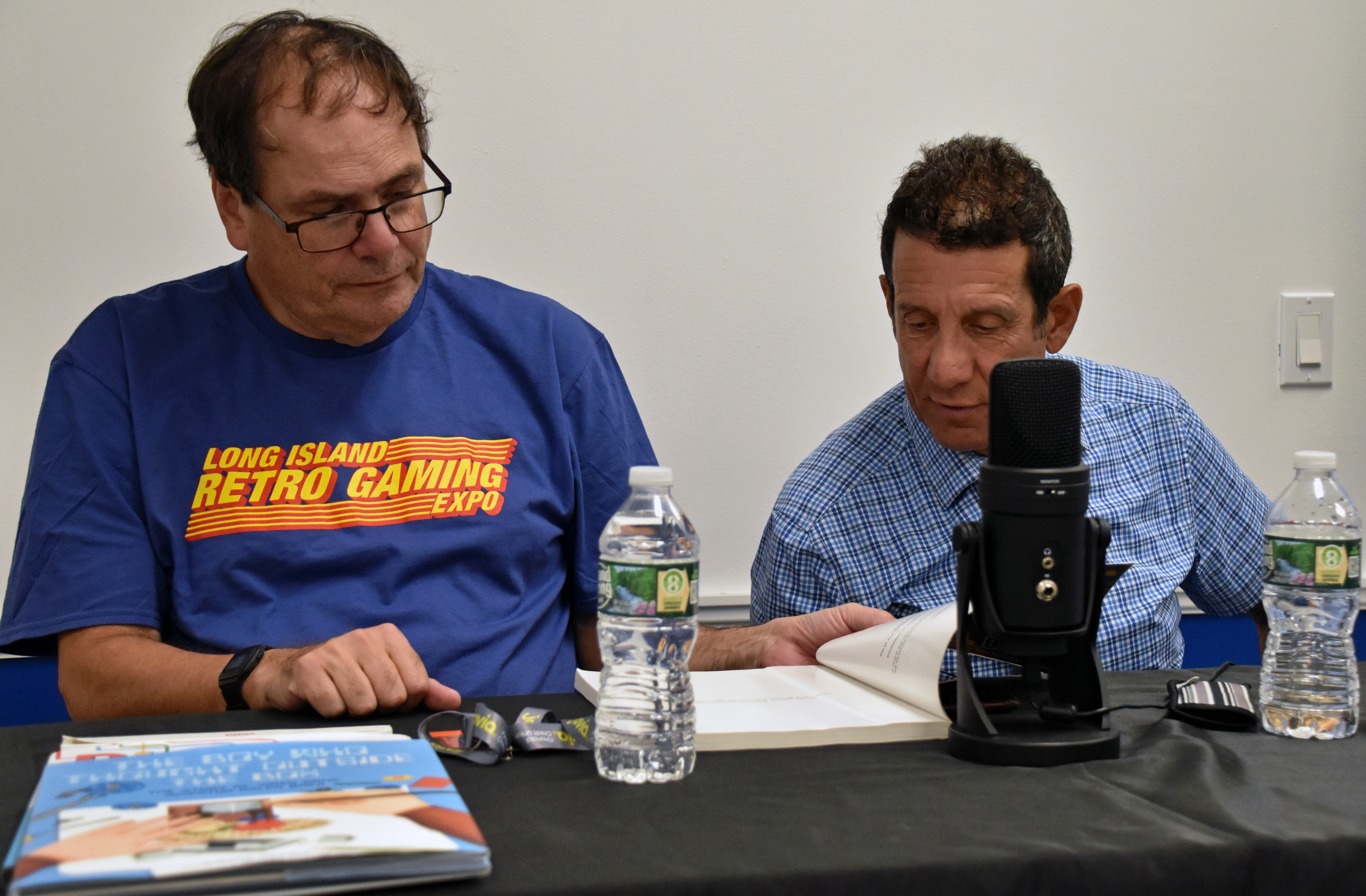
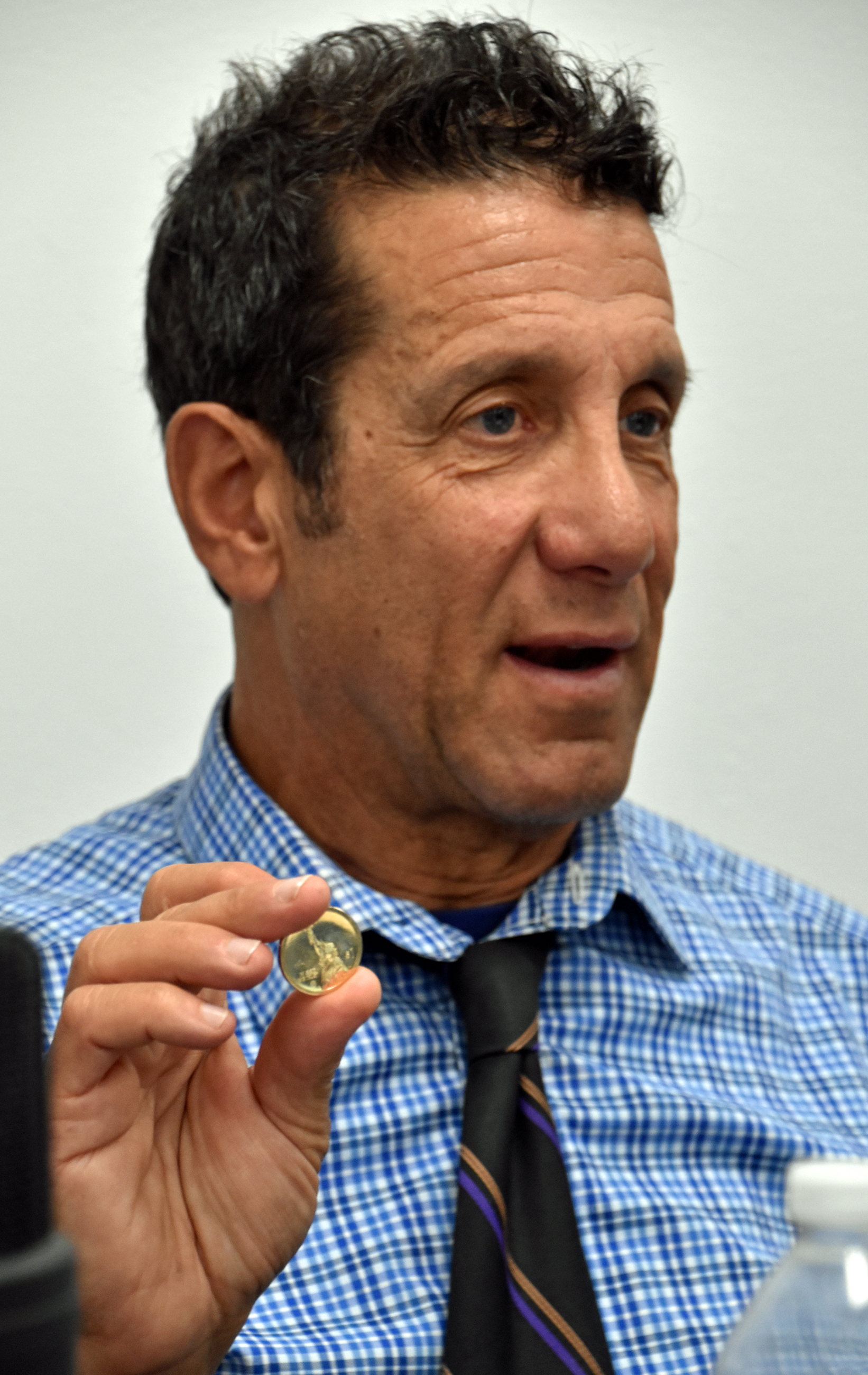
Lenny and Mark’s panel was at 11:30 AM in Panel Room 2. Again, I sat in the front row. Lenny grew to be like a surrogate son to Ralph, and the brotherly love between he and Mark was on display throughout the panel, especially in the first two pics.
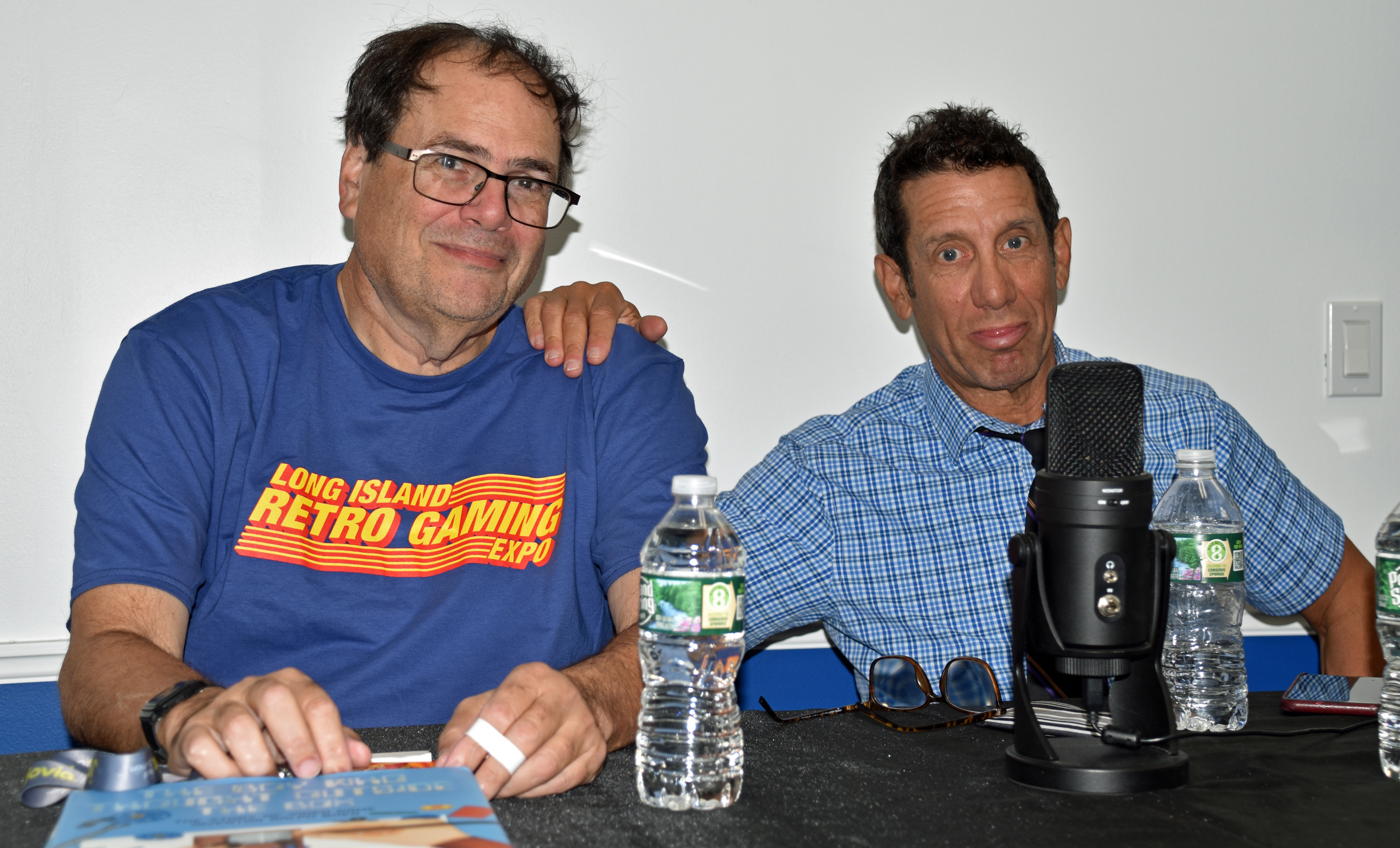
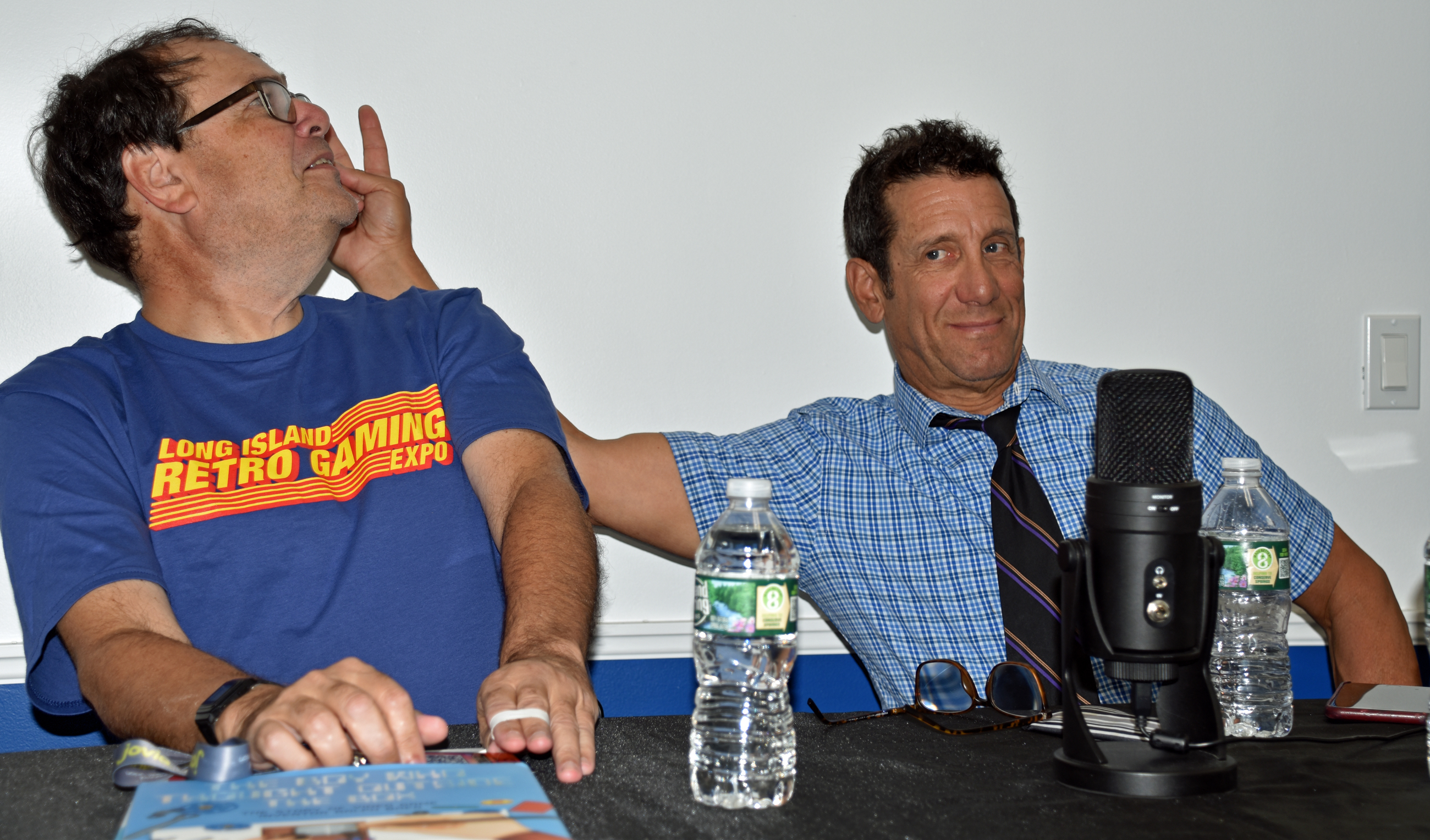





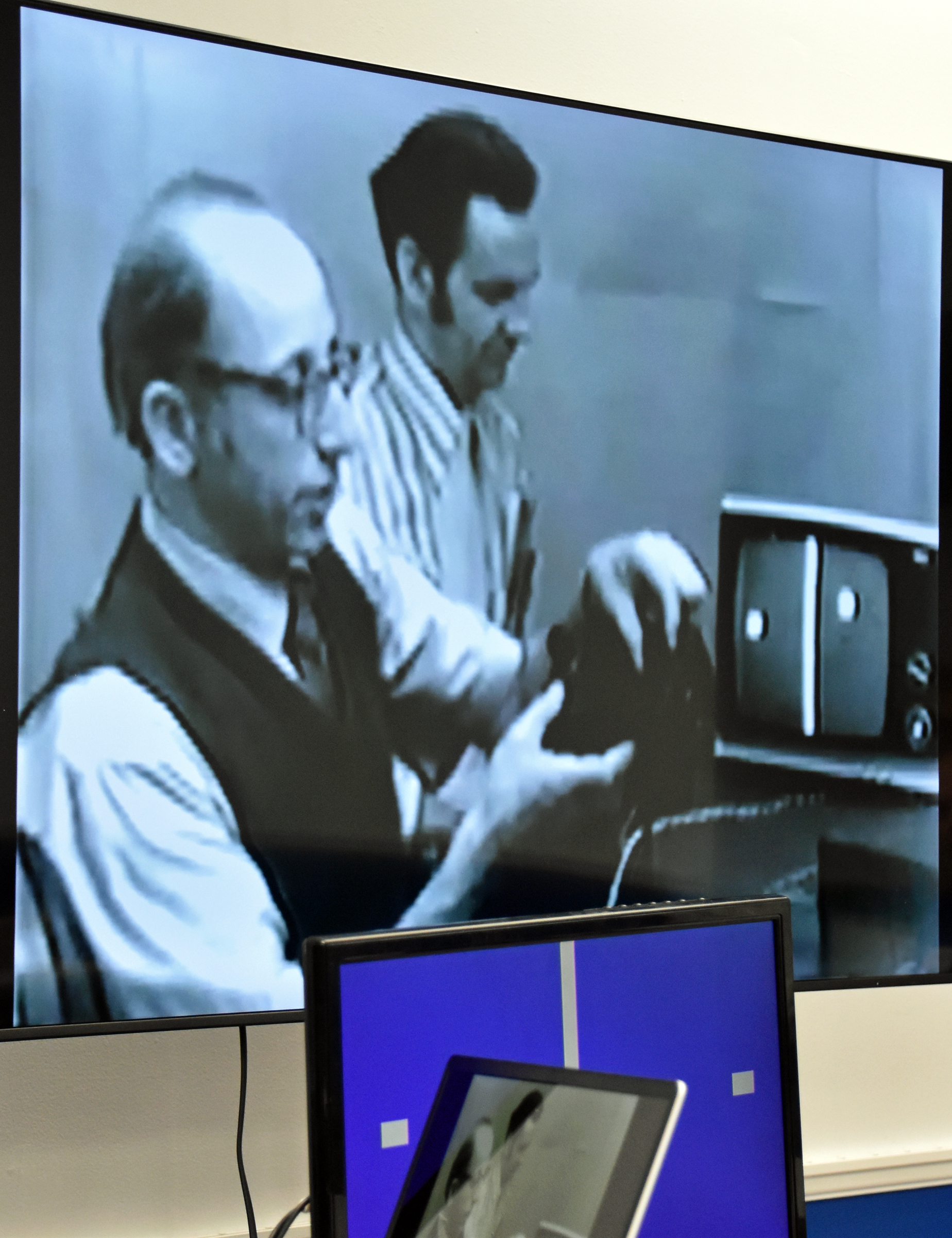
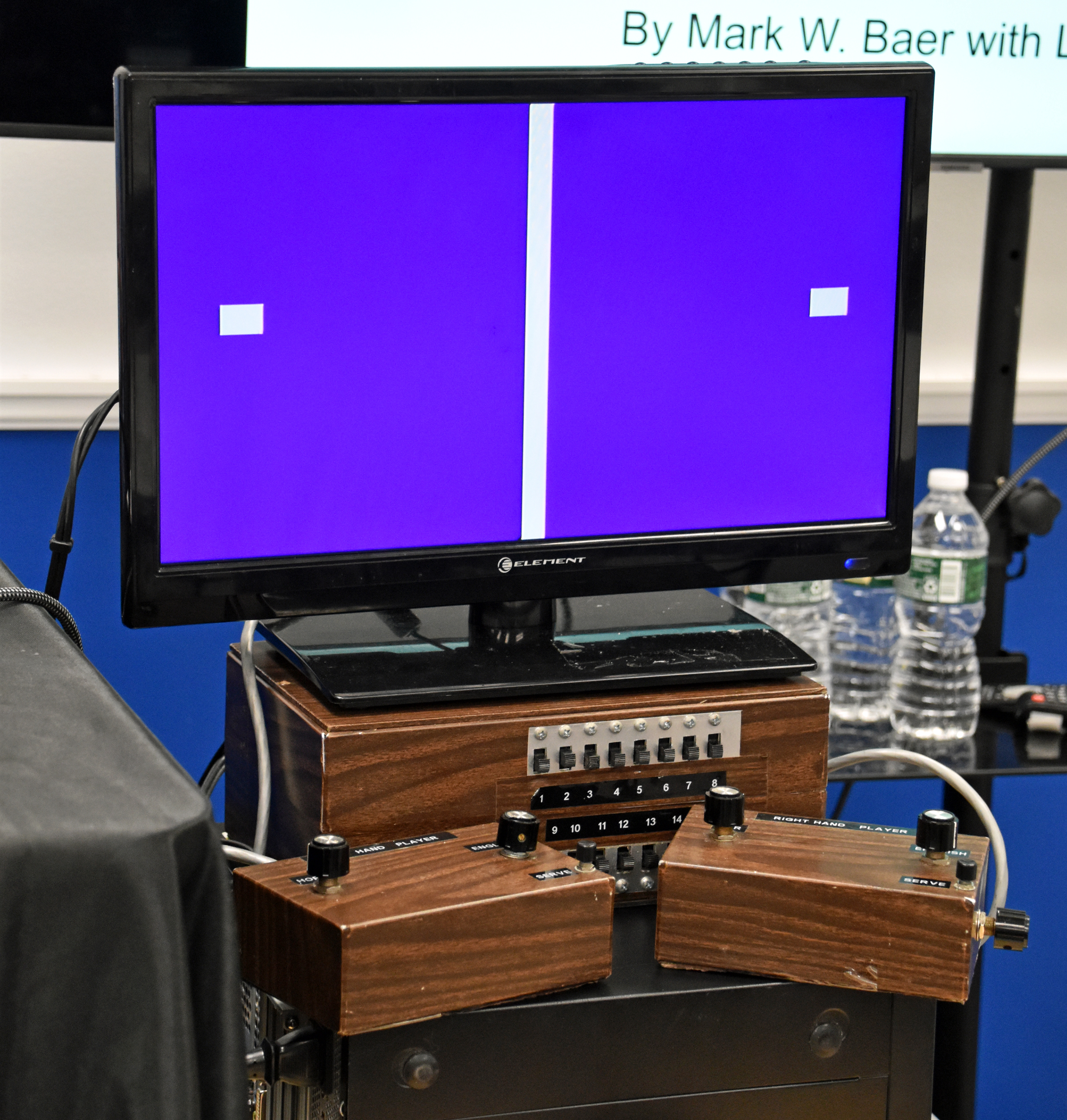



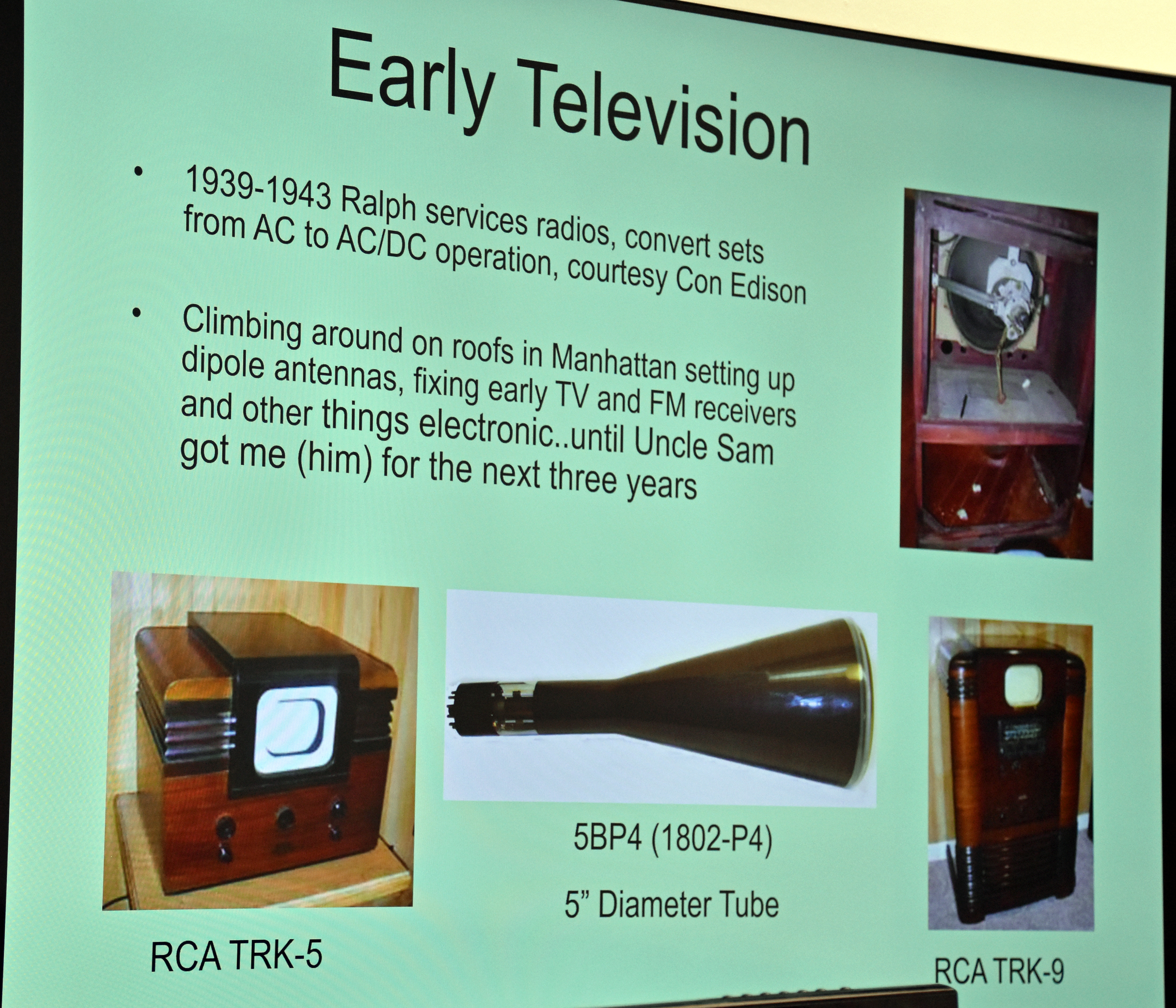

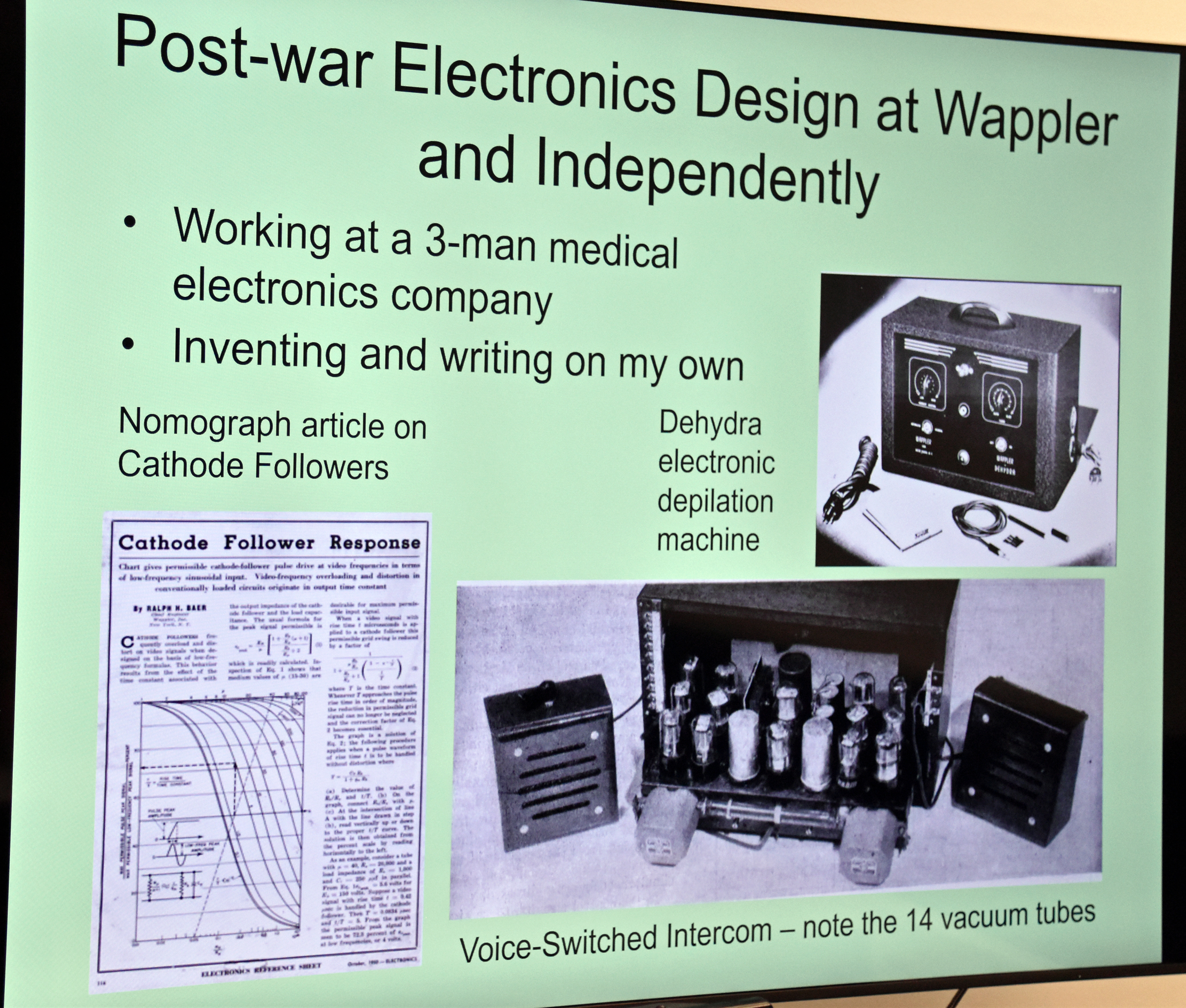


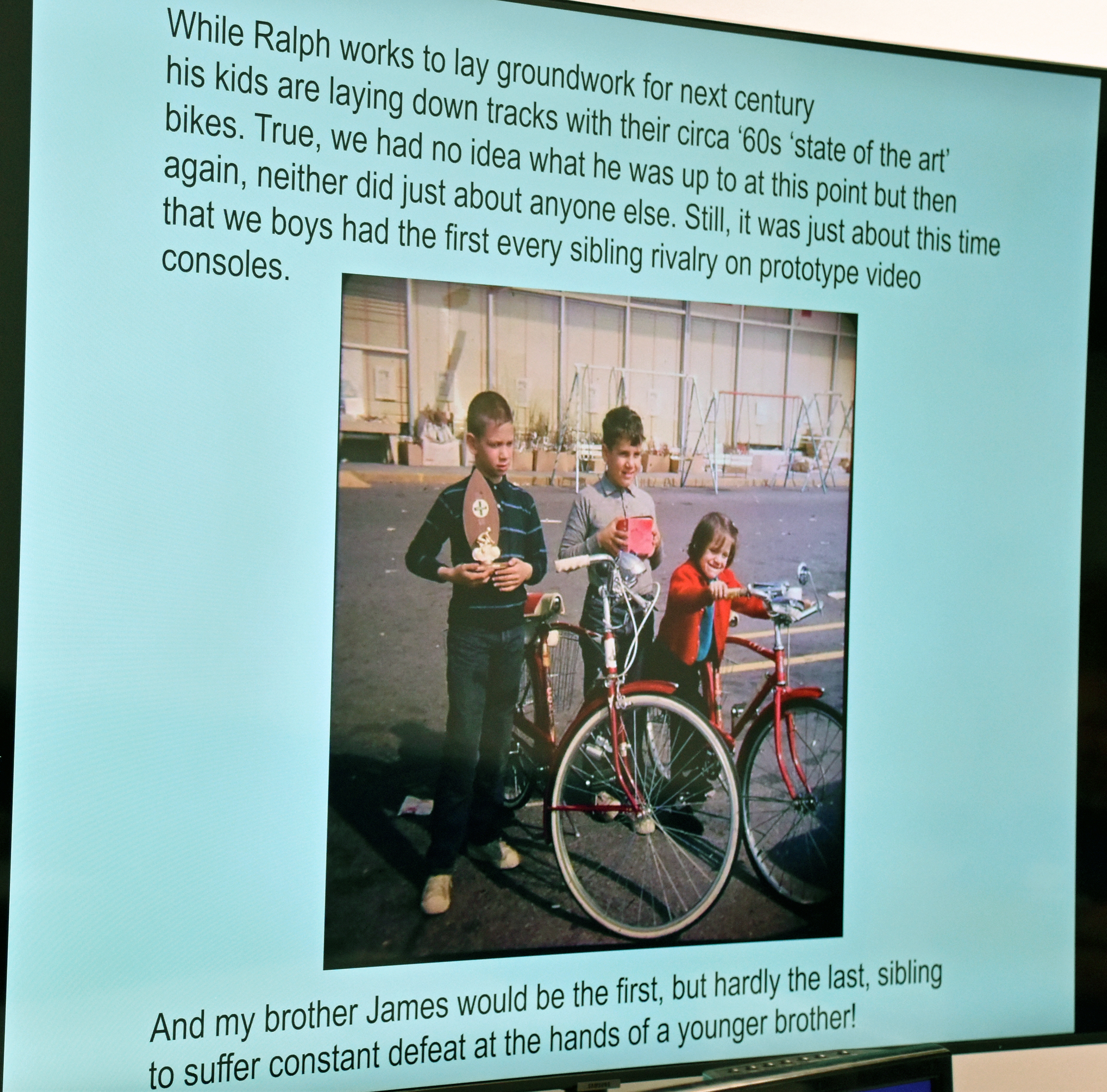


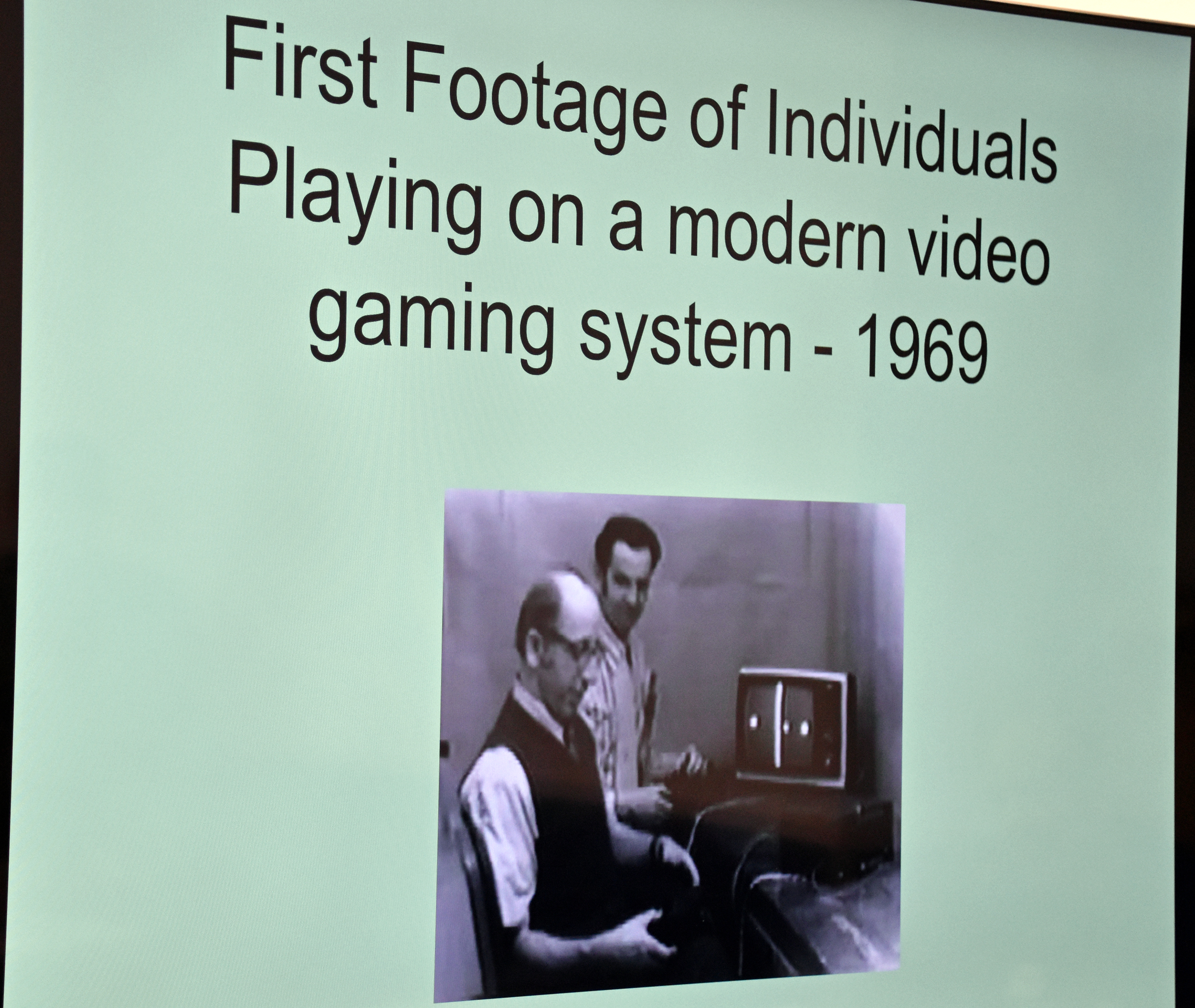



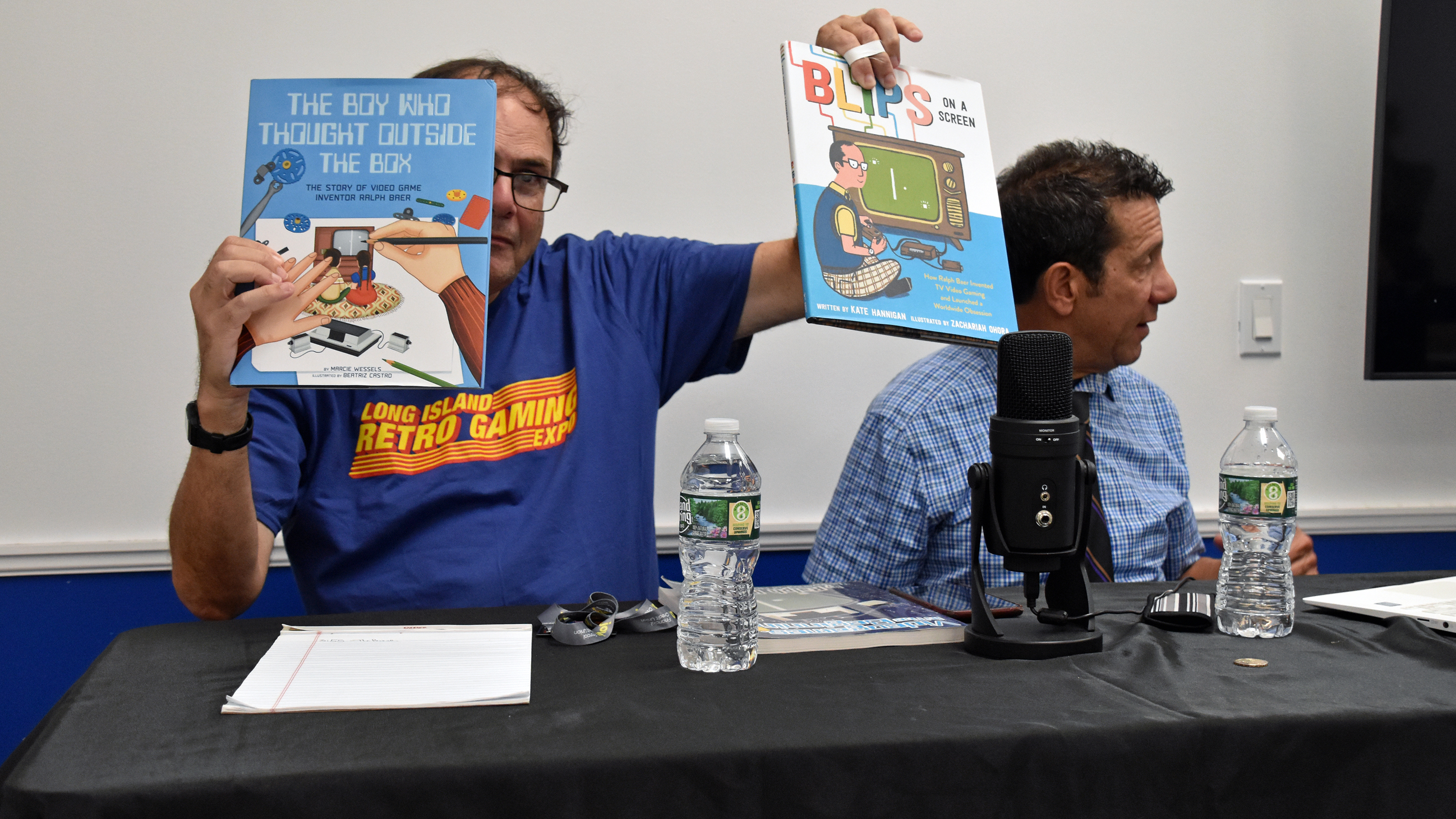

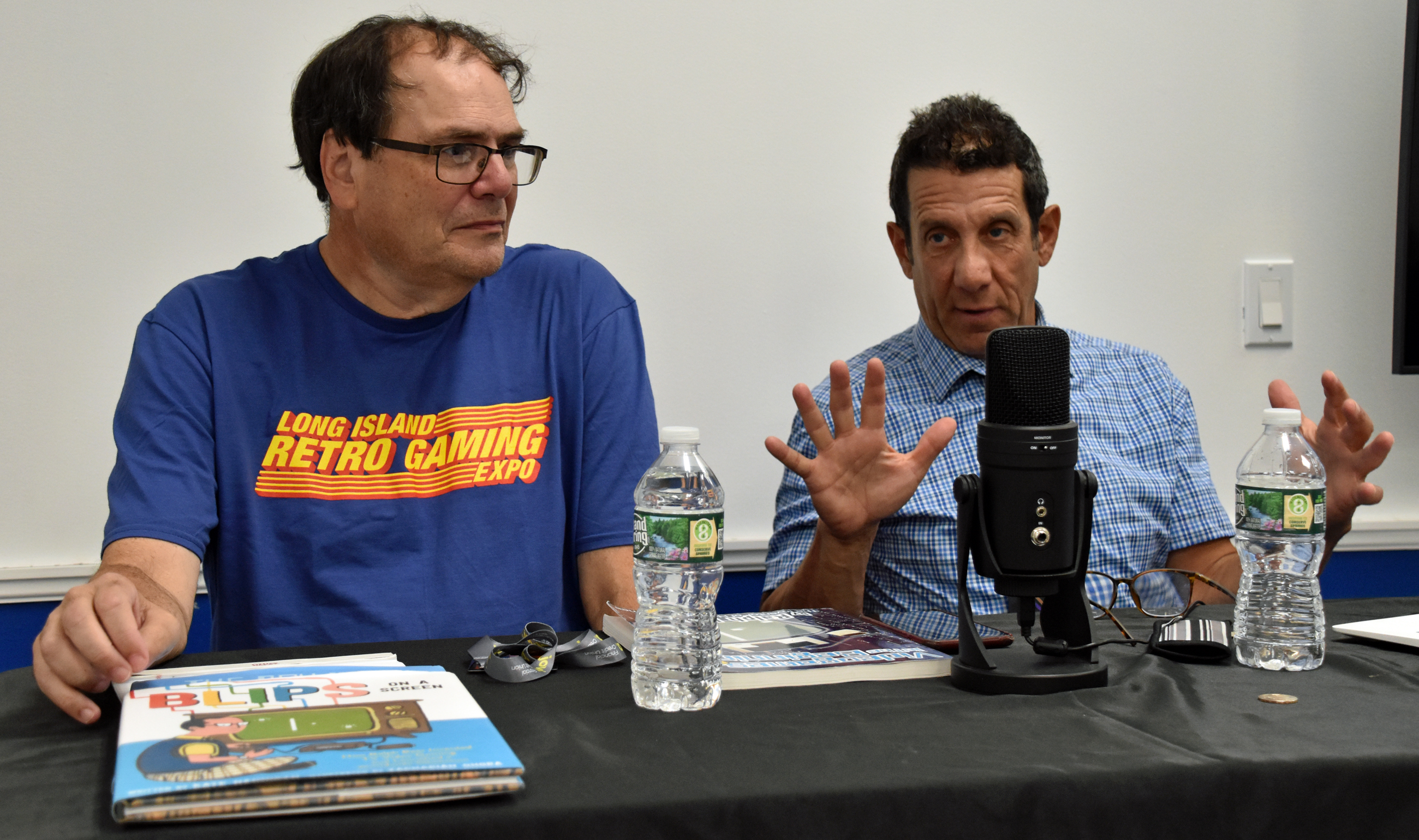


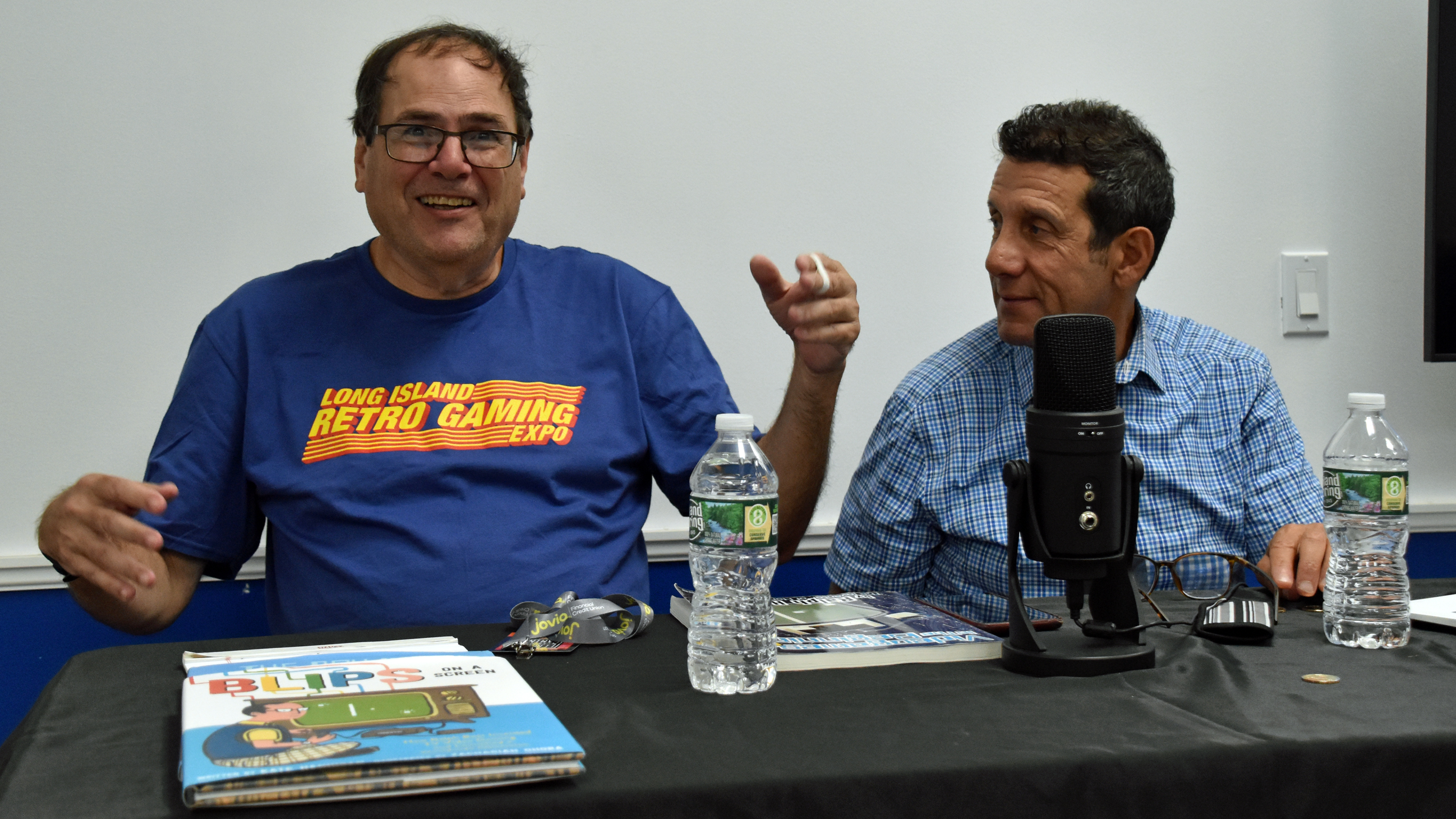
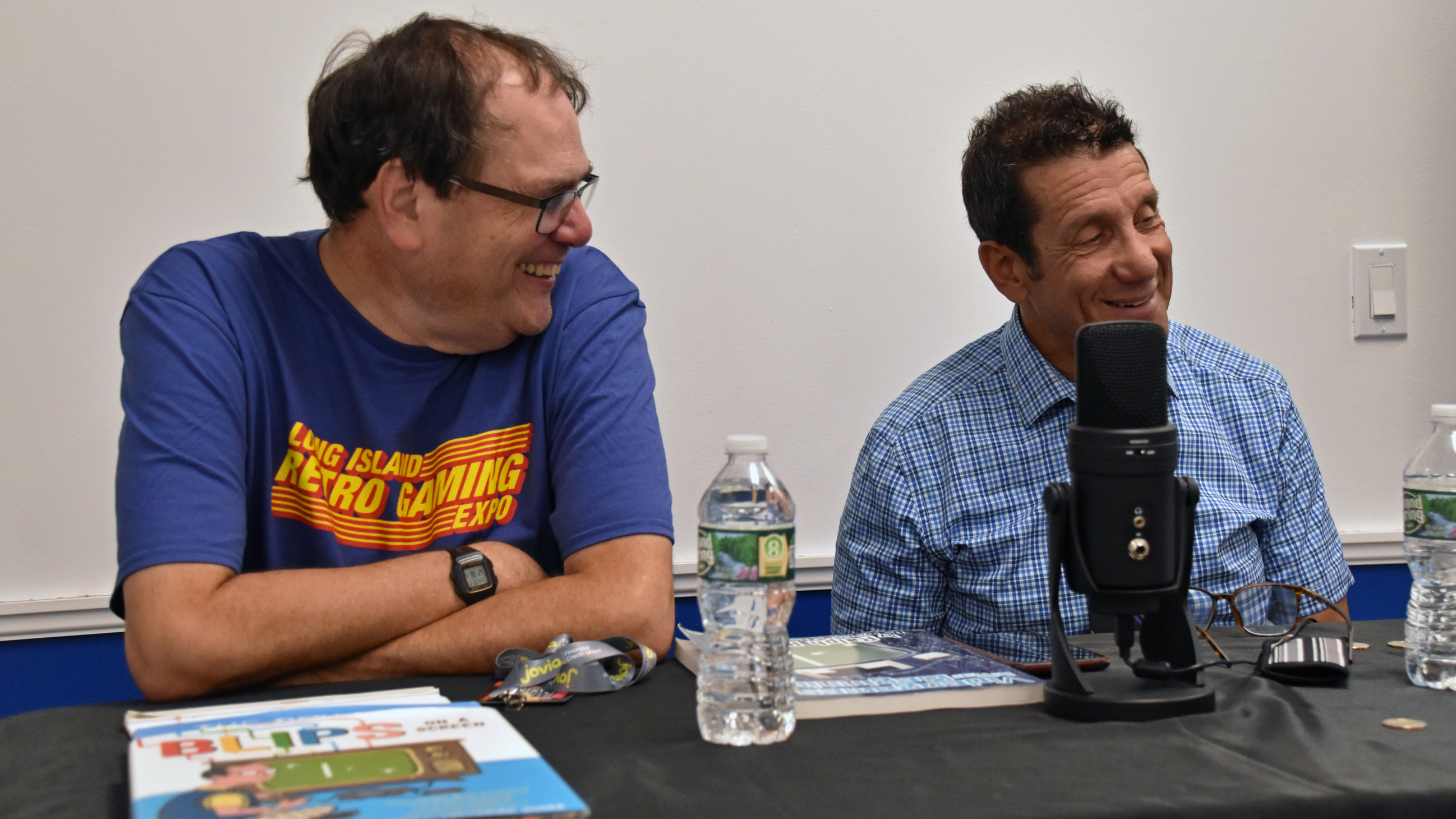

I linked to it in the gallery, but here again is Ralph and Bill Harrison’s 1969 Brown Box demo:
Part 3: Meet and greet photos
Lenny Herman and Mark Baer:

Patrick Wong:

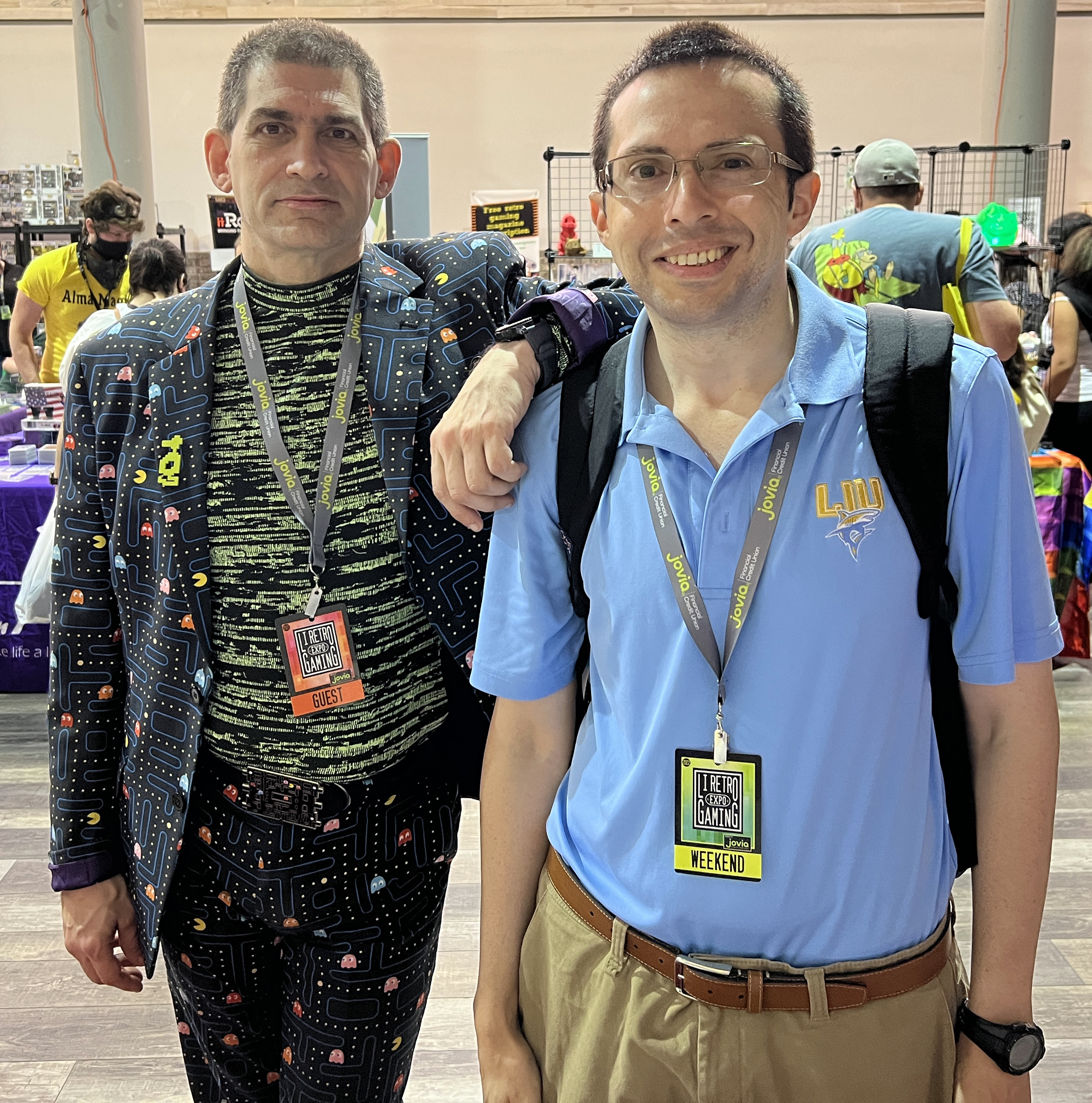
Jeff, in his Pac-Man suit:
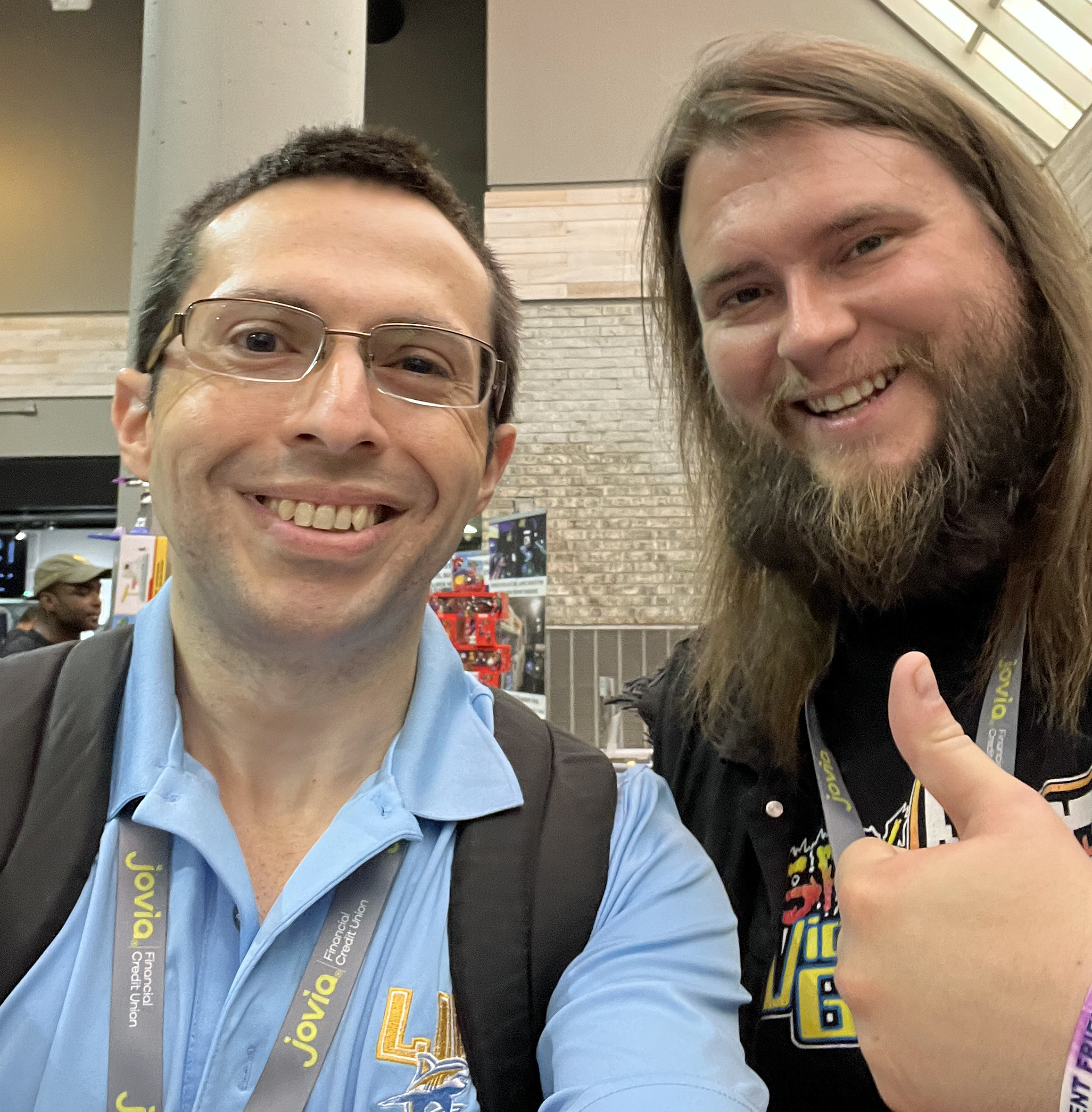
Brett Weiss:

Pat Contri and Ian Ferguson:

John Riggs:

The Cinemassacre/Screenwave Media crew, Justin and Marshall:

…and I met Kieran while browsing a vendor’s games:
You’ll see merchandise and games in the pickups portion of this recap.
Part 4: Touring the expo
Musical performance: 88bit (a.k.a. Rob Kovacs):
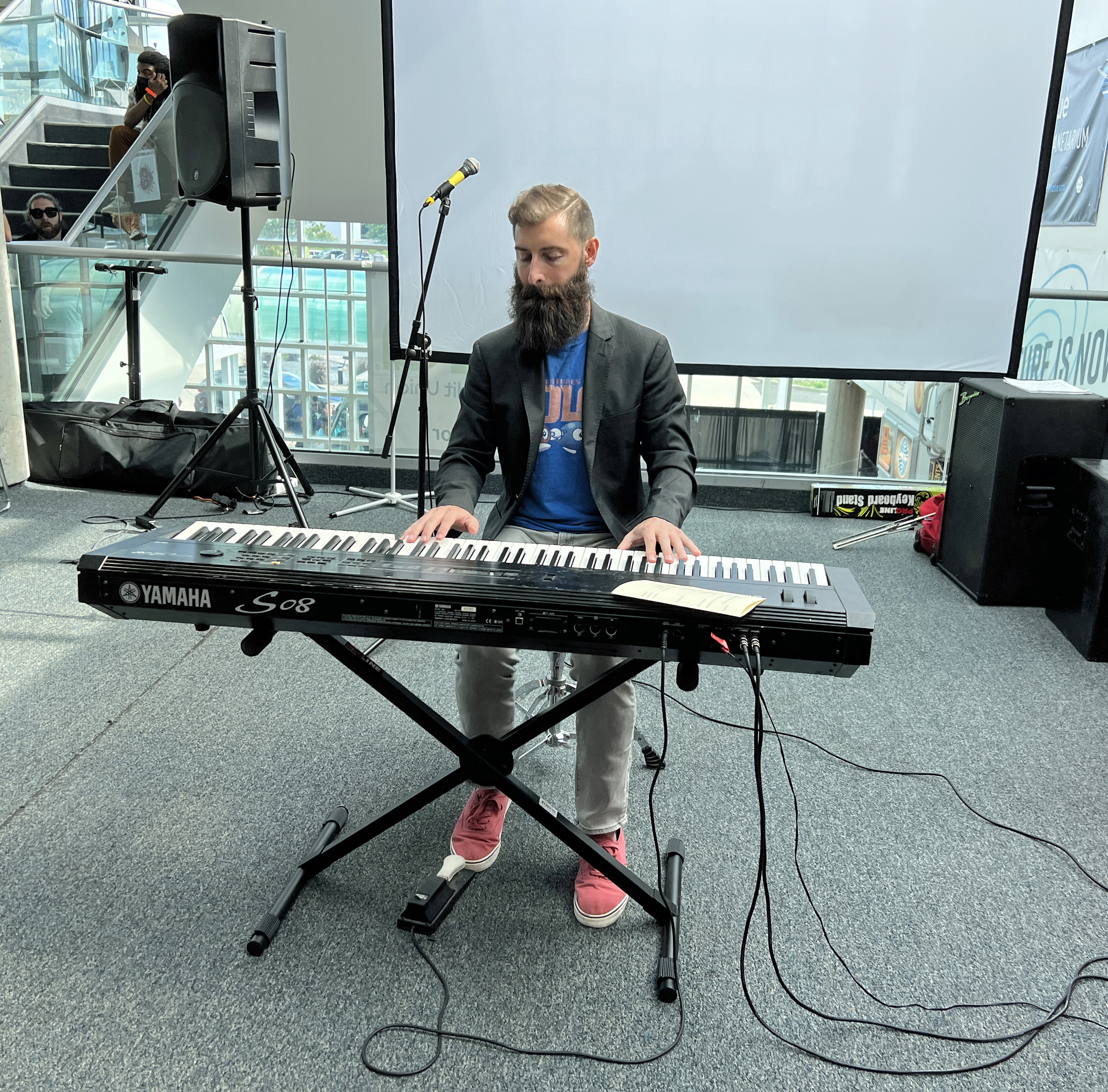


88bit was featured in John Riggs’s vlog.
The other performers were ConSoul, Retro & Chill, and Super Thrash Bros. (also in John’s vlog).
The line ahead of the cosplay contest, held Saturday at 3:30 PM in the Main Theatre:

High score challenges:


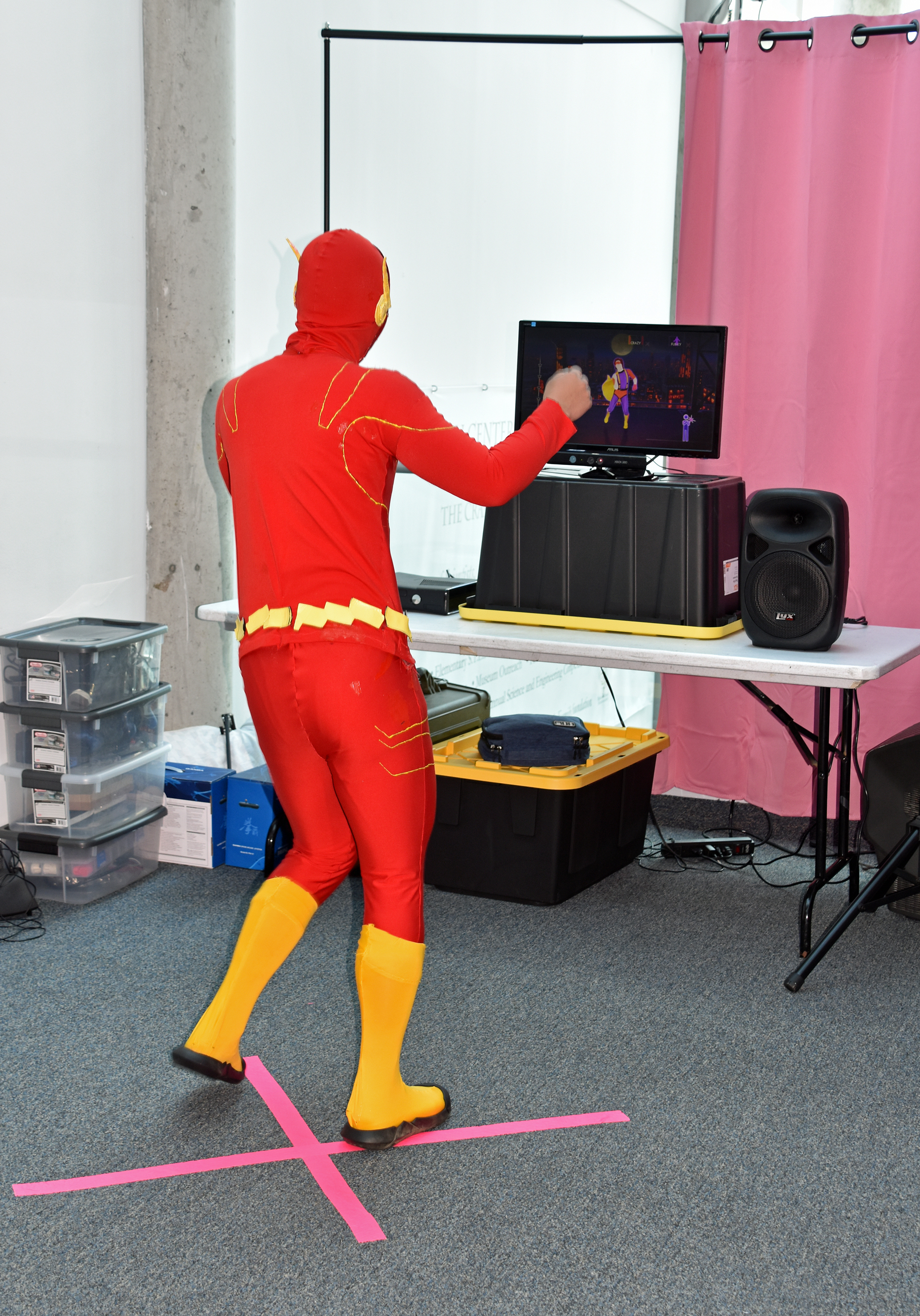
Just Dance 4 (to “Never Gonna Give You Up” by Rick Astley):

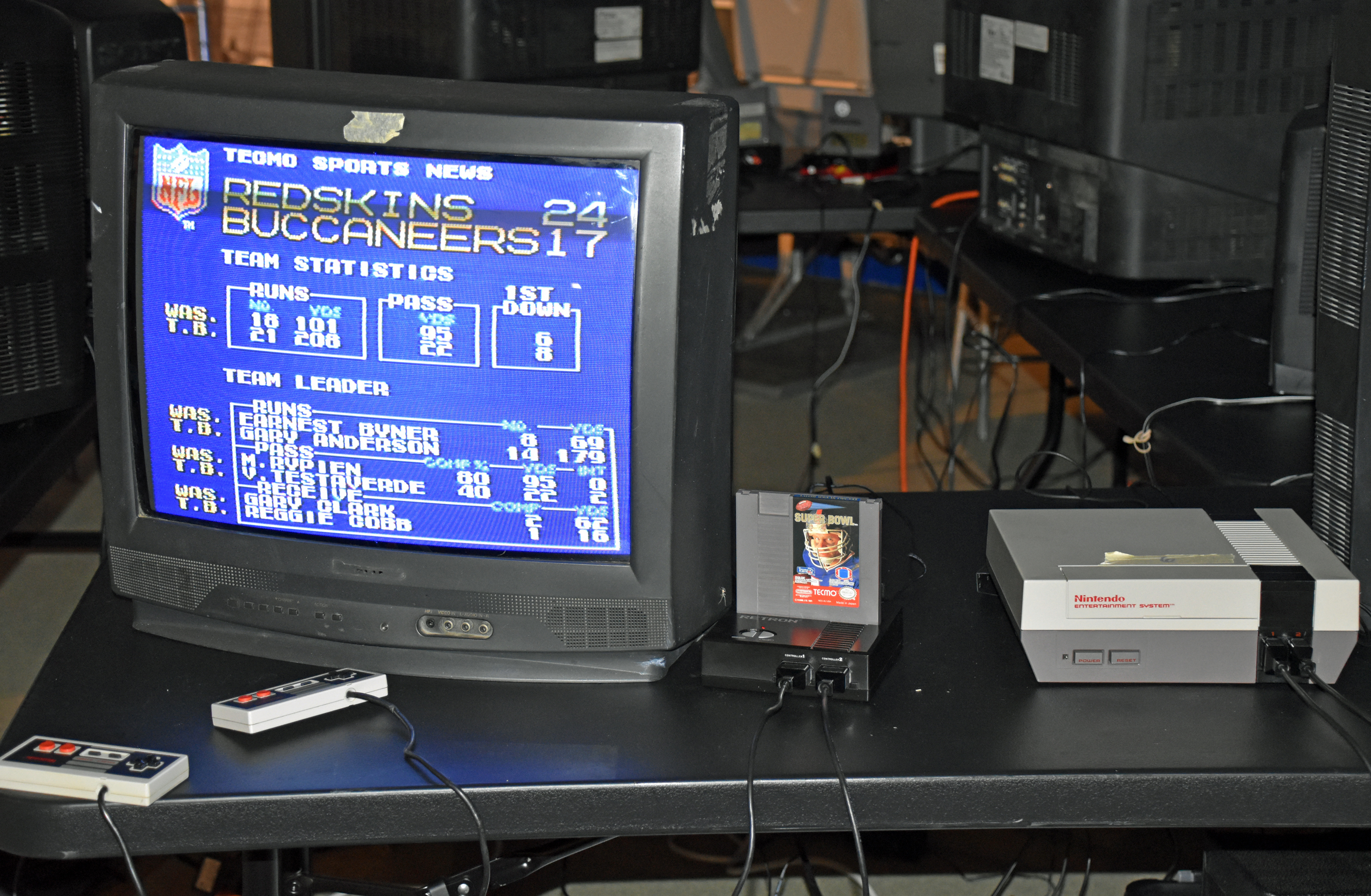
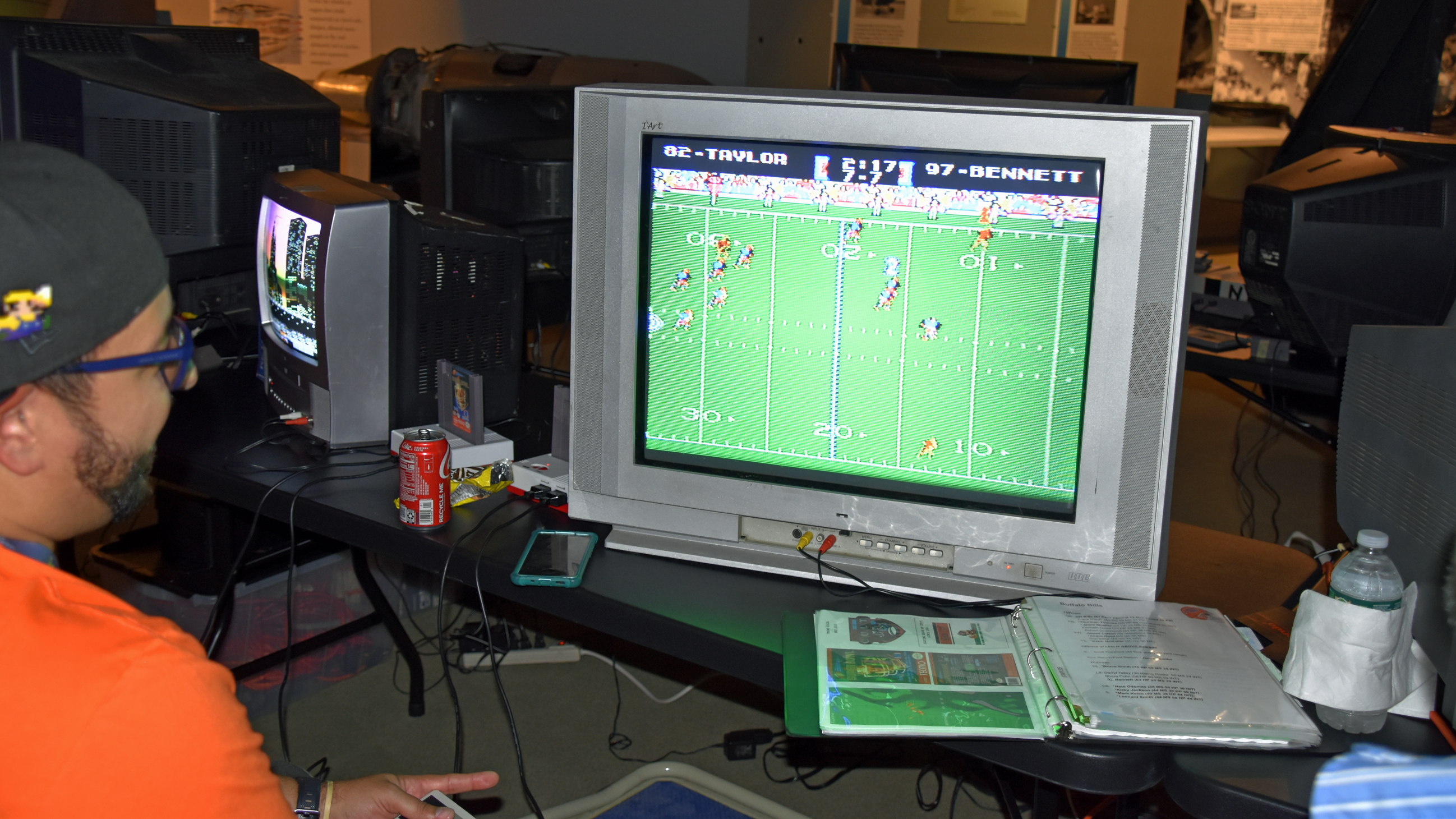
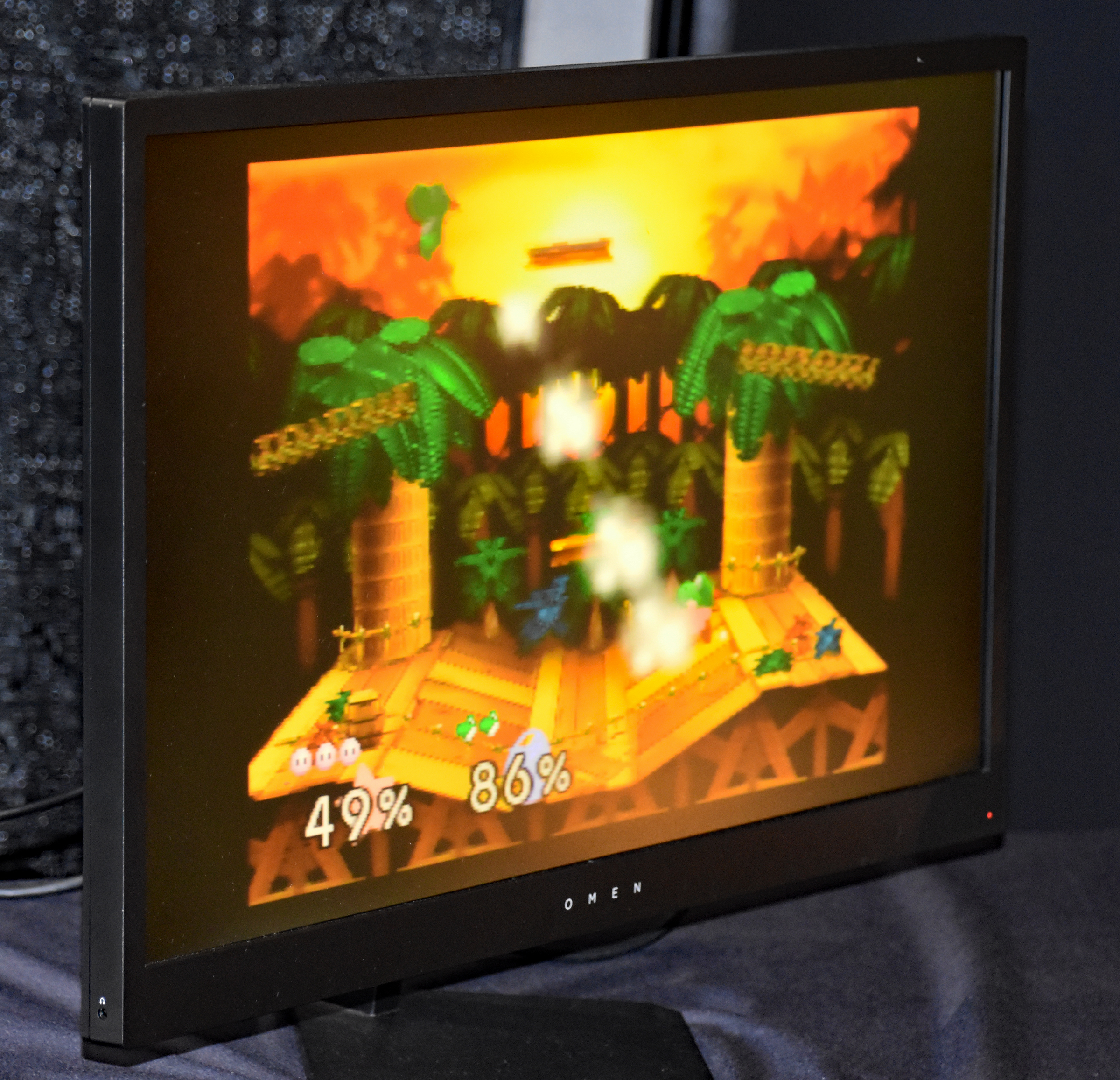
Tournaments:




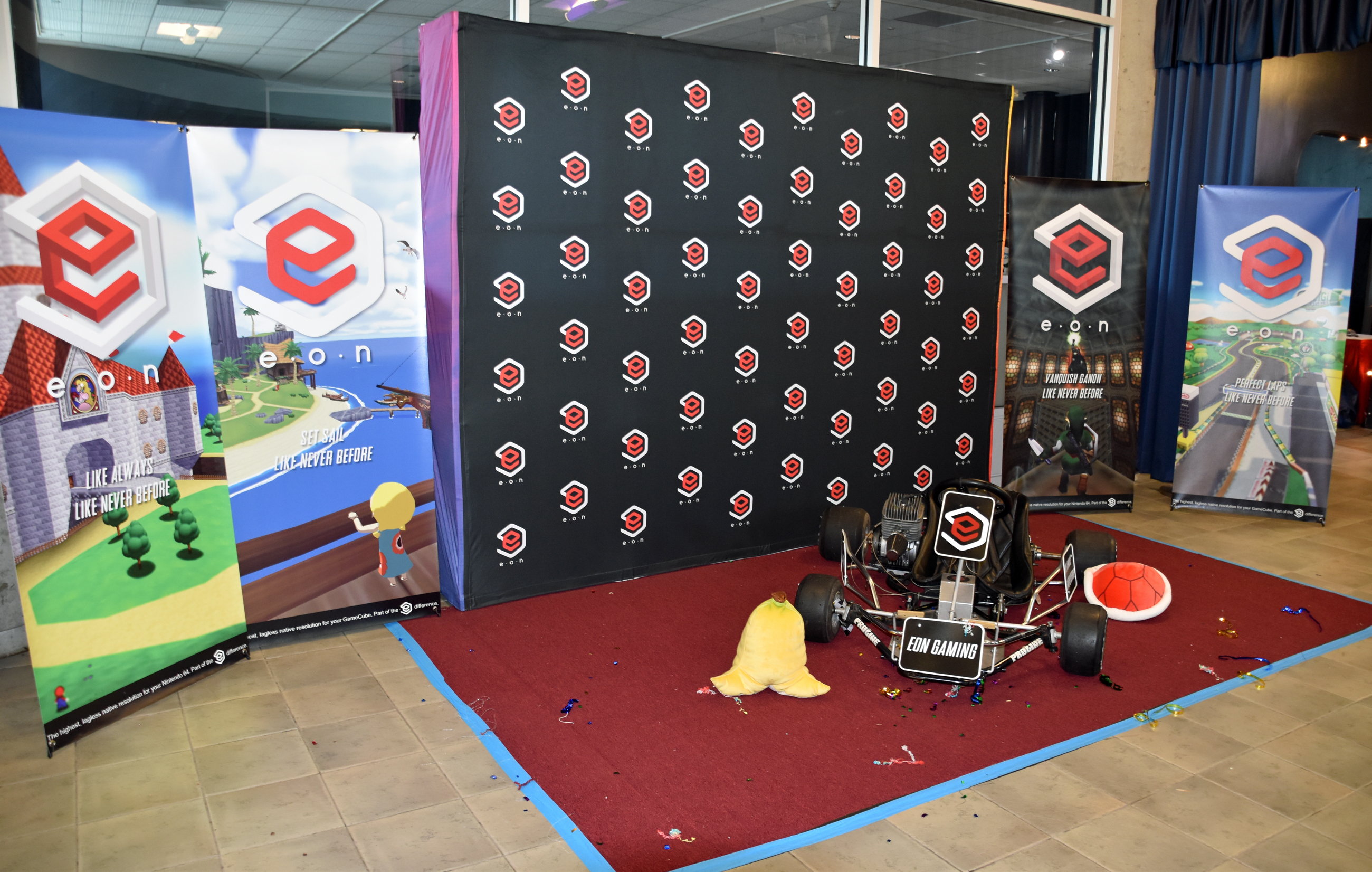


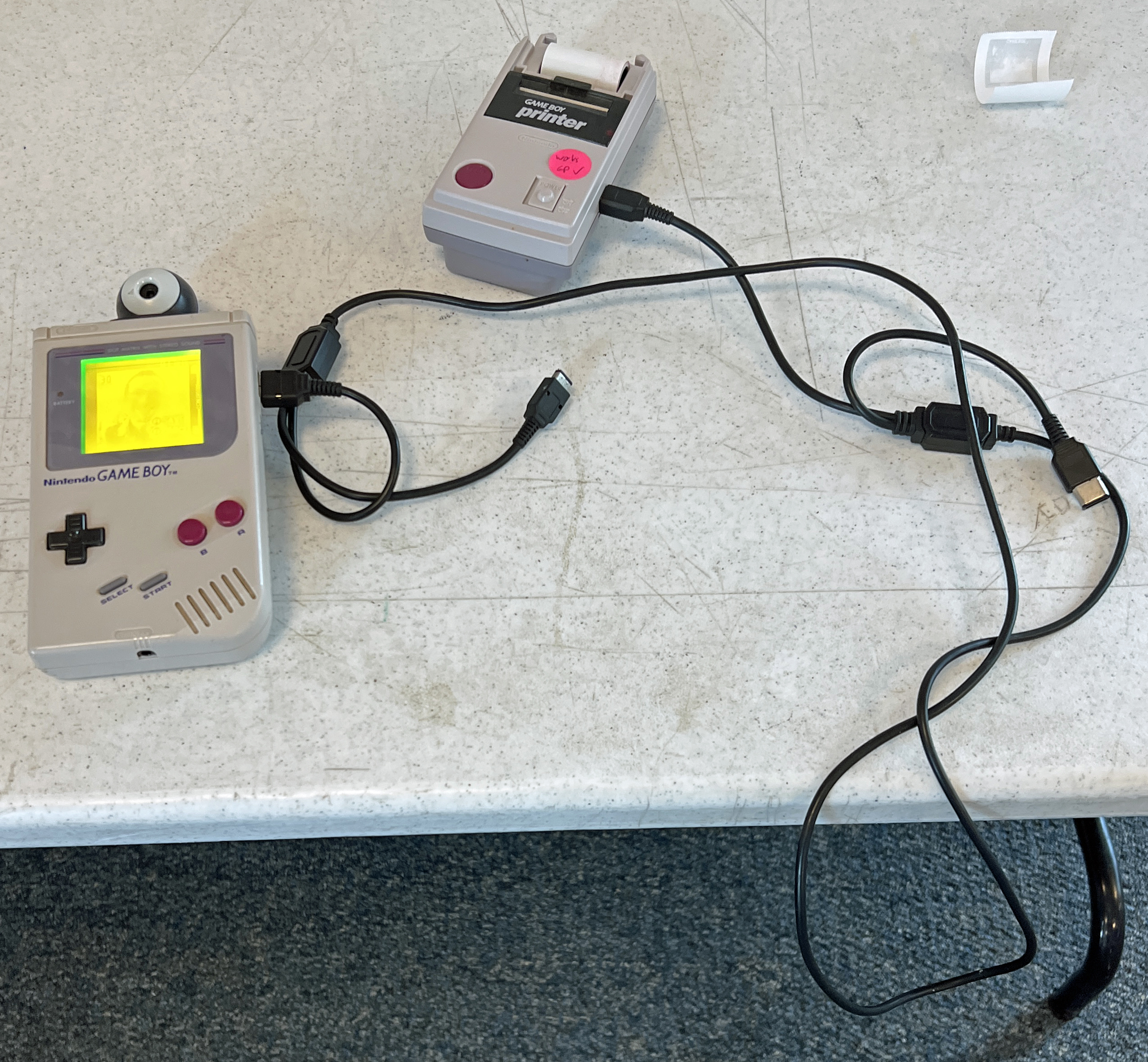
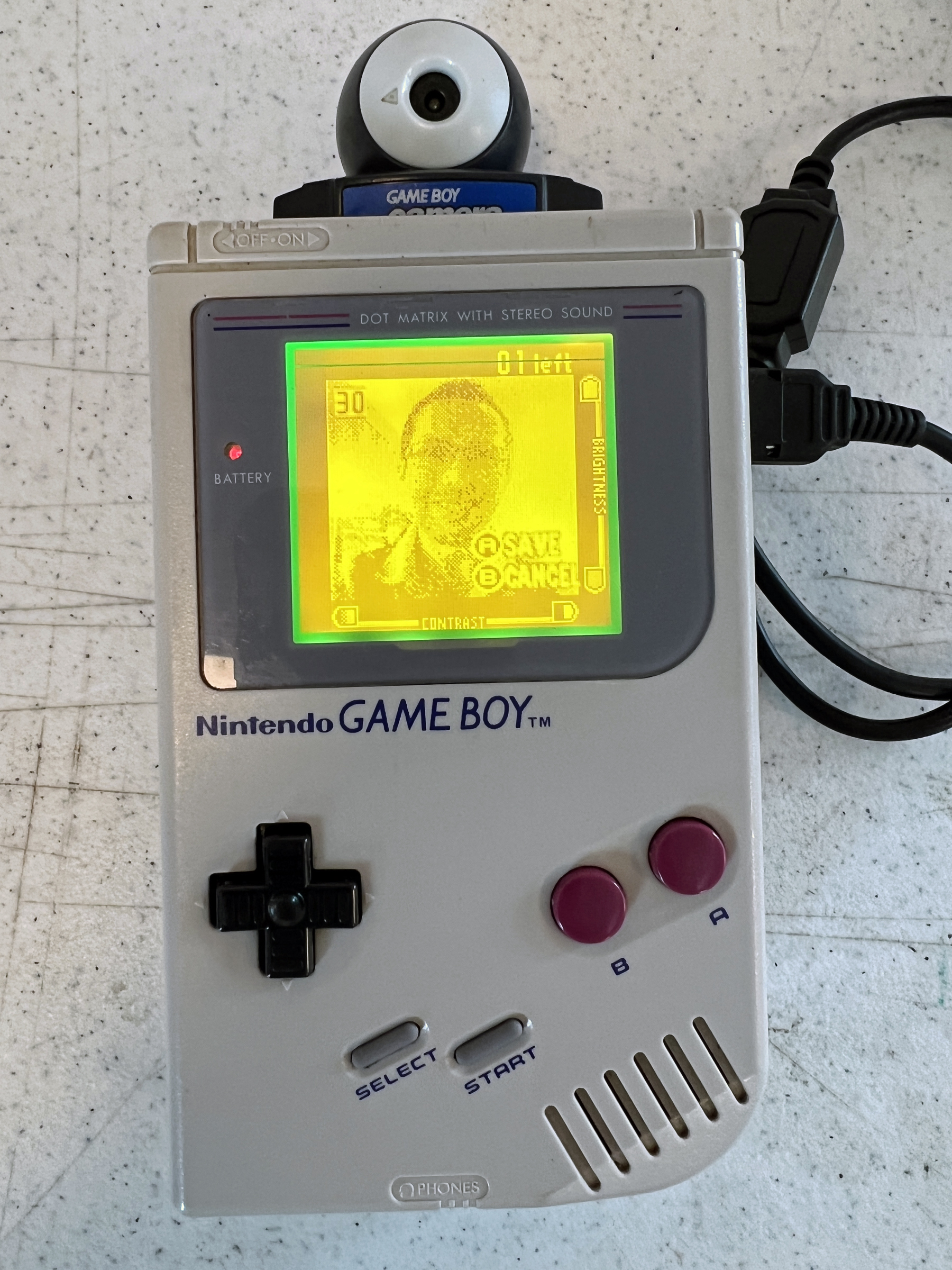
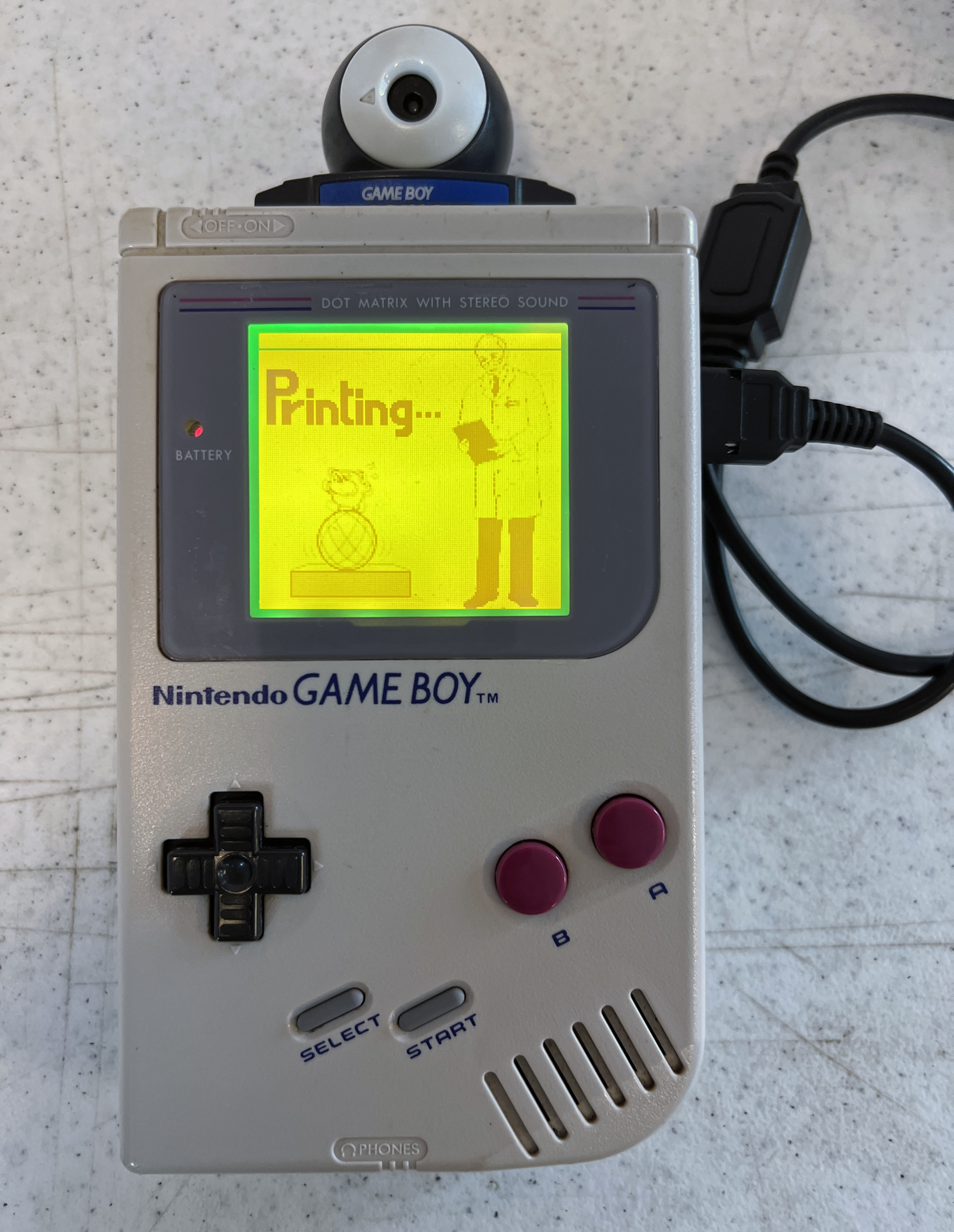
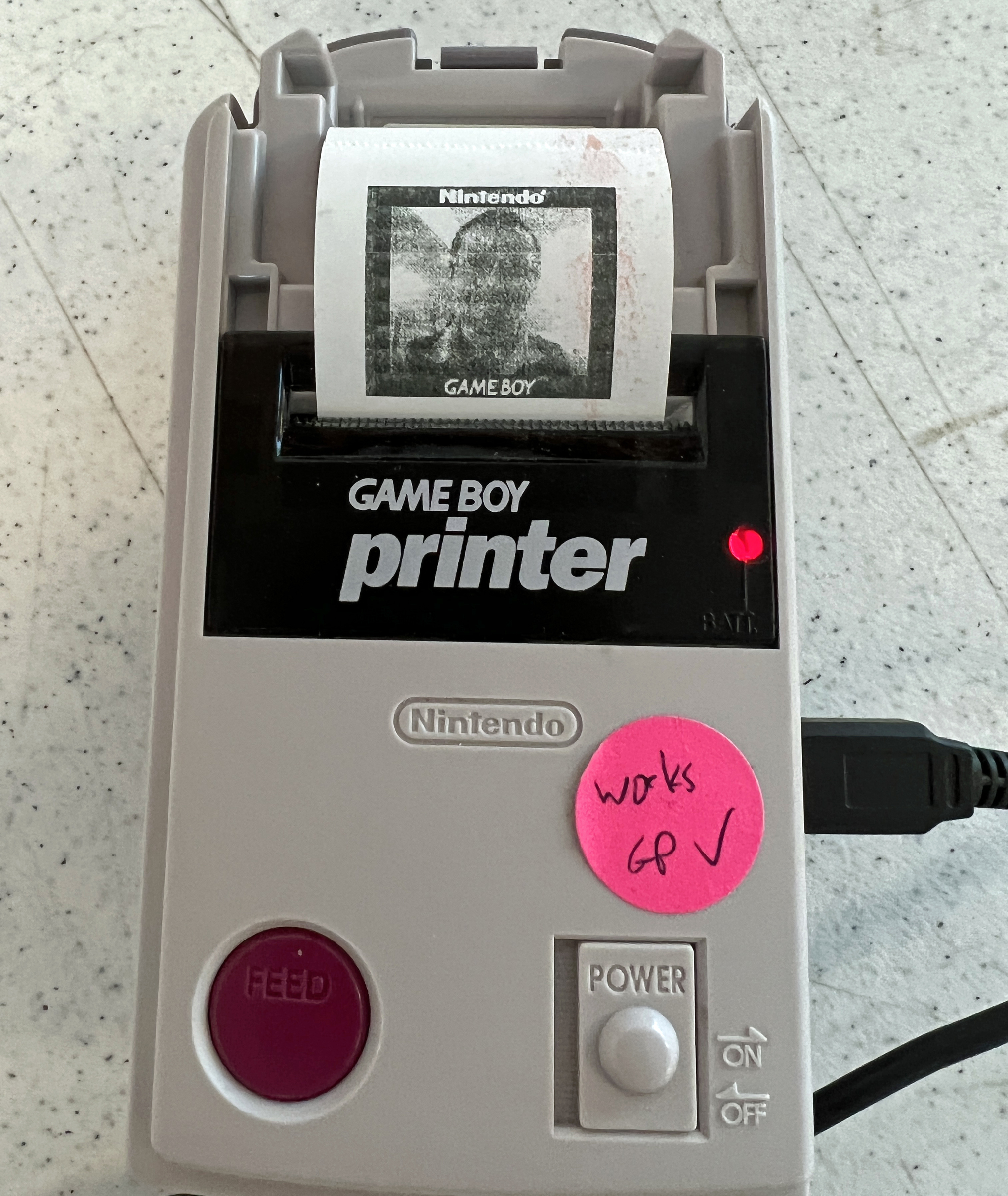
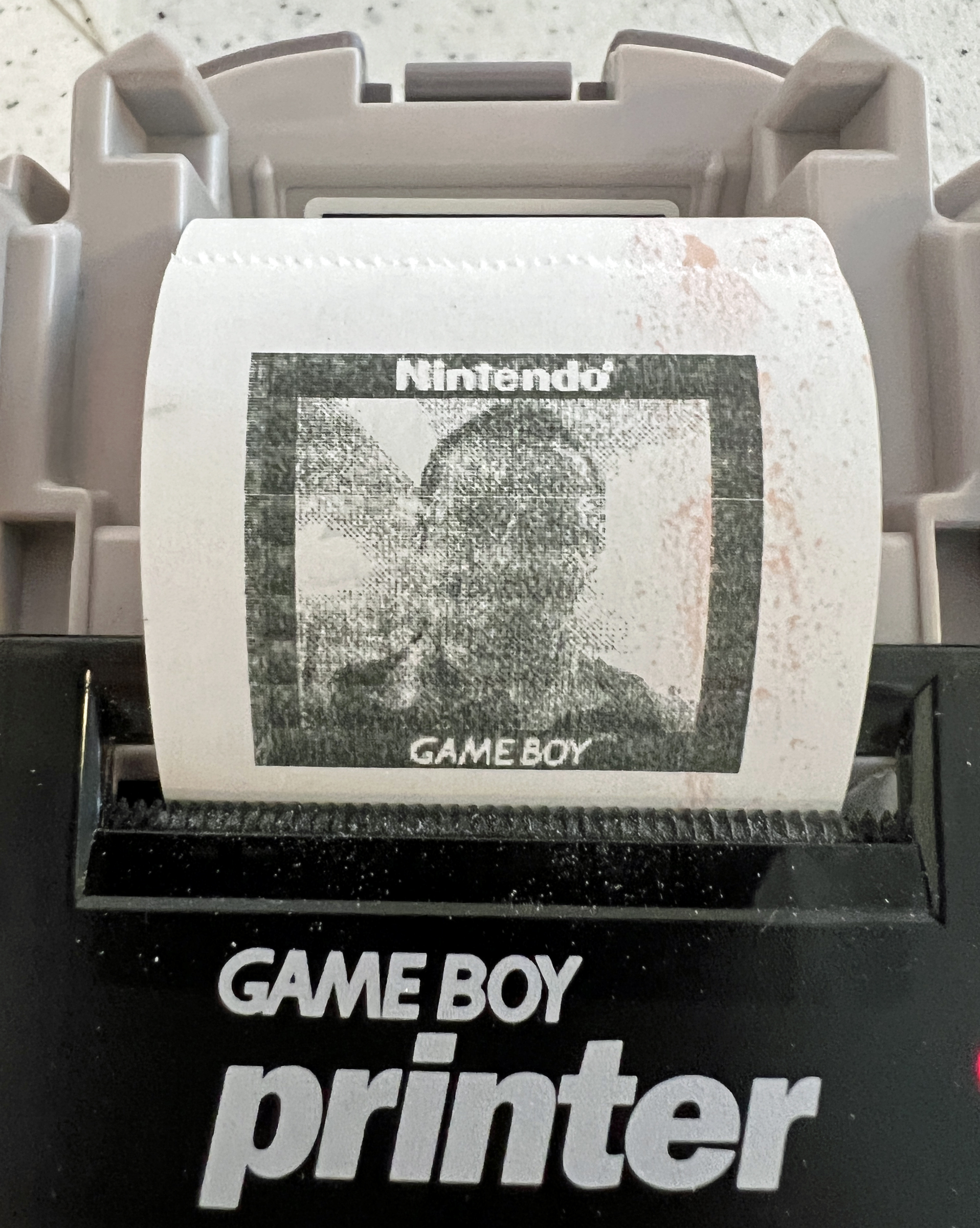
Game Boy Selfie Station with the Game Boy Camera and Printer:




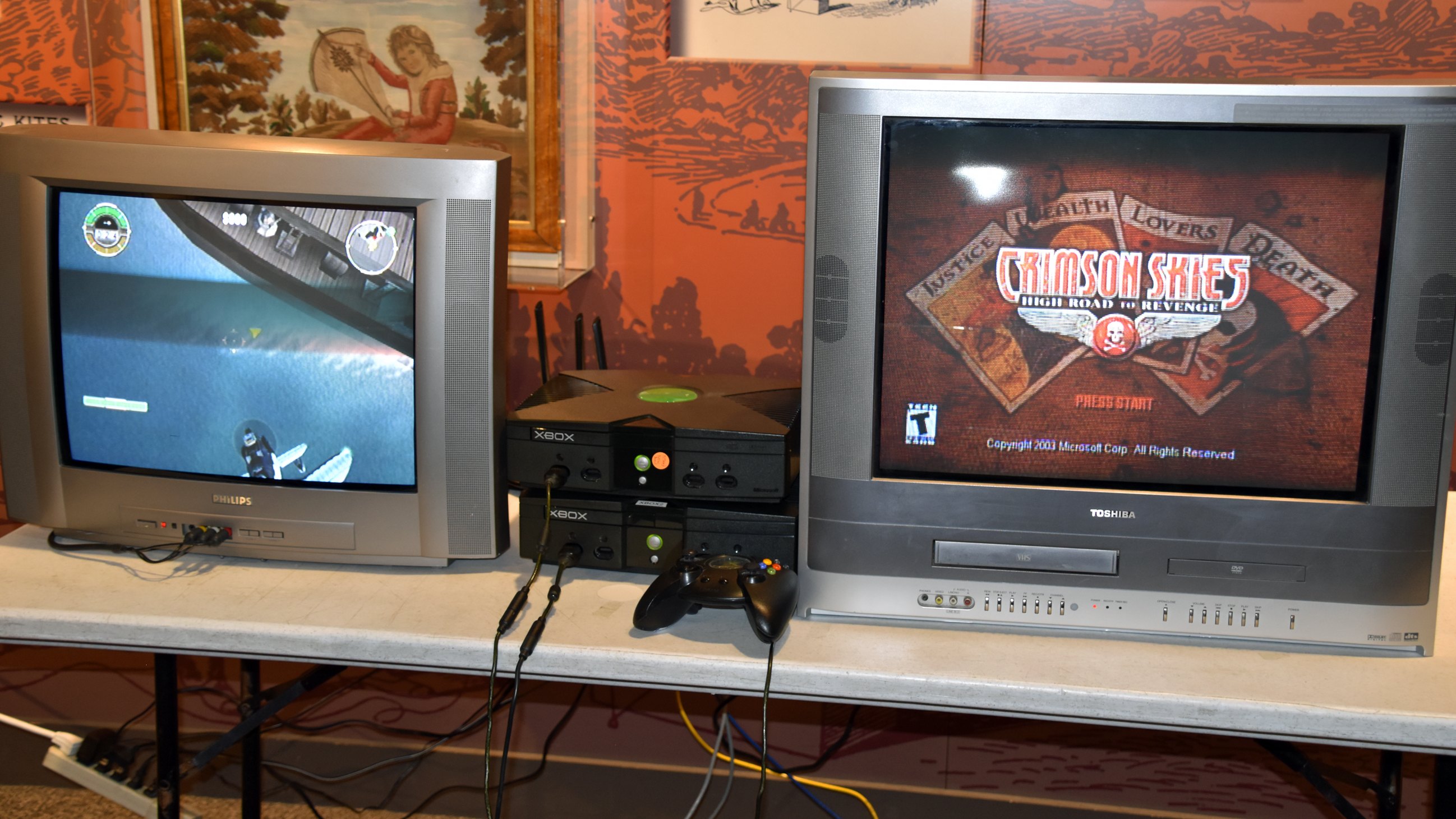
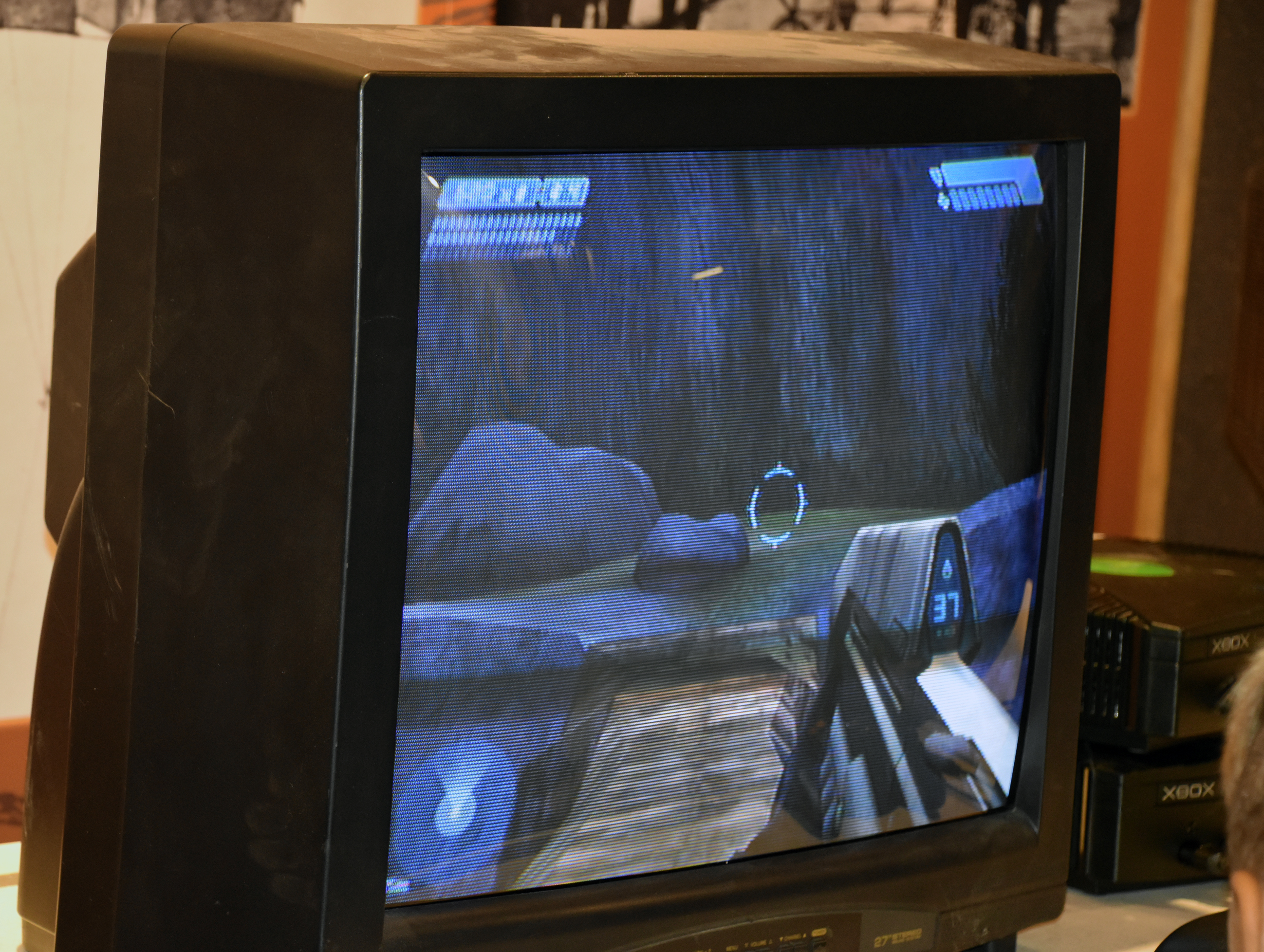
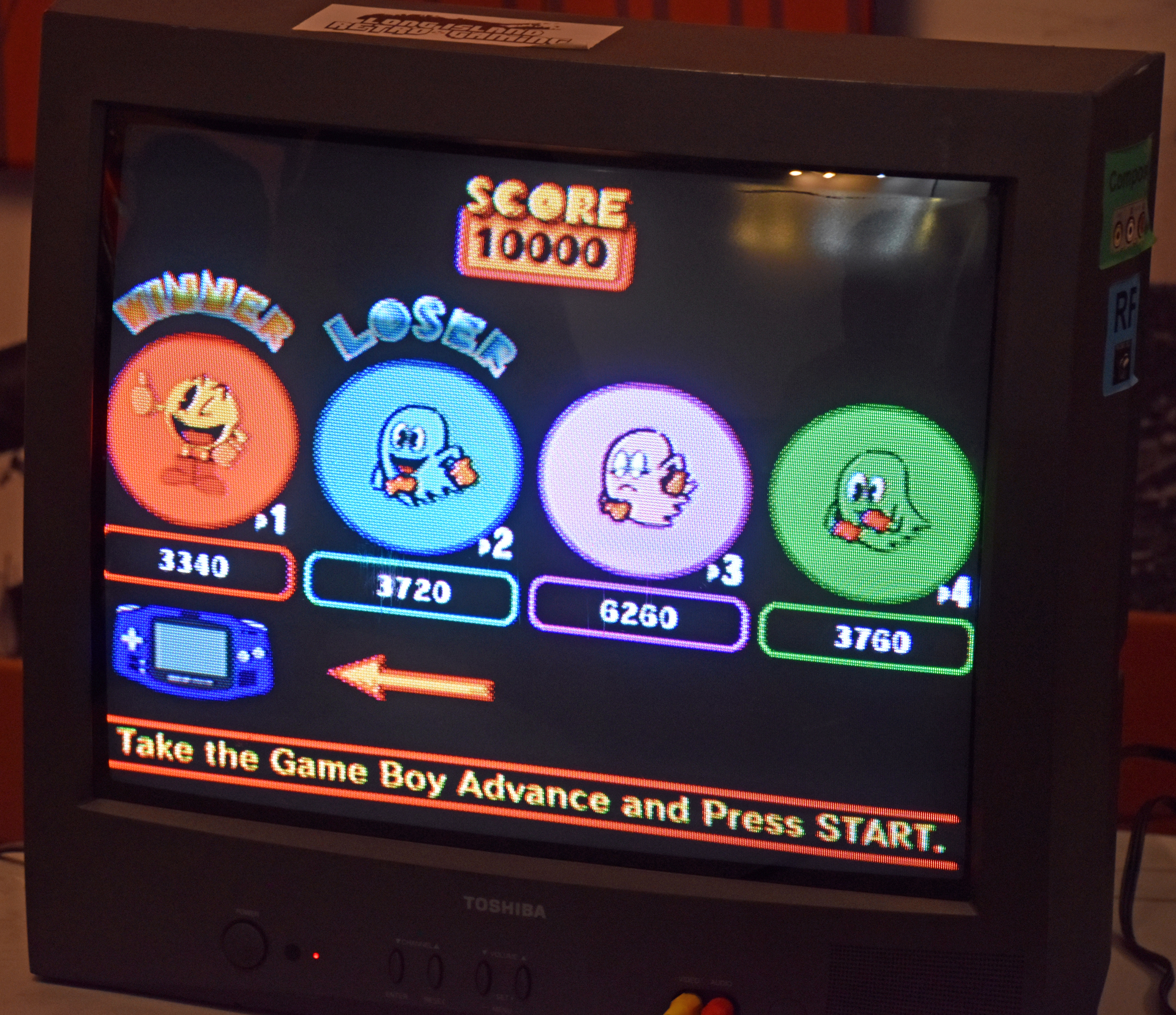
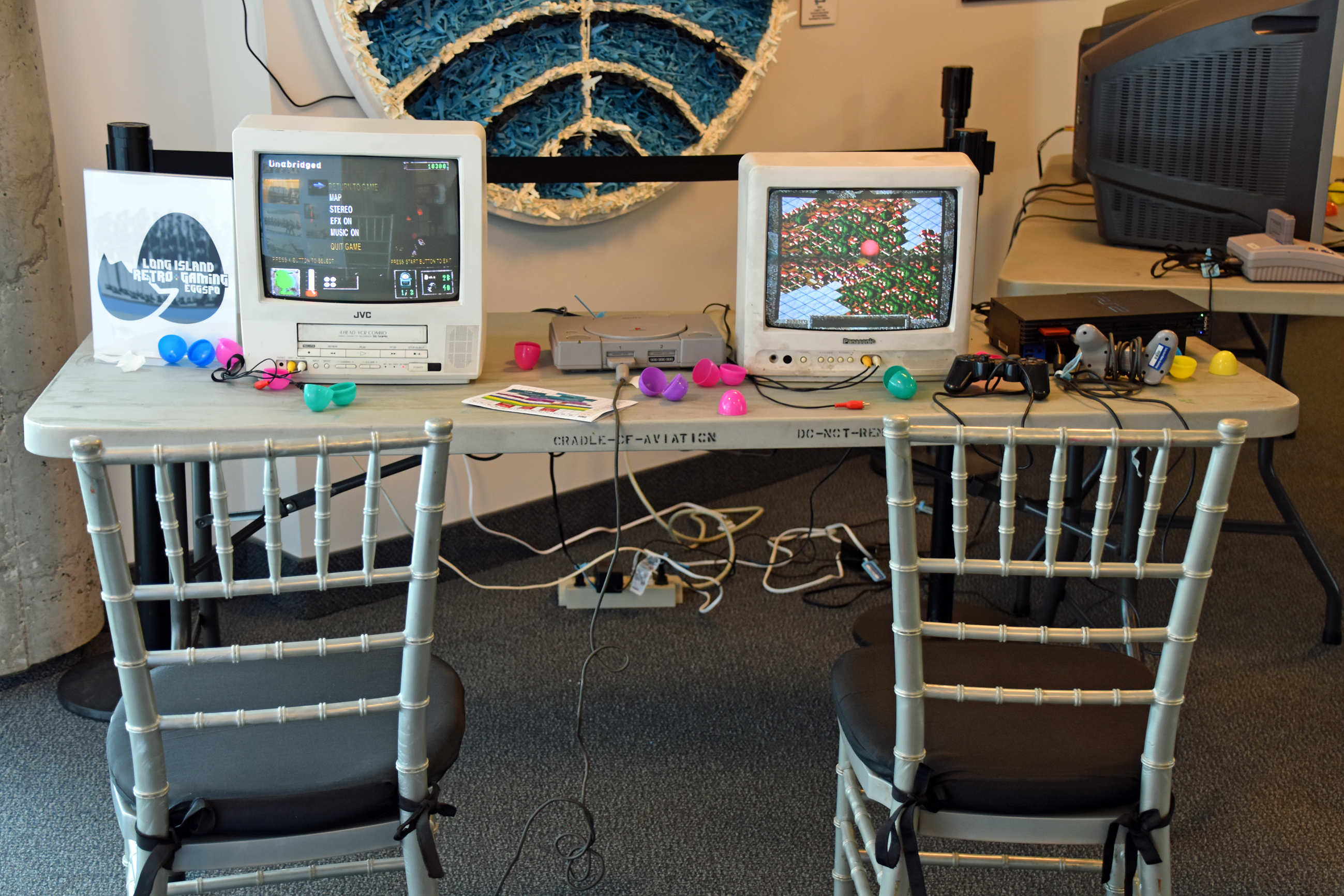
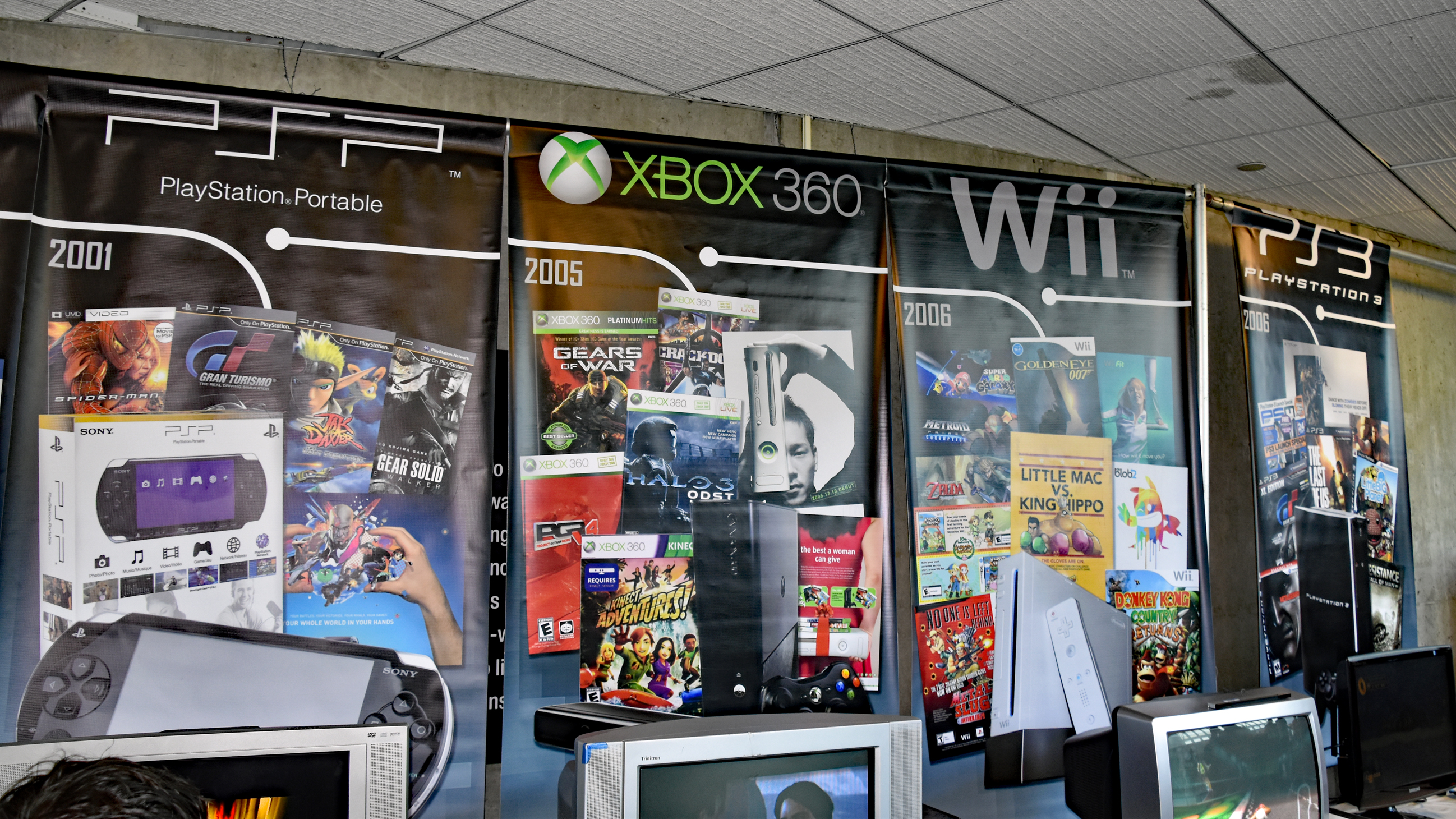
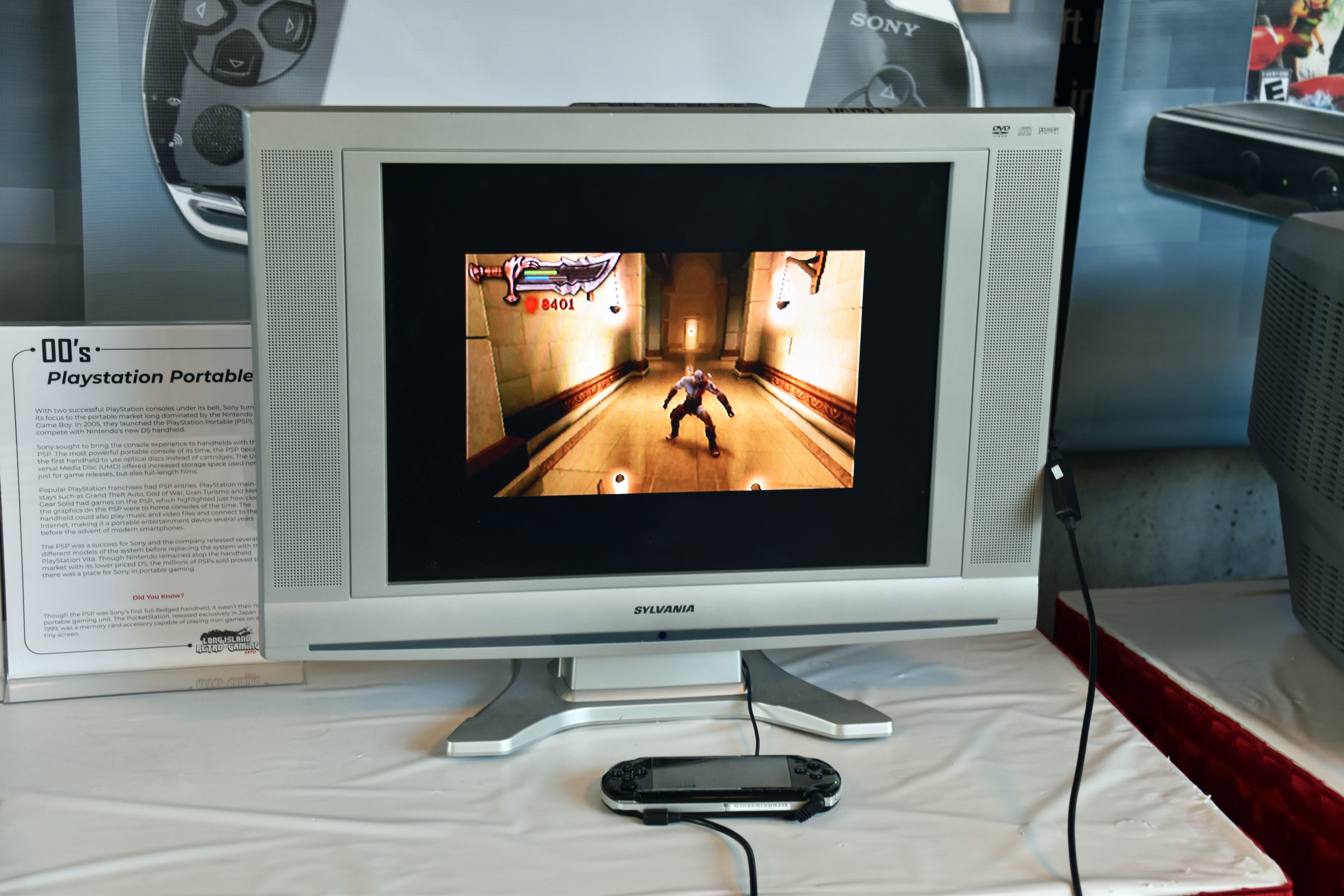
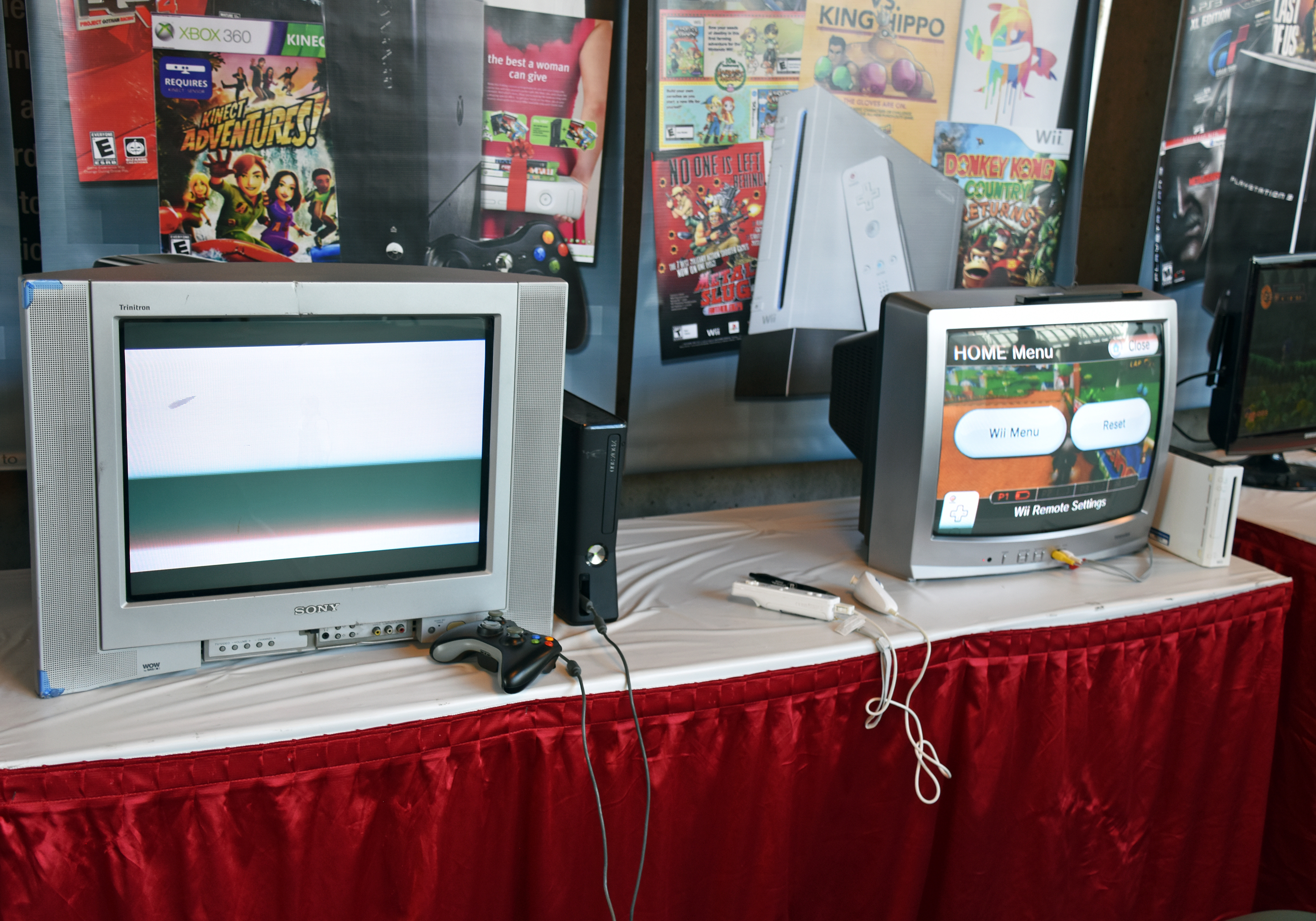
Console freeplay:


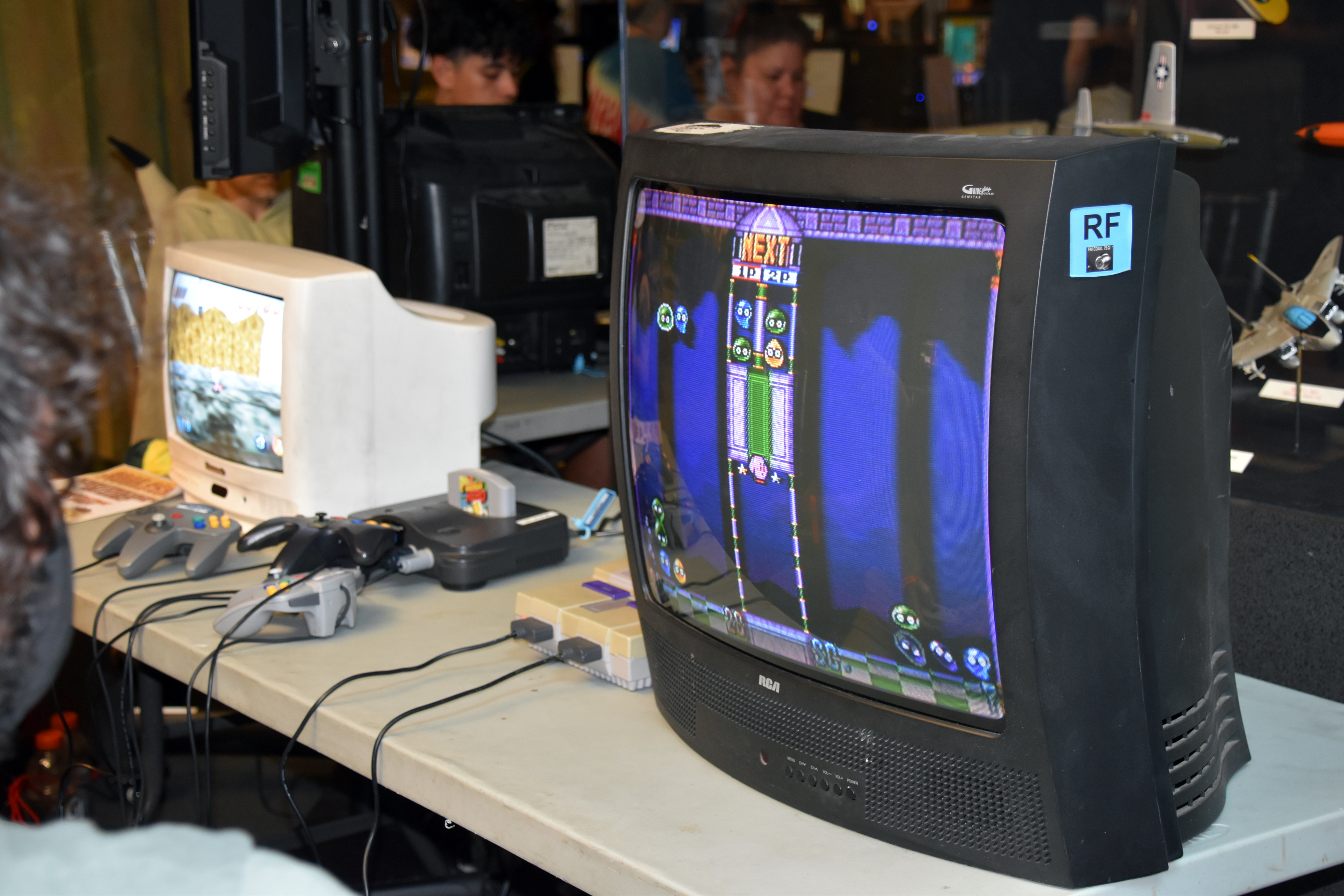


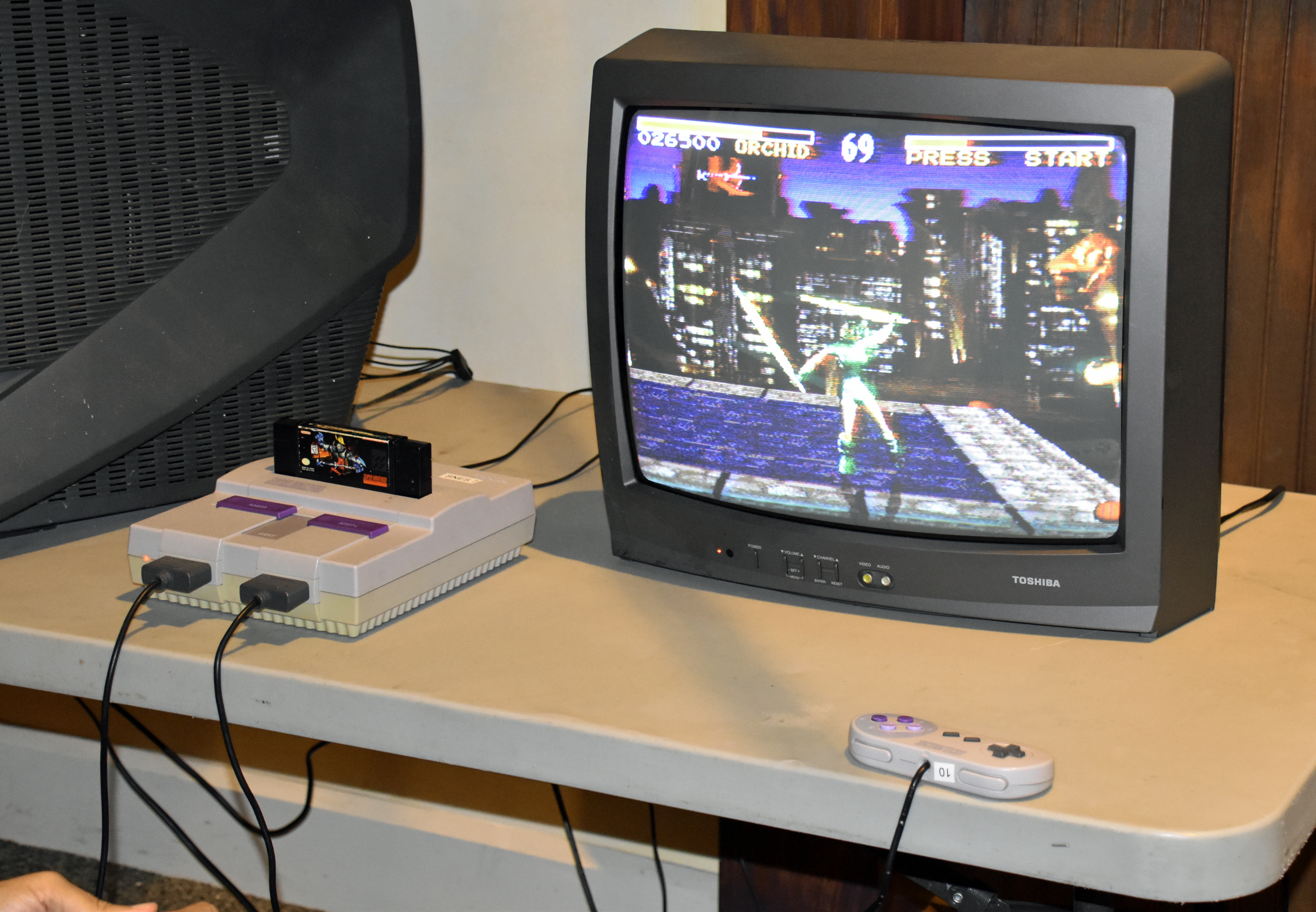




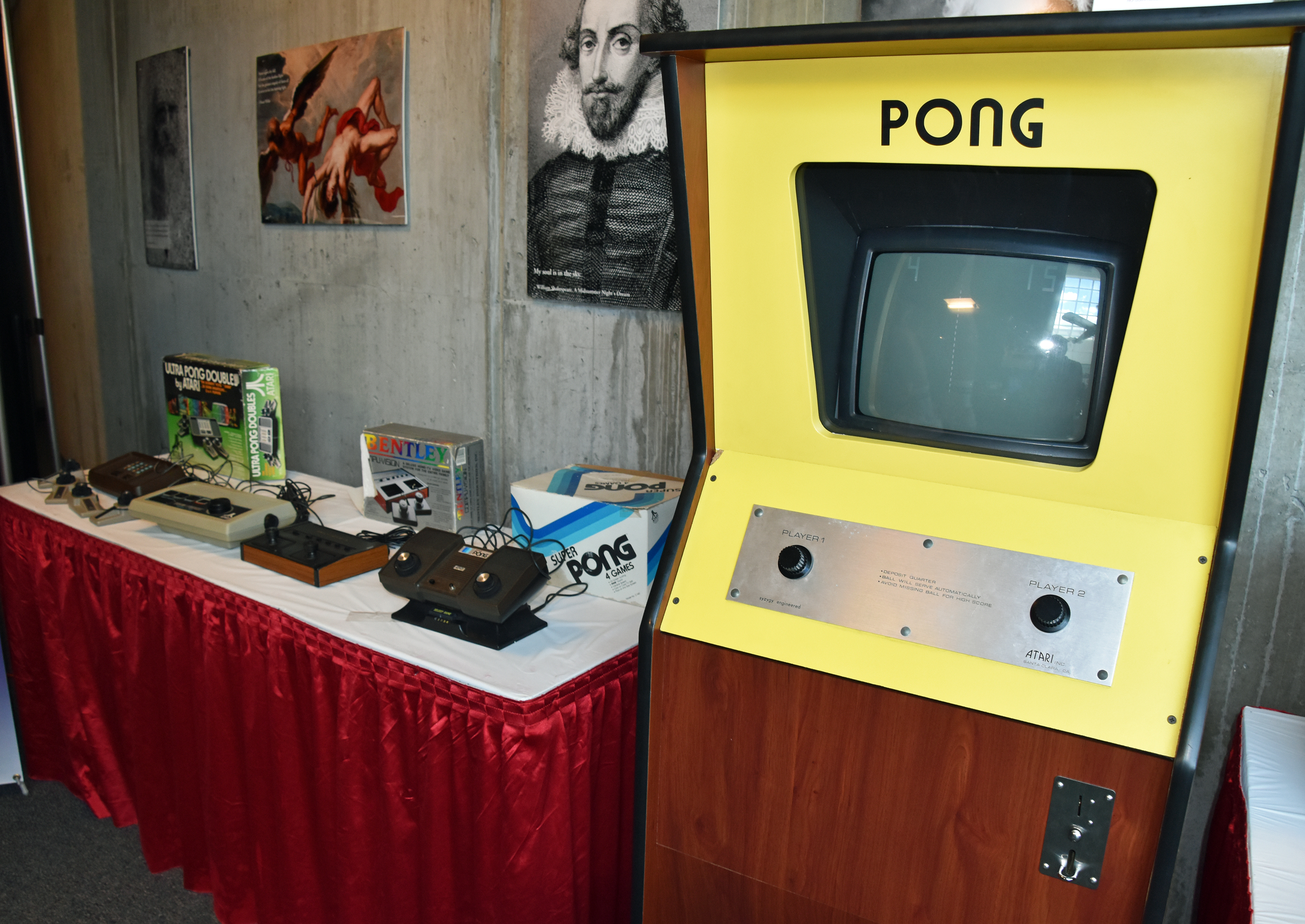
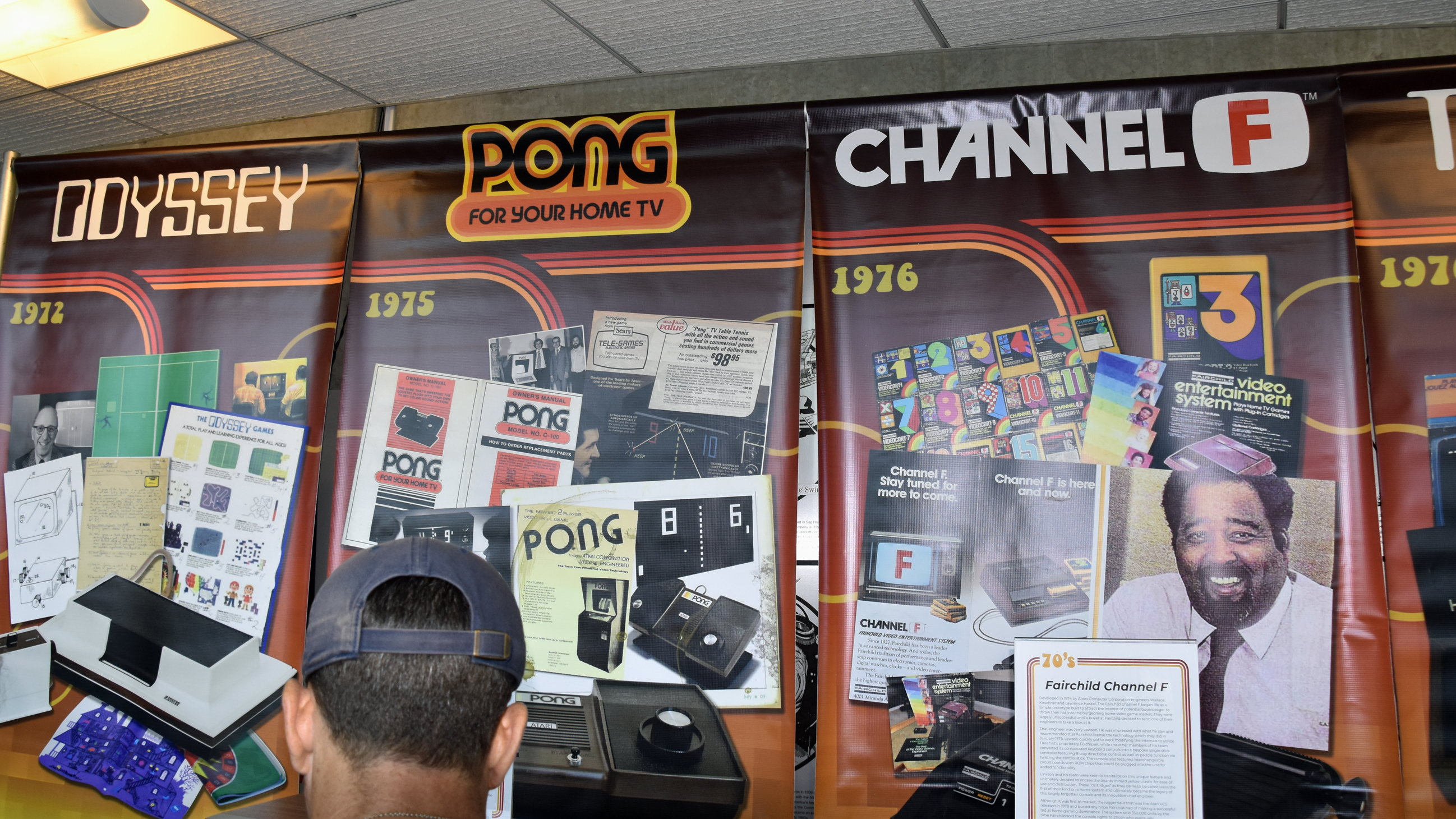


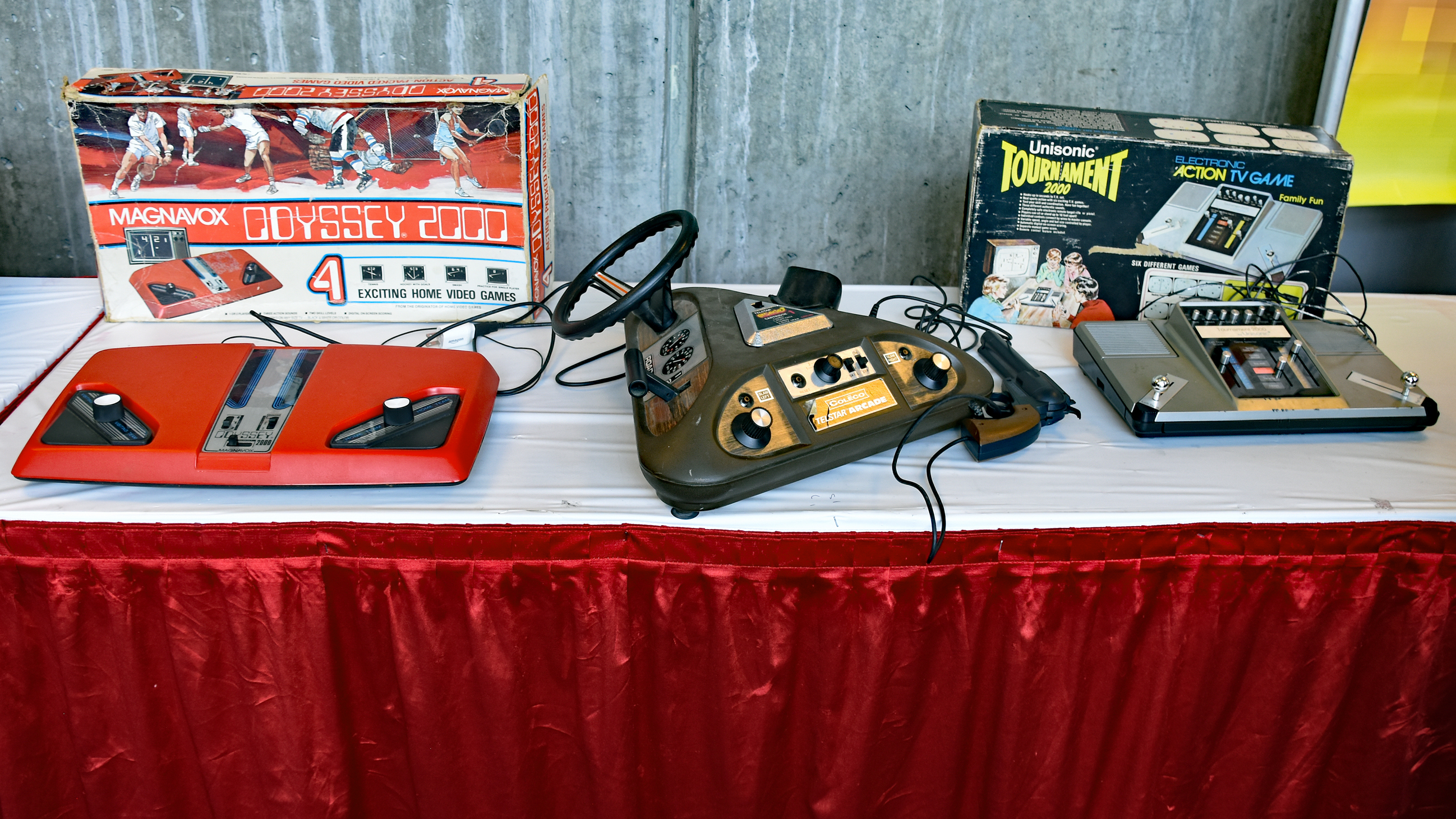
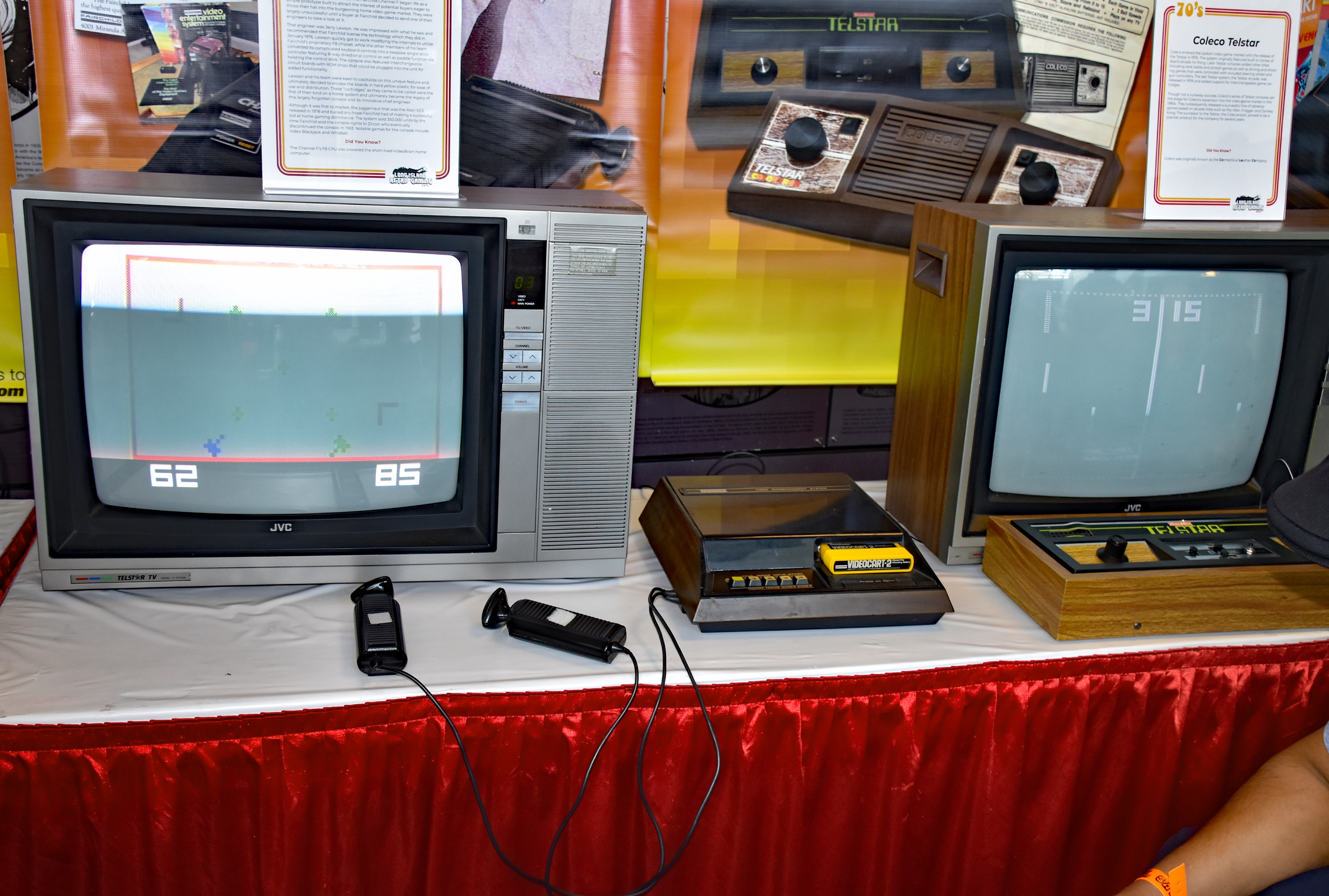


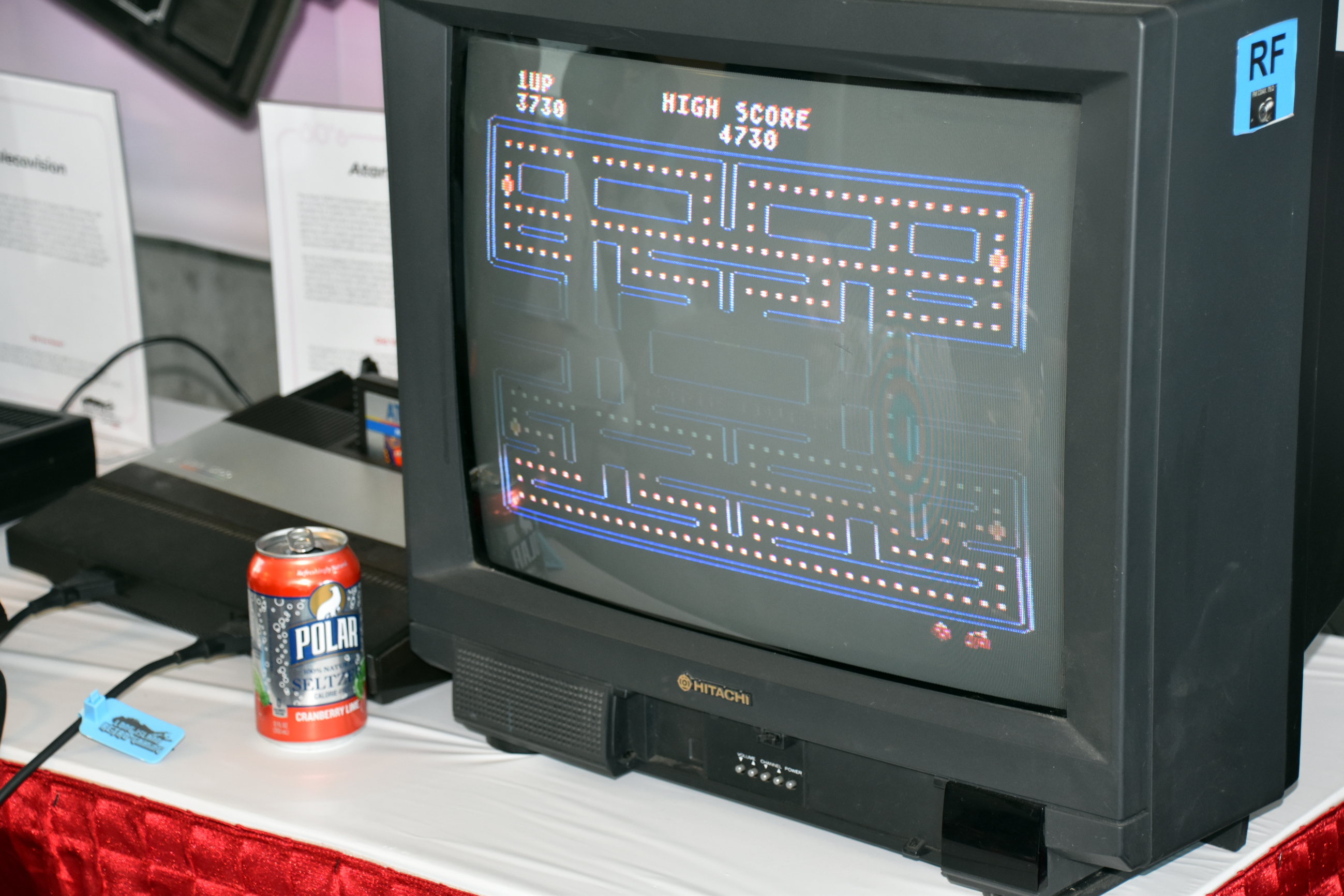


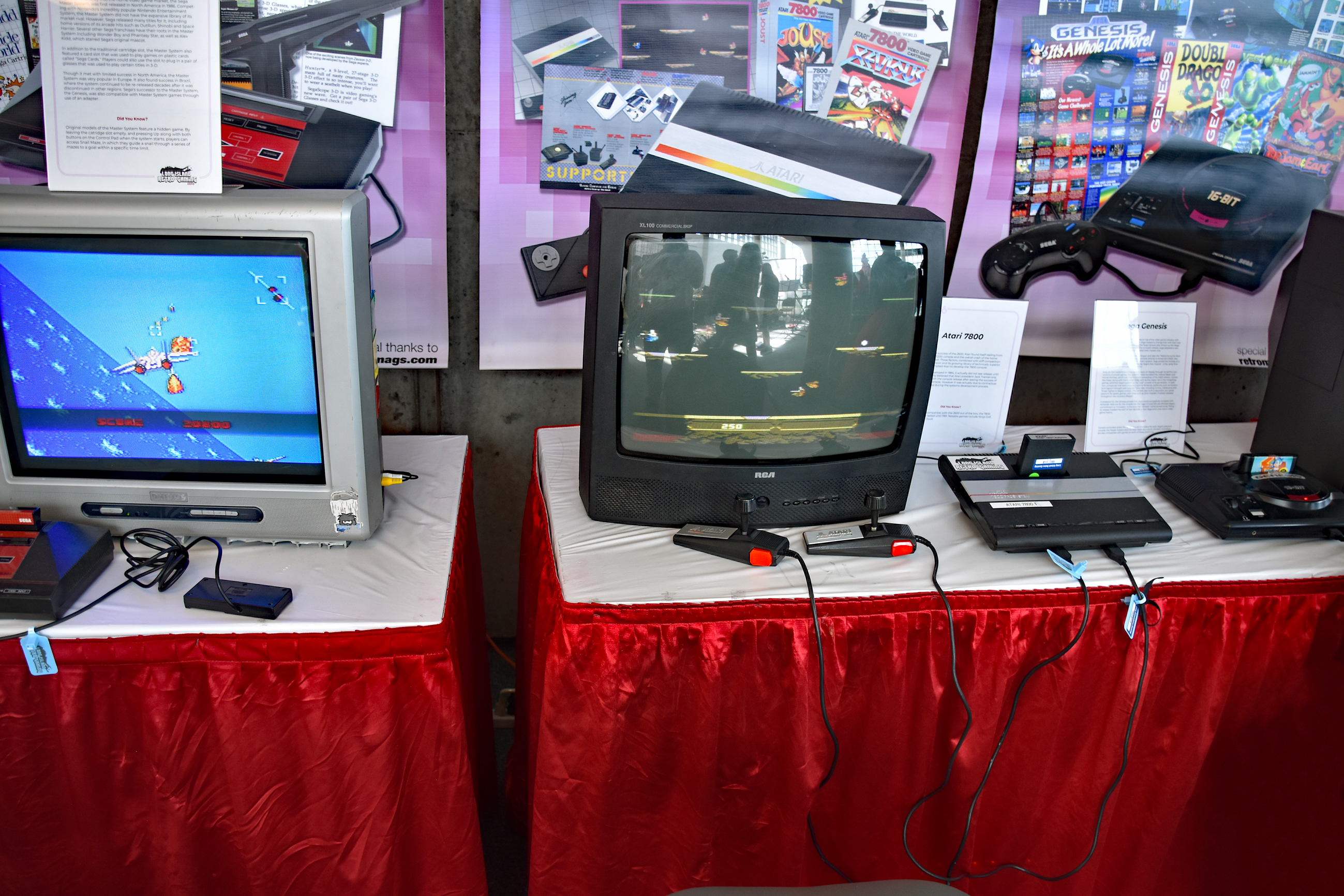

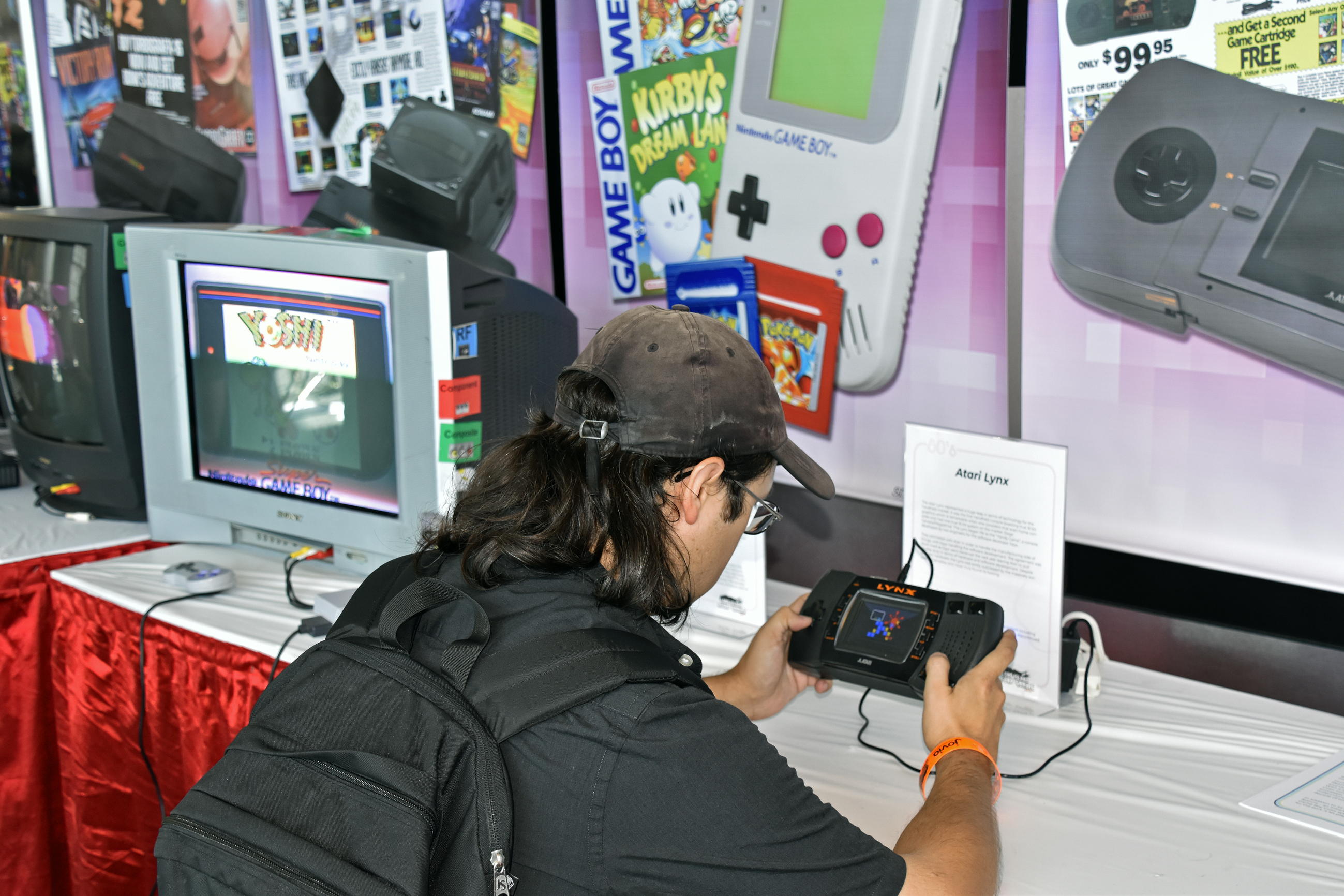
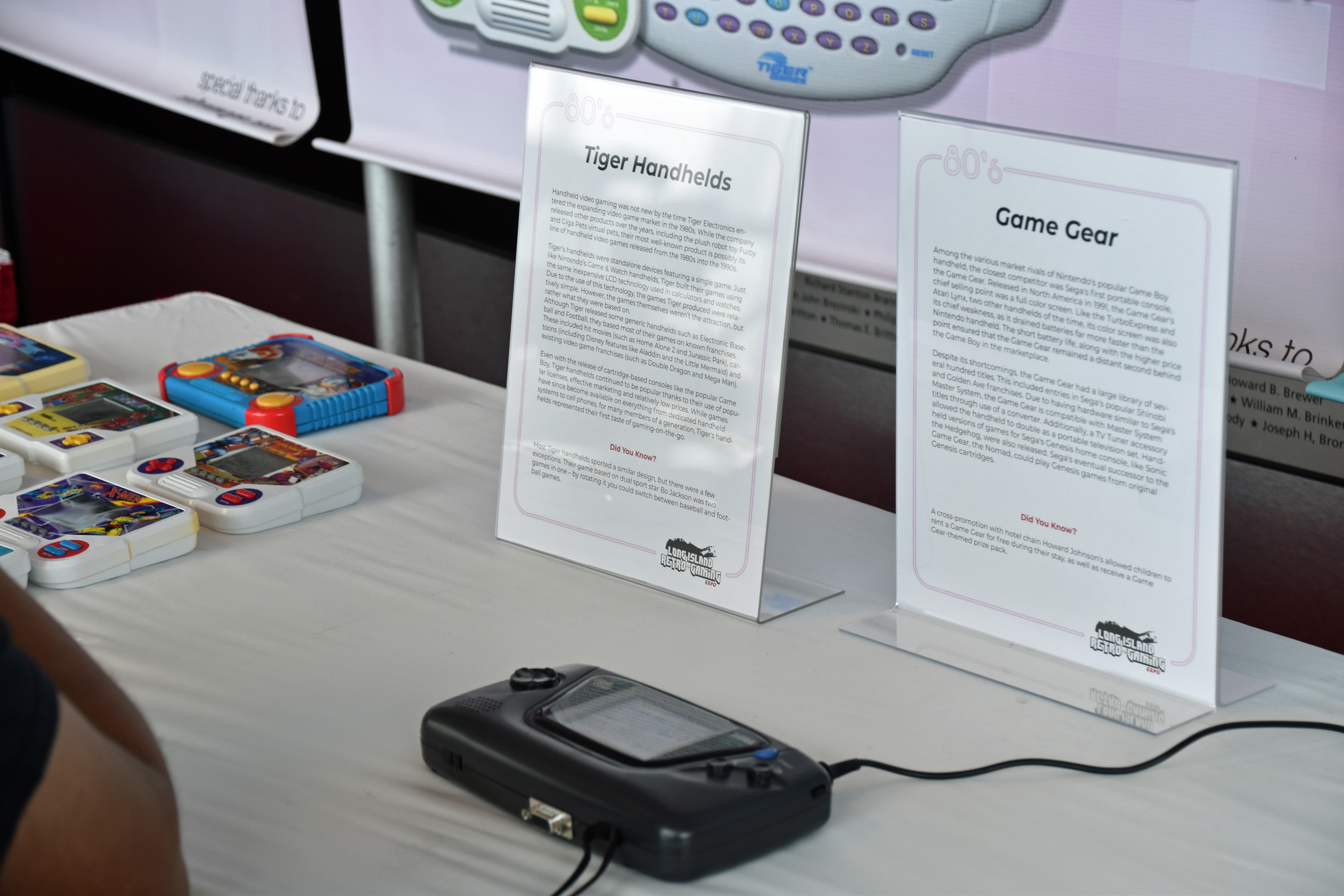
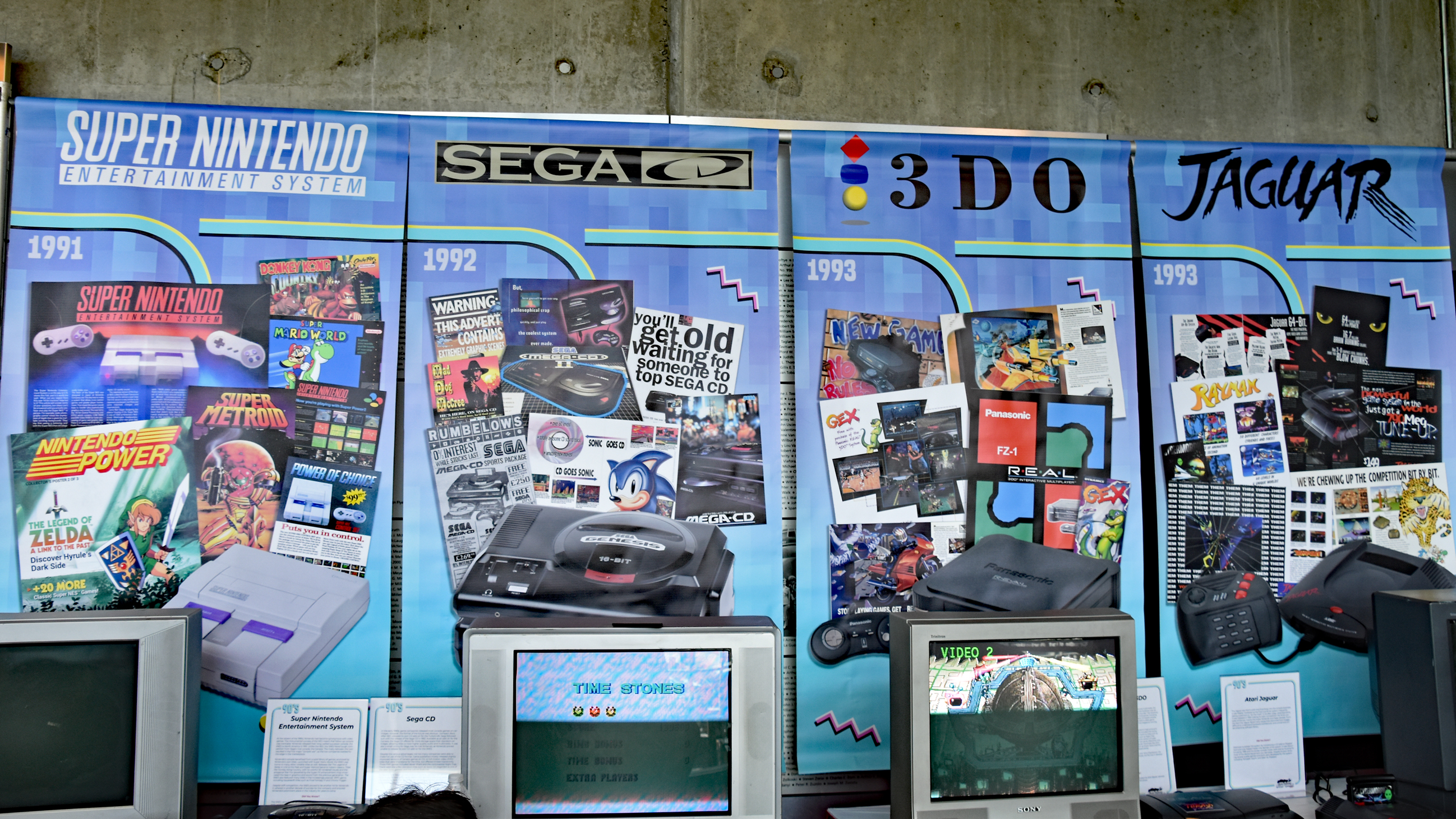


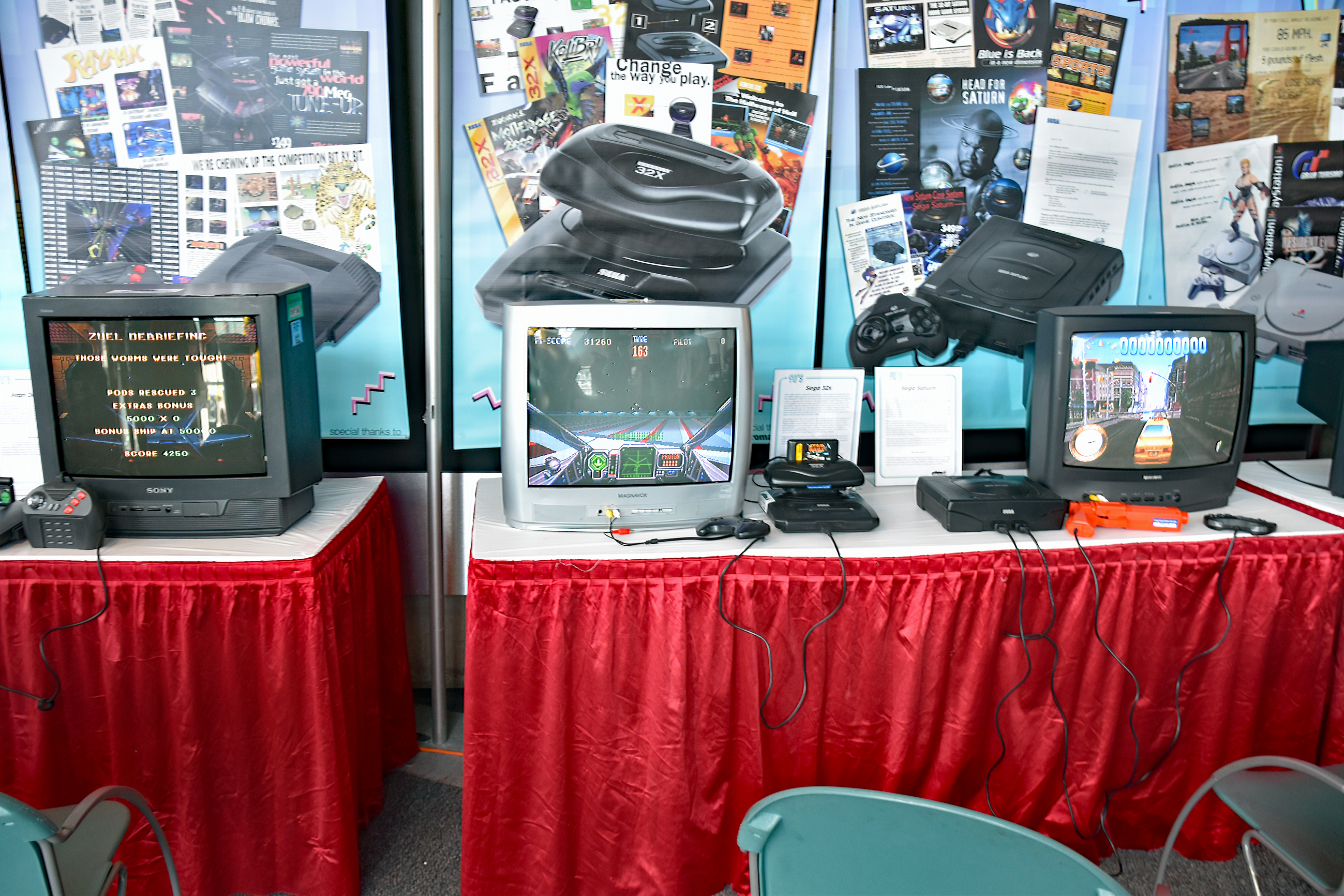


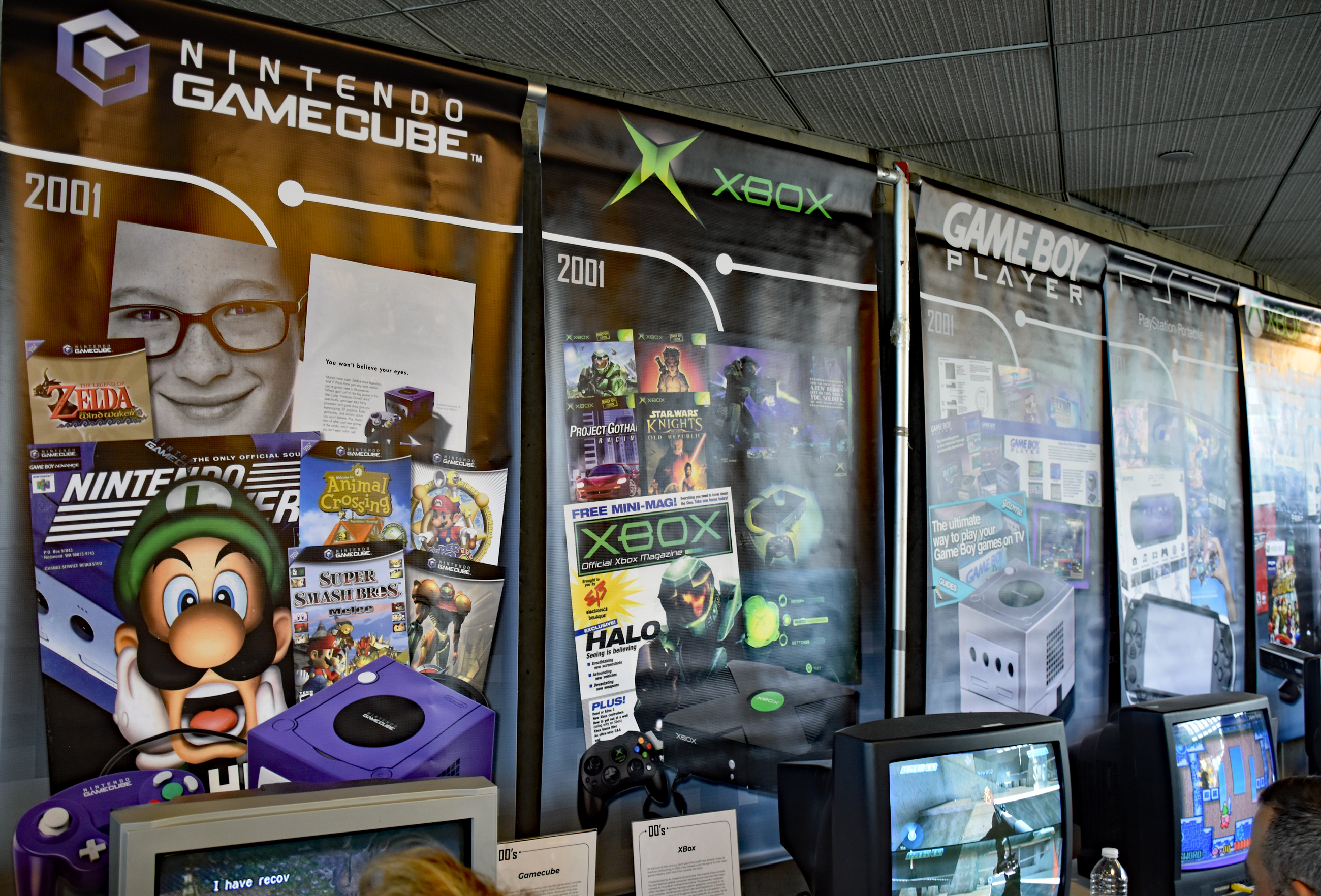
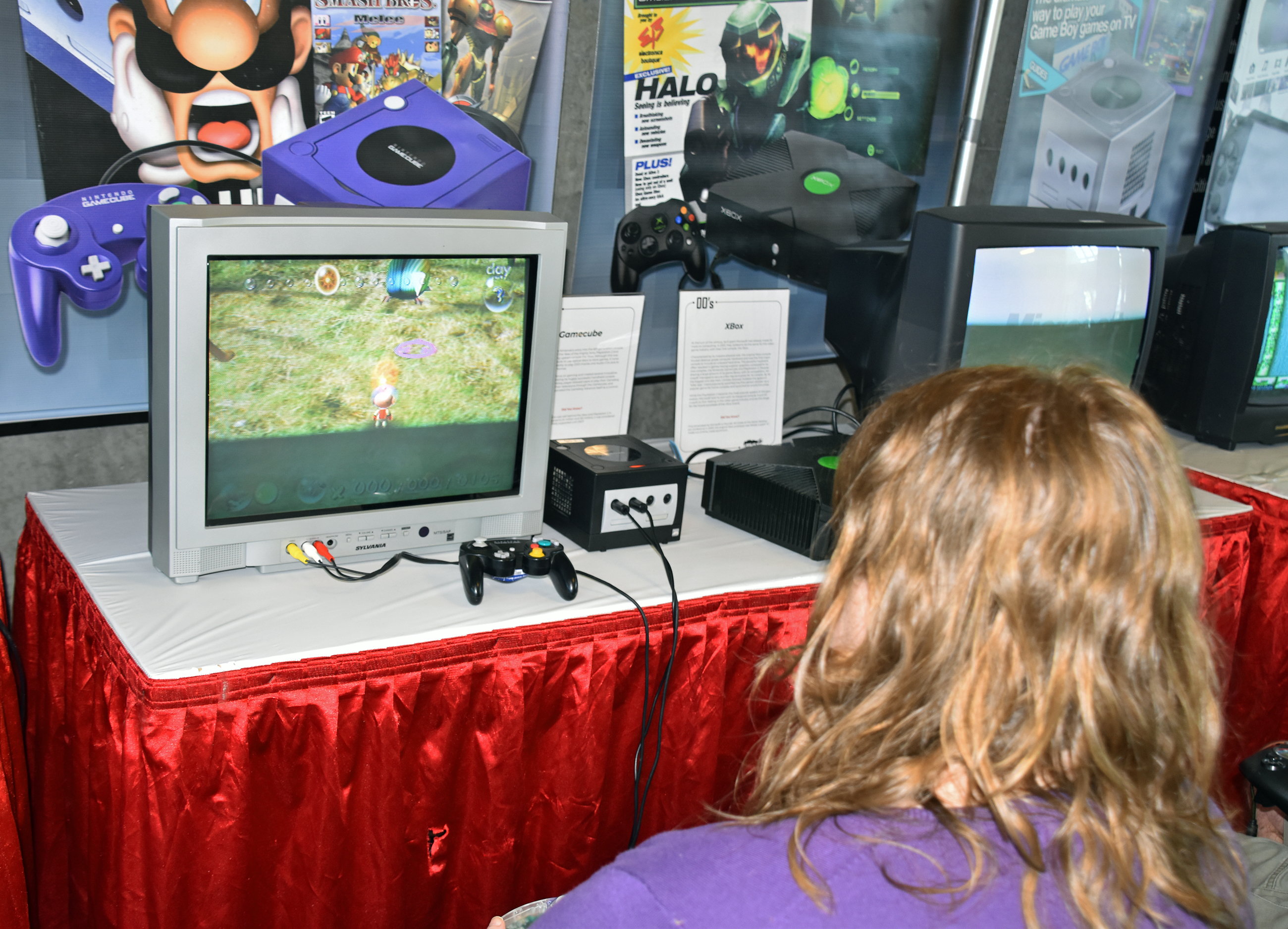


Indie and homebrew games:


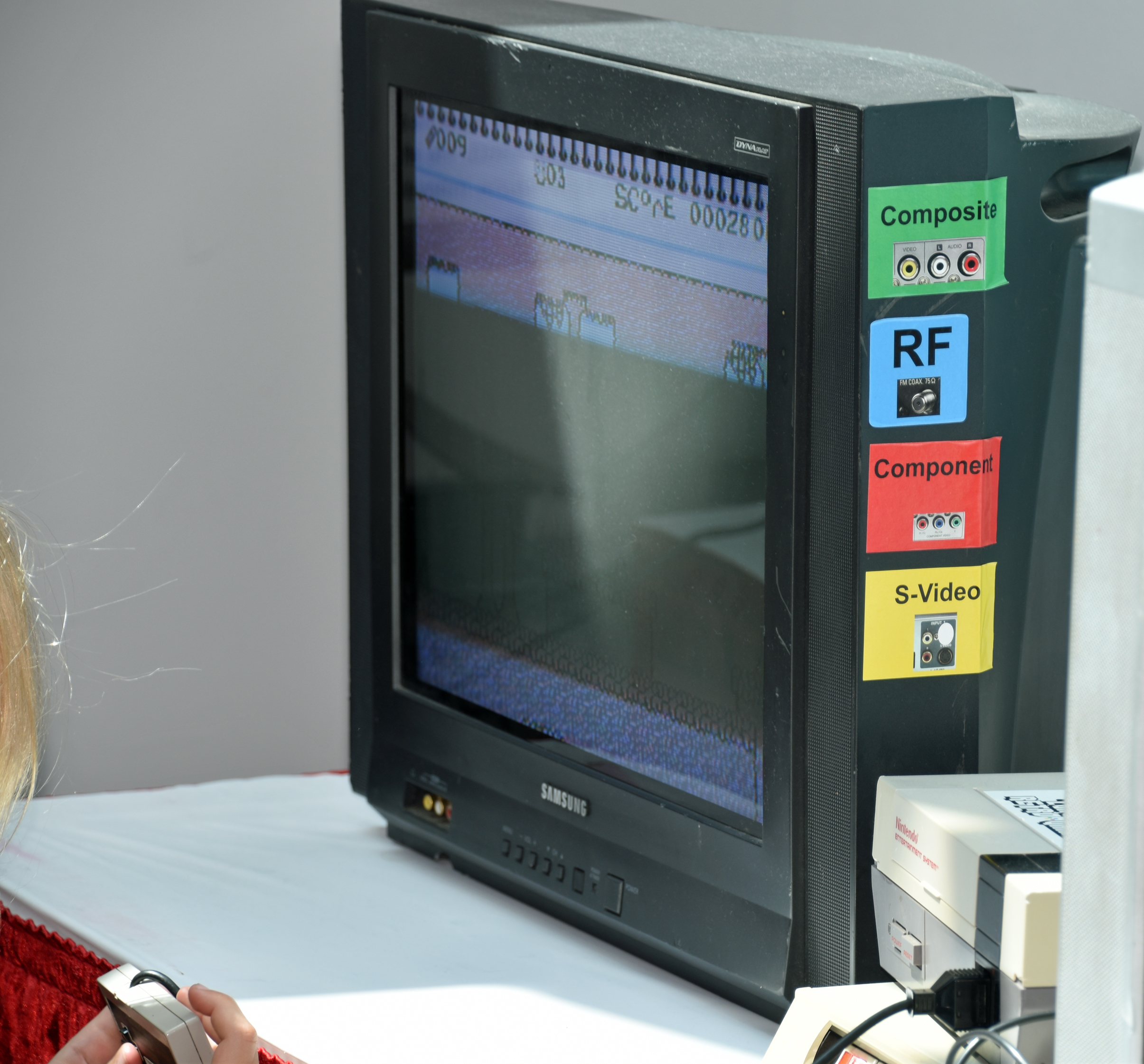
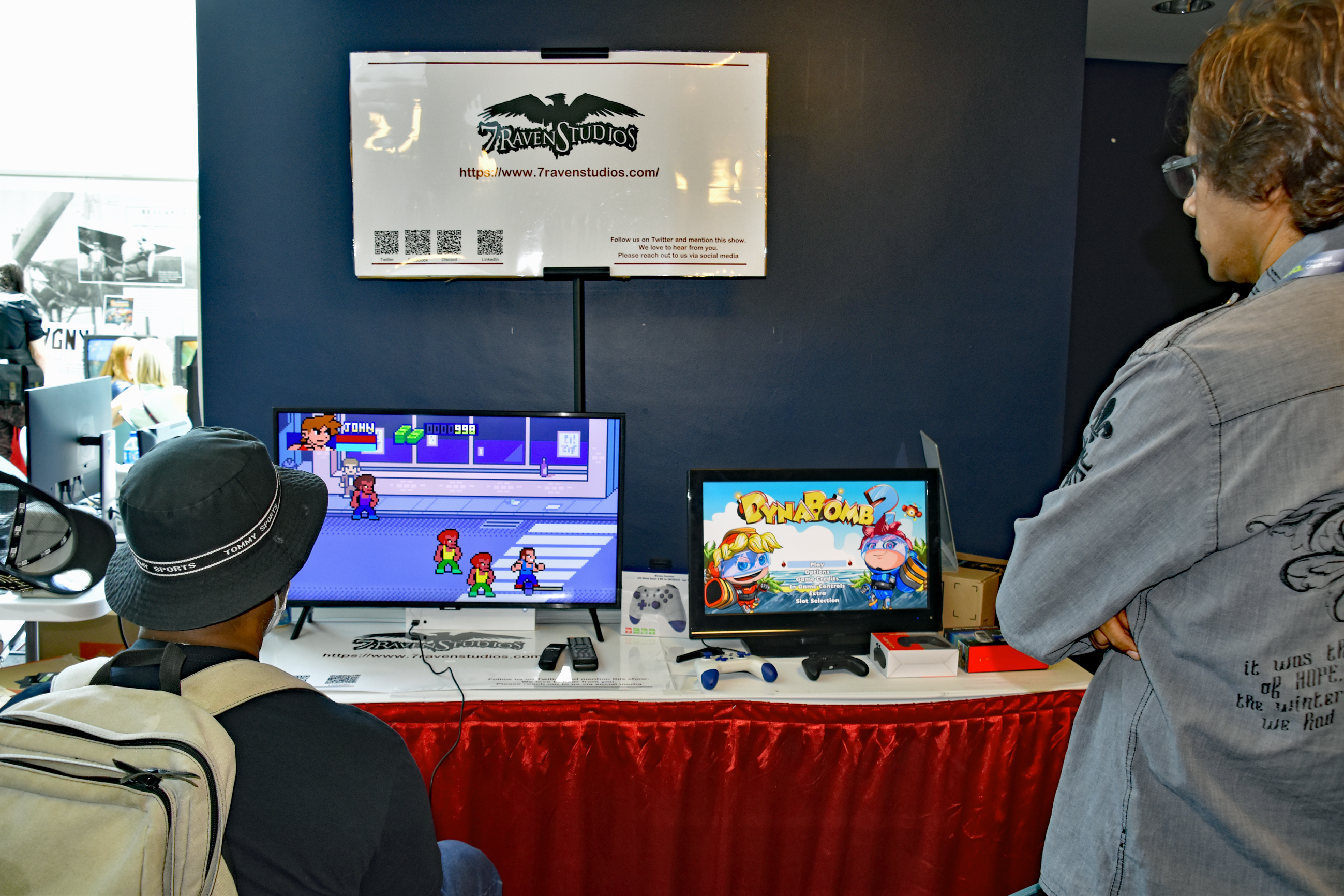
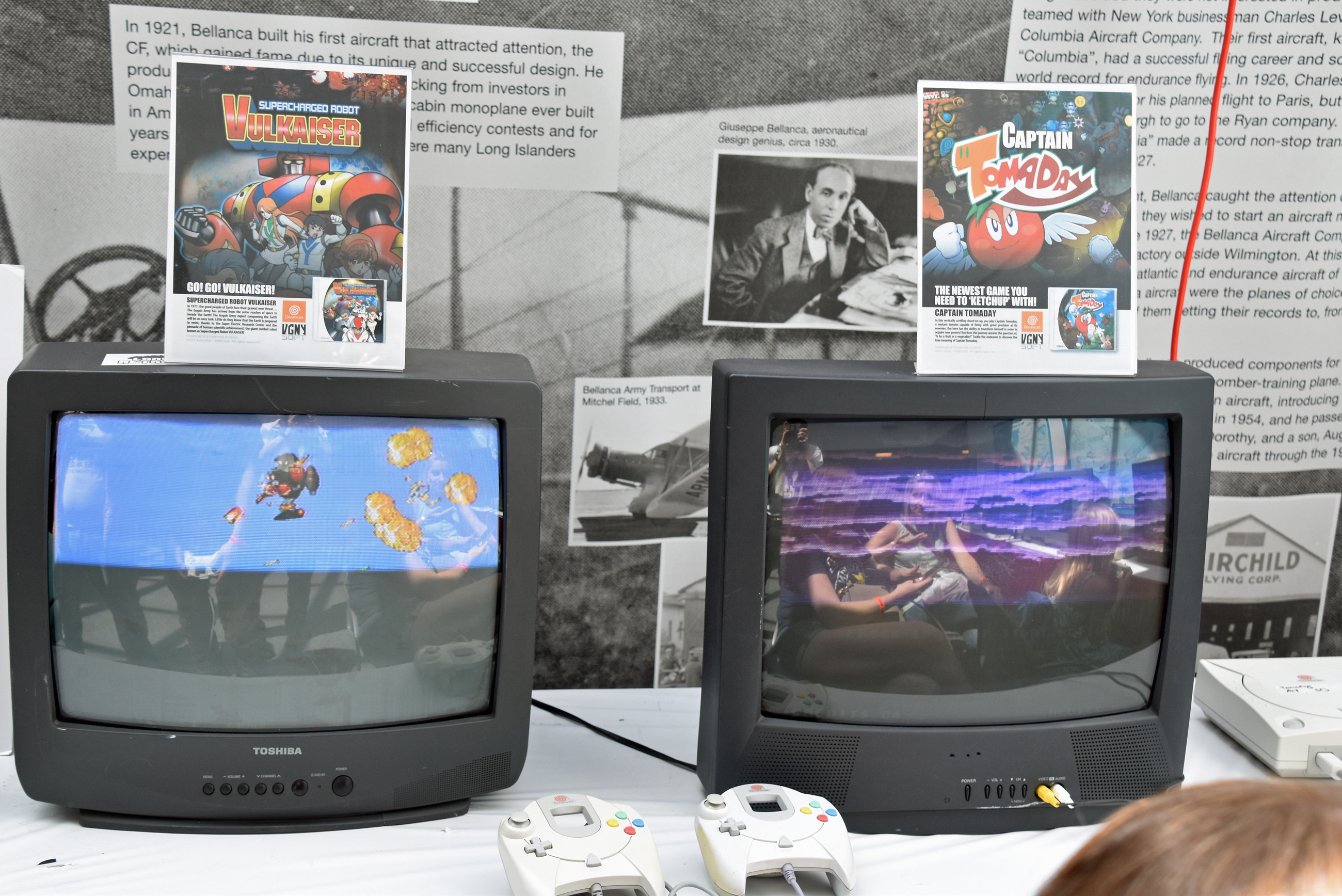

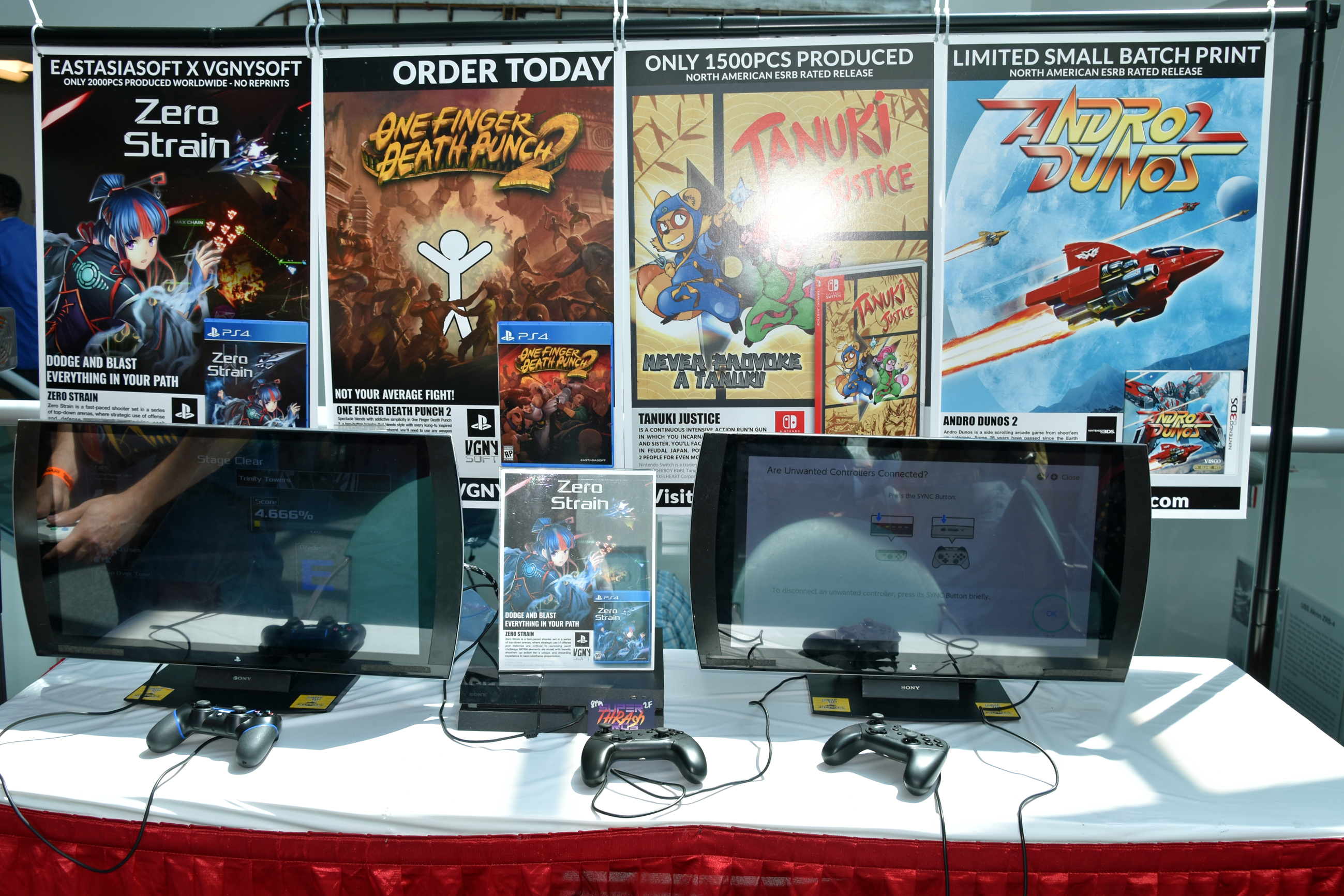
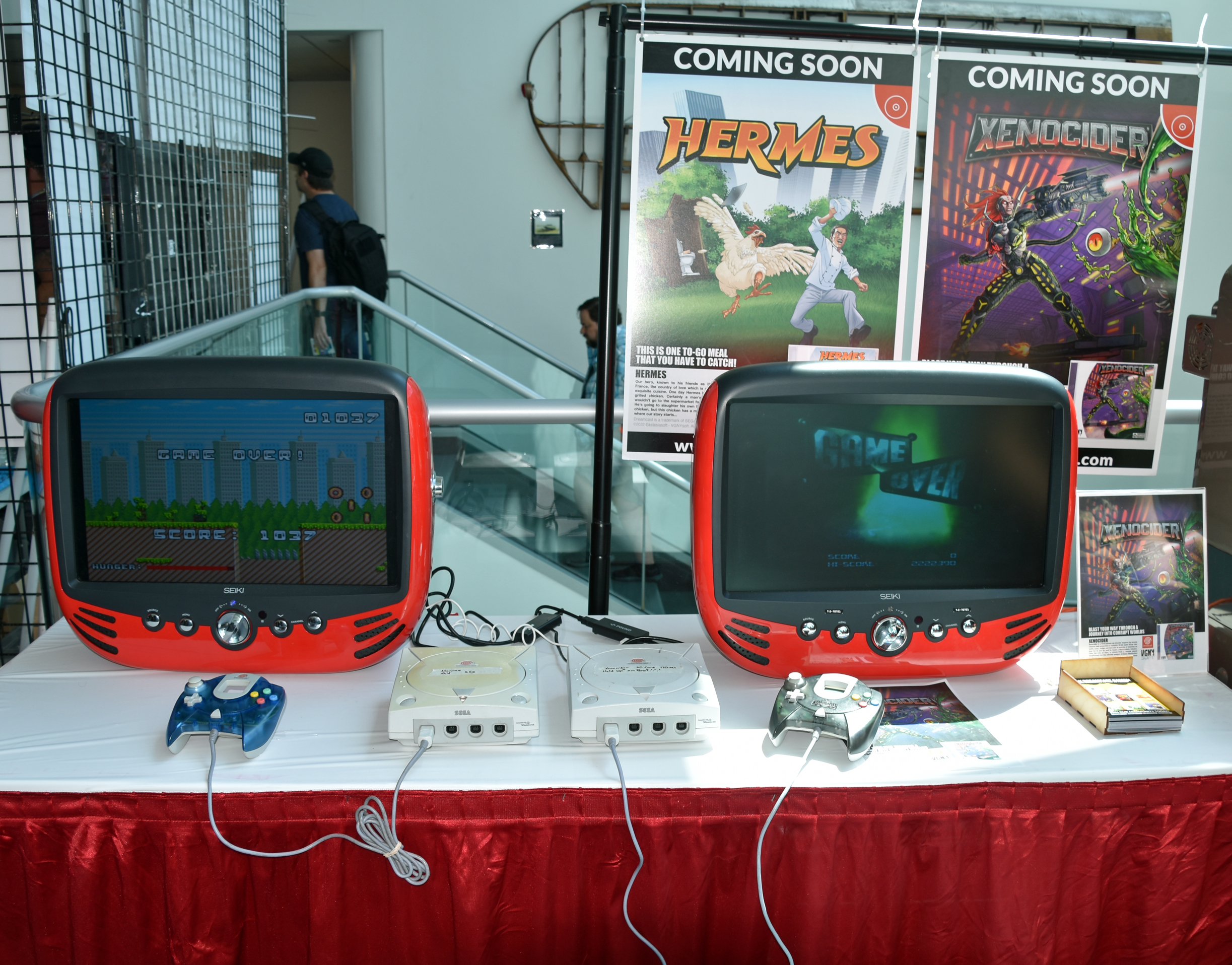
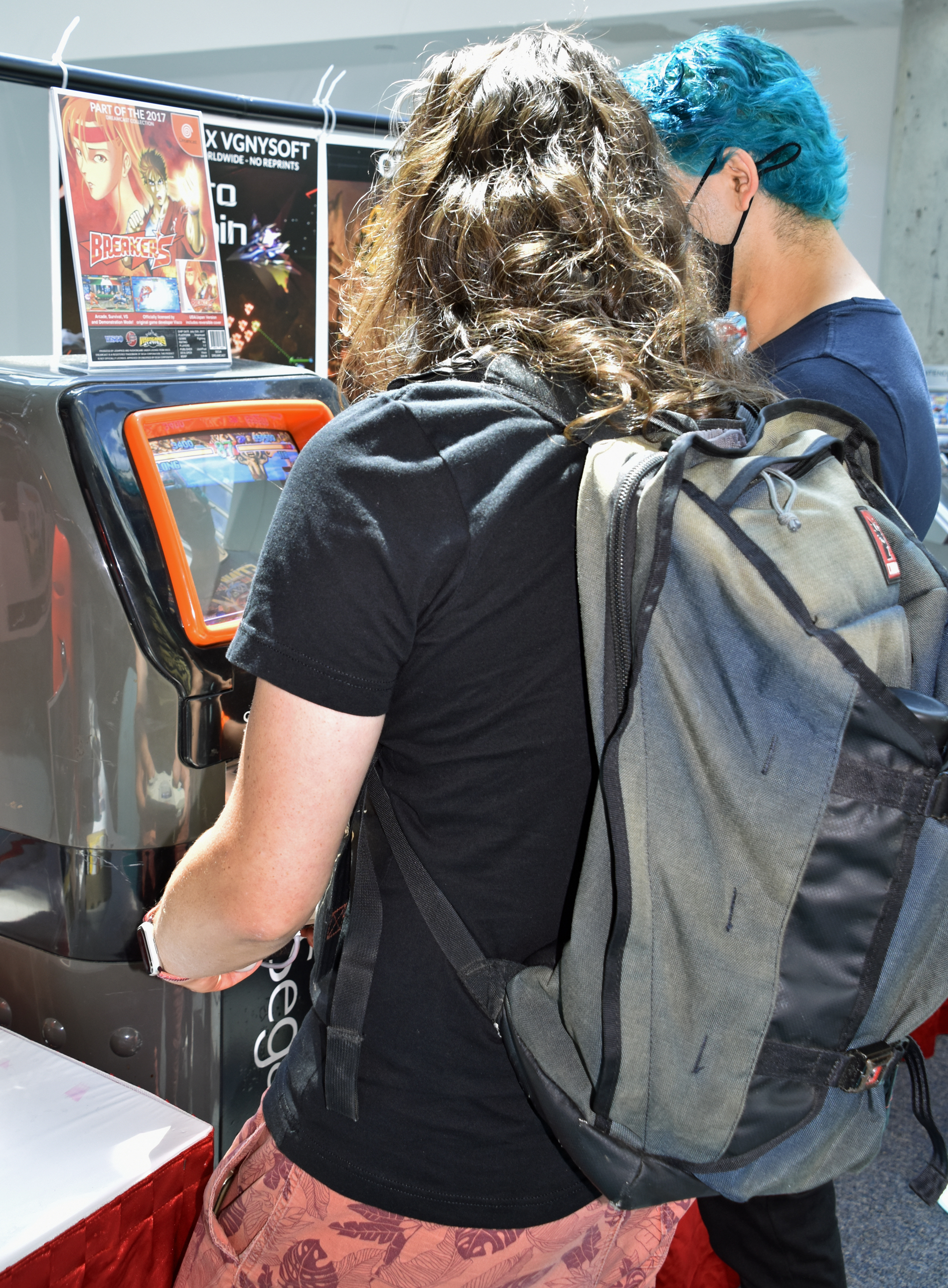
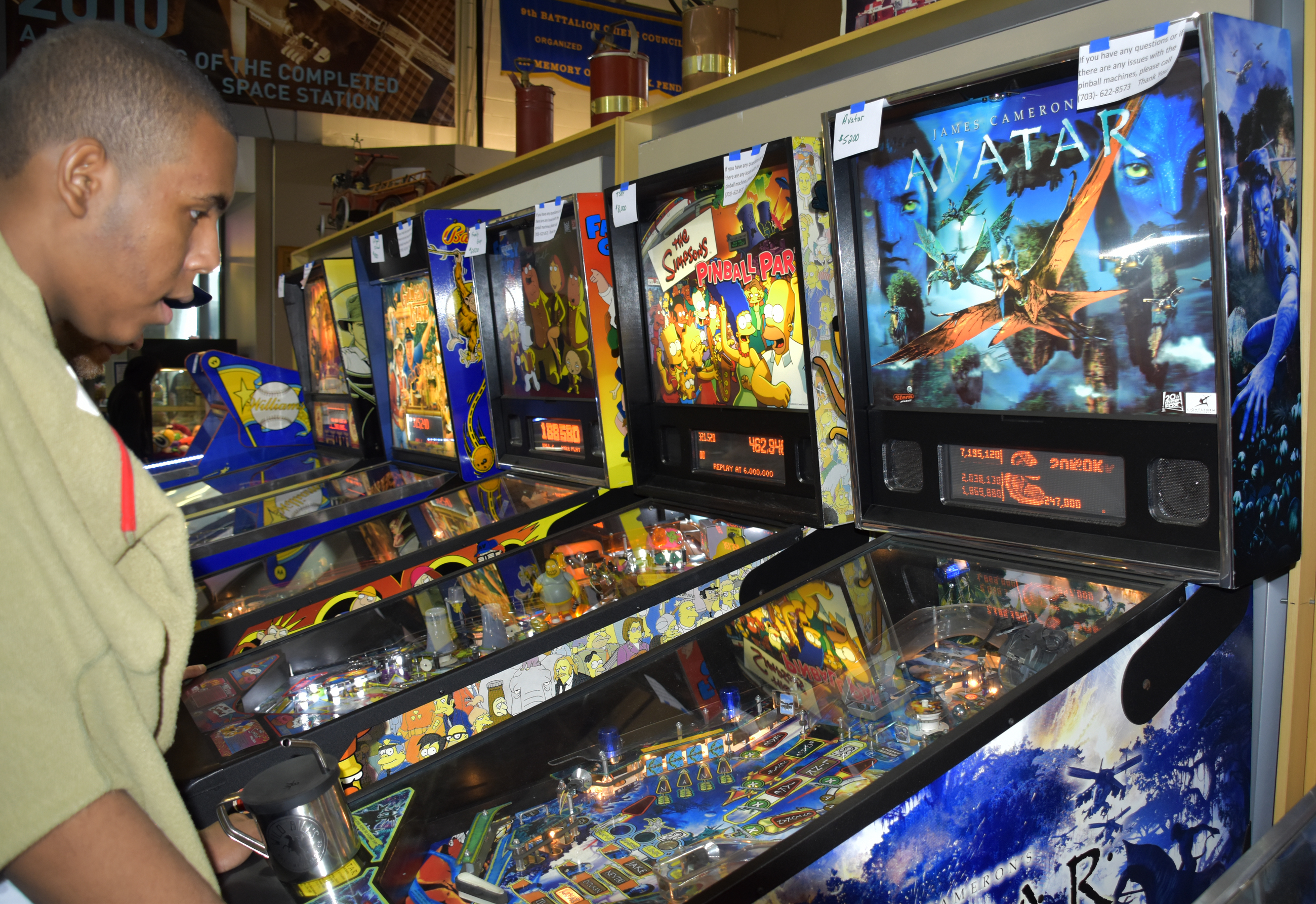
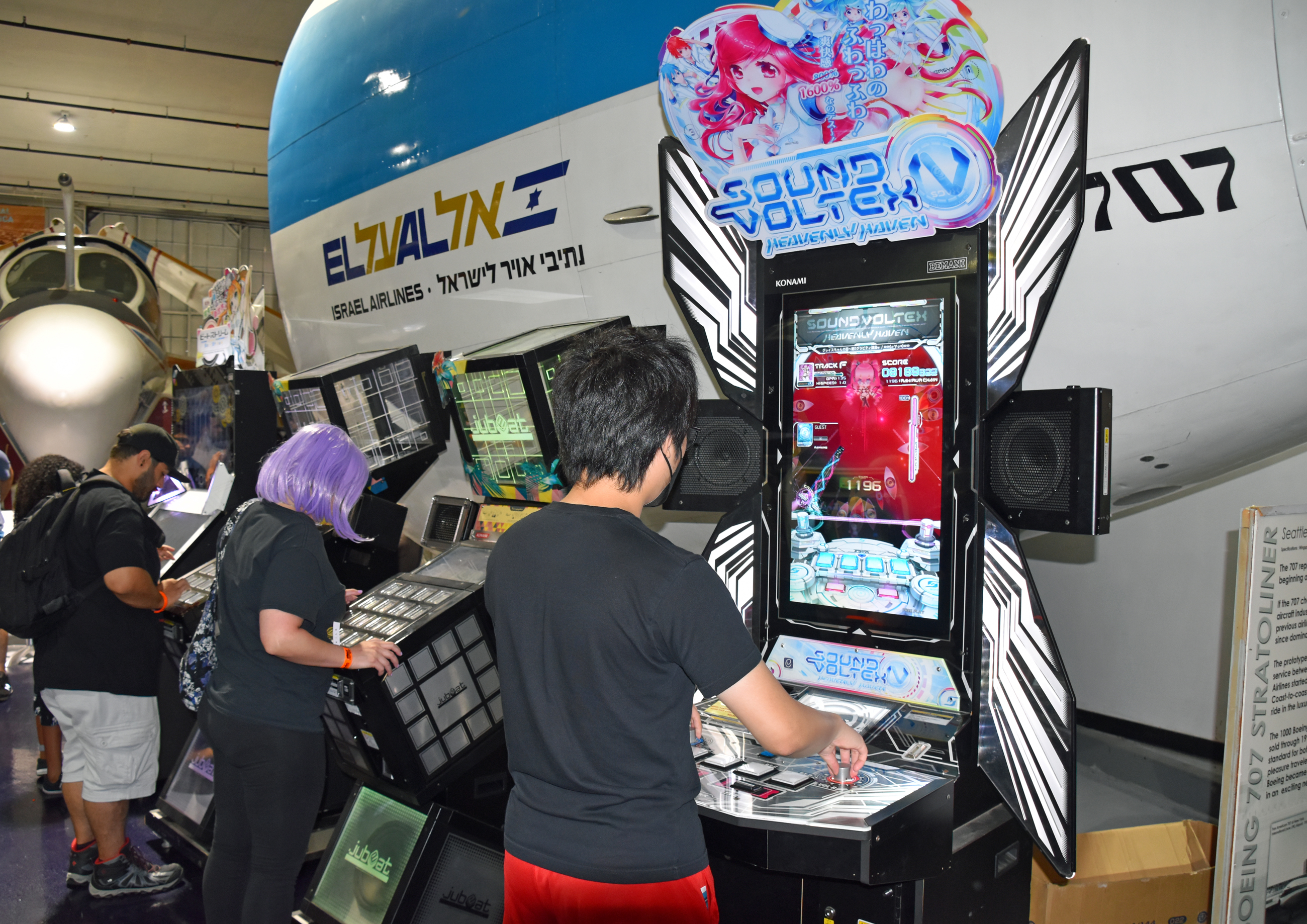
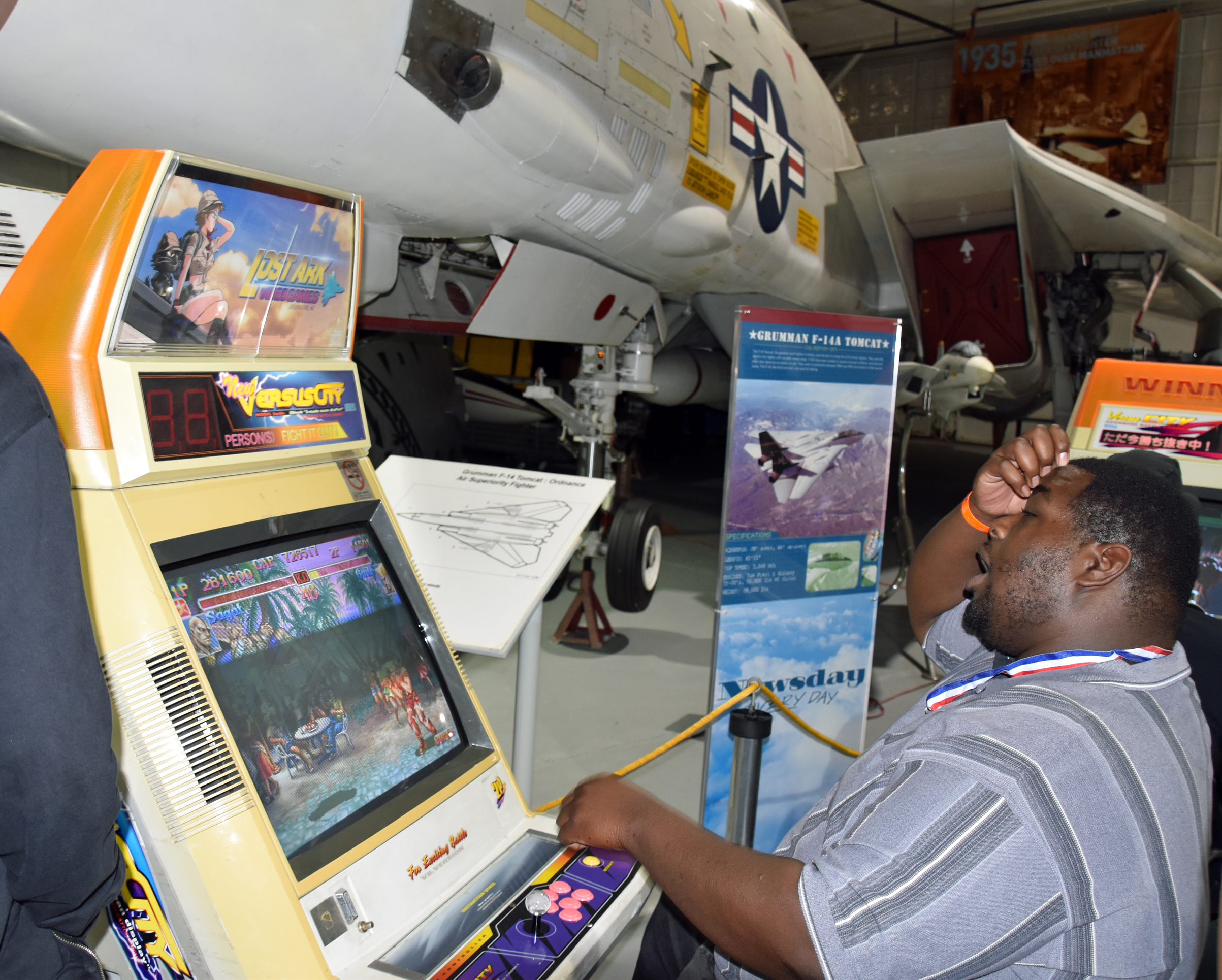
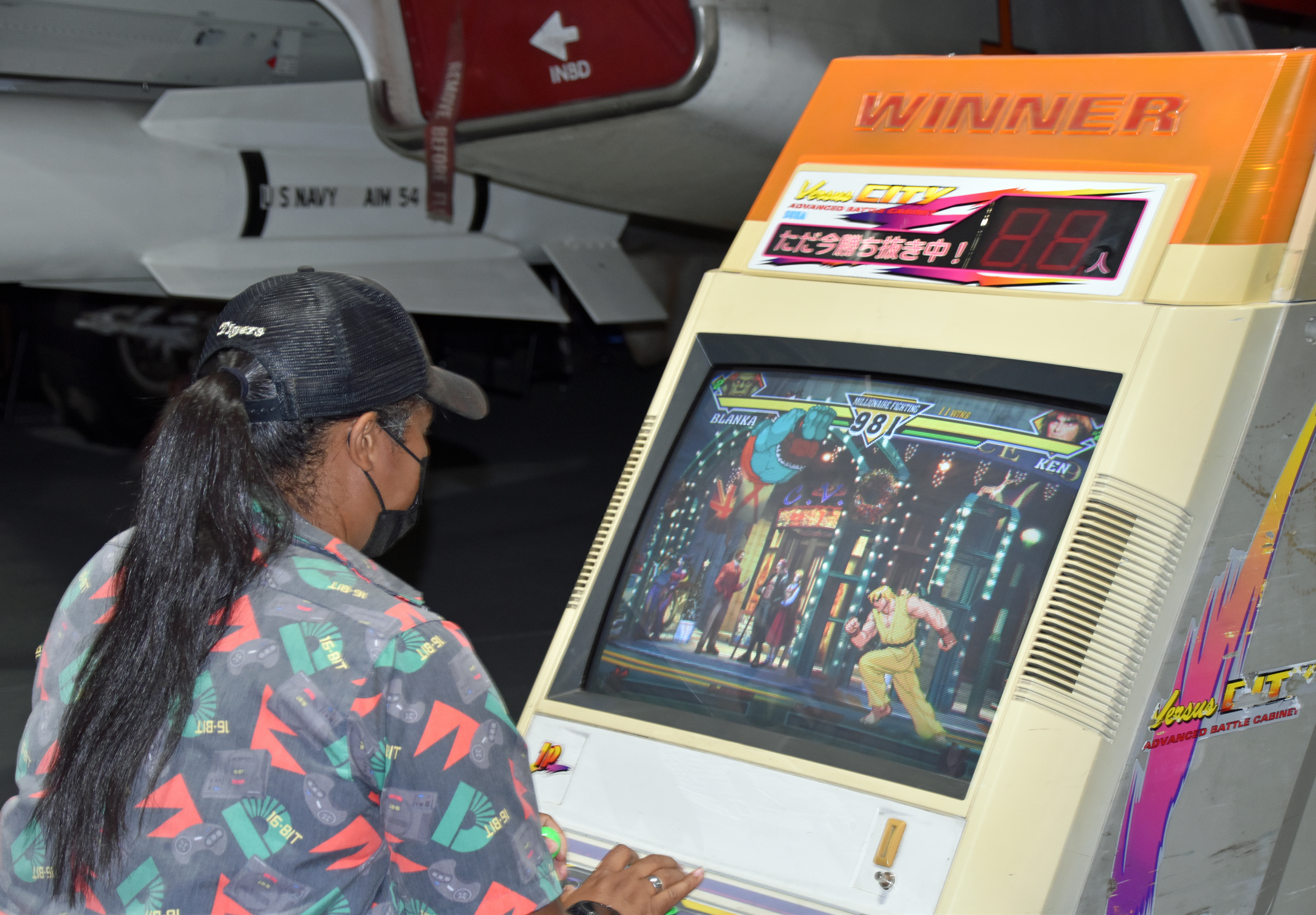
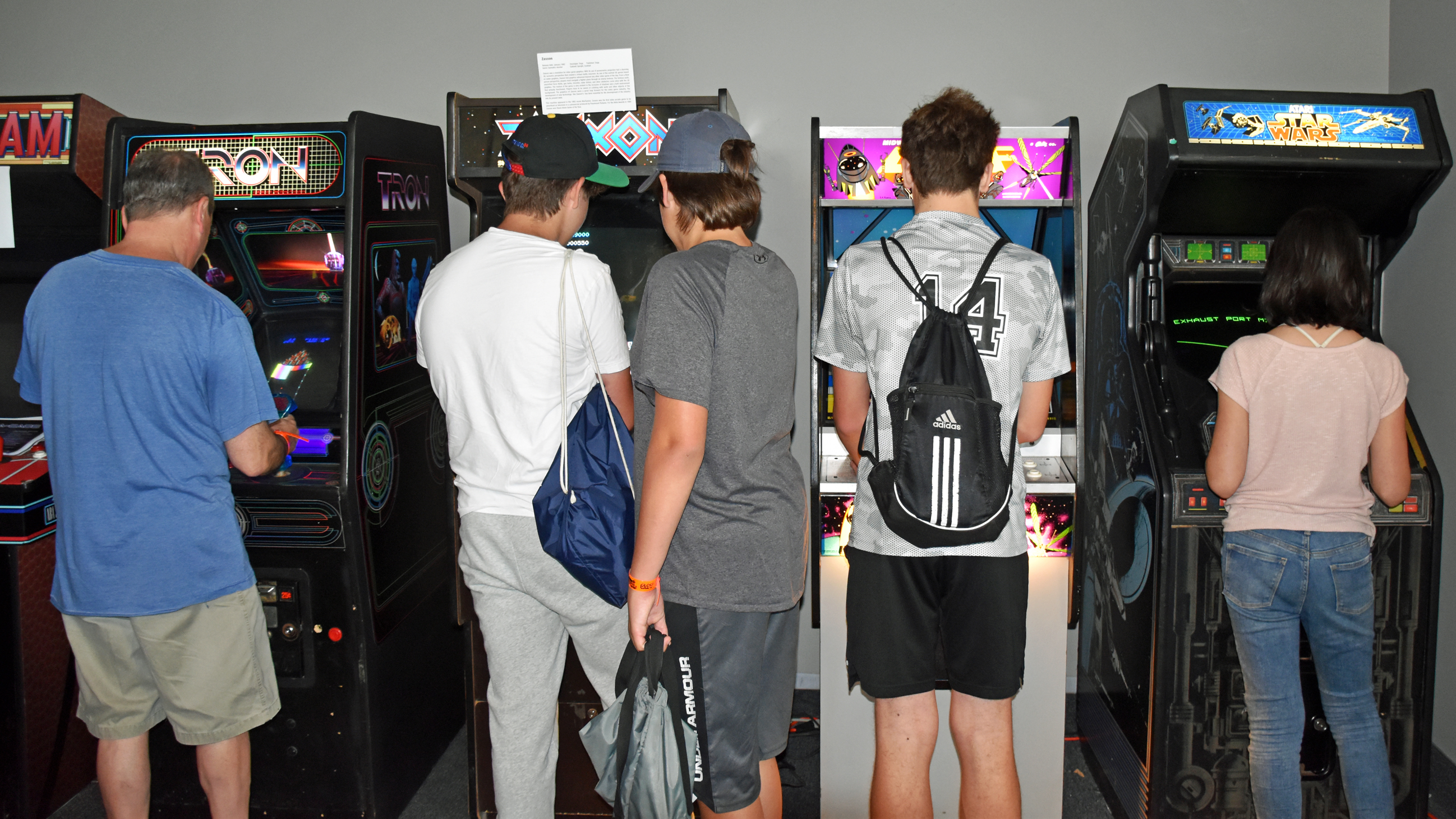
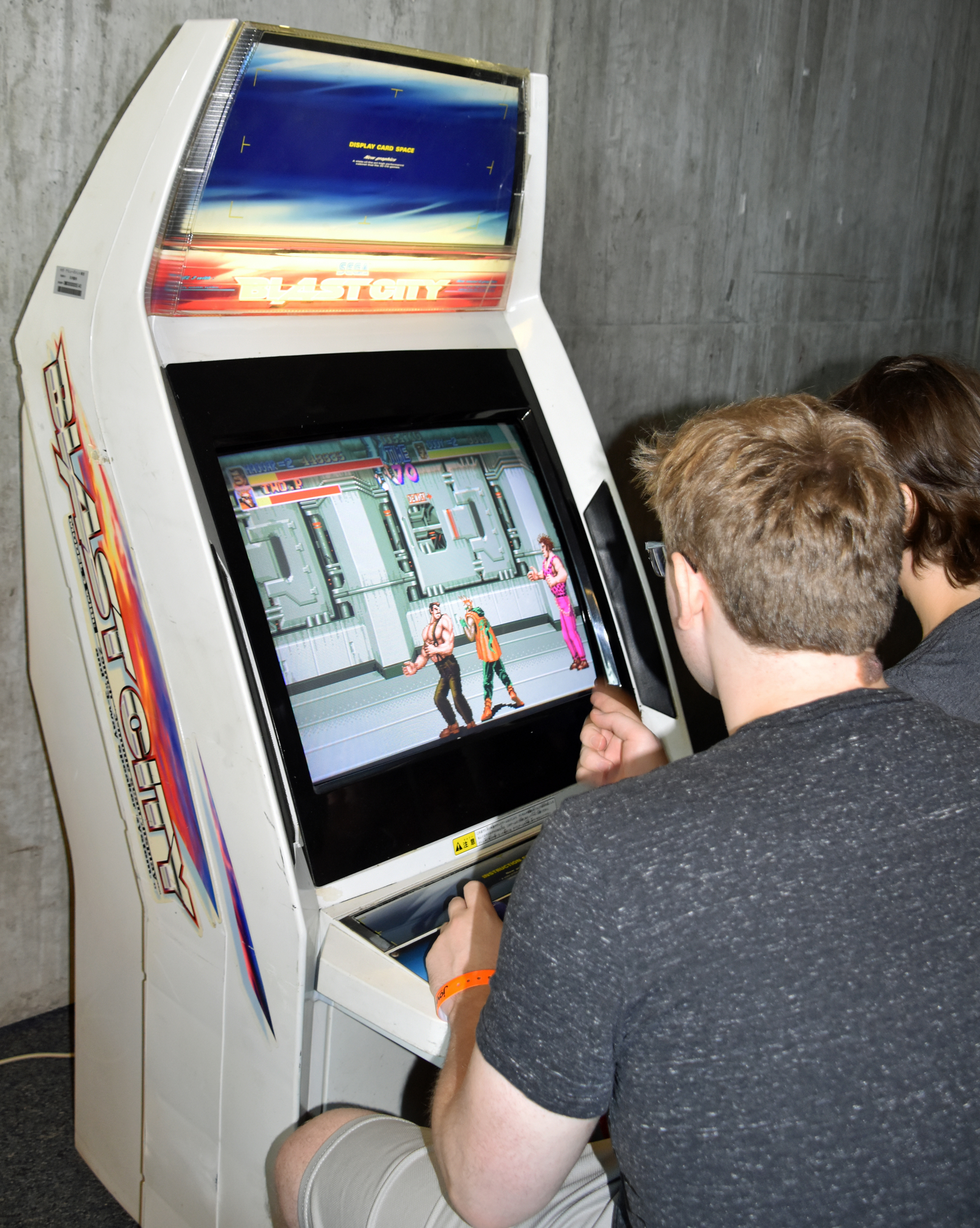
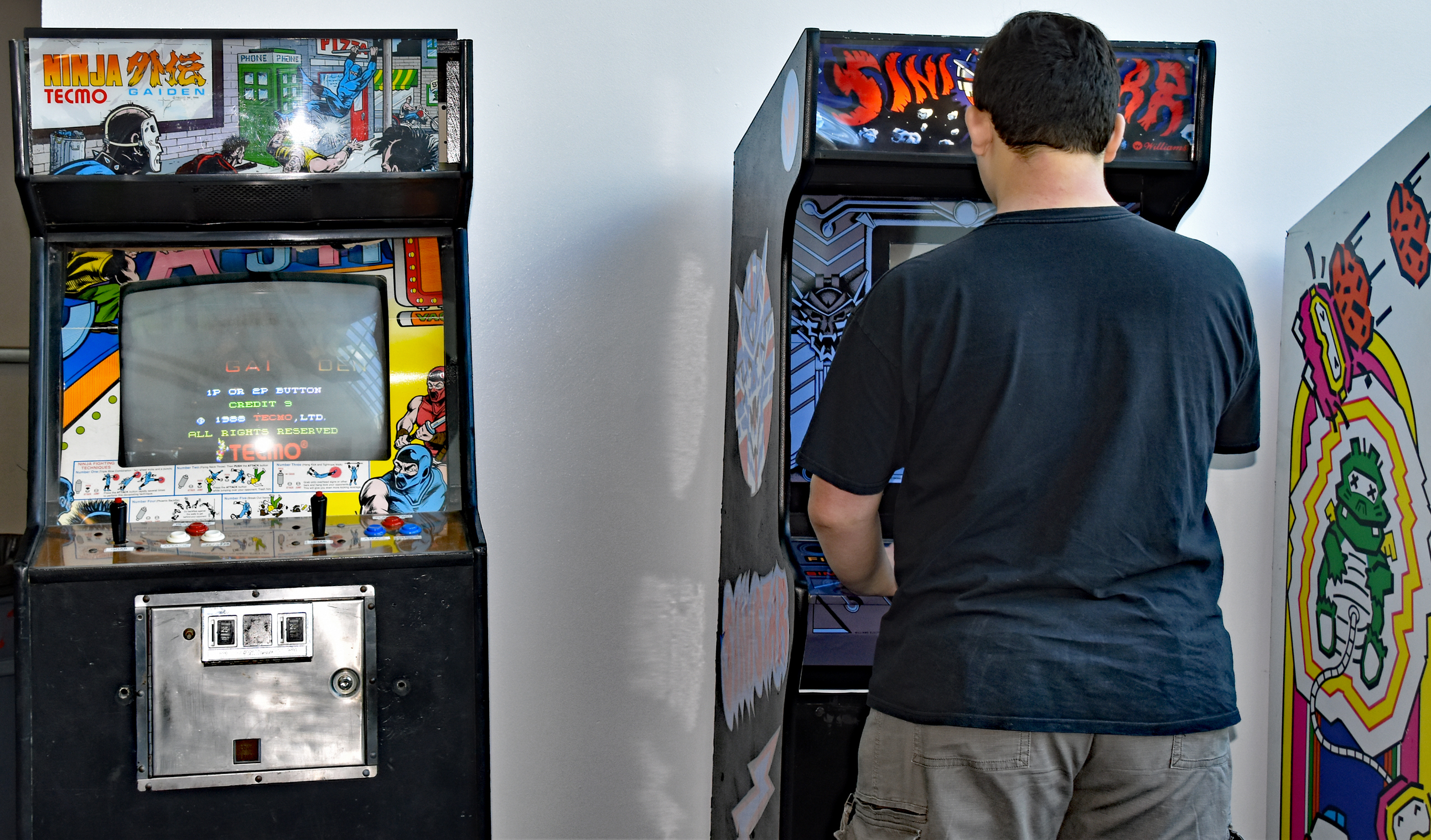
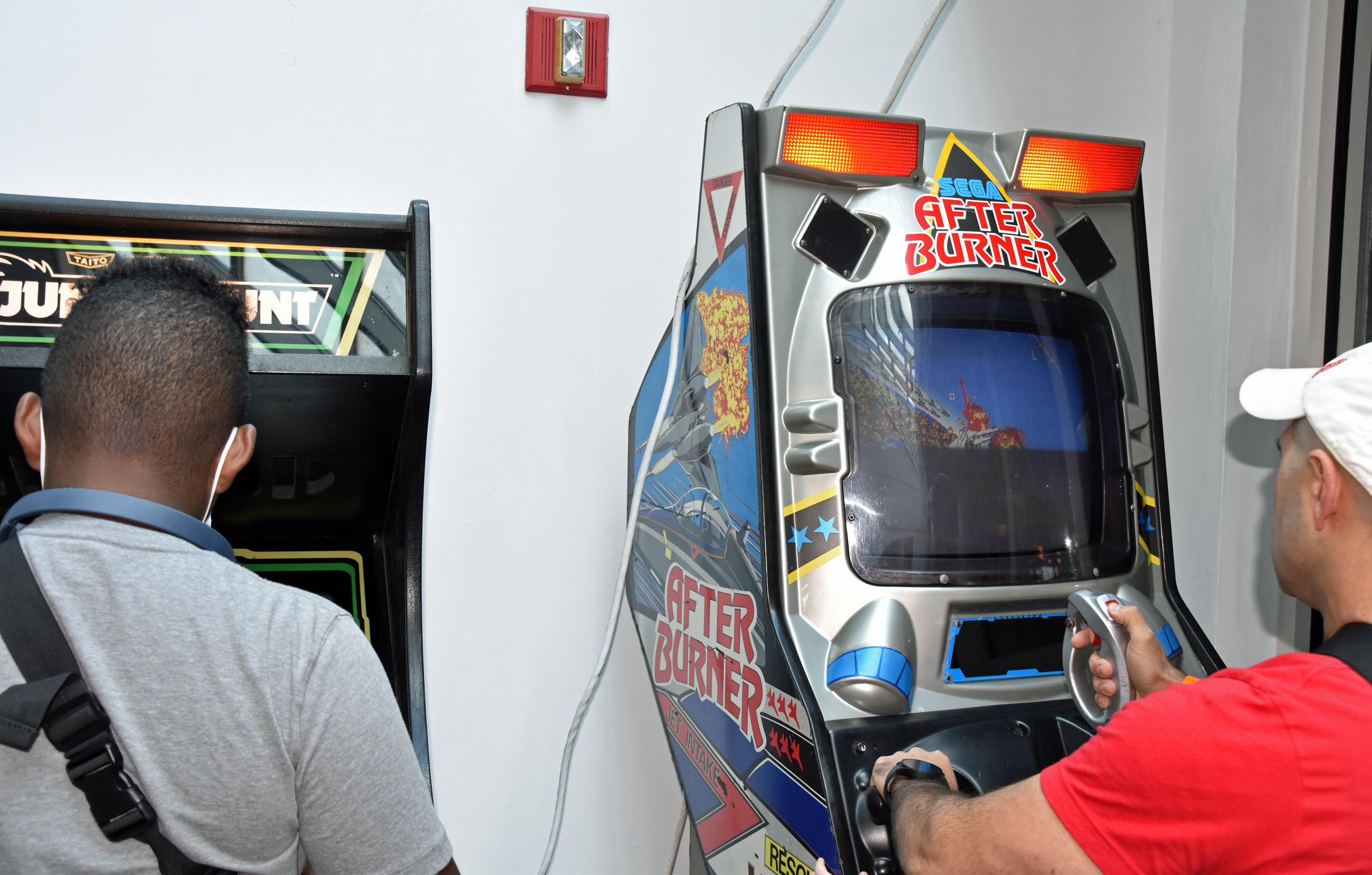
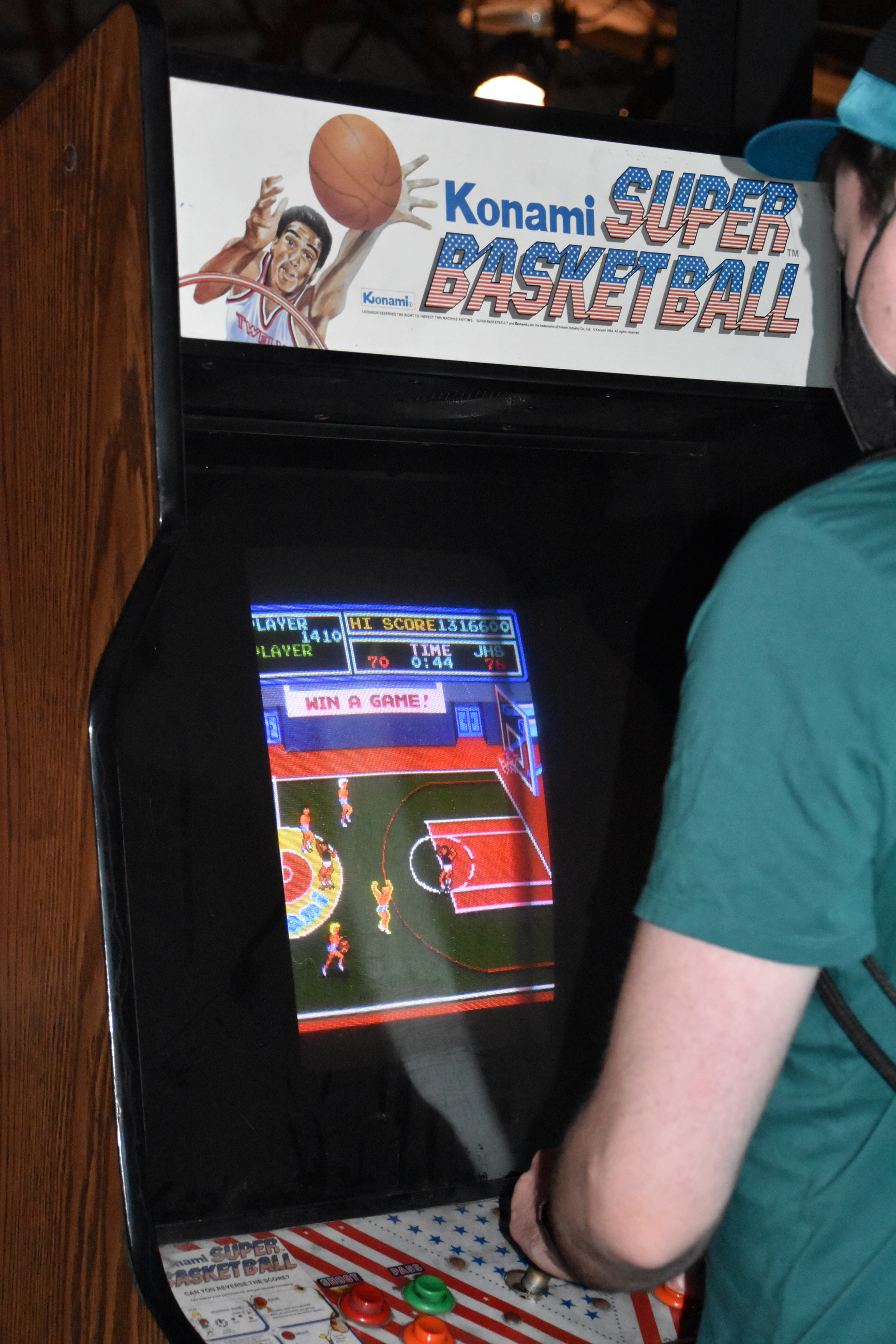
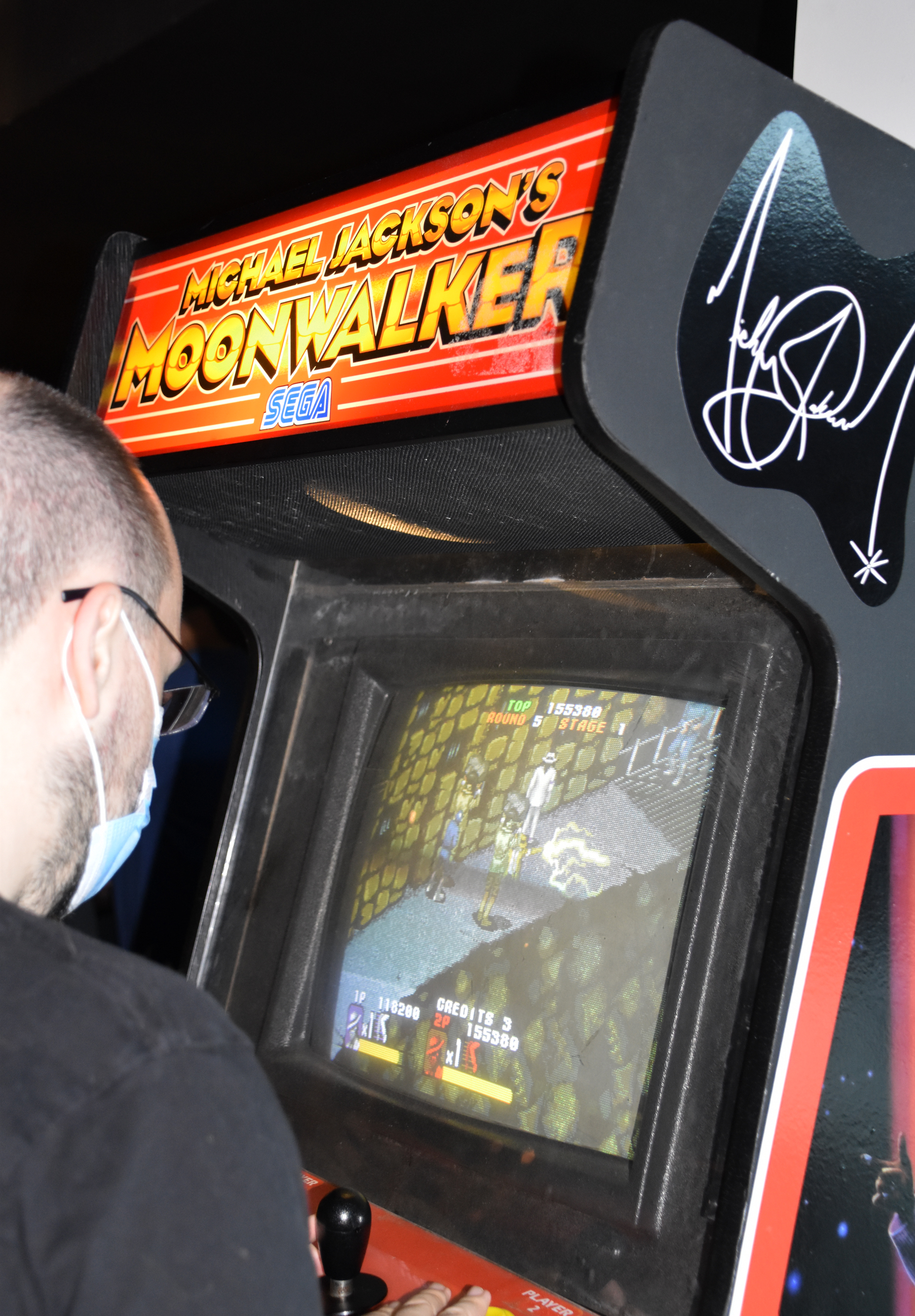
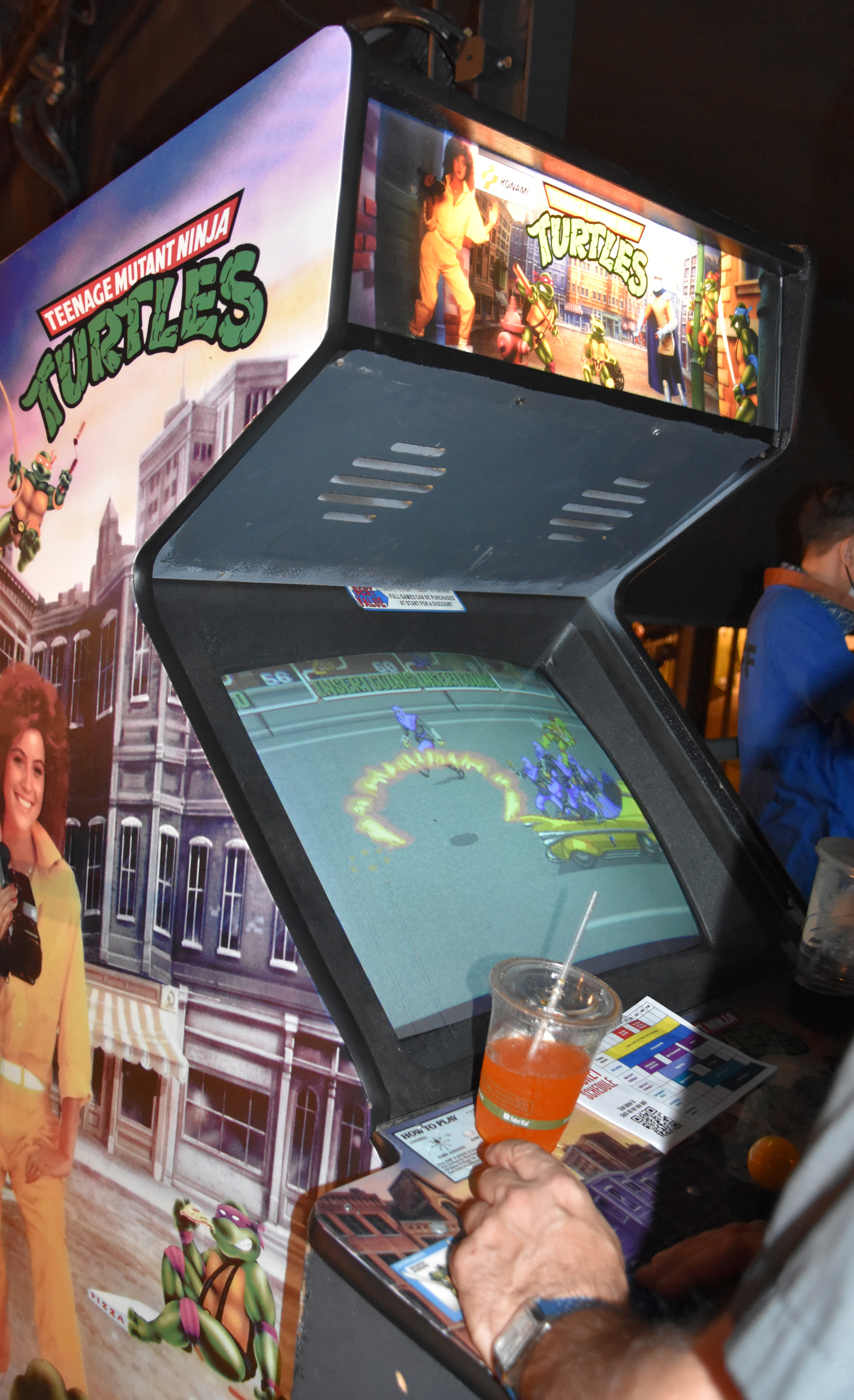
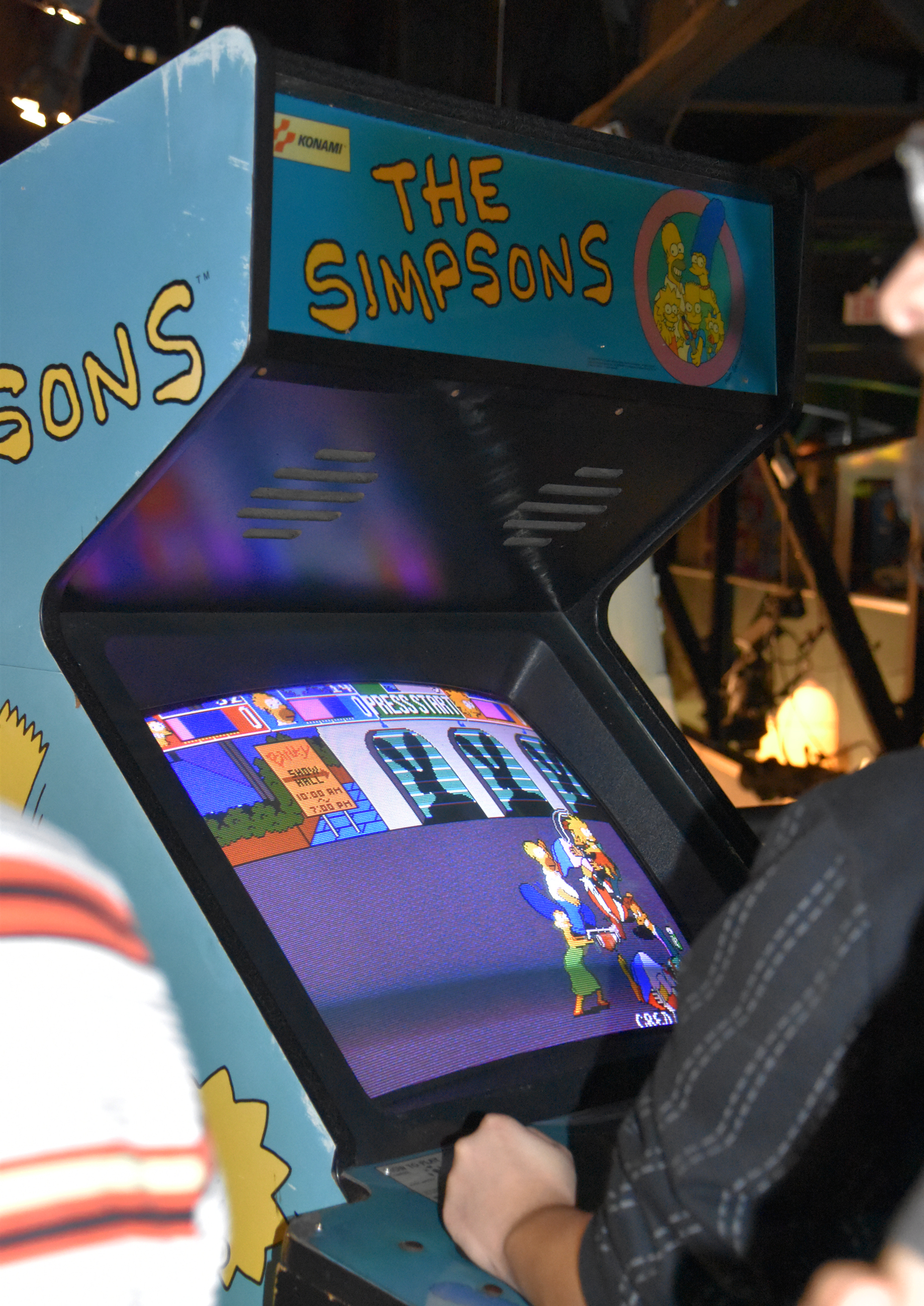
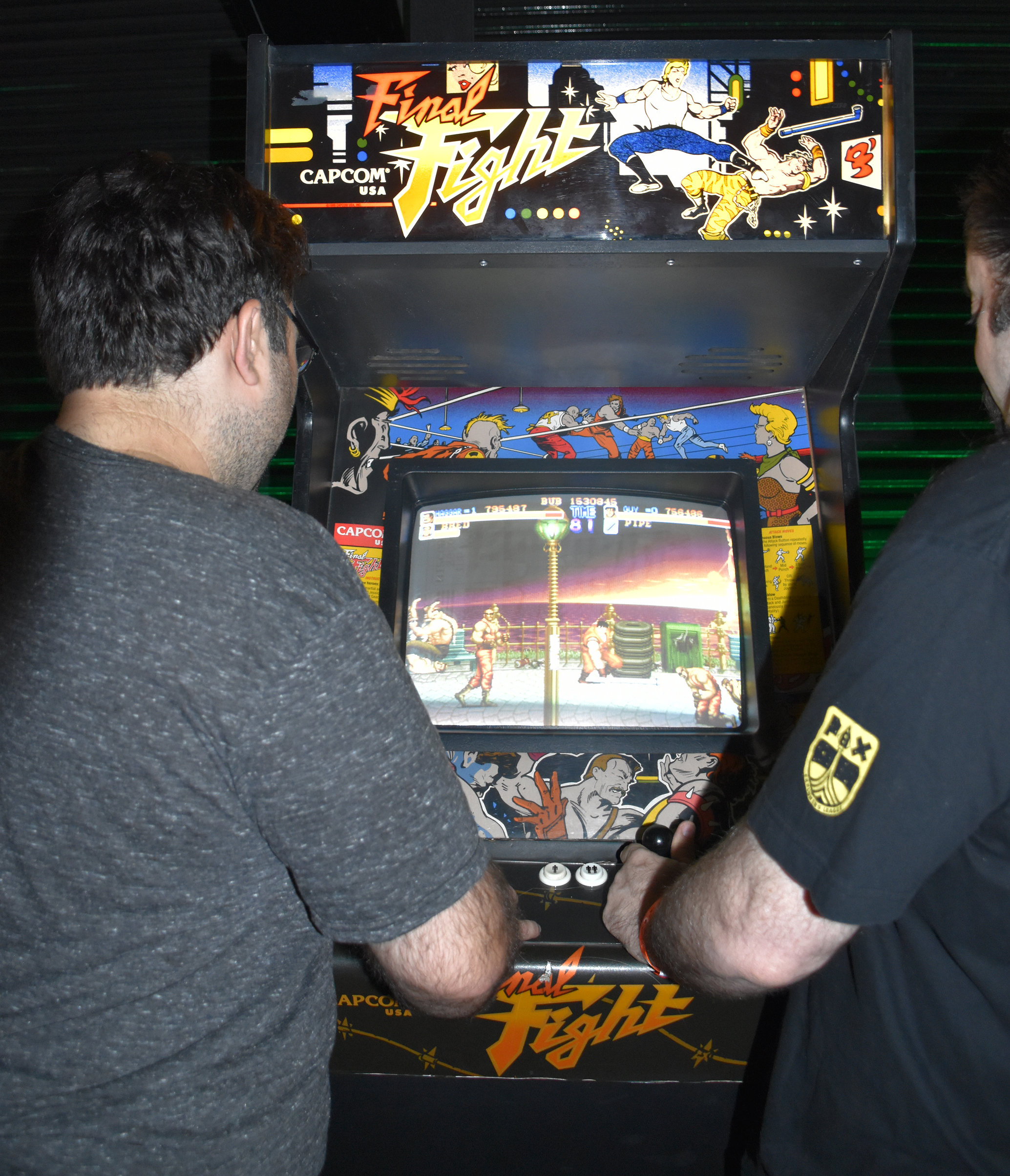
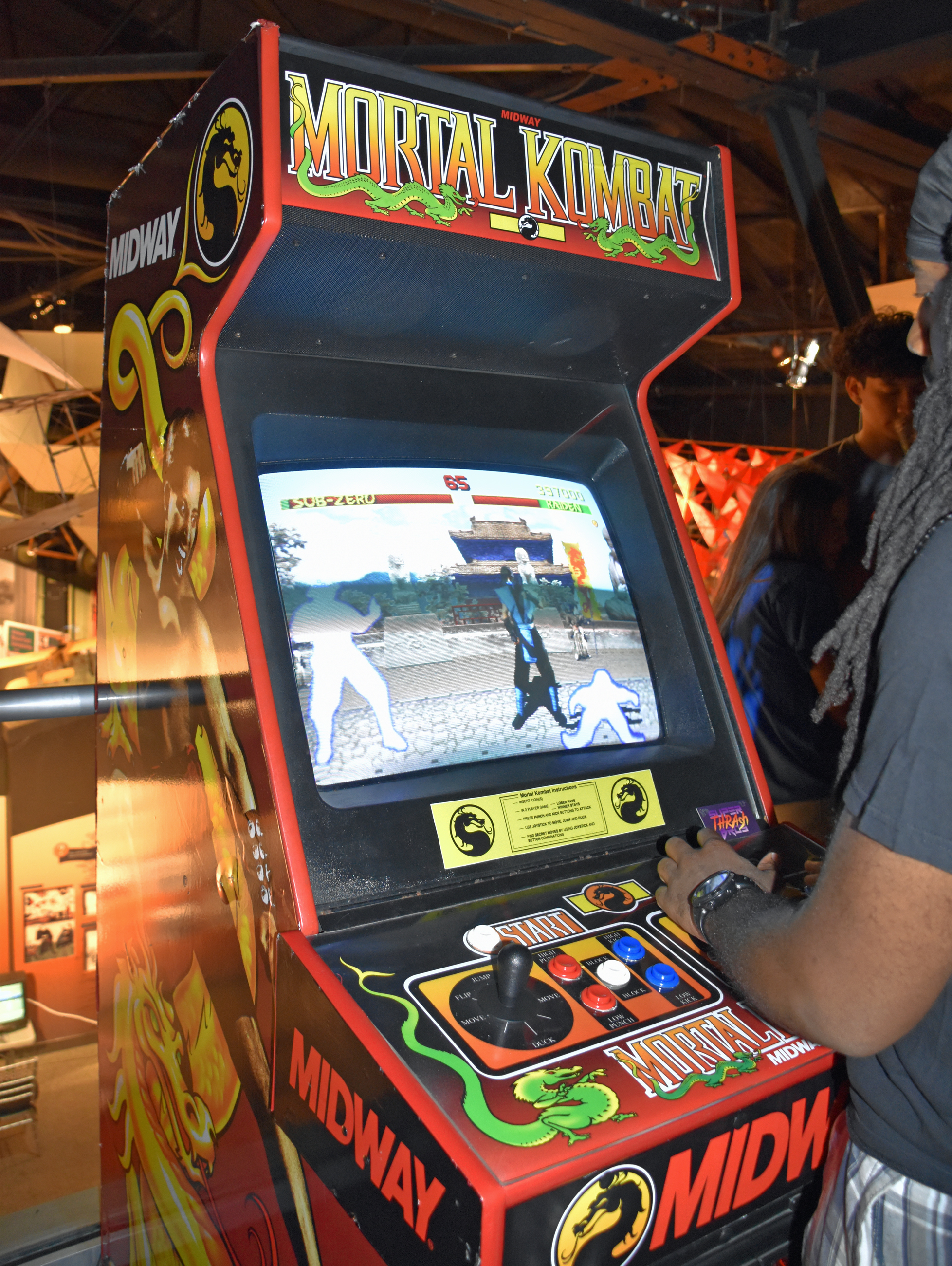
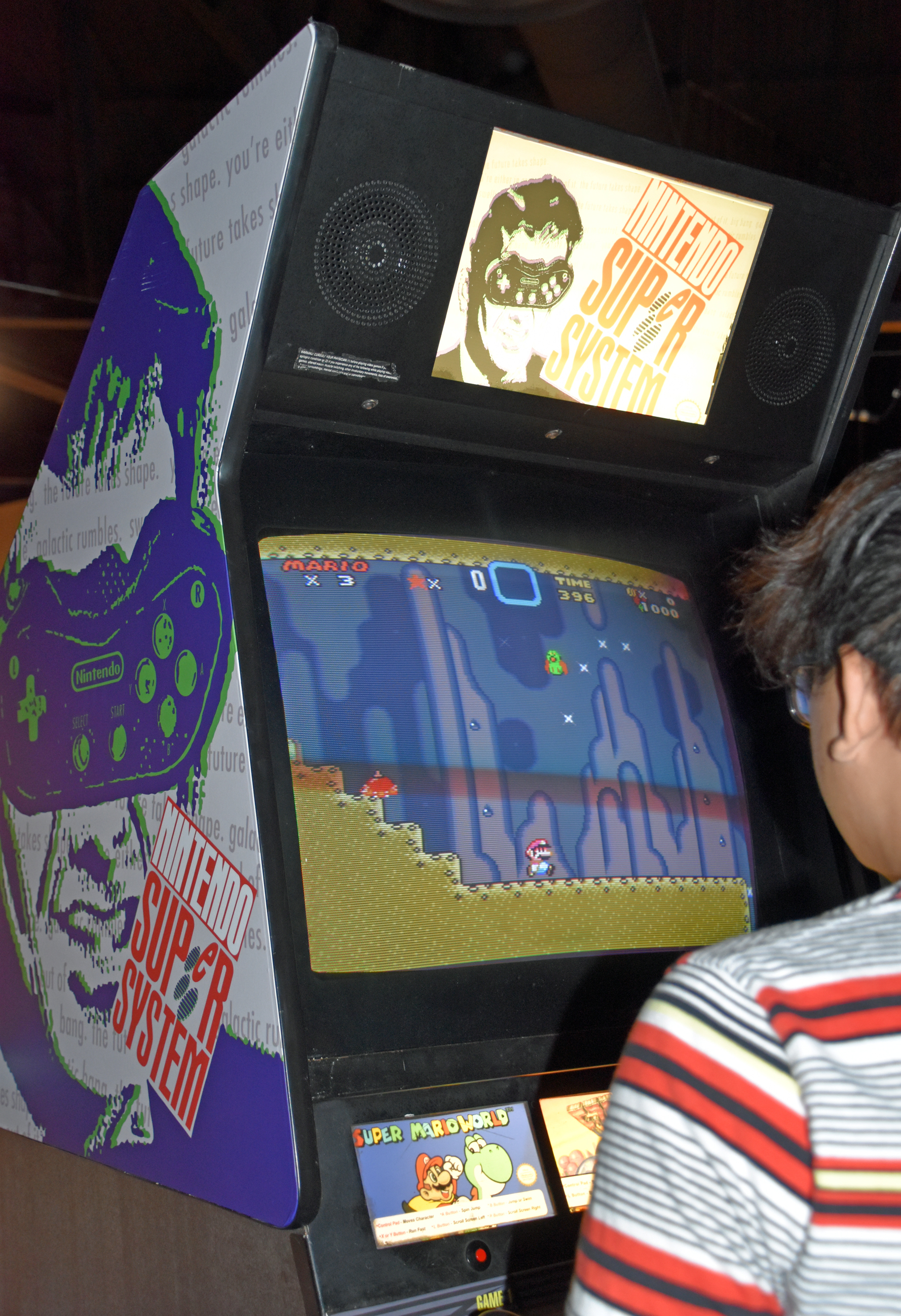
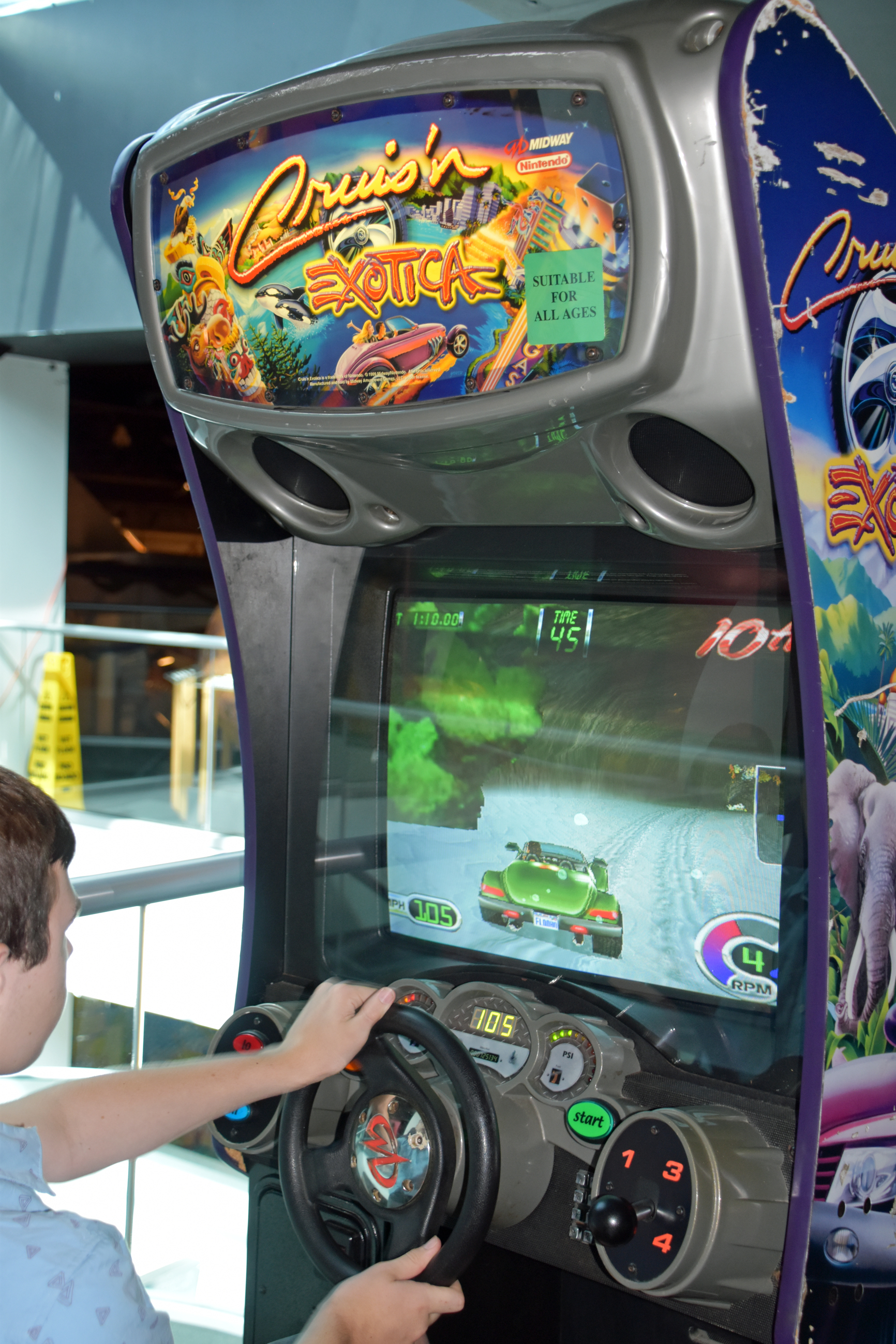
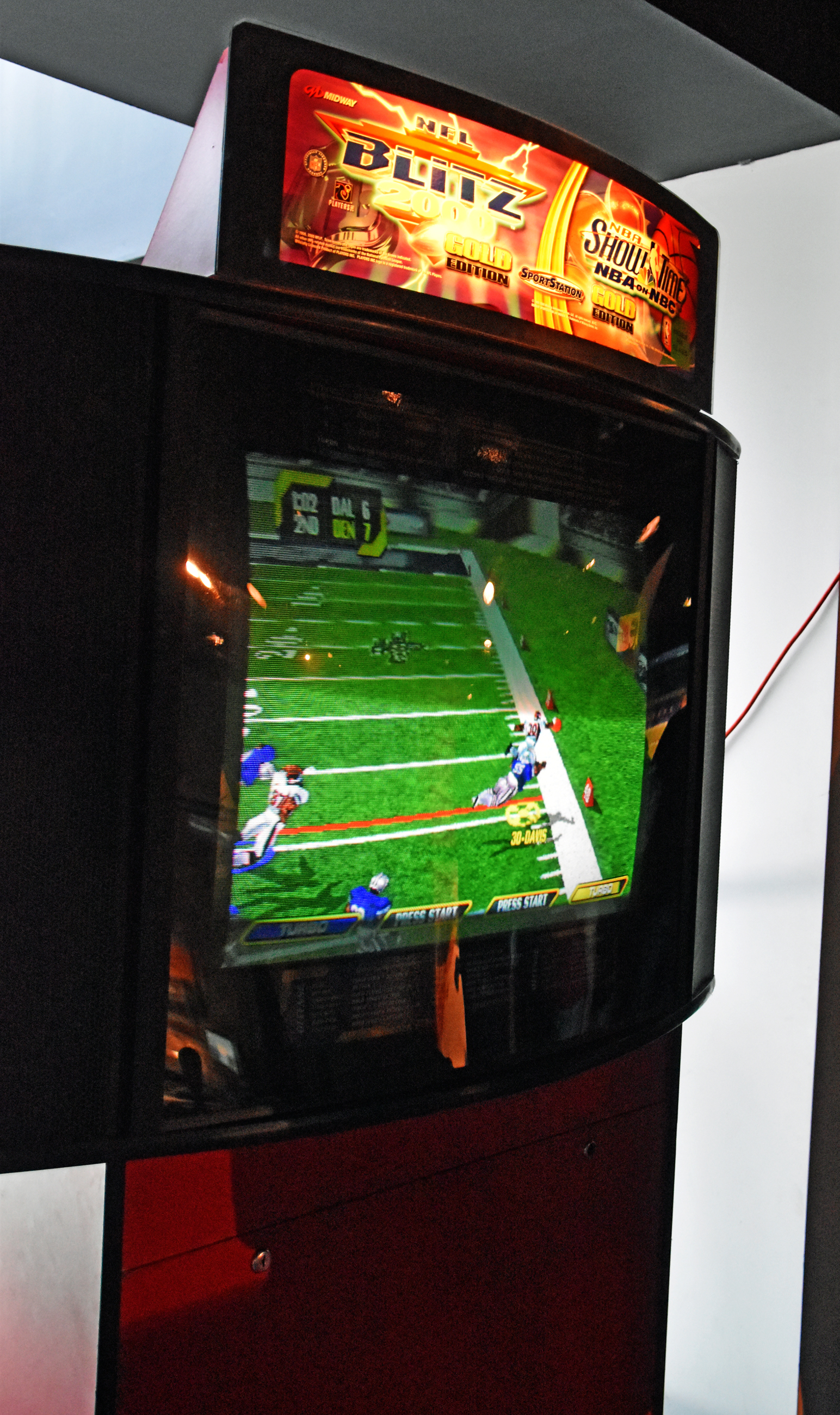
Arcade freeplay:
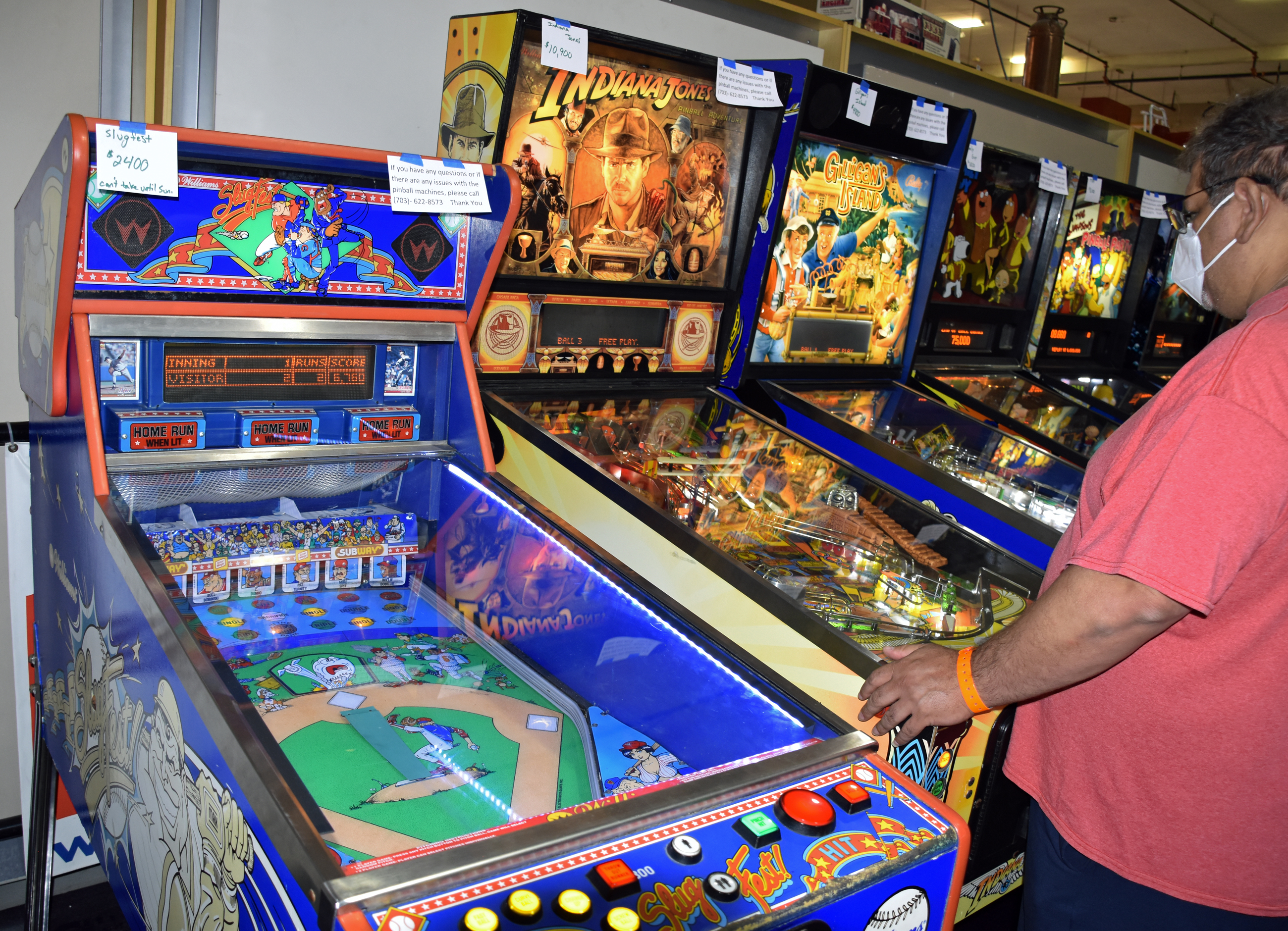








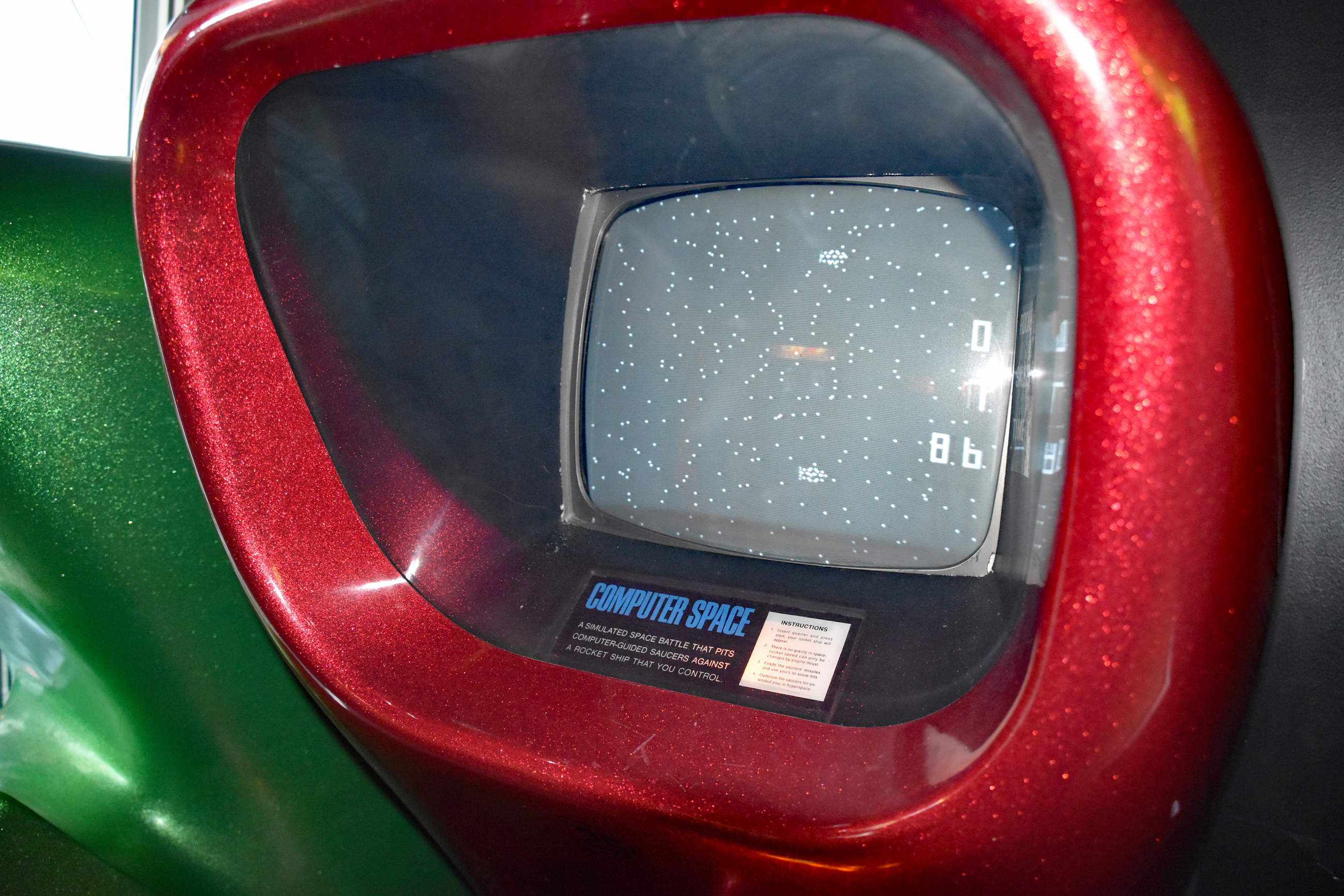
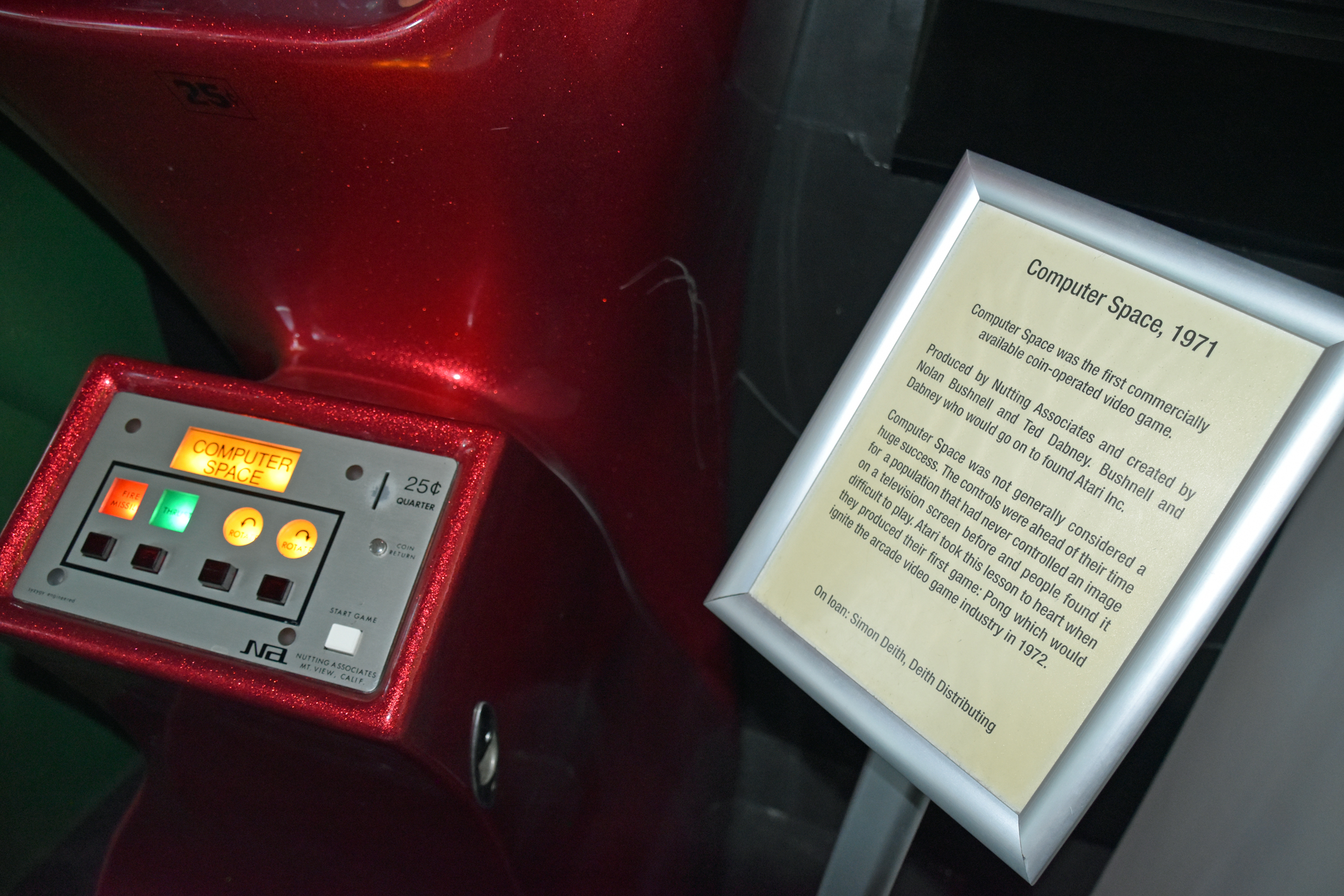
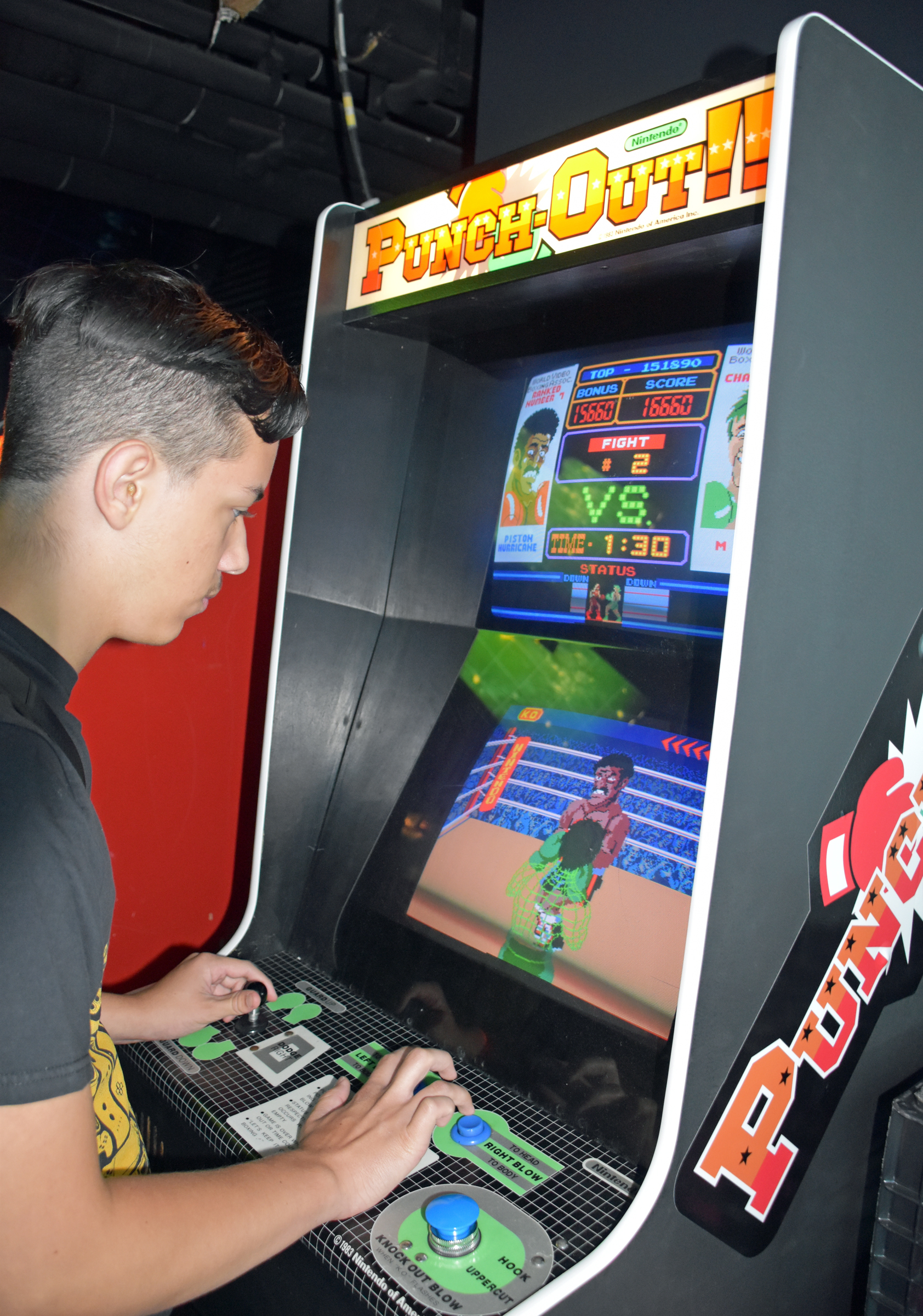

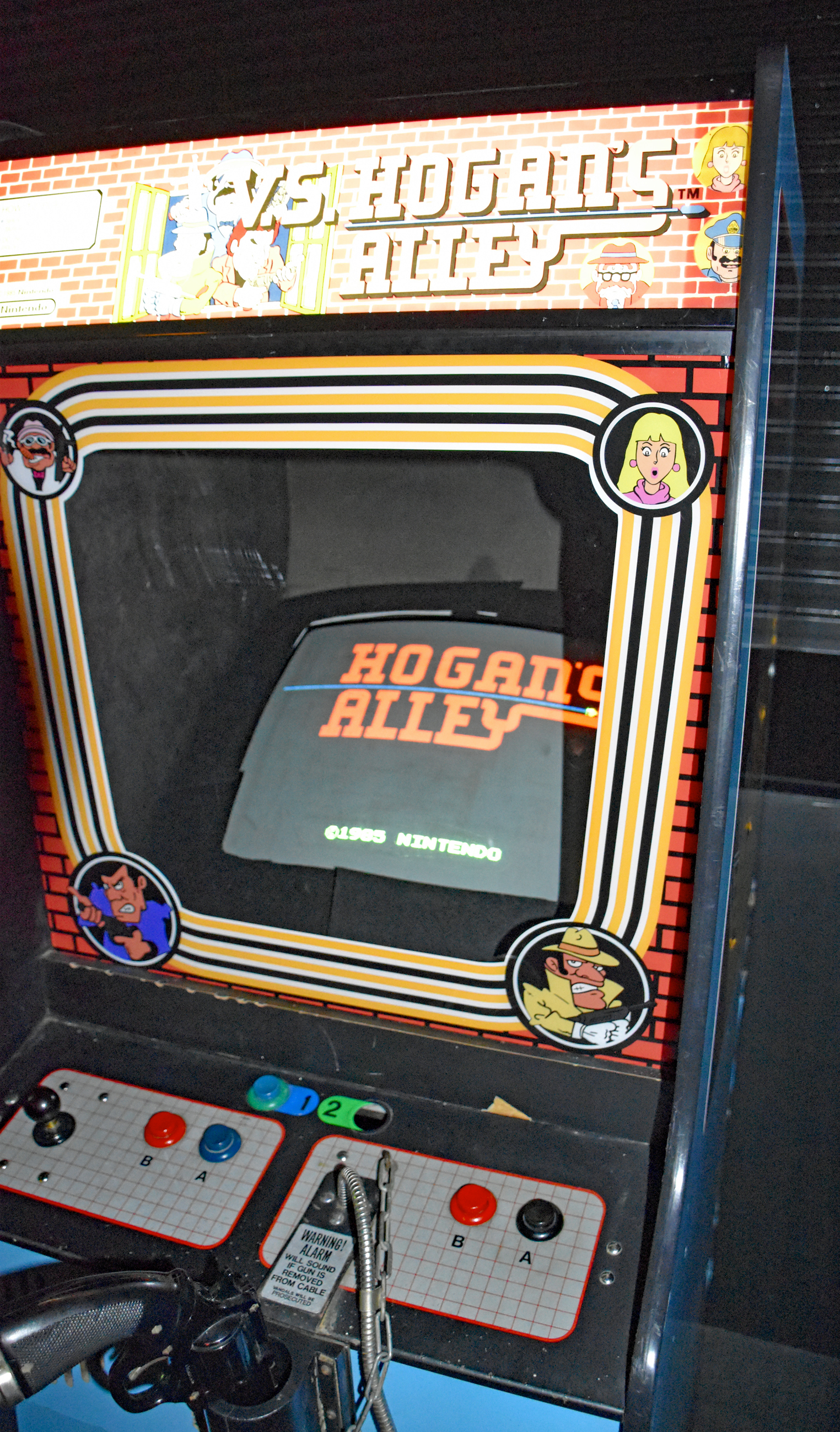

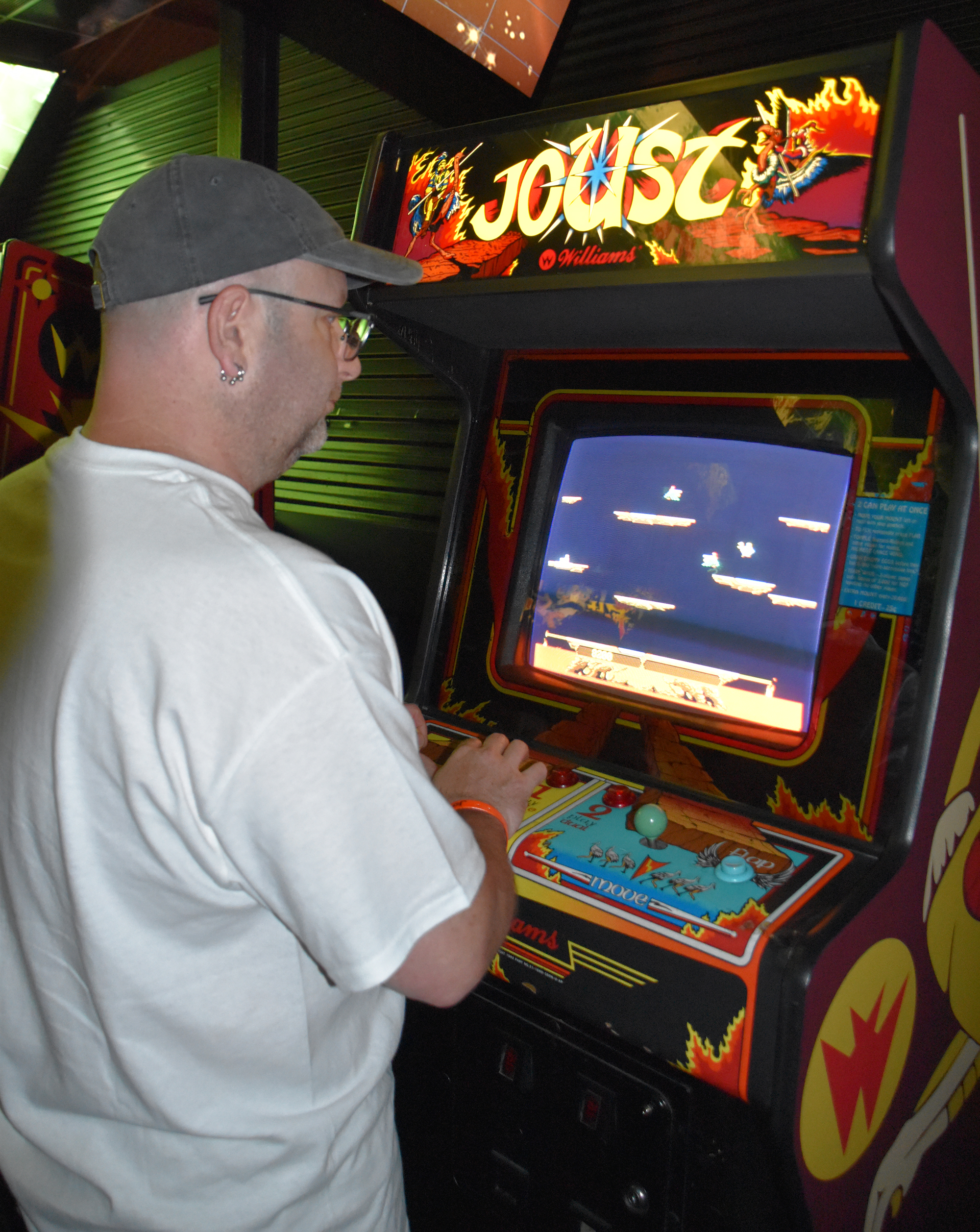


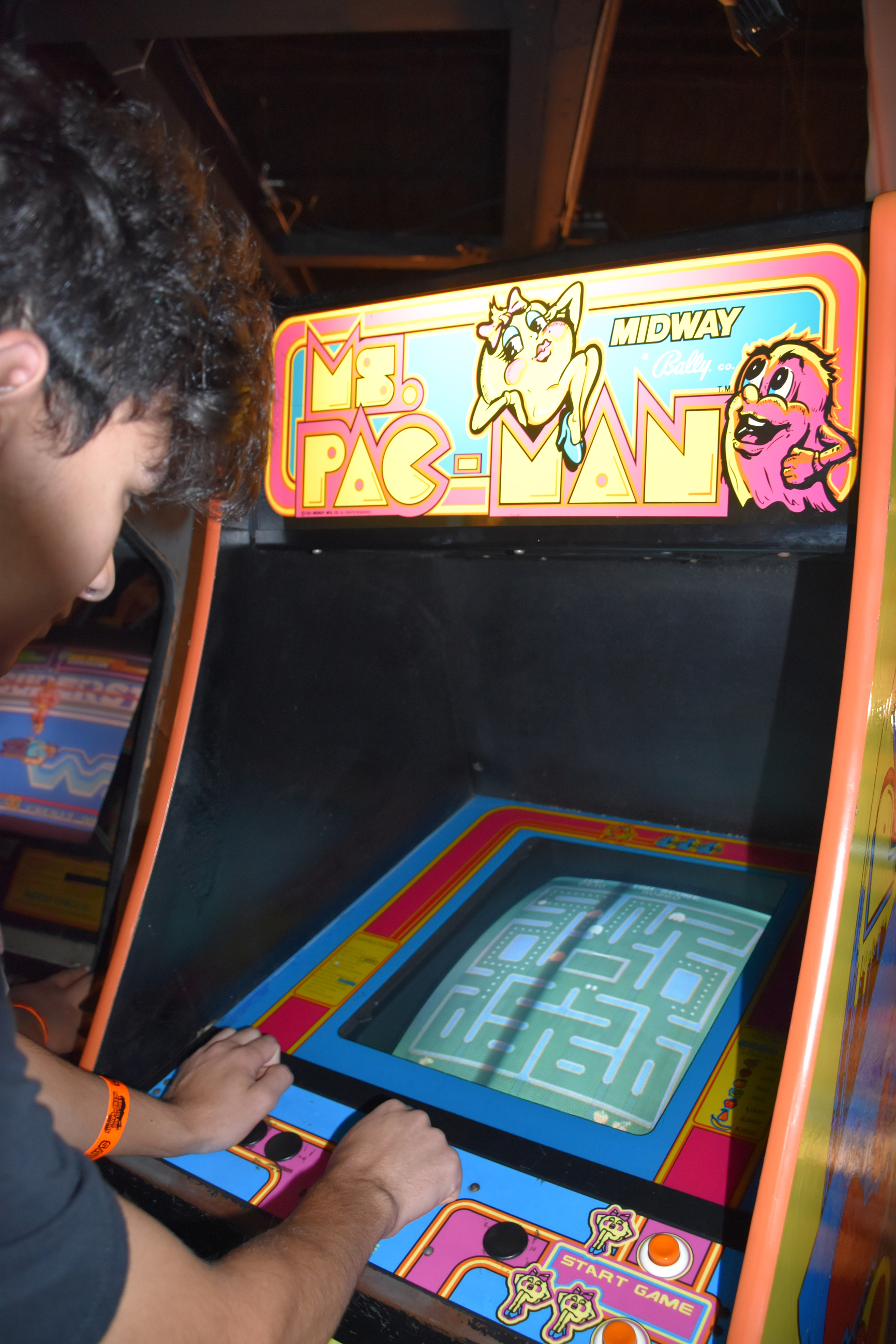

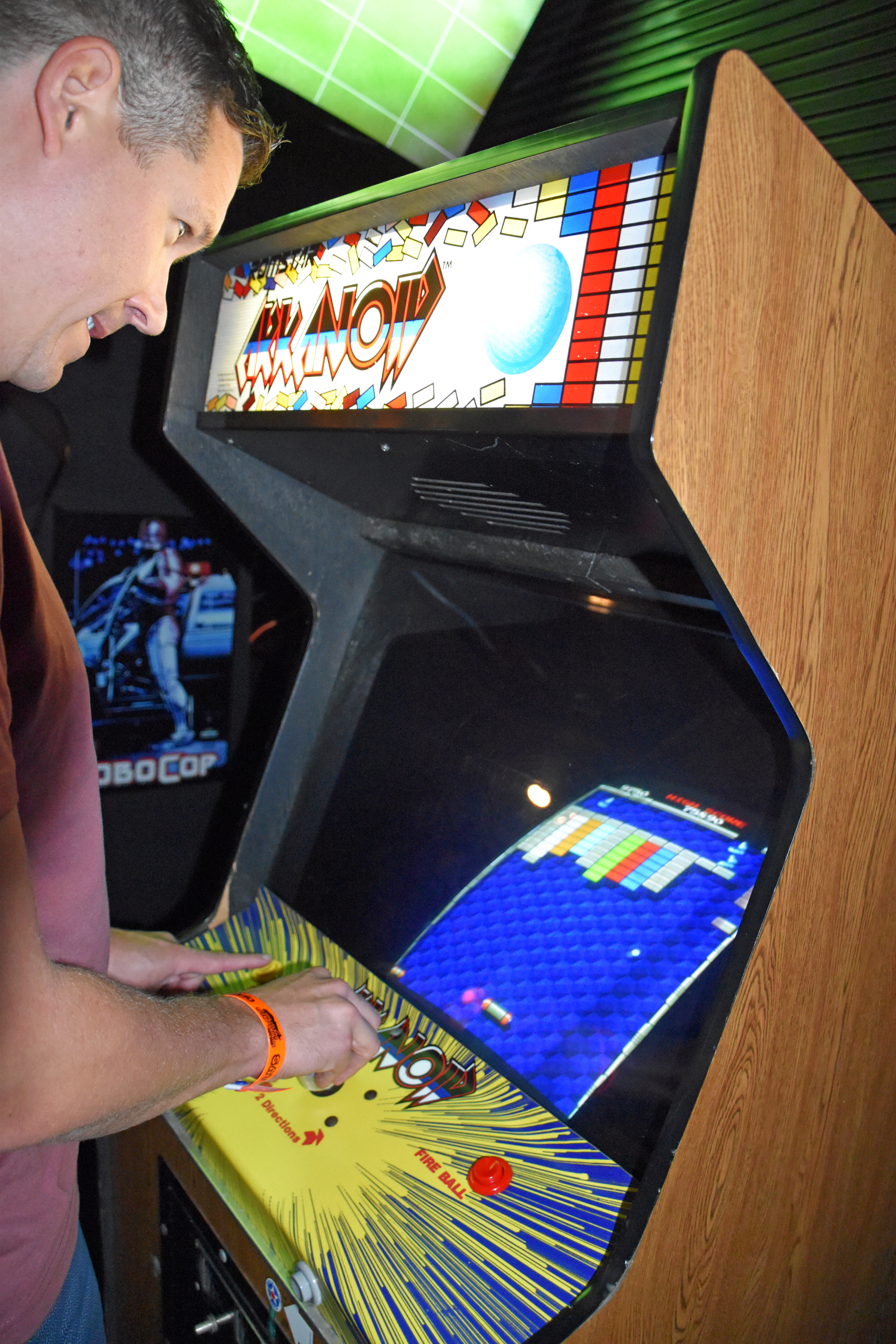


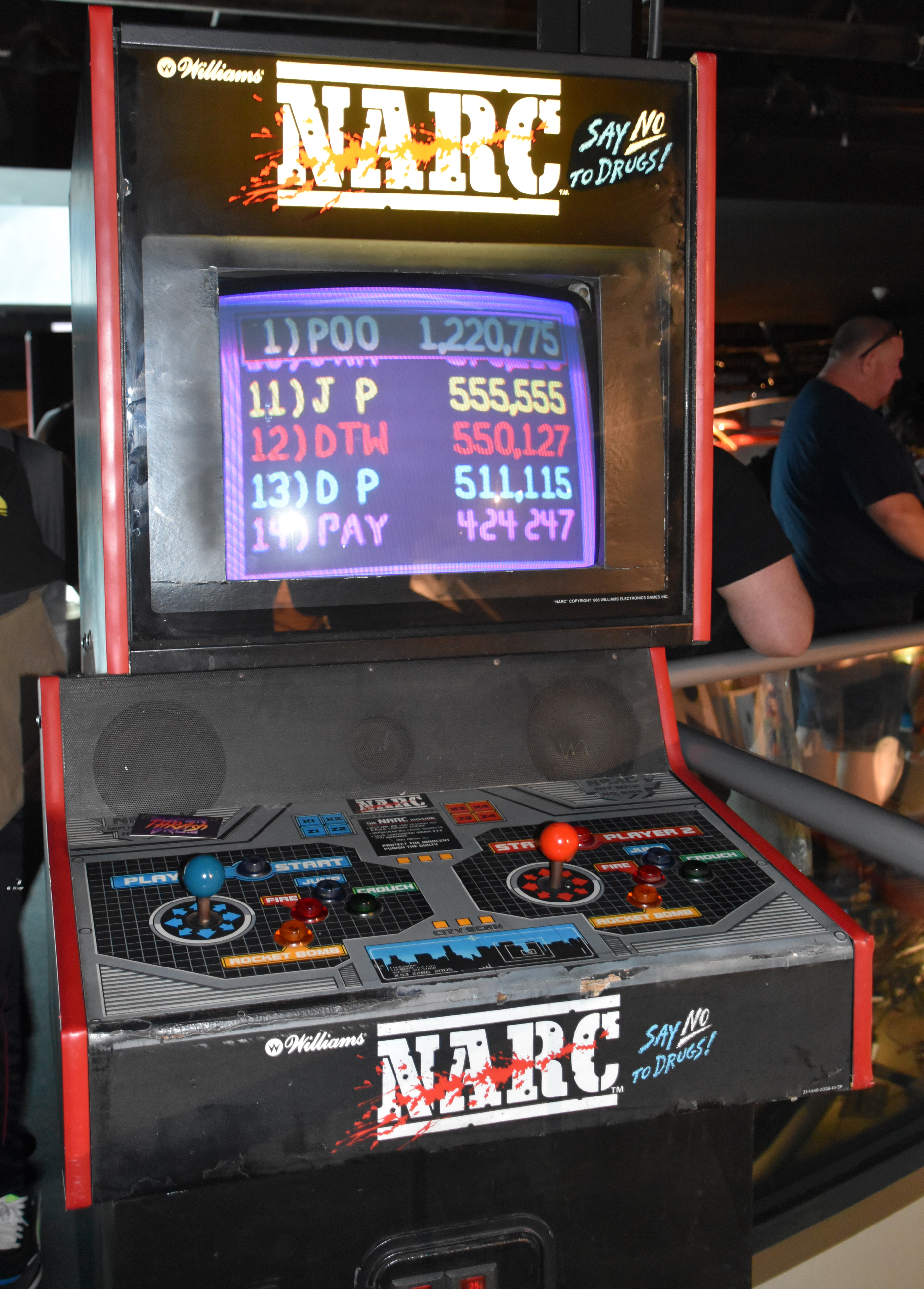



PC freeplay:
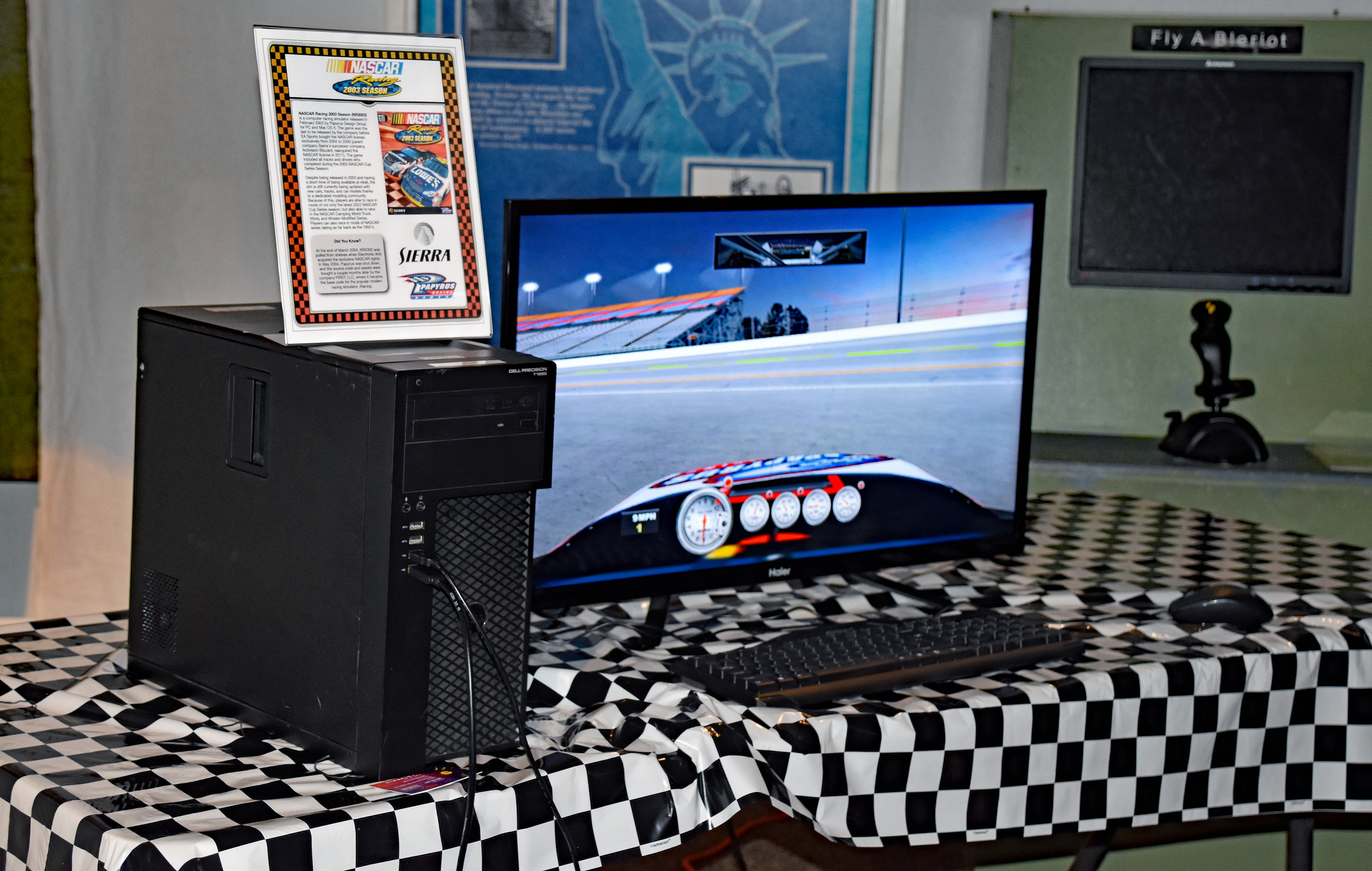

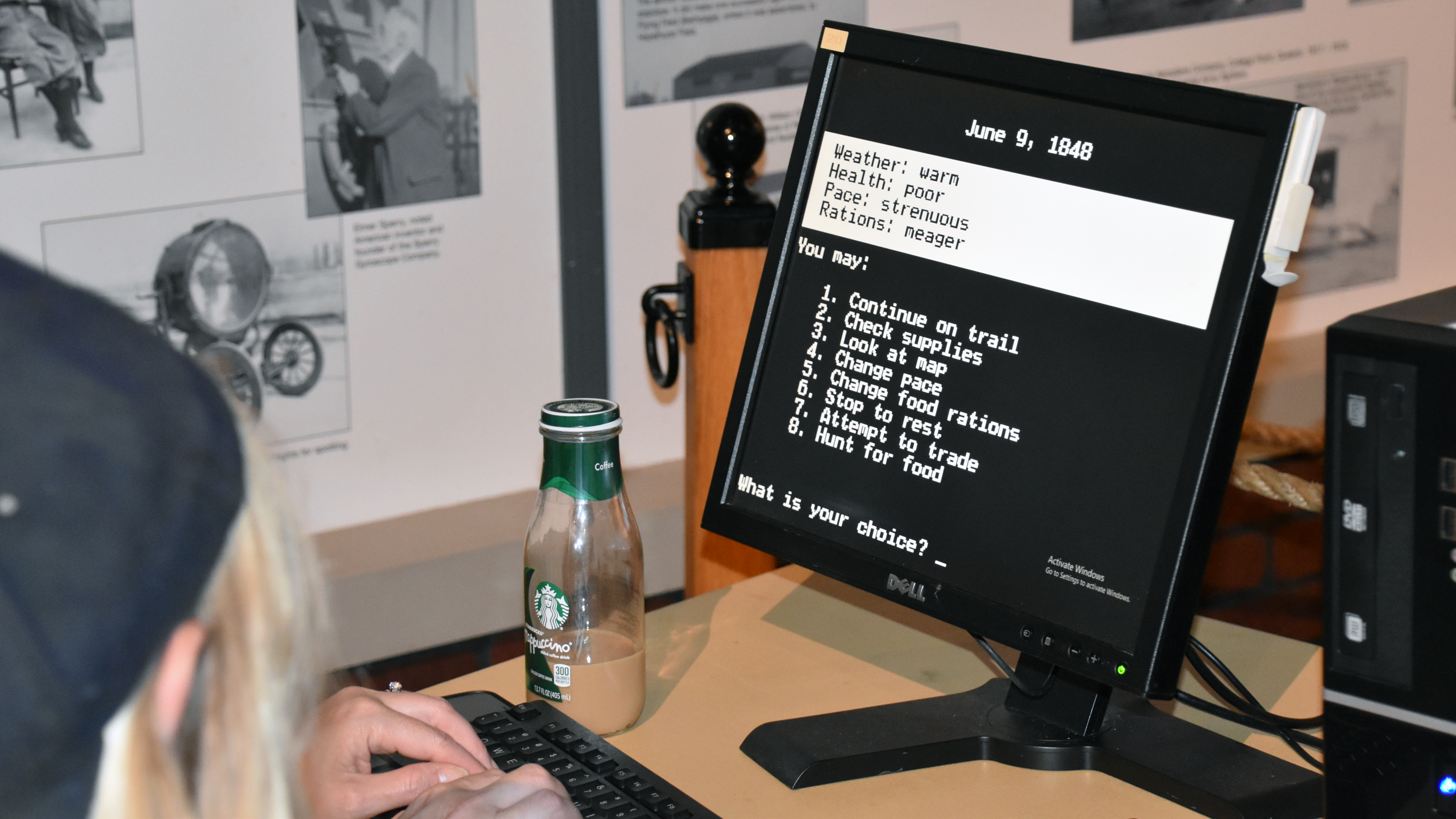
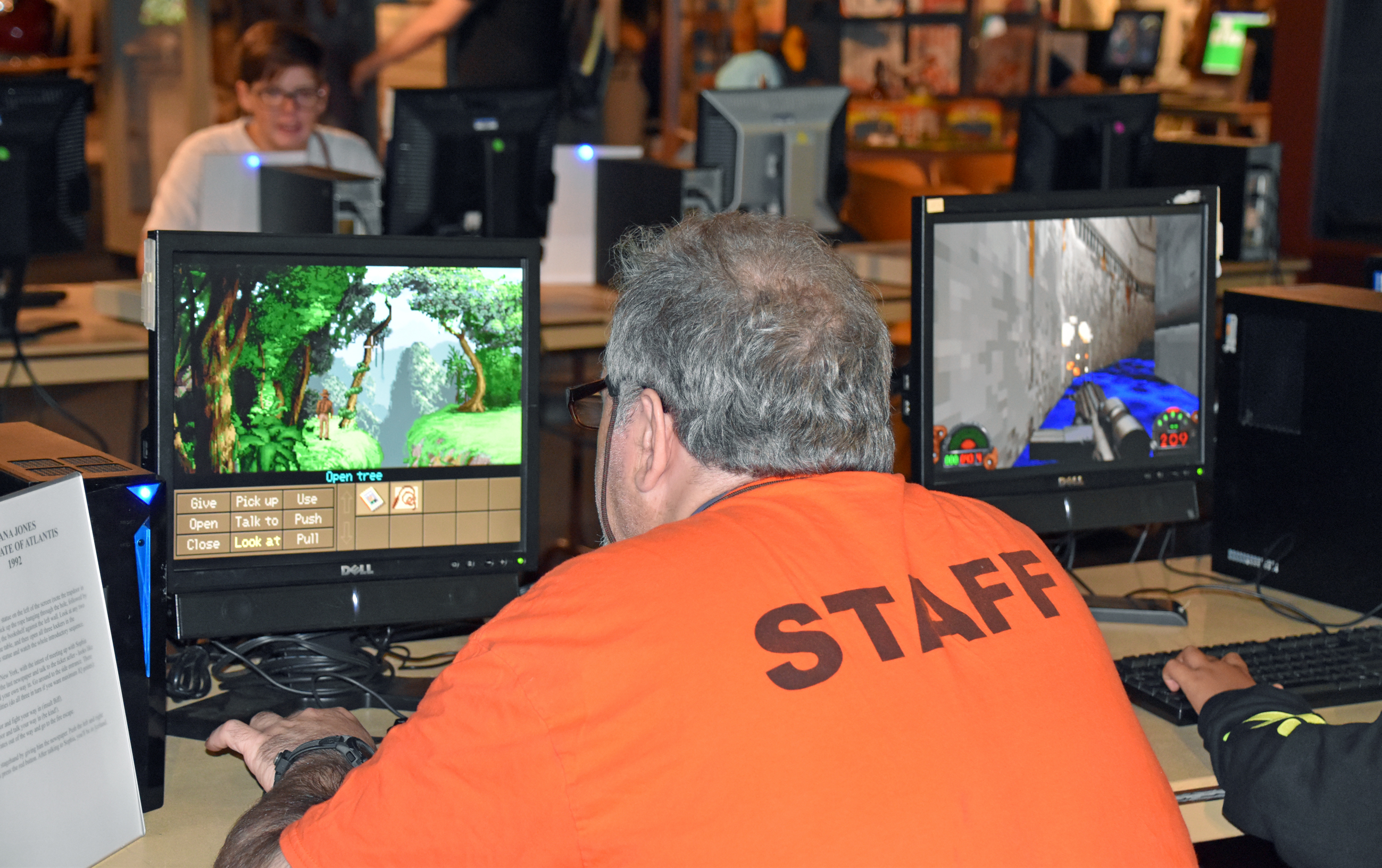

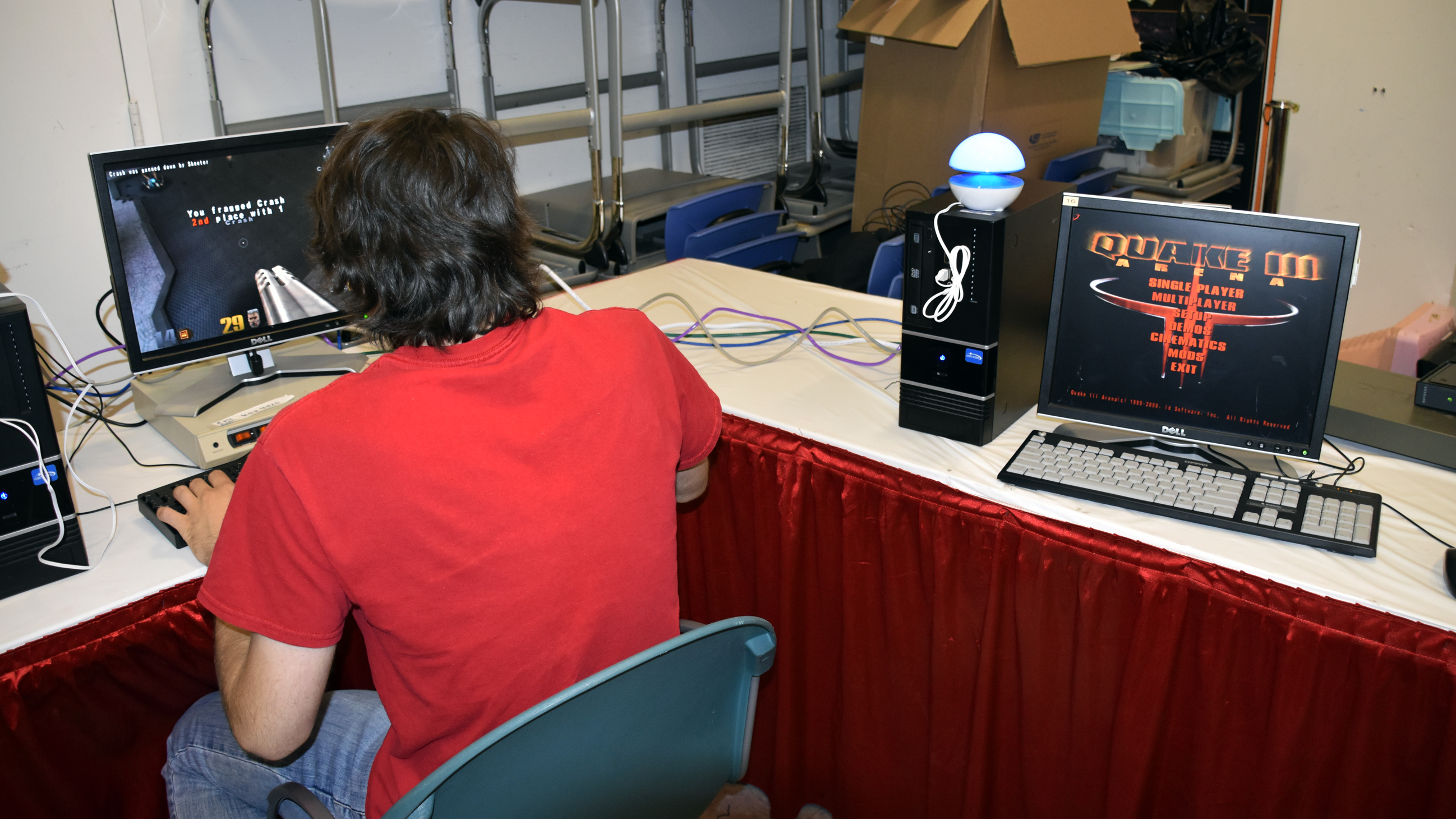
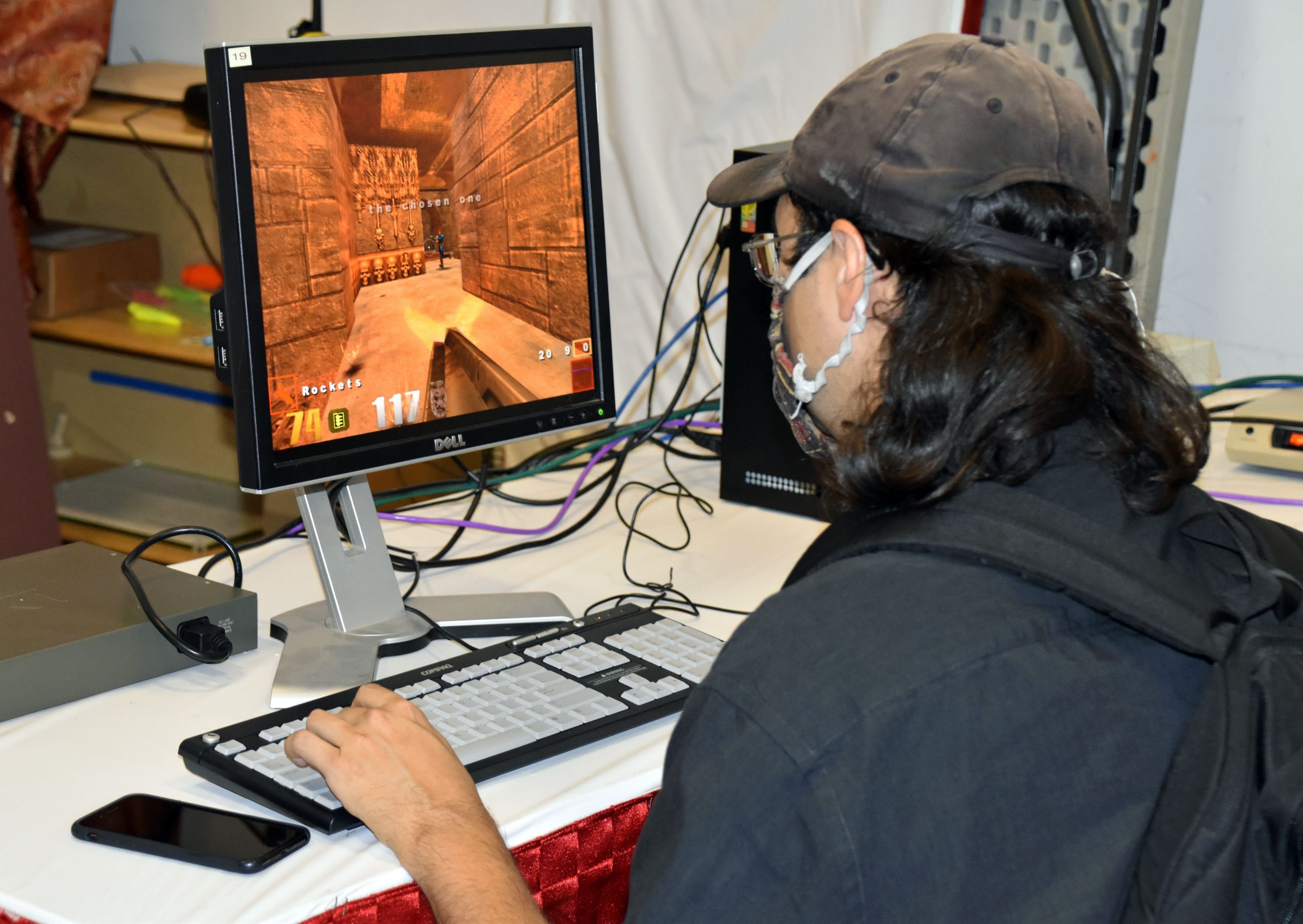
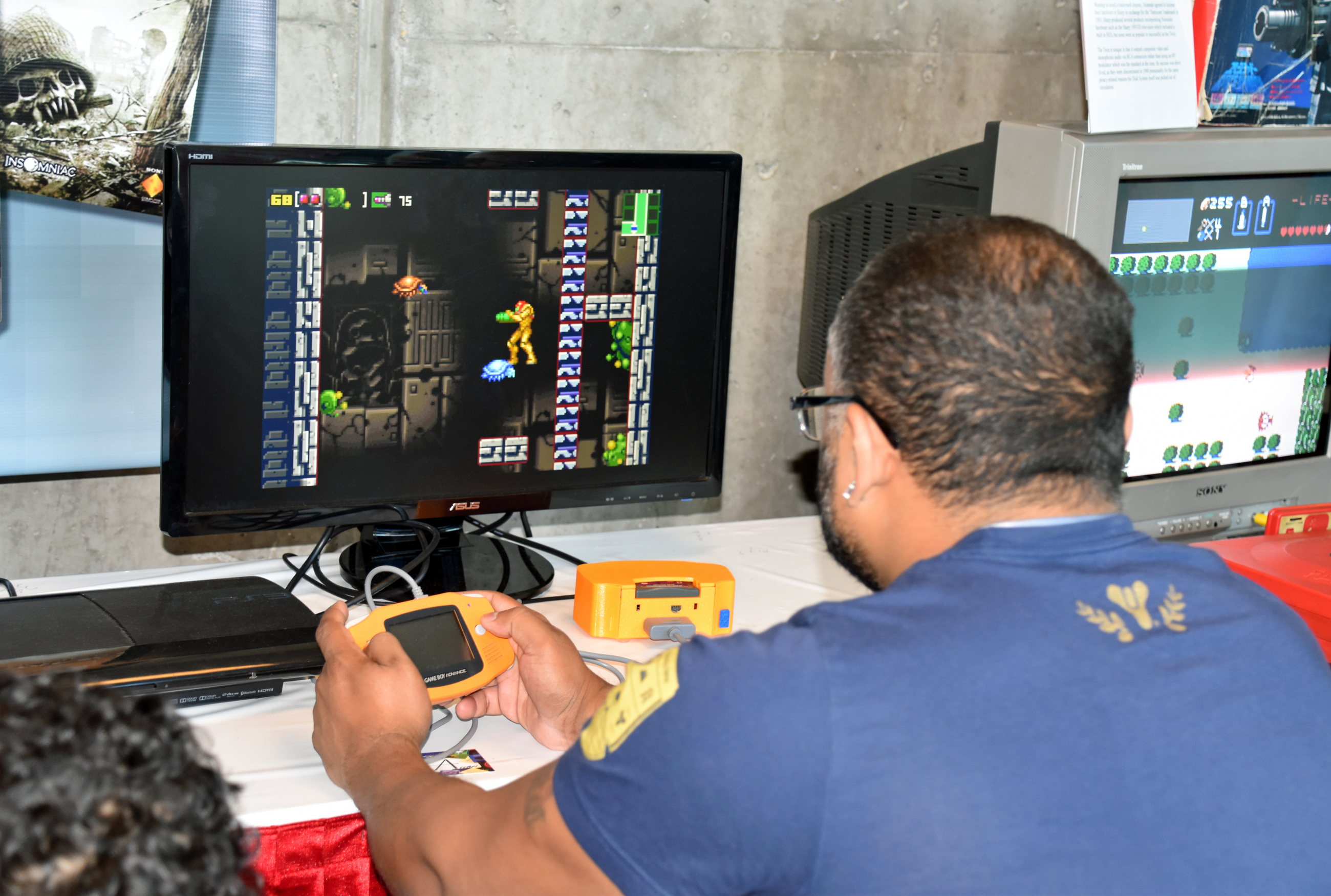
Before I left for home on Sunday, I tried out some console and arcade freeplay games, but not PC games. Maybe next year. The console games I played were Joust (Atari 7800), Sonic CD (Sega CD), Donkey Kong Country (Super Nintendo), and Virtua Tennis (Sega Dreamcast). The arcade games I attempted were Space Invaders, Arkanoid, NARC, VS. Hogan’s Alley, Ms. Pac-Man, and Mortal Kombat.
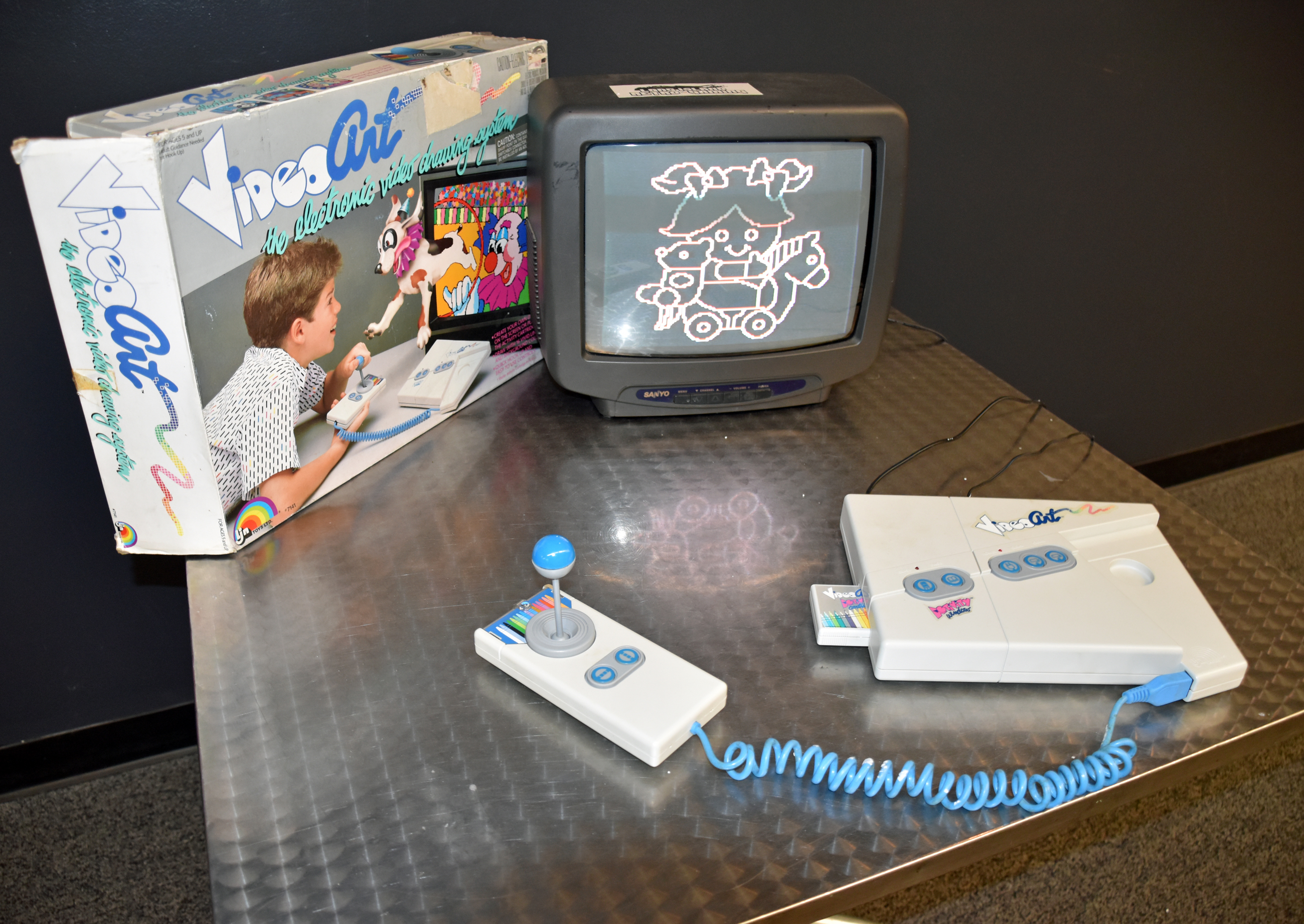
I even gave LJN Video Art a try. It was just as finicky as The Angry Video Game Nerd (James Rolfe) made it out to be.

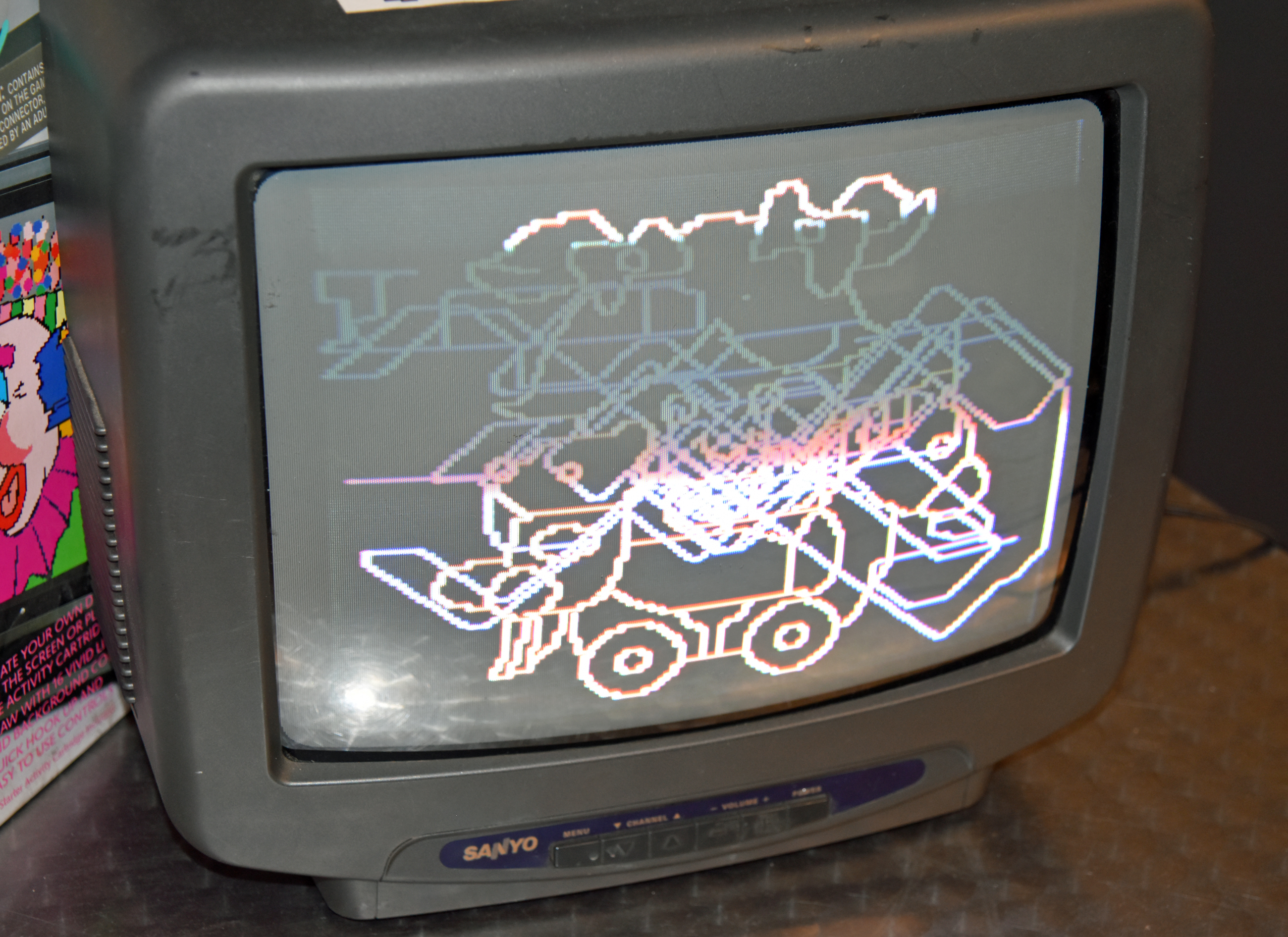
I was pleasantly surprised to see a TV running the WeatherStar 4000 simulator, a tribute to The Weather Channel local forecasts/Local on the 8s in the 1990s (check TWC Classics for examples):


Vendor Room:


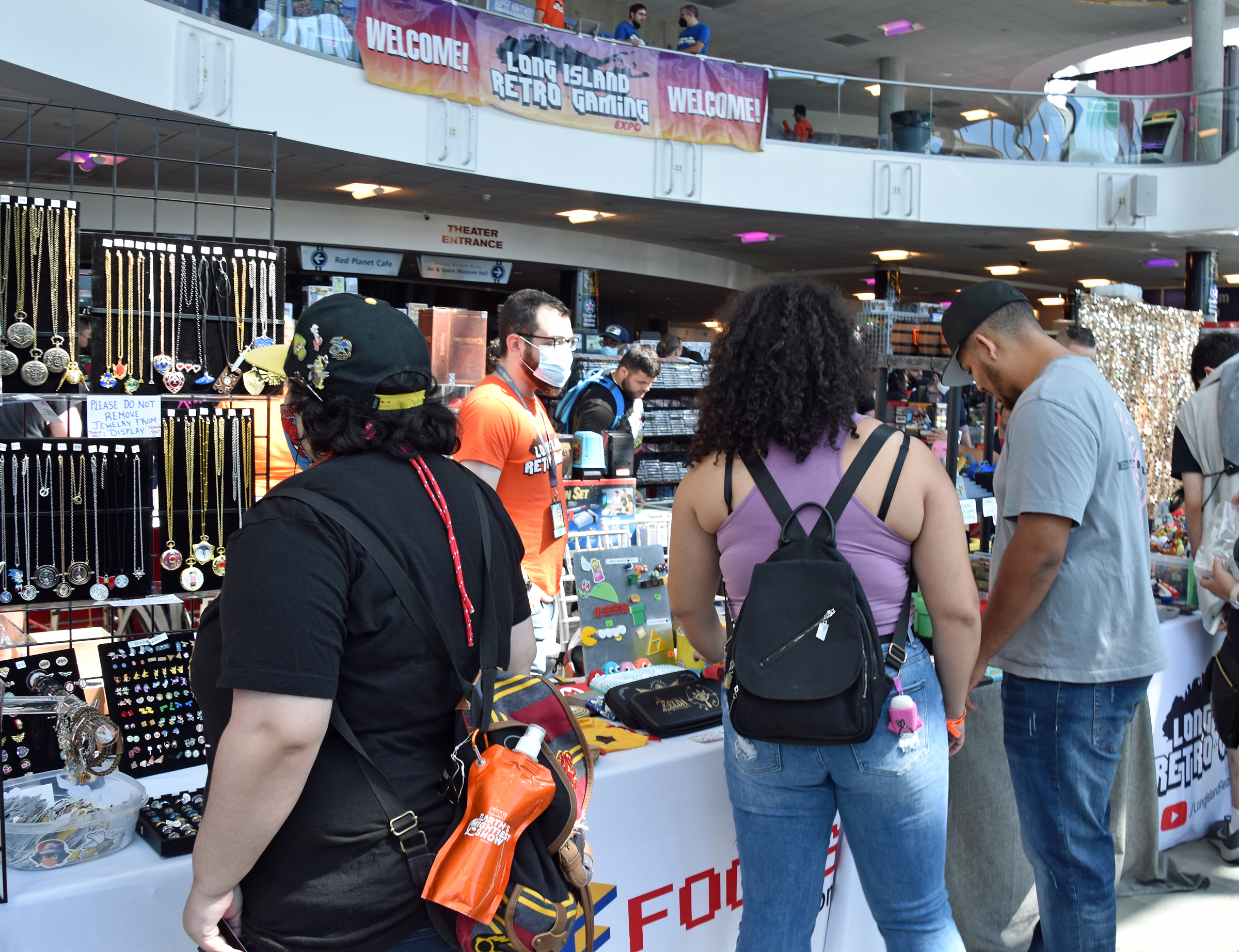
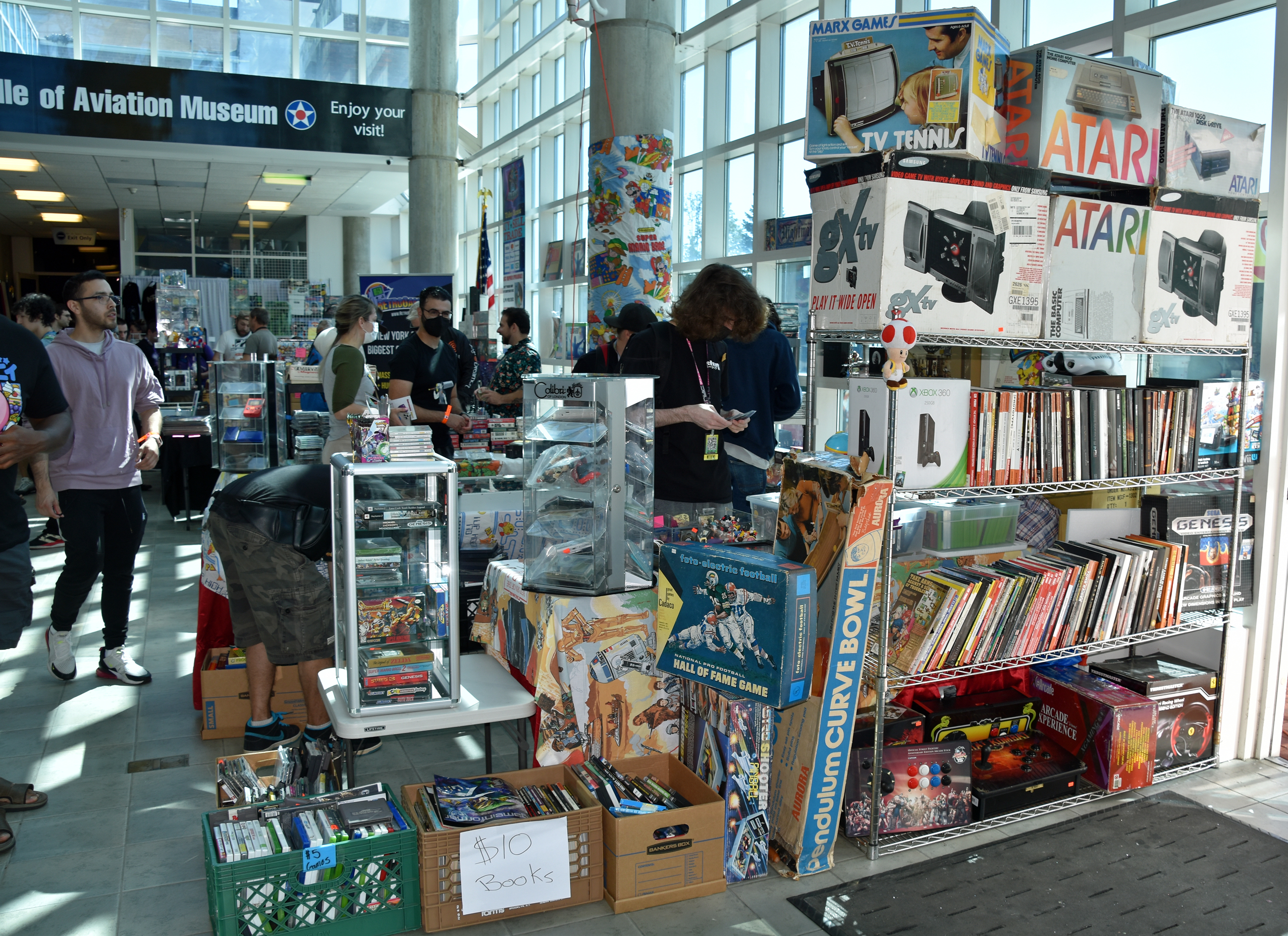
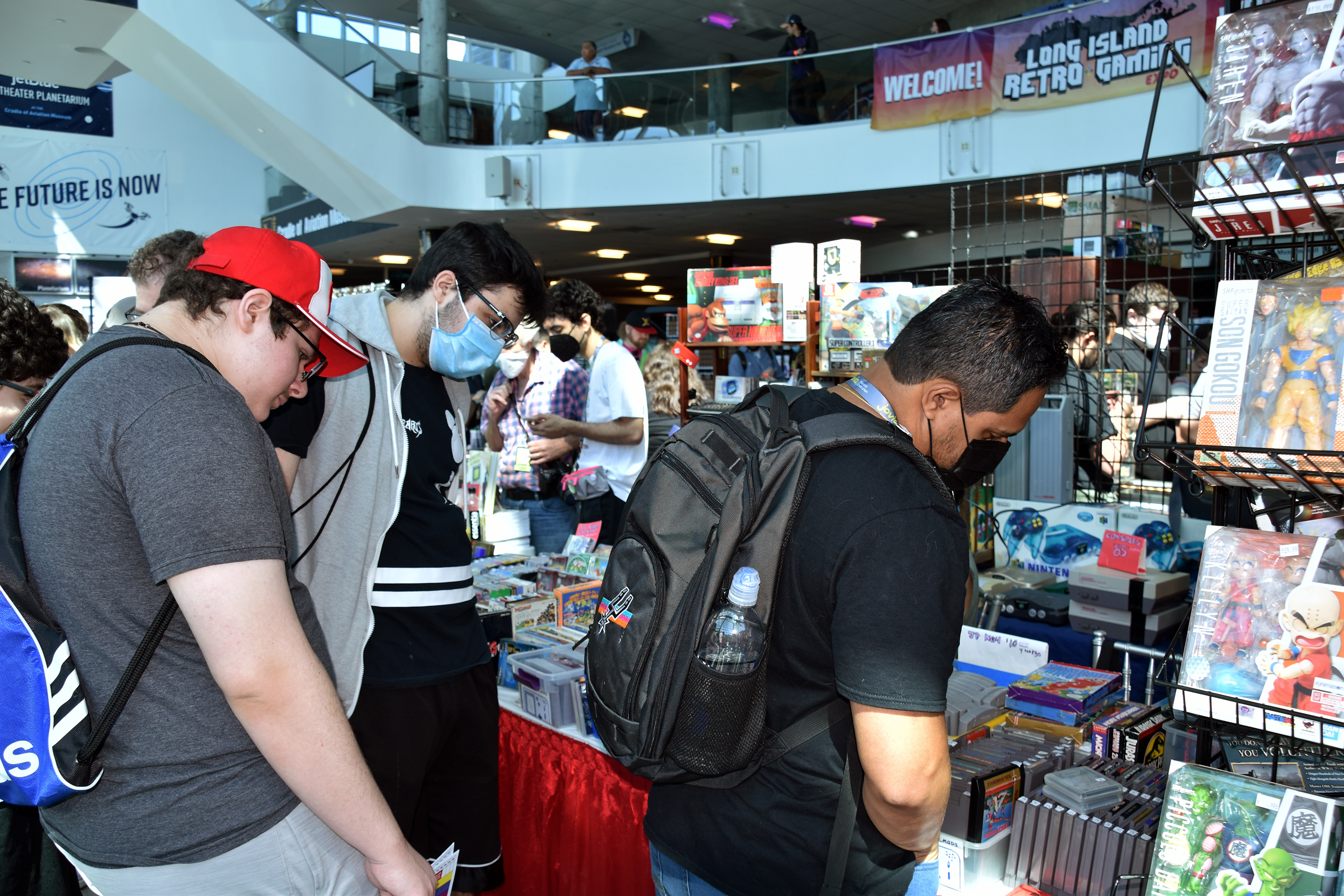


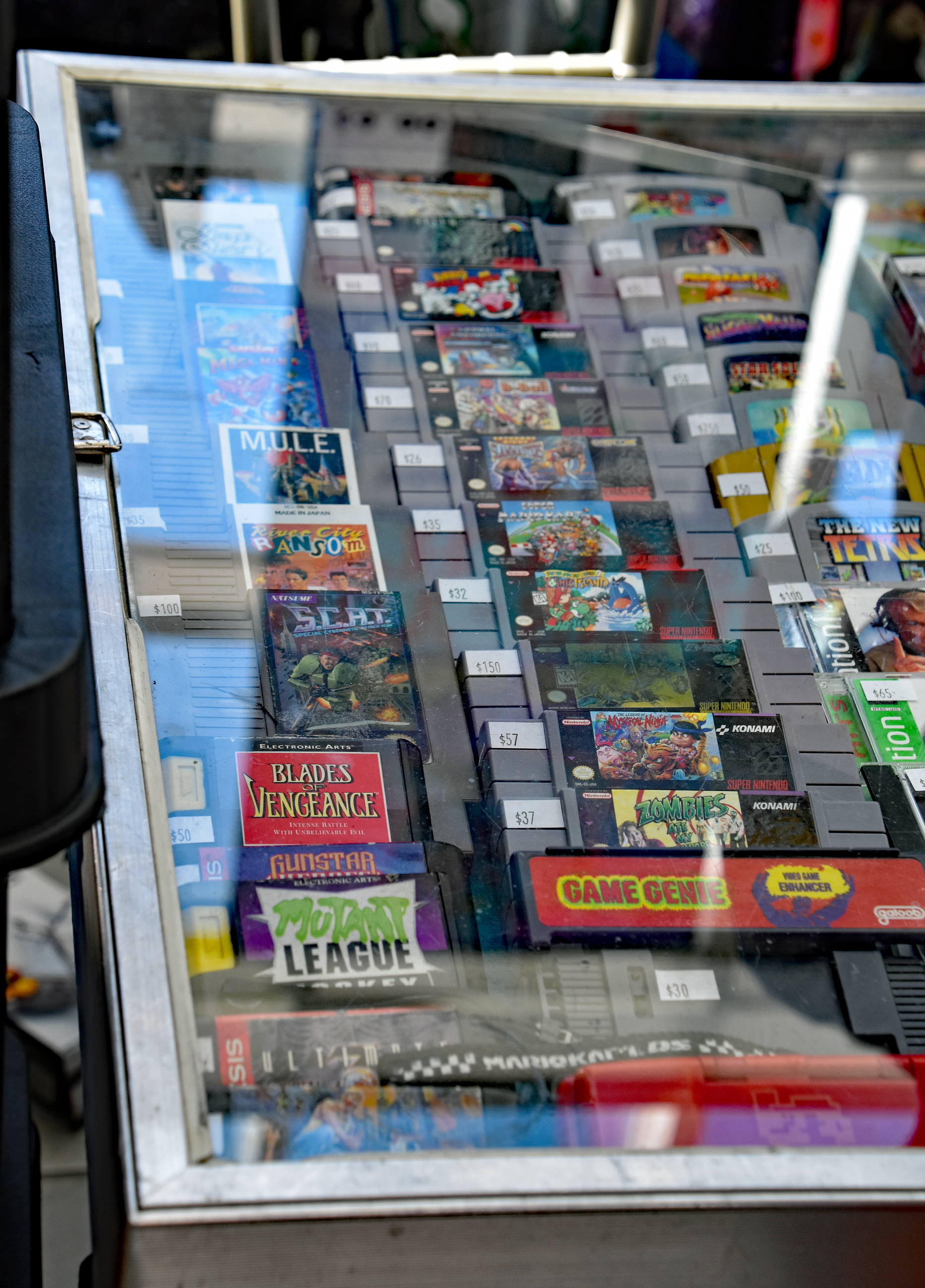


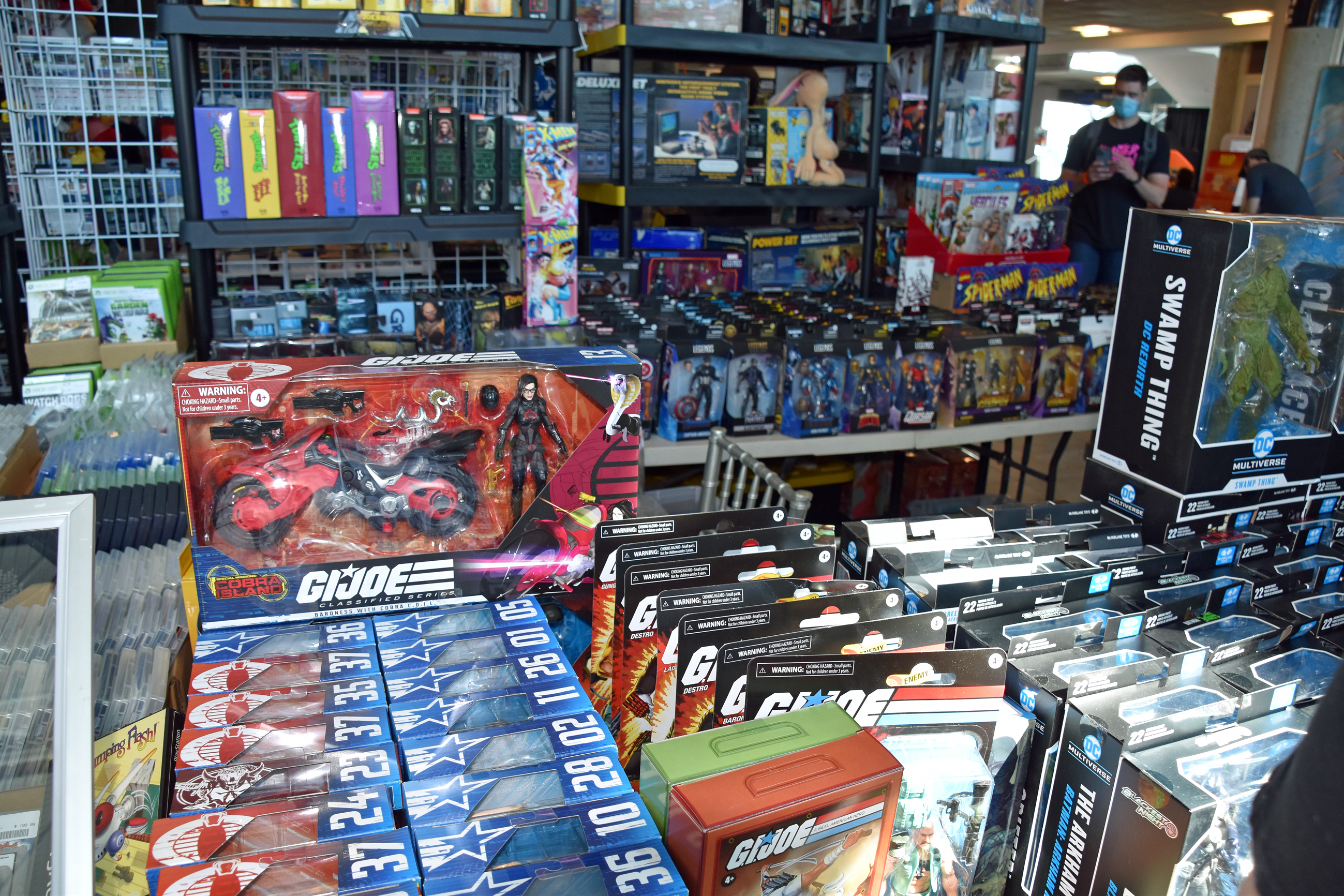


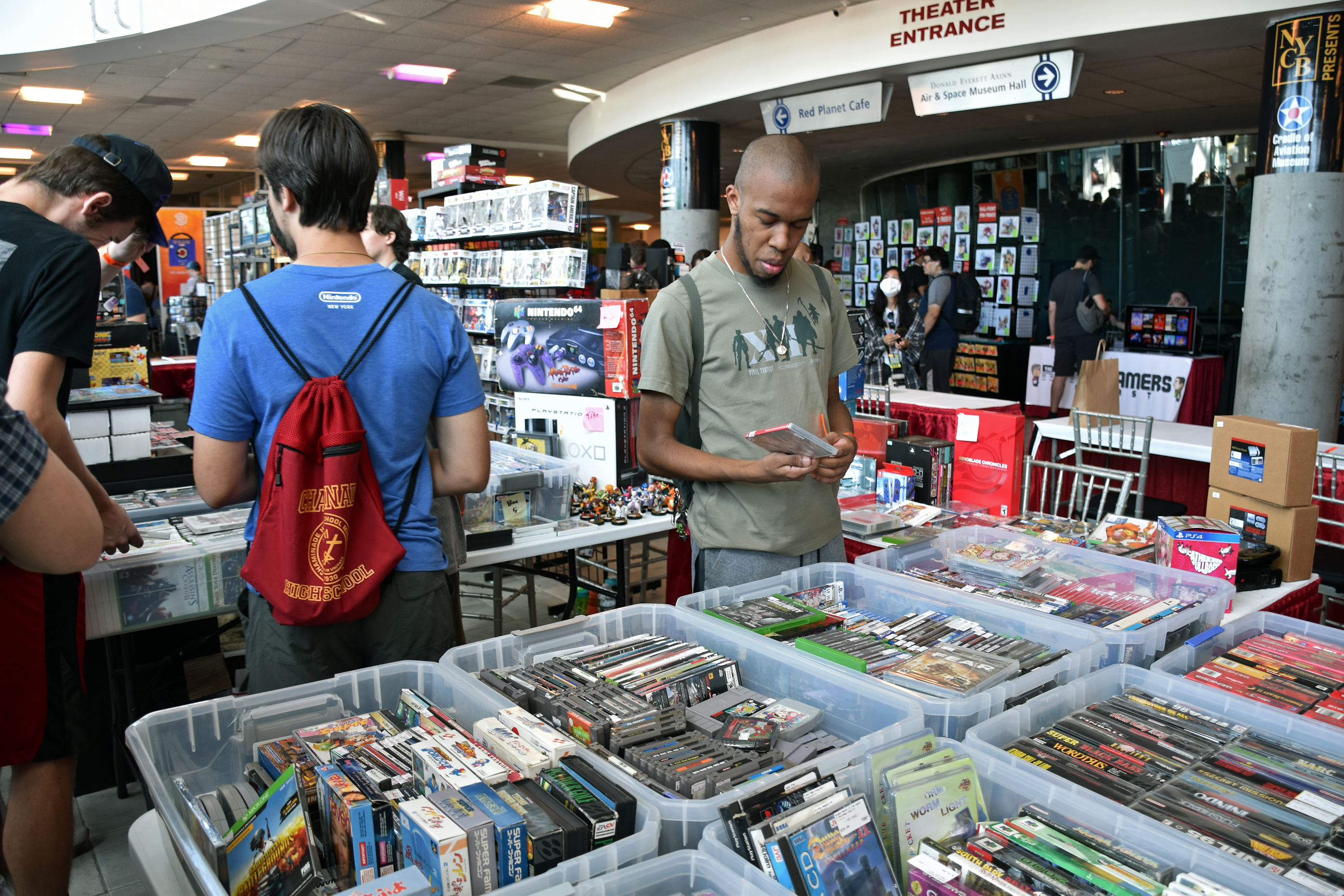
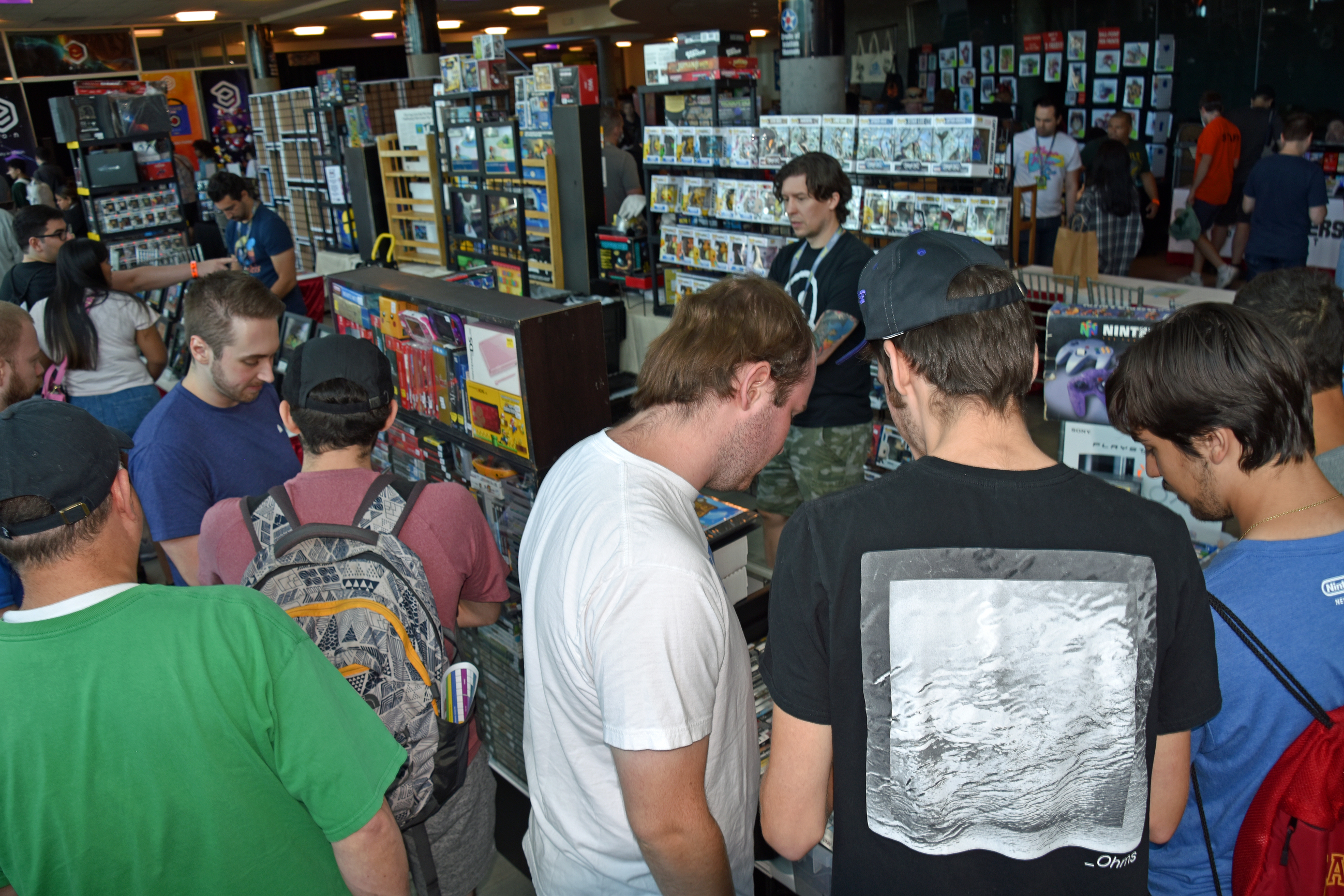
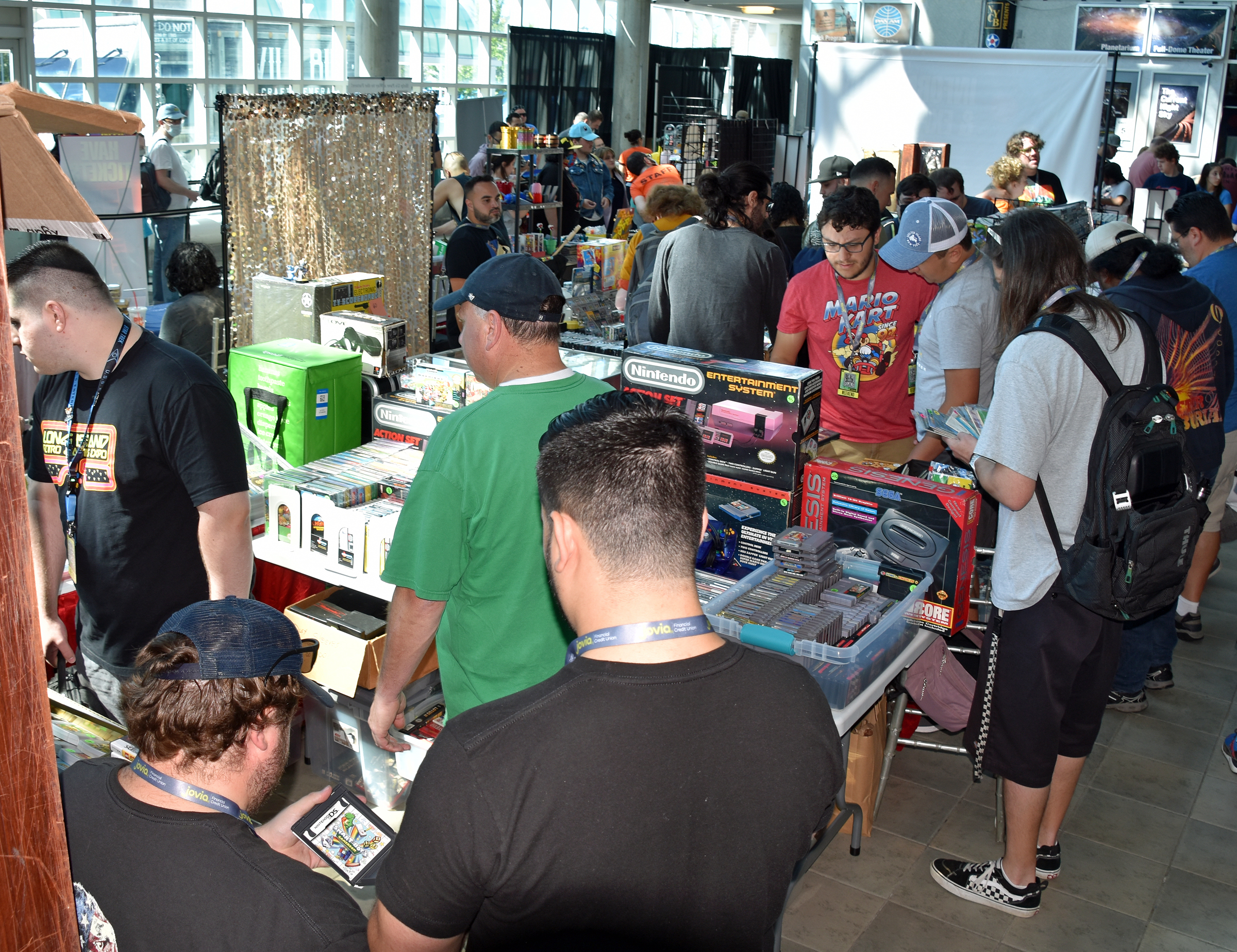
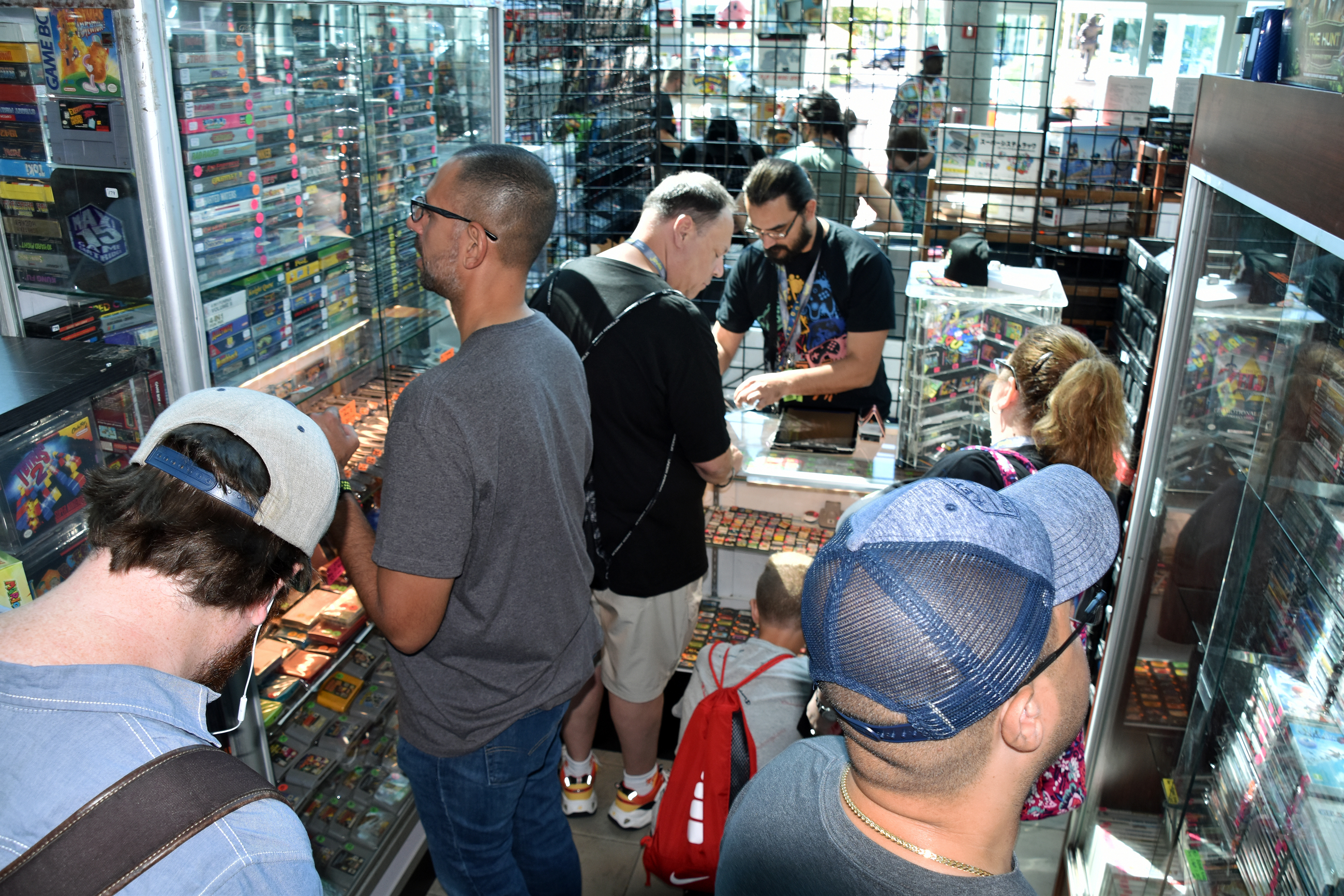
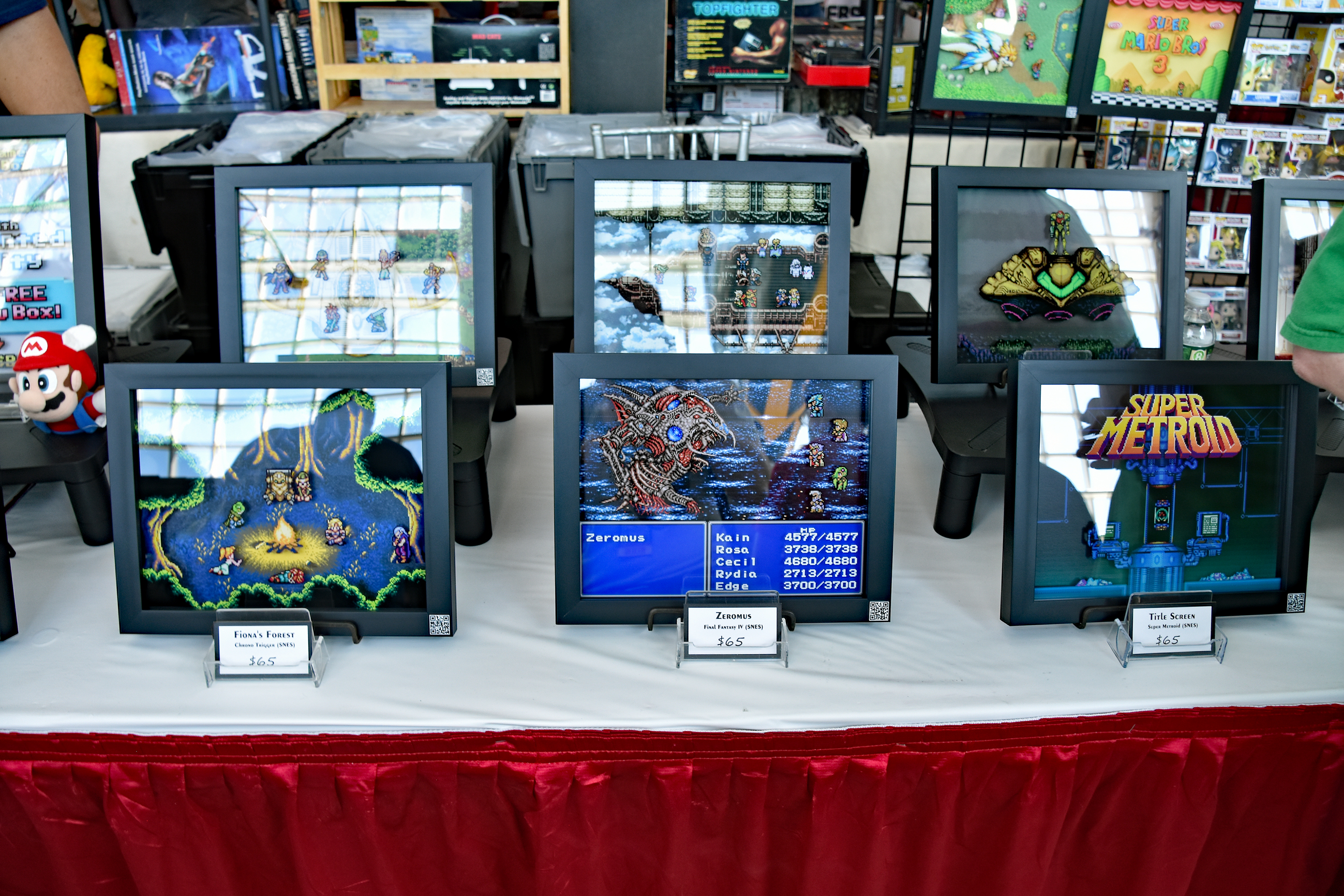


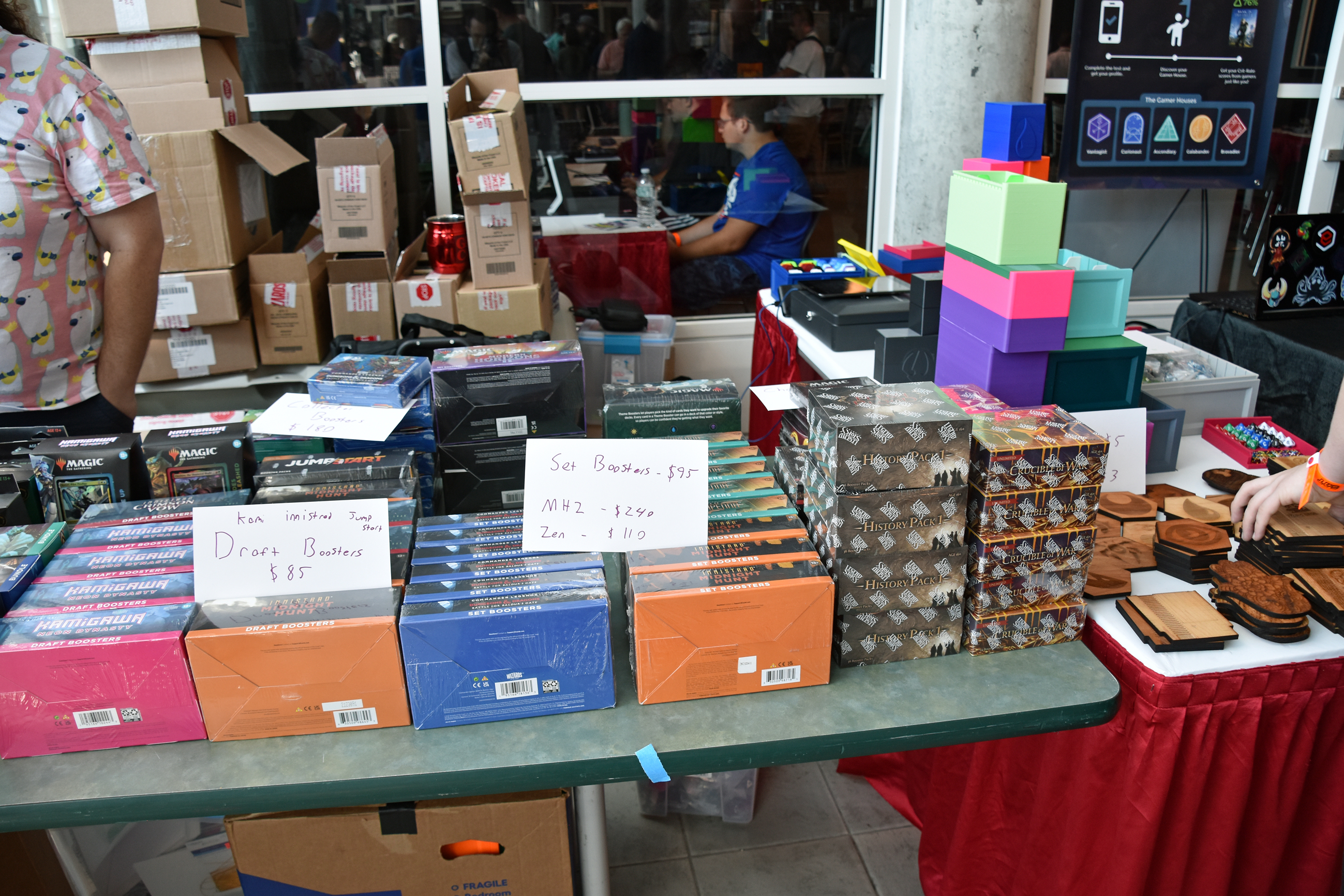

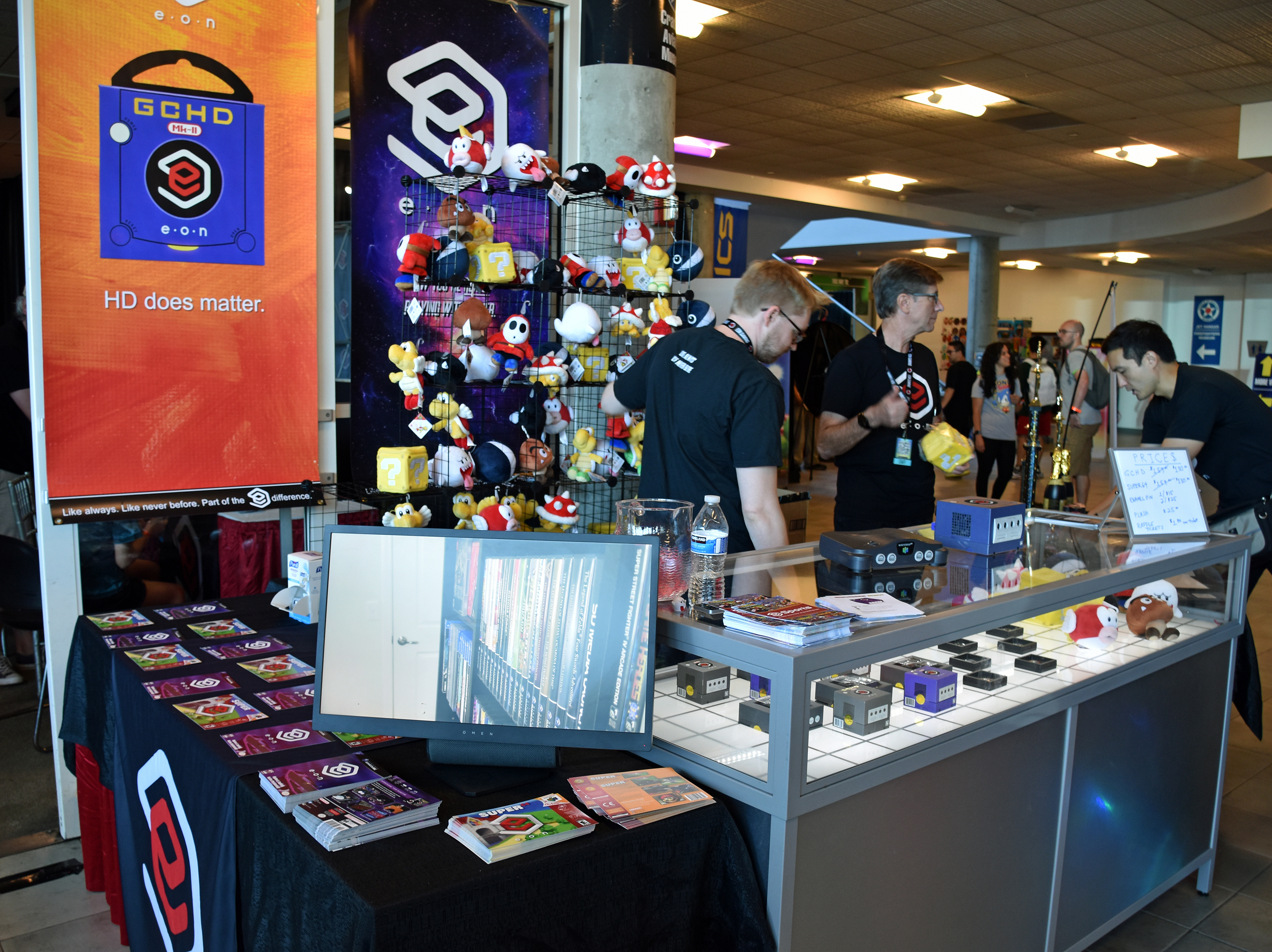


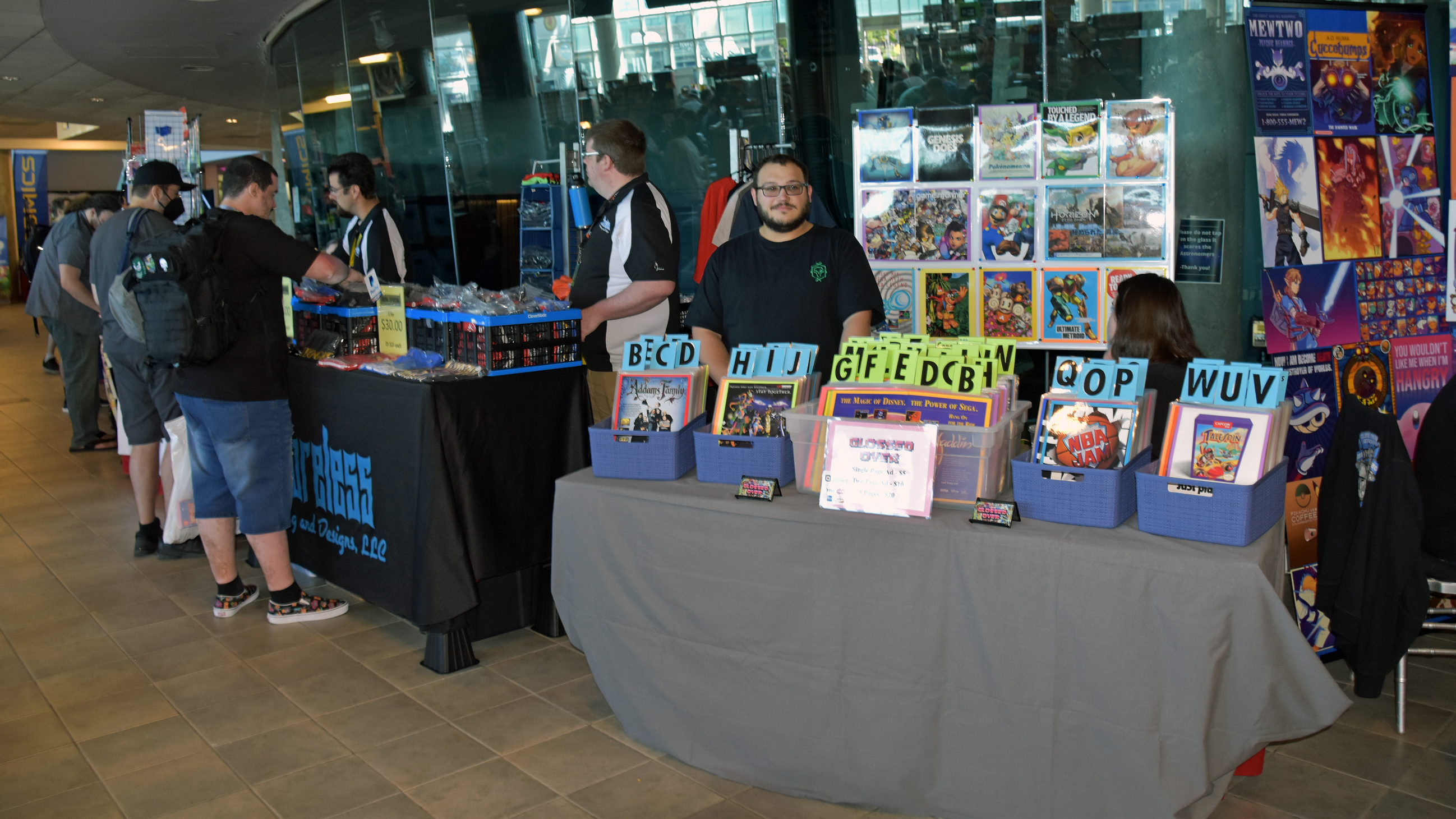
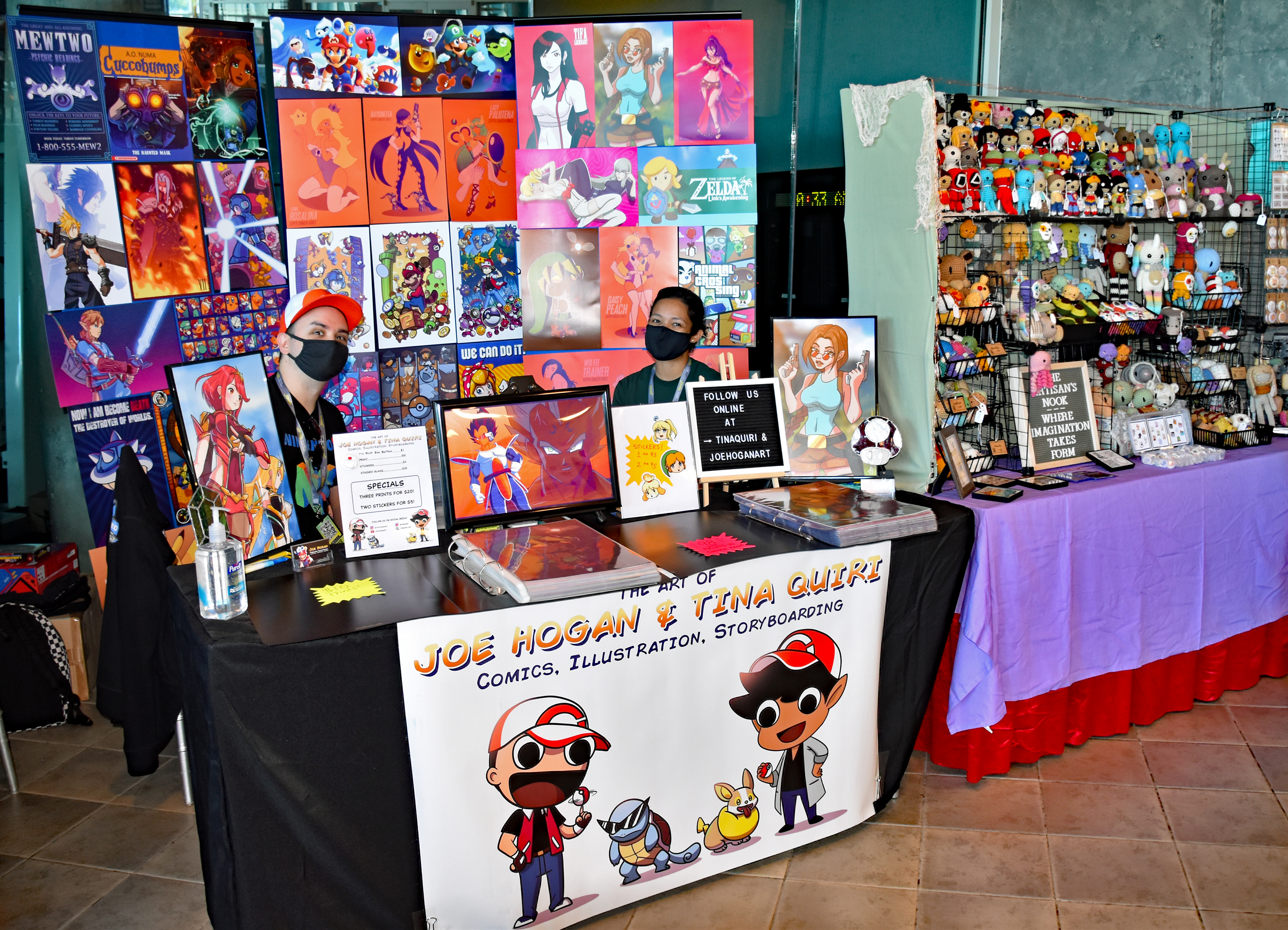


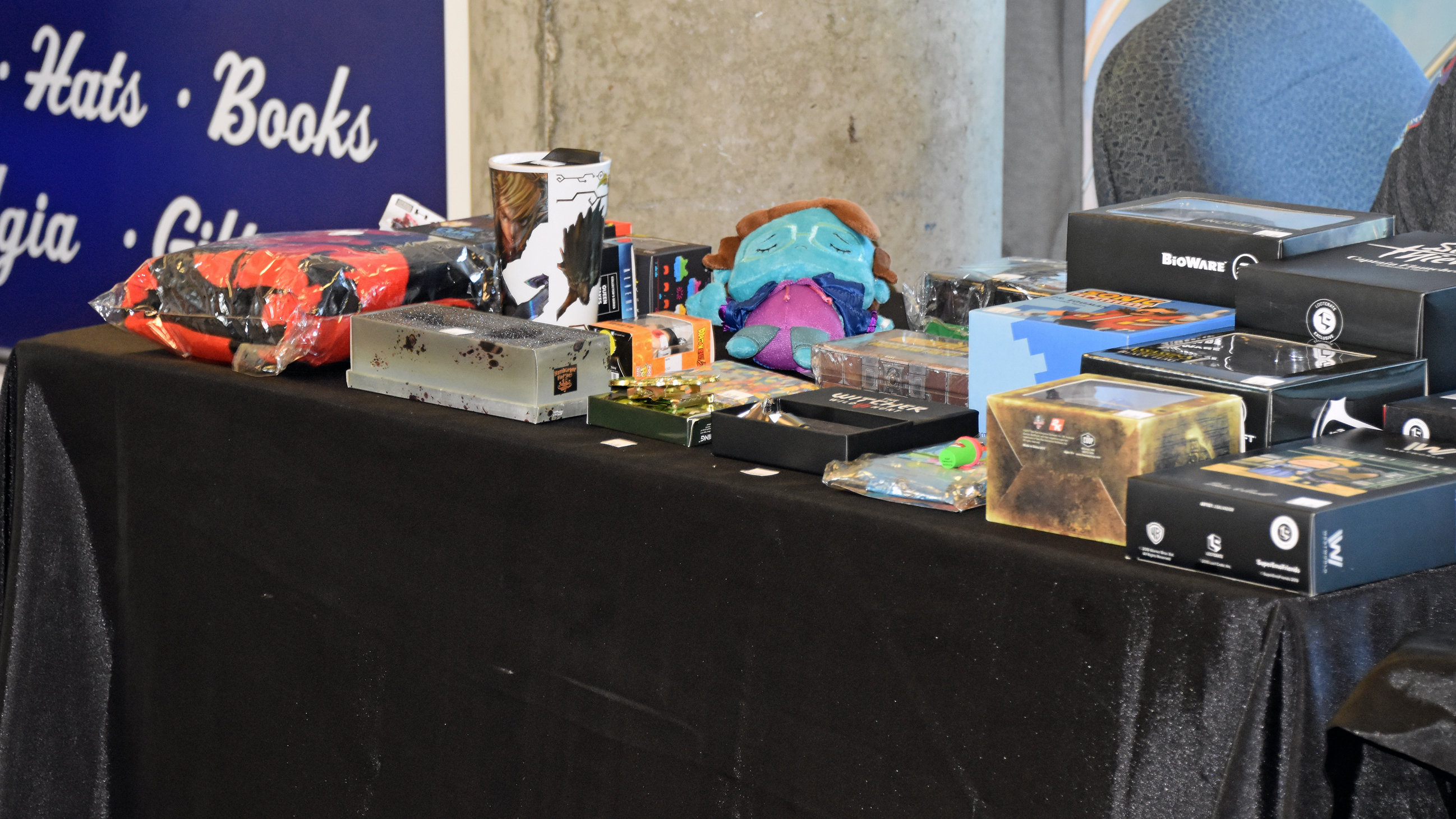


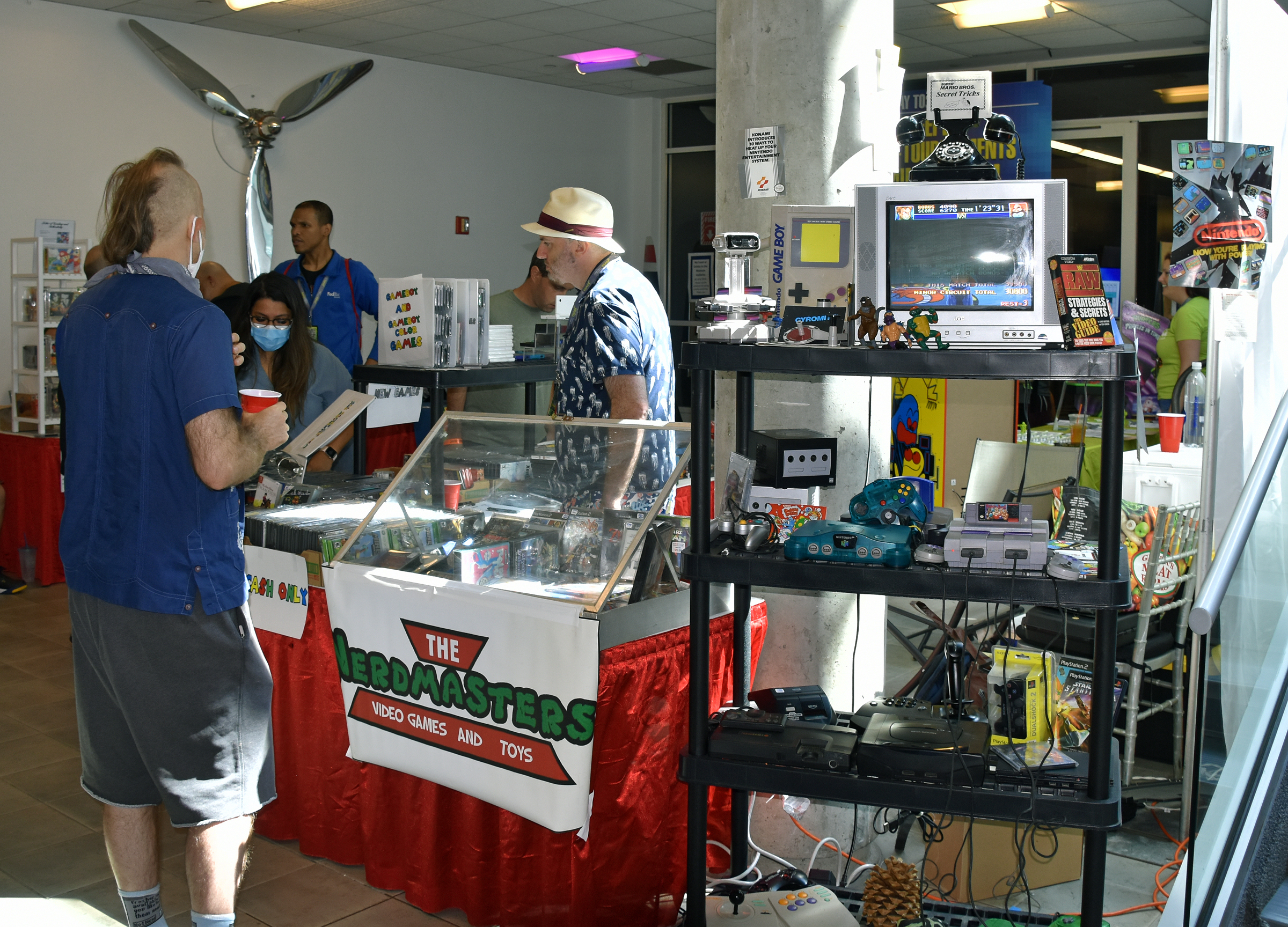
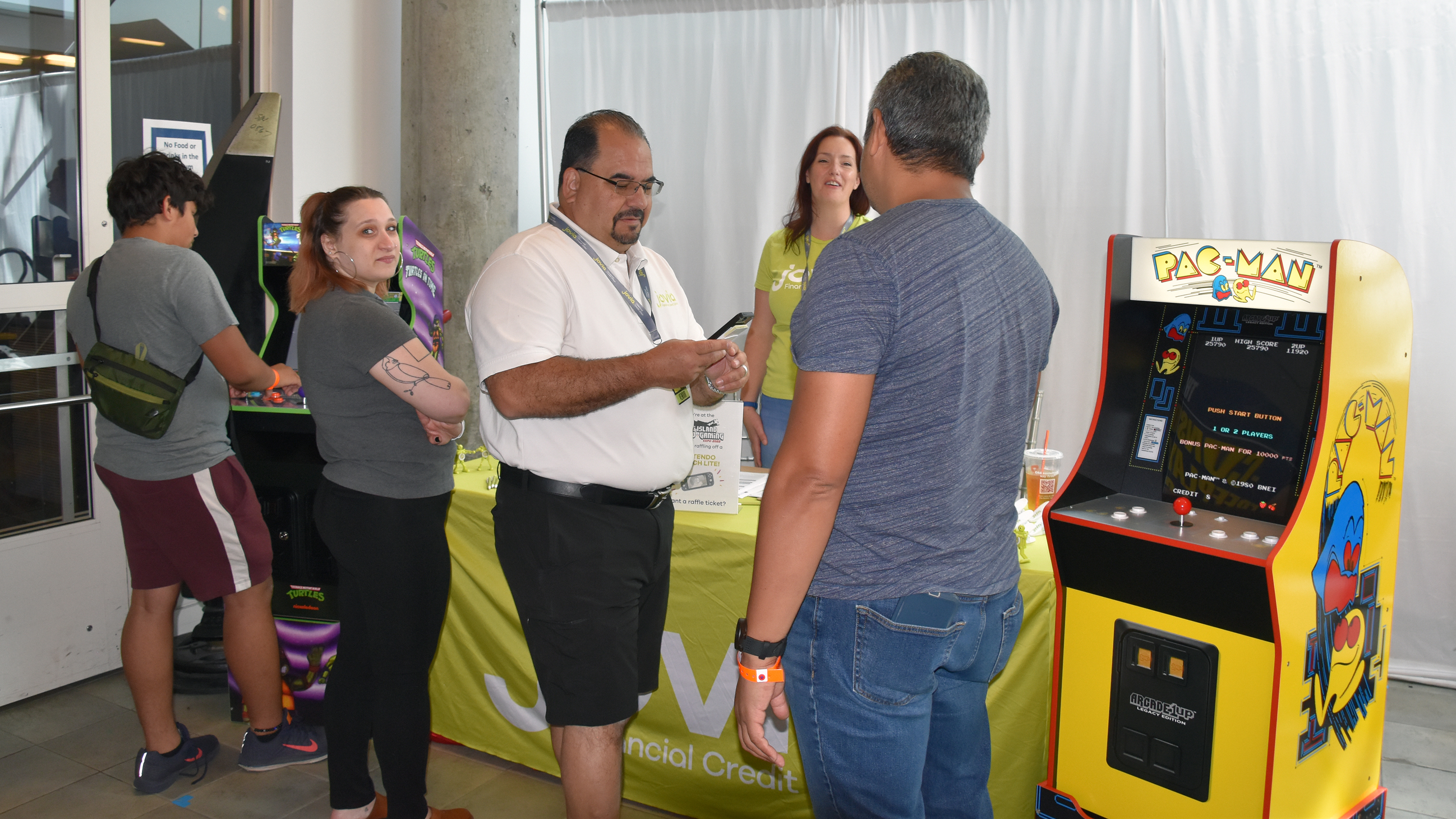

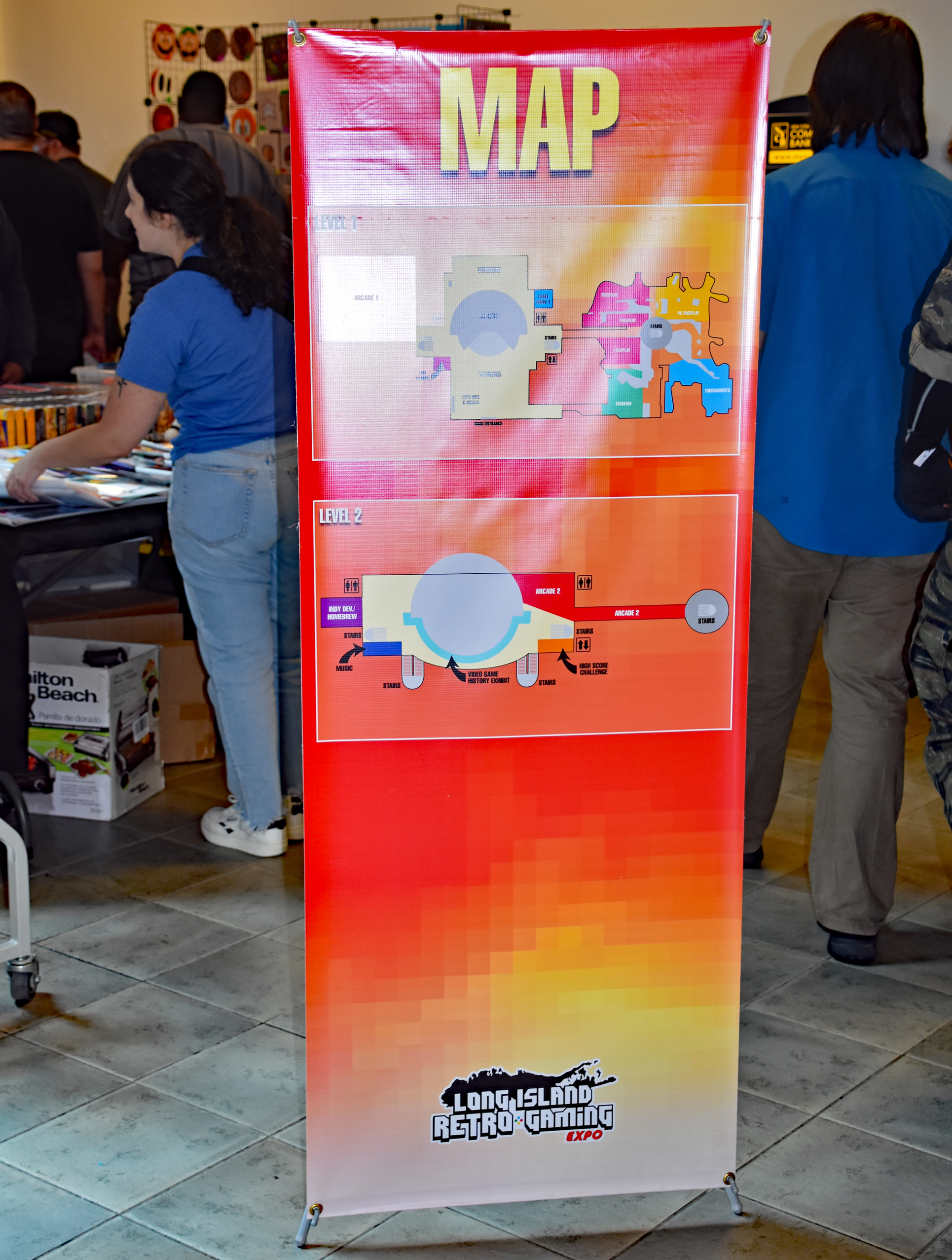


Vendor Room annex (“More Vendors”), also home to meet and greets (and the food court):

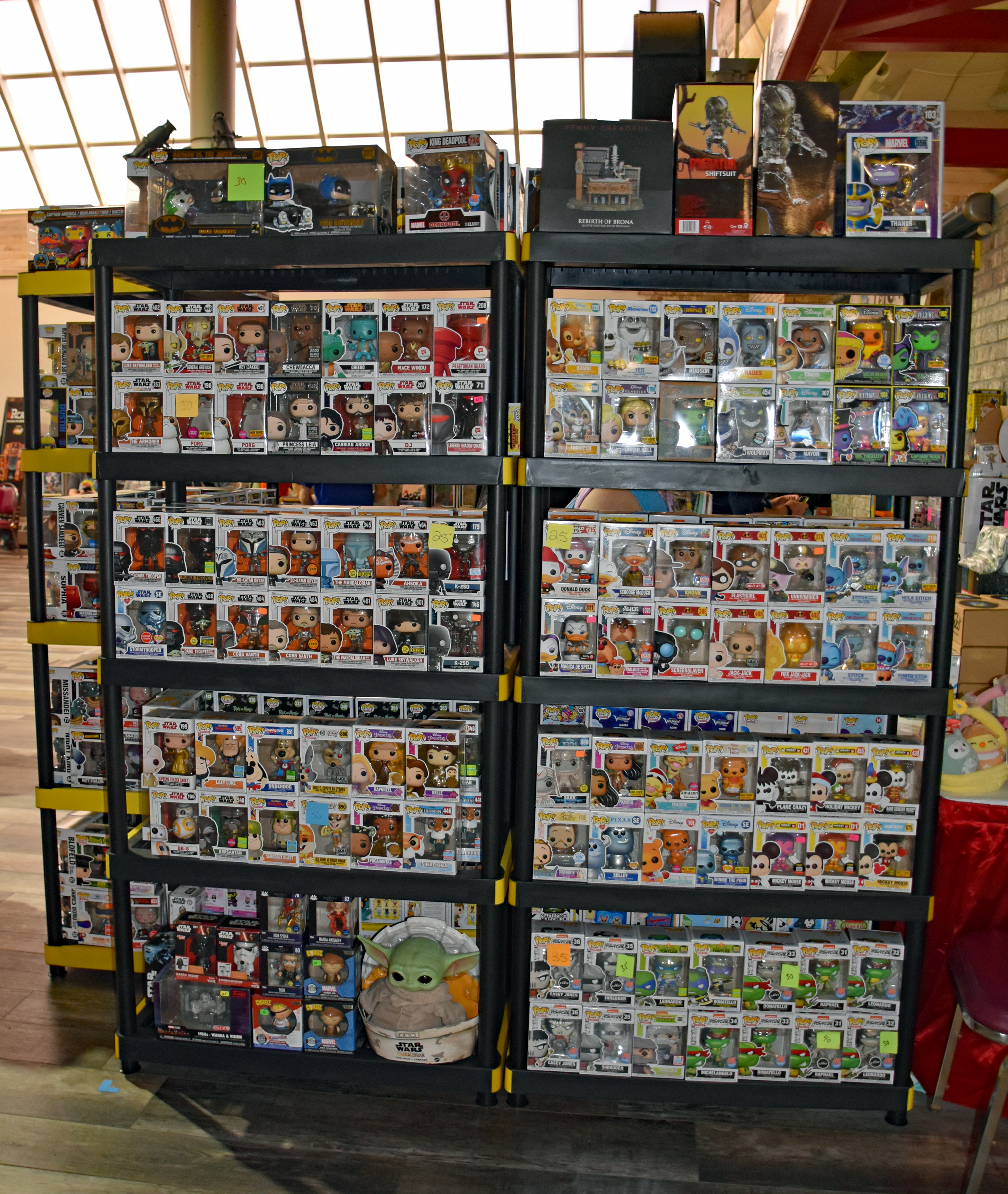

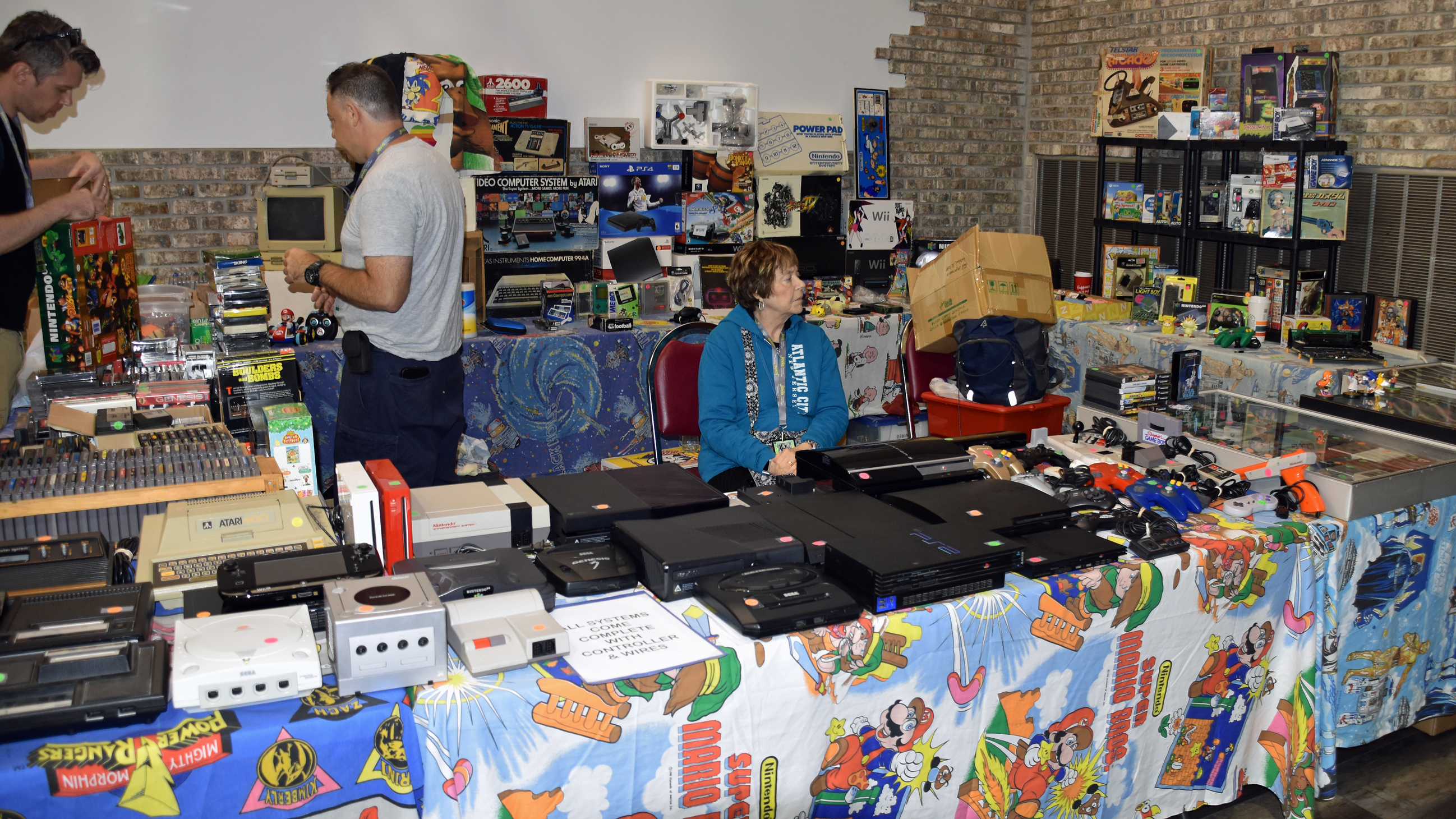

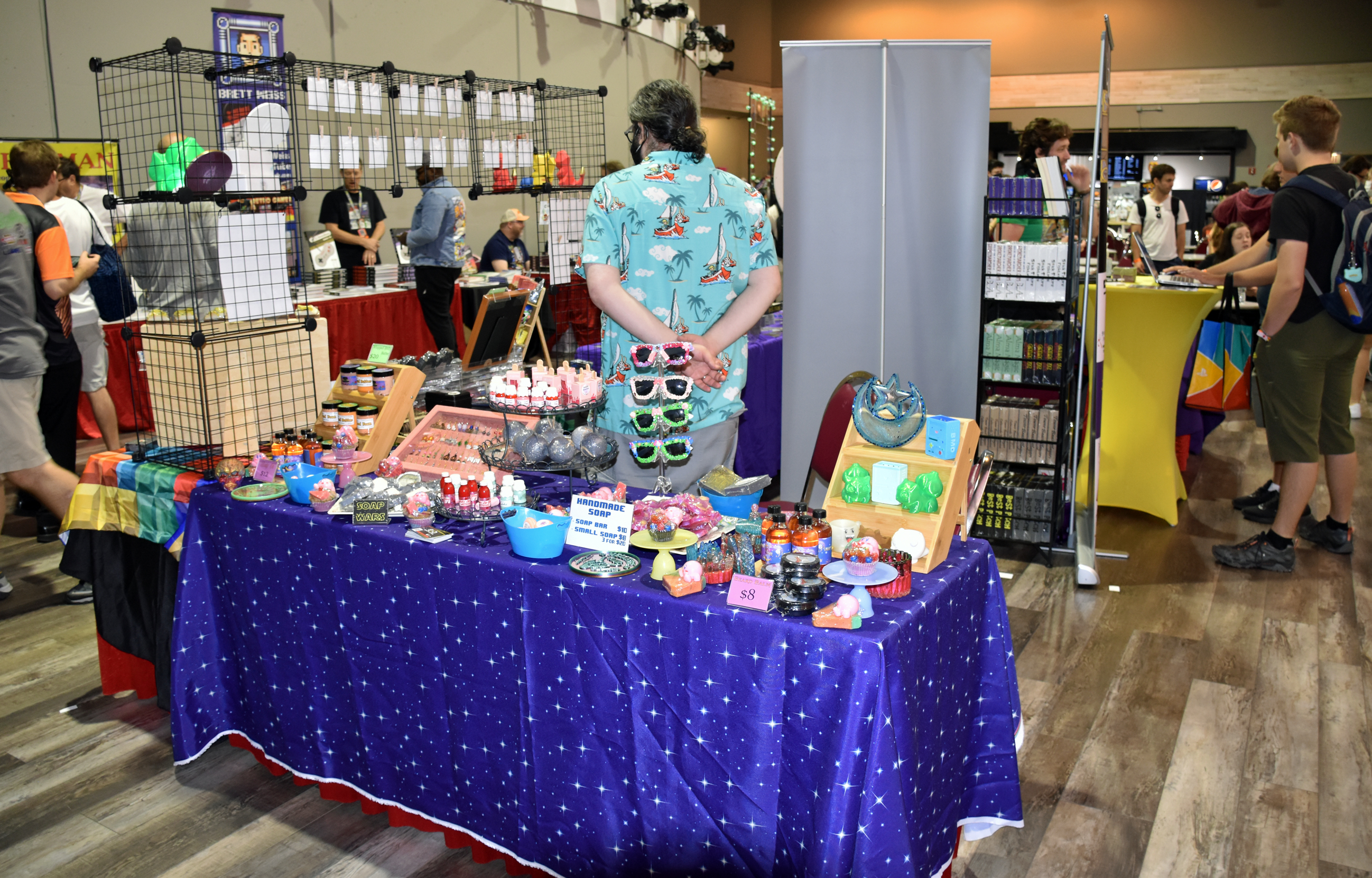
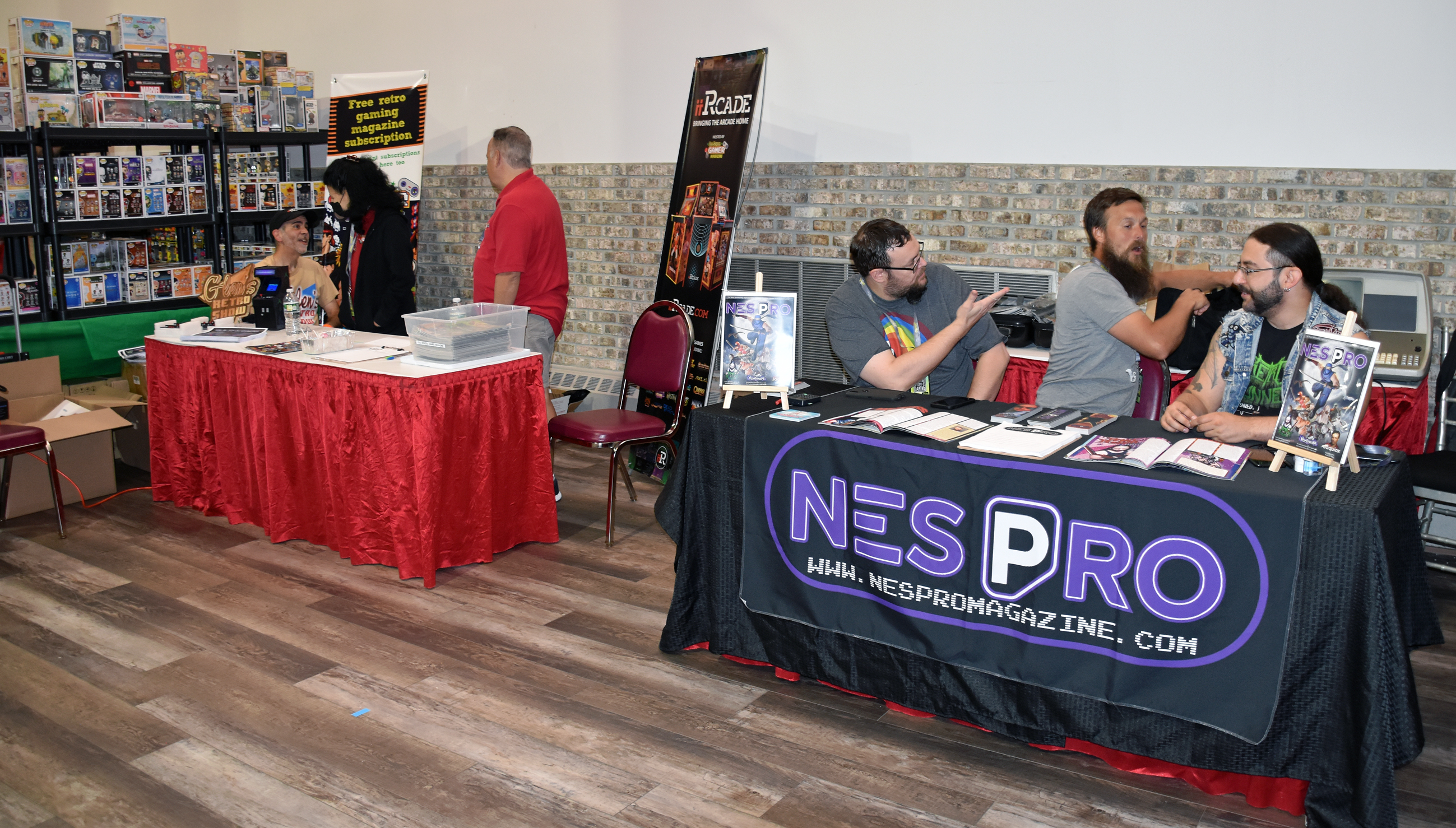


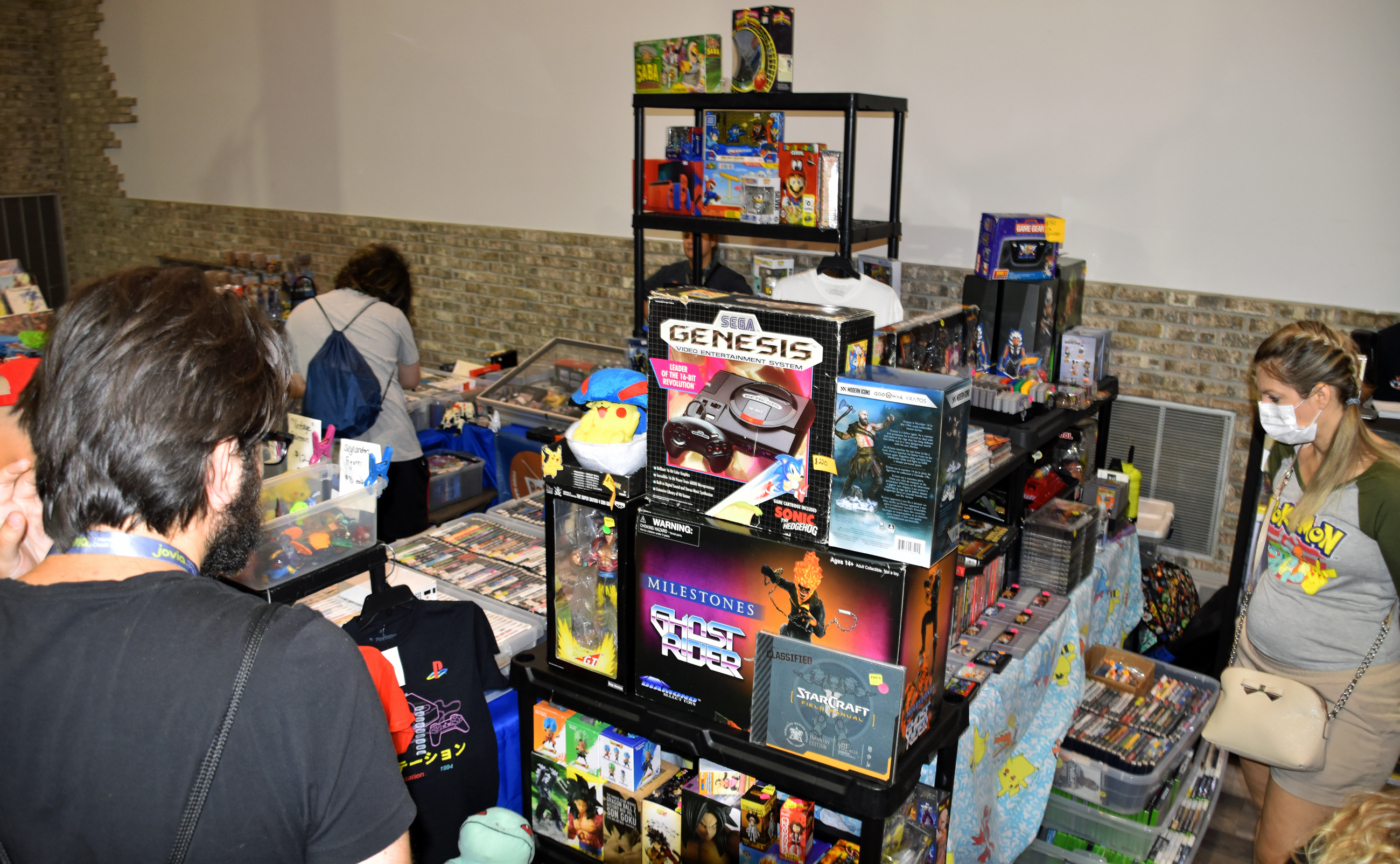
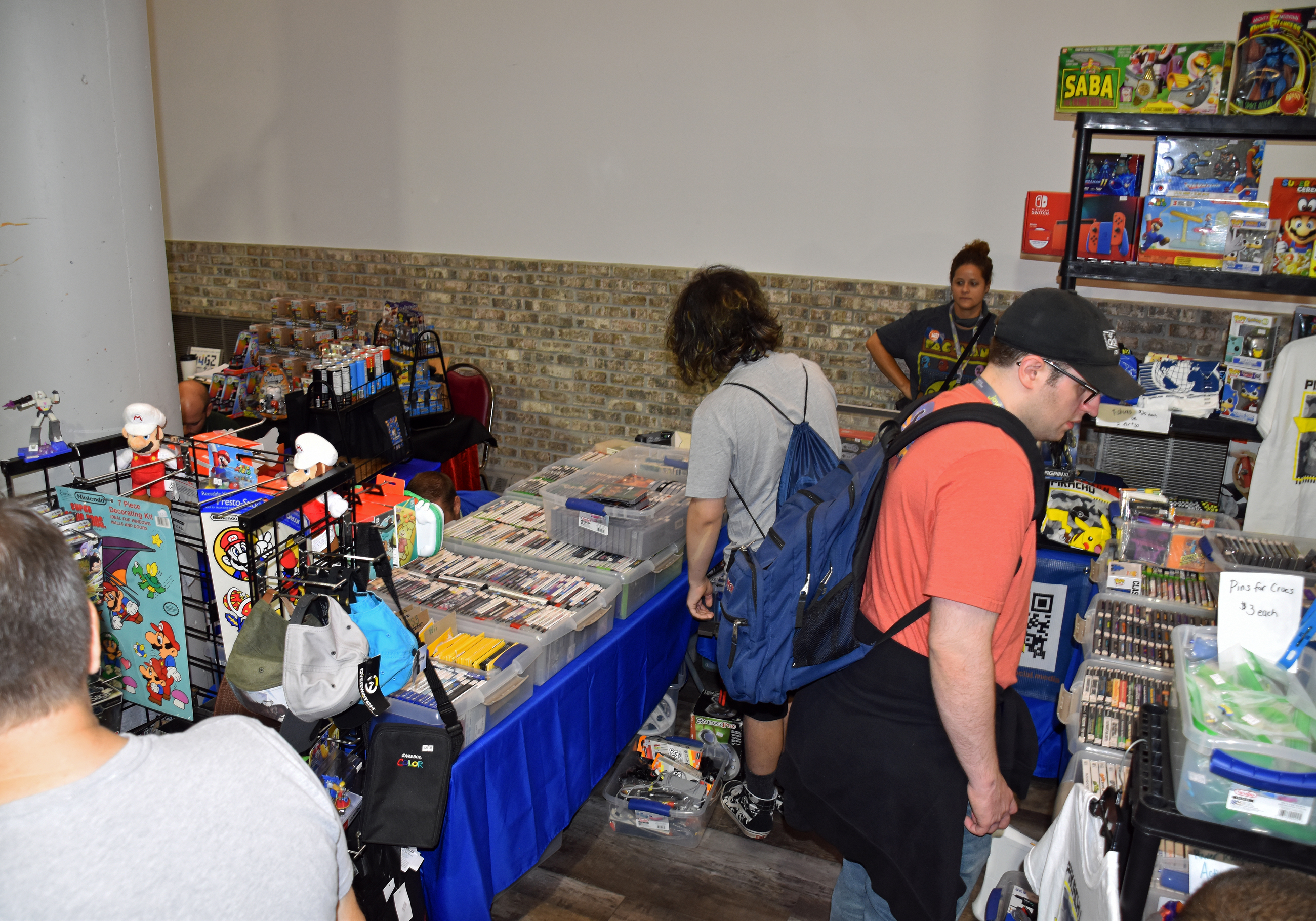


When I was finished taking photos on Saturday, I began making the rounds in the vendor room to pickup video games. I vowed not to spend more than $25 on a game, and with one exception, I honored my vow. I successfully haggled when necessary, paying $15 for $17 worth of games, $20 for $23 worth, and $30 for $33 worth. Otherwise, one vendor discounted $7 from my $132 total and another had a two for $10 deal if you bought two $6 games. The only game I bought priced above $25 was the Xbox port of The Simpsons: Hit & Run, which was $35. It was my last purchase before leaving on Saturday. My last two purchases on Sunday were Legacy of the Wizard and Rolling Thunder, both for NES.
I was satisfied with my pickups, which brings us to…
Part 5: Pickups
Saturday pickups:
Merchandise:
- Blips on a Screen by Kate Hannigan (writer) and Zachariah Ohora (illustrator)
- Videogames in the Beginning by Ralph H. Baer
- Streets of Rage 2: Scott Pilgrim (John Riggs Sega Genesis ROM hack)
- CU Podcast t-shirt (large)
- Pixel Pat sticker
- Ask Frank sticker
- The 100 Greatest Console Video Games: 1977-1987 by Brett Weiss

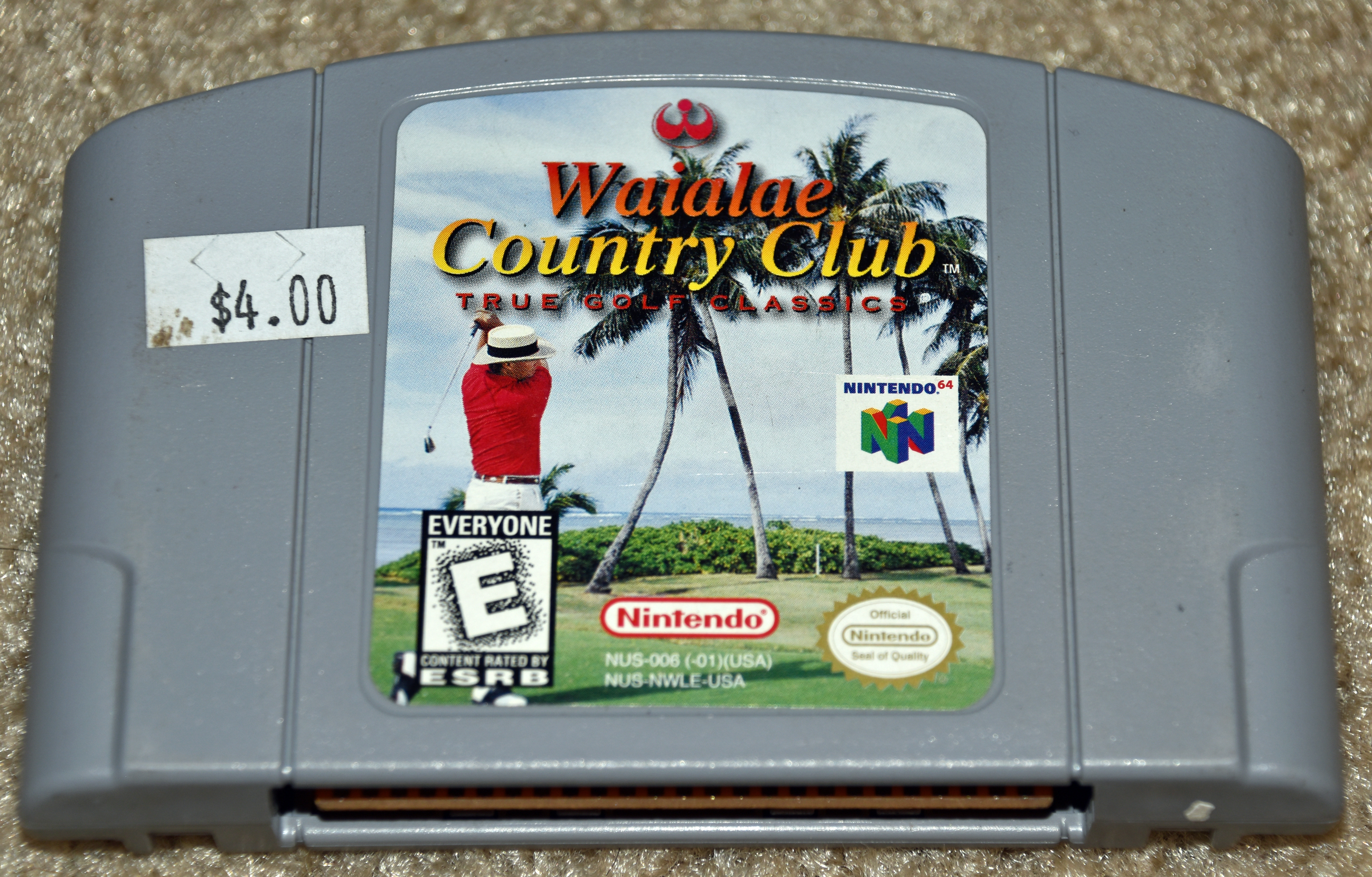
NES (Nintendo Entertainment System):
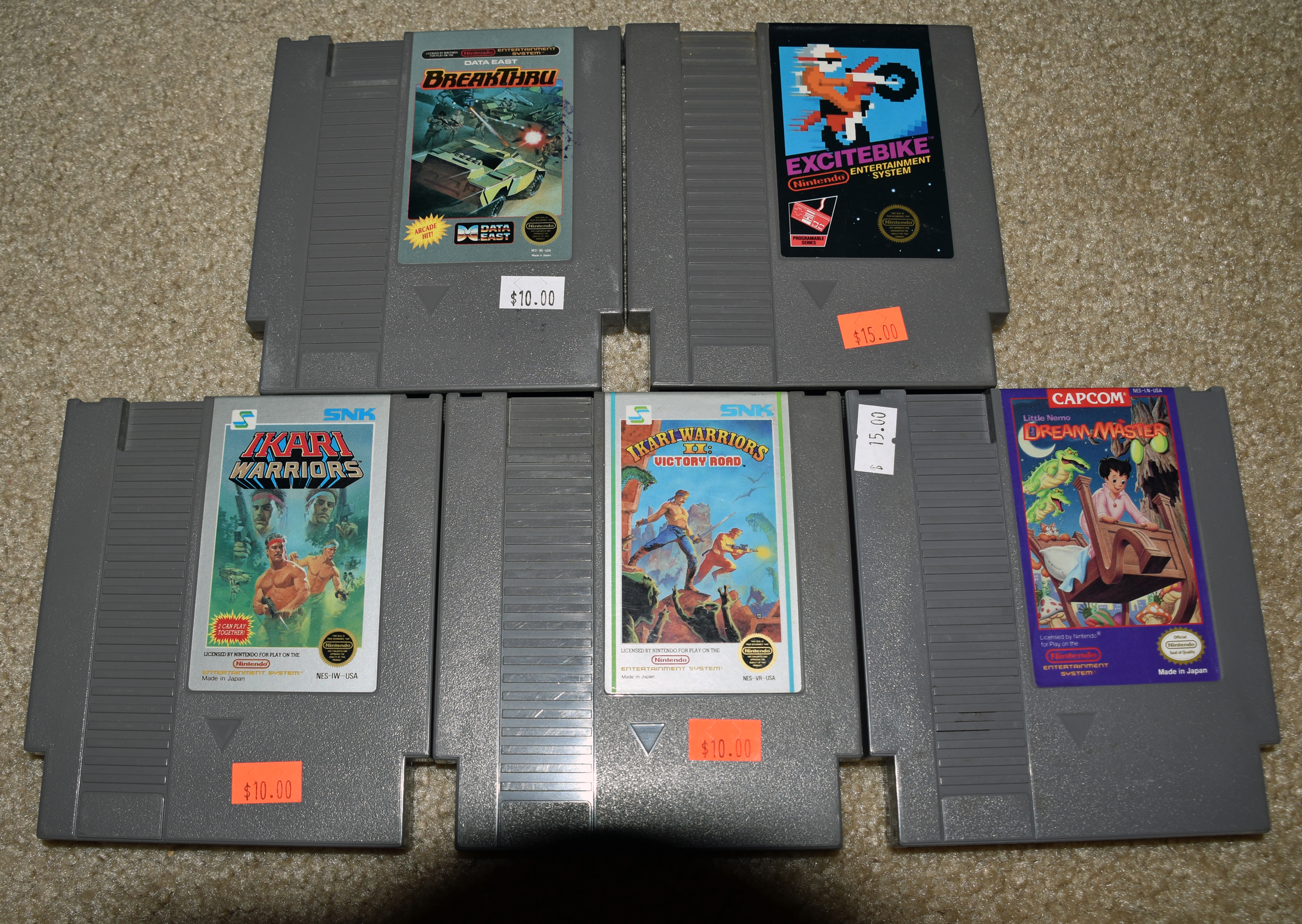
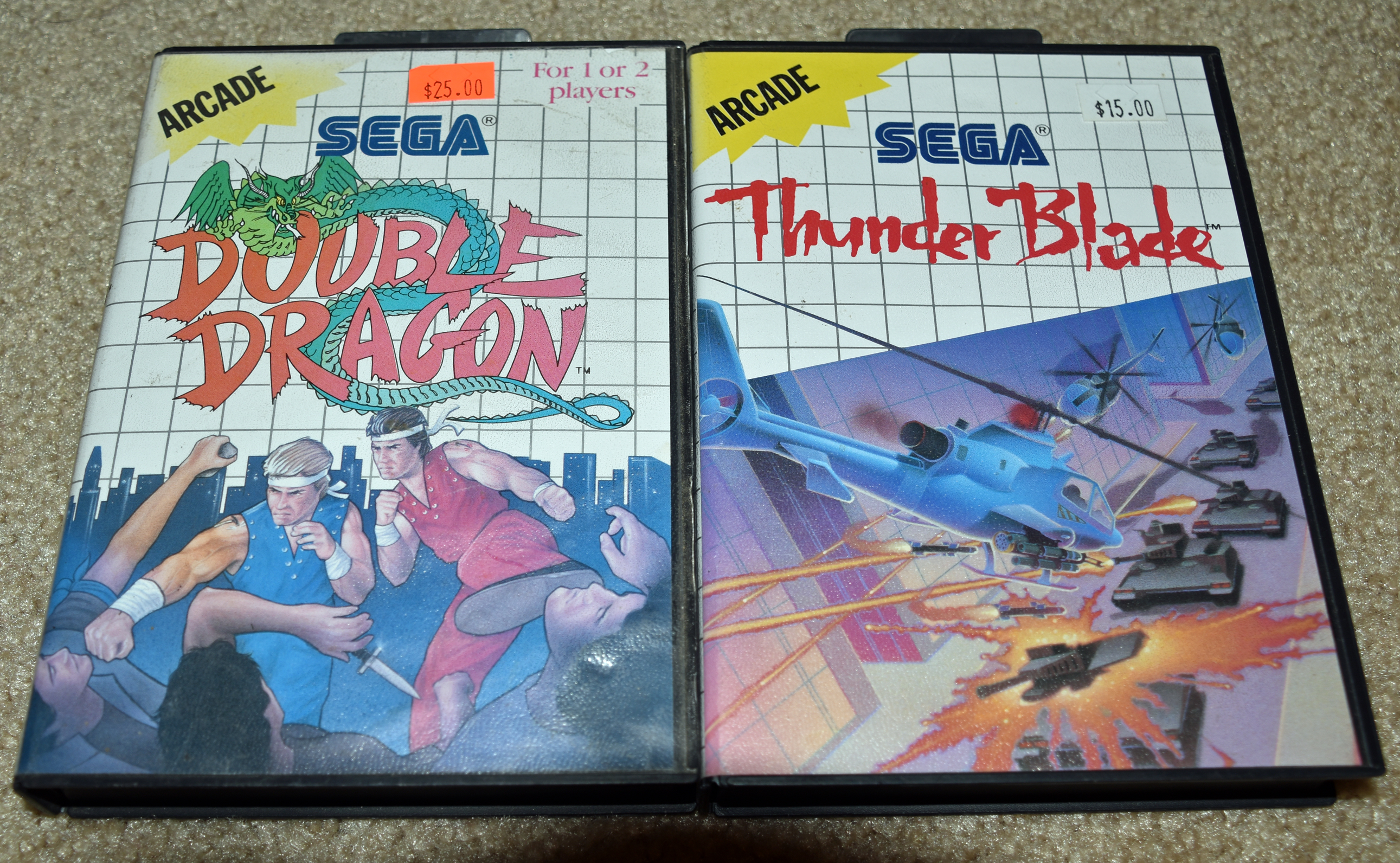
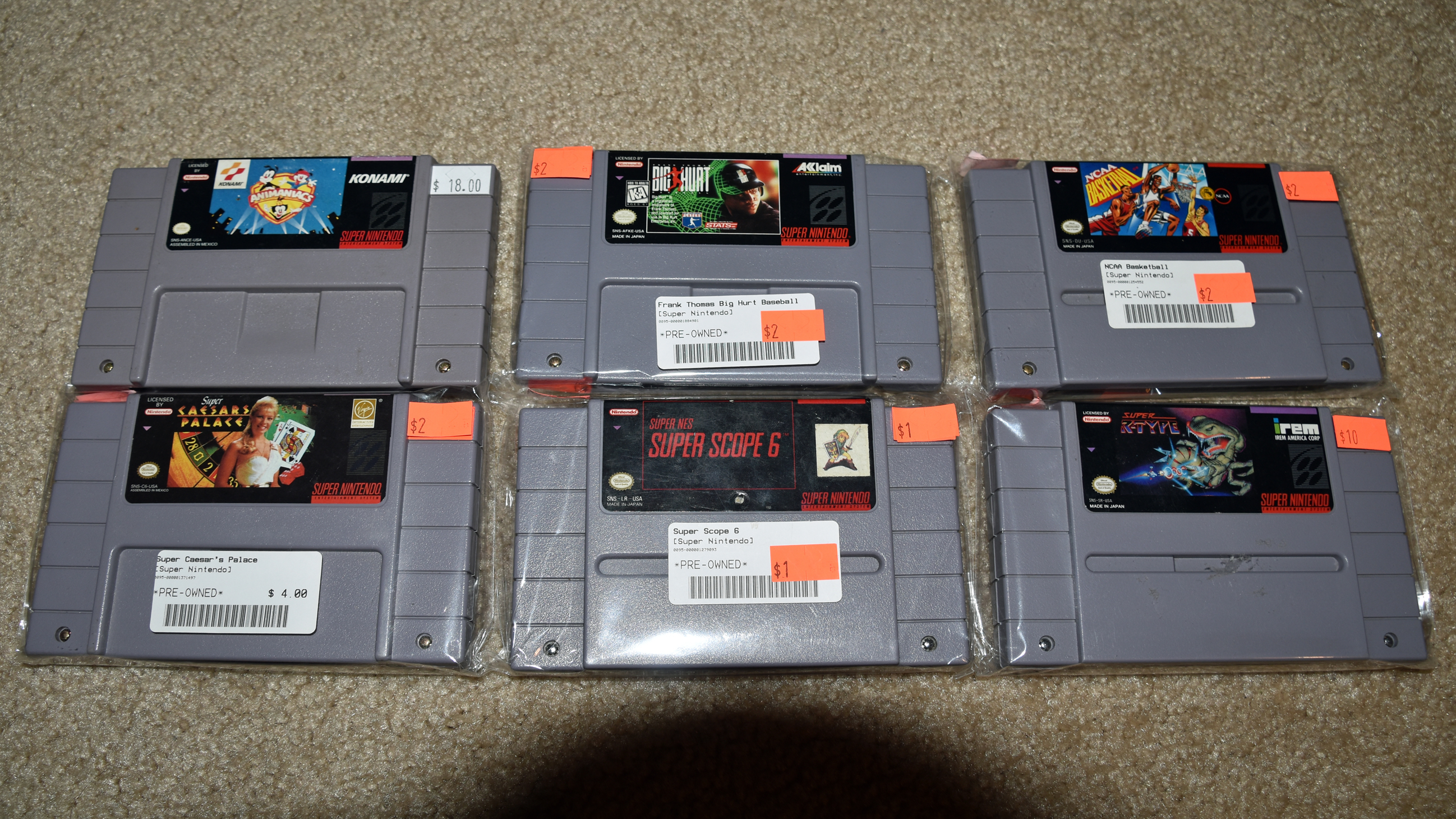
Super NES (Super Nintendo Entertainment System):
- Animaniacs
- Frank Thomas’ Big Hurt Baseball
- NCAA Basketball
- Super Caesars Palace
- Super R-Type
- Super Scope 6 (pack-in game for Super Scope light gun; someday, I’ll get that)
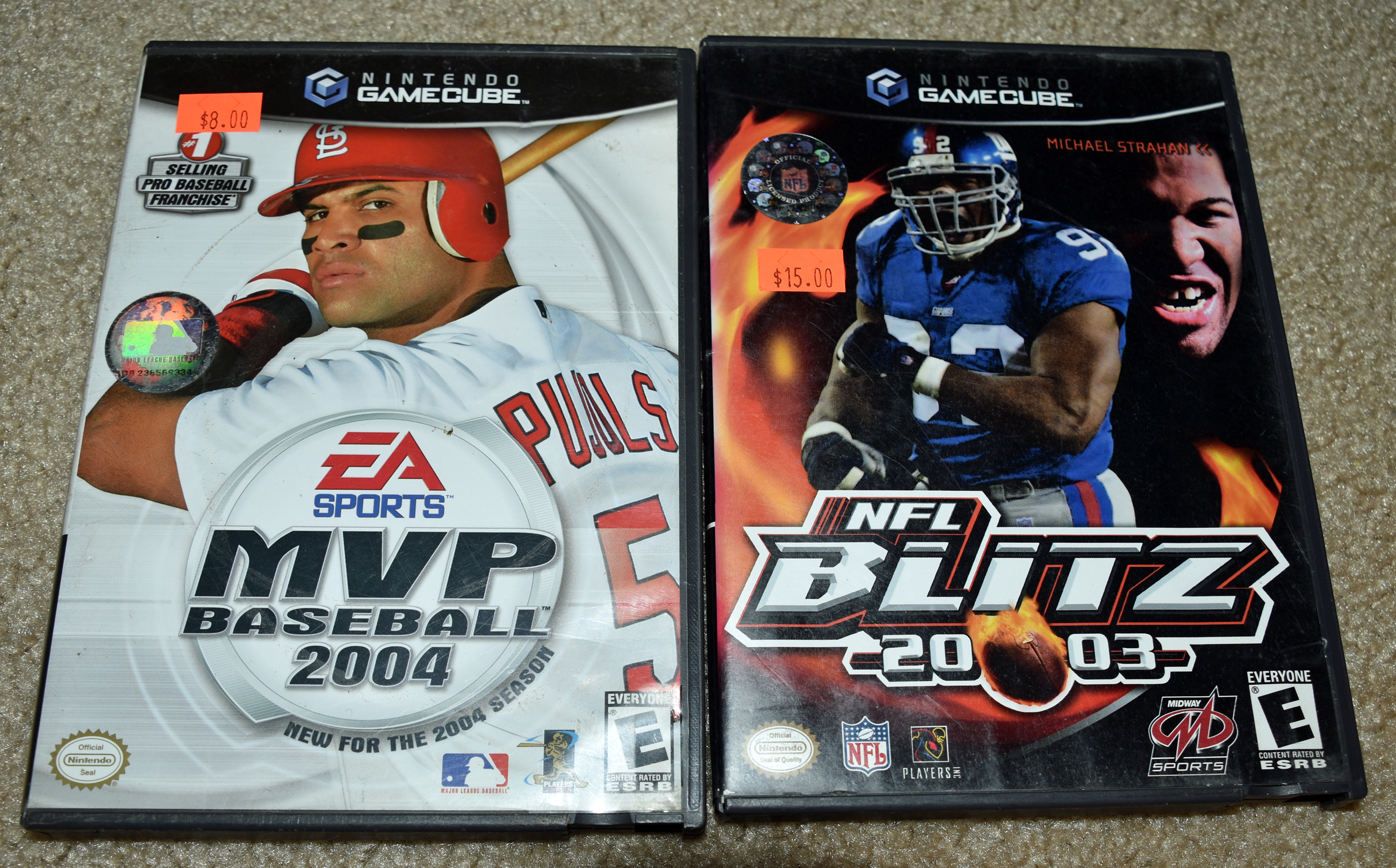
- MVP Baseball 2004
- NFL Blitz 20-03 (“twenty-oh-three”)

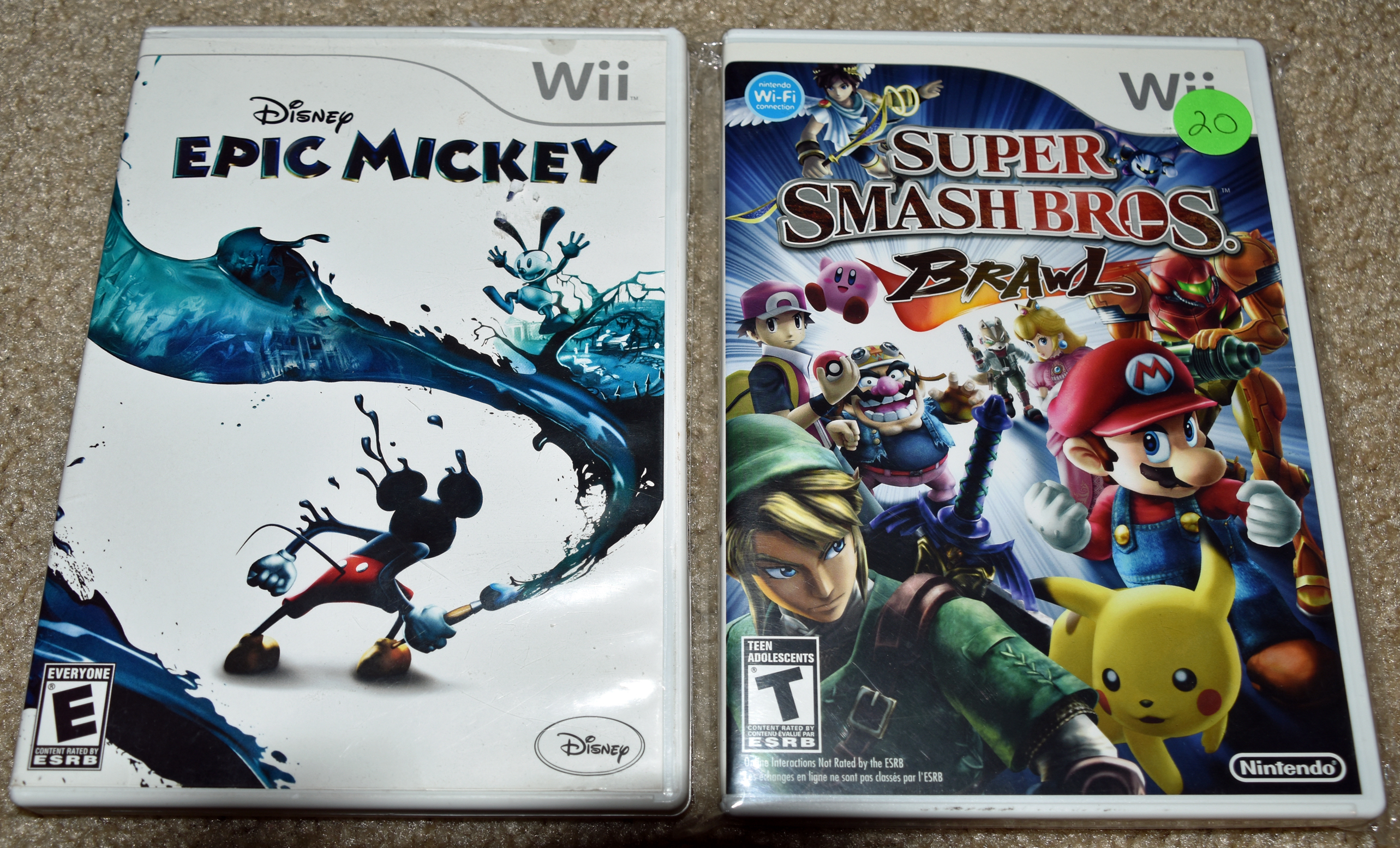
I’d wanted The Simpsons: Hit & Run ever since it was lauded in the Game Sack video on Simpsons games. (Click here to start at the relevant portion.) Epic Mickey was on my mind after seeing it on Friday in a 2017 Cygnus Destroyer video on his Top 10 Disney Games (link removed with channel in 2023). I didn’t think to check the condition of the discs before buying, and was disappointed to see their scuffed appearance on Saturday night. You’ll see below that Epic Mickey 2 was one of my Sunday pickups from a vendor that also had the original game. All discs at his booth were in pristine condition. I lamented my mistake from the day before, chalking it up to a lesson learned. This Nintendo link taught me a positive lesson on Sunday night: how to clean discs. Monday night, I took dampened part of a washcloth and wiped Epic Mickey from left to right, line by line, then did the same with a dry part of the washcloth. The game played flawlessly in my Wii U. Tuesday morning, I did the same to Hit & Run and had the same positive result in my Xbox 360. Hit & Run was more fun and intuitive to play than Epic Mickey.
Sunday pickups:
Merchandise:

I watched the AVGN movie in 2019 on Amazon Prime Video, but it was later delisted. Now, I own a Blu-ray copy. They can’t take that away from me.
NES:
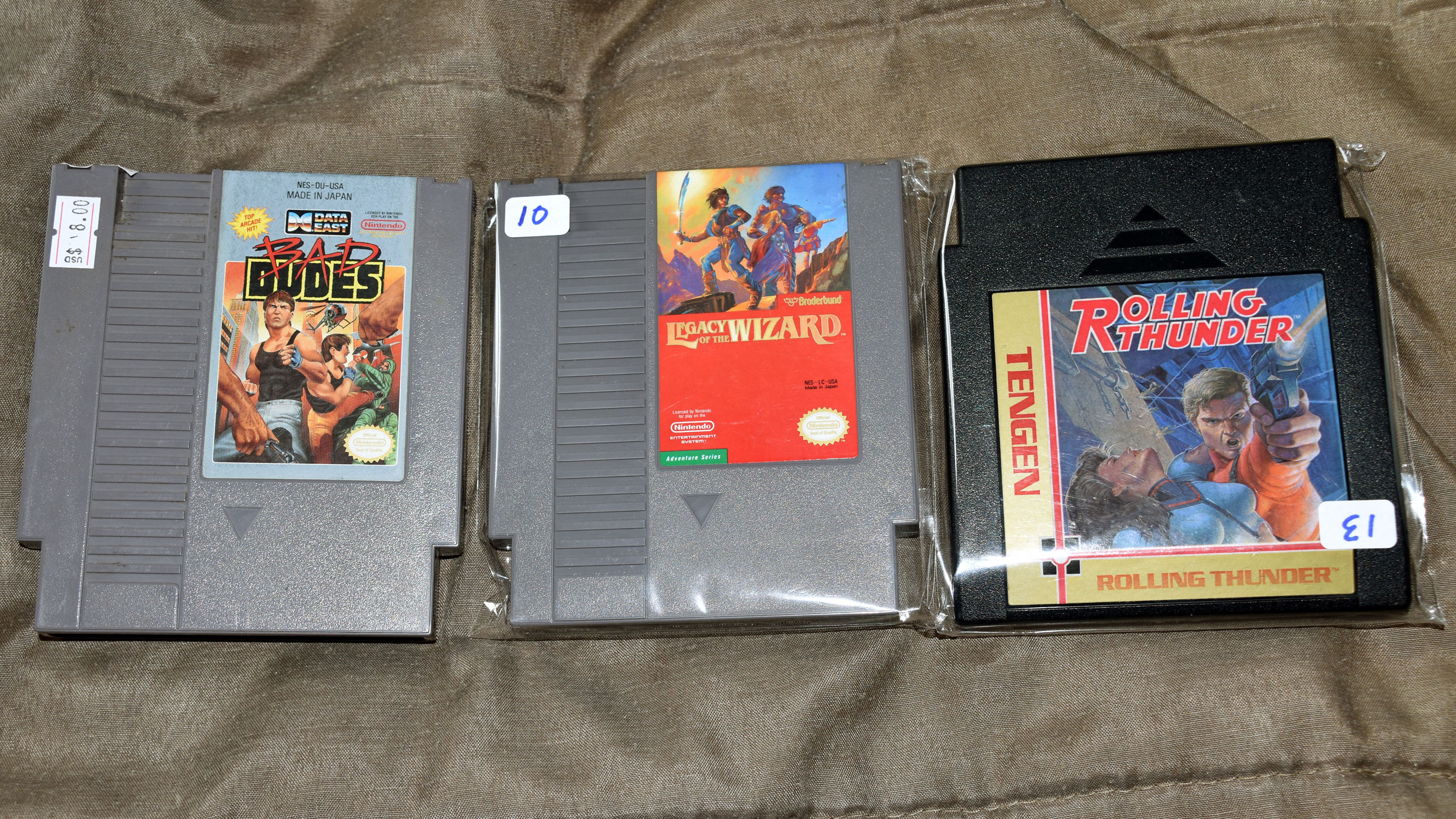
Xbox:

Wii:

It may be a while before I get a Super Scope, but the Saturday after LI Retro, I bought a Wii Balance Board, Wii Fit U, and a Wii Fit U Fit Meter. Now, I can play all the Wii Fit games and track my steps.
Just as AVGN made Ikari Warriors infamous (outtakes), Wii Music’s bad reputation stems from the crazy demo at E3 2008. I almost bought still another infamous NES game, Deadly Towers, on the Saturday of the expo, but relented.
Part 6: Conclusion
All good things must come to an end, and my time at the 2022 Long Island Retro Gaming Expo ended at 2:05 PM on Sunday, August 14. I took two parting shots with my iPhone before riding home:


Thank you for making it to the end of my recap. I know there was a lot to process, and it was a labor of love to draft the post. Patience was required often as WordPress struggled to display the text I typed, presumably because of all the photos and captions.
Thank you to all the guests I met and reacquainted with, to the vendors I bought from, and my fellow attendees, like budding game designer Brandon.
Special thanks to the LI Retro organizers and volunteers, especially Ryan Shapiro. You were all friendly and highly accommodating. I greatly appreciate that.
Until next year, so long.
 MikeChimeri.com