Instrumental Invasion, 10/26/22 October 27, 2022
Posted by Mike C. in Airchecks, Audio, Baseball, Comedy, Internet, Jazz, Media, Music, News, Personal, Radio, Sports, TV, Video.add a comment
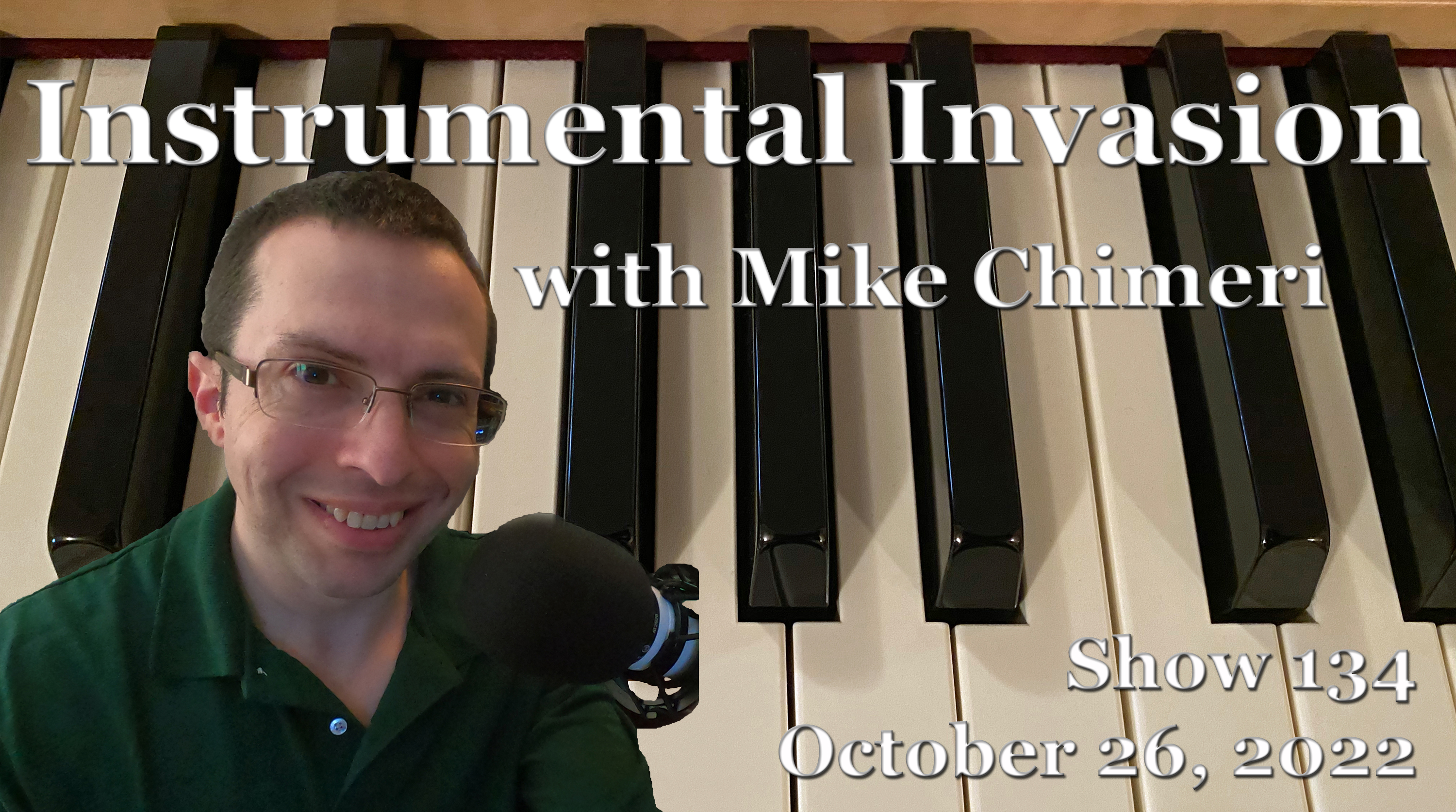
The October 26 Instrumental Invasion on WCWP was recorded in sequence on September 17 (four segments) and 18 (two segments).
The playlist was created on September 9, following a production hiatus while assembling and setting up my new computer and drafting the subsequent blog post.
As noted in the October 5 post, going forward, annotations are made in a separate Microsoft Word document, from which the talk break script is drafted in its usual document. I never share the script, but since annotations are an extension of the playlist, I will share those. This week’s annotations were made on September 13 and 14 with the script drafted on the 15th.
This is also the first week with 18:05 segments in mind, and a desired total duration of 1:48:30. Segment 1 of hour 2 was exactly 18:05, the first exact duration since segment 2 of hour 2 on October 5.
I used the phrase “leadoff hitter” to describe the first song – “There’s No One Else” by Robben Ford – in honor of the World Series, which starts tomorrow night. I wish the Mets were the National League representative, but I’m proud of all their other accomplishments this season. (I wrote that presumptuously on September 20. On October 26, I’m writing that I’m glad the Phillies eliminated the Braves in the NLDS and Padres in the NLCS. The Mets blew the NL East lead to the Braves and lost their NL Wild Card Series to the Padres.)
The inclusion of “Spring High” by Ramsey Lewis preceded his death on September 12, but that was acknowledged in the annotations and script. With “After Chicago” by Ronnie Foster coincidentally included, I called back to Ramsey’s Cabrini-Green upbringing.
In all the years I’ve heard “Schmooze” by Eric Marienthal, I’m reminded of longtime WFAN host Steve Somers, a.k.a. The Schmoozer, a.k.a. Captain Midnight (a la the radio serial). I dialed down my impression of Steve, limiting it to his name and removing his phraseology at the start of the talk-up (i.e. “Eric Marienthal on a Wednesday night on WCWP Brookville”). This was the WCWP-FAN jingle hybrid I made:
Then, there’s Fourplay‘s “Little Foxes,” evoking Festrunk Brothers lingo (the “foxes” part). It helped that most of the backing vocalists were women, hence my “adult foxes” tangent. Here is one such Festrunk Brothers Saturday Night Live sketch:
Click here to download this week’s scoped aircheck or listen below:
2022 LIU Post & WCWP Homecoming Weekend, WCWP Hall of Fame Announcement October 22, 2022
Posted by Mike C. in Airchecks, Audio, Football, Internet, Interviews, Media, Music, Personal, Photography, Pop, Radio, Rock, Travel, Video.add a comment
Other recaps: 2008, 2009, WCWP 50th Anniversary (2011), 2012, 2013, 2014, 2015, 2016, 2017, 2018, 2019, 2021
Four months after going into the WCWP Hall of Fame, I returned to the campus of LIU Post for part of WCWP‘s Homecoming Weekend programming block, the first under new station manager Pete Bellotti. (The list of 2022 HOF inductees comes later in this recap.)
Friday, October 14
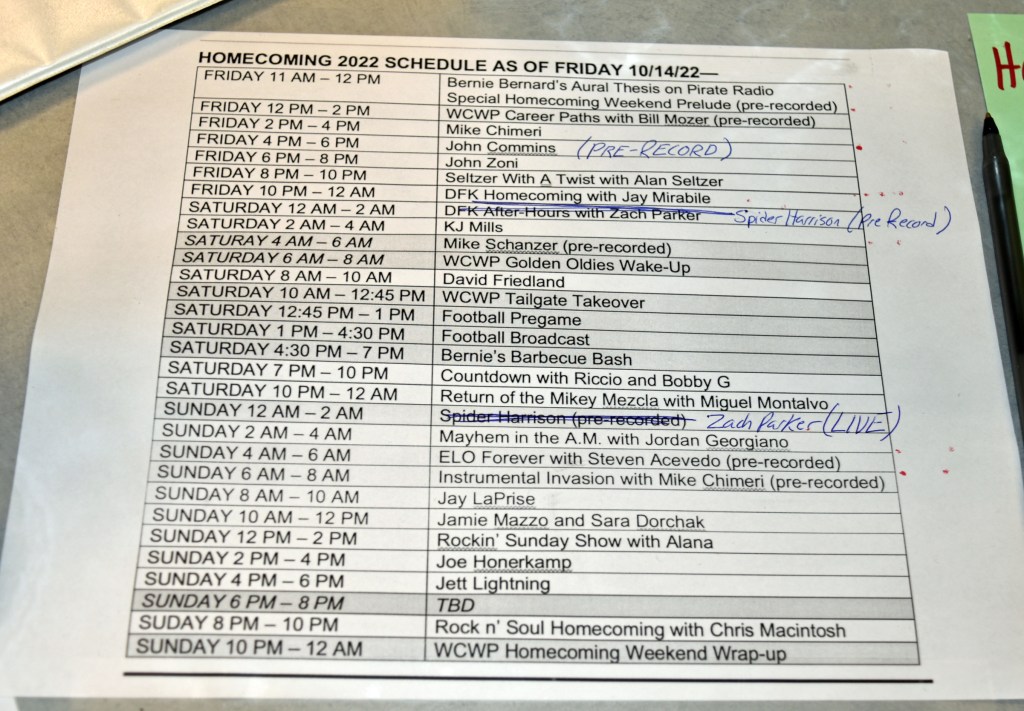
This year, Homecoming Weekend started an hour earlier, at 11AM, making for 61 hours of alumni-run shows. In August, Bernie Bernard earned a Master of Arts degree from Florida Atlantic University. Her aural thesis on pirate radio led off the weekend:
The second show, at noon, was also prerecorded: a compilation of select episodes of Bill Mozer’s WCWP Alumni Career Path Podcast:
I have a dedicated blog post for my live edition of Instrumental Invasion at 2PM, but here is a snippet:
… I did not draft a talk break script; a live show calls for spontaneity, albeit with annotations to work from. I ended up referencing [my family trip to Dutchess County, subject of a blog post next week] during the show.
I feel like I wasn’t my best without a script, but all that matters is what listeners thought, and they liked it. Naturally, [the show] started with a technical glitch. Automation didn’t switch off [after Bill’s show ended], allowing me to go live from studio 2. I relayed the problem to station manager Pete Bellotti and he had me start the show even though the first minute or so (54 seconds) would go unaired. …
What a coincidence that David Benoit’s latest single of A Midnight Rendezvous is “Pioneer Town.” That allowed me to allude to the days before the One LIU merger when the Brooklyn and Post campuses had separate athletic programs.
For my official archive of the show, I included the unaired part, re-created from the liners I played (mostly as heard on my restart) and amplified/noise reduced camcorder audio. Here is the scope video:
I faded the last song out just in time for automation to kick back in for John Commins at 4PM. To keep listeners from tuning out, I did not acknowledge that he was prerecorded. Within 20 minutes, I had packed up my equipment and headed for home. My video equipment was a Panasonic HC-X1500 with VW-HU1 detachable hand unit, both bought in late March, and my tripod of nearly seven years: a Magnus VT-300. Mozer recommended a Magnus tripod in a discussion at the 2015 Homecoming, but not the one I chose. I don’t remember which one. The HC-X1500/VW-HU1 combo was in lieu of an HC-X2000 built with the hand unit. I didn’t want to pay more for 3G-SDI output. But enough about video gear.
WCWP was entirely live from studio 2 from 6PM to midnight. John Zoni had the 6PM show:
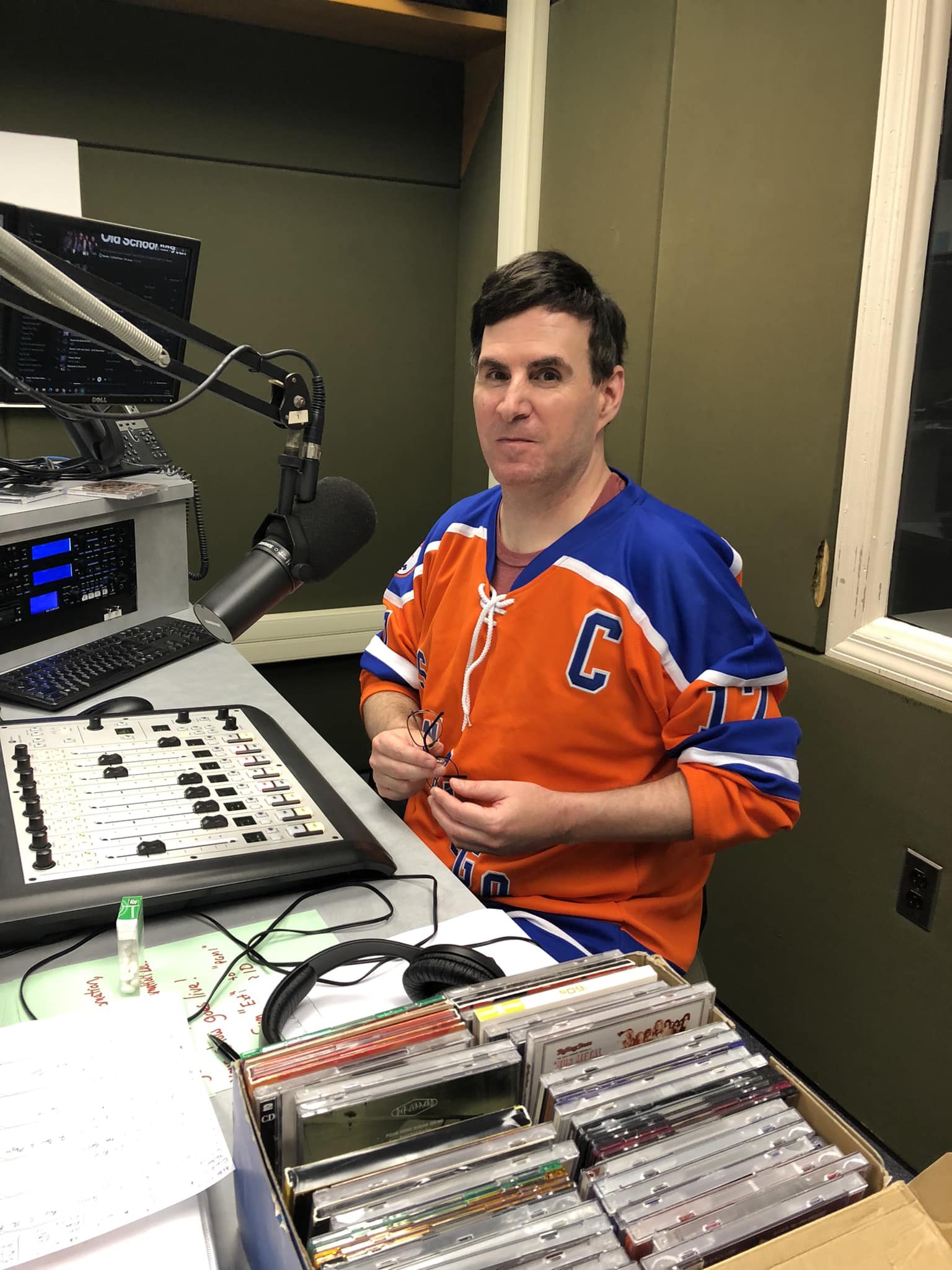
Alan’s final show was Seltzer with a Twist, starting at 8PM:
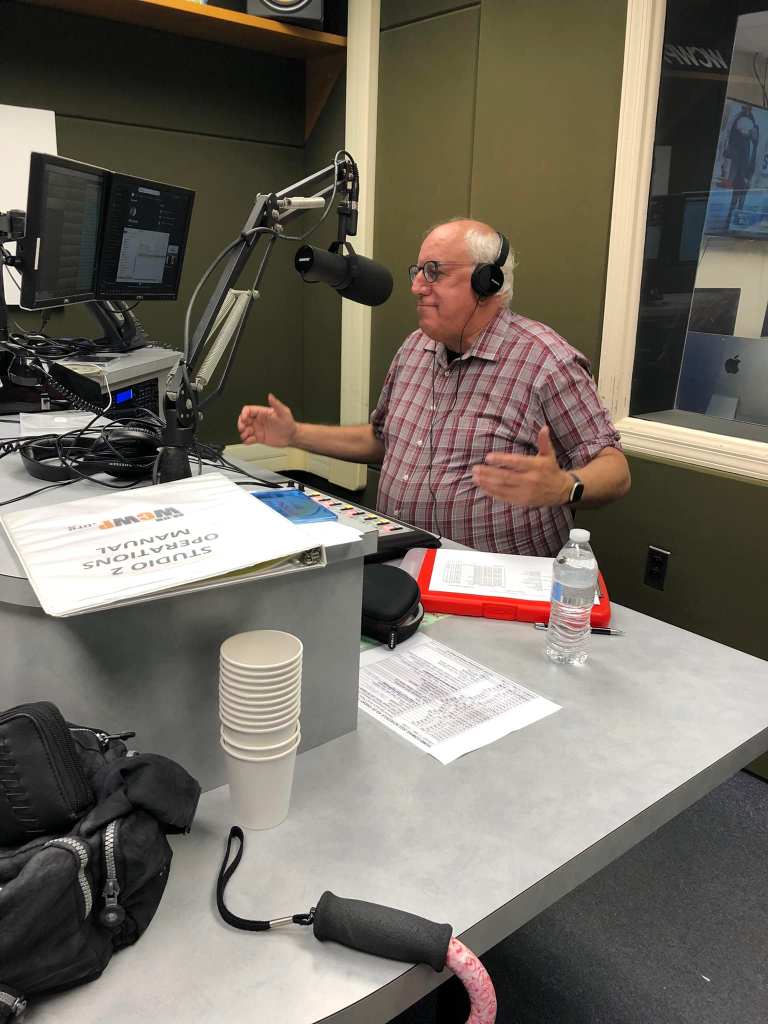
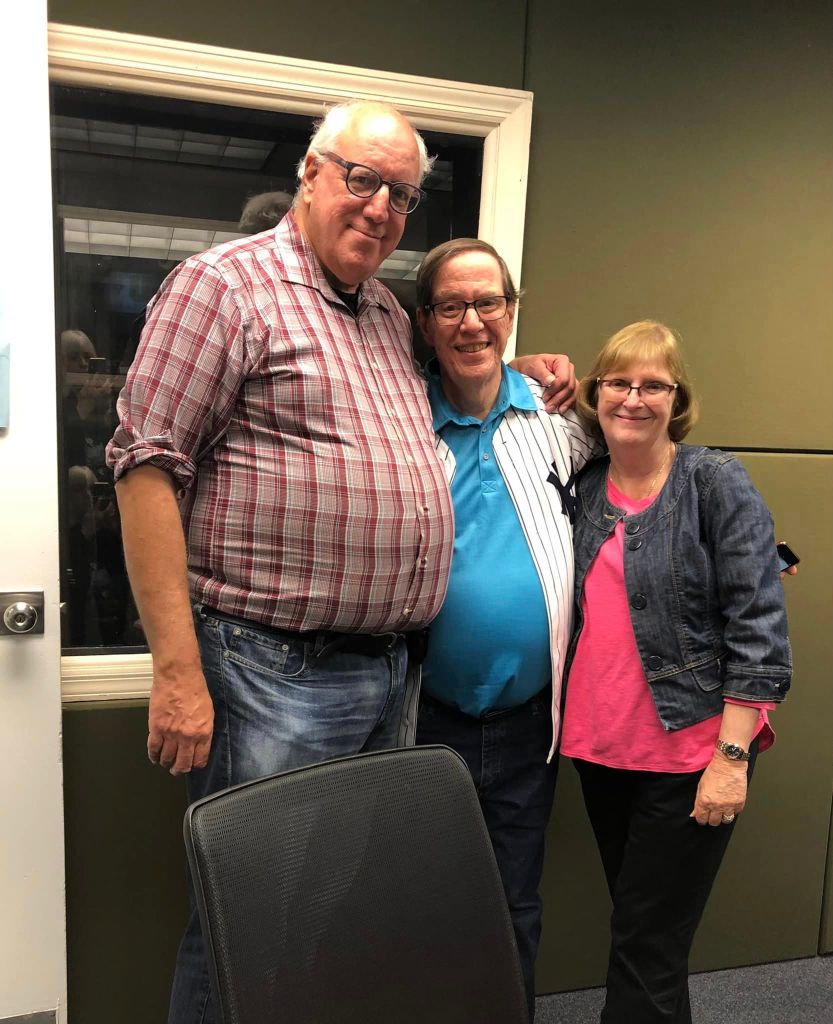
Scott Perschke and his wife Janet were also present for the last show, as heard in the scoped aircheck below. 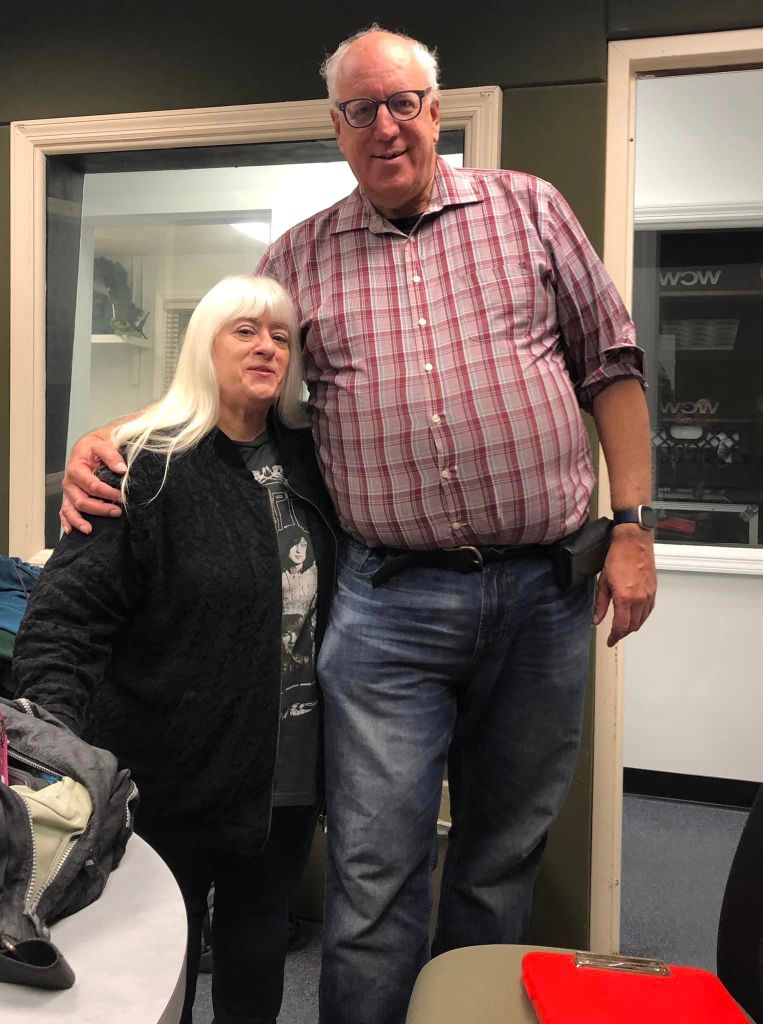
Alan and Bernie 
Alan and Jay Mirabile, host of a special DFK Show at 10PM 
Bernie’s perspective before the photo below on Jay’s phone 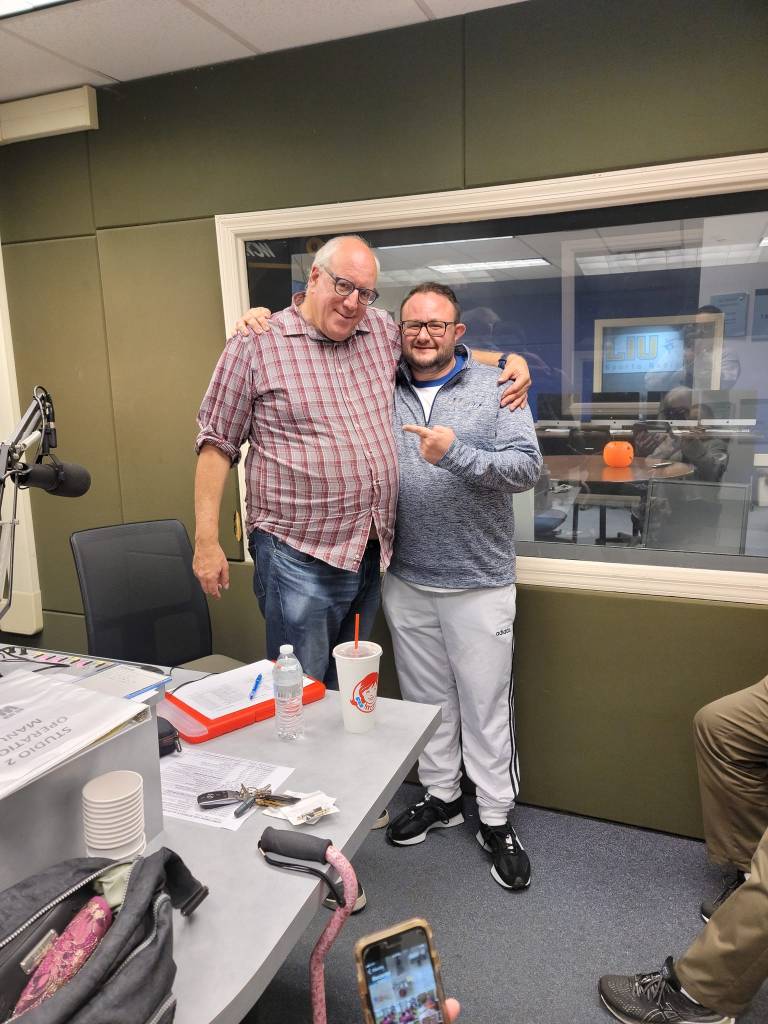
There was about 30 seconds of dead air after Alan’s last song finished, so Jay began The DFK (Disco and Funk King) Show seconds before 10PM:
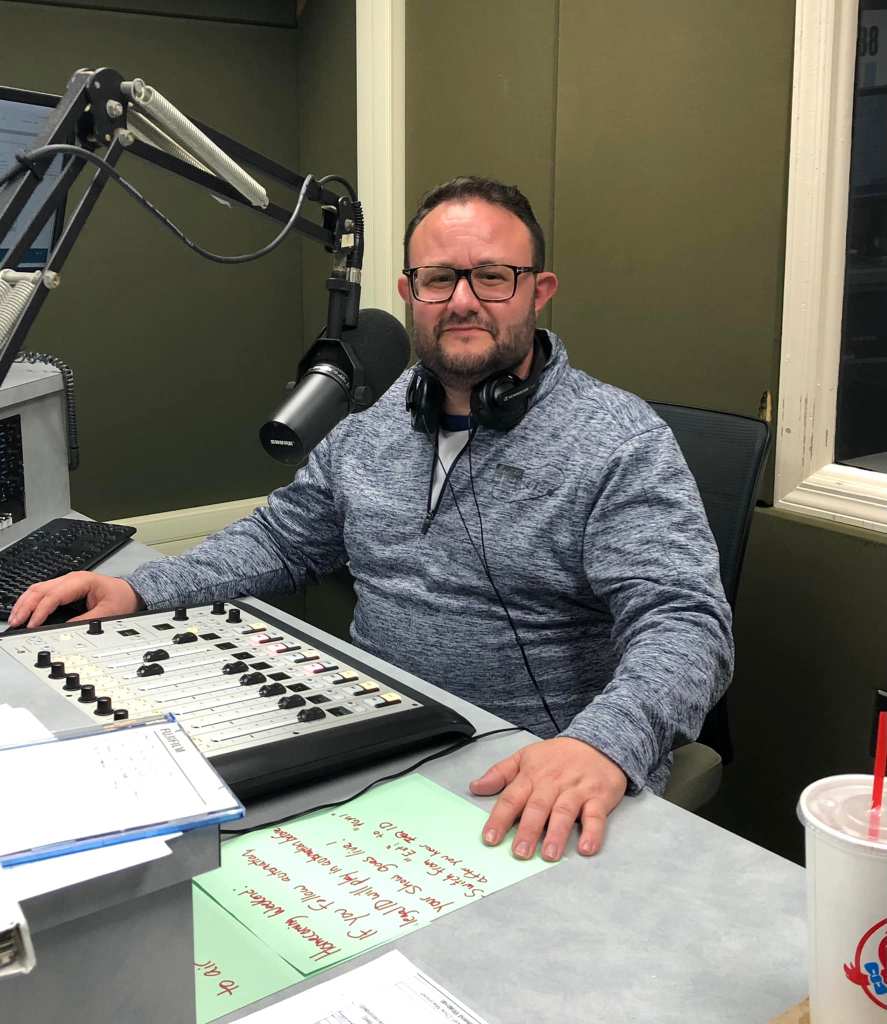
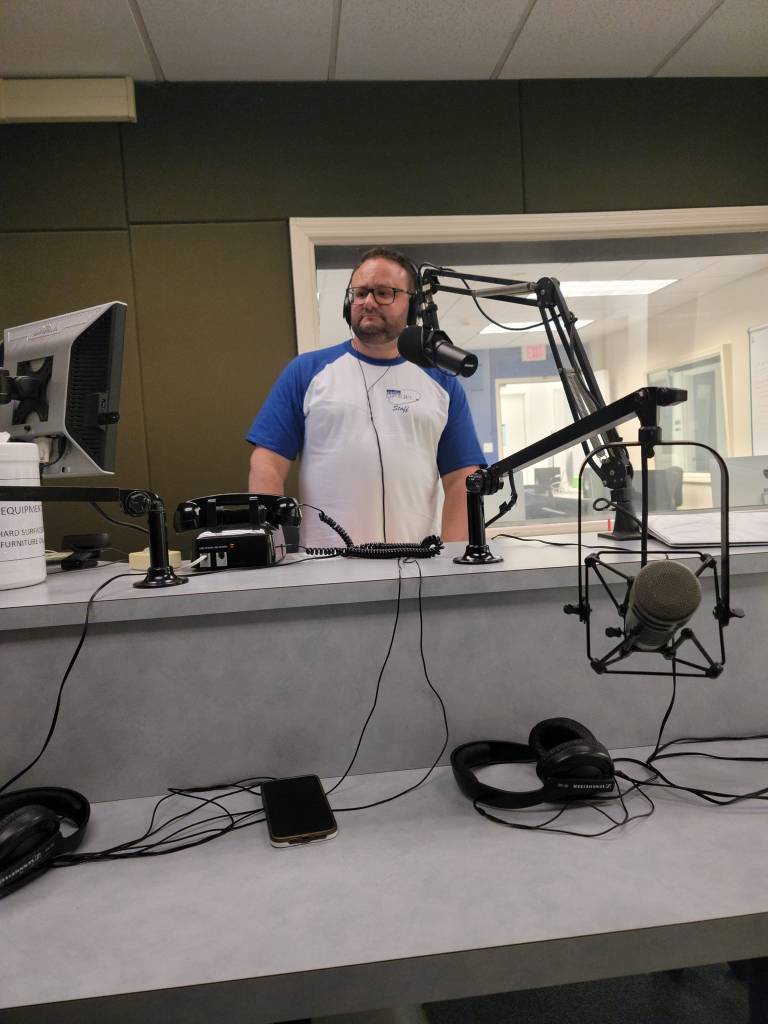
The Young Prince K.J. Mills stayed up late to host The Storm 2.0 at 2AM (I’m counting this as part of Friday’s lineup):
Saturday, October 15
I returned to LIU Post at 1:30 Saturday afternoon. This time, I brought along my GoPro Hero 7 for shooting B-roll. Unlike last year, I did use it, thanks to a flexible tripod I bought in November, inspired by the video of Joe Honerkamp’s show.
In a bold move, I opted not to walk down to the football field to catch part of the LIU Sharks‘ Homecoming game. Considering they were creamed by the Saint Francis Red Flash, 57-7 (box score, recap), I made the right decision. As the game carried on, I sat at my laptop and spoke to any alumni that walked into studio 3, where my laptop was set up for web browsing on my downtime, but otherwise to aircheck the shows following the football game. My aircheck equipment, used Friday and Saturday, was a Behringer U-Phono UFO202 pre-amp connected to a Sangean HDR-16 radio. WCWP also uses the UFO202 for airchecking off FM tuners, doing so to clip key plays in Sharks games. Home airchecks were recorded in Audacity, either on my computer or the guest room computer, then edited in Adobe Audition.
One such alum to drop by during the football game was M.J. Lonardo, known as DJ M.J. during her time at WCWP. The photo I took of her and station manager Pete Bellotti is the first in a series of two-person photos taken throughout the day:
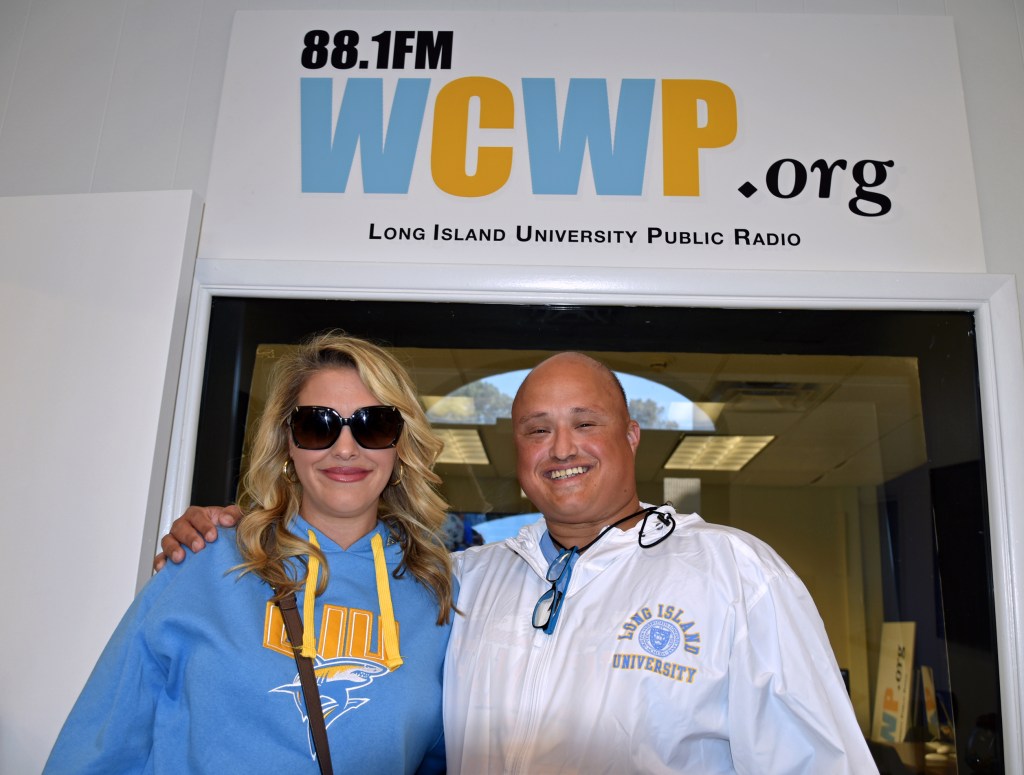
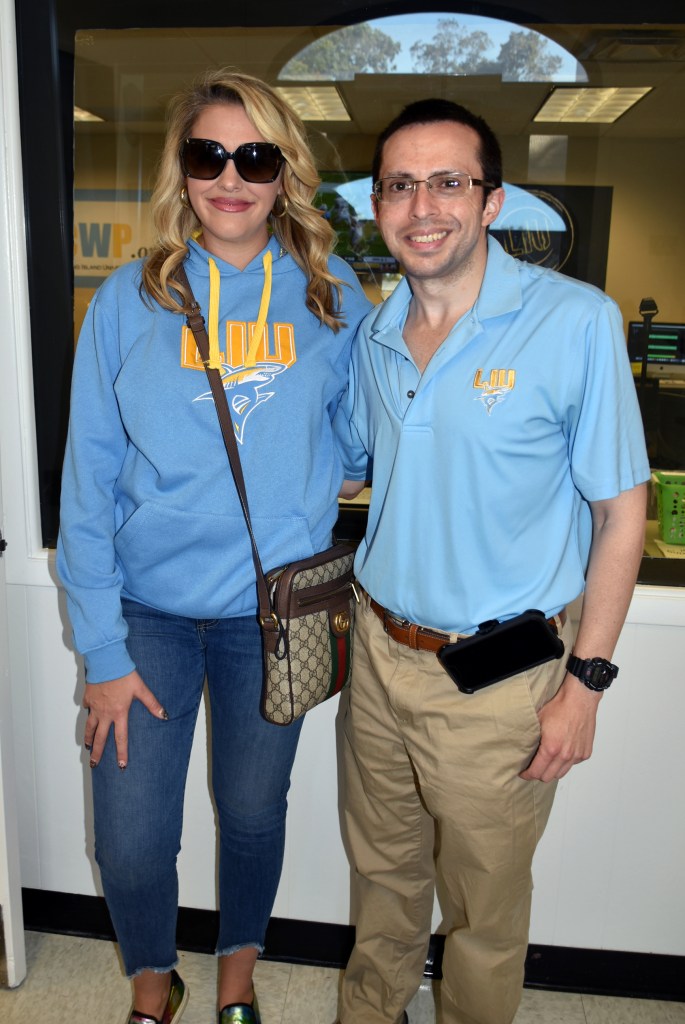
M.J. and me 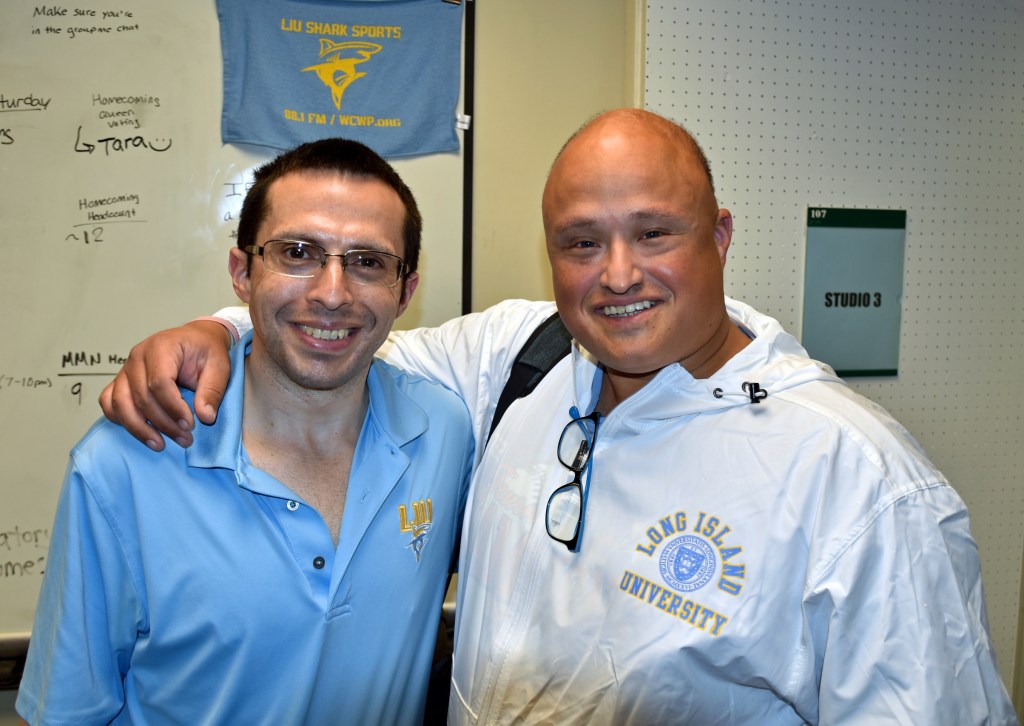
Me and Pete 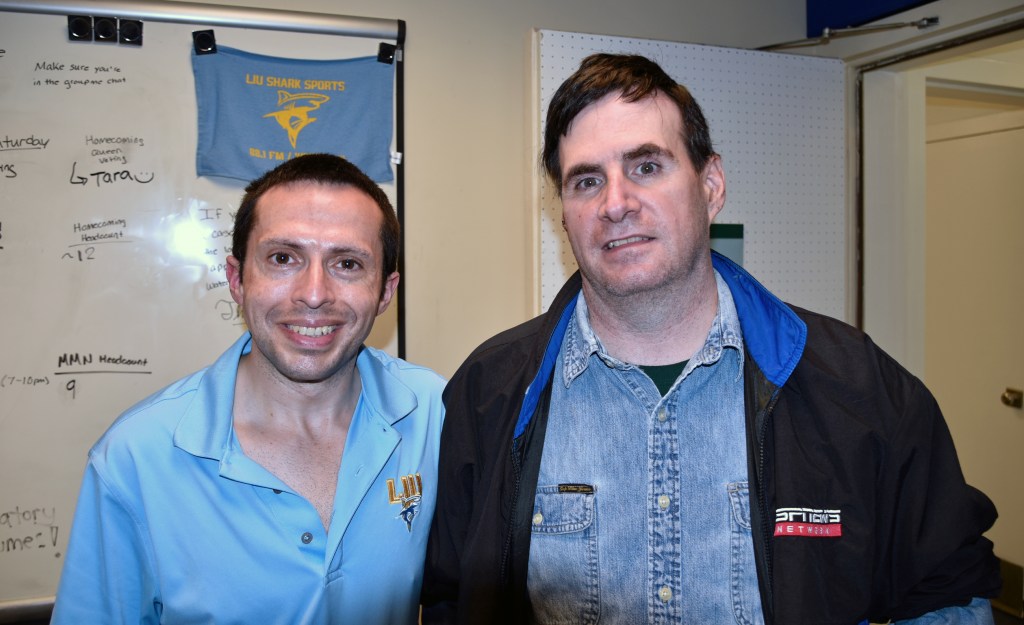
Me and John Zoni 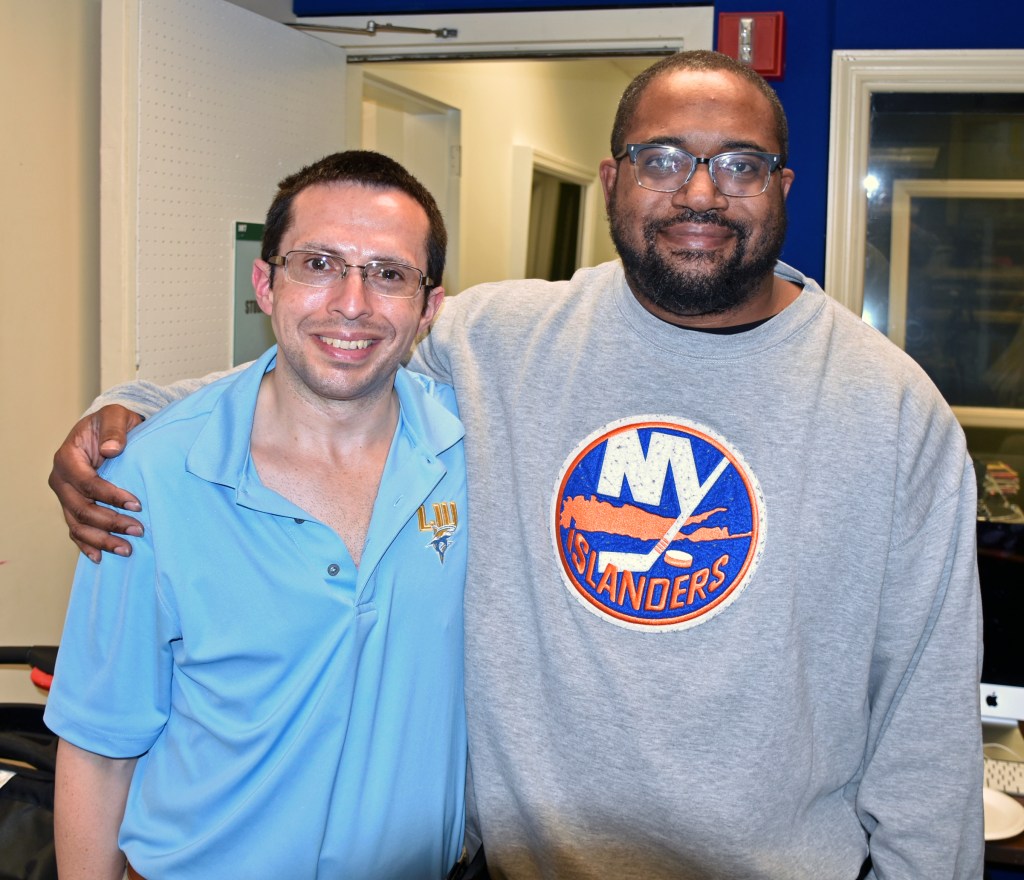
Me and K.J. Mills 
Alan and me; I’ll miss you, Alan.
On to photos from Bernie Bernard’s Barbecue Bash (by golly), starting at 4:08 PM:
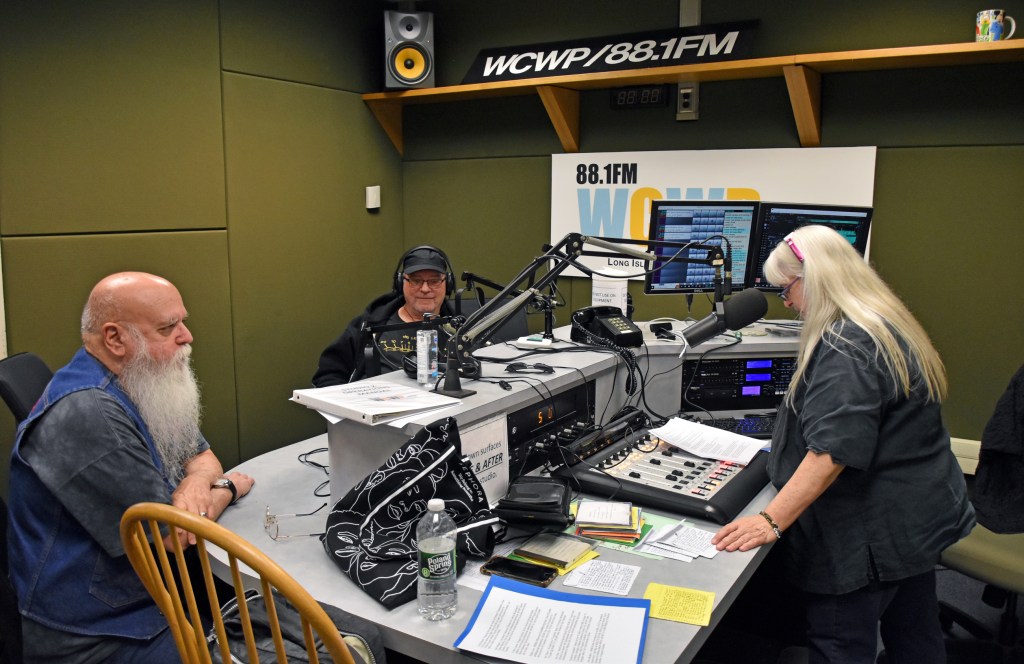
Grandfather Rock Chris MacIntosh, longtime host of Rock ‘N Soul Gospel, and Hugh Hammill, Bernie’s friend from her WBAB days 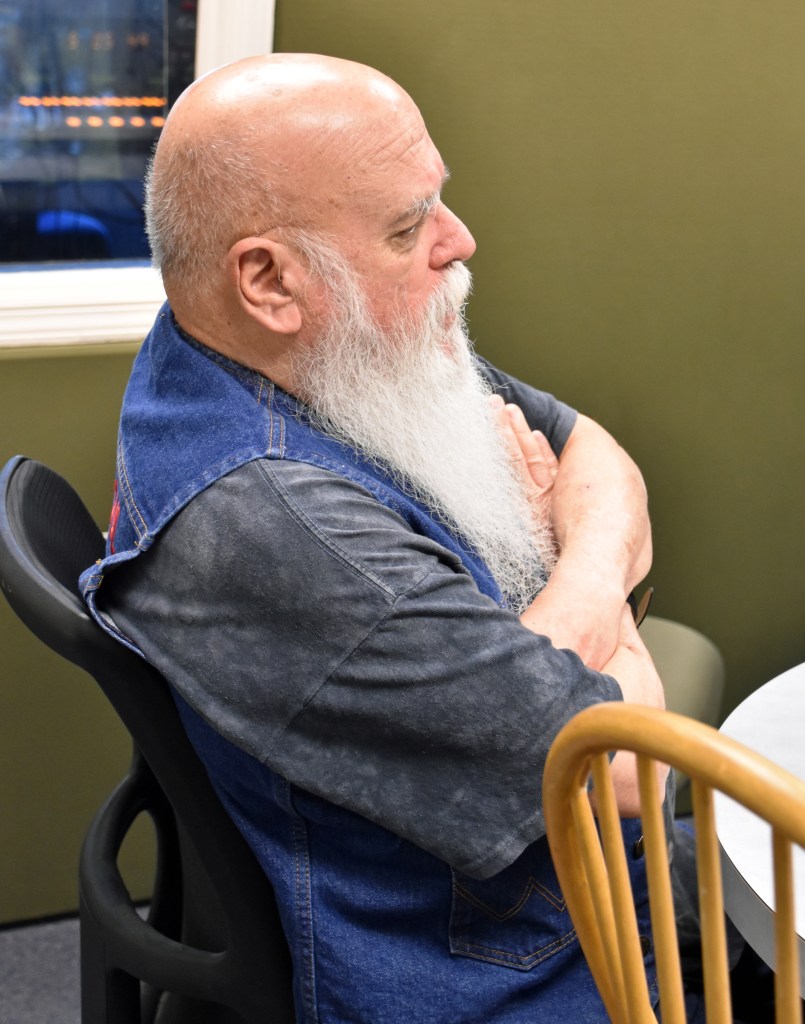
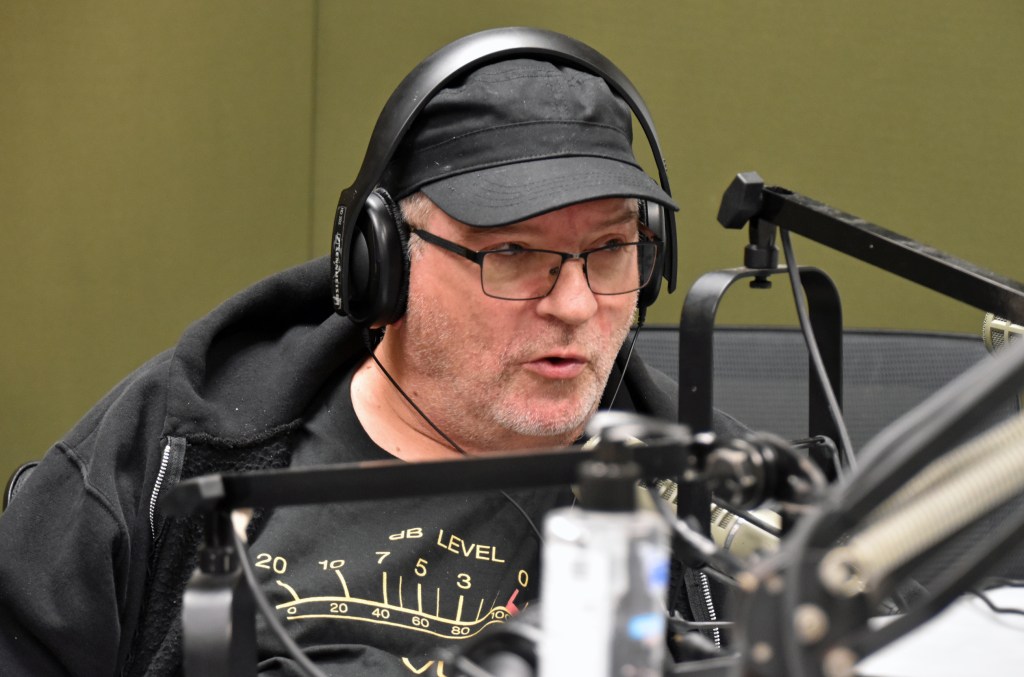

Jett Lightning joined Chris in studio 2 with Bernie 
At 5:11, Bernie announced the 2022 WCWP Hall of Fame inductees, who will be inducted in ’23. In the order listed on Bernie’s sheet below, they are: Travis Demers, Dan Reagan (reegan), Cosmo Leone, Roger Luce, Kim Dillon, Jon Cole, Suzanne Langwell, and John Mullen. 
Cosmo, Jon, and John all called in during the show. You’ll see and hear them in the video and audio below this stacked gallery. 


Technical assistance was required to fix the telephone hybrid audio. The quirky sound that afflicted Cosmo Leone’s interview was mitigated while speaking to Jon Cole. I had to cut away to some of these photos during that part of the video because my view of Bernie was blocked. 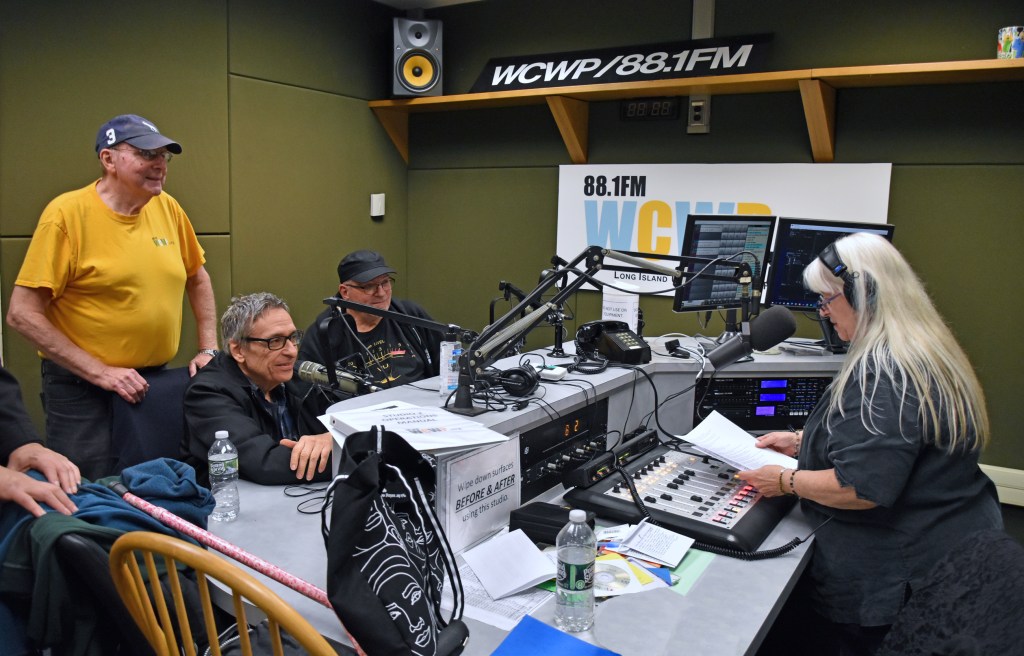
The tradition of Mike Riccio (sitting) and Bobby Guthenberg (standing) following Bernie with their countdown show continued this year. Bernie spoke with them beforehand.
Here is the aforementioned video:
Anyway, here is the audio version with longer lead-outs and the start of the first talk break in the video:
Mike Riccio and Bobby G.’s countdown began at 7:03 PM. Mike couldn’t find a legal ID to run in WaveCart, so I approached the board and picked one. Then, the show began with “Wooden Heart” by Elvis Presley. Editing video of this show has left the end of “Wooden Heart” ingrained in my head. First, the photos:
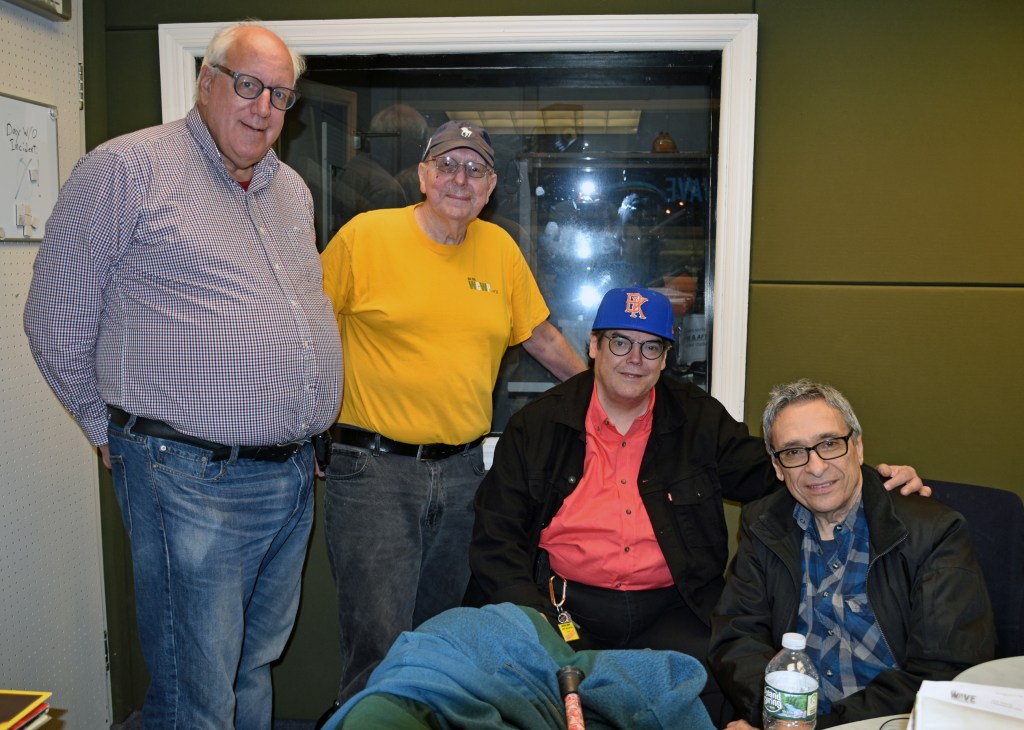
A group photo with Alan Seltzer and Jett Lightning before air 
Jett and Alan guessed which songs were next based on Mike’s clues. 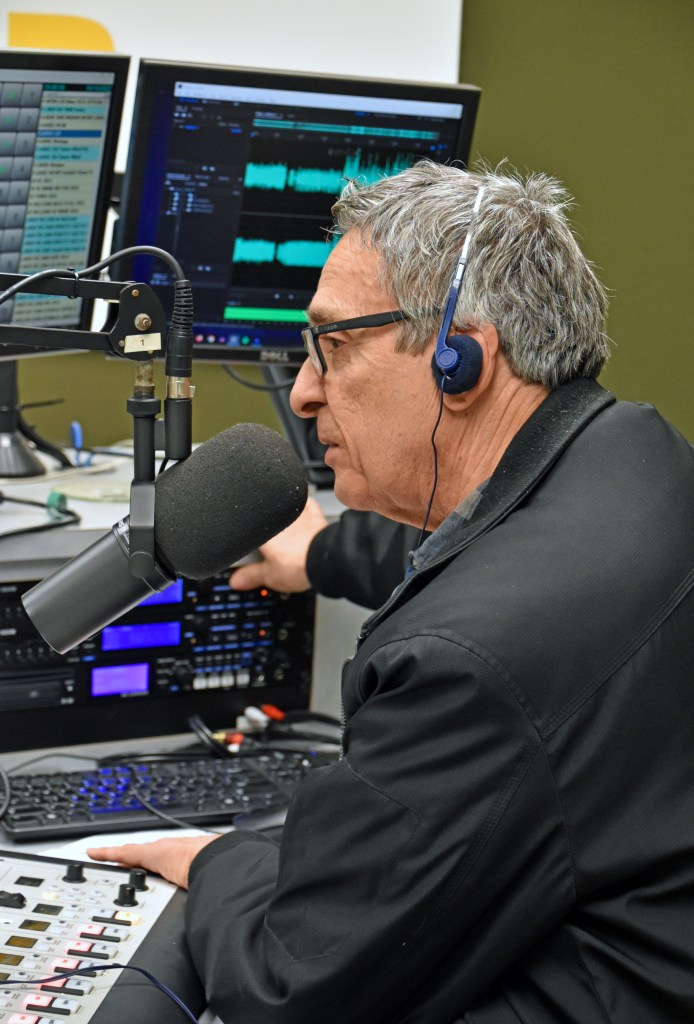
A close-up of Mike Riccio 
Bobby G. 

Alan Seltzer 
Jett Lightning (I wanted a candid shot, but he spotted me) 


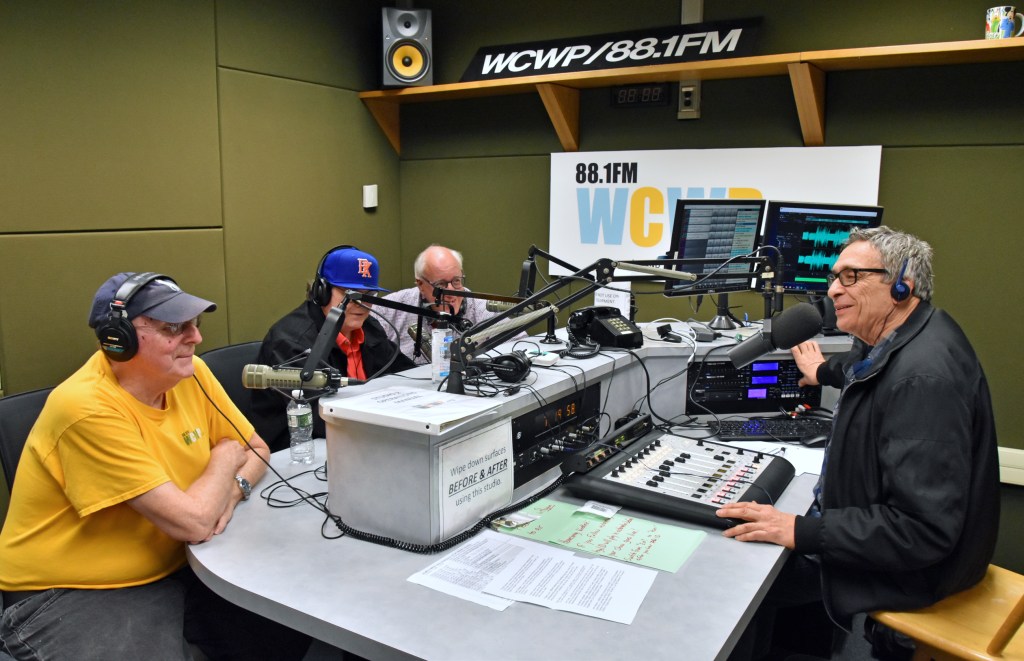
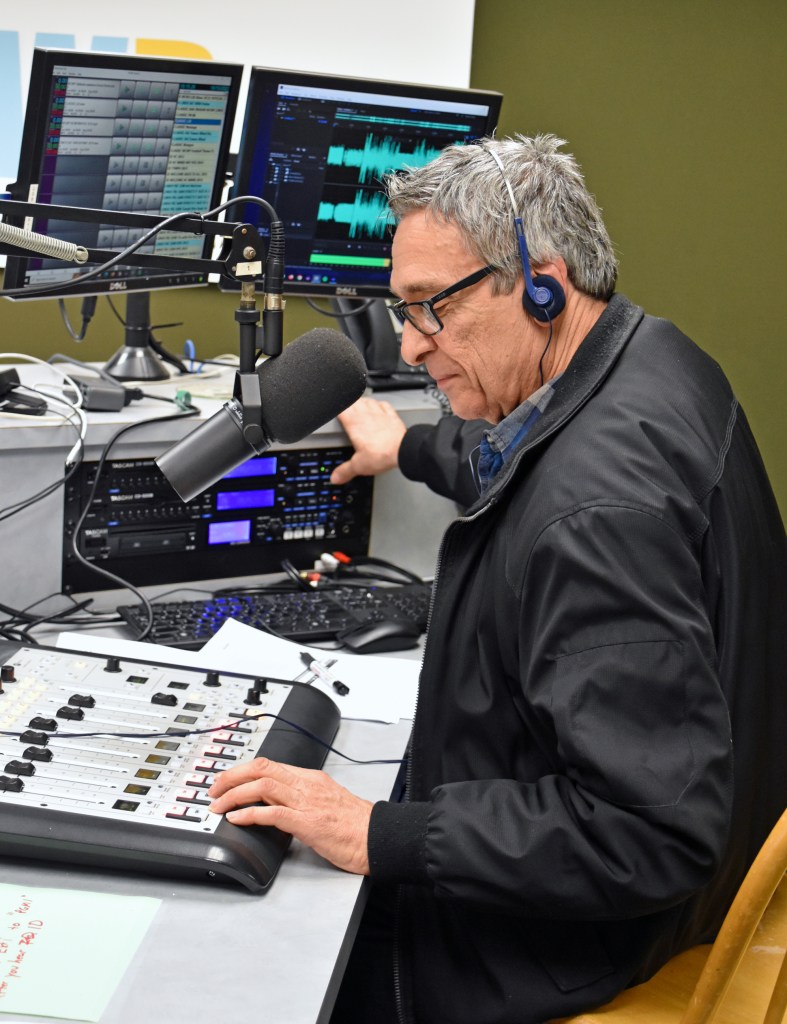
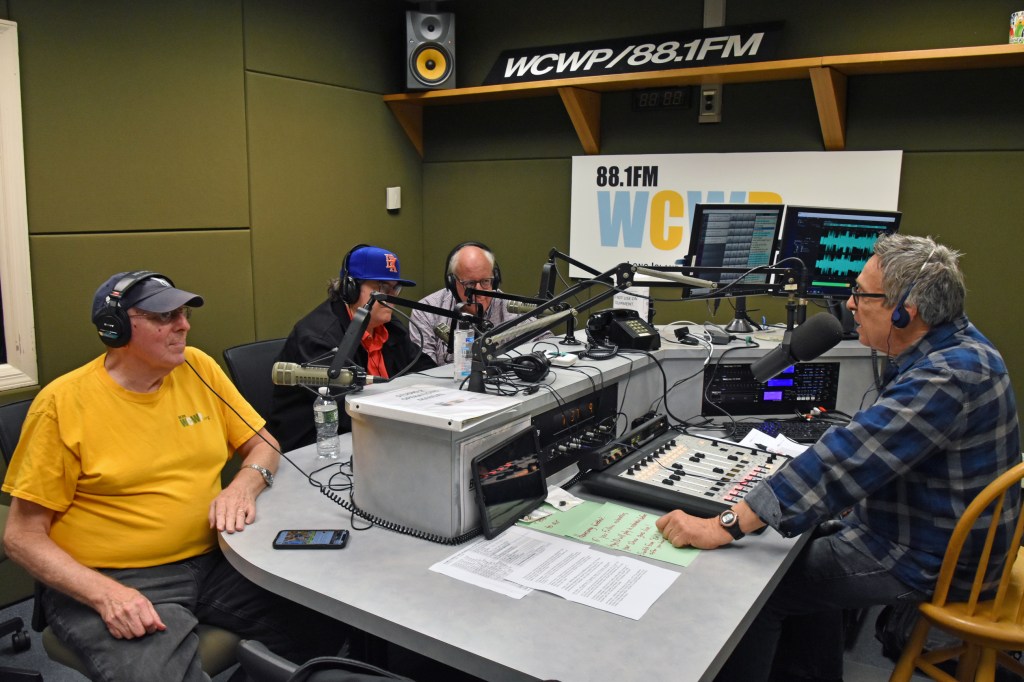

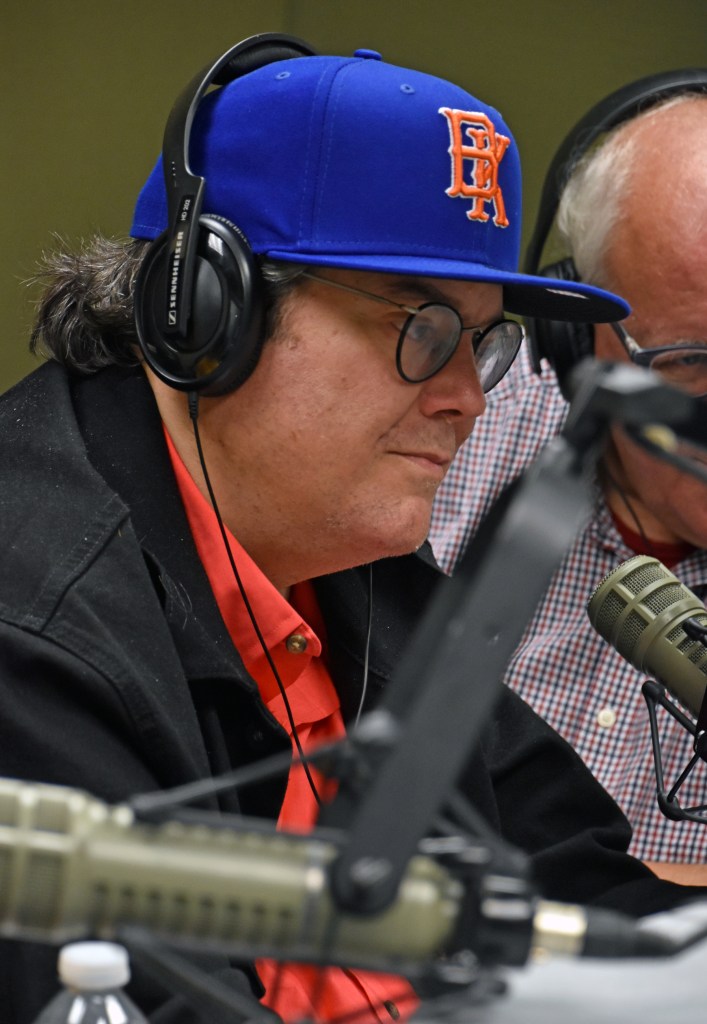

I took this parting photo before packing up for home. My parents picked me up after dinner in Syosset.
The video:
And the audio version, including parts of the last two hours and with extended lead-outs:
The above photos are the last taken at an event with my Nikon D5500. As Homecoming Weekend was wrapping up, I consulted with a Facebook group for fans and users of the Canon EOS R7 mirrorless camera. I said in my PC build post that I had a Nikon Z7II in mind, but it’s too expensive and I’d have to buy a 24-200mm (not 300) Z lens (I like to use one superzoom lens) to take full advantage of the megapixel increase. My existing F mount 18-300 superzoom would be heavily cropped because it’s not made for full frame cameras like the Z7II. The EOS R7 and all the accessories I bought for it, including a Tamron 18-400 superzoom and control ring mount adapter, cost less combined than a Z7II body alone.
I hope to write about my early experience with the EOS R7 and equipment in a later post, but for now, back to Homecoming Weekend.
Sunday, October 16
I woke up a few minutes into my prerecorded Instrumental Invasion, another show with a dedicated blog post. Otherwise, the scoped aircheck:
When that was over at 8AM, Jay LaPrise (la-PREE) had the first live show of the day:
My attempt at airchecking Jamie Mazzo and Sara Dorchak’s Ladies of Prison Break Radio show at 10AM was a bust. With my weekly Zoom meeting at 11:30, I had to aircheck on my laptop. I should have recorded the audio loopback, like on my desktop, but I didn’t. The same unnatural audio boost problem that kept me up in the hours after my September 14 show afflicted the laptop aircheck.
The Rockin’ Sunday Show with Alana followed at noon, its usual time on a regular Sunday:

Alana’s photos are the only ones taken Sunday (that I’m aware of). 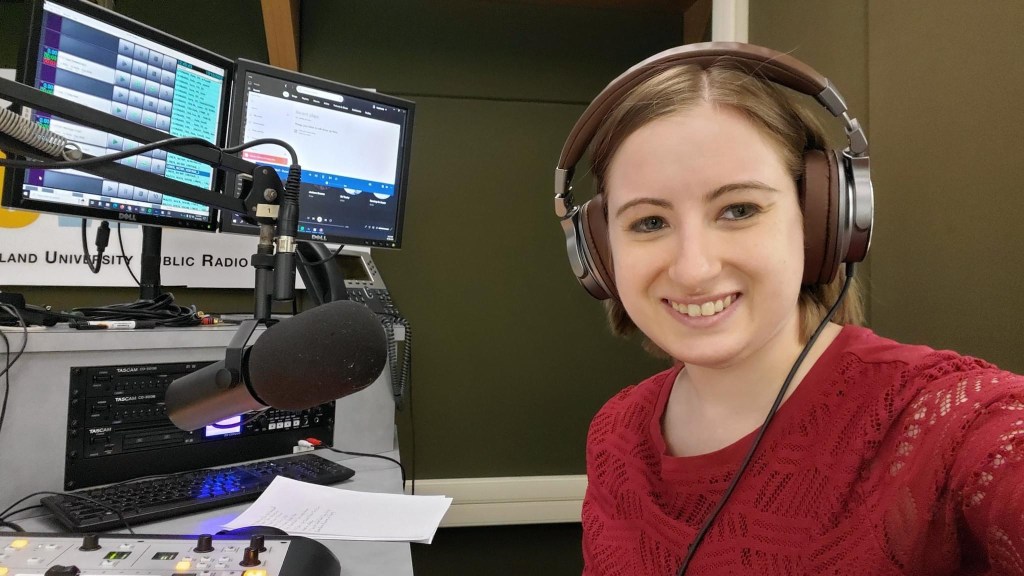
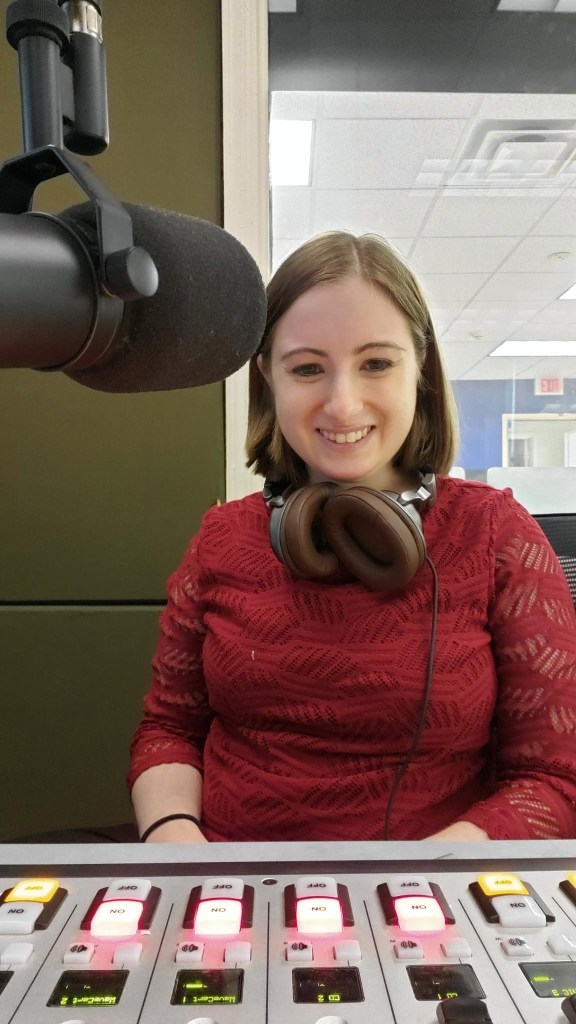
Just after 2PM, it was Joe Honerkamp’s turn:
The last show I airchecked on Sunday was Jett Lightning at 4PM:
Saturday, Jett persuaded me to add John Coltrane‘s Blue Train album to my collection. I’m certain he played the title track on his Sunday show for me.
Homecoming Weekend pulled up its stakes at 12:02 AM Monday morning, and on that note, we’ve reached the end of the 2022 recap. Thank you for reading, watching, and listening. Until next year.
Instrumental Invasion, 10/19/22 October 20, 2022
Posted by Mike C. in Airchecks, Audio, Comedy, Internet, Interviews, Jazz, Media, Music, Personal, Radio, Weather.add a comment
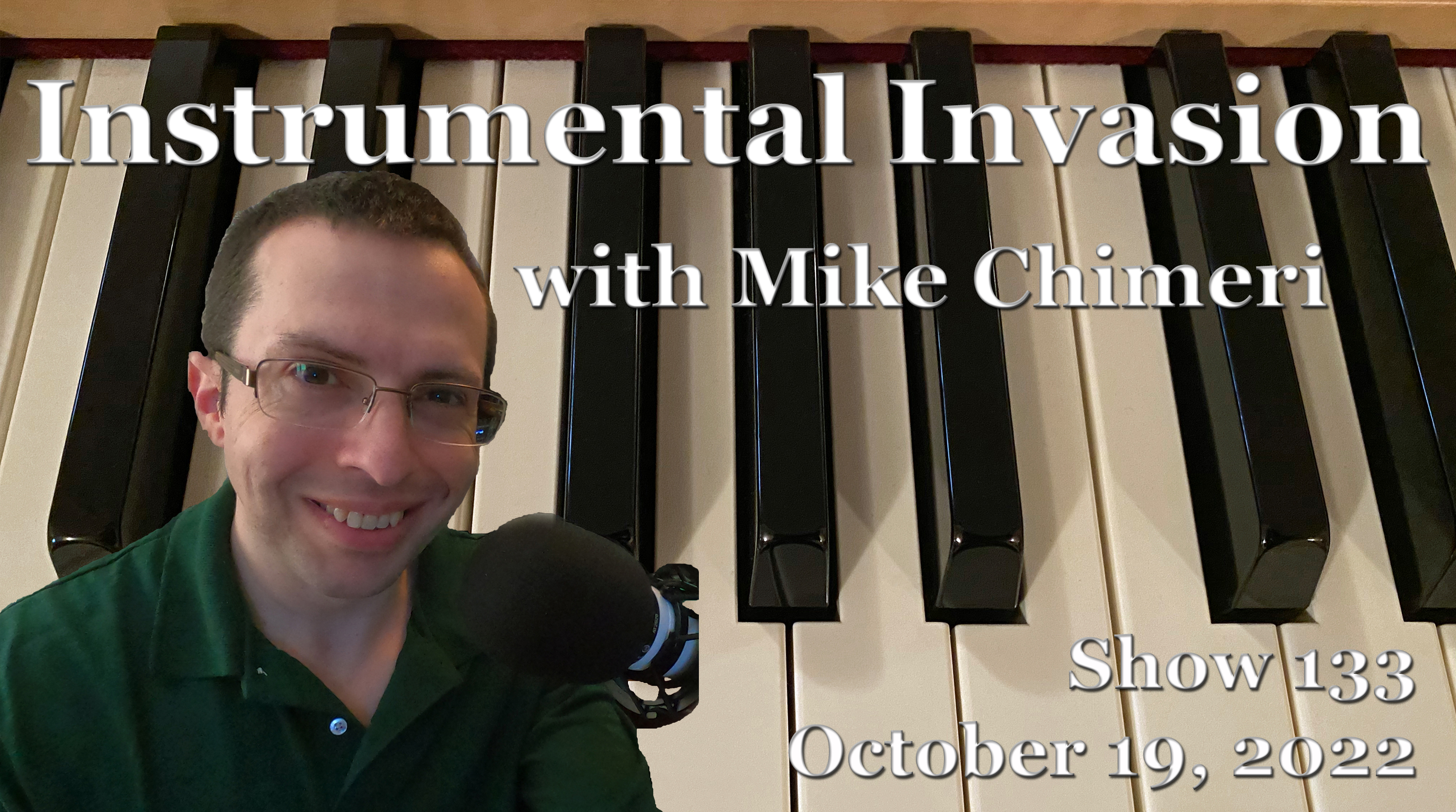
The October 19 Instrumental Invasion on WCWP was recorded (and mixed) non-sequentially on August 31 (segments 1, 5, 6) and September 1 (segments 2 through 4). Pickups were recorded on September 2.
The playlist was created right after finishing last week‘s playlist on August 25, annotated on the 27th, and the talk break script was drafted on the 30th. I was able to break even this week with a total duration of exactly one hour and 48 minutes. Starting next week, I will go to 18:10 segments, a total of 30 more seconds. This should limit the amount of dead air before automation’s fill song kicks in.
I did not expect the story of “St. Thomas” to be so involved. The Sonny Rollins interview (from April 5, 2007) where he shared the origin story is accessible via this link, but the media player disappears from sight after you start it. So, I downloaded it to share here:
He definitely wrote “Airegin,” though.
Regarding my talk-up after “Hello Tomorrow” by Larry Carlton, Lloyd Lindsay Young‘s “hello…!” bit had been circling in my head ever since a recent George Carlin documentary showed his introduction at the start of George’s 1988 special, What Am I Doing In New Jersey? I’ve said it before, but only on Instrumental Invasion can you get references like that. That goes for the MythBusters reference I made at the end of my “St. Thomas” origin story. On that series, if a myth in a given episode couldn’t be replicated, it was given a “busted” rating.
Speaking of Larry Carlton, I acknowledged that he was Fourplay‘s second guitarist, Lee Ritenour was their first, and Chuck Loeb was the third. Kirk Whalum played tenor sax on “Hello Tomorrow,” and I neglected to mention that he was the fourth member of Fourplay whenever there wasn’t a guitarist.
Click here to download this week’s scoped aircheck or listen below:
Instrumental Invasion, 10/16/22, 6AM (Homecoming Weekend) October 16, 2022
Posted by Mike C. in Airchecks, Audio, Internet, Jazz, Media, Music, Personal, Radio.add a comment

The second Instrumental Invasion of this year’s Homecoming Weekend block on WCWP was recorded one hour per day on October 2 (at home) and 3 (at my second location). I considered it a backup that might air, but found out last Saturday that it would air at 6AM Sunday. (Click here for a recap of Friday’s live 2PM show.)
Rather than make another theme show, I recycled the 60-year musical journey playlist from last Wednesday’s show, but with new talk breaks, rearranged liners, additional liners, and two extra songs to accommodate the weekend’s non-segmented format. The extra songs were:
- “Kid Gloves” by Larry Carlton (1992)
- “Mr. Martino” by Chuck Loeb (2007)
Since I deleted the original Word document for Wednesday’s show, the playlist was created from scratch on September 29. Annotations were transcribed and newly made on September 30 with a revised talk break script drafted on October 1.
Time constraints in the second hour meant a few talk break lines had to be cut, including “I’ll drink to that…with a soft drink” for Jeff Golub‘s cover of “Cold Duck Time.” The first hour had the opposite problem, which meant padding it out with an extra liner and not starting some songs as music beds.
Like last year, I screencapped the complete Adobe Audition session:
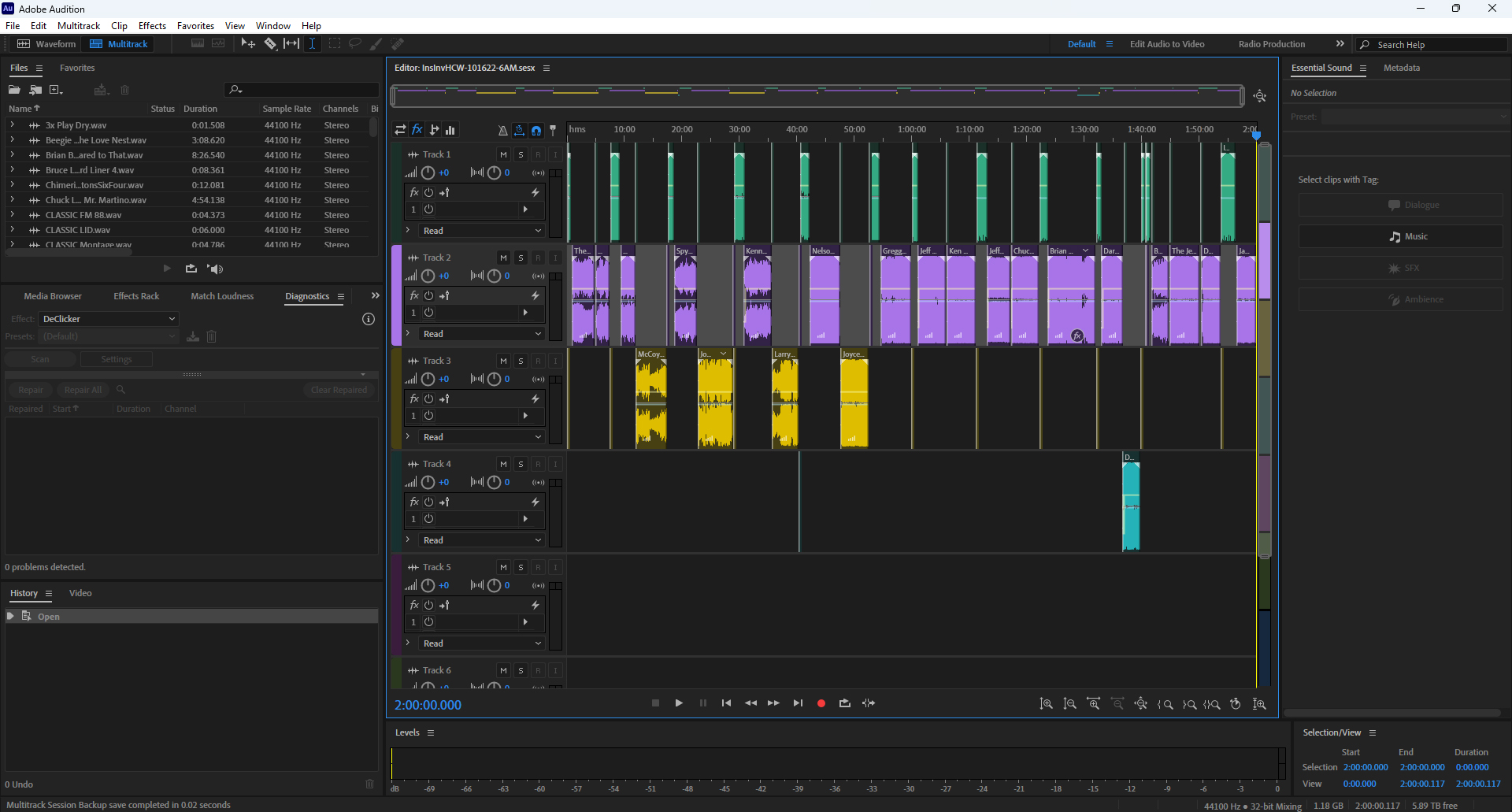
Click here to download the scoped aircheck or listen below:
The unscoped aircheck is available for download on Google Drive.
Instrumental Invasion, 10/14/22, 2PM (Homecoming Weekend) (Live!) October 16, 2022
Posted by Mike C. in Airchecks, Audio, Internet, Jazz, Media, Music, Personal, Photography, Radio, Travel, Video.add a comment

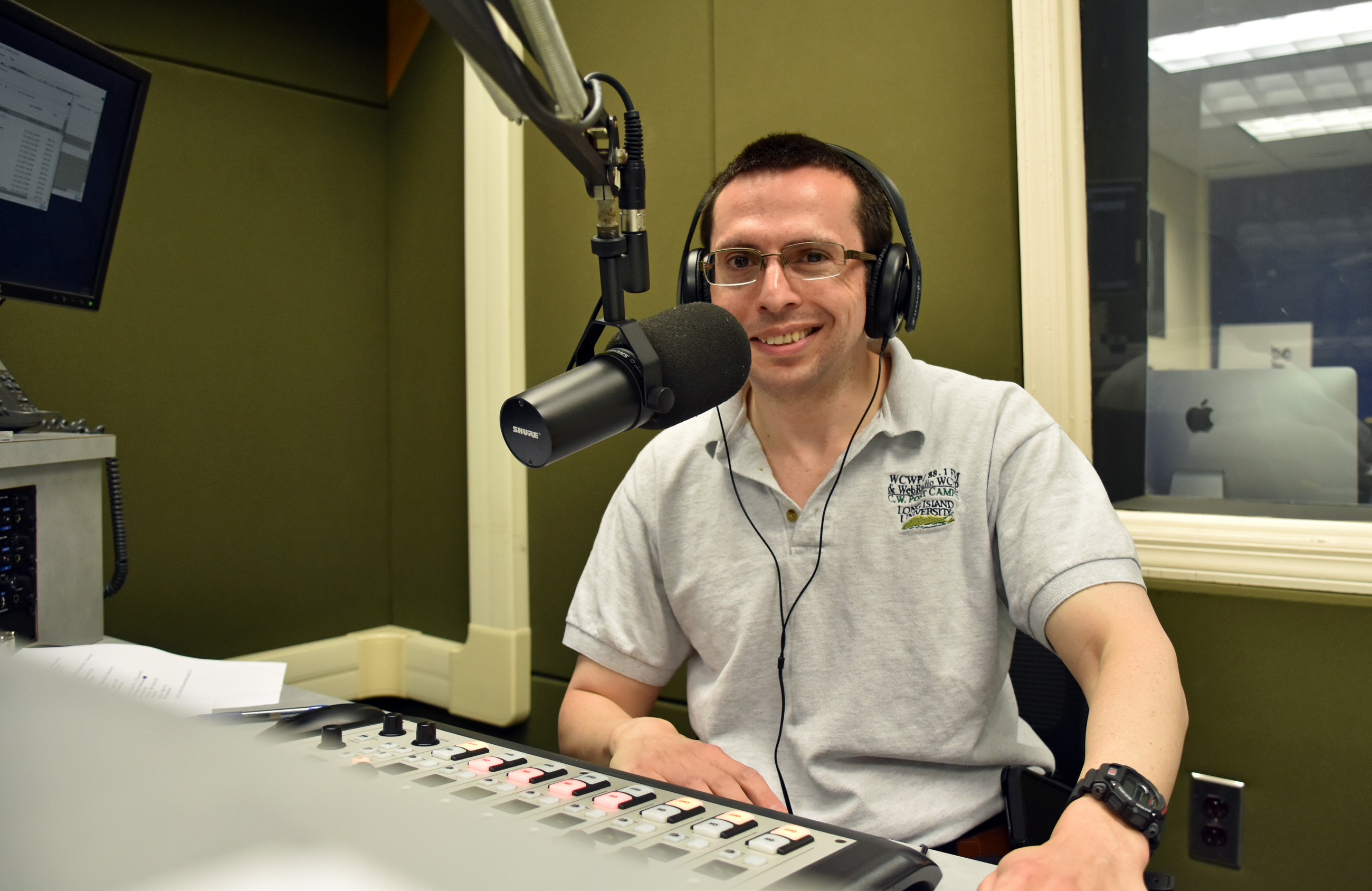
Friday’s live WCWP Homecoming Weekend show was my first live radio show in three years and the first live show of the 61-hour block (starting at 11AM, not noon)!
The playlist was created only one week before air, on October 7, shortly before a weekend excursion to Staatsburg in Dutchess County with relatives. They were in the area for a half marathon and 5K in Rhinebeck. One of my cousins ran the half marathon while my uncle and another cousin ran the 5K. I drafted this and two other blog posts, along with annotations, on my laptop at the AirBNB we stayed at. I did not draft a talk break script; a live show calls for spontaneity, albeit with annotations to work from. I ended up referencing the trip during the show.
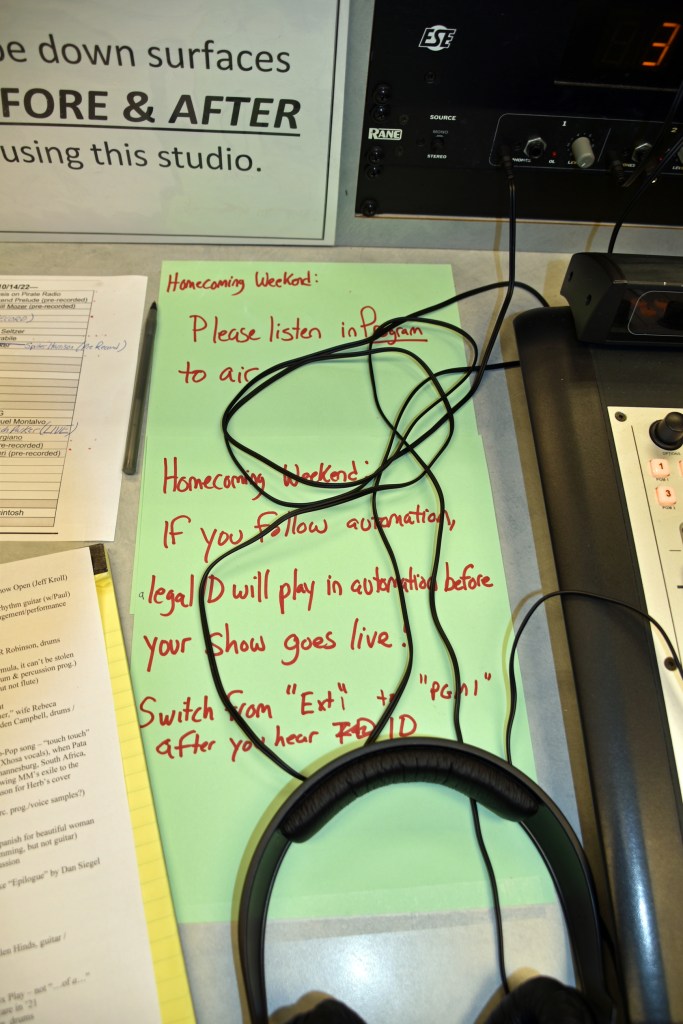
I feel like I wasn’t my best without a script, but all that matters is what listeners thought, and they liked it. Naturally, it started with a technical glitch. Automation didn’t switch off, allowing me to go live from studio 2. I relayed the problem to station manager Pete Bellotti and he had me start the show even though the first minute or so (54 seconds) would go unaired.
I took photos in studio 2 during the latter portion of the show:

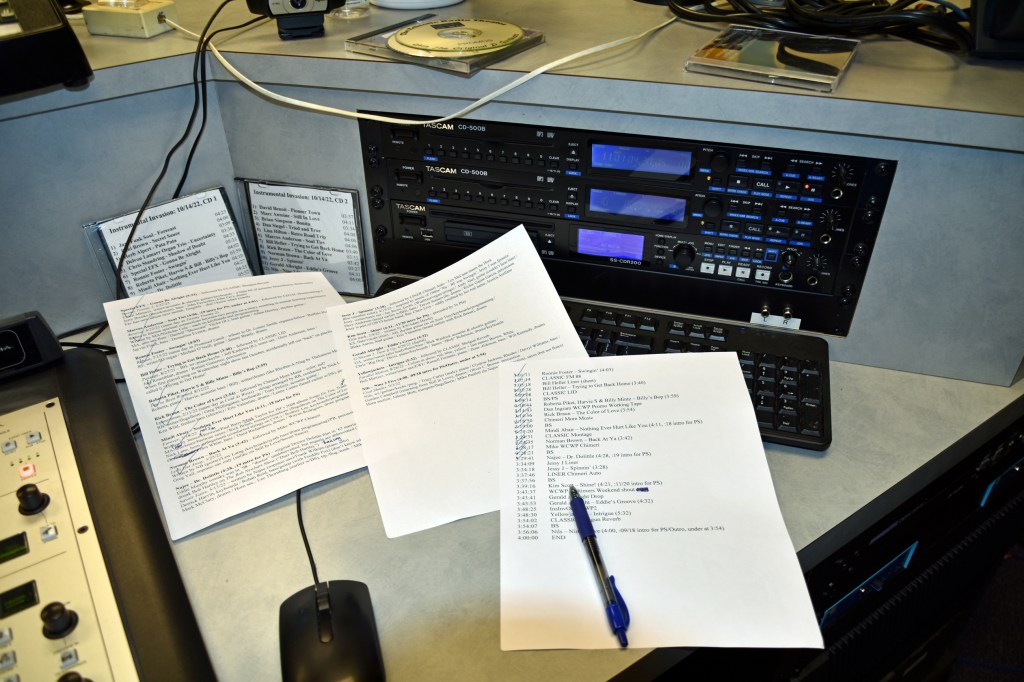
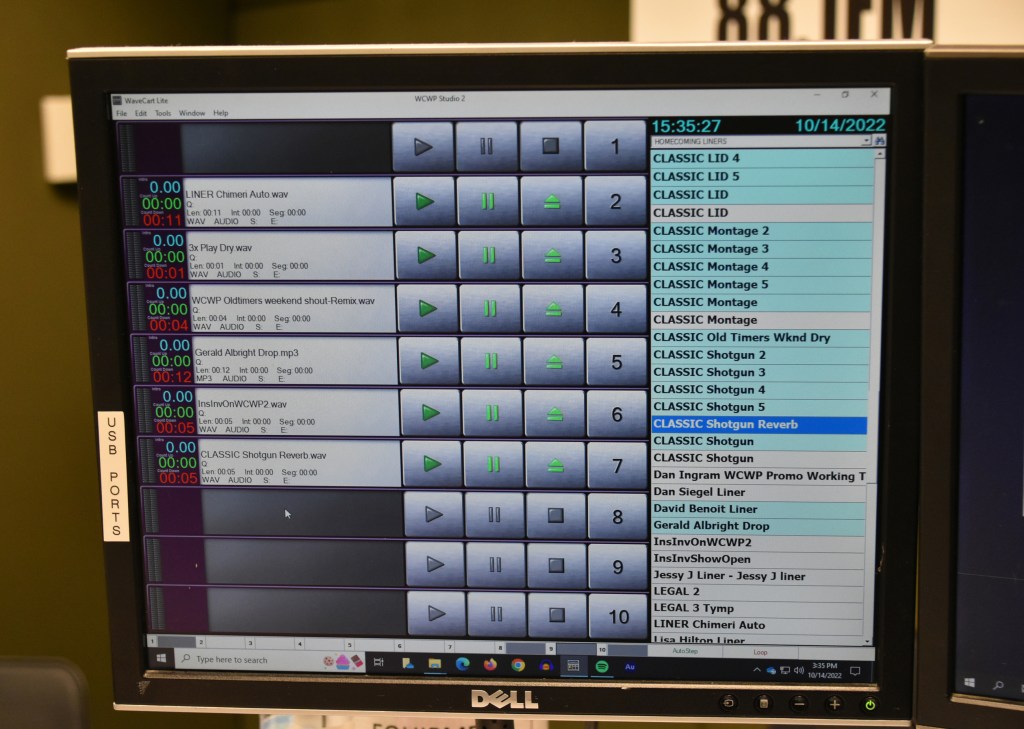


Then, I had Pete take photos of me at the controls:


He also took photos for the WCWP Alumni Association Facebook group’s communal photo album:


And I took a self-timed selfie:
Continuing my another of my Homecoming show traditions, dating back to 2007, I simultaneously shot video to sync with the aircheck scope (and unaired portion). Watch below (in 4K!):
The regular scoped aircheck MP3 (also with the unaired portion) can be downloaded here or listened to below:
The unscoped aircheck (unaired portion, too) is available for download on Google Drive.
Click here to read about the pre-recorded show that aired Sunday morning. The rest of the weekend will have its own blog post on Friday Saturday. 10/27 UPDATE: Here is that post.
Instrumental Invasion, 10/12/22: Pre-Homecoming Weekend Edition October 13, 2022
Posted by Mike C. in Airchecks, Audio, Comedy, Internet, Jazz, Media, Music, Personal, Radio, TV, Video.add a comment

The October 12 pre-Homecoming Weekend edition Instrumental Invasion on WCWP was made in two parts. The talk breaks were recorded all at once on August 29 and the segments were mixed on the 30th. Most pickups were recorded during mixing on August 30, except for one each on September 2 and 15.
Not expecting a secondary slot this weekend, I applied its 50/40-year musical journey format to this week’s Wednesday night show. As you heard, I opted for a 60-week musical journey so I could play songs by The Jazz Crusaders in 1962 and Herb Alpert and the Tijuana Brass in ’67.
After production wrapped, I was asked if I’d be interested in a secondary slot, after all; of course, I accepted. It is slated to air at 6AM Sunday, but may air at other times since there aren’t any time-specific references. Out of laziness, I opted not to redo talk breaks to acknowledge the extra show this weekend. Surprise!
Sunday’s show will have the same music, but with new talk breaks, additional liners, and two extra songs. (10/20 UPDATE: Here’s the recap of that show and of the live Friday show.)
The playlist was created – after a week and a half production hiatus (due in part to the LI Retro recap) – on August 24 and 25 immediately followed by next week’s playlist. Annotations were written on the 26th and the talk break script was drafted on the 28th. Doing the math, you’ll notice that I went four seconds over. So be it. I’m willing to go a minute or two over my desired total duration of one hour and 48 minutes.
Many shows were on my playlist wish list for weeks and I finally got around to them here. The only retread was “Q’s Motif” by David Benoit, previously heard on June 24, 2020. “Q’s Motif” was preceded by Darren Rahn‘s “Wave of the Future,” which made me think of this Saturday Night Live sketch from October 18, 1986:
Click here to download this week’s scoped aircheck or listen below:
On to Homecoming Weekend!
Instrumental Invasion, 10/5/22: My 21st Radio Anniversary October 6, 2022
Posted by Mike C. in Airchecks, Audio, Internet, Jazz, Media, Music, Personal, Radio.add a comment
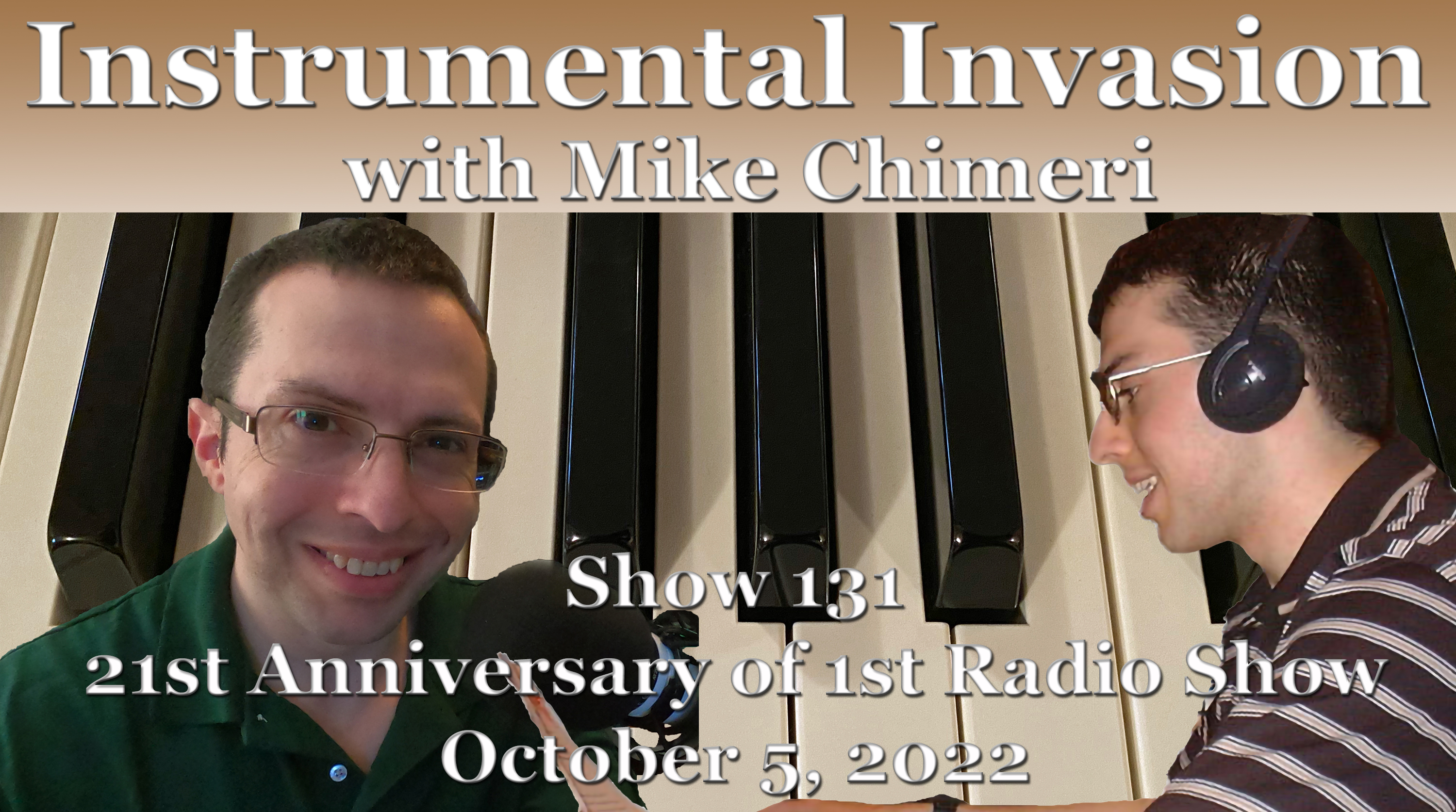
The October 5 Instrumental Invasion on WCWP aired on the 21st anniversary of my radio debut with The Mike Chimeri Show. (Click here for scoped airchecks of some shows from the second week and beyond.) This anniversary show was recorded one hour per day on August 11 and 12 with a pickup on the 15th.
The playlist was created on August 1, along with last week’s show, and was annotated on the 3rd. The combination of those annotations and misguided one-arm shoulder presses wrecked my right wrist. I couldn’t lift weights for over a week, nor could I write for too long. First draft: Thus, this was the last show with handwritten annotations, which means no more printouts, scans or retouching. Starting next week, playlists are made in Microsoft Word, saved as PDFs, and annotated in Adobe Photoshop. Annotations will include when a segment is recorded and whether a segment’s duration is over, under, or exactly 18 minutes. Second draft: No, it’s too cumbersome. Handwritten annotations are the only way to go, especially if I never attempt one-arm shoulder presses again, which I haven’t. Third draft: There will be a new way, after all, starting on October 26. Annotations will be made in a separate Word document and archived as a separate PDF. The main playlist will still be printed, recording dates acknowledged, segment elements checked or crossed off (number of seconds over or under), and scanned afterward.
Here is a scan of my first show’s playlist 21 years ago. It proves what I said this week: that I played multiple songs by certain artists due to my limited collection. Nine songs I played from that first show were played previously on Instrumental Invasion. In order of appearance:
- “Mountain Dance” by Dave Grusin: December 2, 2020
- “Phase Dance” by Pat Metheny Group: April 1, 2020 (first Wednesday night show)
- “Rise” by Herb Alpert: July 29, 2020
- “Linus and Lucy” (1989) by David Benoit: November 25, 2020
- “Promenade” by Peter White: August 5, 2020 – This time, I pronounced it properly and shared Peter’s backstory from this year’s Smooth Jazz for Scholars
- “Deeper Than You Think” by George Benson: June 30, 2021
- “Better Days Ahead” by Norman Brown: November 17, 2021
- “Cast Your Fate to the Wind” by David Benoit: March 10, 2021
- “Tourist in Paradise” by The Rippingtons: October 20, 2021
The fifth segment (second of hour 2) was the first to run exactly 18 minutes since the first segment of the August 31 show, the last one recorded for that show. Along those lines, only this week’s second and third segments were recorded out of sequence. I anticipated the third would run short and the second would run long. While the third was 39 seconds short, the second only went over two seconds. And my last talk break was much shorter than anticipated, which meant (like last week) padding out the segment and elongating an earlier segment. That earlier segment was the fourth (first of hour 2), going from 10 seconds under to 26 over.
Click here to download this week’s scoped aircheck or listen below:
Instrumental Invasion, 9/28/22 September 29, 2022
Posted by Mike C. in Airchecks, Audio, Baseball, Internet, Media, Music, Personal, Radio, Rap, Video.add a comment

The September 28 Instrumental Invasion on WCWP was recorded in sequence (for a change) over three days in August: three segments (hour 1) on the 6th, one on the 7th, and two on the 8th. Pickups were recorded on the 8th and 9th.
The playlist was created on August 1, along with next week’s show, and annotated on the 2nd. The talk break script was drafted on the 3rd and 4th.
I anticipated the last talk break would run long, so I made sure to accumulate extra seconds by making the first five segments shorter than 18 minutes. The second segment ran over eight seconds, but the other four were a combined 56 seconds under. Despite having 48 extra seconds to work with in the last segment, I was short! The first and last songs went from starting as beds to starting cold, and I still had to add a liner going into the last talk break. I made up the remaining two seconds by extending the second segment.
This week’s show marked the long overdue debut of Beegie Adair and began with the Def Jazz arrangement of “Hey Young World” by Slick Rick. I know Jay Mirabile appreciated the latter.
“From Beegie to Bernie,” I couldn’t have imagined last month that playing “Just Because” by Bernie Williams would tie into his former team’s successes on consecutive nights. Tuesday night, the Yankees clinched the American League East division title, and last night, Aaron Judge hit his 61st home run of the season, tying Roger Maris for the AL home run record. (10/5 UPDATE: Judge set the AL record six nights later [last night].) Referencing the now-Miami Marlins tied in with another local event last night: the Mets’ come-from-behind win against the Marlins. (10/3 UPDATE: That last sentence proved to be a jinx.) (10/13 UPDATE: And they were eliminated in the NL Wild Card Series. The loss was so demoralizing that I haven’t seen a single pitch of postseason play since Sunday night [10/9].)
The first song of the last segment was the album version of “Dance Beat” by Jessy J. This means I have now played every song from Blue. Following “Dance Beat” was “One Day” by Yellowjackets and the WDR Big Band, originally heard last January 6 (I know, a bright spot on a dark day). Both songs have music videos. The “Dance Beat” video is set to its radio edit:
…and the “One Day” video coincided with the Jackets XL recording session:
Click here to download this week’s scoped aircheck or listen below:
Instrumental Invasion, 9/21/22 September 22, 2022
Posted by Mike C. in Airchecks, Animation, Audio, Comedy, Film, Game Shows, Internet, Jazz, Media, Music, News, Personal, Radio, TV, Video, Western.add a comment

The September 21 Instrumental Invasion on WCWP was recorded on July 24 (third and first segments) and 25 (all the rest) with a pickup on the 26th.
The playlist was created simultaneously with last week’s show on July 17. Annotations followed on the 19th and the talk break script was drafted on the 22nd. I didn’t realize I had put so many blank-and/n-blank songs in the playlist until drafting the script.
I made another cartoon reference this week – to Freakazoid! – while talking up “Primal Scream” by Maynard Ferguson. The “Candle Jack” segment of episode 2 starts with Joe Leahy announcing that the cartoon would be “presented in SCREAM-O-VISION.” The excerpt leading into “Primal Scream” had Jeff Bennett as the prompter – “scream” in deadpan – and Tress MacNeille as the screamer. The day after I recorded that segment, I learned that David Warner, voice of The Lobe, had died of cancer. Paul Rugg – writer, producer, creator, and voice of Freakazoid – reminded his social media followers of The Lobe’s musical turn in episode 14, “Dexter’s Date.” In the spirit of “Hello, Dolly!,” Lobe, Freakazoid (as Louis Armstrong), and ancillary characters (including Jeff Bennett) sang “Bonjour, Lobey“:
Regarding the Dancing with the Stars tangent I went on in the third segment, a premiere date for season 31 hadn’t been announced when this week’s show was recorded. That date ended up being earlier this week – Monday, September 19. It’s their first season on Disney+, and that platform’s first live show. As noted last night, there are two hosts again, but the dynamic has shifted. Tyra Banks remains in the lead host role originally held by Tom Bergeron with Alfonso Ribeiro (season 19 champion) in the secondary role last held by Erin Andrews. Jessy J had a tenor sax solo during one of the dances!
In a similar vein, playing “Treasure Hunt” by Dan Siegel allowed me to refer to the two iterations of the game show Treasure Hunt. The New Treasure Hunt had a great closing theme: a jazzy rendition of Elmer Bernstein‘s “Main Title” piece for True Grit.
For the second week in a row, songs made their return appearance:
- “Over the Horizon” by Willie Bradley (January 12)
- “Friday@5” by Paul Taylor (March 9)
In between the two songs, I played “Don’t Stop” by Paul Brown, leading to my early Mike Chimeri Show anecdote. Go to the 2:13 mark in “anecdote” for my “wouldn’t you know it, they stopped” quip. Jay Mirabile also brought it up at the WCWP Hall of Fame Ceremony in June.
Click here to download this week’s scoped aircheck or listen below:
For airchecking, I scheduled timer records in Audacity on my computer and the one in the guest room. The loopback recording on my computer was flawless, so I deleted the alternate guest room recording, loaded what I kept into Adobe Audition, and went through the usual post-production process.
Instrumental Invasion, 9/14/22 September 15, 2022
Posted by Mike C. in Airchecks, Animation, Audio, Audiobooks, Books, Comedy, Computer, Internet, Jazz, Media, Music, Personal, Radio, Technology, TV.add a comment

The September 14 Instrumental Invasion on WCWP was recorded from July 22 to 24. The fourth segment was recorded on the 22nd because I rightly anticipated it would be the longest. That was followed on the 23rd by all but the last segment, which was recorded on the 24th along with pickups. I started recorded next week’s show later that day.
An additional pickup was recorded on August 26, the day after the untimely death of organist Joey DeFrancesco, who appeared on Lee Ritenour‘s “78th and 3rd” with drummer (and future collaborator) Byron “Wookie” Landham.
The playlist was created simultaneously with next week’s show on July 17 with annotations on the 18th and 19th. The talk break script was drafted on the 20th and 21st.
Three songs made their second appearance, one of which I’ll elaborate on in the next paragraph (two weeks in a row with a false memory):
- Dave Pike‘s cover of “You’ve Got Your Troubles” (July 1, 2020)
- “What I’m Waiting For” by Brian Simpson (August 18, 2021)
- “Angela” by the Bob James Trio (April 20, 2022)
I played “Angela” in order to correct my January 19 mistake, a mistake I also made in my pre-recorded 2019 Homecoming Weekend show. Listening to Jimmy Burrows‘s memoir on Audible, Directed by James Burrows, set me straight about the “Blind Date” episode of Taxi, featuring the titular character Angela Matusa (Suzanne Kent). (Oh, Suzanne was an original member The Groundlings! No wonder she did Pee-wee’s Playhouse!) Angela wasn’t literally blind; just gruff and cynical, the opposite of her answering service persona. I don’t know where the false memory originated, but I regret the twice-told error.
Nowhere else will you get a reference to SpongeBob SquarePants after playing “Secret Sauce” by Paul Brown (adjacent to the Krabby Patty secret formula that Plankton tries to steal) or to Phineas and Ferb after playing “Candice Dance” by Richard Elliot and a song featuring guitar solos by Perry Hughes (hence, the Perry the Playtpus reference). As noted on the air, Candace Flynn spelled her name differently.
After recording last week’s aircheck on my new PC, I noticed that audio levels were bumped up when certain songs faded out or on vocal pauses in liners and talk breaks. Those bump-ups were replaced with audio from an alternate aircheck on the Dell PC in the guest room. I chalked it up to an audio enhancement setting and thought to have that enhancement off this week. Sadly, the problem was still there this week. I wasted nearly three hours figuring out how to stop that from happening. I now assume it’s related to the motherboard’s “Audio Boost 5” feature.
Finally, at around 2:45 this morning, I came across this webpage. The solution was option 2:
Don’t have a Stereo Mix option? No problem. Audacity has a useful feature that can record the audio coming out of your computer – even without Stereo Mix. In fact, Audacity’s feature may be even better than Stereo Mix, assuming you’re willing to use Audacity to record the audio. This method takes advantage of a feature that Microsoft added in Windows Vista named the Windows Audio Session API (WASAPI) [link added by me]. The feature also functions in Windows 7, 8, and 10, and helps make up for the lack of a Stereo Mix option on modern Windows PCs.
In Audacity, choose the “Windows WASAPI” audio host, and then choose an appropriate loopback device, such as “Speakers (loopback)” or “Headphones (loopback).”
Click the Record button to start recording the audio in Audacity, and then click Stop when you’re done. Because you’re using Audacity, you can easily trim and edit the sound file when you’re done.
How to Record the Sound Coming From Your PC (Even Without Stereo Mix)
It’s ironic that the solution came via free software while a program I paid for years ago – Easy MP3 Recorder 2.0 – and one I pay for monthly – Adobe Audition – are no longer useful on the new build for recording system audio.
The angst caused by the problem is the reason this post wasn’t published until afternoon. I still needed to add these paragraphs and then scope the aircheck.
Click here to download that scoped aircheck or listen below:
 MikeChimeri.com